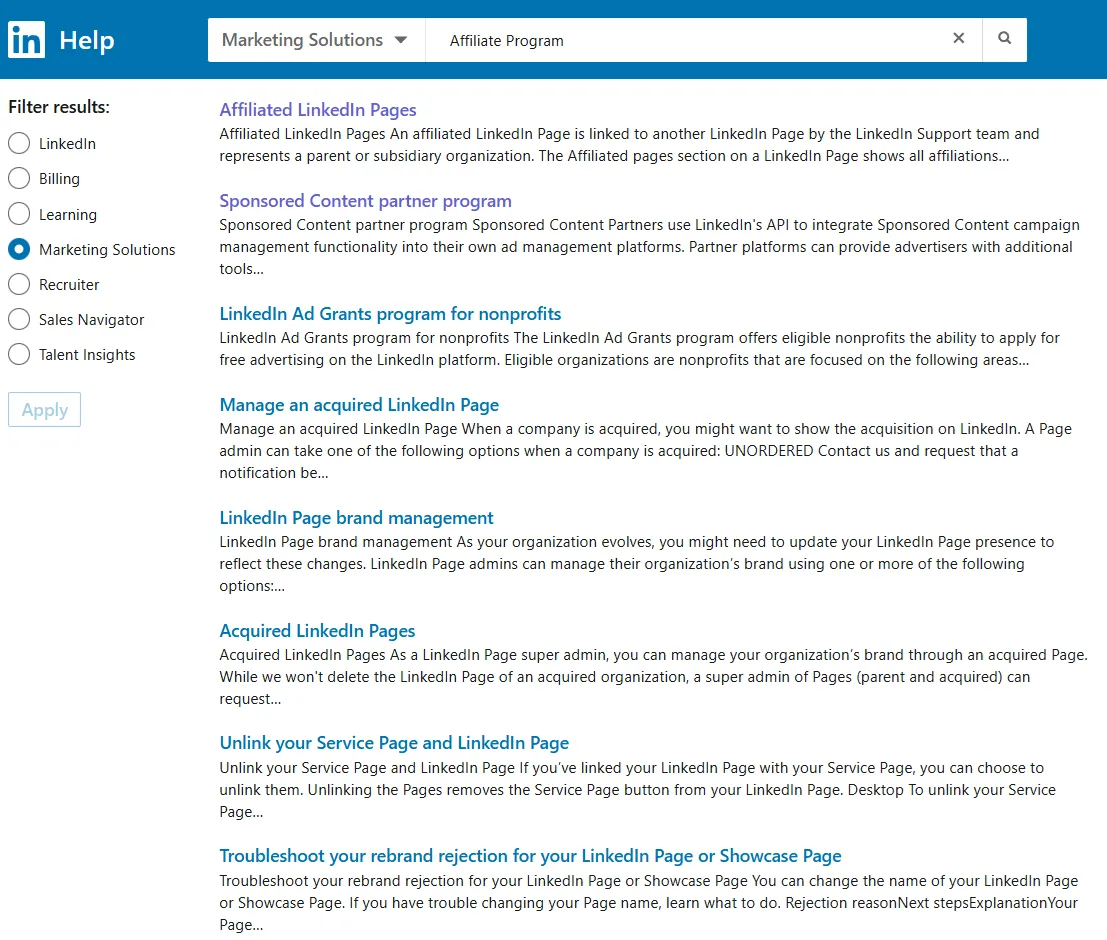
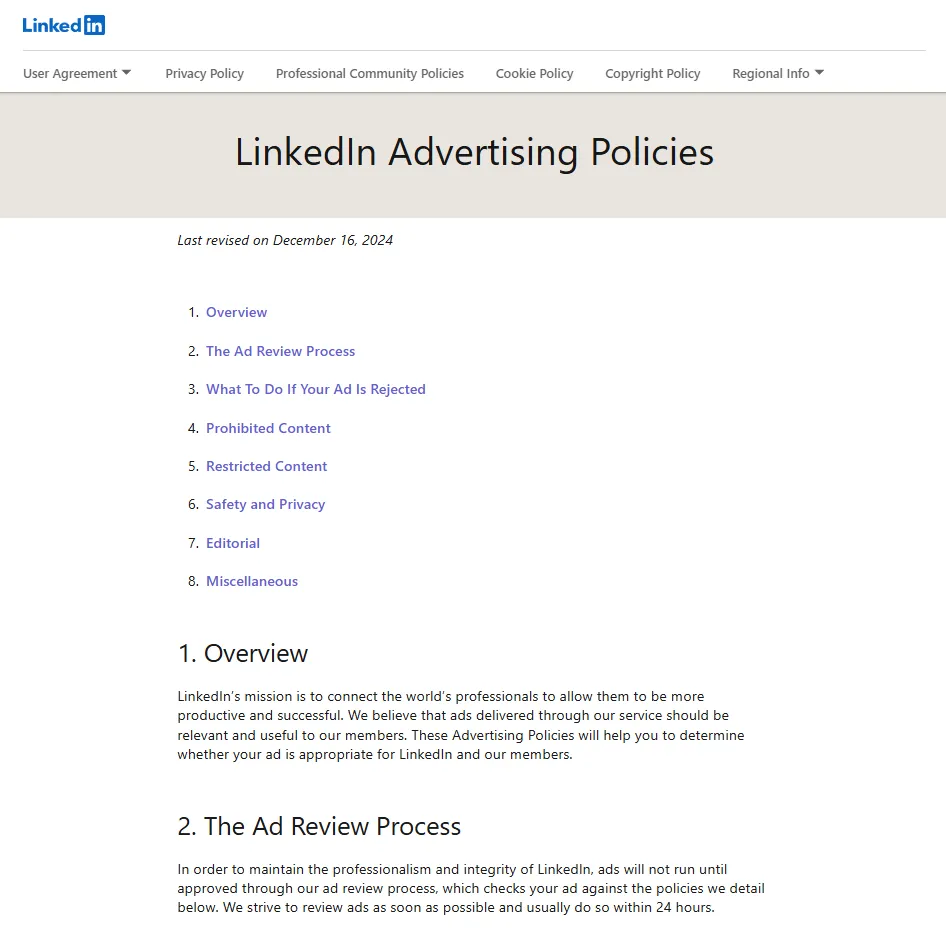
The phrase LinkedIn Affiliate Program is a misnomer. LinkedIn has no member referral program. You won't earn a commission for inviting friends, selling subscriptions, or driving ad spend on the platform. That said, organic affiliate links are allowed with proper disclosure. Running affiliate ads, however, is explicitly prohibited per LinkedIn's Advertising Policies.
To stay within LinkedIn's rules:
- Follow the Community Guidelines on promotional content.
- Use clear FTC-compliant disclosures near every affiliate link. Best practice: "I earn a commission if you purchase through this link." The FTC says "Paid link" or "Sponsored" also work, but avoid unclear terms like "(affiliate link)."
- Don't run affiliate-related paid advertisements.
Why LinkedIn Works for Affiliate Marketing
Even without a built-in payout, LinkedIn works well as an affiliate channel for a few reasons:
- B2B intent is high. Buyers, recruiters, and founders scroll the feed daily.
- Posts, Articles, and Newsletters can appear in search when public, so your reach may extend beyond your network.
- Groups, Events, and DMs let you warm up prospects before sending them to product pages.
Bottom line: you can generate targeted traffic without an official program. See specific outreach strategies for generating leads on LinkedIn.
How to Do Affiliate Marketing on LinkedIn
- Pick a relevant offer
- B2B SaaS, HR tech, or career tools fit the professional context best.
- Create value-first content
- Mini case study showing time saved with the tool.
- 60-second demo video.
- Long-form Article comparing vendors.
- Insert compliant affiliate links
- You can place the URL in the first comment or the body. Both are allowed.
- Use trustworthy domains and avoid misleading redirects.
- Append UTM tags so clicks show up cleanly in analytics.
- Use LinkedIn formats
- Newsletter editions work well for disclosed affiliate links.
- Live Events: drop the link in chat after Q&A.
- Direct Messages: only after genuine dialogue. No bulk blasts.
Best Practices
- Aim for roughly 90% education, 10% promotion.
- Engage in the first hour after posting. Early comments help with reach.
- Re-share posts that performed well. LinkedIn does resurface evergreen content.
- Track clicks with a dedicated UTM template so performance data stays clean.
- Post multi-page PDFs (they display as swipeable slides) for on-platform content.
- When in doubt, over-disclose. Transparency protects your credibility and keeps you compliant with FTC rules.
- Check LinkedIn's guidelines periodically. Policies on promotional links can change.
For tips on maximizing engagement and post reach, check how the LinkedIn algorithm works.
Bonus Tips
- If advertising your own products (not affiliate offers), test the "Website visits" Sponsored Content objective.
- Co-host a LinkedIn Live or Event with someone in your niche, or @mention collaborators in your posts.
- The Featured section (Premium only) is a good place for your disclosure policy and review hub. Free users can put this in their About section.
- Summarize your results quarterly. Showing ROI helps you stay motivated and refine your approach.
LinkedIn has less competition for affiliate marketing than traditional coupon or review sites. Treat it as a content-first channel and the traffic will come.