The unique ID every company page has—how to find and use it.
LinkedIn assigns every Page a numeric Organization ID (usually 6–9 digits). Tools, APIs, and ad platforms rely on that number to pinpoint the exact page—no confusion, even if five firms share the same name.
Quick grab: open the company page, look for /company/12345678/ in the address bar. If you don't see digits, click See all employees or Jobs to expose f_C=ID, or open Admin View. Those digits are the ID.
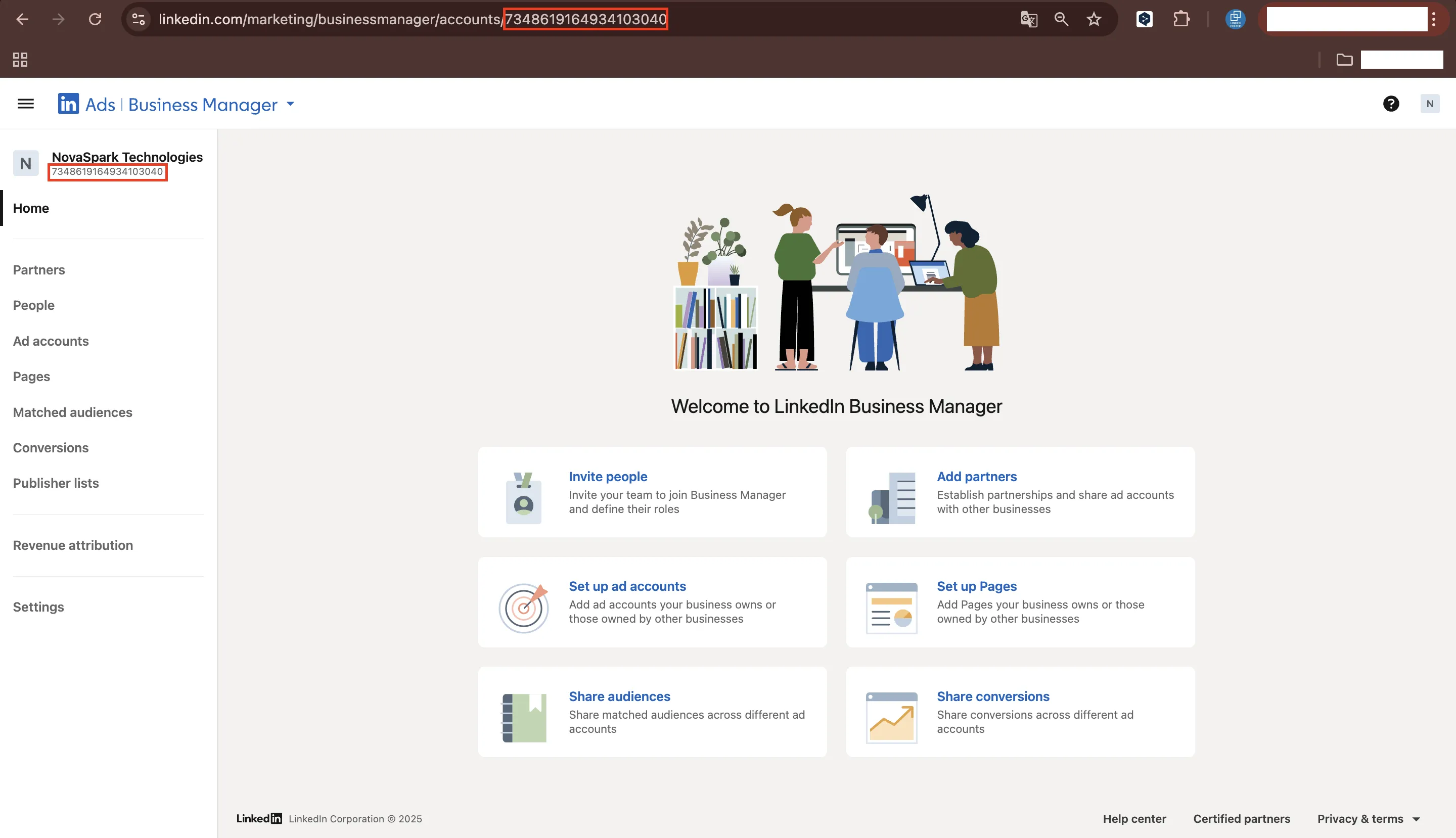

Why LinkedIn Company ID Matters
- Applicant-tracking systems—link job posts to the correct page.
- LinkedIn Campaign Manager—attach ads and Sponsored Content to the right brand.
- Marketing or sales APIs—most endpoints accept the numeric ID, not the vanity slug.
- Automation tools (Zapier, Make)—push leads, sync Matched Audiences, and trigger workflows.
- Reporting—filter analytics by company inside dashboards.
Without the LinkedIn Company ID, integrations can fail or—worse—pull data from the wrong page. If you're managing multiple company pages, you might want to automate data collection; tools outlined in this LinkedIn company scraper guide can help extract IDs and other important data automatically.
How Does LinkedIn Company ID Work?
Pick any method below; each takes under a minute.
Page URL (fastest)
- Visit the LinkedIn Page.
- Copy the digits between
/company/and the next slash.
Admin View (if you manage the page)
- Click Admin View.
- The URL becomes
/company/ID/admin/. Copy the same digits.
Best Practices
- Use digits for most operations. APIs generally require the numeric organization ID or URN (urn:li:organization:{ID}). Some lookup endpoints accept vanityName, but writes and associations require the numeric ID.
- Store once, reuse. Keep the ID in your CRM or wiki to avoid copy-paste errors. For tips on integrating this into your database, check out simple LinkedIn integration with your CRM.
- Validate before launch. A wrong ID can associate ads with the wrong Page/brand; targeting is configured separately.
- Separate test vs. live. LinkedIn doesn't provide a sandbox for Pages or Marketing APIs. Create separate test Pages and test ad accounts in production, and use minimal budgets while testing.
- Avoid hardcoding in public repos. IDs are public identifiers, but publishing lists of IDs can invite scraping.