A LinkedIn marketing strategy is a plan for using LinkedIn Pages, thought-leadership posts, and paid media to reach a professional audience. It sets measurable goals, defines your target audience, and outlines how you'll track success in native analytics. Every update, ad, or comment should support revenue, talent, or brand objectives.
Why LinkedIn Marketing Strategy Matters
- Largest professional network: 1.3B members give B2B brands wide reach.
- Targeting options: filters like job title, seniority, and industry can lower CPL, though results vary by campaign.
- Full-funnel journey: prospects can submit demo requests via Lead Gen Forms without leaving LinkedIn.
Typical Use Cases
- Demand generation for SaaS or manufacturing leads.
- Account-based marketing aimed at Fortune 500 buying committees.
- Employer branding and hard-to-fill recruiting campaigns.
Example scenario: a mid-market HR tech firm used LinkedIn ads plus weekly thought-leadership posts to significantly increase webinar sign-ups and generate substantial influenced pipeline within one quarter.
How Does LinkedIn Marketing Strategy Work?
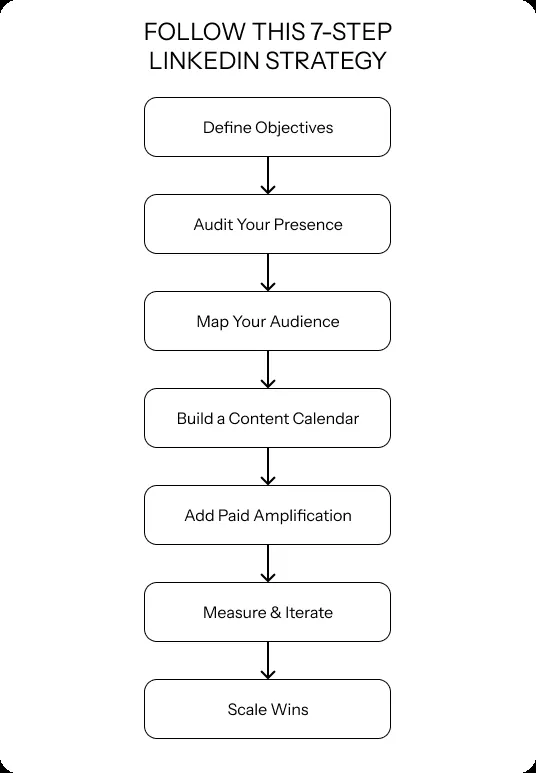
Here's a seven-step process:
- Define objectives
- Examples: 20% brand-awareness lift, $80 CPL, 200 webinar registrations, or 15 qualified applicants per role.
- Audit your presence
- Complete LinkedIn Page, logo, CTA button, and banner.
- Map your audience
- In Campaign Manager, layer location plus two to three professional traits; keep segment size above 50k for learning efficiency.
- Build a content calendar
- Mix single images, document carousels, video, polls, and a monthly LinkedIn Newsletter.
- For inspiration on content formats and post structure, see what to post on LinkedIn.
- Add paid amplification
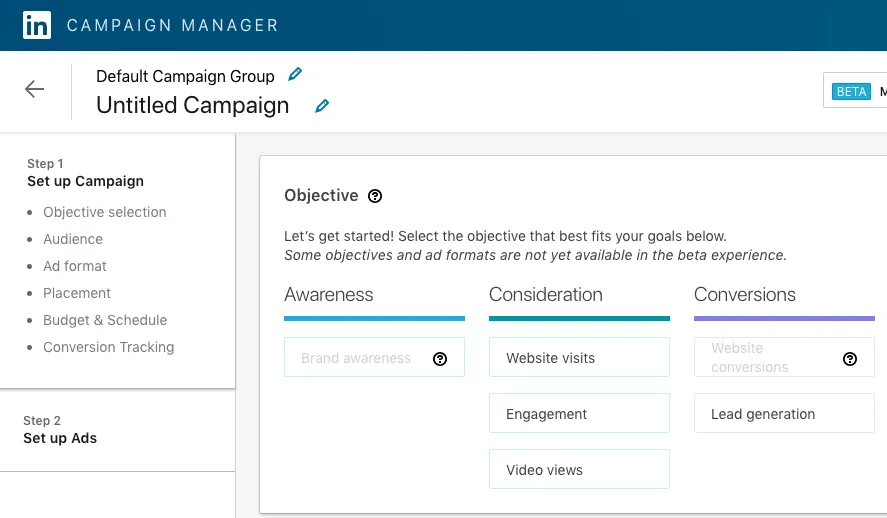
- Create a campaign group, choose an objective, set daily or lifetime budget, and select format.
- Measure & iterate
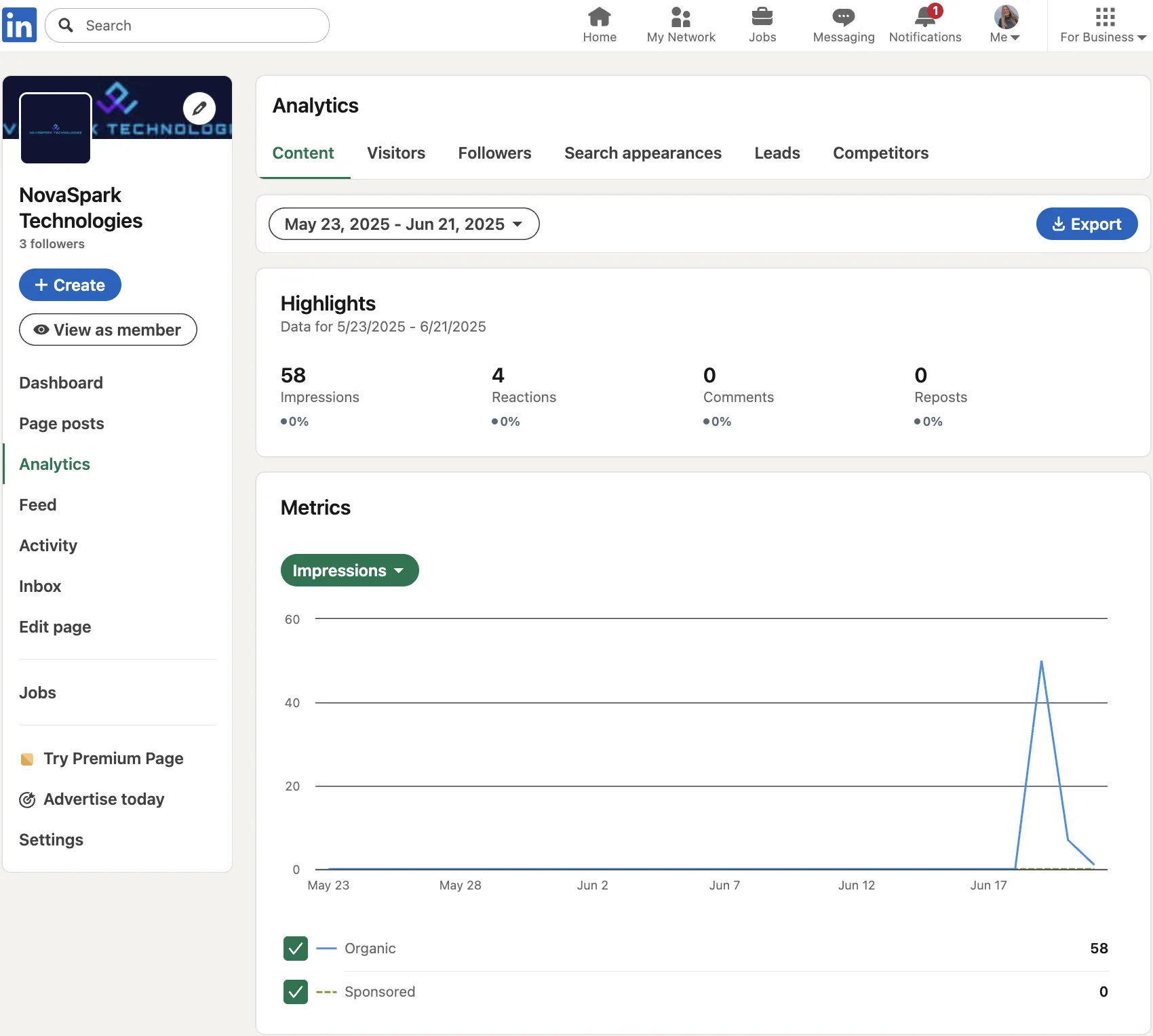
- Track impressions, ~5% avg engagement rate by impressions (varies by industry/format), CPL, and influenced pipeline.
- If CPL is above target, test new hooks, shorter copy, or different formats.
- For insights on how the platform ranks your posts, check how the LinkedIn algorithm works.
- Scale wins
- Use Predictive Audiences or Audience Expansion to widen reach, then A/B new creatives.
KPI Snapshot by Goal (example targets—adjust by industry/ACV)
- Lead gen: <$100 CPL, 20% email-open rate from gated assets.
- Brand: +15% share of voice vs. competitors.
- Recruiting: cost-per-applicant 25% below job-board average.
Best Practices
- Posting at least weekly (and even daily) can yield ~2× engagement.
- For Sponsored Content ads, use headlines up to 70 characters; intro text displays ~150 characters before truncation. Finish with a clear CTA.
- Run 4–5 ads per campaign to accelerate algorithm learning.
- Use 1200×628px images or short, subtitled videos. Video posts average about 5.6% engagement by impressions.
- Benchmark ~5% engagement by impressions; adjust by industry and page size.
Common Mistakes to Avoid
- Ignoring mobile formatting. Many sessions happen on phones.
- Avoid very small audiences; aim for 50k+ (15k+ for Message Ads) to avoid delivery/cost issues.
- Relying only on link posts—documents and multi-image updates often win.
Bonus Tips
Try turning your best organic posts into paid ads with Boost. Posts that already have likes and comments tend to get better click-through rates, and it's a quick way to test creative before spending more on a full campaign.