
 Updated: September 8, 2026
 3 min read
The question "is LinkedIn social media platform" comes up whenever professionals compare platforms. By features alone (feed, profiles, likes, comments), LinkedIn checks every social-network box. What sets it apart is intent.
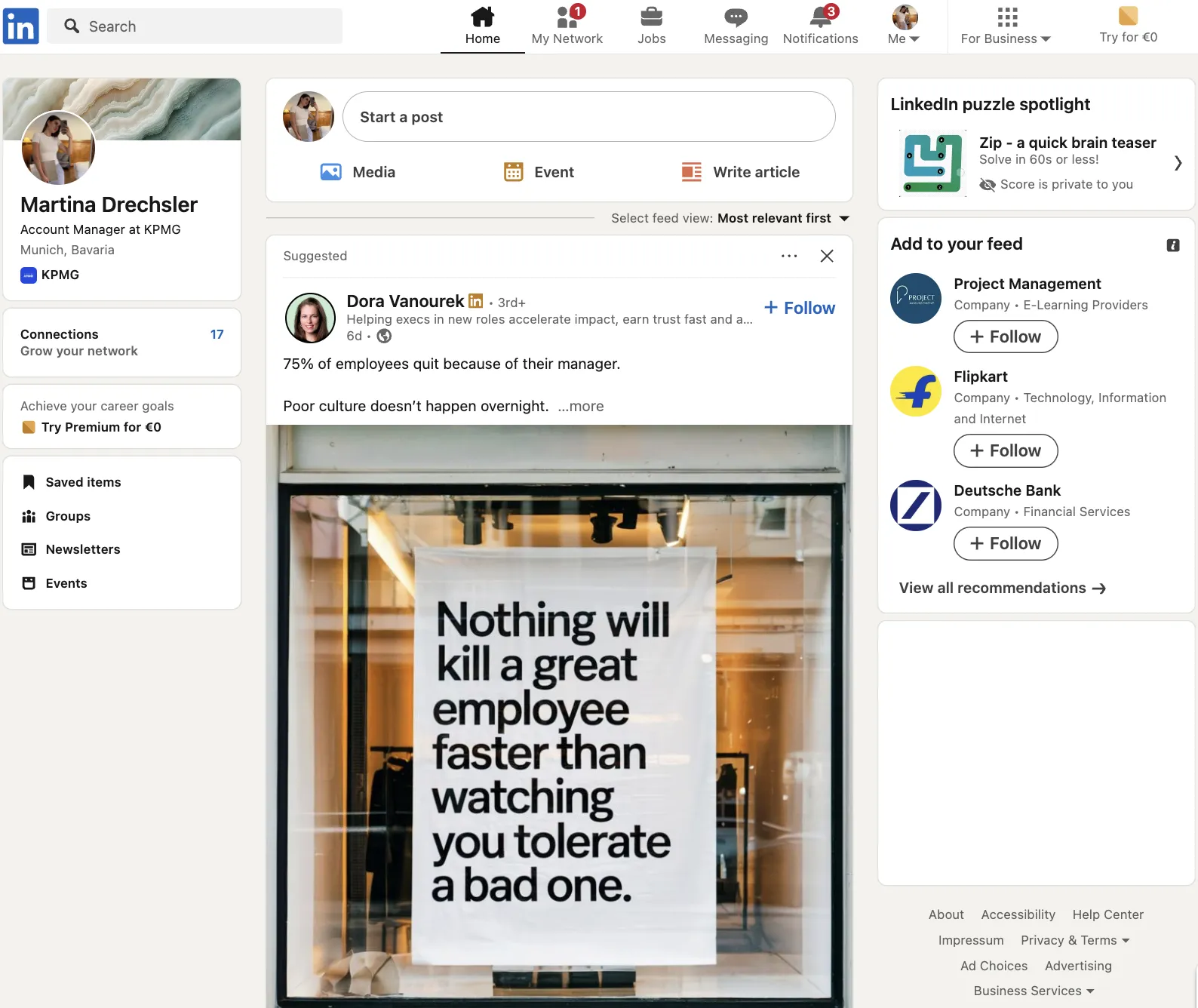
It positions itself as a professional network, so the algorithm boosts career news, B2B insights, and hiring updates instead of vacation photos or viral memes. Because users arrive with business goals, conversations stay more formal, and each interaction tends to carry higher commercial value than on Facebook, X, or Instagram.
Why LinkedIn Matters for Business
LinkedIn works better than mainstream networks for business audiences for a few reasons:
- Recruiting and hiring: Built-in job titles and "Open to Work" tags help recruiters connect faster. Open-to-Work candidates see ~37% higher InMail response rates.
- Lead generation: LinkedIn Lead Gen Forms convert better than external landing pages for B2B because the form fields auto-fill with verified career data.
- Thought leadership: Long-form posts, newsletters, and LinkedIn Live let you build credibility without leaving the platform.
- Learning and upskilling: LinkedIn Learning completions sync to profiles, turning courses into searchable skills.
- Community building: Career-centric Groups allow niche discussions with minimal noise.
Raw engagement numbers may trail entertainment networks, but each interaction can lead to real business outcomes. To get more visibility, it helps to understand how the LinkedIn algorithm works.
How to Use LinkedIn Effectively
Four steps to get more out of LinkedIn:
- Build a professional identity
- Craft a keyword-rich headline and banner.
- List skills, certificates, and quantifiable wins; the algorithm reads them.
- Grow a relevant network
- Send short, personal connection notes to colleagues, clients, and peers.
- Follow influencers and companies to train your feed.
- Publish and engage
- Post industry insights 2–3× weekly. Content that holds attention performs better because dwell time affects ranking.
- Comment with substance. Thoughtful comments can appear in your connections' feeds too.
- Use platform tools
- Host Events or LinkedIn Live webinars; both expand reach beyond registrants.
- Sync Campaign Manager with your CRM to auto-capture leads.
For more on building credibility through content, see these LinkedIn article writing strategies and examples.
Best Practices
- Keep content professional; politics or memes can alienate prospects.
- Use native documents or carousels. Average engagement is ~6.1% for documents and ~6.6% for multi-image posts.
- Reply to comments promptly. This correlates with ~30% higher engagement.
- Third-party tests suggest linkless posts often reach more people, though results vary. Experiment with link placement.
- Track Analytics to refine timing, format, and topic mix.
- Encourage employee sharing. Only ~3% of employees share company content, yet they drive ~30% of engagement. Employee-shared posts see about 2× the click-through rate.
Bonus Tips
- Tag only relevant people. Excessive tagging can limit your post's visibility.
- Test AI-generated InMail templates for scalable, personalized outreach.
- Company pages stand out when the Life Tab and What We Do Tab are complete.
- LinkedIn isn't only for sales; HR, PR, and investor relations also benefit.
LinkedIn is social media, but it's built for business. Treat your profile, posts, and conversations as professional assets.