
 Updated: September 8, 2026
 3 min read
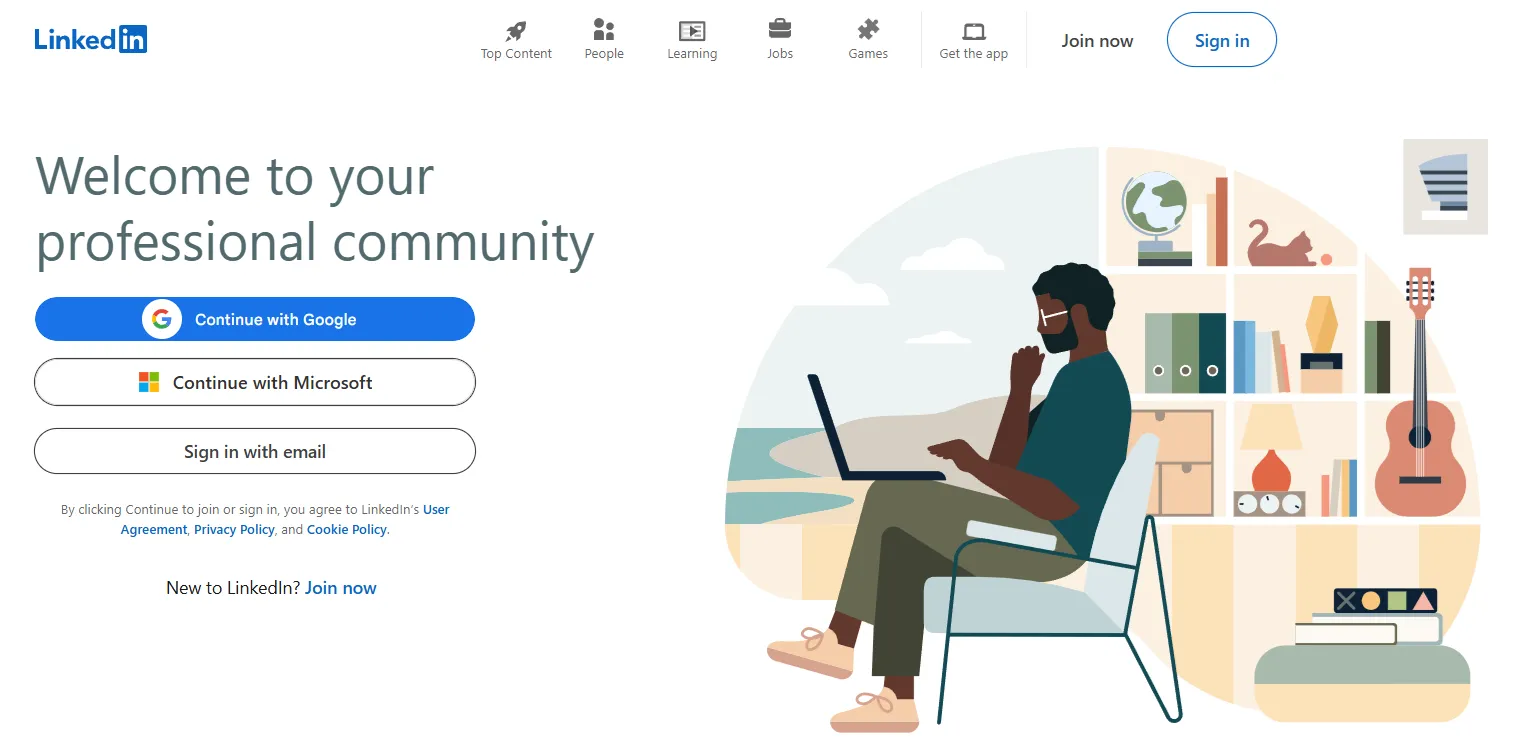
LinkedIn is the world's largest professional networking site and app. Launched in 2003, it now hosts more than 1 billion members in more than 200 countries and territories. Picture a living resume mixed with a global industry meetup: you create a profile, connect with colleagues, and discover new jobs or clients without leaving your browser or phone. In short, what is LinkedIn? It’s the online place where business conversations begin.
Why LinkedIn Matters
So what is LinkedIn used for in everyday work? Three core scenarios cover most needs:
- Job seeking & hiring – Graphic designer Sofia posted a portfolio carousel and was messaged by a recruiter the same week; two interviews later, she signed an offer.
- Networking & learning – Product manager Ravi followed thought leaders, joined a UX group, and completed a one-hour course on LinkedIn Learning to upskill for a promotion.
- Marketing & sales – A B2B startup shared case studies on its LinkedIn Page. The posts attracted an angel investor who funded their seed round.
Because members list skills, roles, and achievements, LinkedIn can match people with opportunities more effectively, whether a recruiter fills a role or a freelancer wins clients. That's the practical meaning of LinkedIn for newcomers.
How Does LinkedIn Work?
Wondering how does LinkedIn work on day one? Follow this five-step path:
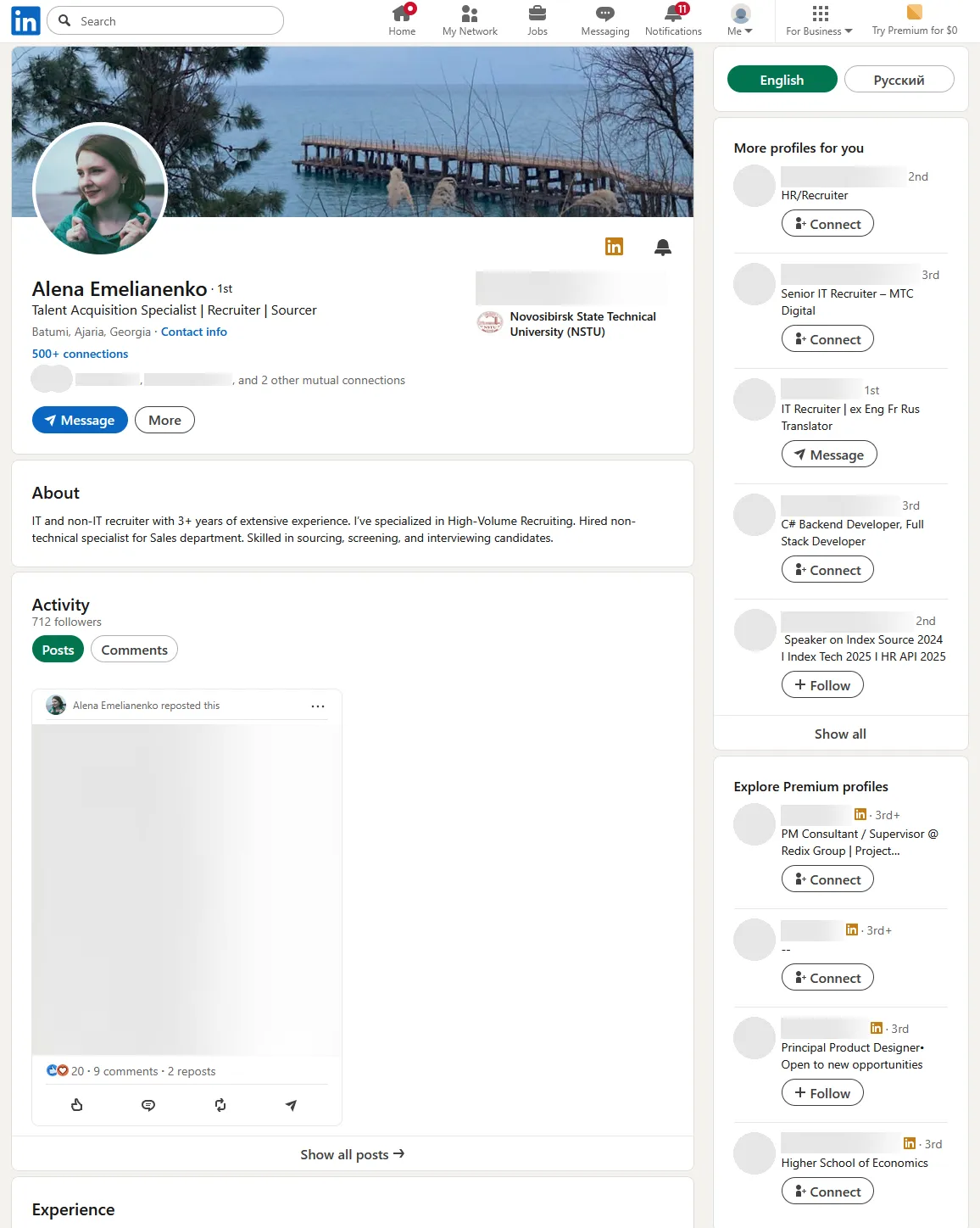
- Sign up & build a profile – Upload a clear headshot, choose a headline that states your role (“Junior Designer, UI/UX”), and write a 2–3 sentence “About” summary highlighting what you do and who you help. Need inspiration? See our LinkedIn profile guide or check these LinkedIn 101 tips for building the perfect profile.
- Add experience & skills – List recent jobs, school projects, and at least five skills. Mix hard skills (e.g., “JavaScript”) with soft skills (“Team Leadership”) so recruiters can filter accurately. If you have certificates (Google Analytics, PMP, etc.), add them in the Licenses & Certifications section.
- Connect – Import email contacts or search classmates, co-workers, and clients. A short, context-specific note ("Hi Maya, enjoyed your webinar on UX...") can help, especially when you have a prior interaction or mutual connection.
- Follow & tune your feed – Follow companies, experts, and hashtags to keep posts relevant. Click the three dots on any post to hide it, unfollow the author, or choose 'Not this topic' to refine your feed; your preferences apply immediately.
- Engage & explore opportunities – Like, comment, or repost industry updates; each interaction expands visibility beyond your direct network. Use the Jobs tab, set “Open to Work,” or simply let recruiters reach out while you sleep.
Best Practices
- Profiles with photos get up to 21× more views and 9× more connection requests. Update yours at least once a year.
- Keep it professional. Vacation pics belong on other networks.
- Post value, not volume. One helpful update per week is enough. Posts with images receive 94% more total views than text-only posts, and LinkedIn Live videos generate 24× more comments than native video.
- Reply to comments and endorsements. A quick thank-you builds goodwill.
- Skip the hard sell. Pushy DMs get ignored.
Want more actionable advice? Check out 15 effective strategies to build a strong LinkedIn presence.
Bonus Tips
- Use a keyword-rich headline like "Digital Marketer | SaaS Growth" so recruiters can find you.
- Add profile verifications for identity and workplace (education verification is currently paused for new approvals).
- Claim a custom URL. linkedin.com/in/yourname looks sharper on a CV than a random string of numbers.