A LinkedIn CV is the PDF resume you can export directly from your LinkedIn profile. In one click, LinkedIn turns the headline, experience, education, and skills you already entered into a resume-style PDF (length varies by profile content). Your online profile is the CV; the download is simply a snapshot you can share offline.
Key points
- Lives inside LinkedIn yet travels anywhere as a PDF attachment.
- Edit your profile, then re-export—each new PDF reflects your latest changes.
- Saves hours compared with building a resume from scratch.
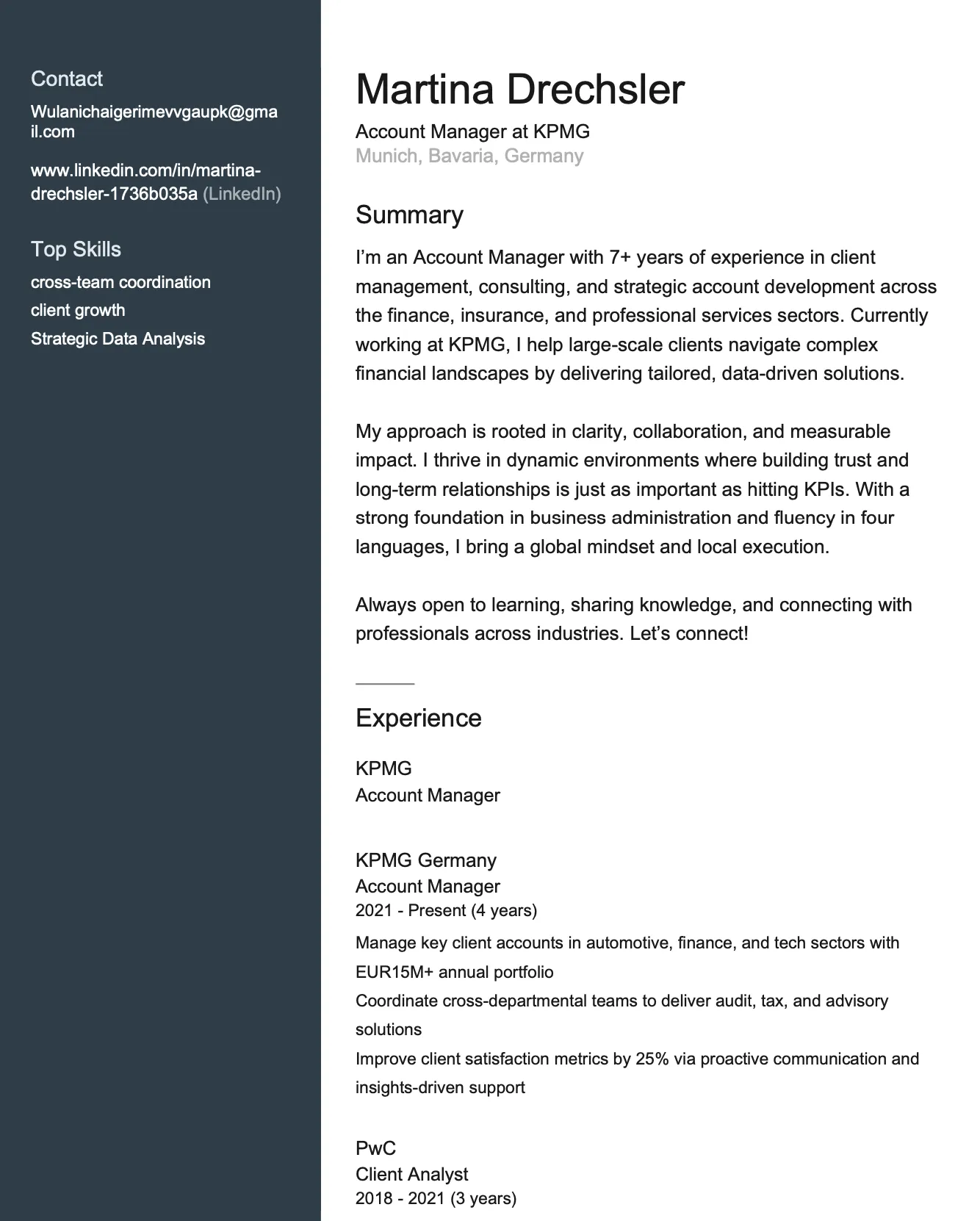
Why LinkedIn CV Matters
Recruiters commonly review candidate profiles alongside traditional resumes. A LinkedIn CV bridges that online-offline gap.
Typical scenarios
- Attach the PDF during LinkedIn "Easy Apply".
- Send a concise resume after a networking call.
- Print copies for career fairs or virtual conferences.
- Share with managers when pitching a promotion.
Expanded value
- Exporting a CV from LinkedIn is faster than writing a resume from scratch.
- LinkedIn's PDF export is available at no additional cost (where available). Premium subscribers also get access to AI-powered resume tips (desktop only, English only, limited rollout) and AI writing assistance (mobile and desktop, limited rollout).
- Sharing both a profile link and a PDF resume gives recruiters multiple ways to evaluate your background.
LinkedIn CV vs. traditional resume
- Both list work history, skills, and achievements.
- A traditional resume is tailored to one role; a LinkedIn CV stays broader and auto-updates with every profile tweak.
- Layout differs: LinkedIn's PDF is fixed, while Word, Google Docs, or Canva files allow full custom design.
- Recruiters appreciate the PDF for quick screening yet still expect a focused resume later in the process.
Learn how to build the perfect LinkedIn profile to ensure your exported CV looks its best.
How Does LinkedIn CV Work?
Follow these steps to export a CV from LinkedIn:
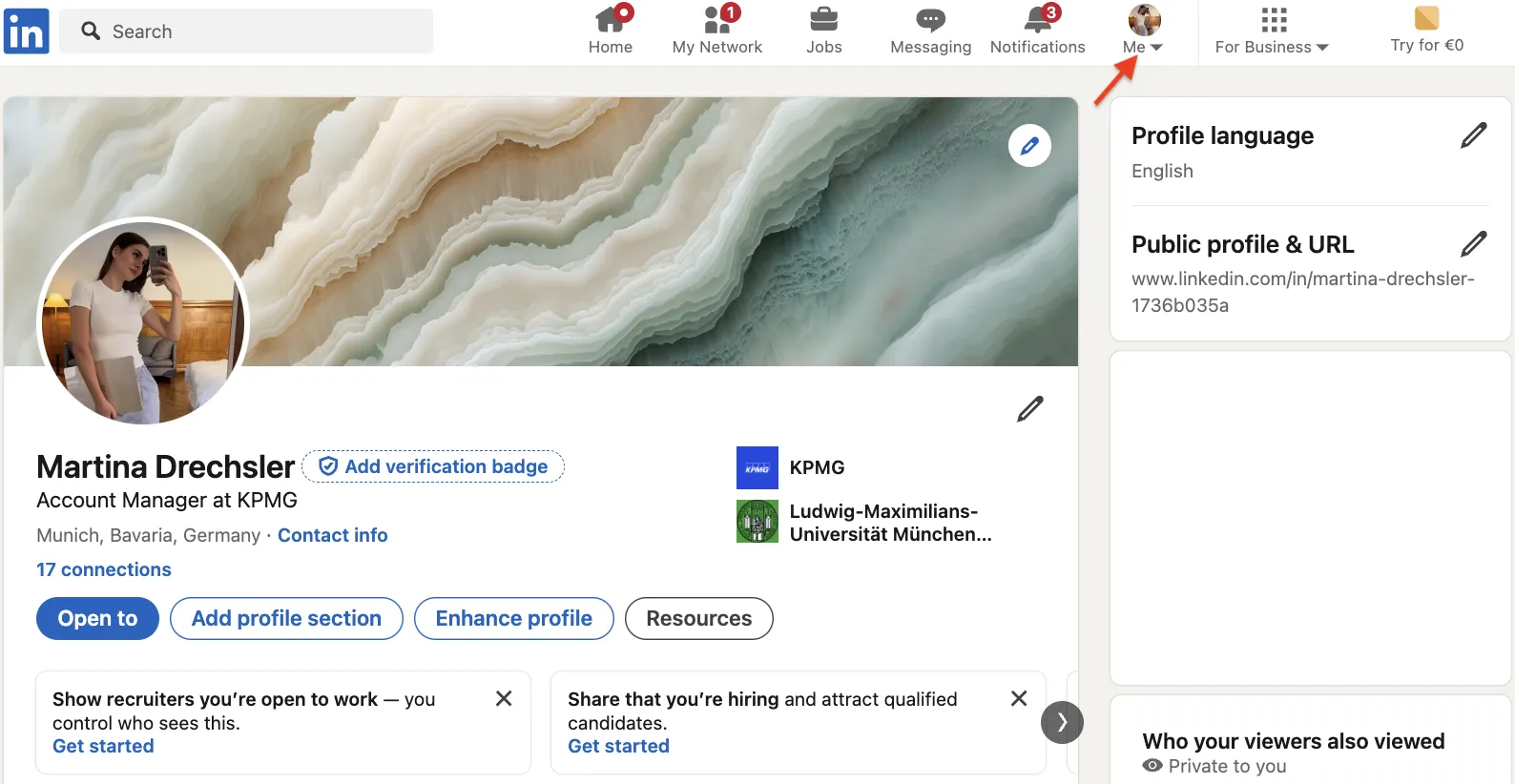
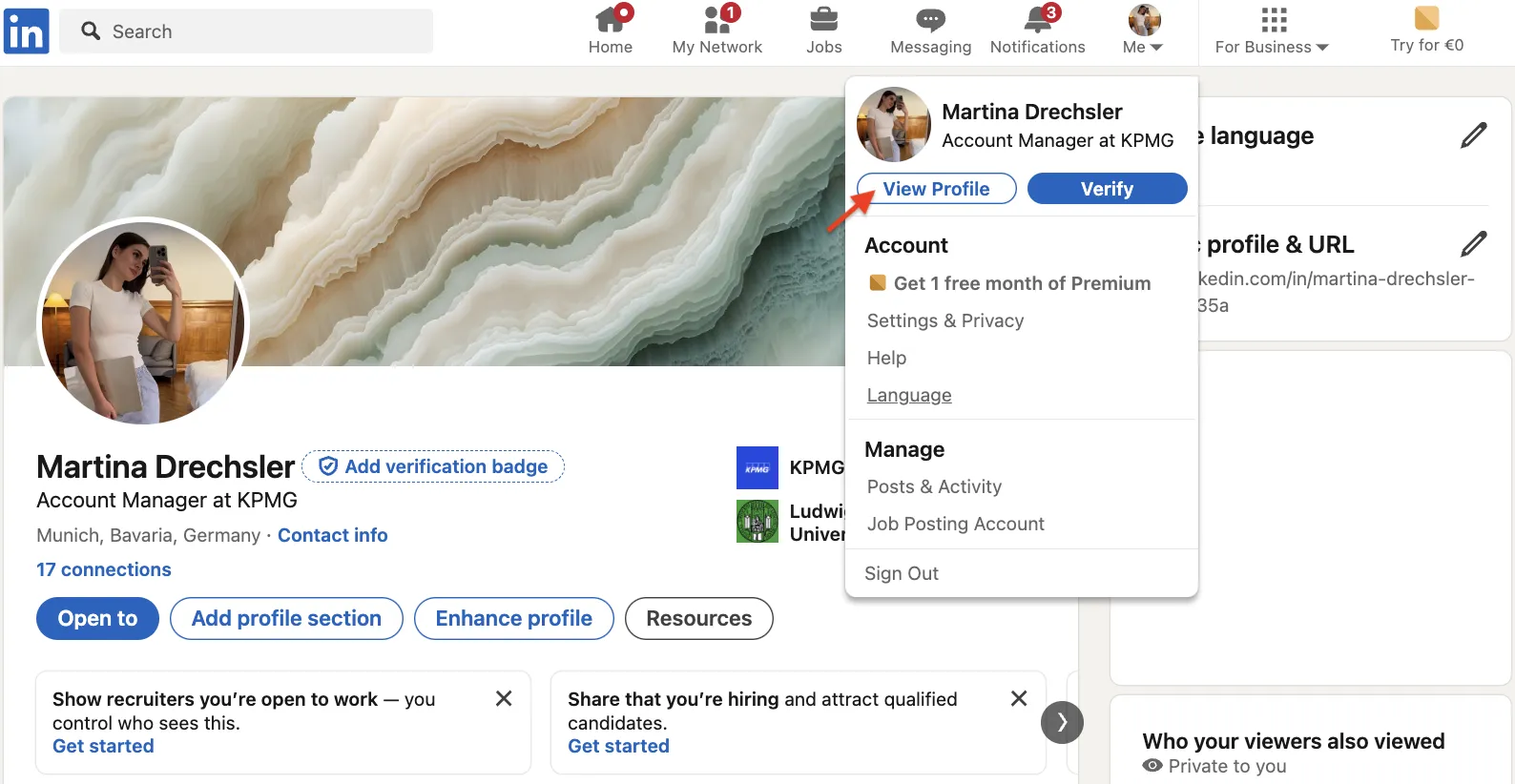
- Click Me → View Profile on desktop.
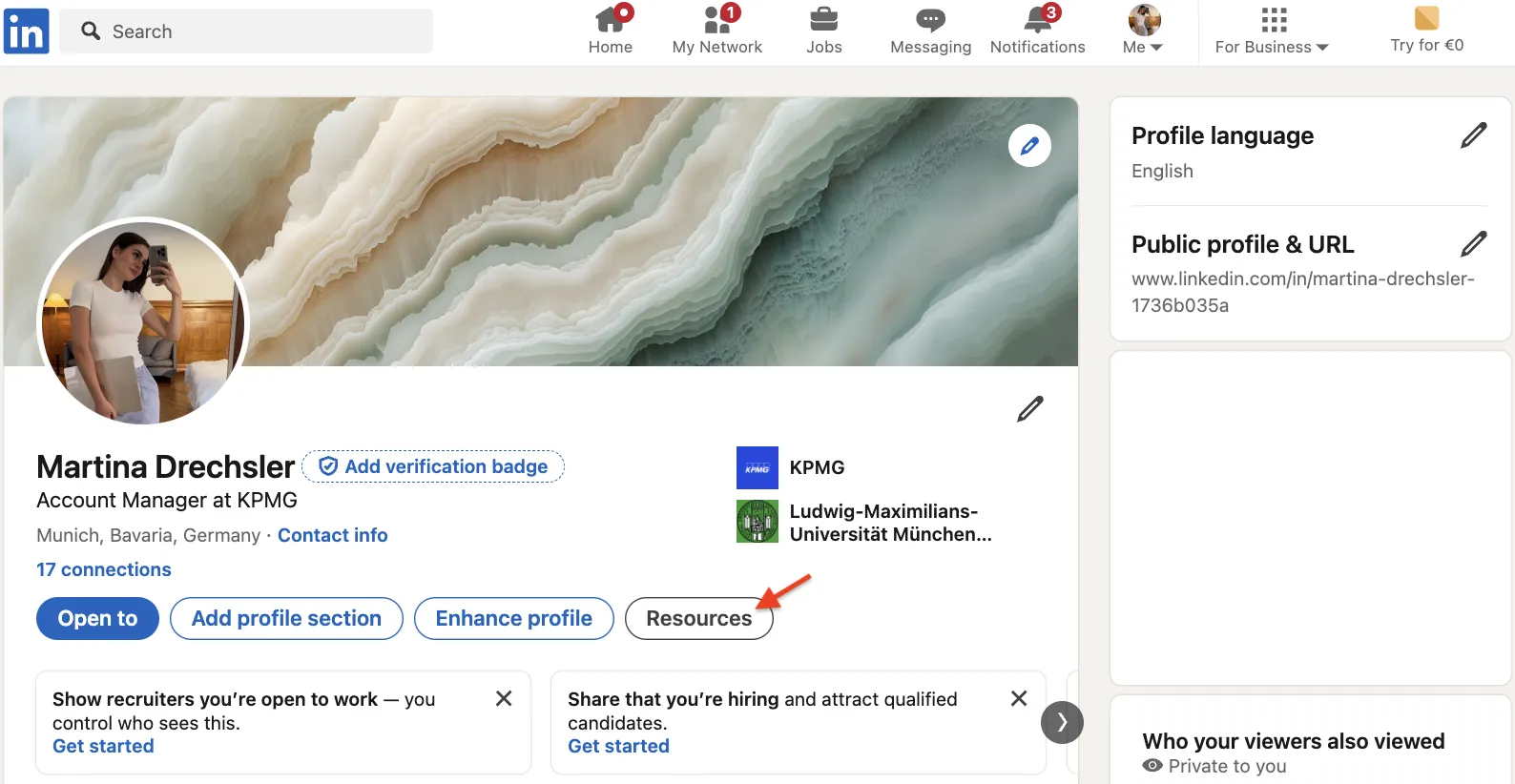
- In the top card, choose More (or Resources) → Save to PDF.
- Your browser downloads a PDF file.
- Check dates, job titles, and bullet spacing.
- Update the profile if needed, then re-export for a fresh file.
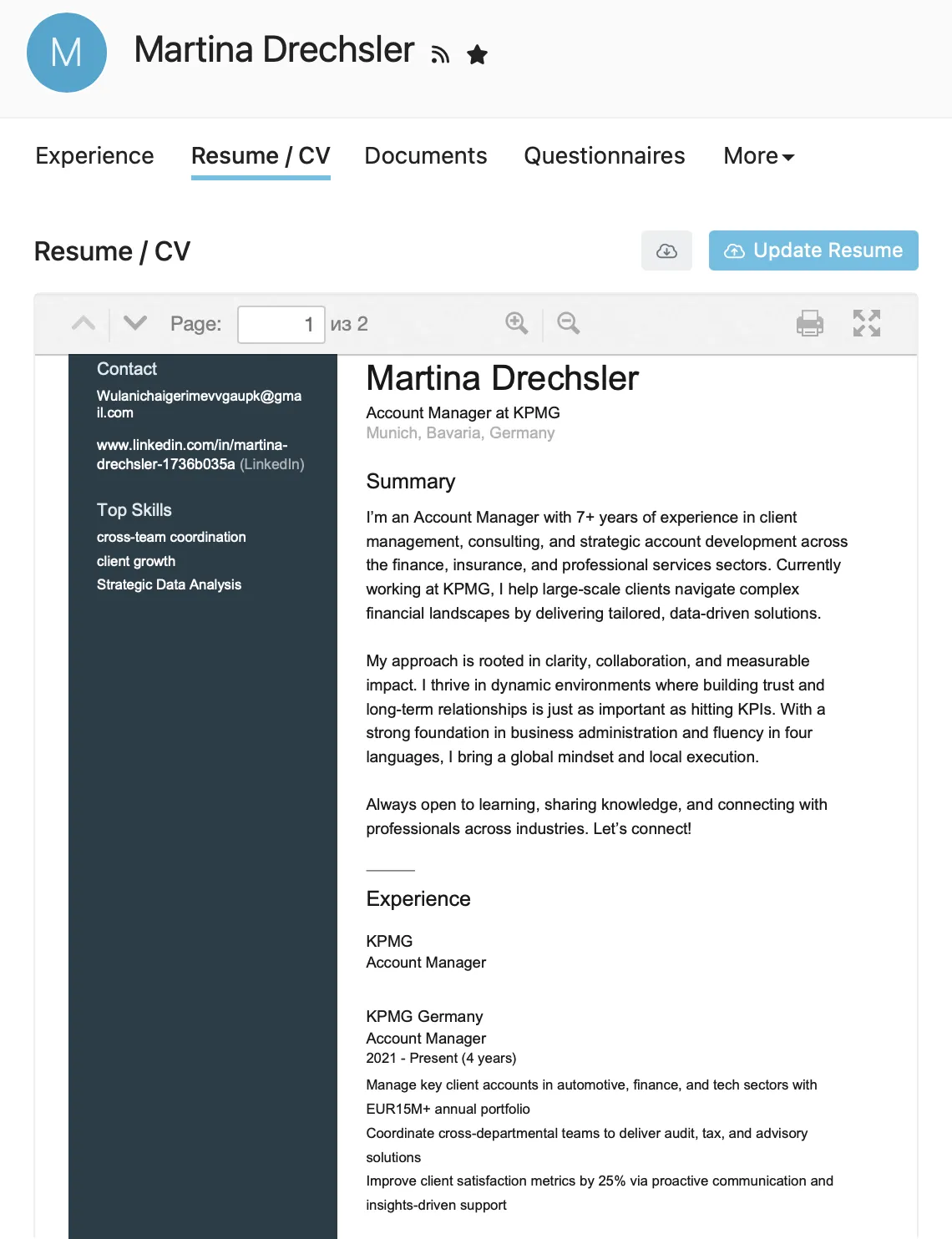
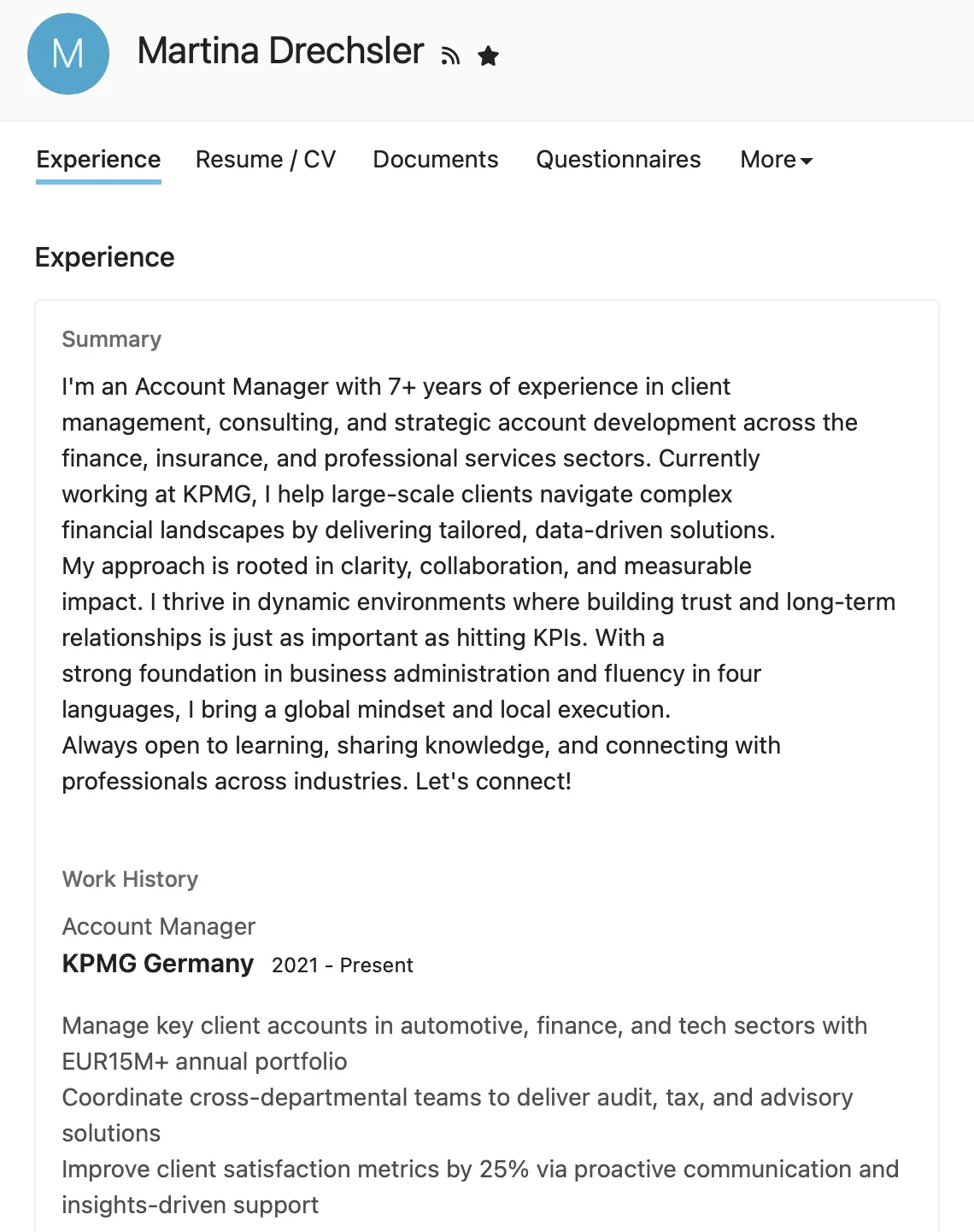
Premium AI features: If you have LinkedIn Premium, you may have access to AI-powered resume tips (desktop only, English only) to upload and get feedback on your resume, and the AI writing assistant (mobile and desktop) to refine your profile sections before exporting. These features are currently in limited rollout to select Premium members.
Important notes:
- Save to PDF is only available on desktop, not on the mobile app.
- Your profile and language settings must be set to English for this feature to work.
- This feature may not be available to all members.
Best Practices
Make your LinkedIn CV readable for humans and ATS:
- Complete every section; empty sections are omitted from the PDF, which may make your resume look sparse.
- Match job-ad keywords (CRM vs. Salesforce).
- Keep bullet points to two lines max.
- Quantify achievements: "Cut costs 18%", not "Responsible for savings".
- Avoid icons or emojis. They may disappear in PDF.
- Rename the file to First_Last_LinkedIn_CV.pdf.
- Re-export after every new project or certification.
- Store up to four versions in LinkedIn Job Settings so you can target different role types without manual edits.
Common Pitfalls to Avoid
- Incomplete dates may display awkwardly or create gaps in the PDF—fill months and years before export.
- Your headline is prominently displayed in the exported PDF. Replace vague taglines like "Open to Opportunities" with a role-specific title.
- Review the PDF after export to ensure sections appear in a logical order for hiring managers.
- Special characters (•, ✓) sometimes render as empty squares in parsing software. Test your resume from LinkedIn in a free ATS simulator before sending.
- Ensure your Contact info (email/phone) is filled; then export and verify they appear as expected.
Not sure how your profile looks to others? See how to view your LinkedIn profile as someone else and spot gaps before exporting your CV.
Bonus Tips
- Prefer another design? Use Rezi's LinkedIn import feature, or import your LinkedIn PDF into Canva or VisualCV templates.
- Add a QR code linking back to the live profile for real-time updates.
- Select Premium users can use LinkedIn's AI writing assistant (mobile and desktop) to refine profile sections before exporting.
- The PDF doesn't include your profile photo (or any photo frames), so you don't need to disable the "Open to work" frame before exporting.
- Treat your LinkedIn profile as the single source of truth. Update it once, then export whenever you need a fresh CV.