
 Updated: September 8, 2026
 3 min read
A LinkedIn Invitation is the request you send when you want someone to join your professional network. Once they accept, you're 1st-degree connections. You can message each other directly, and you might see their contact info if they've chosen to share it.
Why LinkedIn Invitations Matter
Recruiters use them to reach candidates who ignore cold emails. Sales and marketing teams convert event contacts into actual conversations. For founders, a connection request is often the first step toward a partnership or press mention. And if you're job hunting, invitations help you get noticed inside companies you're targeting.
For more on growing your network, see 15 strategies for building a strong LinkedIn presence.
How Do LinkedIn Invitations Work?
- Open the member's profile and click Connect.
- Choose Add a note (200 characters for Basic accounts, 300 for Premium) for context. Basic accounts can personalize up to three invites per month; Premium members have unlimited personalized notes.
- Hit Send invitation.
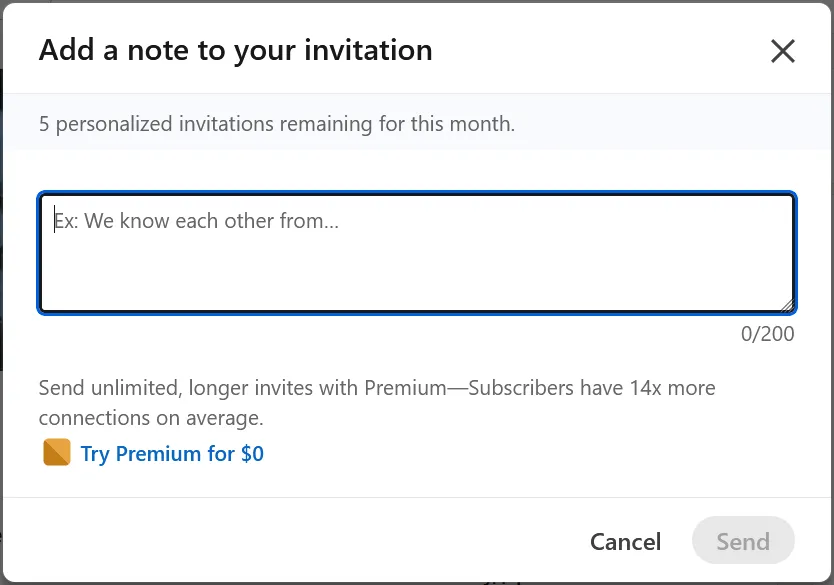
After sending, LinkedIn will:
- Place the request in My Network → Invitations → Manage → Sent.
- Sometimes send reminder notifications until the invite is accepted or withdrawn.
- Count it toward your weekly limit. LinkedIn doesn't publish exact numbers; most users report hitting a cap somewhere between 100–200 invites per week, depending on account age and trust level.
Managing Invites
- Accept, ignore, or report: My Network → Invitations → Manage.
- Withdraw a request: My Network → Invitations → Manage → Sent → Withdraw.
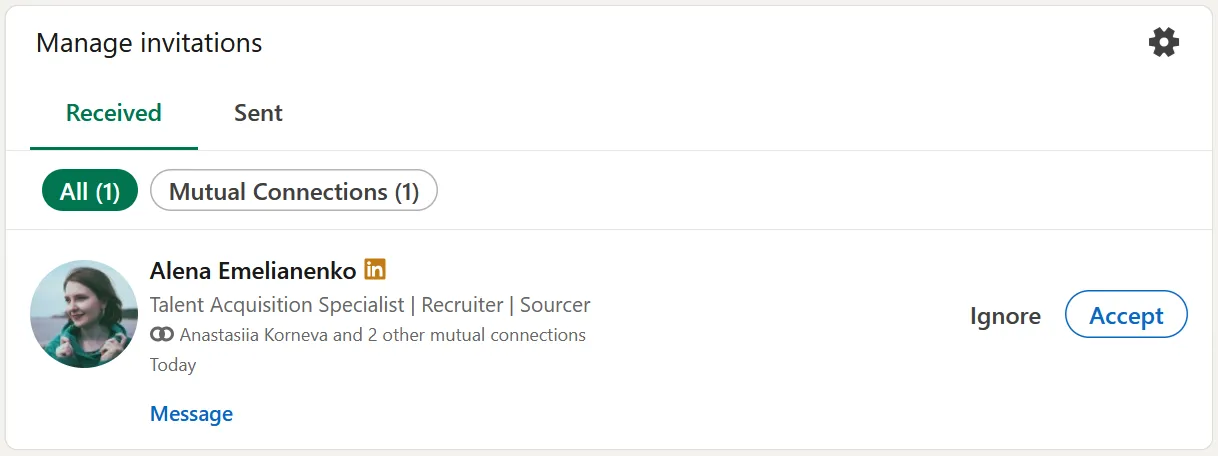
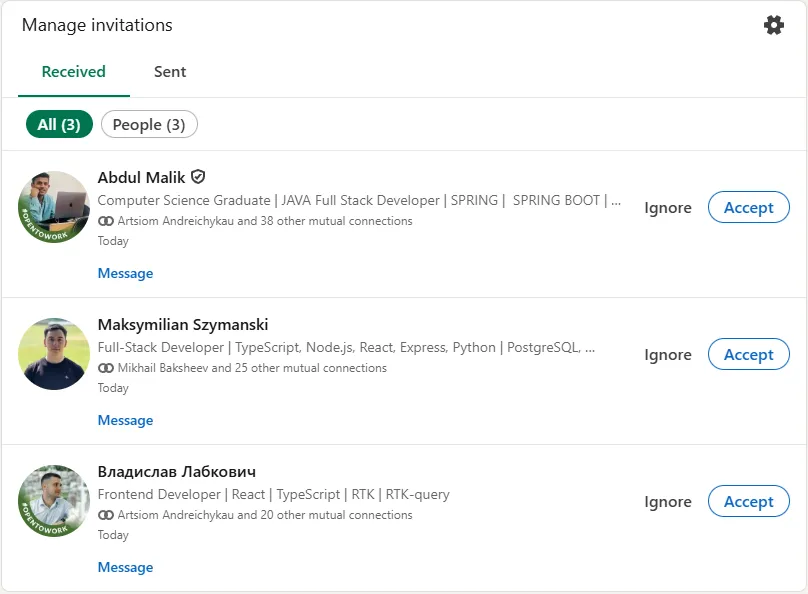
Withdrawing blocks you from re-inviting that person for three weeks.
For more outreach tactics, see LinkedIn outreach strategies to get more leads.
Etiquette and Limits
- Pace yourself. Spread requests throughout the week instead of blasting them all at once.
- Keep pending invites low. Many outreach teams use ~500 as a safety threshold (not an official LinkedIn limit); clean out old requests monthly.
- LinkedIn flags sudden spikes as spam behavior, so don't send your entire weekly quota in one sitting.
Best Practices
- Personalize every note. Mention a shared group, something they posted, or an event you both attended.
- Keep it to three short lines. No sales pitches.
- Start with 2nd-degree contacts; they accept more often.
- Track your acceptance rate and aim to improve it over time.
- Don't scrape emails from LinkedIn profiles for cold outreach. People notice.
Common Mistakes to Avoid
- Sending blank invites (looks like automation).
- "Spray-and-pray" blasts that blow past daily limits.
- Pitching your product in the connection note.
- Letting ignored requests pile up, which can trigger account restrictions.
- Buying third-party invitation lists.
Bonus Tips
- Like or comment on someone's posts before you connect. It warms them up.
- If you've hit your weekly limit, select Follow instead.
- Groups allow message requests to fellow members. For Events, only organizers can privately message attendees they're not connected with.
- Premium InMail is useful when a direct invite feels too forward.
Need help writing faster? Tools like Linked Helper Message Generator can draft invitations and schedule them so you stay under the cap.