
 Updated: September 8, 2026
 4 min read
LinkedIn marketing means using the platform to connect with a professional audience through organic posts, networking, and paid ads. The goal is to build credibility, generate leads, and develop business relationships over time.
Why Marketing on LinkedIn Matters
- High-value B2B lead generation
- Recruiting and employer branding
- Account-based marketing (ABM) plays
- Growing a LinkedIn Newsletter audience
- Driving webinar or virtual-event sign-ups
- Distributing content and building thought leadership
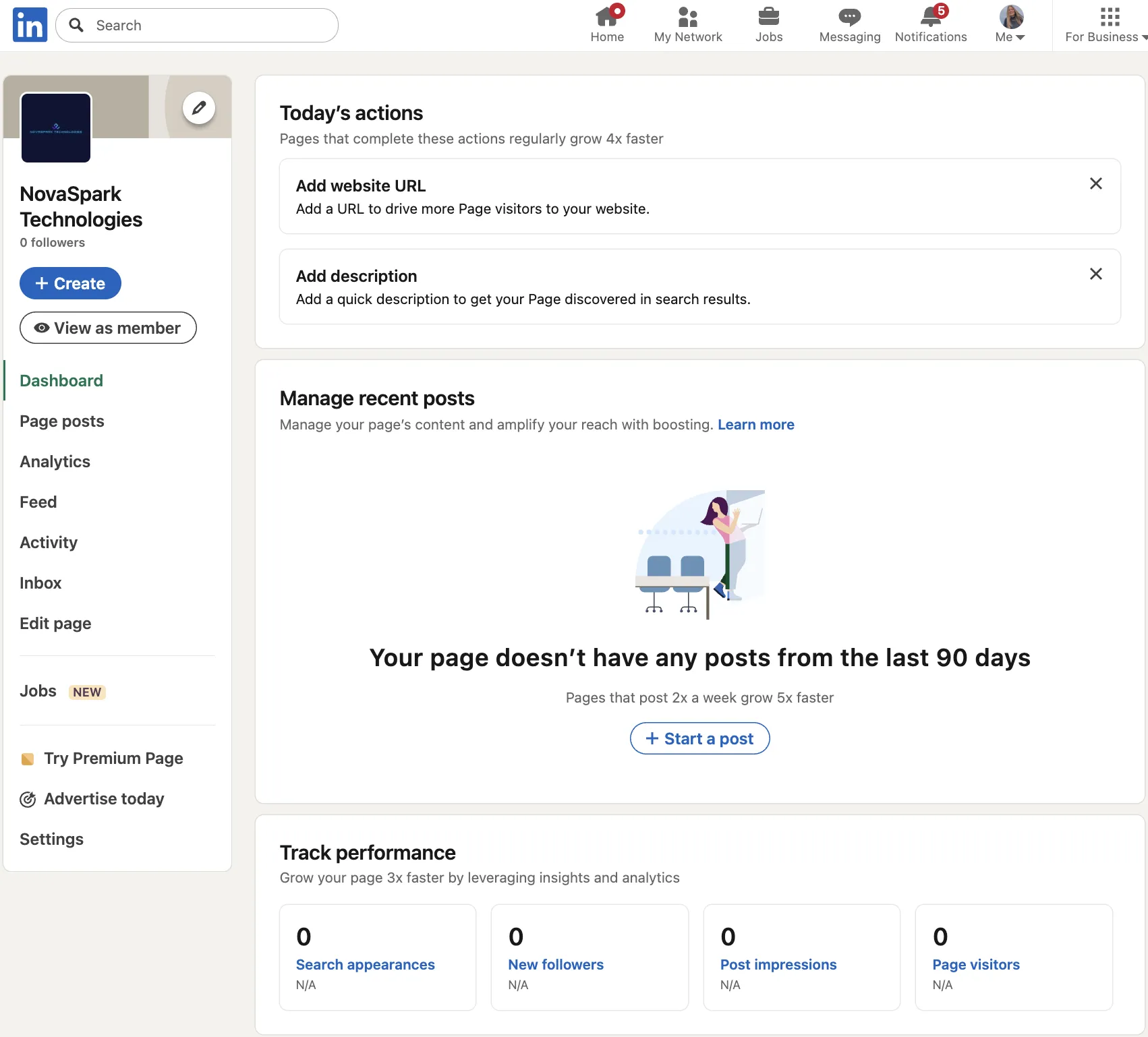
How Does Marketing on LinkedIn Work?
- Set up your presence
- Complete your Company Page: add a high-resolution logo, branded banner, concise tagline, and a custom CTA button (note: prominent placement across the Page header requires a Premium Company Page; otherwise it appears in the "More" menu).
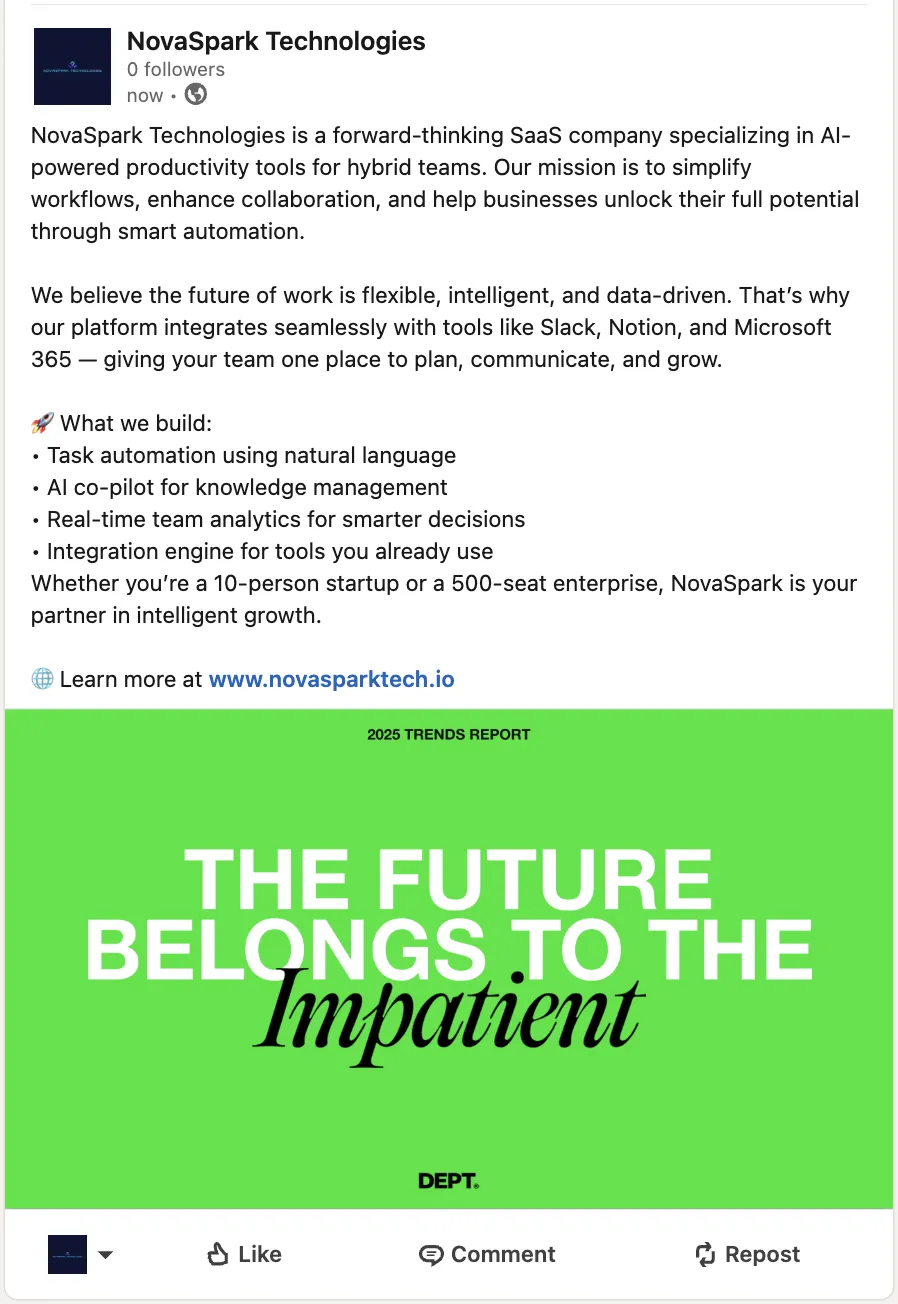
- Publish useful content
- Share quick tips, carousel PDFs, or short native videos that solve audience pain points.
- Repurpose blog posts into documents or a weekly newsletter—great for maintaining consistency in your LinkedIn marketing.
- Engage every day
- Comment on industry conversations and ask employees to share or add their perspectives. Employee networks are ~10× larger than company followers, and employee re-shares average ~2.1× higher CTR.
- Launch targeted ads
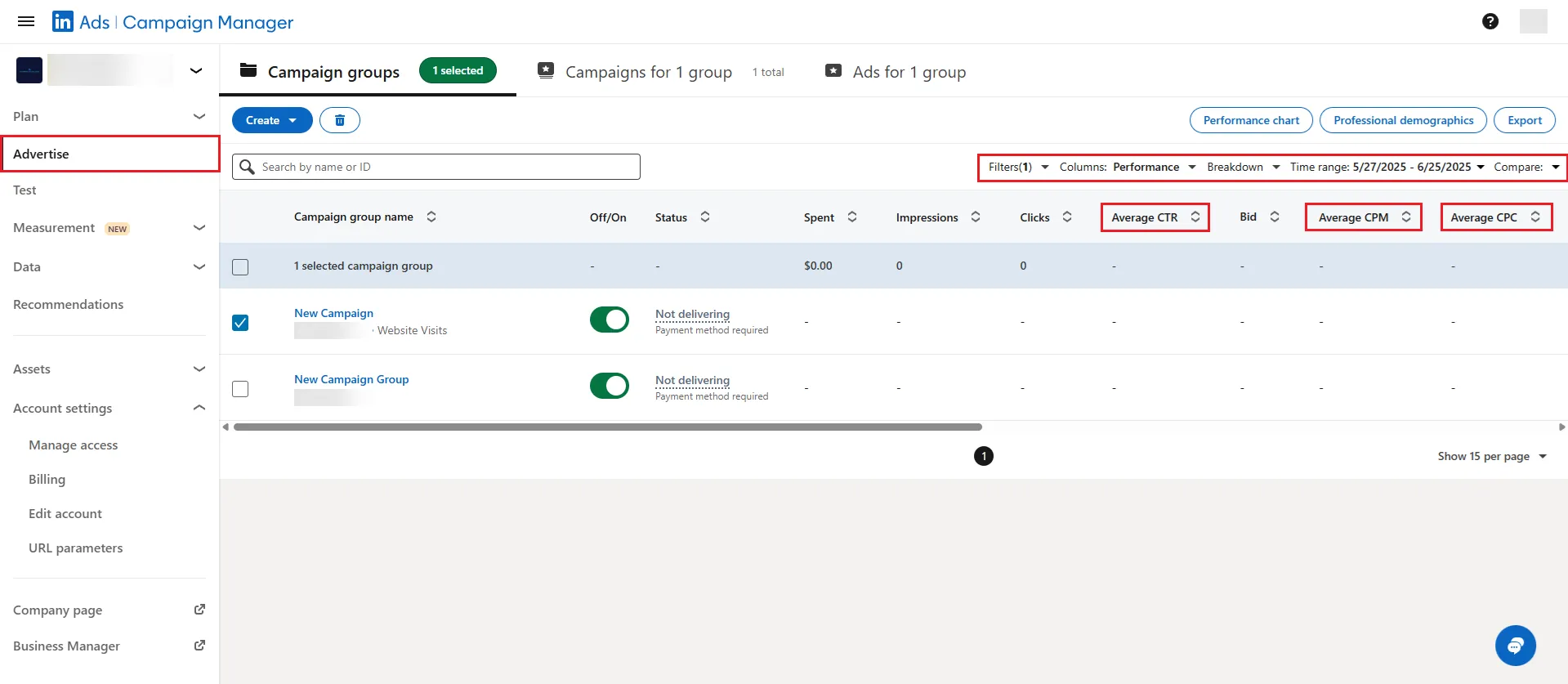
- Inside Campaign Manager, choose an objective, then use Audience attributes (job title, seniority, company size, skills, interests) or Matched Audiences (account/contact lists, website retargeting), set a budget, and build Sponsored Content.
- Add a pre-filled Lead Gen Form to cut friction and boost conversions.
- Measure & improve
- Track impressions, CTR, and cost per lead.
- A/B-test images, copy, and offers. Scale winners, pause laggards.
Tip for content teams: anchor every post to one theme and use a few (e.g., 3–5) relevant hashtags for discoverability—they're helpful but not essential, so don't overdo them. Tip for B2B sellers: upload a target-account list and retarget visitors with LinkedIn ads to stay top of mind. Tip for SMB owners wondering how to market on LinkedIn: focus on a single audience segment first, then expand once you've proven ROI.
If you want practical tactics for B2B success, check these 8 LinkedIn strategies for B2B marketing and sales.
Best Practices
These tips help keep your LinkedIn campaigns on track:
- For Sponsored Content ads, keep introductory text under 150 characters and headlines under 70 to avoid truncation.
- Post two to three times per week; consistency beats volume.
- Mix formats—text + image, carousel PDF, short video.
- Use clear calls to action such as “Book a demo” or “Download guide.”
- Encourage staff shares; organic reach multiplies through employee networks.
- Quality comments outweigh vanity likes, so ask questions and reply fast.
- Always add alt text and captions for accessibility.
- Per LinkedIn's Sr. Director of Product Management, including a link won't intentionally limit reach if your post provides enough standalone value—avoid posts where the link is the sole focus. Learn how the LinkedIn algorithm works to maximize visibility and engagement for your posts.
Common Mistakes
- Selling in every post. Constant product pitches turn followers away—educate first, promote second.
- Broad or irrelevant targeting. Casting too wide a net inflates ad costs; narrow by role, seniority, and firmographics.
- Missing UTM parameters. Without tracking links, you can't prove ROI or optimize spend.
- Ignoring analytics. Posting blindly prevents you from spotting formats or topics that resonate.
Bonus Tips
- Pin your top lead magnet—or a newsletter sign-up—in the Featured section of your profile (requires LinkedIn Premium Business, Sales Navigator, or Recruiter).
- Test Document Ads that gate an industry report; in one LinkedIn case study (Tilt Metrics), CPL dropped 52% vs. single-image ads.
- If you want to schedule posts across multiple networks, tools like Semrush Social Poster let you manage everything from one dashboard.