Learn about LinkedIn Talent Solutions and how they help recruiters source, attract, and hire top talent.
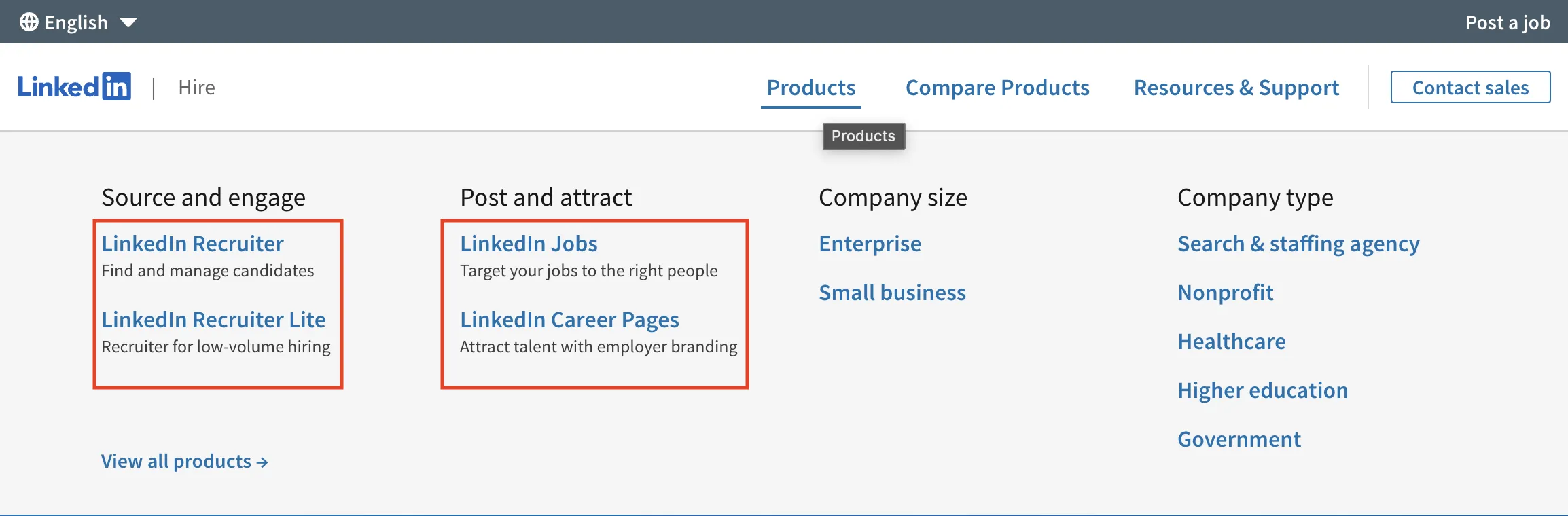
LinkedIn Talent Solutions is a bundled toolkit for hiring teams. Key products include:
| Product | What it does | When to use |
|---|---|---|
| Recruiter (full version) | Deep search, 40+ filters, bulk InMail | High-volume or niche roles |
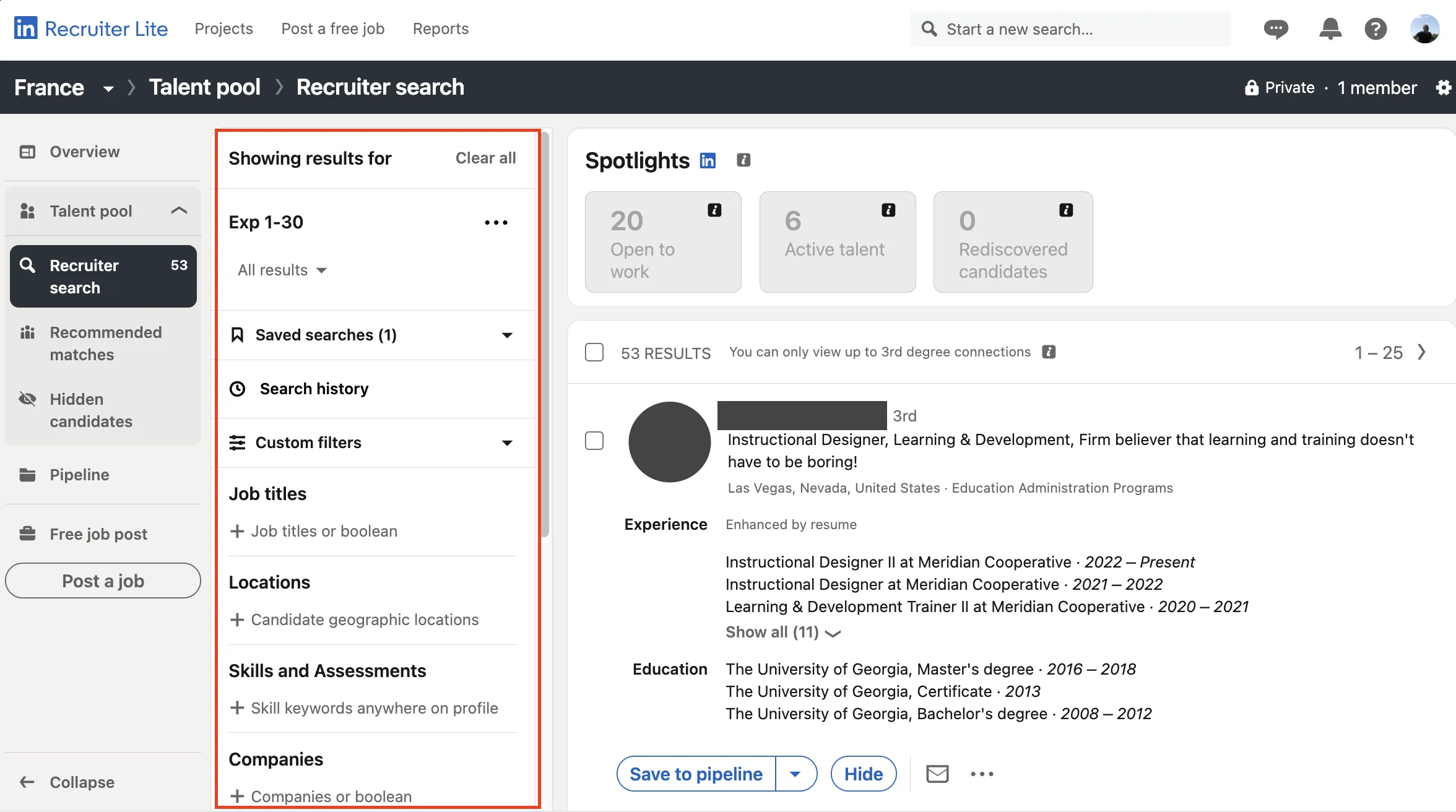
| Recruiter Lite | 20 filters, 30 InMails/month | Individuals hiring a few roles per year |
| Job Slots | Pre-paid, reusable job ads | Roles that open and close often |
| Landing Pages | Branded page + ads that collect warm leads | Future hiring or hard-to-fill positions |
| Career Pages | Employer branding with rich media | Showcase culture alongside open jobs |
Together, these tools let you find and message candidates directly on LinkedIn.
If you want to go deeper into how to use search or message candidates efficiently, check out LinkedIn advanced people search for automated campaigns or explore how to send an InMail to a recruiter automatically and for free.
Why the Platform Matters
Recruiters choose the suite when they need to:
- Reach beyond applicants and tap LinkedIn's network of more than 1 billion members.
- Keep spend predictable by swapping Job Slots between roles any time.
- Warm passive talent months before a headcount opens.
- Show culture stories with rich media on your Career Page alongside open jobs.
A LinkedIn case study (Cengage) reported a 30% reduction in time-to-hire when using the full suite. For companies hiring frequently, even small time savings per hire add up.
How the Platform Works
- Set goals
- List key roles, volumes, and deadlines.
- Search in Recruiter
- Apply filters such as skills, years in role, and Spotlights (e.g., Open to Work, Interested in Your Company).
- Send personalized InMail from saved templates.
- Publish through Job Slots
- Rotate job ads within your purchased slot count as priorities shift.
- Build warm pipelines
- Launch a Landing Pages campaign.
- Candidates land on a branded page and opt in with one click.
- Track in one workspace
- All profiles flow back to your project dashboard.
- Share, tag, and comment with hiring managers.
Best Practices
- Personalize every InMail: use the candidate's name plus a note on a recent post.
- Keep Job Slot descriptions accurate and up-to-date to maintain relevance and quality.
- Enable Recruiter System Connect for near-real-time ATS sync; writebacks depend on your ATS.
- Start with the "Interested in your company" Spotlight to prioritize likely responders.
- Train hiring managers to build shortlists before the intake call.
Bonus Tips
- Save winning Boolean strings in Recruiter (or saved searches in Recruiter Lite) for repeat use.
- Encourage candidates to click 'I'm interested' on your Career Page or Landing Pages; LinkedIn will notify them weekly of relevant jobs. Set up saved search alerts in Recruiter to be notified when new matching candidates appear.
- Test Landing Pages visuals. Image-led pages tend to convert better.
- Split your Job Slots between evergreen and project-based roles to avoid last-minute purchases.
- Add company-branded videos to the landing page; motion content can improve opt-in rates.
- Review analytics monthly. Look for filters that consistently surface good candidates and turn them into saved searches.
- Calculate the ROI quarterly: compare subscription cost against hires made and the salary saved by reducing external agency fees. Even a handful of successful placements can cover the platform fee for the entire year.
The platform works best when recruiters and hiring managers review analytics together and adjust their approach based on what actually produces hires.