Every LinkedIn account carries a permanent numeric tag. Below you'll learn what a LinkedIn ID is, why it matters, and the fastest way to find yours.
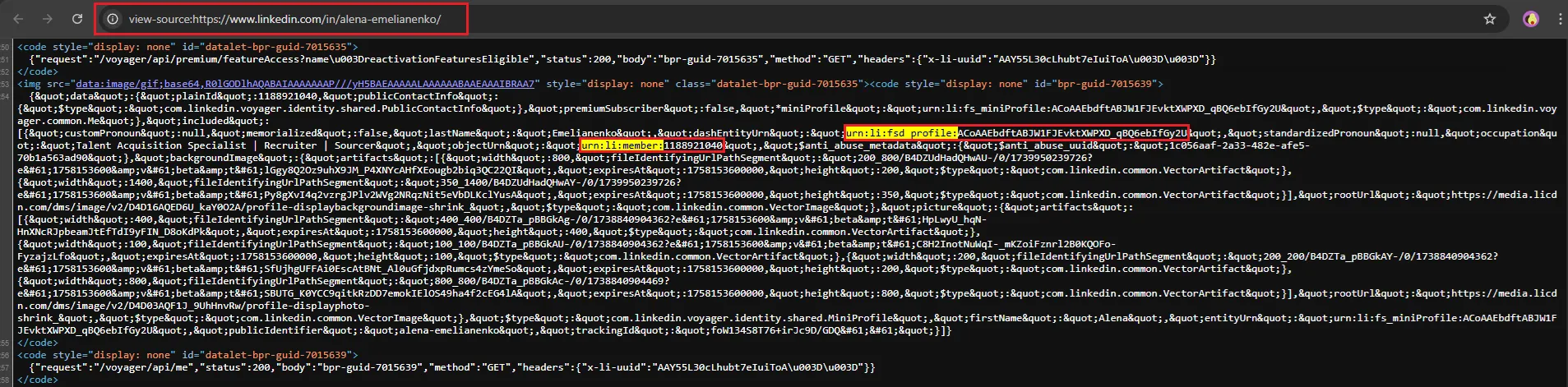
- A LinkedIn ID (often called member ID) is a long number wrapped in a URN format. You'll typically see it as
urn:li:person:{id}in APIs. In page source you may seeurn:li:member:{id}. - It is generated once, cannot be edited, and is separate from your public vanity URL. Note: In APIs, the person ID is app-scoped, meaning the same user has different IDs in different applications.
- Wondering why you might need this ID? It serves as a stable identifier (though in APIs it's app-scoped), unlike a vanity link or custom URL, which you can change.
To learn more about the difference between your numeric ID and LinkedIn username, check out our complete guide on customizing your LinkedIn URL.
Why LinkedIn ID Matters
- CRM sync – Most CRMs dedupe on email or configured rules; tools like Linked Helper can store the LinkedIn member ID in a custom field to help prevent duplicates.
- Support tickets – Including your profile URL and account details can expedite support when contacting LinkedIn.
- Ads & tracking – Insight Tag uses cookies and LinkedIn Ads ID (li_adsid); Conversions API uses SHA256_EMAIL, LINKEDIN_FIRST_PARTY_ADS_TRACKING_UUID (li_fat_id), and other identifiers for visitor matching.
- API exports – APIs return IDs and URNs by default; the vanity URL (vanityName field) requires Basic Profile access, which is restricted to select partners.
Looking to connect LinkedIn with your CRM? See our guide on LinkedIn CRM integration.
How Does LinkedIn ID Work?
Below is the shortest route for how to find LinkedIn ID.
Desktop Browser
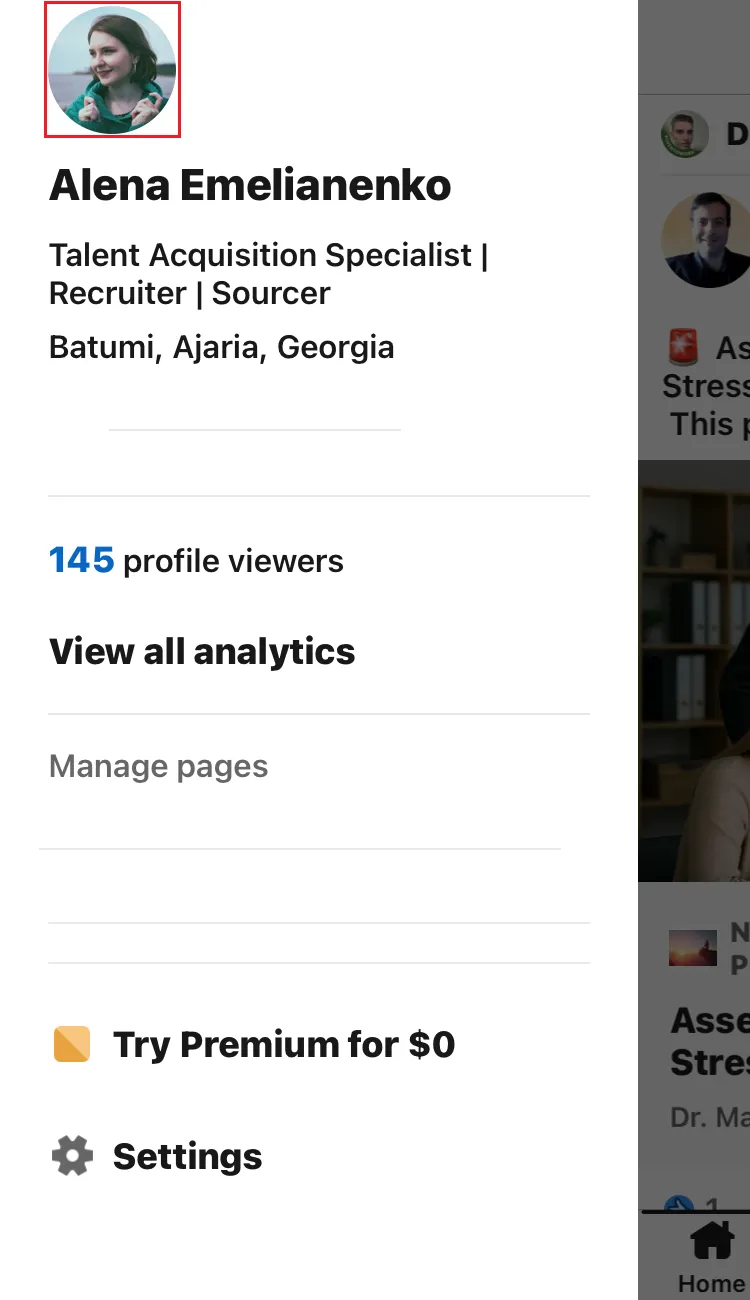
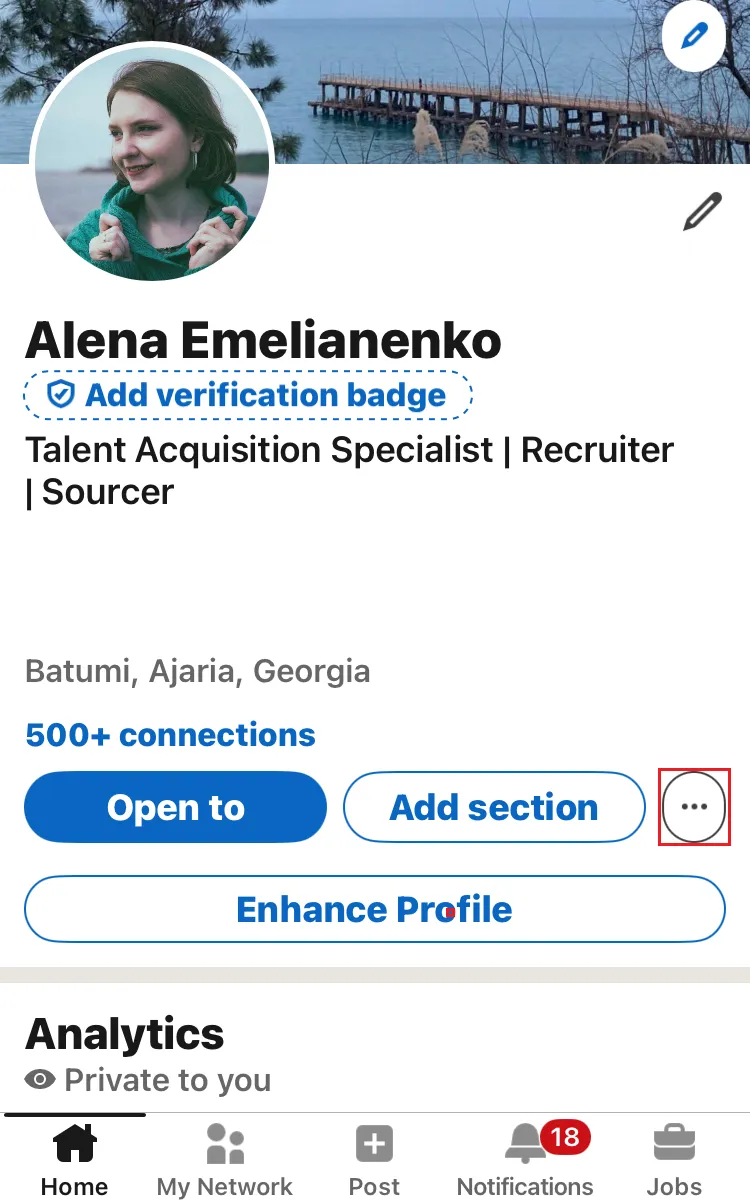
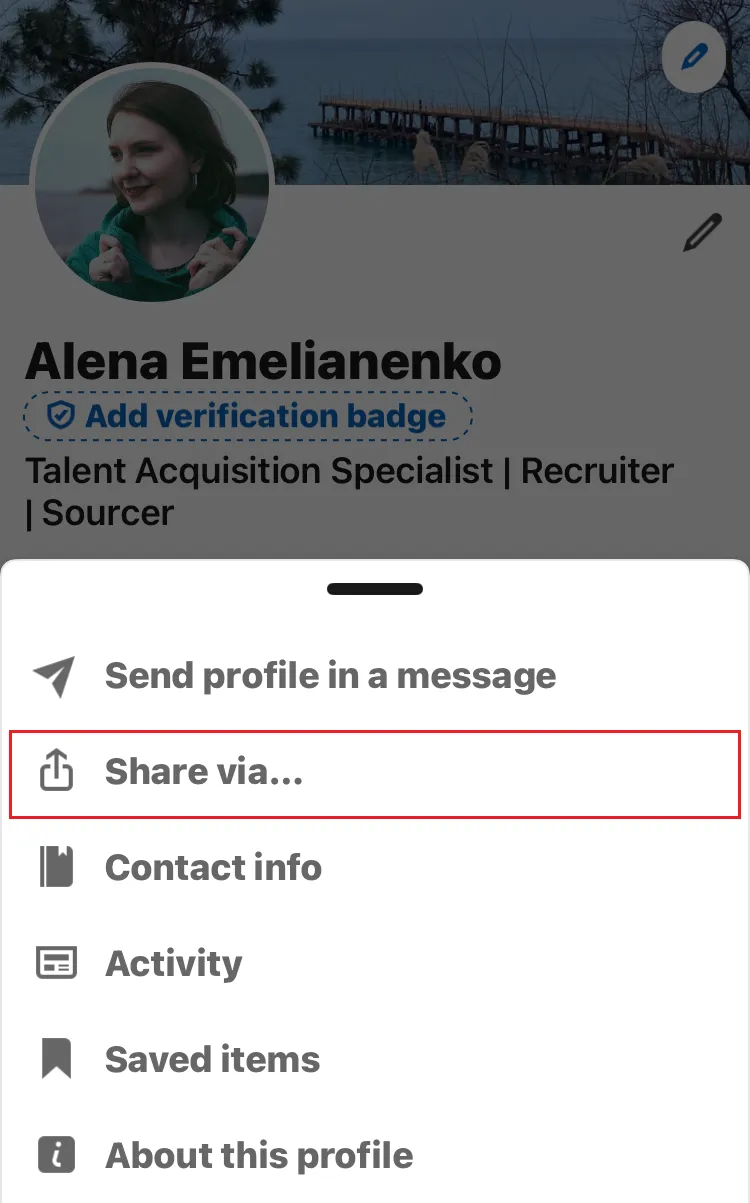
- Open LinkedIn → Me → View Profile.
- Press
Ctrl+U/⌥+⌘+Uto view page source. - Search for
urn:li:memberormemberUrn. - Copy the number after
urn:li:member:. That is your member ID.
Best Practices
- Keep the number private: share it only with integrations that follow LinkedIn's Terms.
- Turn on two-step verification before adding any external tool.
- Check requested API scopes; deny anything beyond basic profile data.
- Manage several identifiers? Store them in a secure password manager.
- For larger teams, document who has access to each ID, set expiry dates on API tokens, and run quarterly audits to revoke unused keys. A simple spreadsheet stored in a shared drive works, but dedicated permission-management software scales better. The extra effort prevents “ghost” connections that can leak data or break when employees leave, saving hours of troubleshooting later.
Outreach tip: before sending an InMail, open the recipient's page, copy their member ID, and compare it with the ID stored in your CRM. Matching the two confirms you're messaging the right person and avoids duplicates. This check also helps spot impersonators whose public URL looks correct but whose numeric ID doesn't match your records.
Want to see how your profile appears to others? View your LinkedIn profile as someone else and check what information is visible.