Updated: September 29, 2026
 54 min read
Linked Helper is the best Closely alternative for users who prioritize responsive support, account safety, and lower cost. Unlike Closely's cloud model, Linked Helper runs on your own machine and IP or on a VPS you control, so the LinkedIn session is not handed to a vendor cloud. Pricing starts at $15/mo, or $8.25/mo on a 12-month license, versus Closely's roughly $49/mo entry plan. It also gives you four support channels - in-app ticket, email, Facebook Messenger, and WhatsApp - plus a 250+article knowledge base, while Closely's documented support surface is much thinner.
| Tool | Architecture | 20-seat agency cost (from, /year)* | Compared with Closely |
|---|---|---|---|
| Linked Helper | Desktop | $1,584 | 65% cheaper |
| Dux-Soup | Cloud | $4,452 | 1% cheaper |
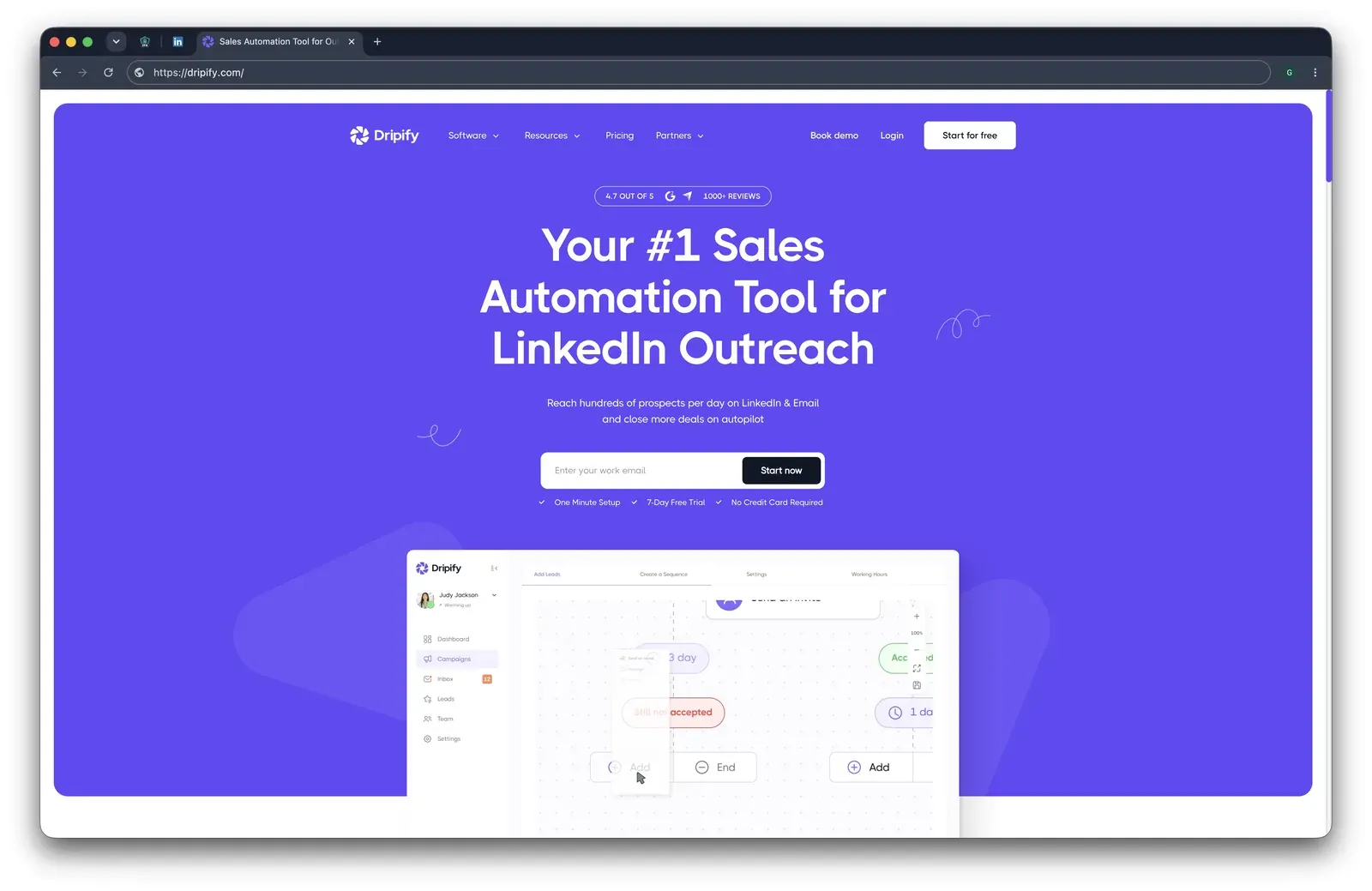
| Dripify | Cloud | $18,960 | 320% more expensive |
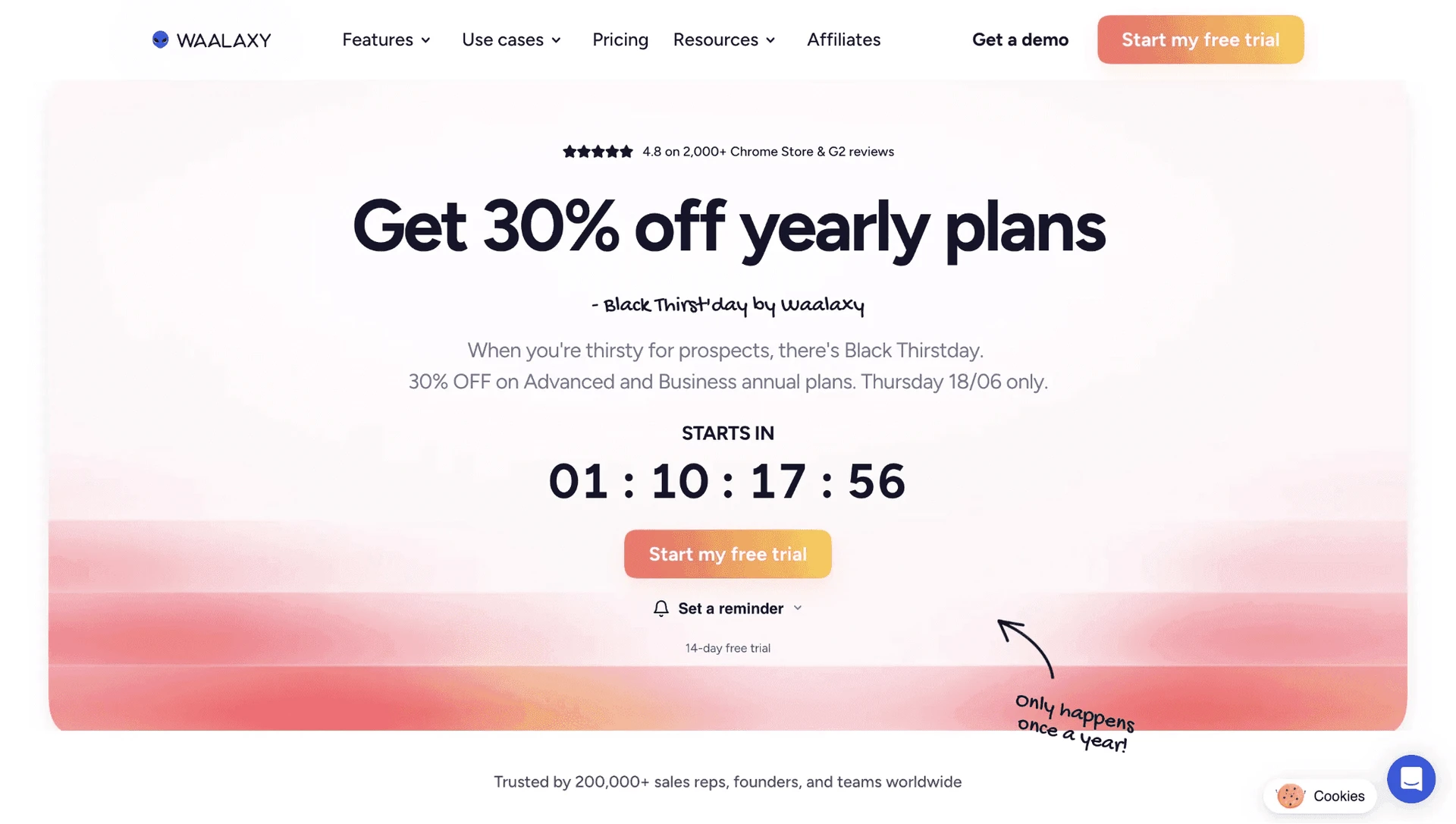
| Waalaxy | Chrome extension | $3,840 | 15% cheaper |
| HeyReach | Cloud | $11,280 | 150% more expensive |
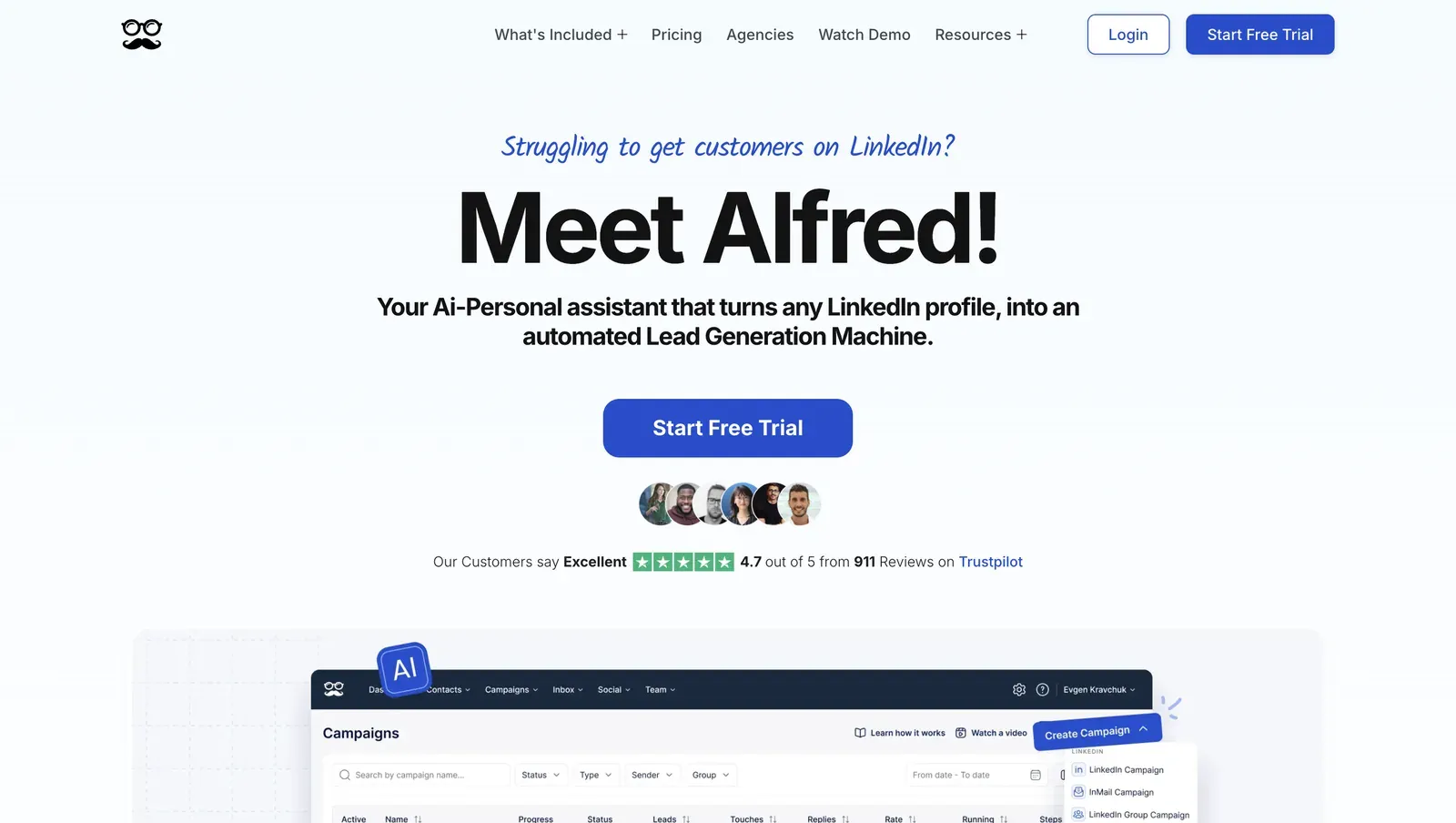
| Meet Alfred | Cloud | $9,360 | 107% more expensive |
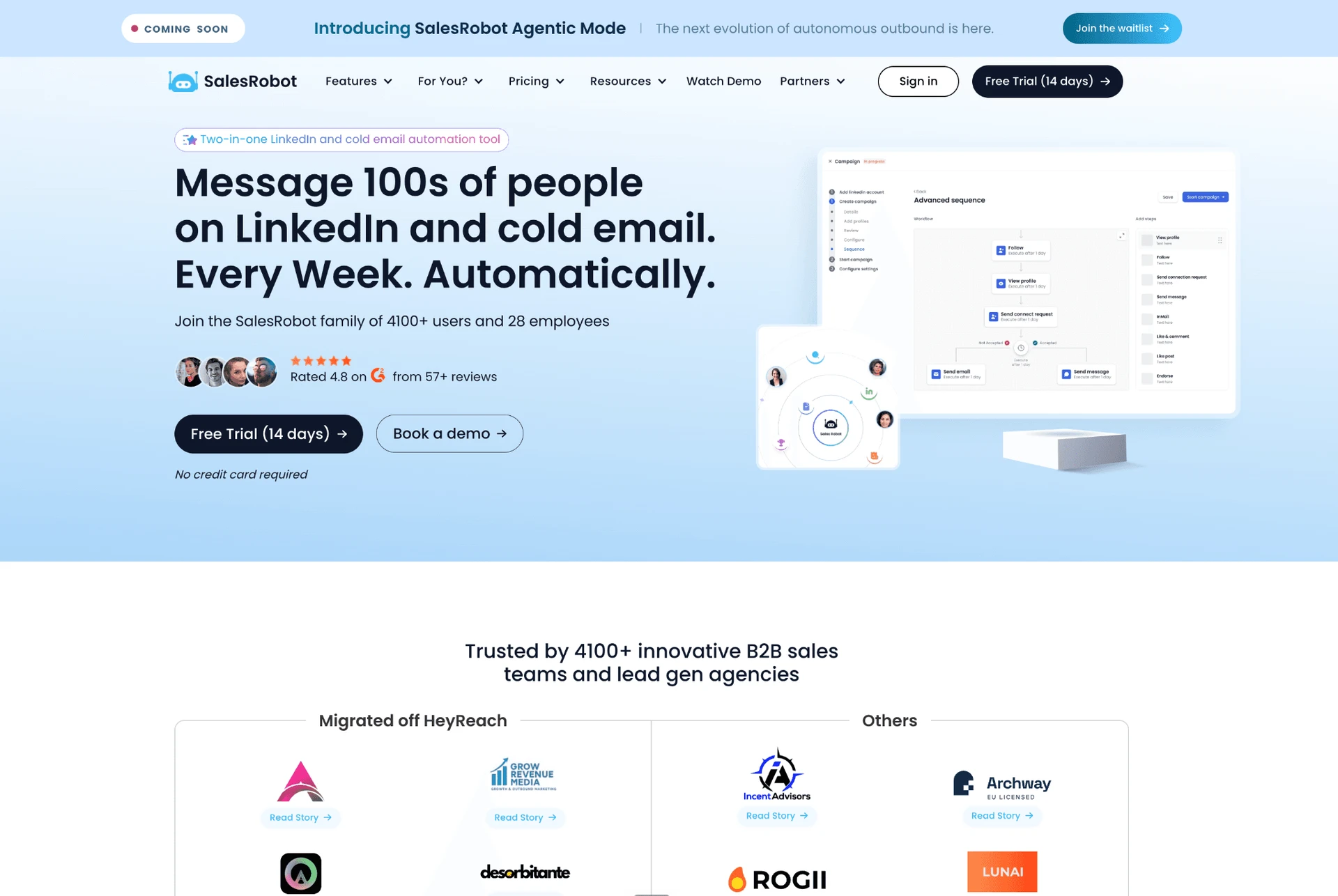
| SalesRobot | Cloud | $7,920 | 76% more expensive |
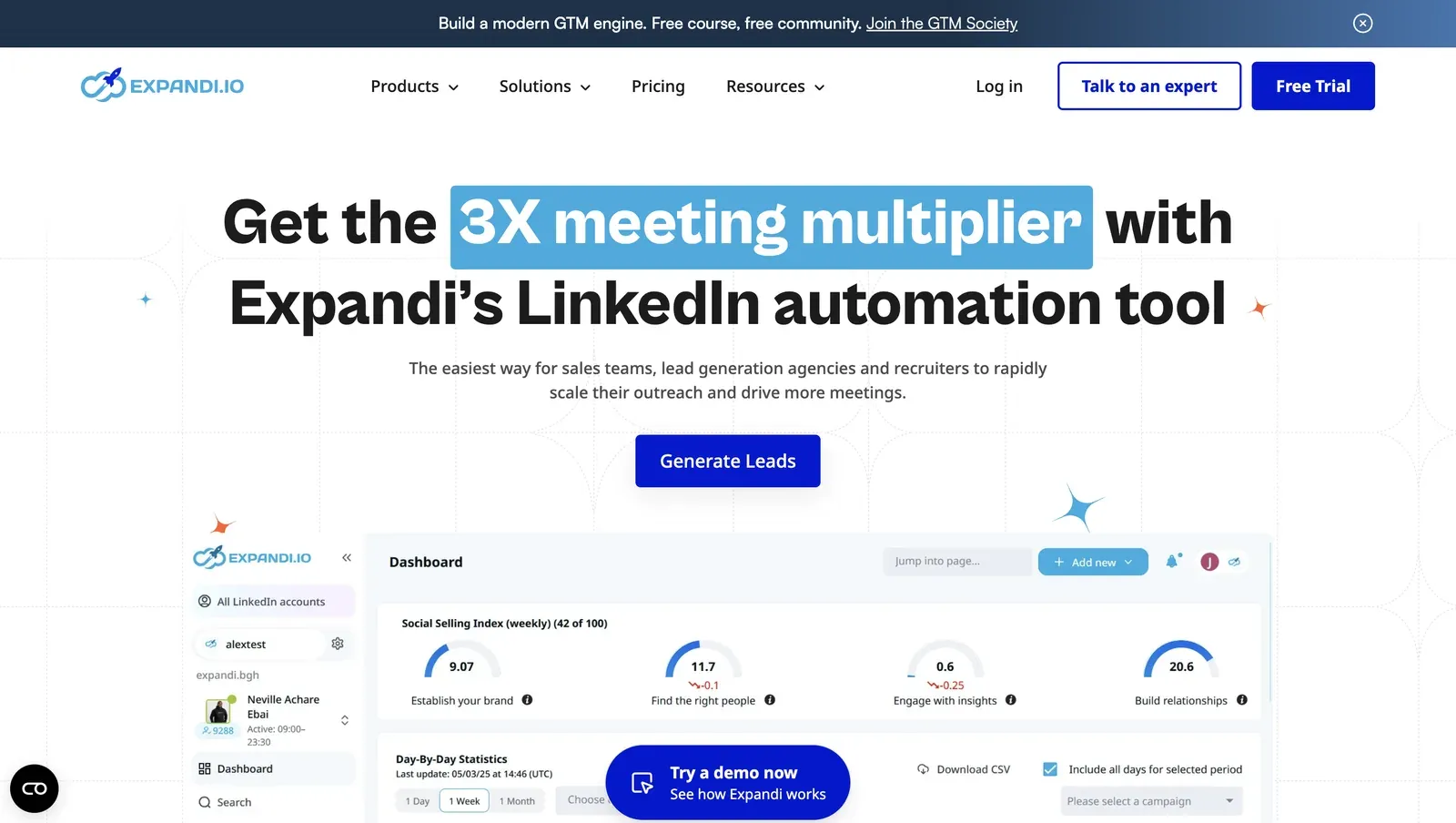
| Expandi | Cloud | $18,960 | 320% more expensive |
| Skylead | Cloud | $24,000 | 432% more expensive |
| Octopus CRM | Chrome extension | $5,997.60 | 33% more expensive |
| Closely | Cloud | $4,512 | Baseline |
Architecture and 20-seat agency cost, side by side
*Pricing data as of mid-July 2026. For the 20-seat agency scenario, costs use the feature-appropriate brand/agency tier from the source data: Linked Helper Standard, Dux-Soup Cloud Agency, Dripify Advanced, Waalaxy Pro, HeyReach Growth, Meet Alfred Team, SalesRobot Advanced, Expandi Business, Skylead All-in-one, Octopus CRM Unlimited, and Closely Custom. Figures assume annual billing where available. Cost vs Closely is calculated against Closely’s 20-seat annual cost of $4,512.
This article is published by Linked Helper. Linked Helper is our product and our top recommendation. We use the same evaluation framework for every tool in this comparison - see "How We Evaluated These Alternatives" and "Methodology Deep-Dive" below for the full dataset and first-hand test methodology.
Key takeaways
- Linked Helper is our pick for a structural reason the tests below make concrete, not a promotional one: it is the only desktop tool in this comparison, so the LinkedIn session and the IP LinkedIn sees stay on hardware you control. Every other tool here runs the account from vendor cloud infrastructure - which is exactly where the flagged IPs and uploaded login cookies turned up in our checks.
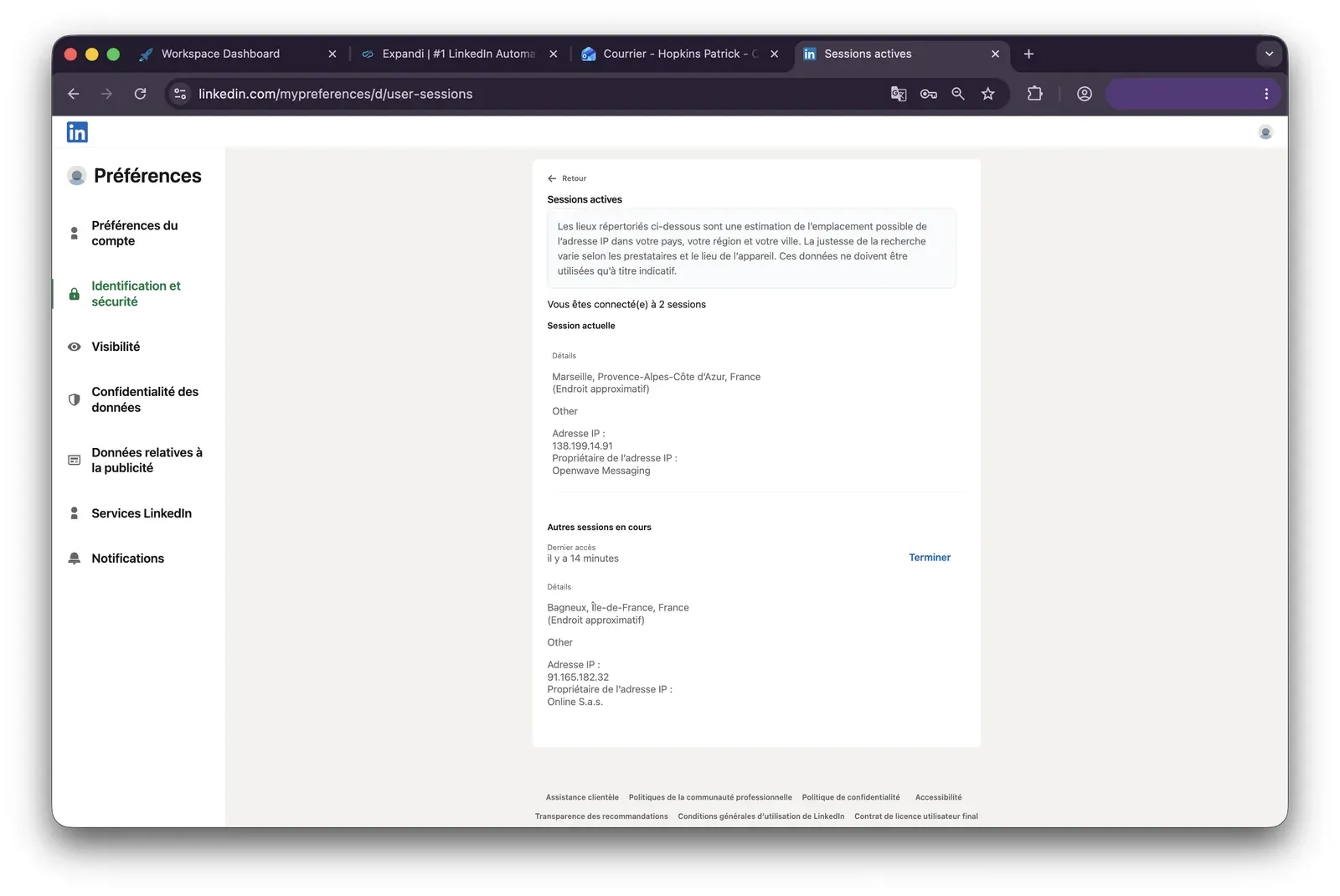
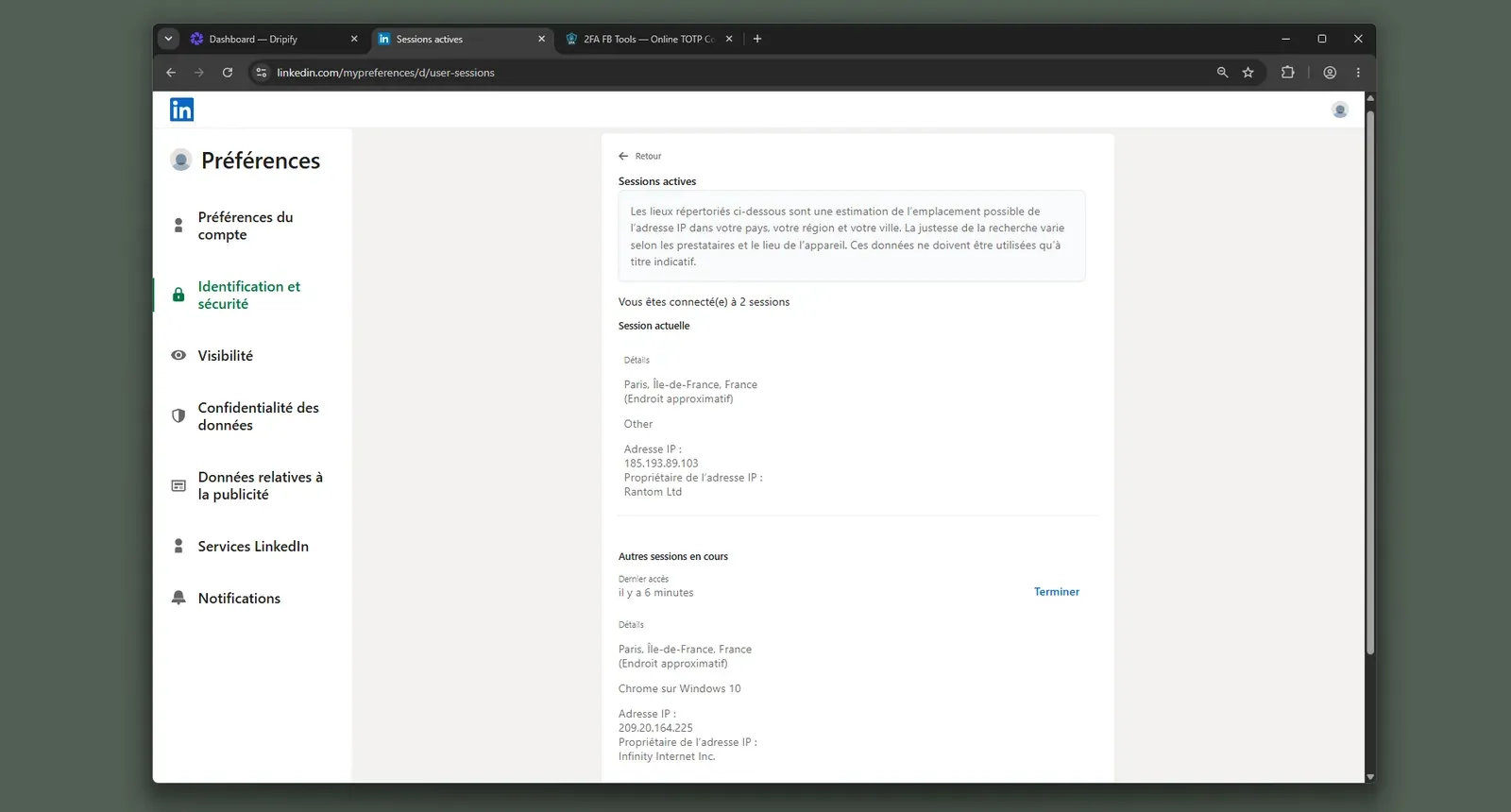
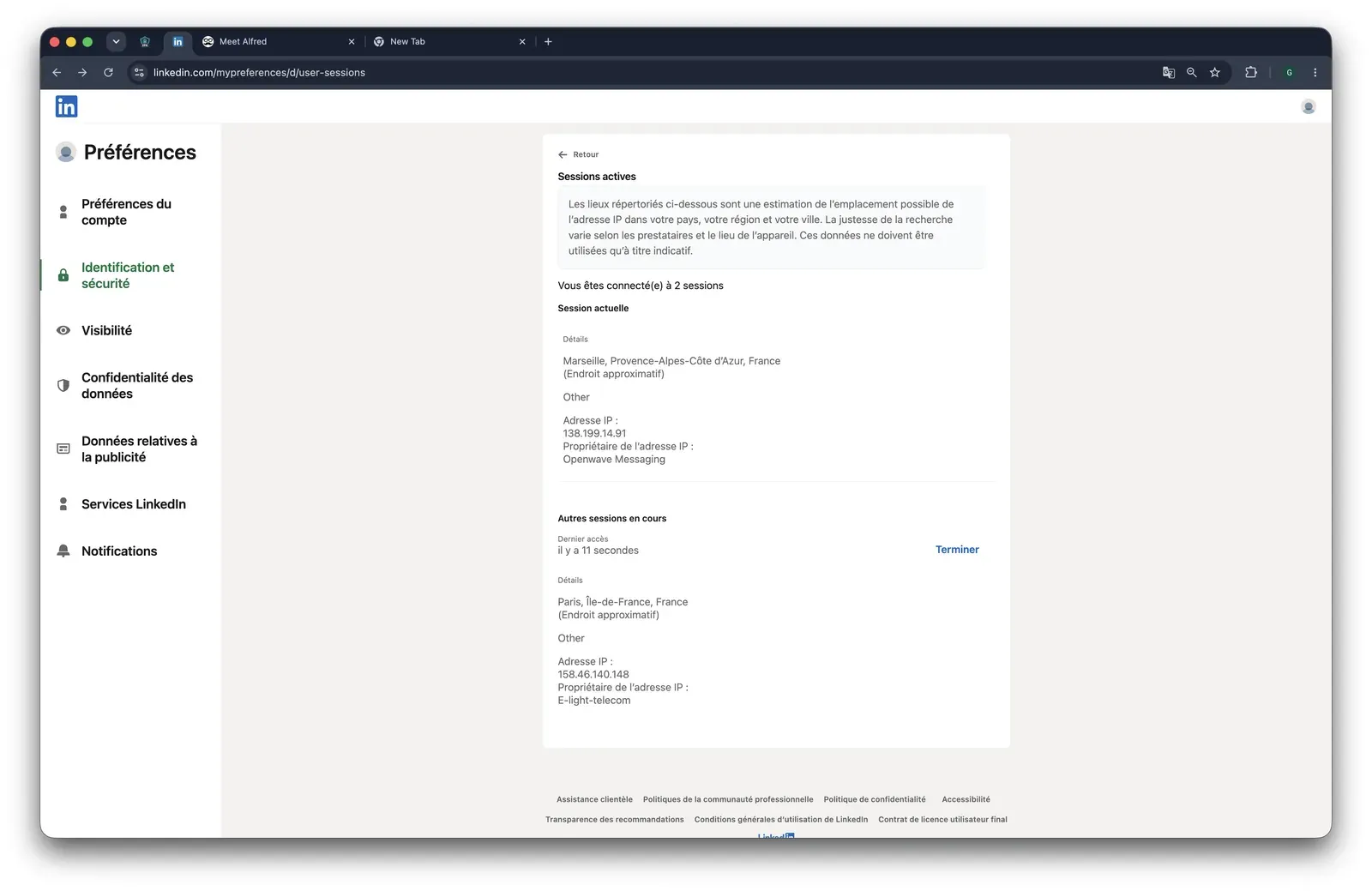
- We ran live two-account sign-ups on three cloud tools - Expandi, Dripify, and Meet Alfred - and none gave us a clean, user-controlled exit. Dripify put both accounts on the same HostRoyale datacenter block (IPQualityScore: 94/100 fraud, with proxy and VPN flags); Expandi's two identically-created accounts came back with opposite verdicts, one clean and one 100/100 fraud, with no way to see or choose which you would get; Meet Alfred scored a clean 0/100 yet still routed one account through a datacenter line. For LinkedIn that origin matters - genuine users log in from residential or mobile networks, not rented servers. IPQualityScore is an independent IP-quality signal, not LinkedIn's enforcement verdict.
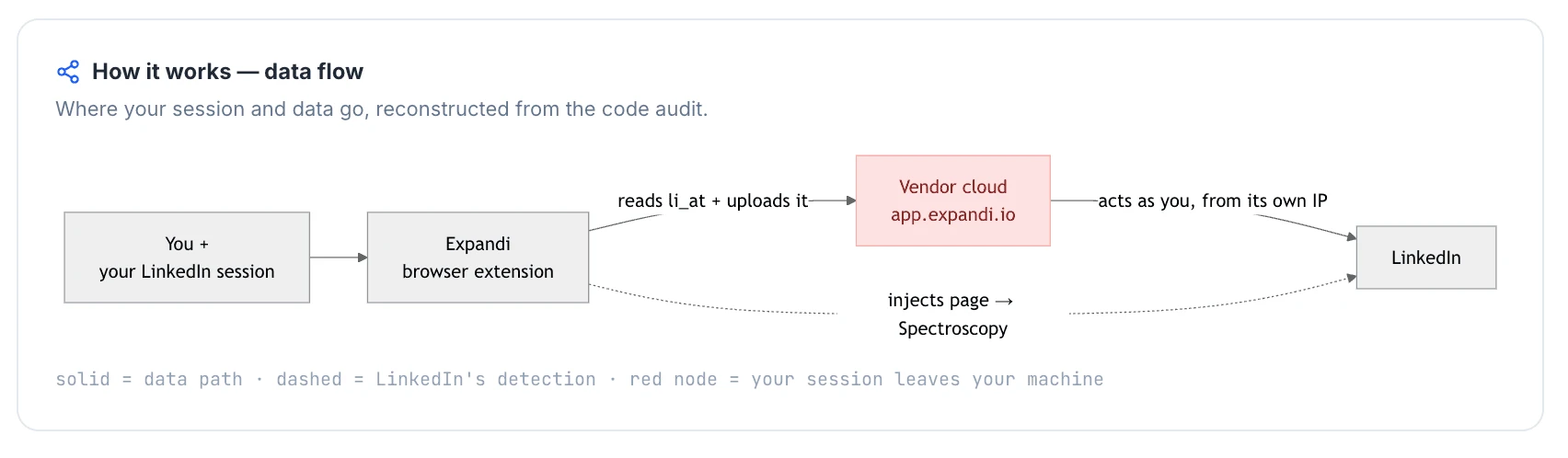
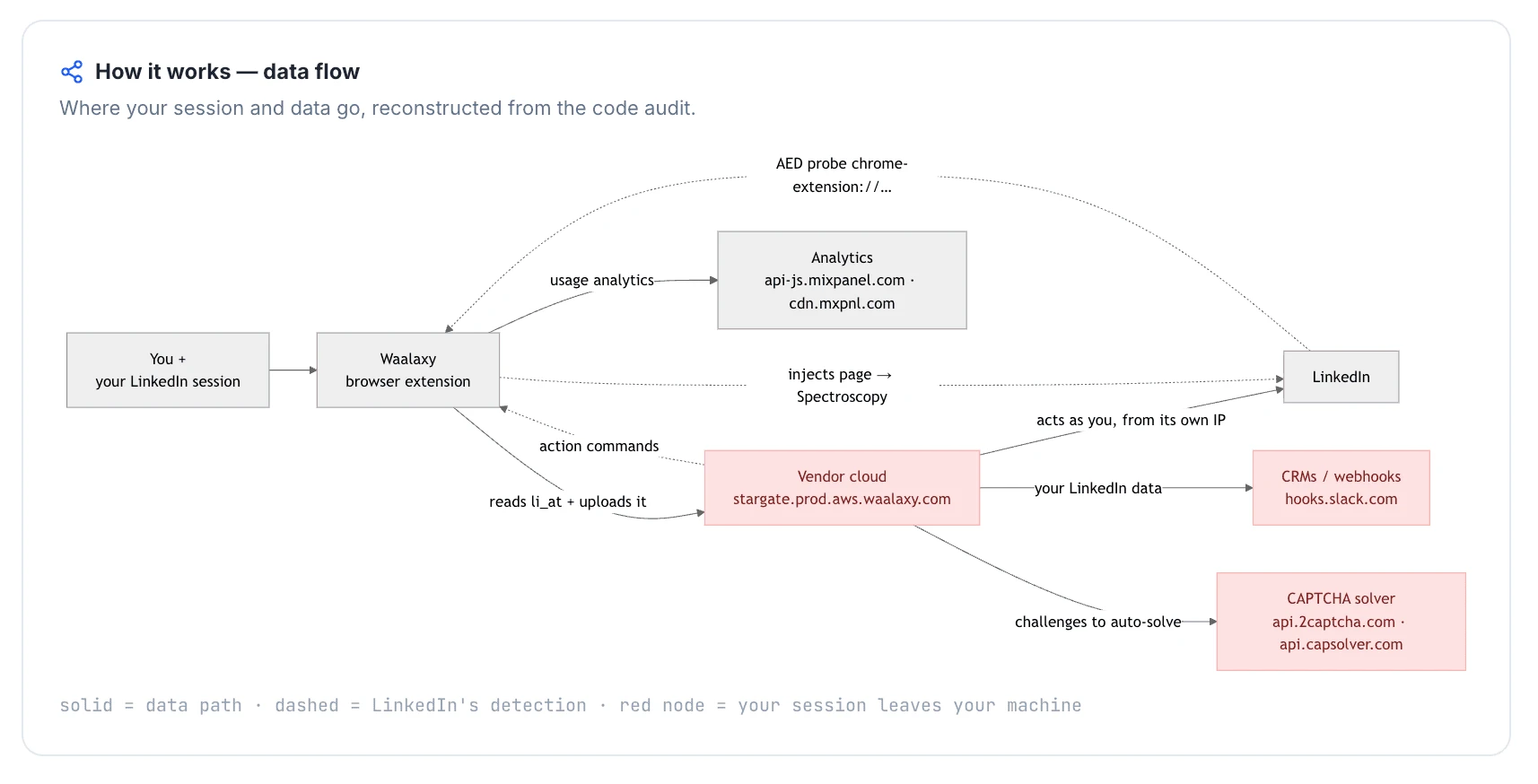
- The two companion extensions we tore down - Expandi's official connector and Waalaxy's - both read li_at, the cookie that holds your live LinkedIn login, and send it to the vendor's cloud; whoever holds that cookie can act as the account without the password. Waalaxy's extension also appeared on LinkedIn's Active Extension Detection list in the June 2026 snapshot, so the install is visible before a single campaign runs.
- In a cloud tool, a support ticket and an account-recovery problem are the same problem: when the session lives on vendor infrastructure, only the vendor can fix a broken login or a flagged IP. That is why the recurring support complaint across Closely and several alternatives - Dripify's support is its lowest-rated Capterra dimension despite strong overall scores - is really a recovery-risk complaint. Linked Helper keeps the session local and supports a custom proxy, so support is helping with an account that never left your control.
- Two cloud tools we did not live-test - SalesRobot and Salesflow - still ship a default IP their own setup flags as proxy-unsafe, so vetting a clean proxy falls on the user. And the honest limit on our own pick: Linked Helper is LinkedIn-first with no native email sequences and takes more setup than a cloud signup, so teams that need multichannel should pair it with a dedicated email tool.
What Is Closely?
Closely is a cloud-based LinkedIn and email outreach platform: campaigns run in the vendor's web app, and users connect LinkedIn accounts for automated prospecting, messaging, and follow-up. Closely's terms of use identify Esterson Limited as the legal operator, while available company metadata lists Closely as founded in 2021 and based in Cyprus.
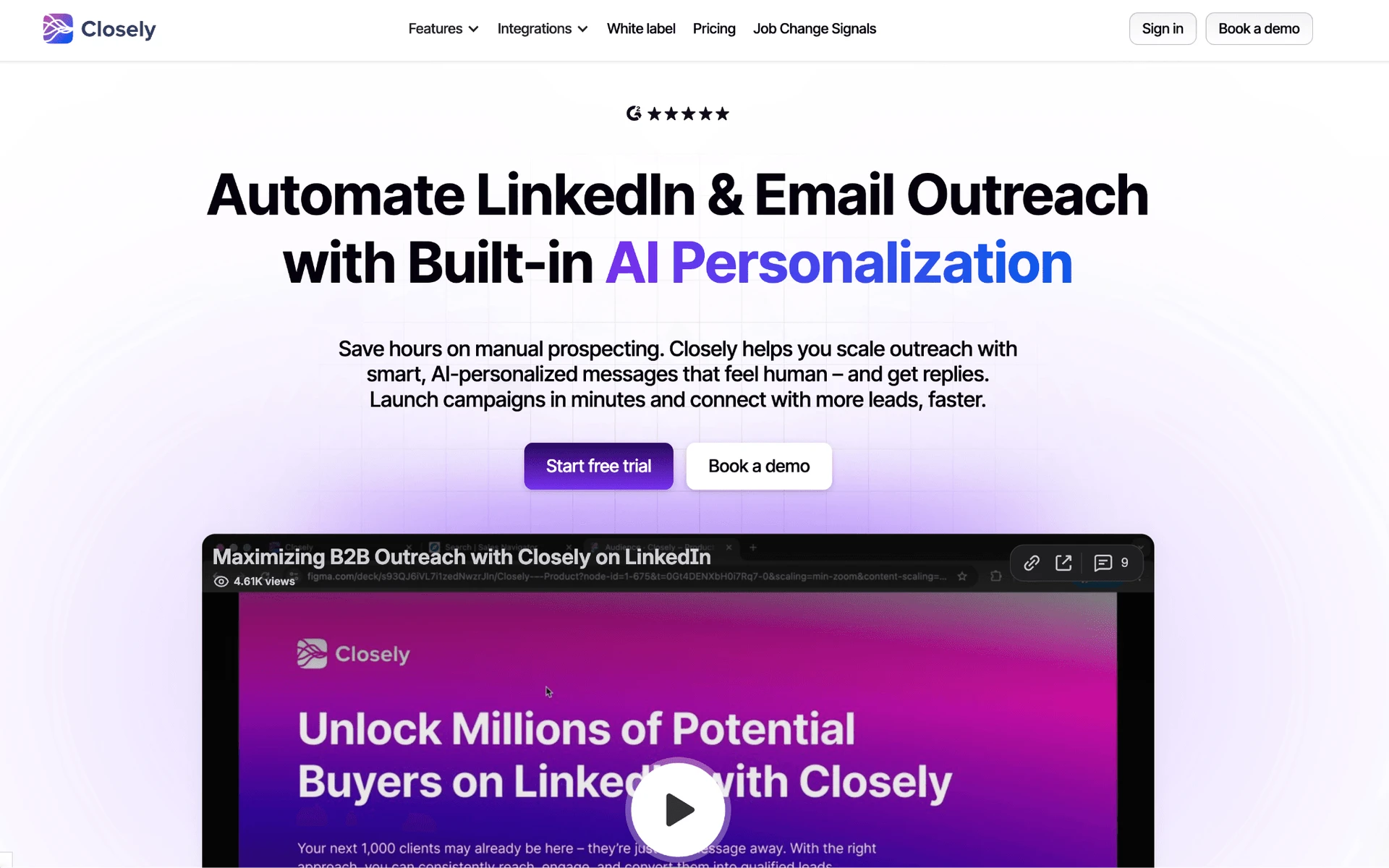
Closely's product surface combines LinkedIn automation with email outreach, lead enrichment, a unified inbox, analytics, AI personalization, and CRM sync. Its public site names Salesforce, Pipedrive, HubSpot, GoHighLevel, and Zoho as integration paths, and the tool is built around per-LinkedIn-account usage rather than a local desktop instance.
The main workflow is practical: build a prospect list, enrich contacts, send LinkedIn and email steps, track replies, and push outcomes into a CRM. Pricing should be checked again at publication, but this frame uses the article's July 2026 entry-price baseline of about $49/mo.
Closely at a Glance
Closely is useful when a user wants LinkedIn plus email in one cloud workspace, but the same model creates the support and session-custody trade-offs that drive this alternatives search.
Strengths
- Cloud access from a web dashboard, without installing a local desktop app.
- LinkedIn and email outreach in one campaign environment.
- Prospect enrichment, email finding, analytics, and a unified inbox.
- CRM connectors for Salesforce, Pipedrive, HubSpot, and related sales workflows.
Limitations
Limitations: Users frequently report stalled or unhelpful support, broken or unreliable modules, weak lead/data quality, integration disconnects, and post-purchase value concerns. The cloud model also means LinkedIn session custody sits outside the user's local environment, which is a real safety trade-off when the account is business-critical.
Who It Fits
Closely suits a single operator or small team that wants cloud access, combined LinkedIn/email outreach, and CRM sync more than hands-on support responsiveness. It is less comfortable for users who need fast human help, local session custody, or predictable per-seat economics.
Why Users Switch
Across 5,000+ reviews on G2, Capterra, and Trustpilot and 260+ Reddit threads about these tools, the same frustrations recur: support stalls, reliability issues, weak lead quality, and cloud session custody all show up near switching decisions. The interesting pattern is that support complaints do not appear alone; they often arrive after a broken workflow, refund issue, or account-risk scare.
| Theme | Negative mentions |
|---|---|
| Broken / unreliable features | 75 feature and reliability negatives |
| Awful / stalled support | 18 support negatives |
| Weak lead / data quality | 35 lead-targeting and data-quality negatives |
| Integrations breaking | 23 integration negatives |
| LinkedIn account restriction / safety | 21 safety-detection negatives |
| Pricing and post-purchase value | 37 pricing and transparency negatives |
Why users leave Closely - recurring themes
As of July 2026 - public G2, Capterra, Trustpilot reviews and Reddit discussions classified for recurring themes.
These themes appeared consistently across review platforms and Reddit discussions, which is why the comparison below weights support recovery and session custody alongside features.
How We Evaluated These Alternatives
8+ tools, 5,000+ reviews, 260+ Reddit threads analysed as of July 2026. We evaluated Closely, the seven ranked alternatives, public vendor and pricing pages, and first-hand safety checks where the tool's setup made those checks observable.
Dataset
The dataset covers 8+ tools: seven ranked alternatives plus Closely as the baseline reference. It includes 5,770 classified reviews across G2, Capterra, and Trustpilot, split as 1,421 G2 reviews, 1,070 Capterra reviews, and 3,279 Trustpilot reviews, plus 266 Reddit threads. Vendor and pricing pages were checked directly in July 2026.
Evaluation Framework
We converted our findings into a weighted 100-point editorial scoring model based on four evidence sources: public documentation, 5,000+ user reviews and Reddit discussions, hands-on product testing, and browser-extension analysis where applicable. Architecture and session/IP handling received the highest weight because our testing showed that session custody and IP transparency materially affect operational control and account recovery.
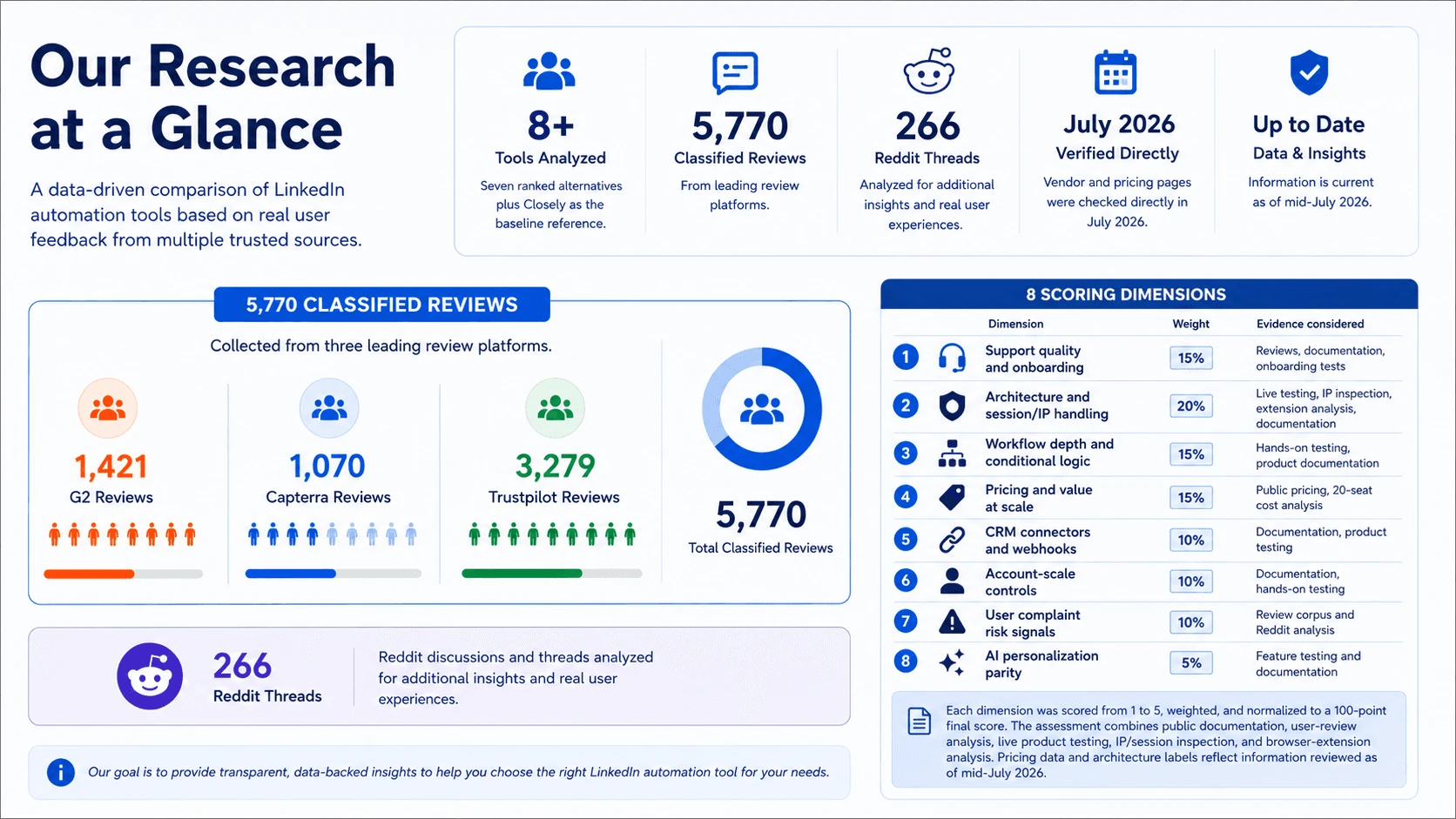
Each tool was scored across eight dimensions: support and onboarding, architecture and session/IP handling, workflow depth, pricing value at scale, CRM connectors and webhooks, account-scale controls, user complaint risk signals, and AI personalization.
AI was treated as a parity axis rather than an automatic win: tools received credit only when AI improved controlled outreach workflows, not simply because the product used the term “AI.”
| Scoring dimension | Weight | Evidence considered |
|---|---|---|
| Support quality and onboarding | 15% | Reviews, documentation, onboarding tests |
| Architecture and session/IP handling | 20% | Live testing, IP inspection, extension analysis, documentation |
| Workflow depth and conditional logic | 15% | Hands-on testing, product documentation |
| Pricing and value at scale | 15% | Public pricing, 20-seat cost analysis |
| CRM connectors and webhooks | 10% | Documentation, product testing |
| Account-scale controls | 10% | Documentation, hands-on testing |
| User complaint risk signals | 10% | Review corpus and Reddit analysis |
| AI personalization parity | 5% | Feature testing and documentation |
LinkedIn automation scoring model
Each dimension was scored from 1 to 5, weighted, and normalized to a 100-point final score. The assessment combines public documentation, user-review analysis, live product testing, IP/session inspection, and browser-extension analysis. Pricing data and architecture labels reflect information reviewed as of mid-July 2026.
To avoid mixing product architecture with login mechanics, we separate two layers in this comparison: architecture and cloud session-access method. Architecture means where the automation runs: desktop, cloud, or browser extension. Cookie-bridge and credential login are treated as cloud authorization methods, not standalone architectures.
| Architecture label | What it means | Where automation runs | IP LinkedIn sees | Who holds the session |
|---|---|---|---|---|
| Desktop | A local app or user-controlled VPS runs the automation | User’s machine or user-controlled VPS | User IP, VPS IP, or assigned dedicated proxy | User-controlled environment |
| Cloud | Campaigns run inside the vendor’s web app and cloud infrastructure | Vendor cloud | Vendor-assigned IP, proxy, or dedicated IP | Vendor-managed cloud session |
| Browser extension | A browser extension operates inside the user’s active LinkedIn browser session | User’s browser | User IP | User’s browser session; the extension reads or acts within that session |
LinkedIn automation architecture glossary
Architecture labels describe where automation runs. They do not by themselves determine the final product score; risk also depends on session transparency, proxy controls, throttling, workspace governance, and observed user complaints. Labels reflect public information reviewed as of mid-July 2026.
| Session-access method | What it means | Applies to |
|---|---|---|
| Credential login | The user connects or logs into LinkedIn through the vendor’s cloud app, creating a cloud-managed session | Cloud tools |
| Cookie bridge | A browser extension or handoff flow transfers an existing browser session to the vendor cloud | Cloud tools with extension-assisted setup |
Cloud session-access methods
Credential login and cookie bridge are authorization/session-access methods, not separate product architectures. Both can result in automation running from the vendor cloud once the session is connected.
Related reading:
- 8 Best Salesflow Alternatives for LinkedIn Automation
- 7 Best PhantomBuster Alternatives Tested and Ranked
- 9 Best Lemlist Alternatives for LinkedIn Automation
7 Best Closely Alternatives Compared
| Tool | Architecture | Price (entry/mo) | LinkedIn Session Custody | Support channels | Free trial (days) | CRM integrations | Spintax | On LinkedIn AED list? |
|---|---|---|---|---|---|---|---|---|
| Linked Helper | Desktop standalone | $15/mo | local | Email, Live Chat, In-App Tickets, WhatsApp, Facebook Messenger, Instagram | 14 | 11 direct + webhooks | Yes | No |
| Expandi | Cloud | $99/mo | vendor-cloud | Email, Live Chat, Phone | 14 | HubSpot, Pipedrive, Salesforce | No | No |
| SalesRobot | Cloud | $59/mo | vendor-cloud | 14d | 5 native | No | N/A | |
| Dripify | Cloud | $59/mo | vendor-cloud | 7 | 3 native connector paths + Zapier/Make CRM routing | No | No | |
| Waalaxy | Cloud | $42/mo | vendor-cloud | Live Chat | 14d | HubSpot, Pipedrive + 2,000+ via Make, Zapier, and n8n | No | Yes |
| Meet Alfred | Cloud | $59/mo | vendor-cloud | Email, Live Chat | 7 observed / 14 claimed | Zapier | No | No |
| Salesflow | Cloud | $99/mo | vendor-cloud | Live Chat | 7d | HubSpot native; Pipedrive/Salesforce via listing | No | No |
| Closely (anchor) | Cloud | ~$49/mo | vendor-cloud | Not documented | Salesforce, Pipedrive, HubSpot, GoHighLevel, Zoho | Not documented | Yes |
Top Closely alternatives compared (July 2026)
As of July 2026 - classified reviews, first-hand tests, vendor pages, and pricing checks.
The table shows why the support question cannot be separated from architecture. Cloud rivals can offer convenient web access, but session custody, IP control, support channels, and price determine how much risk and friction a user inherits after switching.
Pricing note: All prices are indicative and subject to change at time of publication. Re-check vendor pricing pages before publishing.
1. Linked Helper
Linked Helper is the only desktop standalone here: actions run from the user's machine/IP and the session token (the login credential a cloud tool can replay) is not stored by a vendor, so switching for support does not add cloud custody risk. Teams leaving Closely for stalled support reach for it at $15/mo.
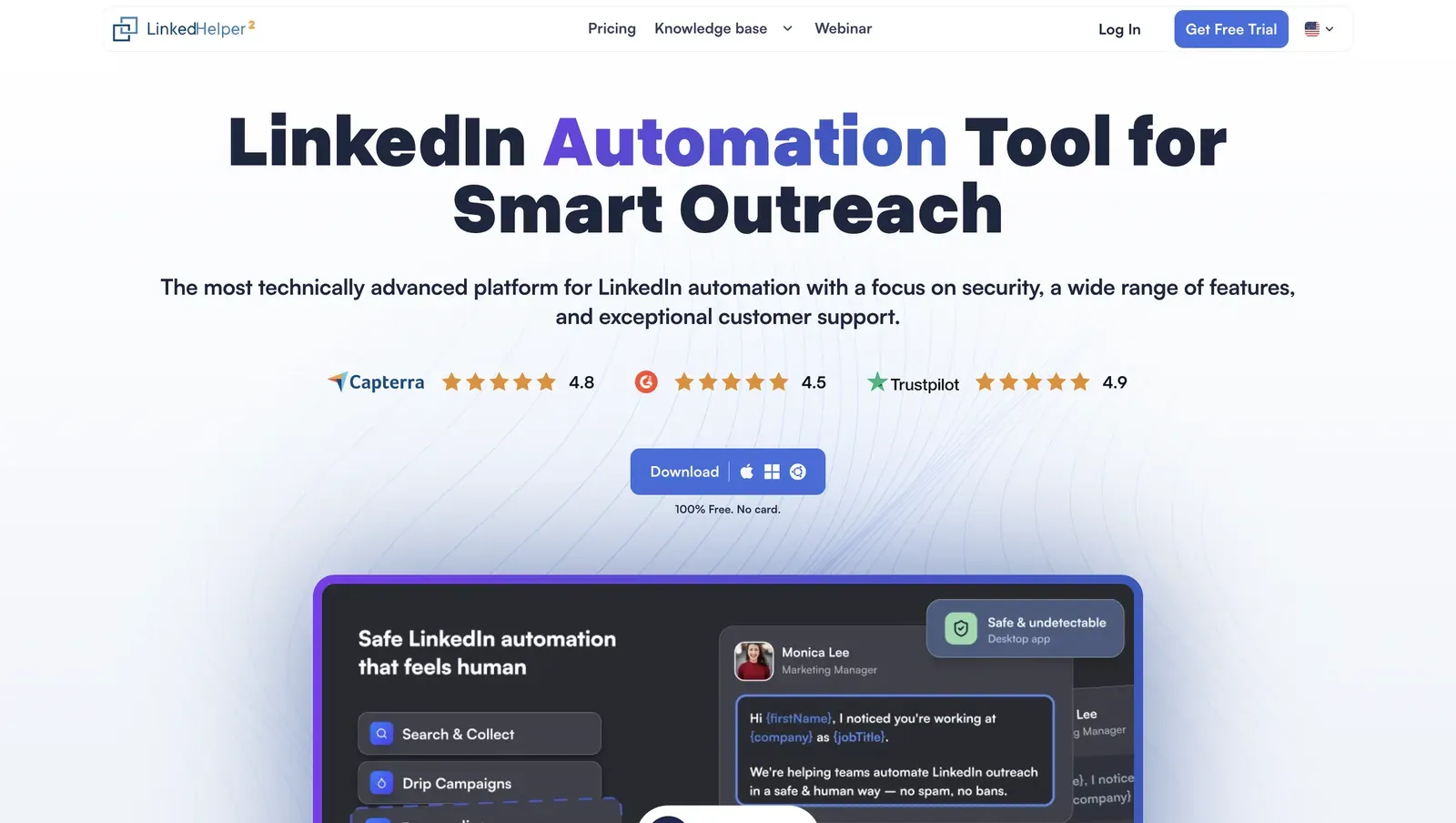
Founded in 2016 and headquartered in Wilmington, Delaware, Linked Helper is a Windows, macOS, and Ubuntu LinkedIn automation app with its own built-in browser engine. It handles prospect collection, connection invites, follow-ups, data enrichment, and CRM handoff for LinkedIn and Sales Navigator workflows. A 12-month Standard license is $8.25/mo equivalent, with a 14-day trial; the 825-review corpus averages 4.85★, while the latest six-month slice has edged up to 4.86★ across 23 reviews, suggesting consistently strong user satisfaction.
Quick facts about Linked Helper
- Founded: 2016
- HQ: United States (Wilmington, DE)
- Pricing: Standard $15/mo ($8.25/mo annual), Pro $45/mo ($24.75/mo annual), 14-day free trial
- G2: 4.5★ (142) · Capterra: 4.9★ (252) · Trustpilot: 4.91★ (431)
- Last 6 months: 4.89★ (trending up) across 23 reviews
- Architecture: desktop
Vendor pricing, company & feature pages (as of 2026-07-09) + G2, Capterra, Trustpilot & Reddit reviews (computed 2026-07-09)
Key Features
- Desktop app + VPS/Web Version — the Web Version provides browser access to a Linked Helper instance running on a user-controlled VPS, enabling 24/7 automation while the LinkedIn session remains on infrastructure the user controls.
- AI outreach suite — AI ICP Detection scores prospects against an ideal customer profile; AI Personalized Messages generate tailored invitations and follow-ups; AI Comments automate contextual engagement before outreach; AI Reply & Editor translates, rewrites, shortens, and drafts context-aware responses directly in the Inbox.
- Redesigned campaign dashboard and inbox — a centralized control center for AI drafts, replies, active campaigns, and key performance metrics.
- Multi-channel support resources — four support channels, a 262-article knowledge base, and an active community forum provide multiple recovery paths when setup or campaign issues occur.
- Per-account proxy management plus a built-in proxy quality checker help validate the connection LinkedIn will see before accounts are connected.
- Lead enrichment and data freshness — Enrich prospect profiles from the platform's own database instead of relying solely on LinkedIn, reducing profile views and other LinkedIn actions that can contribute to detection. Verified work emails include freshness timestamps, helping teams filter out stale contact data and prioritize recently validated records.
- CRM and automation ecosystem — 11 native CRM connectors plus Zapier, Make, and webhooks simplify syncing leads into existing sales workflows.
- Support ecosystem — four support channels, a 262-article knowledge base, and an active community forum provide multiple paths to resolve setup, campaign, and technical issues.
A useful signal from the reviews is the consistently positive feedback on customer support, particularly during onboarding and implementation.