

 Granular Data Selection
 Data Freshness Control
 Flexible Email Prioritization
 Data Enrichment Setup
 Safe Data Enrichment
 Integrations

Choose Exactly Which Data to Enrich
Add the Data Enrichment action to your campaign and tick only the fields you need: emails, phone numbers, profile or company data. You're charged only for the data that's found.
Linked Helper is a LinkedIn data enrichment tool that adds business and personal emails, phone numbers and 50+ profile and company fields to your leads without opening their profiles, then syncs everything to your CRM and outreach workflows.


Get complete LinkedIn profile data for every lead and focus on outreach instead of data collection.
 Without Data Enricher
 Scattered, Stale Data

 With Data Enricher
 Fresh Data on Demand
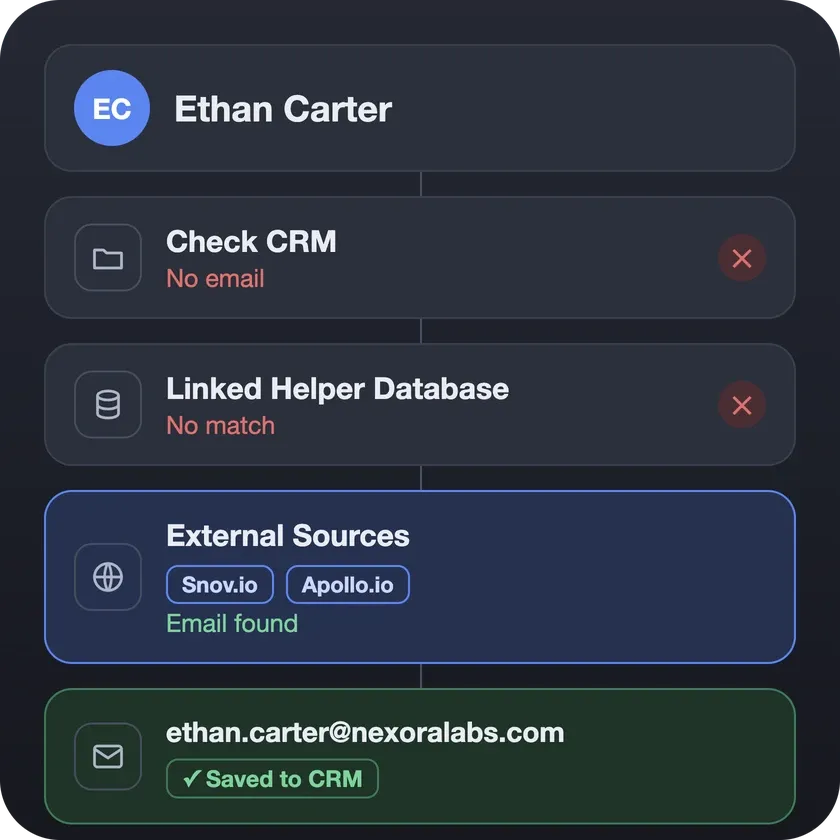
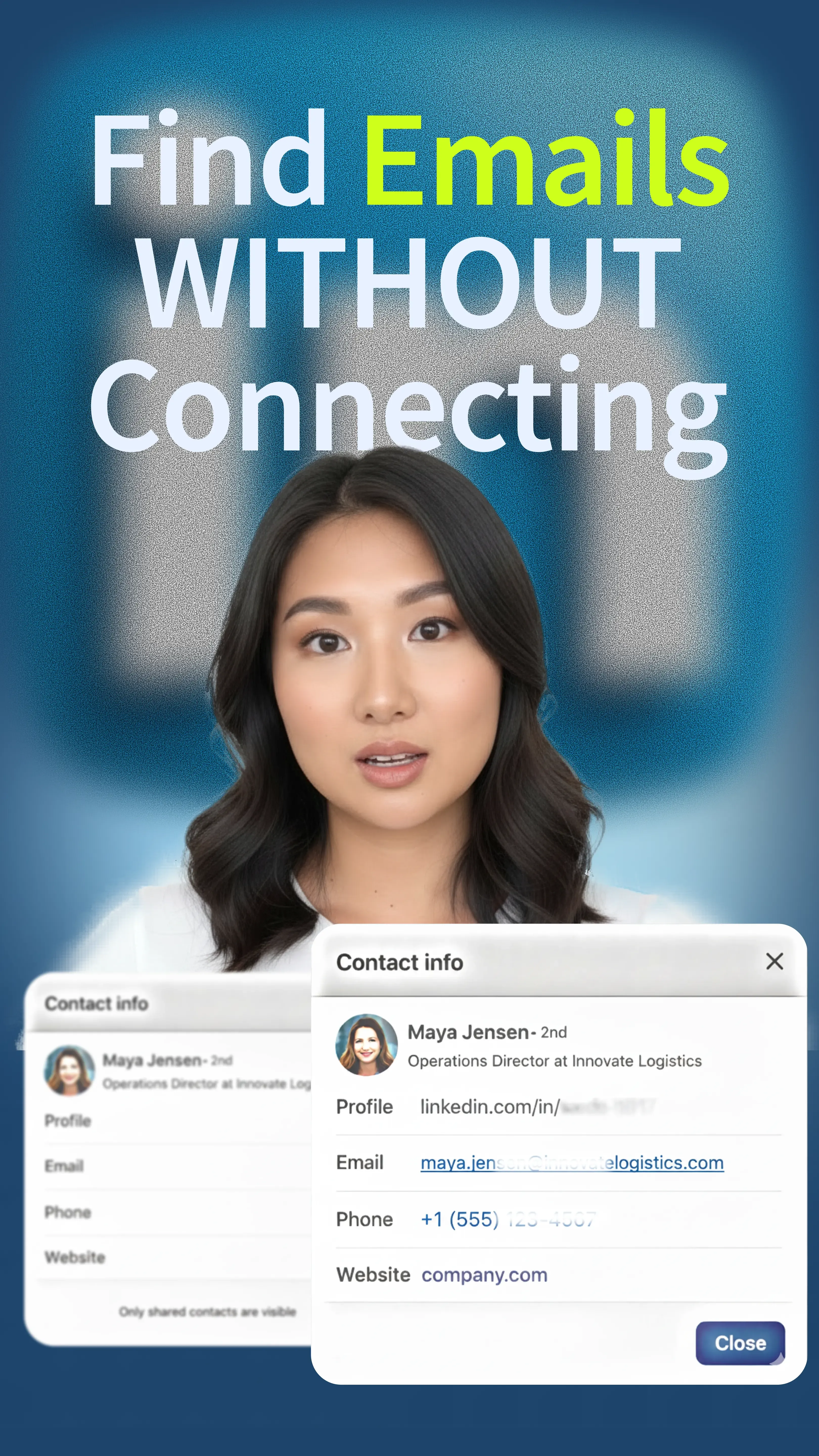
When an email is all you need, the Find Profile Emails action checks the Linked Helper database first and turns to Snov.io or Apollo.io only for the leads still missing one. Found emails go straight to your CRM or cold email tool, ready for follow-up.
Don’t waste credits on data fields you don't use. Check just necessary boxes. If you only need Phone numbers, you will only be charged for phone numbers.
Static databases often sell info that is years old. With Linked Helper, you set the threshold, like 30 days. If the data in our base is older than your limit, we simply won't extract it and won't charge you. You never pay for outdated leads.
Ensure your message lands in the right inbox. Choose to prioritize Business emails for B2B sales or Personal emails for recruiting.
Get the exact data you need on demand and instantly build richer prospect profiles for smarter outreach.
Add the Data Enrichment action to your campaign and tick only the fields you need: emails, phone numbers, profile or company data. You're charged only for the data that's found.

Collect profiles from LinkedIn Search, Sales Navigator or Recruiter, or upload a CSV list of profile URLs. Sales Navigator links work even without a paid Sales Navigator subscription.

Launch the campaign and export enriched data to CSV, or send it to your CRM automatically as soon as an email is found.
Add the Data Enrichment action to your campaign and tick only the fields you need: emails, phone numbers, profile or company data. You're charged only for the data that's found.
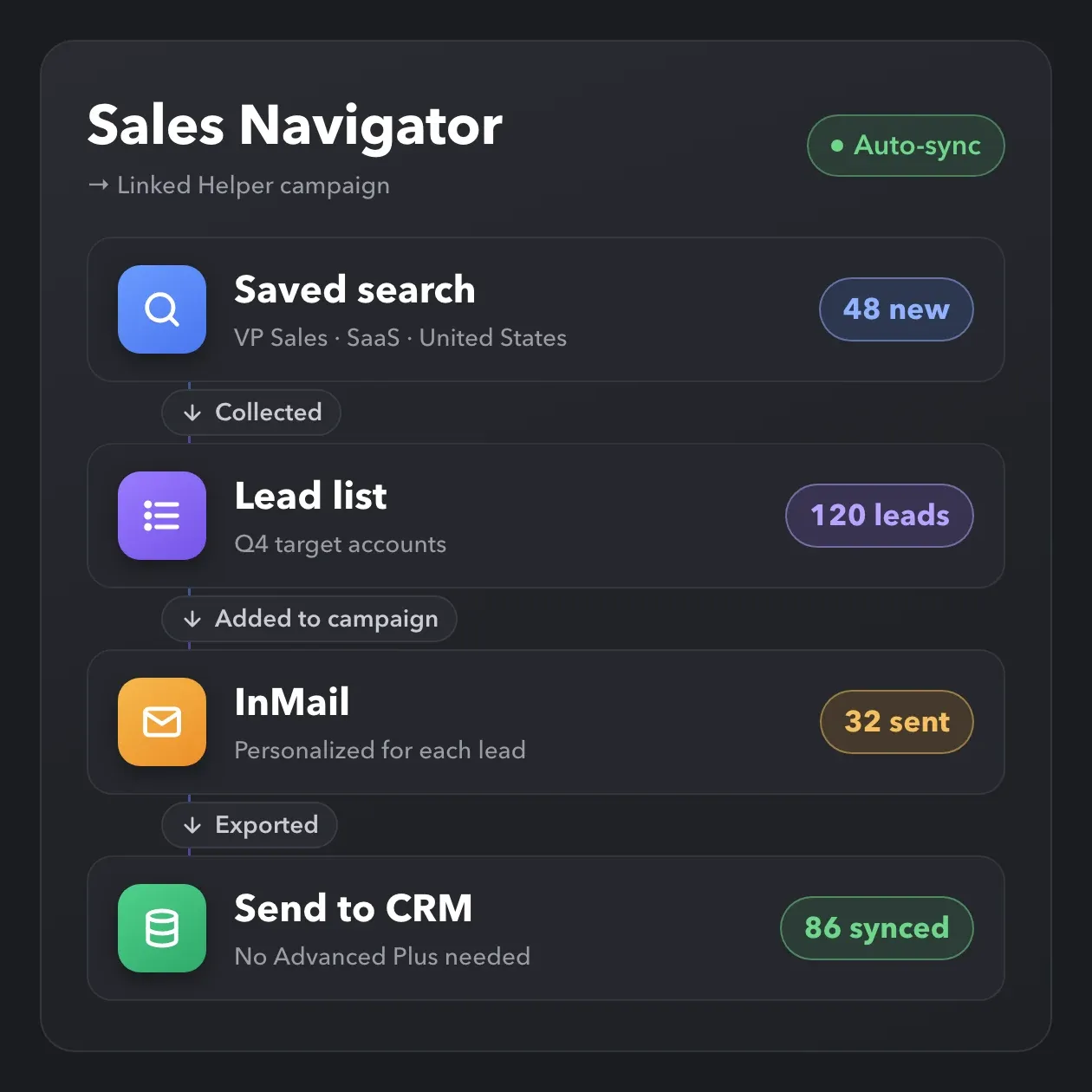
Collect leads from Sales Navigator searches, saved searches and lead lists, then run outreach from regular LinkedIn accounts for supported actions, so not every teammate needs a paid seat. Automate InMails, add new matches to campaigns automatically and send leads to your CRM without Advanced Plus.
Turn a simple LinkedIn URL into a comprehensive prospect profile. Extract deep insights to segment your audience and hyper-personalize your outreach.

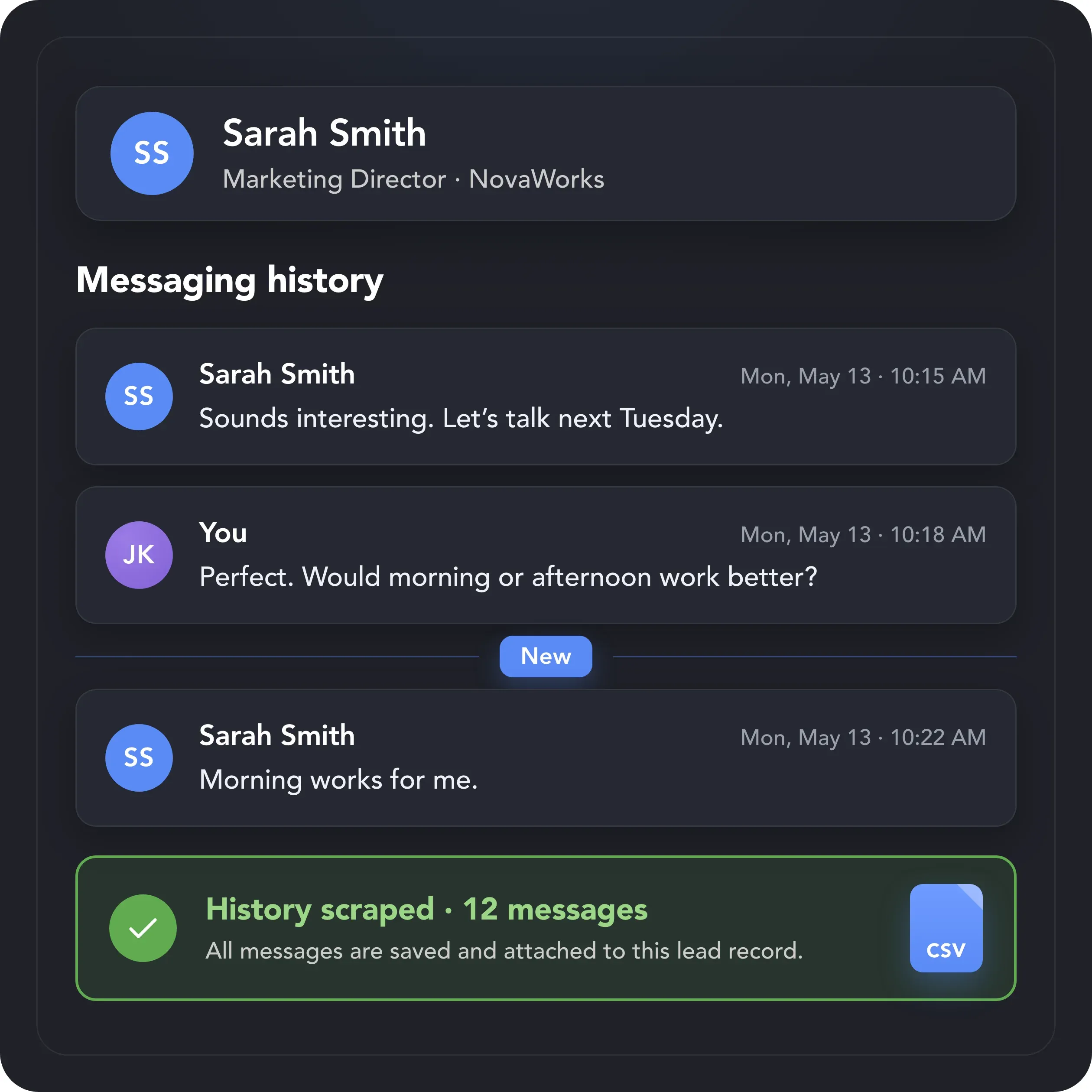
Add previous LinkedIn, Sales Navigator, and Recruiter conversations to enriched lead records. Recover earlier chats and export or sync the full relationship context.
Linked Helper is more than a data enrichment tool: it’s the complete outreach engine of your sales funnel. Automate complex scenarios to squeeze maximum value from every lead.


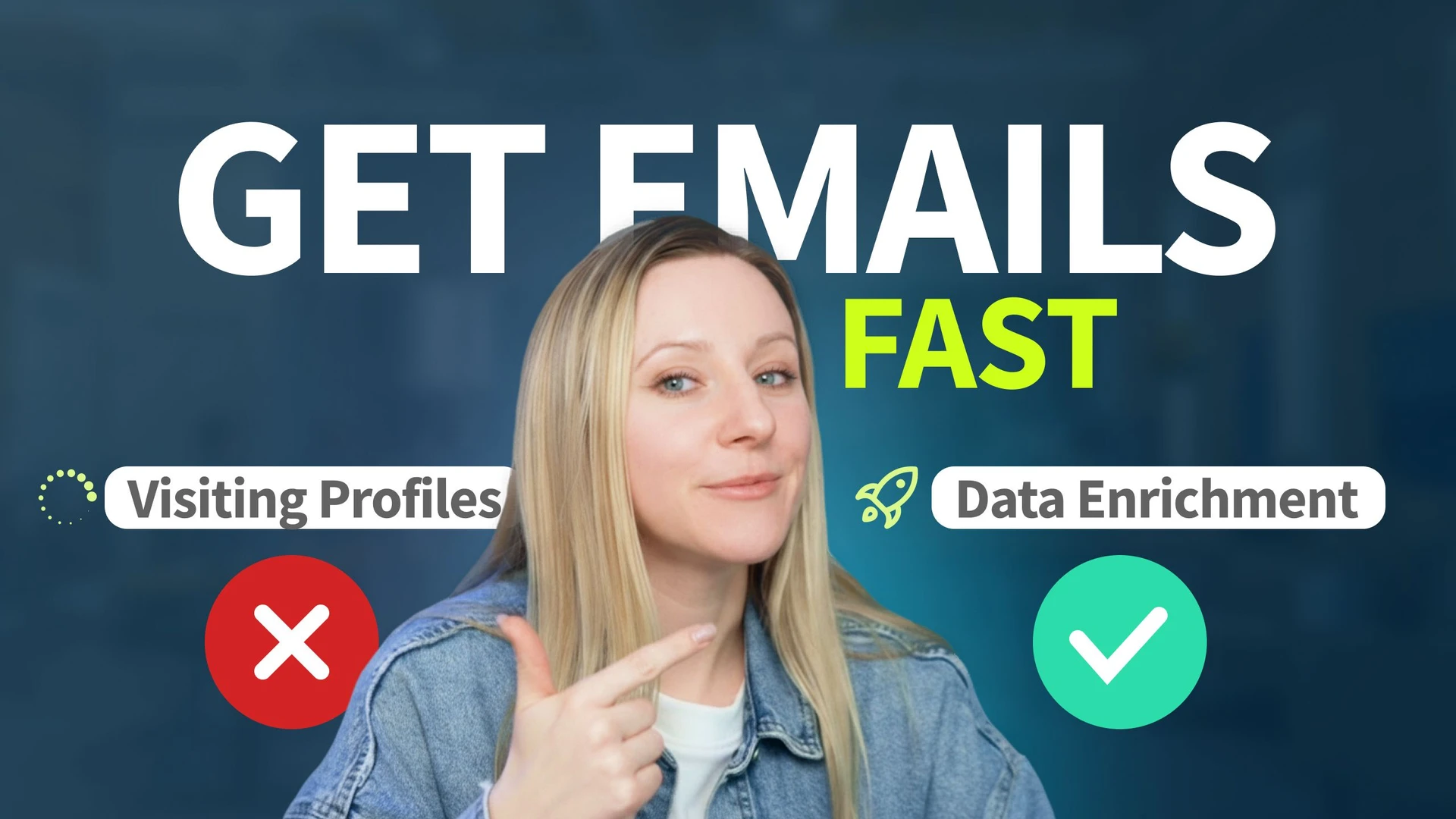
Enrichment from the Linked Helper database doesn't open LinkedIn pages, so your profile view limit stays untouched. Actions that do open profiles run within daily limits, working hours and human-like pacing.

Enrichment runs off-page, so it doesn't add profile views to your account. When a workflow does need to visit profiles, Linked Helper acts at a human pace within the daily limits and working hours you set.
 No Profile VisitsProfile Views SavedDatabase LookupDaily LimitsHuman-like PacingYour Own IP
We find emails through our internal database. No crawling, no interaction with LinkedIn infrastructure, and no waiting for hundreds of profiles to be processed.

LinkedIn monitors how many profiles you view daily. Enrichment happens off-page without opening profiles. Keep your daily limit available for high-value tasks like inviting and messaging.

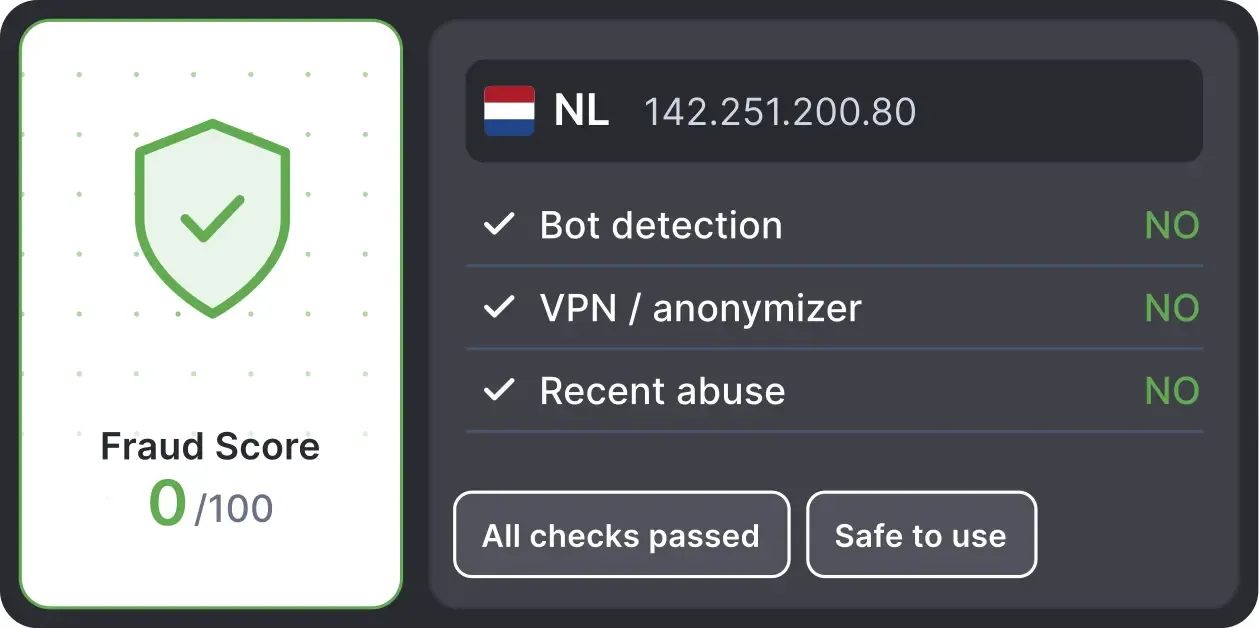
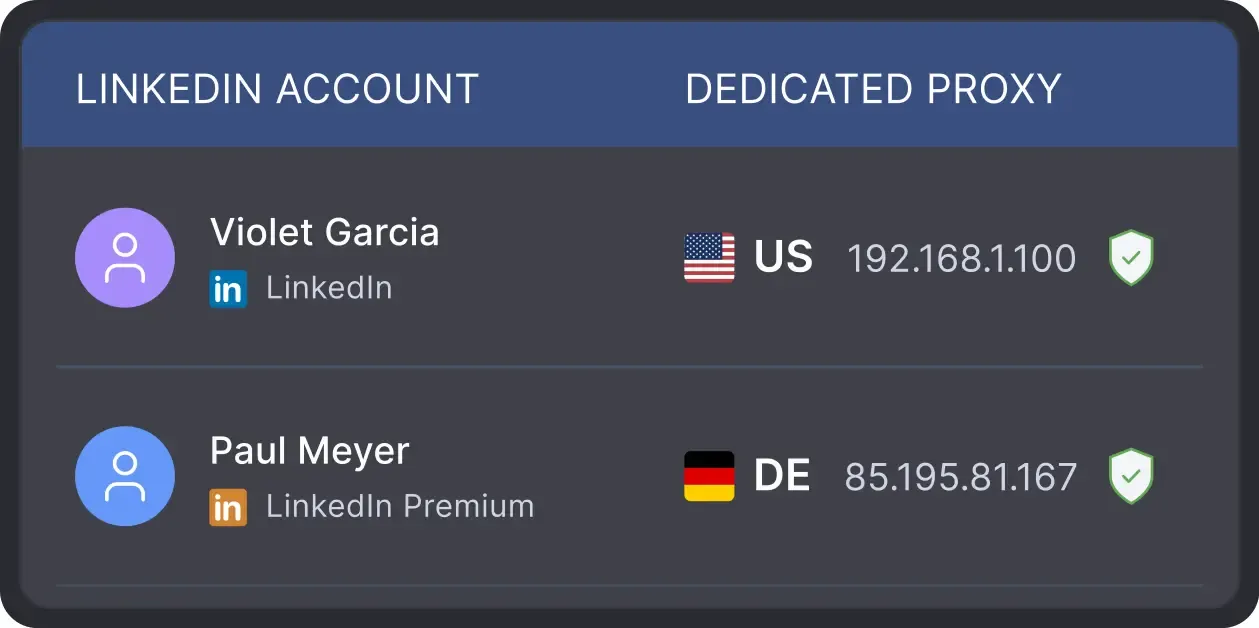
Built-in proxy validation checks each proxy's Fraud Score via IPQualityScore and flags IPs previously used by bots, crawlers, or VPN/proxy services — so you can replace a bad proxy before it causes problems.
When your strategy does require visiting profiles, Linked Helper acts at a human pace: it mimics clicking, mouse movements, scrolling and typing.
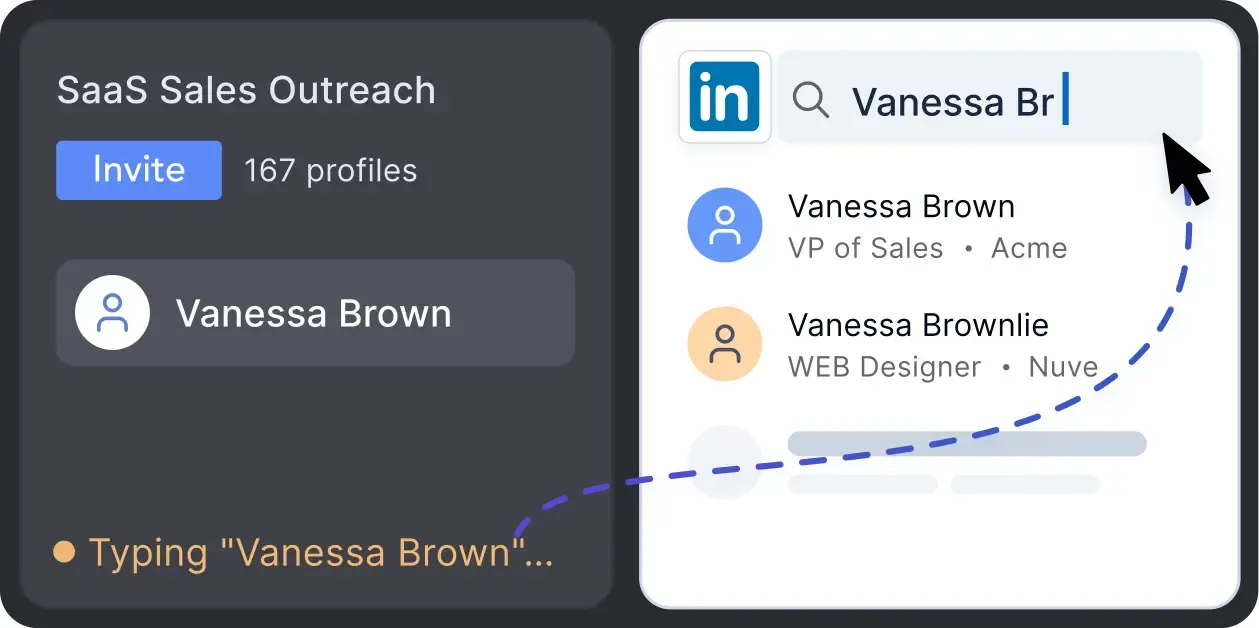
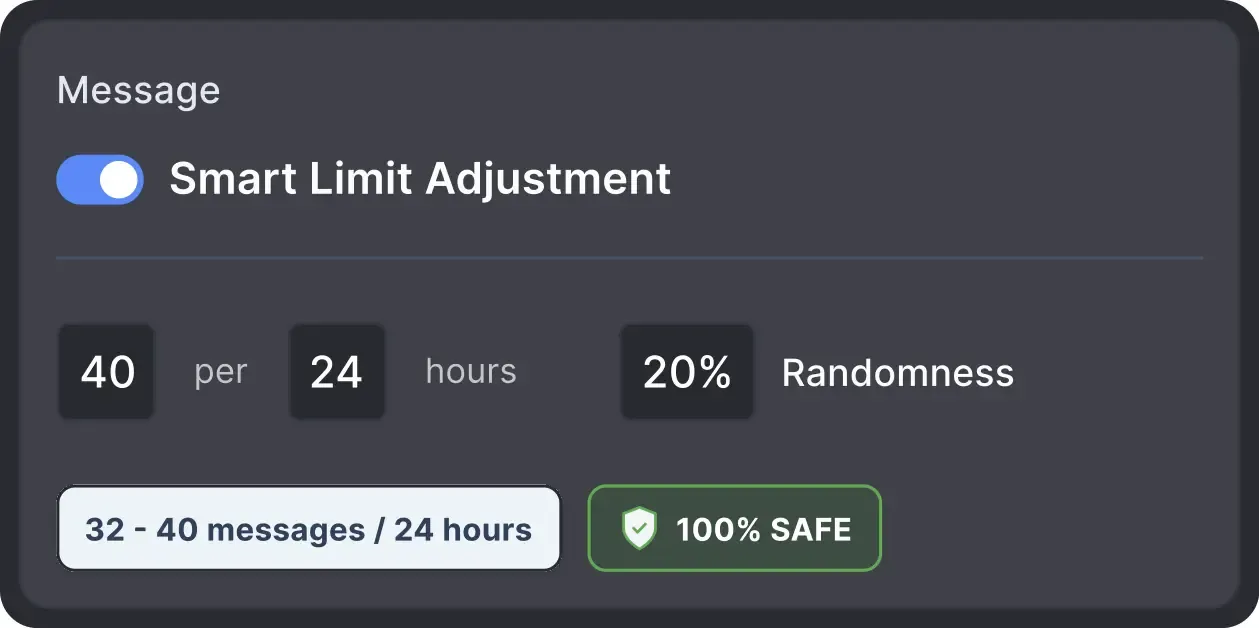
Operates within safe, recommended daily quotas and works on a human-like schedule with random shifts to avoid robotic patterns.
All LinkedIn activity comes directly from your chosen local IP address or a dedicated proxy, avoiding a major red flag for LinkedIn.
Effortlessly gather valuable insights from LinkedIn without manual data entry. You can set up a CRM transfer after any step or only after a lead replies to a certain LinkedIn message for maximum precision. Sync LinkedIn chats with CRM so the entire team can view lead responses.


Basic

Premium

Sales Navigator

Recruiter
Basic
Premium
Sales Navigator
Recruiter
From finding leads to closing deals, Linked Helper automates every step of your outreach funnel. Explore every LinkedIn automation feature included in your plan.






LinkedIn Helper is affordable, scalable and reliable. It gives me complete control over my campaigns. Recently, the LinkedIn Helper Team added the feature to crowdsourcing emails - which makes it, on top of everything else, probably the most cost-efficient and reliable email-finding tool on the market as well.

I like everything about it: design, native interface, clear structure of work, incredible customization of campaigns and sequences, additional plugins and their fine-tuning, e-mail finder function, ability to synchronize with Sales Nav, send InMail messages, upload leads to CRM or collect them in Excel and much more!
I liked that it can automate almost every thing in LinkedIn, and make multiple campaigns like sending connection requests, sending email messages and send followup message and extract profile email, and a lot more and all if that is done in a safe way so the LinkedIn account avoid block, it save a lot of time and efforts in a safe way.
I’ve been using LinkedHelper for about a year now. It works just like a real human, and I haven’t had any issues with my LinkedIn accounts since I started. I’ve had some bad experiences with other automation tools that got me blocked, but LinkedHelper has been great.
It's invaluable as a method to extend my outreach and communication within LinkedIn, passively while I get on with other work. It is sensibly paced, doesn't flag any LinkedIn issues or break any parameters, and is like having another person working with me (but a whole lot cheaper).

LinkedHelper is the essential part of our sales workflow. Helps our company getting 10-20 client demos each week. I can't recommend enough. It's a must have for any B2B sales team.
Using Linked Helper now over a couple of months and have to say it works flawlessly. Onboarding new contacts, sending out follow-ups messages... everything is automated once you set it. Just top to increase the network with this tool!
Setting up campaigns is a breeze, and I particularly love that you can target post commenters, engagers, and event attendees. This flexibility really sets LinkedHelper apart. My connection request acceptance rate is impressive, hovering around 20-30%.
No chatbots. No waiting days for a reply. Get fast, expert help from real people
who are committed to your success, anytime you need it.
Aleksandra T.
Business Owner, Supplies and Equipment
A huge shout-out to their Customer Support and Client Support teams—the helpdesk is incredibly responsive, professional, and always provides clear solutions to any technical questions.
 Review
24/7 LIVE CHAT & EMAIL
Get a real human response in minutes, not days.
REMOTE ASSISTANCE
If you're truly stuck, we can connect to your computer and guide you.
IN-DEPTH KNOWLEDGE BASE
Step-by-step video tutorials and articles for every feature.
Join our weekly live training for a kick-start, or explore our library of bite-sized guides at your own pace. We provide every resource to help you scale safely.

A 60-minute live walkthrough to kick-start your LinkedIn lead generation. Register now to join live or receive the recording by email even if you can’t attend.


BLOG POST
VIDEO TUTORIAL
Standard plan includes the full LinkedIn automation toolkit, with usage limits on some advanced features.
Pro plan increases advanced feature and integration limits, and adds full message history export.

All your data stays on your device in local folders you can access directly.

Each account has its own isolated storage - no data mixing.

With outgoing webhooks, Linked Helper can send data to third-party systems.

Data is stored in local folders on your device. No app, no internet required to access your files.

Install the app on a new device and pick up right where you left off.

Share LinkedIn accounts and campaign data without manual exports.
With incoming and outgoing webhooks, Linked Helper can receive data from and send data to third-party systems.

Your data is automatically backed up to the cloud - no risk of losing it if something happens to your device.

Switch devices or reinstall the app without moving files manually.
Local tax may apply
LinkedIn data enrichment adds contact and company details to LinkedIn profiles: business and personal emails, phone numbers, job and company data, and 50+ other fields. Linked Helper's Data Enricher takes this data from its own database and, optionally, Apollo.io and Snov.io, without opening the profiles, and charges credits only for the data it finds.
Add emails, phone numbers and 50+ profile fields to every lead, pay only for the data that's found, and send it straight to your CRM.









 Save My Spot