Contact Management & CRM

A Built-In LinkedIn CRM: Turn Leads Into Campaign-Ready Segments

Decoration lines
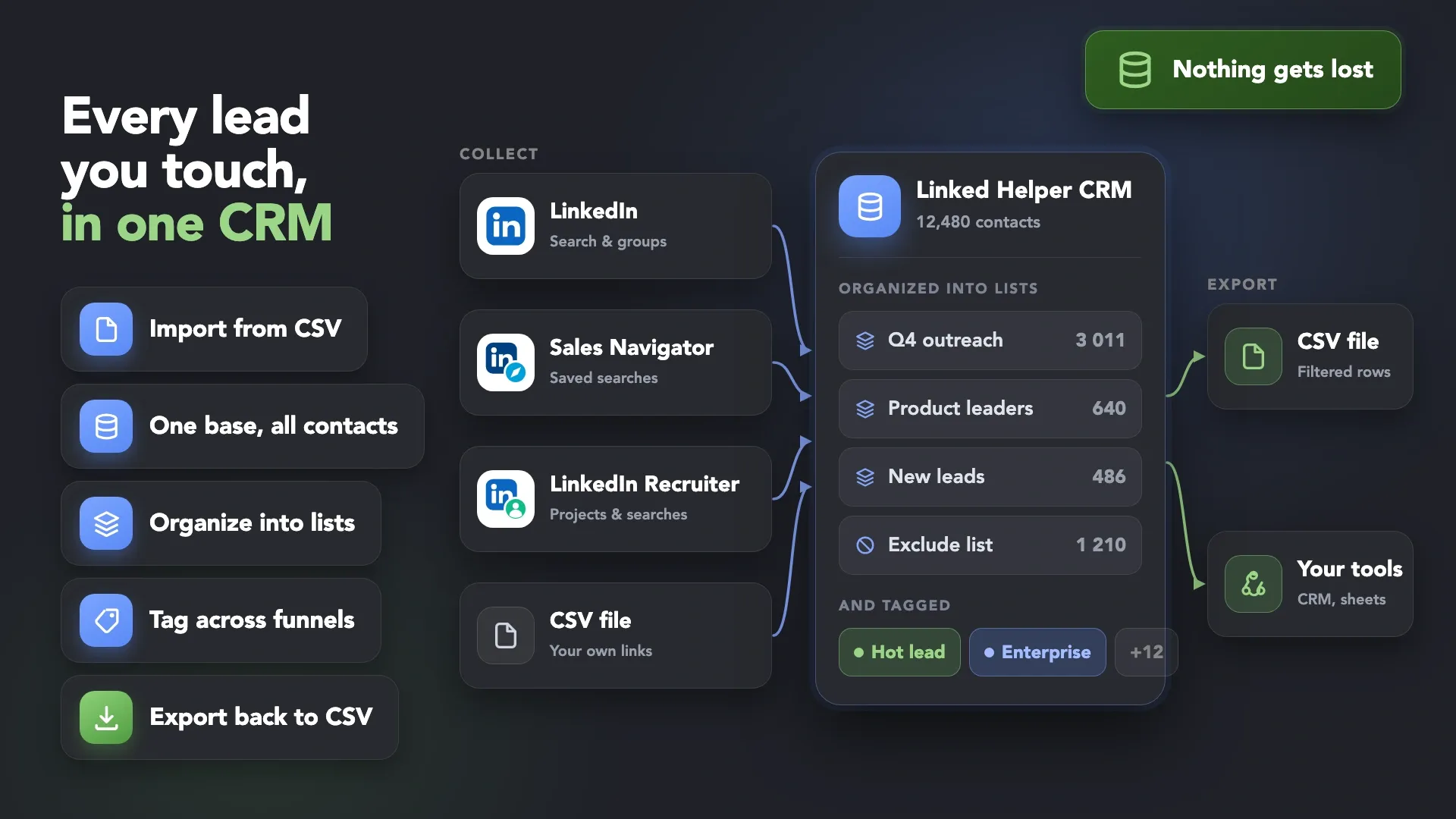
Linked Helper CRM: contacts collected from LinkedIn, Sales Navigator, Recruiter and CSV, organized into lists and tags
Watch Demo
3 min · no signup
Start Free Trial
100% Free. No card.

Trusted by over 10,000 businesses worldwide

Turn a Growing LinkedIn Network Into
a System You Can Actually Use

Cross iconWithout Linked Helper

Scattered Lead DataScattered Lead Data
â—Ź Contacts remain scattered across LinkedIn, campaigns, and spreadsheets.

â—Ź Finding the right leads means searching through disconnected lists.

â—Ź The same leads appear across multiple campaign lists.

â—Ź Sales Navigator leads remain disconnected from your outreach workflow.
Arrow from before to after

Checkmark iconWith Linked Helper

Structured Lead DatabaseStructured Lead Database
â—Ź Keep collected and imported profiles in one searchable CRM.

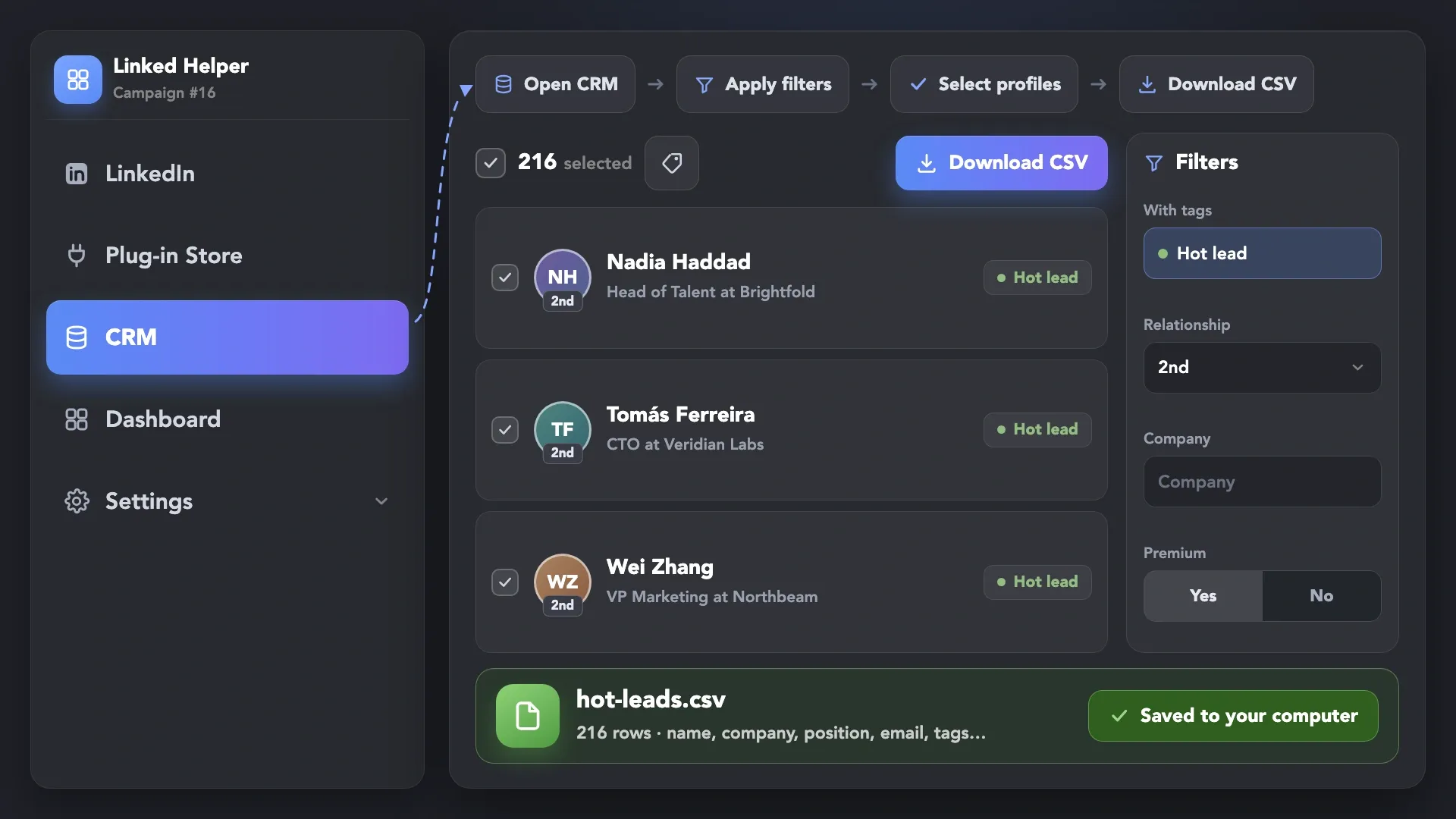
â—Ź Filter contacts by relationship degree, company, tags, and other available profile data.

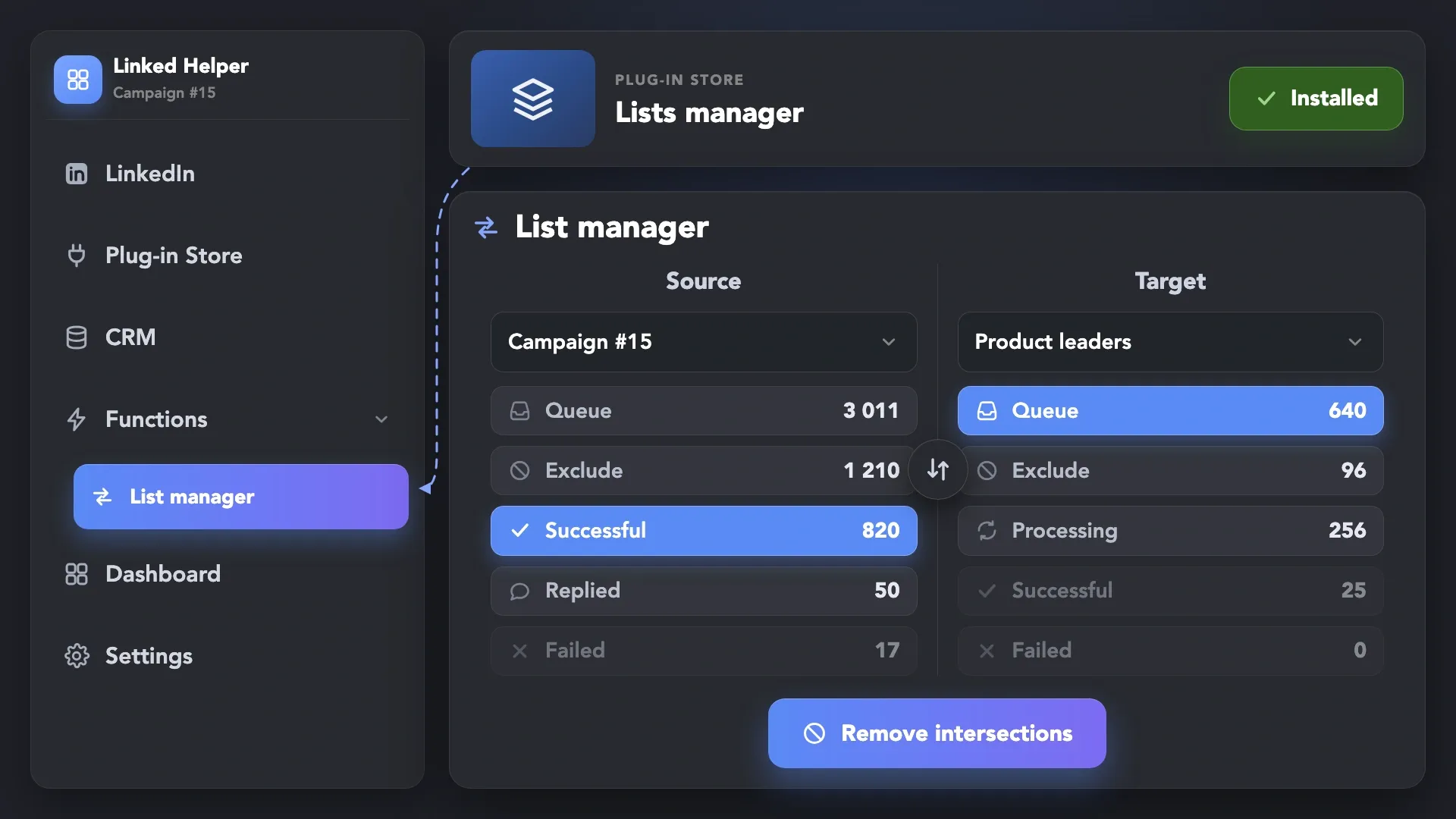
â—Ź Compare campaign lists and remove overlapping profiles.

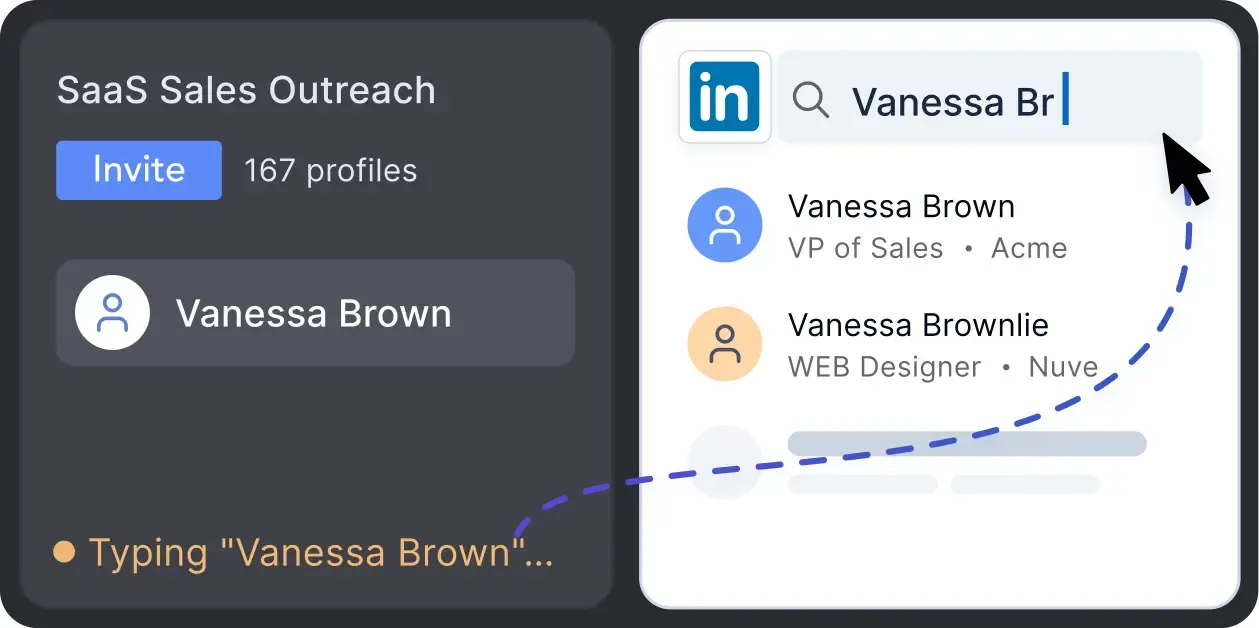
â—Ź Move selected leads from LinkedIn and Sales Navigator into campaigns.

Organize LinkedIn Contacts in a
Built-In LinkedIn CRM Tool

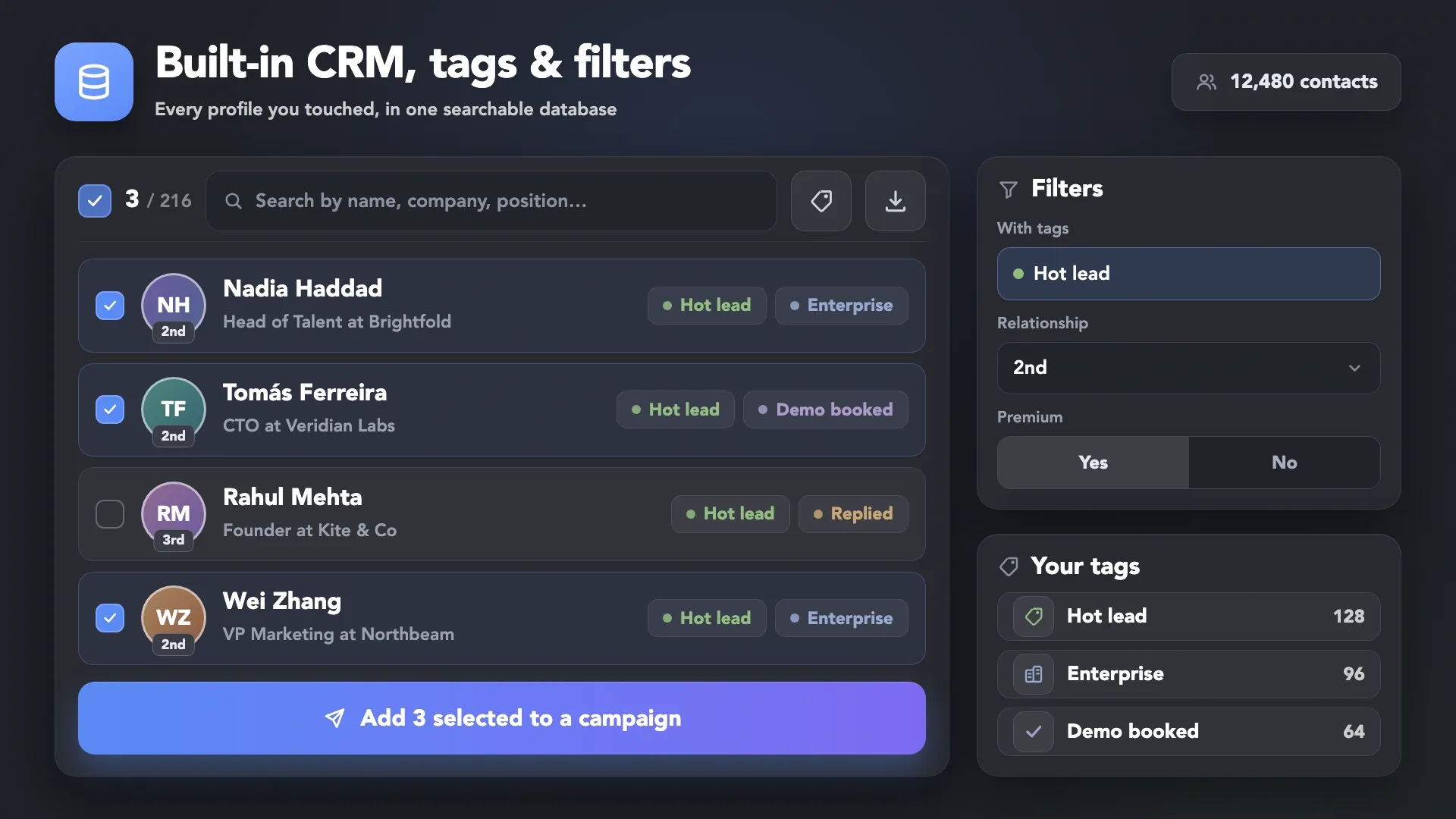
Built-in CRM with tags and filters: searchable contact list, tag filters and Add to campaign action

Unlock Professional Team Sync
with Cloud Storage

Cloud-based Storage

Cloud-based Storage

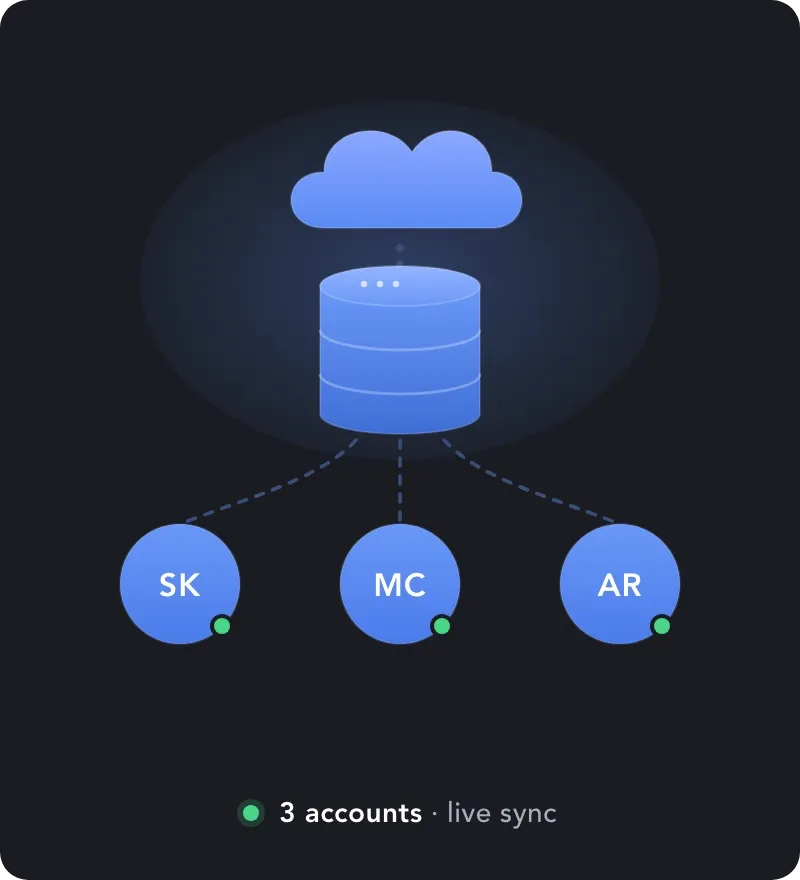
Take your team's efficiency to the next level. With Cloud-Based Storage, shared CRM profiles can also be moved between LinkedIn accounts you have access to, not just between campaigns within one account.

Explore our Cloud features to see how you can synchronize your entire sales force, eliminate manual CSV routines, and ensure your lead data remains safe and accessible 24/7.

Keep Campaign Lists Clean and Organized

Move Your LinkedIn Leads Wherever You Need Them

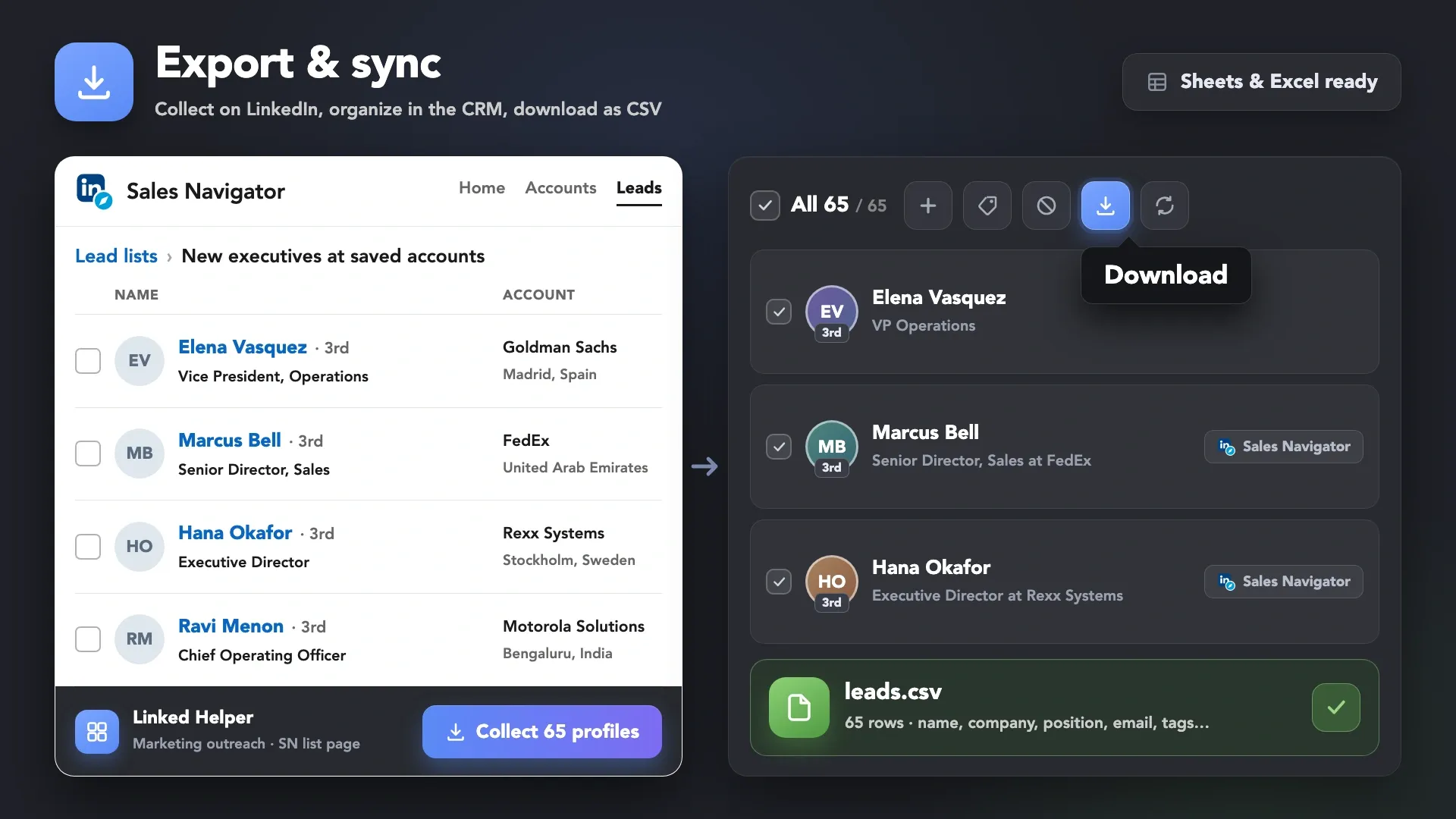
Export and sync: profiles collected from a Sales Navigator lead list and downloaded from Linked Helper as a CSV file

Need More Lead Data? Export the Full Record

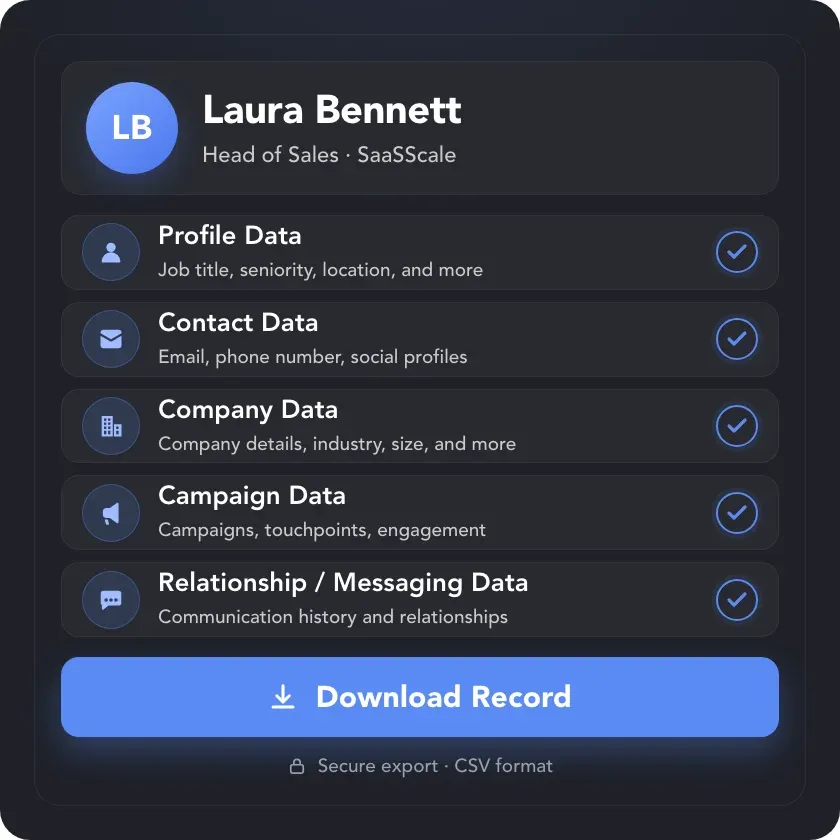
Linked Helper Data Export showing a complete lead record with profile, contact, company, campaign, relationship, and messaging data ready to download.

Data Export

Collect 200+ data points for every lead in one place — including profile, company, campaign, relationship, and messaging data — and export the complete dataset wherever you need it.

From Scattered Contacts to
Campaign-Ready Leads

Complete Your Workflow Optimization Toolkit

Info card icon

Multi-Account Manager

Info card icon

Multi-Campaign Automation

Info card icon

Replies Control

Info card icon

Action Timing Control

Manage Your Contacts at a Pace You Control

Protection Built Into Every Account

Protection Built Into Every Account

Linked Helper works in a real browser, acts at a human pace with mouse movements, typing and randomized delays, follows your working hours and daily limits, and runs from your own IP or a proxy you choose.

Real BrowserReal BrowserHuman-like ActionsHuman-like ActionsWorking HoursWorking HoursDaily LimitsDaily LimitsYour Own IPYour Own IPDedicated ProxyDedicated Proxy

Human Behavior Simulation

Mimics human actions with mouse movements and clicks, typing, and randomized delays. Navigates via LinkedIn search rather than direct URLs.

Human Behavior Simulator

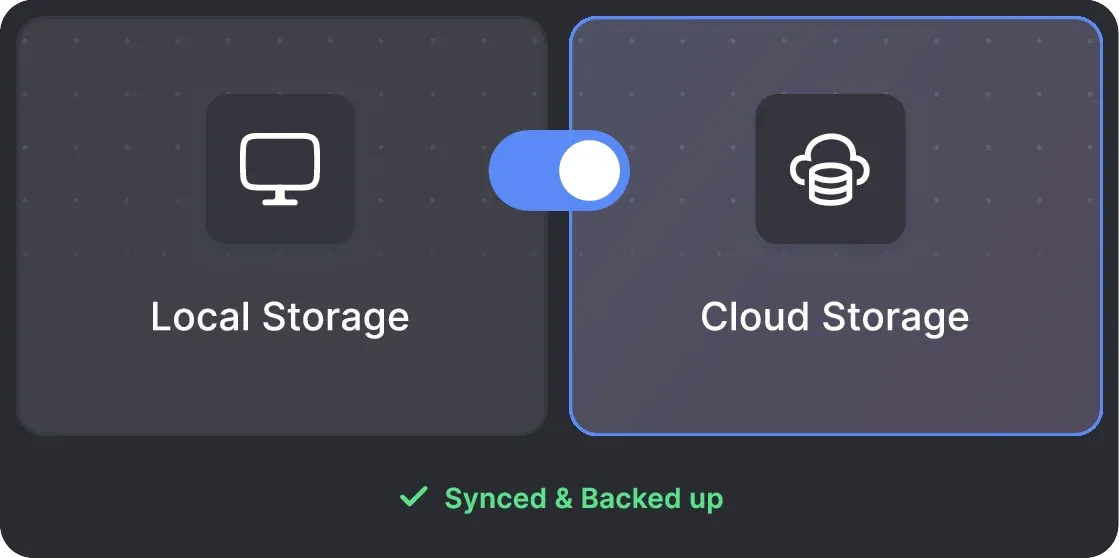
Local & Cloud-Based Storage

Your data can be stored on your PC or in the cloud. Local storage keeps your lead database on your device.

Local & Cloud-Based Storage

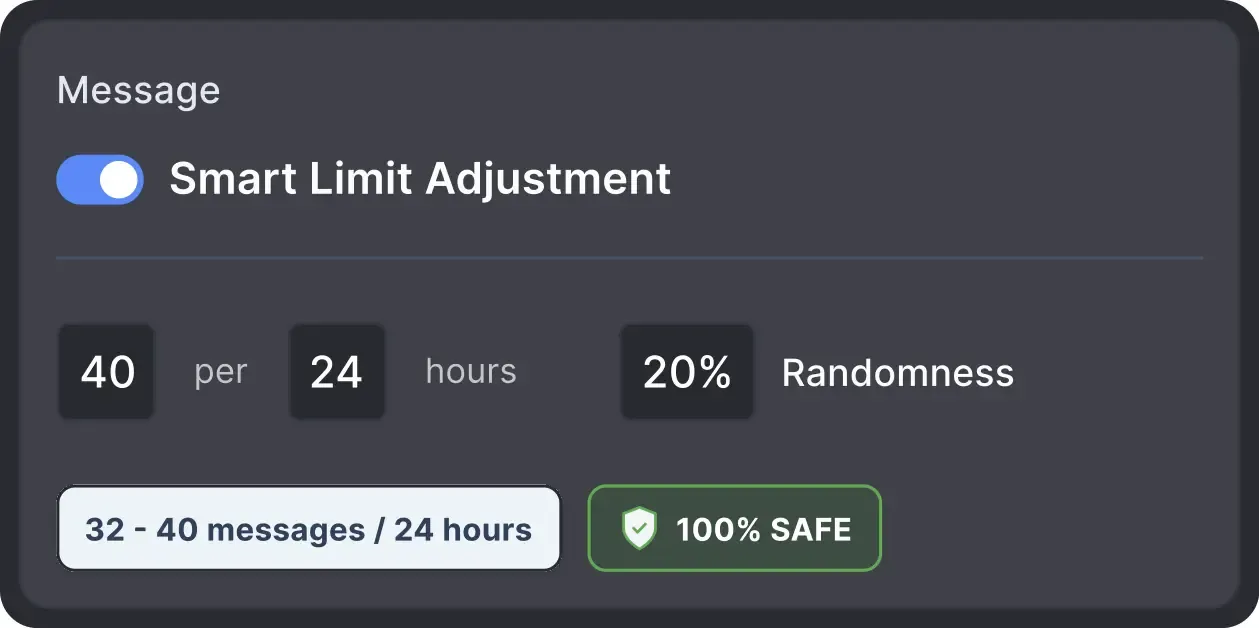
Smart Daily Limits

Operates within safe, recommended daily quotas and works on a "human-like" schedule (e.g., 9 AM - 5 PM) with random shifts to avoid robotic patterns.

Smart Daily Limits

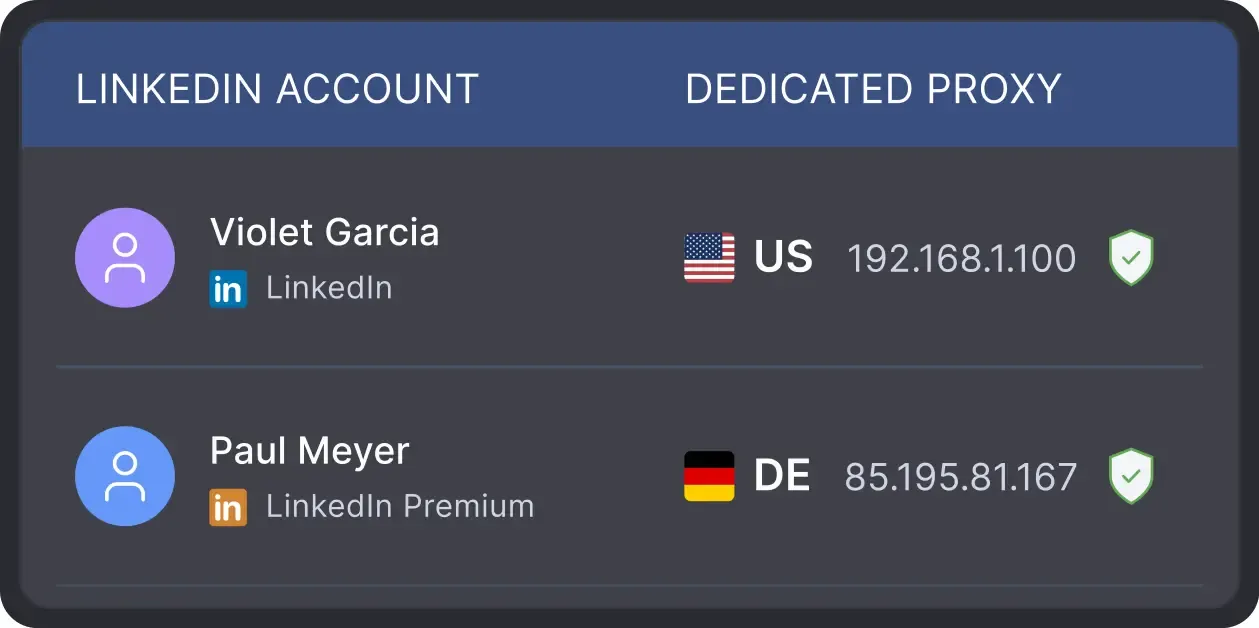
Works From Your Own IP

All activity comes from your local IP address or a chosen dedicated proxy, not a suspicious server, avoiding a major red flag for LinkedIn.

Works From Your Own IP

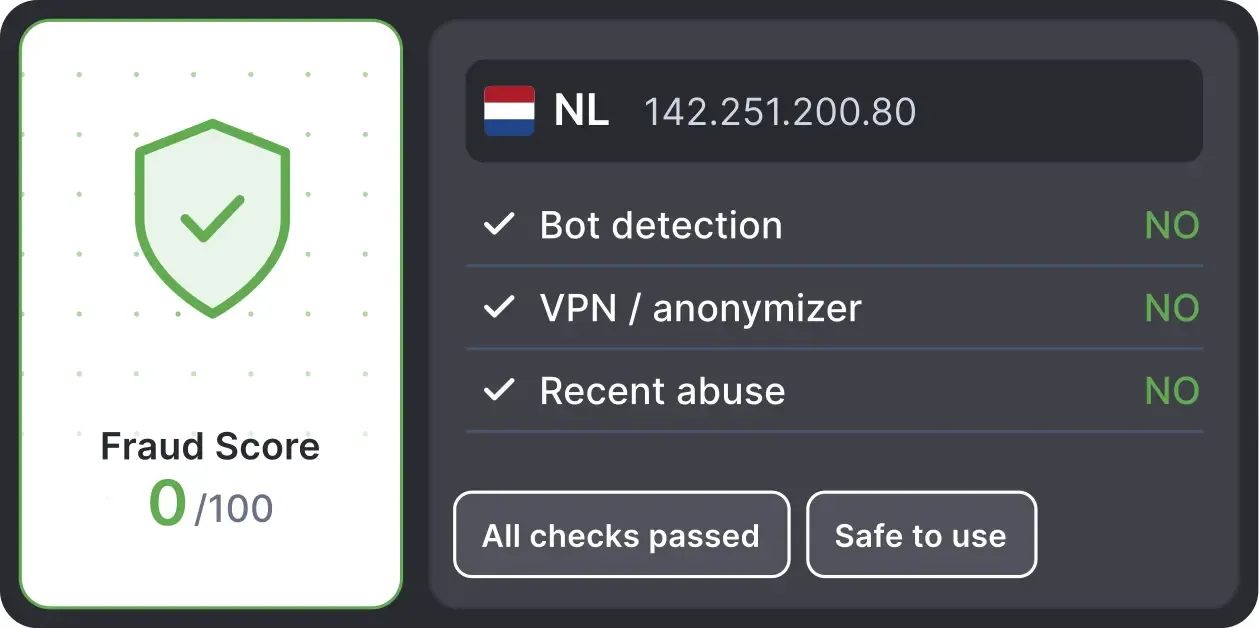
Built-in Proxy Quality Check

Checks your proxy's Fraud Score and marks it Good or Bad, so you can decide before you run campaigns.

Built-in Proxy Quality Check

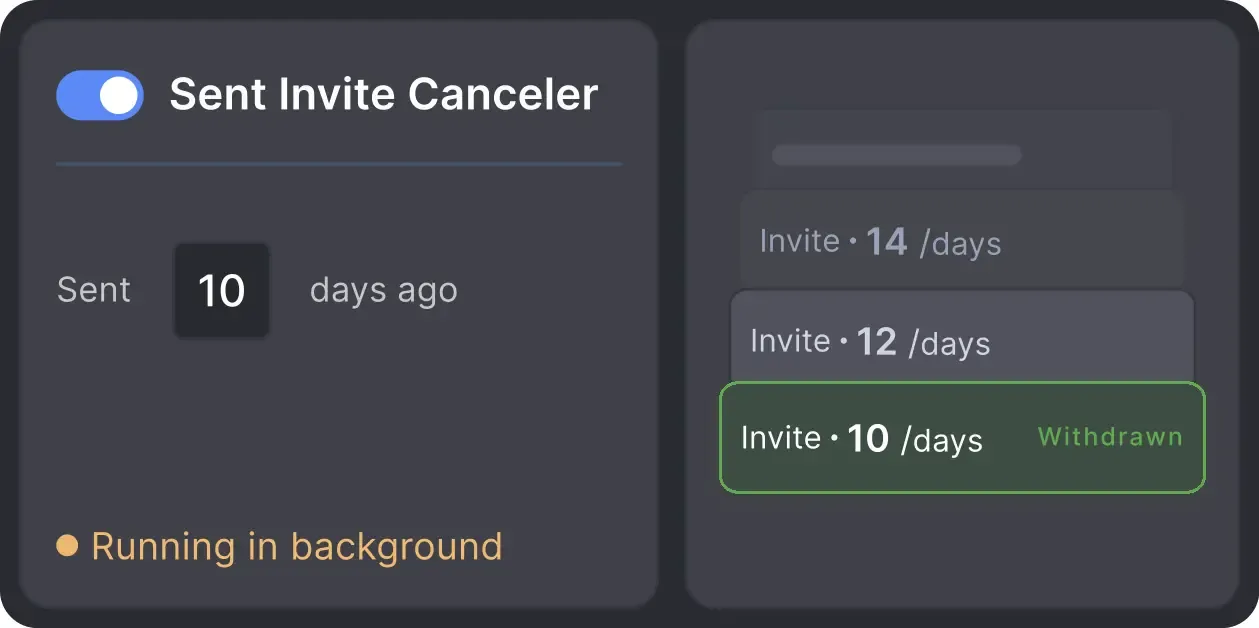
Auto Invite Withdrawal

Automatically withdraws old, unanswered connection requests, so your list of pending invitations stays short.

Auto Invite Withdrawal

Works with All LinkedIn Platforms

LinkedIn Platform

Basic

LinkedIn Platform

Premium

LinkedIn Platform

Sales Navigator

LinkedIn Platform

Recruiter

Your Complete LinkedIn Automation Toolkit

Info card icon

Smart Connection Requests

Info card icon

Warm-Up & Engage Prospects

Info card icon

Find, Collect & Enrich Leads

Info card icon

Grow Your LinkedIn Assets

Info card icon

Scale Your Operations

Info card icon

Integrate & Export Your Data

What Users Say About the Built-In LinkedIn CRM

Medal
Medal
Medal
Medal
Medal
Medal
Read Full Reviews

Support That Actually Solves Problems

Aleksandra T.

Business Owner, Supplies and Equipment

A huge shout-out to their Customer Support and Client Support teams—the helpdesk is incredibly responsive, professional, and always provides clear solutions to any technical questions.

Review link iconReview

24/7 LIVE CHAT & EMAIL

Get a real human response in minutes, not days.

REMOTE ASSISTANCE

If you're truly stuck, we can connect to your computer and guide you.

IN-DEPTH KNOWLEDGE BASE

Step-by-step video tutorials and articles for every feature.

Read Guidelines

Flexible Pricing for Every LinkedIn Professional

Local-based storage versionCloud-based storage version

Data stored locally

All your data stays on your device in local folders you can access directly.

Separate data space for each LinkedIn account

Each account has its own isolated storage - no data mixing.

Webhooks

With outgoing webhooks, Linked Helper can send data to third-party systems.

Always accessible

Data is stored in local folders on your device. No app, no internet required to access your files.

Access from any device, anywhere

Install the app on a new device and pick up right where you left off.

Easy data sharing with teammates and clients

Share LinkedIn accounts and campaign data without manual exports.

Webhooks

With incoming and outgoing webhooks, Linked Helper can receive data from and send data to third-party systems.

Data reliability

Your data is automatically backed up to the cloud - no risk of losing it if something happens to your device.

No manual transfers

Switch devices or reinstall the app without moving files manually.

Local-based storage version

Trial

Free/ 14 days
  • 14-Day Full Feature Access
  • Explore Standard & Pro capabilities
  • 24/7 Support
MOST POPULAR
Local-based storage version

Standard

$15/ month
  • Core lead generation tools unlimited
  • Unlimited campaigns
  • Full data export to CSV (except messaging history)
  • LH CRM with tagging & notes
  • Limited advanced actions (20/day)
  • Webhook integrations (20 profiles/day)
  • 620 Data credits/month (Can be purchased separately if needed)
  • 250 AI credits included (Can be purchased separately if needed)
  • 24/7 Support
Local-based storage version

Pro

$45/ month
  • All Standard features
  • Unlimited daily actions
  • Advanced data export
  • Unlimited webhook integrations
  • Unlimited messages with images
  • 3100 Data credits/month (Can be purchased separately if needed)
  • 500 AI credits included (Can be purchased separately if needed)
  • 24/7 Support
Cloud-based storage version

Trial

Free/ 14 days
  • 14-Day Full Feature Access
  • Explore Standard & Pro capabilities
  • 24/7 Support
MOST POPULAR
Cloud-based storage version

Standard

$29.90/ month
  • Core lead generation tools unlimited
  • Unlimited campaigns
  • Full data export to CSV (except messaging history)
  • LH CRM with tagging & notes
  • Limited advanced actions (20/day)
  • Webhook integrations (20 profiles/day)
  • 620 Data credits/month (Can be purchased separately if needed)
  • 250 AI credits included (Can be purchased separately if needed)
  • 24/7 Support
Cloud-based storage version

Pro

$59.90/ month
  • All Standard features
  • Unlimited daily actions
  • Advanced data export
  • Unlimited webhook integrations
  • Unlimited messages with images
  • 3100 Data credits/month (Can be purchased separately if needed)
  • 500 AI credits included (Can be purchased separately if needed)
  • 24/7 Support
1 license = 1 LinkedIn account(Powerful AI automation and transparent credit pricing – choose the plan that fits your growth.)

Local tax may apply

Master Linked Helper from Day 1

Register for the webinar and learn how to succeed with our app
LIVE WEEKLY

Register for the webinar and learn how to succeed with our app

A 60-minute live walkthrough to kick-start your LinkedIn lead generation. Register now to join live or receive the recording by email even if you can’t attend.

Video preview
Video preview
Video preview
Video preview

VIDEO TUTORIAL

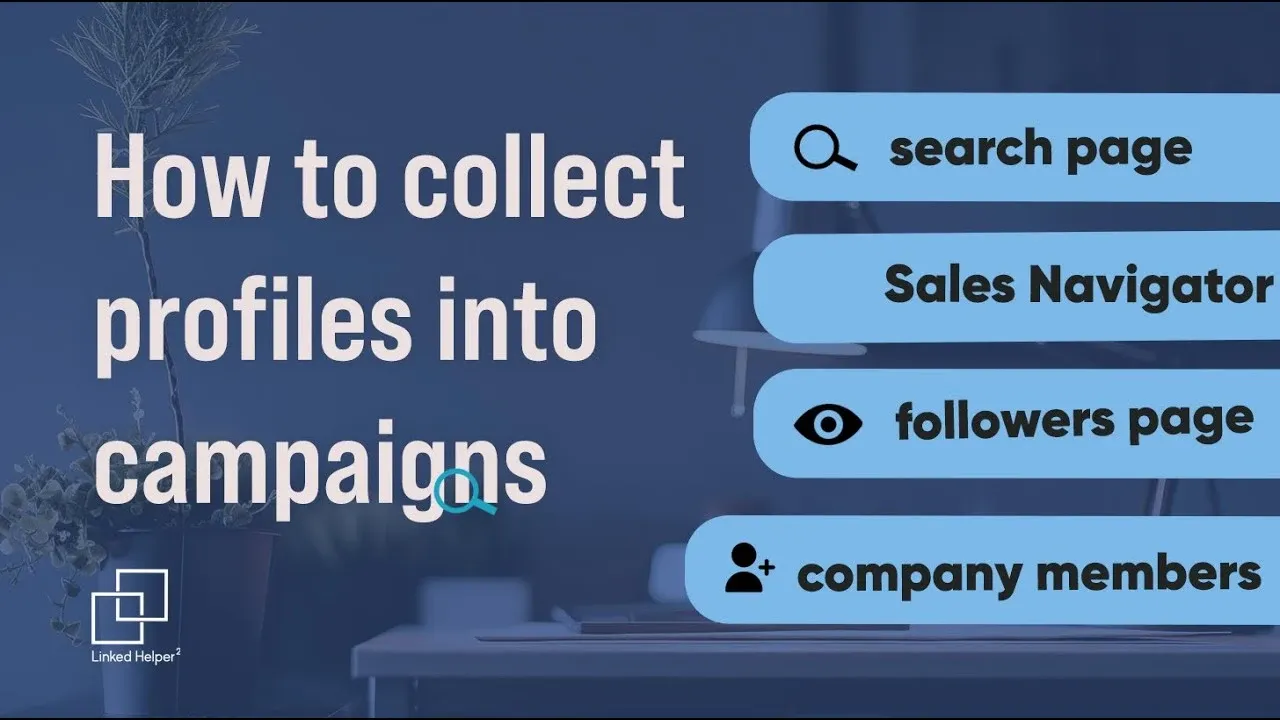
How to Collect Profiles from LinkedIn: From Basics to Pro Tips

Watch Video

Your Questions, Answered

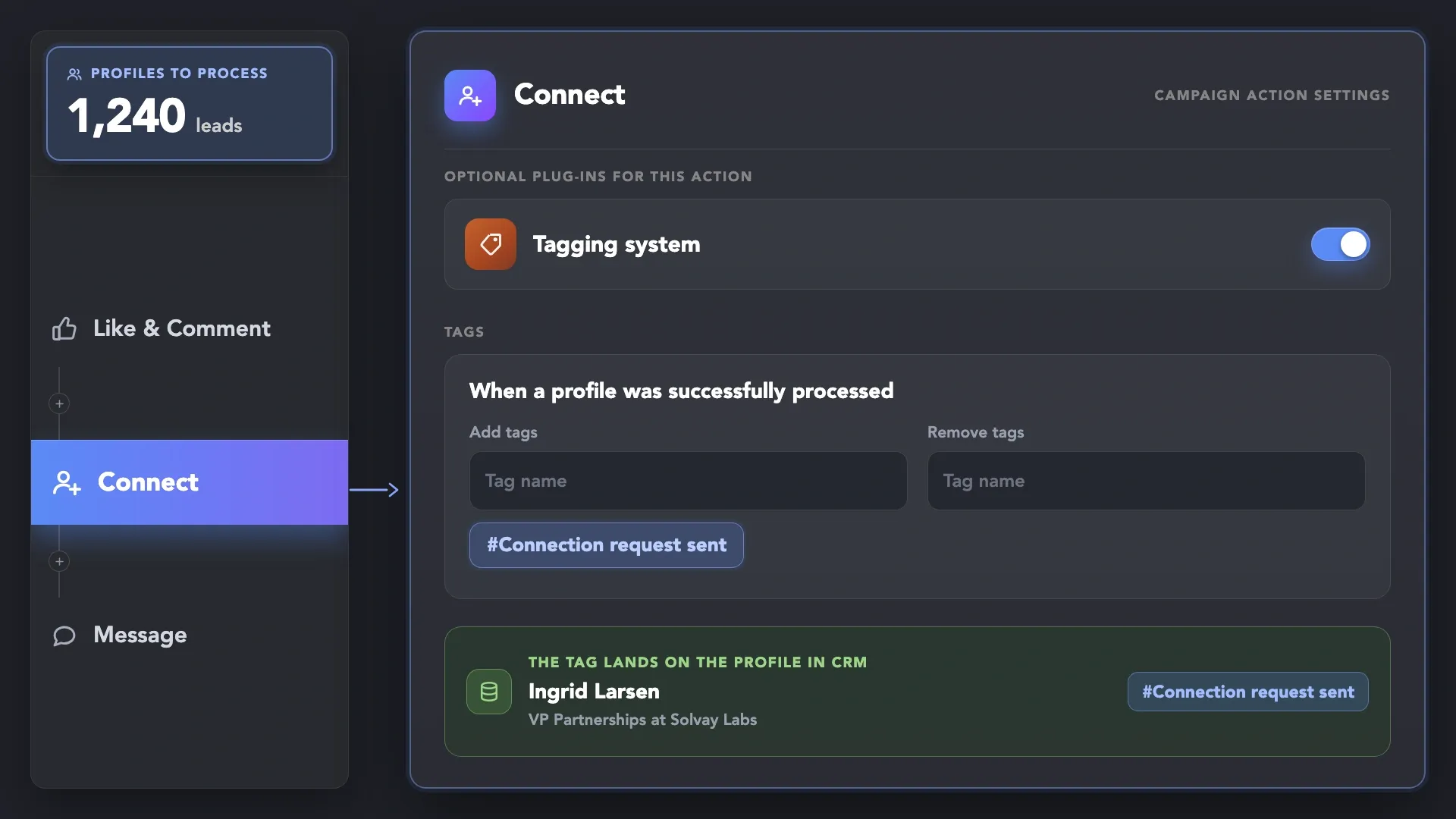
Linked Helper's built-in LinkedIn CRM is the contact database inside the Linked Helper app. It stores profiles collected by your campaigns, profiles you add manually and profiles uploaded from a CSV of LinkedIn URLs. With the Tagging system plug-in you tag contacts. CRM filters narrow the list by relationship degree, company, position, headline, campaign and tag. Any filtered segment can go straight into a campaign or be exported to CSV. List Manager compares campaign lists and removes overlapping profiles. The Built-in CRM is not a sales CRM with deals and pipelines. To send leads to HubSpot, Salesforce, Pipedrive or Zoho, use the CRM integrations.

Make Your LinkedIn Network
Easier to Work With