
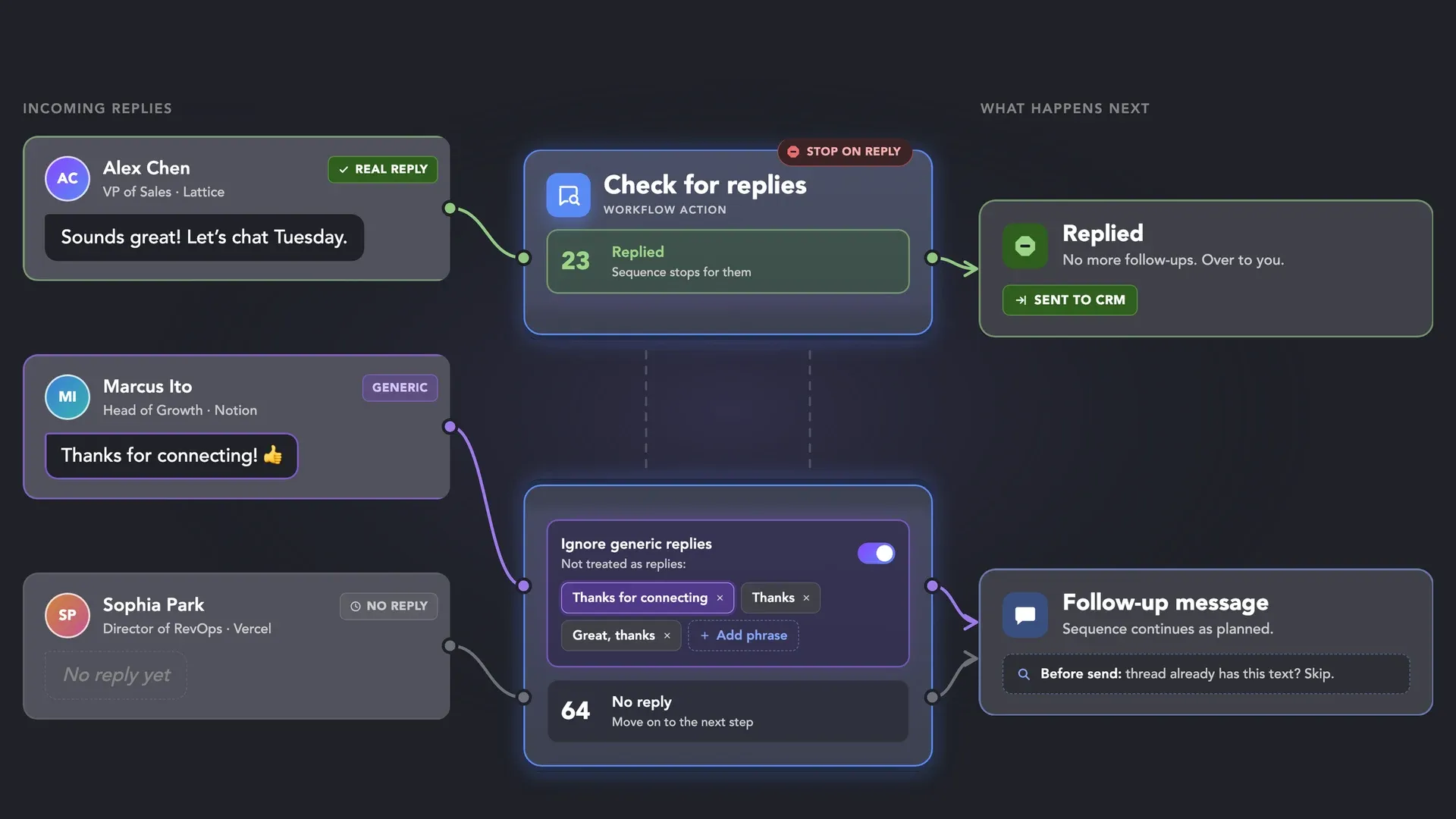

 Stop on Reply
 How It Works
 Safe Reply Checks
 Unified Inbox
 Integrations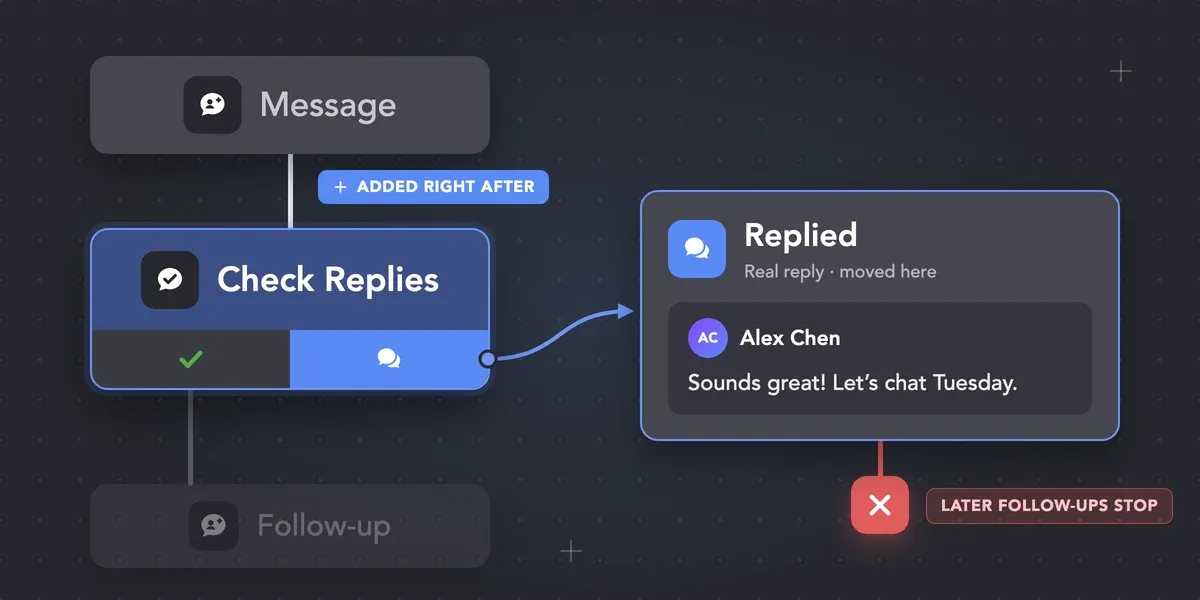
Check for replies is built in
It’s added right after Message to 1st connections. A reply moves the contact to Replied and stops follow-ups.










 WITHOUT LINKED HELPER
 WITH LINKED HELPER
 Stops on a real reply
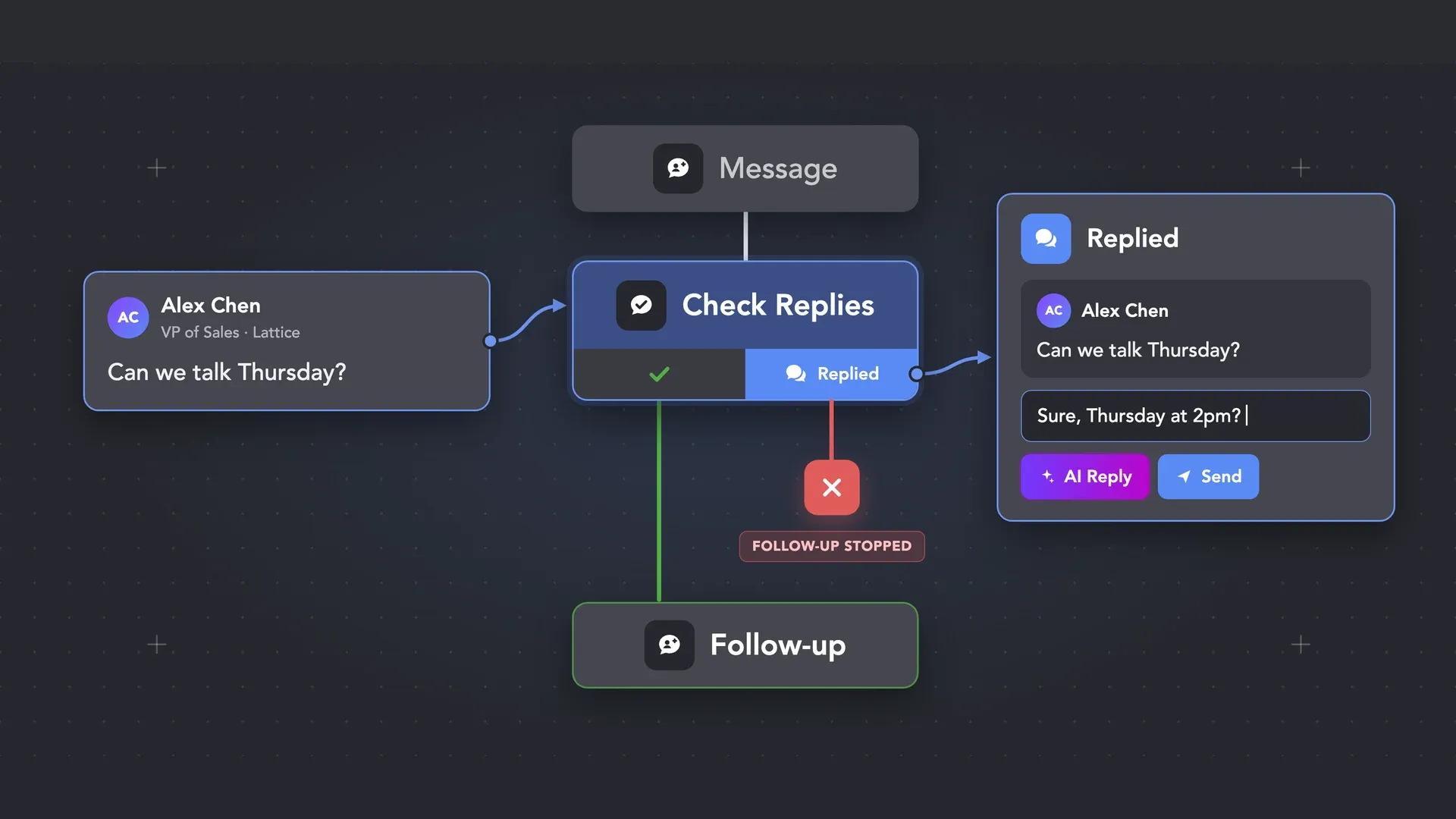
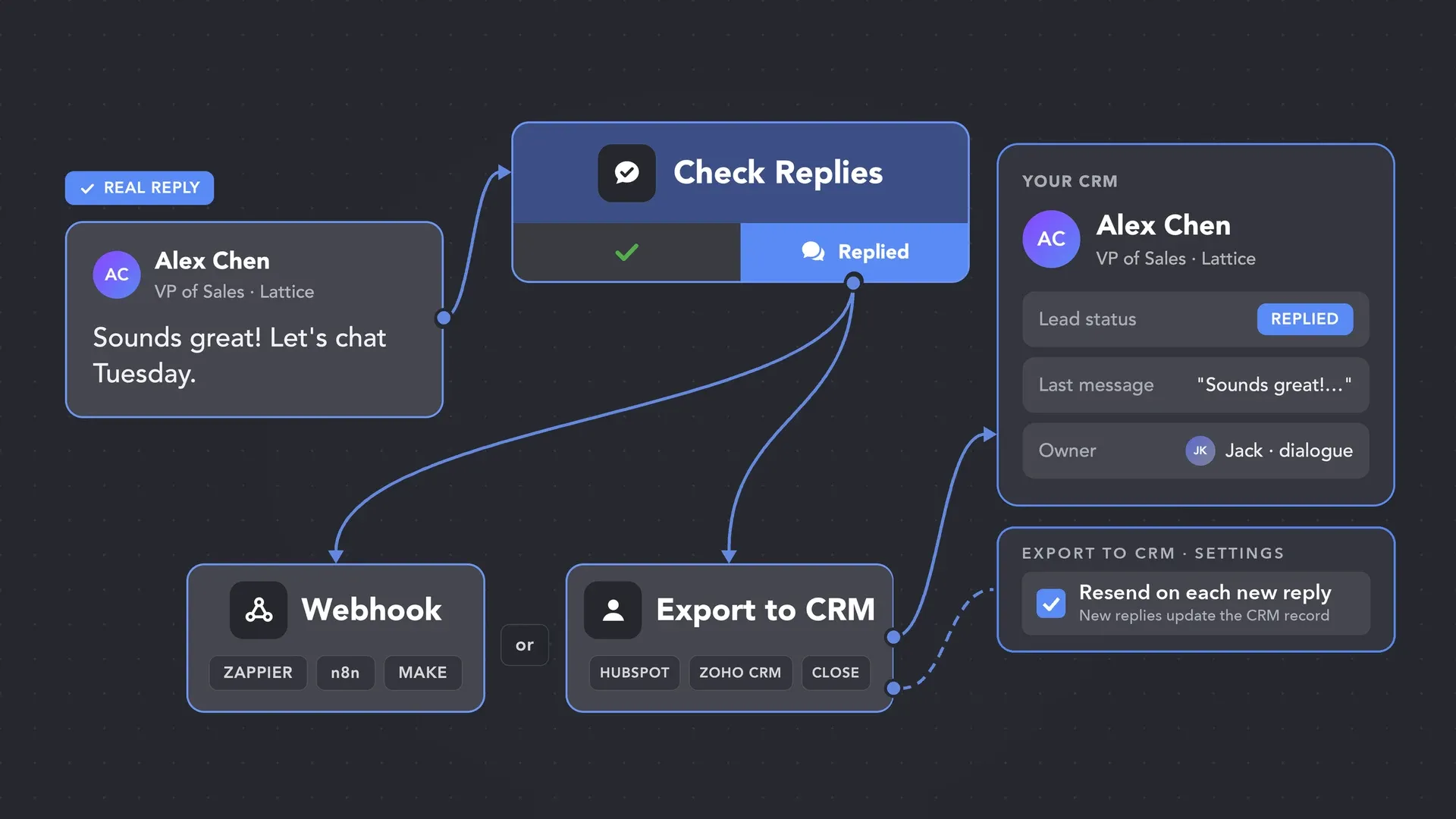
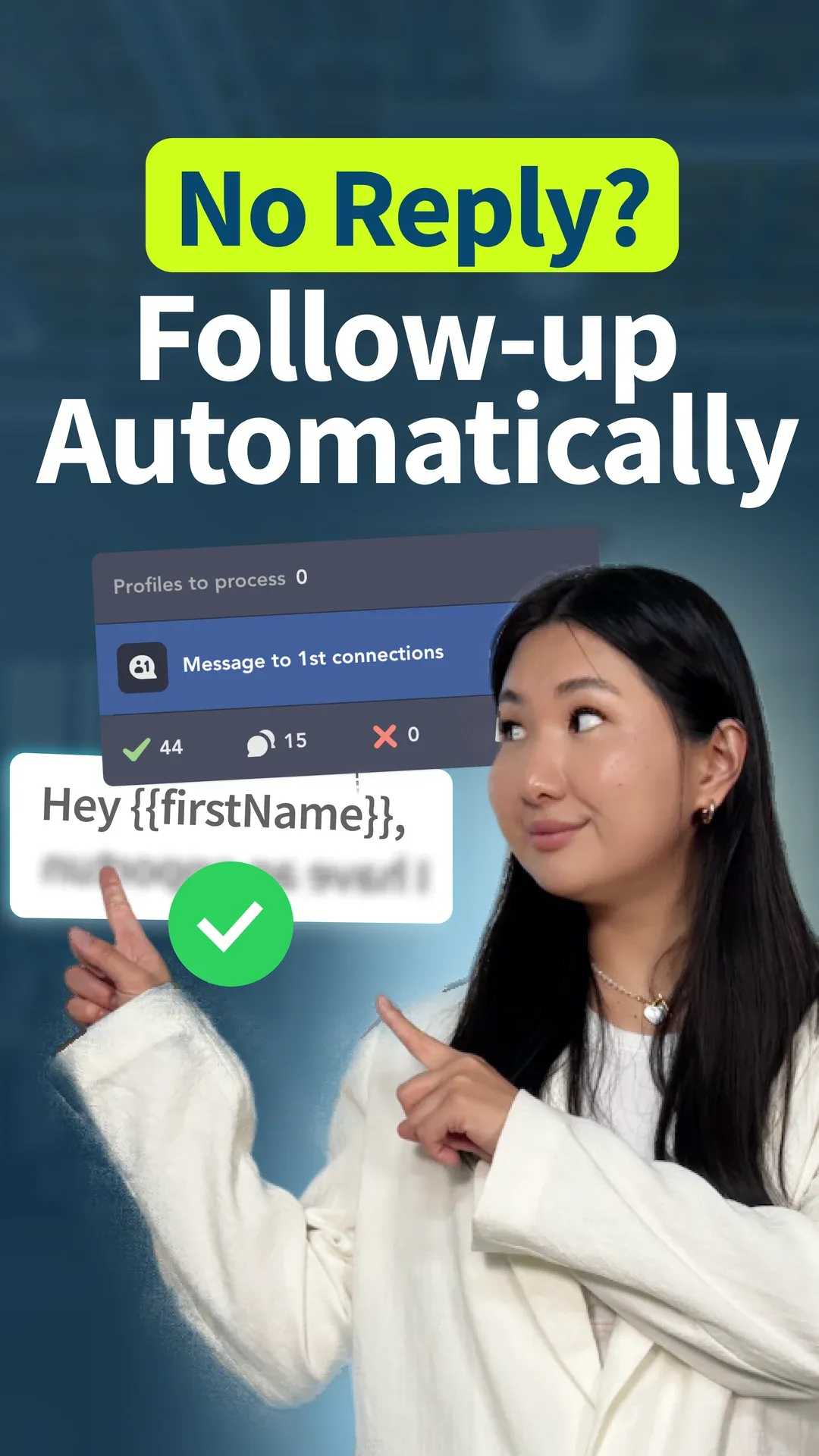
Check for replies sits in the campaign, not only as a pause at the moment of the next send. No reply — the sequence continues. A real reply — the contact moves to the Replied list and the follow-up stops.
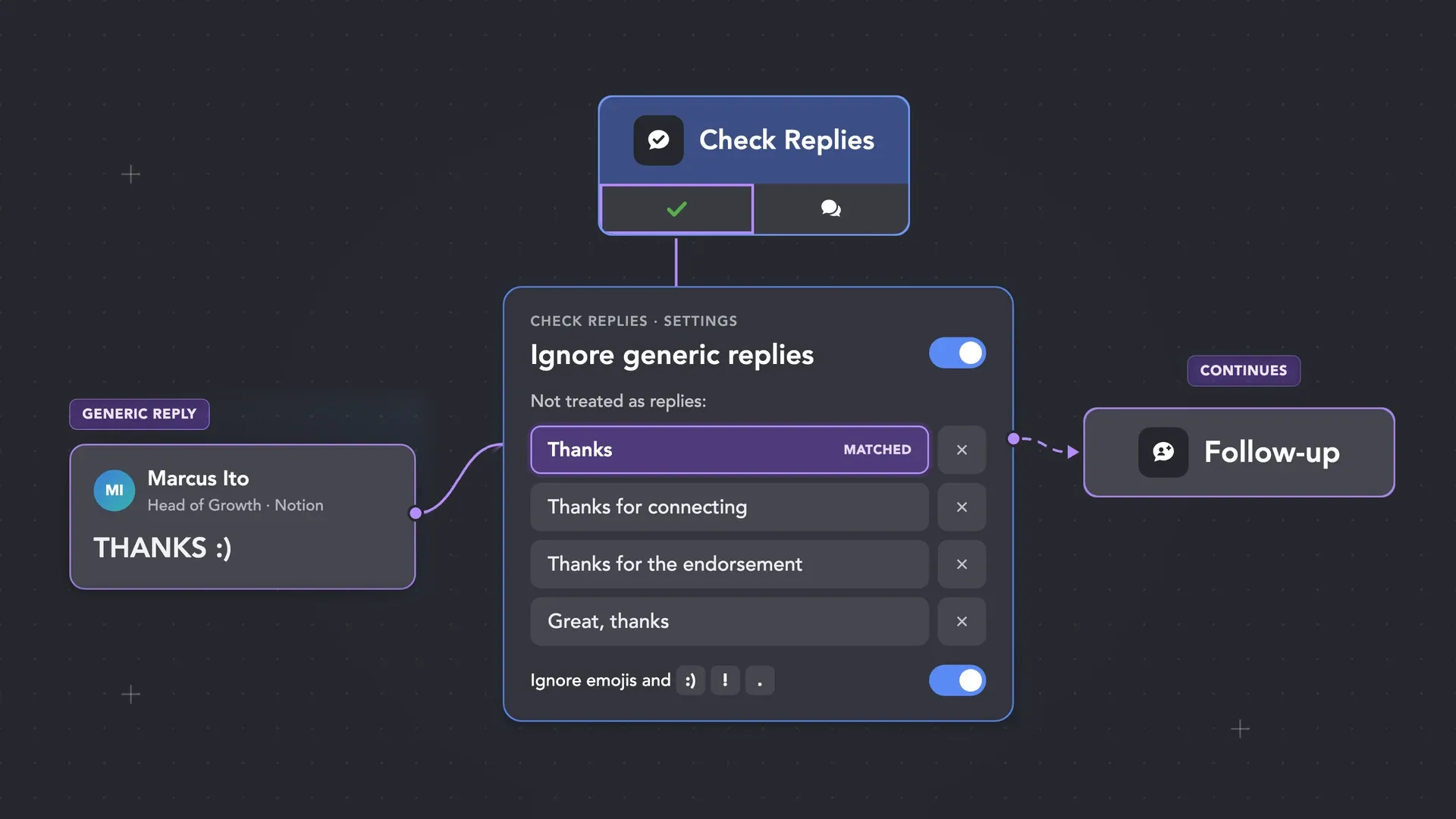
The Ignore generic replies plug-in lets you list the generic, templated phrases that should not stop the sequence. If that is all they sent, the follow-up continues. If they wrote anything else, it counts as a reply and the sequence stops.
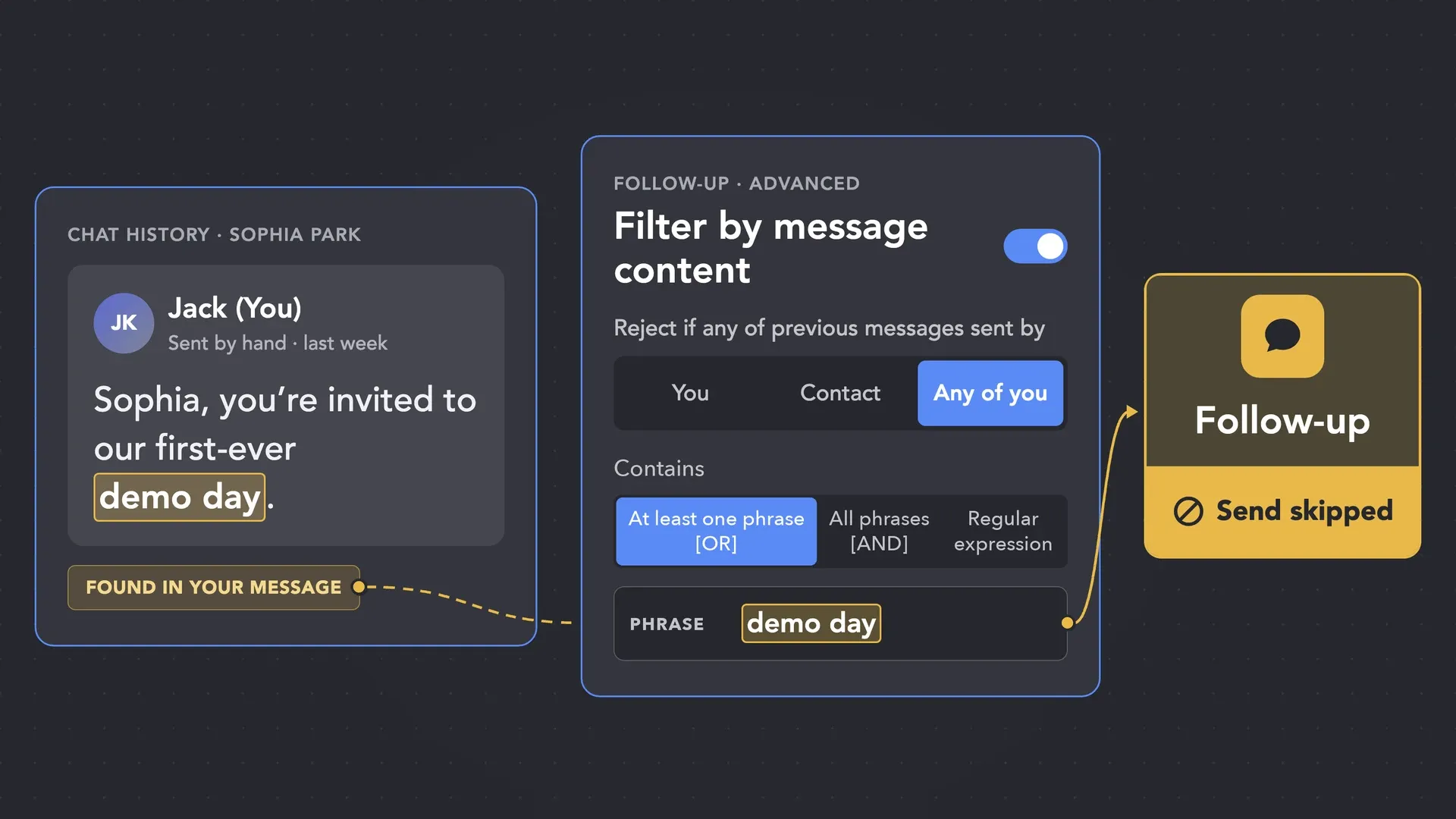
The Filter by message content plug-in checks the LinkedIn thread before the next send, including messages you sent by hand. Set the phrases, choose whose messages count — yours, the contact’s, or both — and anyone who already has them is skipped. Or skip every thread with any history and write only to people you have never talked to.
A real reply moves the contact to the Replied list. From there, send it to your CRM via direct integration or a webhook. With Resend contact to external CRM each time an additional reply is found turned on, every later reply updates the CRM record too, even after the sequence has stopped.
It’s added right after Message to 1st connections. A reply moves the contact to Replied and stops follow-ups.
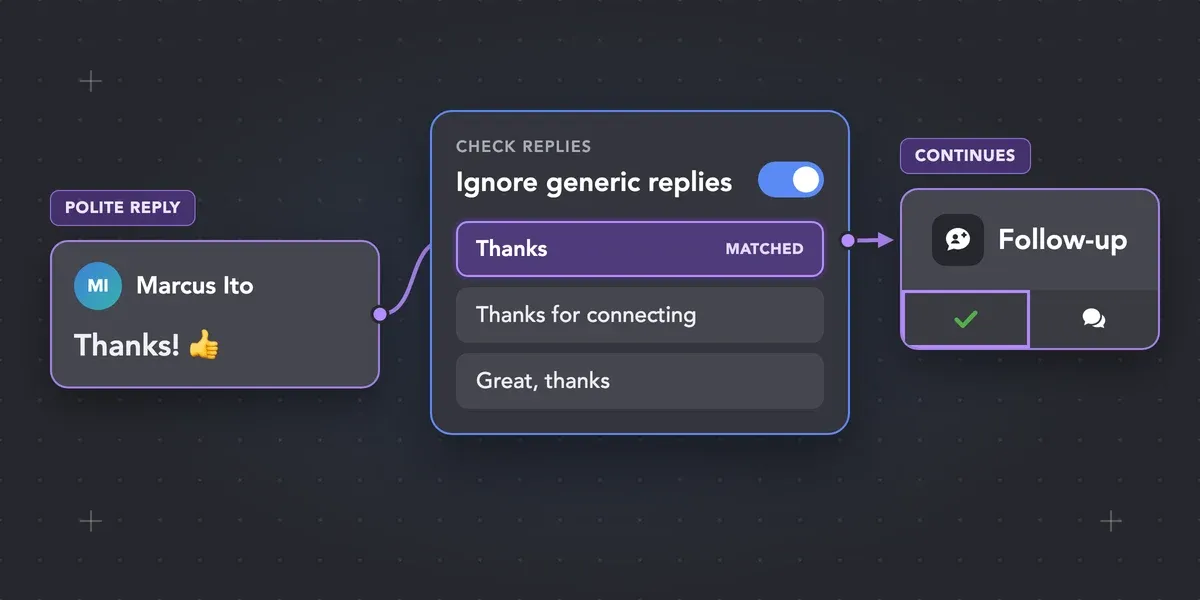
List the lines that don’t count in Ignore generic replies. If that’s all they sent, the follow-up continues.
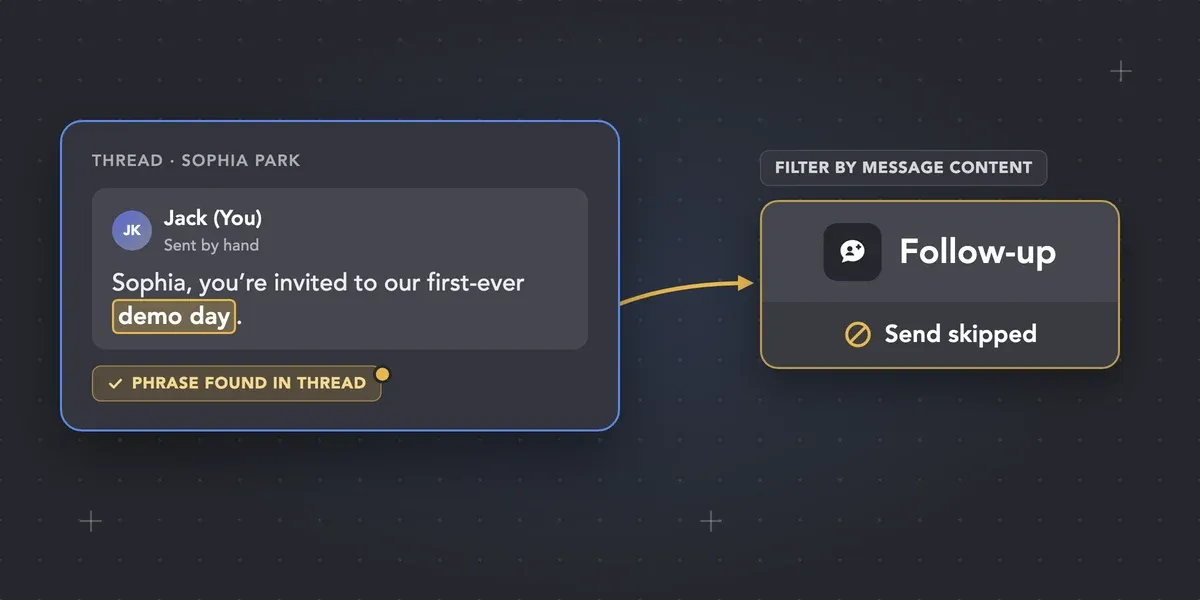
Filter by message content skips the send if your phrase is already in the thread.
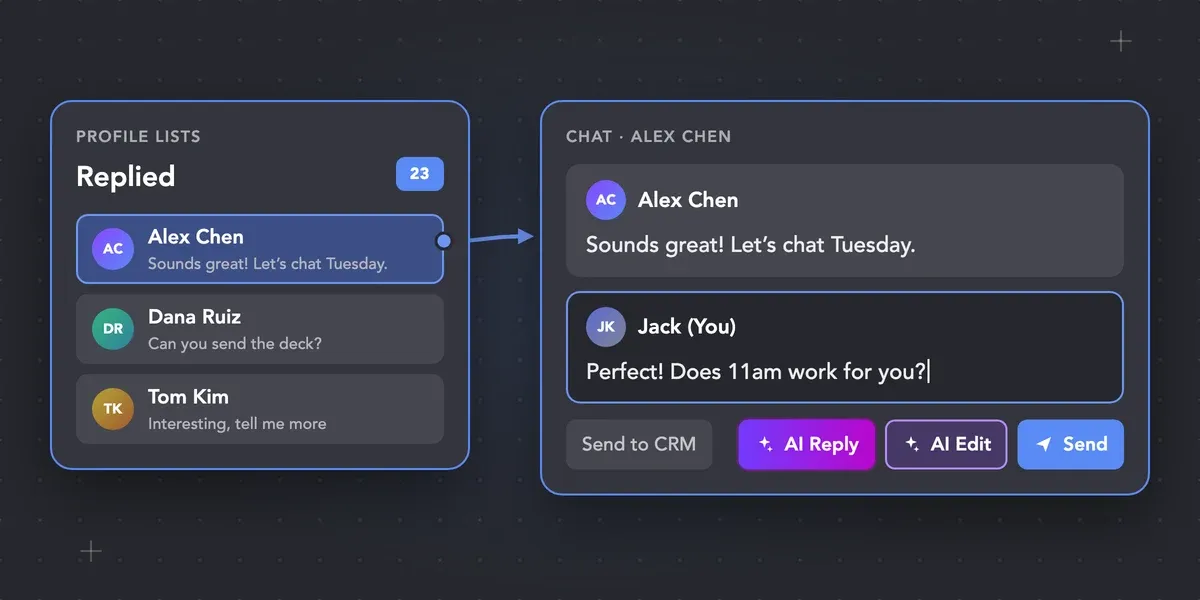
Open the Replied list or send contacts to CRM, then reply manually in Linked Helper.
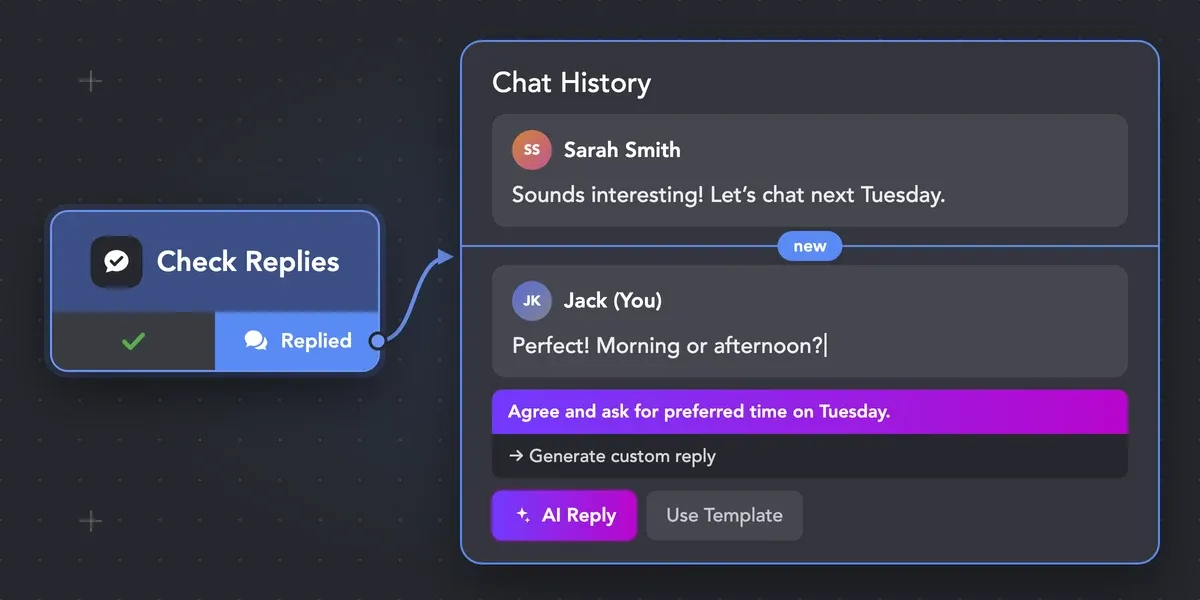
It’s added right after Message to 1st connections. A reply moves the contact to Replied and stops follow-ups.
Reply detection decides whether the campaign continues. When you are ready to answer, AI Reply can draft a reply from the conversation right in the chat, and you send it yourself.
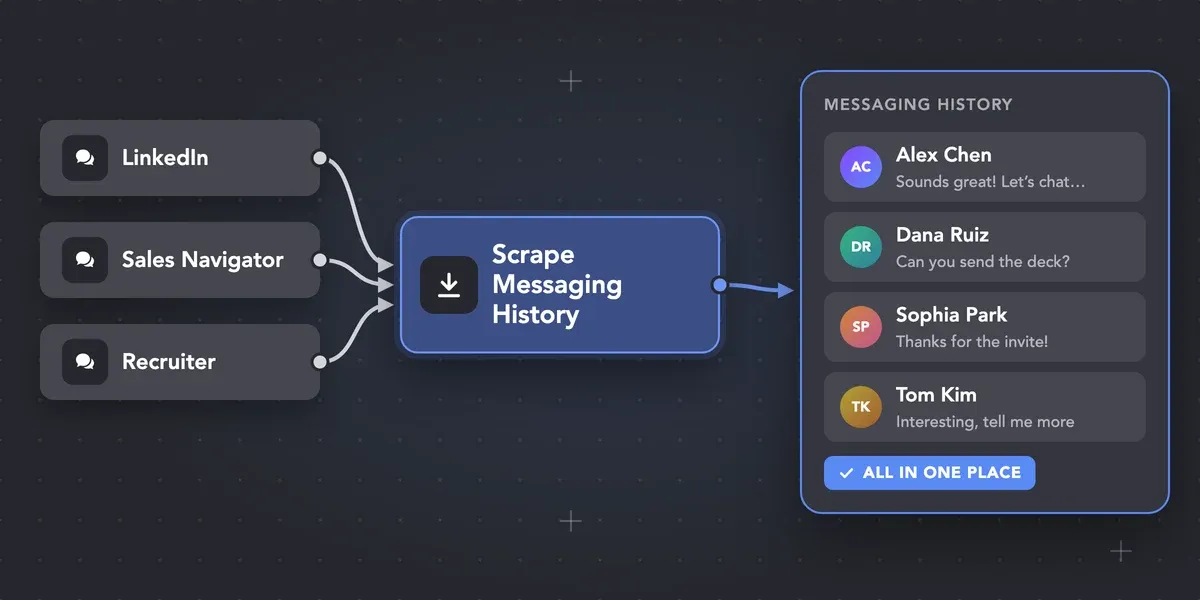
Scrape Messaging History is the separate step when you want those chats pulled in from LinkedIn, Sales Navigator, and Recruiter.
Reply checks run at a controlled pace, not as a continuous scroll through the inbox. Your limits, working hours, and delays apply to them as to every other action in the campaign.
Linked Helper is verified undetectable by DataDome, Cloudflare, PerimeterX, and 10+ other leading bot detection systems — so your account stays safe, always.
 DataDomeCloudflarePerimeterXAkamaiImperva10+ more
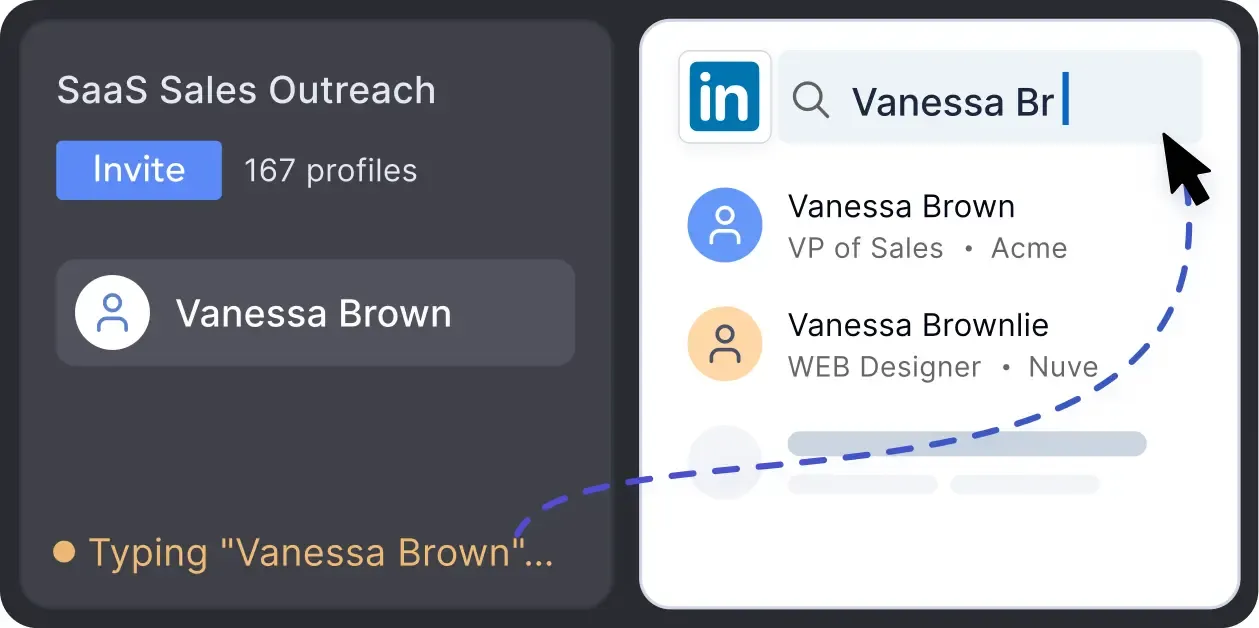
Mimics human actions with mouse movements and clicks, typing, and randomized delays. Navigates via LinkedIn search rather than direct URLs.
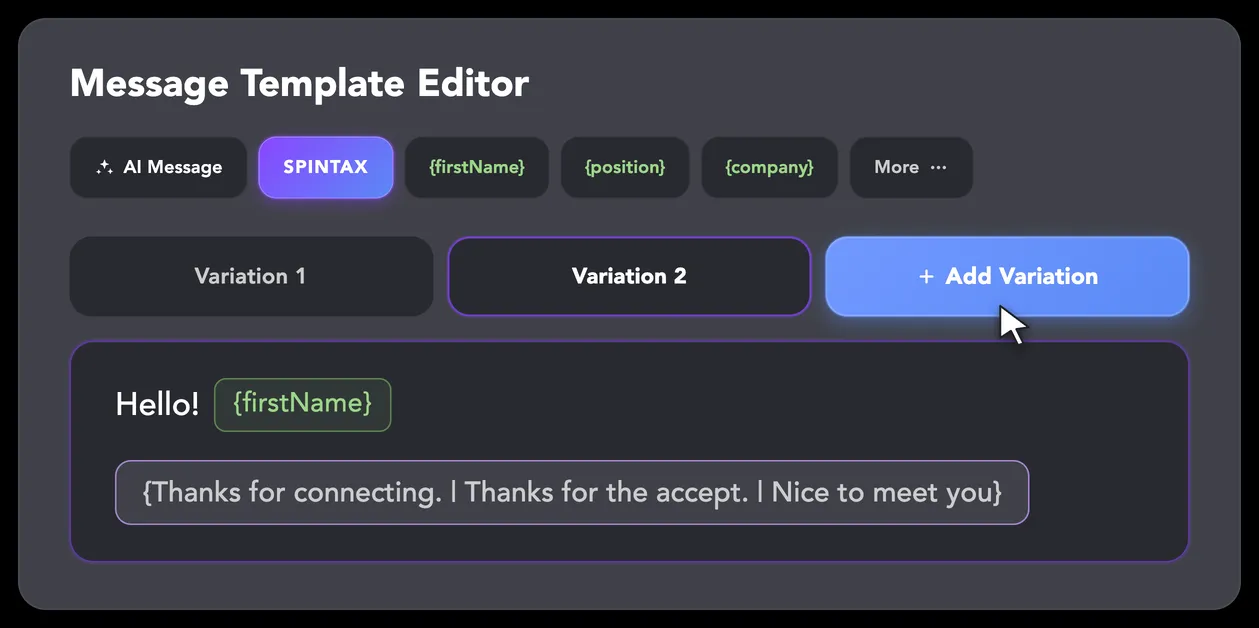
LinkedIn algorithms flag repetitive text. Combine your generated templates with unique syntactic variations for every single message, keeping your outreach off the spam radar.
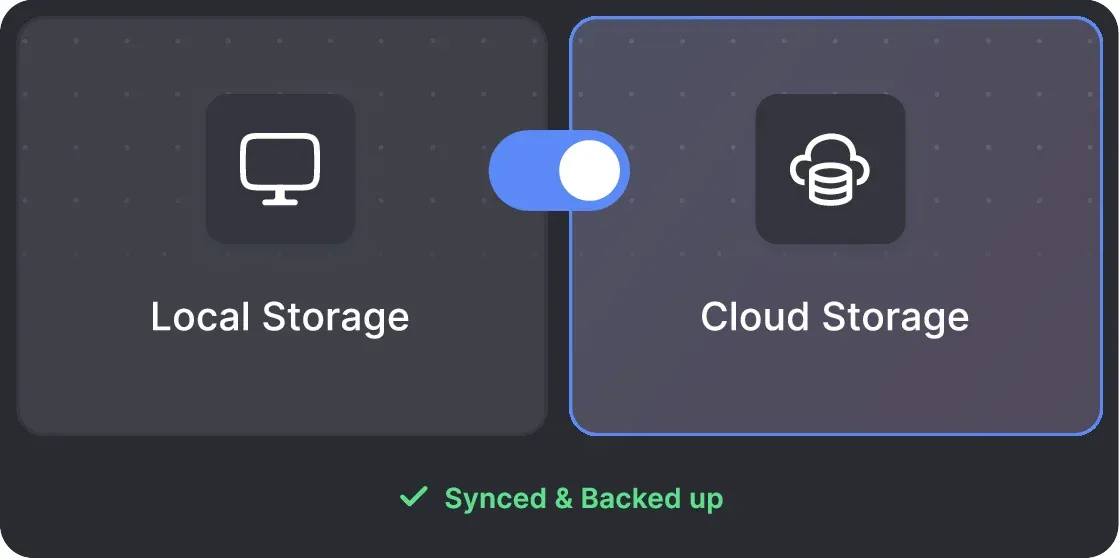
Your data can be stored securely on your PC or synced to the cloud — whichever fits your needs. Local storage keeps everything private on your device; cloud storage lets you access your pipeline from anywhere.
All activity comes from your local IP address or a chosen dedicated proxy, not a suspicious server, avoiding a major red flag for LinkedIn.
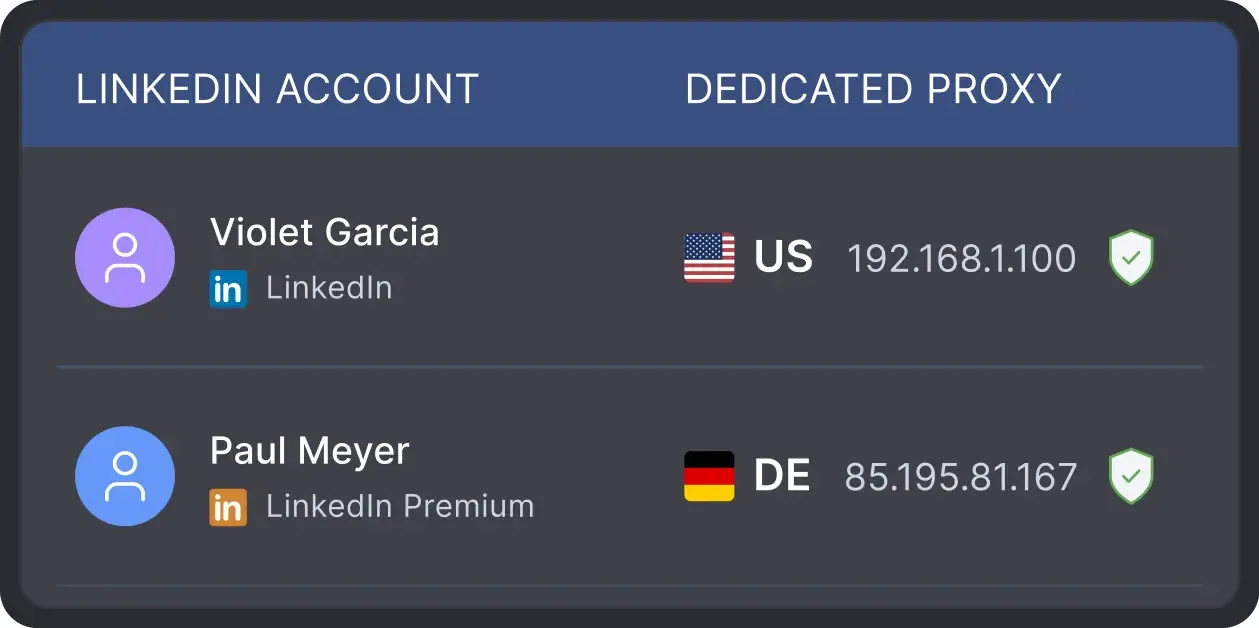
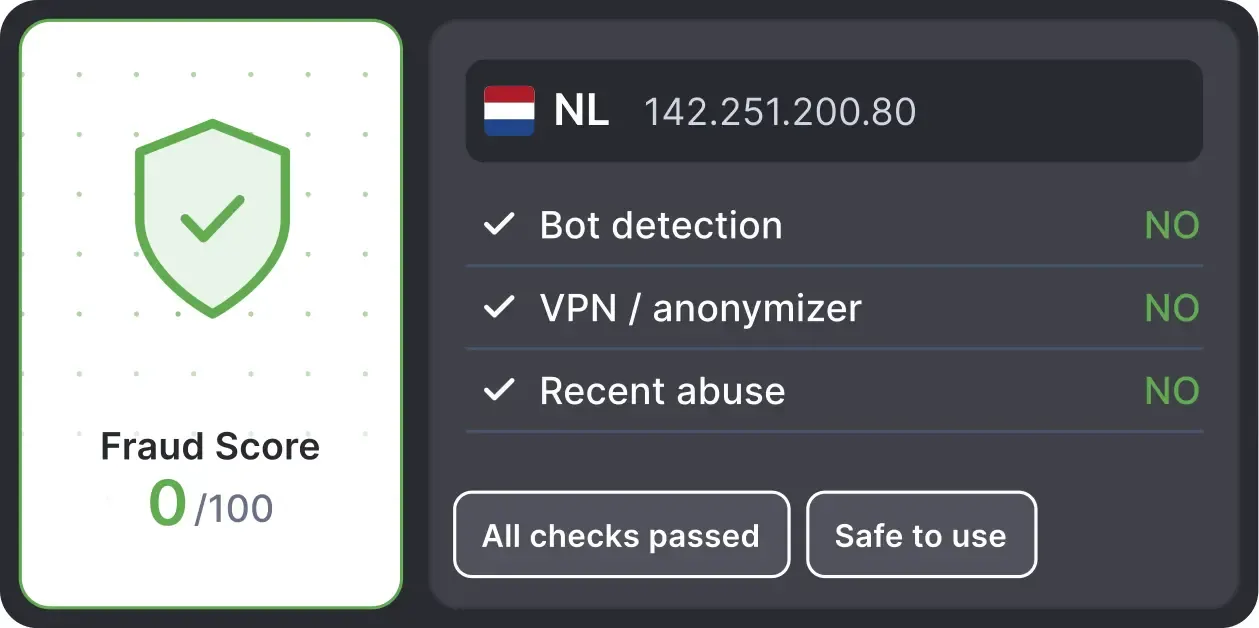
Automatically validates your proxy's "Fraud Score" to ensure you're not using a low-quality or blacklisted IP, adding an extra layer of security for multi-account management.
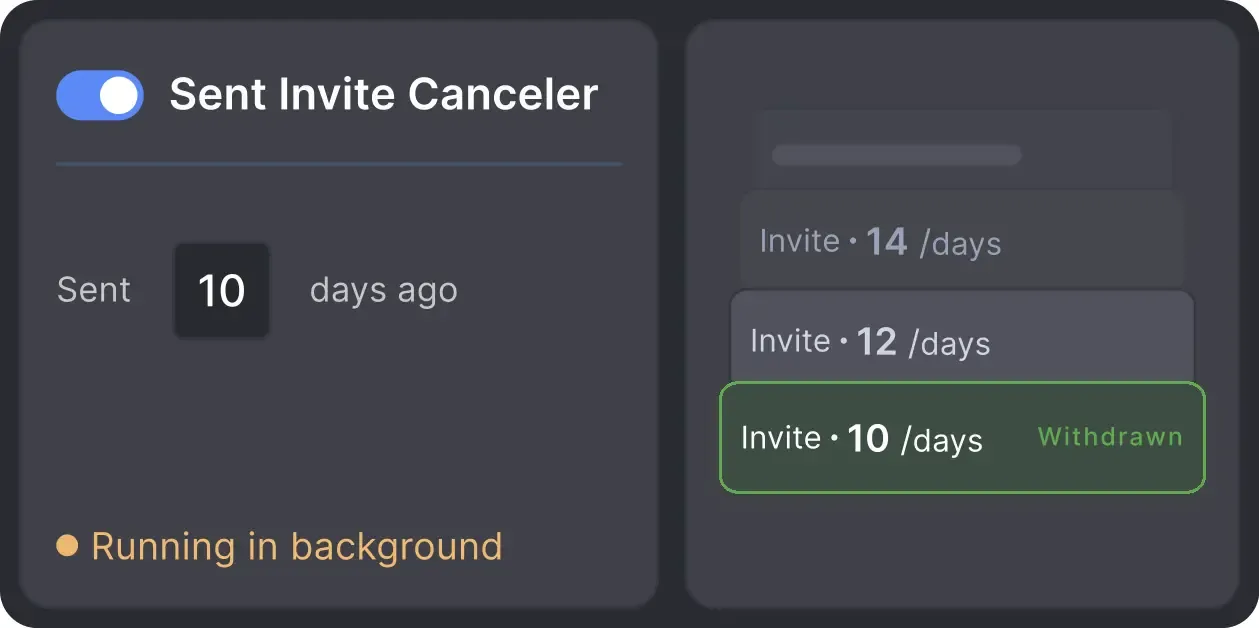
Automatically retracts old, unanswered connection requests to keep your profile in good standing with LinkedIn's algorithm.
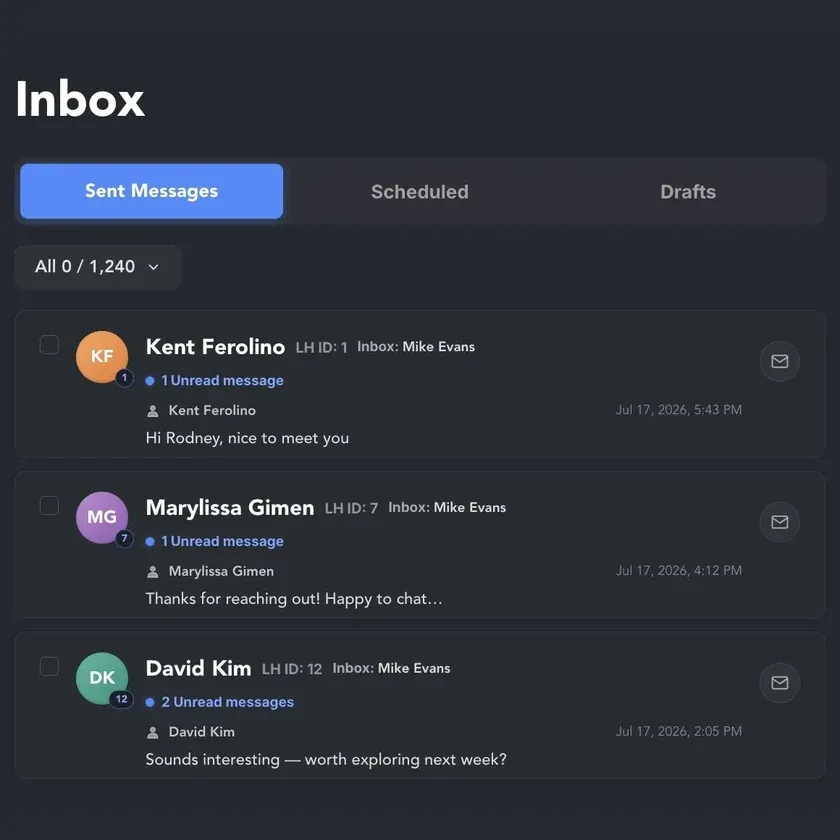
When a lead replies, pick up the conversation in one inbox for all your cloud-synced LinkedIn accounts. Read, answer, and hand off hot leads to a teammate without switching profiles.
Effortlessly gather valuable insights from LinkedIn without manual data entry. You can set up a CRM transfer after any step or only after a lead replies to a certain LinkedIn message for maximum precision. Sync LinkedIn chats with CRM so the entire team can view lead responses.
















Basic

Premium

Sales Navigator

Recruiter
Basic
Premium
Sales Navigator
Recruiter
From finding leads to closing deals, Linked Helper automates every step of your outreach funnel. Explore the features that make us the most powerful solution on the market.


100+ real testimonials prove Linked Helper as a reliable tool for LinkedIn growth.






It saves me a lot of time and repetitive tasks. I add leads one time, and it sends automatically. I also don't track the follow ups and follow up days. It is a great tool!

It helps that the tool automatically checks responses/messages and you can define follow up messages.


Really effective app and great support. Helps me grow my account on auto-pilot while I can concentrate more time on content creation. Still got loads of functionality to explore too! Happy to recommend.

Using Linked Helper now over a couple of months and have to say it works flawlessly. Onboarding new contacts, sending out follow-ups messages... everything is automated once you set it. Just top to increase the network with this tool!
I’ve fully automated communication campaigns with potential clients.

I absolutely love this tool because it helps me respond to all my clients on time and ensures that I never miss a communication. The efficiency and reliability it offers are unmatched.


Anastassiya Krol
Trustpilot review
We've been looking all over the internet for a reliable tool for linkedin outreach and LinkedHelper is without a doubt the best tool out there. There is a learning curve, but the UI is quite intuitive, so if you just spend some time getting to know the software it will start speaking to you. Support team is the best, I really really really like the fact that theres a person on the other side willing to help me at any time. Great job guys, LinkedHelper is a gem!!!
 Review
24/7 LIVE CHAT & EMAIL
Get a real human response in minutes, not days.
REMOTE ASSISTANCE
If you're truly stuck, we can connect to your screen and guide you.
IN-DEPTH KNOWLEDGE BASE
Step‑by‑step tutorials and articles for every feature.
Standard plan includes the full LinkedIn automation toolkit, with usage limits on some advanced features.
Pro plan increases advanced feature and integration limits, and adds full message history export.

All your data stays on your device in local folders you can access directly.

Each account has its own isolated storage - no data mixing.

With outgoing webhooks, Linked Helper can send data to third-party systems.

Data is stored in local folders on your device. No app, no internet required to access your files.

Install the app on a new device and pick up right where you left off.

Share LinkedIn accounts and campaign data without manual exports.
With incoming and outgoing webhooks, Linked Helper can receive data from and send data to third-party systems.

Your data is automatically backed up to the cloud - no risk of losing it if something happens to your device.

Switch devices or reinstall the app without moving files manually.
Local tax may apply
Join our weekly live training for a kick-start, or explore our library of bite-sized guides at your own pace. We provide every resource to help you scale safely.

A 60-minute live walkthrough to kick-start your LinkedIn lead generation. Register now to join live or receive the recording by email even if you can’t attend.



BLOG POST
VIDEO TUTORIAL
Yes. When a real reply comes in, Check for replies moves the contact to Replied and stops later follow-ups. No reply — the next step runs.


 Save My Spot