

 Pre-Built Flows
 Intelligent Invites
 AI-Powered Personalization
 Smart Reply Detection
 Campaign Analytics
 Lead Data Hub
 Safe LinkedIn Automation
Sales & Lead Generation
Reach decision-makers with warmed-up, relevant connection requests before moving into a pitch or demo.
Expand your LinkedIn network with personalized connection requests on autopilot. Use AI and built-in messaging tools to increase acceptance rates and scale safely with smart prospecting automation.










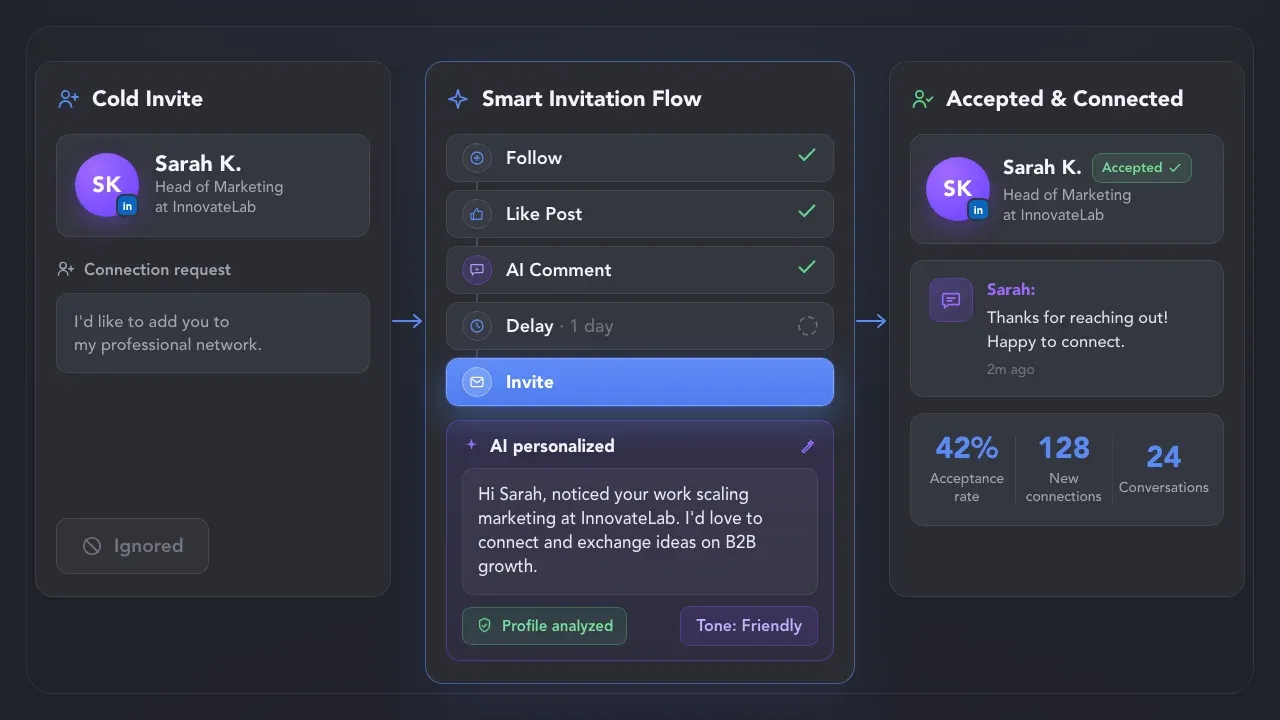
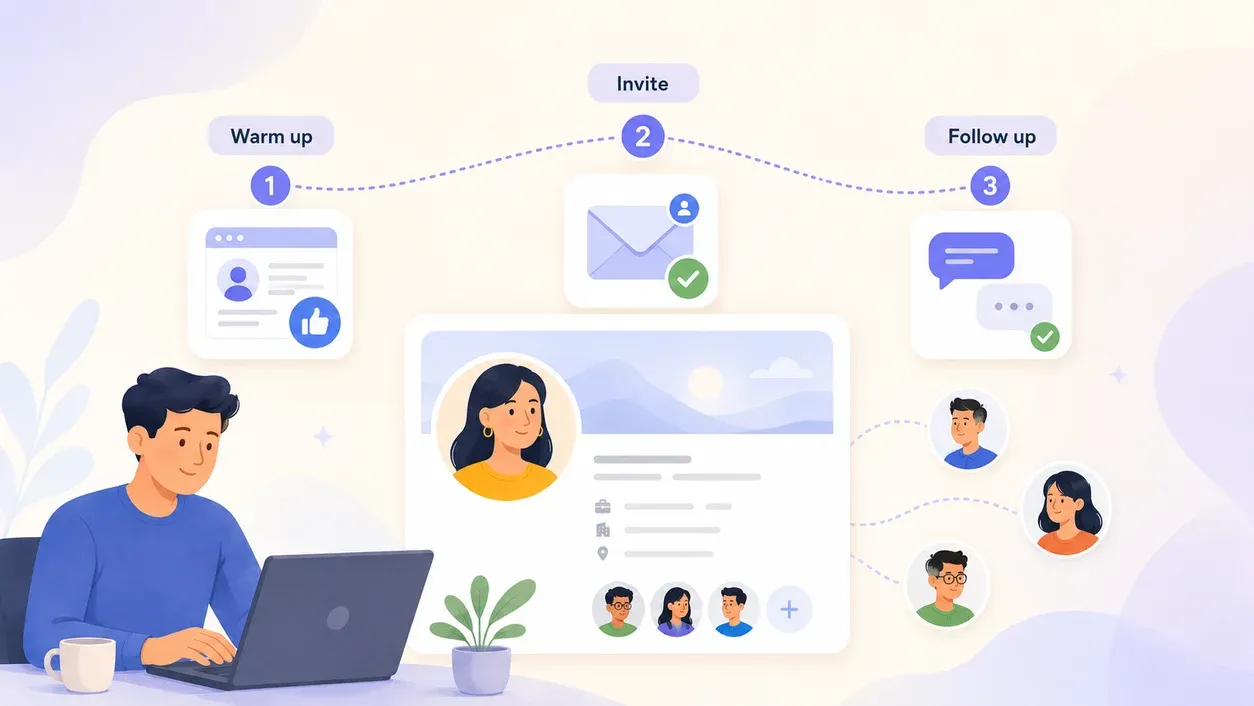
Instead of sending the same request to everyone, Smart Invitations combine high-impact connection requests with a repeatable process for starting real conversations.
 Without Smart Invitations
 With Smart Invitations
 Replied
Whether you sell, hire, consult, or build partnerships, Smart Invitations help make the
first connection feel more relevant and intentional.


Start with a ready-made workflow from the campaign library or build your own sequence around how you want to approach, warm up, and follow up with prospects.
Write your own message with variables, or let AI use each prospect’s profile context to create an invitation that feels researched —not copied and pasted.
Use the Auto-collect action to set up a search query that will be scanned every few days, automatically adding new profiles to your workflow. Linked Helper will then send connection requests to the collected profiles in the background.
Reuse ready-made campaign logic across audiences and lead lists, then unlock more ways to scale your outreach.
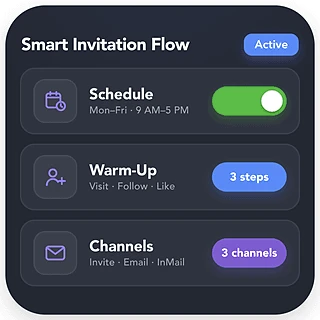
Scale campaign capacity with automated scheduling, create more prospect touchpoints through pre-invite warm-up, and extend your reach across additional channels.
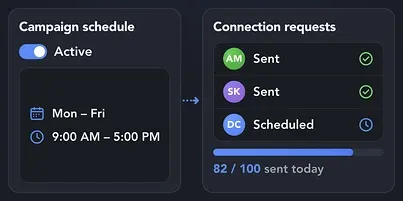
Run connection requests automatically on your campaign schedule, so you can reach more prospects while spending your time on higher-value work.
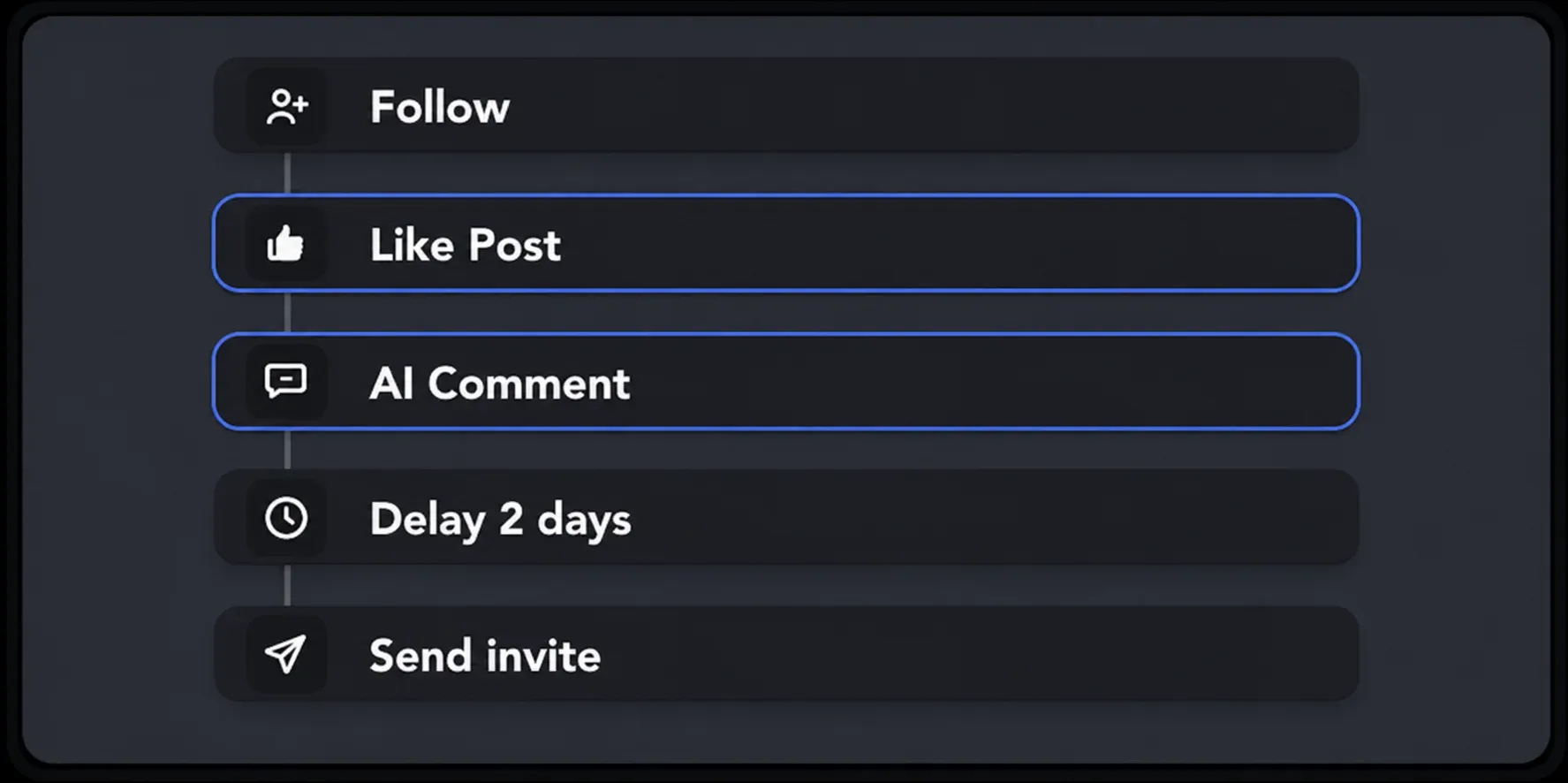
Use automated profile visits, follows, likes, AI-generated comments, and natural delays to build familiarity with more prospects before the invite arrives.
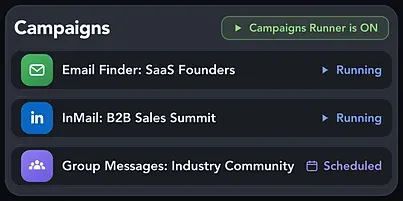
Continue reaching high-value prospects by finding their email addresses or contacting them through InMail and group messages when LinkedIn connection limits slow you down.
Choose fully AI-generated invitations or create flexible templates with built-in personalization tools for more relevant outreach at scale.
 AI-Powered
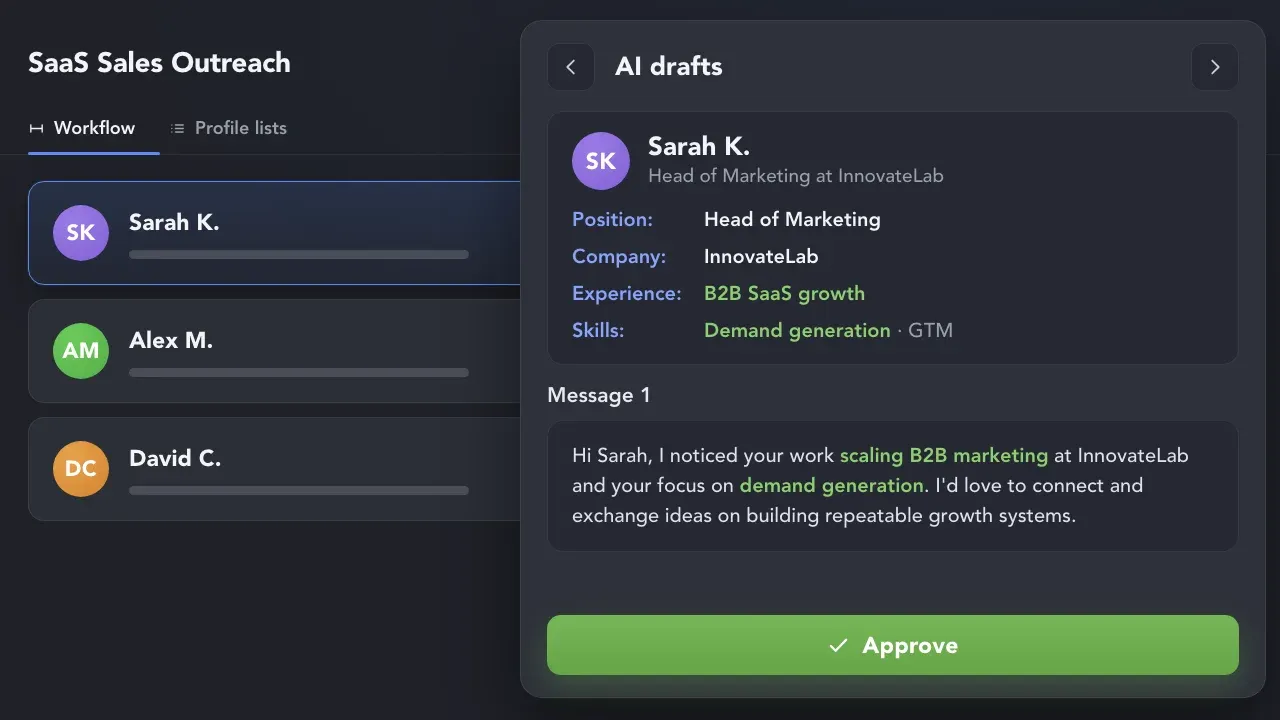
Use AI to analyze each prospect’s profile, experience, company, skills, and available context, then generate an individual connection message tailored specifically to that lead.
 Recommended
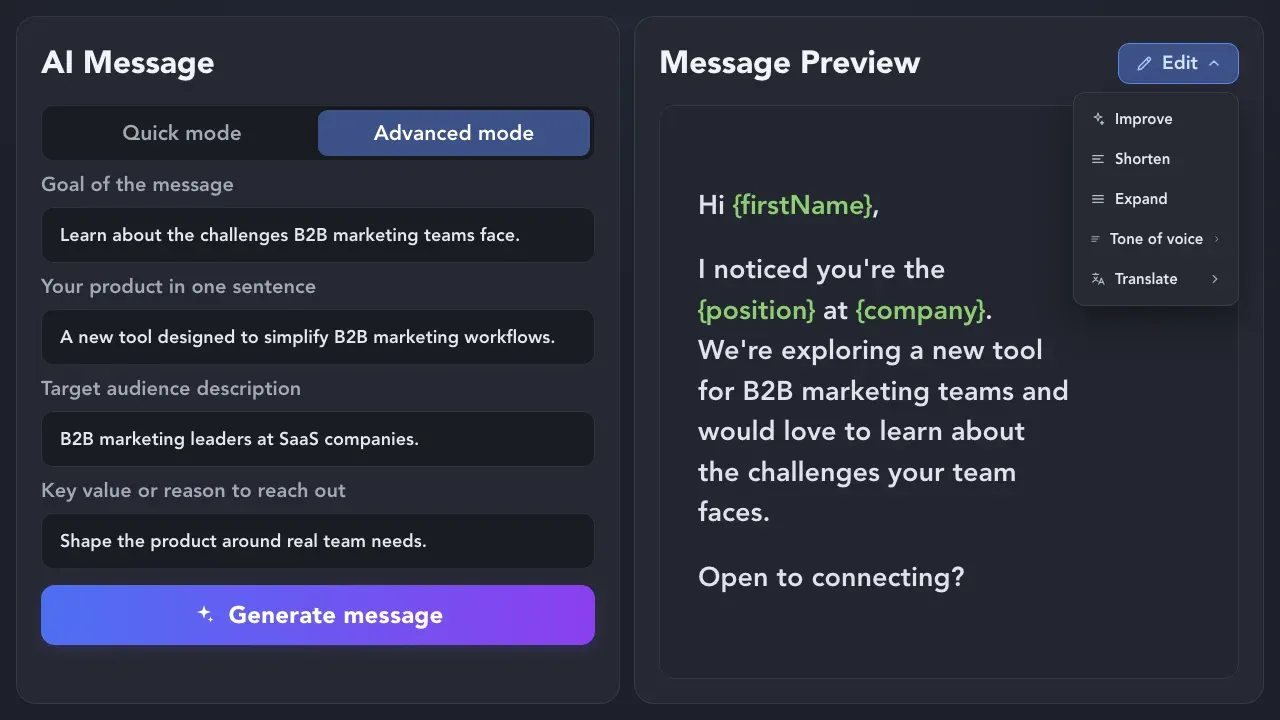
Create a reusable invitation message directly in the editor, or use AI to generate, translate, shorten, expand, and improve your copy to match your audience, goal, and tone of voice.
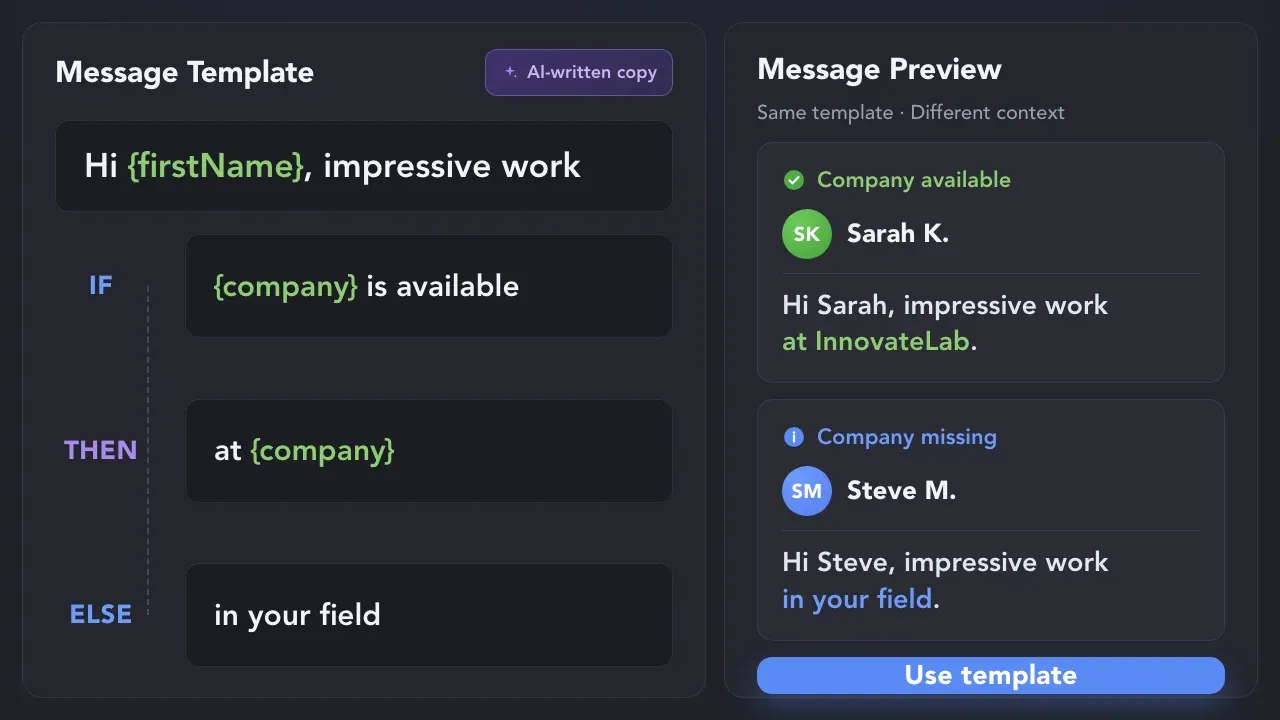
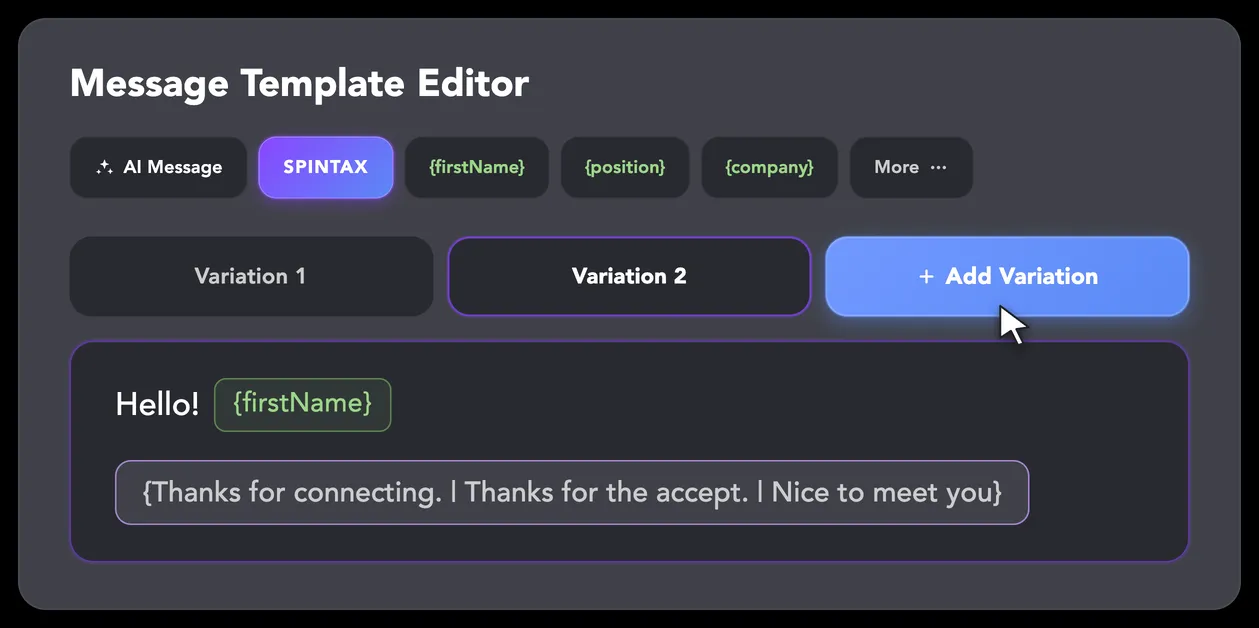
Personalize reusable templates with built-in variables, custom variables, IF–THEN–ELSE conditions, and Spintax variations based on each lead’s available data.
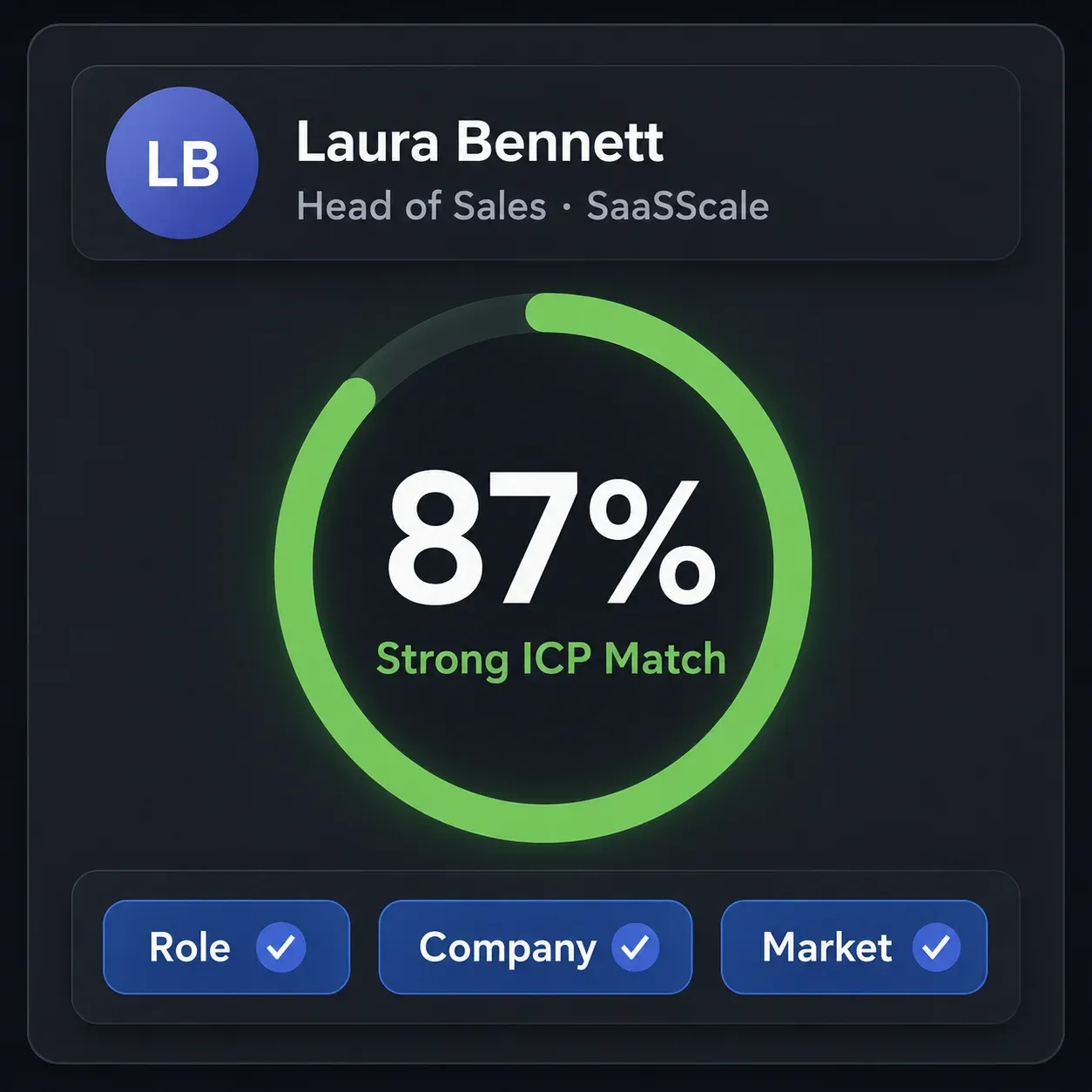
Add AI ICP Detection to your campaign workflow to analyze and qualify every LinkedIn profile before outreach begins. Leads that match your ideal customer profile (ICP) continue to invites and messages, while poor-fit prospects are filtered out automatically.
Built into Linked Helper workflows, Smart Reply Detection checks for responses before every follow-up, preventing irrelevant messages when campaign volume makes every conversation harder to track manually.
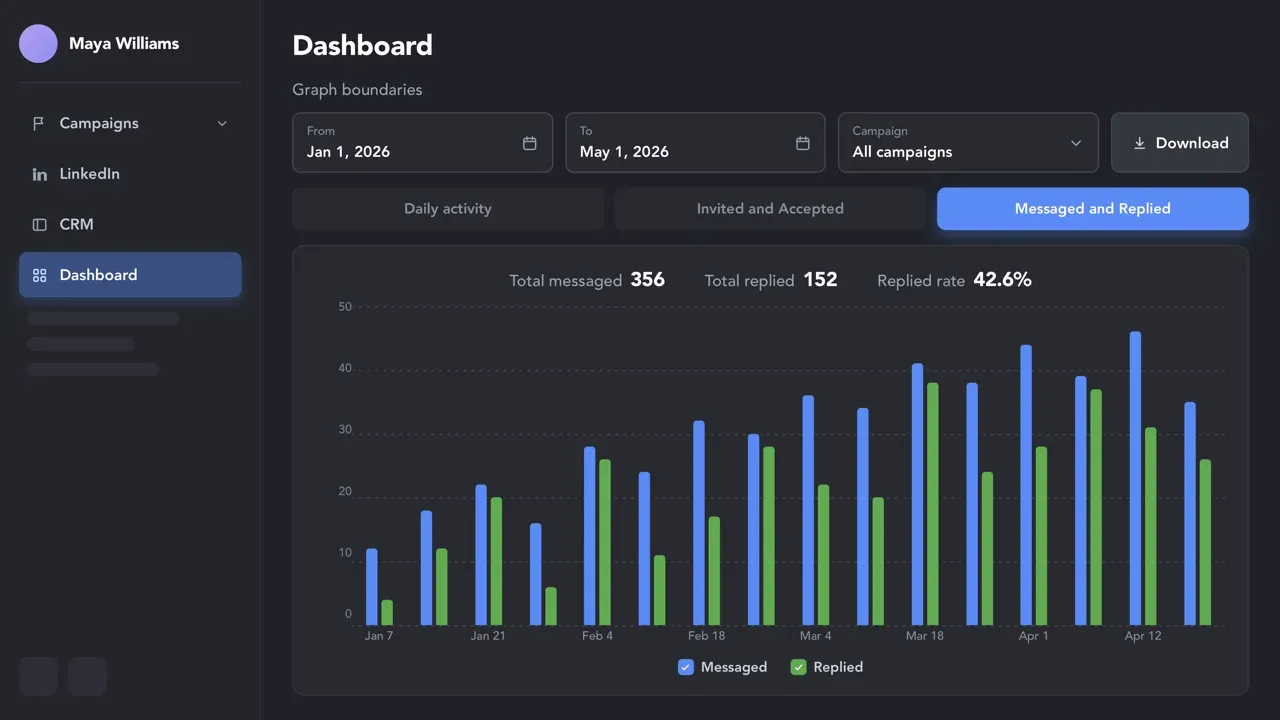
Don’t guess — optimize. Duplicate campaigns to test different workflows, messages, or audiences, then review acceptance and reply rates in each campaign’s Dashboard to identify what works best.
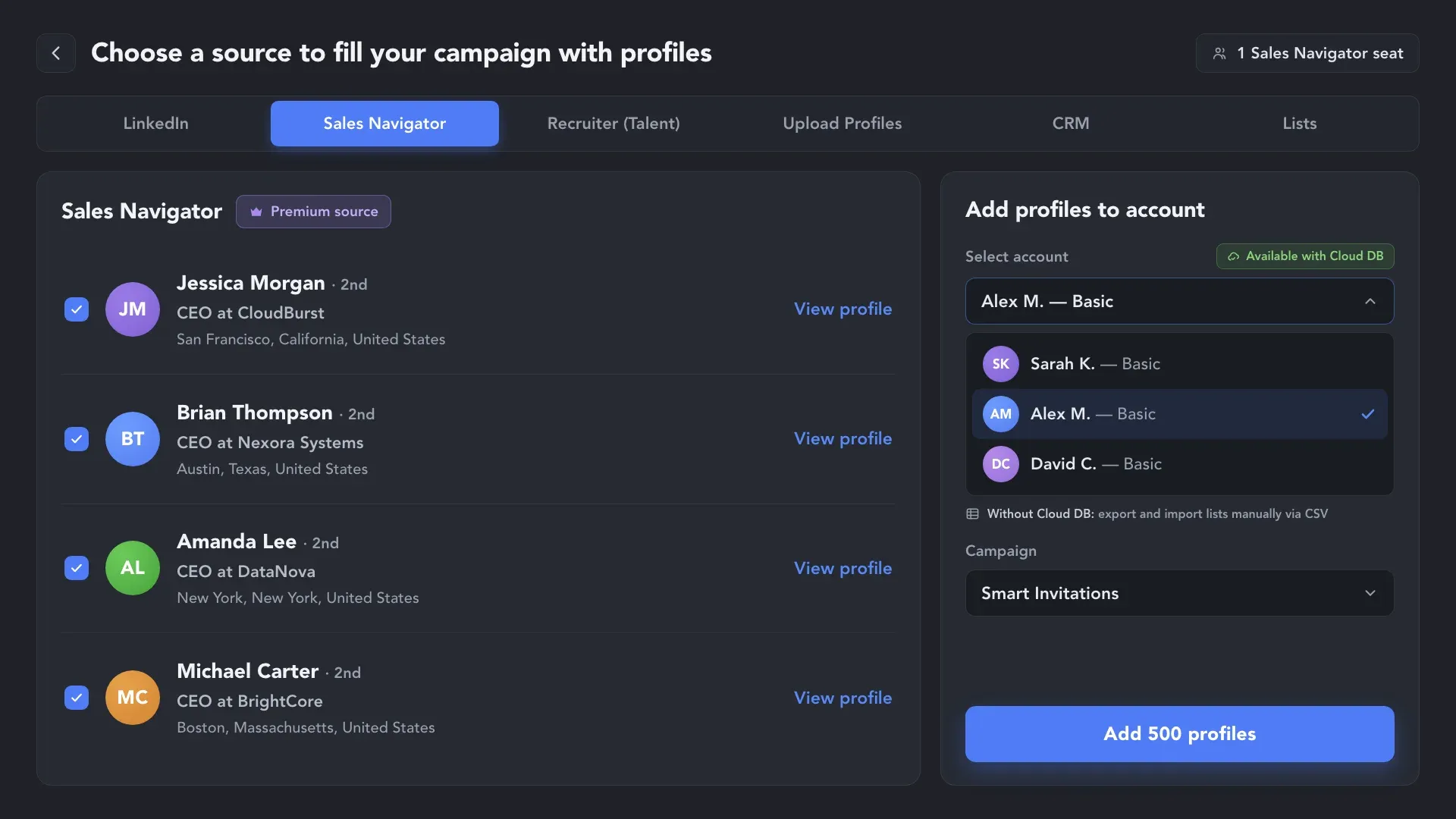
Use one Sales Navigator account to find targeted leads, then let other Basic LinkedIn accounts process those profiles through Linked Helper. This helps reduce subscription costs for teams running multi-account outreach.
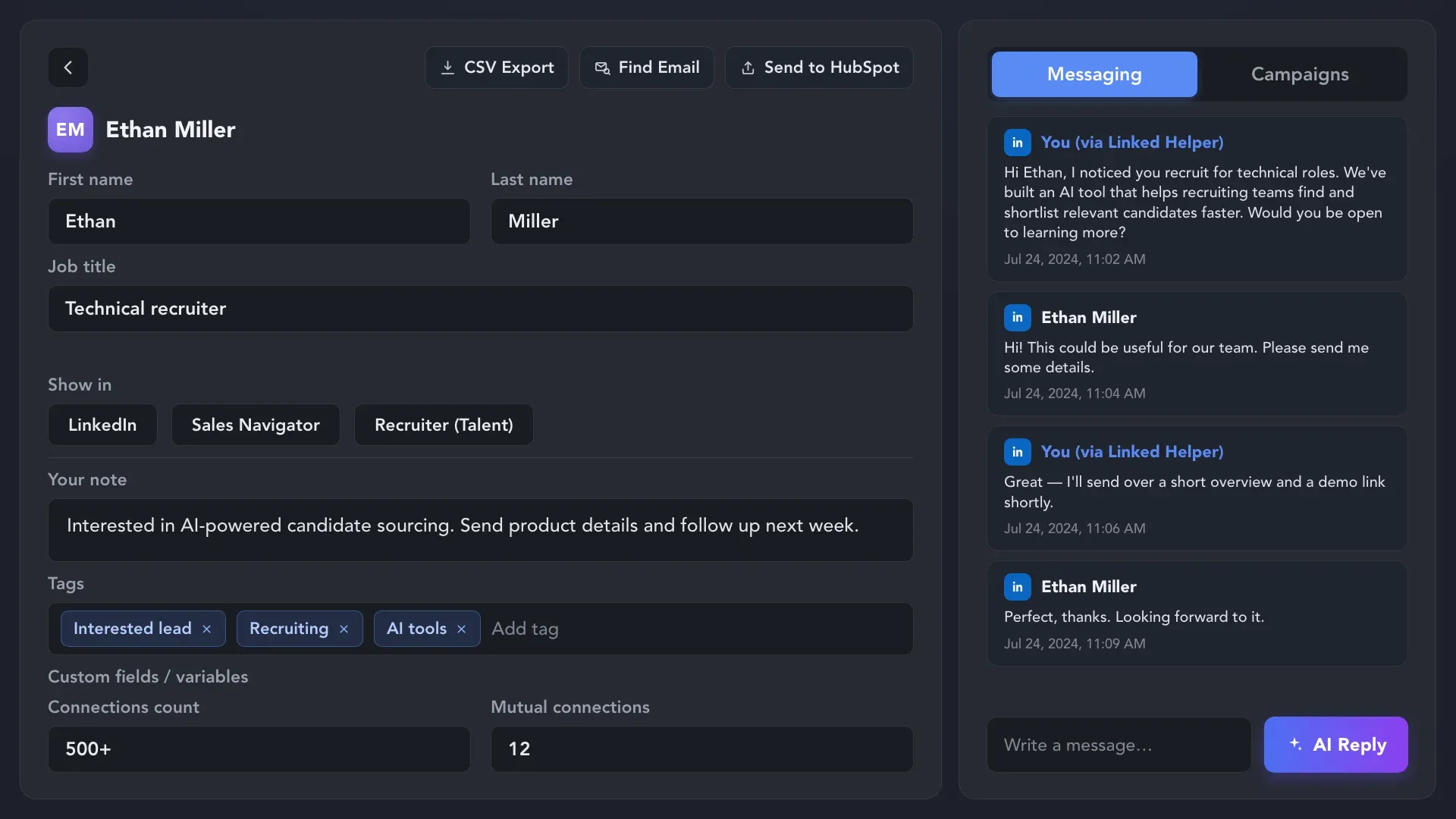
You own your data. Store profiles, message history, and notes in the built-in CRM, so every lead keeps its full context — then use CSV export, external CRMs, or Webhooks to sync it with the rest of your workflow.
Send connection requests with human-like activity, smart limits, and account protection built into
every step of your outreach flow.
Linked Helper is verified undetectable by DataDome, Cloudflare, PerimeterX, and 10+ other leading bot detection systems — so your account stays safe, always.
 DataDomeCloudflarePerimeterXAkamaiImperva10+ more
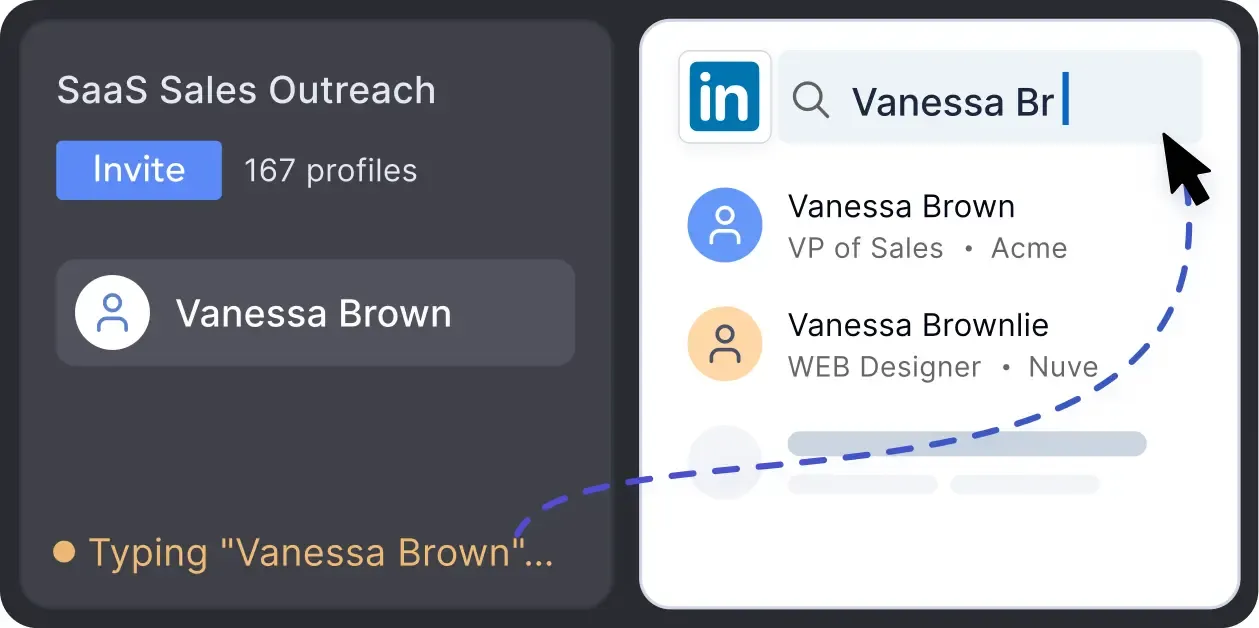
Mimics human actions with mouse movements and clicks, typing, and randomized delays. Navigates via LinkedIn search rather than direct URLs.
LinkedIn algorithms flag repetitive text. Combine your generated templates with unique syntactic variations for every single message, keeping your outreach off the spam radar.
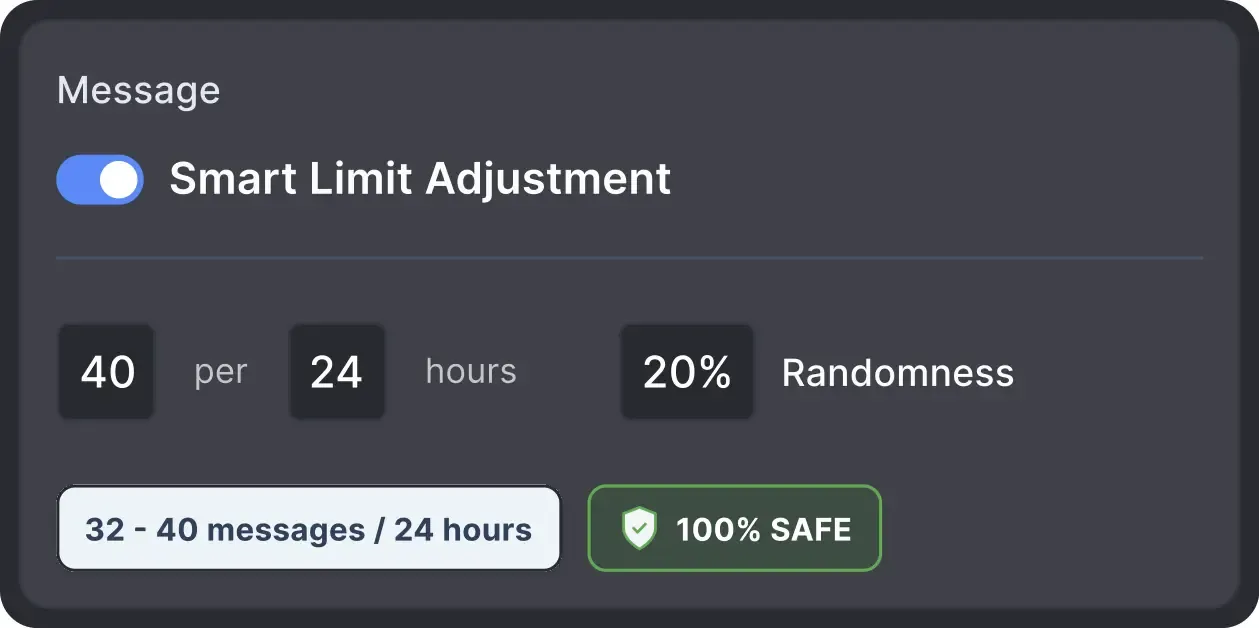
Operates within safe, recommended daily quotas and works on a "human-like" schedule (e.g., 9 AM - 5 PM) with random shifts to avoid robotic patterns.
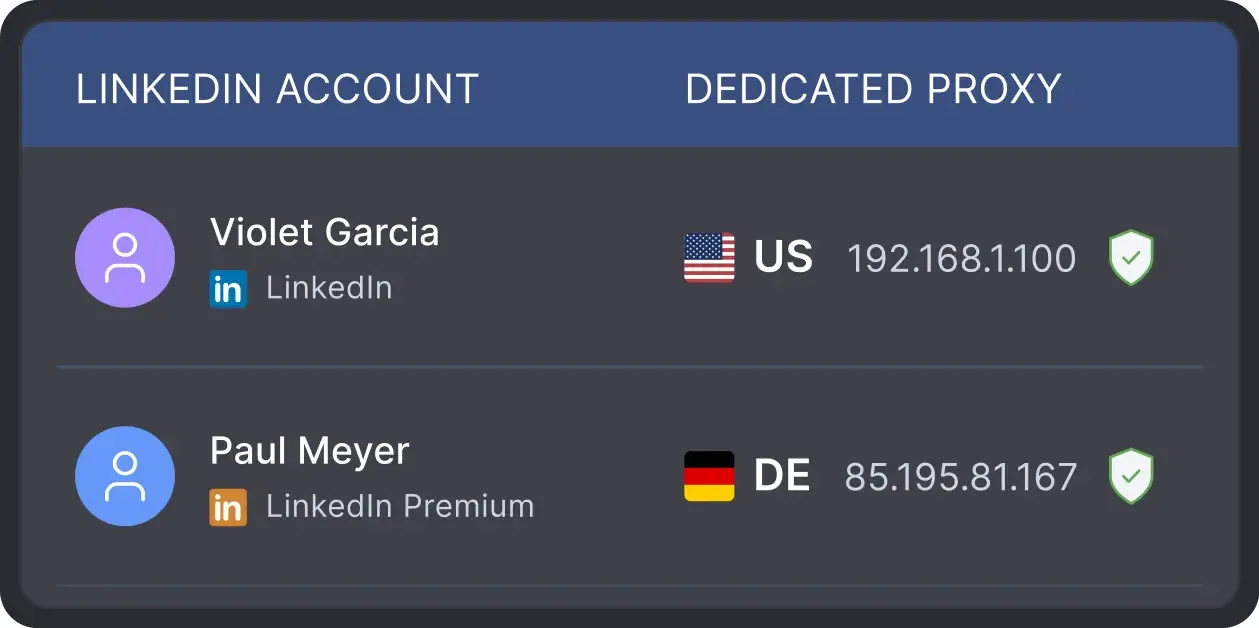
All activity comes from your local IP address or a chosen dedicated proxy, not a suspicious server, avoiding a major red flag for LinkedIn.
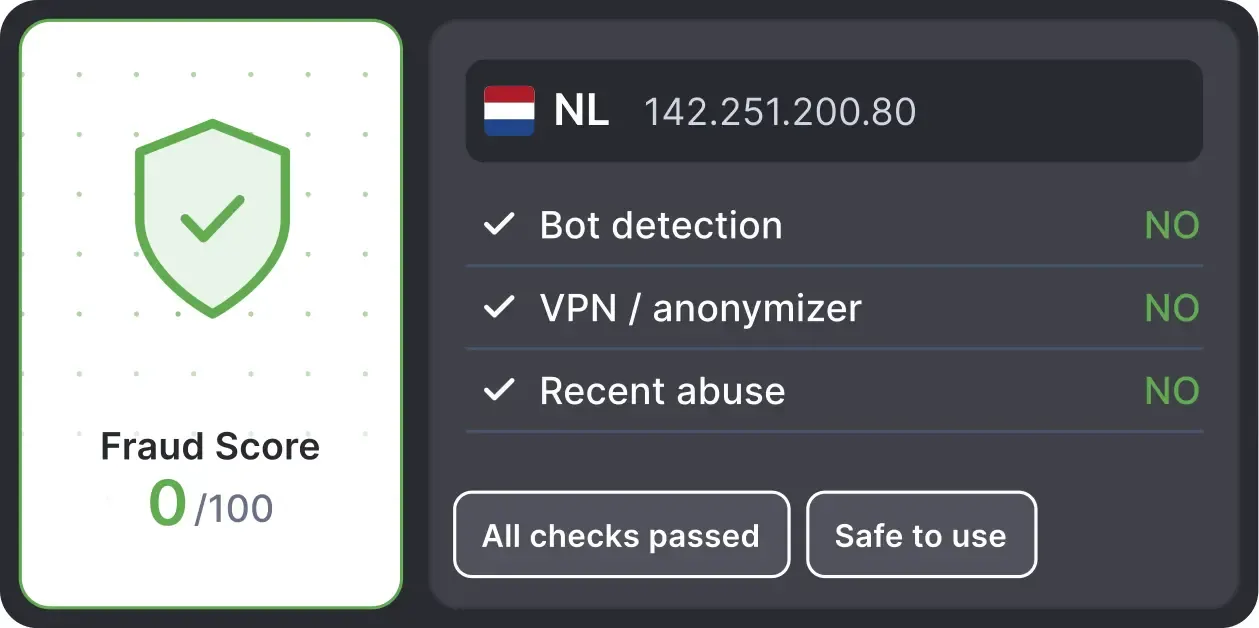
Automatically validates your proxy's "Fraud Score" to ensure you're not using a low-quality or blacklisted IP, adding an extra layer of security for multi-account management.
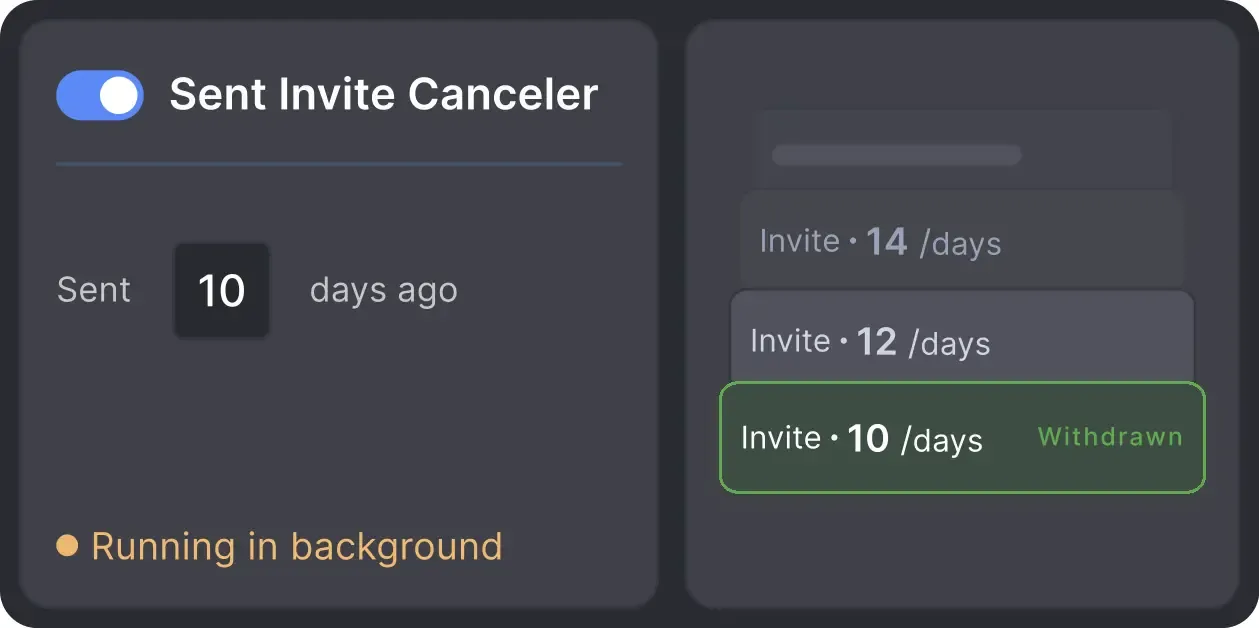
Automatically retracts old, unanswered connection requests to keep your profile in good standing with LinkedIn's algorithm.

Basic

Premium

Sales Navigator

Recruiter
Basic
Premium
Sales Navigator
Recruiter
From finding leads to closing deals, Linked Helper automates every step of your outreach funnel. Explore the features that make us the most powerful solution on the market.


100+ real testimonials prove Linked Helper as a reliable tool for LinkedIn growth.






It is so simple to use and saves you so much time by automating those mundane day-to-day actions that take you forever to do on LinkedIn. I would have been lost had it not been for Linked Helper.

Linked Helper helps me to drive my LinkedIn networking, by saving time and providing useful statistics. Naming is excellent, it is a great and user-friendly HELPER.

This software has revolutionized our LinkedIn outreach and lead generation. It has completely transformed the way we connect with potential clients and partners. The platform is incredibly intuitive and efficient, making our outreach efforts more effective than ever before.
This tool is like a robotic vacuum cleaner. Set it up once and it just does all the monotonous, time-consuming, dirty work while you focus on daily challenges and self-exploration. It's like fishing nets attached to your ship that provide you with food while you travel around the world.
LinkedIn Helper makes the fundraising process so much quicker. I just added a list of business angels, created some messages and started contacting people. We have raised some investment with this process.
A great way to connect to new people, propose partnership collaborations, invite people to follow your page, send multiple connection requests, cold outreach if you are into this.
Volodymyr M.
IT Recruiter
I especially want to note the INCREDIBLE TECHNICAL SUPPORT!!! I checked - technicians give answers both at night and on weekends. Answers come in 3-5 minutes. Technical support solved all my problems and not only with the program, but also with computer settings. Many thanks to the specialists!
Review24/7 LIVE CHAT EMAIL
Get a real human response in minutes, not days.
REMOTE ASSISTANCE
If you're truly stuck, we can connect to your screen and guide you.
IN DEPTH KNOWLEDGE BASE
Step‑by‑step tutorials and articles for every feature.
Standard plan includes the full LinkedIn automation toolkit, with usage limits on some advanced features.
Pro plan increases advanced feature and integration limits, and adds full message history export.

All your data stays on your device in local folders you can access directly.

Each account has its own isolated storage - no data mixing.

With outgoing webhooks, Linked Helper can send data to third-party systems.

Data is stored in local folders on your device. No app, no internet required to access your files.

Install the app on a new device and pick up right where you left off.

Share LinkedIn accounts and campaign data without manual exports.
With incoming and outgoing webhooks, Linked Helper can receive data from and send data to third-party systems.

Your data is automatically backed up to the cloud - no risk of losing it if something happens to your device.

Switch devices or reinstall the app without moving files manually.
Local tax may apply
Join our weekly live training for a kick-start, or explore our library of bite-sized guides at your own pace. We provide every resource to help you scale safely.

A 60-minute live walkthrough to kick-start your LinkedIn lead generation. Register now to join live or receive the recording by email even if you can’t attend.


BLOG POST
VIDEO TUTORIAL
Smart Invitations are Linked Helper workflows for turning a connection request into a structured outreach sequence. You can warm up prospects before the invite, personalize the message using profile data, schedule campaign activity, and add follow-ups after the connection is accepted.






 Save My Spot