

 Team Cloud Tools
 Cloud Workspace
Unified Operations & Speed
Keep lead data unified across accounts, use global de-duplication to avoid duplicate messaging, and find any lead in seconds with Cloud CRM filters.
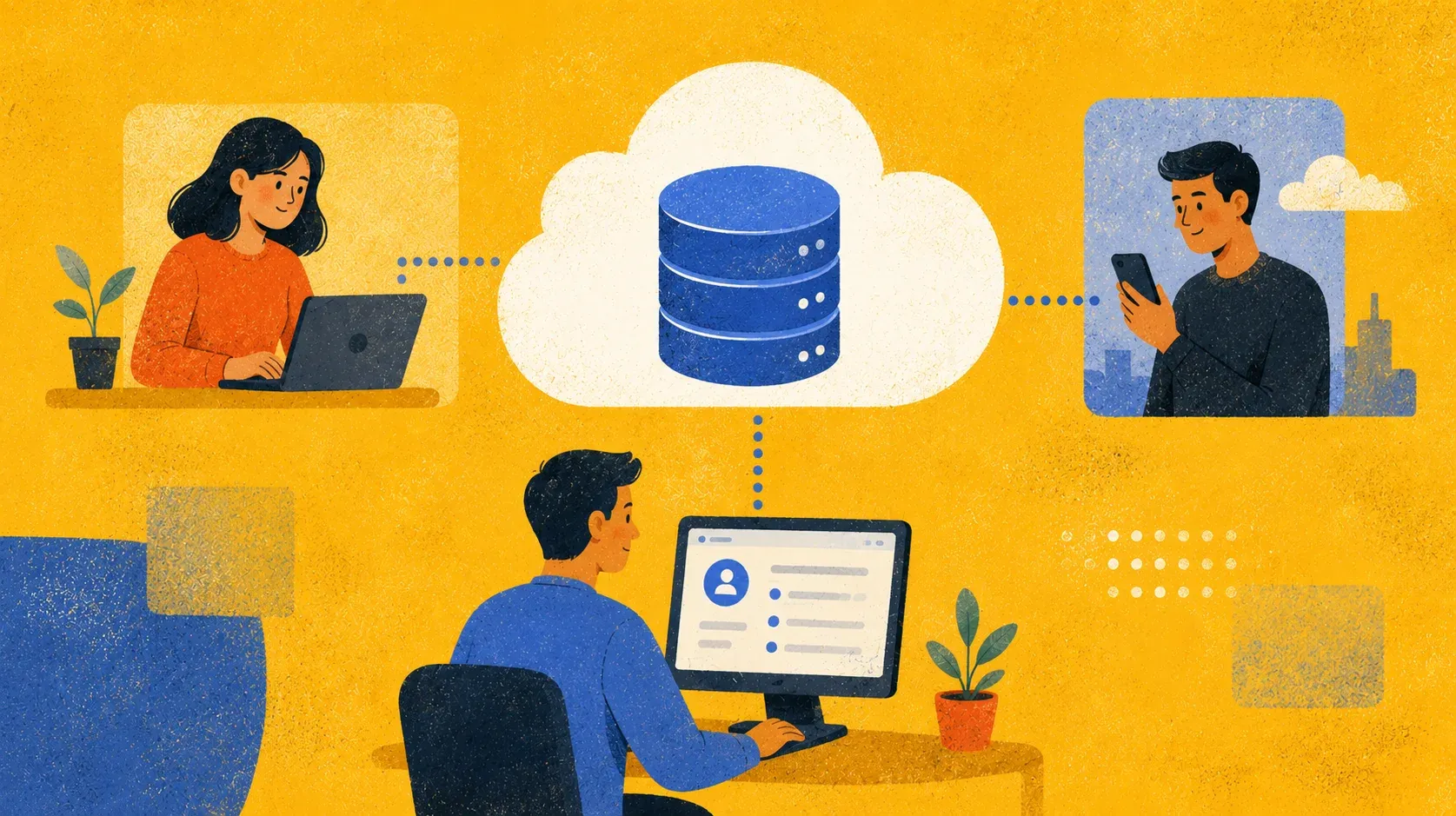
Centralize your LinkedIn outreach CRM and Inbox in the cloud to achieve absolute lead mobility, ensure data safety, and maximize your ROI with flexible hybrid infrastructure. Available exclusively with the Cloud-based storage version license, this professional setup provides a real-time sync for your entire sales operation.










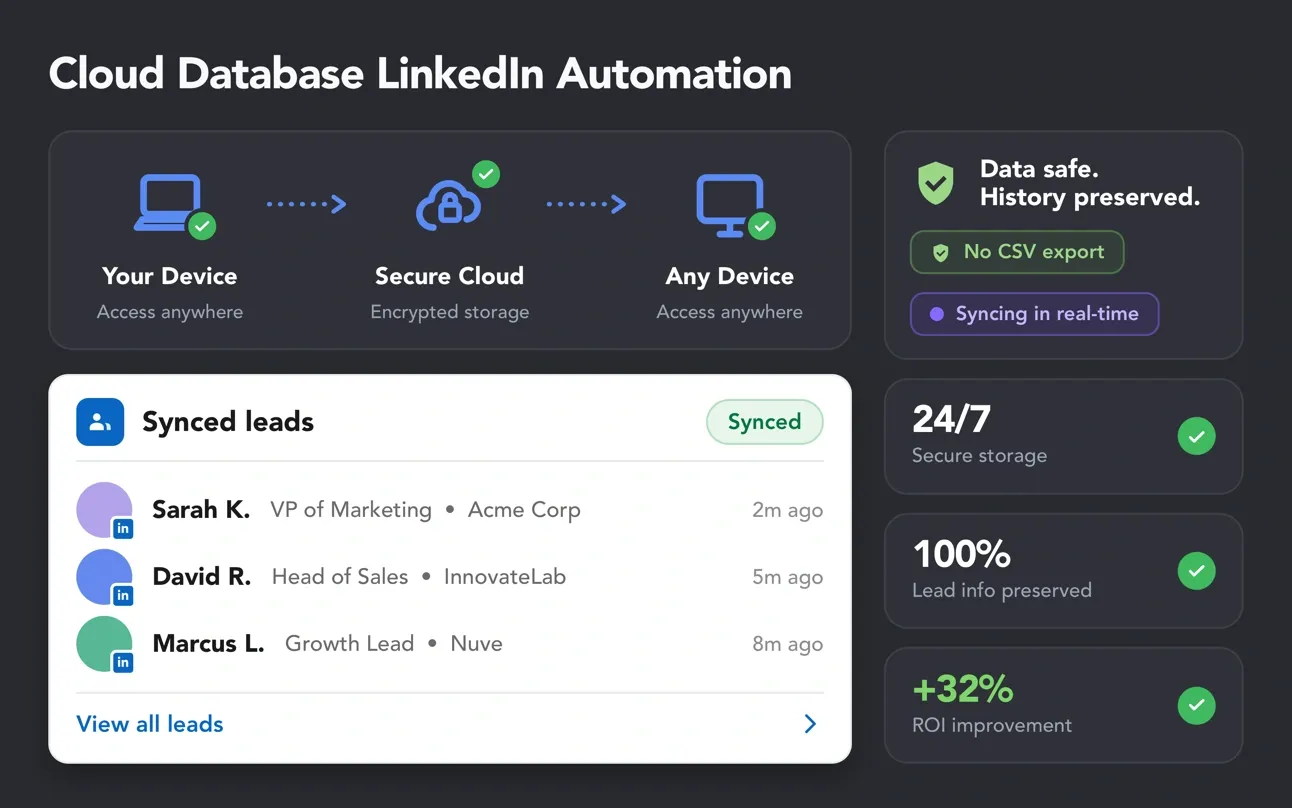
Manual CSV exports slow down your campaigns and scatter lead data across devices.
Cloud sync keeps every record accessible, unified, and ready for the next step.
 Local Data Storage
 Cloud Data Storage
 Cloud Sync
Centralize lead data, protect campaign history, and scale LinkedIn outreach with flexible cloud data infrastructure
built for teams, accounts, and high-volume workflows.


Give every team member access to the right leads, the right history, and the right campaign data
without CSV exports or manual list rebuilding.
 Effective
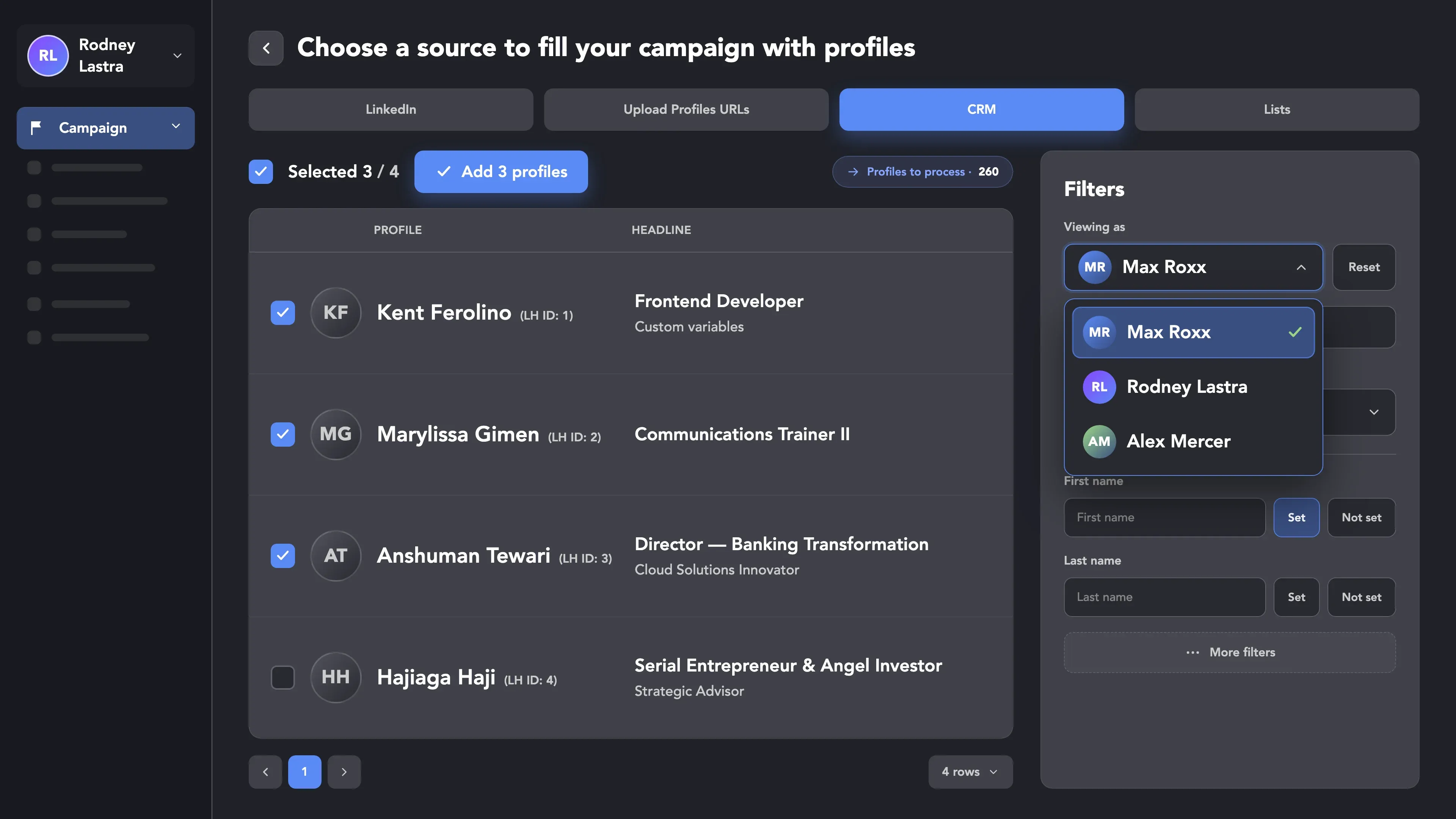
Move qualified leads from your CRM directly into another account’s campaign. Select profiles, choose the destination campaign, and add them to “Profiles to process” without CSV exports or manual list rebuilding.
 Important
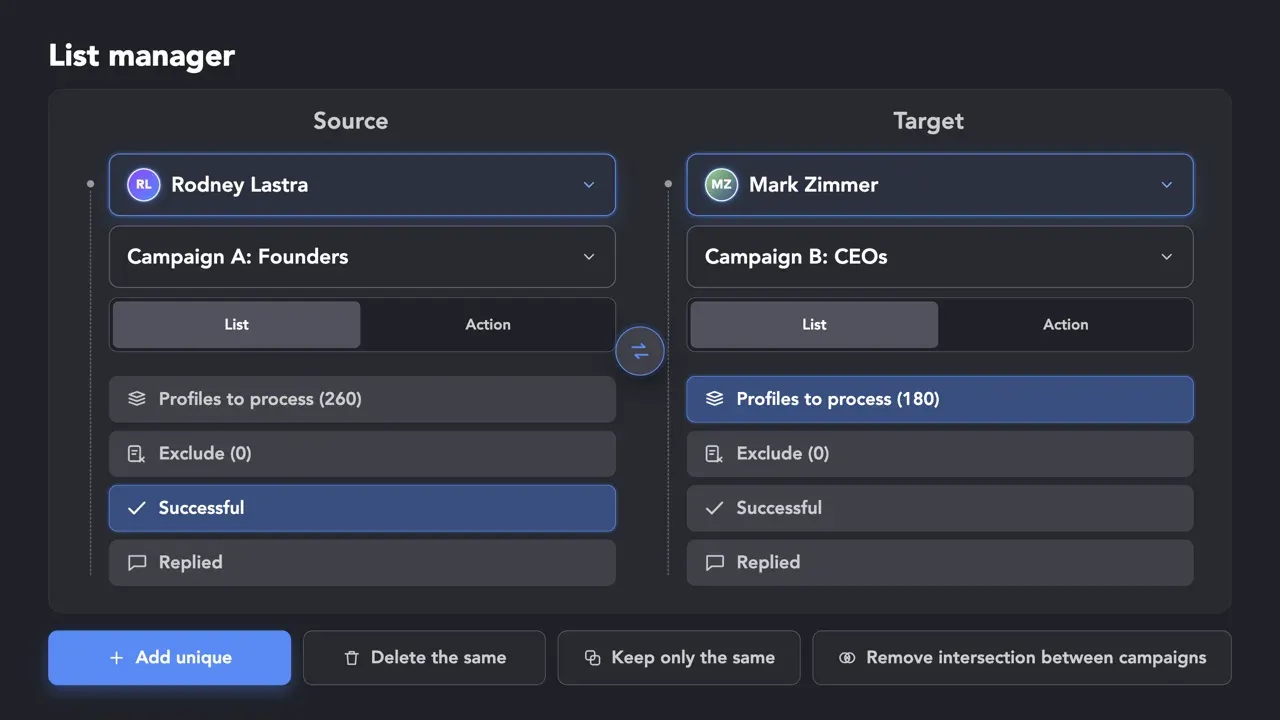
Use List Manager to compare lead lists, detect intersections, and remove prospects that are already being processed by another account — so your team avoids duplicate touches and protects brand reputation.
 Recommended
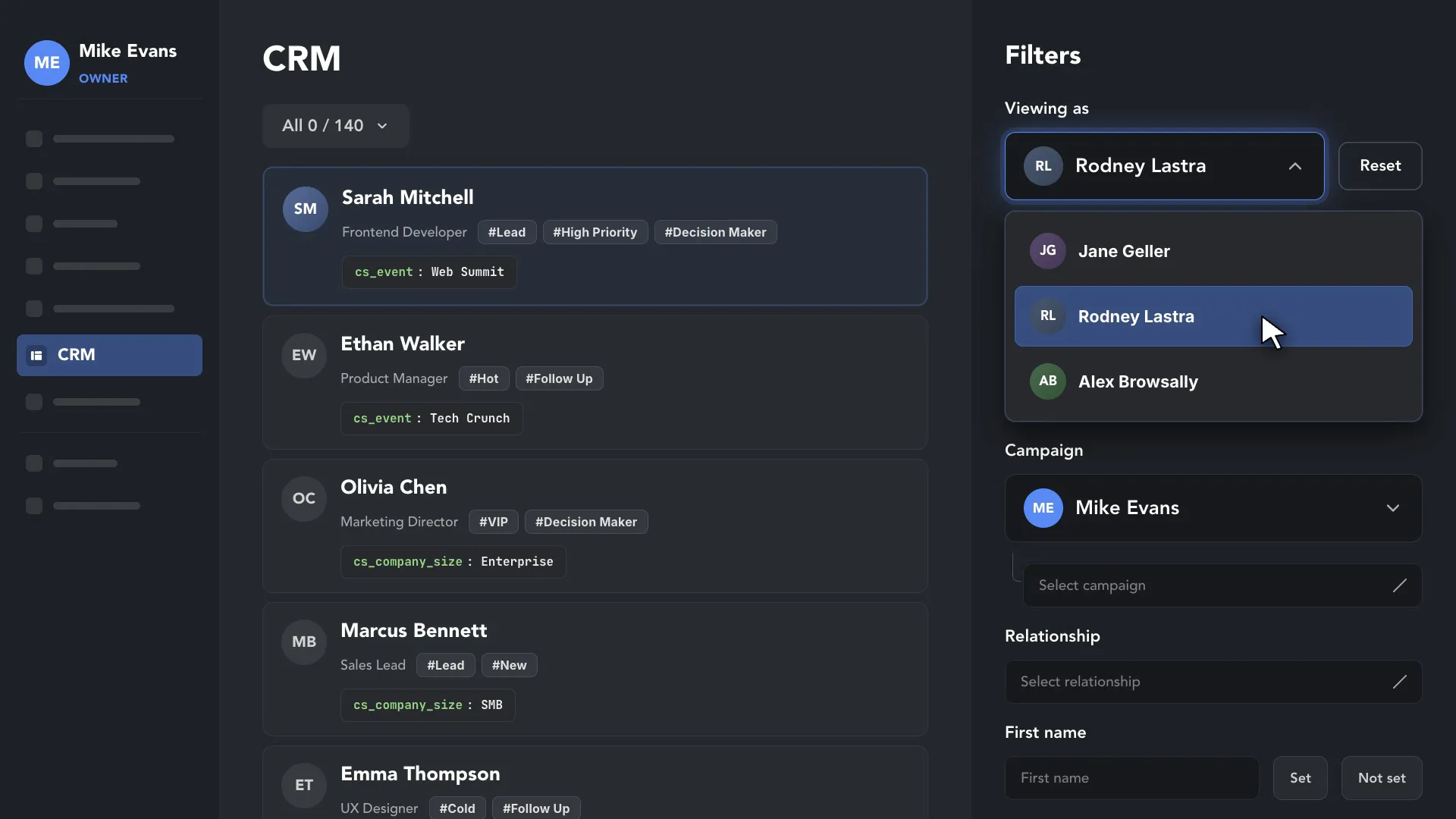
 Search and segment your entire team’s database at once. Use filters to find leads by tags, campaigns, or custom variables across all cloud-enabled accounts in one window.
Ensure business continuity with hardware-independent storage while maximizing your budget efficiency
through hybrid license management.
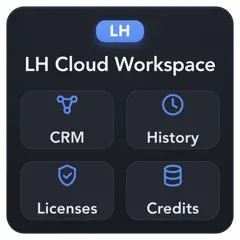
CRM data, message history, licenses, and Data Credits remain available at the Workspace level. Teams can access, reassign, and manage cloud assets across devices and users while preserving operational history.
Your CRM data and message history live on LH Cloud servers, not on a local hard drive. They stay available even when a device is replaced or a user changes.
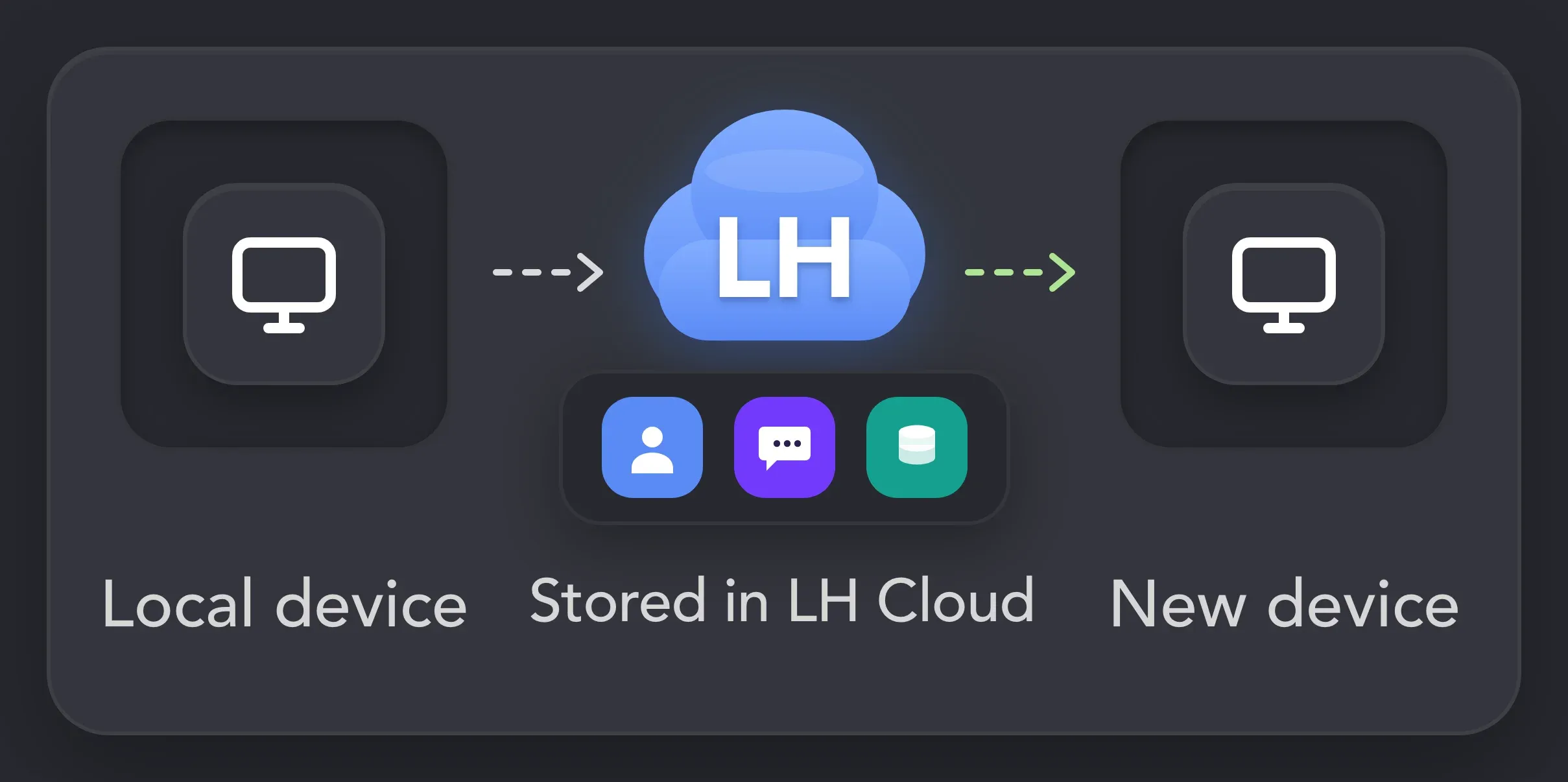
Log in to Linked Helper from any PC and continue exactly where you left off. Campaigns, profiles, notes, and workflow progress stay synced across devices.
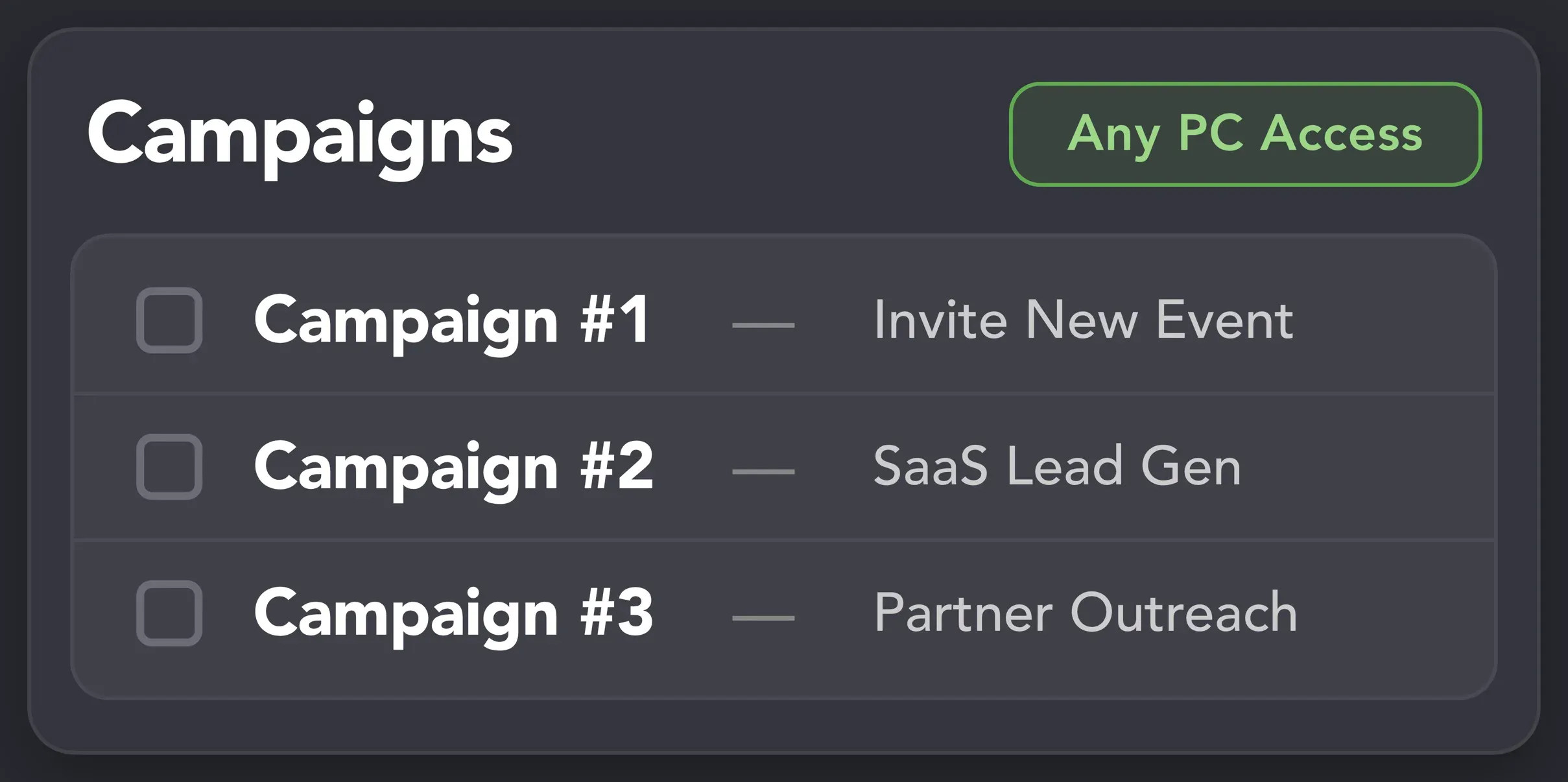
Reassign LinkedIn accounts, move cloud licenses, and manage shared Data Credits from one dashboard. Mix Local and Cloud storage to reduce costs while keeping priority accounts protected.
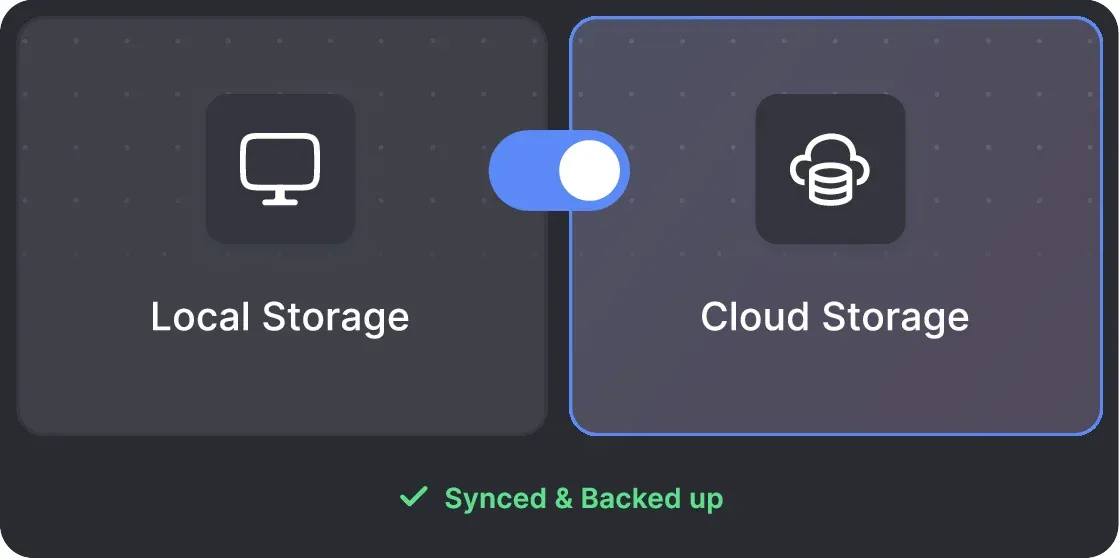
Supercharge your agency operations. Cloud-enabled Workspaces turn siloed LinkedIn accounts into a unified,
high-speed lead generation machine with full visibility into every account's data.


Protect your most valuable assets with cloud storage. Manage multiple accounts with total confidence in data integrity and persistent access.
Linked Helper is verified undetectable by DataDome, Cloudflare, PerimeterX, and 10+ other leading systems, so your AI-driven campaigns run safely 24/7 without triggering LinkedIn algorithms.
 DataDomeCloudflarePerimeterXAkamaiImperva10+ more
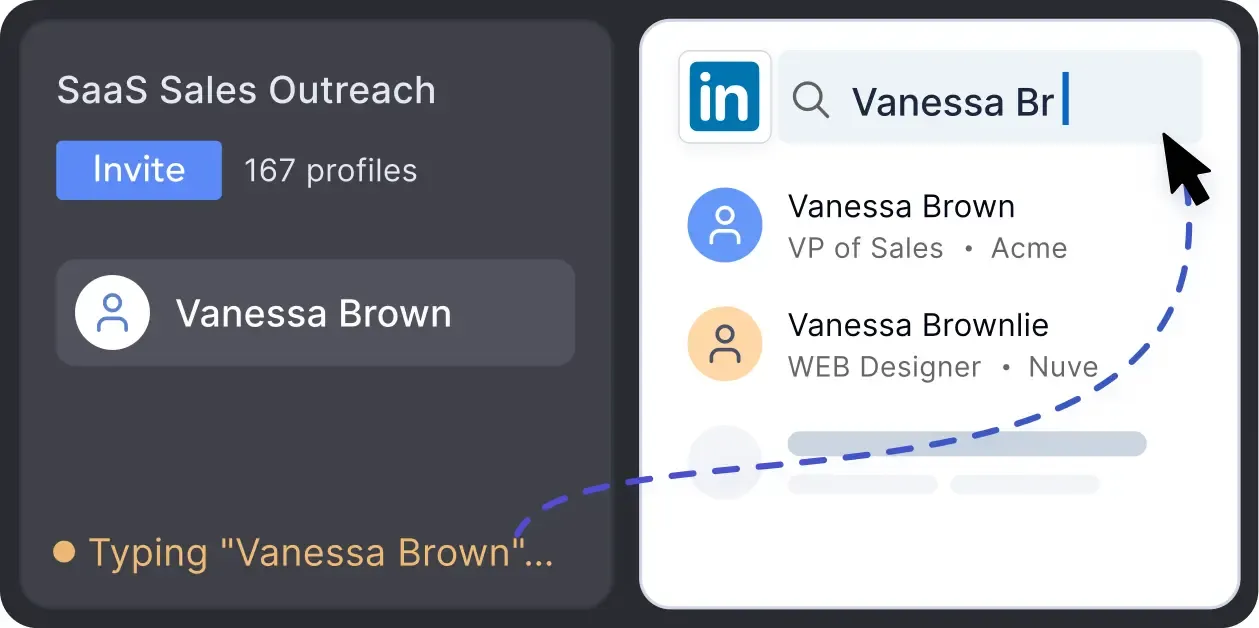
No risky API calls. Our software mimics a real person with mouse movements and clicks, typing simulation, and randomized delays when scaling your outreach.
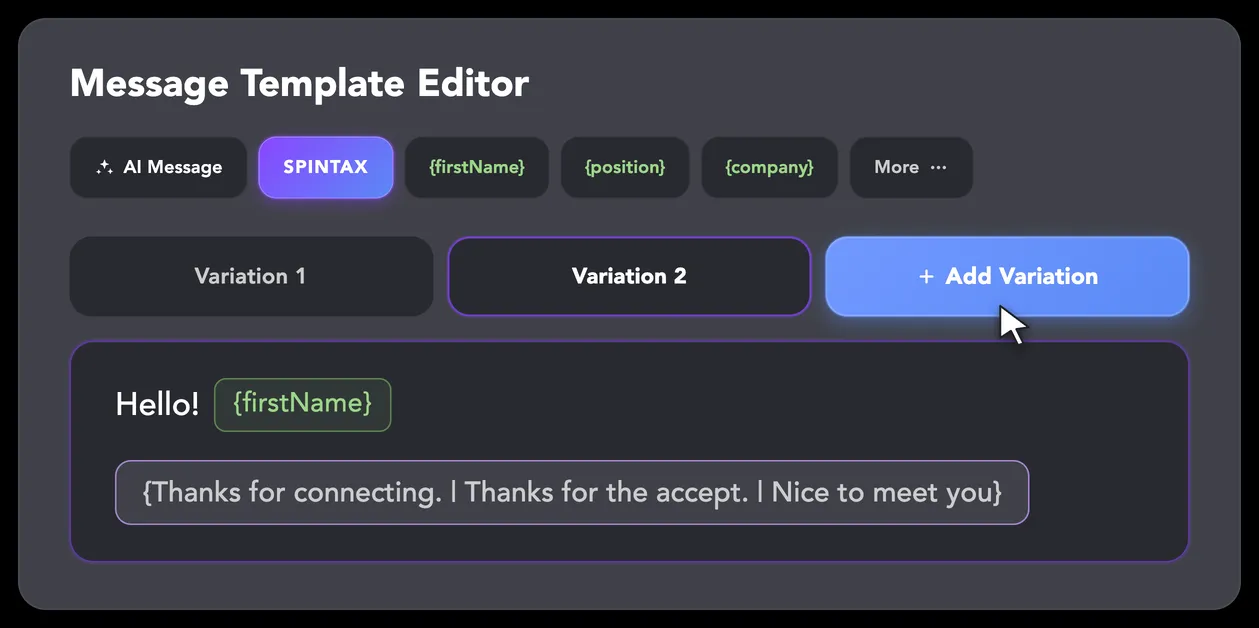
LinkedIn algorithms flag repetitive text. Use Spintax to combine unique variations for every message across your entire cloud database. Keep your team's large-scale outreach completely off the spam radar.
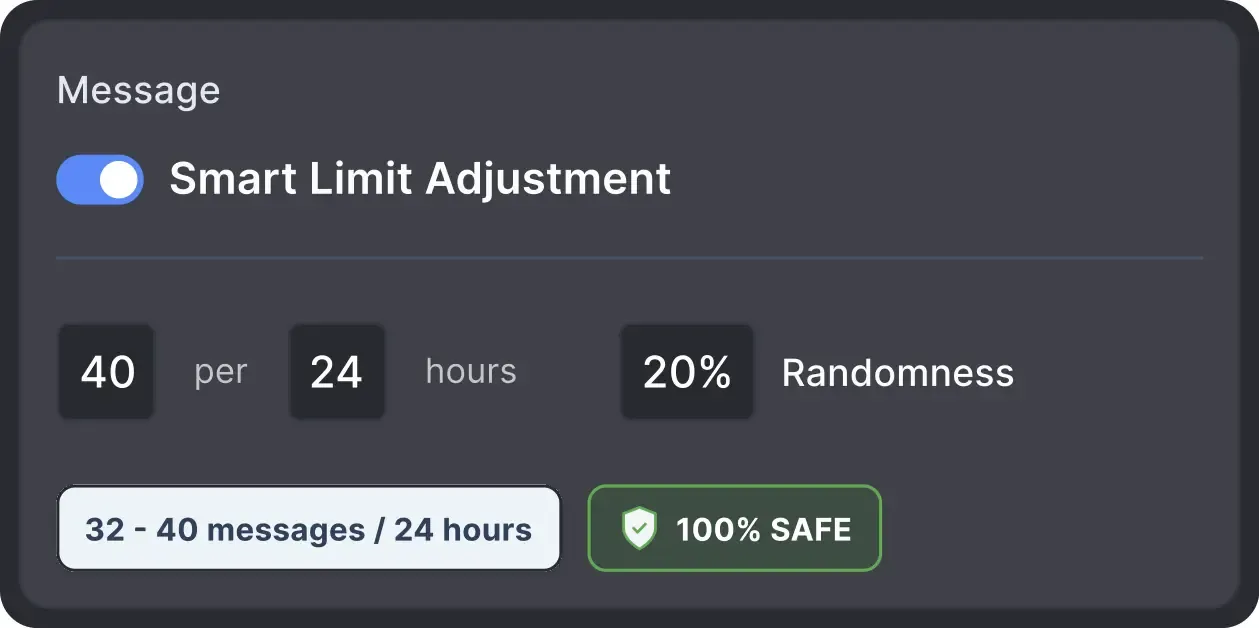
Operates within safe, recommended daily quotas and works on a human-like schedule with random shifts to avoid robotic patterns.
All LinkedIn activity comes directly from your local IP address or a chosen dedicated proxy, avoiding a major red flag for LinkedIn.
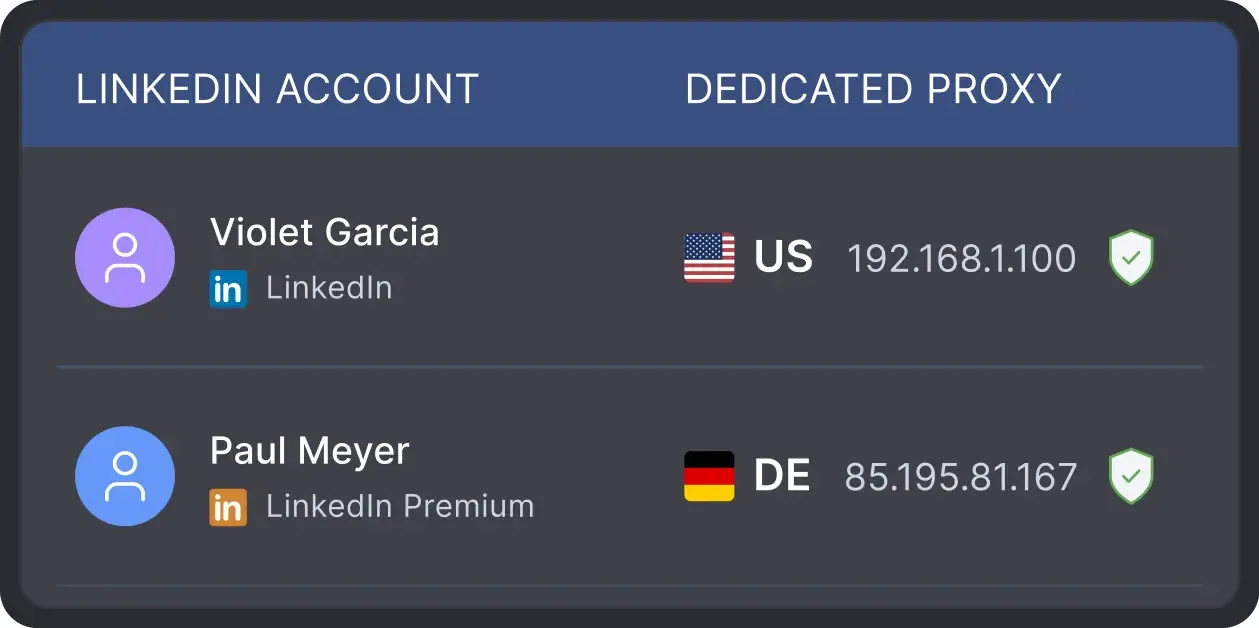
Manage dozens of cloud-enabled accounts with confidence. The tool validates every proxy’s "Fraud Score" to ensure you’re not using blacklisted IPs, protecting your entire database before the tool even starts.
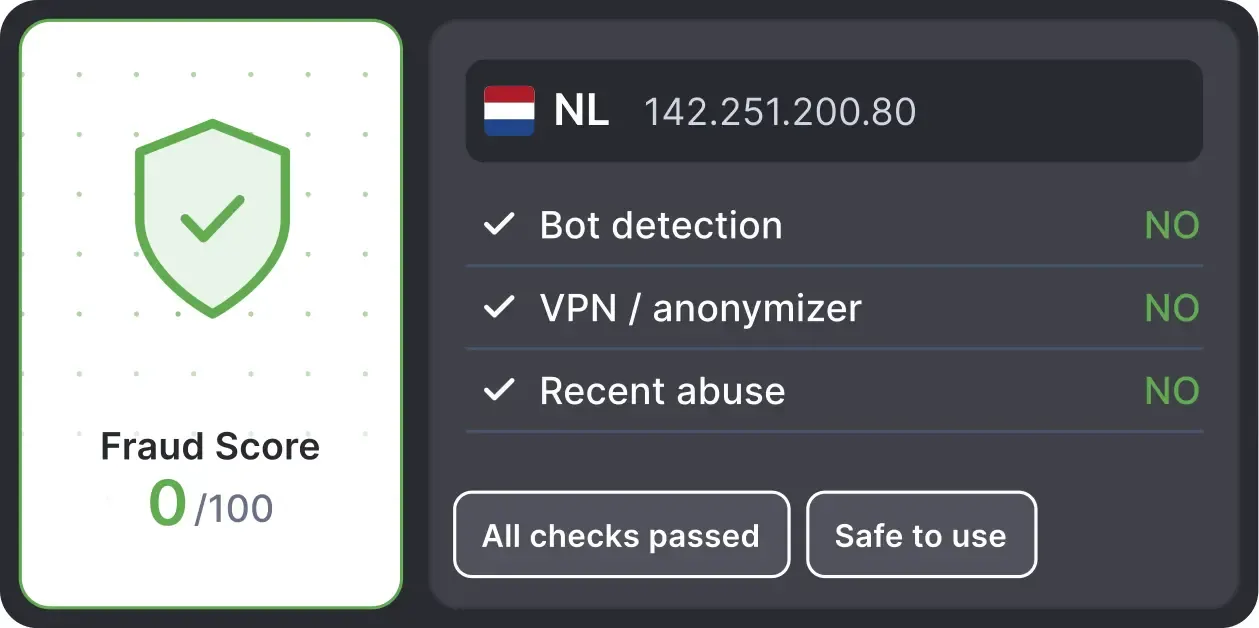
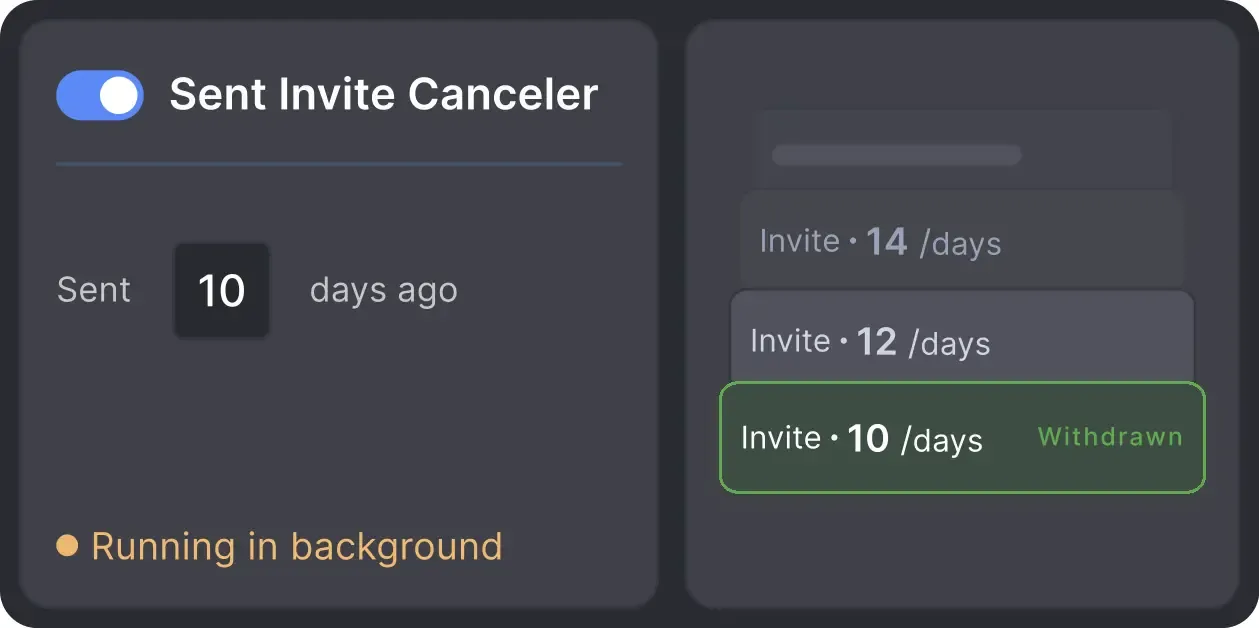
Automatically retracts old, unanswered connection requests, keeping your cloud-managed profiles in good standing with LinkedIn’s limits and algorithms.
Effortlessly gather valuable insights from LinkedIn without manual data entry. You can set up a CRM transfer after any step or only after a lead replies to a certain LinkedIn message for maximum precision. Sync LinkedIn chats with CRM so the entire team can view lead responses.
















Basic

Premium

Sales Navigator

Recruiter
Basic
Premium
Sales Navigator
Recruiter
From finding leads to closing deals, Linked Helper automates every step of your outreach funnel. Explore the features that make us the most powerful solution on the market.


100+ real testimonials prove Linked Helper as a reliable tool for LinkedIn growth.






One of the standout features is the ability to personalize messages at scale. This has helped me maintain a personal touch in my outreach efforts, which is crucial for building initial connections and engaging prospects effectively. Since incorporating this tool, I've seen a noticeable increase in engagement rates and conversions.

Using Linked Helper now over a couple of months and have to say it works flawlessly. Onboarding new contacts, sending out follow-ups messages... everything is automated once you set it. Just top to increase the network with this tool!
They have workflows ready for most of the use cases you have. Basically, you can automate liking, following, sending connection requests, and message follow-ups without any manual work. You just have to setup the workflow, ingest the leads, and voila it works like magic!

Setting up campaigns is a breeze, and I particularly love that you can target post commenters, engagers, and event attendees. This flexibility really sets LinkedHelper apart. My connection request acceptance rate is impressive, hovering around 20-30%.
I like everything about it: design, native interface, clear structure of work, incredible customization of campaigns and sequences, additional plugins and their fine-tuning... It helps me build a base of targeted contacts, start a dialogue, get interested in services, and, as a result, get targeted leads
This is an excellent product and I would recommend it to everyone. It helps that the tool automatically checks responses/messages and you can define follow up messages. Overall, it's a great tool and easy to use
It's invaluable as a method to extend my outreach and communication within LinkedIn, passively while I get on with other work. It is sensibly paced, doesn't flag any LinkedIn issues or break any parameters, and is like having another person working with me (but a whole lot cheaper).
I’ve been using LinkedHelper for about a year now. It works just like a real human, and I haven’t had any issues with my LinkedIn accounts since I started. I’ve had some bad experiences with other automation tools that got me blocked, but LinkedHelper has been great.
LinkedHelper is the essential part of our sales workflow. Helps our company getting 10-20 client demos each week. I can't recommend enough. It's a must have for any B2B sales team.
Jeff C.
CEO
There is a wide array of support options including videos and a white glove customer support human agent accessible via WhatsApp. It's allowing me to automate my outreach while feeling completely supported.
Review24/7 LIVE CHAT EMAIL
Get a real human response in minutes, not days.
REMOTE ASSISTANCE
If you're truly stuck, we can connect to your screen and guide you.
IN DEPTH KNOWLEDGE BASE
Step‑by‑step tutorials and articles for every feature.
Join our weekly live training for a kick-start, or explore our library of bite-sized guides at your own pace. We provide every resource to help you scale safely.

This webinar will kick-start your lead generation journey on LinkedIn. A 60-minute live walkthrough for beginners.


BLOG POST
VIDEO TUTORIAL
Standard plan includes the full LinkedIn automation toolkit, with usage limits on some advanced features.
Pro plan increases advanced feature and integration limits, and adds full message history export.

All your data stays on your device in local folders you can access directly.

Each account has its own isolated storage - no data mixing.

With outgoing webhooks, Linked Helper can send data to third-party systems.

Data is stored in local folders on your device. No app, no internet required to access your files.

Install the app on a new device and pick up right where you left off.

Share LinkedIn accounts and campaign data without manual exports.
With incoming and outgoing webhooks, Linked Helper can receive data from and send data to third-party systems.

Your data is automatically backed up to the cloud - no risk of losing it if something happens to your device.

Switch devices or reinstall the app without moving files manually.
Local tax may apply
Cloud Data Storage centralizes your CRM data, message history, and lead statuses in the cloud. Instead of being tied to a specific computer, your data remains accessible, synchronized, and available across your entire team.




 Save My Spot