Email Finder

LinkedIn Email Finder Built
Into Your Outreach Workflow

Video preview
Watch Demo
3 min · no signup
Start free trial
14-day free trial. No card required.

Trusted by over 10,000 businesses worldwide

When Prospects Don’t Connect or Reply,
Find Profile Emails and Keep Outreach Moving

Without Linked Helper

Limited Contact OptionsLimited Contact Options
● Email discovery remains a separate step outside your outreach workflow

● 2nd- and 3rd-degree prospects are harder to reach before connecting

● Searching for another way to reach unresponsive prospects takes extra time

With Linked Helper

More Ways to ConnectMore Ways to Connect
● Email discovery becomes part of one continuous, multistep outreach workflow

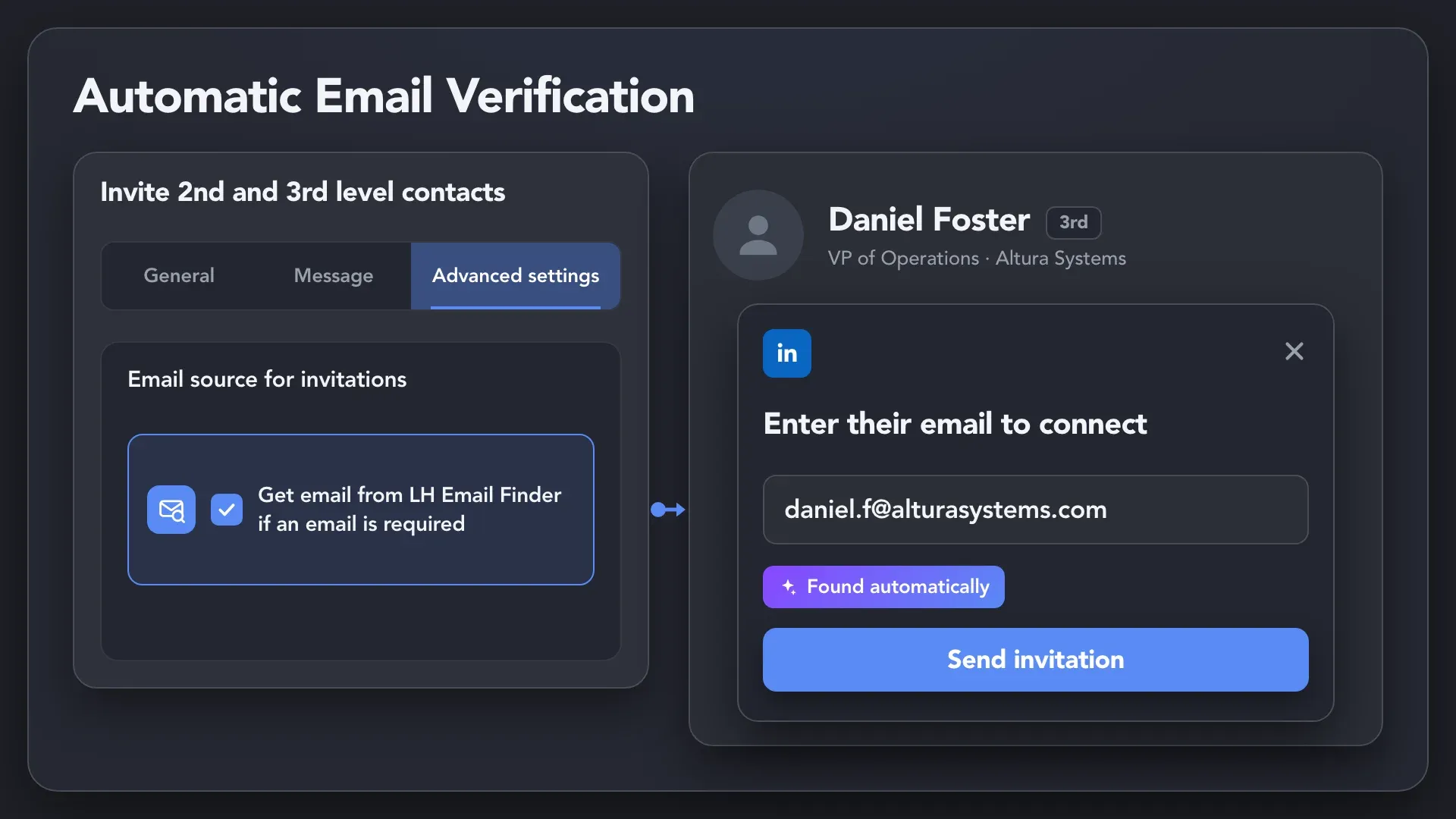
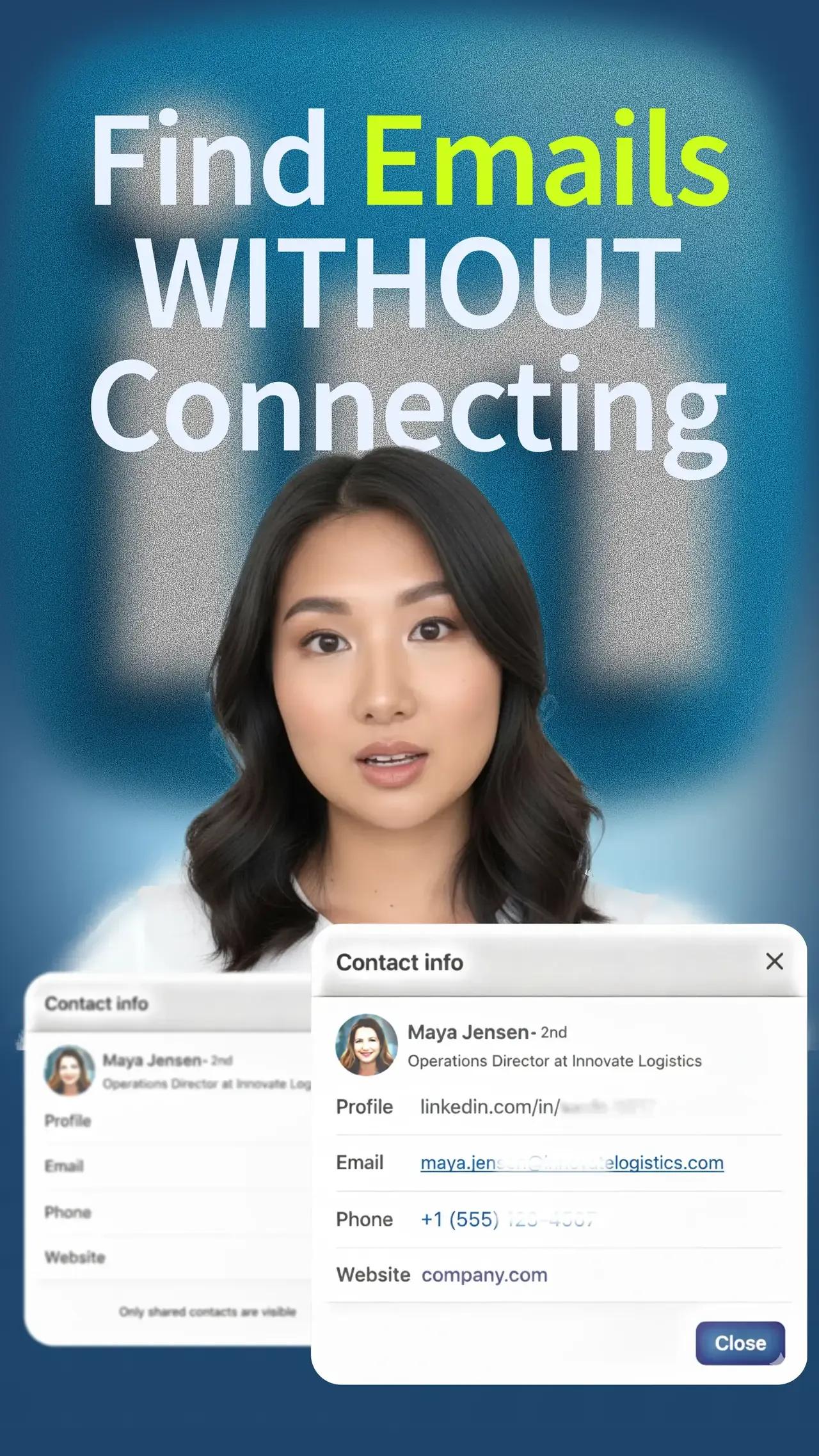
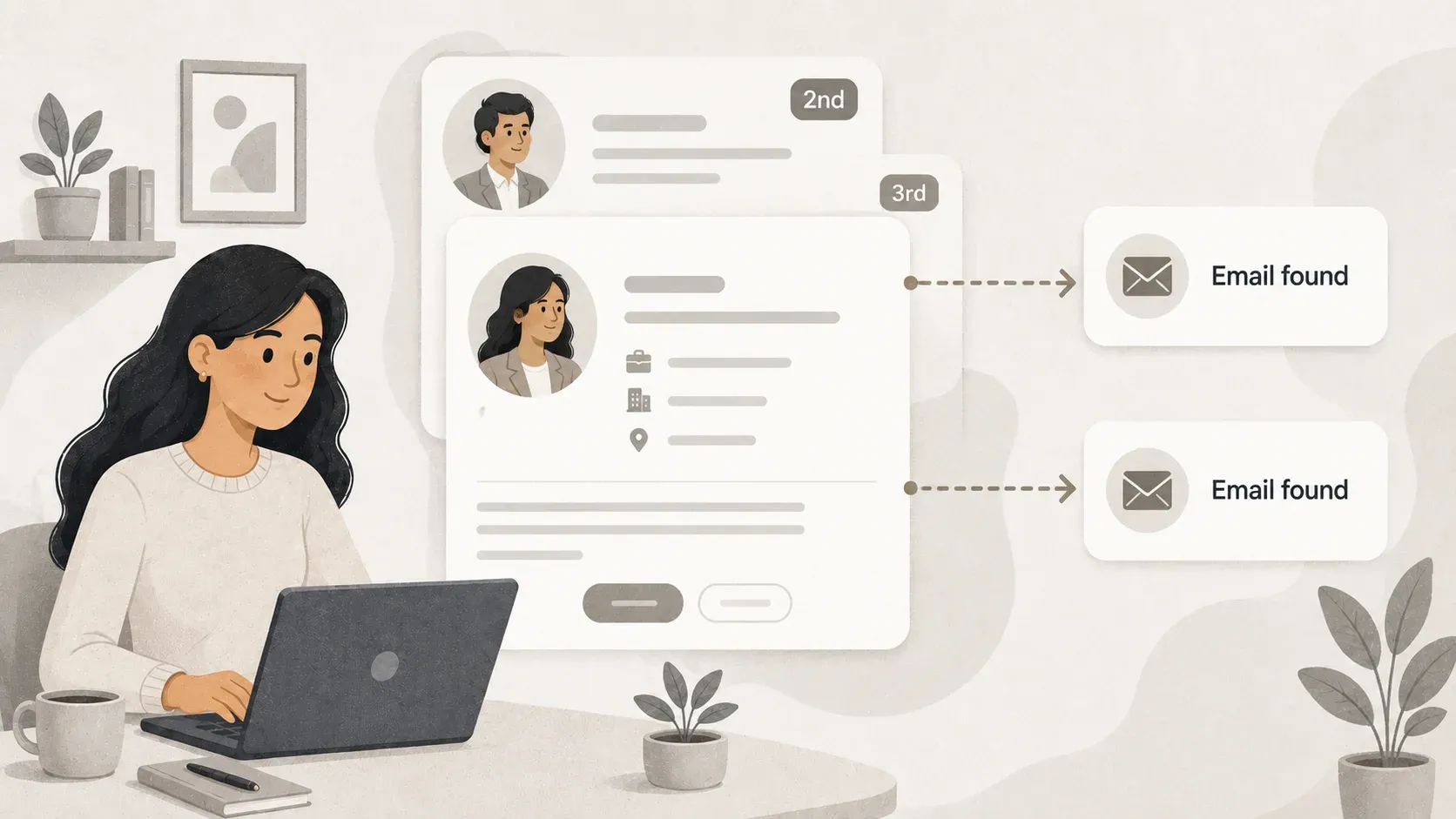
● 2nd- and 3rd-degree prospects become reachable by email before you connect

● Prospect emails are found and saved automatically — no manual lookup or data entry

Find Profile Emails Across
Every Connection Level

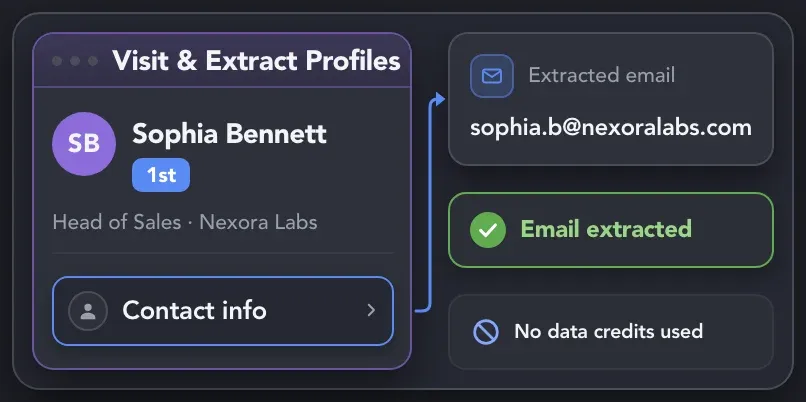
Extract Emails From 1st-Degree Connections

Extract Emails From 1st-Degree Connections

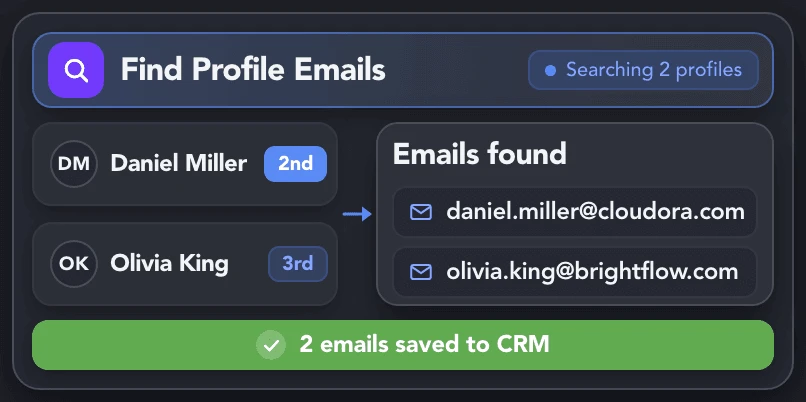
Use Find Profile Emails Across All Connection Levels

Use Find Profile Emails Across All Connection Levels

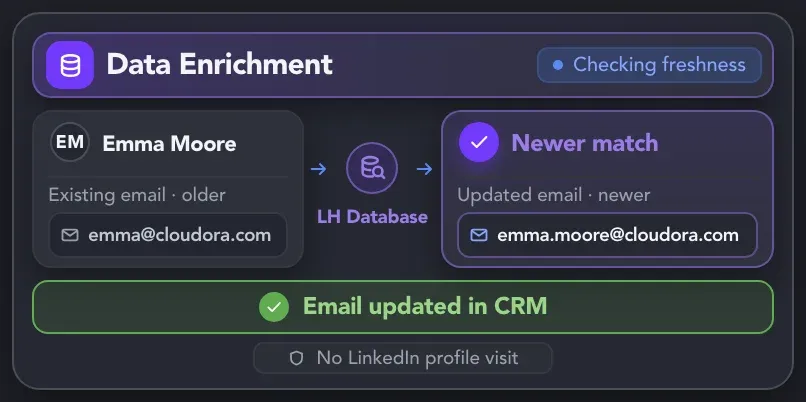
Refresh Email Data With Data Enrichment

Data Enrichment checks an existing lead email against Linked Helper’s database and updates the CRM profile when a newer match is found, without visiting LinkedIn.

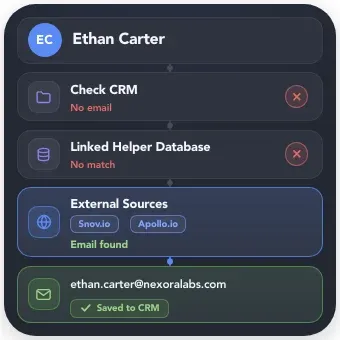
Find Profile Emails Across Multiple Sources

How Find Profile Emails Works

How Find Profile Emails Works

Email lookups let you search Linked Helper’s built-in email database and connected third-party providers such as Snov.io and Apollo.io. Email lookups use credits from the source that performs the search. Linked Helper’s built-in database uses Data credits: one credit is charged only when it successfully finds a match for a profile, even if that match returns multiple emails. Snov.io and Apollo.io use credits from your connected accounts according to their own rules.

1 Credit per Profile — Even with Multiple Emails620 Credits with Standard3,100 Credits with ProSnov.io & Apollo.io Use Their Own Credits

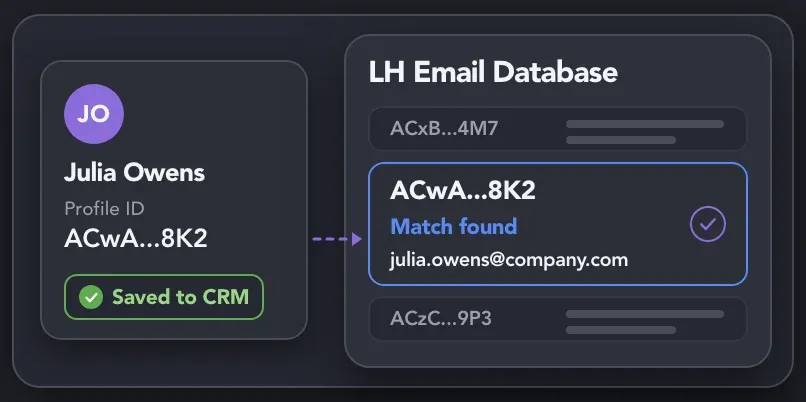
Linked Helper Email Database

Search Linked Helper’s built-in database for emails associated with the prospect’s LinkedIn profile. Every found email is saved to the corresponding lead profile in the built-in CRM.

Linked Helper Email Database

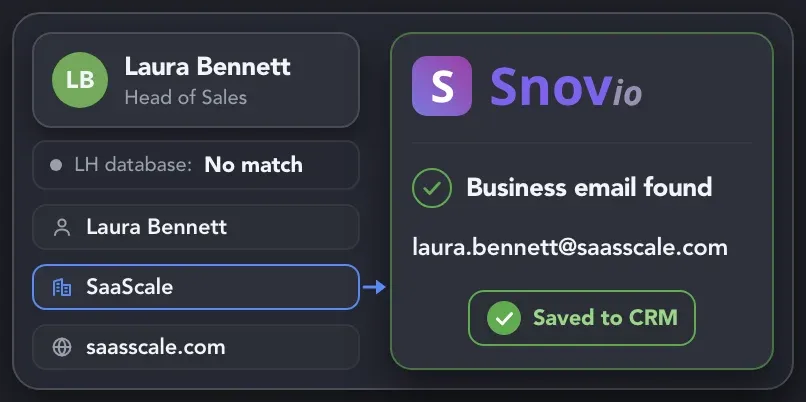
Snov.io Integration

Use the prospect’s name, company, and domain data to continue the search for a business email when Linked Helper finds no match.

Snov.io Integration

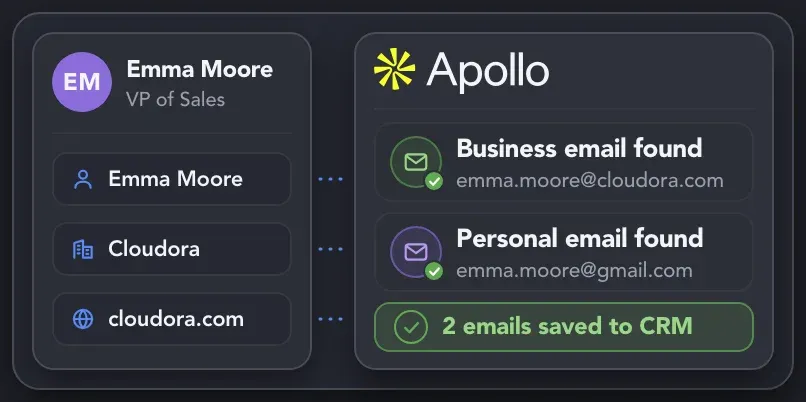
Apollo.io Integration

Search for professional emails only or expand the lookup to professional and personal addresses, depending on your campaign settings.

Apollo.io Integration

Build Find Profile Emails Into Your Workflow.
Let Linked Helper Handle the Search.

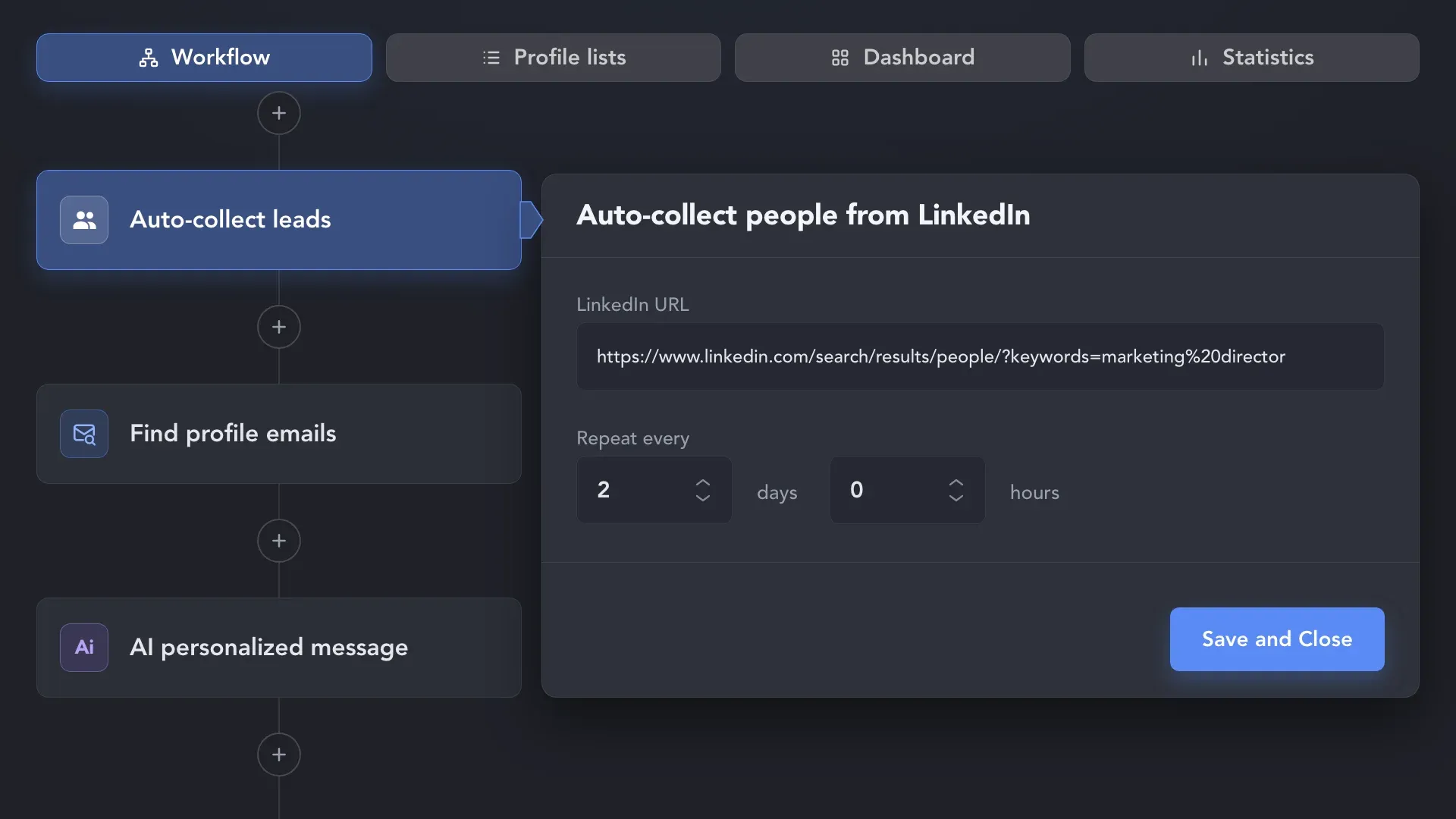
Keep Find Profile Emails Running Automatically

Keep Find Profile Emails Running

Use Find Profile Emails to Keep Outreach Moving

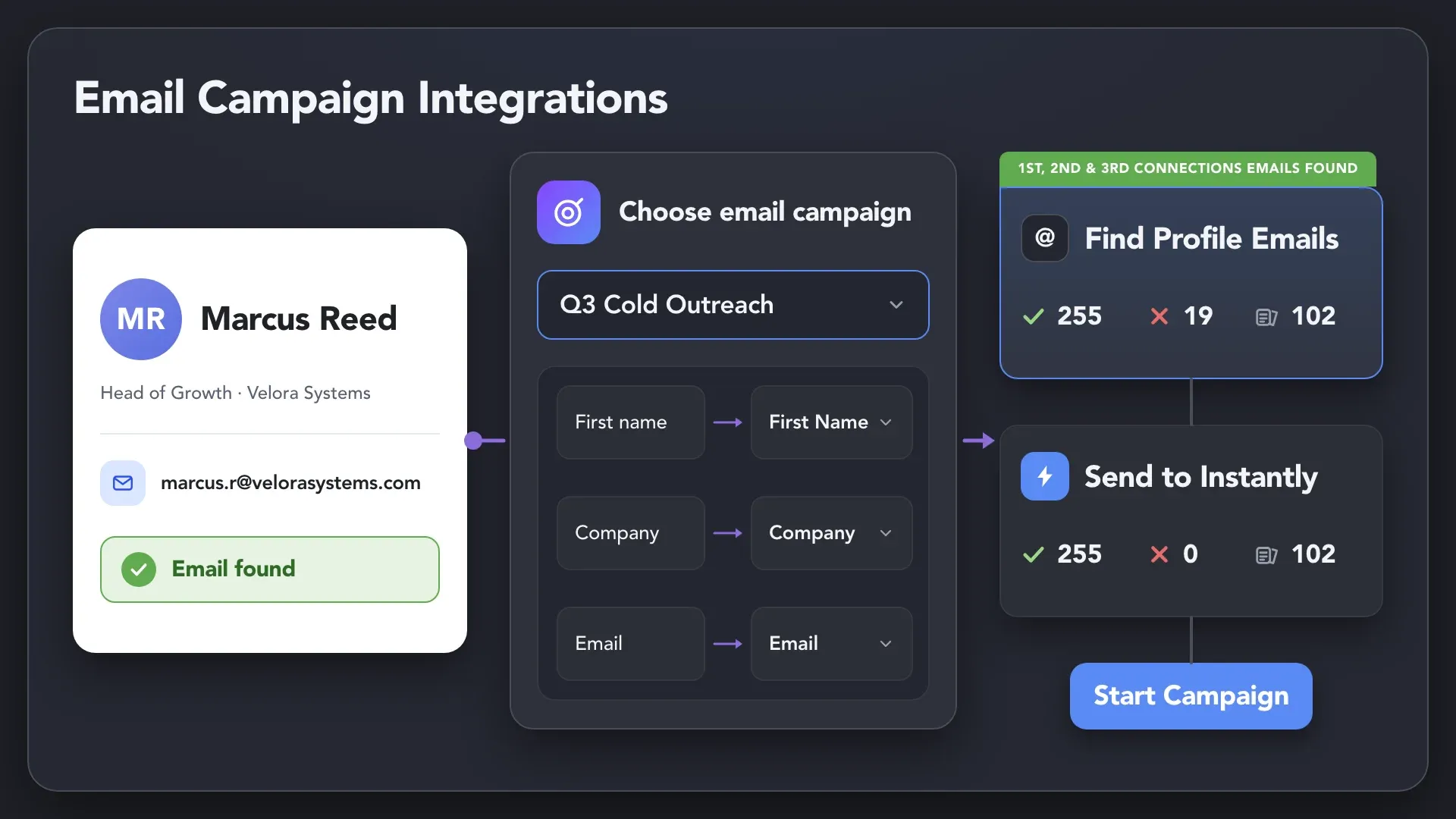
Email CampaignsEmail Campaigns

Continue Outreach by Email

Continue Outreach by Email
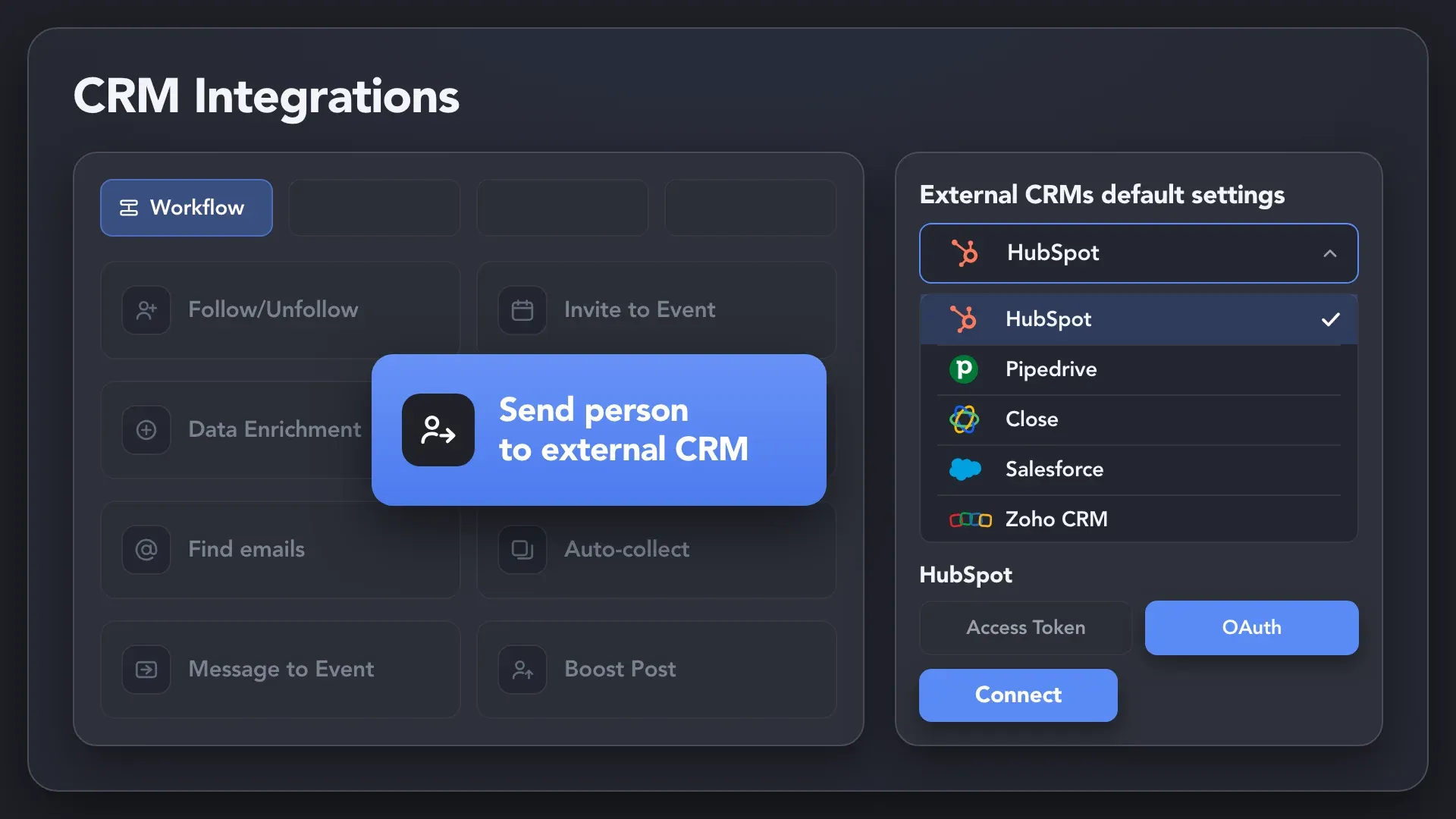
CRM SyncCRM Sync

Move Lead Data Into Your CRM

Move Lead Data Into Your CRM
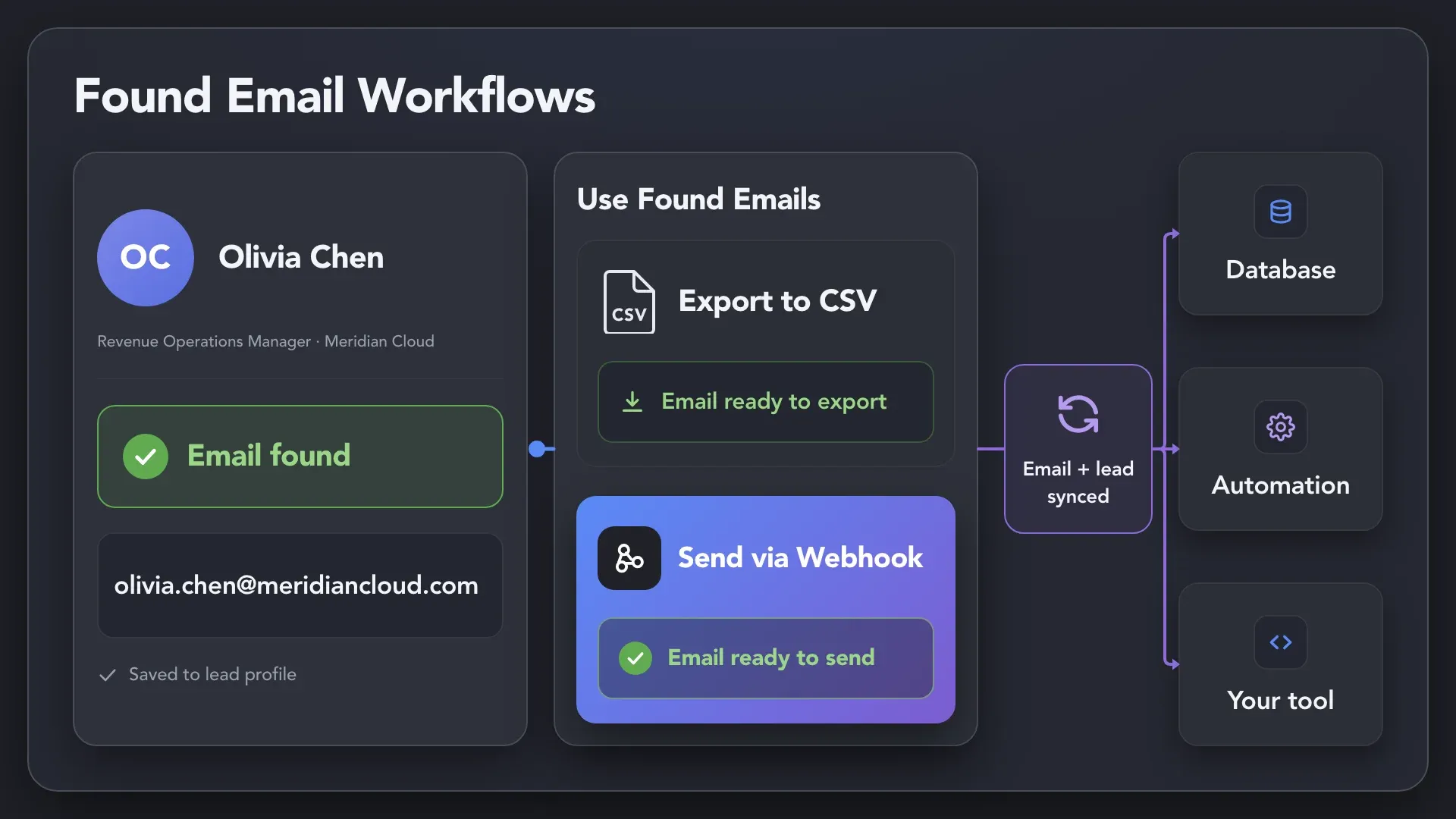
Exports & Webhooks

Export Contacts or Connect Your Own Tools

Export Contacts or Connect Your Own Tools

Seamlessly Connect with Leading CRMs

Go Beyond the LinkedIn Profile to
Reach the Prospects That Matter

Info card icon

Sales & SDR Teams

Info card icon

PR & Communications Teams

Info card icon

Lead Generation Agencies

Info card icon

Founders & Business Development

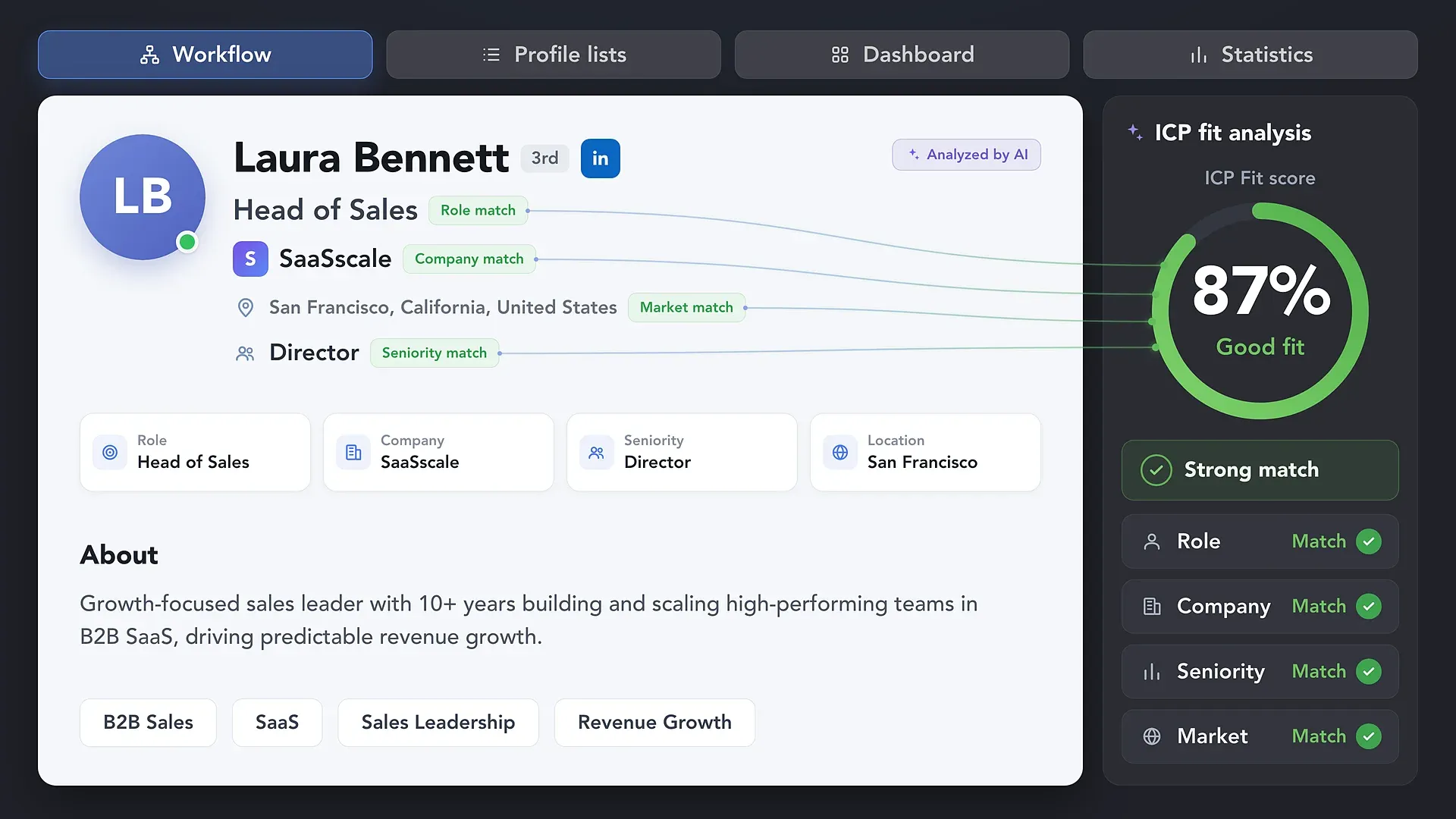
Use Find Profile Emails
For the Right People

Use Find Profile Emails For the Right People

Use Find Profile Emails to Connect on LinkedIn, Too

Use Find Profile Emails to Connect on LinkedIn, Too

Need More Than an Email?

Data Enricher

Data Enricher

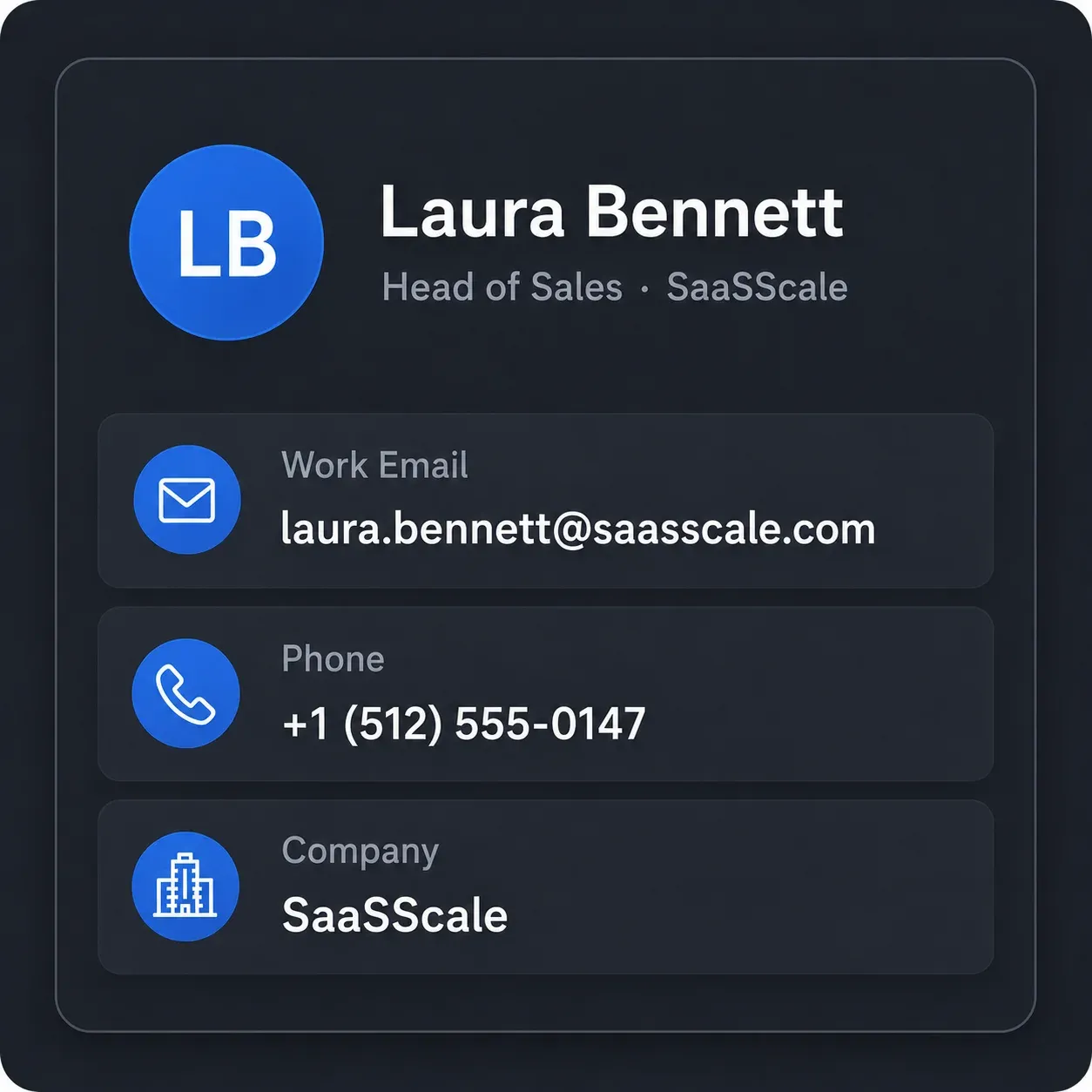
Use Data Enricher to add phone numbers, social and messaging links, profile details, and company data to the same leads — without visiting their LinkedIn profiles. Select only the data categories you need to build richer prospect records for qualification, segmentation, and personalization.

Keep Your LinkedIn Activity
Safe and Human-Like

Passes All Major Bot Detectors

Passes All Major Bot Detectors

Linked Helper is designed to reduce detection risk: human-like behavior, daily limits and your own IP & more features to keep your account safe.

DataDomeDataDomeCloudflareCloudflarePerimeterXPerimeterXAkamaiAkamaiImpervaImperva10+ more10+ more

Human Behavior Simulation

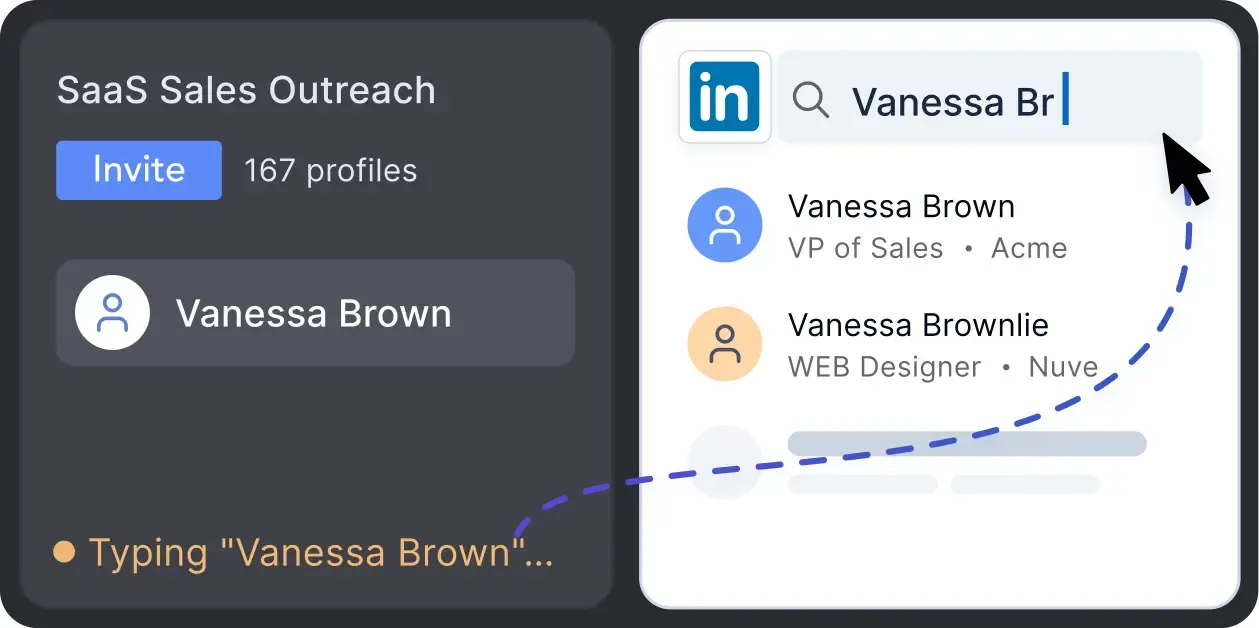
Mimics human actions with mouse movements and clicks, typing, and randomized delays. Navigates via LinkedIn search rather than direct URLs.

Human Behavior Simulation

Spintax & Variations

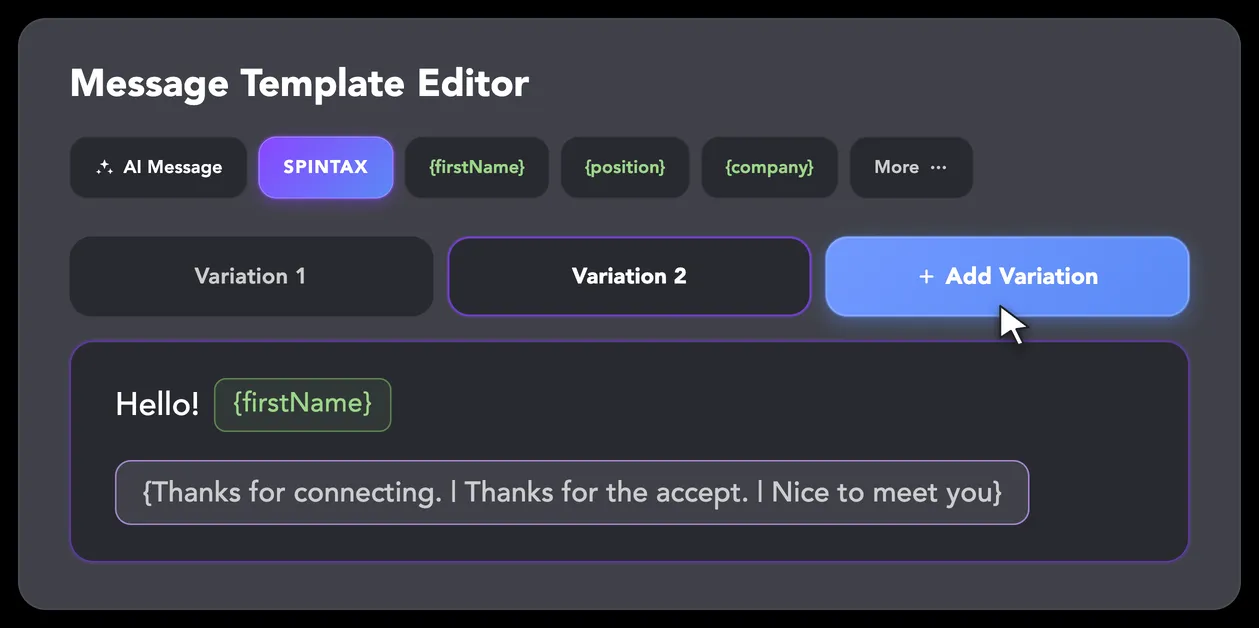
LinkedIn algorithms flag repetitive text. Combine your generated templates with unique syntactic variations for every single message, keeping your outreach off the spam radar.

Spintax & Variations

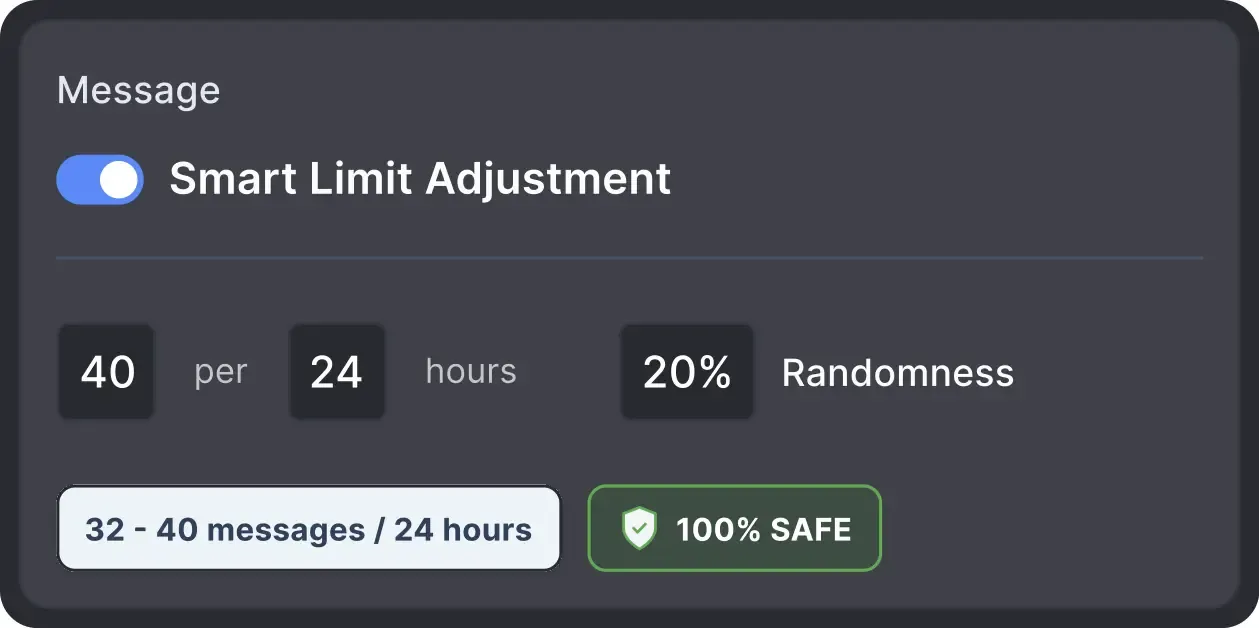
Smart Daily Limits

Operates within safe, recommended daily quotas and works on a "human-like" schedule (e.g., 9 AM - 5 PM) with random shifts to avoid robotic patterns.

Smart Daily Limits

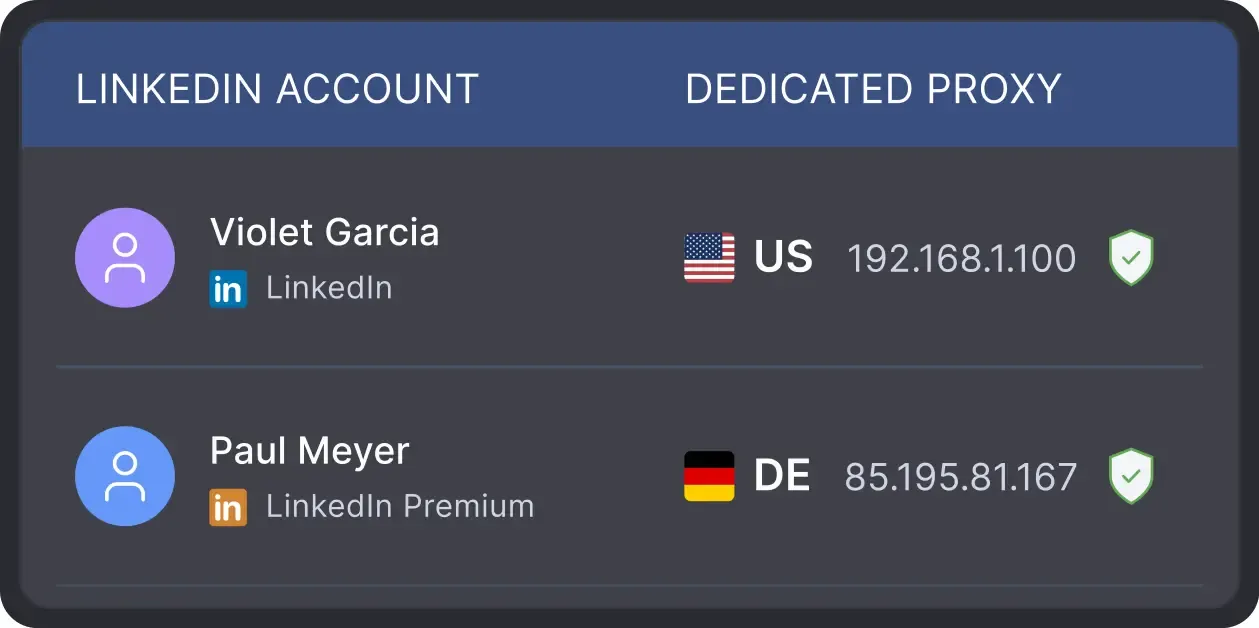
Works From Your Own IP

All activity comes from your local IP address or a chosen dedicated proxy, not a suspicious server, avoiding a major red flag for LinkedIn.

Works From Your Own IP

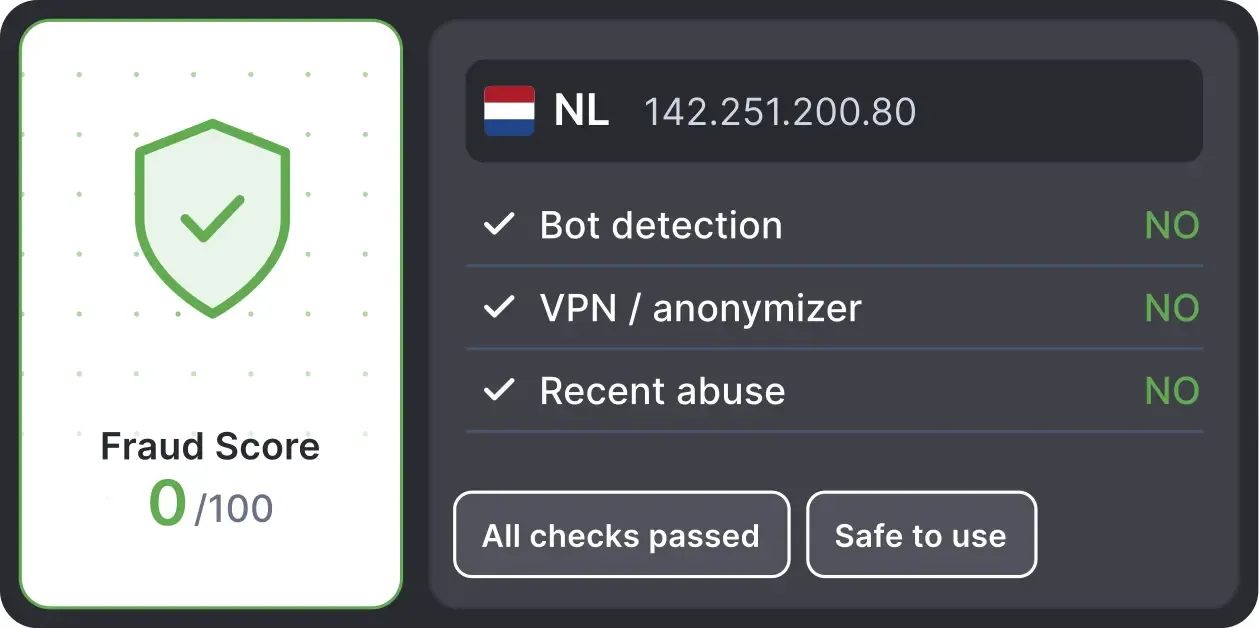
Built-in Proxy Quality Check

Automatically validates your proxy's "Fraud Score" to ensure you're not using a low-quality or blacklisted IP, adding an extra layer of security for multi-account management.

Built-in Proxy Quality Check

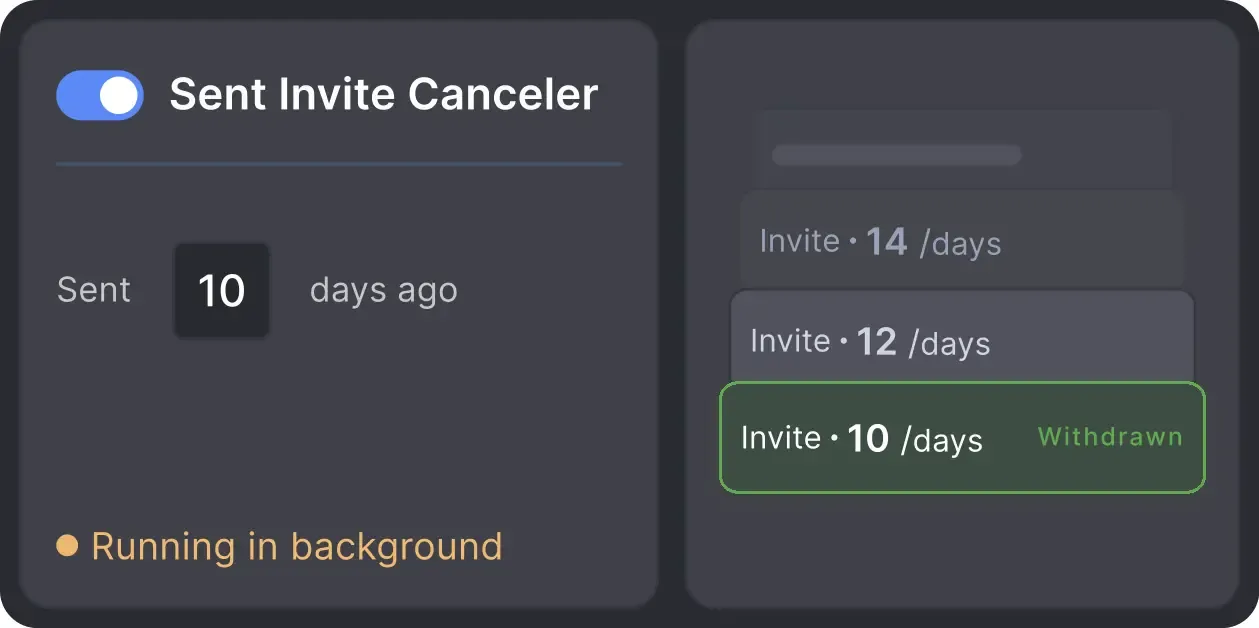
Auto Invite Withdrawal

Automatically retracts old, unanswered connection requests to keep your profile in good standing with LinkedIn's algorithm.

Auto Invite Withdrawal

Works with All LinkedIn Platforms

LinkedIn Platform

Basic

LinkedIn Platform

Premium

LinkedIn Platform

Sales Navigator

LinkedIn Platform

Recruiter

Your Complete LinkedIn Automation Toolkit

Info card icon

Smart Message Sequences

Info card icon

Warm-Up & Engage Prospects

Info card icon

Find, Collect & Enrich Leads

Info card icon

Grow Your LinkedIn Assets

Info card icon

Scale Your Operations

Info card icon

Integrate & Export Your Data

LinkedIn-experienced Linked Helper Reviews

Medal
Medal
Medal
Medal
Medal
Medal
Read Full Reviews

Volodymyr M.

IT Recruiter

I especially want to note the INCREDIBLE TECHNICAL SUPPORT!!! I checked - technicians give answers both at night and on weekends. Answers come in 3-5 minutes. Technical support solved all my problems and not only with the program, but also with computer settings. Many thanks to the specialists!

Review link iconReview

24/7 LIVE CHAT & EMAIL

Get a real human response in minutes, not days.

REMOTE ASSISTANCE

If you're truly stuck, we can connect to your screen and guide you.

IN DEPTH KNOWLEDGE BASE

Step‑by‑step tutorials and articles for every feature.

Read Guidelines

Flexible pricing for every LinkedIn professional

Local-based storage versionCloud-based storage version

Data stored locally

All your data stays on your device in local folders you can access directly.

Separate data space for each LinkedIn account

Each account has its own isolated storage - no data mixing.

Webhooks

With outgoing webhooks, Linked Helper can send data to third-party systems.

Always accessible

Data is stored in local folders on your device. No app, no internet required to access your files.

Local-based storage version
Trial
Free/ 14 days
  • 14-Day Full Feature Access
  • Explore Standard & Pro capabilities
  • 24/7 Support
MOST POPULAR
Local-based storage version
Standard
$15/ month
  • Core lead generation tools unlimited
  • Unlimited campaigns
  • Full data export to CSV (except messaging history)
  • LH CRM with tagging & notes
  • Limited advanced actions (20/day)
  • Webhook integrations (20 profiles/day)
  • 620 Data credits/month (Can be purchased separately if needed)
  • 250 AI credits included (Can be purchased separately if needed)
  • 24/7 Support
Local-based storage version
Pro
$45/ month
  • All Standard features
  • Unlimited daily actions
  • Advanced data export
  • Unlimited webhook integrations
  • Unlimited messages with images
  • 3100 Data credits/month (Can be purchased separately if needed)
  • 500 AI credits included (Can be purchased separately if needed)
  • 24/7 Support
1 license = 1 LinkedIn account(Powerful AI automation and transparent credit pricing – choose the plan that fits your growth.)

Local tax may apply

Master Linked Helper from Day 1

Register for the webinar and learn how to succeed with our app
LIVE WEEKLY

Register for the webinar and learn how to succeed with our app

A 60-minute live walkthrough to kick-start your LinkedIn lead generation. Register now to join live or receive the recording by email even if you can’t attend.

Video preview
Video preview
Video preview
How to Find Emails from LinkedIn Profiles with Linked Helper

BLOG POST

How to Find Emails from LinkedIn Profiles with Linked Helper

Read Article
Video preview

VIDEO TUTORIAL

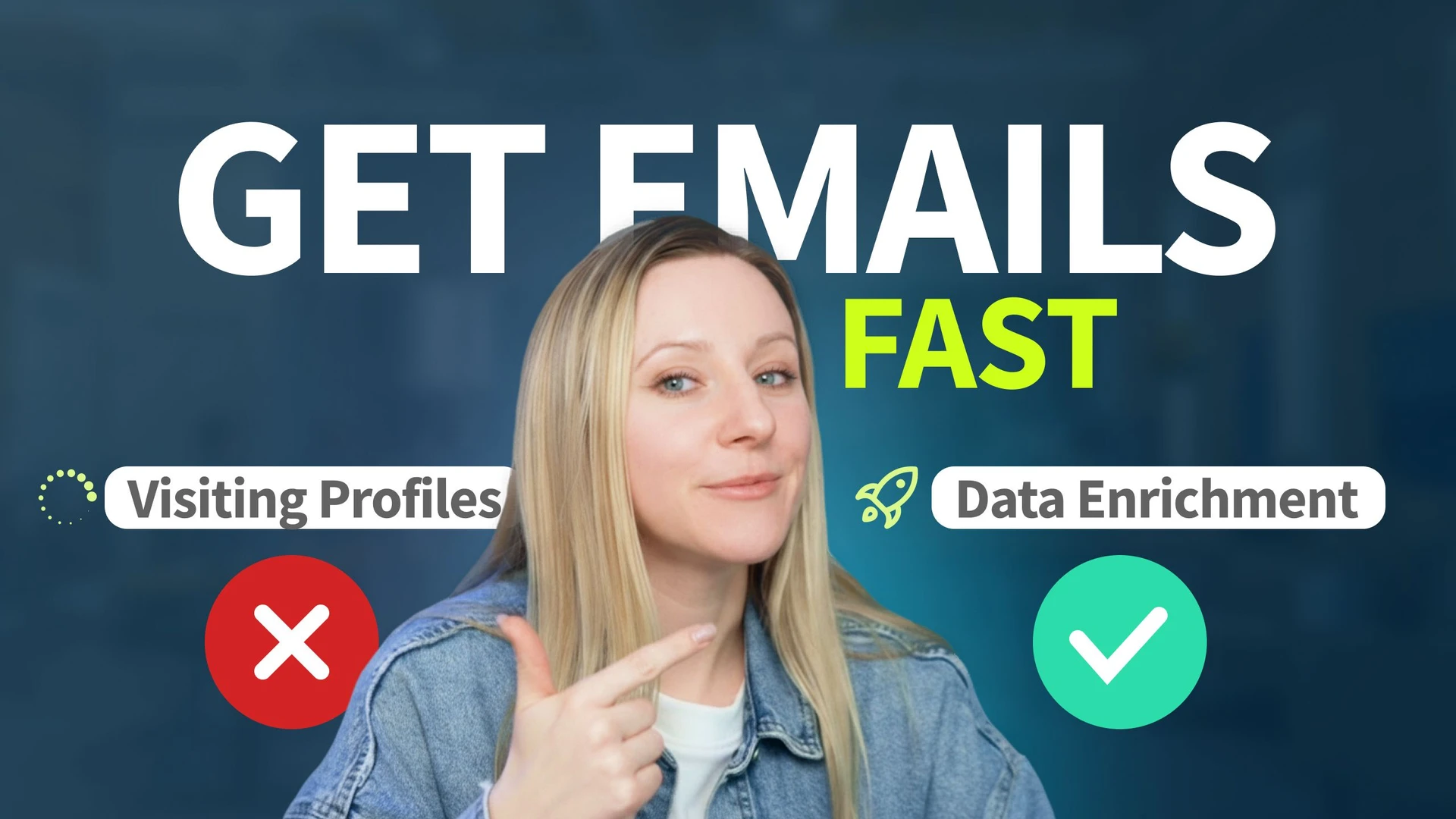
Don't Waste Invites: Get Emails Without Visiting Profiles

Watch Video

Your Questions, Answered

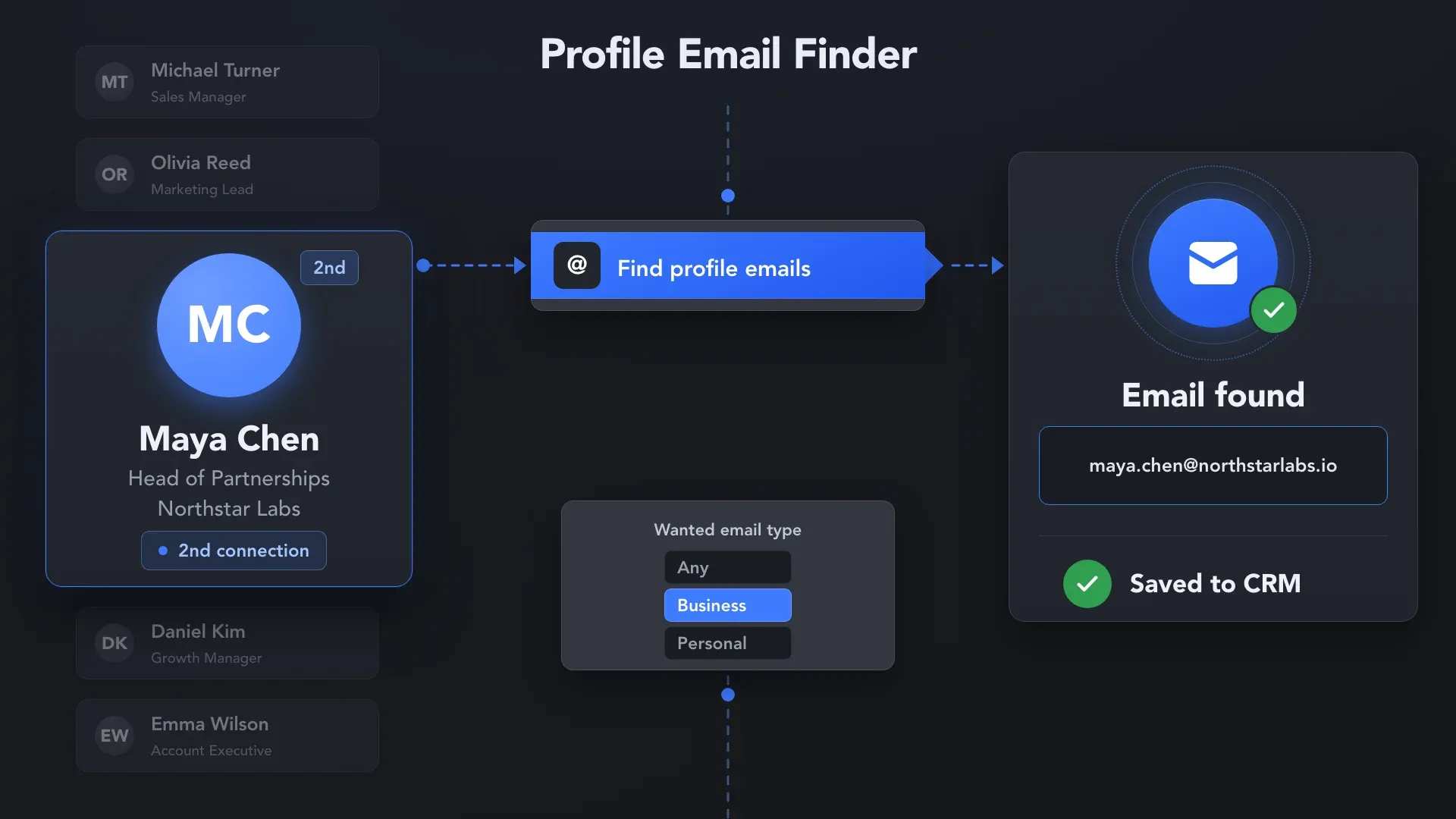
Find Profile Emails can search for emails associated with 2nd- and 3rd-degree profiles using Linked Helper’s internal Data Enrichment database and connected services such as Snov.io or Apollo.io.