
 Find Decision-Makers
 Protect Your Account
 Warm Up Prospects
 Stay Top of Mind
 Replies Control
 Work as a Brokerage

Win New Mandates
Reach owners and tenants before they start looking for a broker, and build a pipeline for tenant rep, leasing and investment sales.
Turn LinkedIn into a consistent source of real estate opportunities. Find property owners, investors, and decision-makers by location and role, let AI identify the best-fit prospects, and automate relationship-building with personalized outreach. Keep your leads organized and sync them with your CRM — all in one tool.










 WITHOUT LINKED HELPER
 Missed Deals

 WITH LINKED HELPER
 More Deals in Reach


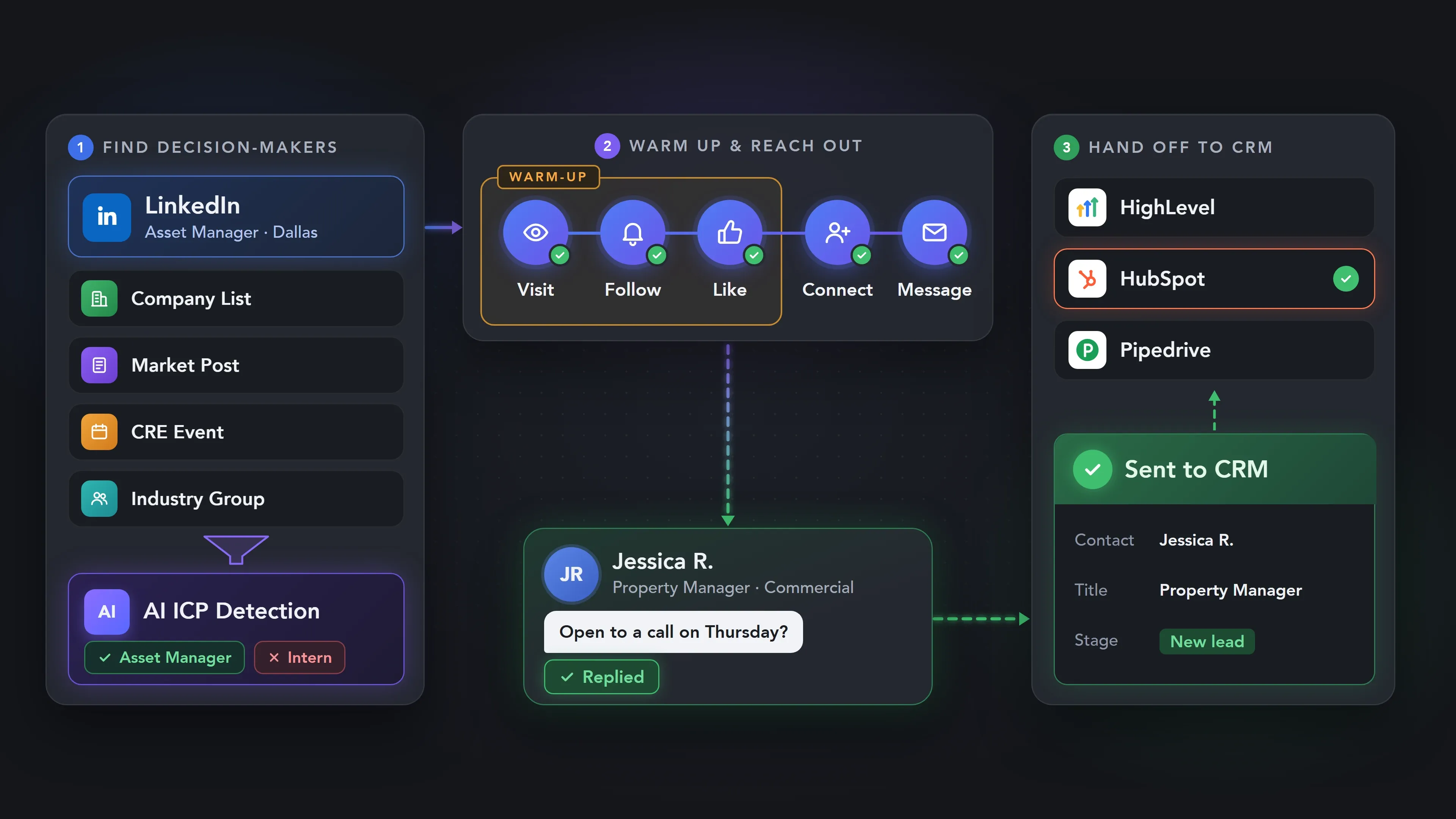
Search by city and job title, extract owners, managers, and investors from target REITs and property management firms.
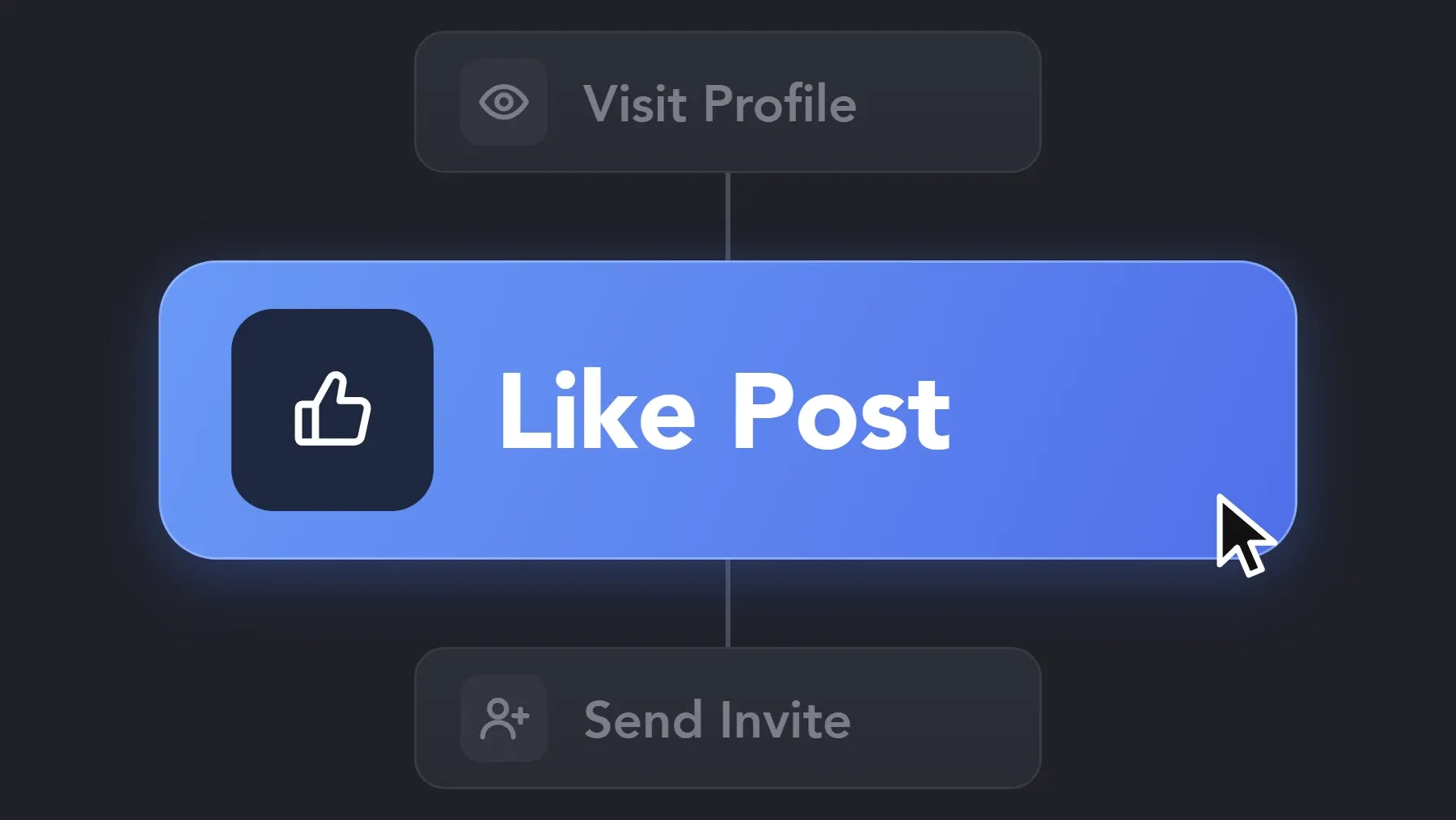
Visit, follow, like and comment before the invite, run one campaign per deal type, and approve every AI draft before it goes out.
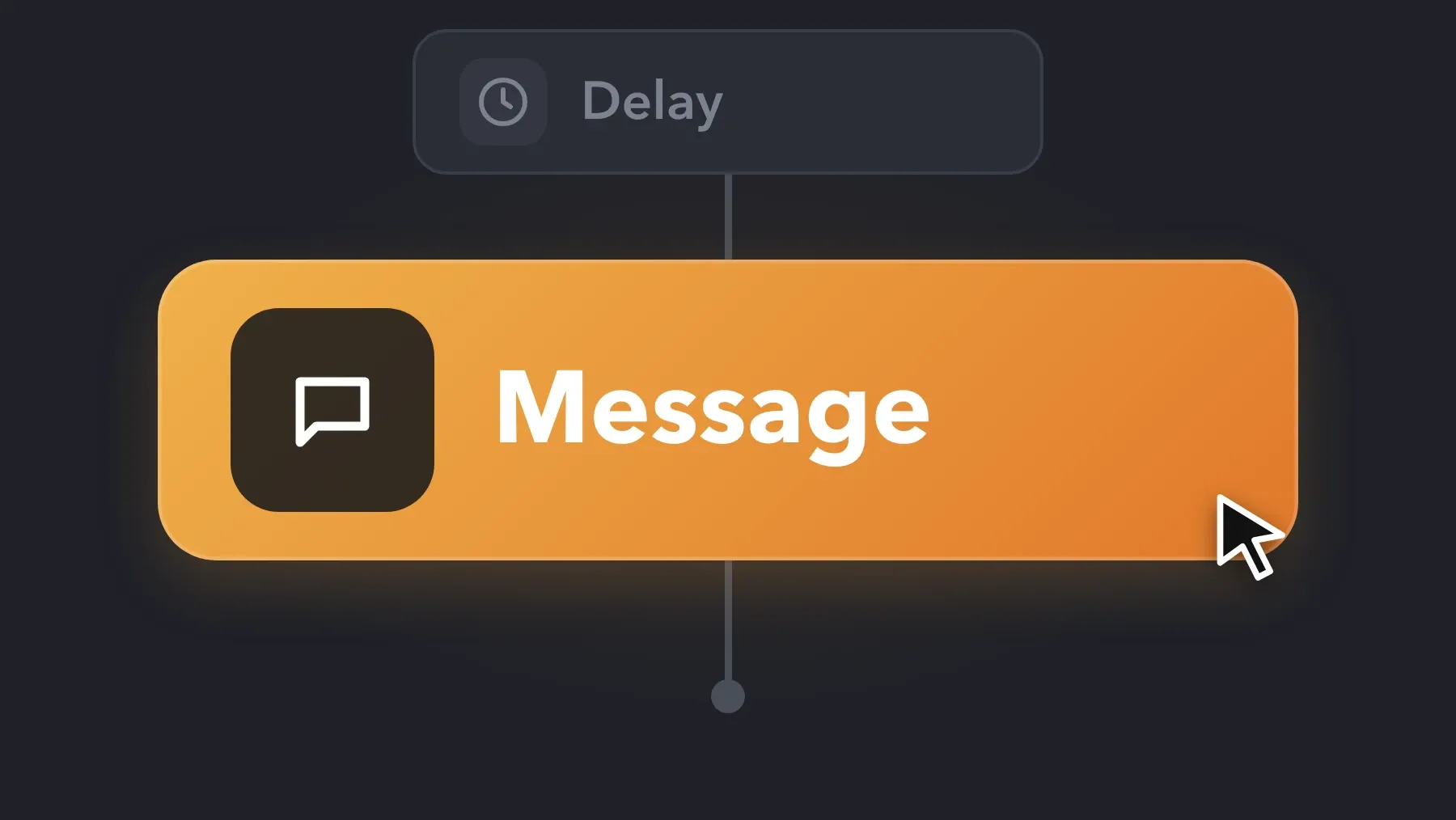
Follow up on schedule, stop as soon as someone replies, and invite connections to your market webinar, group or Company Page.
Answer with AI Reply Assistant, keep tags and notes on every contact, and send them to HighLevel, HubSpot or Pipedrive without Zapier.
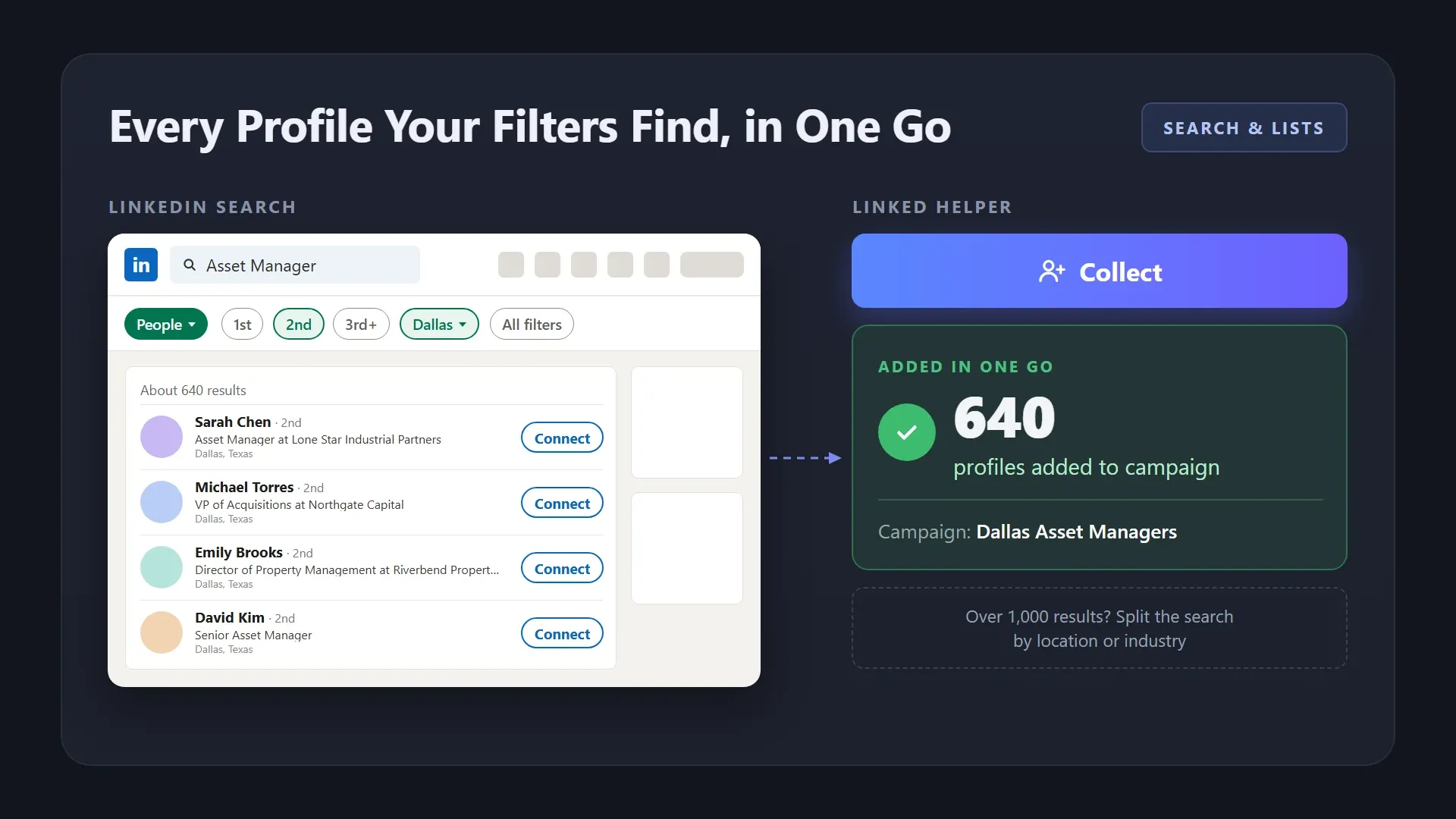
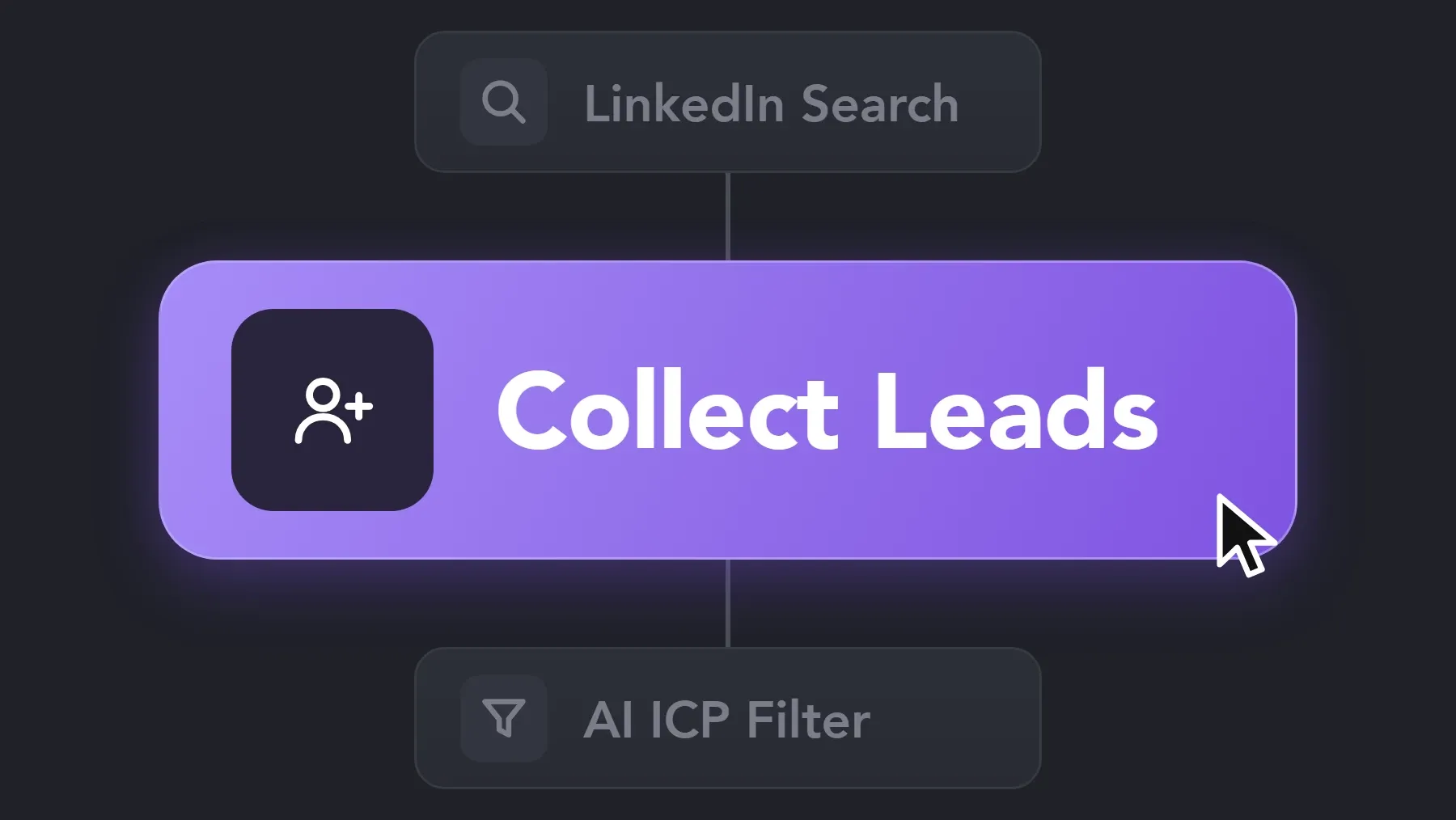
Set filters by city and job title, or open a REIT’s or management company’s employee page, and collect every profile into a campaign in one go. For audiences over 1,000 people, split the search by city or property type.
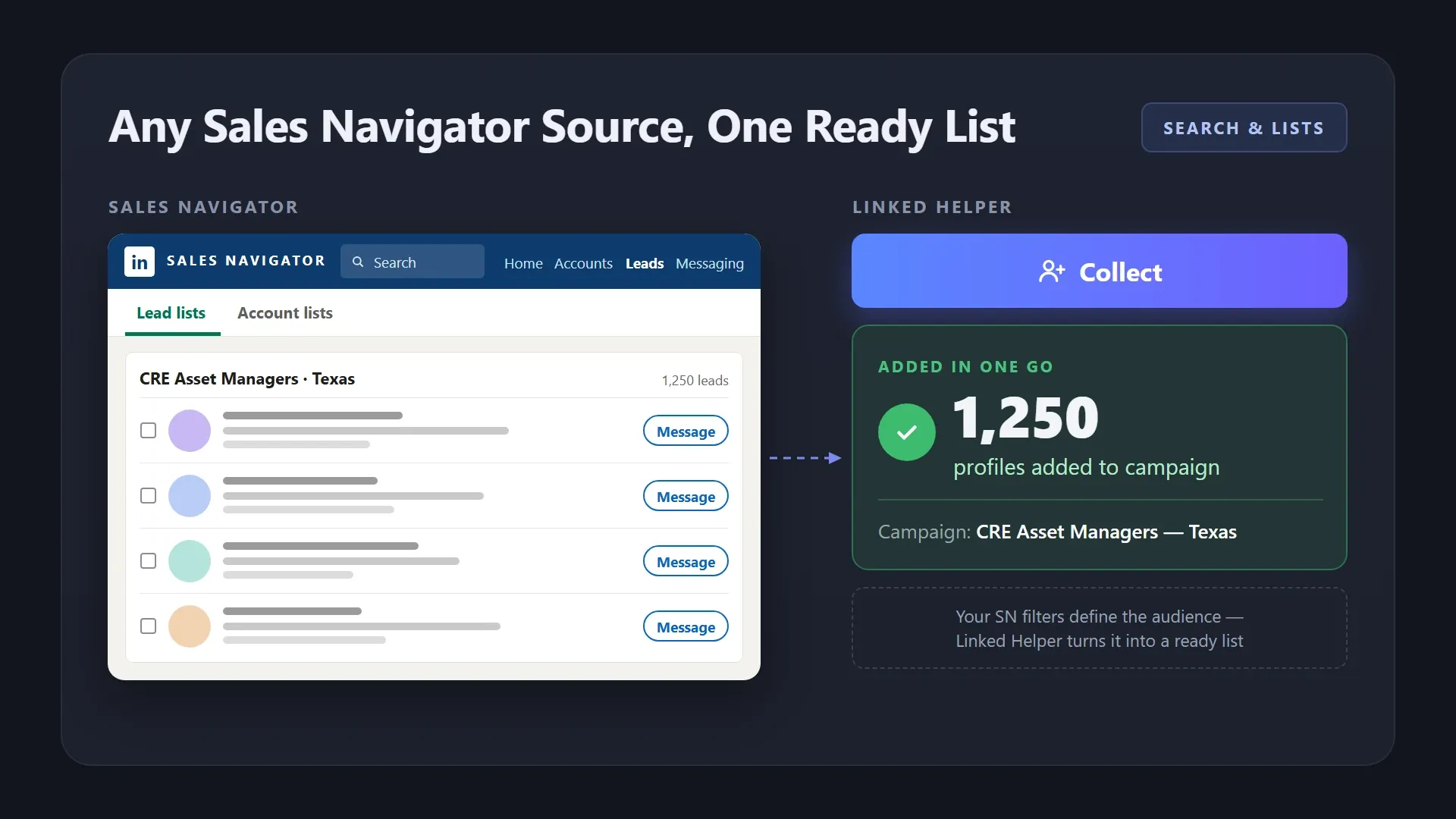
Collect from searches, saved searches, Lead Lists and Account Lists. Example: “Asset Manager · Dallas · Commercial Real Estate”. Your own Sales Navigator, no extra fee.
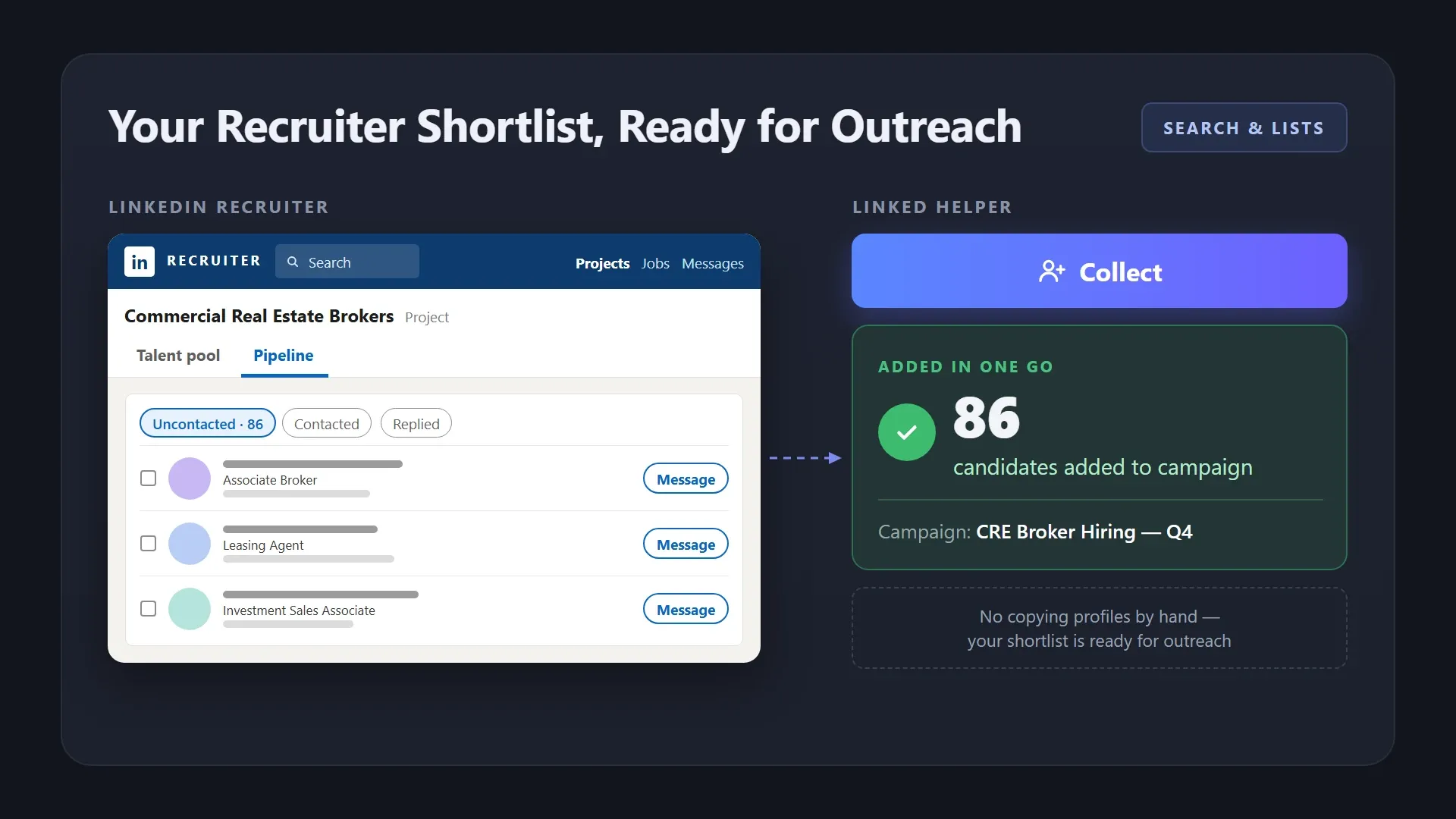
Hiring brokers for your office? Collect candidates from Recruiter searches and projects straight into a recruiting campaign.
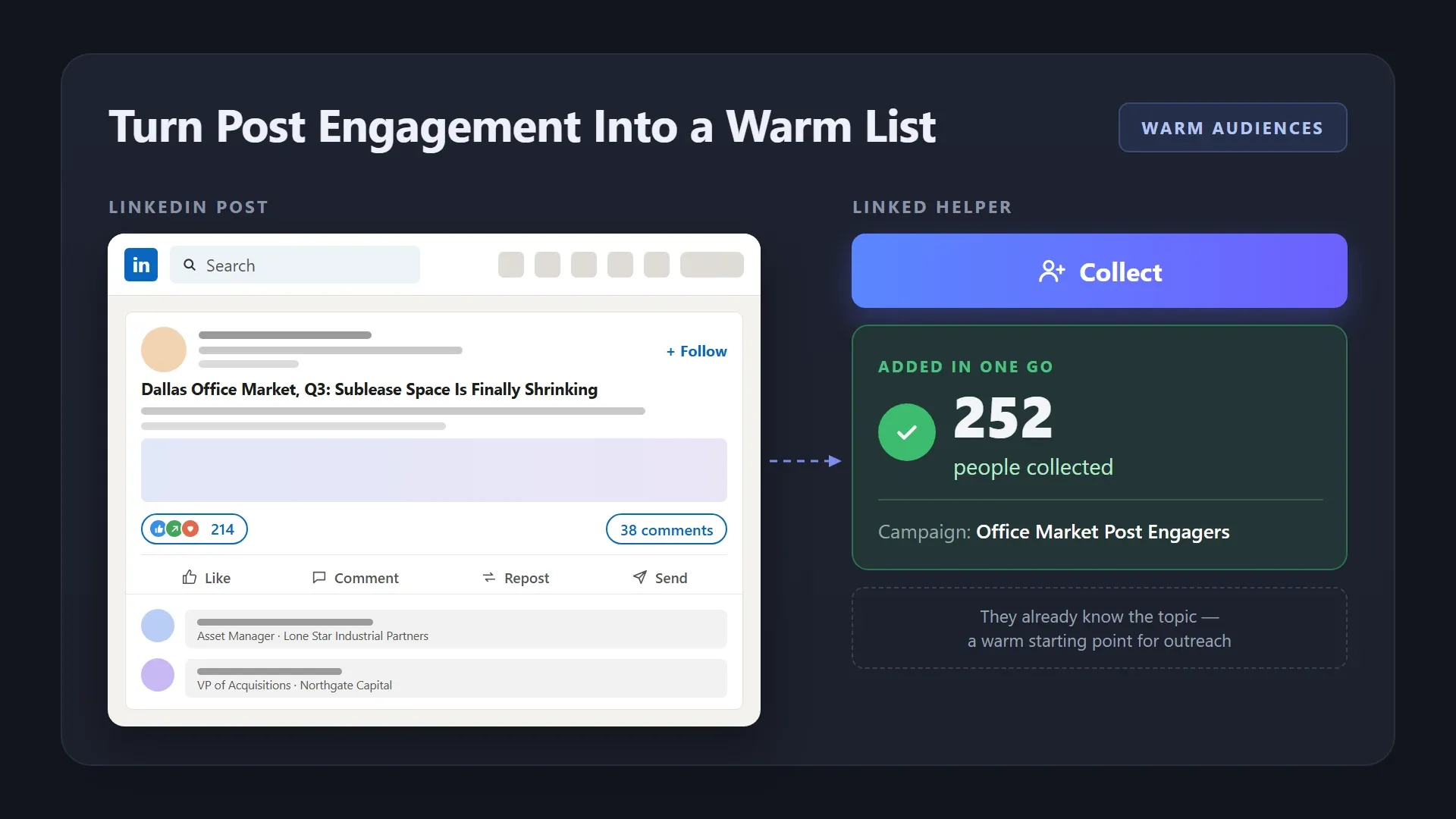
Open a post by its URL, yours or any post about your market, and collect everyone who reacted or commented. They already care about the topic.
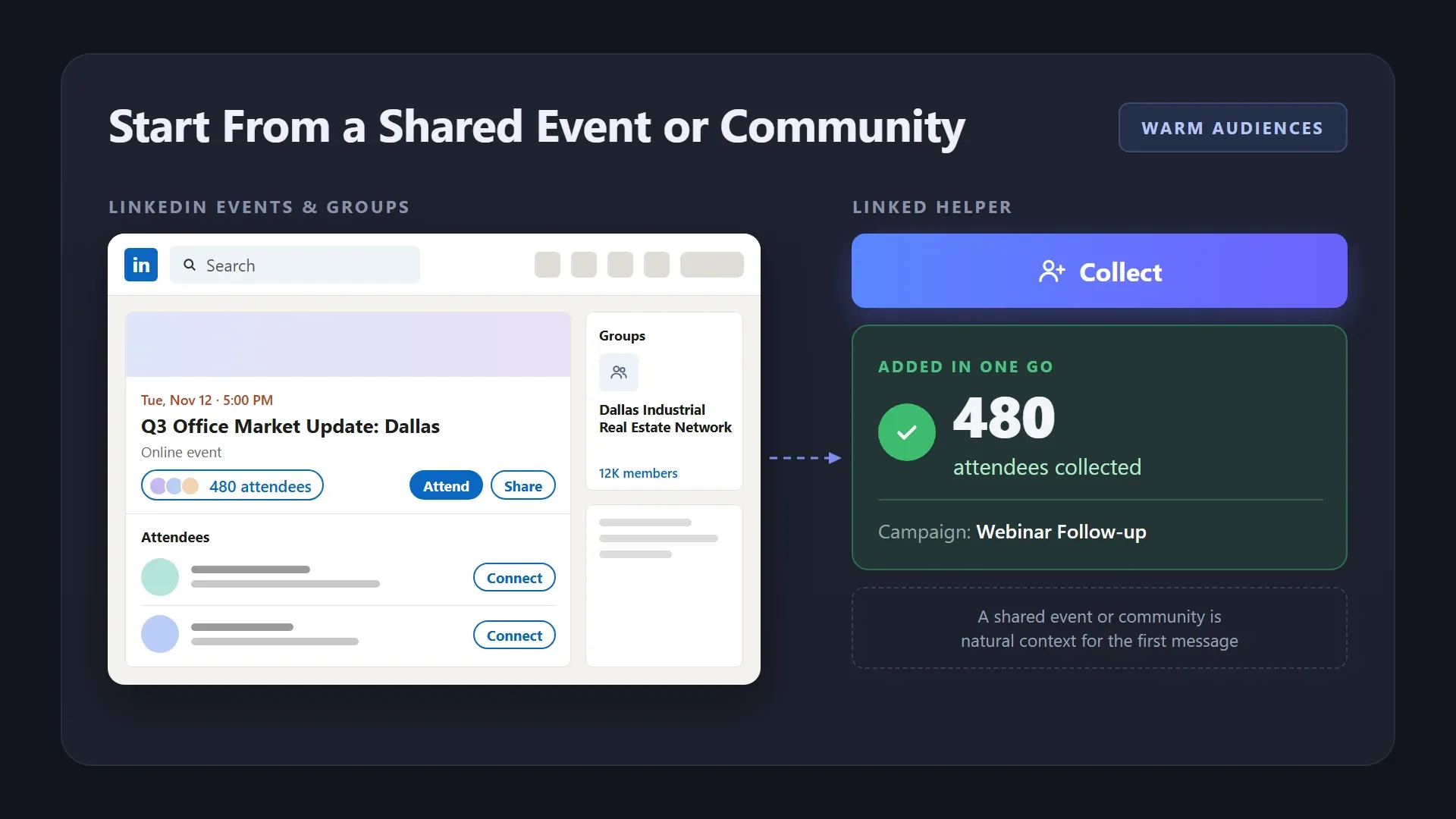
Collect attendees of real estate events and members of industry groups you belong to. A shared event gives you a natural reason to reach out.
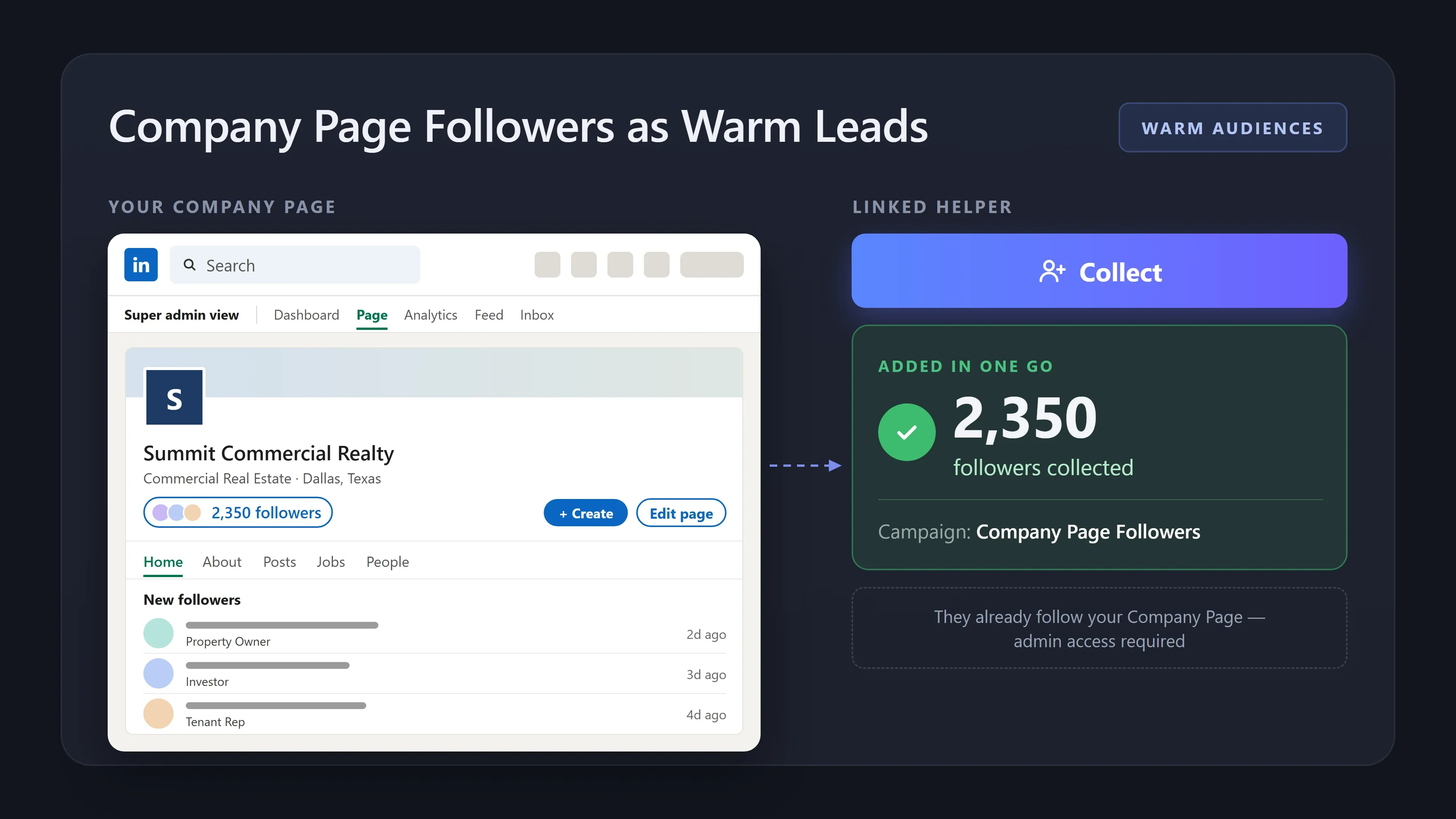
If you’re an admin of your brokerage’s Company Page, collect its followers. They already know who you are.
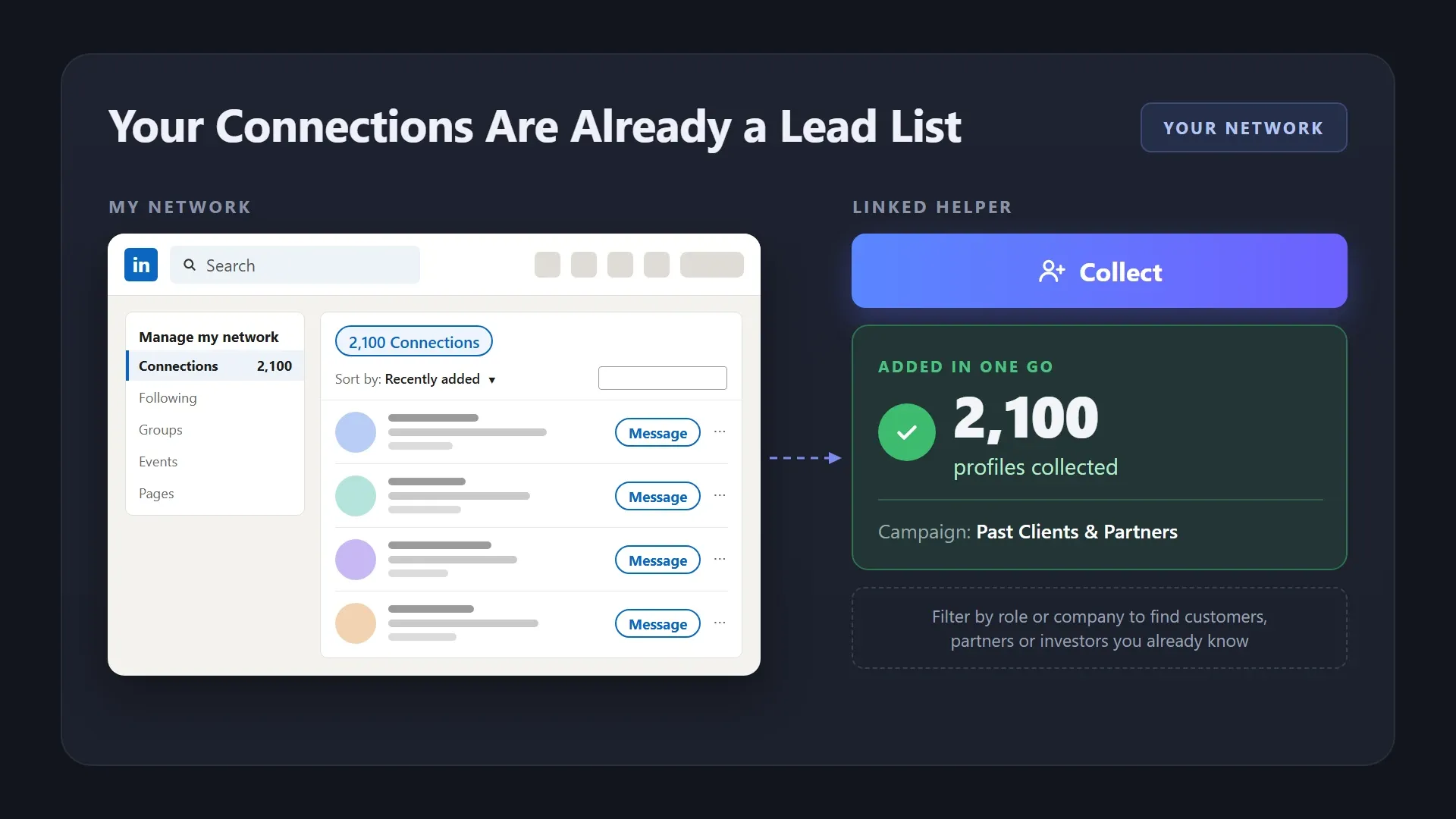
Collect all your connections or only the recent ones. Filter them by role or company to find owners, investors and partners you already know.
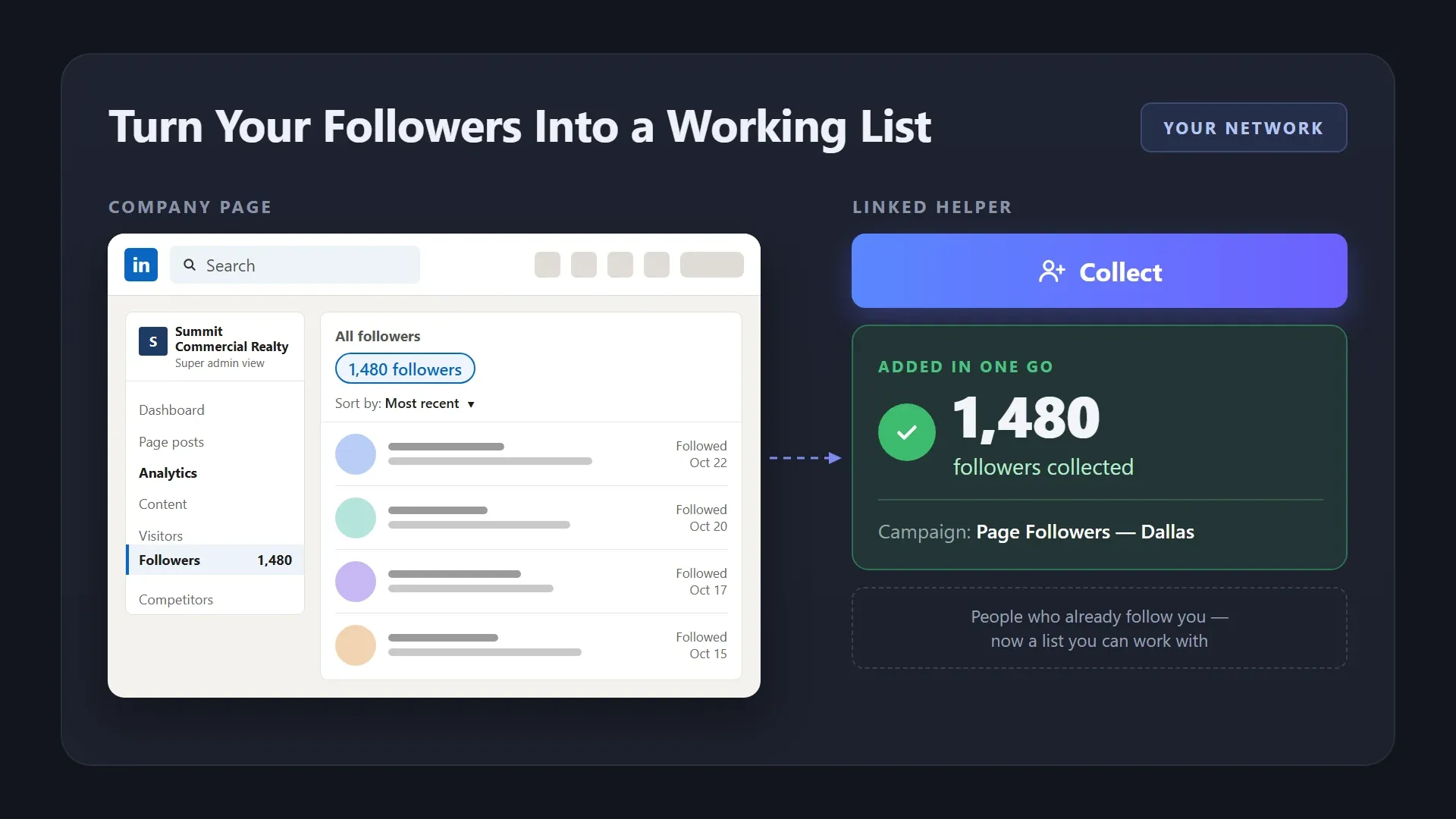
Turn the people who follow you or your Company Page into a list you can work with.
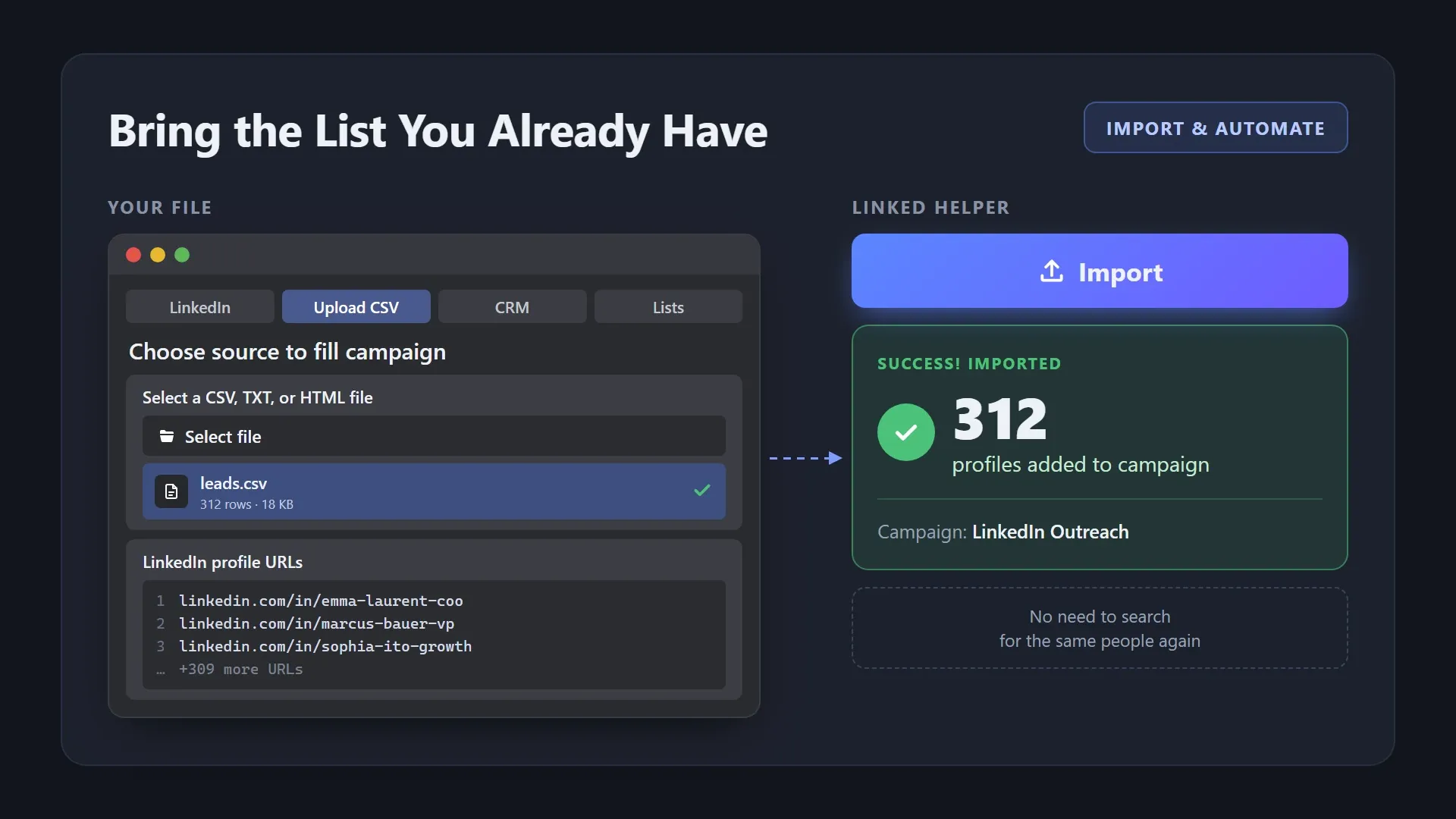
Upload LinkedIn profile links from a CSV, TXT or HTML file, or paste them as a list.
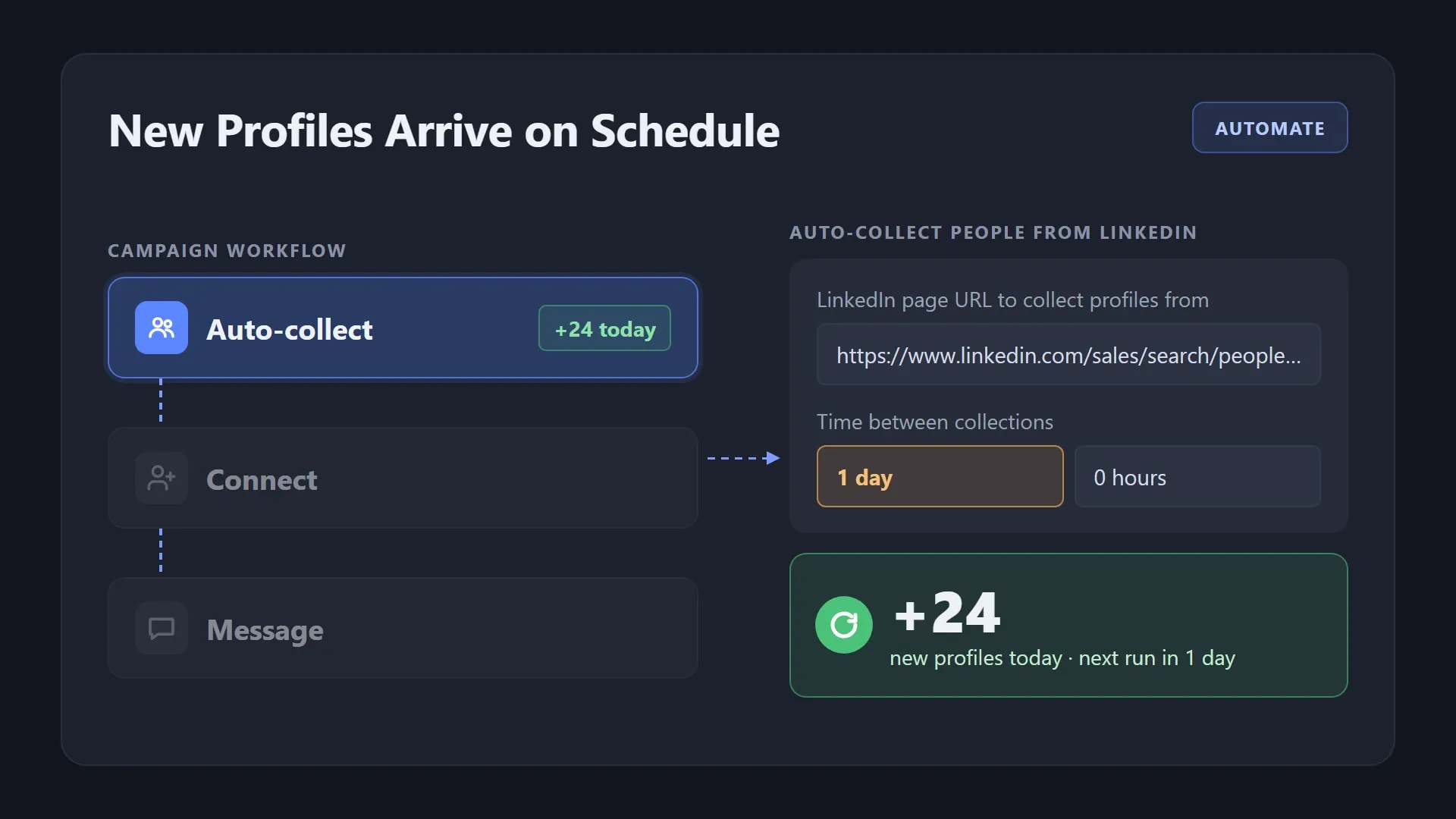
Set a saved search as the source, and new owners and managers who match it land in your campaign automatically.
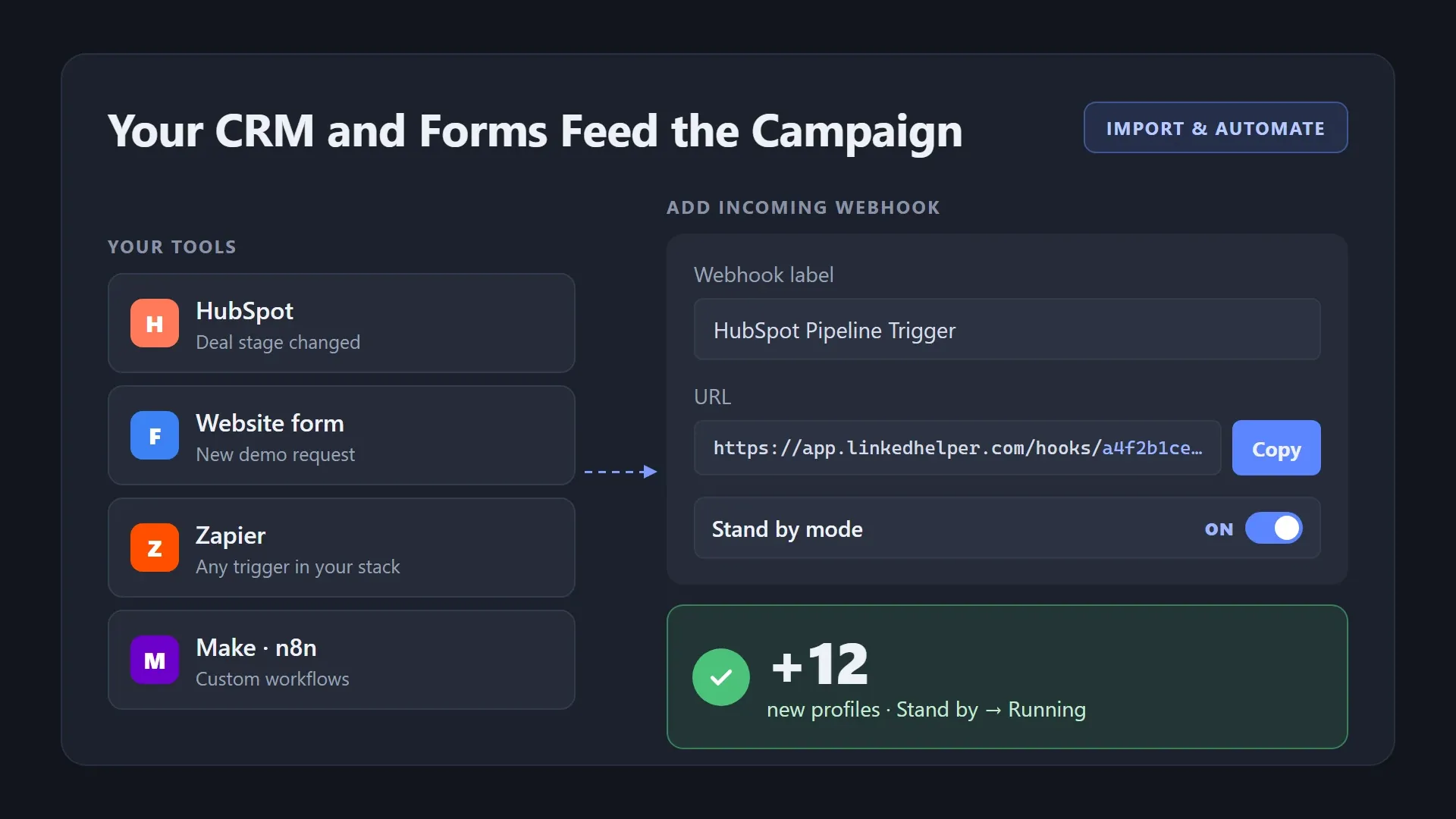
Send new leads from your CRM or website forms to Linked Helper campaign. Connect your systems using Zapier, n8n, Make, Clay or other webhooks to pass lead data automatically. Available with Cloud-based storage version.
Collect Your Market From LinkedIn Search
Set filters by city and job title, or open a REIT’s or management company’s employee page, and collect every profile into a campaign in one go. For audiences over 1,000 people, split the search by city or property type.
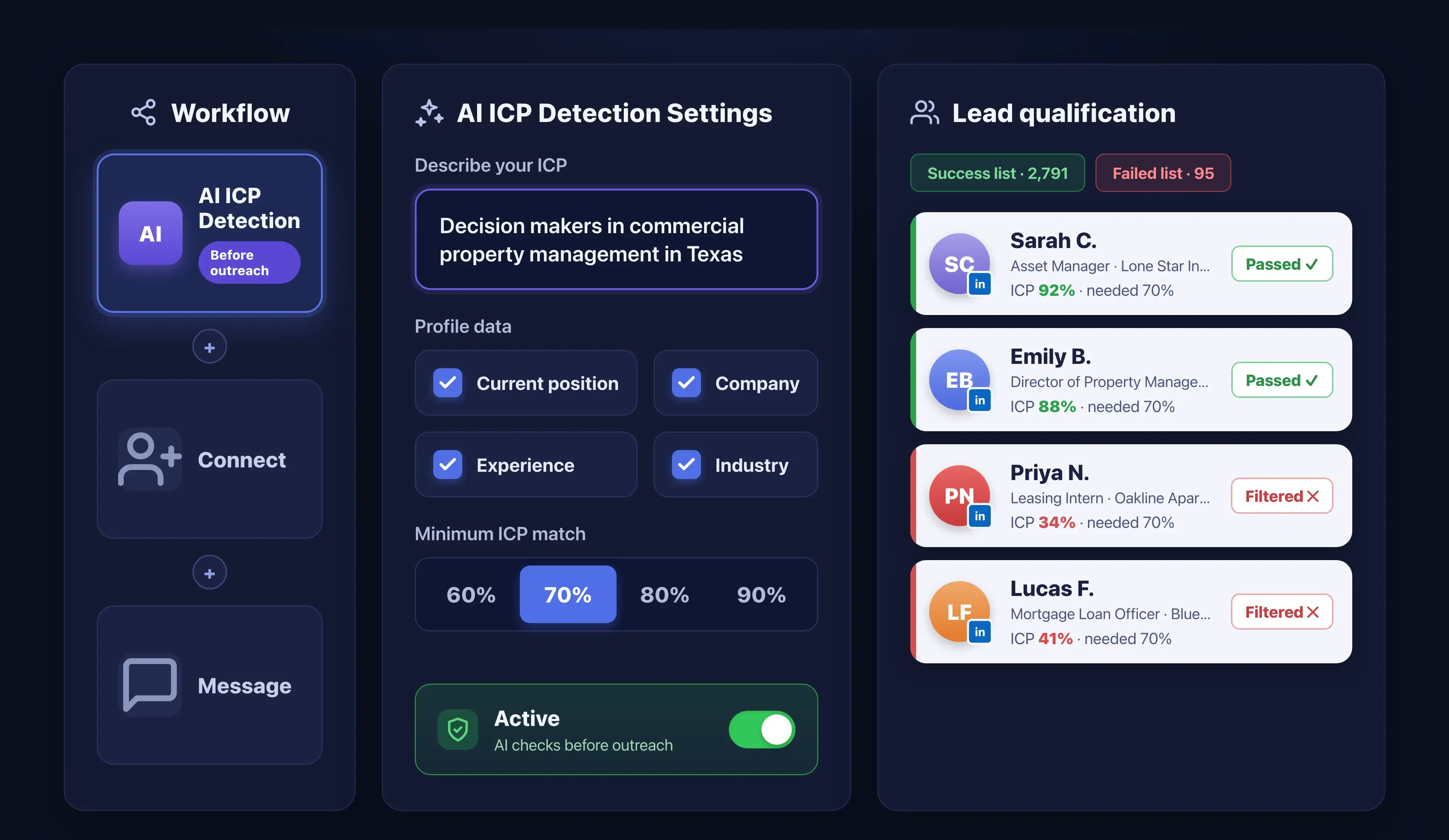
Describe your ICP in plain words, like “decision makers in commercial property management in Texas”, and AI ICP Detection sets aside the rest before you spend a single invite.
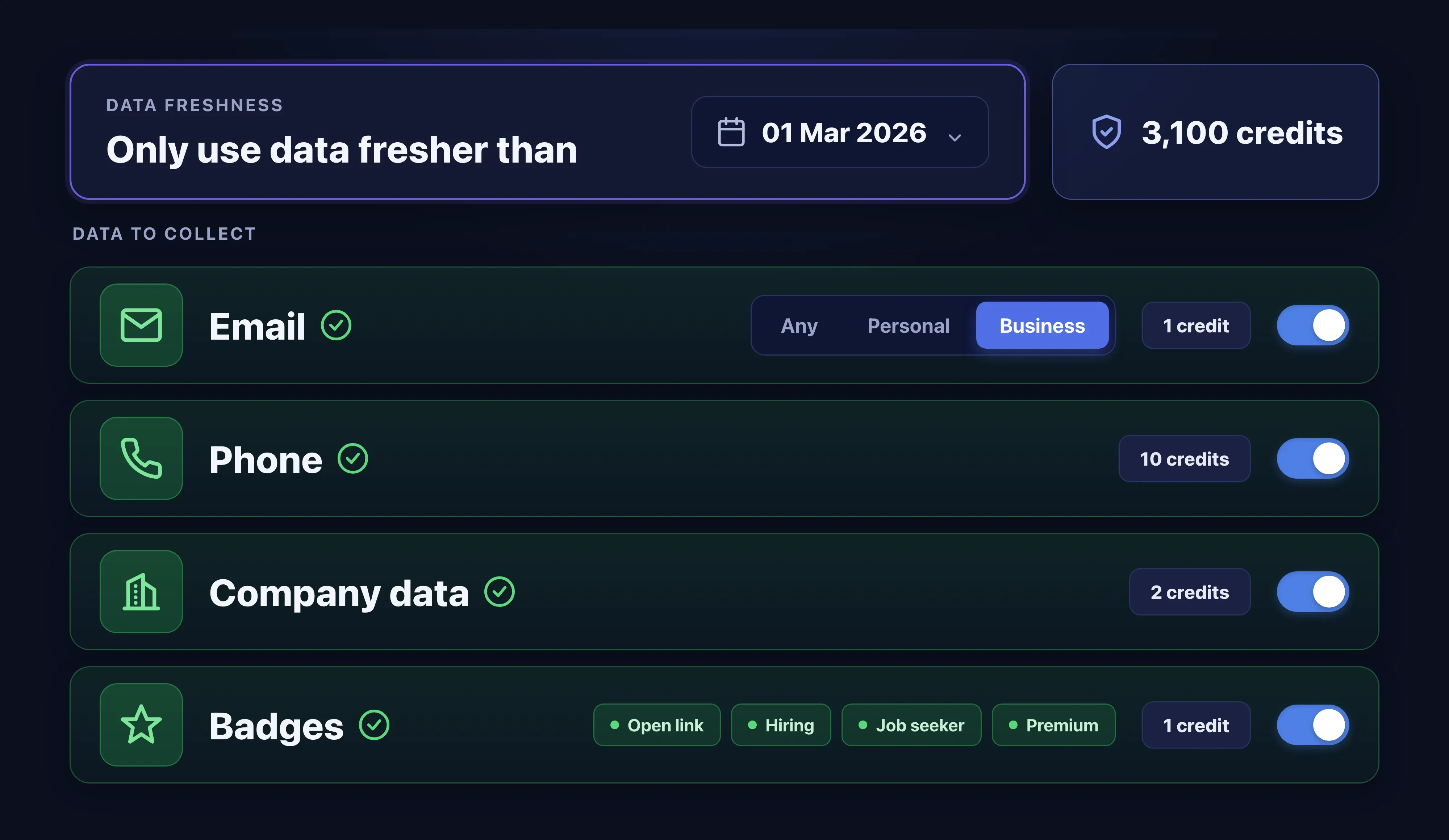
Data Enrichment adds available emails, phone numbers, social links, profile and company details. Set a freshness date to filter out outdated data and preserve newer information.

Every rep runs in an isolated desktop browser with a dedicated IP, human-like pacing and daily activity quotas, the main factors that keep automated activity close to normal LinkedIn use. Start with the recommended LinkedIn automation safety limits.
✔ Isolated Browser per Rep ✔ Dedicated IPs ✔ Human Emulation ✔ Daily Quotas
Build familiarity before the first message. Follow relevant prospects, like their recent posts, leave AI-generated comments, and tag potential clients in comments under your own posts to get noticed before reaching out.
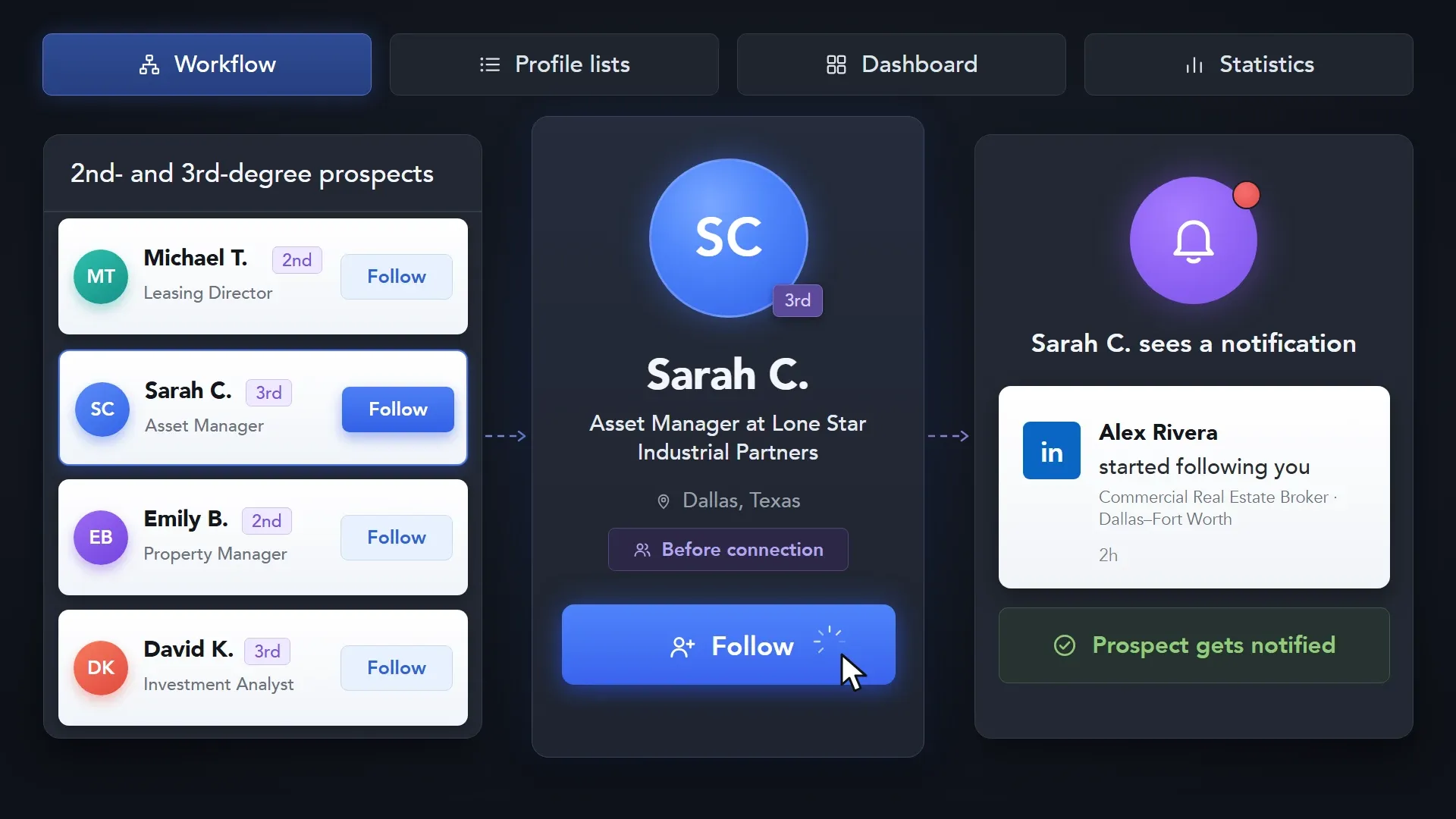
The lightest first touch. Linked Helper follows the asset manager or property owner, and LinkedIn shows them “X started following you” with your name and headline.
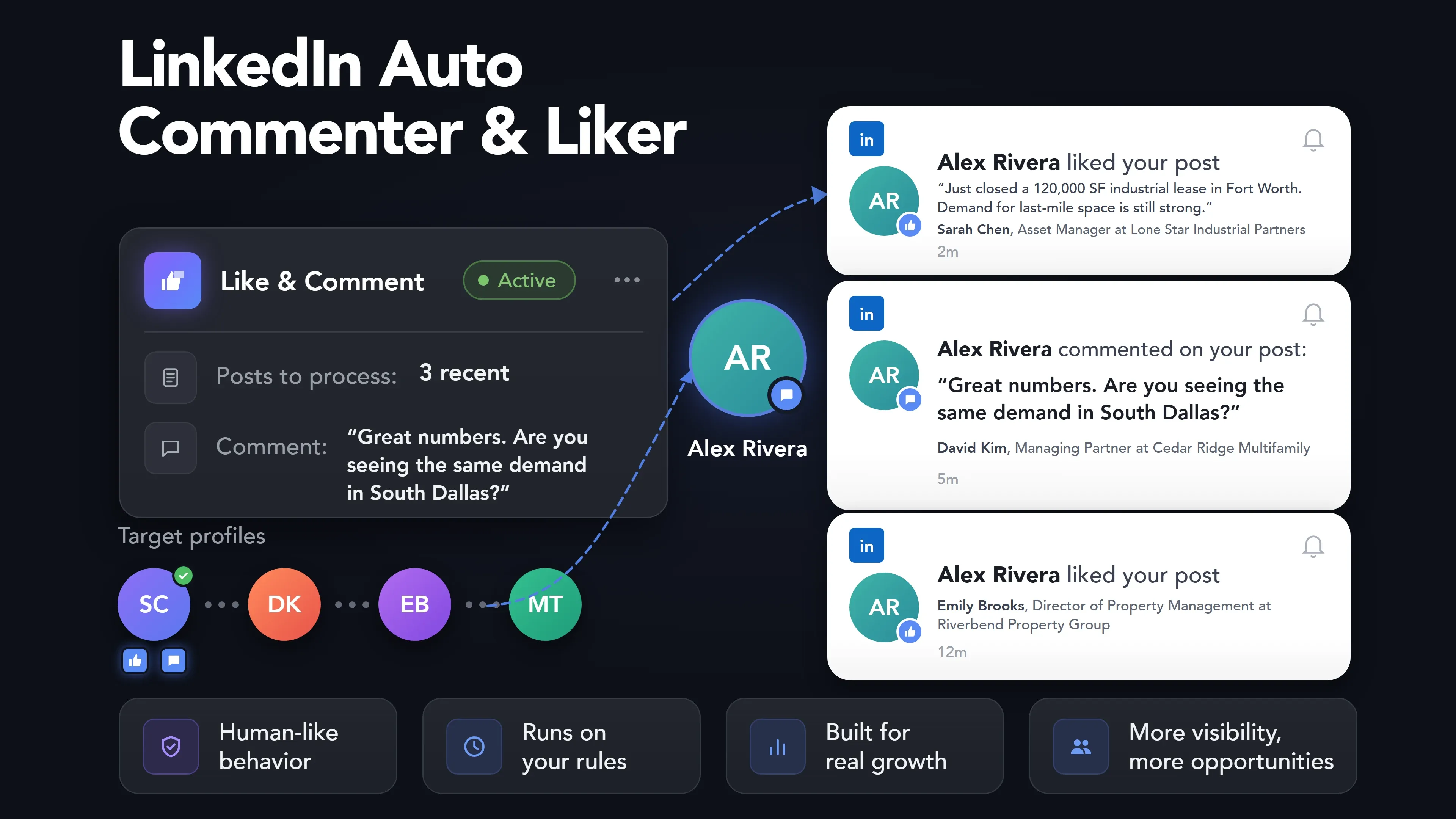
Linked Helper likes a recent post about their market, and they get a notification. When your invite arrives, it comes from someone who has already engaged with their content.
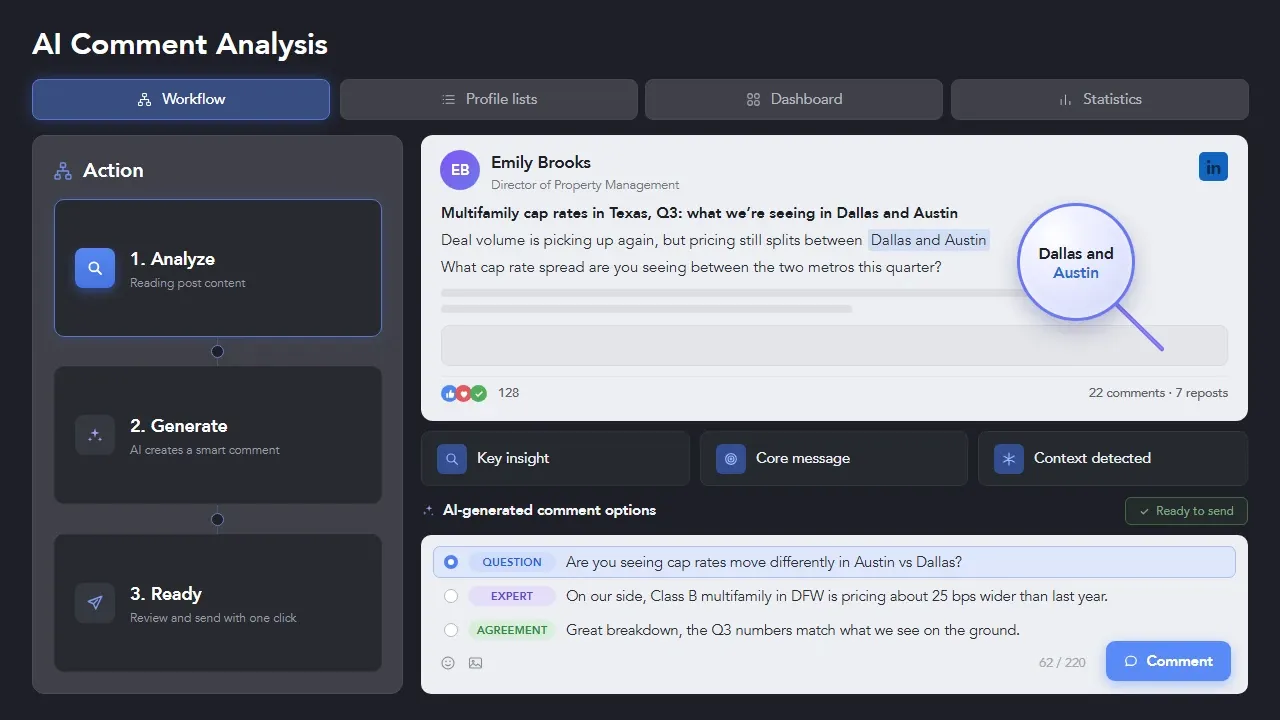
AI reads the post and the lead’s headline, then drafts a comment in the format you choose: a question, an expert angle or a short agreement.
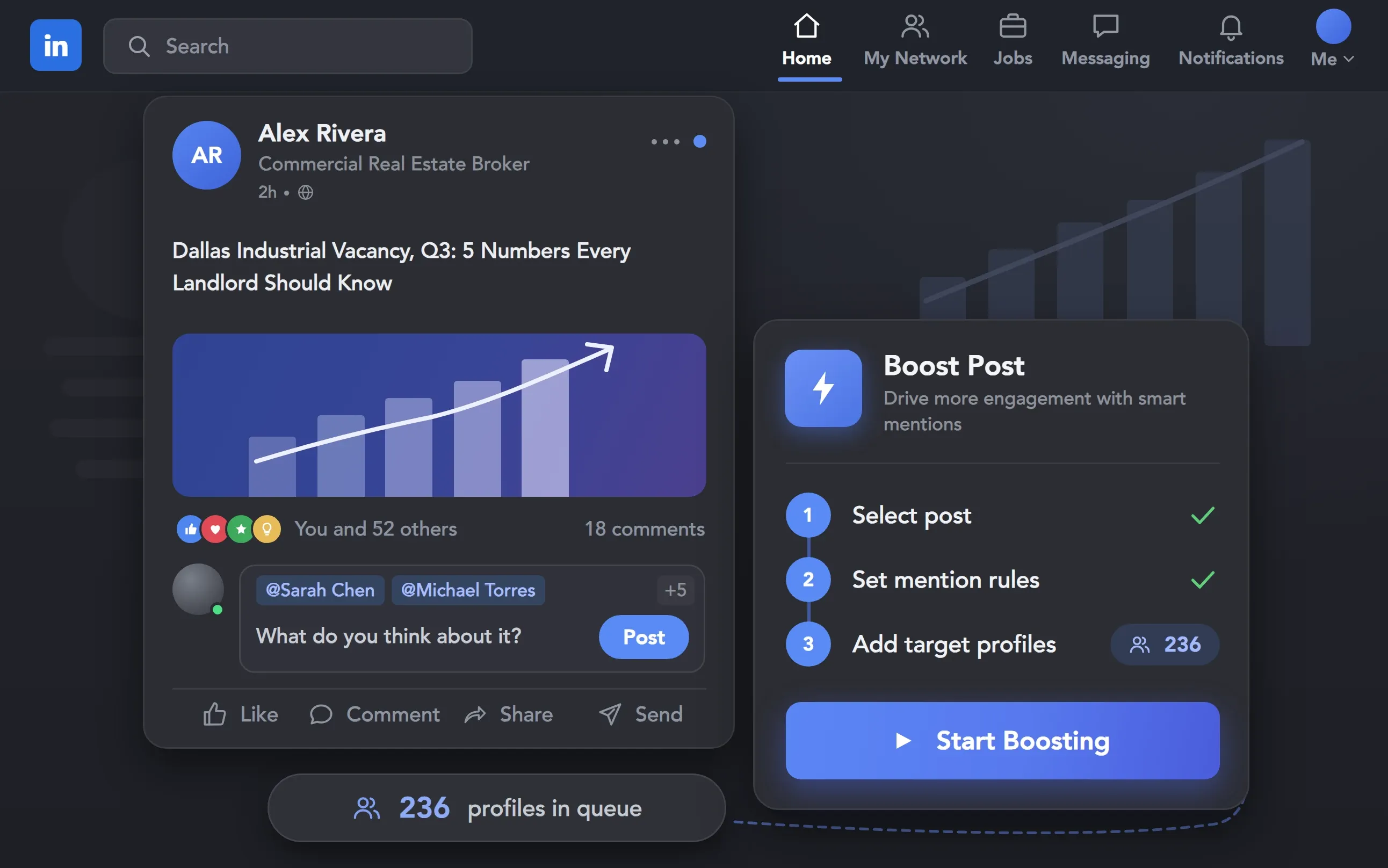
Publish your market update, for example “Dallas Industrial Vacancy, Q3”, and tag the owners and managers it concerns. It gives you a natural reason to start the conversation.
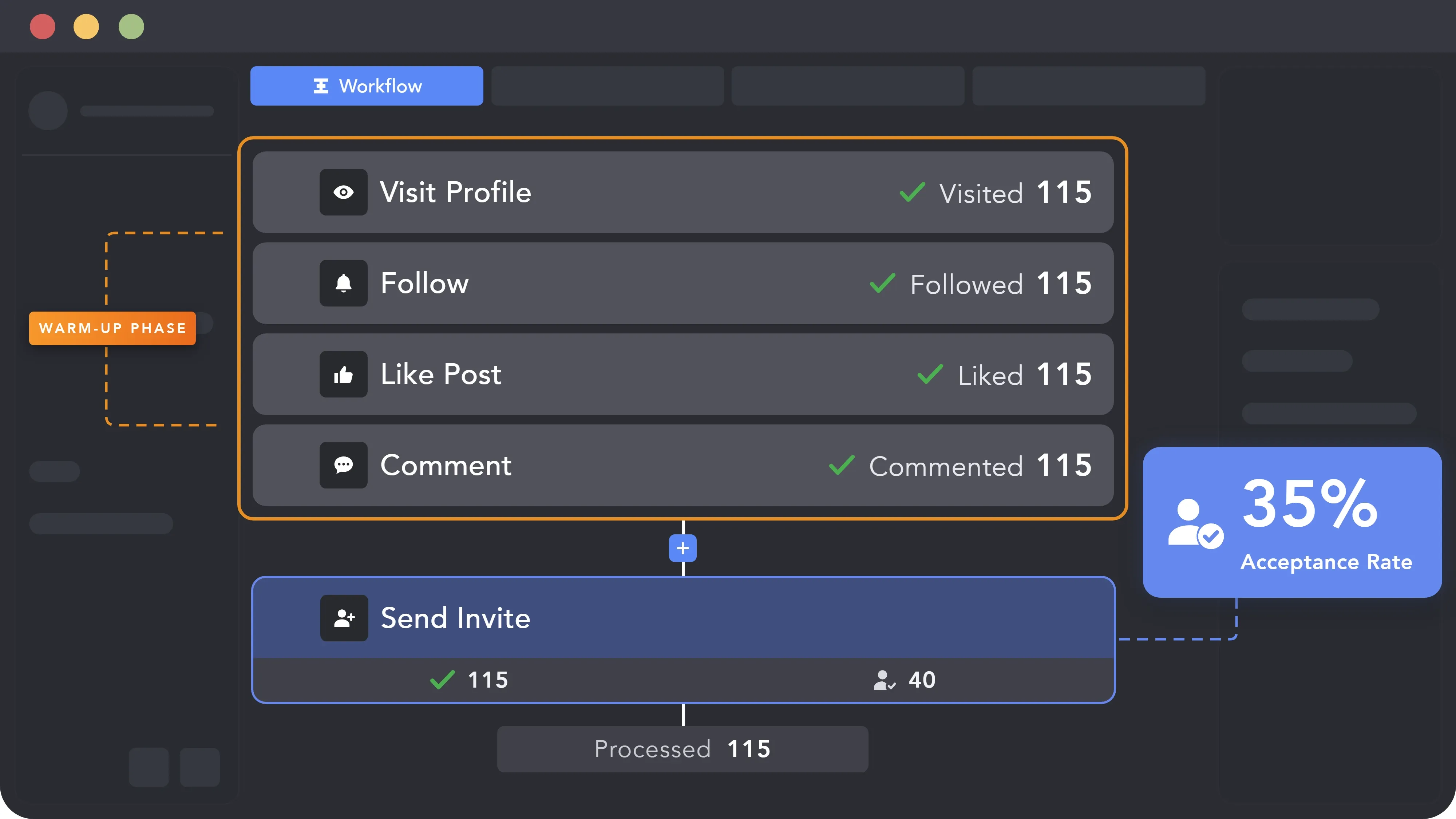
Warm signals feel like networking, not cold outreach. Teams using multi-touch warm-ups see a 35% average acceptance rate.
Follow the Prospect
The lightest first touch. Linked Helper follows the asset manager or property owner, and LinkedIn shows them “X started following you” with your name and headline.
Reach potential clients through relevant LinkedIn events and groups. Invite your connections to join, then message group members and event attendees to start conversations and keep your brokerage on their radar.
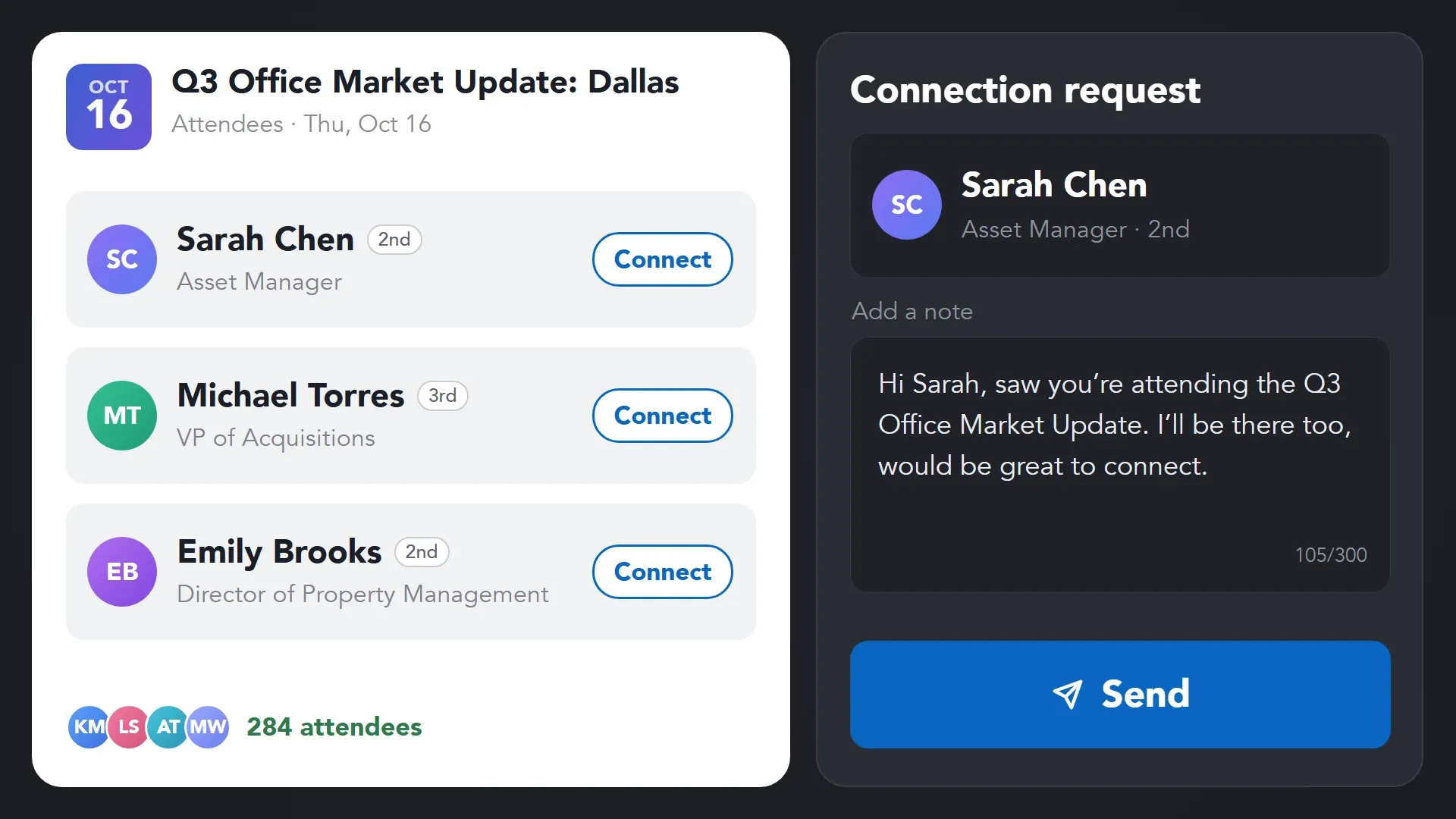
Invite connections to your LinkedIn event, such as "Q3 Office Market Update", and follow up with attendees after it.
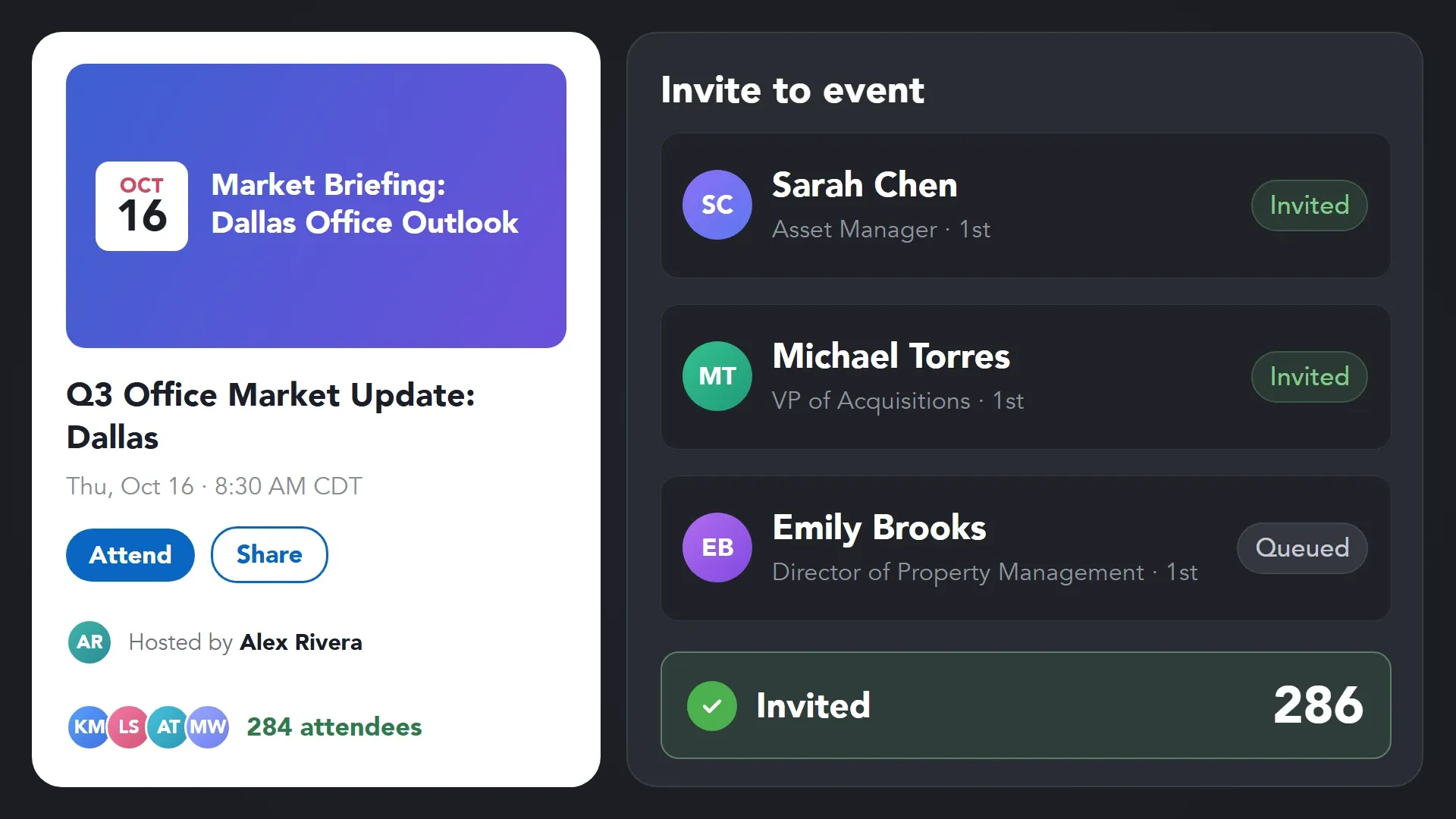
Invite connections to your group, such as "Industrial Real Estate Network", where market discussions keep going between deals.
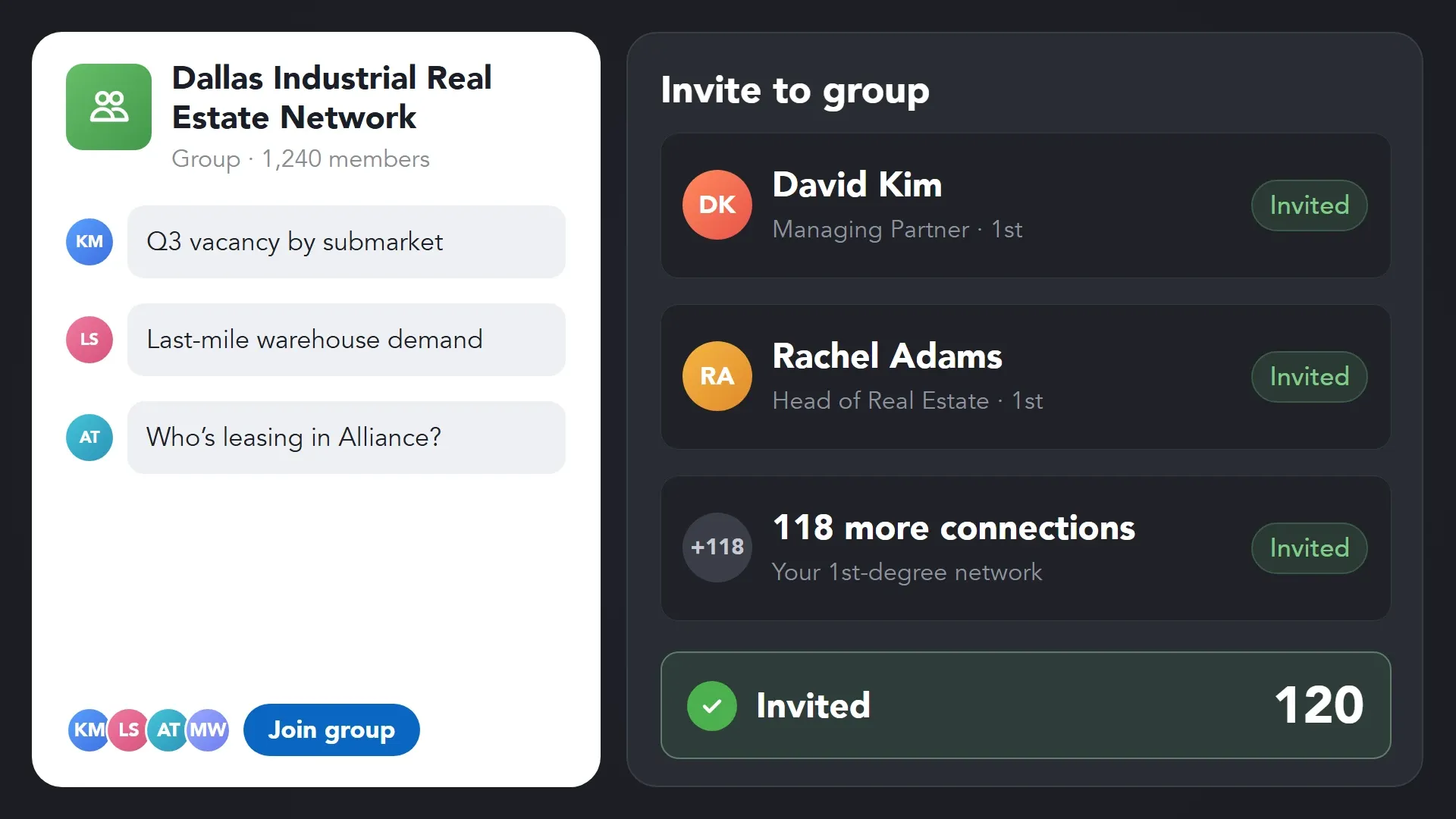
Attendees and group members who aren’t in your network yet get a connection request that mentions the event, then the same follow-up.
 You Are in Good Company
Tomas Natsidi
Founder, Trade Tribe
Linked Helper gave us enterprise-level automation at a fraction of the cost. At this volume, doing it manually is simply impossible.
MEETINGS PER MONTH FROM JUST 3 ACCOUNTS
COST SAVINGS VS CLOUD TOOLS
QUALIFIED MEETINGS PER CLIENT EVERY MONTH

See how professionals use Linked Helper to find decision-makers, warm them up before they connect, follow up on schedule and keep more conversations moving. Explore the workflows behind their results.
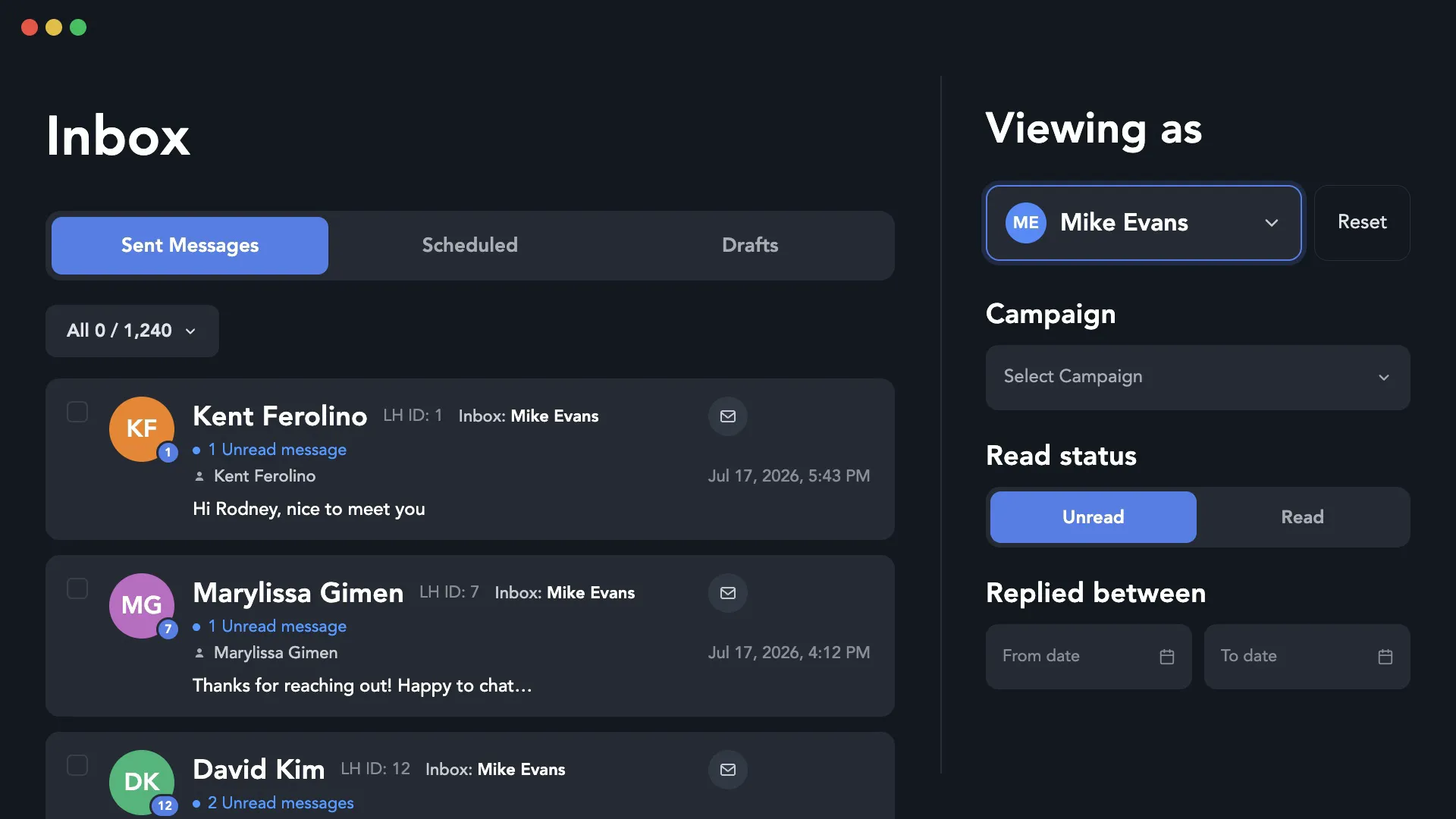
Detect replies before the next follow-up, manage conversations across connected LinkedIn accounts in one Unified Inbox with Cloud-based storage version, and use AI to draft relevant responses — so promising client opportunities never get lost in the process.
 Control
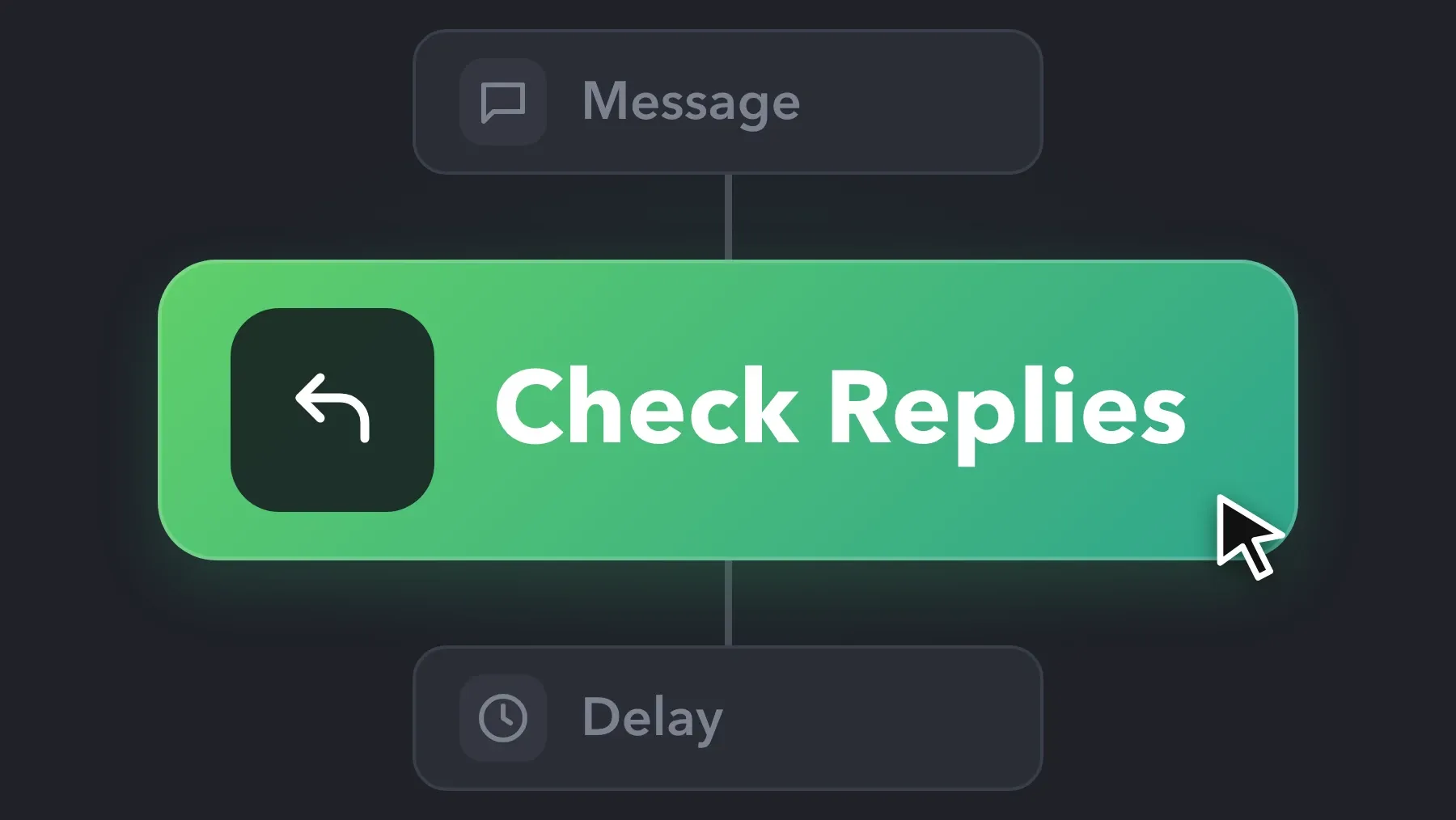
Check for Replies action in-between messages detects responses and stops further follow-ups when a prospect replies. Configure generic phrases like "Thanks for connecting" to be ignored with the Ignore generic replies plug-in, so polite acknowledgments don't interrupt your outreach sequence.
 Cloud-based storage
Bring conversations from connected LinkedIn accounts into one Unified Inbox with Cloud-based storage. Review replies, tag profiles and manage messages across your team's accounts without constantly switching between profiles.
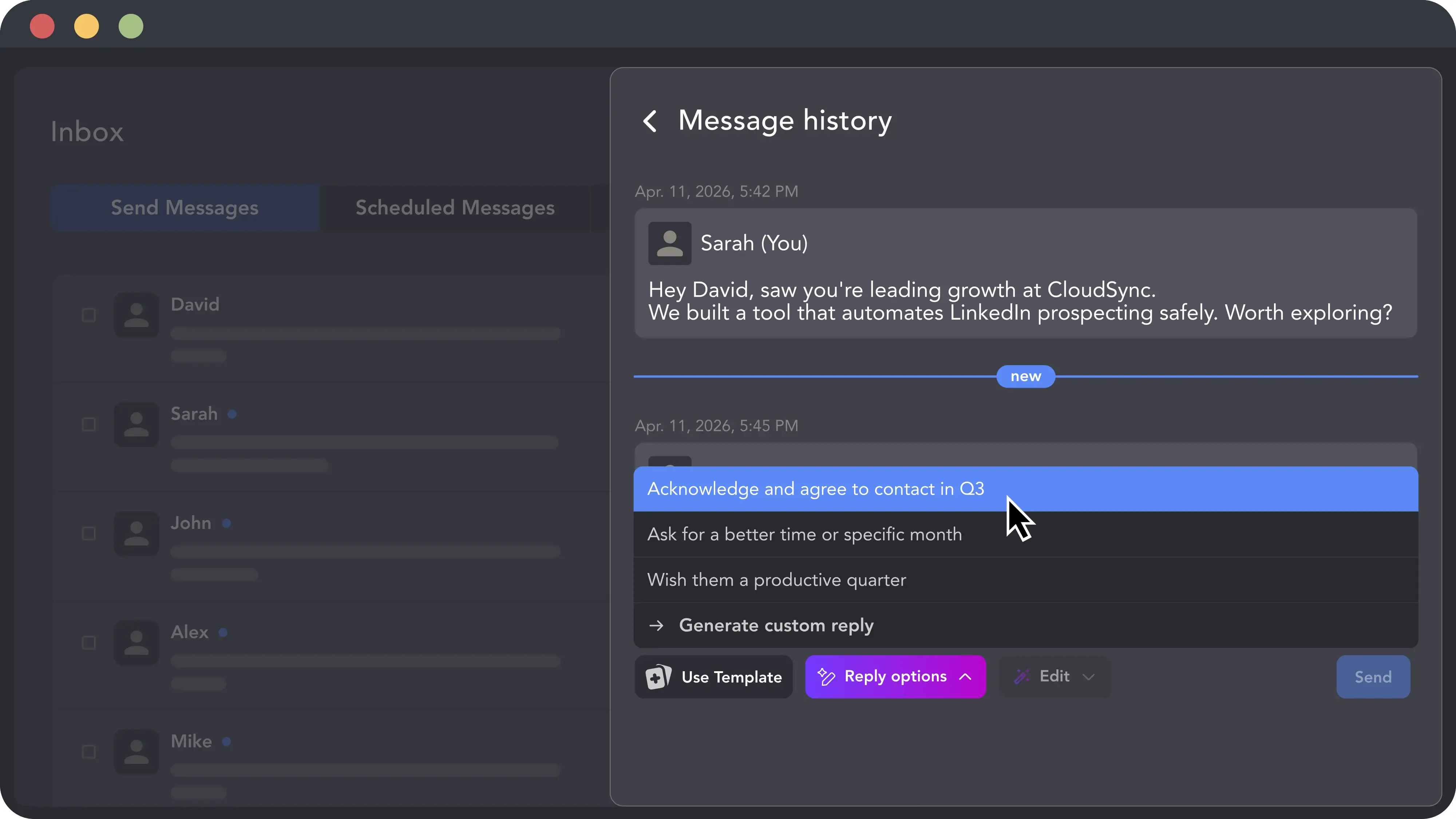
 AI
Get context-aware reply drafts based on the conversation history and your instructions. Let AI help answer questions, address objections or suggest the next step — then review and send your response directly from the Inbox.
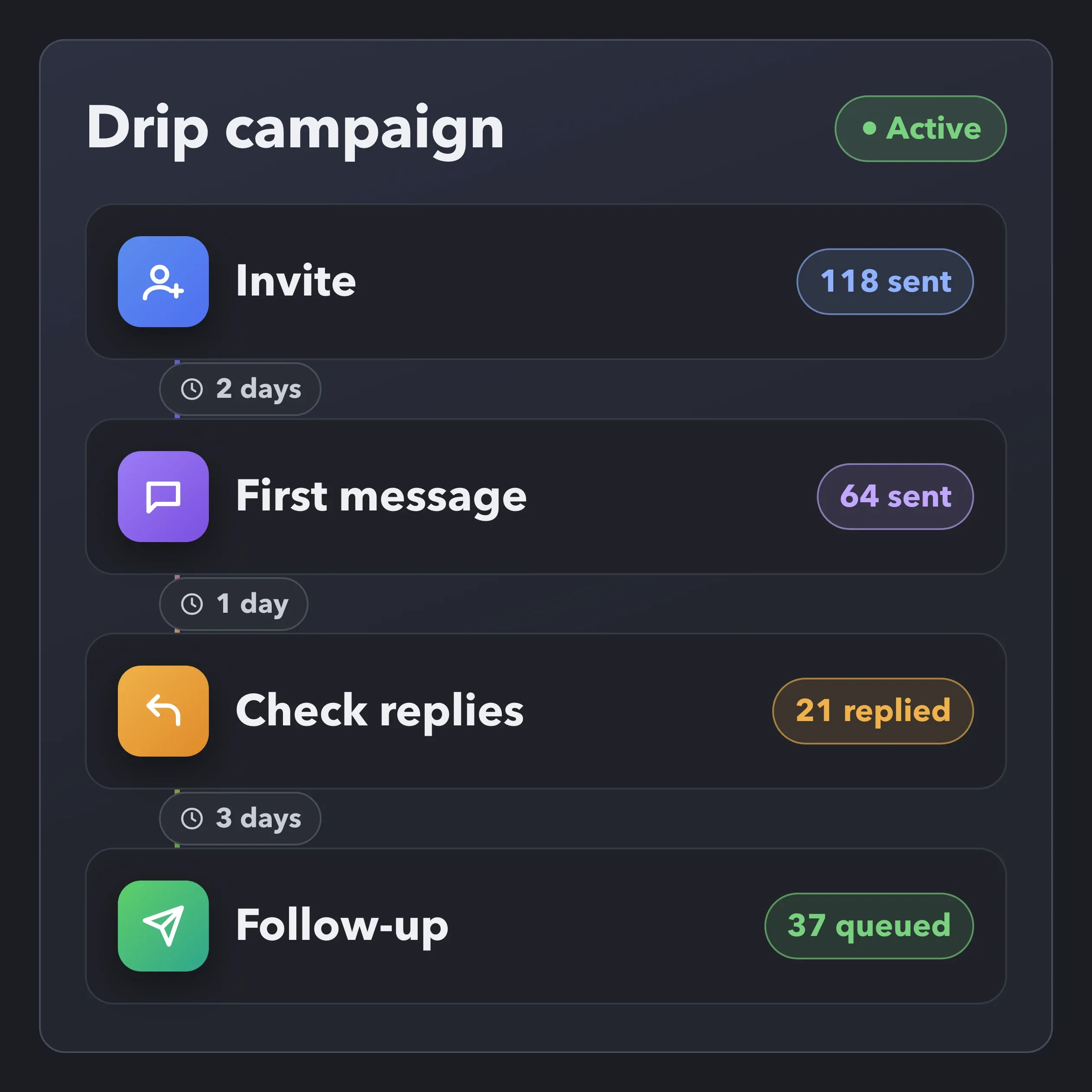
Build your sequence from connection requests, messages, follow-ups and reply checks. Messages go out in working hours and stop as soon as someone really replies.
Send prospect profiles to your connected CRM, or automatically forward only those who reply to your outreach campaigns. Pass along contact details and available messaging history to HubSpot, Salesforce, Pipedrive and other tools — so your team can follow up and manage new opportunities where they already work.















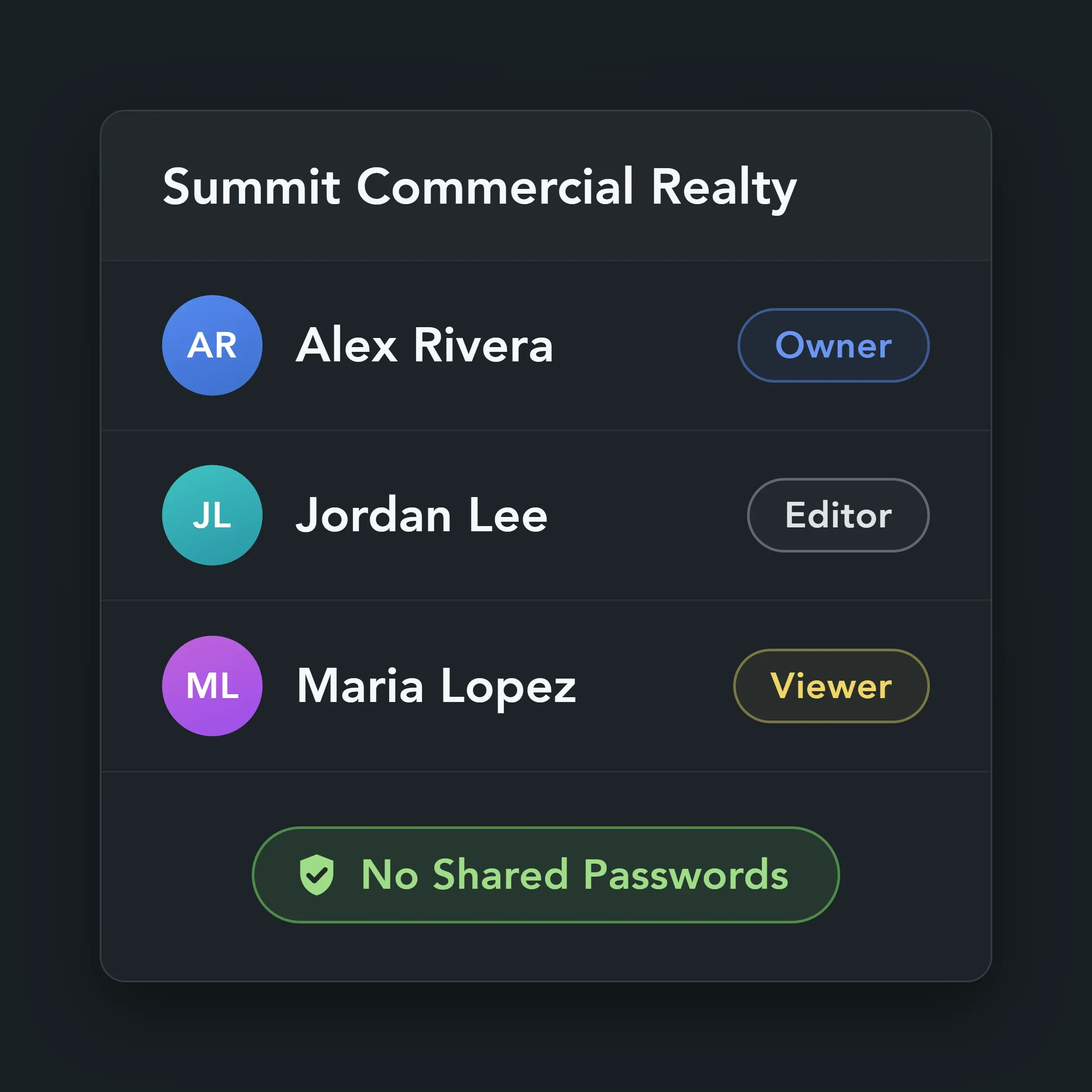
Give every broker access by role without sharing passwords. One Sales Navigator seat builds the lists, the other accounts work on Basic, and List Manager keeps two brokers from writing to the same person.




Every Day for Investors OutreachIt works as expected and I use it every day for investors outreach


The Catalyst for My CareerIn my line of work with connecting with investors this has been one of the greatest tools that was the catalyst for my career. By using Linked Helper I've met hundreds of valuable connections that have opened doorways I would have never imagined.


A Must Have Tool for Commercial Real EstateHands down one of the most (if not THE most) powerful Linkedin Automation tools around. A must have tool for sales people like myself who does commercial real estate brokerage.

None of That Robotic OutreachThe personalized message chains feel warm and thoughtful none of that stiff, robotic outreach.

Like Having an Extra Team MemberIt feels like having an extra team member quietly working in the background while I focus on the conversations that matter.
Supplements My Outreach in a Professional WayThe Linked Helper supplements my efforts to reach and connect with others. It takes much less time and does so in a professional manner.

Standard plan includes the full LinkedIn automation toolkit, with usage limits on some advanced features. Pro plan increases advanced feature and integration limits, and adds full message history export.

All your data stays on your device in local folders you can access directly.

Each account has its own isolated storage - no data mixing.

With outgoing webhooks, Linked Helper can send data to third-party systems.

Data is stored in local folders on your device. No app, no internet required to access your files.
Local tax may apply
Join our weekly live training for a kick-start, or explore our library of bite-sized guides at your own pace. We provide every resource to help you scale safely.

A 60-minute live walkthrough to kick-start your LinkedIn lead generation. Register now to join live or receive the recording by email even if you can’t attend.



VIDEO TUTORIAL
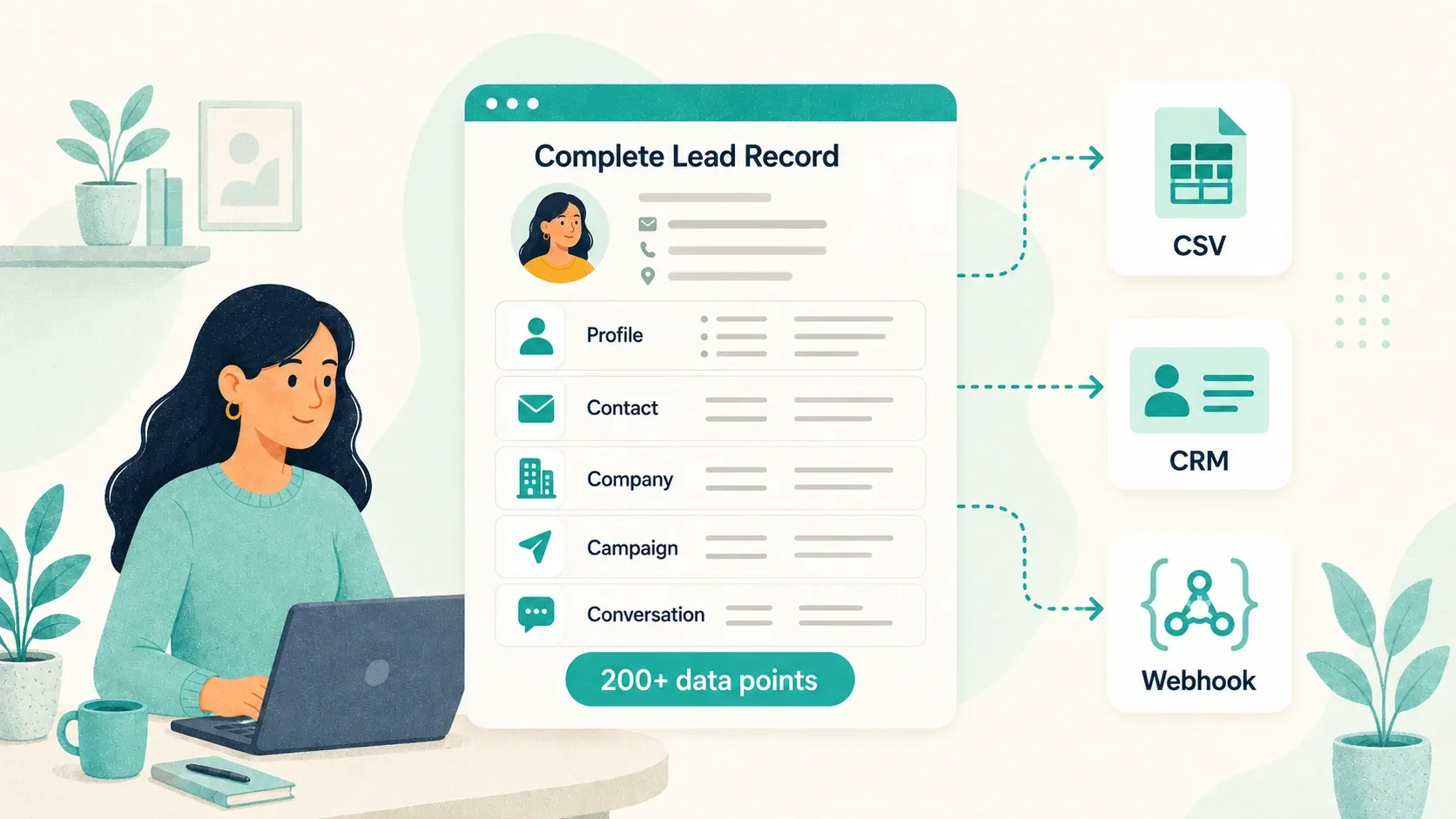
GUIDE
You pull brokers, investors or property owners by market and role, Linked Helper warms them up with visits, follows, likes and comments, sends connection requests and follow-ups, and stops when they reply, so you can take over.
14 days free with full Standard and Pro features. No credit card required.


 Save My Spot