 Use Cases
 ABM
 Follow
 Likes & Comments
 AI Comments
 Endorsements
 Boost Post
 Post Engagers
 AI ICP Detection
 Invitations
 Contacts & Lists
 Safety
 Resources

Build Familiarity Before Outreach
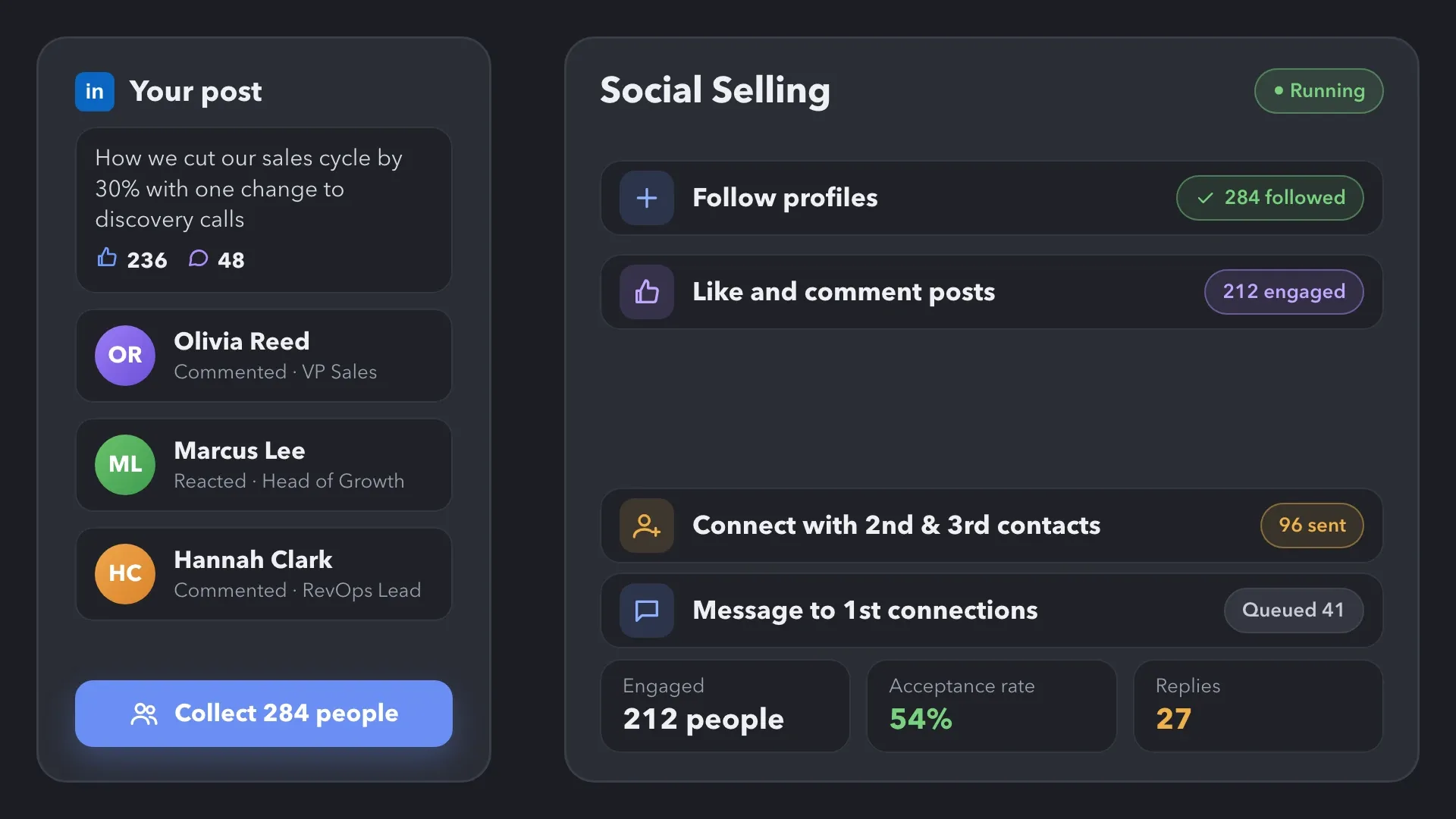
Follow selected prospects and engage with their publications before sending a connection request. Continue with messages and follow-ups as the relationship develops.
Automate social selling on LinkedIn with Linked Helper. Get noticed by potential customers, nurture your network, find people engaging with your content, and turn interactions into conversations.


 WITHOUT LINKED HELPER

 WITH LINKED HELPER
 Automated Campaigns
See how Linked Helper keeps engagement connected to the next sales or growth action without requiring every touchpoint to be handled manually.


For account-based campaigns, start with the companies you want to reach. Collect them into an organization campaign, review company data when needed, and send employees who match your filters to a separate people campaign.
 Account Lists
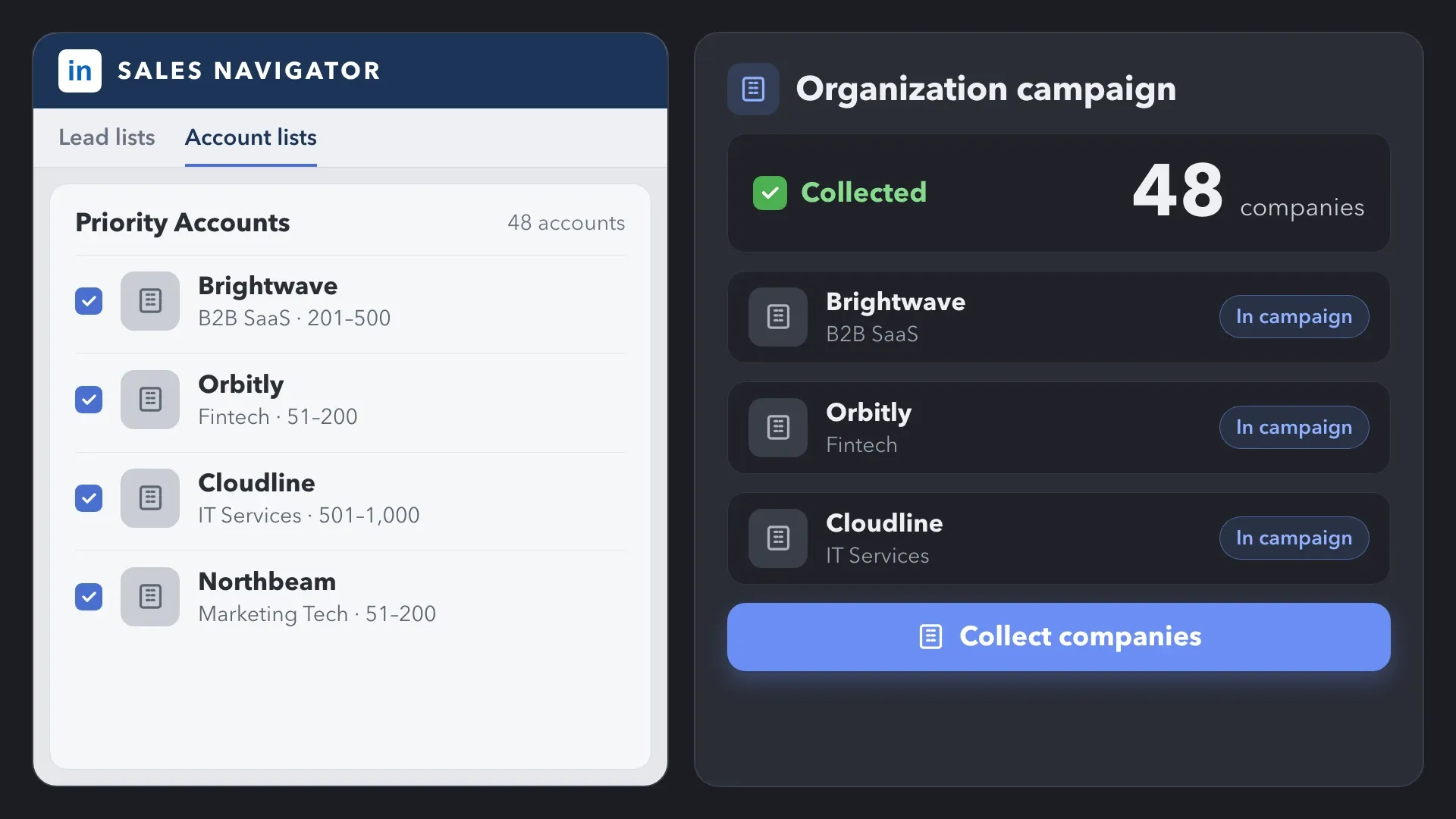
Collect companies from LinkedIn or Sales Navigator search, or from Sales Navigator Account Lists. Linked Helper adds them to an organization campaign—the starting point for the ABM workflow.
 Organizations Extractor
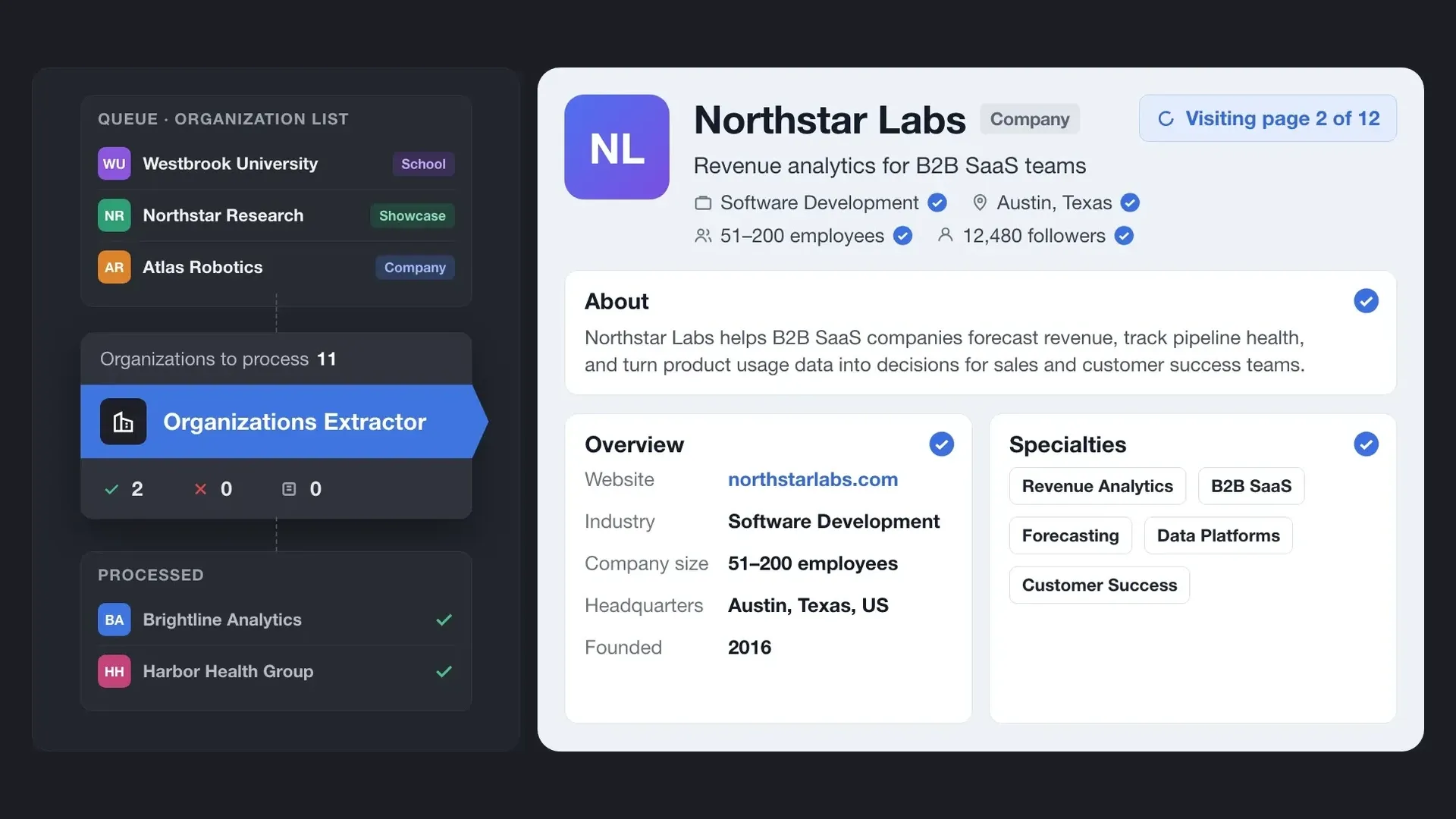
Use Organizations Extractor to collect available details from company pages and compare accounts against your own criteria. Skip this optional step if your target company list is already final.
 Employees Extractor
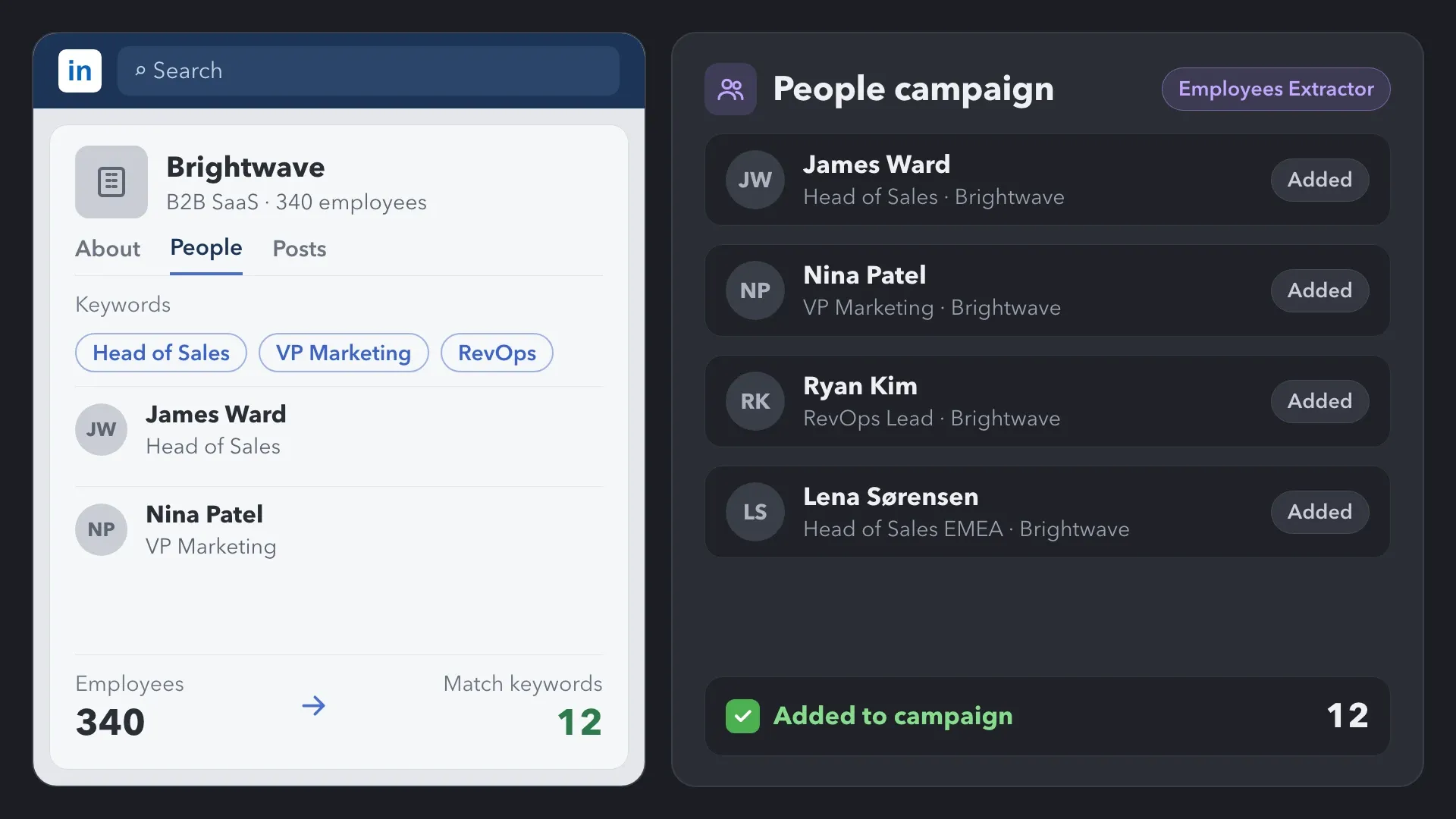
Use Employees Extractor to collect employees from selected companies and narrow the results with keywords. Send profiles that match those filters to a people campaign for follows, content engagement, connection requests, and messages.
Use Follow as a lightweight touchpoint before a connection request. Linked Helper can then continue the same campaign with interactions around the person’s content, a delay, an invitation, and a message after acceptance.
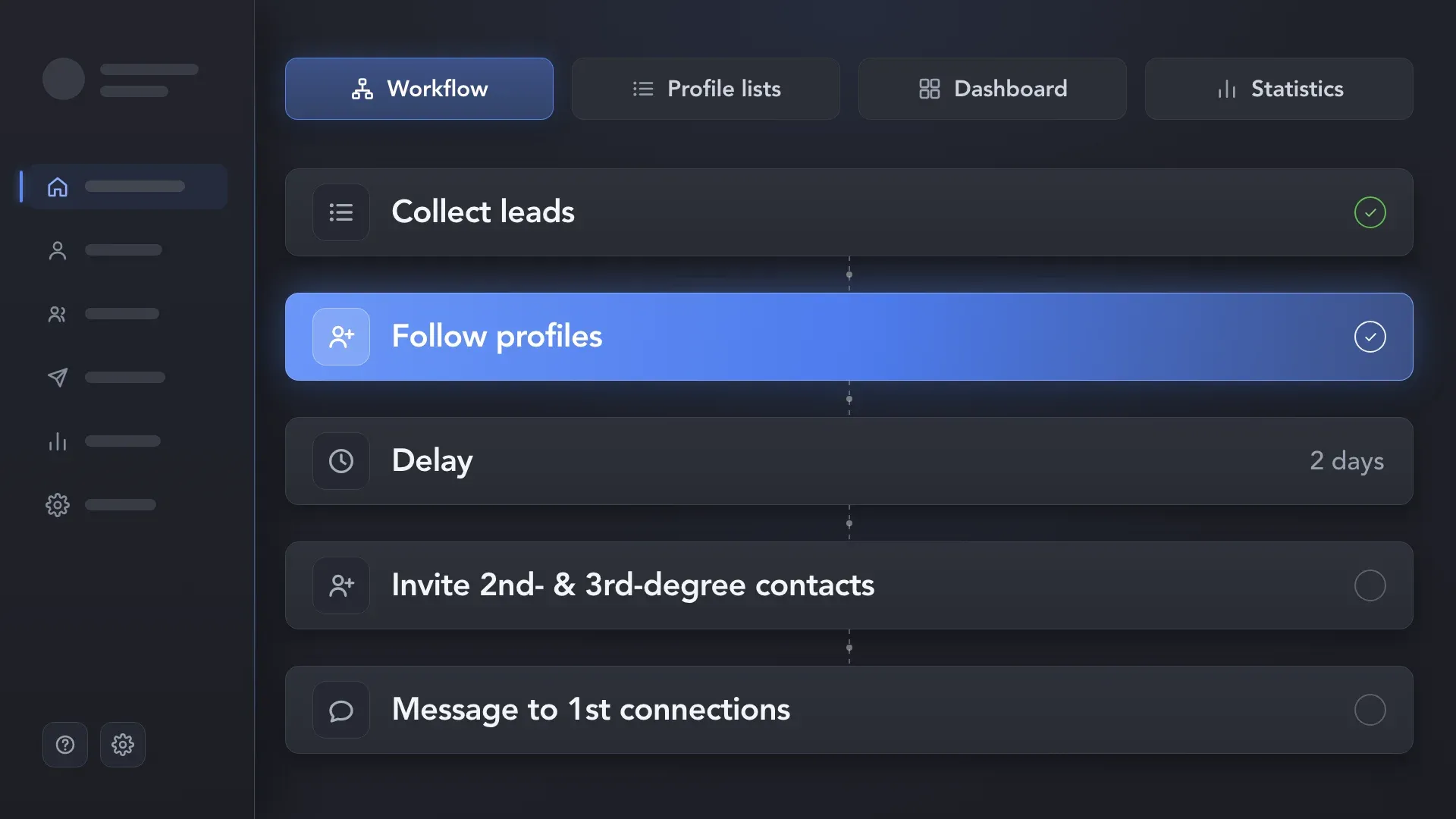
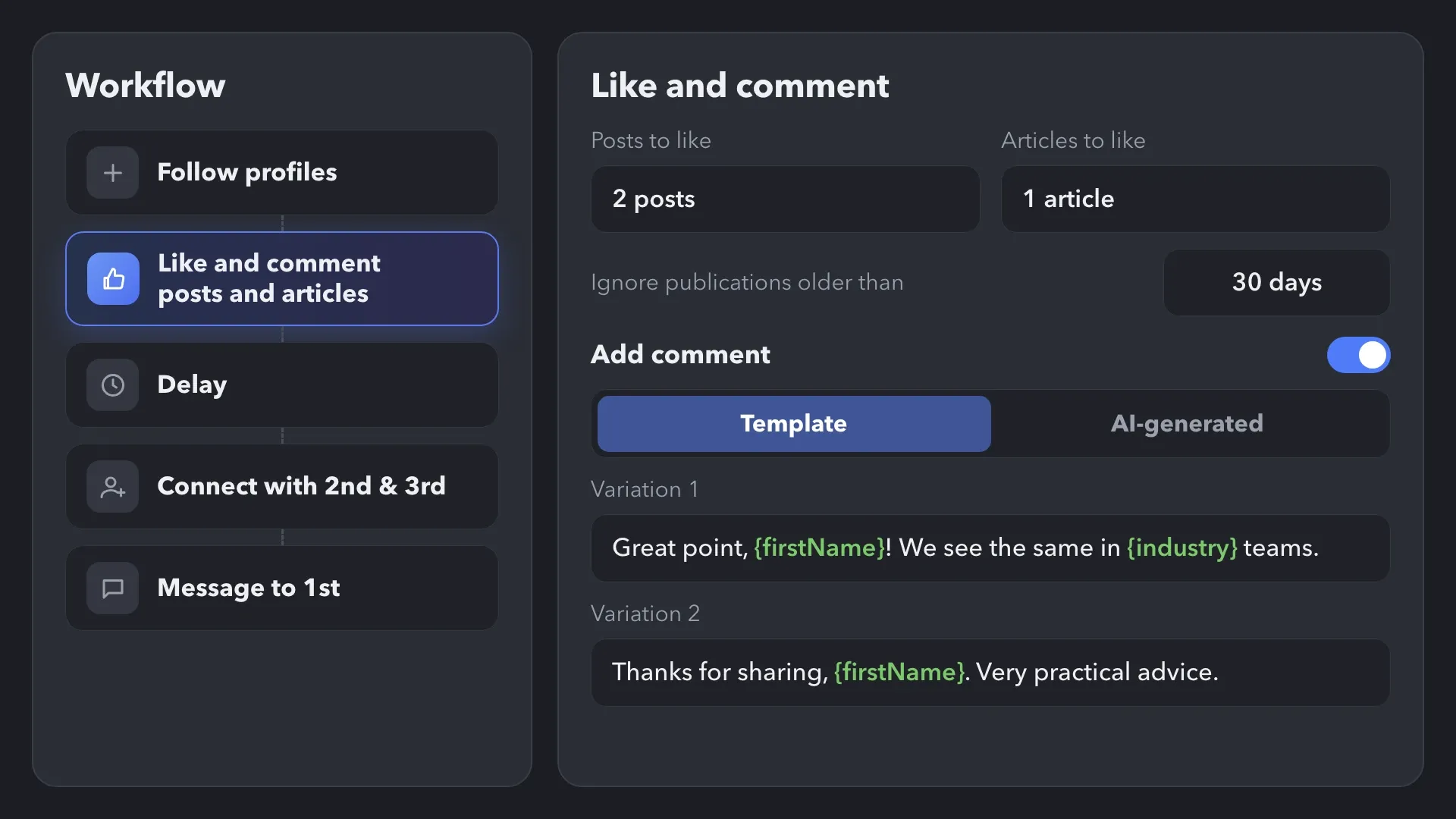
Use Like and Comment Posts and Articles to make content engagement part of your campaign. Set how many publications to process for each profile and how recent they should be. Like eligible posts and articles automatically, and add a comment template to follow the like when the wording fits the publications you plan to engage with.
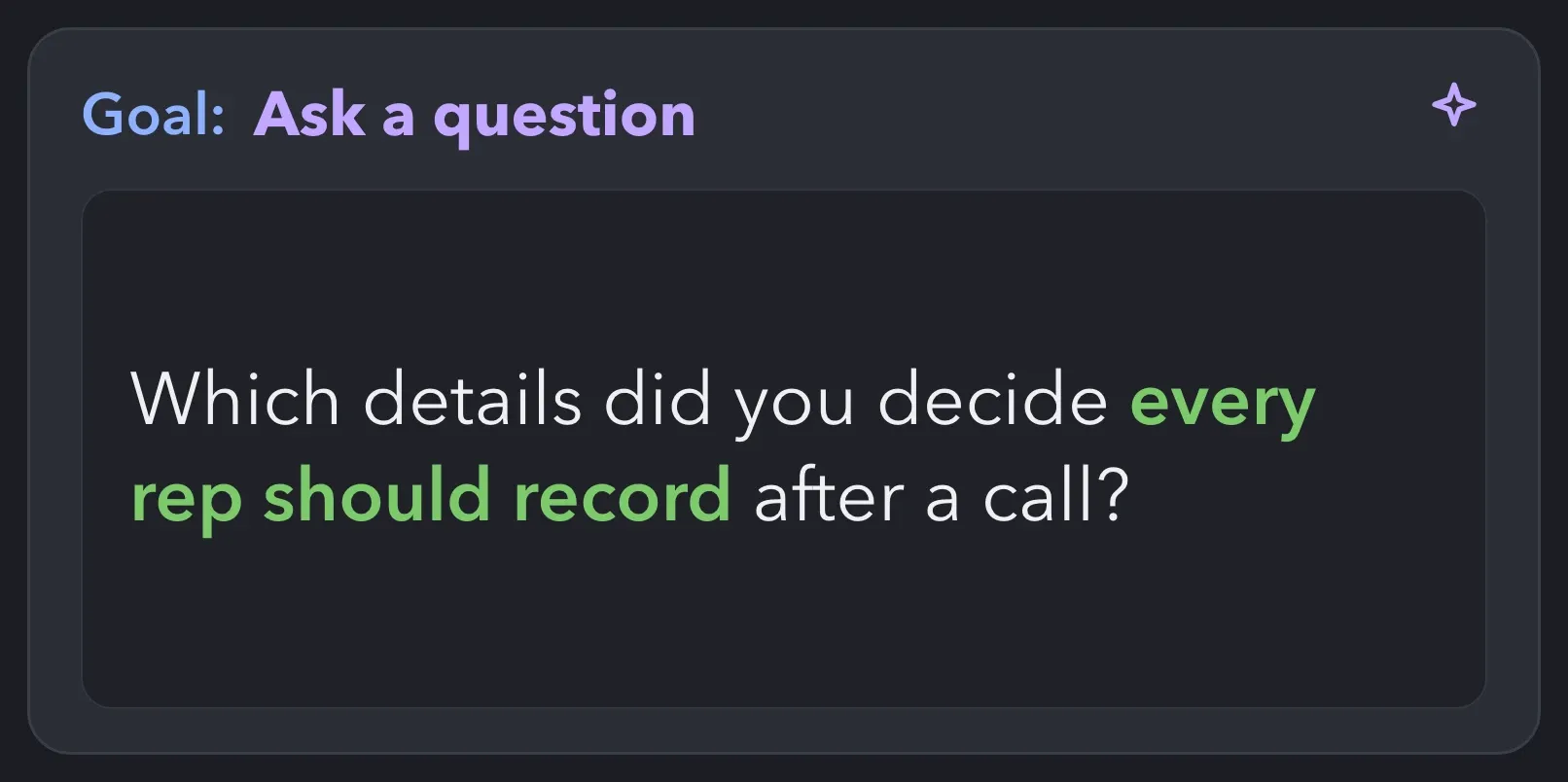
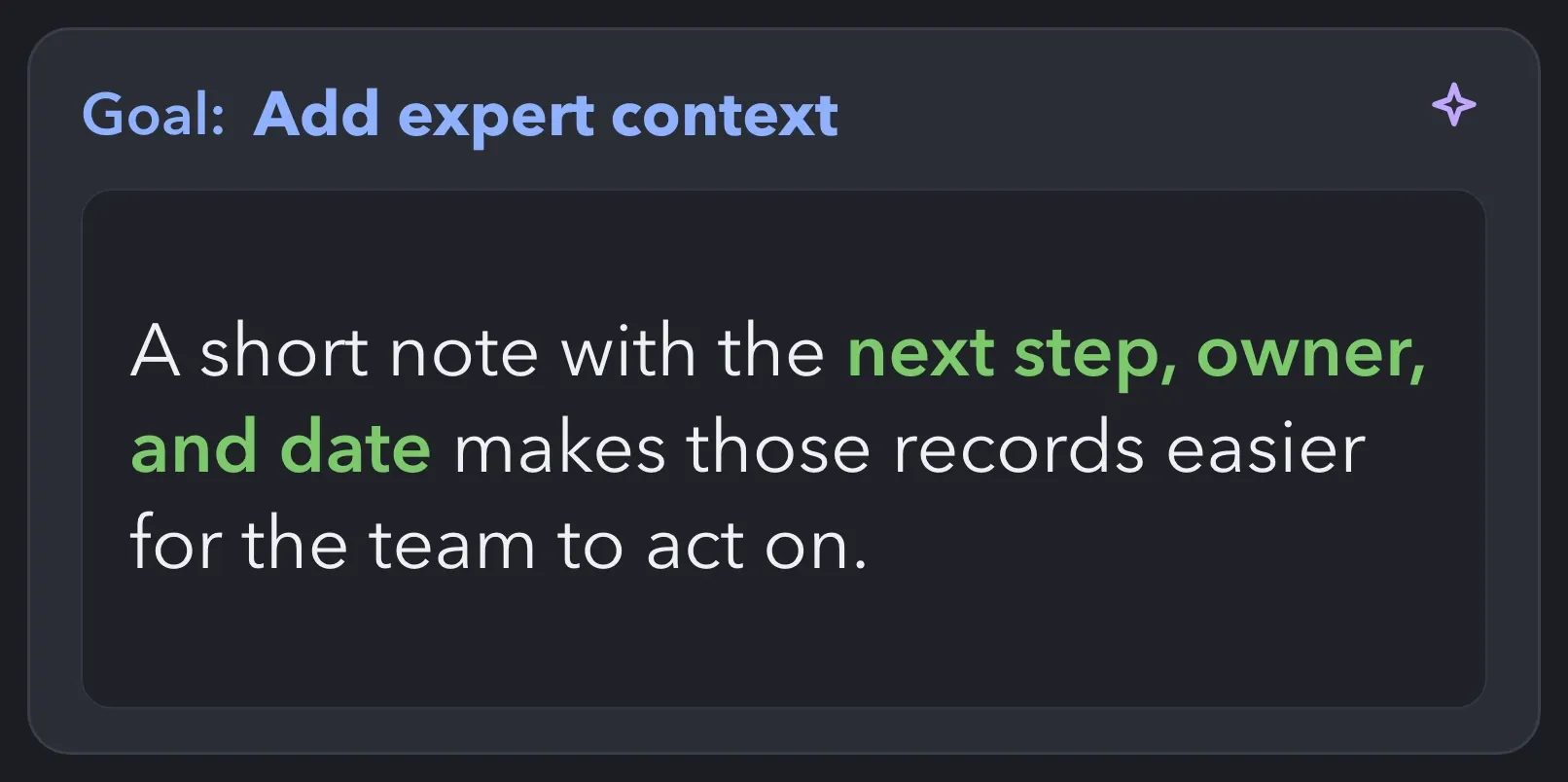
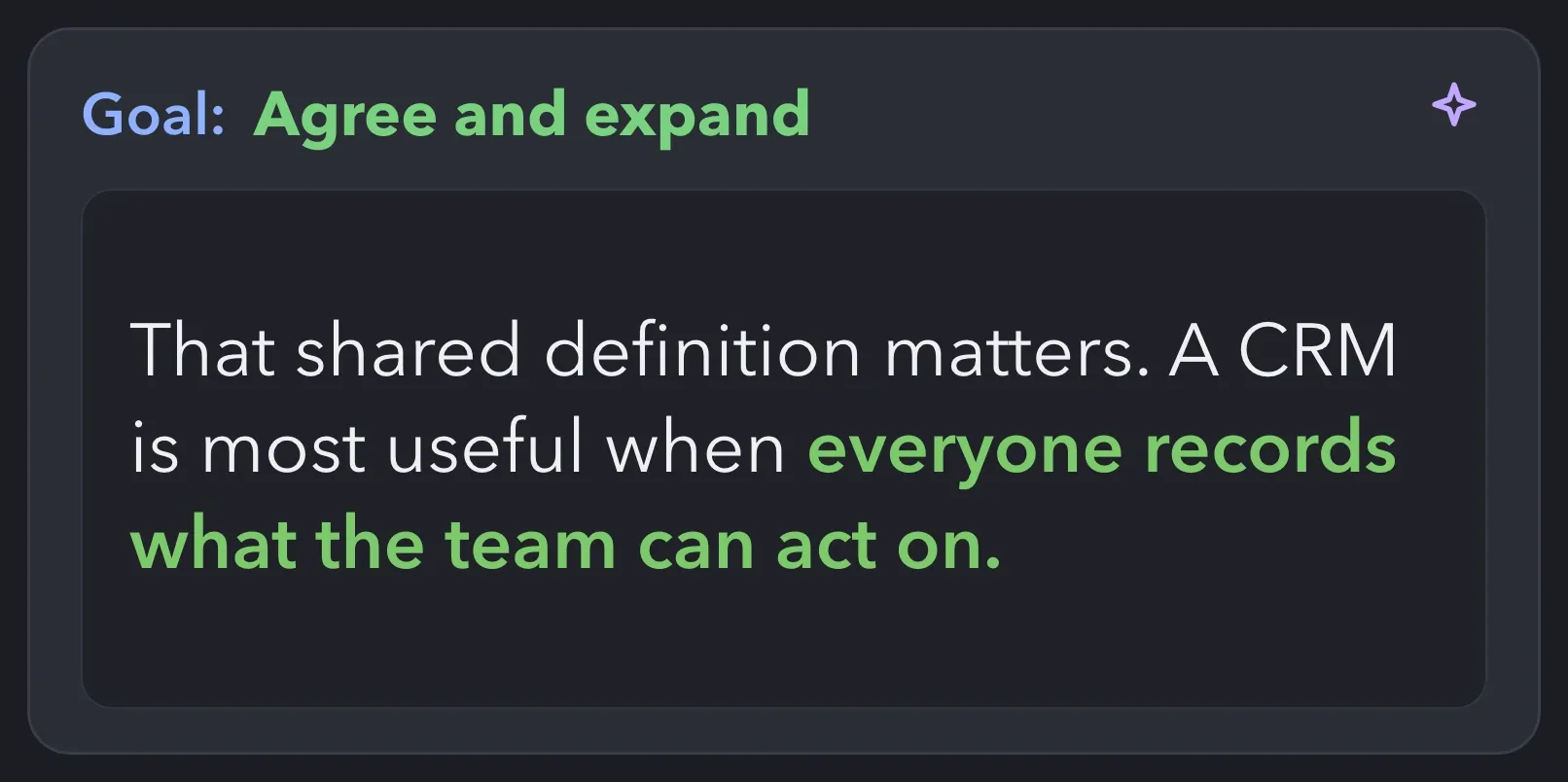
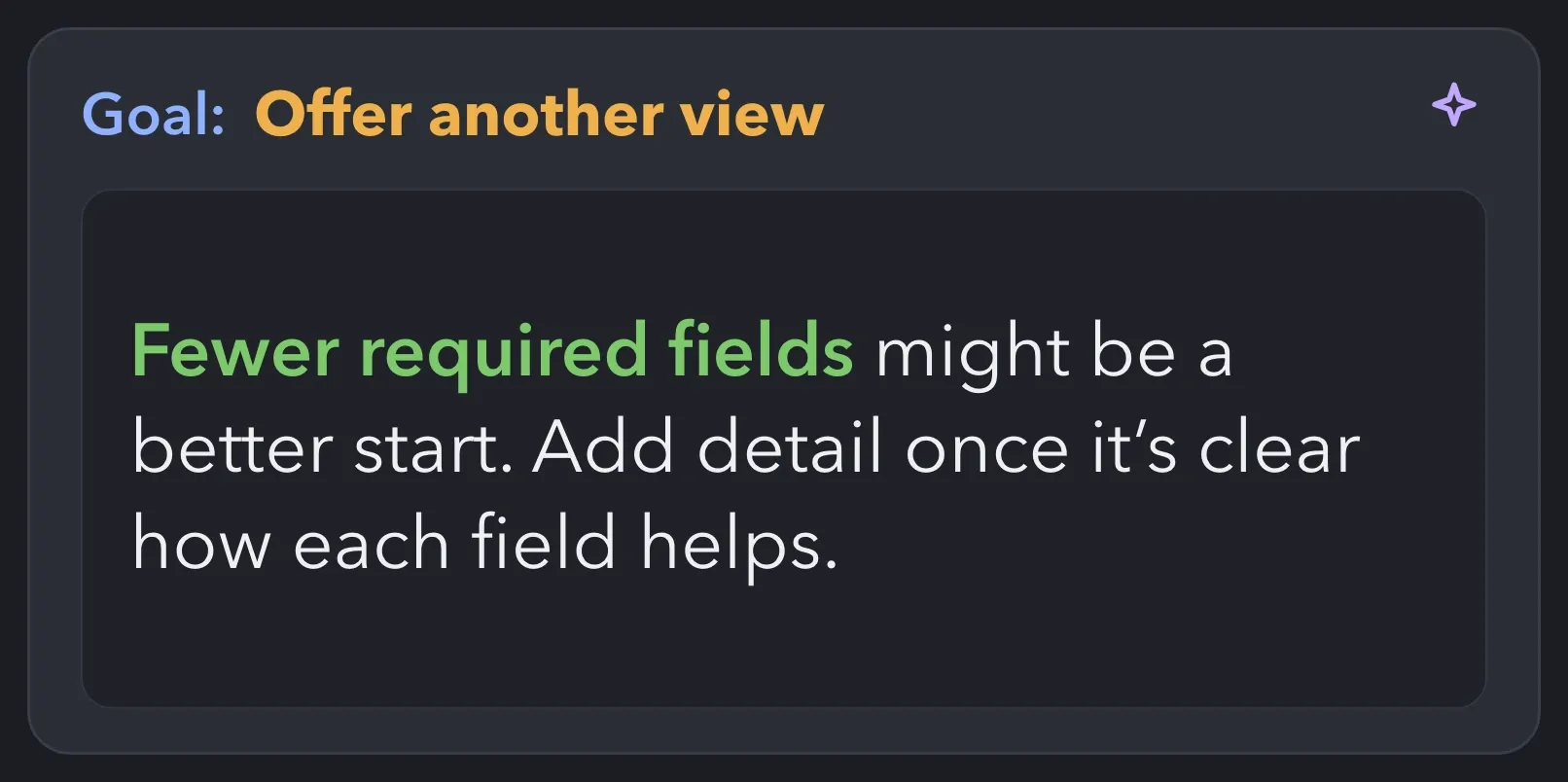
Describe the goal in your own words and choose the tone, length, and language. AI Comments drafts the comment from the post and the author’s name and headline inside Like and Comment. Below are four example goals for the same post about moving to a shared CRM.
Ask the author for a detail or their opinion and start a conversation in the comments.
Add a practical observation that contributes to the discussion.
Support the author’s point and develop it with an additional thought.
Introduce an alternative view without turning the comment into a disagreement.
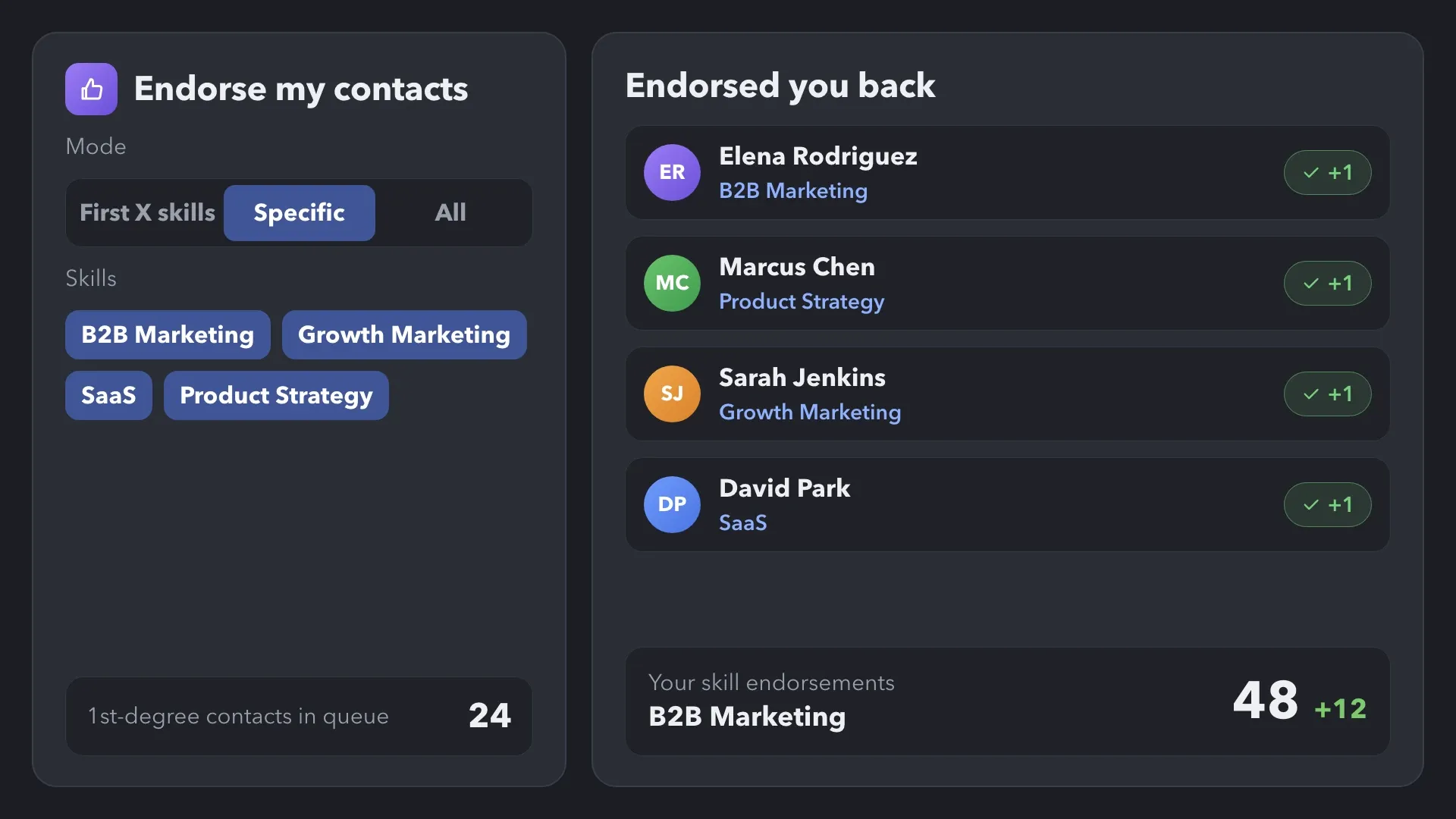
Endorse relevant skills across your 1st-degree network. People often endorse back: more endorsed skills add visible social proof to your profile, help it stand out when people search for those skills, and create another professional touchpoint between conversations.
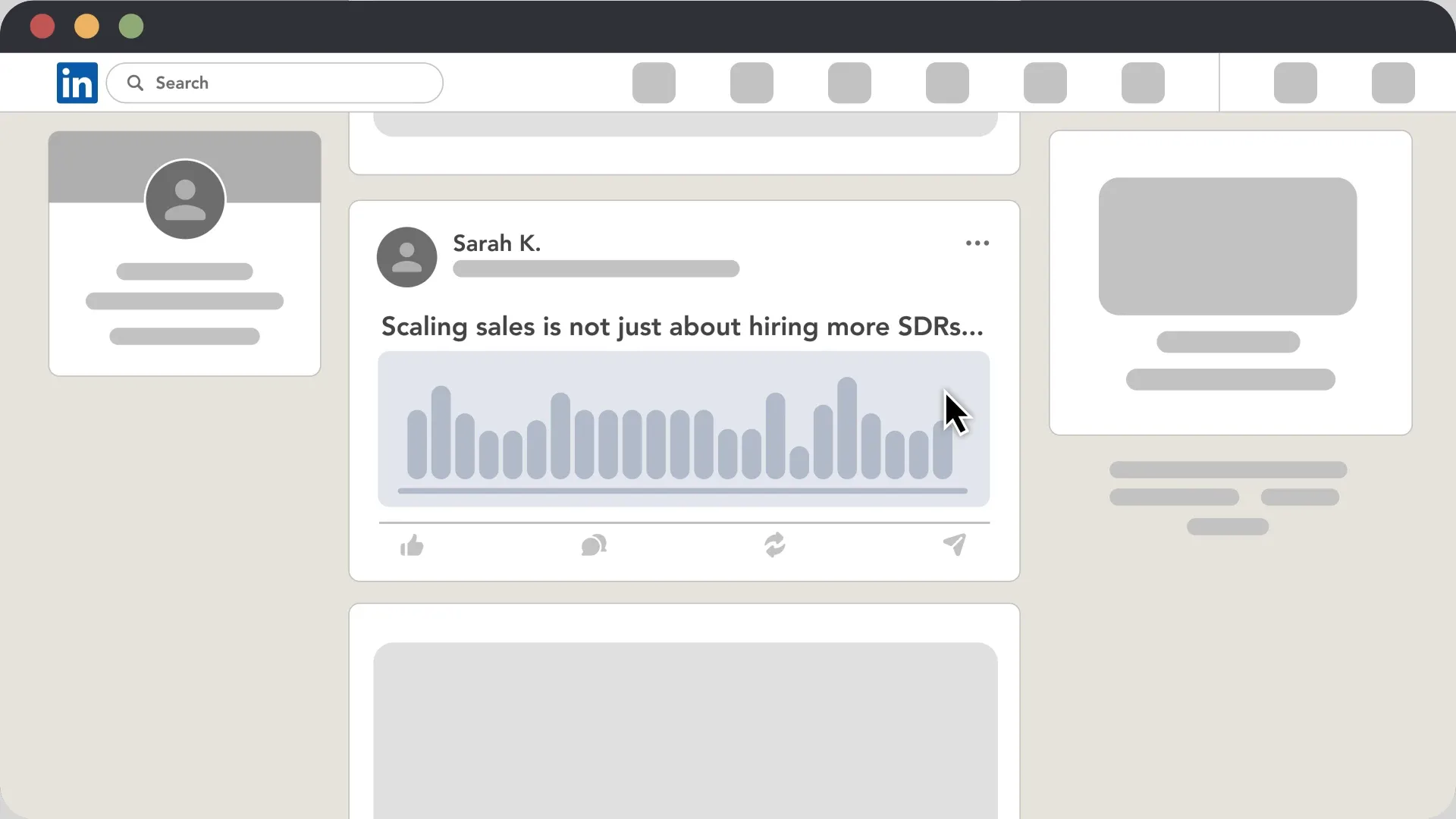
Choose a post, define how selected profiles should be mentioned, and bring them into the discussion as part of your campaign.
Add Boost Post to your workflow and paste the direct link to the LinkedIn post you want your target audience to see.
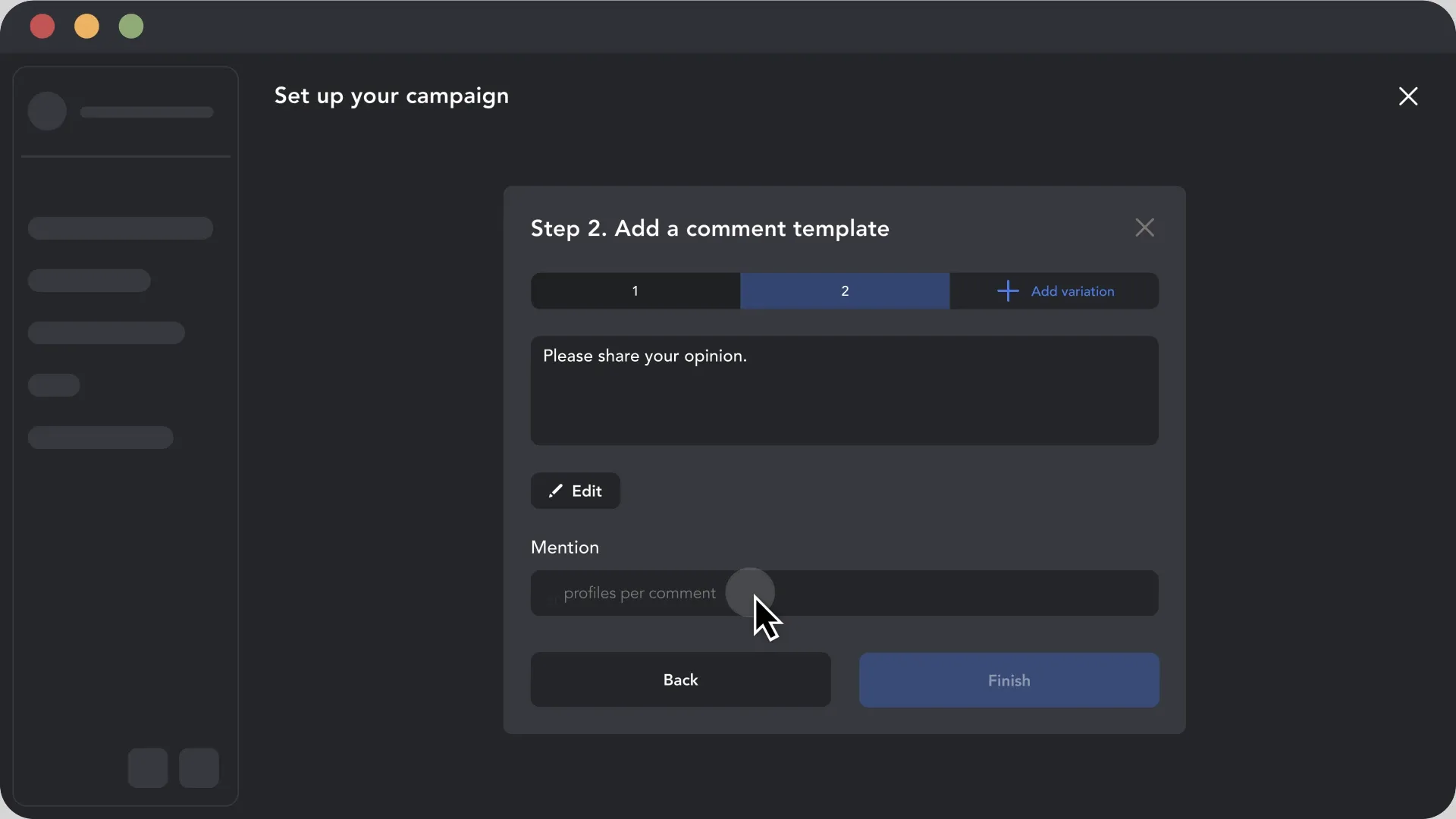
Choose how many profiles to mention in each comment and add an optional message explaining why the post may interest them.
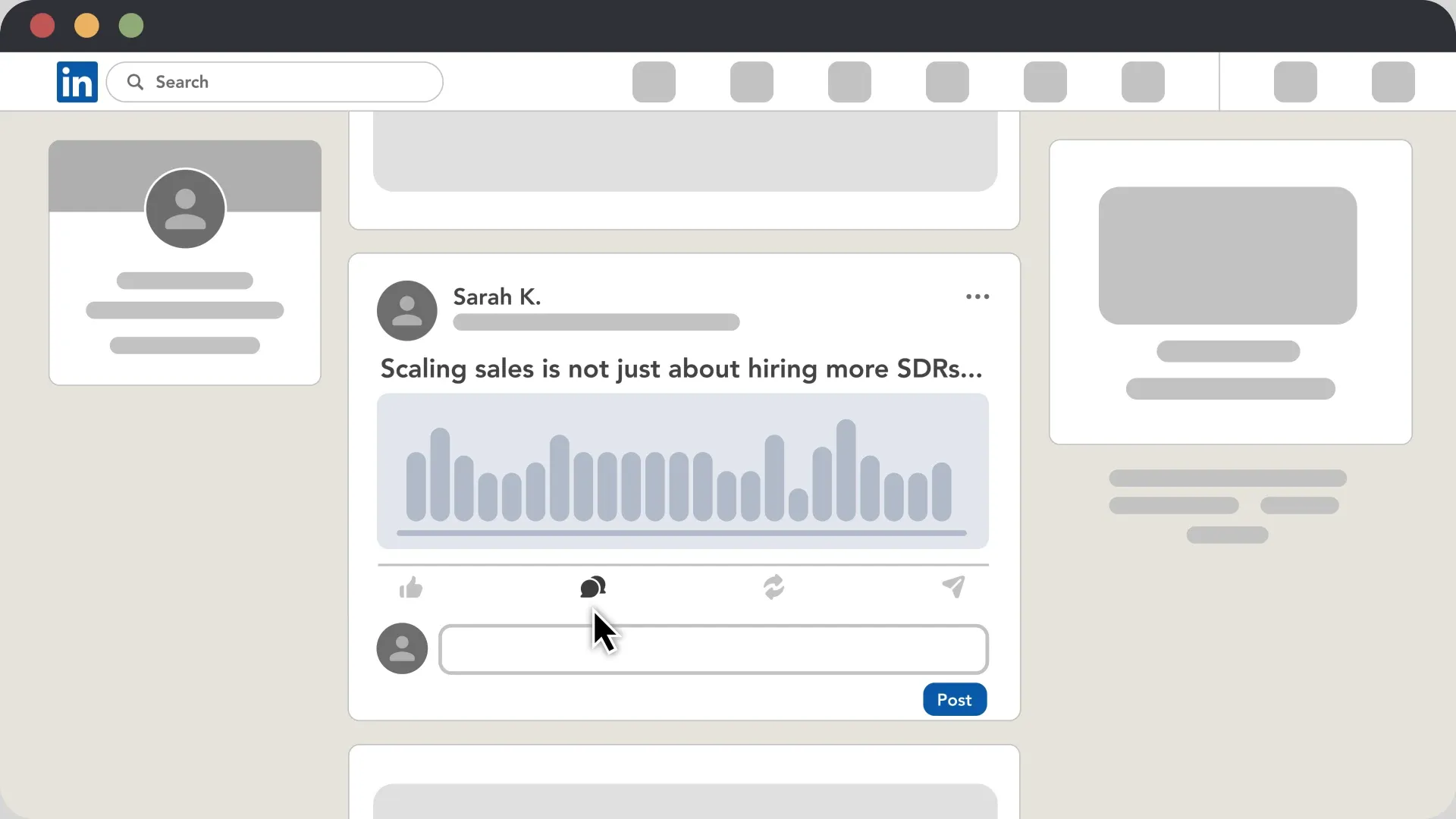
Add selected profiles to the campaign and start the action. Linked Helper processes the queue and mentions them under the post according to your settings.
Add Boost Post to your workflow and paste the direct link to the LinkedIn post you want your target audience to see.
Turn interest in a specific publication into an audience you can work with. Use the post’s direct link to collect profiles into Linked Helper.
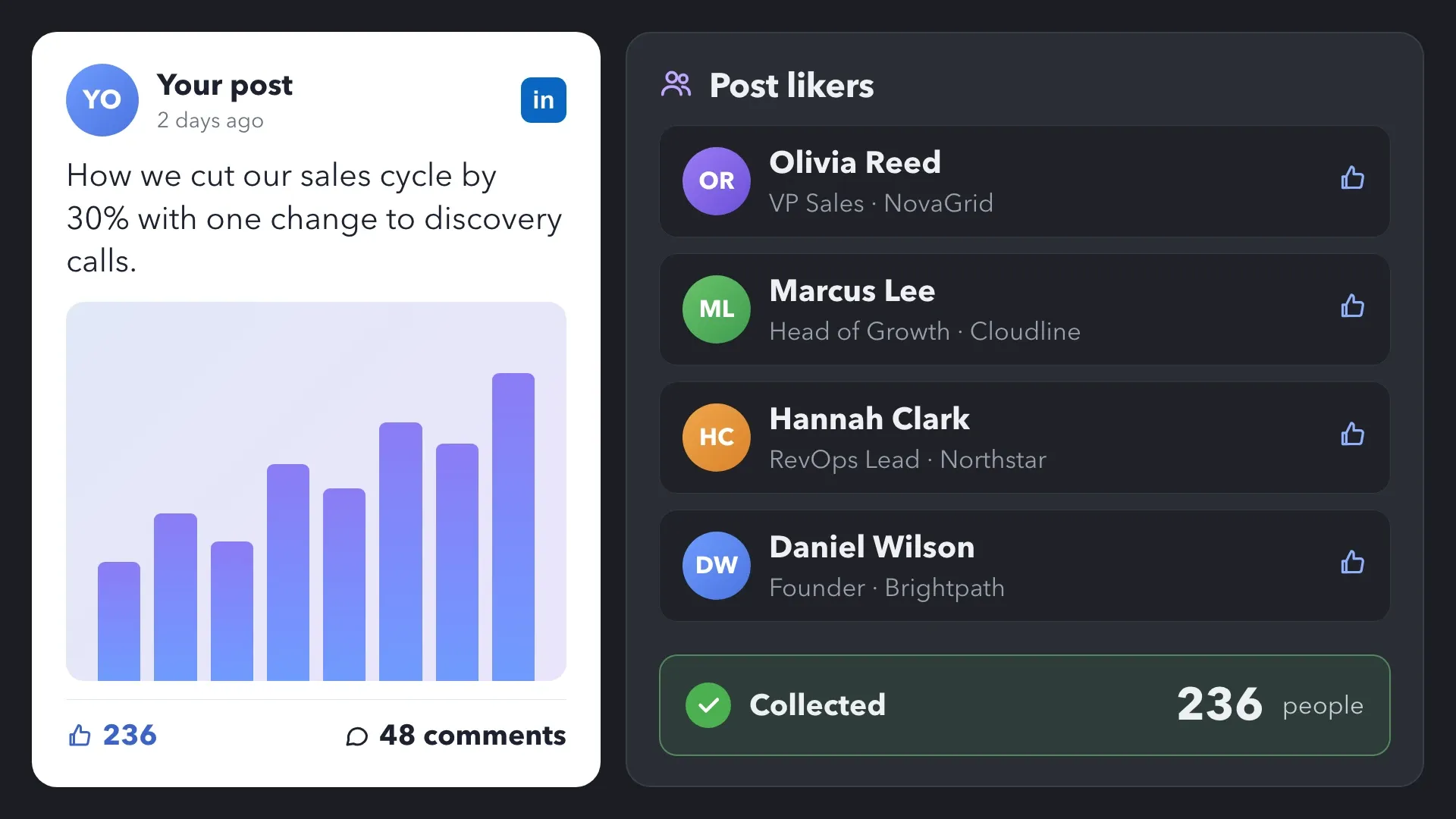
Collect the people who reacted to your post and review who may be relevant to your business.
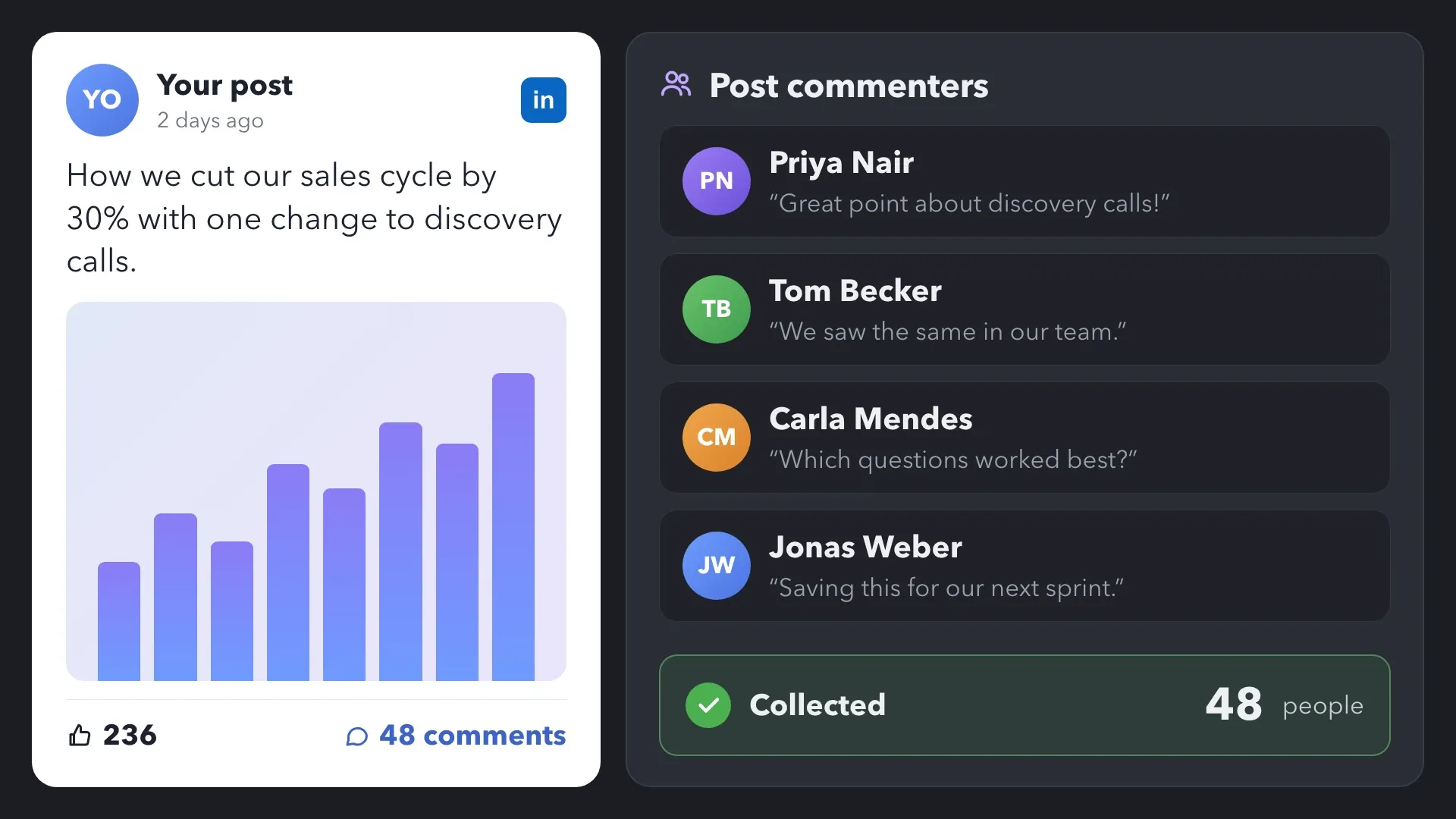
Collect the people who joined the discussion and identify contacts for a follow-up conversation.
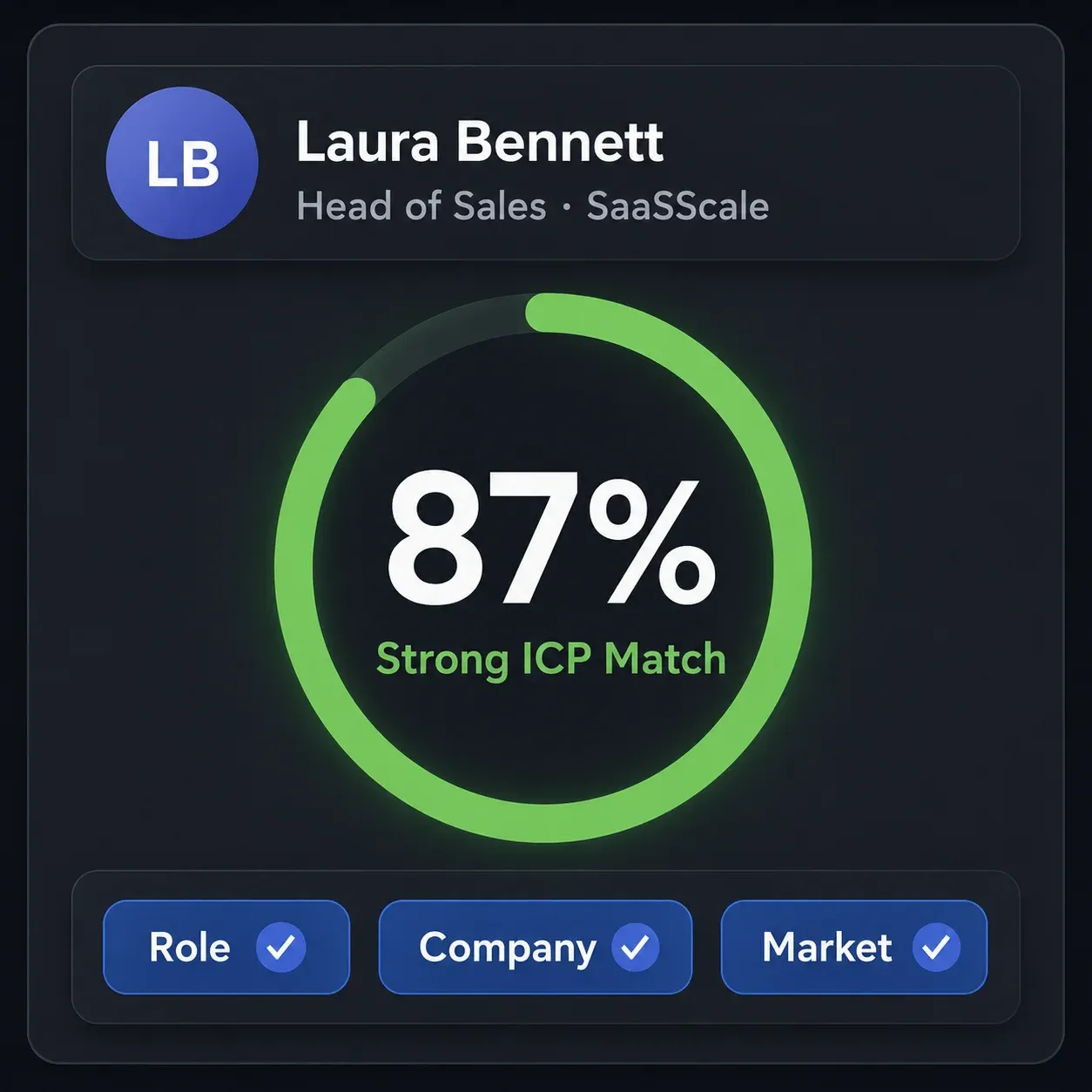
Add AI ICP Detection after collecting people who engage with your content. Describe your ideal customer profile and set a minimum match level to qualify each person before outreach. Matching profiles continue to connection requests or messages, while poor-fit profiles are filtered out.
Invite selected 1st-degree connections to your Company Page, event, or group so the relationship can continue beyond a single post or message.
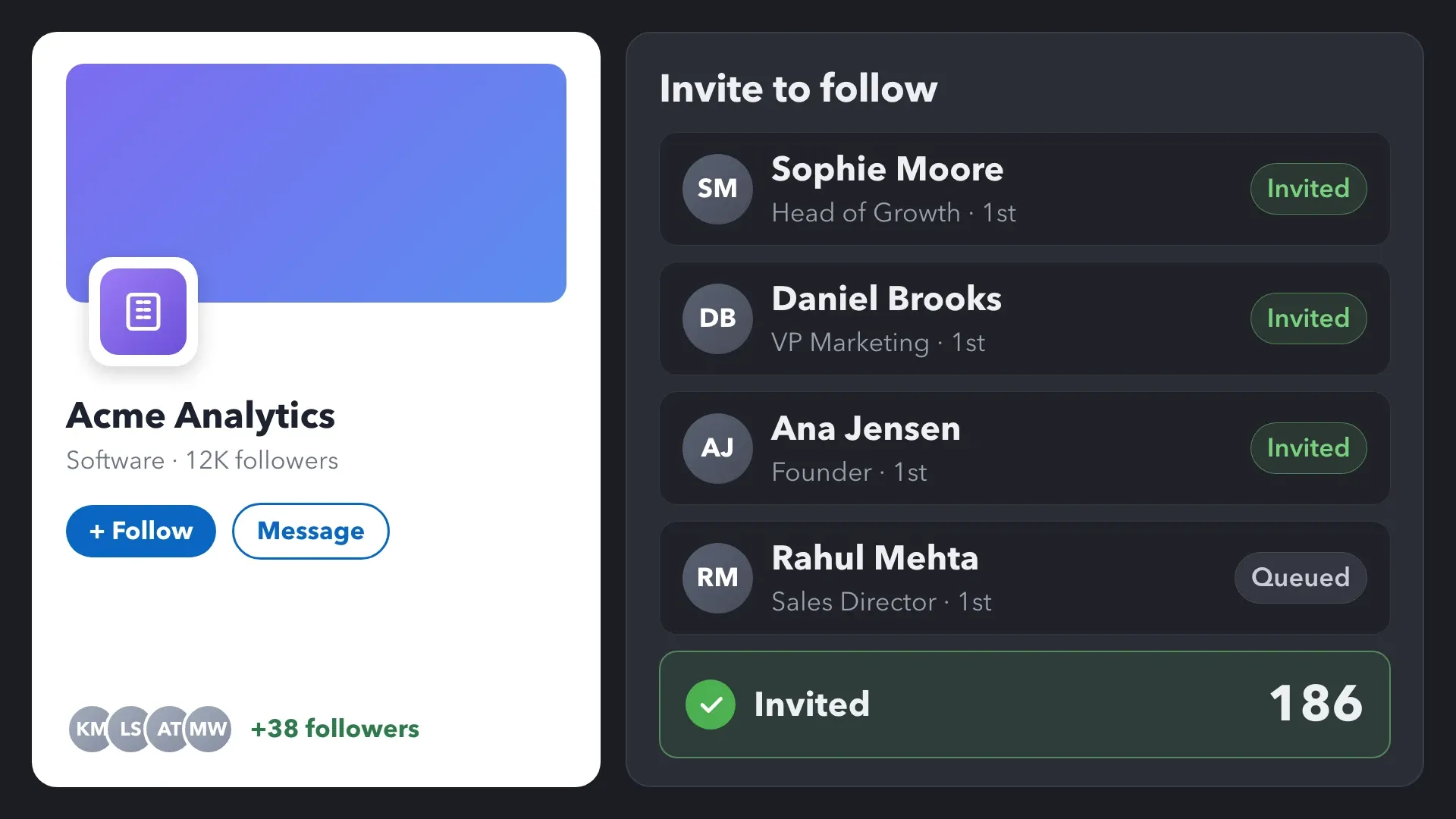
Use Invite to Follow Organization to invite eligible 1st-degree connections to follow your Company Page. Help the right people keep up with your company’s content and news.
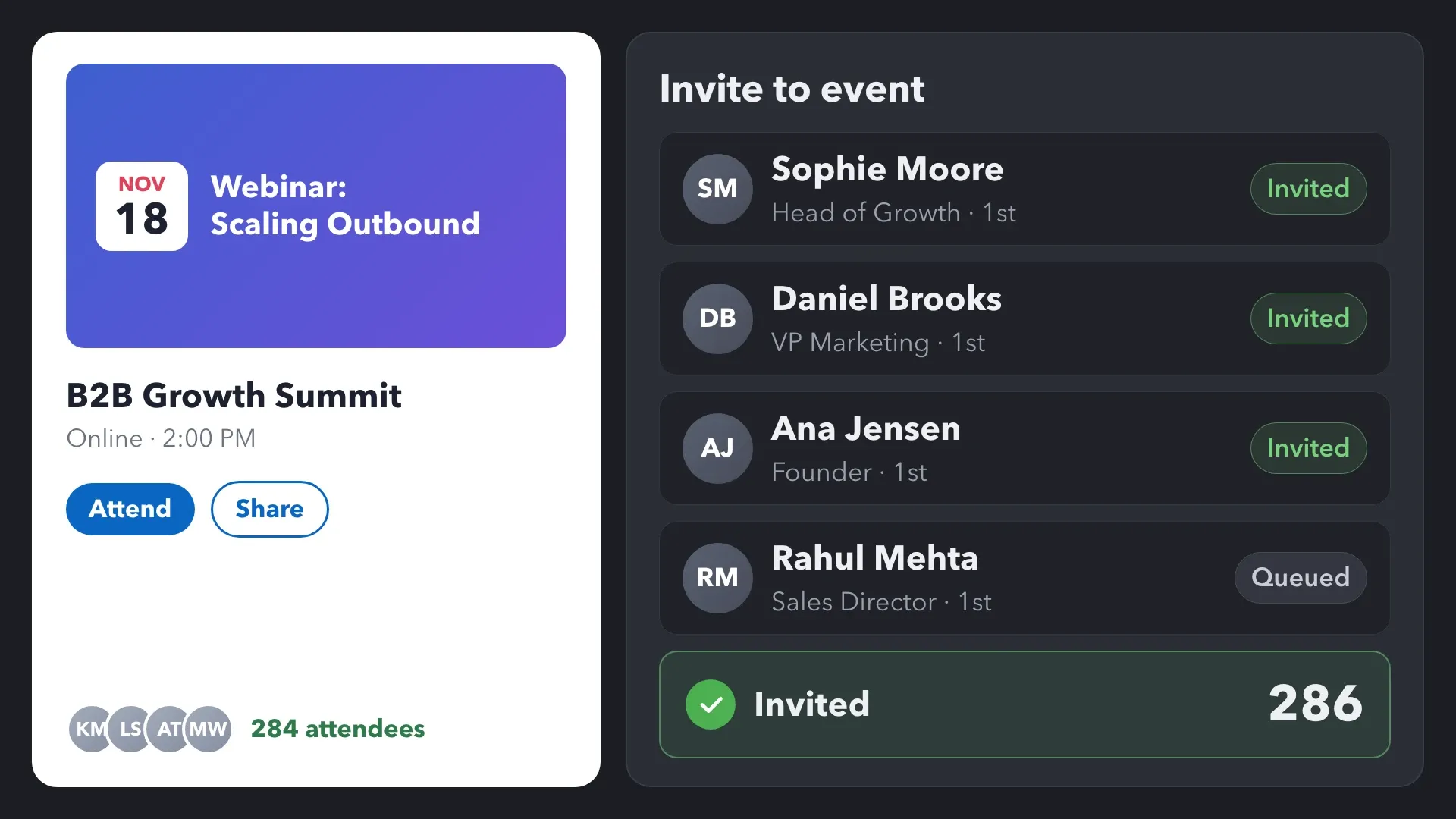
Use Invite Connections to a LinkedIn Event to promote a webinar, live demo, or other event to selected 1st-degree connections. Build a campaign around the event with invitations and follow-up messages.
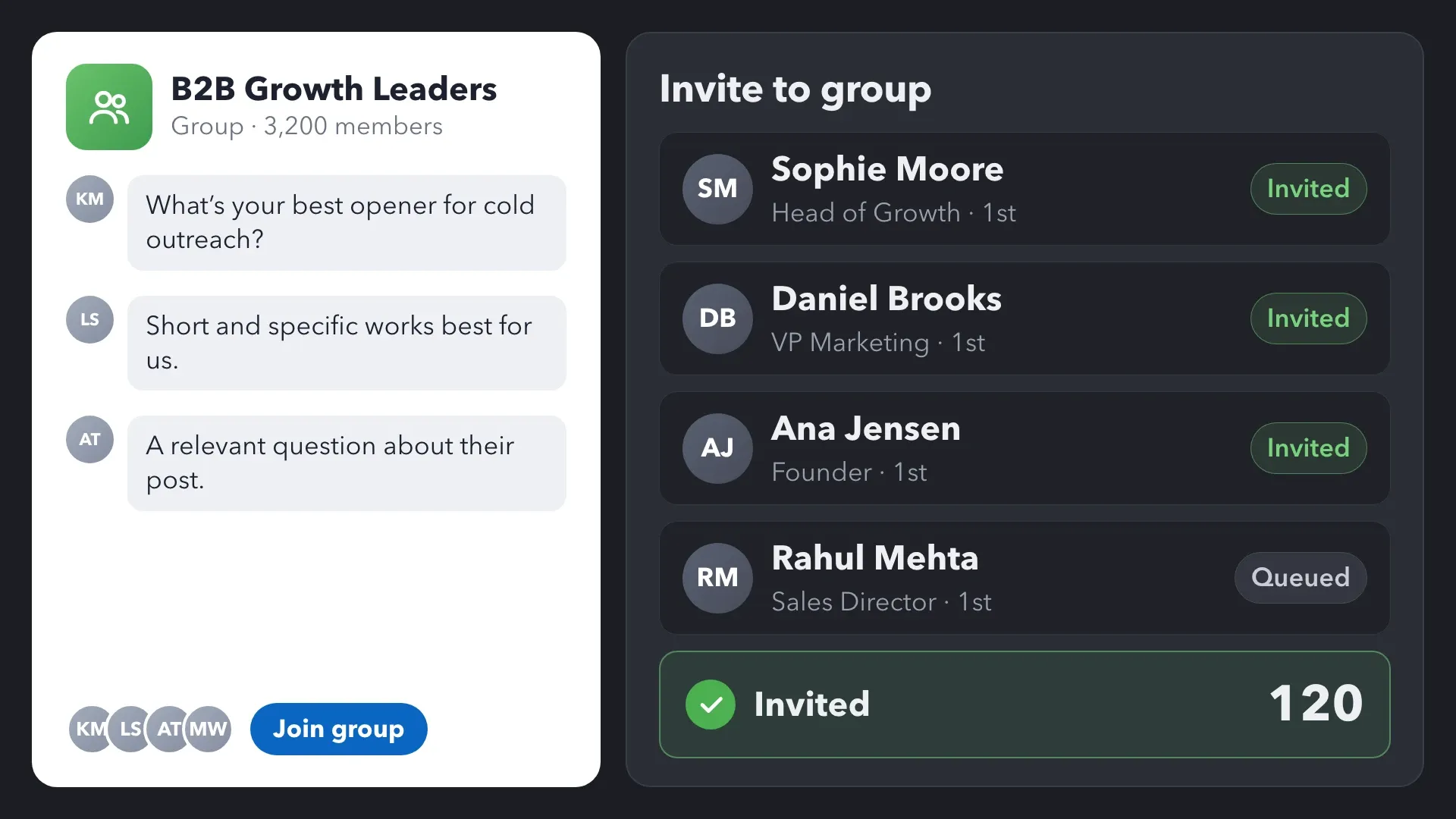
Use Invite Connections to Join a LinkedIn Group to invite eligible connections into your professional community. Create more opportunities to share knowledge and continue discussions over time.
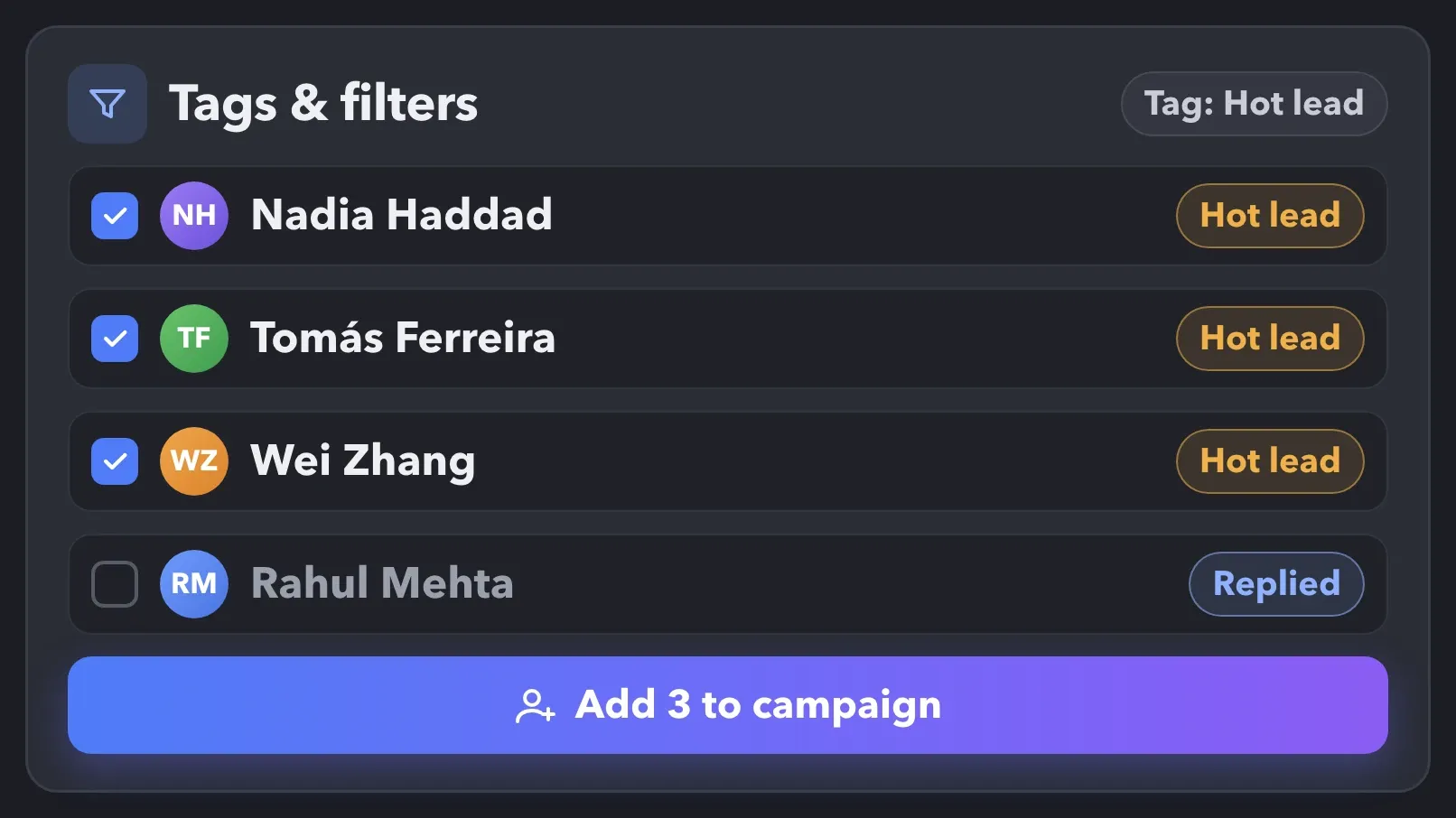
Review campaign activity and message history, then use tags, notes, and filters to find the right contacts for the next step.
See when a profile entered a campaign, which actions processed it, and what messages and replies were recorded. Add tags and notes for context you want to keep.
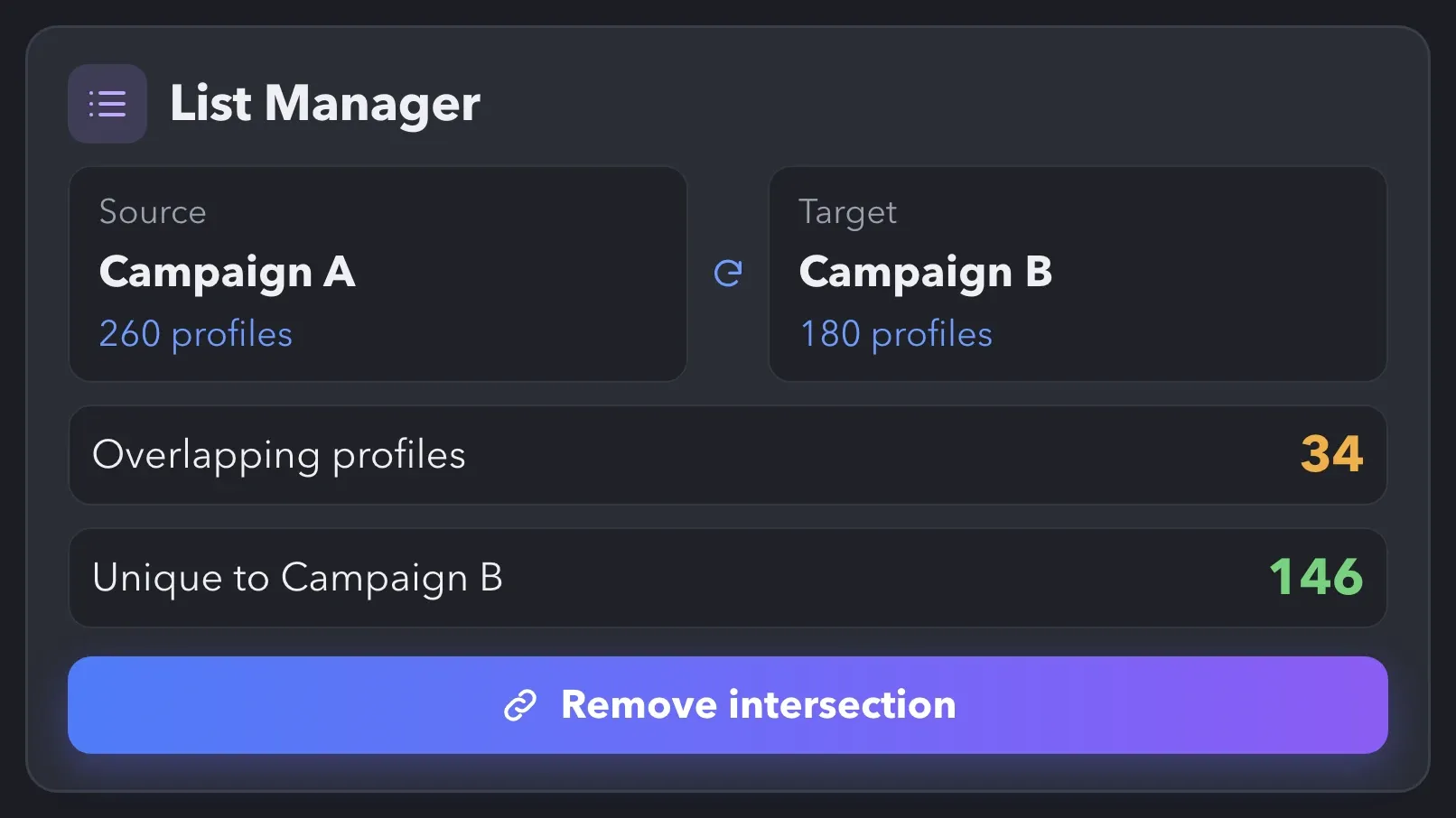
Compare campaign and action lists, find intersections, and decide which contacts to include in your next campaign.
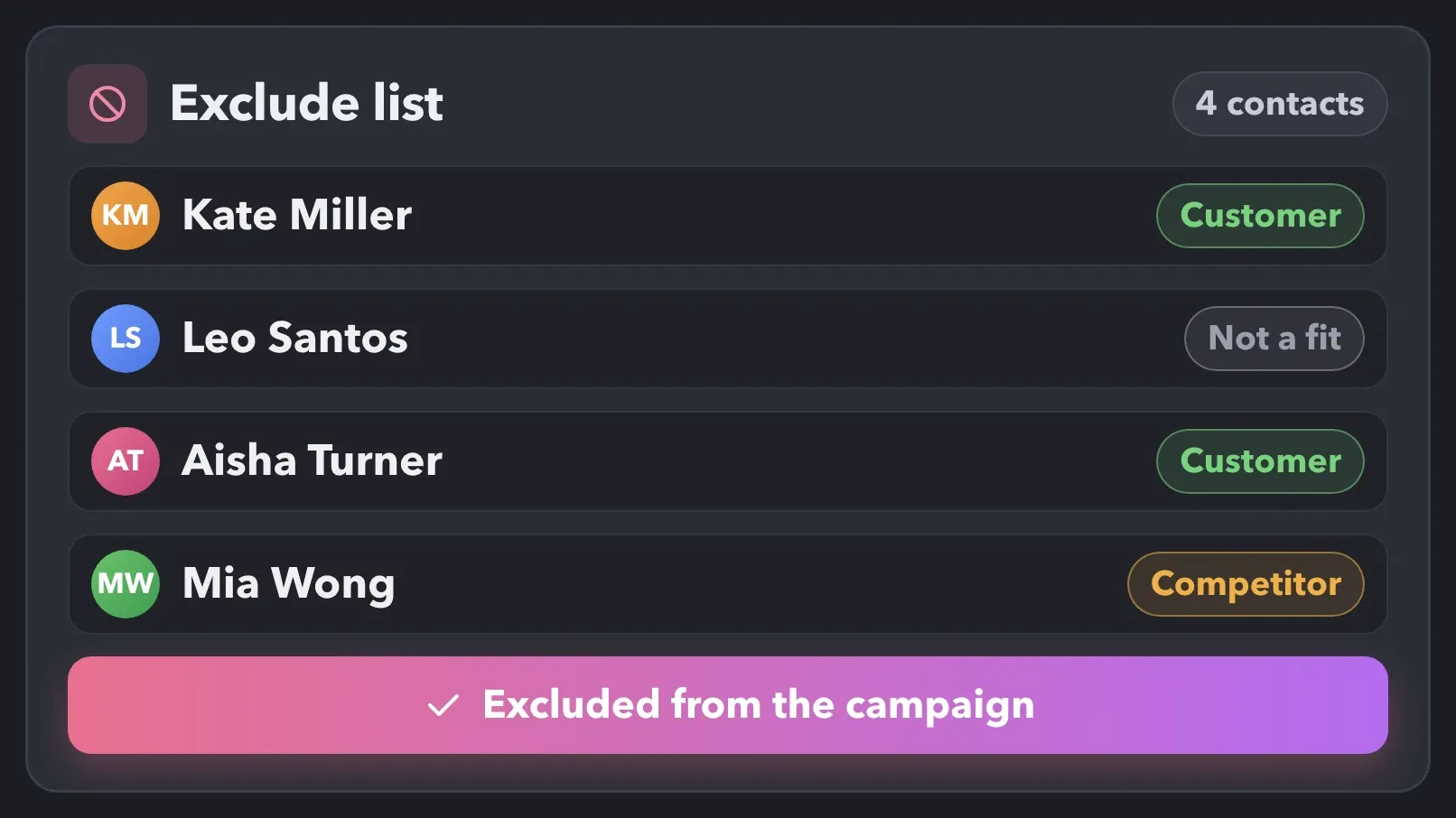
Keep chosen profiles out of collection and processing in a campaign. Use exclusions for existing customers or other contacts who should not enter that sequence.

Linked Helper runs in an isolated desktop browser and mimics human behavior, with daily limits, randomized delays, and your own IP, so follows, likes, comments, and invitations look like natural LinkedIn activity.
✔ Passes Bot Detectors ✔ Dedicated IPs ✔ Human Emulation ✔ Smart Daily Limits

Basic

Premium

Sales Navigator

Recruiter
Basic
Premium
Sales Navigator
Recruiter

LinkedIn Guides
See how LinkedIn 15X cut weekly outreach from 40 hours to about 2 while helping clients generate $100,000 to $200,000+ in annual revenue.
Get practical guides, social selling tips, and product walkthroughs to engage with prospects, grow your content’s audience, and build repeatable campaigns.
Follow step-by-step guides to automate follows, likes, and comments, and collect people who engage with your posts.

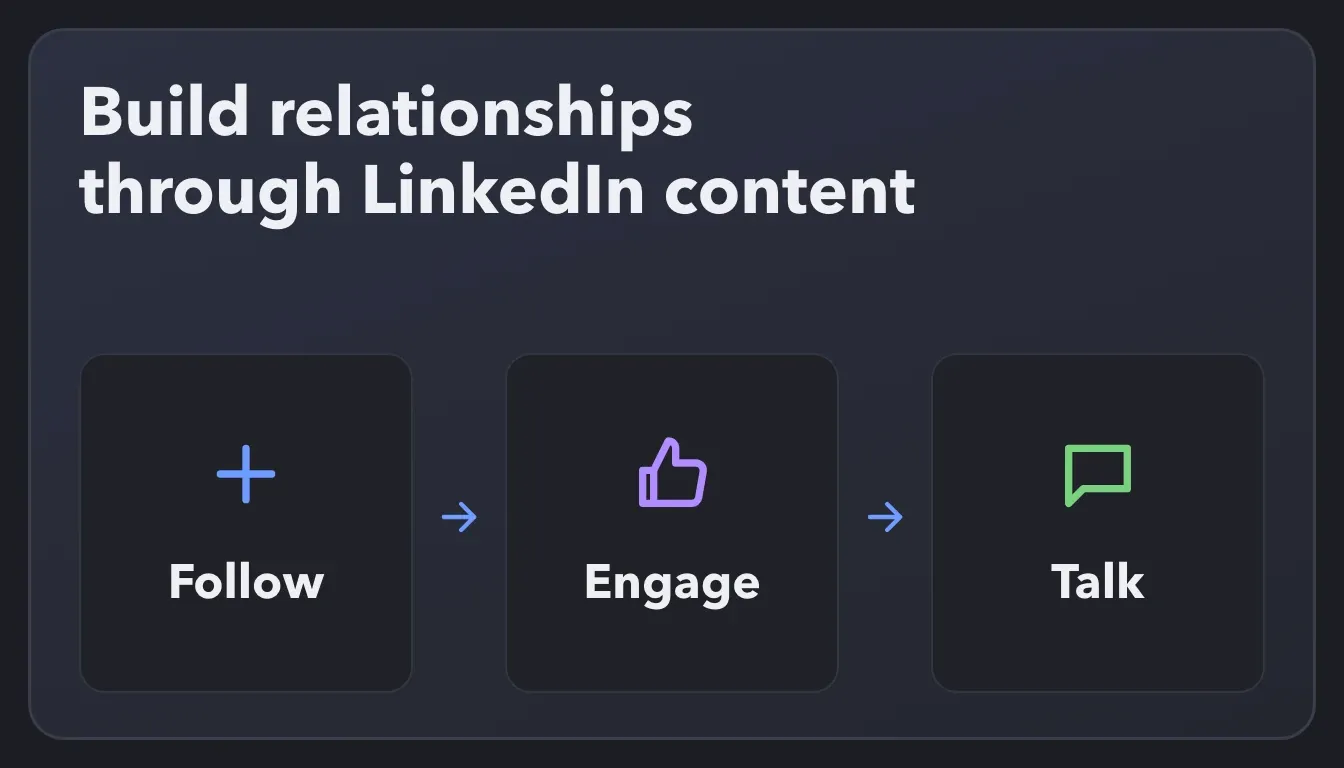
Learn how to use content and ongoing engagement to build familiarity with prospects and create opportunities for a conversation.
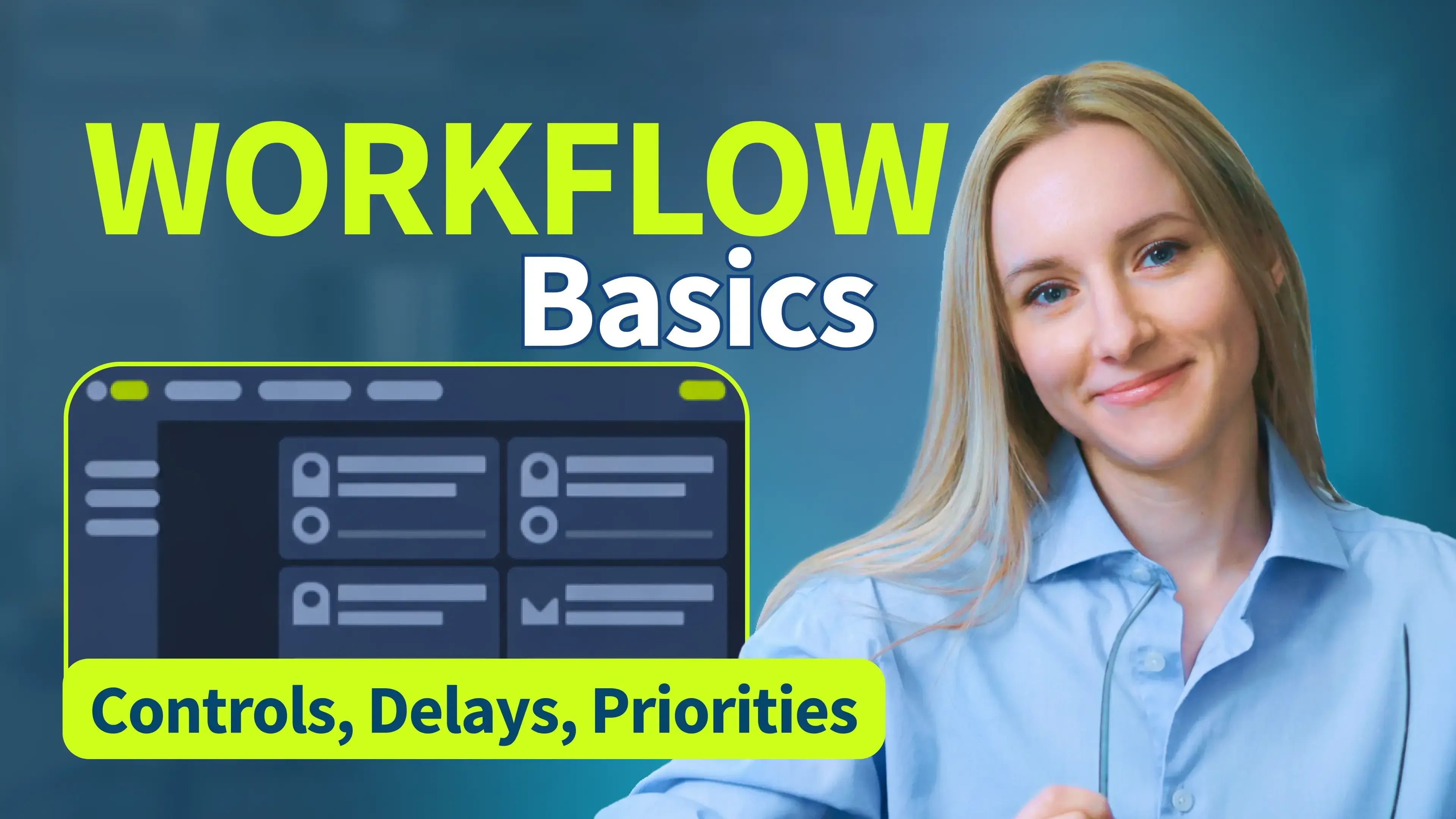
See how to add and organize actions, manage queues, and set delays in your engagement workflow.
See how sales, business development, and growth professionals use Linked Helper to stay visible to prospects and turn engagement into conversations.




Previously, I had to do everything manually, from searching for a database of relevant contacts to conducting correspondence to the "Potential Lead" stage. Now, having a well-selected database, all I have to do is load it into the Linked Helper and set the correct steps, and then process contacts that are ready for communication. This saves me a lot of time, allowing me to grow myself and help my company.

I liked that it can automate almost every thing in LinkedIn, and make multiple campaigns like sending connection requests, sending email messages and send followup message and extract profile email, and a lot more and all if that is done in a safe way so the LinkedIn account avoid block, it save a lot of time and efforts in a safe way.
I like everything about it: design, native interface, clear structure of work, incredible customization of campaigns and sequences, additional plugins and their fine-tuning, e-mail finder function, ability to synchronize with Sales Nav, send InMail messages, upload leads to CRM or collect them in Excel and much more!
It helps me build a base of targeted contacts, start a dialogue, get interested in services, and, as a result, get targeted leads.
I have a sales navigator account and I now use Linkedin Helper exclusively as my Go To tool for all my activities and business development and ABM that I do leveraging LinkedIn.

By connecting a Sales Navigator Pro account and building a filtered list on LinkedIn, I had Linked Helper running Monday to Friday, warming up those leads by liking their content, following them, sending connection requests, and starting conversations.
The tool executes every action as slowly and safely as it can, so it doesn’t raise any red flags with LinkedIn’s systems, and in my case, it worked flawlessly.

Linked Helper allowed me to focus on important tasks while being confident that my account was safe. The built-in CRM system allows me not to lose correspondence with new leads.
Join our weekly live walkthrough to see engagement and outreach campaigns built from scratch, and get your LinkedIn automation questions answered live.

LinkedIn Automation Trainer
Julia helps teams build practical LinkedIn automation workflows that combine engagement, lead qualification, and outreach.
YOU WILL LEARN
Standard plan includes the full LinkedIn automation toolkit, with usage limits on some advanced features.
Pro plan increases advanced feature and integration limits, and adds full message history export.

All your data stays on your device in local folders you can access directly.

Each account has its own isolated storage - no data mixing.

With outgoing webhooks, Linked Helper can send data to third-party systems.

Data is stored in local folders on your device. No app, no internet required to access your files.

Install the app on a new device and pick up right where you left off.

Share LinkedIn accounts and campaign data without manual exports.
With incoming and outgoing webhooks, Linked Helper can receive data from and send data to third-party systems.

Your data is automatically backed up to the cloud - no risk of losing it if something happens to your device.

Switch devices or reinstall the app without moving files manually.
Local tax may apply
No. Linked Helper also works with regular LinkedIn. A Sales Navigator subscription is needed when you want to use its paid search features or collect from Sales Navigator sources.