Linked Helper for Agencies
Discuss your setup iconDiscuss your setupGo to icon

Linked Helper for Agencies: Run Client LinkedIn Campaigns With Control

Decoration lines
Video preview
Watch Demo
3 min · no signup
Download
100% Free. No card.

Trusted by over 10,000 businesses worldwide

Every New Client Shouldn't Mean Starting From Scratch

Cross iconWITHOUT LINKED HELPER

Manual
● Passwords shared in chats with operators and VAs

● Each new client campaign built again from zero

● Replies checked account by account

● Lead data copied into the CRM by hand at the end of the week
Arrow from before to after

Checkmark iconWITH LINKED HELPER

OrganizedOrganized
● Operators get role-based access without seeing the login

● A proven campaign is cloned and adapted for the next client

● A reply takes the lead out of the sequence

● Contacts move to the client's CRM from the workflow

From Client Brief to Lead Handoff: How a Client Campaign Works

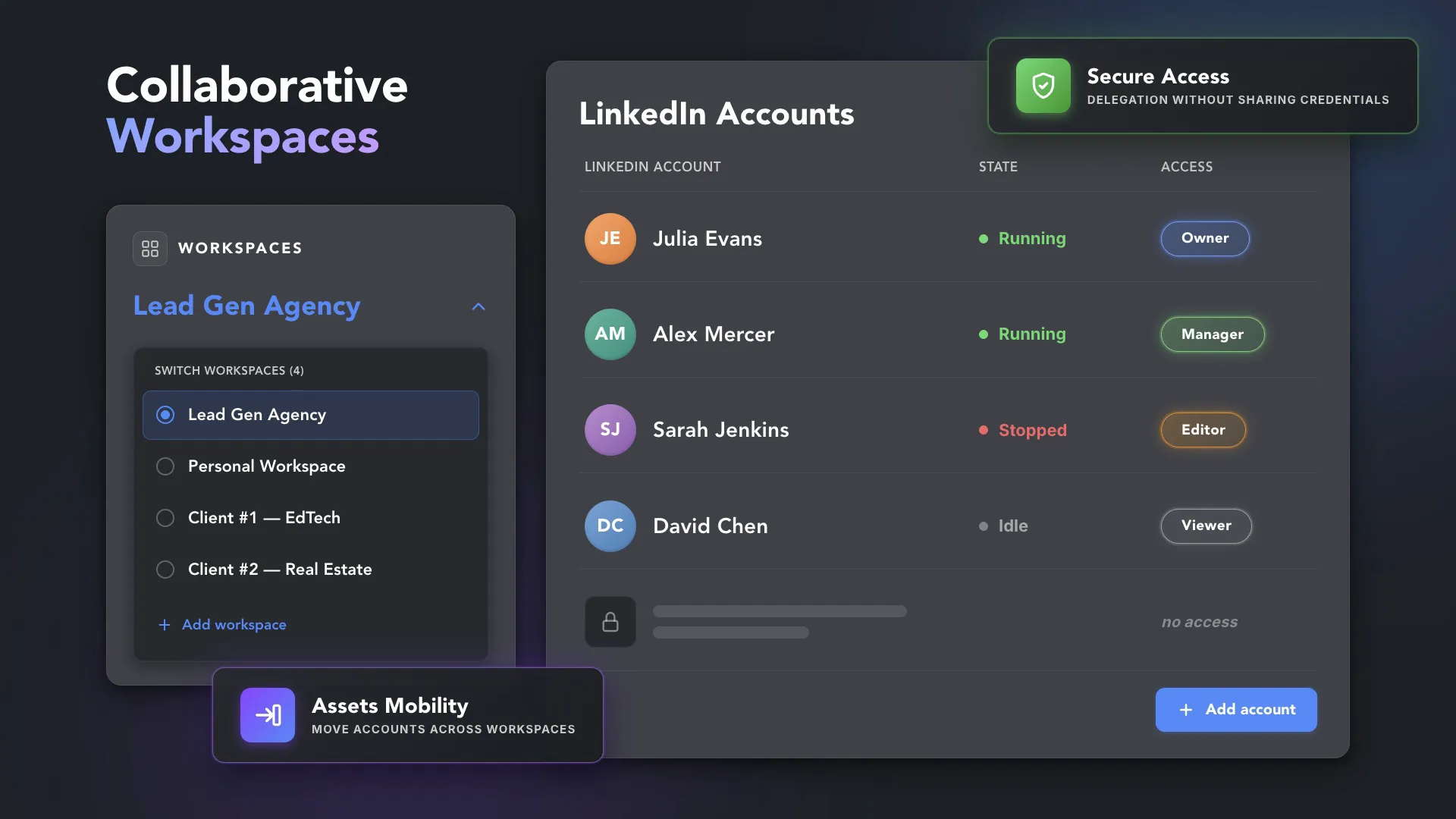
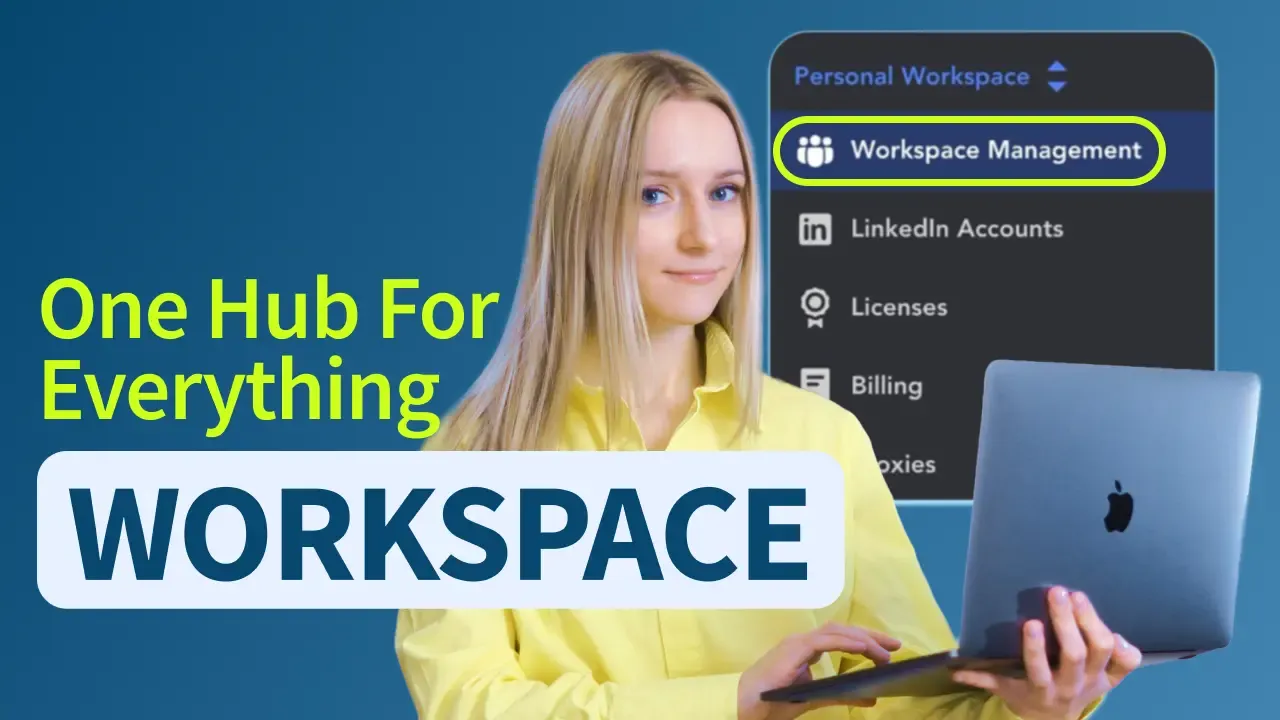
Workspaces: One Place for Every Client Account

Info card icon
Roles

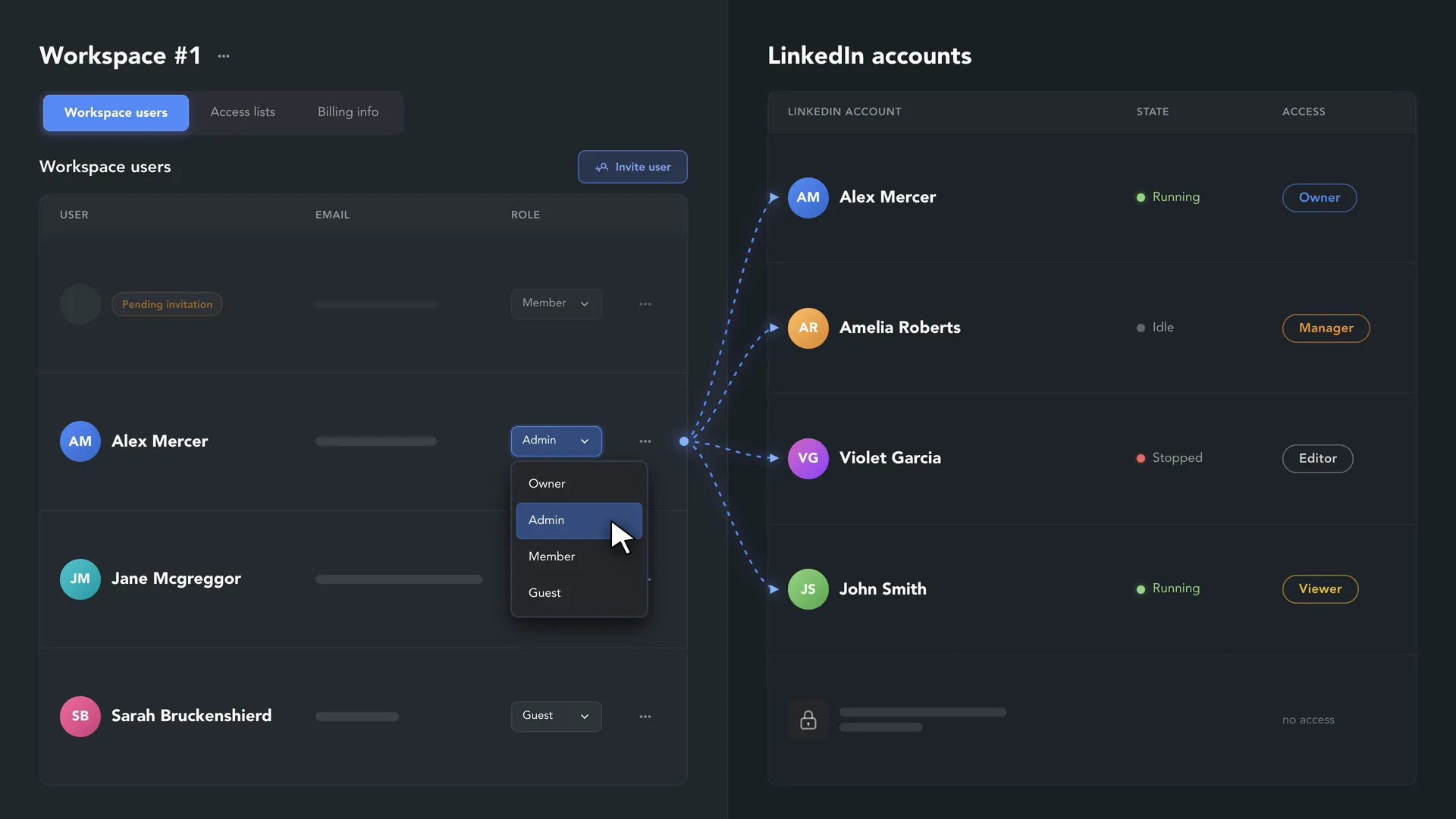
Workspace Roles

Owner, Admin, Member, or Guest. The role sets what a user can do in the workspace — buy licenses, invite users, add accounts — but not which LinkedIn accounts they can open. That is granted separately, per account (unless the workspace itself owns the account).
Info card icon
Per Account

Account Access Levels

Each LinkedIn account's data is accessible only to its owner until access is granted. Owner, Manager, Editor, or Viewer: Editors run campaigns and work with the inbox, Viewers can open every section, conversations included, but can't change anything. Operators don't need the login to do their job.
Info card icon
Client View

Access Lists and Guests

Group operators into an Access List and grant a whole team access to a client's accounts at once. Invite the client as a Guest: Guests see only the accounts they were given and can't run campaigns at any access level.
Info card icon
Setup

Two Ways to Organize Clients

One workspace per client, or one workspace with an account per client. Users in your first workspace are free; an extra workspace needs at least one license. Licenses, orders, and data credits move between workspaces when a client changes.
Info card icon
White Label

Your Name and Logo on the App

Enable the White label option to replace the Linked Helper name and logo in the Launcher and in every account window with your agency's. It covers the interface only: there is no program for reselling Linked Helper licenses.
Info card icon
Remote Access

Work on a Client's Machine Remotely

If the client runs Linked Helper on their own computer, connect to the running account remotely: take over as an Editor or watch as a Viewer. Campaigns keep running on the machine where the account was opened.

Reuse the Setup. Make the Outreach Client-Specific

Shared TemplatesShared Templates

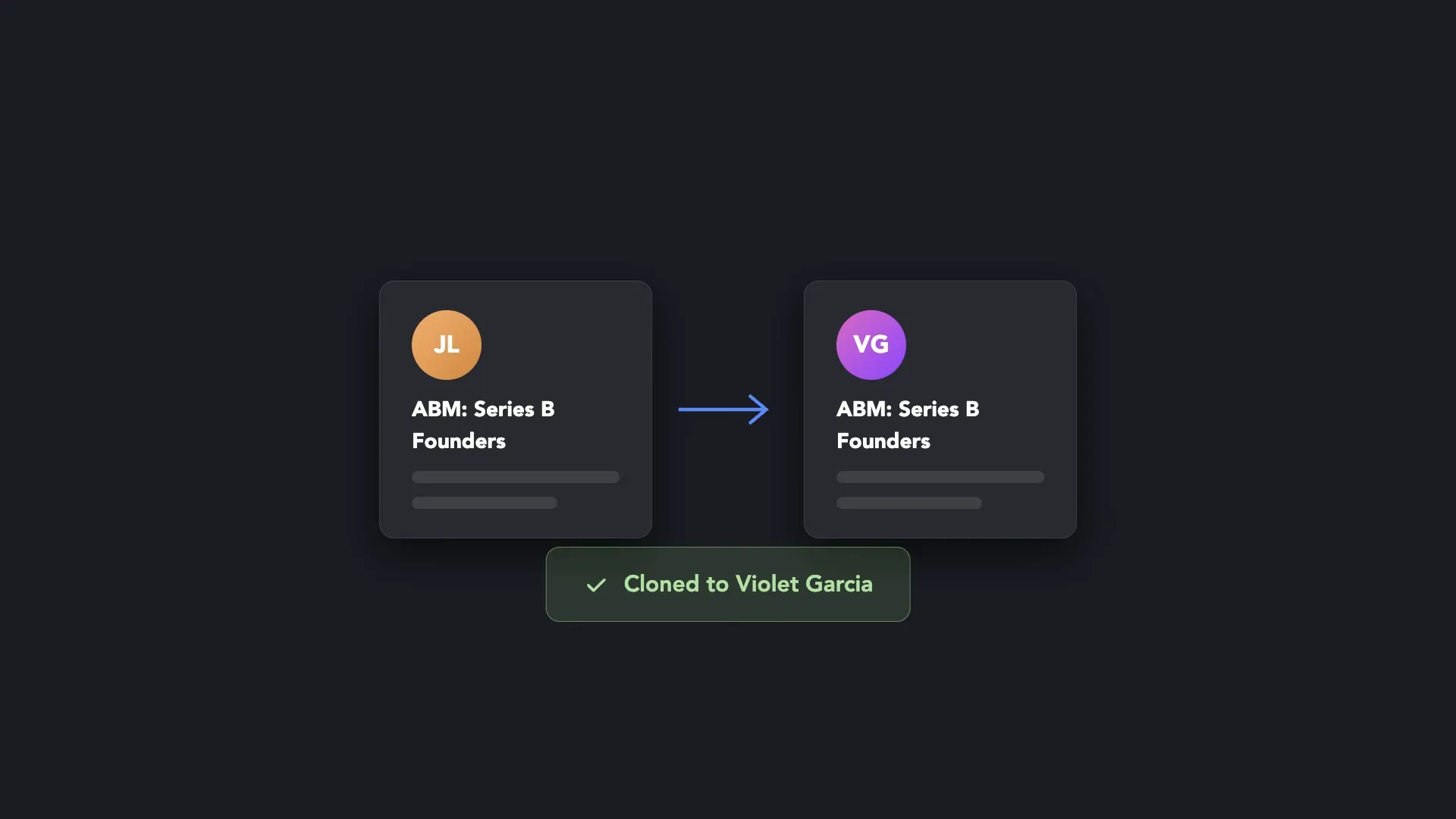
Template Gallery

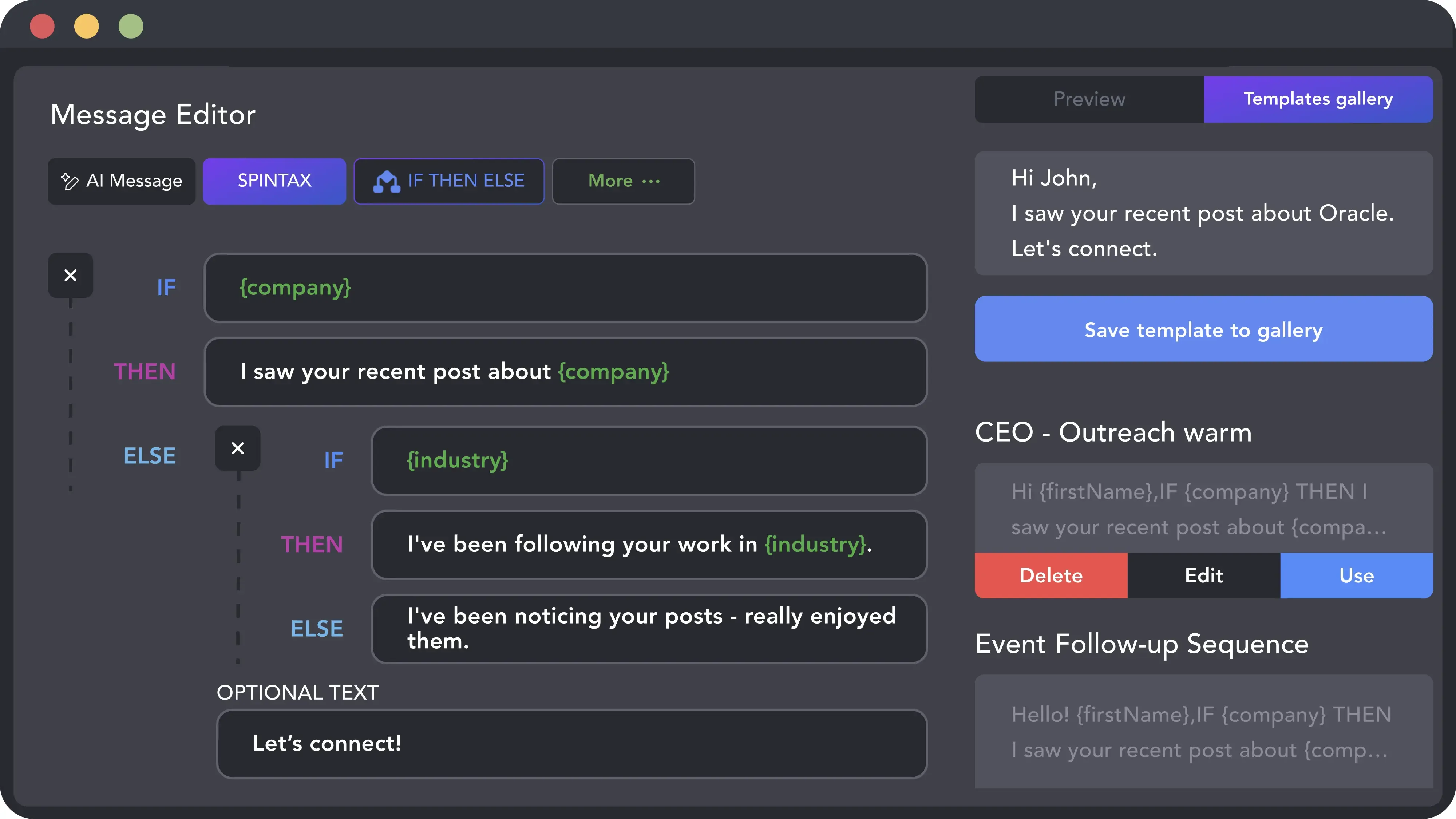
Save message templates with their variables, Spintax, and IF-THEN-ELSE clauses, and pick them from the gallery in the next campaign. On the cloud-based storage version the gallery is shared between the accounts of a workspace.

Video preview
Per-Client WordingPer-Client Wording

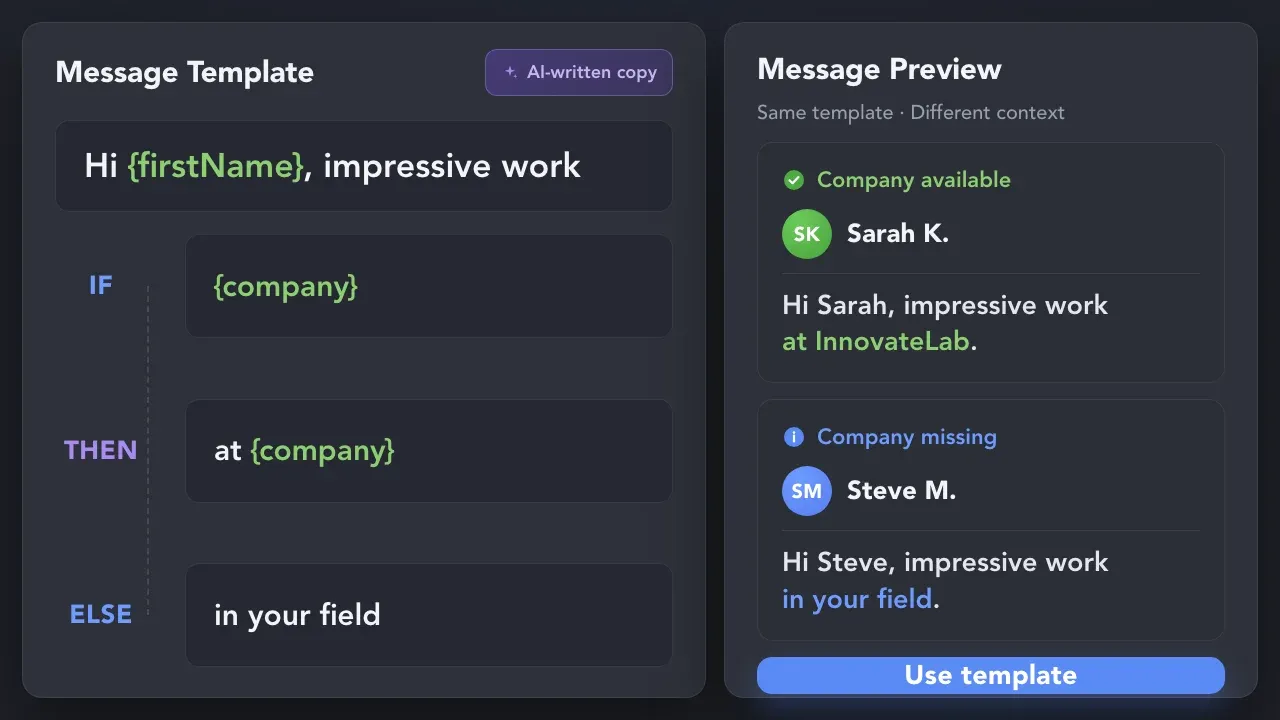
Custom Variables, Spintax, IF-THEN-ELSE

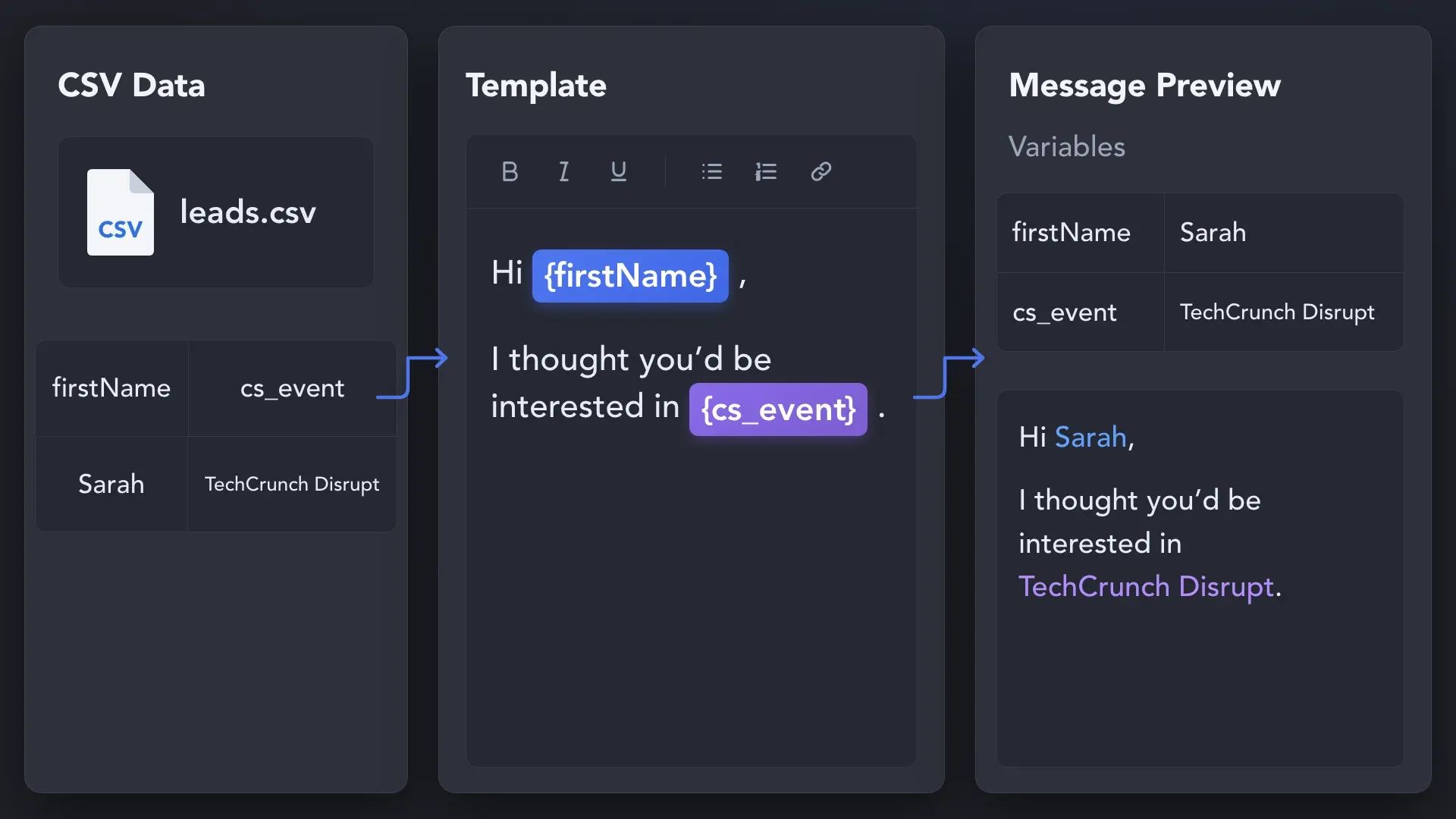
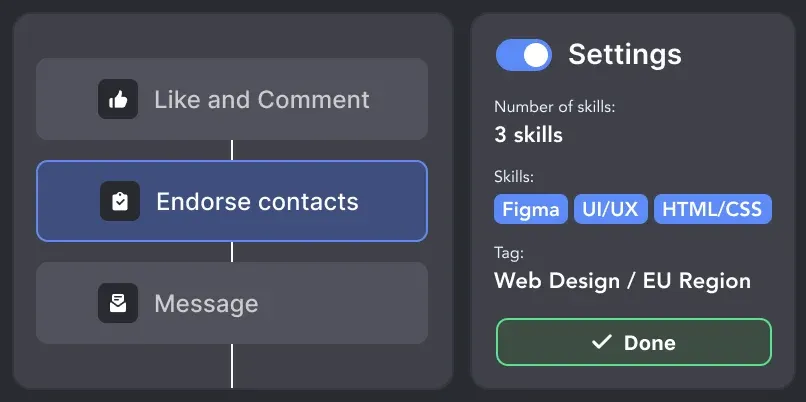
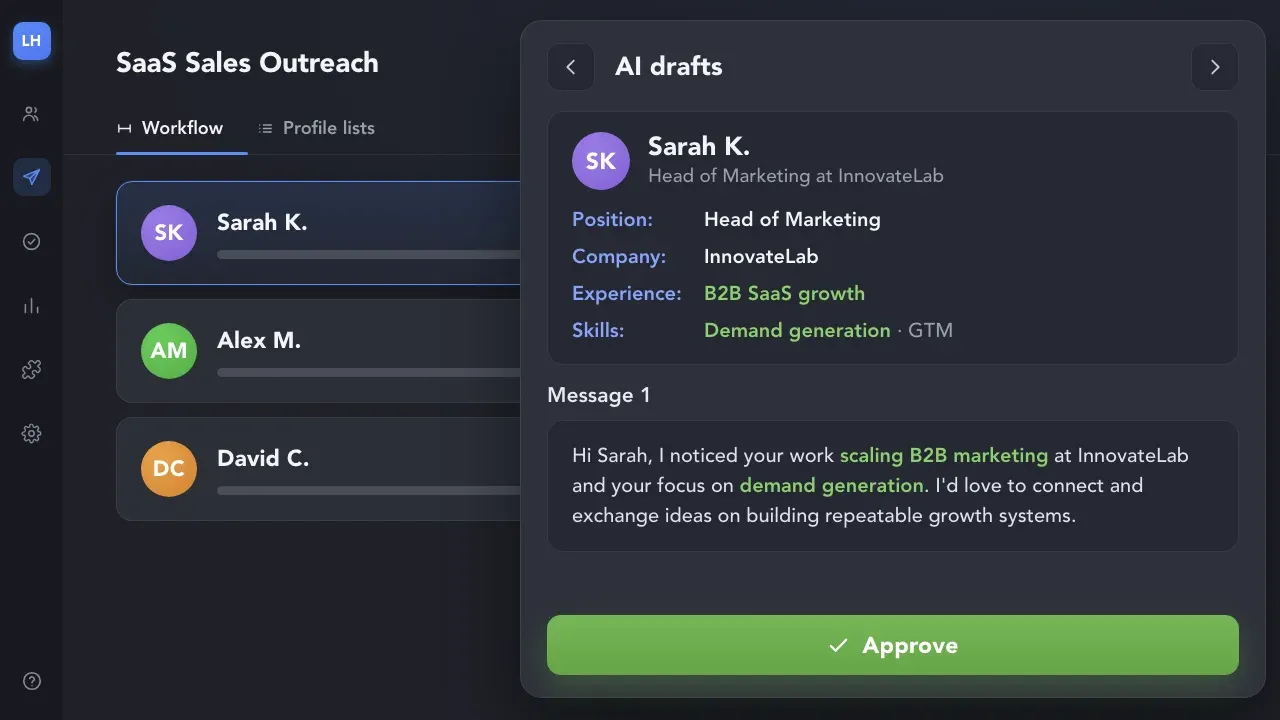
Upload the client's CSV with custom variables such as {cs_offer} or {cs_event}, rotate phrasing with Spintax, and use IF-THEN-ELSE to show a fallback when a variable is empty. The preview shows the final text per profile before the campaign starts.

Custom Variables, Spintax, IF-THEN-ELSE
Clean Lead Lists

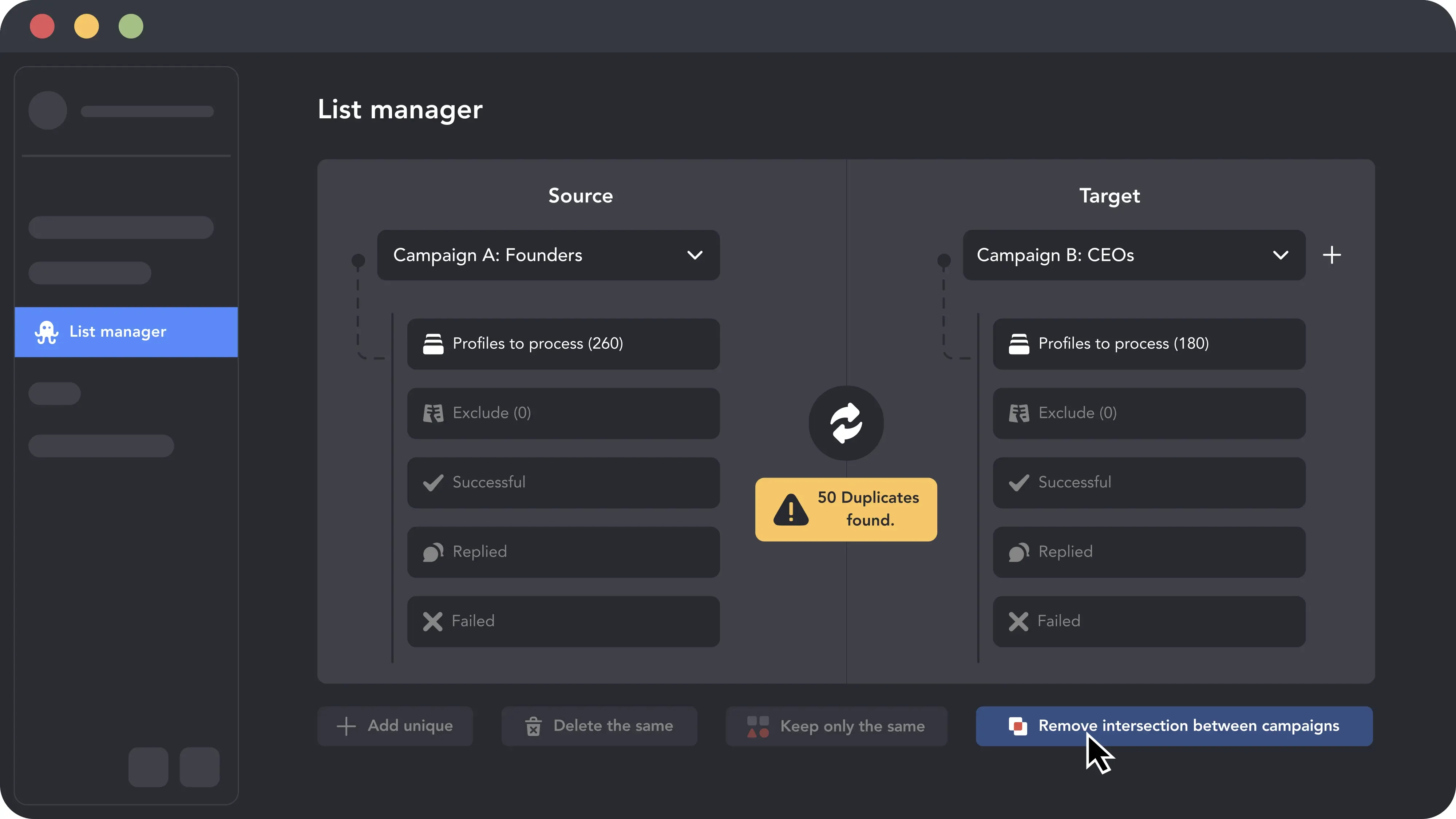
Lists Without Overlap

Linked Helper doesn't collect the same profile twice into one campaign, and List Manager removes overlaps between campaigns inside an account. To keep one client's leads out of another client's account, export the queue and upload it to that account's exclude list.

Video preview

Keep Campaign Activity Visible and Actionable

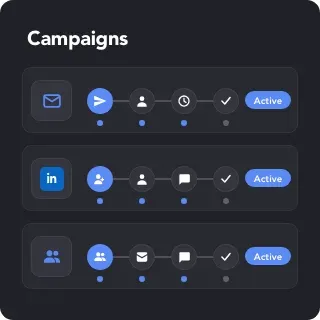
Every Client Campaign in View

Every Client Campaign in View

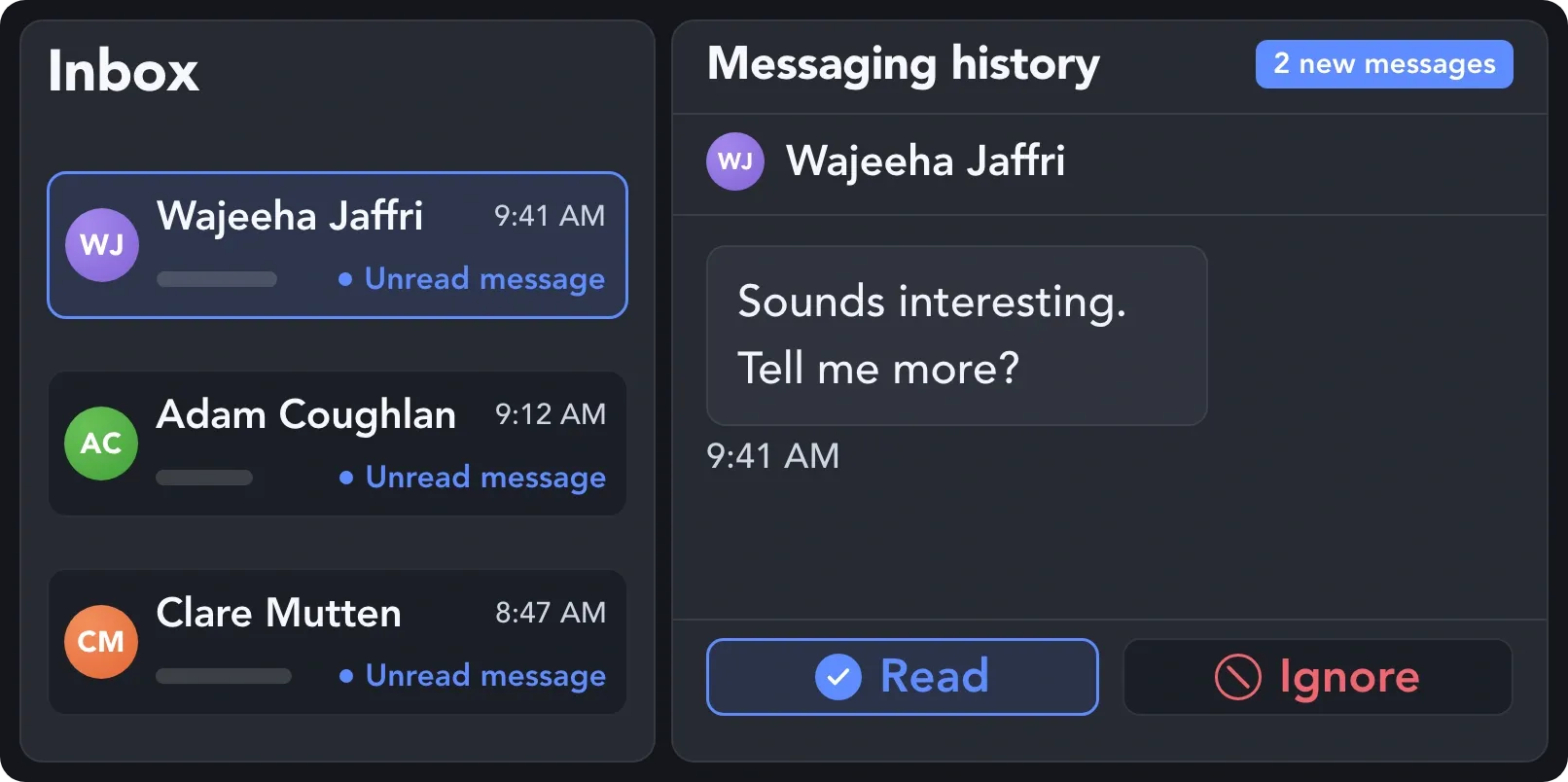
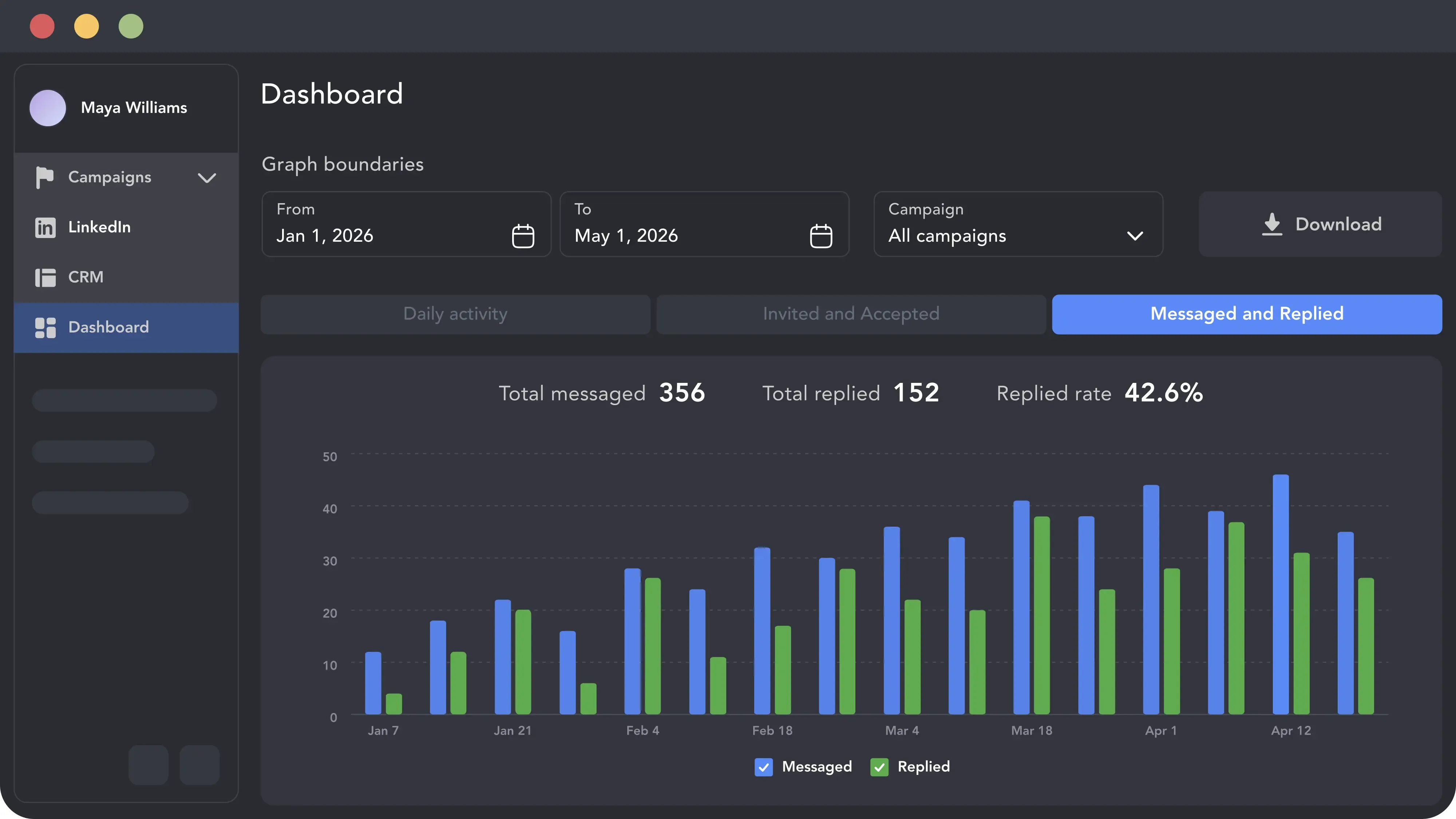
Campaign statuses, working hours, and reply detection are set per account, so an operator sees at a glance what runs for which client and where a decision is needed.

Campaign StatusesWorking HoursAction LimitsCheck for Replies

Campaign Statuses

Running, Queued, Sleeping, Stopped, Completed: the status tells you whether a campaign is working, waiting out a timeout, or has nothing left in its queue.

Campaign Statuses

Working Hours and Limits

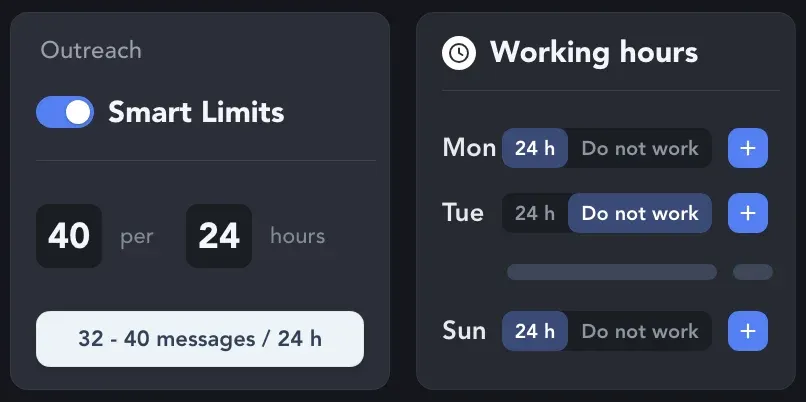
Set the hours each account is active and the daily action limits it stays within. Randomized start times and pauses keep the schedule from looking mechanical.

Working Hours and Limits

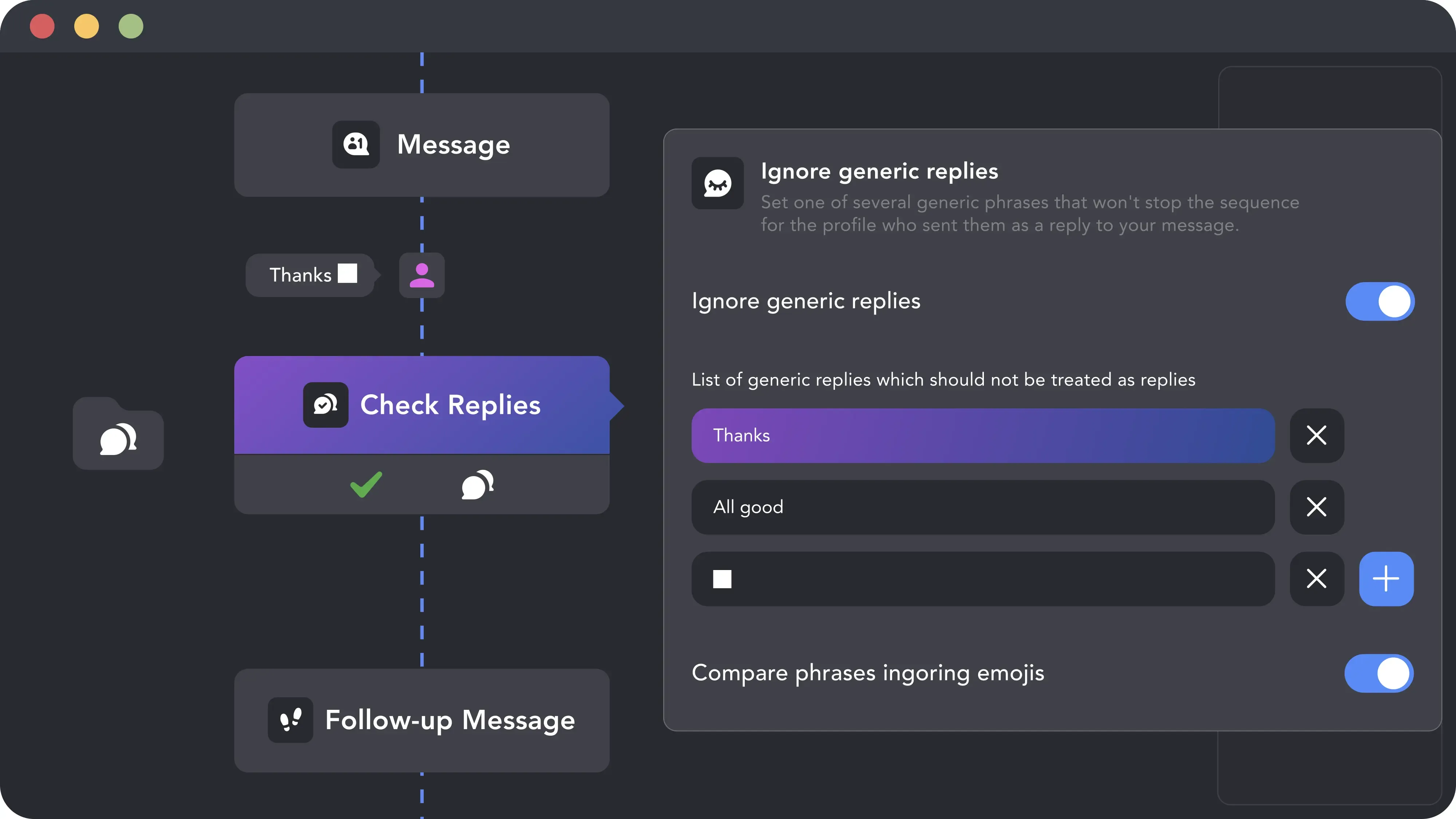
Replies Stop the Sequence

Check for replies runs every 3 hours by default. A lead who answers moves to the Replied list and leaves the campaign, so no follow-up goes out to someone who already wrote back.

Replies Stop the Sequence

The Agency Toolkit: Reporting, Inbox, Webhooks, and AI

Keep Client Lead Lists Filling

Account-Based

Employees Extractor

Turn a list of companies into the people who work there. Filter employees by position with boolean keywords such as CEO NOT founder, and send the found profiles to the queue of any campaign. LinkedIn shows up to 1,000 people per company page.

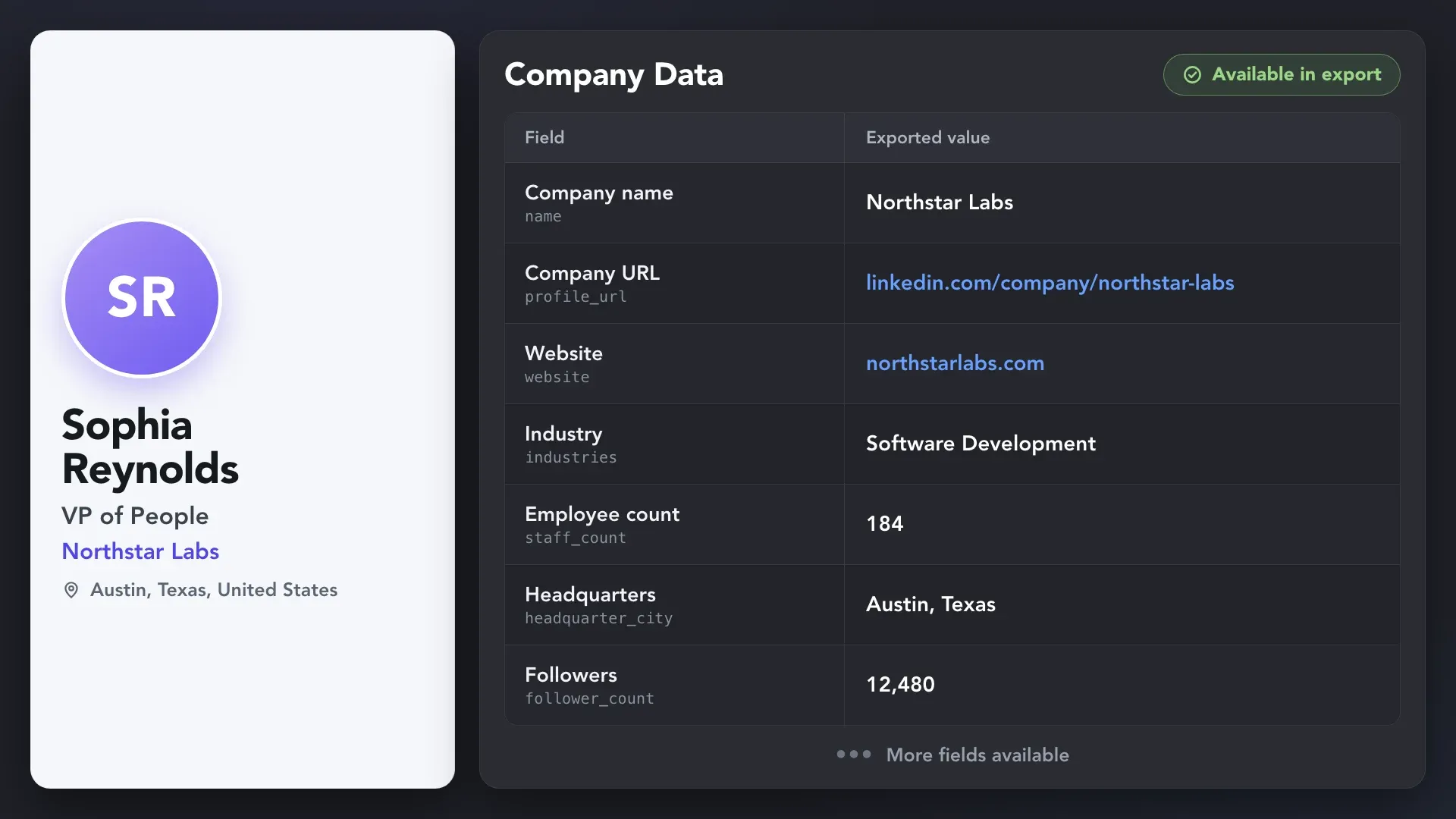
Linked Helper company data export showing Northstar Labs’ LinkedIn URL, website, industry, employee count, headquarters, and follower count.
Recurring

Auto-Collect

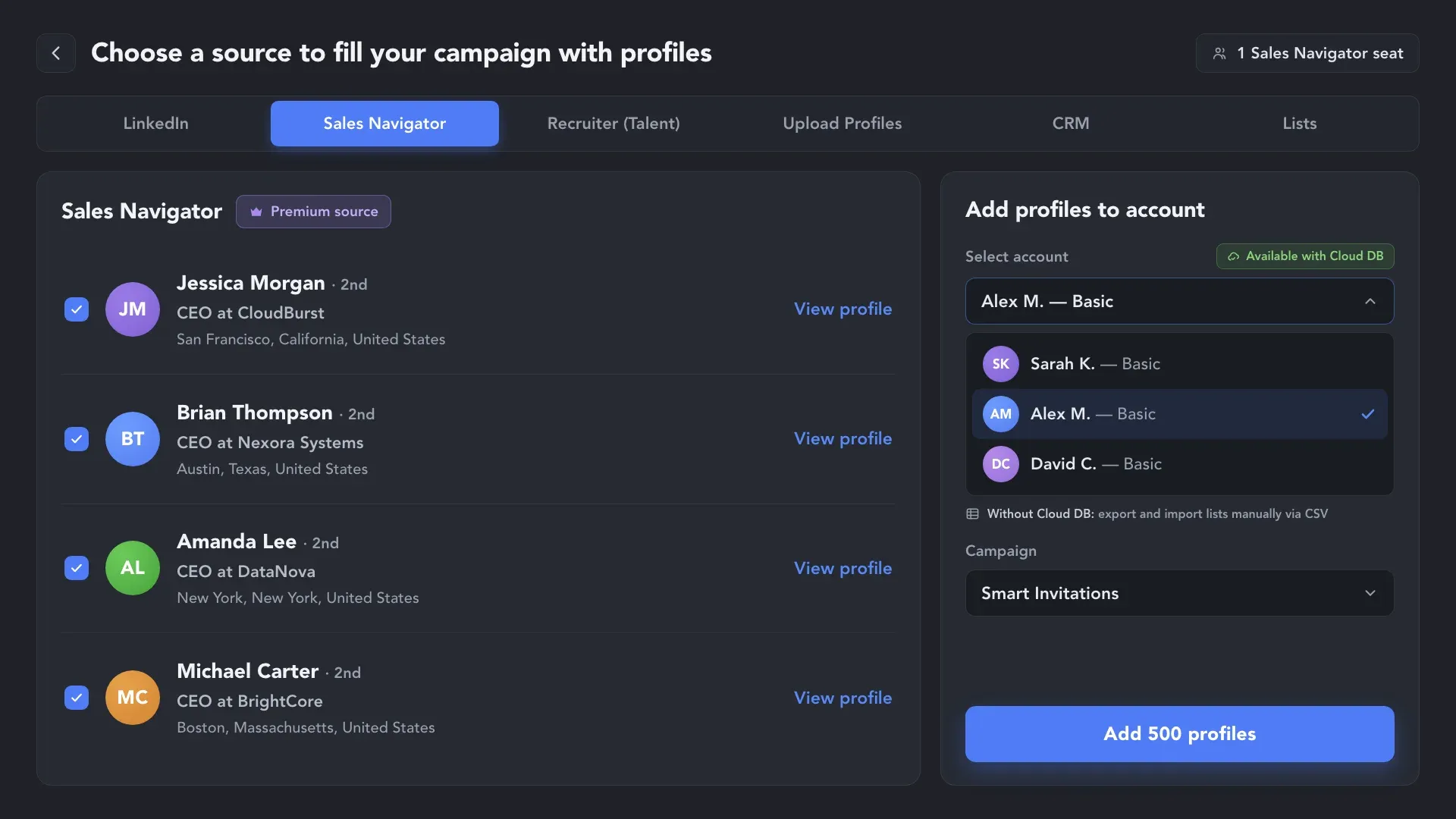
Point the action at a saved search or a Sales Navigator list and set the repeat interval. Linked Helper returns to the source on schedule and adds new leads to the campaign, so a client's workflow keeps running without manual collecting.

Video preview
Lower Seat Costs

Sales Navigator URLs Without a Subscription

Collect leads on one account with Sales Navigator and process them on client accounts that don't have it: Linked Helper opens the regular LinkedIn profile behind a Sales Navigator URL. Recruiter URLs don't work this way.

Sales Navigator URLs Without a Subscription

Put Lead Data Where Your Client's Team Works

OAuth

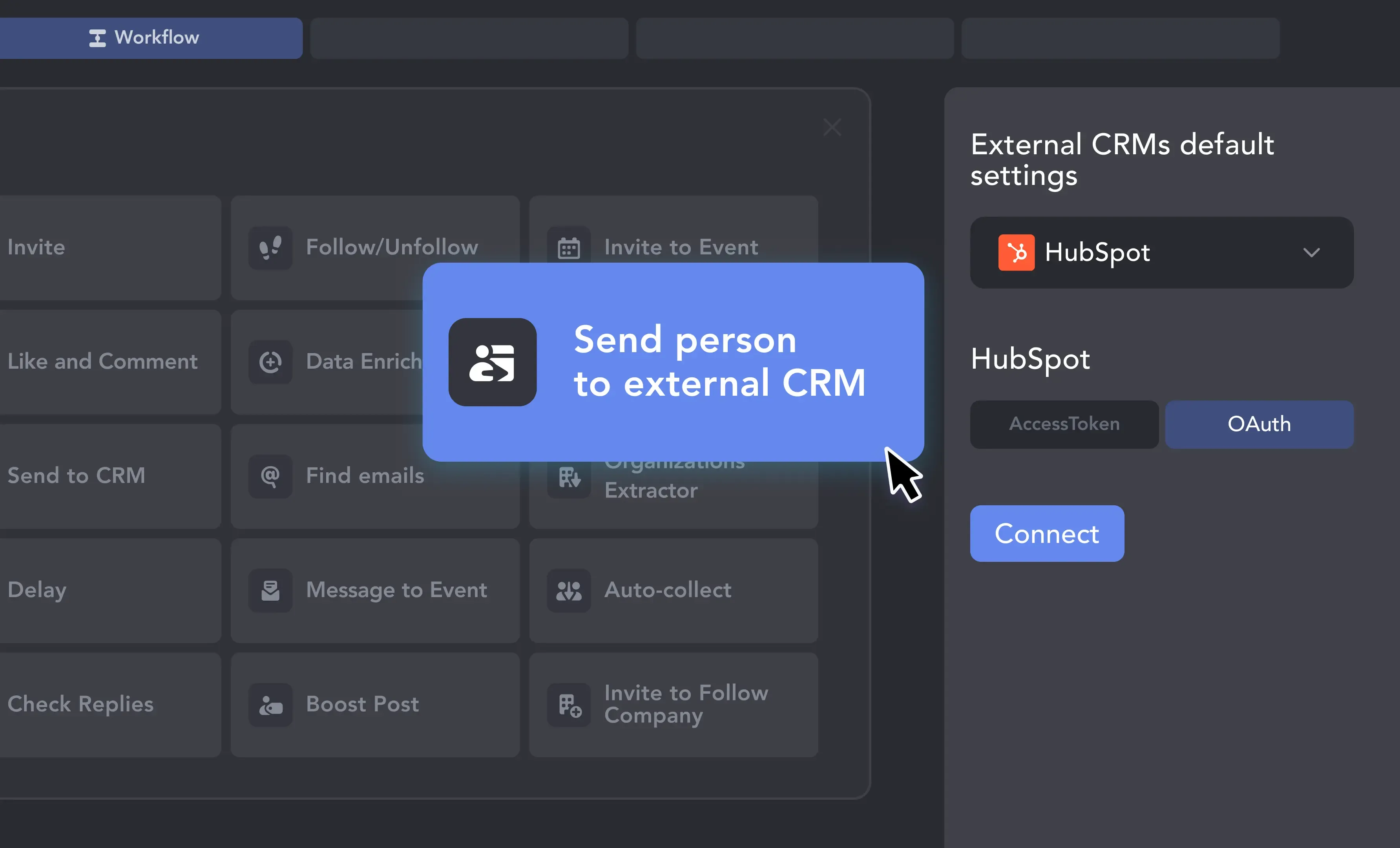
1. Connect the Client's HubSpot

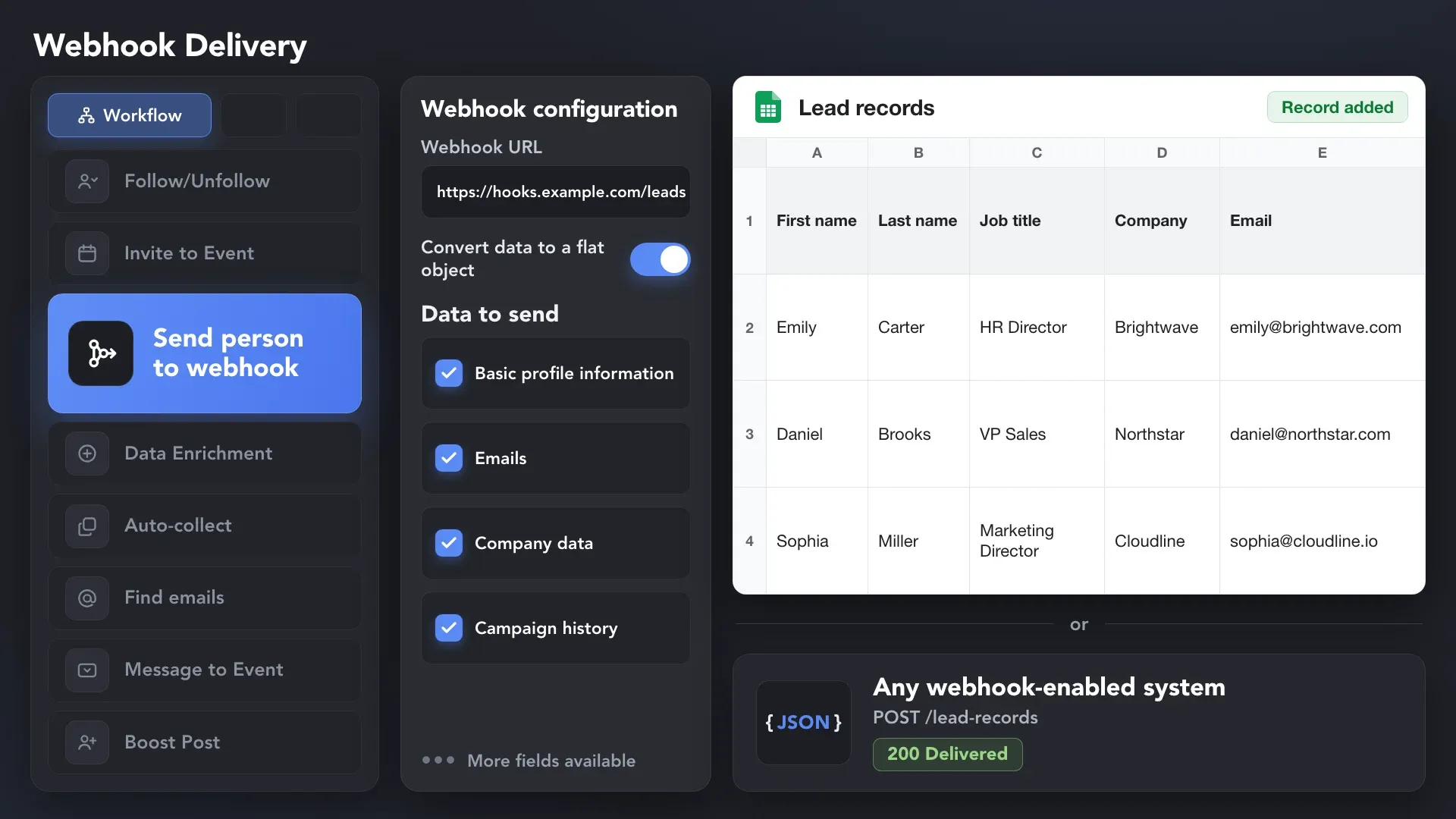
Add Send person to external CRM to the workflow, choose HubSpot, and sign in with the client's account via OAuth. The client keeps ownership of the CRM; Linked Helper gets permission to create and update contacts and companies.

1. Connect the Client's HubSpot
Mapping

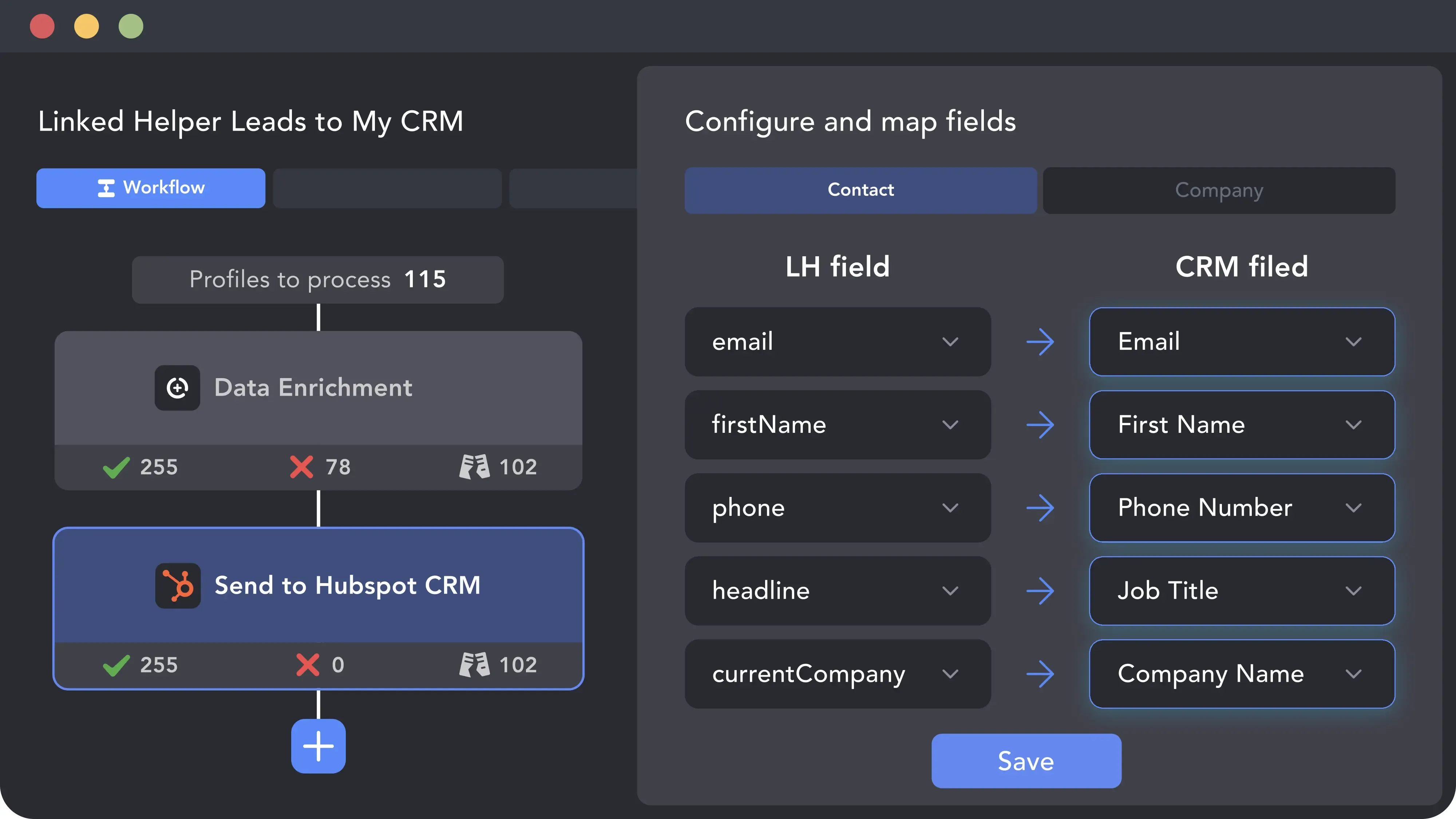
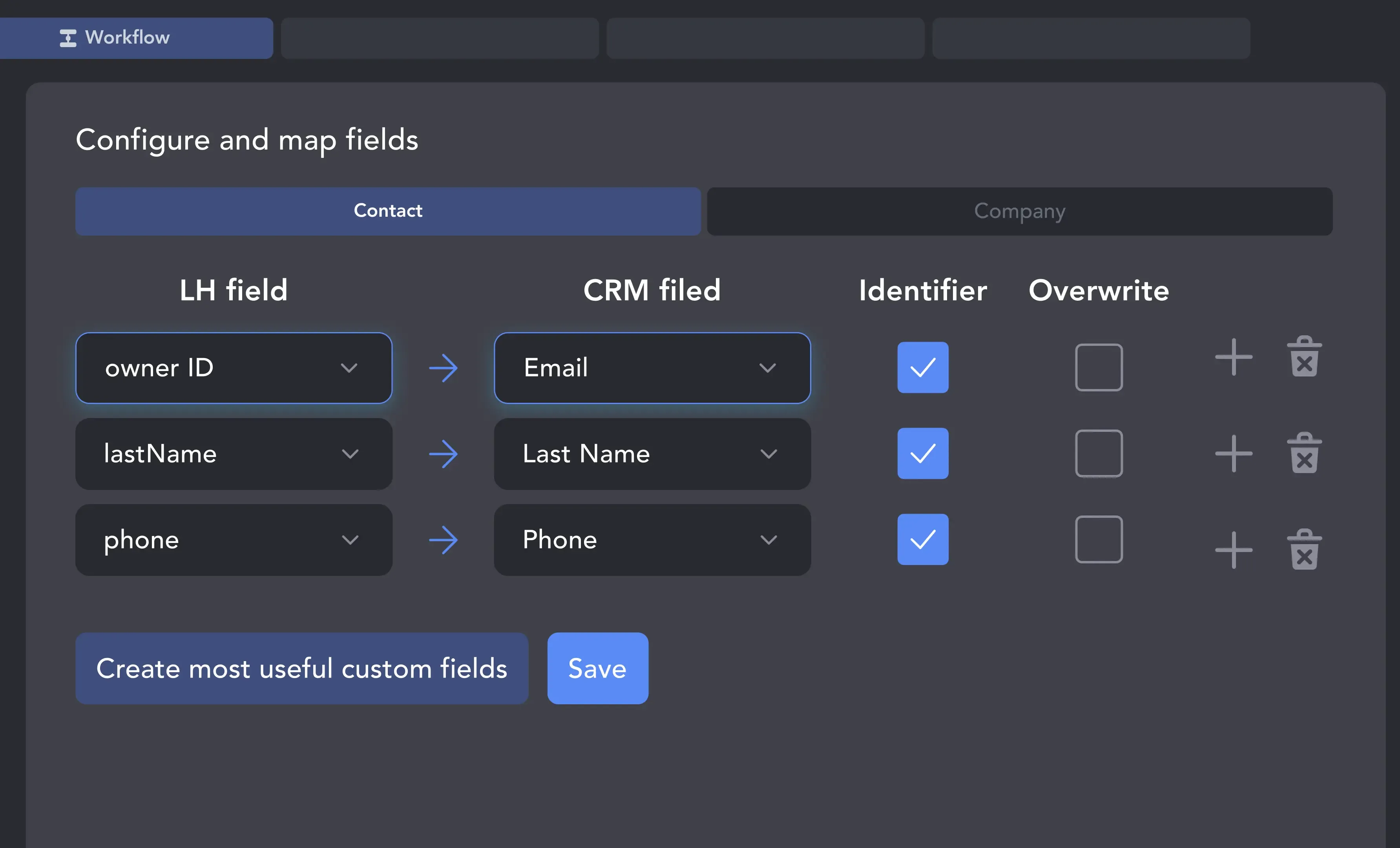
2. Map Fields, Choose History

Map LinkedIn fields to HubSpot Contact and Company fields and set identifiers so repeat sends update the record instead of duplicating it. Saving messaging history as LinkedIn activity is optional and off by default.

2. Map Fields, Choose History
Handoff

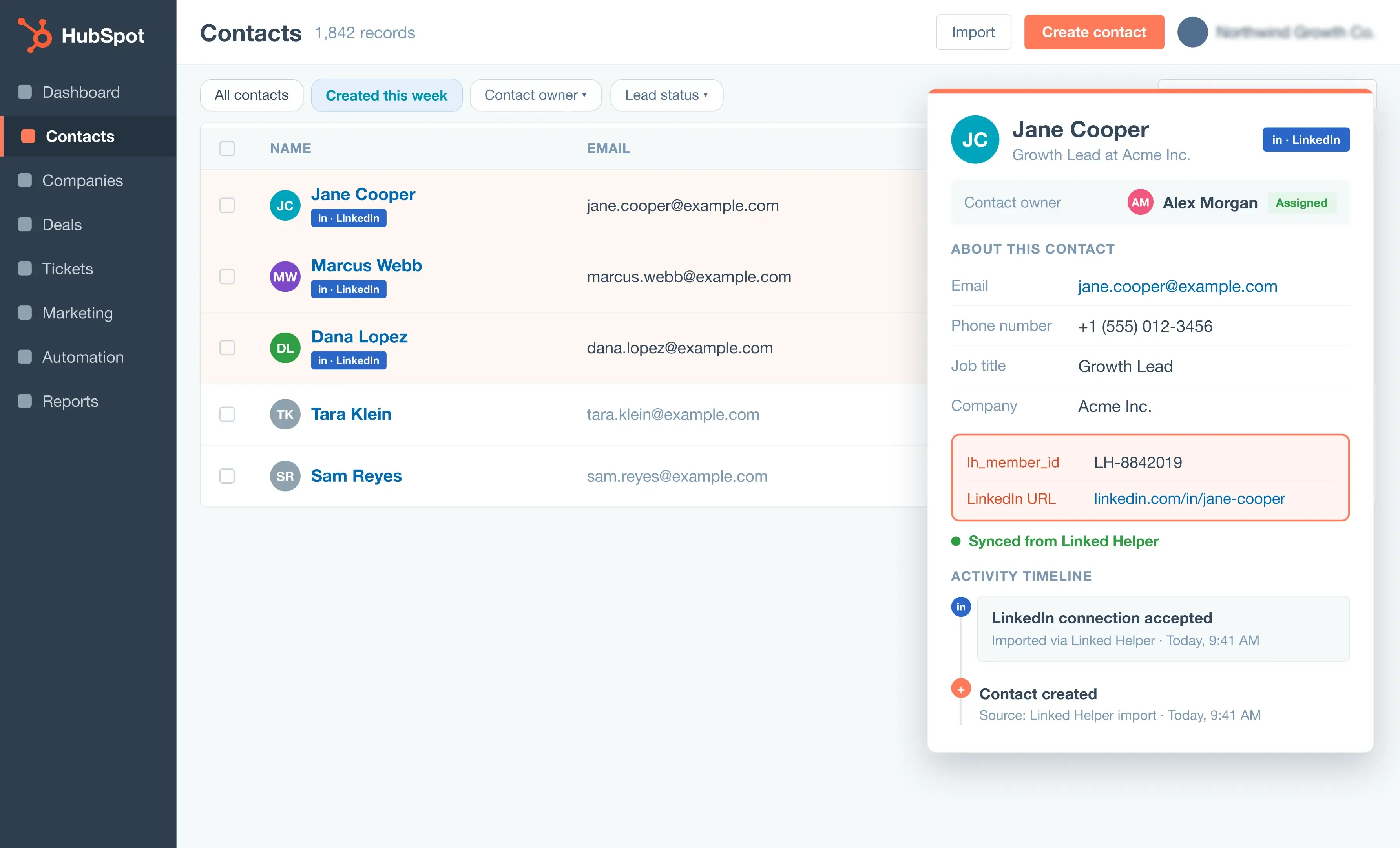
3. Pick the Trigger

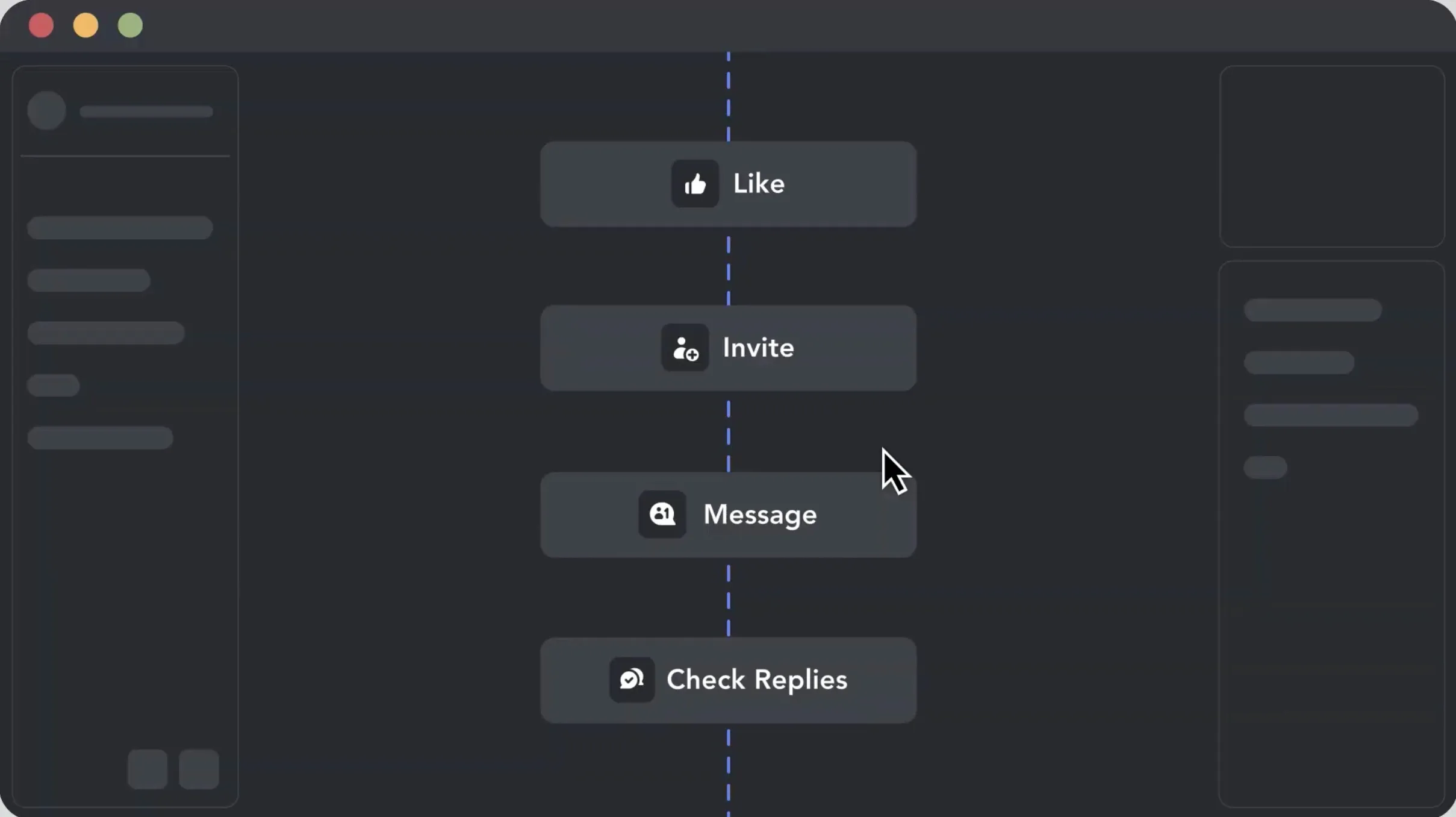
Place the action after any step of the workflow, or send only leads who replied from Check for replies. It doesn't interact with LinkedIn and doesn't spend the account's daily limits.

3. Pick the Trigger

Seamlessly Connect with Leading CRMs

Know the Cost of Your Agency Setup

Licensing

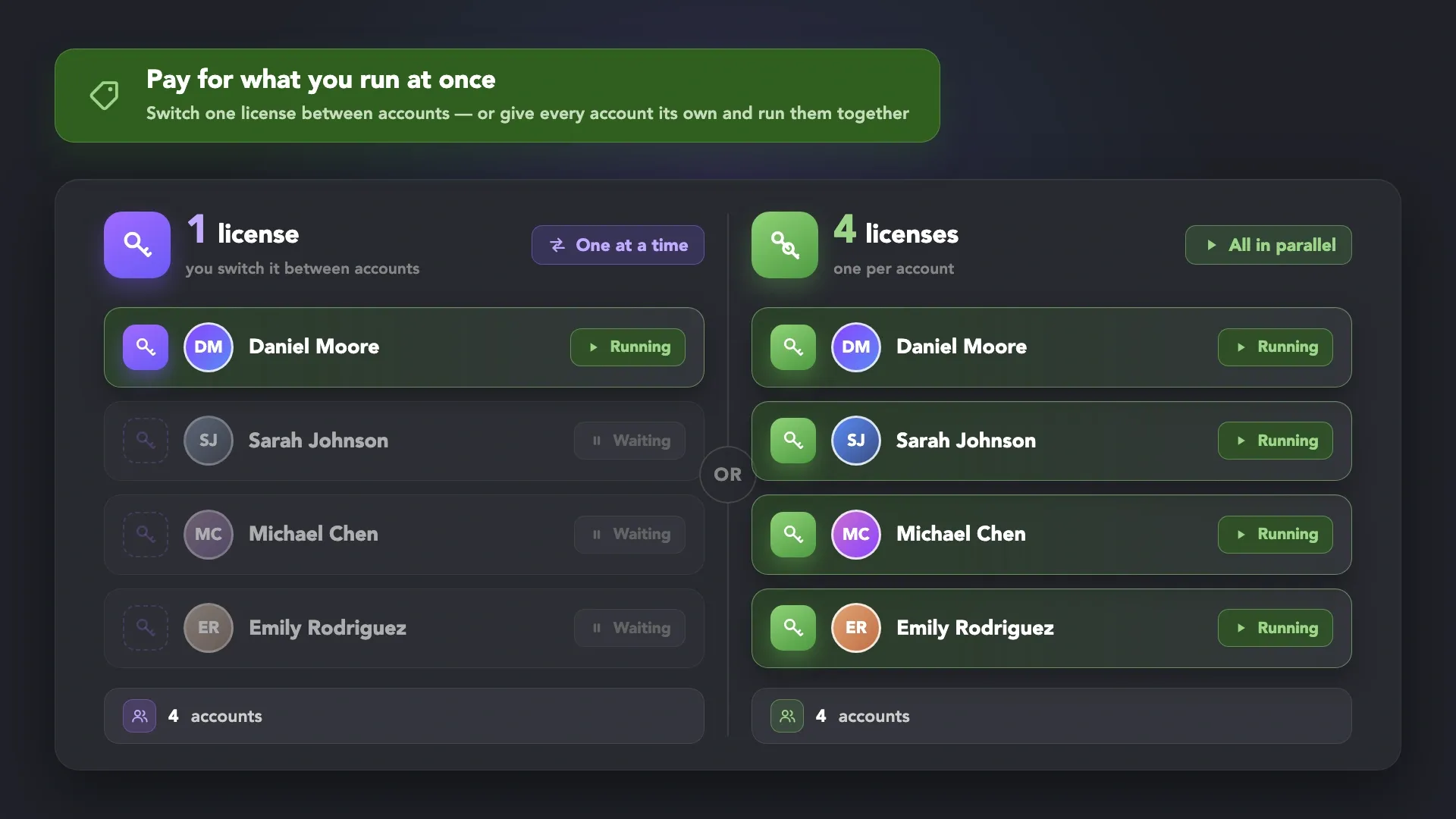
One License, One Running Account

A license runs one LinkedIn account at a time and holds no account data, so it moves to another client's account when a project ends. Accounts working at once each need a license; accounts that take turns can share one.

One License, One Running Account
Local

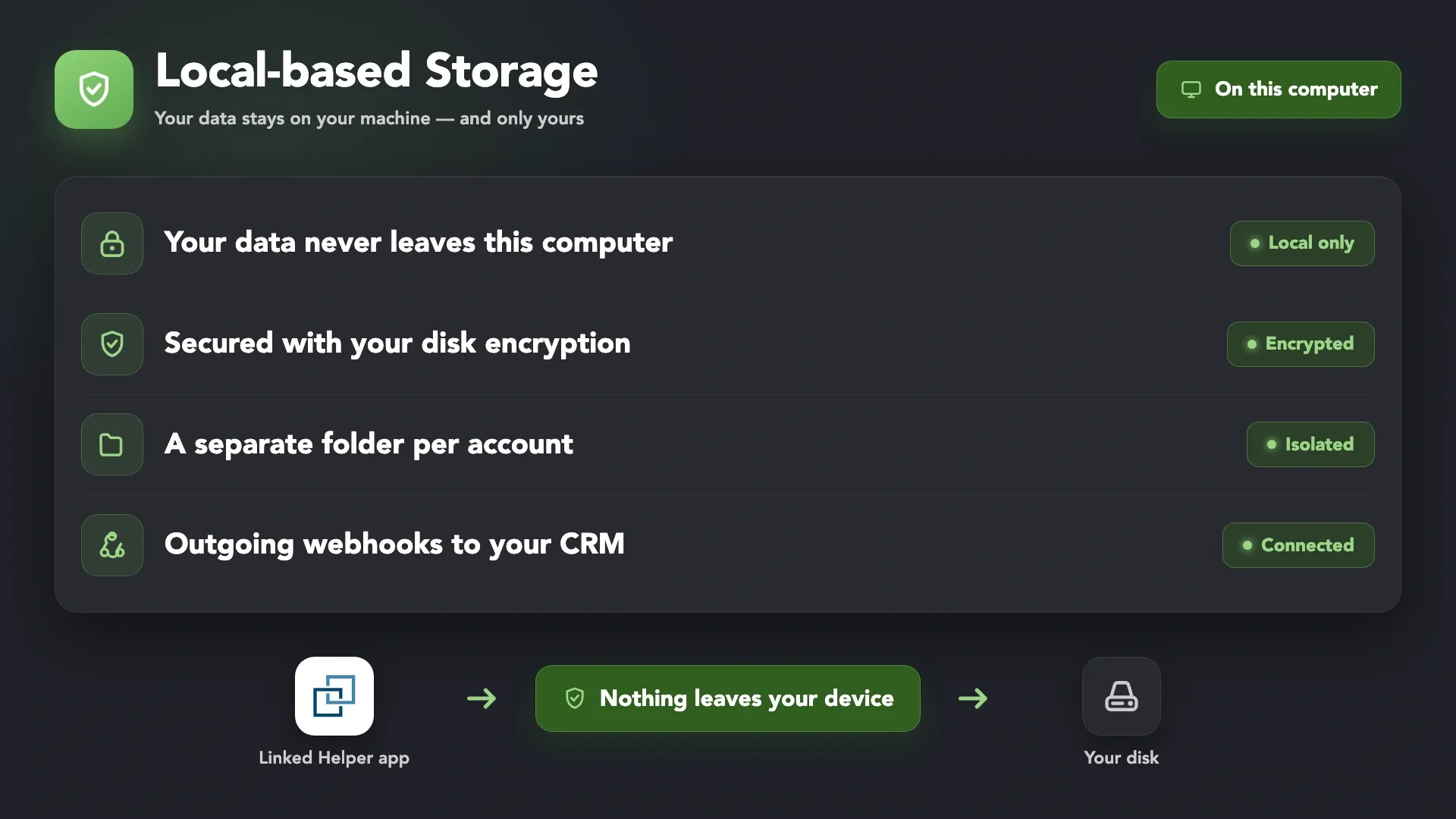
Local-Based Storage

Campaign data stays on your own machine and isn't stored on Linked Helper servers. $15 per month per Standard license on a monthly plan, with outgoing webhooks and CRM integrations.

Local-Based Storage
Cloud

Cloud-Based Storage

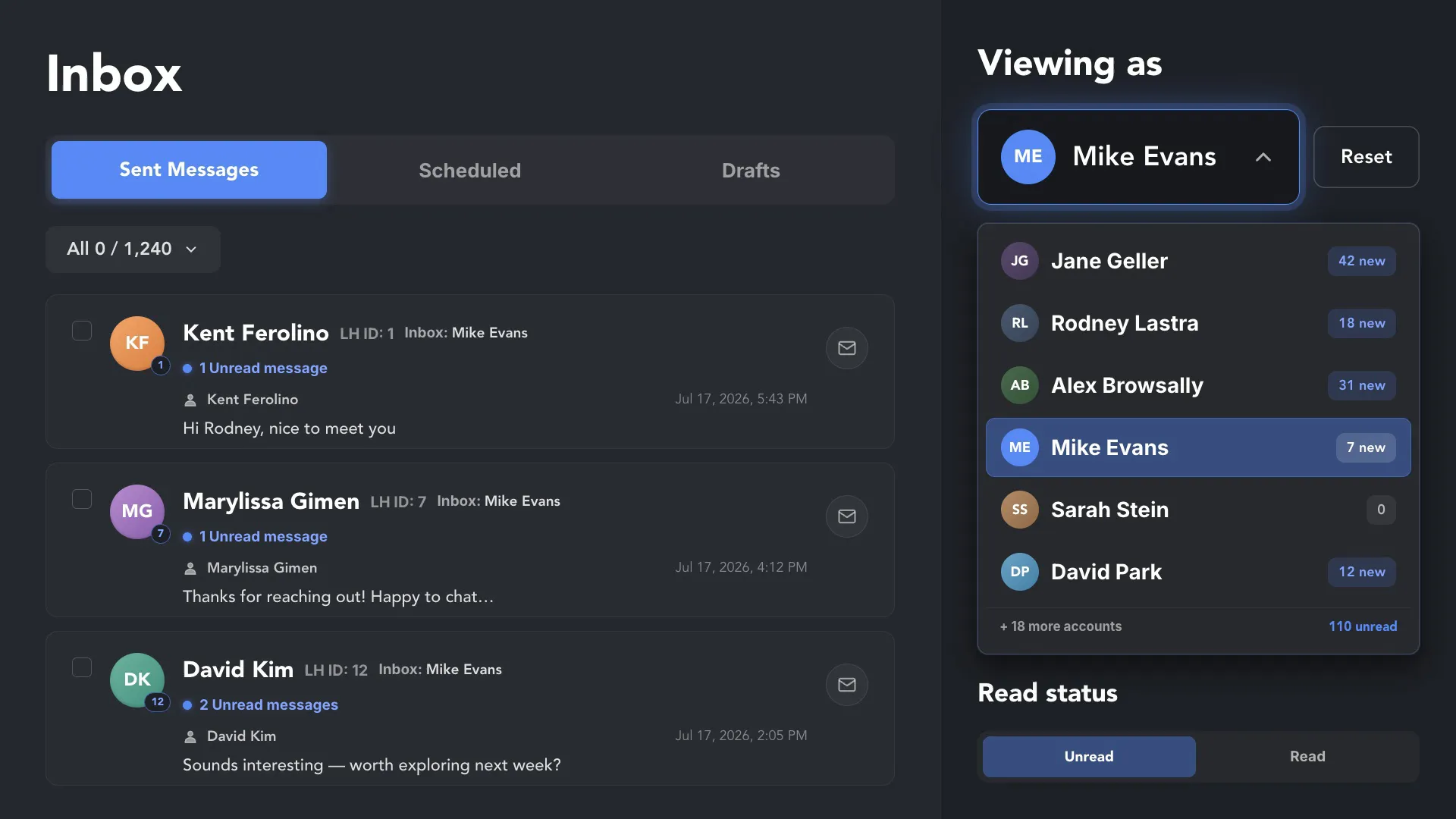
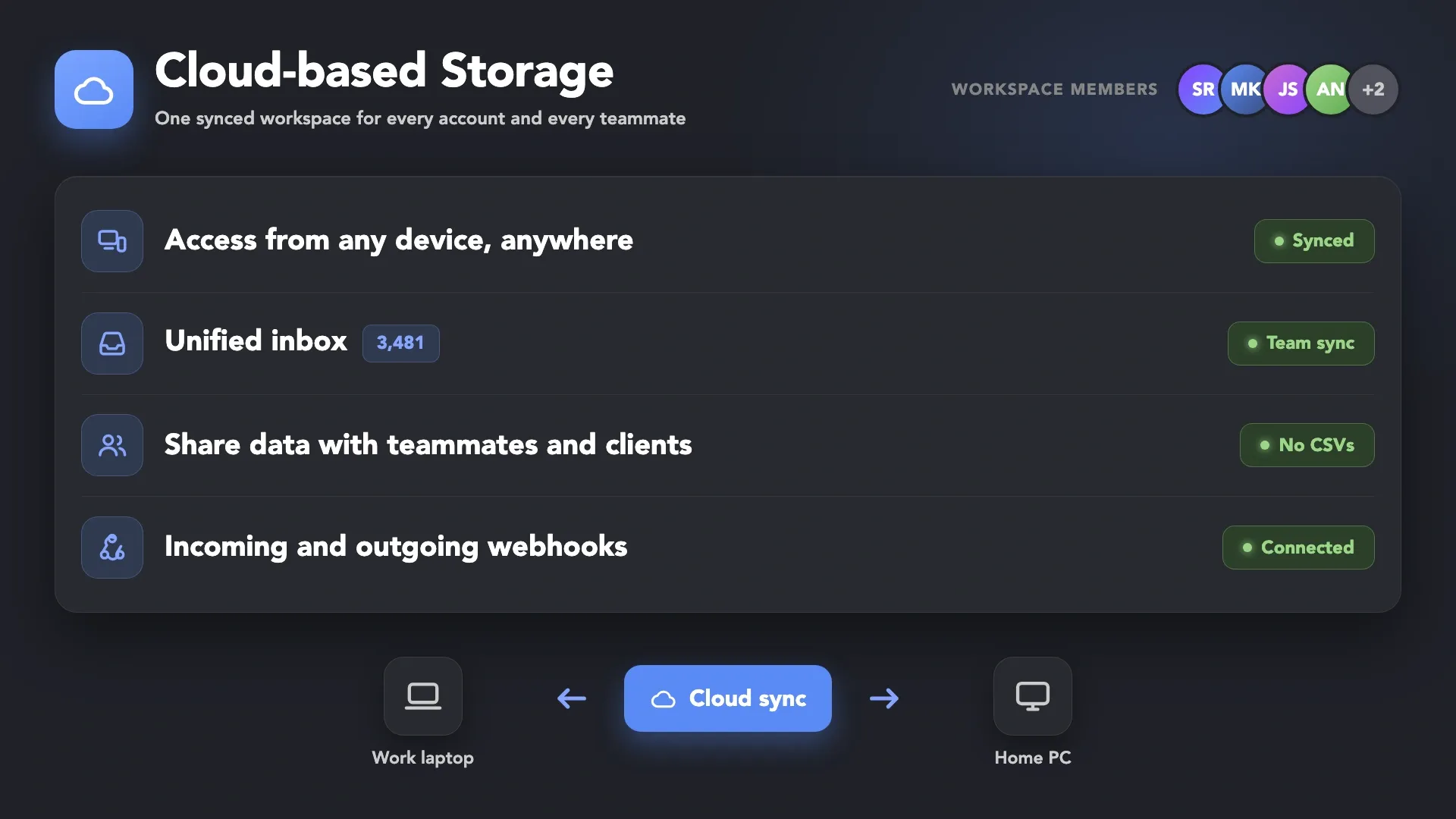
Data lives on Linked Helper servers: read other client accounts' inboxes and manage their campaigns without opening them, add leads via incoming webhooks, and pick up on any computer. $29.90 per month per Standard license.

Cloud-Based Storage

Not Sure How to Organize Your Client Accounts?

Discuss your agency setup

Discuss your agency setup

Tell us how many accounts you run, which CRM your clients use, and whether a client needs read-only access. Support answers 24/7 by live chat and email, can connect to your screen, and runs a group webinar every week with a recording.

Keep Every Client Account Separate and Under Control

Passes All Major Bot Detectors

Passes All Major Bot Detectors

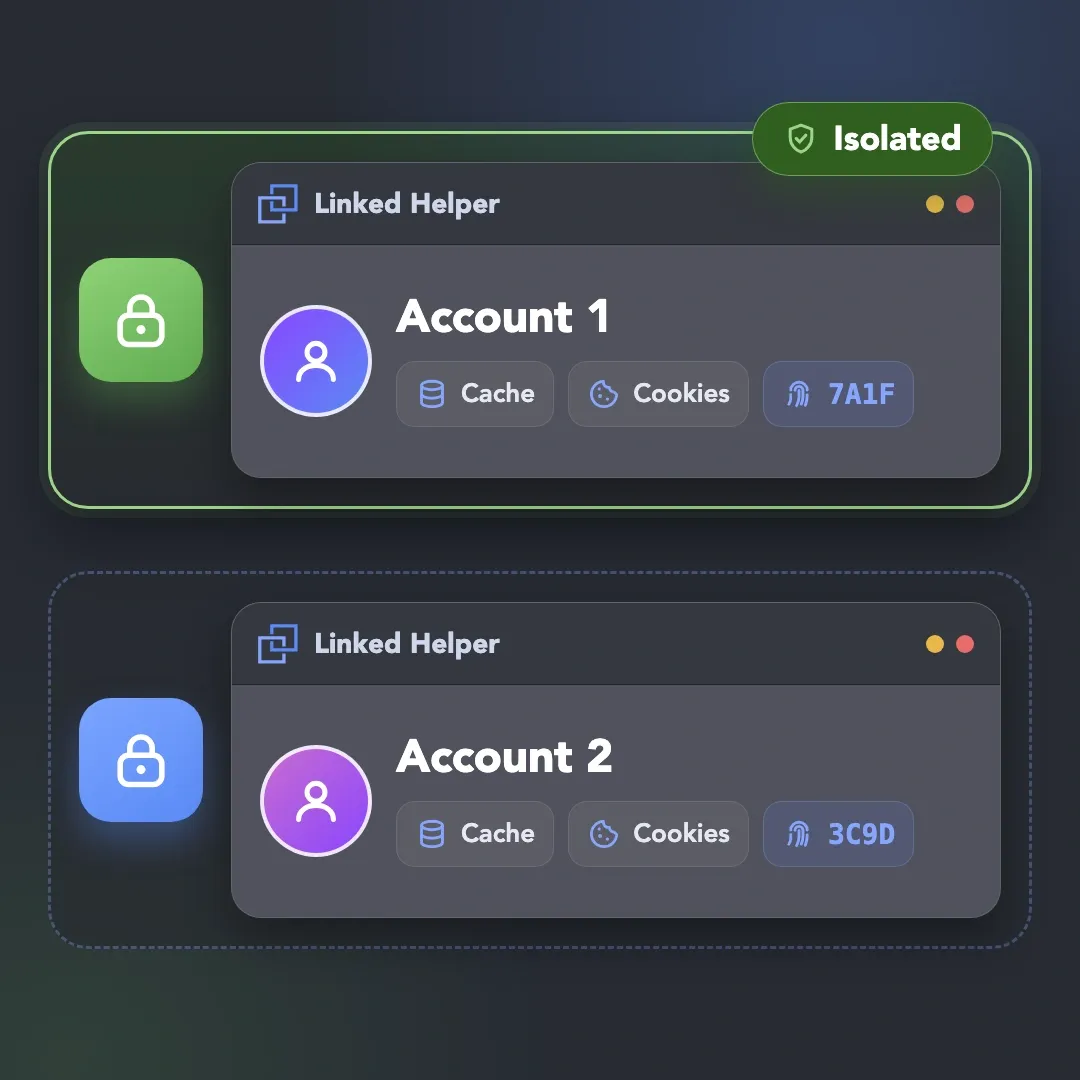
Linked Helper is verified undetectable by DataDome, Cloudflare, PerimeterX, and 10+ other leading bot detection systems. It is a desktop application, not a browser extension: no code injected into the LinkedIn page, no LinkedIn API calls, and a separate session for every account.

DataDomeDataDomeCloudflareCloudflarePerimeterXPerimeterXAkamaiAkamaiImpervaImperva10+ more10+ more

Human Behavior Simulation

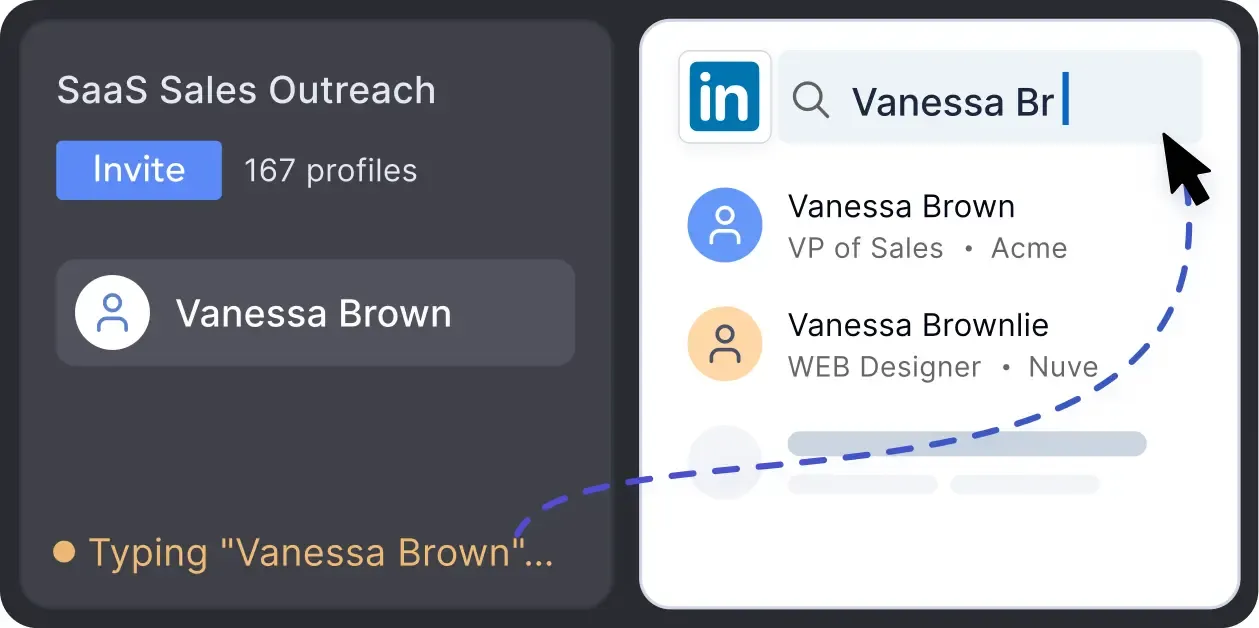
Mouse movements, typing simulation, natural scrolling, and randomized pauses between steps. Navigation goes through LinkedIn search and clicks, not pasted URLs.

Human Behavior Simulation

Desktop App, Not an Extension

There is no Chrome Web Store ID and no code injected into the LinkedIn page, so extension scans and page sweeps have nothing to match against.

Desktop App, Not an Extension

Smart Daily Limits

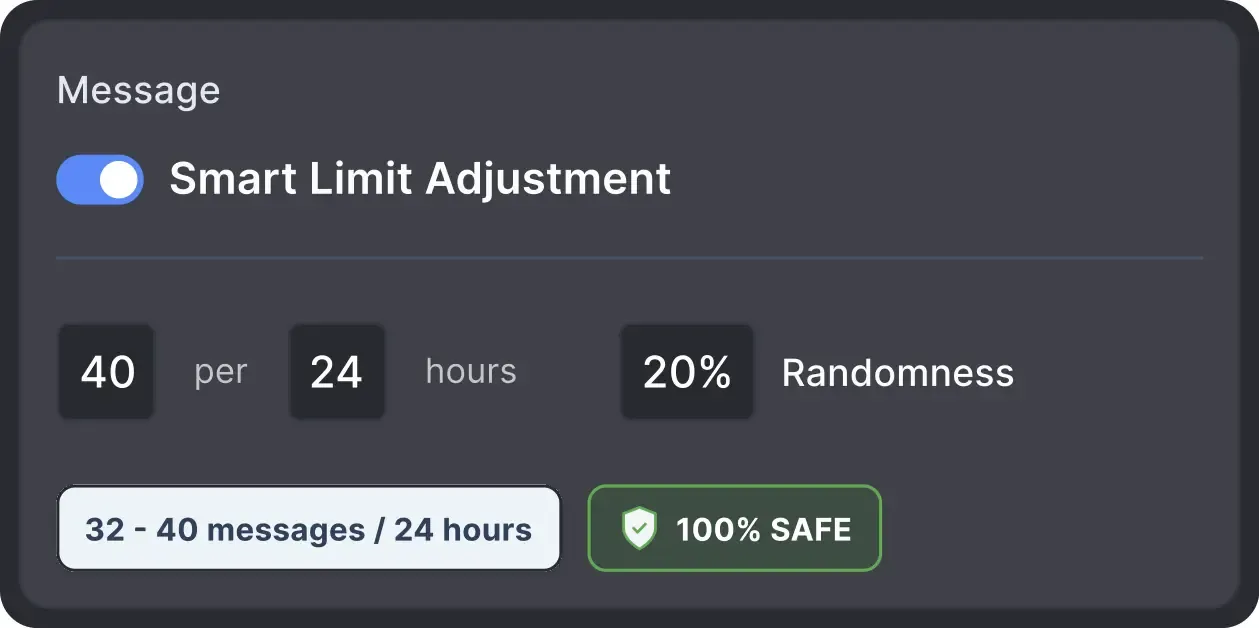
Each account works within recommended daily quotas and its own working hours, with randomized start times and volumes so activity doesn't look scheduled.

Smart Daily Limits

Built-in Proxy Quality Check

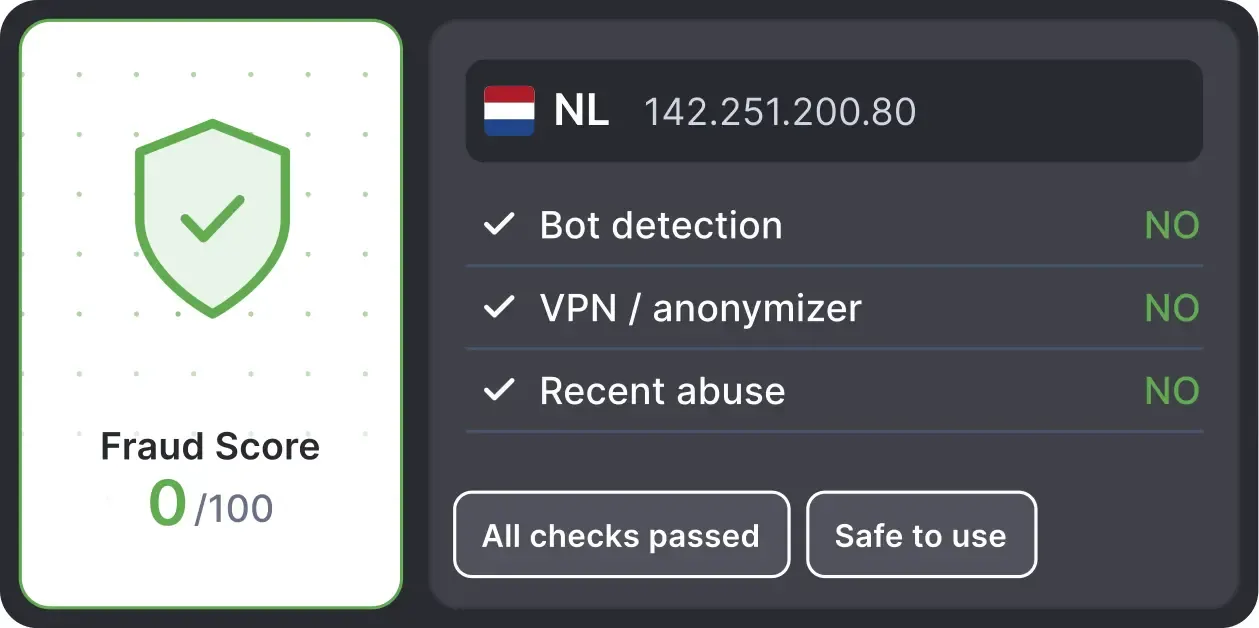
Linked Helper checks a proxy's Fraud Score through IPQualityScore and flags it Good or Bad before you assign it, showing the country and VPN history.

Built-in Proxy Quality Check

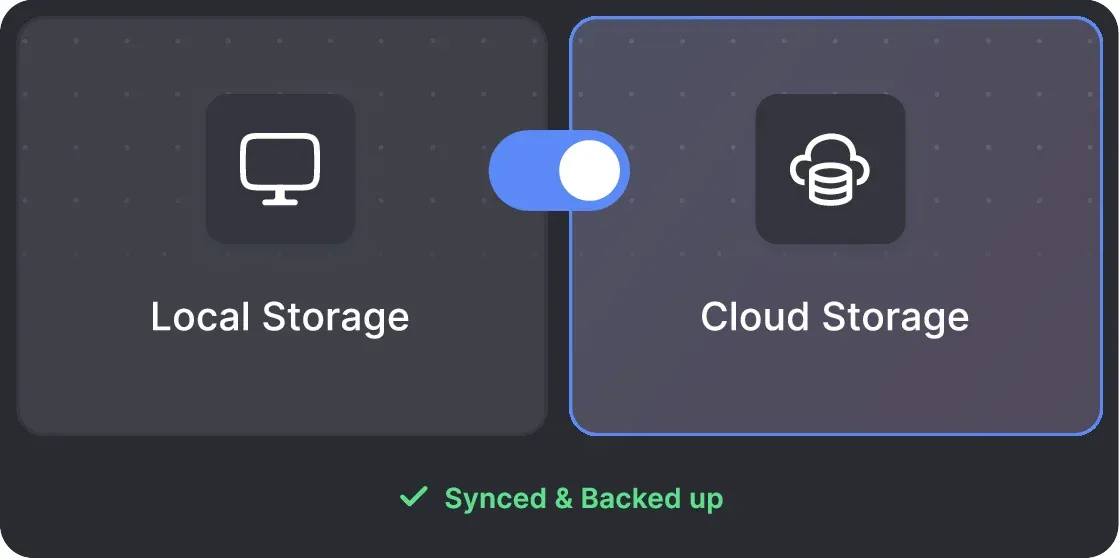
Local & Cloud Storage

Campaign data lives on your own machine or on Linked Helper servers — available as a separate license type. Automation actions run on your computer either way.

Local & Cloud Storage

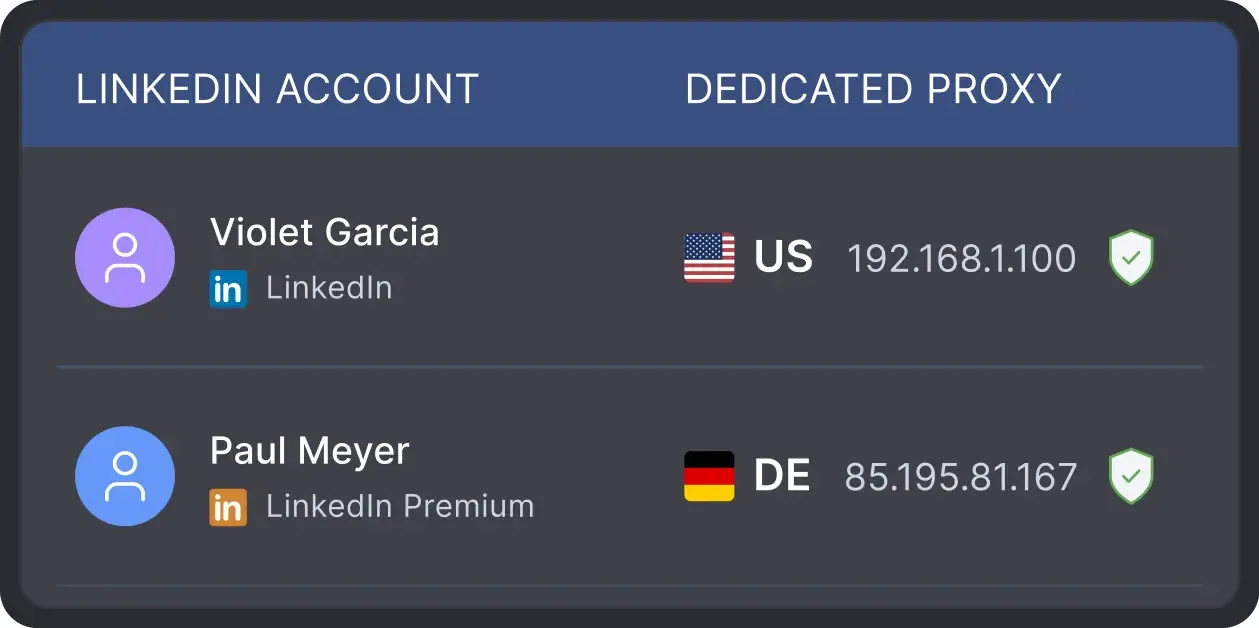
One Proxy per Account

Assign a dedicated proxy to each client account so every login comes from a consistent IP that matches the account's country and time zone.

One Proxy per Account

Works with All LinkedIn Platforms

LinkedIn Platform

Basic

LinkedIn Platform

Premium

LinkedIn Platform

Sales Navigator

LinkedIn Platform

Recruiter

You are in good companyYou are in good company

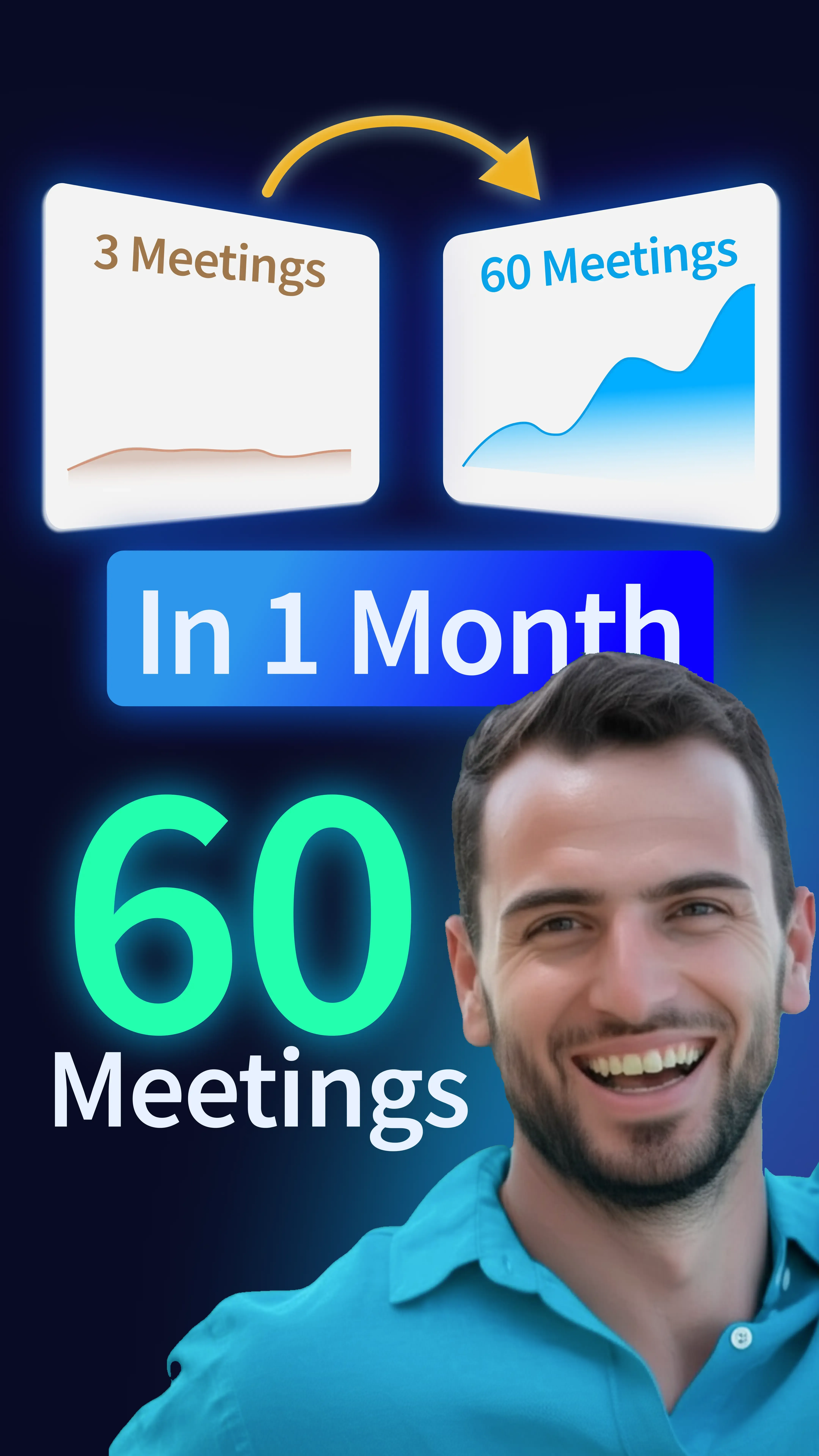
Trade Tribe Scaled to 60+ Meetings per Month with Linked Helper

Tomas Natsidi

Founder, Trade Tribe

Linked Helper gave us enterprise-level automation at a fraction of the cost. At this volume, doing it manually is simply impossible.

MEETINGS PER MONTH FROM JUST 3 ACCOUNTS

60+

COST SAVINGS VS CLOUD TOOLS

Up to90%

QUALIFIED MEETINGS PER CLIENT EVERY MONTH

10–15
Read Case Study

What Agencies and Freelancers Say About Linked Helper

Medal
Medal
Medal
Medal
Medal
Medal
Read Full Reviews

A Setup Your Team Can Maintain

Group webinar: accounts, proxies, and your first campaign
LIVE WEEKLY

Group webinar: accounts, proxies, and your first campaign

A 60-minute live walkthrough every Friday: account setup, first campaign, limits, exclude lists, and multiple accounts. Register to join live or get the recording by email.
Video preview
Video preview
Video preview
Video preview

VIDEO TUTORIAL

The Best Workspaces Feature You Were Missing

Watch Video

Agency Questions, Answered

Yes. The account is added to the workspace once, by its owner, and access is then granted per user: Manager, Editor, or Viewer. An Editor can create, edit, and launch campaigns and work with the inbox, but only the account owner can view or edit the password. If an operator leaves, you remove their access, or remove the user and pick a new owner for their accounts; with Editor or Manager access they never saw the password, so nothing needs to change on the LinkedIn side.