Instant Setup
1. Copy Ready-Made Template
Grab our pre-formatted Google Sheets template. Column headers and data fields are preconfigured for instant lead-data syncing.
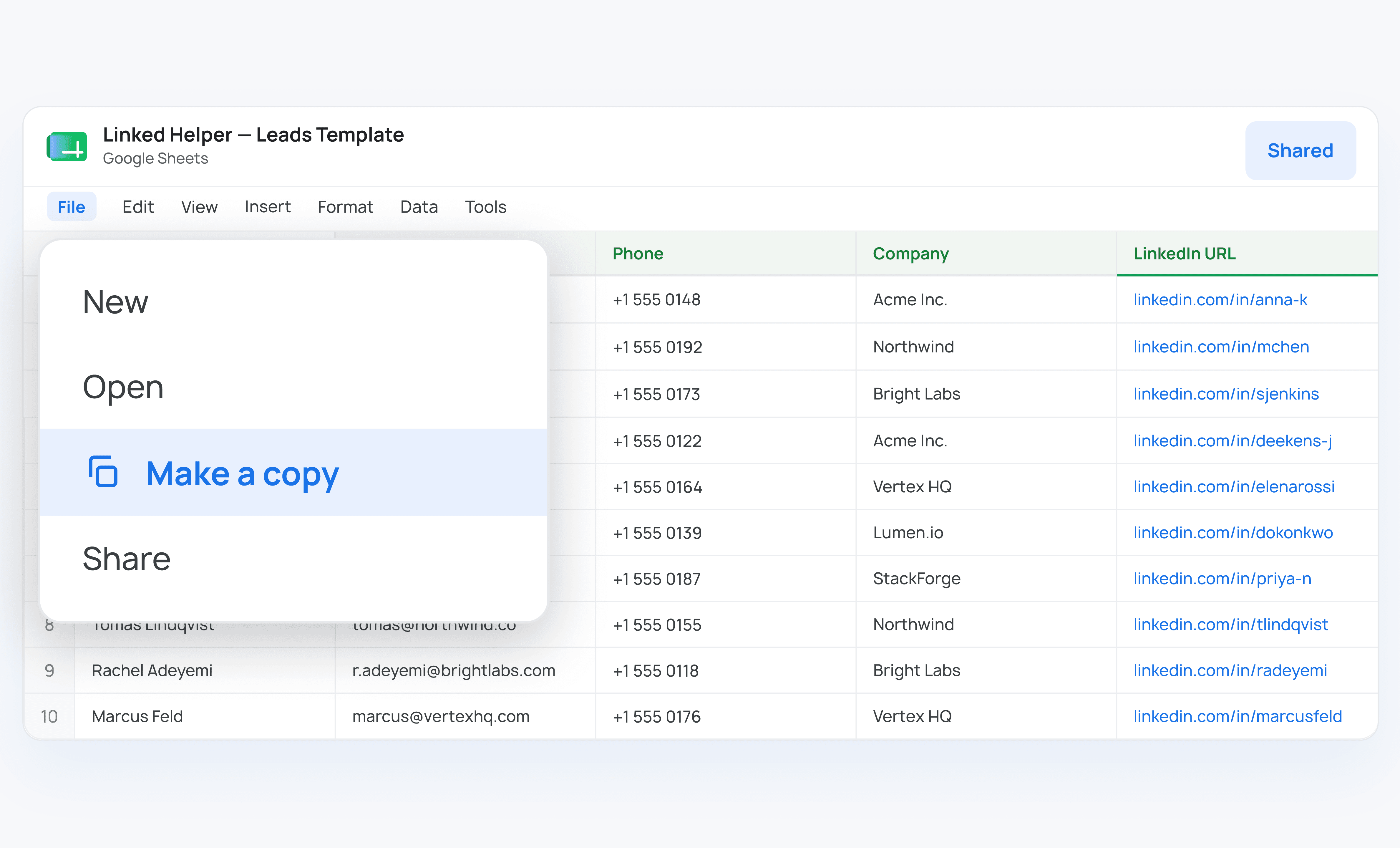

No Zapier. No Make. Just Linked Helper and a Google account. Set up a direct connection in minutes and every LinkedIn profile your campaign processes lands as a new row in your spreadsheet.











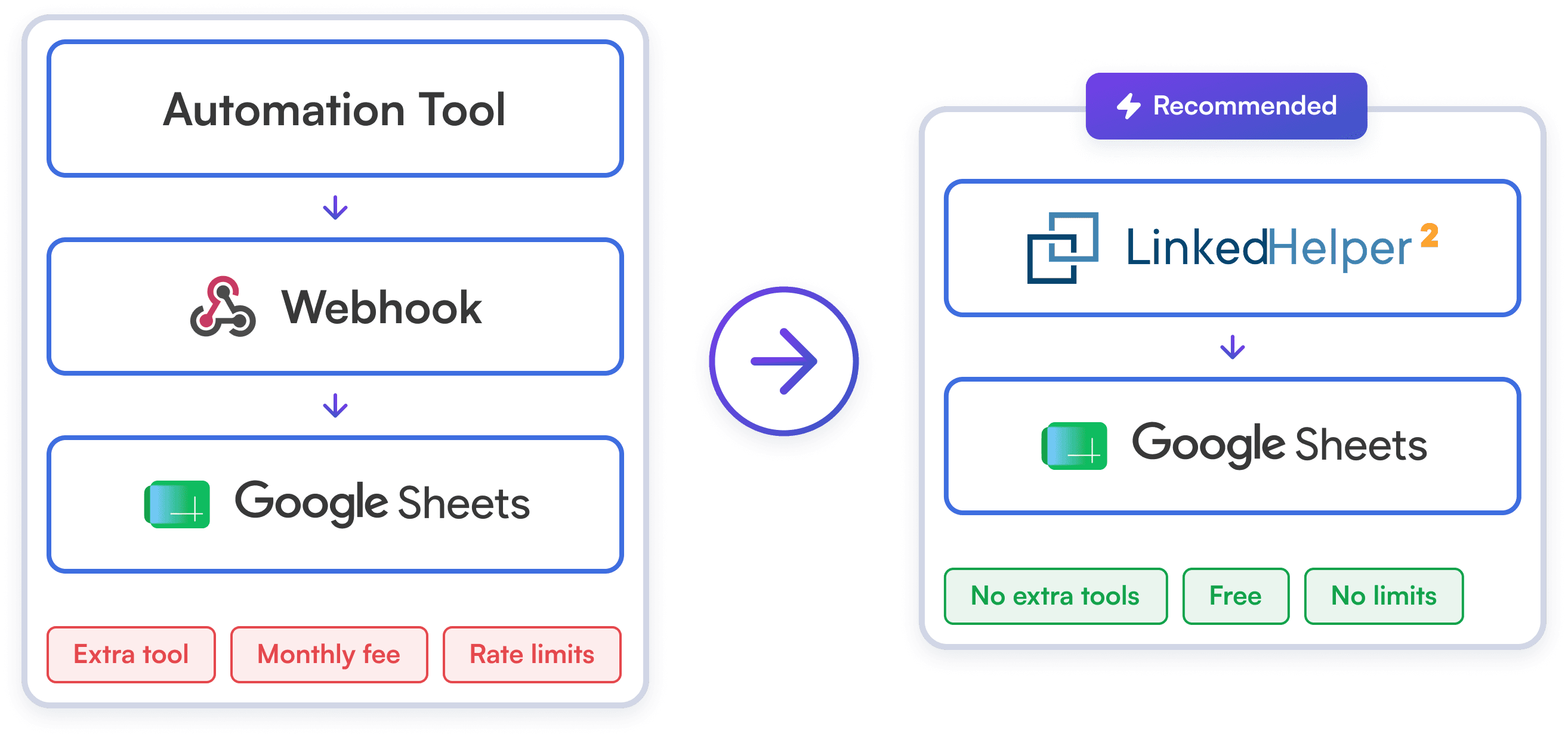
No need to pay for tools like Zapier or Make just to export your leads. With our direct integration, a simple one-time script turns your spreadsheet into an automated lead hub. Save on subscription fees and automatically send every processed profile directly to Google Sheets.
Try Template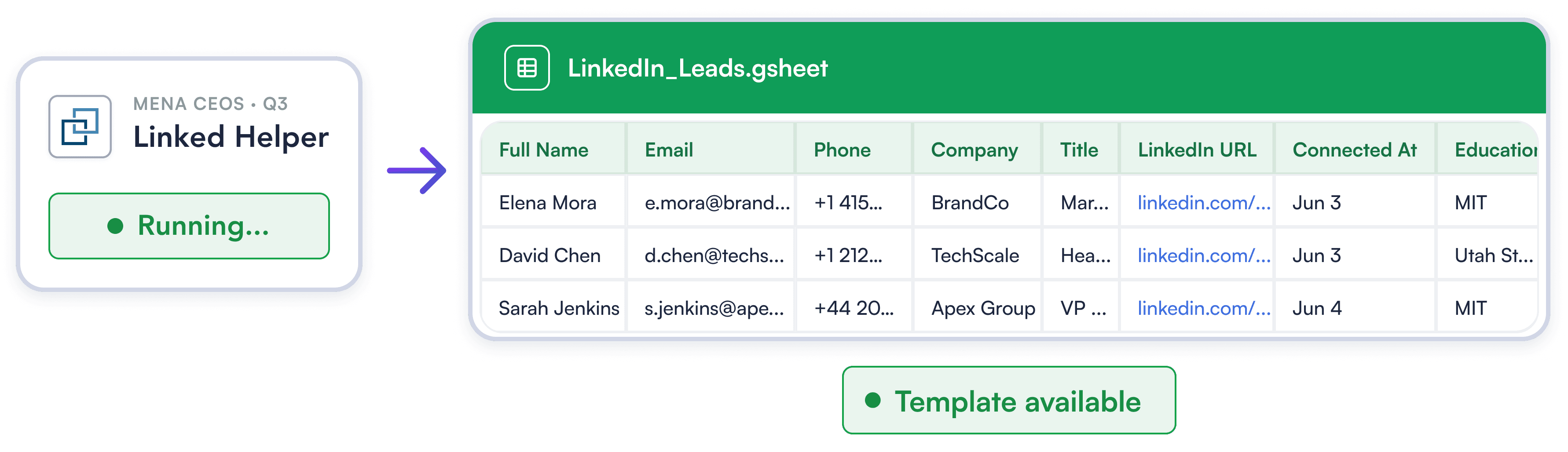
Linked Helper provides a pre-configured Google Sheets template that automatically maps every lead detail — from basic contact info to work history and chat logs. Start capturing the complete context of every LinkedIn relationship.
Try Template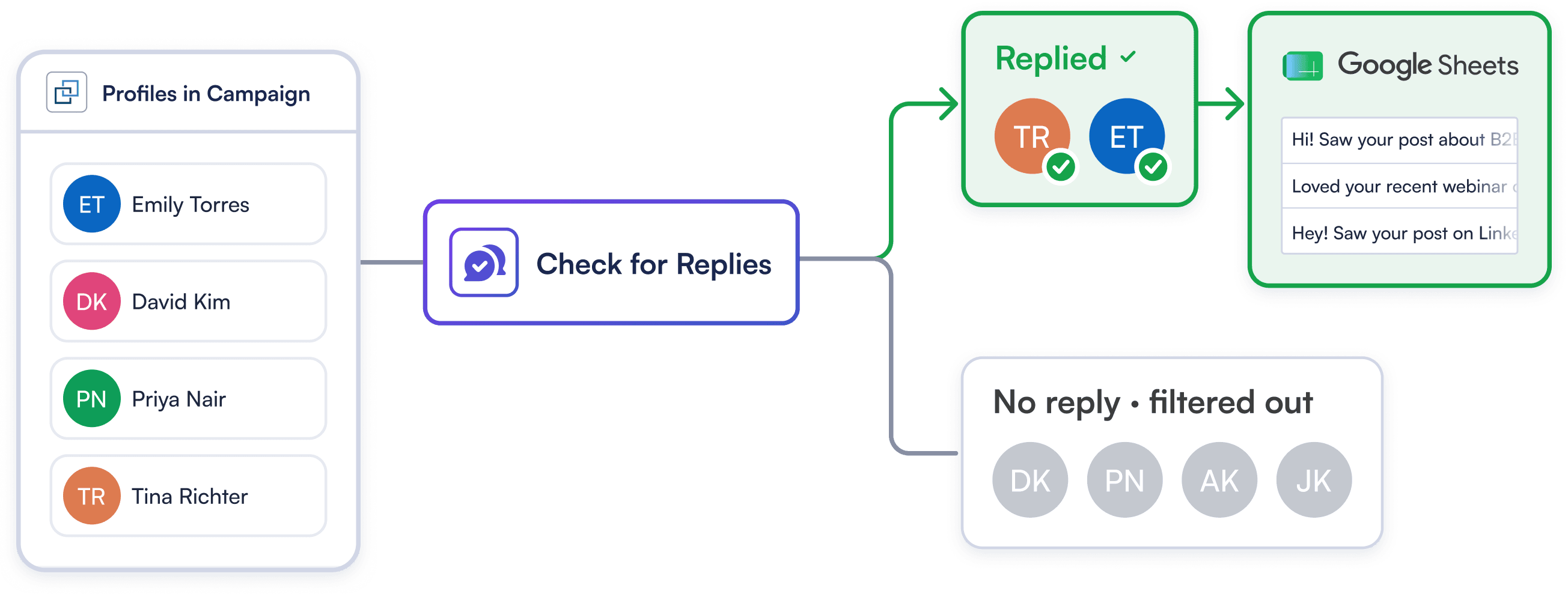
A spreadsheet full of cold profiles isn't a lead list — it's a to-do list no one wants to manage. Automatically push only prospects who respond to your LinkedIn outreach straight to Google Sheets — delivering higher signal and faster sales follow-ups.
Try TemplateGrab our pre-formatted Google Sheets template. Column headers and data fields are preconfigured for instant lead-data syncing.
Paste our ready-to-use integration script into the Google Apps Script editor and generate your secure webhook URL in seconds.
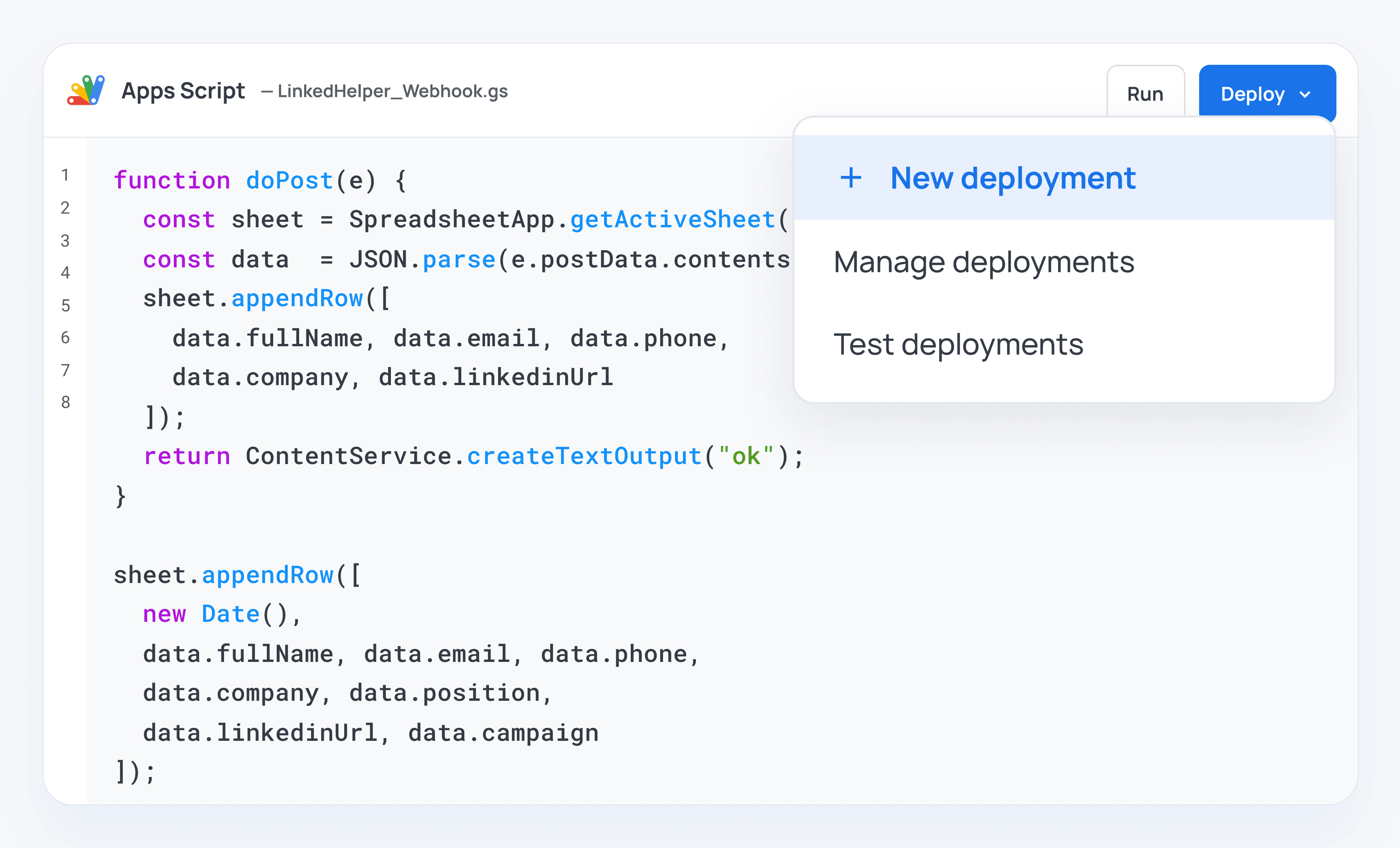
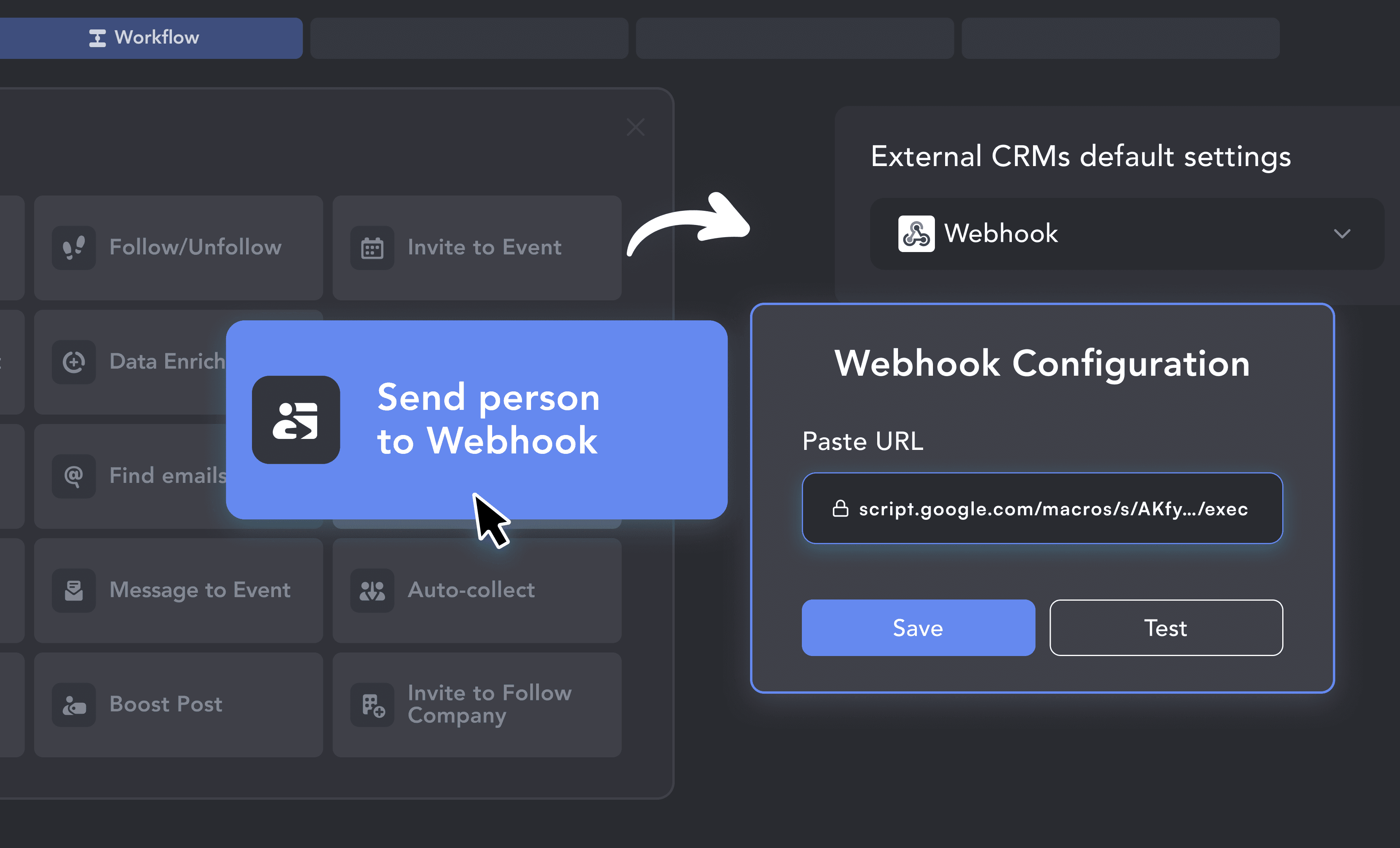
Add the "Send person to webhook" action to your Linked Helper campaign and paste your URL. Watch new, enriched LinkedIn leads appear as new rows in real time.
From finding leads to closing deals, Linked Helper automates every step of your outreach funnel. Explore the features that make us the most powerful solution on the market.


No chatbots. No waiting days for a reply. Get fast, expert help from real people who are committed to your success, anytime you need it.
Isaac R.
CEO, Education Management
If you are looking to optimize your time while generating income or profitability in your objectives, Linked Helper is your app. What I liked most is the simplicity and effectiveness.
 Review
24/7 LIVE CHAT & EMAIL
Get a real human response in minutes, not days.
REMOTE ASSISTANCE
If you're truly stuck, we can connect to your computer and guide you.
IN-DEPTH KNOWLEDGE BASE
Step‑by‑step tutorials and articles for every feature.
Watch our quick video guides to get started with Linked Helper.
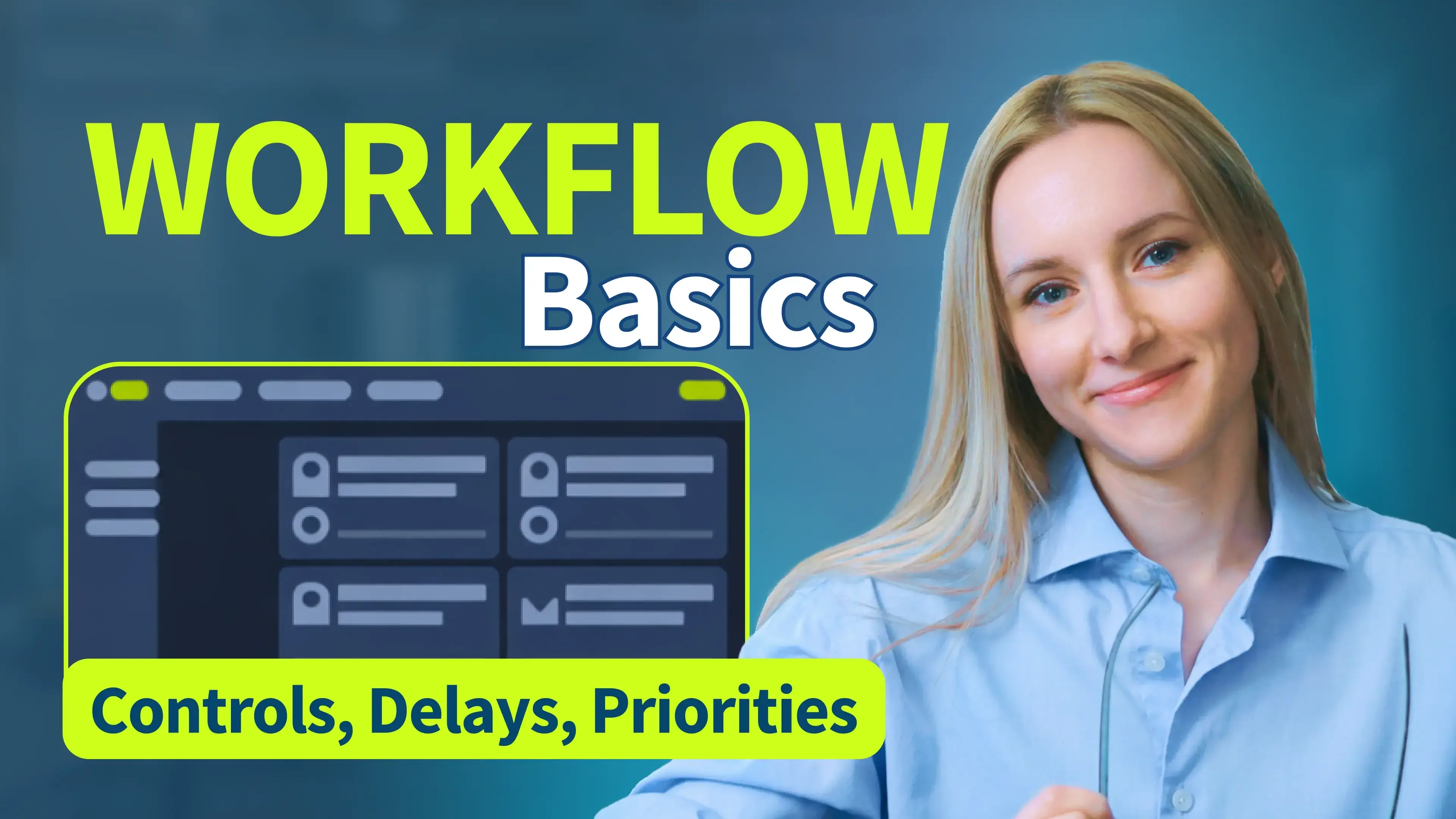
Learn how to navigate the control panel, manage your campaigns, organize workflows, install plugins, and access guides and support.
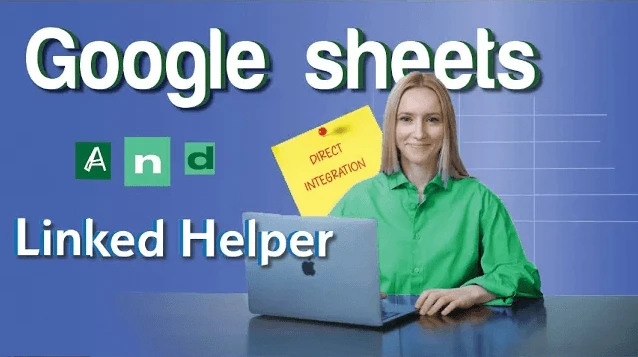
VIDEO TUTORIAL
VIDEO TUTORIAL
No. Linked Helper has a direct integration that uses a small Google Apps Script added through the spreadsheet’s Apps Script editor. Once deployed, it acts as a webhook receiver — no third-party automation platform or subscription required.
Sync LinkedIn prospects, log conversations natively, and close deals faster. No manual data entry required.