Updated: July 7, 2026
 57 min read
Linked Helper is the best HeyReach alternative for teams that want deeper native LinkedIn automation, lower ownership cost, and stronger account-access control. Unlike HeyReach's cloud plus login-extension model, Linked Helper runs locally on your machine or VPS, so the LinkedIn session stays in the environment you control rather than on vendor servers. Pricing starts at $15/mo ($8.25/mo billed annually) versus HeyReach's $79/mo ($63/mo billed annually), and a 20-seat setup is $2,880/yr versus $11,280/yr. We compared these tools on feature depth, price, session custody, CRM connectors, and review signals; Linked Helper leads HeyReach on the six LinkedIn features this article tracks.
| Tool | Price tier | Session stored on vendor server? |
|---|---|---|
| Linked Helper | Budget (<$20) | No |
| La Growth Machine | Mid ($20-69) | Yes |
| Dripify | Mid ($20-69) | Yes |
| Waalaxy | Mid ($20-69) | Yes |
| Meet Alfred | Mid ($20-69) | Yes |
| HeyReach | Premium (>=$70) | Yes |
| Expandi | Premium (>=$70) | Yes |
| lemlist | Premium (>=$70) | Yes |
| Skylead | Premium (>=$70) | Yes |
| Salesflow | Premium (>=$70) | Yes |
Price tier and whether each tool stores your LinkedIn session, side by side
This article is published by Linked Helper. Linked Helper is our product and our top recommendation. We use the same evaluation framework for every tool in this comparison; see How We Evaluated These Alternatives and Methodology Deep-Dive below for the dataset and first-hand test method.
Key takeaways
- Linked Helper is the only tool in this nine-app comparison that runs LinkedIn event and group invites, company-page-follow invites, and post auto-mention — the engagement and data-extraction blocks it wins outright against HeyReach.
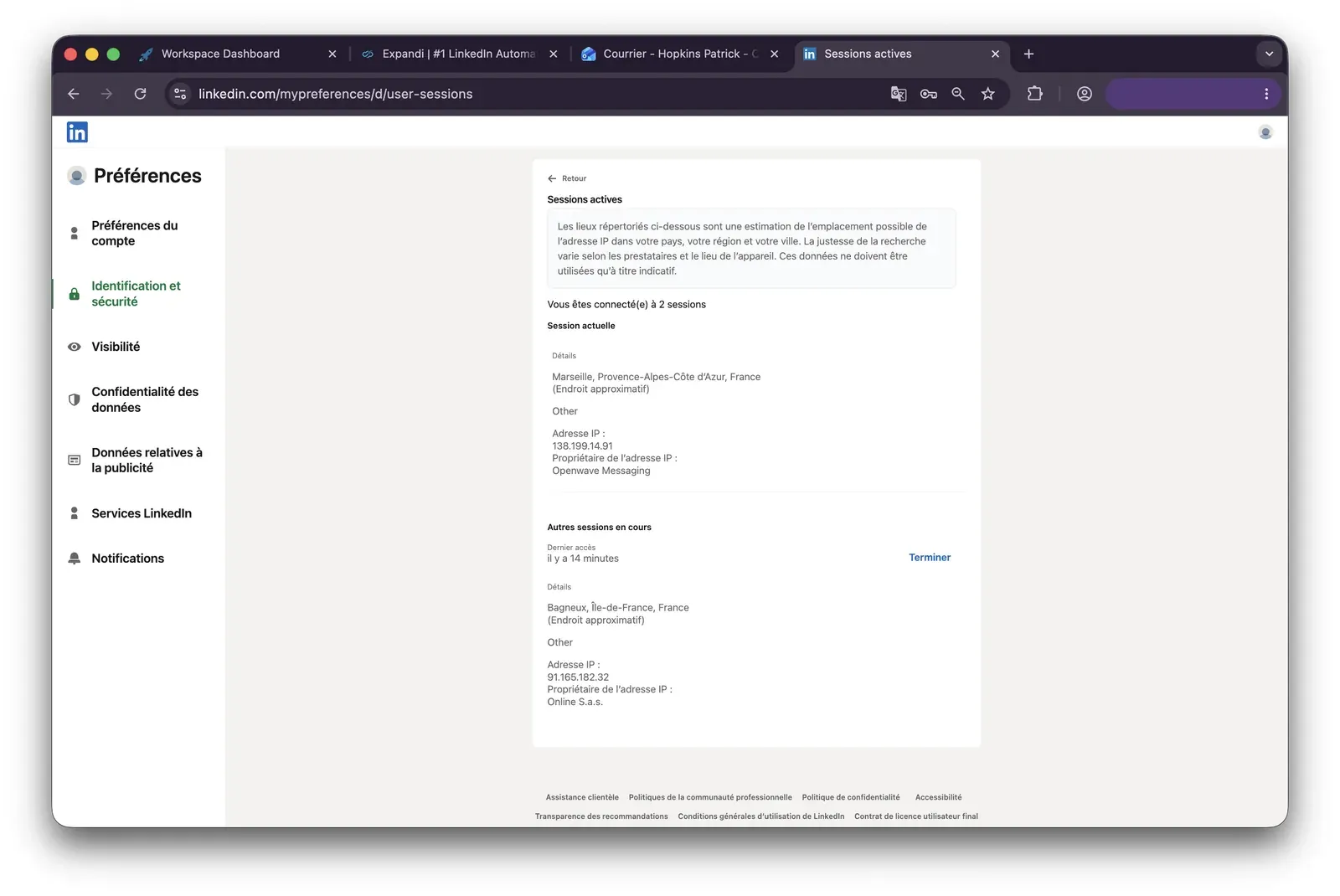
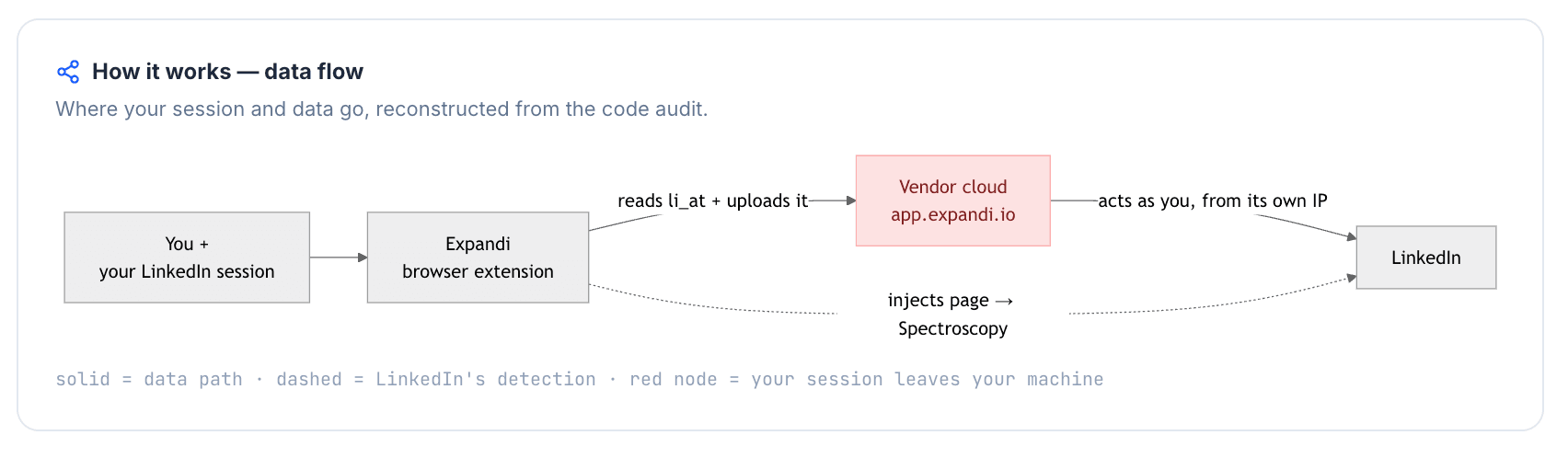
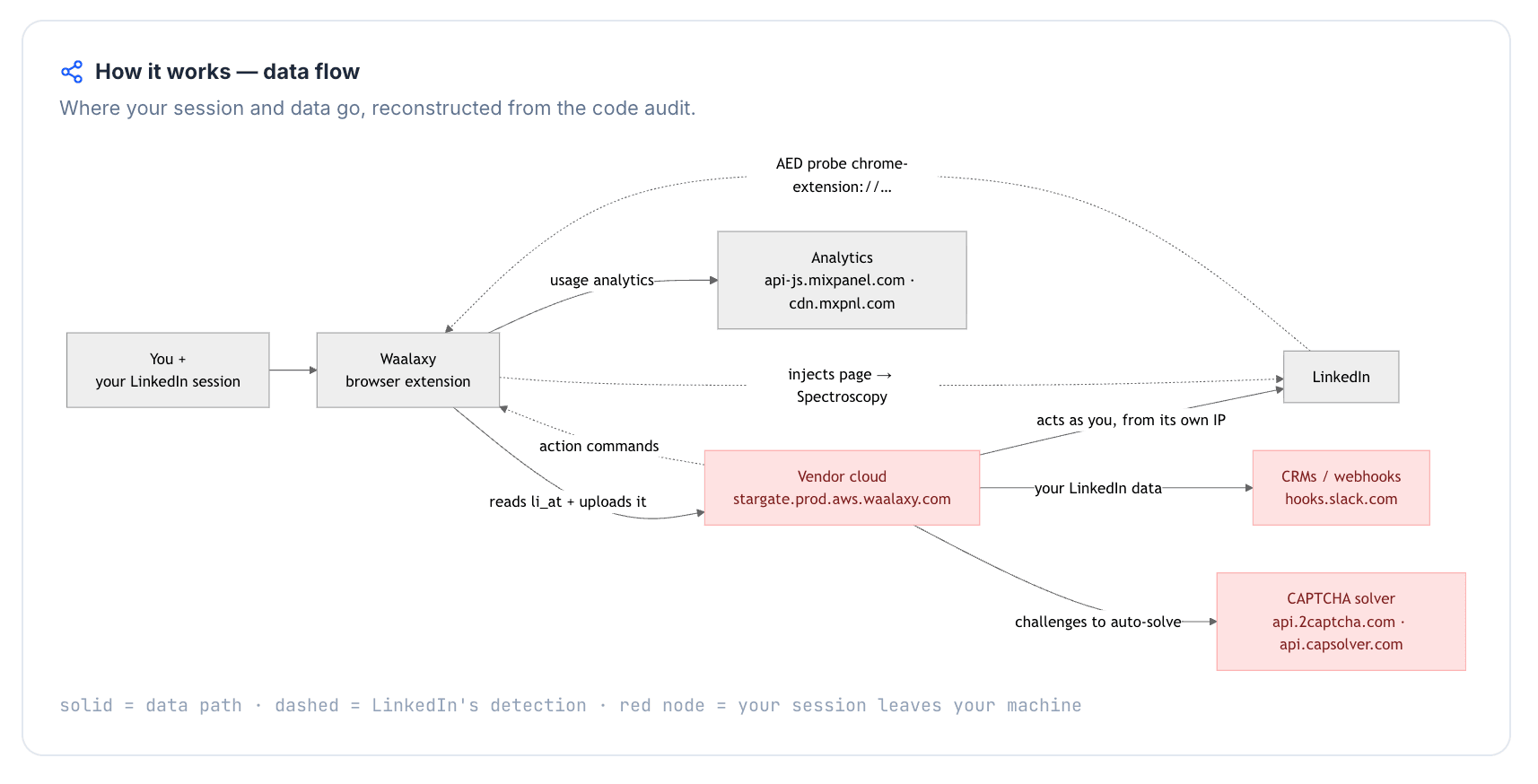
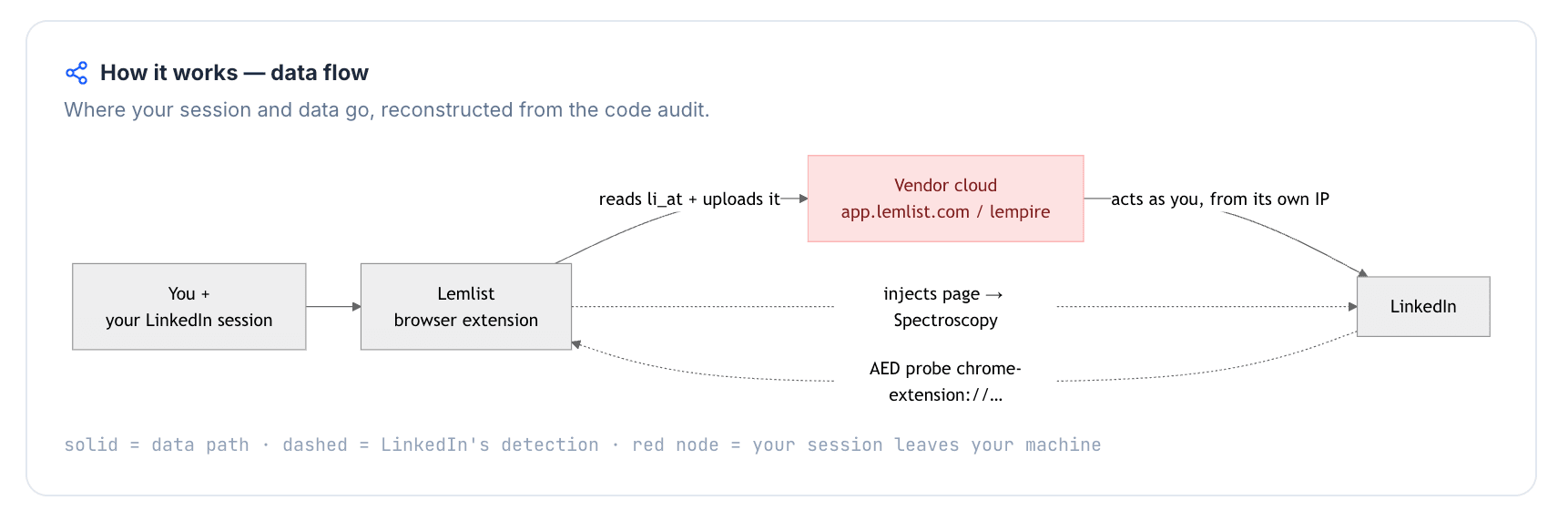
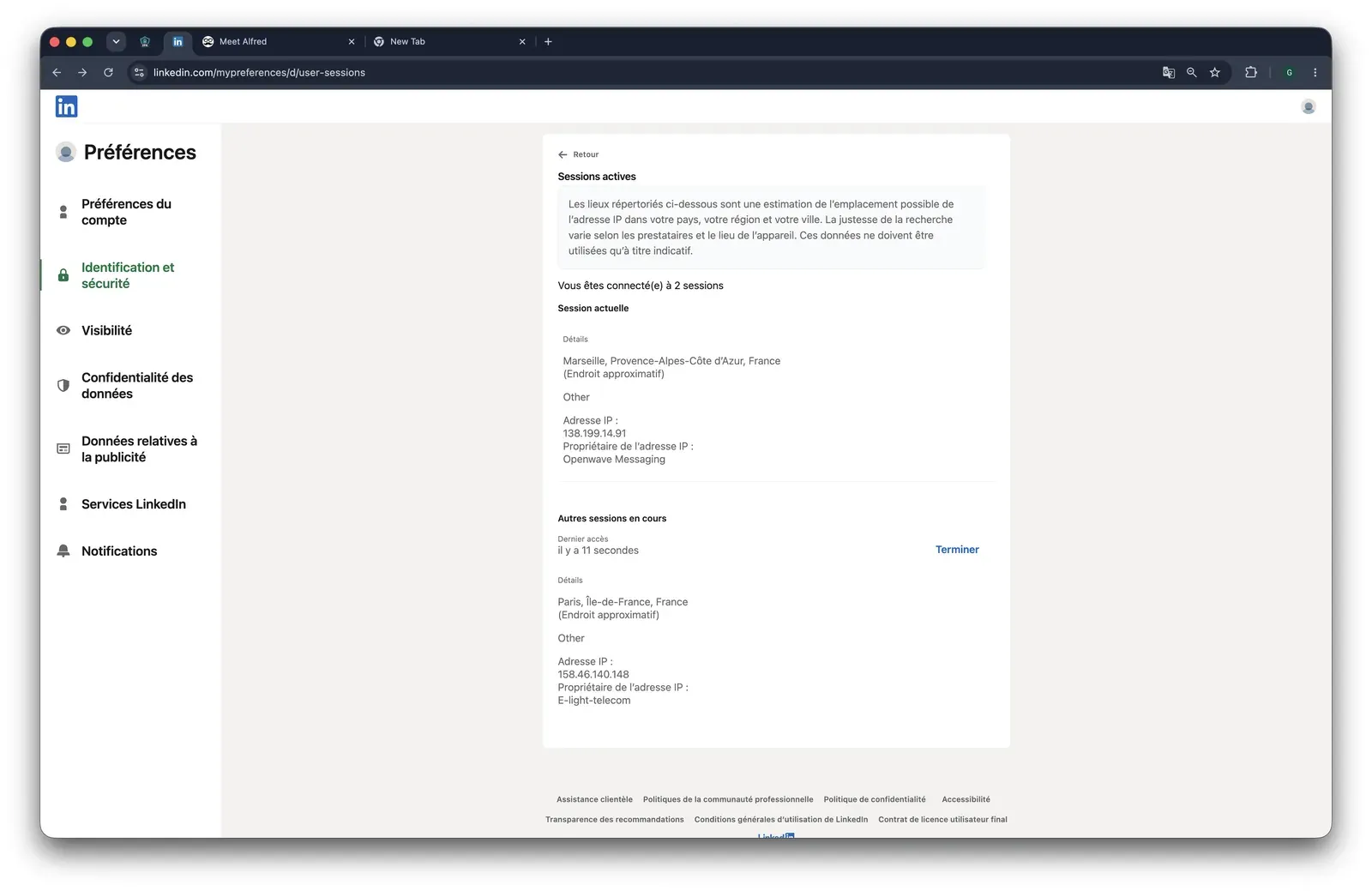
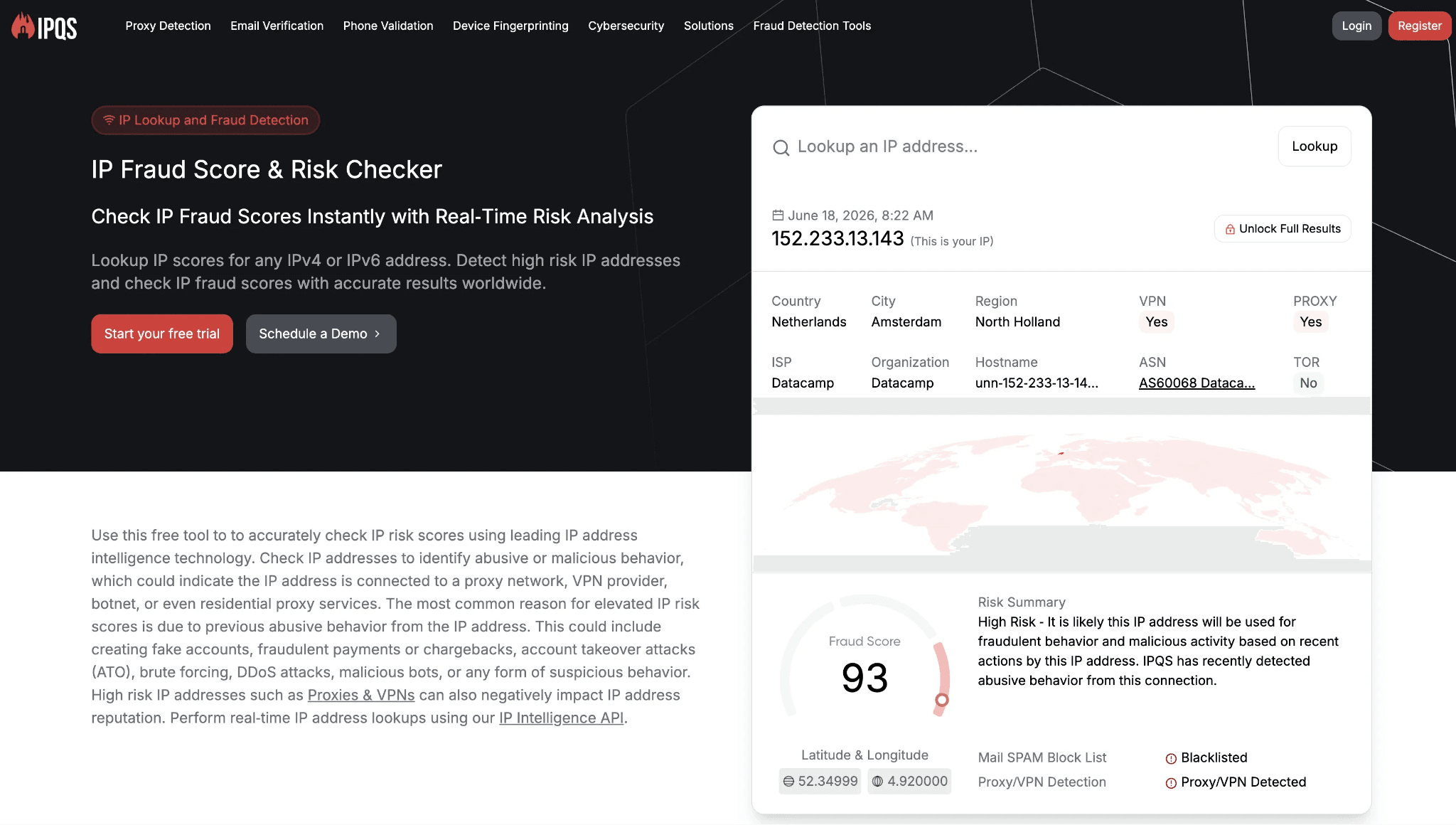
- Our June 2026 HeyReach test found a cloud-bridge login that uploads the LinkedIn cookie jar to api.heyreach.io, running from datacenter IPs that scored 100/100 on IPQualityScore; Linked Helper keeps the session on your own machine.
- Six matrix-backed wins over HeyReach — AI message generation, auto like/comment, endorsements, event/group engagement, follow, and spintax are present here and absent in HeyReach, which is why the advanced-feature comparison lands on Linked Helper.
What Is HeyReach?
HeyReach is a cloud-based LinkedIn automation platform with a Chrome-extension login step, founded in 2023 and headquartered in North Macedonia. It offers features intended to help agencies and sales teams manage multiple sender accounts from one workspace.
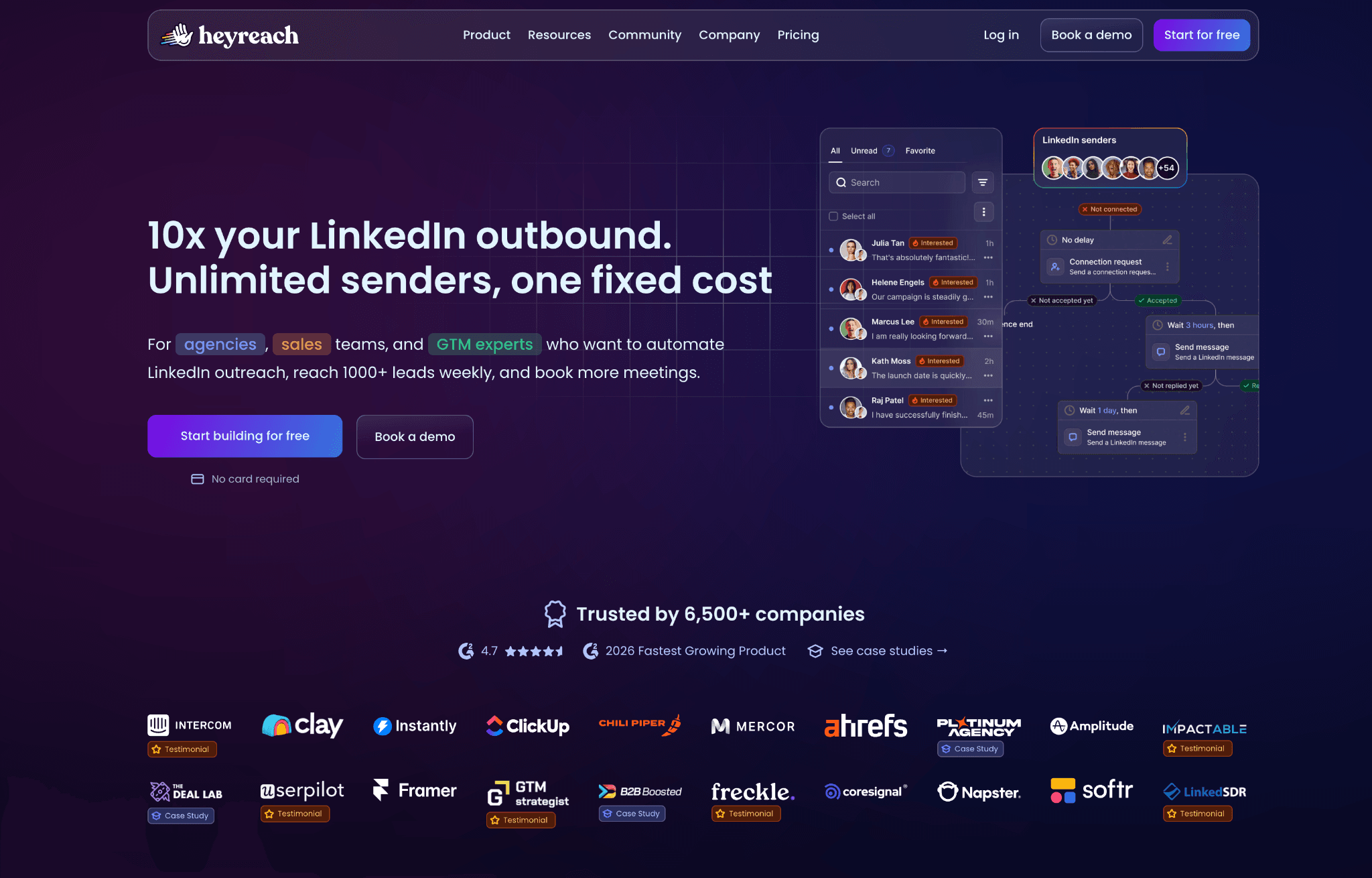
Its flat feature set includes:
- Multi-account management and shared templates.
- LinkedIn sequences for connection requests, visits, and messages.
- Unified inbox and team collaboration.
- Webhooks, API access, analytics, Zapier, and CRM integrations.
This profile is context only. The strengths, limits, and safety trade-offs sit in the next sections.
HeyReach at a Glance
HeyReach's clearest advantage is agency account coordination, not feature depth. The trade-off is that the same cloud model that makes multi-account management convenient also puts price and session custody under the vendor's infrastructure.
Strengths
- Unlimited LinkedIn sender accounts per seat on higher plans.
- Shared templates across team seats.
- Unified inbox for agency-style campaign handling.
- Native webhooks and 31 integrations.
- G2 rating of 4.6 in the source dataset.
Limitations
- LinkedIn-only scope with no native AI message generation, skill endorsements, event/group invite engagement, or company-page-follow invites.
- $79/mo entry price, no budget tier, and per-account pricing that compounds at scale.
- 14-day trial.
- Recurring reliability complaints on G2, including the pattern of one bug being fixed before another appears.
- Support responsiveness commonly sits in the 24-48h range in the review data.
Why Users Switch
The contradiction in the HeyReach data is reliability: a tool bought for agency consistency still draws repeat G2 reviews about campaigns switching off, recurring bugs, and fixes that create new failures. Across the classified reviews and 400+ Reddit discussions, that reliability theme sits beside safety and feature-depth complaints rather than replacing them.
| Theme | Negative mentions |
|---|---|
| Account safety, restriction risk, and spammy auto-follow concerns | 16 |
| Ease of use, learning curve, and recurring UI task failures | 11 |
| Reliability and recurring bugs | 11 |
| Feature depth and single-channel ceiling | 8 |
| Support responsiveness | 8 |
| Price and value at 20 seats | 6 |
Why users look for HeyReach alternatives
The pattern is not one isolated complaint. It is a stack of operational friction that becomes harder to absorb when many client accounts depend on the same workflow.
How We Evaluated These Alternatives
TL;DR we checked 9+ tools, 6,500+ reviews. 400+ Reddit threads analysed as of July 2026.
Dataset
We evaluated 9 alternatives head-to-head and used first-hand safety checks where observable. The dataset includes 6,558 reviews: 1,642 from G2, 1,517 from Capterra, and 3,399 from Trustpilot. We also reviewed 415 Reddit threads mentioning at least one tool in the set and checked vendor/pricing pages directly in July 2026.
Evaluation Framework
We scored each LinkedIn automation tool on architecture and session/IP handling, LinkedIn feature depth, conditional workflow logic, engagement and data-extraction breadth, pricing at scale, CRM connectors and webhooks, support quality, account-scale controls, and AI personalization as a parity axis. The comparison table below uses this four-model architecture vocabulary.
| Model | Where the session runs | IP LinkedIn sees | Who holds the session |
|---|---|---|---|
| Local-scrape extension | User browser | User IP | User session; extension remains visible |
| Cookie-bridge extension | Vendor cloud after cookie handoff | Vendor or cloud IP | Vendor receives the session cookie |
| Cloud credential login | Vendor cloud | Vendor or cloud IP | Vendor creates a cloud-side login session |
| Desktop standalone | Local machine or user-controlled VPS | User IP or assigned dedicated proxy | User-controlled environment |
Architecture taxonomy used in this comparison
9 Best HeyReach Alternatives Compared
This table shows the practical trade-off first: price, agency cost, architecture, session custody, multichannel scope, CRM depth, trial length, and AED exposure. Linked Helper stays first by publisher rule; HeyReach appears as the anchor baseline at the foot.
| Tool | Starting price /mo | Agency 20-seat cost /yr | Architecture | Multi-account | Multi-channel | CRM connectors | Free trial (days) |
|---|---|---|---|---|---|---|---|
| Linked Helper | $15/mo | $2,880 | desktop app | Yes | No | 11 direct CRM connectors, plus Zapier/Make via webhooks | 14d |
| Expandi | $99/mo | $18,960 | cloud | Yes | Yes (LinkedIn + email) | HubSpot, Pipedrive, Salesforce + Zapier/webhooks/API | 14d |
| La Growth Machine | $60/mo | $24,000 | cloud | Yes | Yes (LinkedIn + email + X + calls) | HubSpot, Pipedrive, Salesforce + Zapier/Make/Clay/API | 14d |
| Dripify | $59/mo | $9,360 | cloud | Yes | Yes (LinkedIn + email) | Salesforce, HubSpot, Pipedrive, Zoho, ActiveCampaign, Intercom, Zendesk + Zapier/Make/Google | 7d |
| Waalaxy | $42/mo | $4,900 | cloud | Yes | No | CRM Sync 2000+ / HubSpot / Pipedrive + Zapier/webhooks | 14d |
| lemlist | $79/mo | $20,880 | cloud | Not confirmed | Yes (LinkedIn + email) | Close.io, HubSpot, Pipedrive, Salesforce, Zoho CRM + Zapier | 14d |
| Skylead | $100/mo | $24,000 | cloud | Yes | Yes (LinkedIn + email) | HubSpot, Pipedrive, Salesforce + Zapier/webhooks | 7d (card required) |
| Salesflow | $99/mo | ~$16,632 | cloud | Yes | Yes (LinkedIn + email) | HubSpot (native); Pipedrive, Salesforce via Zapier | 7d |
| Meet Alfred | $59/mo | $6,960 | cloud | Yes | Yes (LinkedIn + email + X) | Zapier only (no native CRM connector) | 14d |
| HeyReach (anchor) | $79 | $11,280 | cloud | Yes | No | 2 | 14 |
Top HeyReach alternatives compared (July 2026)
As of July 2026 · vendor/pricing pages, review-platform data, and first-hand safety checks where available.
Pricing note: All prices are indicative and may change after publication. Recheck vendor pricing before purchase.
1. Linked Helper
Linked Helper is the lone desktop standalone tool in this comparison: LinkedIn actions run from your machine or VPS, so the account is not handed to vendor-cloud infrastructure. Teams who have outgrown HeyReach's LinkedIn-only sequence set reach for it for deeper LinkedIn workflows, with Standard at $15/mo.
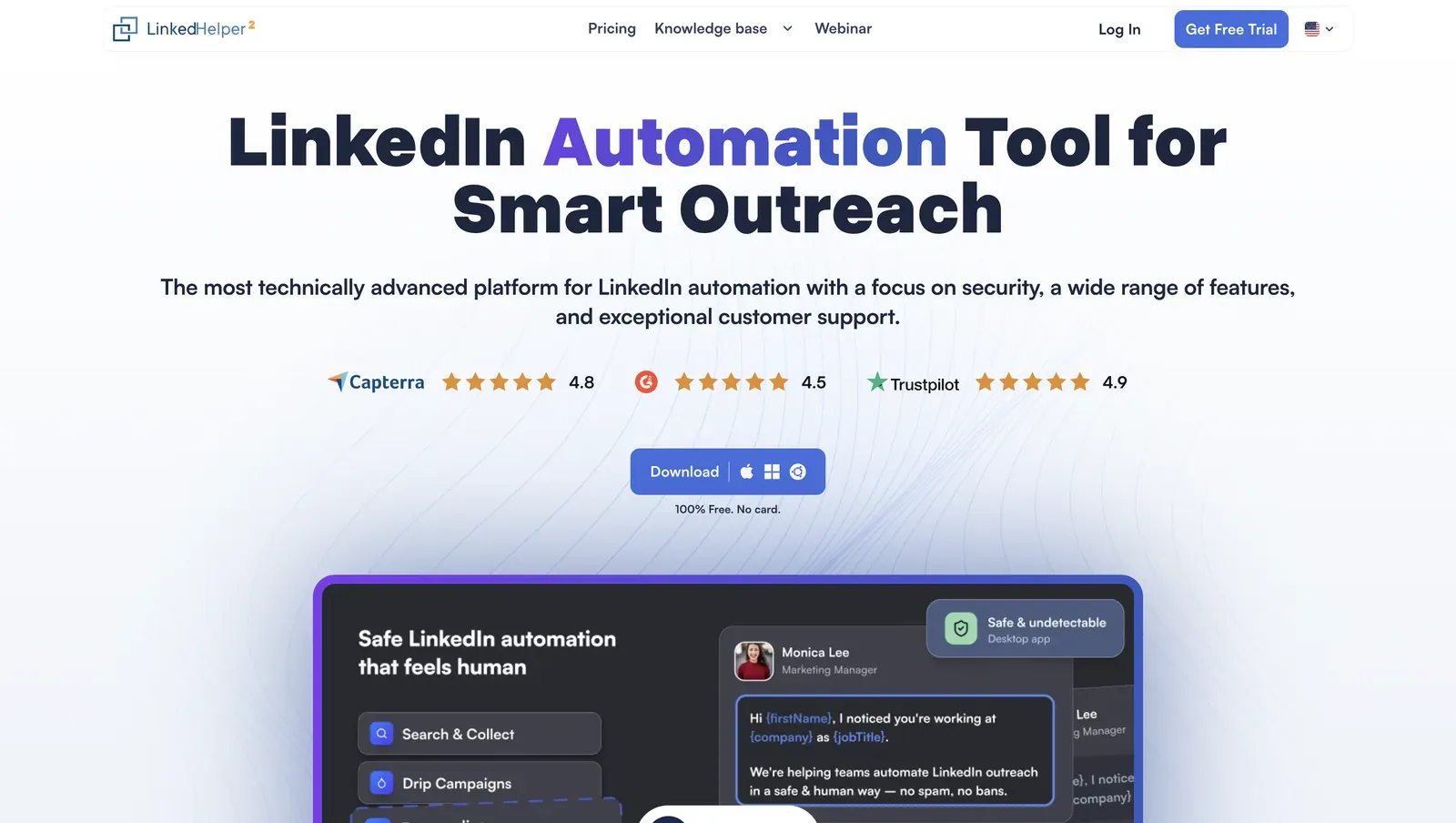
Founded in 2016 and based in Wilmington, Delaware, Linked Helper is a Windows, macOS, and Ubuntu app with its own built-in browser for LinkedIn campaigns, data extraction, and CRM handoff. Its annual Standard plan works out to $8.25/mo; at 20 licenses, list-price math is $2,880/year, which matters when an agency stack charges by sender. The LinkedIn session token stays inside that desktop/VPS instance, which means a vendor server does not receive a reusable login artifact for the account.
Quick facts about Linked Helper
- Founded: 2016
- HQ: United States (Wilmington, DE)
- Pricing: $15/mo Standard ($8.25/mo annual), 14-day free trial
- G2: 4.5★ (142) · Capterra: 4.9★ (252) · Trustpilot: 4.91★ (431)
- Last 6 months: 4.85★ (trending up) across 24 reviews
- Architecture: desktop app (Windows/macOS/Ubuntu; own built-in browser engine)
Vendor pricing & feature pages (as of 2026-04-22 to 2026-06-08) + G2, Capterra, Trustpilot & Reddit reviews (computed 2026-07-05)
Key Features
Key Features
- AI ICP detection — automatically scores collected profiles against your Ideal Customer Profile using any LinkedIn profile attributes you choose, ensuring your weekly invite quota is spent on prospects that actually match your buyer profile instead of noisy search results.
- AI personalized messages — generates deeply personalized connection requests and follow-ups based on each prospect's real career history, helping you scale outreach without sacrificing relevance or authenticity.
- AI comments — automatically leaves context-aware comments on prospects' posts and articles, warming up leads organically before outreach and increasing familiarity before the first invitation.
- AI Reply & Editor — generates context-aware replies inside the Inbox based on conversation history while also translating, rewriting, shortening, or improving message templates to match your preferred tone of voice.
- Campaign Inbox & Dashboard — redesigned control center for managing AI-generated drafts, conversations, campaign performance, and automation tasks from a single interface with real-time campaign visibility.
- Endorse specific named skills — limits endorsements to skills you choose, so the touch reads as targeted rather than blanket profile activity.
- Company-page follow invites and boost-post auto-mentions — two Linked Helper-only capabilities, useful when company-page growth and post engagement are part of your LinkedIn strategy.
- Full messaging-history export plus message-history deduplication — prevents sending duplicate outreach after campaign rebuilds or CRM resets while preserving complete conversation history.
- Smart Inbox with AI draft management — centralizes pending AI-generated messages, active conversations, and reply suggestions, making it easier to review, approve, and scale personalized outreach.
- 11 direct CRM connectors, plus Zapier and Make through webhooks — keeps LinkedIn history, tags, notes, and handoff data closer to the CRM without making every integration a Zapier-only workaround.
The rating is strong and trending upward: all three platforms maintain high scores, with Trustpilot (4.91★) standing out. The company holds a solid 4.85★ lifetime average, while recent reviews point to improving customer sentiment.The praise itself clusters on scale and reliability: