
 Updated: October 13, 2026
 20 min read
The right LinkedIn marketing tool depends on the job. Buffer handles scheduling, Canva visuals, AuthoredUp or Taplio a personal content workflow, Sales Navigator prospect research and Campaign Manager paid ads. Linked Helper suits teams that need configurable outreach sequences; Hootsuite and Sprout Social suit agencies that run several networks.
Name your bottleneck first (creating content, publishing consistently, reaching the right people, handling conversations or measuring results), then buy the smallest set of tools that removes it. We build Linked Helper, so it appears in this list; the picks are grouped by job, not ranked by overall quality.
Best LinkedIn marketing tools at a glance
Prices are US list prices in USD as of October 2026. Annual equivalents assume payment upfront. Taxes, extra seats, credits and ad spend come on top.
| Tool | Best for | Starting price | Check before you buy |
|---|---|---|---|
| Linked Helper | Configurable LinkedIn outreach sequences | Standard Local: $15 for one month or $99 for 12 months; 14-day trial | The app runs on your computer or VPS; Cloud storage is a separate choice |
| LinkedIn's native Page tools | Company Page publishing and analytics without another subscription | No separate scheduling or Page-analytics fee | LinkedIn-only; Page scheduling excludes some post types |
| Buffer | Affordable publishing across LinkedIn and other networks | Free: 3 channels, 10 queued posts each; Essentials $60/year per channel | Price scales with channels; collaboration needs Team |
| Taplio | LinkedIn content and engagement in one workflow | Starter $39/month; Growth $69/month; 7-day trial | AI writing and collaboration start on Growth |
| AuthoredUp | Drafting, previewing and analyzing personal posts | Individual $19.95/month or $199.50/year | Scheduling and some publishing features run through its browser extension |
| Canva | Documents, graphics and reusable templates | Free; Pro $144/year for one person | Premium assets and brand controls depend on plan |
| LinkedIn Sales Navigator | Finding and researching target accounts and people | Core from $119.99/month or $1,079.88/year per license | Team and CRM features depend on plan |
| LinkedIn Campaign Manager | Paid LinkedIn campaigns | Ad spend, set by bidding and auction | Budget for creative and conversion tracking, not only for ads |
| Hootsuite | Several social networks in one workspace | Standard $99/user/month billed annually: $1,188/year | Approvals and deeper reporting sit on higher tiers |
| Sprout Social | Publishing, reporting and larger social teams | Essentials $79/seat/month annually: $948/year; $99 billed monthly | The inbox offering starts at Standard, $199/seat/month annually |
These are use-case picks, not a claim that the first product wins every task. A small Company Page may need only native tools and Canva; an agency may need a social management suite; a sales team may need prospect research and outreach.
How to choose a LinkedIn marketing toolkit
Start from the immediate problem and add tools only when a gap shows up.
| Your situation | A sensible starting combination | Check before you buy |
|---|---|---|
| Small business with one Company Page | Native LinkedIn tools + Canva Free | Whether you can publish consistently and see which topics draw the right readers |
| Founder building a personal content habit | AuthoredUp or Taplio; Canva if you need visuals | Draft quality, editing time and whether the right audience responds |
| Small team publishing on several networks | Buffer; Team if people need to collaborate | Total channel cost and the post formats you actually use |
| B2B team researching and following up with prospects | Sales Navigator for research; Linked Helper for sequence work | Lead relevance, accepted invitations, replies and who owns the follow-up |
| Agency running broader social operations | Hootsuite or Sprout Social, compared on the plan you would really use | Seat costs, approvals, Page reporting and the client handoff |
| Team testing paid demand | Campaign Manager + creative tools + a lead-tracking process | Qualified leads and downstream outcomes, not only ad cost |
Overlapping calendars are the easiest money to waste. Canva Free, Buffer Essentials for one channel and AuthoredUp Individual on monthly billing cost $79.95 upfront ($60 for Buffer's year plus $19.95 for AuthoredUp's first month) and $299.40 over a year if AuthoredUp stays monthly. Switching AuthoredUp to annual billing brings the year to $259.50. That is an illustration of how stacked tools add up, not a recommendation to buy all three.
Prospecting has different economics. Track accepted invitations as a share of invitations sent, replies as a share of people messaged, and qualified conversations against your own criteria. Impressions and replies answer different questions. Our LinkedIn B2B marketing guide covers the wider strategy.
The best trial is one ordinary draft carried through the whole handoff: write or generate it, check the mobile preview, save it, reopen it and see who can review or publish it. Then compare the trial plan with the plan you will keep. Reporting needs an account with real history, approvals need your actual writer and reviewer roles, and a Canva document needs a real PDF export checked page by page.
How we evaluated these tools
-
Selection and sources. The ten tools cover the jobs a LinkedIn marketing programme has: content, publishing, prospecting, outreach, advertising and reporting. Features and prices come from vendor documentation and pricing pages. Customer experience comes from public Trustpilot reviews, quoted as individual reports.
-
Cost method. Prices are US list prices in USD as of October 2026, with annual figures assuming upfront payment. Taxes, extra seats, credits and ad spend are not included.
-
Hands-on scope. I worked through AuthoredUp's editor (draft, previews, save, copy) and Hootsuite's AI-to-draft flow in trial accounts, and went as far as onboarding in Taplio and Sprout Social. The rest rests on documentation, and Linked Helper is described from its own documentation and support changelog.
-
Reading the results. "Best for" names the job a tool fits, not an overall winner. A trial can run a different plan from the one you will keep, and a review describes one customer's experience.
1. Linked Helper: best for configurable outreach sequences
Linked Helper organizes LinkedIn outreach into campaigns with actions, delays, personalized messages and reply checks. Its built-in CRM keeps collected leads and campaign work together, and integrations and webhooks can pass data to other systems. AI tools support profile-based qualification, message drafting, comments and replies. Linked Helper pricing and plan comparison.
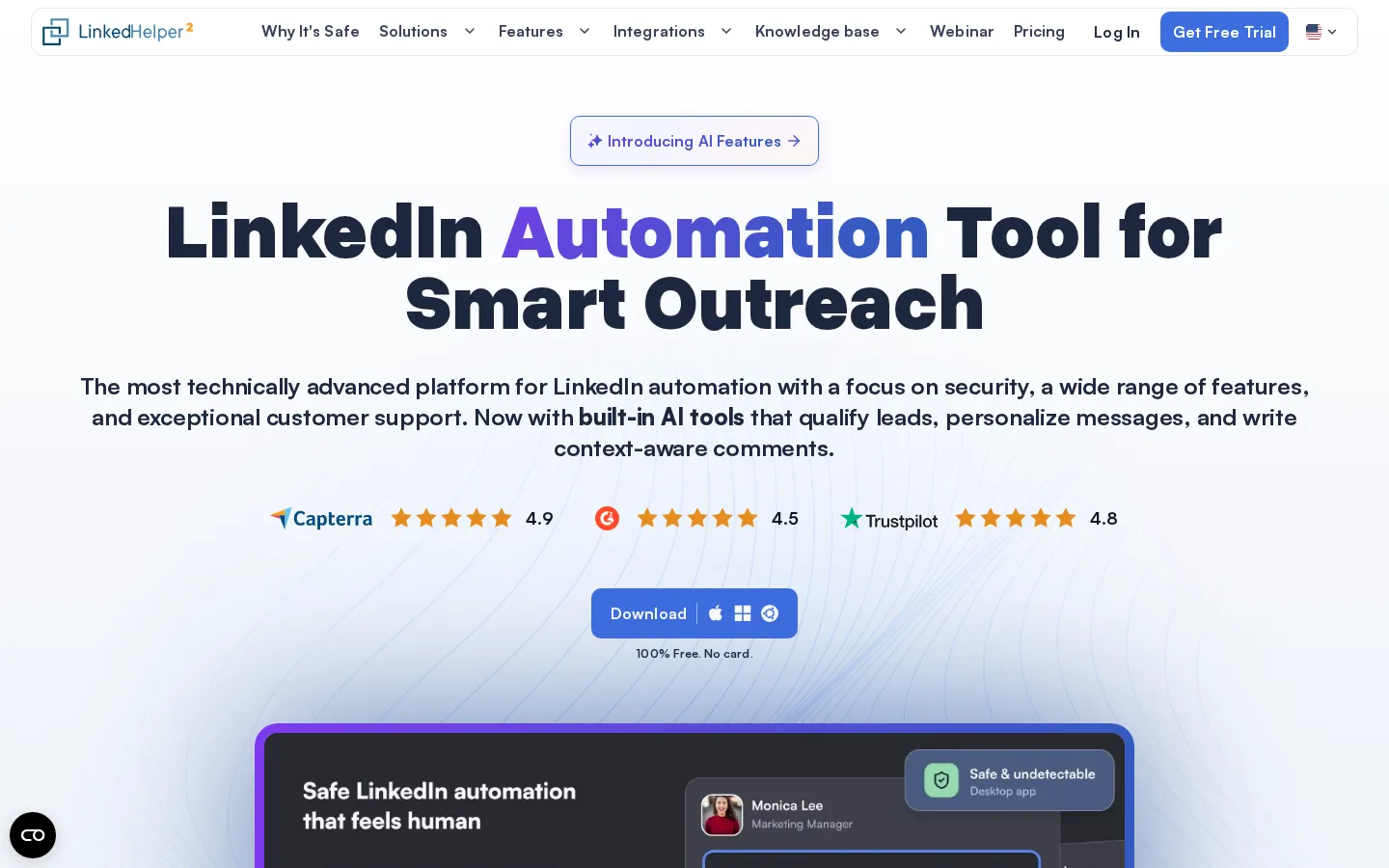
Linked Helper homepage, October 2026
It becomes a marketing tool when the next step is a conversation with a specific prospect: collect an accessible audience, qualify it against your target profile, send an invitation and follow up with the people who accept. Turn on reply detection so anyone who answers leaves the follow-up path, and review the sequence before you run it.
Strengths: Configurable campaigns; CRM and integration options; AI qualification and personalization on both Standard and Pro, with different credit allowances.
Tradeoffs: You configure and monitor the workflow yourself. The computer or VPS running the application must stay on.
Price: Standard Local costs $15 for one month or $99 for 12 months, equivalent to $8.25/month paid upfront. Pro Local costs $45 for one month. The Cloud Standard calculator lists a $29.90 one-month base price. A 14-day Pro trial needs no card, and extra AI or data credits add cost. Auto-renewal is off by default and can be enabled. License prices, pricing and renewal FAQ.
Most relevant when: Your bottleneck is organizing prospect follow-ups and handoffs. Pick a publishing tool instead when the immediate need is a content calendar.
2. LinkedIn's native Page tools: best for starting without another subscription
LinkedIn already includes Company Page scheduling and analytics. Super admins and content admins can schedule supported Page posts between one hour and three months ahead. Page analytics cover content, followers, visitors, search appearances and competitor comparisons, among other areas. Page scheduling, Page analytics.
LinkedIn Pages, October 2026
For a small business publishing on one Company Page, this is the sensible baseline. Plan a manageable batch of posts, see which topics attract relevant readers, and find the capability you are missing before paying for another platform.
Strengths: No separate scheduler subscription; direct access to LinkedIn's own Page metrics; fewer tools to connect and maintain.
Tradeoffs: The workflow stays inside LinkedIn, so there is no calendar across networks. Page scheduling excludes events, multiple-photo posts, reshares, polls, jobs and service posts, and it does not give an agency a client-review workflow. Personal-profile scheduling has its own documentation.
Price: There is no separate paid plan for scheduling or Page analytics. Advertising and other paid LinkedIn products have their own charges.
Most relevant when: You manage a straightforward Company Page and handle review and design elsewhere.
3. Buffer: best for affordable publishing across several networks
Buffer combines a publishing queue with content planning, analytics and supported comment management. It supports LinkedIn Profiles and Pages, including scheduled text, image, PDF, video and link-preview posts, and the same workflow covers other social networks. Buffer's LinkedIn features.
Buffer homepage, October 2026
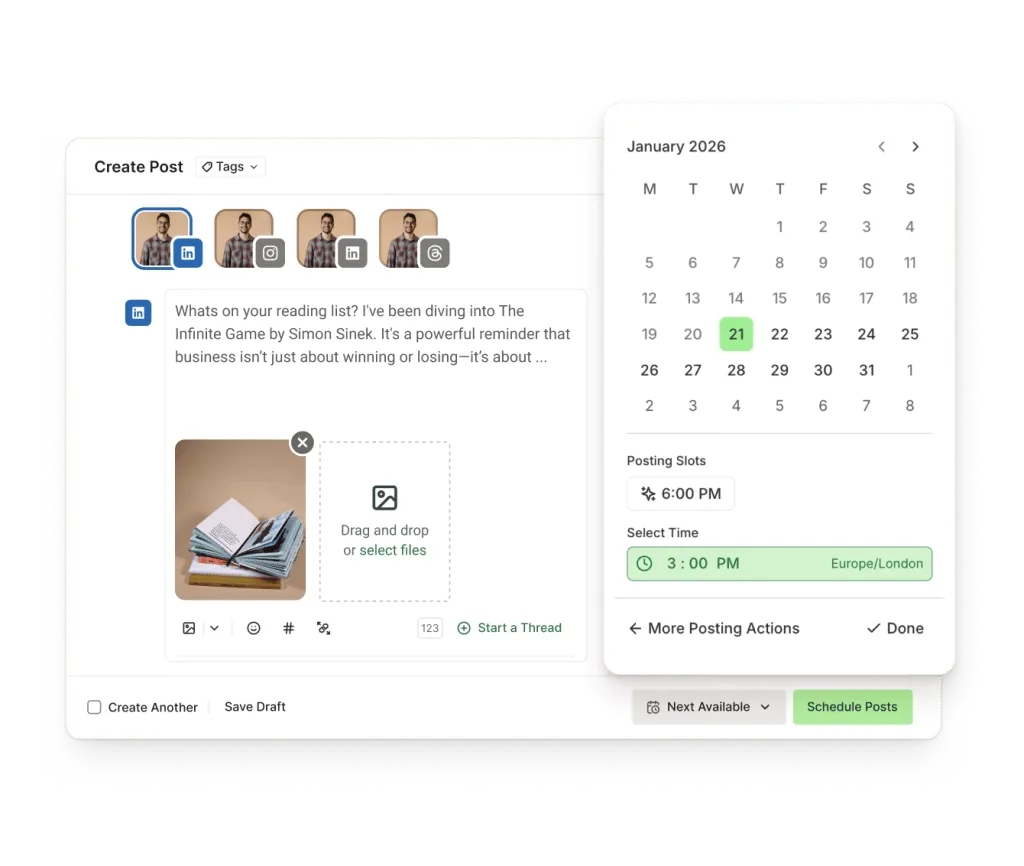
Buffer LinkedIn scheduling, October 2026
Strengths: A usable free queue; LinkedIn Profile and Page support; content planning and cross-network publishing together.
Tradeoffs: Paid costs scale by channel, and a personal profile and a Company Page count separately. Team collaboration needs a different plan from single-user publishing. Try the post formats and account connections you rely on before moving a whole calendar.
Price: Free includes three channels and ten scheduled posts per channel at a time; publishing a queued post frees space. Essentials is $5/channel/month billed annually, or $60 upfront per year. Team is $10/channel/month billed annually, or $120/year per channel, and adds collaboration. Paid plans have a 14-day trial. Buffer pricing.
Reviews: Alysha gave four stars and called it "helpful for scheduling posts and planning a content calendar" (July 2026). Anton's one-star review (July 2026) said "The posting has been unstable and unreliable" and described location and tagging failures without naming the network. Buffer replied that those errors should not occur and asked for examples, so the reply does not show a resolution.
Most relevant when: You want a small, affordable publishing setup. Price it for your full channel count and the plan you will really use.
4. Taplio: best for LinkedIn content and engagement in one workflow
Taplio combines content scheduling and analytics with higher-tier AI writing, engagement tools and team collaboration. It fits someone building a LinkedIn content habit better than a team that mainly wants a Company Page calendar across networks. Taplio's plan comparison.
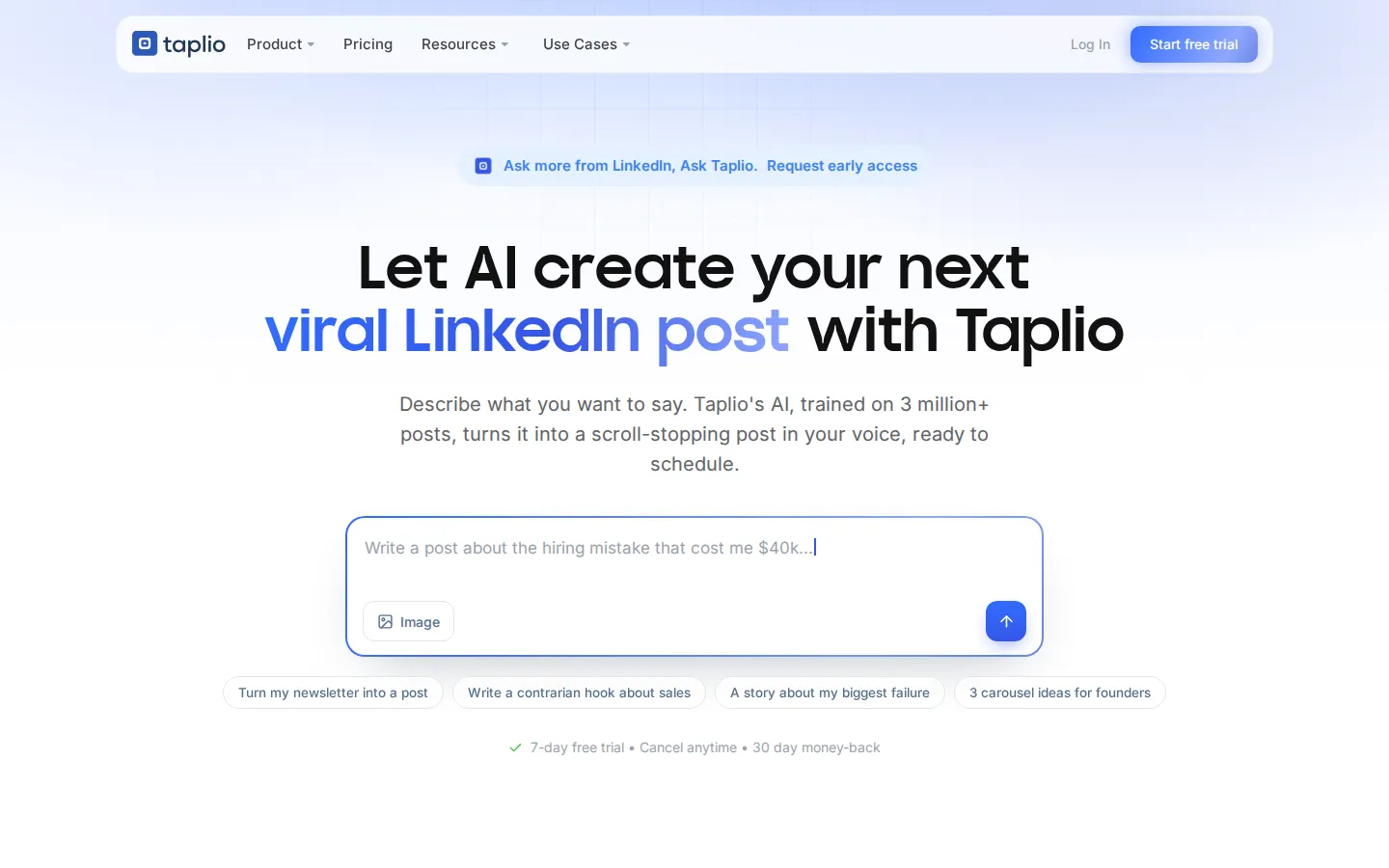
Taplio homepage, October 2026
The buying distinction is consistent publishing versus AI-assisted creation. Starter covers scheduling and core analytics; Growth adds AI writing and collaboration, so Starter does not give you the full AI feature set.
Sign-up does not force an installation. The onboarding offers the Connect browser extension with a "Skip for now" option, then asks for your LinkedIn profile URL to personalize ideas and writing. Trial it with the profile you will actually write for.
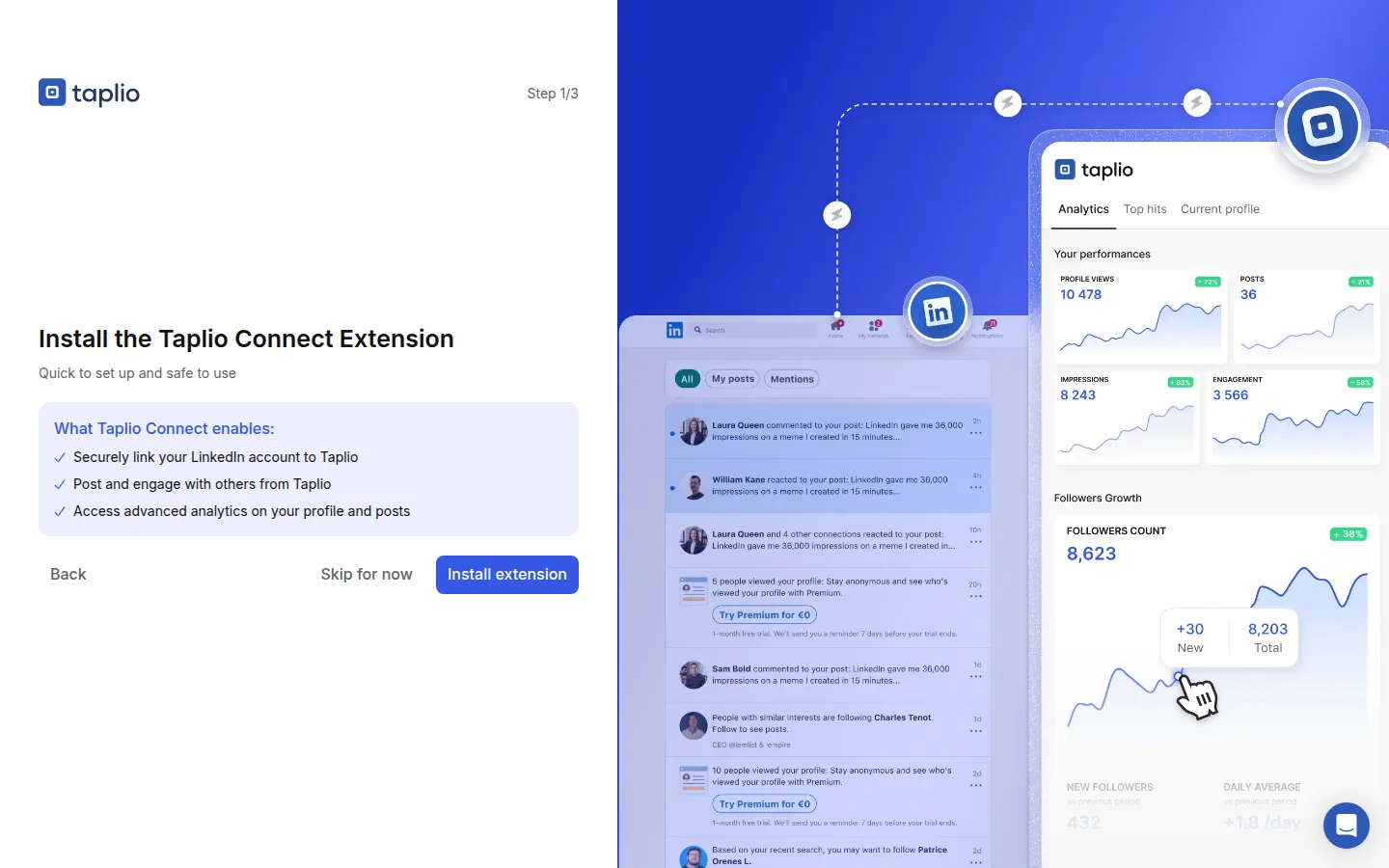
Taplio onboarding, October 2026
Strengths: LinkedIn-focused workflow; scheduling and analytics together; AI writing and collaboration as the workflow grows.
Tradeoffs: Growth costs more than the entry plan. AI drafts still need your examples, fact checks and voice. Taplio also markets automated outreach and engagement features; judge their account-access and LinkedIn-policy implications separately from scheduling.
Price: Monthly plans are Starter $39, Growth $69 and Pro $199. The trial lasts seven days. Taplio's pricing FAQ says to cancel the trial to avoid a charge and allows refund requests within 30 days of payment, so check billing settings before the trial converts. Current prices and trial terms.
Reviews: James Hanzimanolis, a ghostwriter, wrote "It's the perfect tool if you're managing multiple clients" in a five-star review (August 2026). Wilhelm Laubach's one-star review (June 2026) said "they were charging me over 60€ per month" and described confusion after the trial. Taplio apologized, said it could not identify the case and asked for his account details. The euro charge is his report, not today's US price.
Most relevant when: Creating and maintaining a LinkedIn content pipeline is the main problem and you want writing assistance next to scheduling.
5. AuthoredUp: best for drafting, previewing and analyzing personal content
AuthoredUp focuses on the work around a LinkedIn post: writing, formatting, previews, reusable snippets, drafts, a calendar and content analytics. Its comparison page also lists post-history collection and post-by-post performance comparisons. The web platform and the browser extension cover different parts of the workflow. AuthoredUp's features and pricing.
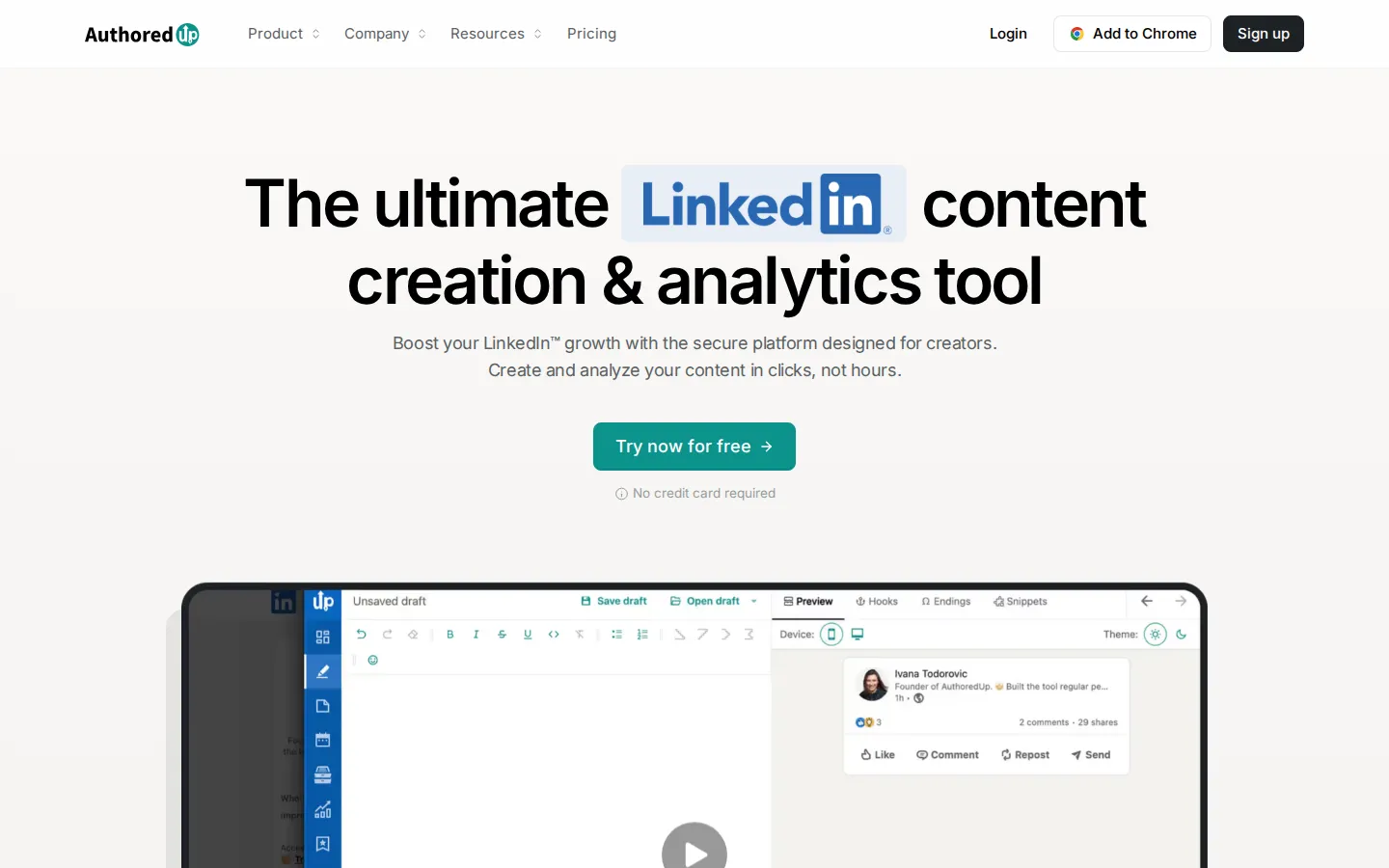
AuthoredUp homepage, October 2026
That focus pays off when the draft itself needs work. A founder can see how a post looks on different screens, keep a reusable introduction or closing, and compare past posts before deciding what to write next.
Strengths: Detailed writing and preview tools; reusable drafts and snippets; analytics tied closely to the writing process.
Tradeoffs: It is LinkedIn-only, not a broad social management suite. Scheduling runs through the extension, so check that operating model against your browser workflow. The Coauthor AI feature is described as closed beta, so do not buy it assuming immediate access.
Price: Individual costs $19.95/month for one profile, or $199.50/year upfront. Business costs $14.95/profile/month with a minimum of three profiles. A trial is available without a credit card. Current plan details.
Things I noted
AuthoredUp let me start a 14-day trial and write a post before it asked me to install anything. The web editor opened with no card and no extension, and the draft I saved came back from Drafts later without a LinkedIn profile attached. You can judge the writing tools before you hand over a connection. Scheduling and statistics are the part that still goes through the extension.
The hook is what survives the "more" cut-off, so I watched mine in both previews. My bold opening ran across two lines on mobile and one on desktop, and the desktop cut-off landed partway into the first checklist item. A hook that looks tidy on a laptop takes twice the space on a phone. The preview is an approximation, and I did not compare it with a live post.
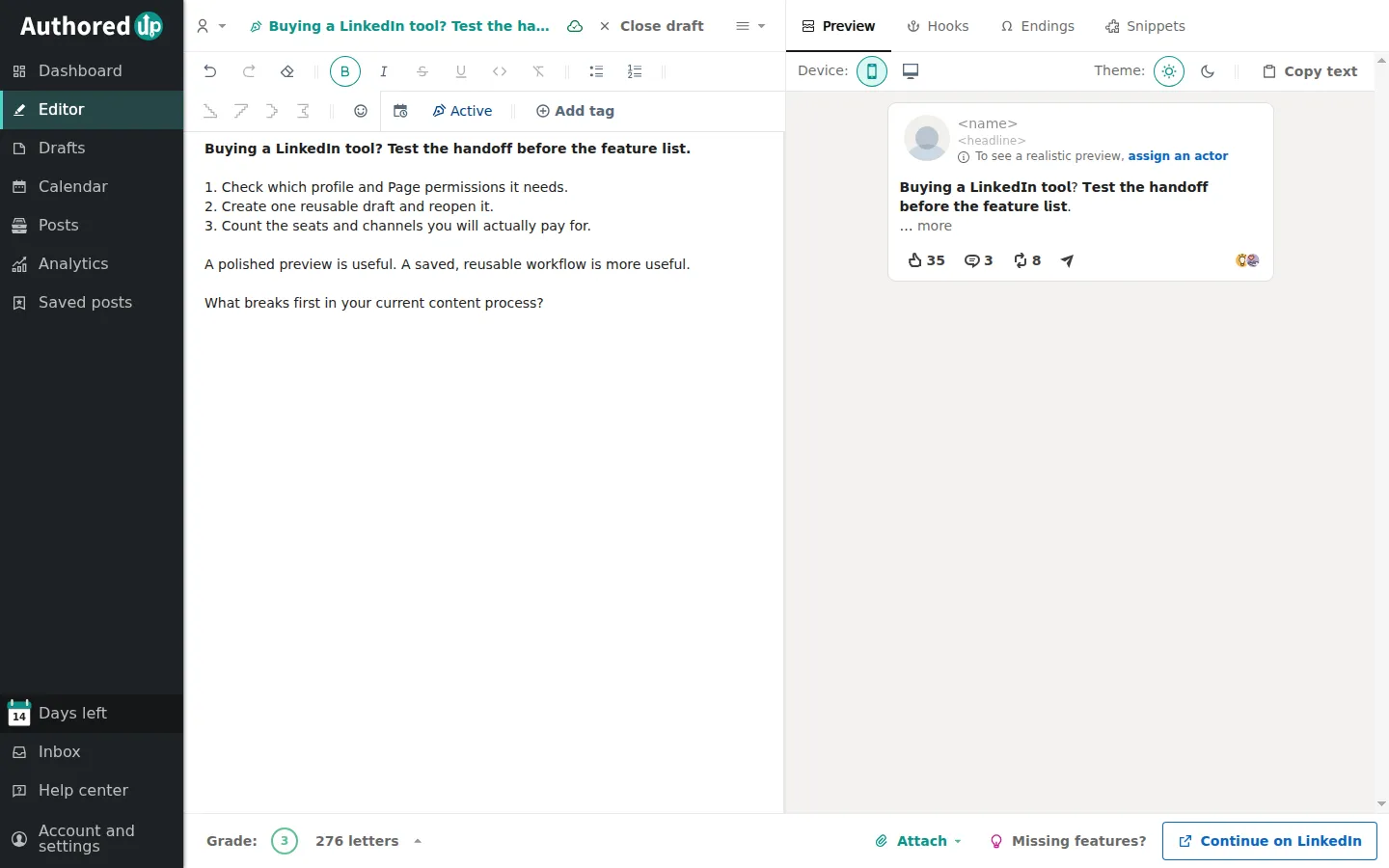
AuthoredUp editor, mobile preview, October 2026
Then I copied the text out. The bold opening arrived as Unicode styled characters, not as formatting. That's the catch. The look travels to a CRM note or a newsletter, but a search for the plain word won't find it until the text is normalized.
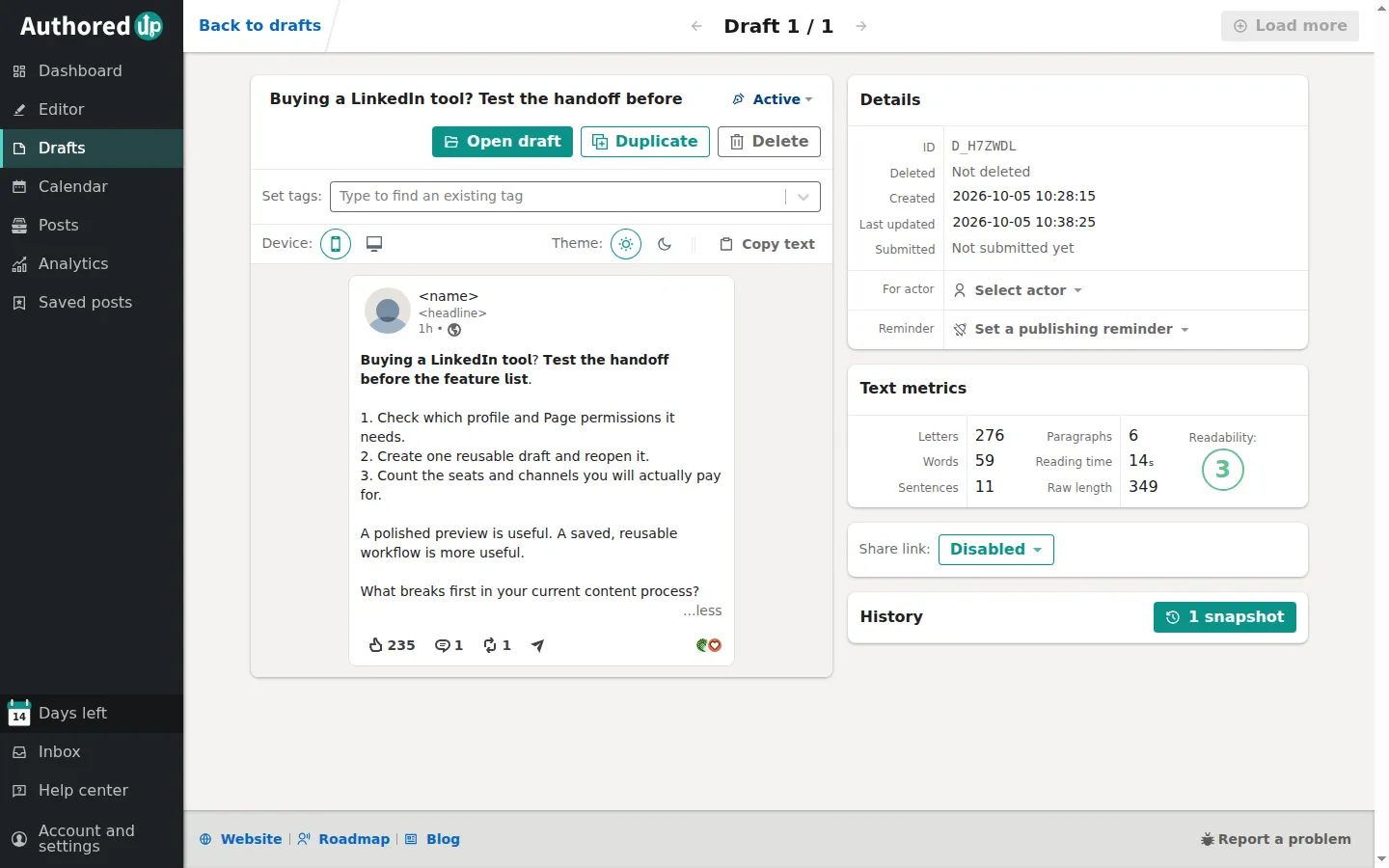
AuthoredUp draft details, October 2026
Most relevant when: You want to improve and reuse your own writing, with previews and analytics, rather than start with a large team suite.
6. Canva: best for LinkedIn documents and visual content
Canva provides design templates, a drag-and-drop editor and export tools. Its plans add brand controls, premium content and AI capabilities in different measures. For LinkedIn, the practical use is a graphic, a presentation-style document or a reusable visual template. Canva's plans.
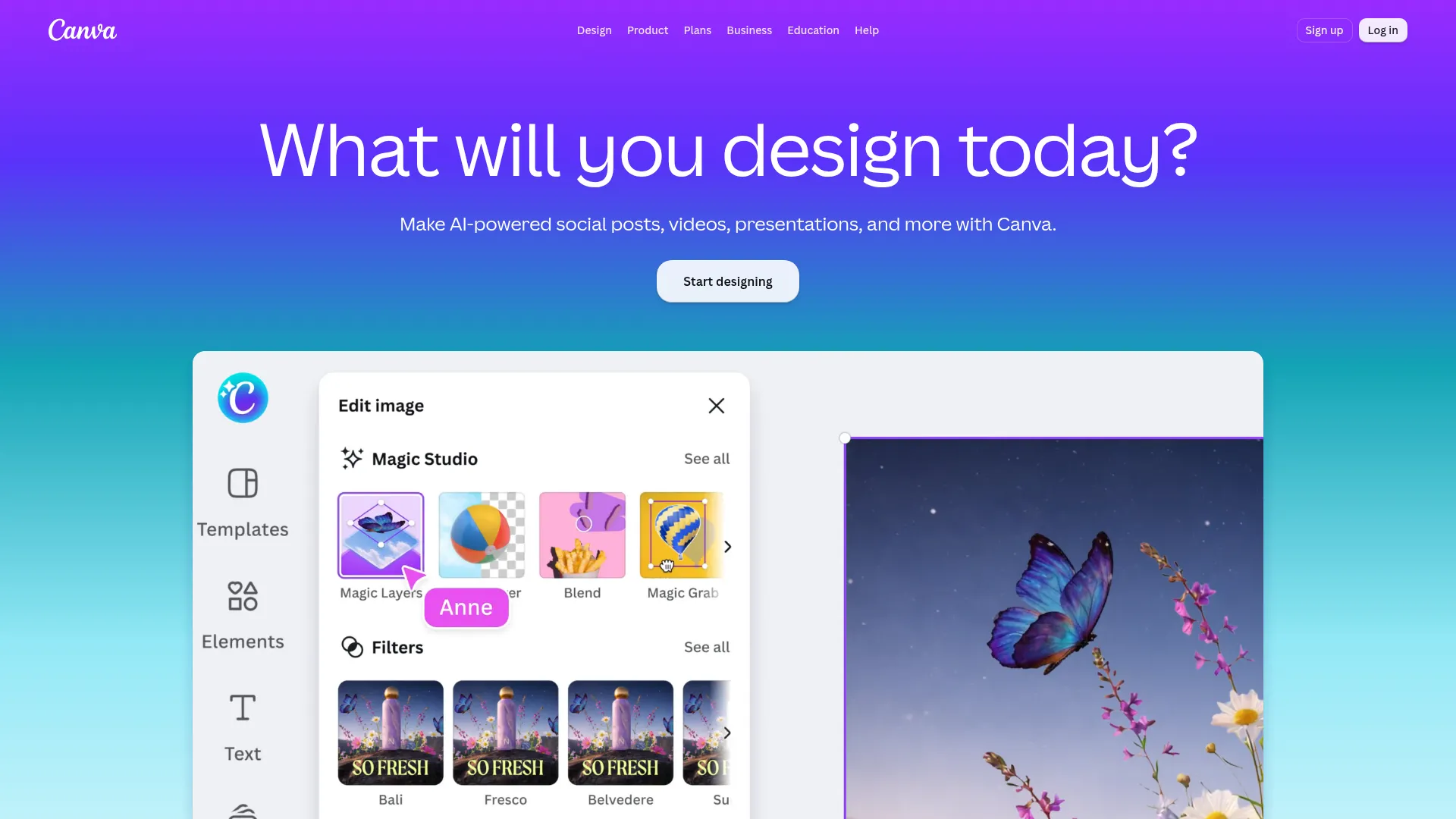
Canva homepage, October 2026
One workable pattern is turning a single customer problem into a short document: state the issue, show an example, add a checklist, finish with a next step. Canva supplies the layout; the substance still comes from your research.
Strengths: A free way to start designing; reusable templates; paid brand and editing tools for a consistent visual style.
Tradeoffs: Templates need editing to fit your audience and avoid a generic look. Premium assets and advanced controls vary by plan. Design output alone will not identify prospects or show whether they become customers.
Price: Canva Free is $0. The US pricing page lists Pro at $144/year for one person, equivalent to $12/month with annual payment, and Business separately at $250/year per person. Compare collaboration requirements before choosing. Canva pricing.
Most relevant when: Your content is ready but its presentation is holding it back. Start with Free and upgrade for a specific asset, editing feature or brand control.
7. LinkedIn Sales Navigator: best for finding and researching prospects
Sales Navigator is LinkedIn's prospecting product, with advanced search, saved leads and accounts, alerts and InMail. Higher plans add team, research and CRM-related capabilities. It belongs in a marketing toolkit when sales and marketing need a shared view of the people they want to reach. LinkedIn's plan comparison.
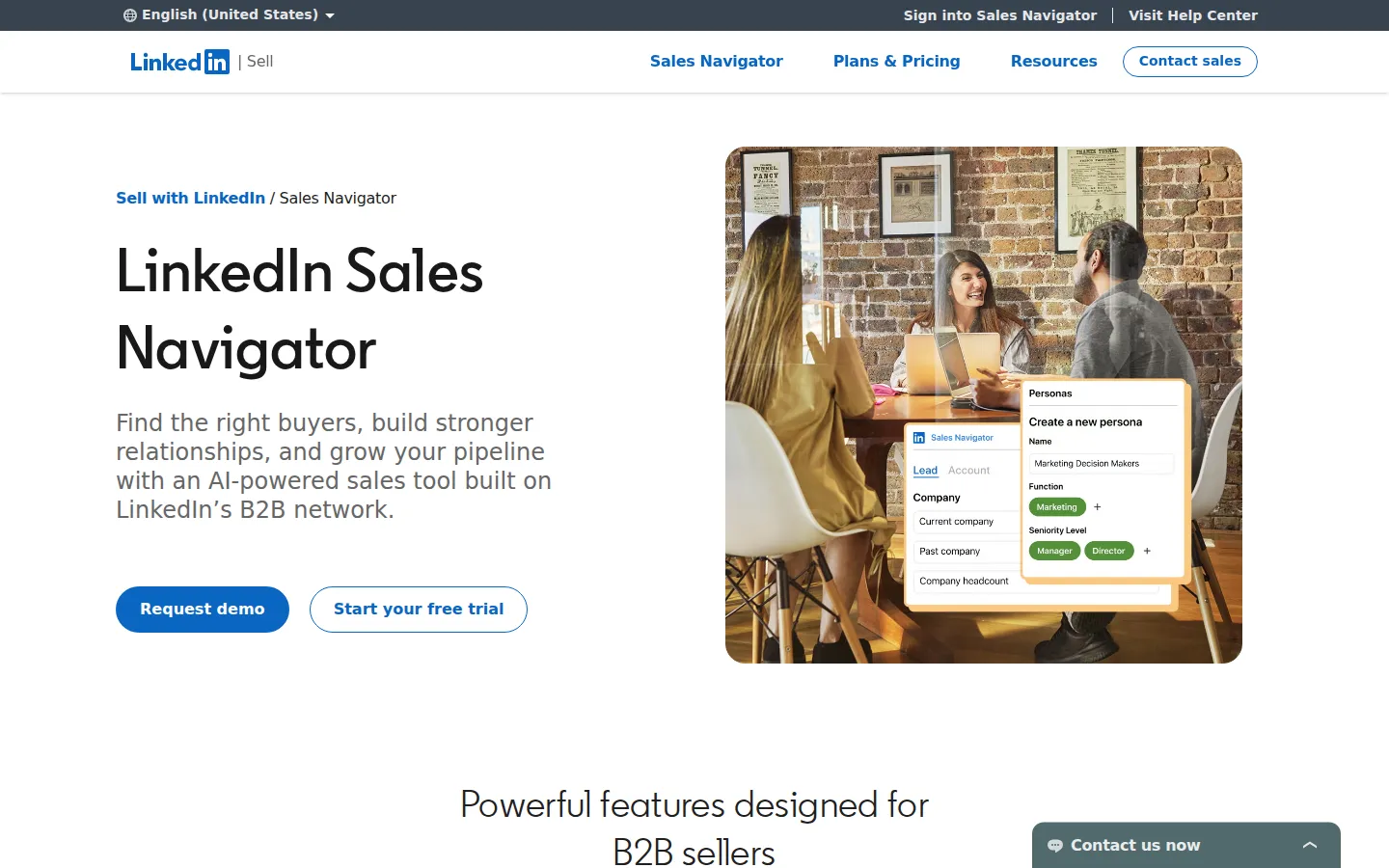
LinkedIn Sales Navigator, October 2026
For account-based work, begin with target companies and buying roles, then use saved lists and alerts to prioritize research. Finding someone relevant is a separate step from deciding what to say to them.
Strengths: Native LinkedIn prospect search; lead and account organization; alerts and 50 monthly InMail credits across the listed plans.
Tradeoffs: It is a separate paid license, and team and advanced CRM features depend on plan. It does not replace a publishing calendar, an ad manager or your follow-up process.
Price: Core starts at $119.99/license/month or $1,079.88/year, equivalent to $89.99/month with annual payment. Advanced starts at $159.99/month; Advanced Plus requires a quote. LinkedIn labels these starting estimates and sends buyers to checkout for regional and promotional pricing. Official prices.
Most relevant when: Better targeting and account research are the bottleneck. For the wider process, see our LinkedIn account-based marketing guide.
8. LinkedIn Campaign Manager: best for paid LinkedIn campaigns
Campaign Manager is LinkedIn's ad platform, with campaign setup, professional-audience targeting, measurement and optimization. Targeting includes attributes such as industry, seniority and job function. Campaign Manager overview.
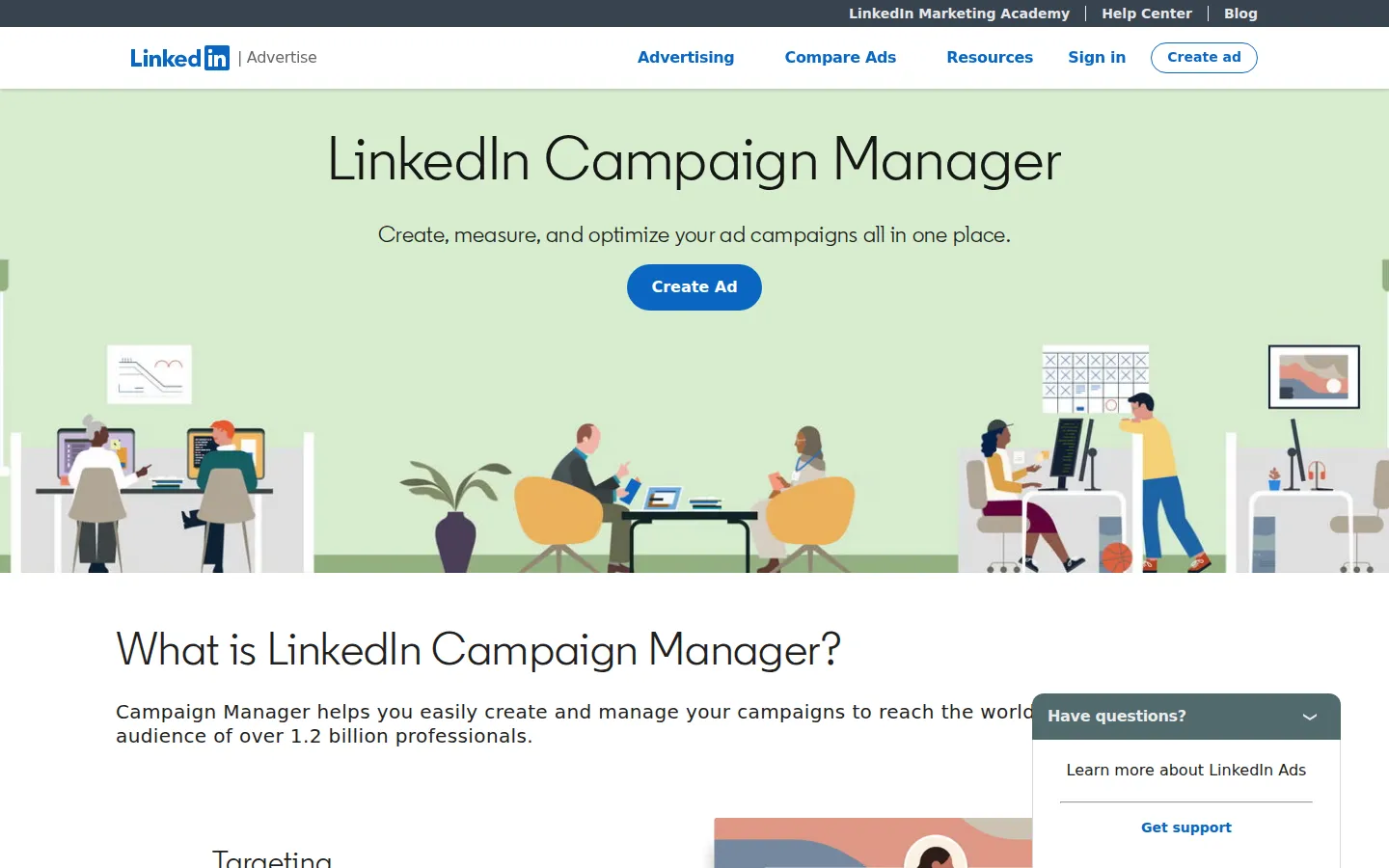
LinkedIn Campaign Manager, October 2026
Use it when you intend to buy distribution. A useful pilot needs a defined audience, an offer, creative assets and a way to connect ad responses to qualified leads. Decide what counts as a successful lead before you judge the campaign by clicks.
Strengths: Native ad setup; targeting by professional attributes; measurement and optimization in the same platform.
Tradeoffs: Results depend on the offer, creative work and follow-up as much as on the software. Spend depends on the auction and the objective you select, and reporting needs a clear link to your conversion process.
Price: Treat this as an advertising budget, not a fixed software subscription. LinkedIn sets ad costs through bidding and auction conditions, with billing events depending on the campaign objective. LinkedIn ad pricing.
Most relevant when: You have an offer worth testing with paid distribution and the capacity to follow up on the leads.
9. Hootsuite: best for managing several social networks in one workspace
Hootsuite combines publishing, inbox work, analytics and other social management functions. Standard covers up to ten social accounts; Professional expands the account allowance and reporting; Advanced adds content approvals and more coordinated team workflows. Hootsuite's plan comparison.
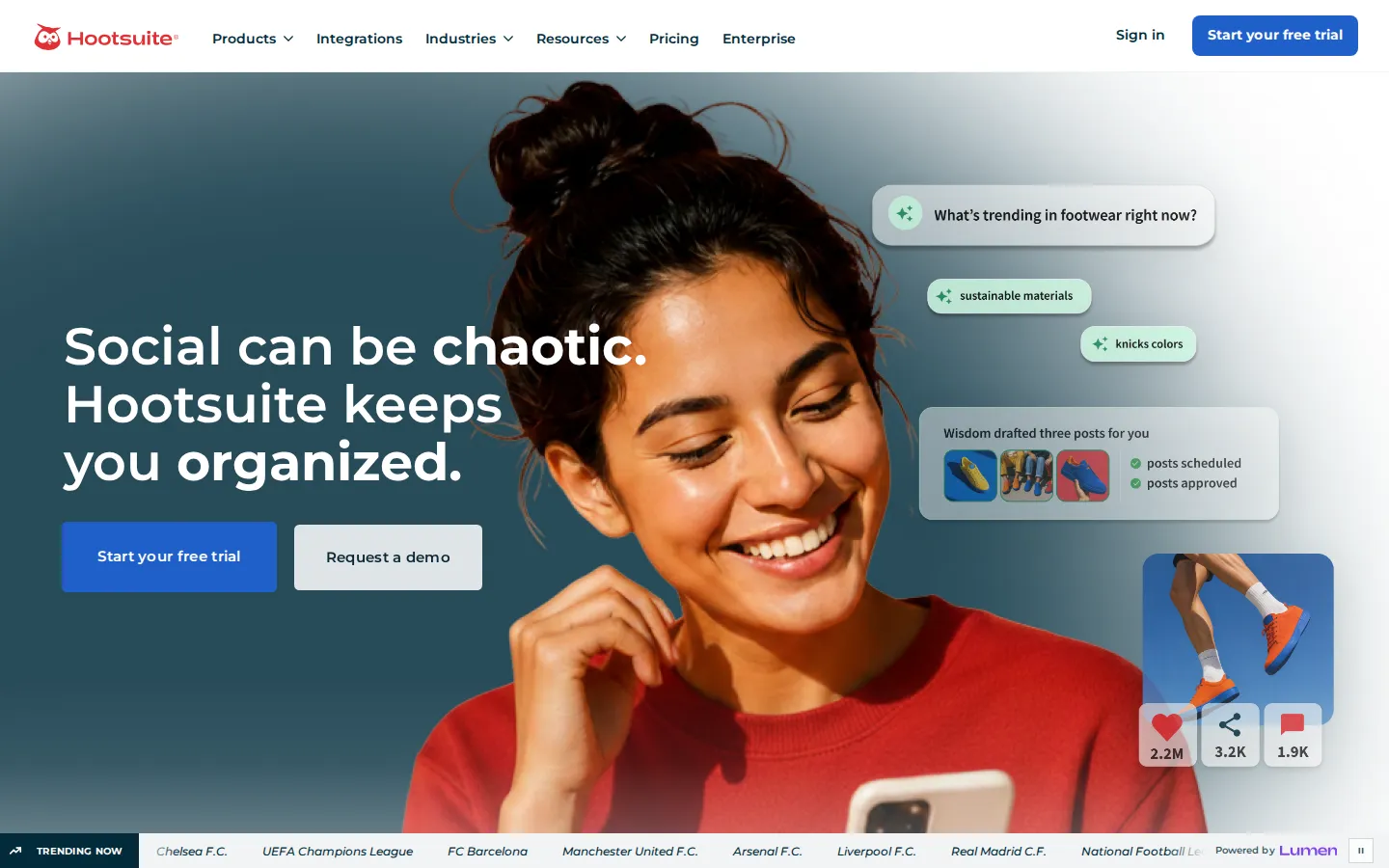
Hootsuite homepage, October 2026
Its appeal grows when LinkedIn is one part of a wider publishing operation. A team managing several brands can organize the calendar and reporting without treating each network as a separate project.
Strengths: Publishing across multiple accounts; inbox and reporting features; collaboration and approvals on higher tiers.
Tradeoffs: Per-user pricing becomes a substantial commitment for a team, and features advertised across the suite may need a higher tier. Confirm LinkedIn-specific inbox and reporting coverage instead of assuming every network supports the same functions.
Price: Standard is $99/user/month billed annually, or $1,188/year. Professional is $199/user/month annually; Advanced is $399/user/month annually. The 14-day trial has posting limits, and bulk scheduling is unavailable during it. Prices and trial restrictions.
Things I noted
My brief asked for a LinkedIn post under 150 words on three checks before buying a marketing tool, with no invented statistics. The AI assistant covered all three and closed with a practical question. It also opened by saying the author always runs these checks, which my brief never said. For a founder posting under their own name that is a made-up habit. Good first draft, bad first line.
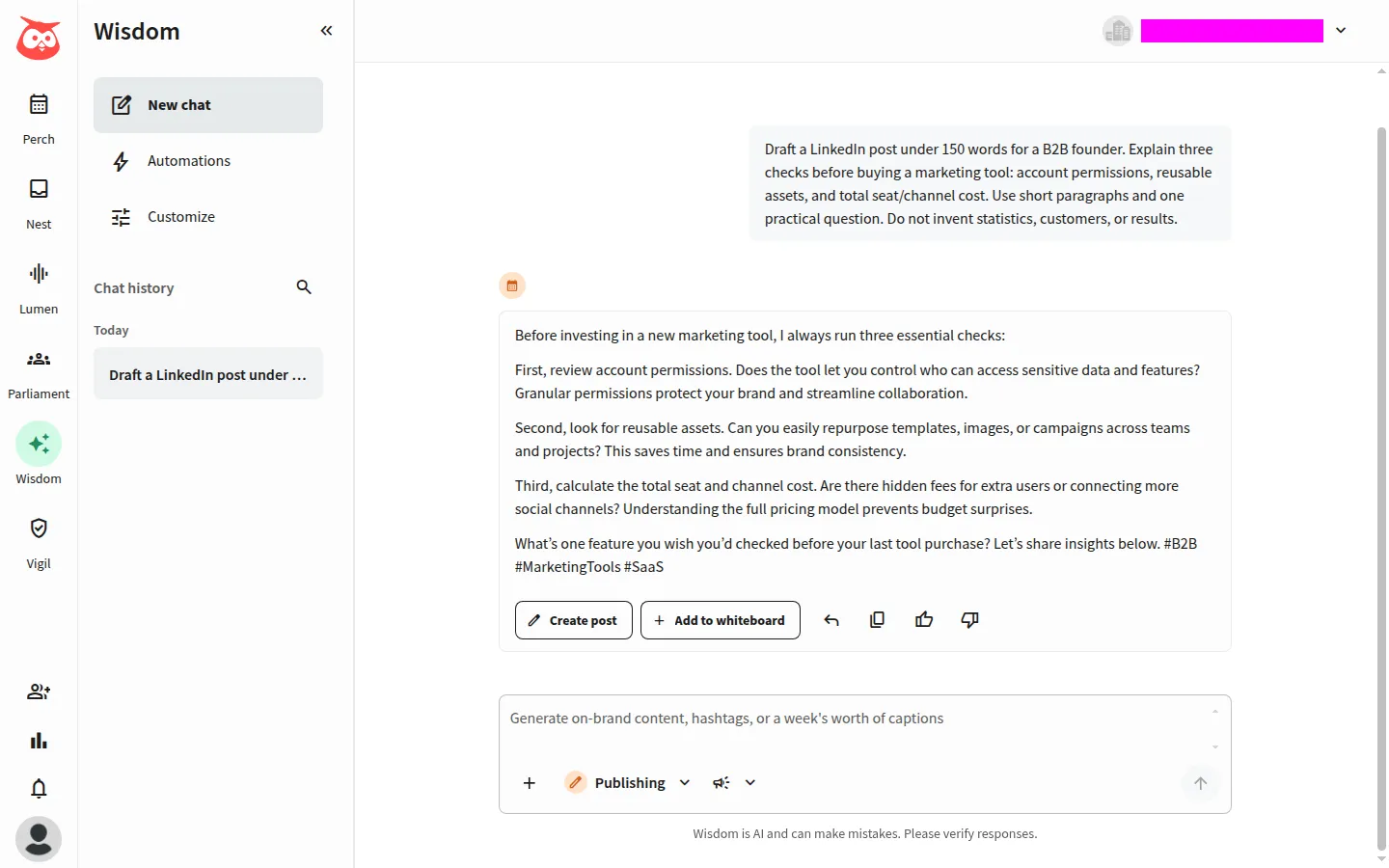
Hootsuite AI assistant, October 2026
The hand-off was smoother than I expected. Create post carried the text straight into the composer, and Save as draft answered "Your draft has been saved" with no social account connected. So you can judge the writing assistant on day one of the trial. Publishing is a different story: the composer needs a connected destination, which means delivery, approvals and the inbox are things to test with your own Pages before you sign an annual seat contract.
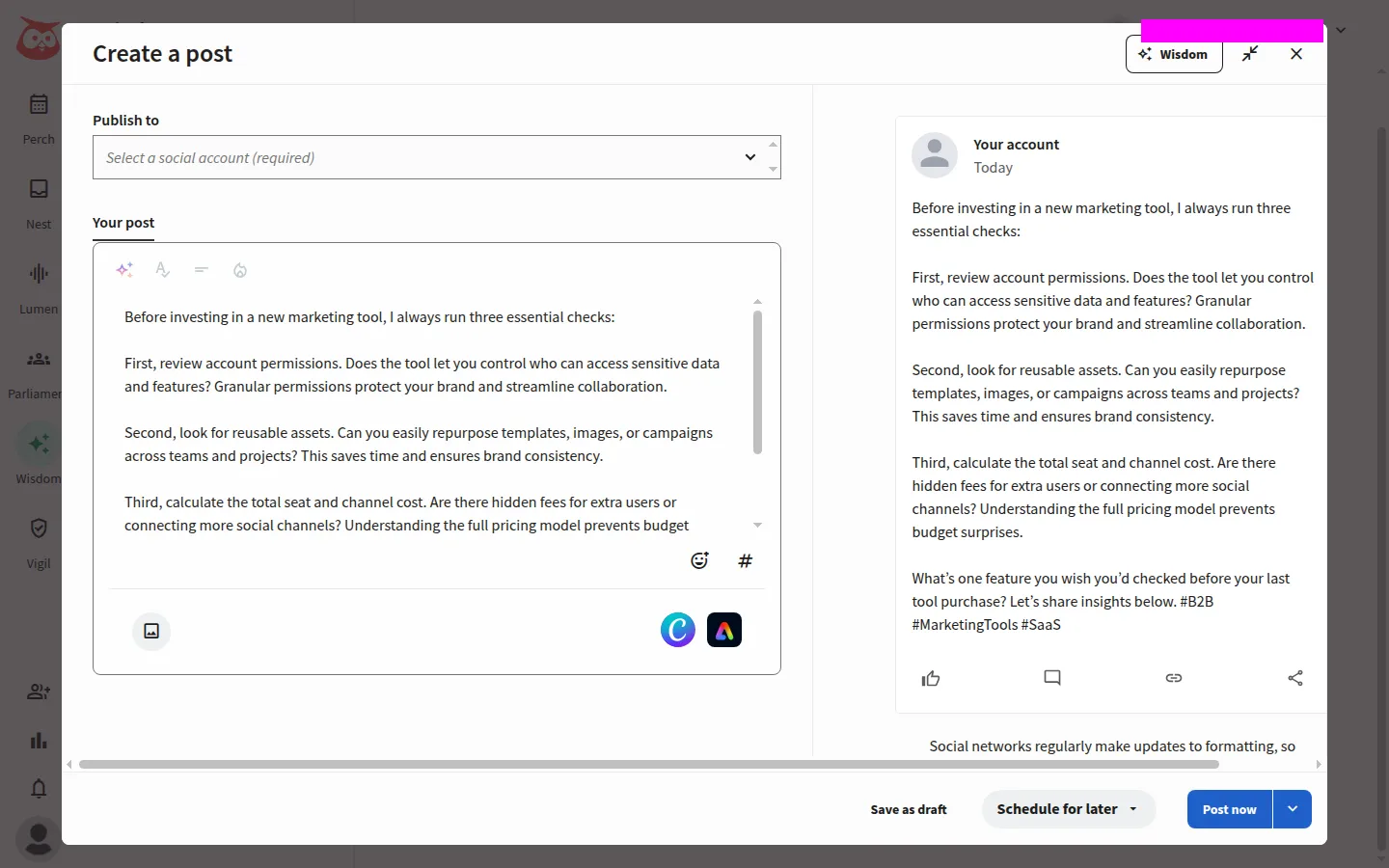
Hootsuite composer, October 2026
Most relevant when: You need broader social operations. A single LinkedIn account with modest publishing needs may be better served by native tools or Buffer.
10. Sprout Social: best for publishing, reporting and larger team workflows
Sprout Social's LinkedIn integration supports publishing, Company Page engagement and reporting. Its higher plans add inbox collaboration, reporting depth and integrations, so the decision comes down to publishing essentials versus a wider social-team workspace. LinkedIn integration, plan comparison.
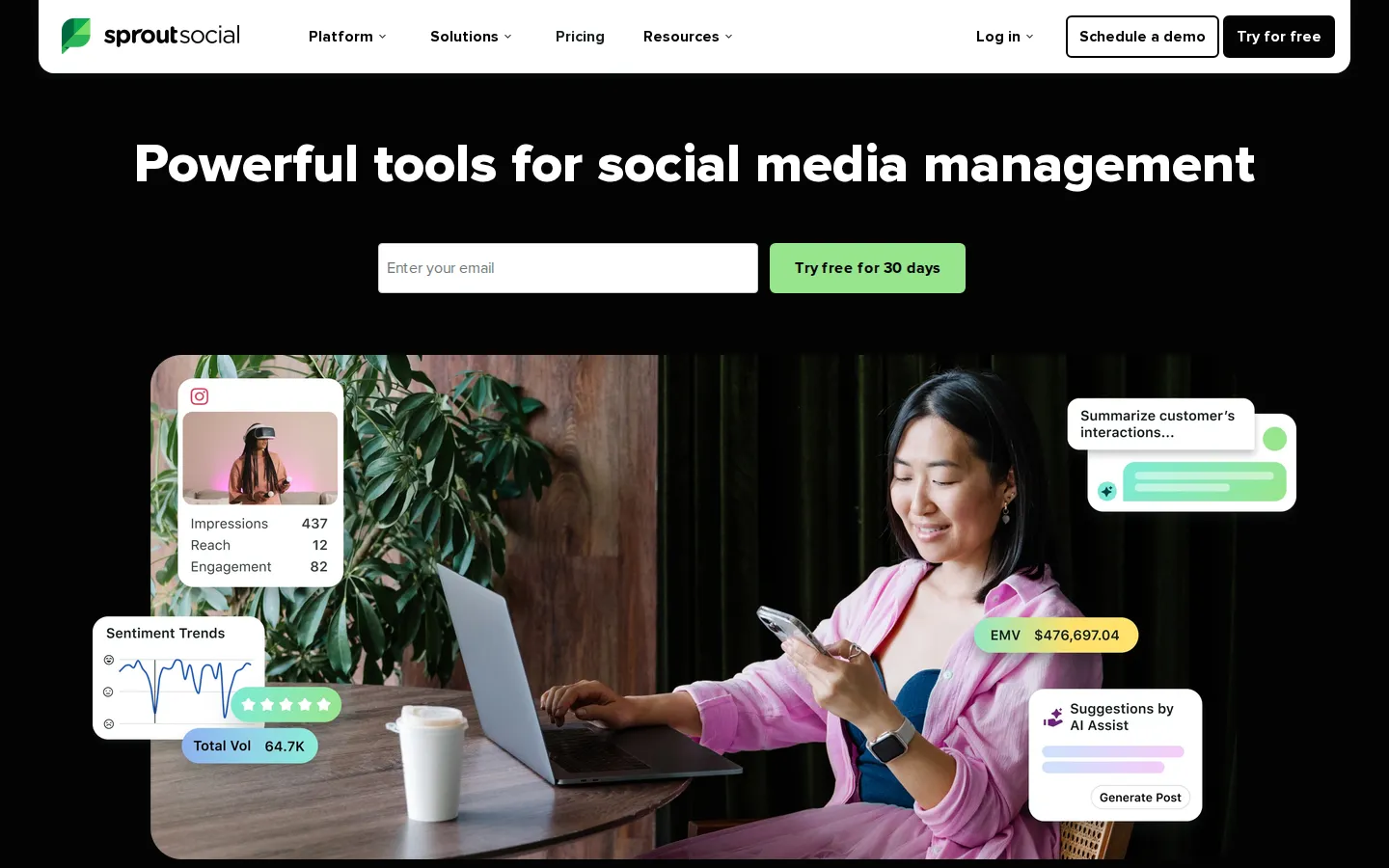
Sprout Social homepage, October 2026
The entry plan is Essentials, not Standard, so a publishing-focused buyer should price Essentials before assuming Standard is the minimum.
Mind the trial. The public 30-day trial needs no card but puts you on Professional, so it will not show what the cheaper Essentials plan includes. Onboarding also asks you to connect a social network straight away (LinkedIn sits under "Choose another network"), so have the Page administrator ready, and use a Page with existing content if you want to judge reporting. A brand-new empty account shows little about historical coverage or comparisons.
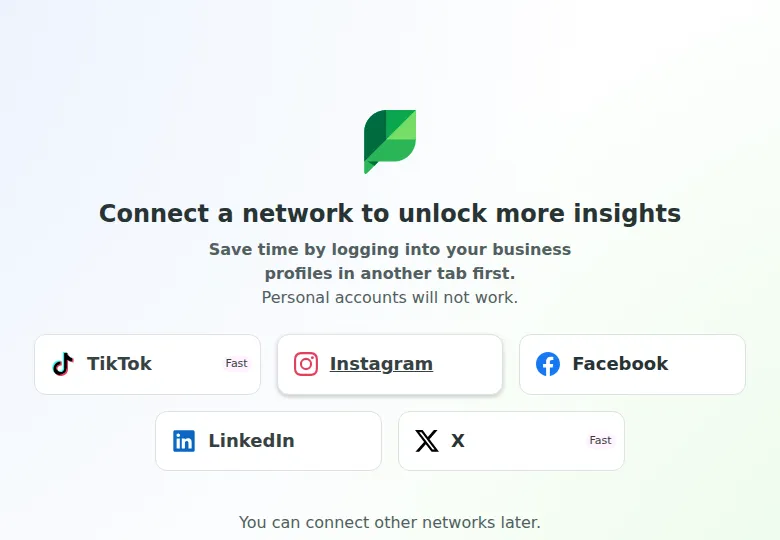
Sprout Social onboarding, October 2026
Strengths: LinkedIn publishing and reporting; an entry-level publishing plan; inbox and collaboration features on higher plans.
Tradeoffs: Per-seat pricing adds up as the team grows, and inbox and advanced capabilities differ by plan. The Sprout API appears on Advanced, so an integration requirement can change the budget.
Price: Essentials is $79/seat/month billed annually, or $948/year, and $99/seat/month billed monthly. Standard is $199/seat/month annually, or $2,388/year; Professional is $299 and Advanced $399/seat/month annually. Essentials and Standard list five social profiles. The pricing page offers a 30-day trial without a card. Current pricing, trial offer.
Most relevant when: Reporting and coordinated social operations justify the seat cost. If you mainly need publishing and basic reports, evaluate Essentials first.
Check account access before enabling automation
LinkedIn's policy prohibits third-party software or extensions that scrape, alter the appearance of or automate activity on its website, so account restrictions are a material consideration for outreach and browser-based automation. An execution model or an activity-limit setting is not proof of LinkedIn approval. LinkedIn's automated-activity policy.
Publishing through a supported integration and automating actions on LinkedIn's website are different mechanisms. For each feature, check how it connects, what permissions it requests and where the session runs. LinkedIn itself describes third-party scheduling integrations, but that does not authorize every feature a vendor sells. LinkedIn's scheduling integrations.
Our LinkedIn automation security study adds vendor-authored context. Findings about one product version or architecture do not predict the restriction rate of another.