 Updated: September 29, 2026
 11 min read
As of August 2020, LinkedIn’s U.S. members reported approximately 110,000 volunteer experiences on their profiles, indicating a growing trend in showcasing volunteerism. Wiley Online Library
If you forgot to add a section or mention a few key details about your volunteer work, now is the perfect time to update your bio!
Your professional growth might have been shaped by unpaid work, and including that experience can give recruiters a fuller picture of your skills and dedication. Your volunteer work could be just as influential in your career development as paid roles, so make sure it’s reflected in your profile.
1. Why Add Volunteer Experience to Your LinkedIn Profile?
If you lack the necessary experience but are working to build it up, or if you were a volunteer early in your career, be sure to include this experience in your profile.
Showcase Your Skills
The LinkedIn Volunteer section is a great place to highlight your abilities. You may have used skills as a volunteer that you don’t currently apply in your paid job. If you still possess those skills, volunteer experience is a perfect opportunity to showcase them. By describing your tasks and achievements in detail, you can attract the right job opportunities.
Recruiters Value Volunteer Experience
Recruiters pay close attention to volunteer experience because it often reveals soft skills and personal qualities beyond professional qualifications. This can help set you apart from other candidates.
Build Credibility and Trust
Volunteering with well-known organizations or large companies can add credibility to your profile. Your name may become associated with these brands, enhancing your professional reputation. Whether you were an intern or a volunteer, such experience can make a meaningful difference in how your expertise is perceived.
2. Where to Add Volunteer Experience on LinkedIn
Although LinkedIn has a dedicated section for volunteer experience, there are other ways to highlight your volunteer work that might be even more beneficial in certain cases.
1. Dedicated Volunteer Section
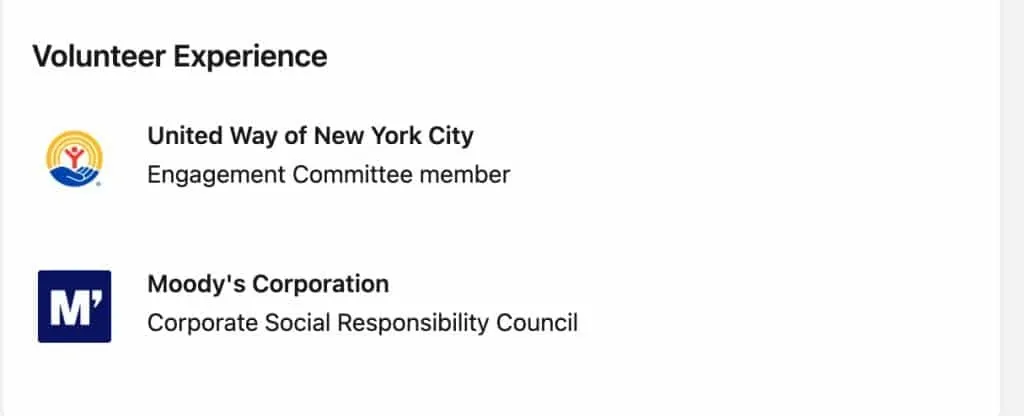
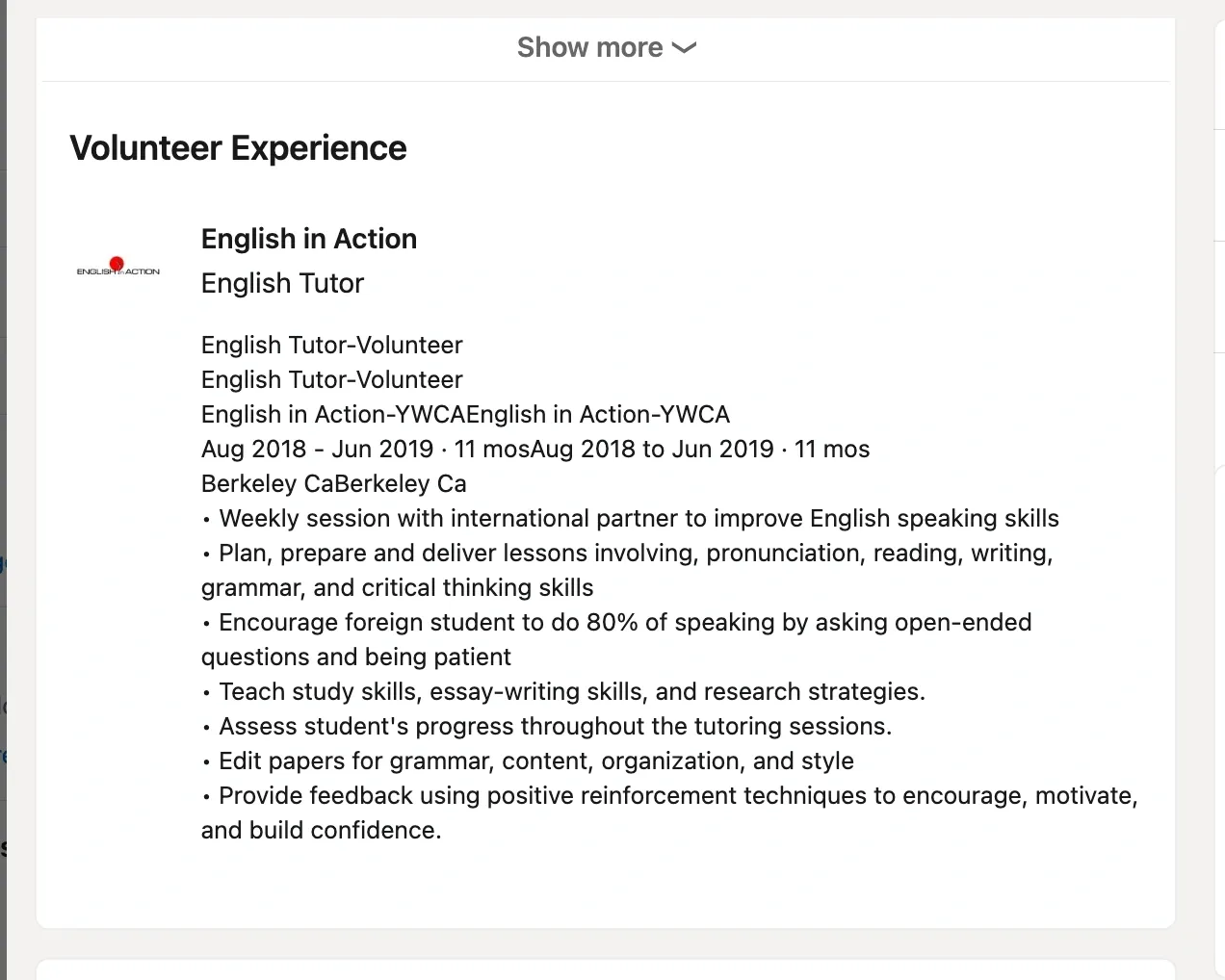
Volunteer experience section showing the company logo along with the job title and description of responsibilities.
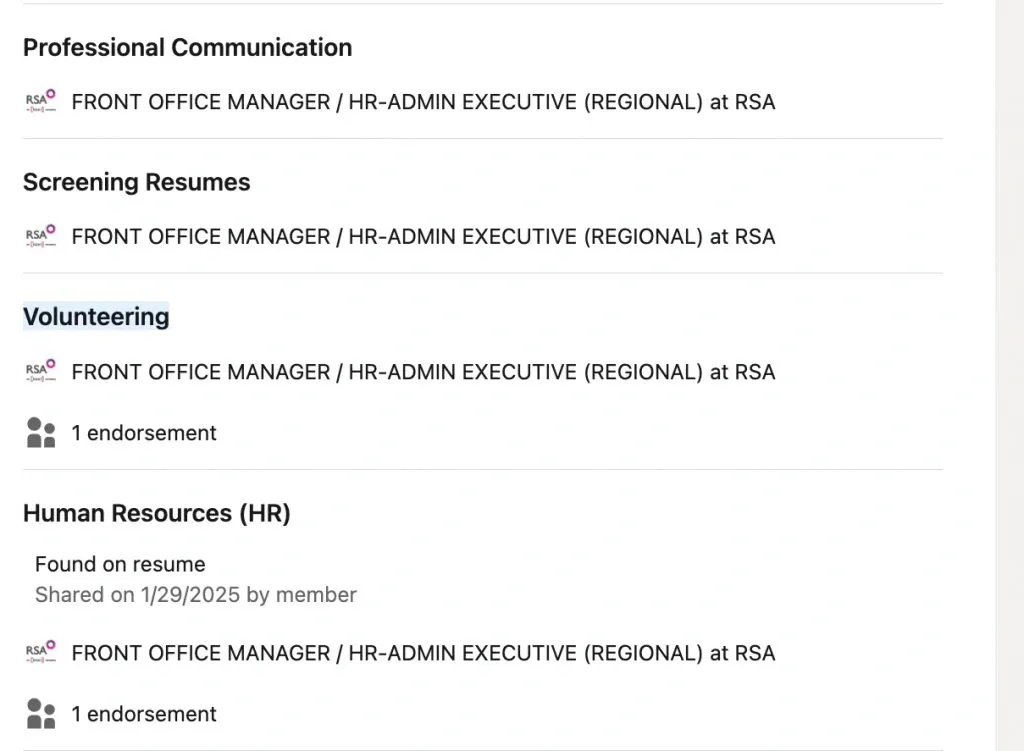
This section is specifically designed for listing volunteer experience. It allows you to display the organization’s name and logo, which can positively impact your personal branding. You can also specify your role, detail your responsibilities, and highlight key achievements.
2. Experience Section
You can list your volunteer work within your main experience section by adding it as another position. This approach can be beneficial because recruiters often search for candidates using organization names or keywords found in this section. If your volunteer experience is relevant to your current career path, this placement makes it more prominent.
3. Where else can you add volunteer work to LinkedIn?
- About Section: If your volunteer work highlights soft skills and personal qualities, you can mention it in your LinkedIn bio to give recruiters a broader picture of who you are.
- Featured Section: If you created content as part of your volunteer work—such as writing articles, research contributions, or social media posts—you can add direct links to showcase this experience visually and make it easily accessible.
3. How to Add Volunteer Experience to LinkedIn
A. Using the Volunteer Experience Section
- Log Into LinkedIn and Navigate to Your Profile
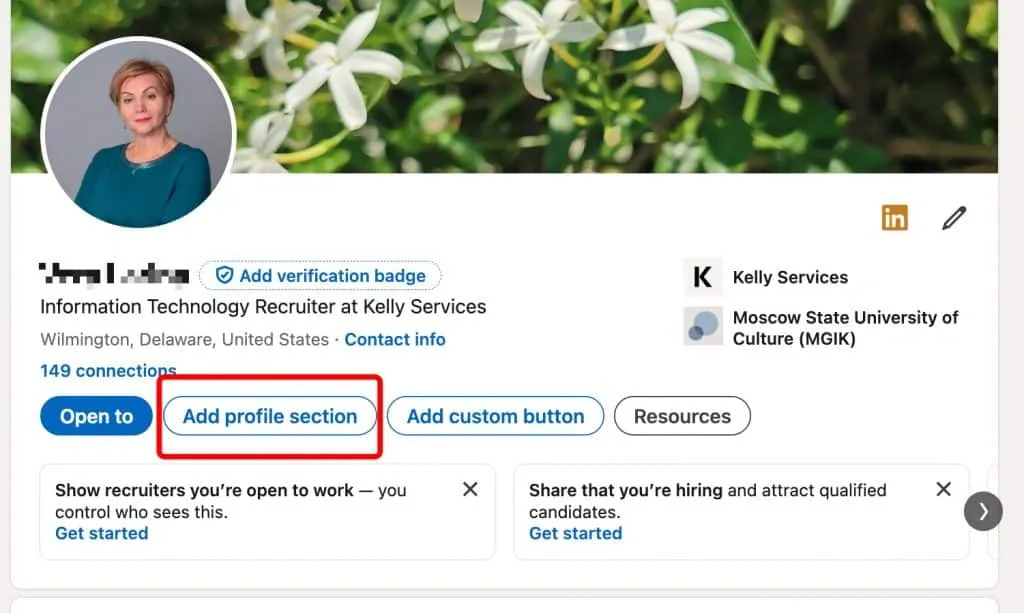
Go to your LinkedIn profile page. Under the main profile banner, you’ll find a button labeled “Add Profile Section.” Click on this button.
- Select the Volunteer Experience Option
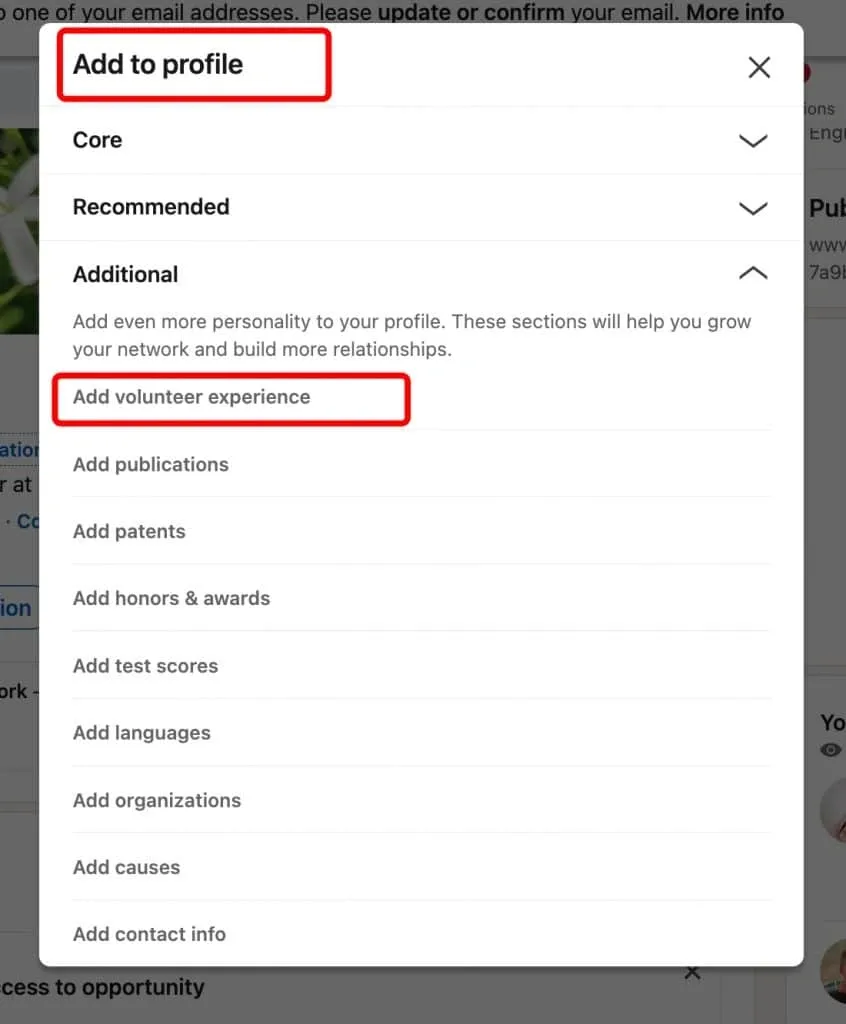
Scroll through the list of options and click on the Additional → “Volunteer Experience” tab.
- Fill Out the Volunteer Experience Fields
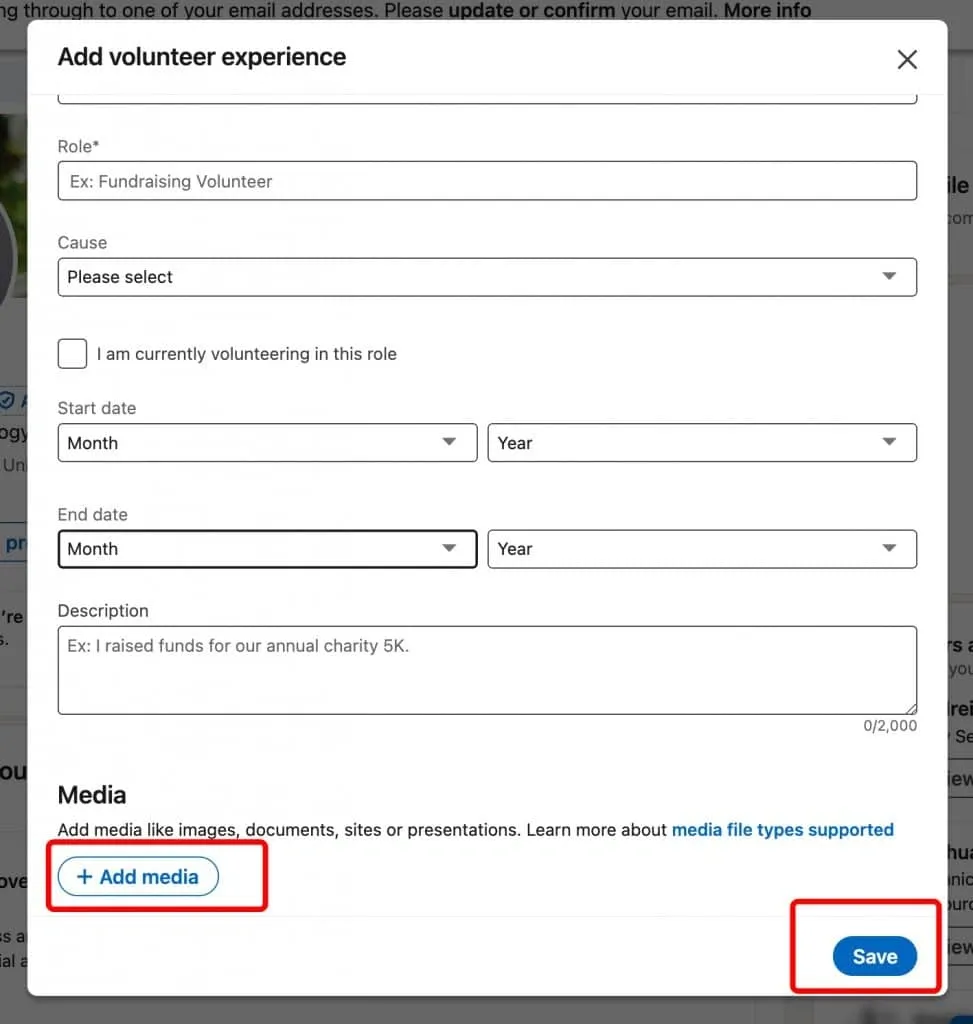
Once in the Volunteer Experience section, you’ll be prompted to fill in details such as the organization name, your role, and the dates you volunteered.
You can also add a description of your tasks and responsibilities, though these fields are optional. Additionally, you can attach media files to highlight your contributions. After filling out the necessary information, click “Save,” and the section will appear on your profile.
B. How to Add Volunteering to LinkedIn Experience Section
The second method we discussed is to add your volunteer experience in the same way as paid work by including it in the “Experience” section of your profile.
- Add Volunteer Work as a Job Simply click the “+” button in the “Experience” section of your profile.
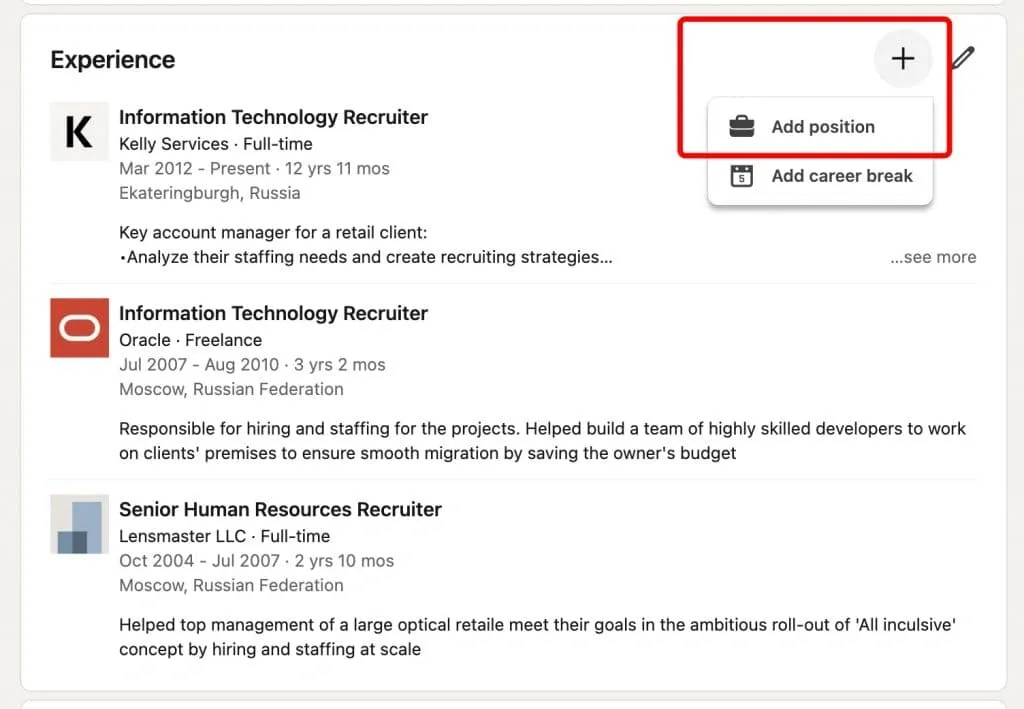
- Indicate It’s Unpaid Volunteer Work In the job description, clearly mention that you worked for a non-profit organization or as a volunteer. This helps distinguish your unpaid role from paid positions.
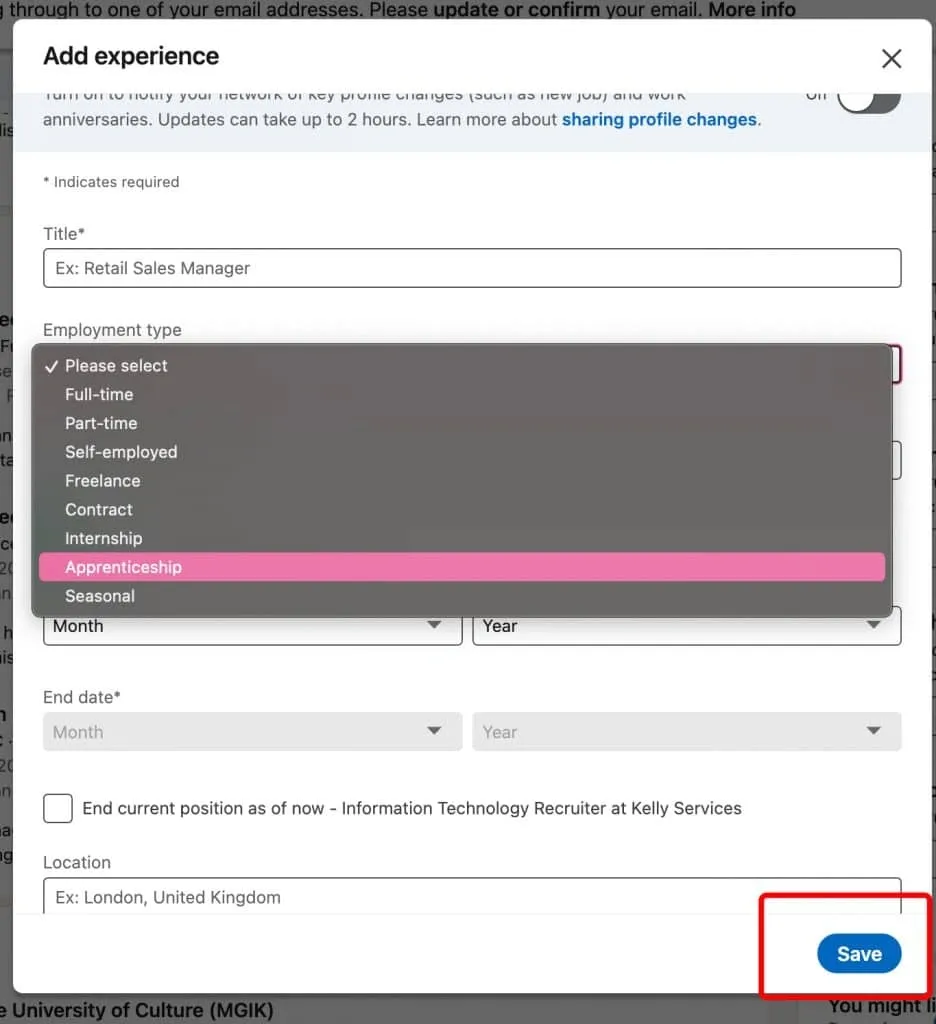
- Provide the Same Details as for Regular Jobs You can include the same details as you would for any paid position, such as job responsibilities, achievements, and timeframes. If you worked part-time as a volunteer, be sure to note that as well.
- Save and Update Your Profile After filling in the details, click “Save” to add your volunteer experience to the main work section of your profile.
4. Best Practices for Highlighting Volunteer Work
Quantify Achievements
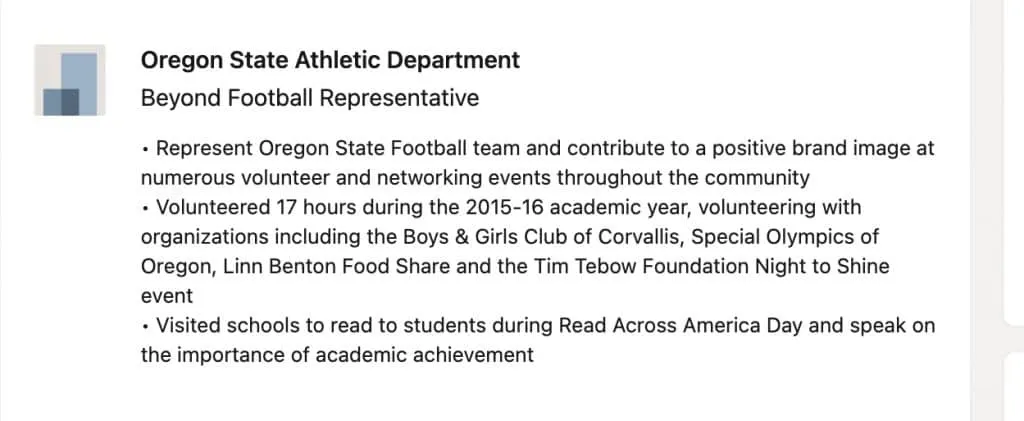
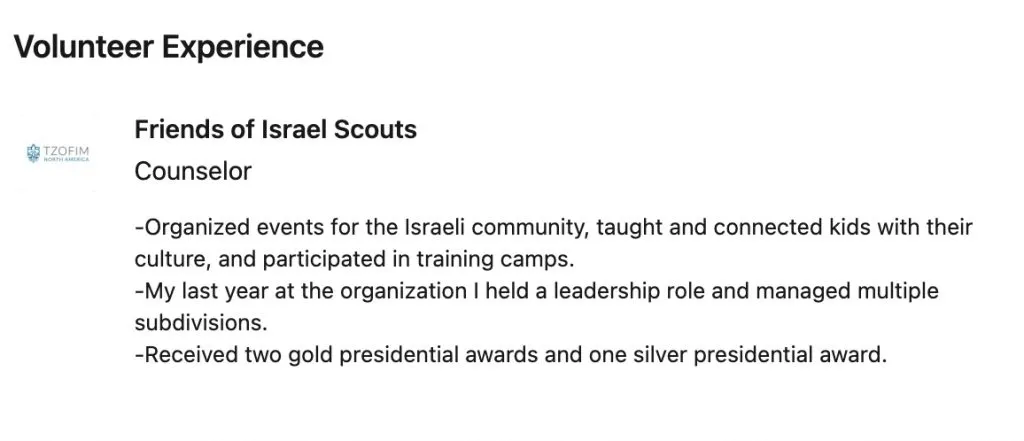
Real example of volunteer experience section using numbers
To make your experience stand out, include specific details such as:
- The number of hours you spent volunteering.
- The size of the team you worked with or managed.
- Tangible results, such as funds raised, events organized, or people impacted.
For example, instead of saying “Organized charity events,” you could write “Led a team of 10 volunteers to organize a fundraiser that raised $10,000 for local shelters.”
Use Keywords
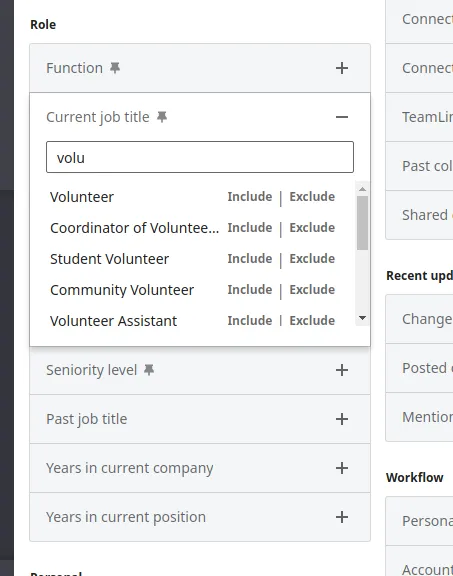
Incorporate industry-specific terms to improve visibility in searches.
For example, if you volunteered as a psychologist, mentioning “group therapy sessions,” “data management,” or “clinical documentation” helps demonstrate your expertise and ensures recruiters searching for those skills can find your profile.
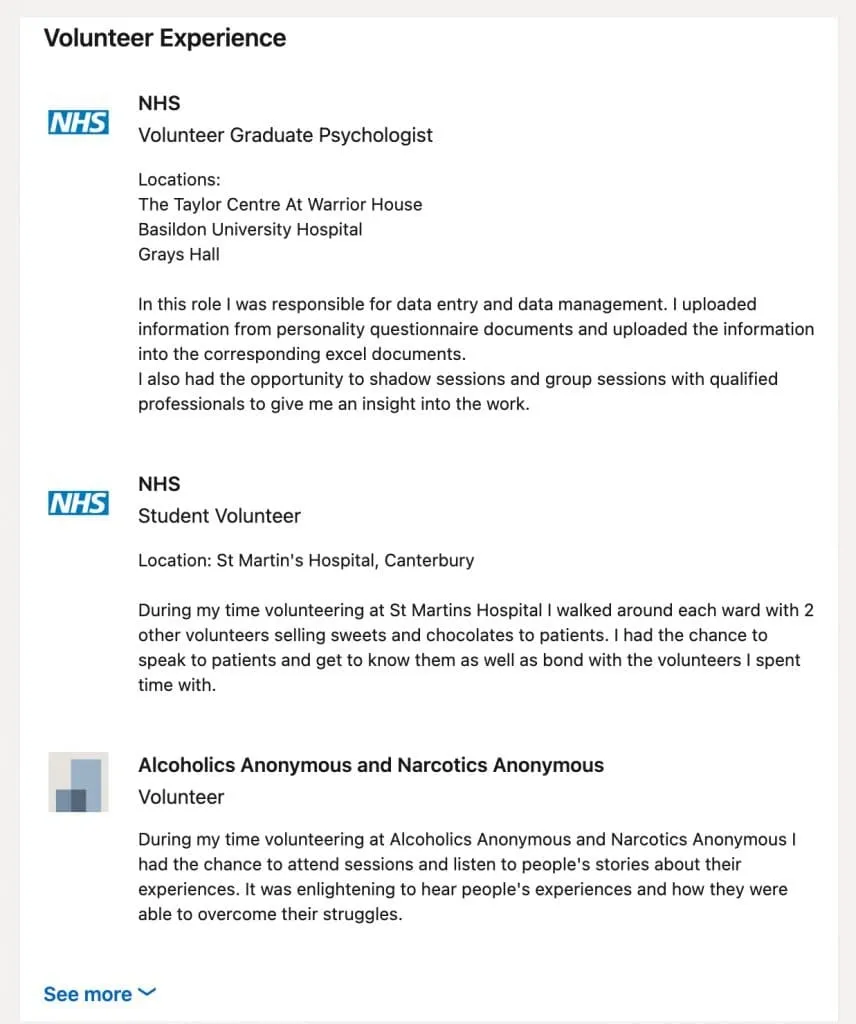
Example of detailed description of tasks and responsibilities in volunteer work