 Updated: September 29, 2026
 19 min read
Quick Takeaway
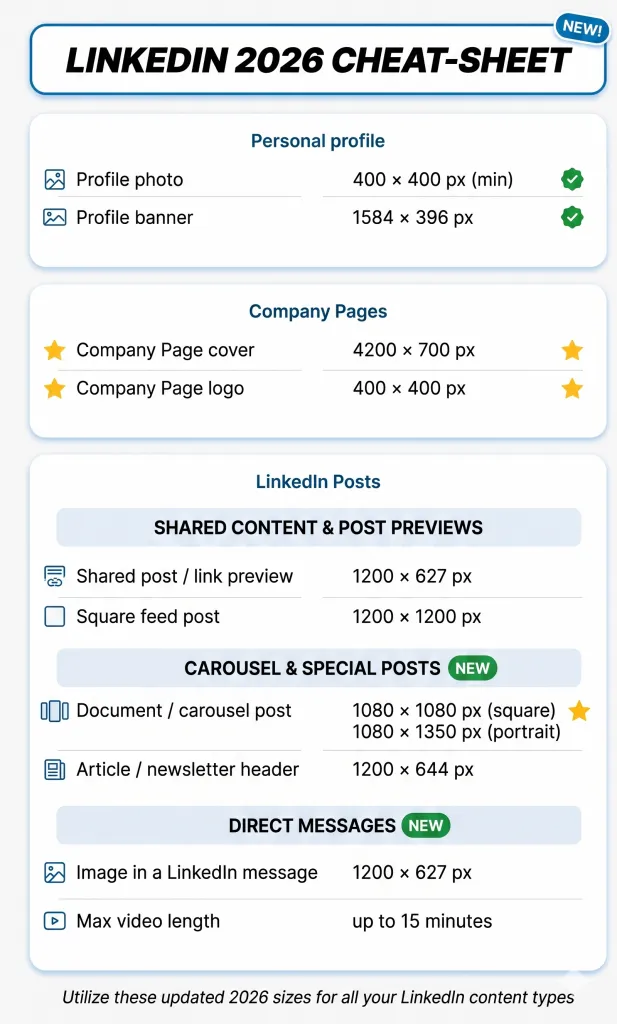
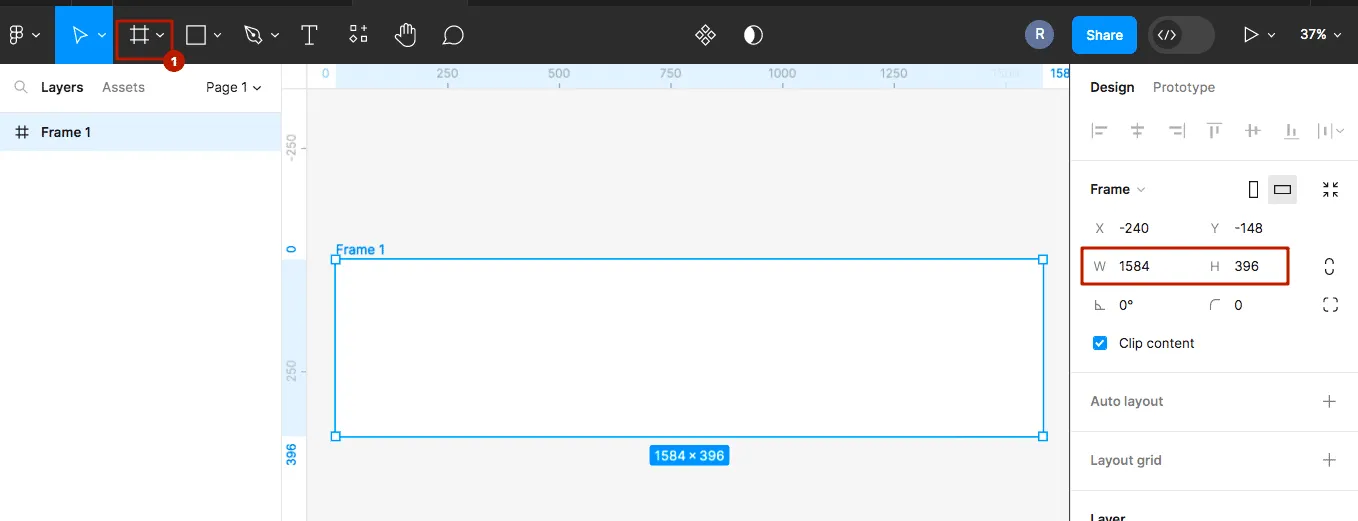
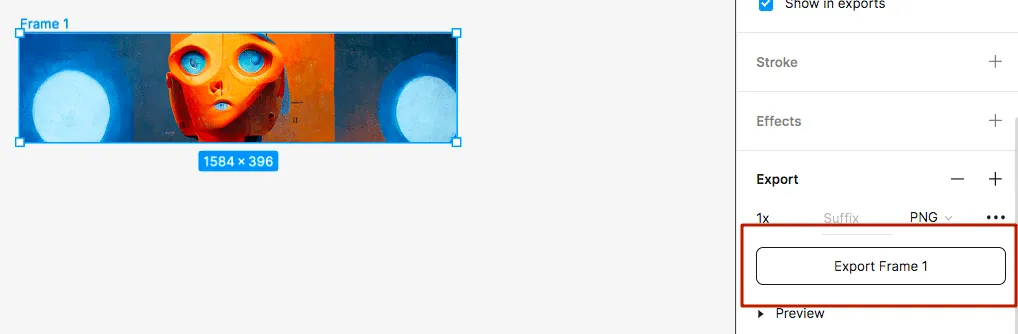
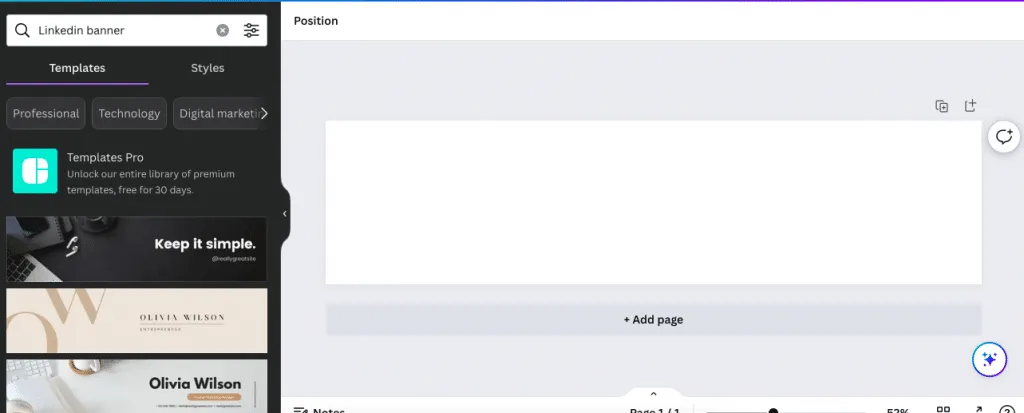
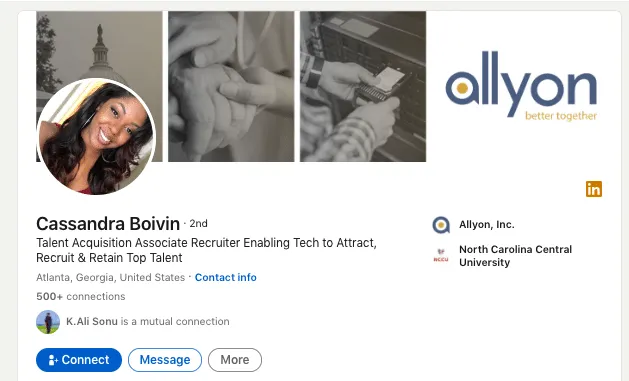
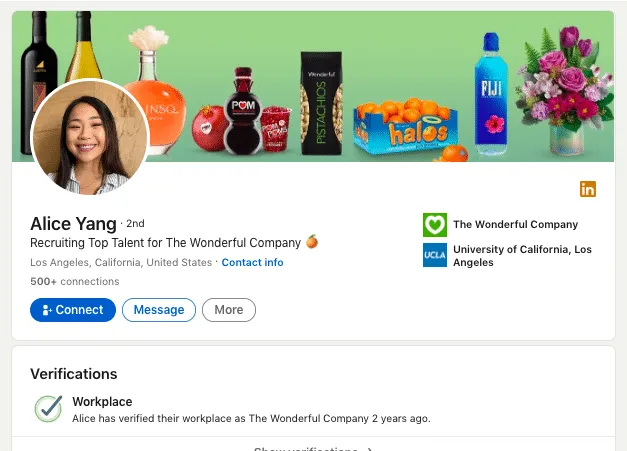
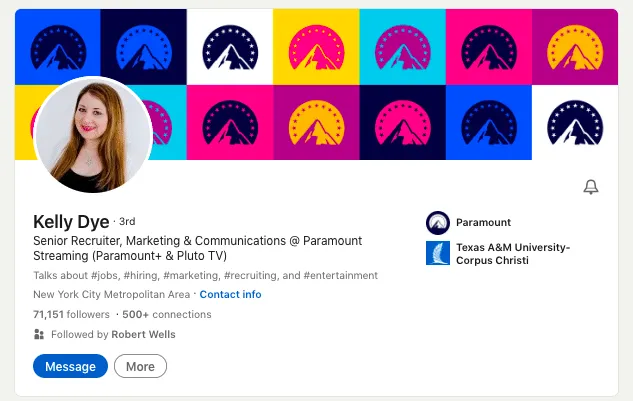
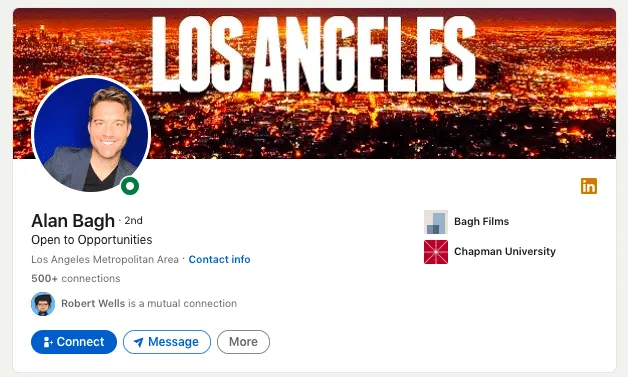
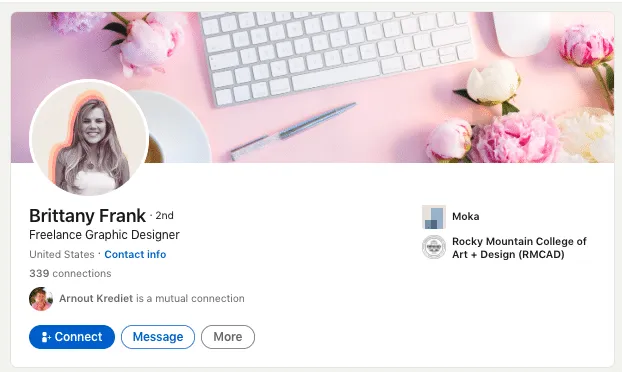
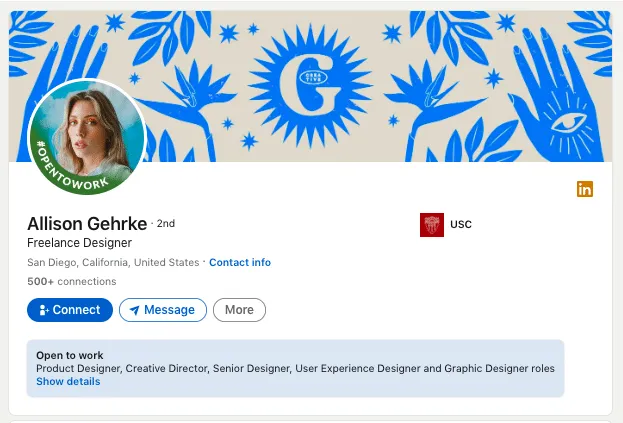
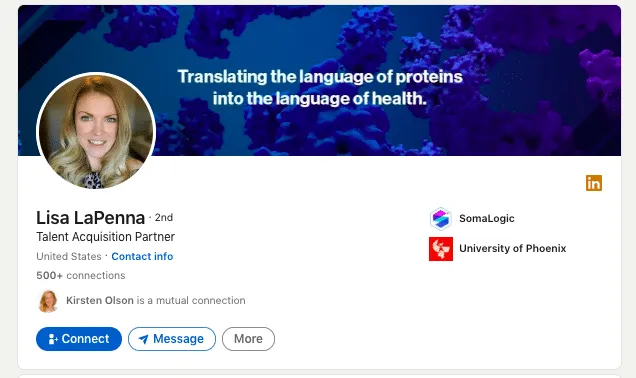
- Profile banner (cover): 1584 × 396 px (4:1), PNG or JPG, up to 8 MB.
- Profile photo: square, 400 × 400 px minimum (up to 7680 × 4320 / 8 MB); LinkedIn crops it to a circle.
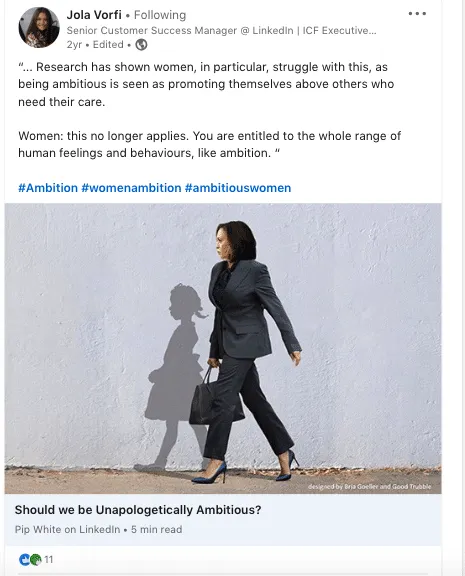
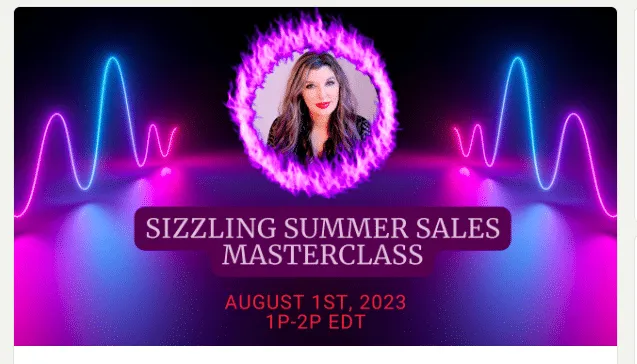
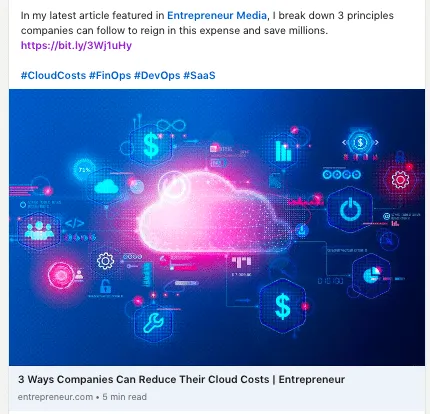
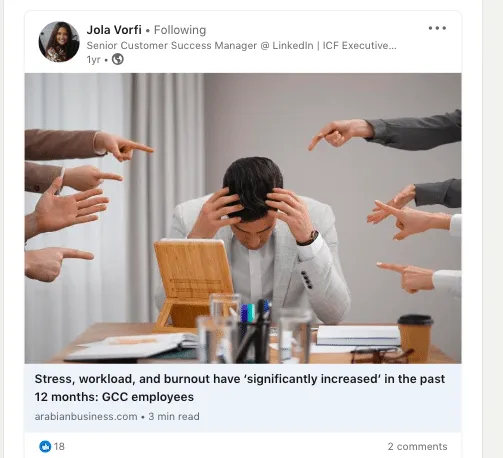
- Shared post / link-preview image: 1200 × 627 px (1.91:1) landscape, or 1200 × 1200 px (1:1) square for the feed.
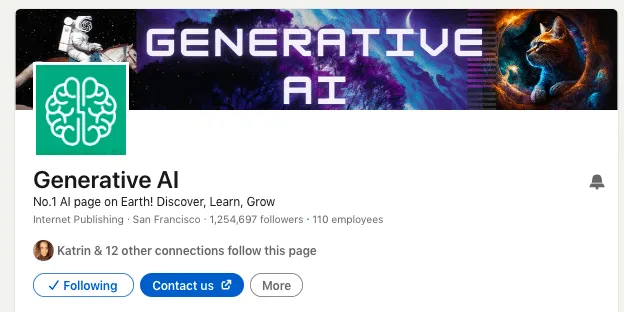
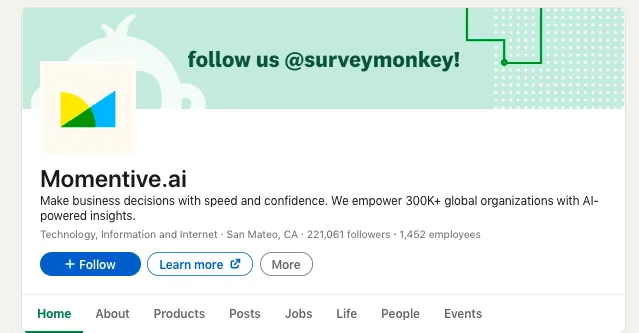
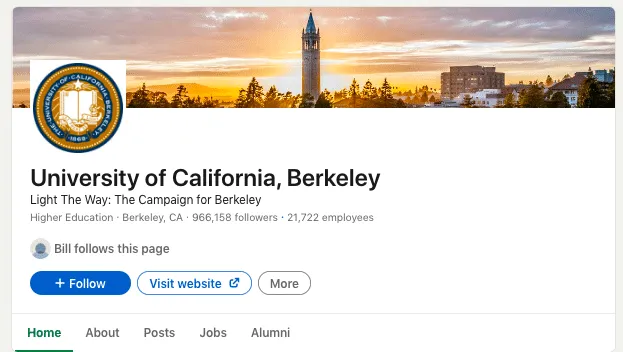
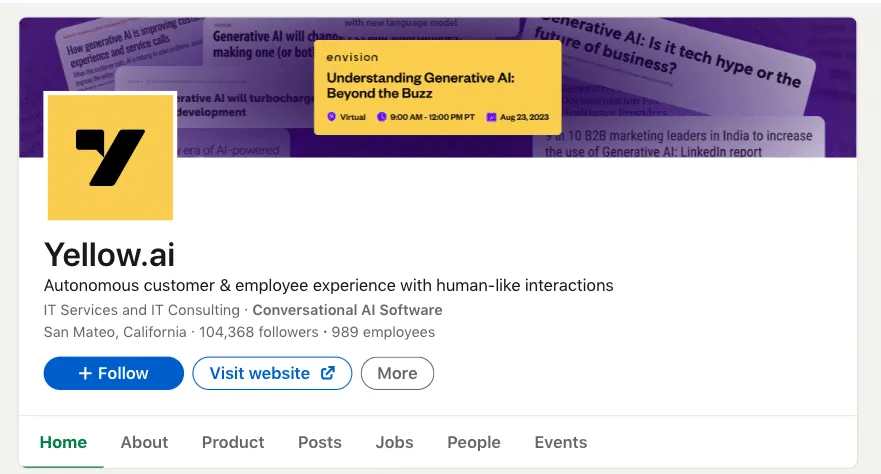
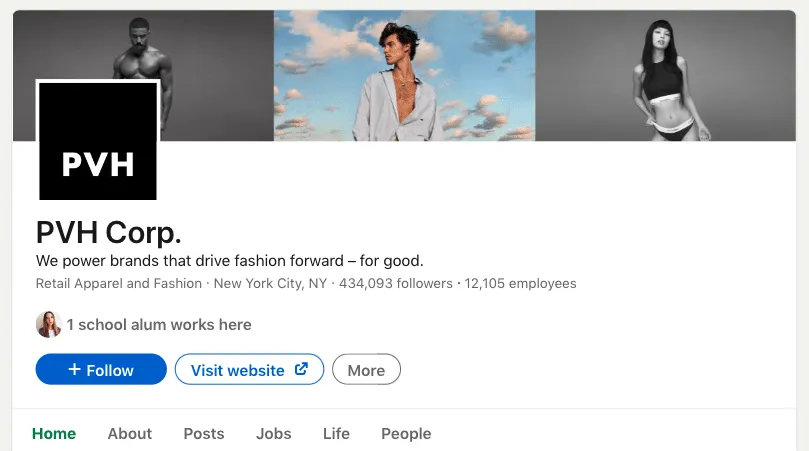
- Company Page cover: 4200 × 700 px; Company Page logo: 400 × 400 px.
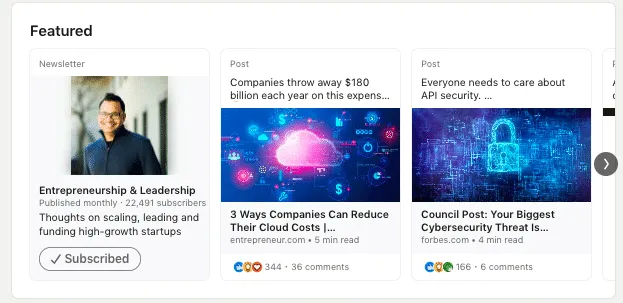
- Article (newsletter) header: 1200 × 644 px (shown as a smaller 600 × 322 featured preview).
- Document / carousel post: 1080 × 1080 px (square) or 1080 × 1350 px (4:5, best feed real estate).
- In Linked Helper you can attach a generic image to every message via a custom variable, or a fully personalized image (name/photo/company baked in) via the Hyperise or Uclic integration — recommended at 1200 × 627 px.
Whether it’s remembering important details or engaging with content, pictures outperform text in capturing our attention and leaving a lasting impact. The brain processes images much faster than words, making visual presentations a more efficient way to convey information.
We’ve put together a vast collection of illustrations, graphics, and visual inspirations that go beyond the ordinary, catering to all your creative aspirations. Whether you seek design ideas or need the perfect image size for LinkedIn, this article is your go-to resource for practical insights and valuable assets to elevate your visual content.