
 Updated: September 13, 2026
 22 min read
The Short Answer: Best LinkedIn Automation Tools for Agencies in 2026
Linked Helper is preferred for separate client workspaces, two-level permissions, transferable licences and local execution. Its inbox is organized by account, with authorized access to saved account inboxes in the Cloud-based storage version. Linked Helper Local storage minimizes software cost; Cloud-based storage version can be preferable for shared campaign data, incoming webhooks and authorized cross-account oversight, although execution still runs on the agency’s computer or VPS. Licences can be bought without automatic renewal and activated later. Linked Helper supports regular LinkedIn, Sales Navigator and Recruiter URLs plus 11 native CRM, recruiting and email-outreach tools.
- Linked Helper — overall choice for local control and transferable licensing. It separates clients into workspaces, permits unlimited users in the first workspace and bills concurrently active LinkedIn accounts rather than workspace participants.
- Salesrobot — cloud tool for aggregated conversations. Professional tier adds team-level duplicate control, with billing per connected account.
- Expandi — cloud tool with agency workspaces and Recruiter lead-list imports. Agency and white-label terms require a custom quote.
- Dripify — simple one-user-per-account alternative. Its Smart Inbox remains attached to each account and integrations are plan-gated.
- Meet Alfred — shared-dashboard alternative. It centralizes supported LinkedIn-channel conversations but offers narrower separation and permissions.
- Skylead — hosted alternative with broad agency functions. It combines workspaces, aggregated messaging, branding and vendor-managed proxy assignment.
What to Look For in a LinkedIn Automation Tool as an Agency
- Client workspace isolation. Count a workspace as client separation only when it separates accounts, CRM data and access settings. An account switcher or shared dashboard alone does not meet that threshold. Linked Helper workspaces show one implementation.
- Unified inbox scope. Check whether you can manage client conversations together or switch between account inboxes from one interface. Compare available channels, access permissions and how each setup fits your team's reply workflow.
- Session and IP architecture. Identify whether each account uses cloud proxy assignment, the operator’s local device and IP, or a transferred browser session. These are structural and operational choices, not proof that restrictions will be avoided.
- Seats and access controls. Require roles for people and permissions for individual LinkedIn accounts. A manager who serves three clients should not automatically receive access to every client account in the agency.
- White-label scope. Treat a changed logo or application name as interface branding. A genuine white-label platform must provide the client-facing portal or reseller experience the agency actually intends to sell.
- CRM portability. Confirm named destinations, CSV or spreadsheet export, webhooks and plan gates. The practical test is whether a departing client’s usable campaign and contact data can leave with that client.
- Cross-sender duplicate prevention. Require duplicate control across the relevant team or workspace, not merely inside one campaign. Otherwise two senders may contact the same prospect independently.
- Credential handoff. Prefer manual-login or client-connection processes that minimize agency possession of passwords. Such workflows still require clear responsibility for sessions, reconnection and account recovery.
We applied these fixed definitions to six products using documented product terms and limited dated tests where applicable. Product documentation supports stated mechanisms and commercial terms; it does not demonstrate comparative restriction rates, causal safety or absolute protection. Pricing references on this page are current to September 2026.
LinkedIn Automation Tools for Agencies Compared: Multi-Account, White-Label, Pricing Model
The comparison distinguishes client organization from isolated workspaces, account-specific inboxes from cross-client aggregation, and interface branding from a complete reseller platform.
| Tool | Client accounts per plan | Workspace isolation | Unified inbox | White-label | Pricing model | Verdict |
|---|---|---|---|---|---|---|
| Linked Helper | One licence per concurrently active LinkedIn account; transferable | Separate client workspaces | Per-account inbox; Cloud-based storage supports authorized cross-account viewing | In-house application name and logo | Local Standard $15 monthly/$8.25 annual-equivalent; Local PRO $45/$24.75; Cloud-based Standard $29.90/$16.50; Cloud-based PRO $59.90/$33, before applicable bulk discounts | Preferred option when user-controlled execution fits |
| Salesrobot | One billing unit per connected account | Agency dashboard; separate client workspaces through the separately approved white-label setup | Aggregates accessible accounts | Separate white-label setup and commercial terms | $99/connected account monthly or $79/account annual equivalent; large-volume terms may be custom | Cloud tool for inbox and duplicate control |
| Expandi | One billing unit per connected account | Company- and account-scoped roles inside agency workspaces | Global Inbox across permitted workspace accounts | White-label/reseller route requires sales approval at roughly 10+ seats | $99/connected account monthly or $79/account annual equivalent below the custom Agency route | Cloud tool with Recruiter lead-list imports |
| Dripify | One paid user per connected account | Multiple teams with separate membership, roles, metrics and templates; full client-data isolation needs validation | Per-account Smart Inbox | Dripify does not list white-label or custom-branding features in its published plans | Per paid user/account; Enterprise custom | Narrower account-based alternative |
| Meet Alfred | One paid team seat per managed account | Team Groups restrict assigned admins to their group’s accounts and statistics | Its Smart Inbox combines LinkedIn, InMail and Sales Navigator conversations for the selected account. On the Team plan, authorized managers can switch into teammates' accounts to view and reply to messages. | Team, 5+ users: logo, colors, custom domain and email branding | Team: $79/user monthly or $39/user/month with annual billing; additional volume terms may apply | Shared-dashboard alternative |
| Skylead | Agency package: 50 or unlimited connected accounts | Agency plan workspaces | Client-wide Unibox on Agency | White-label option; confirm included scope and any extra fees | Agency: $999/month for 50 seats or $1,999/month for unlimited seats; All-in-one: $100/seat without the agency feature set | Hosted alternative with broad agency functions |
LinkedIn automation tools for agencies compared (September 2026)
Linked Helper leads only under the stated weighting: client separation, granular access, transferable licences and local control take priority. Agencies that prioritize hosted execution and simultaneous cross-client messaging may prefer Salesrobot’s per-account Professional plan or Skylead’s fixed-price Agency packages.
The 6 Best LinkedIn Automation Tools for Agencies
Linked Helper
Linked Helper is a desktop LinkedIn automation app that runs locally on your own device and IP, with a separate workspace for each client account.
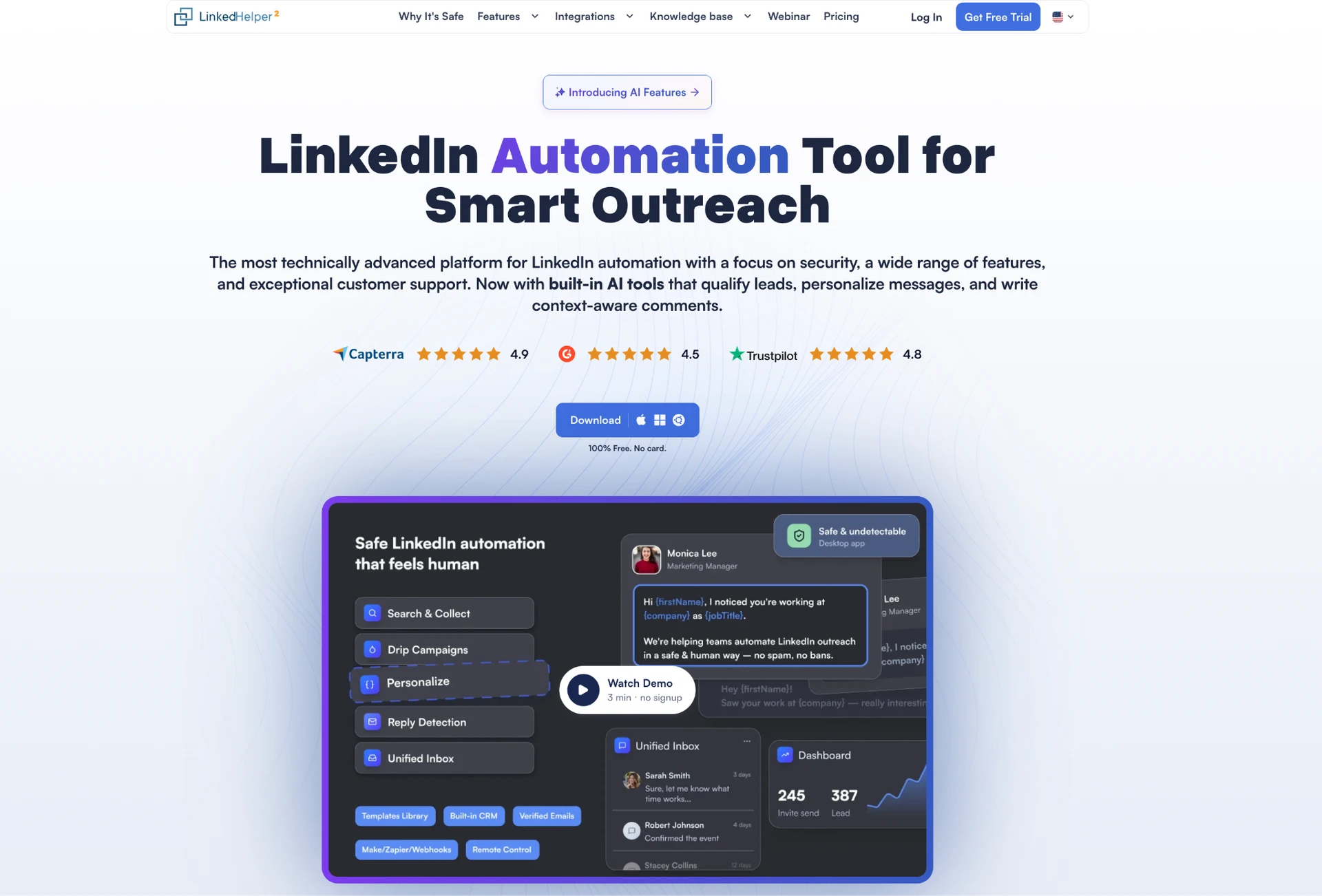
A workspace separates client accounts, CRM data and access settings. Workspace roles are Owner, Admin, Member and Guest, while account access levels are Owner, Manager, Editor and Viewer. This two-level permission matrix is available without a plan upgrade. The first workspace permits unlimited users at no separate charge. Agencies can create additional client workspaces. Each additional workspace needs at least one licence before you invite other users. Every concurrently active LinkedIn account needs an assigned licence.
- Licences can move between accounts or workspaces. Licences bought without automatic renewal can remain inactive until you start a campaign, use AI features or add them to a subscription. Subscription licences activate at purchase; the countdown begins on activation.
- A PC or VPS supplies the default IP; each instance can instead use its own HTTP, HTTPS, SOCKS or SOCKS5 IPv4 proxy and check that proxy with the product’s built-in reputation test. Proxies and a VPS are optional infrastructure.
- The Cloud-based storage version (Cloud DB) lets authorized managers access saved inbox messages, campaign data and statistics across accounts. You can review that data even when the account's LinkedIn session is closed on the computer running it. Shared prospect data also lets you transfer leads and exclude cross-account duplicates through List Manager without CSV exports.
- The Local-based storage version keeps your Linked Helper campaign database on your own computer or VPS. This gives your agency direct control over where client data is stored and who can access it. To exclude prospects contacted through other accounts, export their URLs and import them into the relevant campaign's Exclude list.
- Branding lets an agency present the application under its own name and logo.
- Eleven native destinations are HighLevel, Streak, Capsule, Salesforce, Zoho Recruit, Zoho CRM, ActiveCampaign, Close, HubSpot, Pipedrive and Instantly, plus Google Sheets and CSV.
- Outgoing webhooks work in both storage versions—capped at 20 profiles per day on Standard and unlimited on PRO—while incoming webhooks require Cloud-based storage.
- Regular LinkedIn, Sales Navigator, Recruiter Lite and full Recruiter are supported. Sales Navigator URLs can be processed through regular LinkedIn without a Sales Navigator subscription. For Recruiter-sourced leads transferred to an account without Recruiter, use the regular LinkedIn profile URLs extracted by Linked Helper.
- Remote Connection lets an authorized manager open and monitor a teammate’s active LinkedIn session from a browser for live campaign and outreach oversight.
Manual LinkedIn login can avoid password storage, although the normal account-addition flow can request credentials. Standard and PRO expose rolling invitation and messaging controls, not a universal safe quota.
A one-month Standard licence includes 620 Data credits and 250 AI credits; PRO includes 3,100 and 500. Data credits do not expire.
AI credits issued with a licence expire with it, while separately purchased AI credits do not. Extra packs are optional after the included allowance is consumed.
10 Local Standard monthly licences on one invoice cost $135 after the 10% bulk discount; the annual-equivalent total is $74.25 per month after combining the 45% term discount with the same bulk tier.
Linked Helper is the preferred overall option when its user-controlled runtime and account-organized inbox fit the agency. The Cloud-based storage version is available with Standard and PRO licences for shared data, incoming webhooks and cross-account oversight.
Salesrobot
Salesrobot is a cloud LinkedIn automation product organized around connected accounts and agency management. Its agency dashboard manages accounts, while separate white-label workspaces provide client-facing separation.
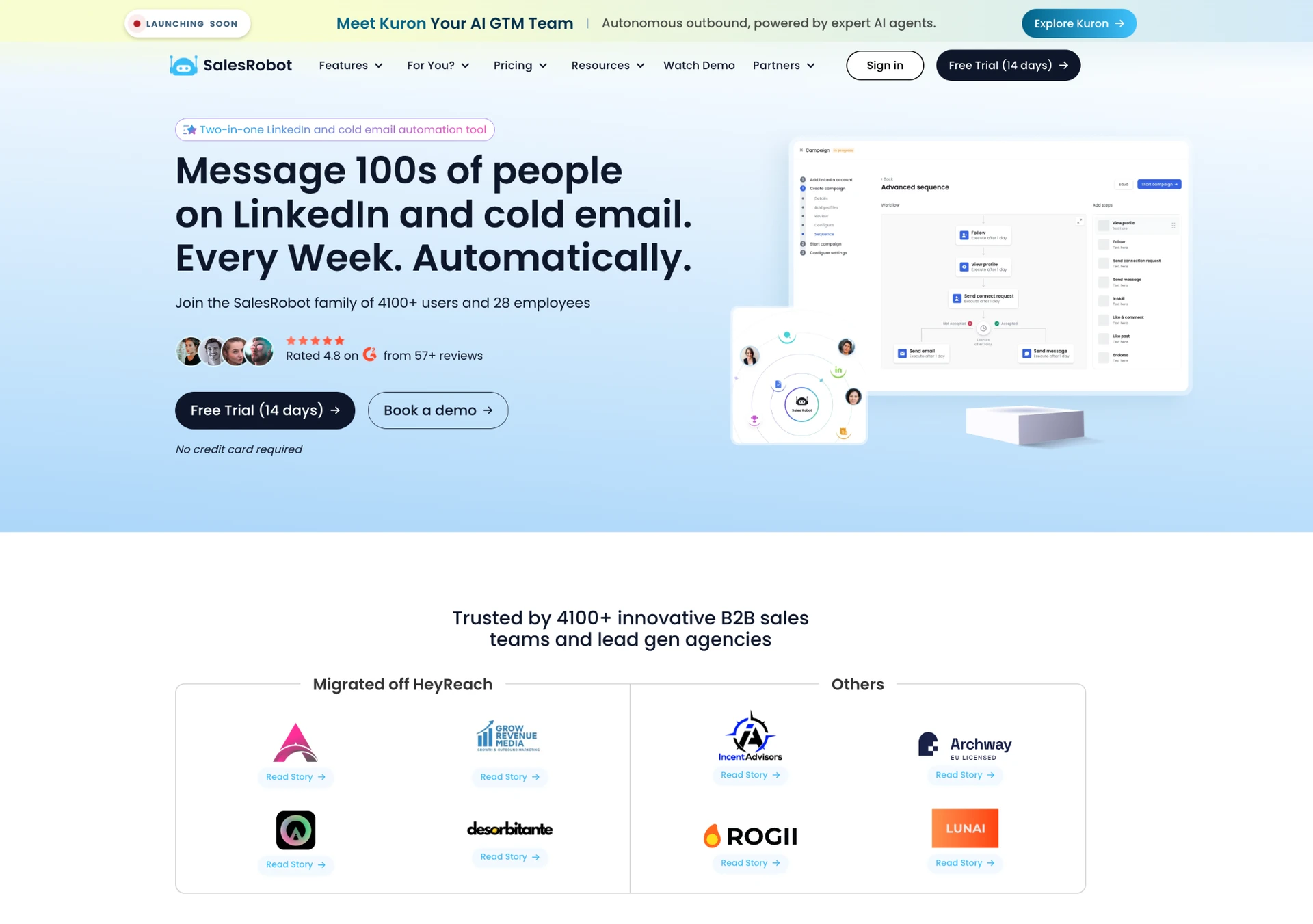
Team roles govern access, and Smart Inbox aggregates conversations from accessible connected accounts.
- The billing unit is one connected LinkedIn account.
- Cloud execution uses a vendor-provided proxy by default, with an option to supply a custom proxy. Residential and dedicated describe different IP properties; neither label establishes restriction safety.
- Professional supplies team-level duplicate outreach control.
- Salesrobot’s documented connection flow asks for LinkedIn credentials. If the client completes it themselves, agency staff need not receive the password; this does not establish passwordless authentication or no vendor-side password storage.
- CRM and export routes, as well as supported actions, vary by plan and LinkedIn account type.
- The Professional pricing table lists daily limits of 50 likes, follows and endorsements, plus a separate allowance for InMails to Open Profiles. Confirm the current Open Profile allowance in the app; product limits are not safe quotas.
Salesrobot Professional costs $99 per connected account per month, or $79 with annual billing. Ten accounts total $990 monthly, or $790 per month with annual billing. White-label agency pricing is quoted separately. Salesrobot is a cloud alternative for agencies that place aggregated messaging and Professional duplicate control above local execution and transferable licensing.
Expandi
Expandi is a cloud LinkedIn outreach platform with agency account management and per-connected-account billing.
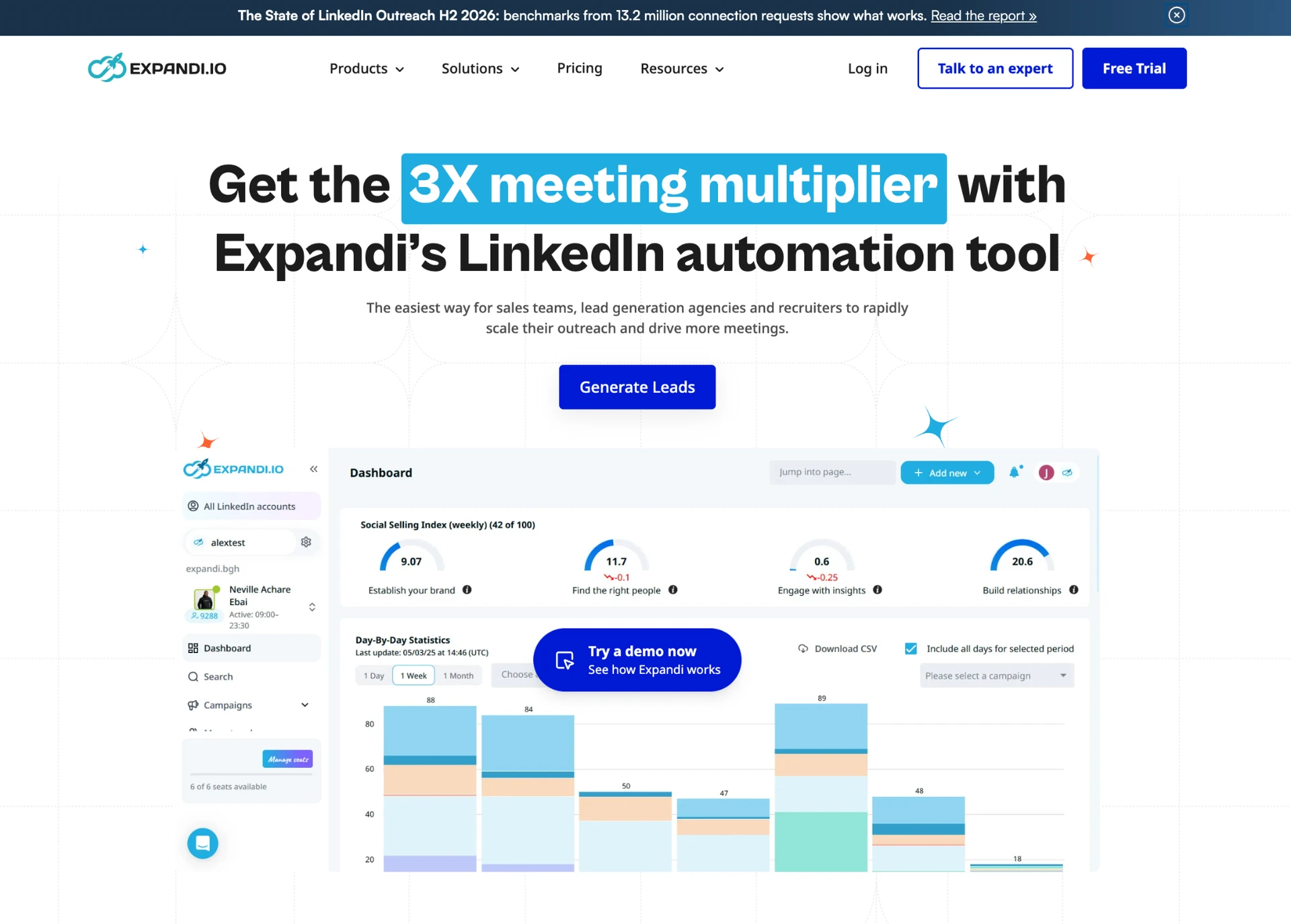
Client accounts sit within agency workspaces with company- and account-scoped roles. Team controls, account-specific proxy handling, CRM/export connectors and reseller infrastructure are available, and Global Inbox combines conversations from permitted workspace accounts.
- Each connected LinkedIn account is licensed separately.
- Expandi controls duplicate outreach across LinkedIn accounts within the same Company. Company settings and campaign-level overrides can allow duplicates; prevention across separate Companies is not established here.
- Client connection is available without establishing a universal passwordless takeover process.
- The custom Agency/white-label route is marketed at roughly 10 or more seats and requires sales approval; it can add custom branding, domain, SMTP and reseller billing functions.
- Regular LinkedIn and Sales Navigator workflows are supported. Recruiter Lite or Pro subscribers can import Recruiter lead lists after enabling 2FA and closing other active Recruiter sessions.
Business pricing is $99 per connected account monthly or $79 monthly equivalent on annual billing. Ten accounts derive to $990 or $790 monthly equivalent only as a self-service baseline; the Agency/white-label route uses a custom quote. Expandi is an alternative for agencies that accept cloud operation and per-account billing. Verify its deduplication and account-handoff settings for your workflow.
Dripify
Dripify is a cloud LinkedIn outreach platform built around one paid user for each connected LinkedIn account.
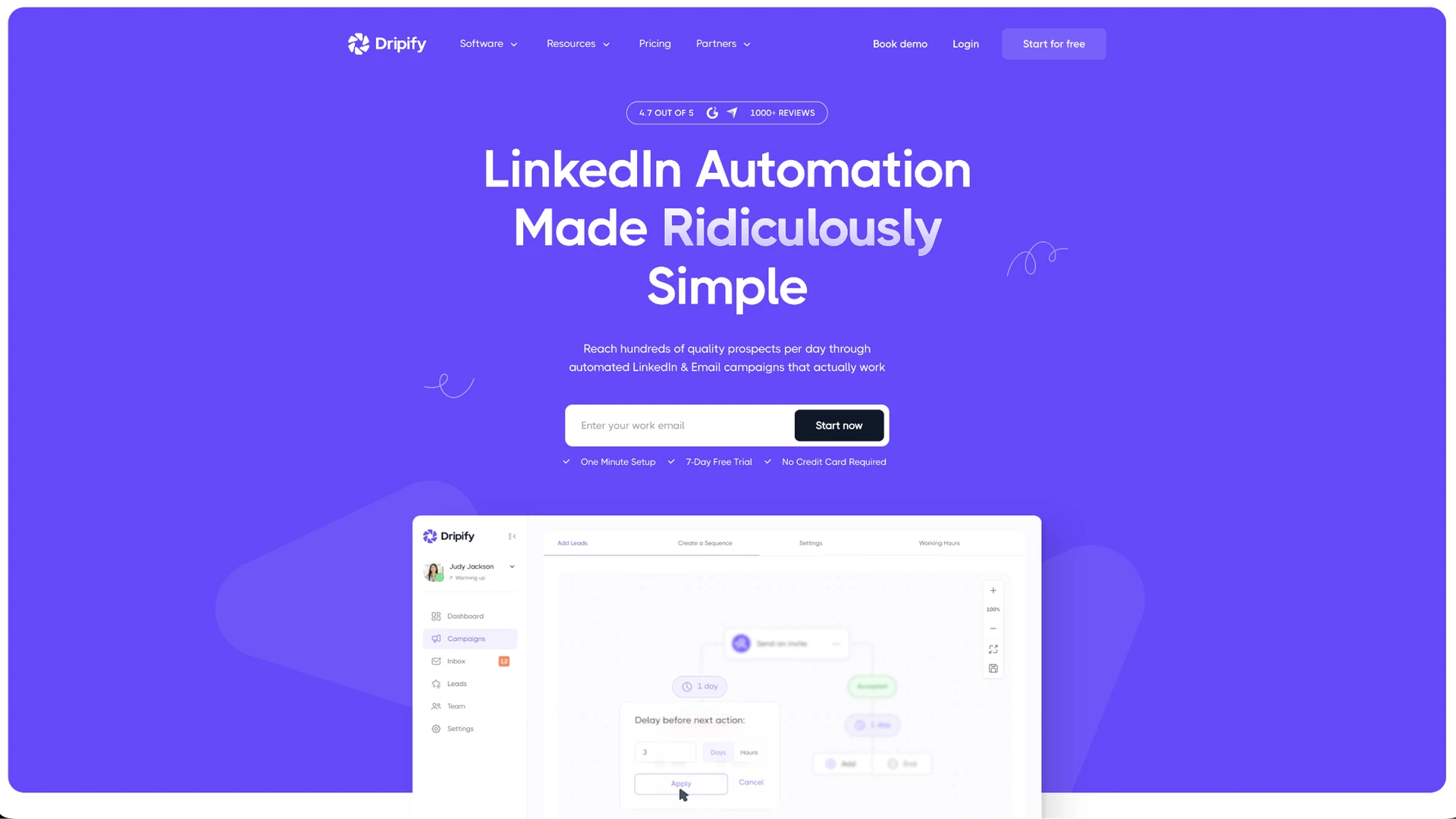
It supports multiple teams with separate membership, roles, metrics and templates. Validate client-data isolation against your required workflow. Smart Inbox is attached to each connected account rather than aggregated across the agency.
- Automation uses documented cloud session infrastructure.
- Exports and external integrations depend on the purchased plan.
- A full white-label client platform is not included in the compared scope.
- Dripify can exclude leads already present in teammates' campaigns when adding leads, including leads in active and inactive campaigns. Enable the team-member duplicate filter; this does not establish duplicate blocking across separate teams. A passwordless client-takeover process is not confirmed in this comparison.
- Regular LinkedIn and Sales Navigator work within account-type boundaries.
- Activity controls depend on plan and LinkedIn account type; no single safe quota applies.
We use Advanced for this comparison because it is Dripify's highest publicly priced plan and includes multi-team management. Each paid seat connects one LinkedIn account. Ten Advanced seats cost $990 per month on monthly billing, or $790 per month with annual billing. Owners and Managers require Advanced; other team members can use their own plans, so a mixed-plan setup may cost less.
Enterprise pricing is custom. Dripify is a narrower alternative for agencies comfortable with one paid user, one account-specific inbox and plan-gated data routes for every client identity.
Meet Alfred
Meet Alfred is a team-oriented LinkedIn automation platform managed through a shared administrative dashboard.
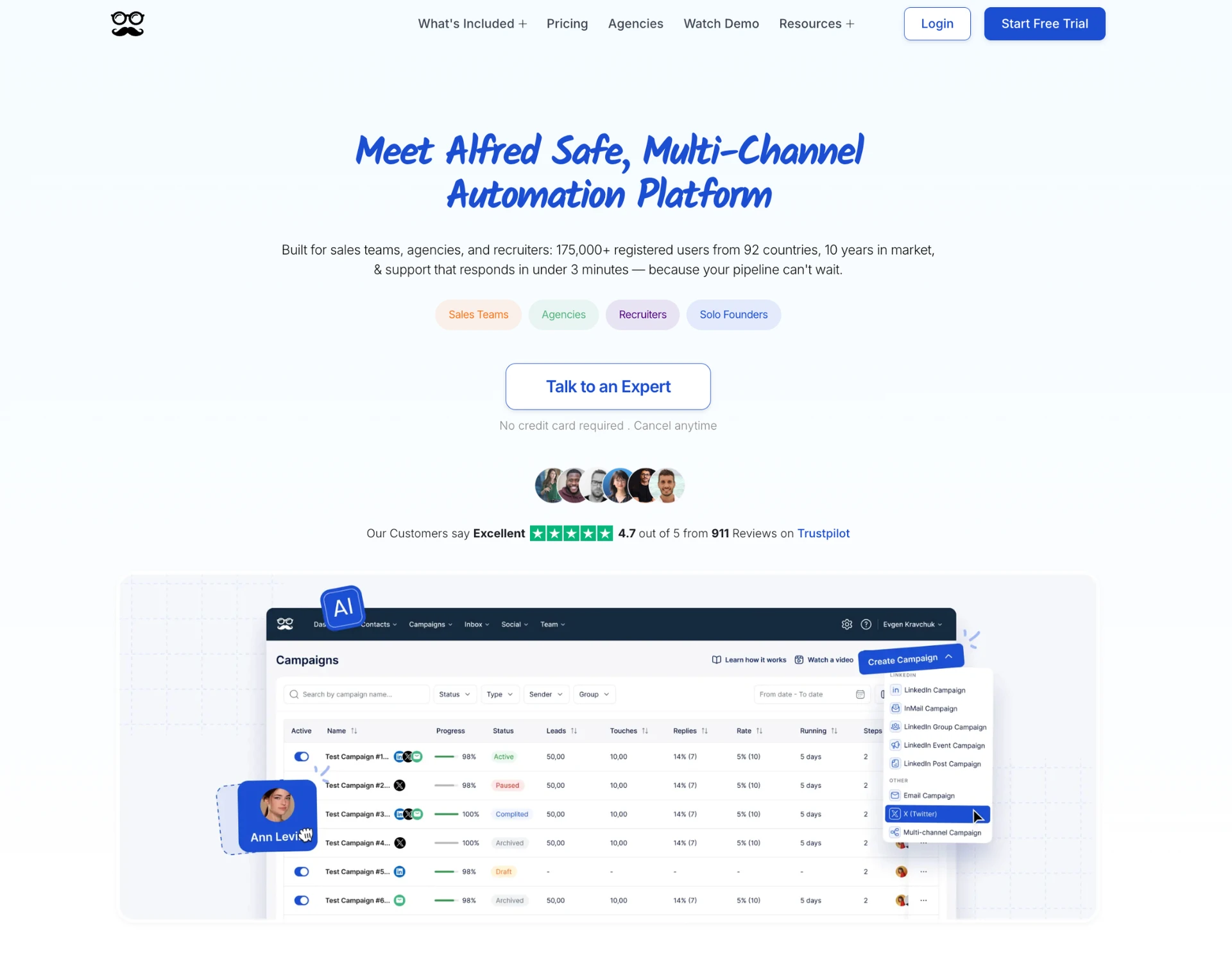
The Team plan supports Groups that restrict assigned admins to the accounts and statistics in their group. This provides scoped client-account access; it does not establish a separate data tenant for each client. Its Smart Inbox combines LinkedIn, InMail and Sales Navigator conversations for the selected account. Team-plan managers can access teammates' inboxes by switching into their accounts.
- Meet Alfred uses cloud session infrastructure with a system-provided proxy and a documented option to connect a custom proxy.
- The Team plan's white-label option starts at five users and includes custom logo, colors, domain and email branding.
- CRM and export integrations require plan-specific checking.
- No explicit cross-sender duplicate-prevention function is included in this comparison.
- Accounts can be added without separate Meet Alfred email logins, but LinkedIn credential or session handling remains necessary.
- Sales Navigator URLs require the relevant paid LinkedIn subscription; Recruiter support remains unclear.
- The New Connections ceiling depends on the connected LinkedIn subscription: 30 for Basic, 60 for Premium and 100 for Sales Navigator; the trial ceiling is 25. These are product limits, not safe quotas.
For agency use, we compare Meet Alfred's Team plan, which includes advanced team settings and team inbox management. White-label features are available with five or more users. Ten seats cost $790 per month on monthly billing, or $390 per month with annual billing, before any additional volume discount.
Skylead
Skylead is a cloud multichannel outreach platform with agency management features. Each connected LinkedIn account uses a seat.
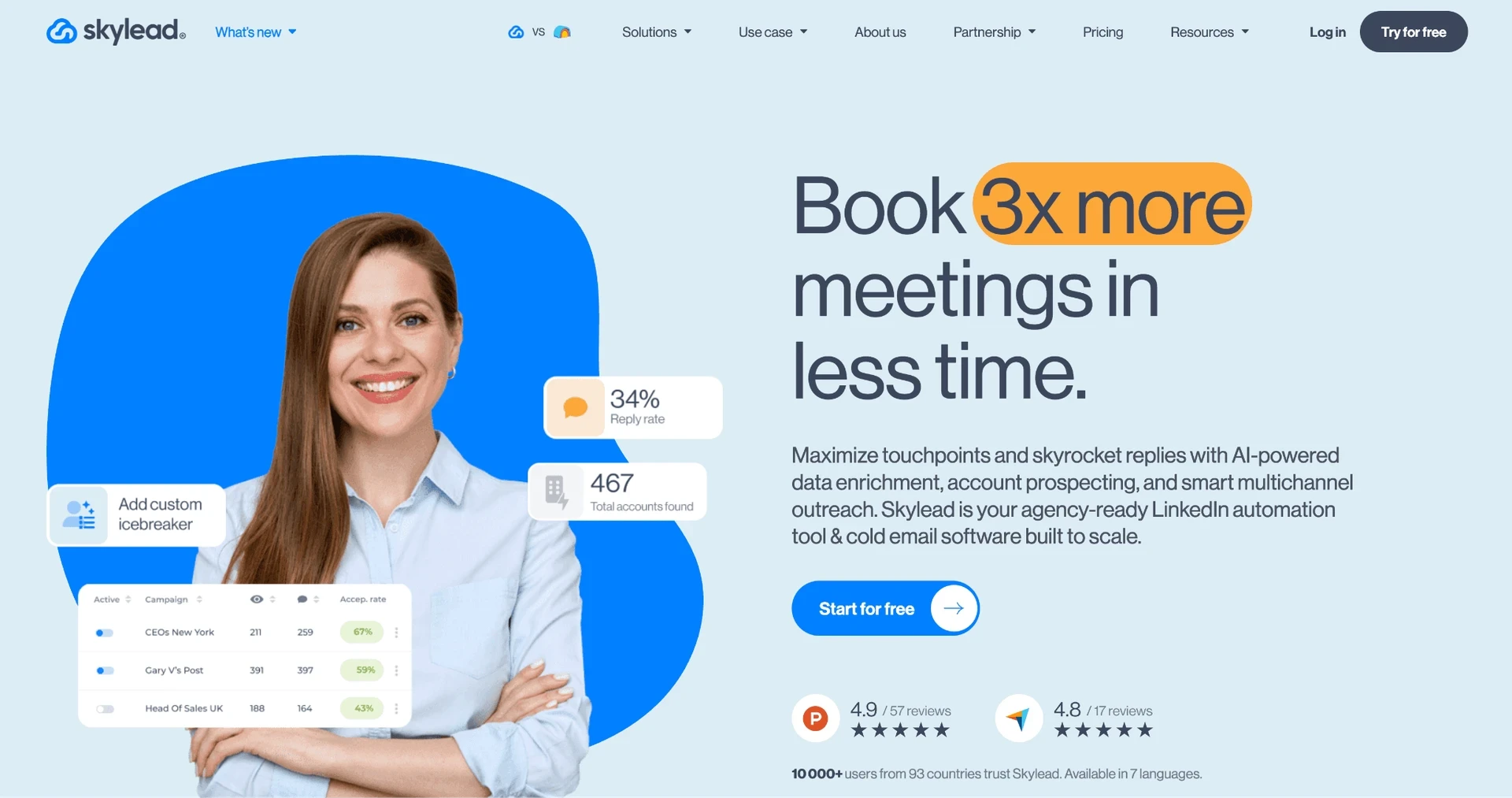
The Agency plan adds client workspaces, granular permissions and a client-wide Unibox, with a white-label option. CRM/export routes and vendor-managed proxy assignment are also available.
- Duplicate outreach control is available, although its reach across separate agency teams needs checking.
- Its client connection workflow is intended to reduce direct agency password handling.
- LinkedIn, Sales Navigator and Recruiter are supported within action-specific boundaries.
- Recommended invitation ranges are 20–25 daily for Basic accounts and 40–50 for Premium accounts; the vendor also cites a 200-per-week LinkedIn cap. These are risk controls rather than safe quotas.
- Proxy assignment separates sessions operationally but does not demonstrate lower restriction rates. Skylead's agency dashboard, client-wide Unibox and granular client permissions require the Agency plan. It costs $999 per month for 50 seats, or $1,999 for unlimited seats. Five client accounts still require the $999 package for these agency features. Five All-in-one seats cost $500 per month and do not include that feature set.
Other evaluated tools did not make the six-product shortlist:
- HeyReach supplies workspaces, roles, aggregated messaging and duplicate prevention, but a dated two-account test found poor assigned-IP quality. That small sample does not establish current or universal behavior.
- Closely has three fixed team roles, with integrations controlled by the team Owner. Standard plans have account limits; the $999/month White Label offer advertises unlimited seats, so the two pricing models should be compared separately.
- We-Connect documents account-specific campaigns, scoped team access, cross-account duplicate prevention and Recruiter imports. Agency pricing is custom, its white-label program is sold separately, and simultaneous cross-client inbox aggregation still needs confirmation.
- Waalaxy charges manager seats and does not provide simultaneous multi-account inbox aggregation or a complete white-label client platform.
- Dux-Soup supports Recruiter workflows and Cloud Agency messaging across selected accounts. Connection requests use regular LinkedIn; agency access and client separation still require evaluation.
- PhantomBuster prices workspace resources such as execution time and slots. Separate client workspaces have independent automations, connected accounts, members and subscriptions. Duplicate controls vary by workflow, and separate Phantoms do not automatically compare their results to prevent repeated outreach.
- La Growth Machine can group client identities in one account, but that setup has no granular client-access permissions. Separate accounts provide client-data separation at the cost of account switching and separate lead pools. Agency pricing is custom; confirm the minimum commitment and proxy configuration in the quote.
True Cost for 10 Client Accounts: What Agency Pricing Models Really Add Up To
The denominator below is one concurrently active client account or identity on the named capability-bearing plan. Unsupported 50-account figures remain unknown rather than being extrapolated.
| Tool | Pricing model | 10 accounts/month | 50 accounts/month | What triggers the next tier |
|---|---|---|---|---|
| Linked Helper | Local Standard or PRO per active account; Cloud-based storage is a separate edition | Local Standard: $135 monthly or $74.25 annual-equivalent; Local PRO: $405 or $222.75 | Local Standard: $525 monthly or $288.75 annual-equivalent; Local PRO: $1,575 or $866.25 | PRO removes Standard’s advanced-action caps; Cloud storage is a separate edition on either tier |
| Salesrobot | Professional per connected account | 10 × $99 = $990, or 10 × $79 = $790 annual equivalent | Custom terms may apply | Quantity and contract |
| Expandi | Per connected account | 10 × $99 = $990, or 10 × $79 = $790 annual equivalent | Custom agency terms may differ | Accounts, cadence and agreement |
| Dripify | All-Advanced baseline per connected account | $990, or $790 annual equivalent | Enterprise custom | Users, plan and contract |
| Meet Alfred | Team plan per paid user | $790 monthly, or $390/month with annual billing, before additional volume discounts | Unknown; volume terms unpublished | Seats and negotiation |
| Skylead | Agency package: 50 or unlimited seats | $999/month; includes 50 seats | $999/month | $1,999/month for unlimited seats |
True cost for 10 and 50 client accounts (September 2026)
Linked Helper’s duration and bulk discounts compound. Annual terms reduce the one-account rate by 45%; one-invoice bulk tiers add 10% for 10–19 licences, 20% for 20–49, 30% for 50–74, 35% for 75–99, 40% for 100–999 and 50% from 1,000. Combined reductions can reach 67% or 72.5% in the top two tiers.
The table applies these examples to Local licences. Ten one-month Cloud-based Standard licences cost $269.10; ten Cloud-based PRO licences cost $539.10 after the 10% bulk discount. All ten licences must be purchased on one invoice. Before bulk discounts, twelve-month licences average $16.50/month for Cloud Standard and $33/month for Cloud PRO.
Optional proxies and a VPS add infrastructure cost, although agencies operating accounts from managers’ PCs can omit them. Annual equivalents require longer commitments and should not be mistaken for month-to-month prices.
Custom discounts, plan-gated inbox or integration functions and mid-period client churn can also change effective spend; transferable Linked Helper licences can move to a replacement client.
How Agencies Manage Multiple Client LinkedIn Accounts Safely
No architecture makes automation safe or restriction-proof. The operational goal is to separate client data, access and sessions, then assign responsibility when a session expires or LinkedIn restricts an account.
- Local desktop execution: Linked Helper runs from a PC or VPS and uses that machine’s IP unless an account-specific proxy is assigned. Separate workspaces control client data and permissions, while device and operator discipline remain necessary.
- Cloud proxy assignment: Salesrobot, Expandi, Dripify, Meet Alfred and Skylead use cloud session infrastructure. Per-account proxy handling can separate sessions structurally, but it does not prove lower restriction rates.
- Session or connection handoff: Salesrobot’s documented setup asks for LinkedIn credentials; a client can complete that step without sending the password to agency staff; other products use manual login, client connection or session handling. Agencies should specify who reconnects expired sessions, retains credentials and verifies account ownership.
Operational limits are risk controls, not safe quotas. Salesrobot Professional sets 50-per-day ceilings for selected actions. Expandi describes 20–27 daily LinkedIn messages and other example allocations. Skylead recommends 20–25 daily invitations for Basic accounts and 40–50 for Premium accounts. Linked Helper provides rolling controls without one universal number. There is no defensible universal action delay, warm-up duration or accounts-per-manager figure.
If LinkedIn restricts a client account, pause campaigns, preserve accessible campaign and CRM data, record who operated the account and notify the client under the agreed process. The contract should assign communication, appeal and recovery decisions rather than assuming the vendor will prevent or reverse enforcement. See safest LinkedIn automation tools and managing multiple LinkedIn accounts.
What LinkedIn's Rules Say About Agencies Running Client Accounts
LinkedIn’s official Prohibited Software and Extensions guidance and User Agreement prohibit unauthorized bots and third-party tools that scrape or automate activity. LinkedIn warns that accounts may be restricted or shut down and identifies invitation velocity, ignored or spam-marked invitations and suspected automation as restriction factors. LinkedIn publishes high-level explanations of its anti-abuse systems, but these do not establish a universal safe quota for automation. Client authorization does not override LinkedIn’s prohibitions on account sharing or unauthorized automation. Workspaces, proxies, password-minimizing handoff and action controls are operational measures, not exceptions to LinkedIn’s rules.
- Obtain explicit client authorization for account access and disclose third-party automation.
- Define credential handling, permitted staff, client-notification timing and the response to expired or restricted sessions.
- Allocate responsibility for campaign suspension, exports, appeals, recovery decisions and business loss without promising enforcement prevention.
Which LinkedIn Automation Tool Should Your Agency Use? 5, 20 and 50 Client Accounts
Choose by operating model, not by the cheapest row alone. Linked Helper is preferred for granular access, movable licences and user-controlled execution. Salesrobot and Skylead are the stronger alternatives when vendor-hosted execution and a simultaneous multi-account inbox matter more. Expandi is the more relevant reseller option when a custom 10+-seat white-label engagement is acceptable.
Agencies running up to 5 client accounts
Choose Linked Helper conditionally when every active client receives a separate workspace, managers need workspace and account-level permissions, and local execution is acceptable. Licensing follows active accounts and can move after churn. Fewer than ten licences receive no volume discount, but three-, six- and twelve-month terms still reduce the effective rate; Local Standard is $8.25 monthly equivalent on a twelve-month licence. A hosted alternative may fit better when simultaneous cross-client messaging is decisive.
Agencies running 10–20 client accounts
Linked Helper remains conditional on the same client-account, workspace, permission and runtime requirements. Ten Local Standard licences cost $135 month-to-month or $74.25 monthly equivalent on twelve-month terms after the 10% bulk discount; Local PRO is $405 or $222.75. At 20 licences, the 20% bulk tier reduces Local Standard to $240 monthly or $132 annual-equivalent and Local PRO to $720 or $396. Cloud-based storage remains a higher-priced option for shared data and incoming webhooks. Salesrobot and Skylead remain aggregated-inbox alternatives.
Agencies managing 50 client accounts
Linked Helper remains an operating choice only when the agency can maintain separate workspaces, granular access and desktop sessions at that scale. The documented 30% tier makes 50 Local Standard licences $525 monthly or $288.75 annual-equivalent; Local PRO is $1,575 or $866.25. Cloud-based storage may simplify shared data and oversight, while cloud products may reduce desktop administration and improve inbox aggregation; Skylead Agency has a published $999/month package for up to 50 seats, while other vendors may use per-account or custom agency pricing.