 Old Invite Withdrawal
 Automatic Invite Cleanup
 Network Toolkit
 Setup in 3 Steps
 Who It's For
 Safe Withdrawal

Accept Incoming Invites
- Clear Your Entire Invitation Backlog in One Run
- Accept Only Invites from Leads in Your Campaigns
- Move New Connections to the Next Step Automatically
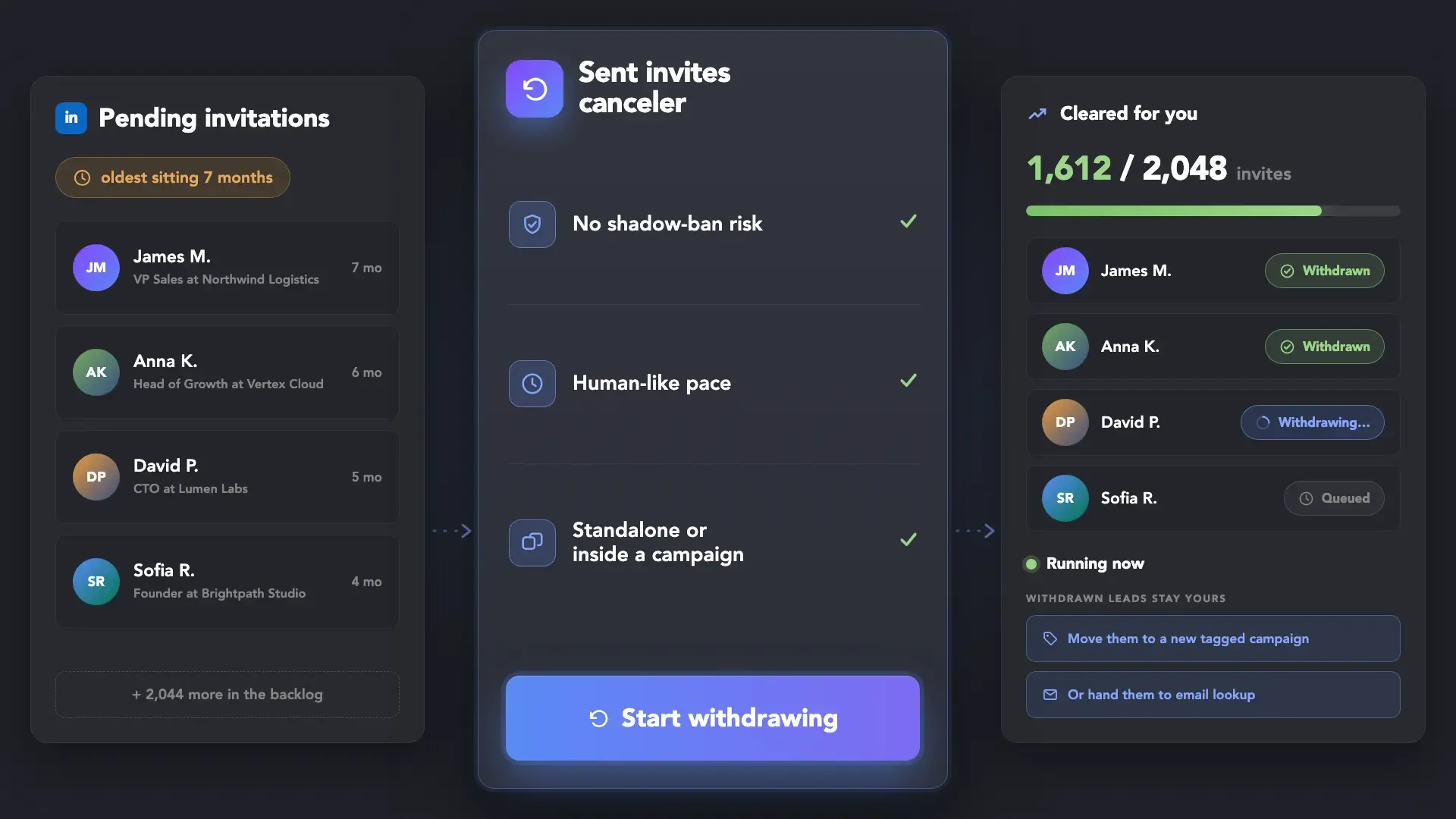
Withdraw old, unanswered invites in bulk — and keep your pending count under control automatically — so a forgotten backlog never blocks your outreach again.










LinkedIn won’t clear old, unanswered sent invitations — or let you remove them in bulk — so Linked Helper helps keep your pending backlog under control before it disrupts new outreach.
 Without Sent Invites Canceler
 Backlog Blocking Invites

 With Sent Invites Canceler
 Room for New Invites
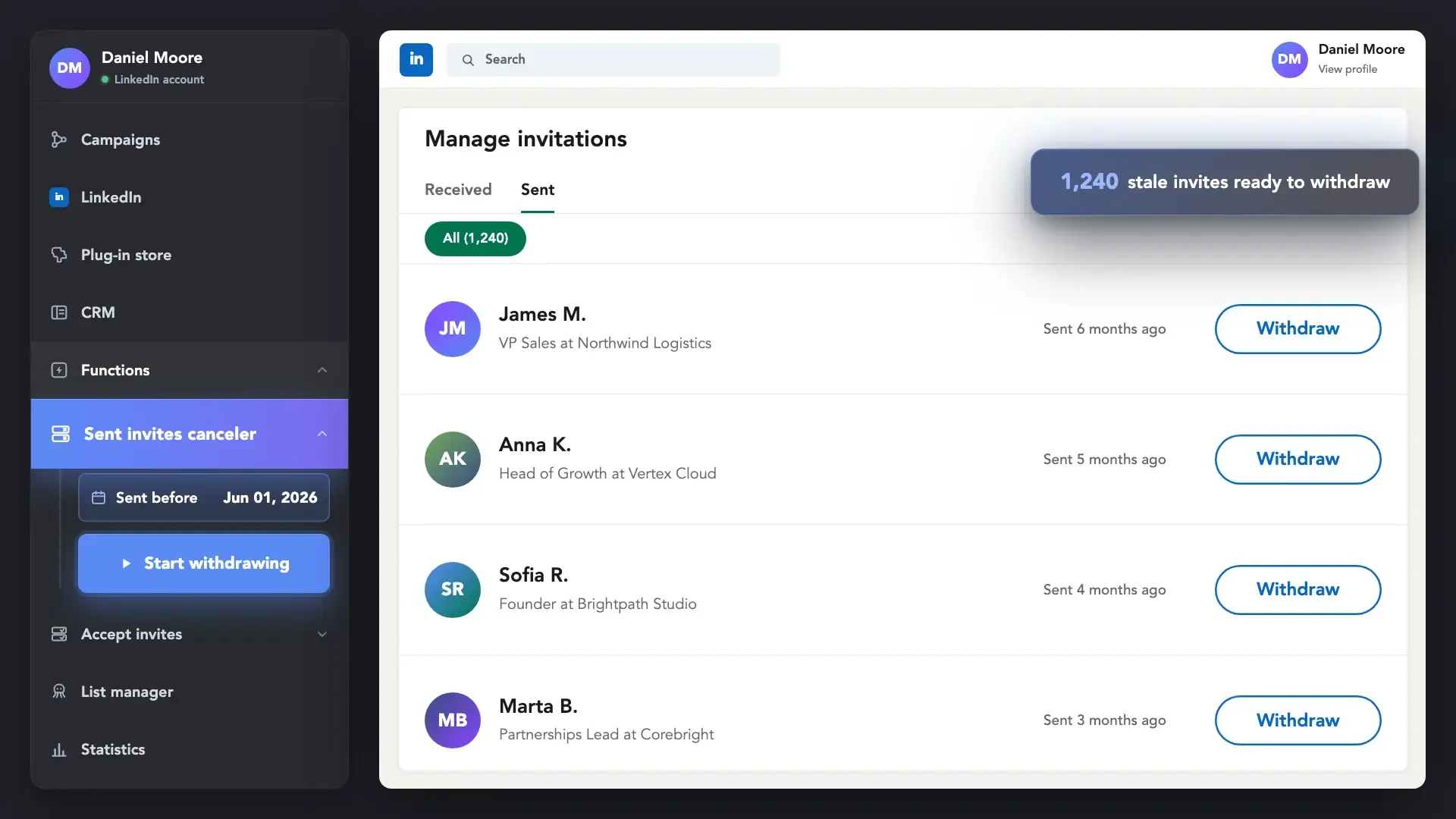
Choose a cutoff date and withdraw every LinkedIn invitation sent before it. Clear months of old pending requests in one run instead of opening each profile and clicking Withdraw manually.
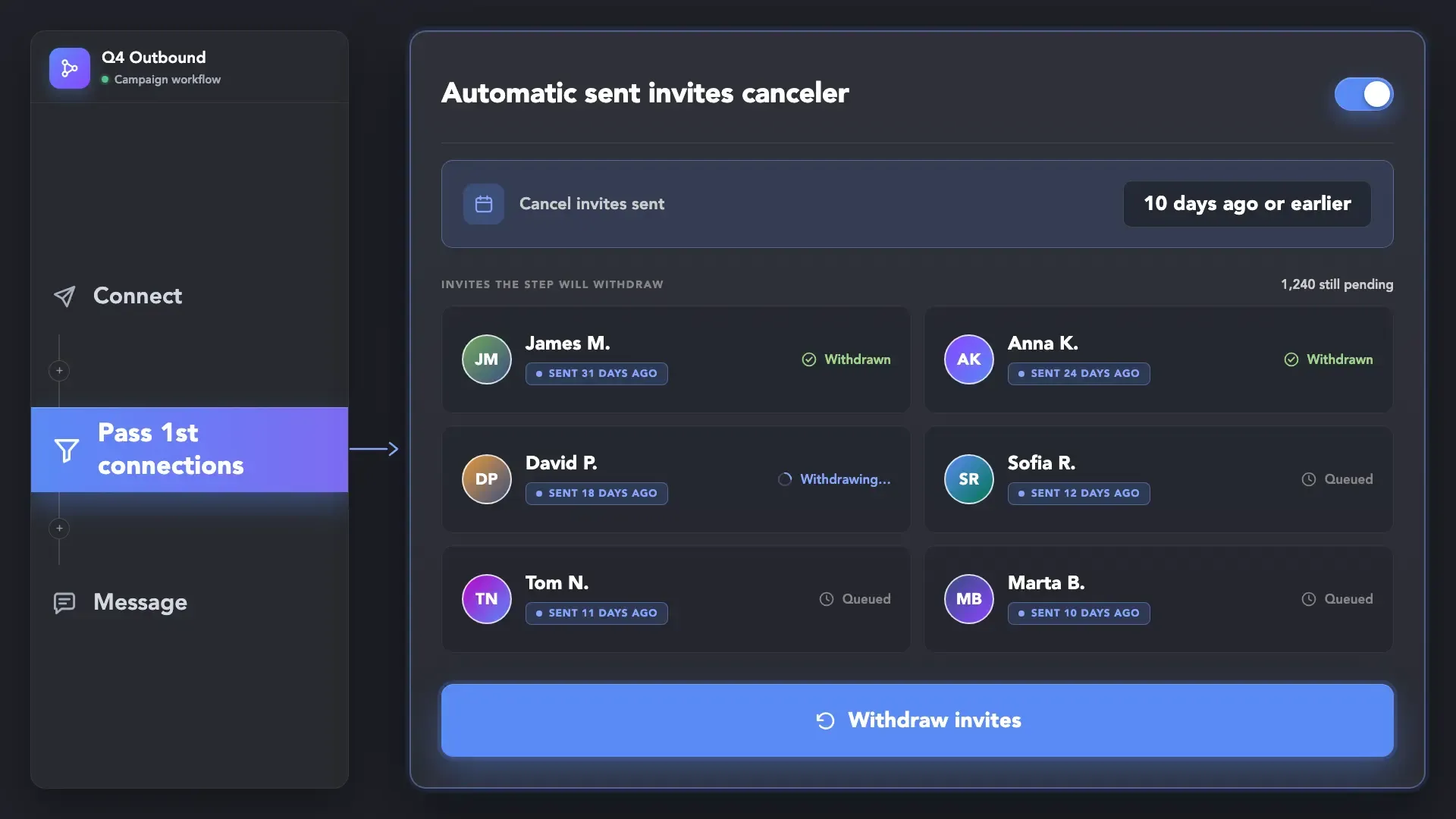
Set an expiration rule for invitations that remain unanswered. Linked Helper can cancel eligible pending invites as part of your campaign workflow, so you do not need to remember a separate cleanup task.
Sent Invites Canceler takes care of the invites you send. Two more tools handle the rest: the invitations you receive and the connections you already have.

Seamlessly embed Sent Invites Canceler into your existing campaign pipeline
and never worry about hitting LinkedIn limits again.
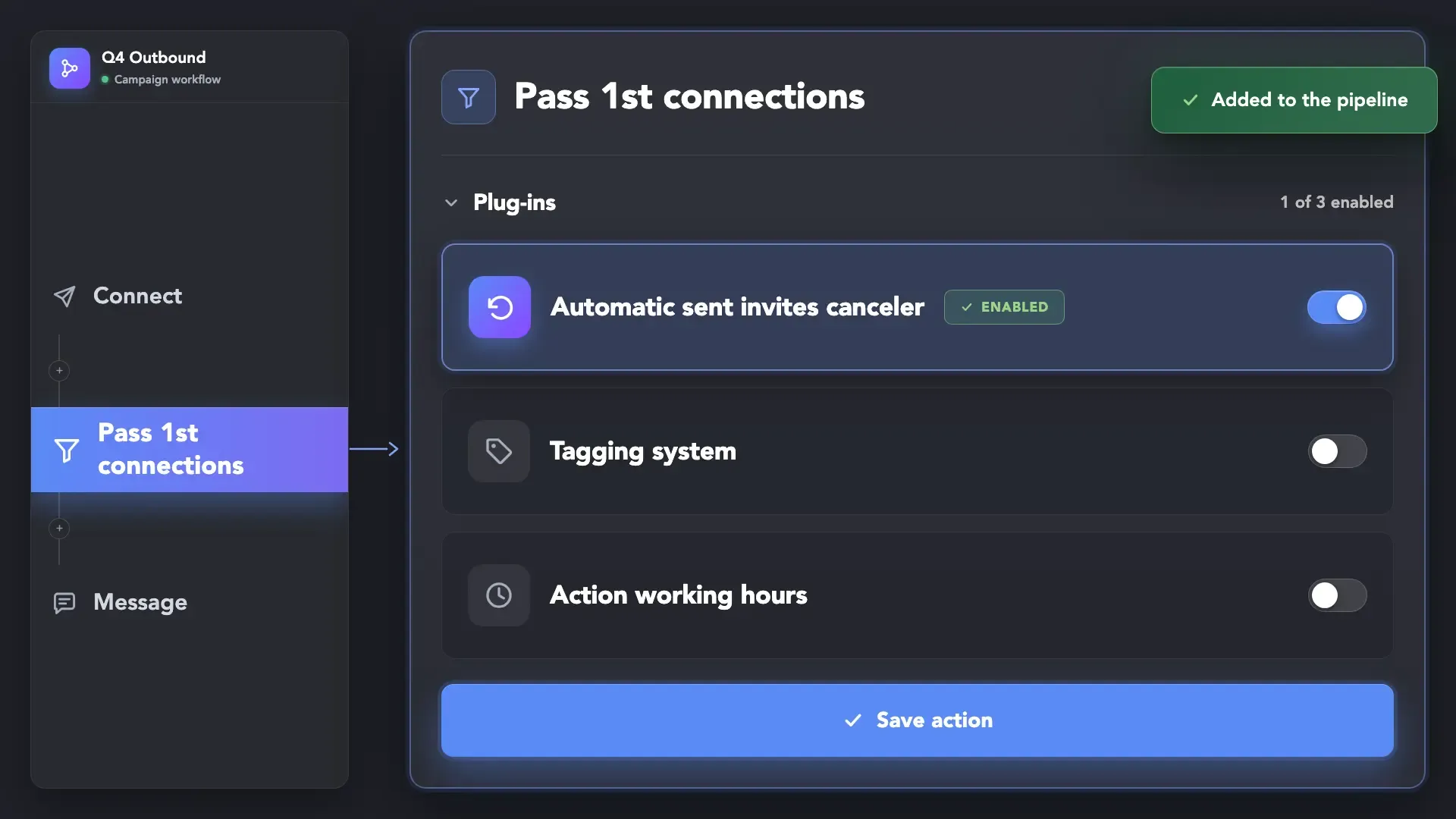
Open any existing outreach campaign or build a new one. Find the "Filter contacts out of my network (keep 1st level only)" action and simply toggle on the Automatic Sent Invites Canceler plug-in. The plug-in is also included in our campaign templates and can be enabled during campaign setup.
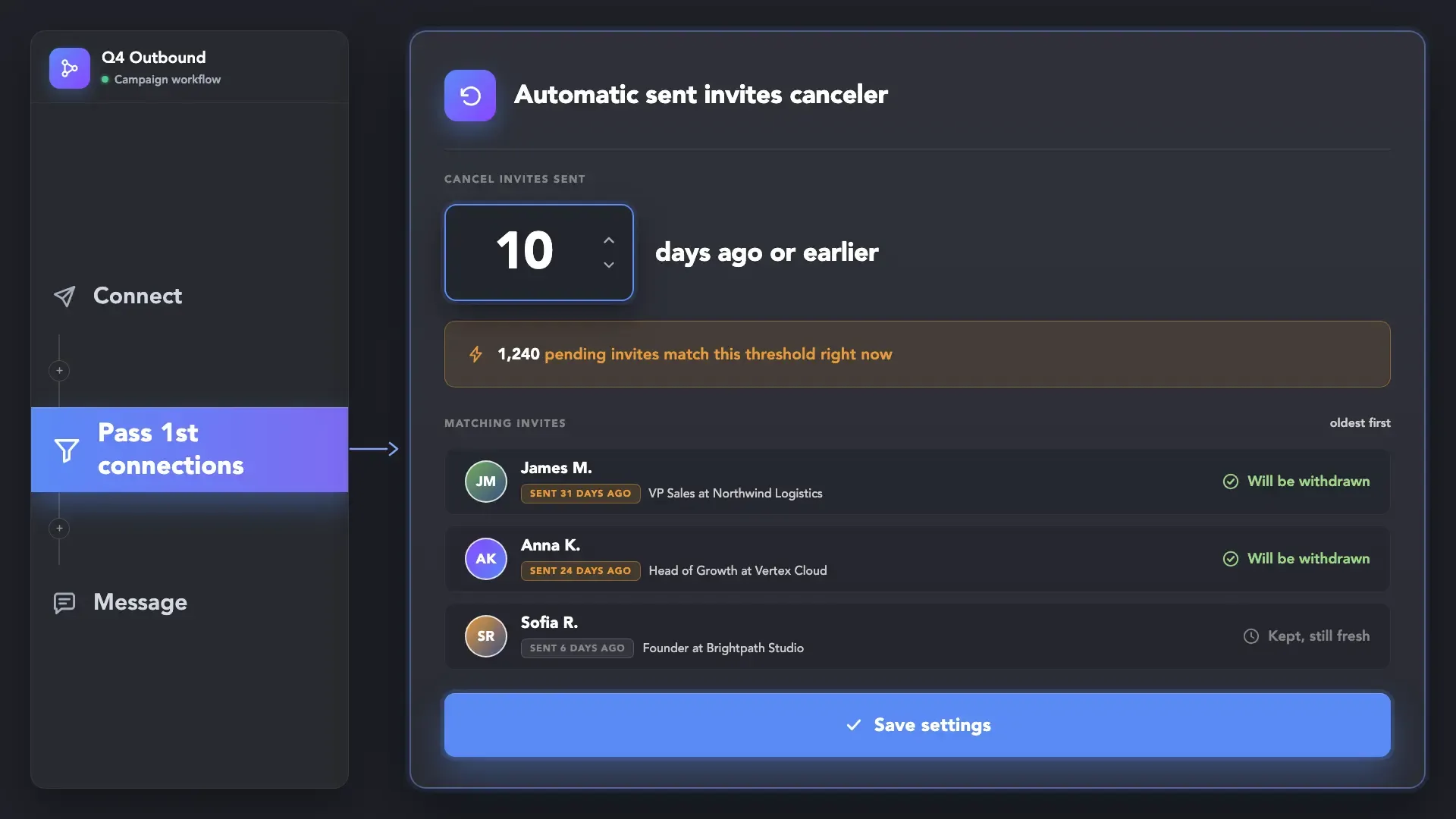
Decide exactly how long pending invitations should wait before being withdrawn. Set about 7-14 days. This keeps your pending backlog small, so stale invites don’t trigger LinkedIn’s sending restrictions, while giving warm prospects enough time to accept.
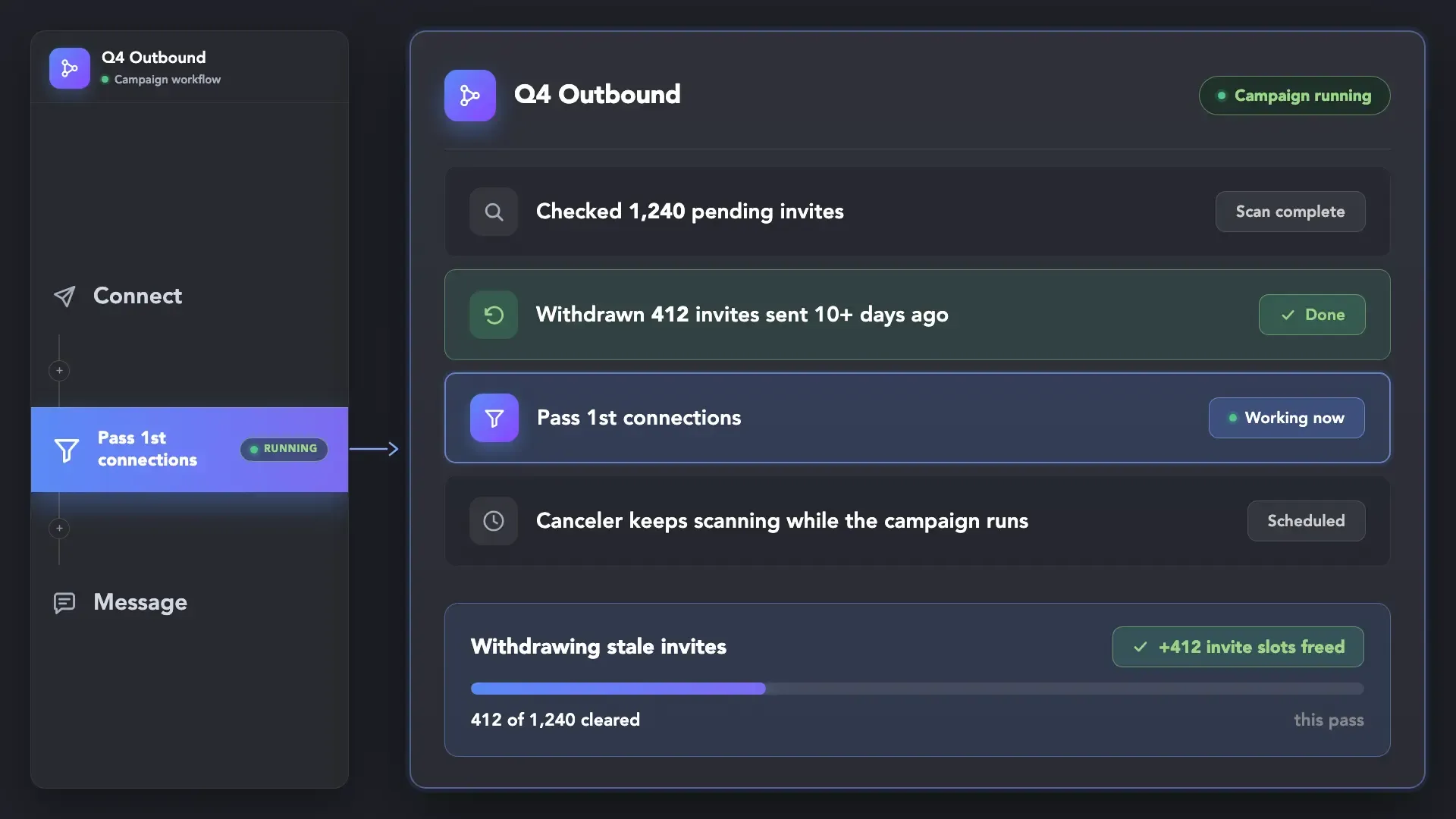
Hit Start Campaign. Linked Helper will continuously monitor pending requests in the background and withdraw expired invites on schedule, with zero manual maintenance needed.
Add the Plug-in to Your Campaign Workflow
Open any existing outreach campaign or build a new one. Find the "Filter contacts out of my network (keep 1st level only)" action and simply toggle on the Automatic Sent Invites Canceler plug-in. The plug-in is also included in our campaign templates and can be enabled during campaign setup.
Collect lead data without visiting profiles. Use Data Enricher to automatically capture 50+ profile data points, verified emails, and phone numbers without opening profiles one by one — saving your LinkedIn action slots for invitations, messages, and other outreach activities.
Whichever team you run LinkedIn for, old invites stop getting in the way of new outreach.
See how Linked Helper works for yours.


No automation tool can guarantee zero risk, but Linked Helper withdraws old invites in a real browser,
at a human-like pace and from your own IP or a proxy you choose.
Linked Helper works in a real browser, acts at a human pace with mouse movements, typing and randomized delays, follows your working hours and daily limits, and runs from your own IP or a proxy you choose.
 Real BrowserHuman-like ActionsWorking HoursDaily LimitsYour Own IPDedicated Proxy
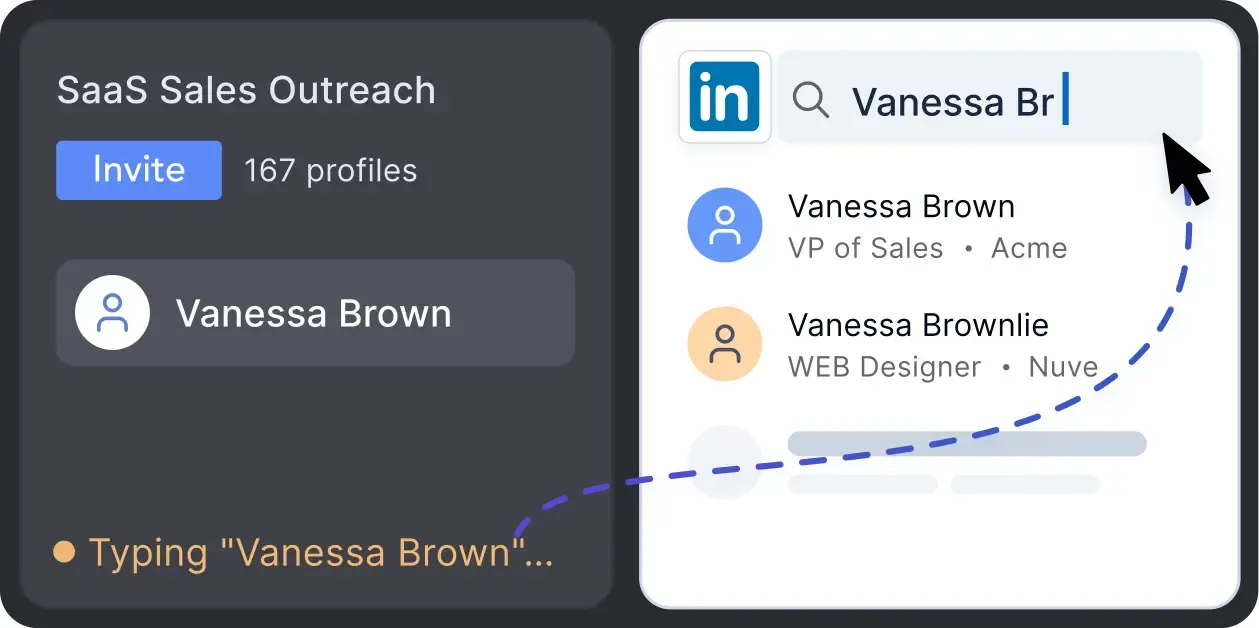
Mimics human actions with mouse movements and clicks, typing, and randomized delays. Navigates via LinkedIn search rather than direct URLs.
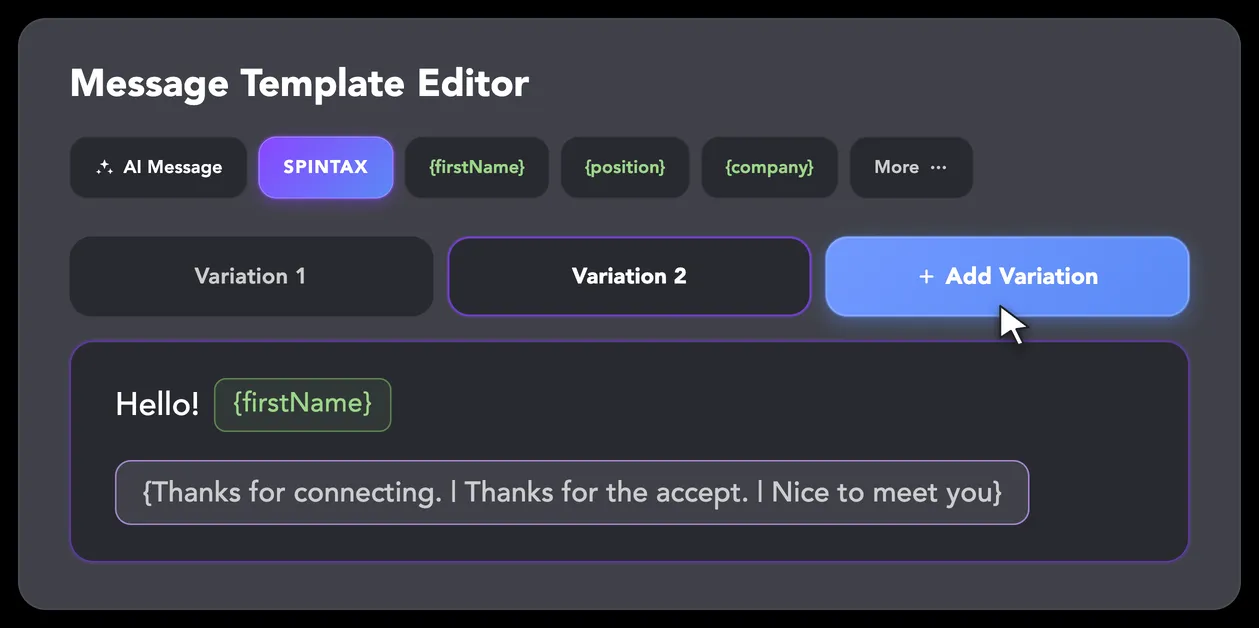
Combine your templates with unique syntactic variations, so the messages in your campaigns don't all read the same.
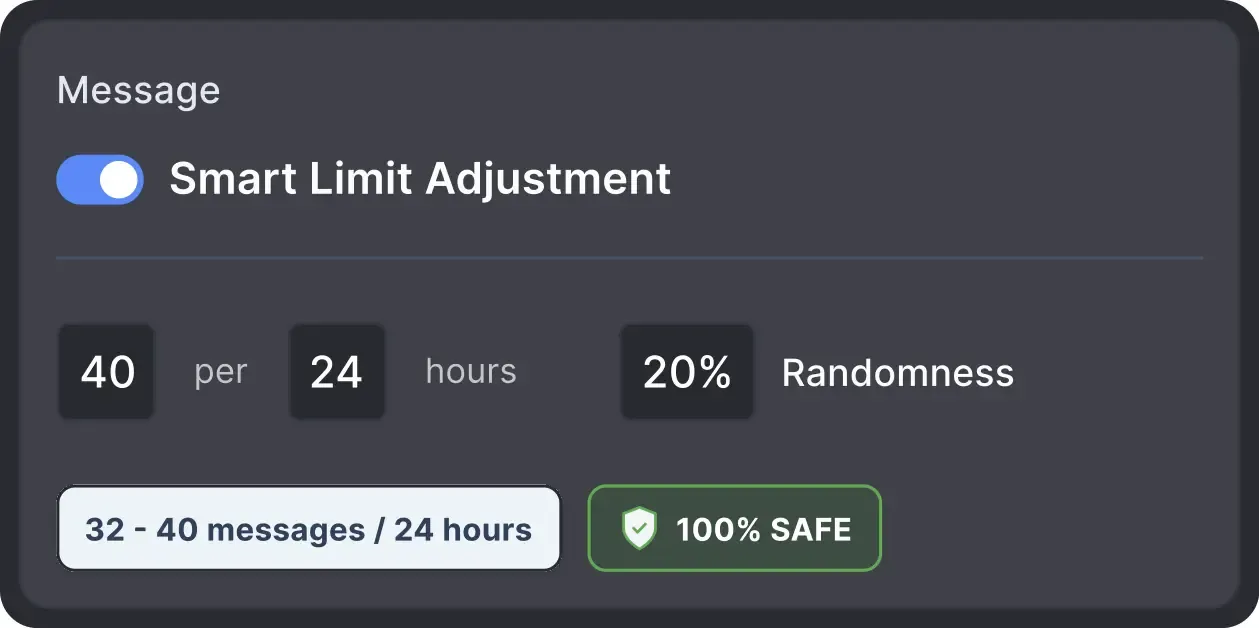
Follows the daily limits and working hours you set (e.g., 9 AM - 5 PM), with random shifts so activity doesn't run on a fixed schedule.
All activity comes from your own IP address or a dedicated proxy you choose.
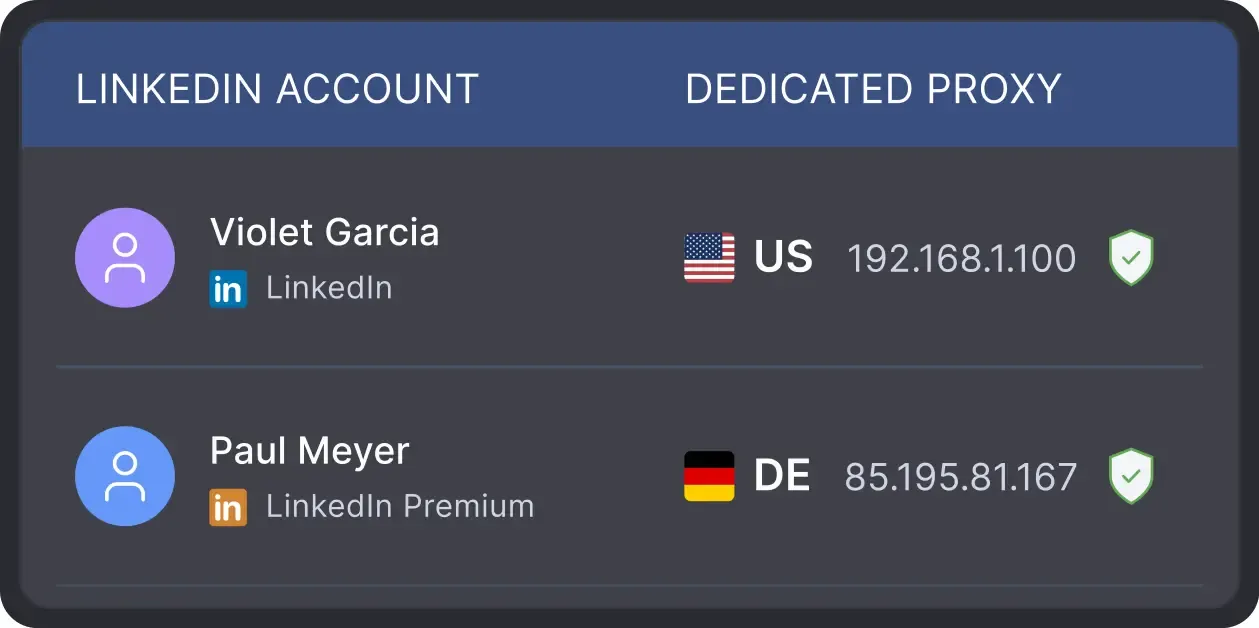
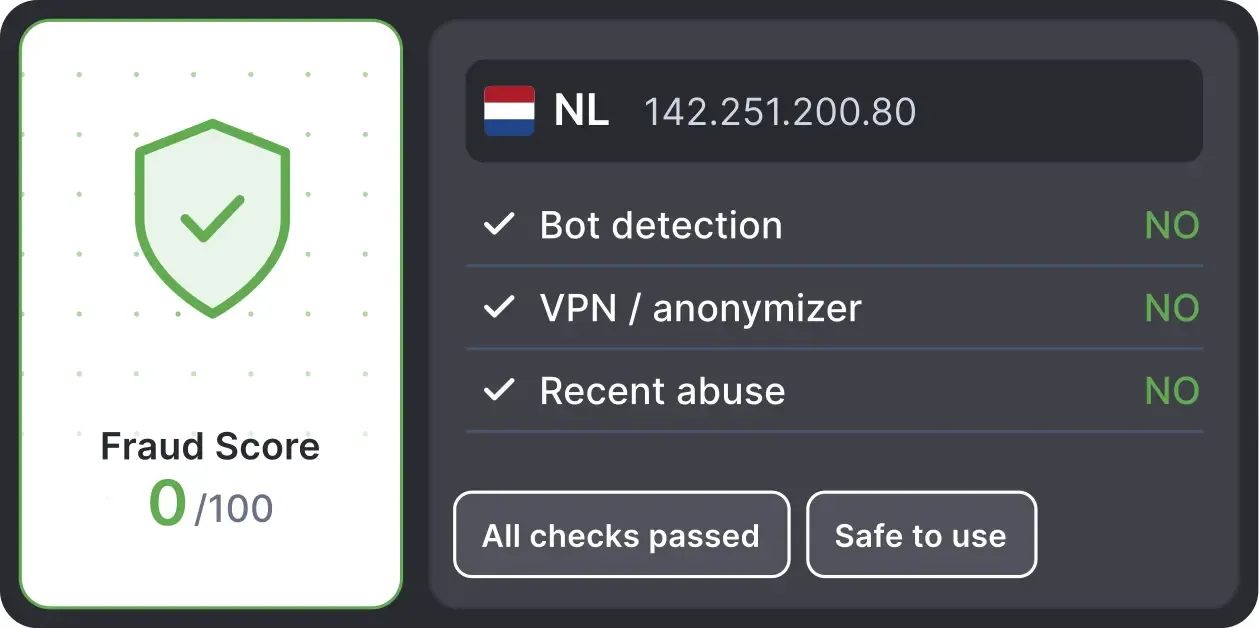
Checks your proxy's fraud score and flags it as Good or Bad, so you can avoid low-quality or blacklisted IPs.
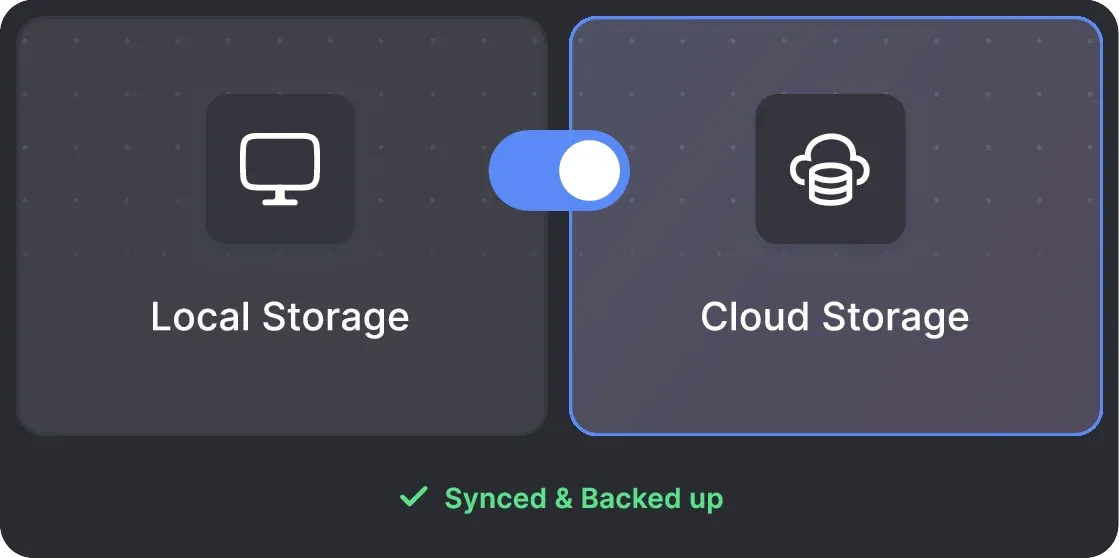
Your data can be stored on your PC or in the cloud. Local storage keeps your lead database on your device.

Basic

Premium

Sales Navigator

Recruiter
Basic
Premium
Sales Navigator
Recruiter
From finding leads to closing deals, Linked Helper automates every step of your outreach funnel.


Real testimonials from users who keep their outreach clean with Linked Helper.




Sent Invites Canceler is a standout featureThe program has a cool feature - automation of deleting invitations to establish a contact. This has a positive effect on the limits on your LinkedIn account and allows you to contact the contact with a new offer after 3 weeks.

Safe automation, real resultsI liked that it can automate almost every thing in linkedin , and make multiple campaigns like sending connection requests, sending inmail messages and send followup message and extract profile email, and alot more and all if that is done in a safe way so the linkedin account avoid block, it save a lot of time and efforts in a safe way.

Finally, a tool that just worksIt is the best platform for LinkedIn. I tested several others, but they all had issues that prevented them from running efficiently. Then I found Linked Helper, and right from the start, it met all my expectations.
More features, less costMy overall experience has been great and I have also recommended it to 2 of my clients who were using very expensive tools with very less features. Their team is happy and surprised as the same time.

Natural growthMy overall experience is great. I like that it works, it's really easy to use, it's very natural, UX-friendly design. I like it because it helped me to connect to my clients, to my audience, and create automations instead of writing everything by hand. Plus, it's really great that it has a very good price.
You can't do B2B sales without this toolLinked Helper is the essential part of our sales workflow. Helps our company getting 10-20 client demos each week. I can't recommend enough. It's a must have for any B2B sales team.
Everything is automated once you set itUsing Linked Helper now over a couple of months and have to say it works flawlessly. Onboarding new contacts, sending out follow-ups messages... everything is automated once you set it. Just top to increase the network with this tool!
Quick and efficient set-upSetting up campaigns is a breeze, and I particularly love that you can target post commenters, engagers, and event attendees. This flexibility really sets Linked Helper apart. My connection request acceptance rate is impressive, hovering around 20-30%.
Total control over every campaignLinked Helper is affordable, scalable and reliable. It gives me complete control over my campaigns.
No chatbots. No waiting days for a reply. Get fast, expert help from real people
who are committed to your success, anytime you need it.
Mary P.
Co-Founder and CMO
The support team of this product deserves special attention. Excellent service, attention to users, analysis of the client's case. I definitely recommend both the product and the support team.
Review24/7 LIVE CHAT & EMAIL
Get a real human response in minutes, not days.
REMOTE ASSISTANCE
If you're truly stuck, we can connect to your computer and guide you.
IN-DEPTH KNOWLEDGE BASE
Step-by-step tutorials and articles for every feature.
Standard plan includes the full LinkedIn automation toolkit, with usage limits on some advanced features.
Pro plan increases advanced feature and integration limits, and adds full message history export.

All your data stays on your device in local folders you can access directly.

Each account has its own isolated storage - no data mixing.

With outgoing webhooks, Linked Helper can send data to third-party systems.

Data is stored in local folders on your device. No app, no internet required to access your files.
Local tax may apply
Join our weekly live training for a kick-start, or explore our library of bite-sized guides at your own pace. We provide every resource to help you scale safely.

A 60-minute live walkthrough to kick-start your LinkedIn lead generation. Register now to join live or receive the recording by email even if you can’t attend.




BLOG POST
VIDEO TUTORIAL
A Linked Helper function that withdraws pending LinkedIn invitations. It can clear your backlog by date in one run or automatically withdraw unanswered invitations within a campaign after a set period
Clear your pending invites today — automatically, quietly,
so you can reconnect with promising leads later.









 Save My Spot