Quick Connect
1. Get your Apollo.io API key
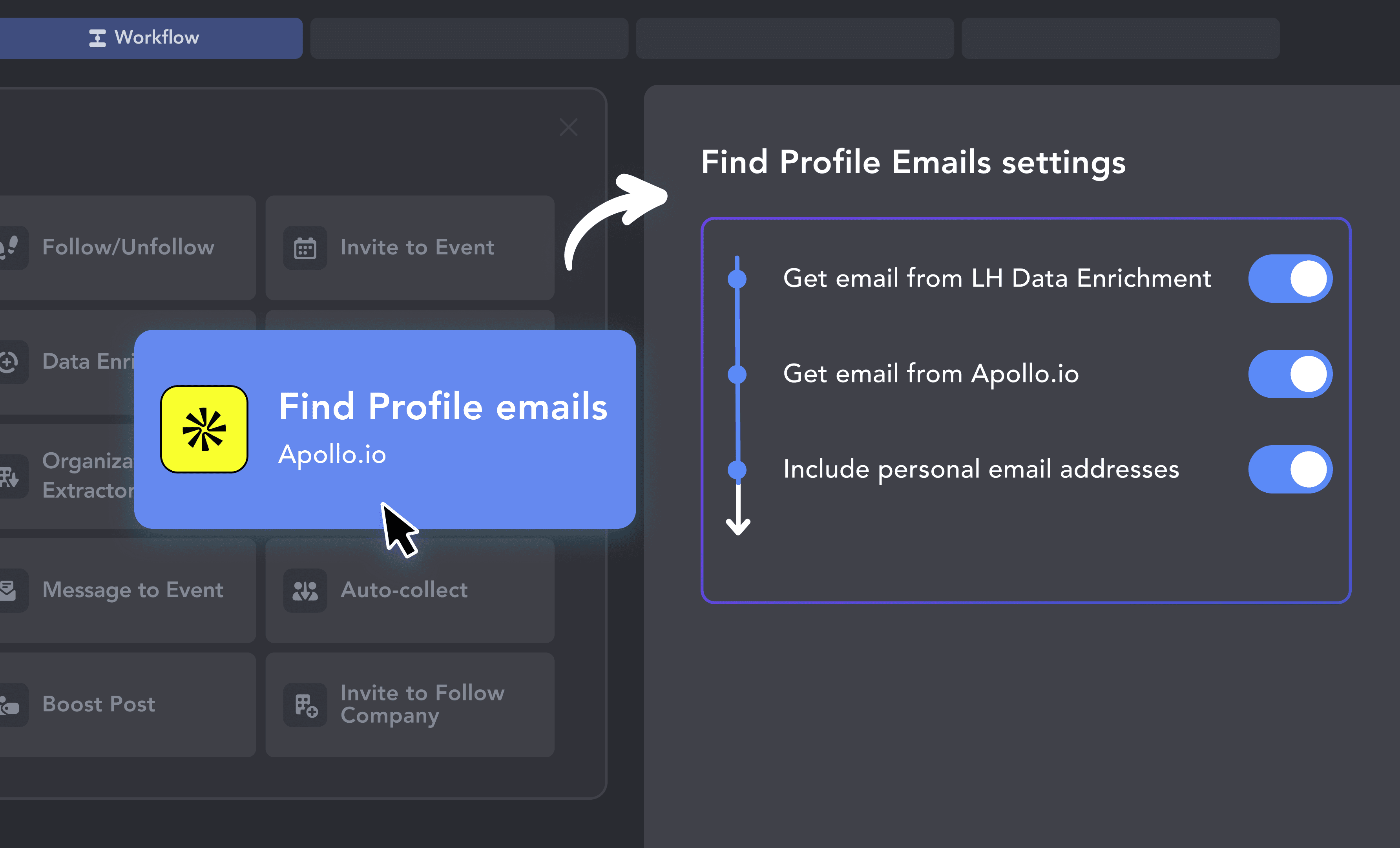
Log in to Apollo.io and get your API key. In Linked Helper, open the Find Profile Emails action settings and enable the "Get email from Apollo.io" option.
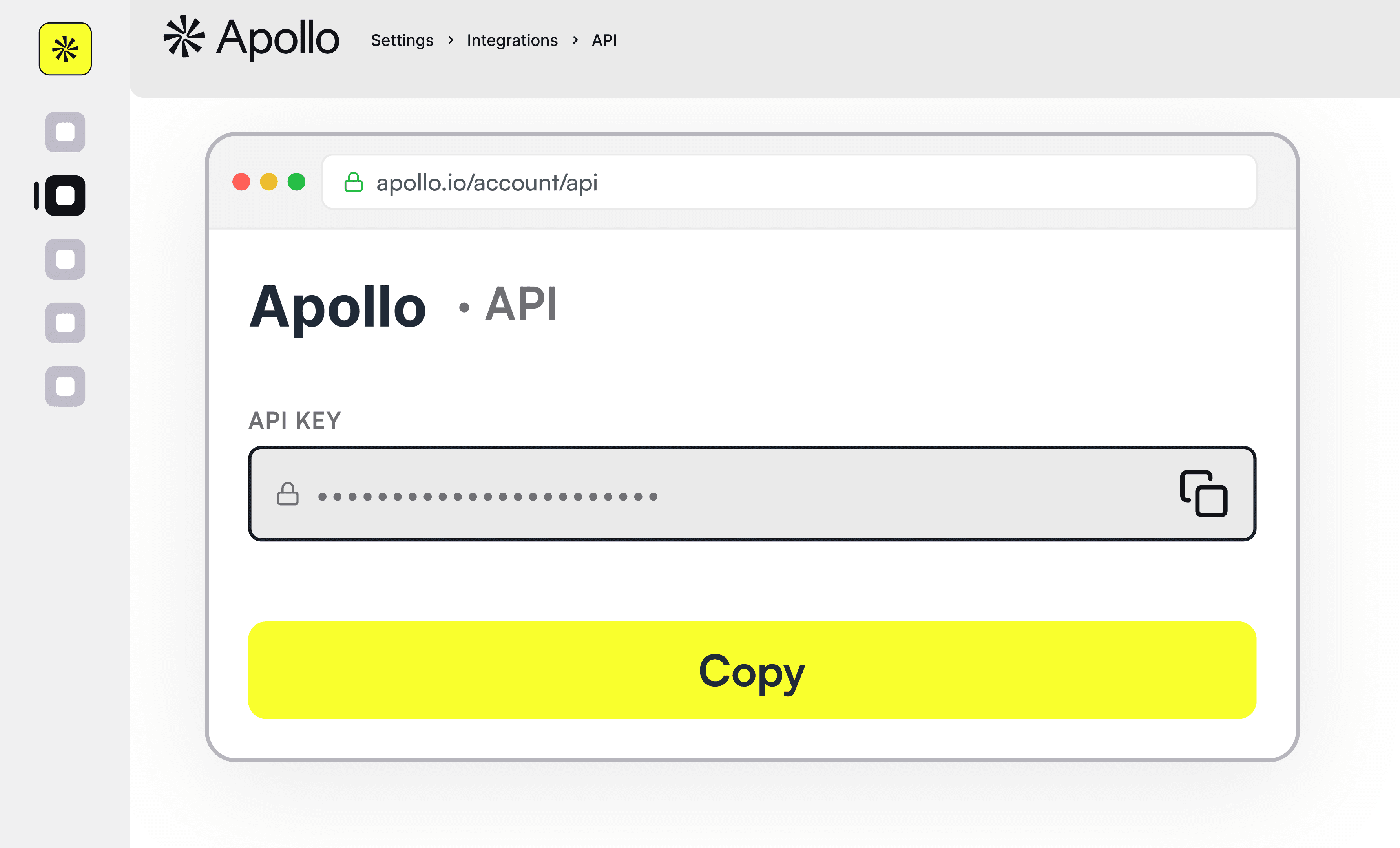

Connect Apollo.io to Linked Helper and extract verified business and personal emails for your LinkedIn prospects, then send them wherever your workflow needs them.











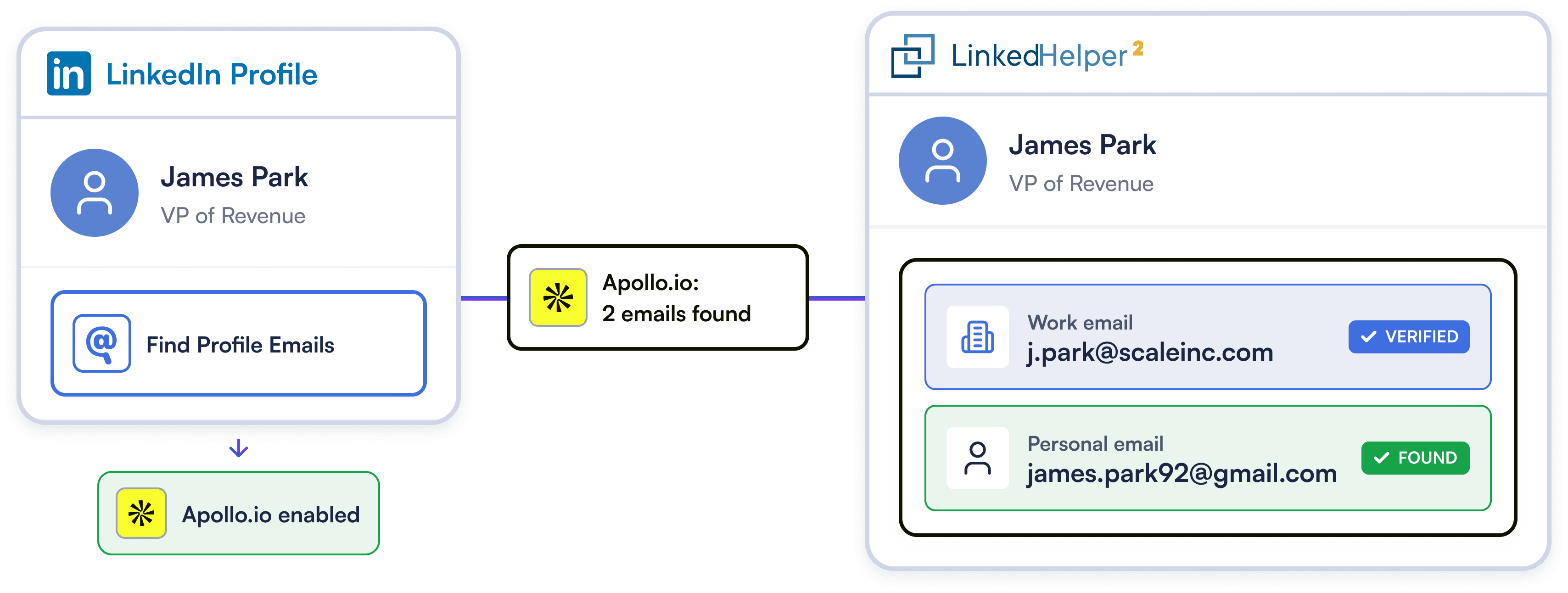
Apollo.io searches for both verified business emails and personal addresses — so when a prospect's work email bounces, you still have another route. One action, two opportunities to reach the right person.
Try Template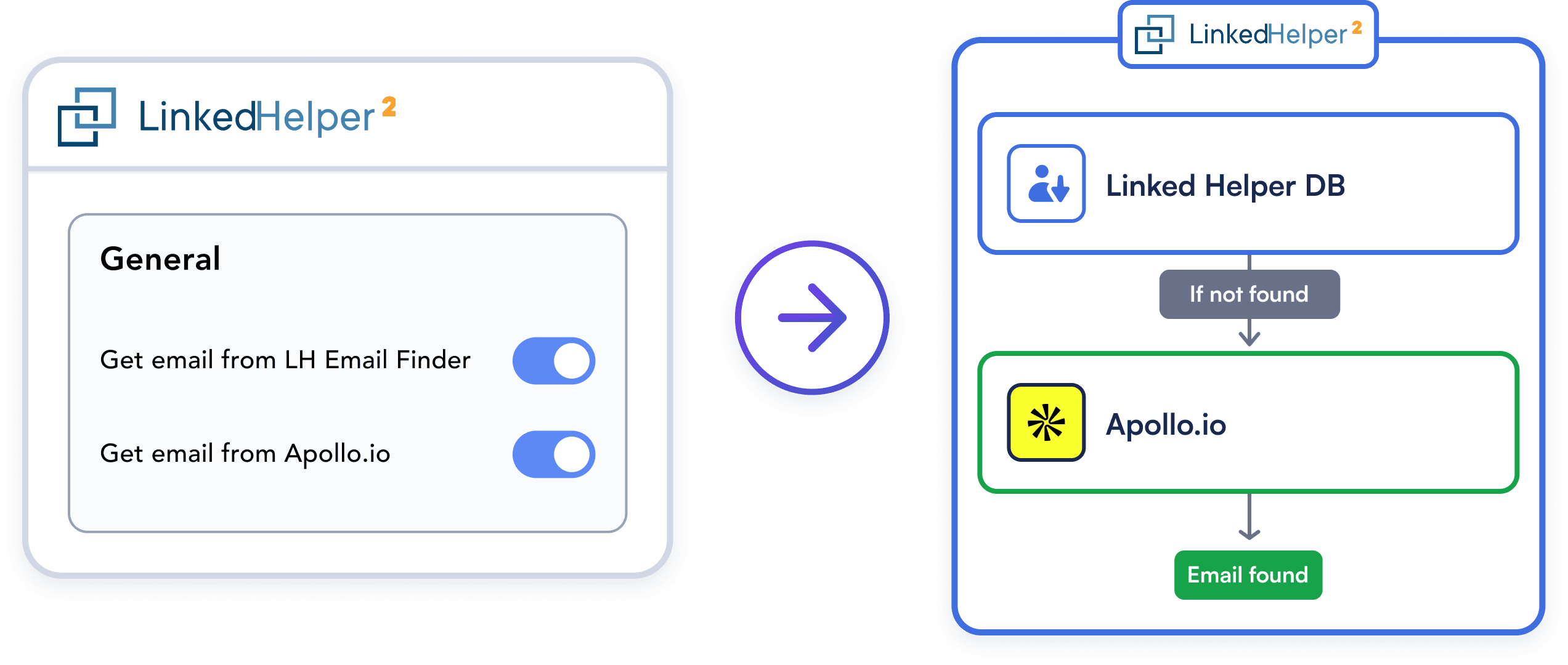
Linked Helper makes sure none of your email credits are spent carelessly. When Find Profile Emails runs, it works through your enabled sources in priority order: LH Data Enrichment goes first. If an email is found there, Apollo.io is never used and your credits are preserved for profiles that actually need them.
Try Template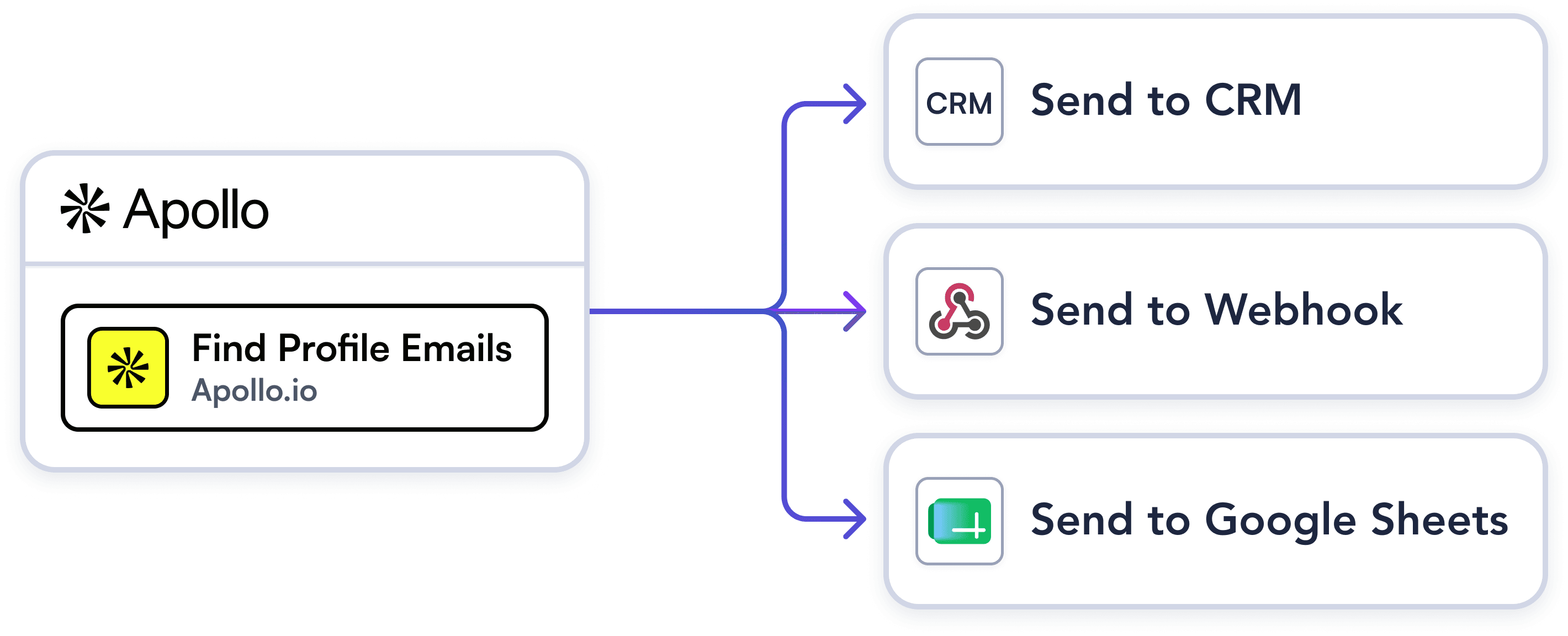
Linked Helper leverages Apollo.io to discover and verify prospect emails, then routes enriched data anywhere in your tech stack. Push leads to HubSpot, stream them to Google Sheets, or trigger custom webhooks.
Try TemplateLog in to Apollo.io and get your API key. In Linked Helper, open the Find Profile Emails action settings and enable the "Get email from Apollo.io" option.
Maximize email find rates while saving Apollo.io credits. Linked Helper uses internal enrichment first, only spending Apollo.io credits when necessary, with optional personal email discovery.
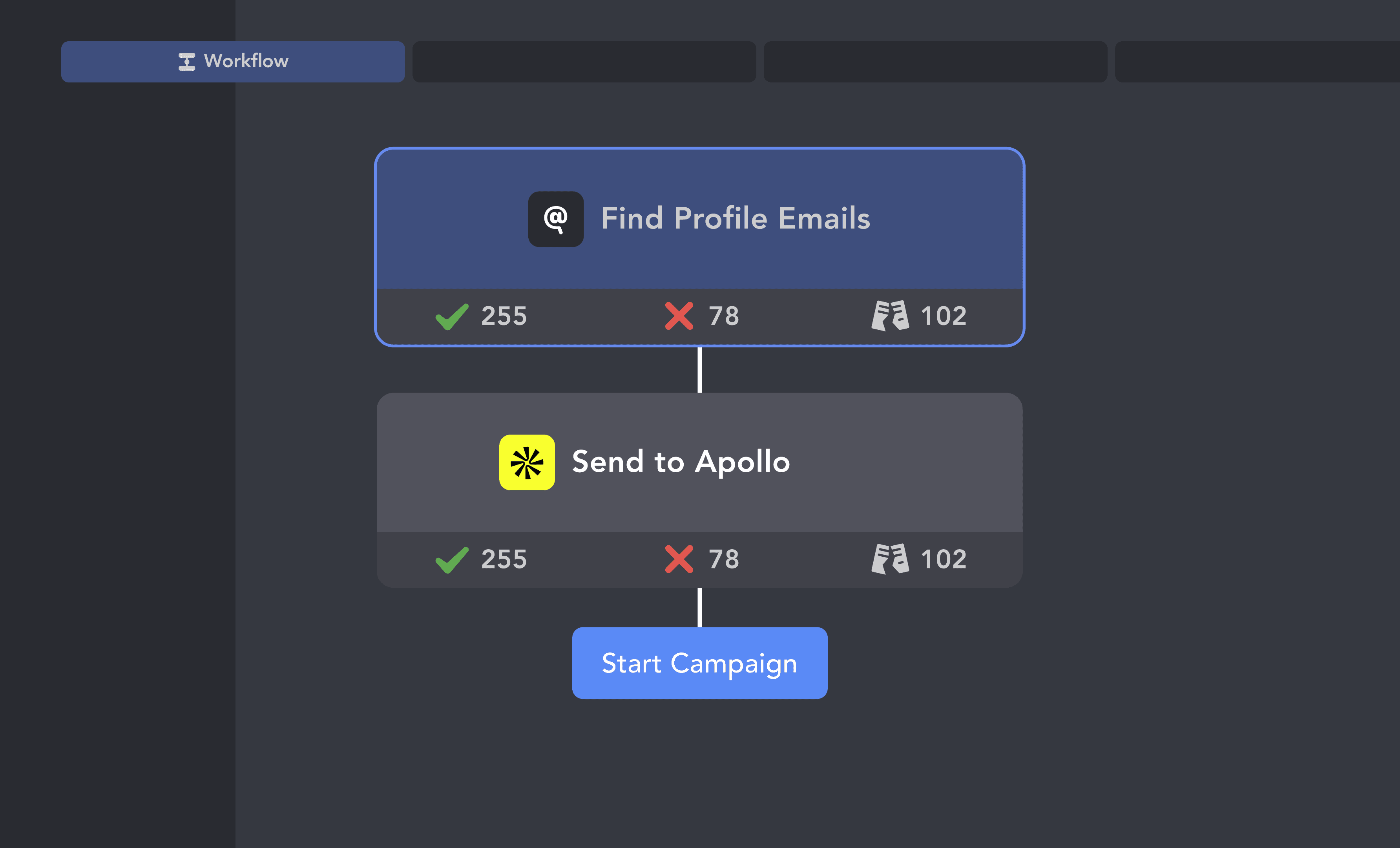
Automatically route enriched prospects directly to your CRM. Launch your campaign and watch complete, high-intent leads flow into your pipeline.
From finding leads to closing deals, Linked Helper automates every step of your outreach funnel. Explore the features that make us the most powerful solution on the market.


No chatbots. No waiting days for a reply. Get fast, expert help from real people who are committed to your success, anytime you need it.
Isaac R.
CEO, Education Management
If you are looking to optimize your time while generating income or profitability in your objectives, Linked Helper is your app. What I liked most is the simplicity and effectiveness.
 Review
24/7 LIVE CHAT & EMAIL
Get a real human response in minutes, not days.
REMOTE ASSISTANCE
If you're truly stuck, we can connect to your computer and guide you.
IN-DEPTH KNOWLEDGE BASE
Step‑by‑step tutorials and articles for every feature.
Watch our quick video guides to get started with Linked Helper.
This video provides a quick guide to get you started with Linked Helper 2: from registration to launching your pilot outreach campaign.
VIDEO TUTORIAL
VIDEO TUTORIAL
Both are email-finding services you can connect to the Find Profile Emails action. The key differences: Apollo.io can find personal email addresses in addition to work addresses, while Snov.io focuses on business emails. Snov.io also has a native Linked Helper action to send contacts directly into a Snov.io drip campaign; Apollo.io does not — it finds emails, and you send the contacts to whatever tool you use for outreach.
Sync LinkedIn prospects, log conversations natively, and close deals faster. No manual data entry required.