

 14 min read

TL;DR: Customer communications management software in 2026
- Quadient Inspire represents a wide-ranging choice for companies bringing together customized print plus digital communications; nonetheless, a quote is needed for the edition, the migration scope, and the delivery costs.
- When deployment flexibility is a concern, OpenText Communications (Exstream) stands as the one for comparison — and its Communications offering differs from OpenText Core Communications.
- SmartCOMM has the clearest public starting price: $50,000 for 12 months, with three environments, five Design Users, and zero pages. I rechecked the AWS Marketplace listing on November nineteenth, 2026.
- Messagepoint Communications Cloud fits groups aiming to manage shared templates, reusable material, and content across channels, and hybrid processing can prove important if production data can't remain within the vendor cloud.
- UniServe NXT encompasses document, workflow, and communications automation, whereas batch-to-interactive document production is covered by Papyrus CCM.
- Compare marketing or customer-service platforms if you require lifecycle messaging, ticket routing, or a shared support inbox rather than governed outbound correspondence. Don't treat those platforms as CCM equivalents.
These picks cover enterprise outbound CCM: Quadient Inspire, OpenText Communications, SmartCOMM, Messagepoint, UniServe NXT, and Papyrus CCM. Customer communications management software helps enterprises create, personalize, govern, and deliver statements, policy notices, bills, enrollment packets, and service correspondence. It connects business data and approved content to composition and delivery workflows, with version, channel, and compliance controls.
At a glance
SmartCOMM has a $50,000 annual AWS Marketplace base offer that excludes pages; Quadient Inspire, OpenText Communications, Messagepoint Communications Cloud, UniServe NXT, and Papyrus require custom quotes. This table matches each enterprise CCM product to its main use, deployment scope, and public pricing.
| Product | Best for | Deployment or scope detail | Public price |
|---|---|---|---|
| Quadient Inspire | Consolidating governed print and digital communications | Confirm the Inspire edition and modules in the quote | Custom quote |
| OpenText Communications (Exstream) | Enterprise composition where deployment choice matters | Managed cloud, containers, hybrid, or on-premises options vary by offering | Custom quote |
| SmartCOMM | Personalized, regulated communications with a defined base package | $50,000 annual AWS Marketplace base offer excludes pages | $50,000 base; production volume extra |
| Messagepoint Communications Cloud | Business-managed content, rules, and reusable templates | SaaS or hybrid processing options | Custom quote |
| UniServe NXT | Communications tied to document automation and workflow | Modular suite; confirm modules and hosting | Custom quote |
| Papyrus CCM | A broad document lifecycle from batch to interactive output | Optional output, mailroom, and archive capabilities affect scope | Custom quote |
What to compare in enterprise CCM software
For customer communications management software, begin your shortlist with the task you need performed: batch or on-demand composition, reusable approved content, print or digital output, and deployment. Next, examine what determines the contract: pages, users, environments, or modules. “Omnichannel” spans distinct jobs. One composition engine might generate a PDF; a different product dispatches email or SMS, gathers responses, or archives the record. Request that vendors price every layer within one proposal.
1. Quadient Inspire: Best for consolidating enterprise communications
Quadient Inspire is the broad suite to consider when you want one governed workflow for high-volume print and digital correspondence. I'd nail down the edition and modules first: the current US product page now brings Inspire under one destination, and older Flex or Evolve names may not map one-to-one to today's quote.
Best for: Enterprises replacing several document-composition workflows with a governed communications platform.
Pros — Quadient Inspire
- Inspire covers composition and customer-facing print and digital communications, so you can scope authoring, approval, and output together.
- Inspire Interactive is a browser-based editor for approved templates, locked regulatory language, and multi-level approvals.
- The public credit-card scenario shows the customer-facing application journey; it doesn't open the staff authoring screen.
Cons — Quadient Inspire
- There's no public subscription price for these workloads. Implementation, migration, output, and archive need their own quote lines.
- You can't judge the rule editor or approval setup from that customer-facing demo.
- Skip Inspire if you're updating a small set of static letters; the suite's migration and governance scope is built for a wider replacement.
I followed the public credit-card scenario from persona and card selection to application review. After I pressed Confirm, it returned to card selection. I found the sample useful for seeing a customer journey, but it tells me little about the editor or approval controls; I'd want an authoring walkthrough before sizing the migration.
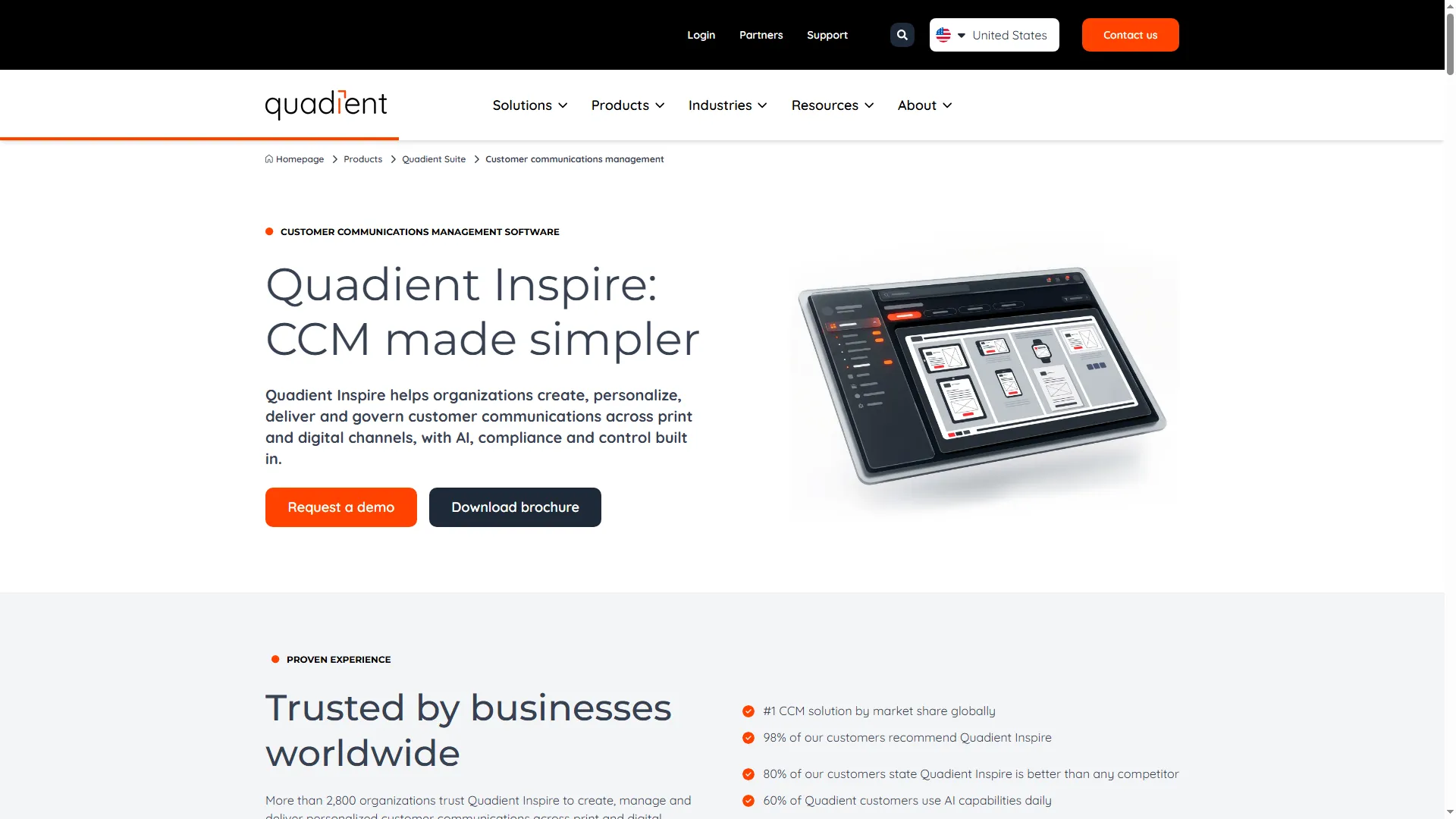
The Inspire overview frames the platform around enterprise customer communications.
Product pricing — Quadient Inspire
Custom quote. Scope annual costs for composition, environments, page volume, delivery, archive, implementation, and support.
2. OpenText Communications (Exstream): Best for deployment flexibility
OpenText Communications (Exstream) belongs on the shortlist when a large document operation needs a choice of managed cloud, containers, hybrid hosting, or on-premises deployment. The license and connected delivery products still decide what those channels and environments cost.
Best for: Enterprises with existing document workflows that need to compare managed cloud, container, hybrid, and on-premises deployment.
Pros — OpenText Communications (Exstream)
- OpenText lists high-volume personalized statements, interactive correspondence, and self-service experiences.
- I like having container, managed-cloud, and on-premises options in one comparison. But you can't price that flexibility from the architecture labels alone; hosting and connected products change the quote.
- Keep the product names straight: Core Communications is sold separately from Communications (Exstream), so the composition license and the messaging service may land on different quote lines.
Cons — OpenText Communications (Exstream)
- Pricing is quote-based. Output volume, connectors, hosting, migration, and services all affect year-one and renewal costs.
- The linked guided tour opens an Experience Cloud onboarding flow, not Exstream’s authoring interface.
- Skip it if you need a simple composer with a published seat or page rate; this deployment range needs a scoped enterprise quote.
I followed the tour linked from OpenText’s Communications page. It identifies itself as Experience Cloud and walks through insurance onboarding, so I wouldn’t use it to judge Exstream’s composition workflow. That product-name mismatch is the key thing to resolve in a demo.
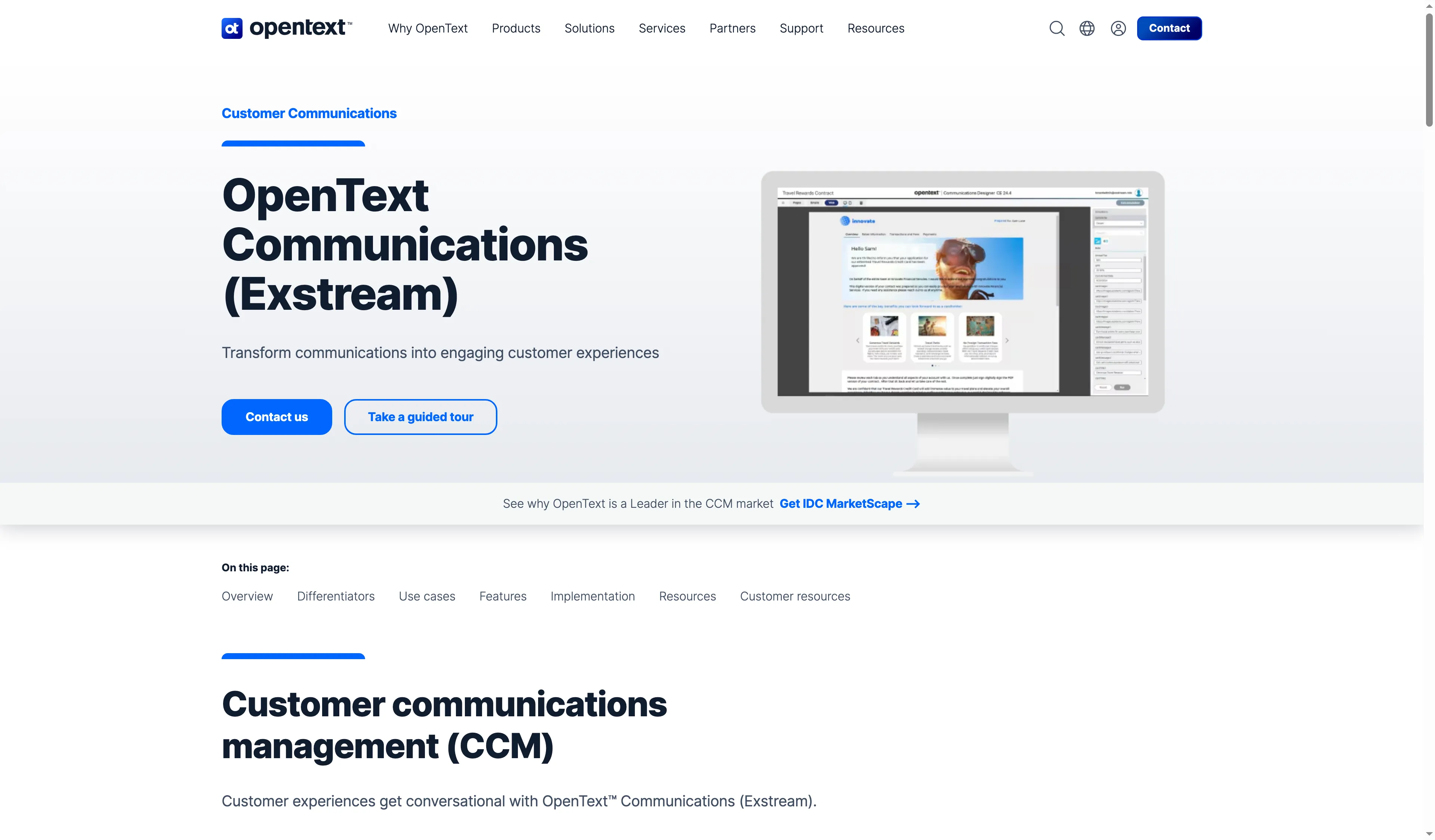
The product page distinguishes OpenText Communications from adjacent customer-experience products.
Product pricing — OpenText Communications (Exstream)
Custom quote. Price author seats, environments, document volume, deployment, connectors, managed services, and implementation separately.
3. SmartCOMM: Best for regulated communications with a visible base price
SmartCOMM is the only product here with a public annual base offer: AWS Marketplace lists $50,000 for 12 months, with three environments, five Design Users, and zero pages.
Best for: Teams that want a clear base entitlement for regulated communications and can size production volume separately.
Pros — SmartCOMM
- You can price the starting entitlement precisely: three environments and five Design Users.
- SmartCOMM focuses on personalized, high-volume communications, not broad ticket administration.
- Smart Communications also offers deployment choices for different organizational requirements.
Cons — SmartCOMM
- The package includes zero pages, so you’ll still need a production quote for the statements, notices, or letters in your workload.
- Extra page capacity and AWS infrastructure sit outside the base package. Get both numbers before you compare bids.
- SmartIQ, SmartPATH, and SmartHUB belong to the wider portfolio; don’t assume they come with the Base Package.
I like that SmartCOMM gives buyers a real base entitlement to compare. For a production budget, you’ll still need page capacity and output-channel charges for the same workload from every vendor. Skip it if you need a production price ceiling before discovery; the base offer leaves the largest cost line open.
SmartCOMM is positioned around personalized customer communications at enterprise scale.
Product pricing — SmartCOMM
$50,000 per 12 months for the AWS Marketplace Base Package, with three environments, five Design Users, and zero pages. Page capacity and AWS infrastructure cost extra.
4. Messagepoint Communications Cloud: Best for reusable governed content
Messagepoint is the clearest fit here when you need business teams to reuse approved content across a large template library. I wouldn’t buy the module story on its own: you still have to map Migrate, Assure, Connect, and Produce to your workflow.
Messagepoint Communications Cloud puts reusable content, rules, templates, and personalized print or digital composition in one platform. That matters when teams are maintaining duplicate language across a large statement library; the vendor’s feature modules still need to line up with the way you work.
Best for: Communications teams reducing duplicate templates and coordinating approved content across channels.
Pros — Messagepoint Communications Cloud
- One content hub houses reusable components, rules, and variants, which gives business teams a shared place to manage approved language.
- It supports batch, on-demand, and ad-hoc composition for print and digital output.
- You can choose SaaS or hybrid deployment; teams with PII constraints can ask about private-cloud or on-premises production processing.
Cons — Messagepoint Communications Cloud
- The quote isn’t public, and Migrate, Assure, Connect, or Produce may change what you pay.
- AI writing features need their own compliance review; check how they handle your content and permissions before enabling them.
- The content hub doesn’t validate archive, delivery, or downstream composition integrations for you.
I found the private-cloud and on-premises processing option useful for a team with PII constraints. Skip Messagepoint if you only manage a few static templates; the modular content and deployment setup would add scope without solving a large-library problem.
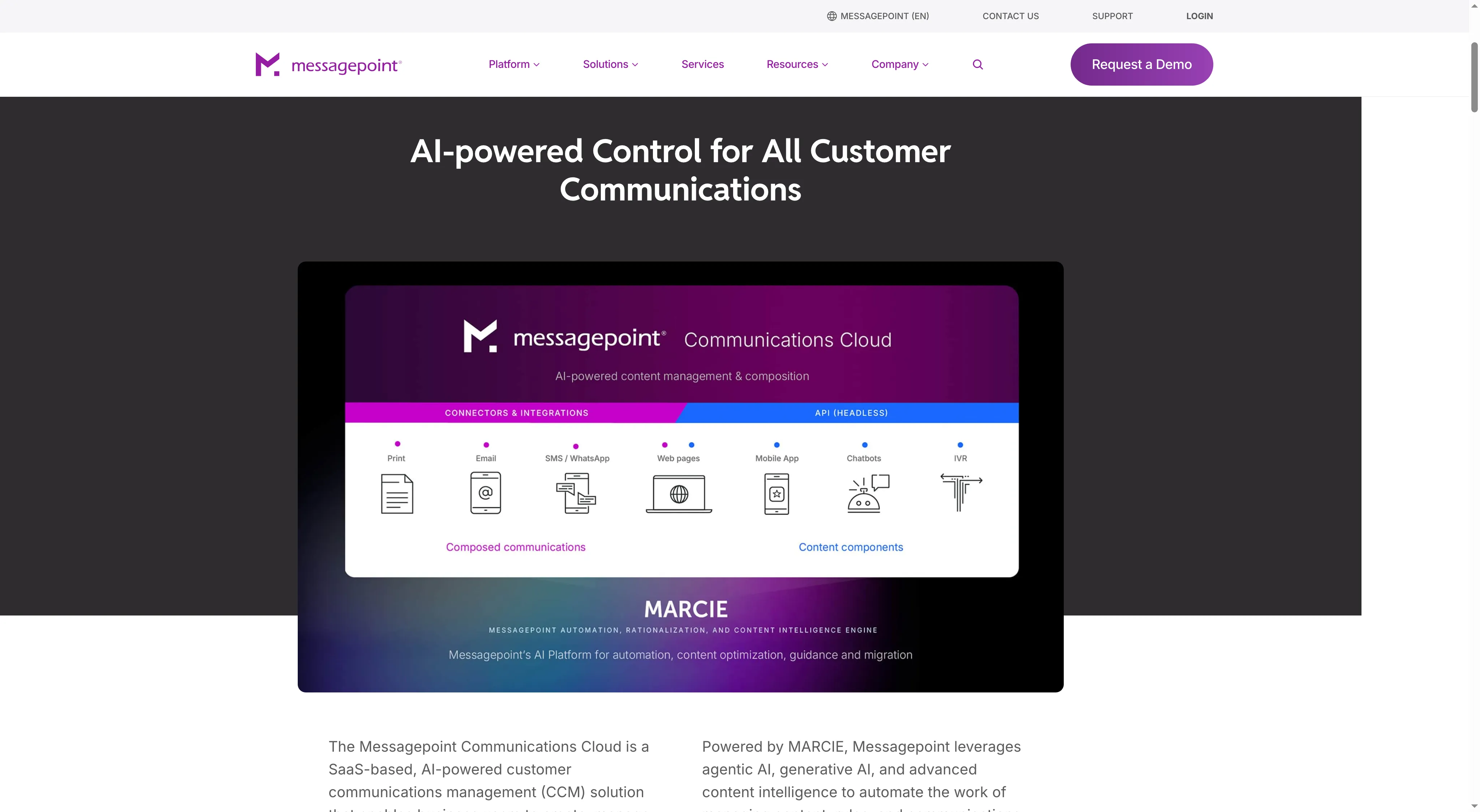
Messagepoint shows composed communications and reusable content components feeding different output channels.
Product pricing — Messagepoint Communications Cloud
Custom quote. The total depends on platform modules, environments, migration, production processing, and annual volume.
5. UniServe NXT: Best for communications linked to document workflows
UniServe NXT is worth a look when customer correspondence sits inside a wider onboarding or document-workflow program. Its current platform page names Customer Journeys and lists Americas-USA in the regions served; the specific hosting location still belongs in the contract.
Best for: Organizations evaluating CCM as part of a wider program for document and workflow automation.
Pros — UniServe NXT
- NXT combines customer communications with document and workflow automation.
- Americas-USA appears in the platform’s coverage list, giving US buyers a starting point for a region discussion.
- The Customer Journeys component gives you a concrete starting point for mapping workflow requirements to modules.
Cons — UniServe NXT
- No public price is available for these workloads; module count, user volume, hosting, and services drive the quote.
- You’ll need a module-by-module bill of materials to see who owns setup and ongoing template changes.
- The regional list doesn’t tell you where your data will be stored or processed.
The US-region listing answers one question, not the hosting question. I’d shortlist NXT for a broader workflow program; skip it if you need a standalone composer and don’t plan to use its workflow modules.
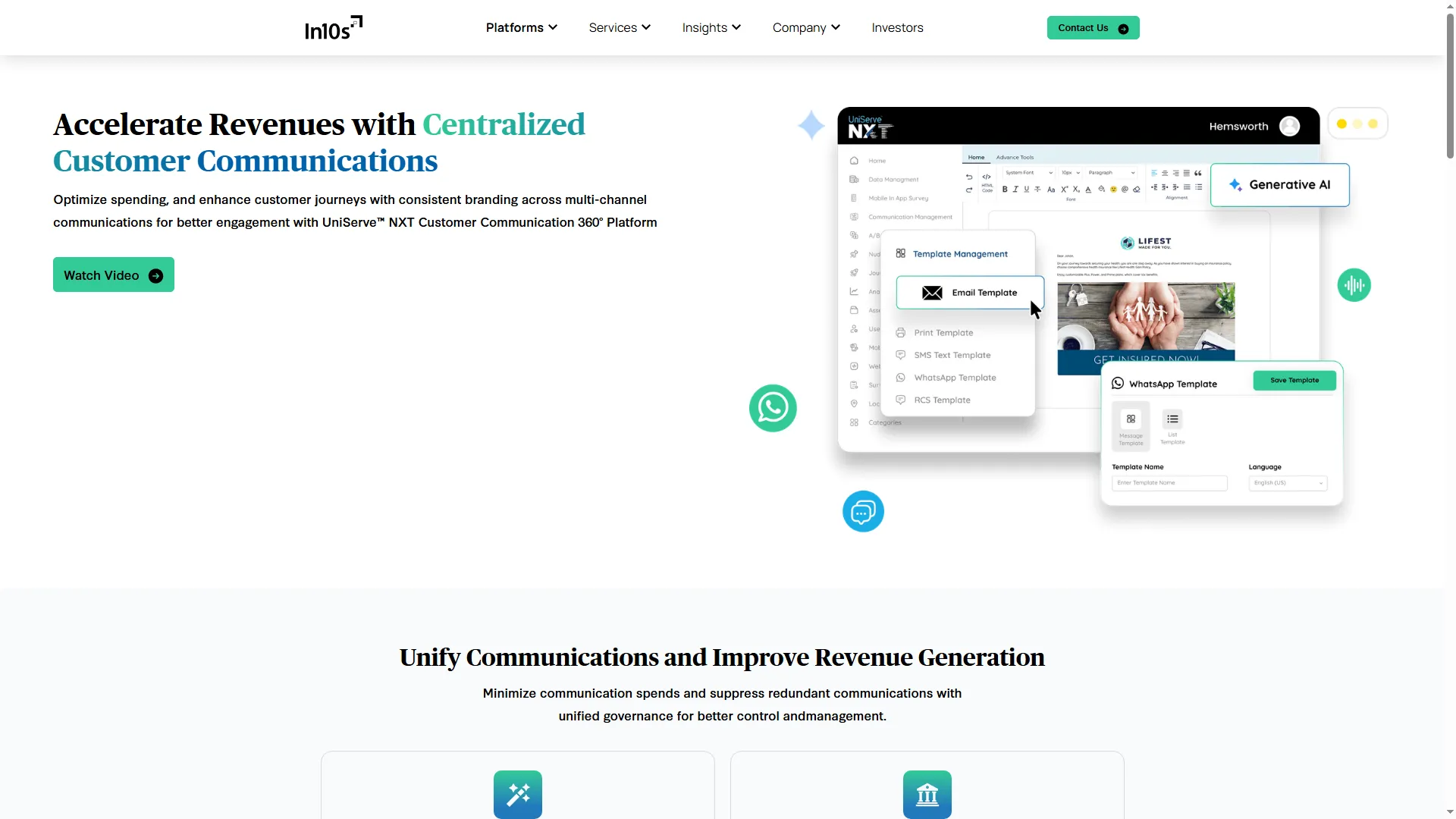
UniServe NXT connects customer communications to a broader document and workflow suite.
Product pricing — UniServe NXT
Custom quote. Module, user, environment, hosting, implementation, and support charges need separate scope.
6. Papyrus CCM: Best for end-to-end document lifecycle needs
Papyrus CCM covers batch, online, ad-hoc, and interactive document creation, with print and digital output. The wider Papyrus platform also includes design and repository components, while archive, mailroom, and output management extend the deployment.
Best for: Enterprises comparing document authoring, composition, and output management as one lifecycle.
Pros — Papyrus CCM
- The four listed modes span scheduled batch output through interactive communications.
- Papyrus links authoring and repository components to output functions, which may suit a project replacing several document systems at once.
- For a proof of concept, its scoping and implementation sequence gives buyers concrete questions to settle first.
Cons — Papyrus CCM
- Papyrus doesn’t list prices for these workloads; licenses, implementation, training, and output components need a scoped quote.
- You may not need the wider platform for every workflow; price the components you actually plan to replace.
- Vendor project timelines aren’t delivery promises. Put dependencies, migration effort, and acceptance criteria in the statement of work.
I’d shortlist Papyrus when output management, archive, or mailroom belongs in the same replacement project. Skip it if you only need document composition; the broader implementation could add work you won’t use.
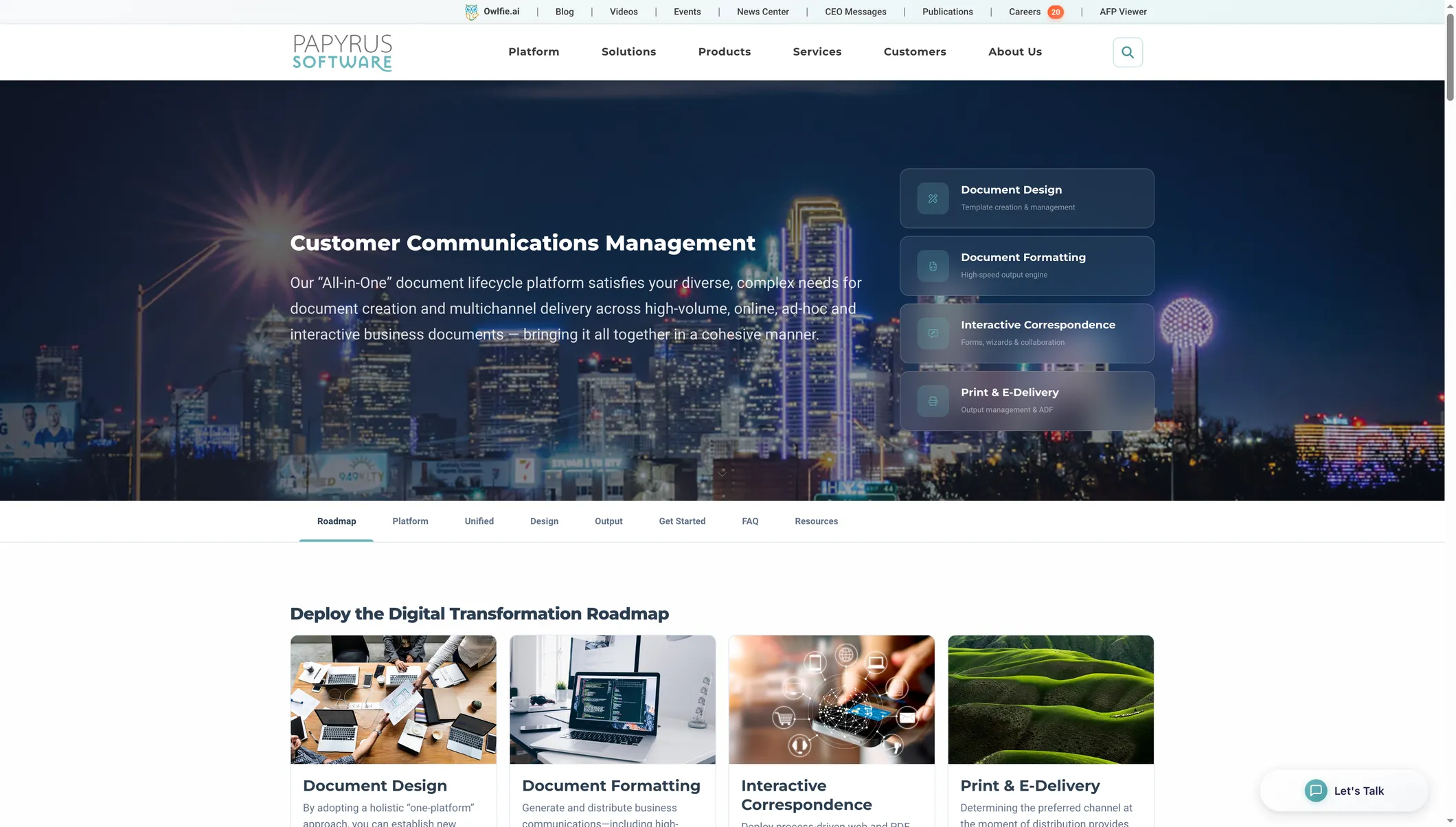
Papyrus groups CCM workflows by batch, online, ad-hoc, and interactive communication.
Product pricing — Papyrus CCM
Custom quote. Scope the annual license and support separately from implementation, training, output management, mailroom, and archive services.
Compare customer communications management software by workload
Compare three matching workloads: 1.2 million batch statements, 120,000 triggered letters, and 30,000 interactive enrollment or claims journeys. Ask every vendor for the same capacity and functions, then compare annual totals only after volume, users, hosting, and services match.
| Workload to quote | Annual volume and team | Required configuration | Quote separately |
|---|---|---|---|
| Batch statements | 1.2 million statements; five designers; three environments | Batch composition, reusable approved templates, version and approval controls, PDF and print-ready output | Page allowance and overage, print/mail or digital delivery, archive, implementation, and support |
| On-demand letters | 120,000 triggered letters; five designers; three environments | Event-triggered composition, reusable governed content, audit history, PDF and email | API or connector tier, channel charges, archive, implementation, and support |
| Interactive enrollment or claims | 30,000 journeys; ten business users, five designers, and three environments | Interactive document or form, approvals, PDF/email fallback, traceable changes | Forms or journey modules, e-signature, delivery, archive, implementation, and support |
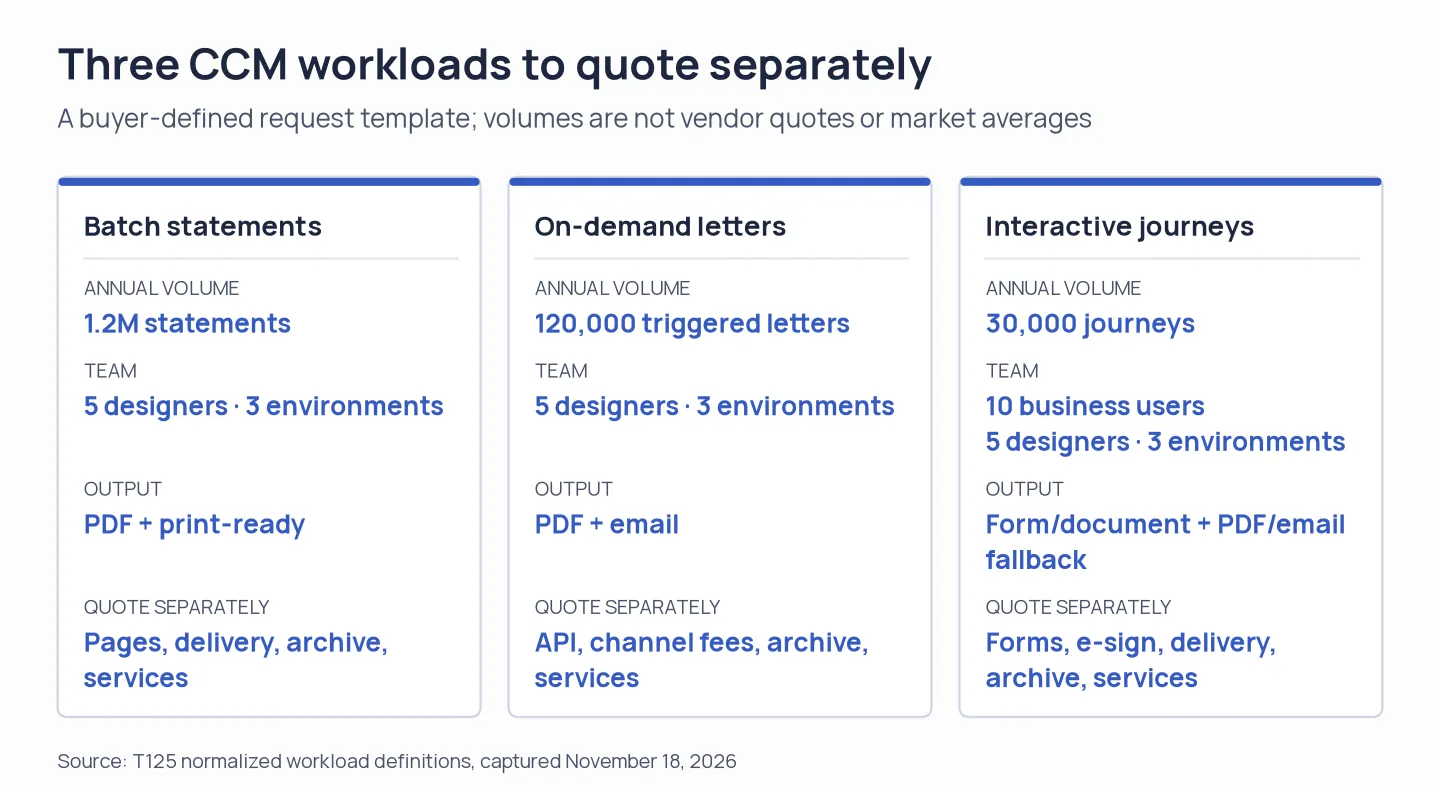
Use the same annual workload definitions across vendor quotes; the diagram does not show comparable prices.
Across these setups, SmartCOMM’s public base offer leaves page capacity unpriced. Custom quotes are needed from Quadient, OpenText, Messagepoint, UniServe, and Papyrus. Request year-one totals and renewal totals separately, and have migration and services itemized. A low license quote can conceal the work needed to put templates and delivery into production.
When a support or messaging platform is a better fit
A ticket queue, live chat, a shared inbox, or a lifecycle marketing campaign addresses an issue unlike producing regulated statements, notices, and correspondence with customer communications management software. Send such requirements toward marketing automation or customer-service software, then evaluate agent assignment, routing rules, spam protection, and channel-volume fees in that context. Those tools may be linked by a CCM platform, or it may generate the content they deliver. Even so, their subscription tiers won’t be comparable to document-volume licensing.
Should you already be paying for HubSpot or Pipedrive, verify whether its marketing or service modules address your campaign or case-routing needs. Also, for one-to-one outreach or appointment-style conversations, check current capabilities in Microsoft 365 or Google Workspace before purchasing a standalone tool. Such options serve adjacent workflows; they don't replace high-volume governed document composition. If LinkedIn is one of your channels, Linked Helper’s LinkedIn outreach automation can handle connection requests and scheduled follow-ups as a separate workflow.
Which customer communications management software should you choose?
Pick Quadient Inspire if your aim is consolidating wide-ranging outbound messaging, and if you can scope the edition, migration, and delivery effort. Where deployment flexibility matters most, pick OpenText Communications — yet Exstream must stay distinct from Core Communications. If a plainly stated base entitlement would help anchor a quote, pick SmartCOMM, provided that you get a separate price for page volume.
Pick Messagepoint if reusable content governance is the biggest bottleneck; UniServe NXT if workflow and document automation should sit in one program; and Papyrus CCM if the project runs from authoring all the way through output management. No matter which products land on your shortlist, compare identical volumes, users, environments, channels, services, and hosting requirements.