
 Updated: October 22, 2026
 36 min read
LinkedIn email finders can help you look up a single email or handle bulk Sales Navigator extraction, enrichment, verification, and CRM handoff. This roundup compares 15 options, ranging from dedicated LinkedIn automation tools to services focused on email discovery. We’ve analyzed pricing, credit rules, data coverage, bulk limits, export paths, and the real cost of finding emails at scale.
TL;DR:
Linked Helper is the strongest fit for LinkedIn-first workflows because email search, lead collection, qualification, enrichment, and outreach can run together. Skrapp and SalesQL suit heavier bulk work, GetProspect handles recurring lookup cleanly, and Apollo or ContactOut fit broader data-stack use cases.
How We Selected and Compared These 15 Tools
To build this comparison of top email finder tools, we reviewed numerous popular options and selected 15 that support LinkedIn and include scraping or profile-data collection. We then compared the parts that affect coverage, workflow, and actual cost:
-
Pricing and plans: Entry plan, annual discount, free tier or trial, and credits allocated specifically to email discovery.
-
Credit rules: Failed lookup charges, expiration or rollover, duplicate handling, and additional-credit pricing.
-
Architecture: Cloud, extension, or local execution. Extension exposure matters because LinkedIn can detect installed Chrome extension IDs, so the extension itself becomes an additional automation signal.
-
Data and freshness: Work and personal emails, phones, firmographics, refresh logic, and verification timing.
-
Output: CSV or spreadsheet export, native CRM integrations, MCP, API, and webhooks.
-
Real monthly cost: What it takes to find emails for 3,000 leads — the lowest subscription tier that covers 3,000 leads or the closest option plus the price of additional credits.
Linked Helper publishes this page and is included among the tools. The others are covered for factual comparison. Before choosing, run 25 of your own profiles through two or three free tiers. Your list is the only sample that predicts results for you.
Best LinkedIn Email Finder Tools at a Glance
To help you choose the best LinkedIn email finder for your workflow, we put the main buying variables in one place:
| Tool | Where it works | Free tier/trial | Entry planmonthly/annual | Email lookup creditson entry plan, monthly | Price per 1,000-credit package | Cost per 3,000 leads | Suitable for |
|---|---|---|---|---|---|---|---|
| Linked Helper | LinkedIn, Sales Navigator, Recruiter | 14-day trial | $15/$8.25 | 620 | $15 | $45 (3 packages of 1,000 credits or 1 Pro license) | LinkedIn-first workflows |
| Apollo | LinkedIn, Sales Navigator, in-app search | 14-day trialFree tier: 75 credits/mo | $65/$49 | 2,500 | $25 | $77.50 (Basic + 500 credits) | All-in-one GTM teams |
| ContactOut | LinkedIn, Sales Navigator, Recruiter, any website, in-app search | 5 credits/day | $99/$49 | 2,000 (under fair use policy) | Not available | $198 (2 Email seats) | Recruiting + personal emails |
| Lusha | LinkedIn, Sales Navigator, any website, in-app search | 40 credits/mo | $49.90/$37.45 | 400 | $125 (no 1,000-credit package; $25 per 200 credits) | $339.90 (Pro) | Sales + phone enrichment |
| Snov.io | LinkedIn, Sales Navigator, any website, in-app search | 50 credits/30 days | $39/$29.25 | 1,000 | Not available | $99 (Pro S) | Finder + cold email |
| Skrapp | LinkedIn, Sales Navigator, Recruiter, any website, in-app search | 50 one-time credits | $39/$29 | 2,000 | Not available | $99 (Pro) | Bulk LinkedIn + Recruiter |
| Wiza | LinkedIn, Sales Navigator, Recruiter, any website, in-app search | 20 valid emails + 5 phones | $49 (no annual discount for Starter) | 100 | $150 (no packages; $0.15 per email) | $474 (Email + 2,500 credits) | Individual reveals + imported bulk |
| Leadsforge | LinkedIn, Sales Navigator, any website, in-app search | 100 finder credits | $49 | 2,000 | $6.66 (no packages; 6,000 credits cost $40) | $89 (Essential Tier 2) | Finder -> outbound workflow |
| GetProspect | LinkedIn, Sales Navigator, any website, in-app search | 50 valid emails / 30 days | $49/$34 | 1,000 | Not available | $99 (Growth) | Bulk LinkedIn + CSV |
| Kaspr | LinkedIn, Sales Navigator, Recruiter | 15 B2B emails/mo | $65/$49 | 10,000 (B2B emails under fair use) | Not available | $151 (Business + 500 export credits) | LinkedIn-first email + phone |
| SalesQL | LinkedIn, Sales Navigator, Recruiter, in-app search | 50 credits/mo | $39/$29.25 | 2,000 | Not available | $79/mo (Professional) | LinkedIn + Recruiter teams |
| Prospeo | LinkedIn, Sales Navigator, Recruiter, any website, in-app search | 100 credits/mo | $49/$37 | 2,000 | $20 | $69 (Starter + 1,000 credits) | Work-email + enrichment |
| Clearout | LinkedIn, Sales Navigator, in-app search | 100 signup credits | $23/$16 | 3,000 (4 credits = 1 email) | $8 (~250 emails) | $78 for 12,000 credits (4 credits = 1 email) | Work + personal email + verification |
| PhantomBuster | LinkedIn, Sales Navigator, Recruiter | 14-day trial; 50 attempts | $69/$56 | 500 (including failed attempts) | Not available | 439€ (Scale) | Cloud LinkedIn automation |
| Adapt | LinkedIn, any website, in-app search | 25 email credits/mo | $49/$39.20 | 500 | Not available | $297 (3 Basic licenses) | Database + lighter LinkedIn prospecting |
Checked in October 2026.
Linked Helper
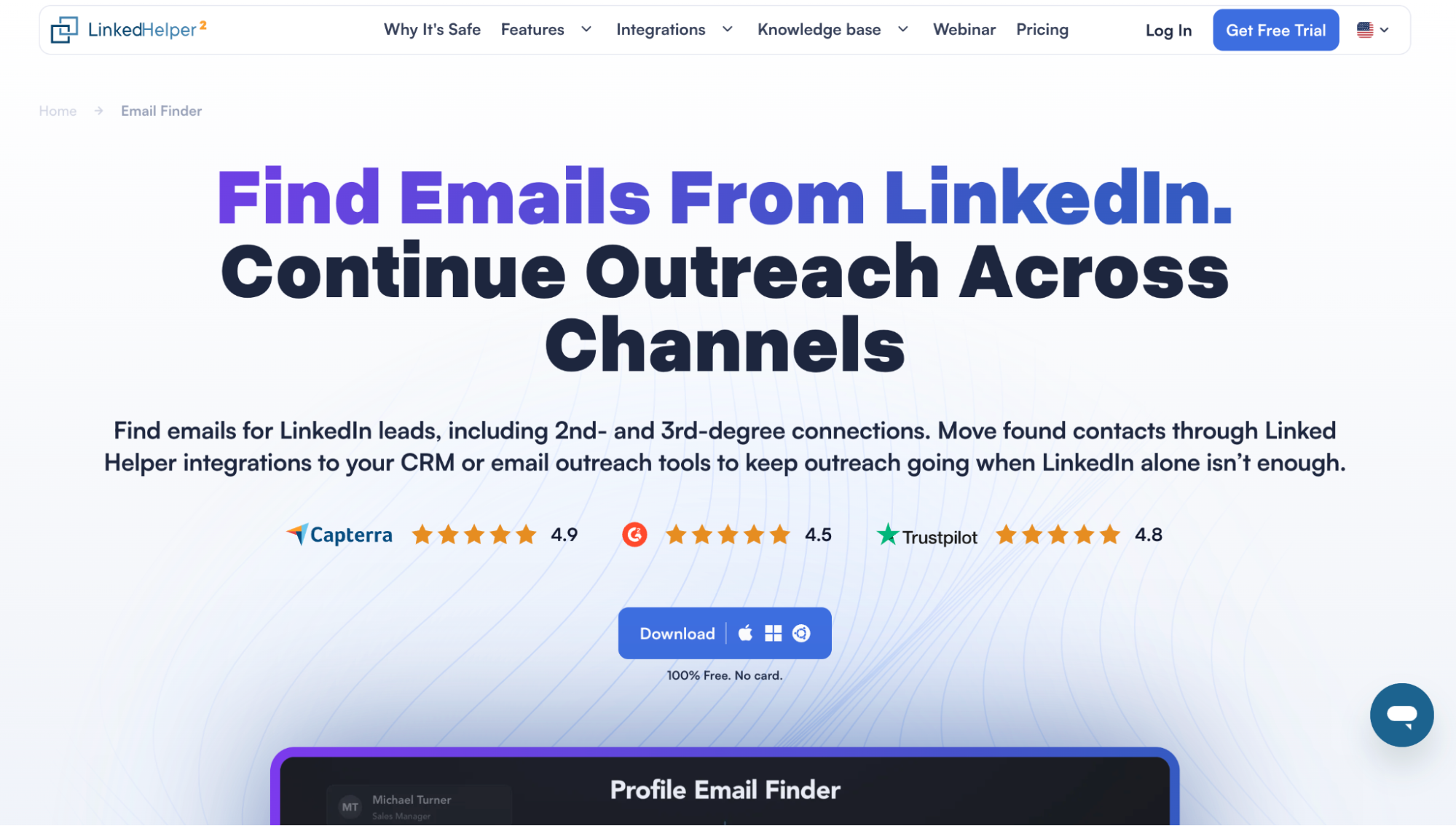
Linked Helper email finder.
Linked Helper is a desktop LinkedIn automation tool that combines lead collection, qualification, email discovery, and outreach in one campaign workflow. Instead of sending a raw list of LinkedIn or Sales Navigator URLs into an email finder, you can enrich the profiles with Hiring and Open to Work signals, as well as other personal and company data via the Data Enrichment step, narrow the list down using built-in filters, and then check whether the filtered profiles are a good fit using the AI ICP Detection feature.
Freshness controls add another useful check, since an old company record can ruin otherwise good personalization before outreach even begins.
How It Finds the Email
The email finder can check Linked Helper’s own crowdsourced database first, then fall back to Snov.io or Apollo. Internal lookup matches the LinkedIn profile ID against existing records, and one successful match costs one Data Credit per profile even if several emails are found.
For 1st-degree connections, there is a cheaper route. Visit & Extract can collect an email already visible in LinkedIn Contact Information without using Data Credits. On mixed lists, that lets you save paid lookups for 2nd- and 3rd-degree contacts.
Where It Works and What It Exports
This LinkedIn email finder can process individual profiles or bulk lists collected from LinkedIn, Sales Navigator, Recruiter, company pages, groups, events, or imported LinkedIn URLs.
-
Lookup: Single-profile search from the CRM or bulk processing inside a campaign.
-
CSV: Profile IDs, connection data, current company and position, emails, phones, websites, experience, education, skills, languages, the number of connections and followers, Hiring/Open to Work badges, and messaging history from LinkedIn.
-
Sync: Native integrations include HubSpot, Salesforce, Pipedrive, Zoho CRM, Zoho Recruit, Close, ActiveCampaign, HighLevel, CapsuleCRM, Streak, and Instantly. Linked Helper can connect with Apollo and Snov.io to find emails and send data to Snov.io lists or campaigns. It allows you to integrate Google Sheets via outgoing webhooks. Zapier, Make, and n8n also connect through webhooks. The cloud-based storage version has incoming webhooks.
Pricing and Credit Rules
Linked Helper pricing covers two plans: Standard ($15/month with 620 Data Credits) and Pro ($45/month with 3,100 Data Credits). Standard puts a 20-per-day cap on some advanced actions and webhook integrations; Pro removes those Linked Helper-side daily limits.
Longer commitments reduce both prices by 11% for 3 months, 33% for 6 months, and 45% for a year. There is a 14-day trial, and extra Data Credits can be purchased separately in bundles when the included balance runs out:
-
$15/1,000 credits
-
$49/5,000 credits
-
$89/10,000 credits
-
$284/50,000 credits
If you purchase more than 10 bundles, you can get a bulk discount (10-19 packages have a 10% discount; up to 50% for larger bundles). Data credits don’t expire.
Credits are tied to the Workspace balance. If one Workspace runs out, another balance under the same login is not used automatically, although admins can transfer credits between them.
Pros and Cons
Pros
-
Efficient credit use thanks to a lead qualification step
-
1st-degree emails can be collected without Data Credits
-
Internal database, Snov.io, and Apollo can run as one waterfall inside the campaign
Cons
-
24/7 execution requires an always-on computer or VPS
-
No email sending functionality (direct integration with Snov.io and Instantly; webhook connections possible with other services)
Apollo
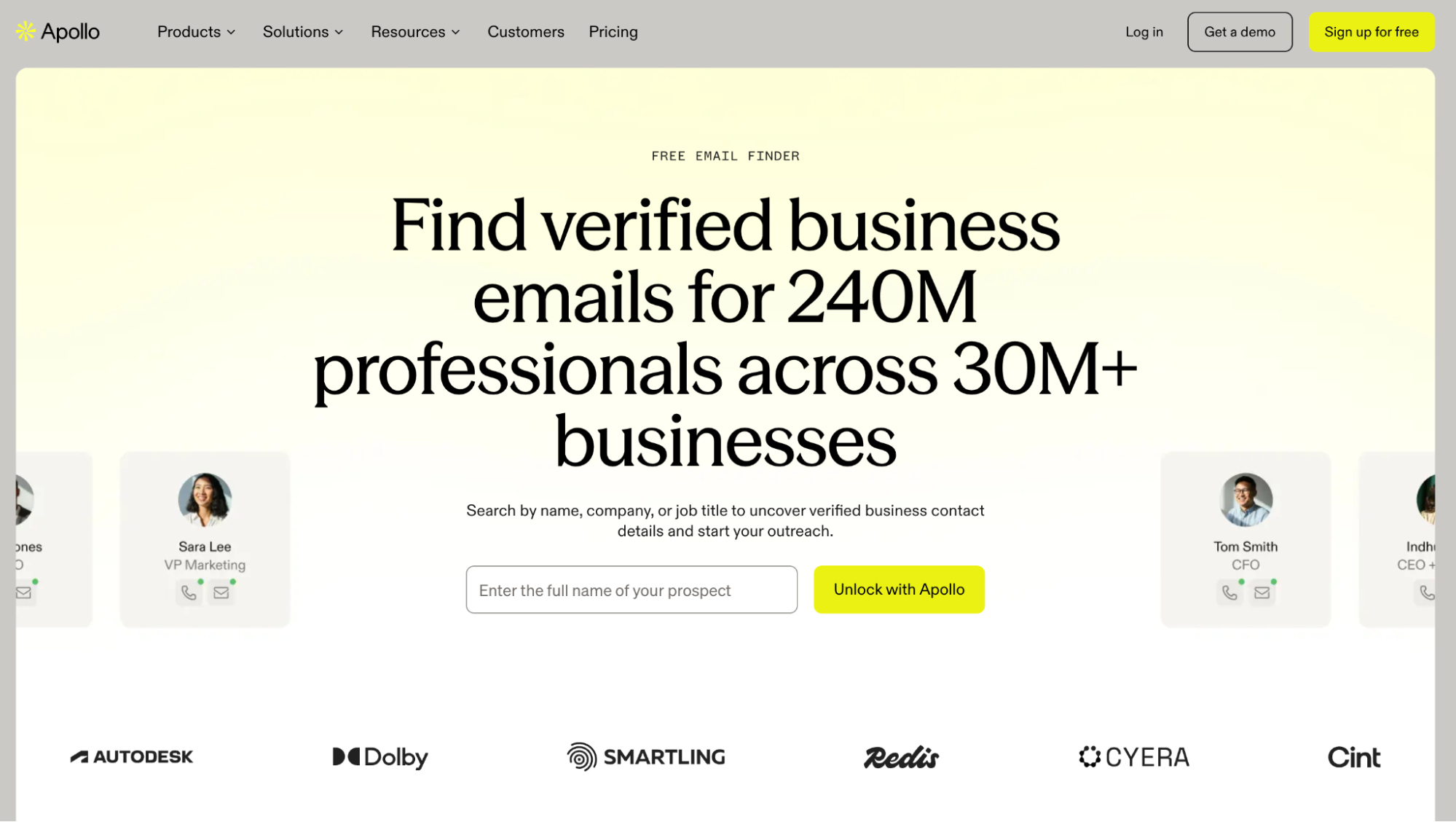
Apollo contact database.
Apollo is much broader than a standalone LinkedIn email finder. It sits inside a full sales intelligence and engagement platform, so the same contact can be found in Apollo’s own People Search, enriched from LinkedIn through the Chrome Extension, uploaded by CSV, or processed through the API. From there, the person can move straight into a list, CRM, or Apollo sequence. Apollo currently advertises a database of 240 million professionals and over 30 million businesses.
How It Finds the Email
Apollo’s first pass is its own database, built from contributor data, public web sources, and vetted data partners. If that search falls short, Waterfall Enrichment can try other providers you’ve connected, in the order an admin sets. An optional validator checks results before the search ends.
Results can include business or personal emails, with labels such as Verified, Unverified, Catch-all, and Unavailable. To verify addresses, Apollo uses SMTP checks alongside contributor data, signals from connected inboxes, delivery history, and bounce data.
Where It Works and What It Exports
The Chrome Extension can navigate LinkedIn to enrich individual profiles, then save them to Apollo, a sequence, or a CRM. Apollo supports Sales Navigator, though you can no longer bulk-prospect directly from search results.
Outside LinkedIn, People Search lets you select large groups of contacts, subject to plan limits. CSV enrichment accepts up to 100,000 rows per file; the API handles individual and bulk enrichment.
CSV exports can contain multiple emails per contact, email status and source, verification source and date, catch-all status, LinkedIn URL, company data, and other fields.
Pricing and Credit Rules
Apollo is attractive if the finder is only one part of the sales stack, but the credit model gets harder to read once enrichment and exports enter the picture. There is a 14-day trial and a free-tier option with 75 credits/month, but usable plans start at $65/month for Basic ($49 when billed annually), which includes 2,500 credits. You can buy additional credits (from $10 per 400), but you need a paid account for that.
A standard verified net-new email costs one credit per contact, and an unavailable Apollo-only result doesn’t use an email credit. Waterfall is less predictable. Apollo documents a typical email lookup at around 1–4 credits, but some provider combinations can go above 20 once external sources and validation are involved.
Credits are connected to the workspace and don’t roll over. Add-on credits renew automatically unless removed before the next billing cycle. CSV export can also consume separate export credits on some plans or workspace configurations.
Pros and Cons
Pros
-
Multi-provider waterfall with optional validation
-
Rich verification metadata in CSV
-
Finder, CRM sync, sequences, and enrichment in one platform
Cons
-
No bulk enrichment from current Sales Navigator search results
-
Waterfall cost can climb well above one credit per contact
ContactOut
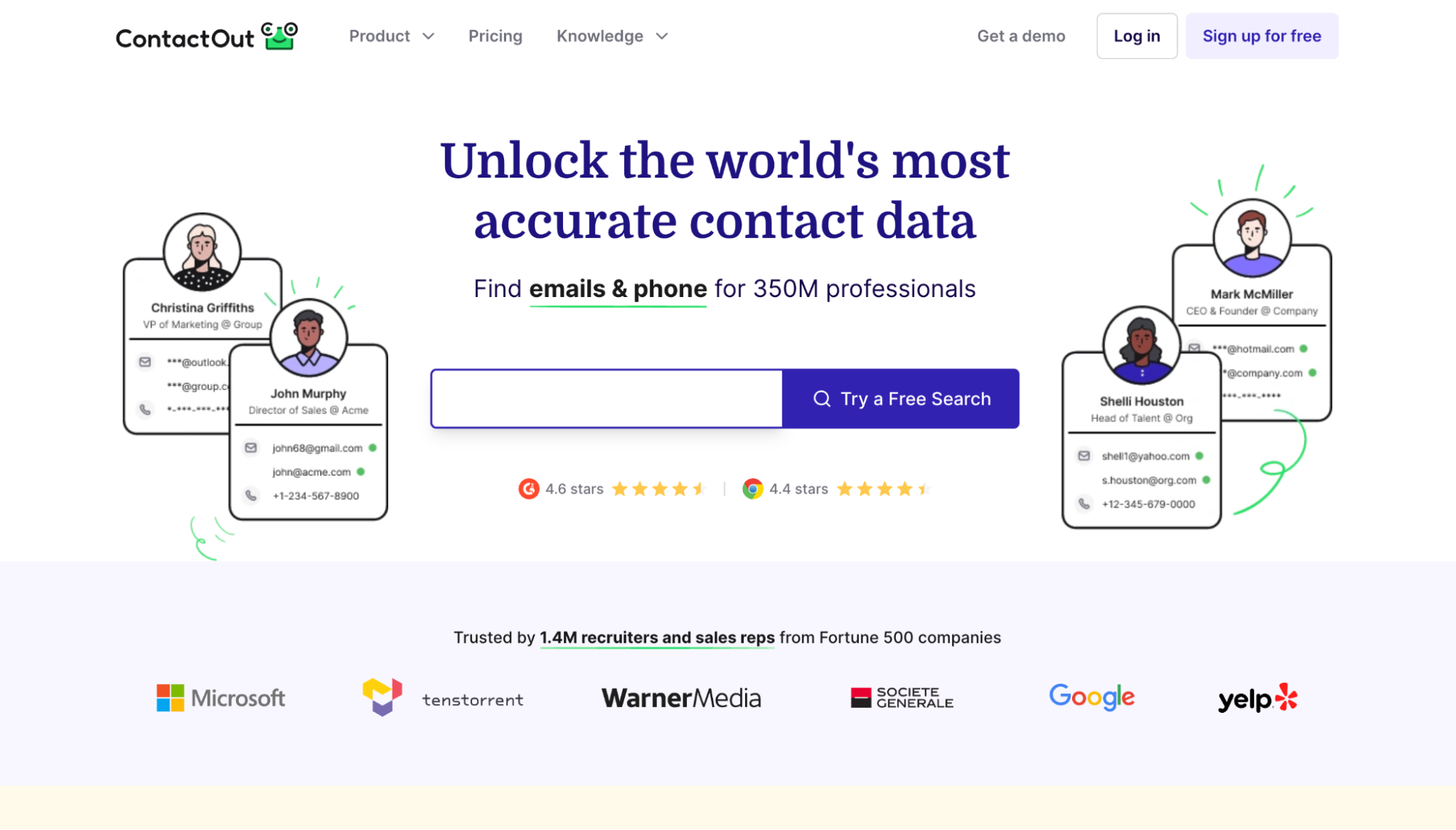
ContactOut contact search.
ContactOut stands out among other LinkedIn email finder tools because the same data layer works across the Chrome extension, Search Portal, bulk enrichment, API, CRM exports, and ContactOut’s own email campaigns. The extension can reveal work and personal emails directly from LinkedIn, Sales Navigator, or Recruiter, while Search Portal works independently from LinkedIn against ContactOut’s own people database.
How It Finds the Email
ContactOut builds its database from web crawling, user-contributed data, and AI matching rather than relying on one static purchased list. The more interesting part appears when a work email is missing. Its V2 API can infer a likely address in real time, verify it, and only then return the result. That gives the work-email flow a second chance beyond the database itself.
The platform separates work and personal emails, and a profile can return several addresses. ContactOut also documents triple verification using profile matching, LinkedIn association, and deliverability checks.
Where It Works and What It Exports
ContactOut covers several prospecting routes:
-
LinkedIn: Standard, Sales Navigator, Recruiter Lite, and Recruiter Pro through the Chrome Extension.
-
Search Portal: Independent people search with 20+ filters.
You can export work and personal emails, phones, title, seniority, company data, location, technologies, and other profile fields into CSV, CRM, or ATS.
API can handle LinkedIn URL enrichment, up to 1,000 profiles in one async V2 job. However, the API accepts regular LinkedIn profile URLs, but not Sales Navigator or Recruiter URLs.
Pricing and Credit Rules
ContactOut offers a free plan with five email lookups a day, the Email plan for $99/month ($49 with annual billing) with unlimited email searches and 300 exports, and the Email + Phone plan at $199/month ($99 annually) with unlimited email and phone number lookups and 600 exports.
Paid unlimited plans operate under a fair-use policy, with a default cap of 2,000 email credits and 1,000 phone credits per account per month. This means that if you need to find 3,000 emails per month, you’d likely need to pay for two accounts. One found email costs one email credit per profile, even if several addresses are returned.
Pros and Cons
Pros
-
Work and personal email discovery in one system
-
Real-time work-email inference and verification fallback
Cons
-
Plans have a fair-use ceiling
-
API doesn’t accept Sales Navigator or Recruiter URLs
Lusha
Lusha data platform.
Lusha is a B2B data and sales intelligence platform. You can find emails through its Prospecting workspace, Chrome extension, enrichment workflows, CRM integrations, or API. The company advertises 290 million verified contacts and 165 million verified emails.
How It Finds the Email
Lusha collects data from its community, licensed providers, and public sources, then cross-checks records and removes duplicates. For incomplete corporate emails, it uses address patterns to fill in the missing details and verifies the likely address.
On Pro and higher plans, Data Waterfall can check additional sources for missing work emails. Revealed addresses carry email confidence ratings, which usually remove the need for a separate verification step.
Where It Works and What It Exports
If you need a tool to find email addresses on LinkedIn profiles, Lusha works on both LinkedIn and Sales Navigator through its Chrome extension. Sales Navigator allows bulk reveals, but you must transfer contacts to a Lusha Table in batches of 25 before exporting them.
CSV exports can contain work and additional emails, phone numbers, LinkedIn URLs, job and company details, funding, technologies, and intent fields. They don’t include the Email Confidence Score.
Pricing and Credit Rules
Free provides 40 credits a month. Monthly subscriptions cost $49.90 for Starter with 400 credits, $69.90 for Pro with 600, and $399.90 for Premium with 3,400. If you need more than 600 but less than 3,400 credits, you can use the Pro plan with the added credit price. For example, Pro with 3,000 credits costs $339.90/month ($262.45 with annual billing).
Starter lacks CSV and list exports, so it suits individual lookups better than lists you need elsewhere. Pushing a revealed contact to a CRM can cost another credit.
A standard verified email uses one credit; a Waterfall email uses two. Searches that find no match use none. Unused credits roll over, capped at twice your monthly allowance.
Pros and Cons
Pros
-
Transparent data sourcing and documented corporate email pattern completion
-
Confidence rating shown inside the prospecting workflow
Cons
-
Starter lacks CSV export
-
Starter bulk reveal is limited to 25 contacts
Snov.io
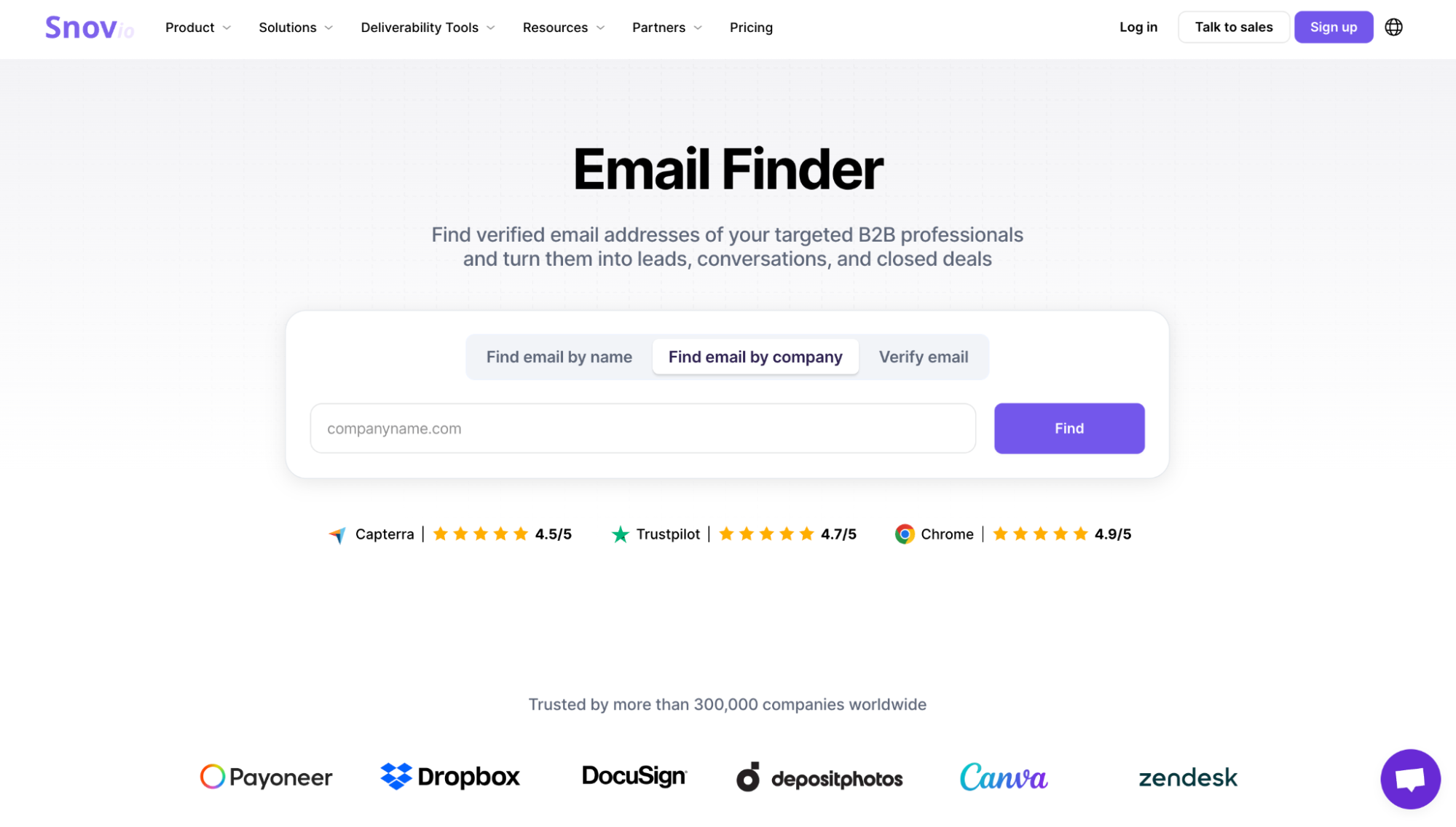
Snov.io Email Finder.
Snov.io’s Email Finder sits inside the Sales Suite, but LinkedIn actions require an additional subscription. Prospects can be collected from LinkedIn with just their profile URL and no credit spend, then passed into email search as a separate step. That gives you room to build and clean the prospect list before finder credits start disappearing.
How It Finds the Email
Snov.io searches using a name and company domain, LinkedIn profile data, a domain alone, or its own database. For LinkedIn leads, it can build a likely business email from common company address patterns, then verify it. Snov.io doesn’t document a waterfall that checks external providers.
Verification is part of the lookup. Both green (valid) and yellow (unverifiable) results count as found emails. Invalid addresses and searches with no result don’t.
Where It Works and What It Exports
LI Prospect Finder works across LinkedIn profiles, search results, employee pages, events, and Sales Navigator. With a paid plan, you can export to CSV, XLSX, or Google Sheets, use the API, and sync contacts with HubSpot or Pipedrive.
Pricing and Credit Rules
These features fall under Snov.io’s Sales Suite subscriptions rather than a separate LinkedIn product. Starter costs $39/month for 1,000 credits. Pro S starts at $99/month for 5,000, with larger allowances of 20,000 for $189 and 50,000 for $369. The trial includes 50 credits.
Note: The LinkedIn Automation checkbox on Starter and Pro doesn’t mean a slot is included. Snov.io charges $69/month per LinkedIn account ($59 if Sales Suite is active), so Starter plus one slot costs $98/month.
Pros and Cons
Pros
-
Verification included in lookup
-
No separate export charge
Cons
-
Unverifiable emails still cost one credit
-
LinkedIn Automation costs extra
Skrapp
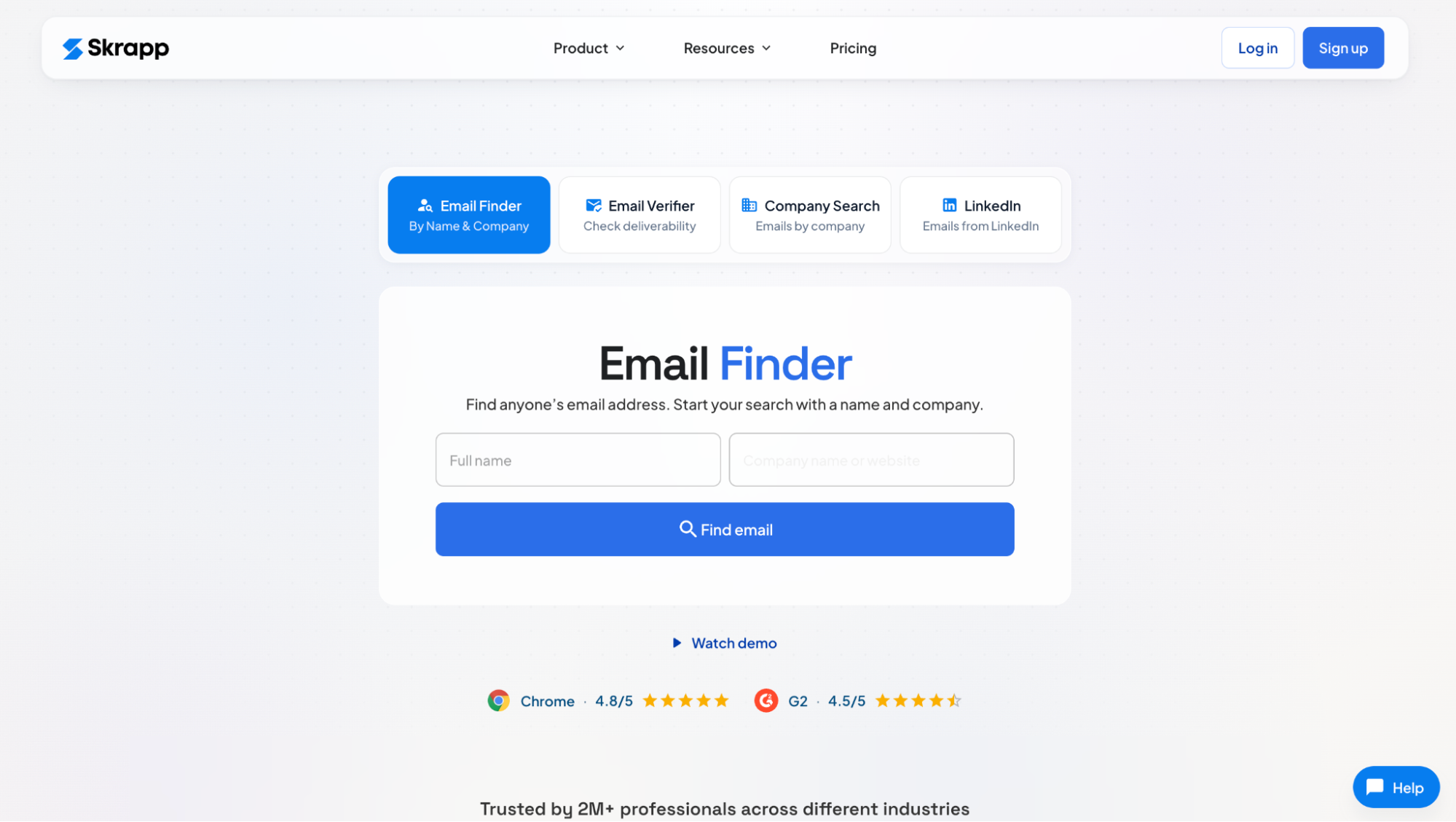
Skrapp Email Finder.
Skrapp is a B2B email finder, lead database, and enrichment platform. Its LinkedIn Email Finder works through a Chrome extension, but that is only one way into the same data layer. The account also includes Lead Search, bulk file enrichment, company and name-based lookup, and email verification. Skrapp focuses on professional emails and currently advertises more than 200 million B2B leads and 40 million company profiles.
How It Finds the Email
Skrapp indexes public web data, identifies the prospect’s company, and uses its email pattern to generate professional addresses. It checks candidates against the company mail server in real time before returning them.
Verification is built in. Valid, Catch-All, Invalid, and Unknown remain separate statuses, and Catch-All is not treated as confirmed.
Where It Works and What It Exports
This is one of the stronger bulk options among LinkedIn email finder tools. The extension supports 1st, 2nd, and 3rd-degree profiles, Sales Navigator Lead Lists, Recruiter, and Groups. The Professional plan includes auto-paginating across multiple search pages, while file enrichment accepts up to 250,000 rows per task.
CSV and XLSX exports can include verification status alongside role, company, location, and profile data, so Catch-All records can be removed before outreach.
Pricing and Credit Rules
The free plan gives 50 one-time credits, but the fair credit policy doesn’t apply, meaning credits will be used even if the search returns catch-all, invalid, or already-searched emails. Professional costs $39/month for 2,000 credits and two users, or $29/month billed annually. The vendor allows selecting a larger credit allowance to modify the plan; for example, a 5,000-credit version of Professional costs $99/month.
One valid or catch-all email costs one credit. Invalid, unknown, and no-match results cost nothing. Duplicate emails are not charged twice, and unused paid credits roll over even after cancellation. The possibility of buying additional credit bundles is undocumented.
Pros and Cons
Pros
-
Documented pattern inference and real-time verification
-
Strong bulk LinkedIn and file enrichment
-
Credits survive repeat lookups and cancellation
Cons
-
Free has no list export
-
Team credits are shared, but lists stay private per user
Wiza
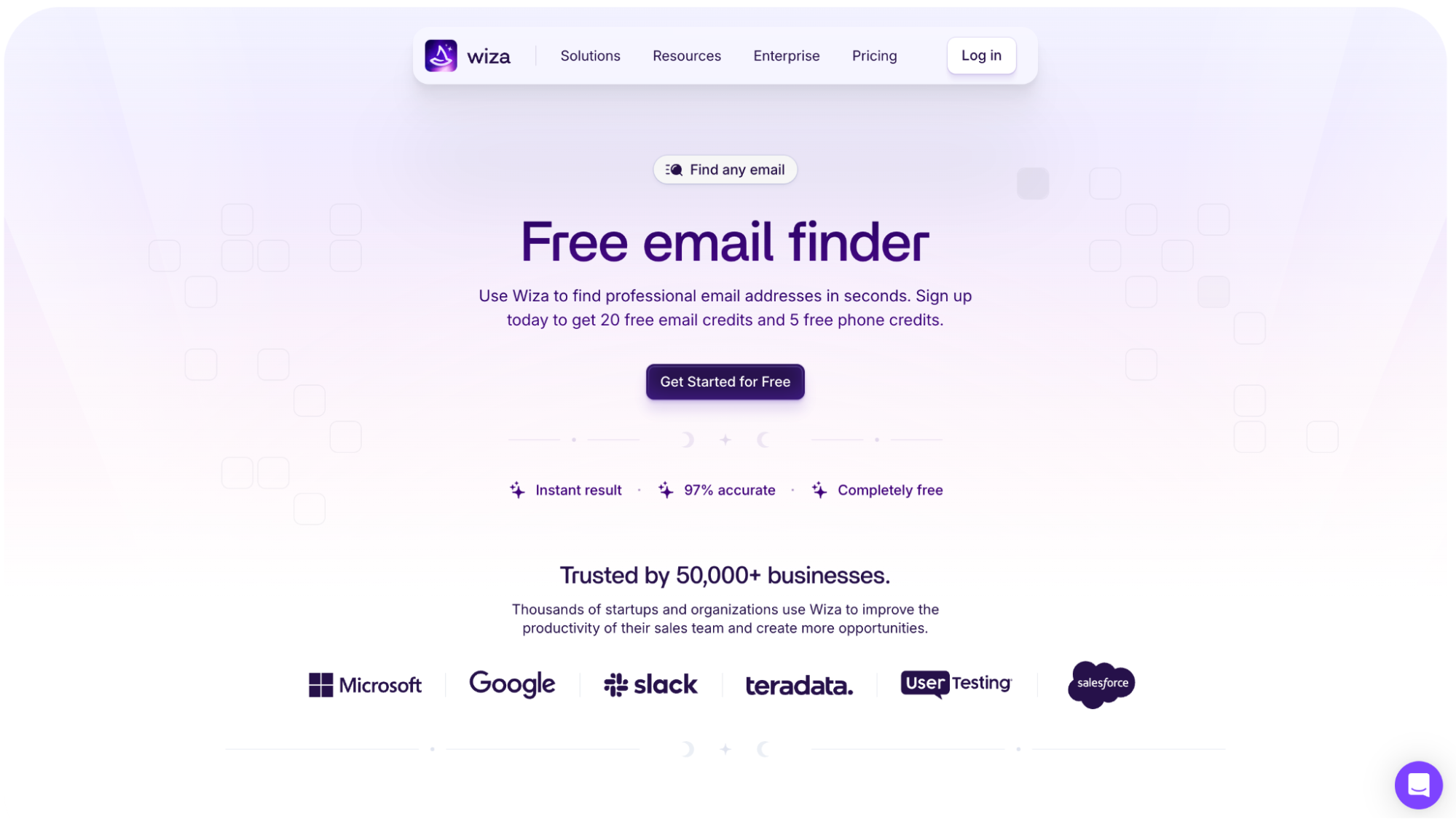
Wiza email finder.
Wiza used to be attractive for pulling prospect lists straight out of LinkedIn and Sales Navigator. That changed in August 2026, when bulk selection disappeared from LinkedIn, Sales Navigator, Recruiter, and company pages. Individual reveals remain, while larger jobs now start from Wiza Prospect, CSV, or CRM imports. Saved lists can refresh later to catch job changes and find a new work email.
How It Finds the Email
Wiza identifies a person from a LinkedIn profile, name and company data, CSV, or API input, then resolves contact data against live sources. Verification checks domain, MX, SMTP, and catch-all behavior. Wiza doesn’t publish its provider chain or a corporate-pattern engine. Results are split into valid and risky when deliverability cannot be confirmed.
Where It Works and What It Exports
This LinkedIn email finder supports full-profile reveals across LinkedIn, Sales Navigator, and Recruiter. Sales Navigator preview panes are unsupported. Bulk lists reach 10,000 records through Wiza Prospect, CSV, or CRM. Exports can include work and personal emails, status, profile URLs, job data, company details, funding, and phones.
Pricing and Credit Rules
Wiza’s monthly plans start at $49/month for Starter with 100 valid emails and 100 phones. For email-heavy prospecting, Email costs $99/month with 500 valid emails, while Email + Phone costs $199/month with 500 of each. Extra valid emails cost $0.15, and risky results are free. With monthly billing, you get unlimited one-by-one exports, and list exports use monthly or paid credits.
Annual billing changes the model: Email costs $83/month, billed $990 yearly, with unlimited email reveals, and Email + Phone costs $166/month, billed $1,990 yearly, with unlimited email and phone reveals. Both still include only 2,500 bulk exports per month, so “unlimited” refers to individual reveals.
Pros and Cons
Pros
-
Real-time verification
-
Scheduled list refresh
Cons
- No direct LinkedIn bulk export
Leadsforge
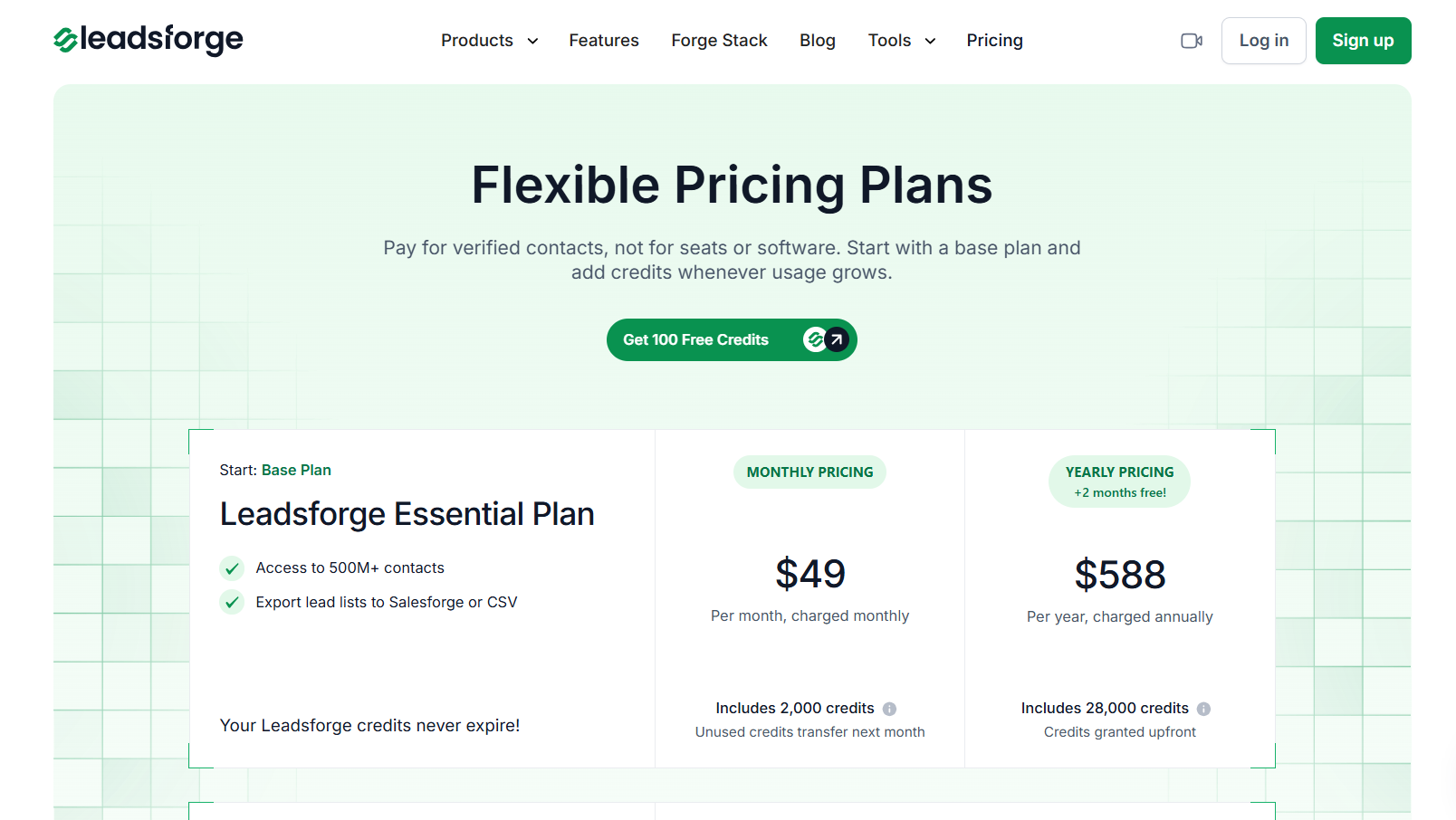
Leadsforge pricing.
Leadsforge is the lead data search engine from Salesforge. The finder and outreach product share branding but not the same credit system. The LinkedIn Email Finder is branded as the Salesforge Chrome Extension, but contact lookup runs through the Leadsforge data/enrichment layer.
How It Finds the Email
A LinkedIn profile gives Leadsforge the identity to resolve, then a multi-provider waterfall checks sources until it gets data it can verify in real time. The Terms also explicitly say that Leadsforge doesn’t collect this personal data directly from data subjects and doesn’t claim its own collection from publicly accessible sources.
The finder relies on licensed commercial datasets and third-party enrichment services instead. We also couldn’t find any native corporate-pattern engine documented.
Where It Works and What It Exports
As a tool to find email addresses on LinkedIn, the extension covers profiles, Sales Navigator, LinkedIn Event attendee lists, and company websites. Results can move straight into Salesforge, or Leadsforge lists can go to CSV, HubSpot, or Salesforce. Bulk LinkedIn extraction is supported, although Salesforge publishes no clear batch ceiling.
Pricing and Credit Rules
The finder starts with 100 free Leadsforge credits, then Essential costs $49/month for 2,000 credits. One verified email costs 1 credit, a mobile costs 10, failed lookups cost nothing, and unused credits don’t expire. To get more credits, you need to select an upgrade for your plan. Upgrades are tiered and start at $40 for 6,000 per month.
Salesforge pricing may seem confusing: 5,000 emails/month on Pro and 50,000 on Growth are sending credits, not finder credits. One is used for every sequence email sent. Email validation uses another separate credit pool. For sustained finding and outreach, the realistic monthly entry is $49 for Leadsforge + $48 for Salesforge Pro = $97/month.
Pros and Cons
Pros
-
Multi-provider waterfall
-
Non-expiring finder credits
Cons
-
Separate finder and outreach billing
-
Provider names and catch-all handling undisclosed
GetProspect
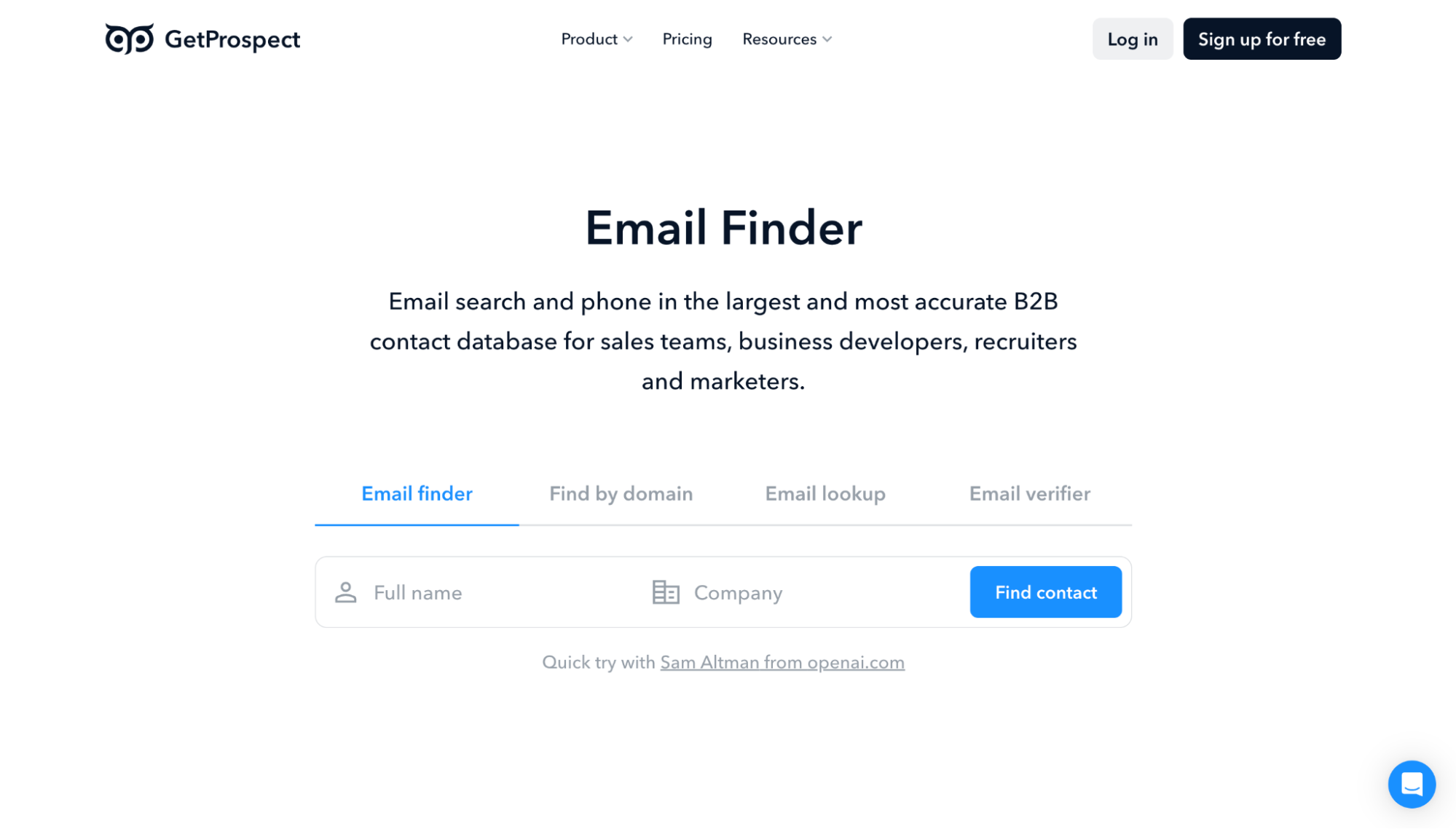
GetProspect Email Finder.
GetProspect combines a B2B email finder with a contact database and enrichment tools. Its Chrome extension handles LinkedIn searches, using the same email credits as database searches, bulk enrichment, and API lookups. LinkedIn prospecting is part of the main finder.
How It Finds the Email
The LinkedIn workflow has two modes. Regular Mode opens each profile in Chrome and collects fuller identity and company data. Scan Mode works from search-result data, which increases volume but can reduce matching accuracy. If current company data is missing, the lead cannot be processed.
GetProspect identifies the employer and its domain, uses known addresses to work out the corporate email pattern, then generates and verifies a likely work email. If it can’t confirm a catch-all address, the API returns no email and refunds the credit.
Where It Works and What It Exports
GetProspect works through several entry points, and they don’t all use the same workflow. The browser extension covers LinkedIn and company websites, while bulk files, Sheets, and the API use the finder outside that browser collection process.
-
Browser extension: LinkedIn Basic, Groups, search results, Sales Navigator, and company websites.
-
Other inputs: Google Sheets, CSV files with up to 50,000 records, and the REST API.
You can export to CSV or XLSX or send contacts to HubSpot, Salesforce, Pipedrive, and Zoho CRM. CSV enrichment accepts regular LinkedIn URLs but excludes Sales Navigator URLs. Native CRM sync only sends contacts with an email.
Pricing and Credit Rules
The free tier gives you 50 valid emails and 100 verification credits every 30 days. It includes the finder, extension, exports, API, CRM connections, and team access. For regular prospecting, the paid options are Starter at $49/month for 1,000 valid emails and Growth at $99 for 5,000.
Each valid email costs one credit. You pay nothing for missing, invalid, or accept-all results, or duplicates already in your workspace. Annual billing saves 30%. Extra phone and email verification credits are available, but GetProspect doesn’t disclose an option to buy finder credits beyond your plan’s allowance.
Pros and Cons
Pros
-
Core features on lower tiers
-
Free accept-all and duplicates
Cons
-
Regular Mode needs an open Chrome tab
-
Scan Mode trades completeness for volume
Kaspr
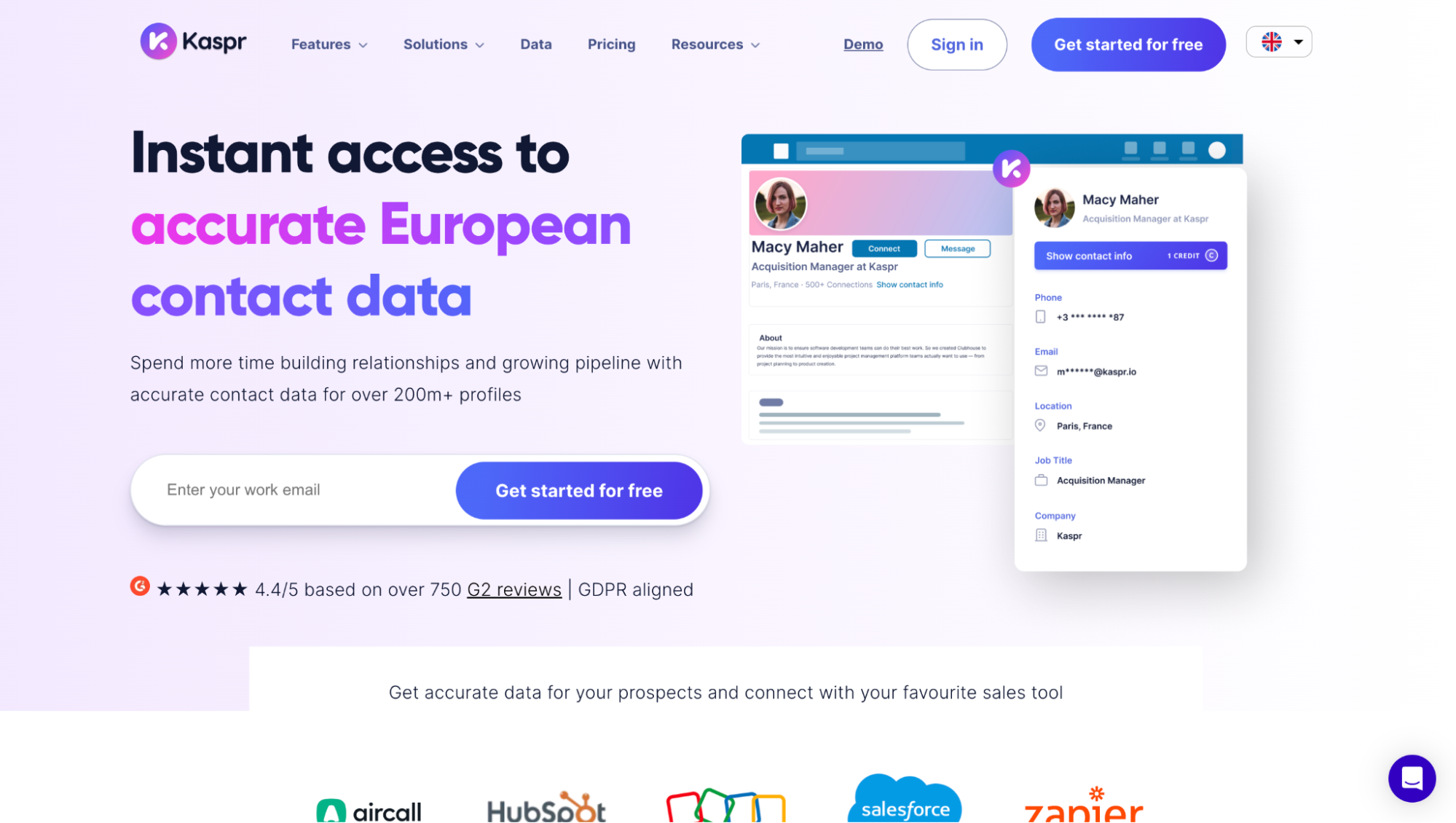
Kaspr contact data platform.
Kaspr is a LinkedIn-first contact enrichment tool, with most prospecting starting from its Chrome extension. Compared with other best LinkedIn email finder tools, Kaspr is much more closely tied to LinkedIn identity. Even its CSV enrichment expects standard LinkedIn profile URLs rather than a generic name-and-domain list, so this is primarily a LinkedIn prospecting layer with enrichment around it.
How It Finds the Email
The Chrome extension doesn’t simply read an email from the LinkedIn page. Kaspr says LinkedIn provides the prospect identity, and then its backend matches that person against a proprietary contact database built from public information, first-party verification signals, and licensed third-party data. Contact data refreshes on request, and emails go through multi-step verification, with periodic revalidation afterward.
Where It Works and What It Exports
LinkedIn access expands with the plan:
-
Free: LinkedIn Basic, People Search, Groups, Events.
-
Starter: Adds Sales Navigator.
-
Business: Adds Recruiter Lite.
-
Outside LinkedIn: CSV enrichment and API.
-
Exports: CSV, Excel, HubSpot, Salesforce, Pipedrive, Lemlist, Brevo, Zoho
CSV enrichment is still beta and requires standard LinkedIn URLs.
Pricing and Credit Rules
Kaspr’s Starter costs $65 monthly ($49 with annual billing). Although it’s advertised as “unlimited,” it has a published 10,000-credit monthly fair-use ceiling. Personal emails remain separate, with only five Direct Email credits per month on Starter, and every lead exported to CSV or CRM uses another Export Credit (including repeat exports).
Business rises to $99 monthly or $79 annually and gives much more room for direct emails and exports. Free is mainly for testing, with 15 B2B email credits monthly, although three qualifying referrals can unlock unlimited B2B credits.
Pros and Cons
Pros
-
Up to 10,000 work emails monthly
-
Separate reveal controls
Cons
- CSV enrichment may charge again for previously enriched contacts
SalesQL
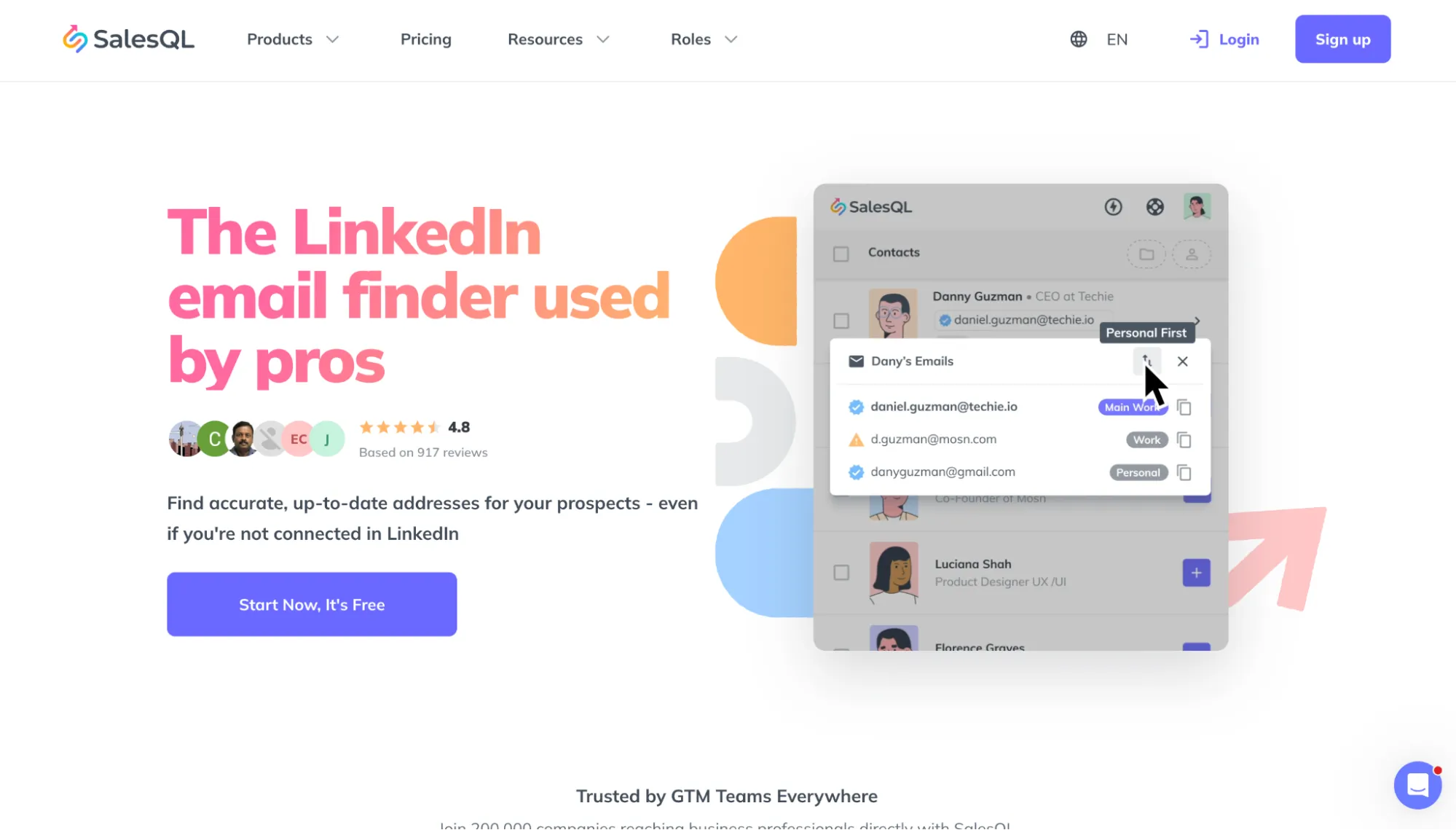
SalesQL LinkedIn email finder.
SalesQL is a LinkedIn-first contact finder. Its extension reads the rendered LinkedIn page inside your own session, sends identity and job context to SalesQL, and feeds profile changes back into the shared Profiles Database through its Contributor Program.
How It Finds the Email
SalesQL builds its Profiles Database from public business sources and doesn’t buy Profile Data from third-party brokers. If a work email is missing, it can infer the company’s email pattern from known addresses, generate a candidate, validate it technically, and return it only above an internal confidence threshold. The web app, API, and MCP can be used without extension-generated signals.
Where It Works and What It Exports
Regular LinkedIn, Sales Navigator, Recruiter, Recruiter Lite, and RPS all support direct enrichment, including multi-page bulk workflows. CSV enrichment can start from a name plus company, a LinkedIn URL, or an existing email for reverse lookup. Paid plans add unlimited CSV and Excel exports without a second per-contact export charge.
Pricing and Credit Rules
The paid ladder looks like this:
-
Basic: $39/month for 2,000 data credits.
-
Professional: $79/month for 5,000 credits and three seats.
-
Premium: $119/month for 12,000 credits and five seats.
Annual billing lowers the effective monthly prices to $29.25, $59.25, and $89.25, with credits issued upfront. With monthly billing, credits expire each billing cycle. Standalone email verification uses a separate Verifier credit balance. The free plan gives 50 data credits per month, but export is locked. There’s no documented option to purchase additional credit bundles.
Pros and Cons
Pros
-
Several emails can fit into one credit
-
Direct Recruiter and RPS enrichment
Cons
-
Extension use automatically joins the Contributor Program
-
Saved profiles cannot be refreshed before three months
Prospeo
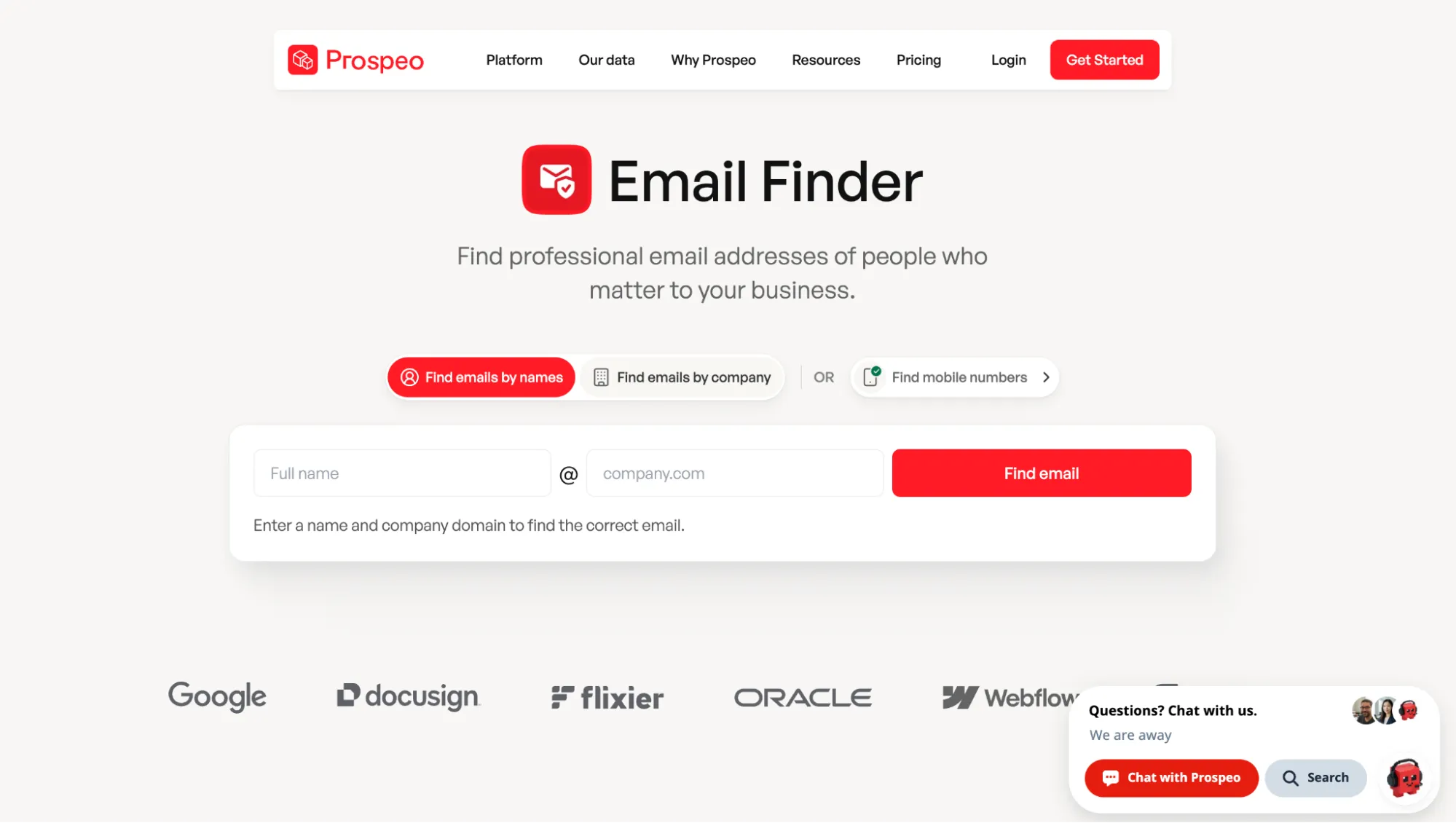
Prospeo Email Finder.
Prospeo is a B2B contact database, work email finder, and enrichment platform. The company advertises 300M+ professional profiles, 30M+ companies, 143M+ verified emails, and a seven-day refresh cycle. Its extension runs in Chrome and other Chromium browsers.
How It Finds the Email
Prospeo’s extension doesn’t scrape social profiles in real time. It identifies the person, matches them against its database, then returns a verified work email. The database combines public web data, licensed partners, and customer-contributed records, so it may not reflect recent LinkedIn job changes. Prospeo markets proprietary five-step verification, but its Help Center says emails are verified through BounceBan.
Where It Works and What It Exports
The extension works on LinkedIn, Sales Navigator, Recruiter, company websites, Gmail, and Outlook. For larger LinkedIn-derived lists, Prospeo recommends CSV enrichment instead of opening profiles one by one. Exports can include email status, LinkedIn URL, job history, company data, technologies, funding, intent, and the company’s main email pattern.
Pricing and Credit Rules
The current plans include Starter ($49/month, 2,000 credits), Growth ($99/month, 5,000 credits), and Pro ($249/month, 15,000 credits). Annual billing gives a 25% discount and the full credit allocation upfront. The free tier includes 100 credits/month. If the plan’s allowance isn't enough, you can buy more credits in bundles; for example, 1,000 credits cost $20.
A verified work email uses one credit, and a phone number uses ten, but it already includes the matching email. Failed lookups cost nothing. Prospeo protects repeat enrichment for 90 days across the whole team. After that window, enriching the same contact can use credits again, so regularly refreshed databases may cost more than the first lookup suggests.
Pros and Cons
Pros
-
Database-backed LinkedIn lookup
-
No separate export-credit system
Cons
-
Records can lag behind LinkedIn changes
-
Repeat enrichment is free only for 90 days
Clearout
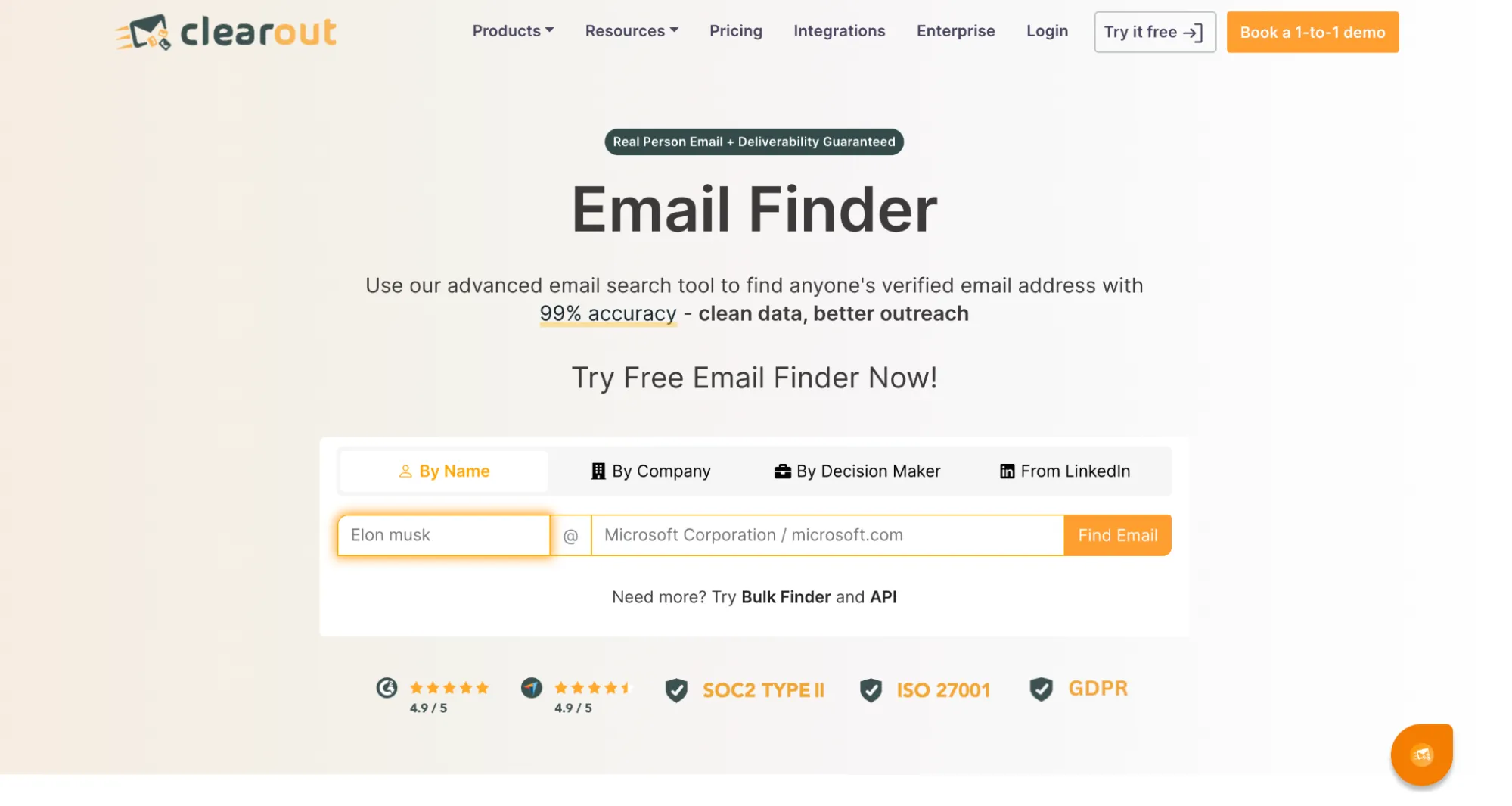
Clearout Email Finder.
Clearout combines LinkedIn prospecting and contact verification. Unlike many B2B-only LinkedIn email finder tools, it supports work, personal, and role-based addresses such as info@ or sales@, which Prospect can filter out when person-level contacts are the priority.
How It Finds the Email
Clearout interacts with LinkedIn pages directly. Its Chrome extension reads profile context, auto-scrolls search pages in Auto mode, and sends that context to Clearout’s backend. Discovery combines public-email data, domain intelligence, and multi-source enrichment before 20+ checks and confidence scoring. Exact providers and fallback logic remain undisclosed. Catch-all domains go through Clearout’s resolver instead of being rejected outright.
Where It Works and What It Exports
The Chrome extension covers profiles, search results, company pages, and Sales Navigator. Clearout recommends daily ceilings of 150 profiles on free LinkedIn, 500 on Premium, and 1,000 through Sales Navigator.
LinkedIn results export to CSV and Google Sheets. Its broader CRM and ESP integrations focus mainly on verification and data hygiene.
Pricing and Credit Rules
Clearout offers several billing routes:
-
Free: 100 signup credits, no card.
-
Starter: $23/month with 3,000 credits ($16/month with annual billing).
-
Pro: $58/month with 10,000 credits ($32/month with annual billing).
-
Pay-as-you-go: 5,000 credits for $40, 10,000 for $65, with larger packs scaling up from there with an on-site calculator.
Note: A normal work or personal email costs four credits, a role-based email two, and a phone two. So 3,000 credits buy about 750 standard emails. Failed lookups are free; unused credits roll over.
Pros and Cons
Pros
-
Personal and work email support
-
Auto mode with built-in verification
Cons
- Chrome-only LinkedIn workflow
PhantomBuster
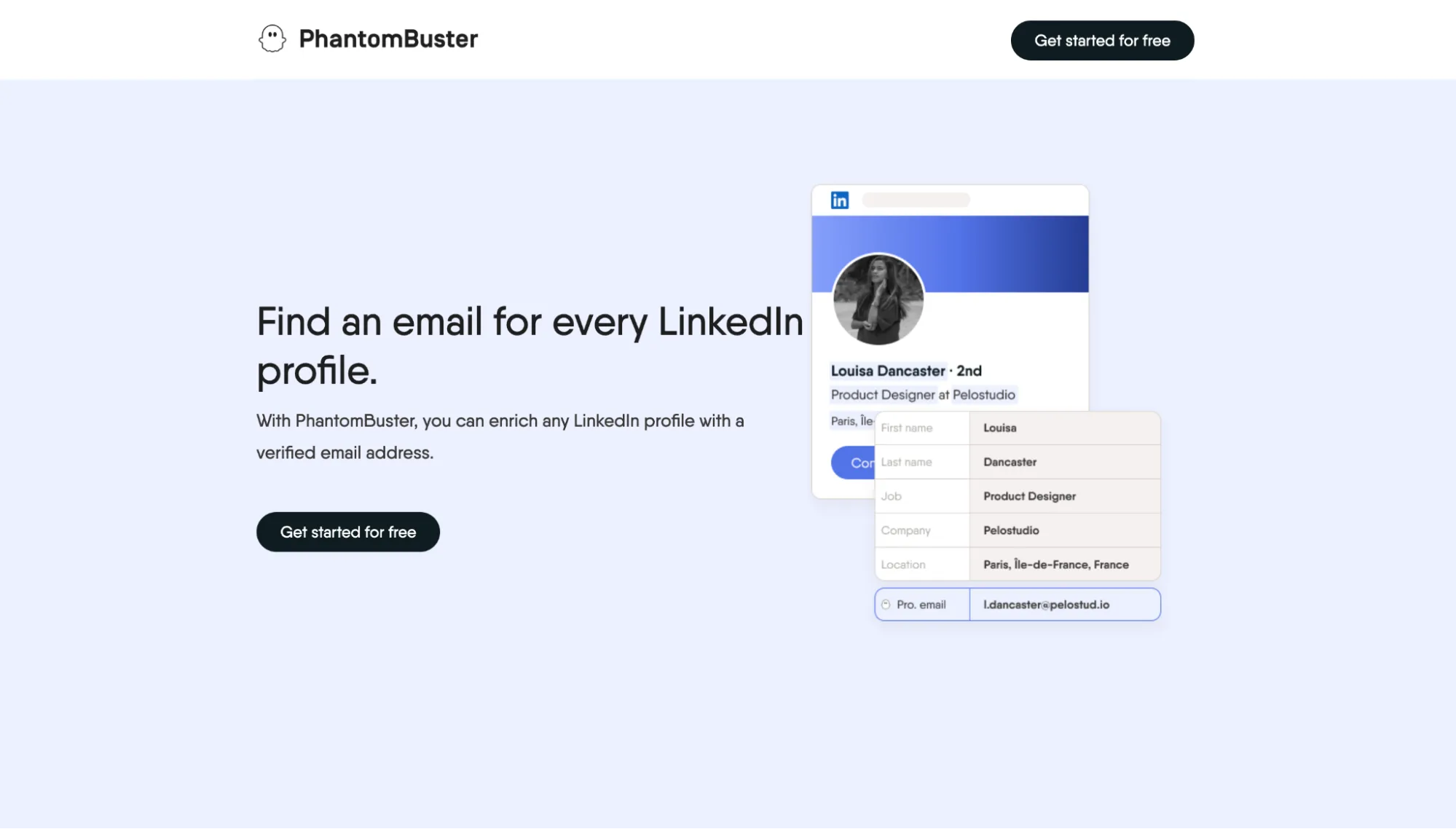
PhantomBuster email discovery.
PhantomBuster is a cloud automation platform built around live LinkedIn extraction. Its people layer comes from LinkedIn and Sales Navigator, then a separate enrichment step adds professional emails.
How It Finds the Email
The extension acts as a session bridge, passing the user’s LinkedIn li_at cookie and browser user agent to PhantomBuster. The cookie transfer results in one LinkedIn session running from two IP addresses, which looks suspicious to LinkedIn. Automation then runs in a cloud Chrome session, so extraction continues after the local browser closes.
The cloud browser collects profile and company context, then sends the full name and company domain into the email layer. Built-in credits use BetterContact waterfall enrichment, while Hunter, Dropcontact, or Snov.io can be substituted through the user’s own API key.
Where It Works and What It Exports
Email discovery can start from regular LinkedIn searches, Sales Navigator searches and lists, existing connections, group members, post commenters, post likers, and Recruiter profiles. Paid plans export cumulative CSV, latest-run JSON, or a dynamic CSV URL that can feed Google Sheets automatically.
Pricing and Credit Rules
The 14-day trial includes 50 email attempts. Paid plans are:
-
Start: $69/month, or $56 annually, with 500 email credits.
-
Grow: $159 or $128, with 2,500 credits.
-
Scale: $439 or $352, with 10,000 credits.
Unlike other LinkedIn email finder tools, PhantomBuster charges credits per lookup attempt, including no-match results. The vendor calls 30–50% a good match-rate range, so Start’s 500 credits equal about 150–250 usable emails. Credits reset monthly, don’t roll over, and cannot be topped up. Email search workflows also consume execution time and automation slots, so credits are only one capacity limit.
Pros and Cons
Pros
-
A wide range of automated workflows
-
Replaceable email provider layer
Cons
-
Failed attempts still cost credits
-
Complex capacity limits
Adapt
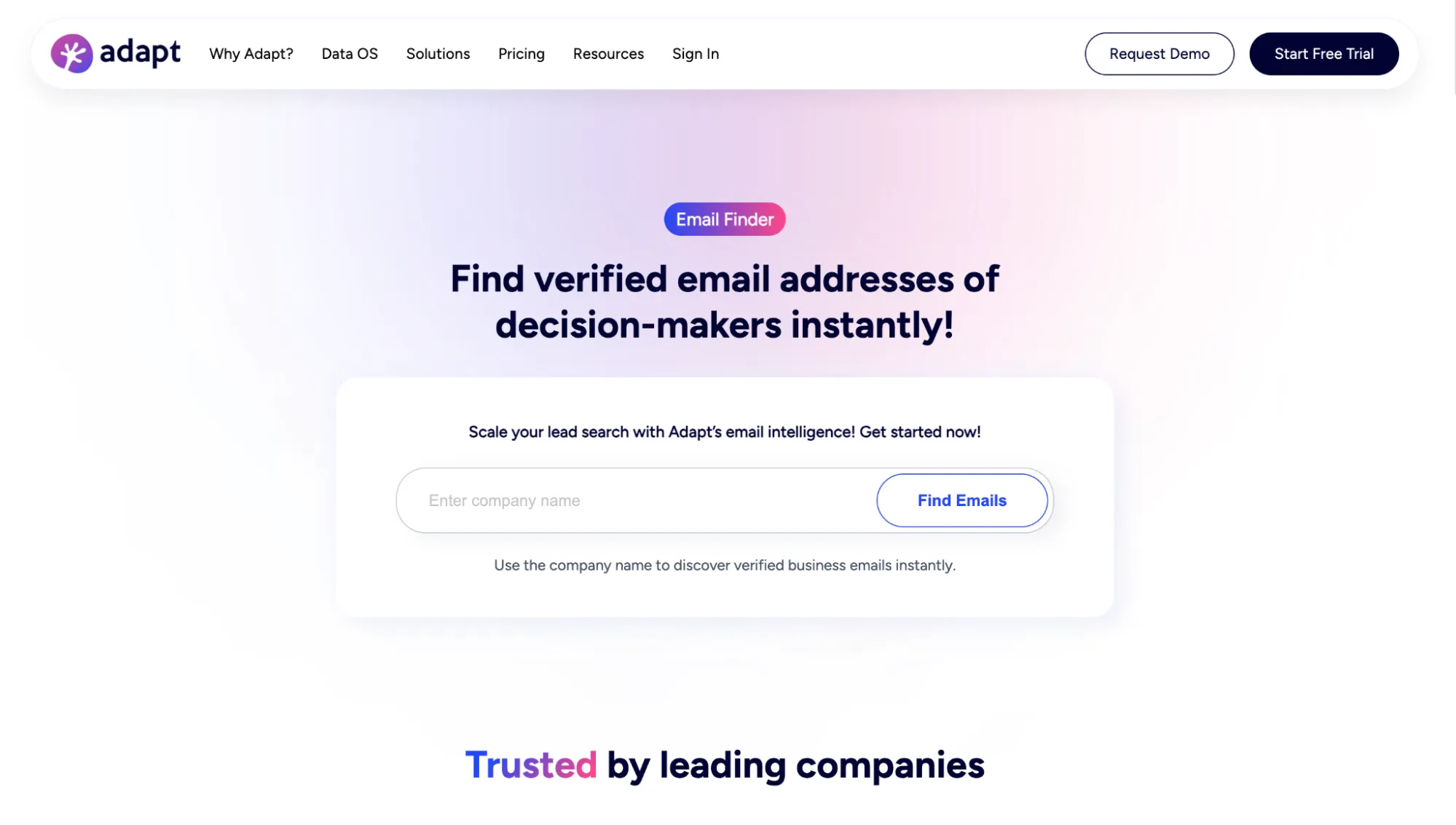
Adapt email finder.
Adapt is a B2B lead intelligence and contact data platform with a LinkedIn finder layered over a much larger database. The company reports 250M+ contacts, 12M+ companies, 50+ data attributes, and 5M+ records refreshed daily. Its finder focuses on verified work emails and adds deliverability scoring.
How It Finds the Email
The Chrome plugin reads name, title, company, and domain from the open profile, then passes that context to Adapt’s email-finder layer. Contact resolution draws on public sources, web crawling, partners, and community contributions, with SMTP and real-time verification. Adapt doesn’t publish a provider waterfall or corporate-pattern algorithm.
Where It Works and What It Exports
The extension works on LinkedIn profiles and company websites. Larger list building happens inside Adapt through Contact Search and ABM company lists. Starter includes CSV export, Basic adds Salesforce, HubSpot, Pipedrive, Zoho, Outreach, and Salesgear, and Custom opens the API, where a LinkedIn URL can also be used directly as the identity key for enrichment.
Pricing and Credit Rules
Adapt separates email credits from enrichment credits, which are not interchangeable. The free tier includes 25 email and 25 enrichment credits. Starter costs $49/month with 500 of each and a 50-contact daily limit. Basic costs $99/month with 1,000 email and enrichment credits, 100 phone credits, and 100 contacts per day. Custom pricing removes the published daily cap.
Annual billing saves 20%, and a free trial allows up to 50 contacts. Adapt doesn’t clearly publish a failed-lookup charge, rollover rule, or permanent duplicate protection. Invalid purchased contacts can be marked inactive for a credit refund.
Adapt advertises a 7-day free trial on the pricing page. However, the sign-up page says the trial is 3 days. Once you create an account, you can only deactivate it by contacting support.
Pros and Cons
Pros
-
Deliverability scoring before reveal
-
No per-seat pricing
Cons
-
Unclear trial terms
-
Lack of transparency in credit rules
Finder vs. Scraper vs. Enrichment vs. Verifier: What Are You Actually Buying?
Tool roundups and product pages often blur these terms. To tell them apart, look at what you supply and what the tool returns.
-
Scraper: Extracts details already visible on a LinkedIn profile, search results, or company page: names, job titles, companies, and contact information. This gives you the initial lead record.
-
Email finder: Uses a name and company/domain, or a LinkedIn URL, to look for an email missing from the page. Results usually include a confidence rating or verification status.
-
Data enrichment tool: Adds missing emails, phone numbers, company details, or social URLs to existing records. Broader LinkedIn lead enrichment tools help when several fields are missing.
-
Verifier: Checks emails you already have for validity, catch-all status, risk, or deliverability.
A standalone finder may be cheaper if you already have names and company domains. Likewise, a verifier may be enough if you’ve collected the emails.
When you still need several steps, a bundled product can cost less overall. Linked Helper is a good example of this bundled approach: its LinkedIn scraper, email search, and data enrichment can all be integrated into the same workflow.
Data Types, Bulk Limits, and Export
Bulk export work starts from a saved LinkedIn or Sales Navigator search or a CSV of profile URLs. For most tools, the main ceiling is LinkedIn's own search result limit — 1,000 for a regular search and 2,500 for Sales Navigator. However, data coverage, bulk input, and export options often differ.
| Tool | Data returned | Bulk method | Caps | Export/native CRMs |
|---|---|---|---|---|
| Linked Helper | Work and personal emails; mobile, home, and work phones; profile data (summary, industry, current company and position, experience, skills, education, languages, followers, connections, location); extended company data; LinkedIn badges (Premium, Influencer, Open Profile, Job Seeker, Hiring) | LI, SN, Recruiter, groups/events, CSV, URL lists, incoming webhooks (cloud storage version) | No caps from the tool side | CSV, Google Sheets; HubSpot, Salesforce, Pipedrive, Zoho, Zoho Recruit, Close, HighLevel, ActiveCampaign, Streak, Capsule, Instantly; plus sending data to Snov.io lists/campaigns |
| Apollo | Work, personal, mobile, firmographics | People Search, LI, CSV, API | Not published | CSV; Salesforce, HubSpot, Pipedrive, Salesloft, Zoho |
| ContactOut | Work, personal, mobile, firmographics | Search Portal, LI, CSV, API | Export limits: 300/month on Email; 600/month on Email+Phone. | CSV; Salesforce, HubSpot, ATS/GTM |
| Lusha | Work, mobile, firmographics | Prospecting, LI, SN, API | Saves up to 25 contacts at a time on SN; exports up to 150 contacts from Search to CSV | CSV; Salesforce, HubSpot, Pipedrive |
| Snov.io | Work, mobile, firmographics | LI, SN, URL lists, CSV | Max. number of lines per CSV import: 20,000 | CSV/XLSX/Sheets; HubSpot, Pipedrive |
| Skrapp | Work, firmographics | LI, SN, Recruiter, CSV | 2,500/operation | CSV/XLSX; HubSpot, Salesforce, Pipedrive, Outreach, Zoho |
| Wiza | Work, personal, mobile, firmographics | Wiza Prospect, CSV, CRM | 10,000/list; limited by credits | CSV/TXT; Salesforce, HubSpot, Pipedrive, Outreach, Zoho |
| Leadsforge | Work, mobile, firmographics | Leadsforge, API, MCP, LI | 500/API request | CSV; Salesforge, HubSpot, Salesforce |
| GetProspect | Work, mobile, firmographics | LI, SN, CSV, database | 800 LI/1,800 SN daily | CSV/XLSX; HubSpot, Salesforce, Pipedrive, Zoho |
| Kaspr | Work, personal, mobile, firmographics | LI, SN, Recruiter Lite, CSV | 25–2,500/search | CSV/Excel; HubSpot, Salesforce, Pipedrive, Zoho |
| SalesQL | Work, personal, phone, firmographics | LI, SN, Recruiter/RPS, CSV | Not published | CSV/Excel; HubSpot, Zoho |
| Prospeo | Work, mobile, firmographics | LI, SN, Recruiter, People Search, CSV | 20,000 CSV rows | CSV; HubSpot, Salesforce, Pipedrive, Zoho |
| Clearout | Work, personal, phone, firmographics | LI, SN, CSV | Recommended daily limits: 150 searches on LI/500 premium LI/1,000 SN | CSV, Google Sheets |
| PhantomBuster | Work, firmographics | LI, SN, groups, CSV, URL lists | 1,000 results for LI; 2,500 for SN | CSV/JSON/Sheets; HubSpot, Salesforce, Pipedrive |
| Adapt | Work, mobile, firmographics | LI, database, ABM, API | 25/50/100 daily (depending on the plan) | CSV; Salesforce, HubSpot, Pipedrive, Zoho |
LI = LinkedIn, SN = Sales Navigator
Note: Caps are not directly comparable. Vendors publish different units, including daily activity, bulk reveal size, API batch size, CSV rows, and LinkedIn search-result ceilings.