
 Updated: October 22, 2026
 26 min read
Not all LinkedIn scraper tools work in the same way. Some collect profile data through your LinkedIn account, while others export Navigator search results, enrich existing leads, or return professional data through an API. Although every tool provides prospect data, differences in their underlying architecture matter when you're building prospect lists at scale.
Still, these tools serve a similar function — they turn profile, company, or activity data into structured records you can export or pass to another system. To learn more about how they work, visit our LinkedIn scraper guide.
This comparison looks at 11 LinkedIn profile scraper tools based on their data sources, extraction model, Sales Navigator support, vendor limits, enrichment, exports, account requirements, and pricing. We also cover message-history scraping where available.
LinkedIn Scraper Tools Compared
We compared the best LinkedIn scraper tools based on how they run and extract data, where they source data, whether you need to provide a LinkedIn account, how fresh the returned data is, and what limits you may face.
| Tool | Type | Main data sources | Key features | Starting price | Annual price | Suitable for |
|---|---|---|---|---|---|---|
| Linked Helper | Desktop app | LinkedIn, Sales Navigator, Recruiter, groups, events, company audiences, URLs | Profile/company extraction, enrichment, 200+ available data points, message-history scraping, CRM/webhooks | Local: $15/monthCloud: $29.90/month | Local: $8.25/monthCloud: $16.50/month | LinkedIn data collection with configurable workflows |
| Skrapp | Browser extension + web app | LinkedIn, Sales Navigator, Recruiter | Business email finding, bulk enrichment, CSV/CRM export | $39/month | $29/month | Email-focused LinkedIn prospecting |
| Dripify | Cloud platform | LinkedIn Search, Sales Navigator, Recruiter, events, URLs, CSV | Scraping, email finding, outreach sequences | $79/month (with CSV export capability) | $59/month (with CSV export capability) | Teams combining data collection with outreach |
| PhantomBuster | Cloud platform | LinkedIn URLs and other LinkedIn sources through separate automations | Profile scraping, workflow automation, email discovery, HubSpot/Sheets output | $69/month | $56/month | Multi-step scraping and automation workflows |
| Evaboot | Browser extension | Sales Navigator | Lead/account export, email finding, verification, cleaning | $29/month | $24/month | Sales Navigator list export and enrichment |
| Waalaxy | Browser extension + platform | LinkedIn, Sales Navigator, Recruiter Lite, groups, events | Lead import, CSV, email enrichment, outreach | $19/month | $16/month | Prospecting workflows that continue into outreach |
| Captain Data | Scraper API | LinkedIn URLs, names, company data, filtered people searches | Real-time enrichment, people/company search, JSON API | $165/month/2,500 credits (minimal purchase) | ~$148.5/month/2,500 credits (minimal purchase) | Developers and data pipelines |
| Apify | Cloud Actor | LinkedIn profile URLs | Profile extraction through a supplied LinkedIn session | $19/month | $17/month | Technical users with URL lists |
| Bright Data | Scraper API | Profiles, companies, posts, jobs, people search | Scraper API, structured delivery, built-in proxy infrastructure | 5,000 records/month free, then from $1.5/1,000 records/month | From $1.5/1,000 records/month | API-based data collection at scale |
| Wiza | Browser extension + platform | Wiza Prospect, CSV, CRM, individual LinkedIn profiles | Email/phone enrichment, CRM sync, prospect database | Starter: $49/month | Starter not available.Email plan: $83/month | Contact enrichment and database prospecting |
| La Growth Machine | Multichannel platform | LinkedIn Basic, Sales Navigator, engagement audiences | LinkedIn imports, enrichment, email and LinkedIn sequences | $70/month | $60/month | Scraping and enrichment tied to outbound campaigns |
We checked prices and allowances against the vendors' current public pages. Some products use fundamentally different billing models, so the lowest advertised subscription doesn't always reflect scraping cost. For example, Linked Helper prices licenses by term, while Captain Data and Bright Data rely primarily on usage.
How We Evaluated LinkedIn Data Extraction Tools
We assessed the best LinkedIn scraper tools based on the same criteria and the needs of real agencies.
-
Supported LinkedIn sources: Regular searches, Sales Navigator, Recruiter, groups, events, profile URL, company pages, and other lead sources available.
-
Returned data: Profile, company, contact, and activity fields accessible after data enrichment or extraction.
-
Extraction model: Whether the technology works via a browser extension, desktop software, a cloud platform, a vendor database, or an API.
-
Limits: Vendor-set limits related to profiles, credits, execution hours, actions, or other usage units.
-
Sales Navigator and Recruiter support: Whether the tools support these products and what pages or lists can be processed.
-
Enrichment: Finding emails, searching for phone numbers, enriching company data, and adding information you can see on the LinkedIn page.
-
Export options: CSV file, integration with CRM, webhooks, Google Sheets, and other ways to deliver collected data.
-
Pricing model: How the company charges you — per seat, usage-based credits, or execution payments.
-
Safety controls: How the tool handles your LinkedIn session, IP or proxy setup, activity limits, pacing, and other controls intended to reduce unusual activity patterns.
-
Account requirements: Whether the tool needs a LinkedIn login, a session cookie, or a Sales Navigator seat.
These differences matter because even two of the best LinkedIn scraper tools in the same price range could vary in their functionality and data sources.
Types of LinkedIn Scraper Software
Every one of the best LinkedIn scraper tools discussed in this article falls into one of four categories based on how it runs.
-
Desktop scraping software runs on your computer or a dedicated VPS you control. The LinkedIn session and execution remain on that machine, while extracted records can be stored locally or in a cloud-backed workspace. This is a model used by Linked Helper.
-
Browser extensions work inside your browser and add functions on top of regular LinkedIn pages. They often inject code into the page, which increases the risk of LinkedIn detecting automation and restricting accounts. Skrapp and Wiza use extensions for parts of their LinkedIn workflows.
-
Cloud automation platforms run workflows on remote infrastructure. They keep running even after you close your browser or turn off your device, although some still require an authenticated LinkedIn session or cookie. Dripify, PhantomBuster, and Apify LinkedIn Profile Scraper all run in the cloud.
-
Data APIs take a different approach. They return structured data records through API calls instead of asking users to run a LinkedIn scraping workflow manually. This suits pipelines that involve data being imported directly into CRMs, databases, or other internal tools. Captain Data and Bright Data work through APIs.
Every tool’s operating model and extraction type are specified in the description.
LinkedIn Scraper Tools Reviewed
Let’s take a closer look at the best LinkedIn scraper tools and summarize what you or your agency need to know to make an informed decision. For each one, we cover key workflow details, including how they retrieve and process data, their billing model, and the security risks you could face.
Linked Helper
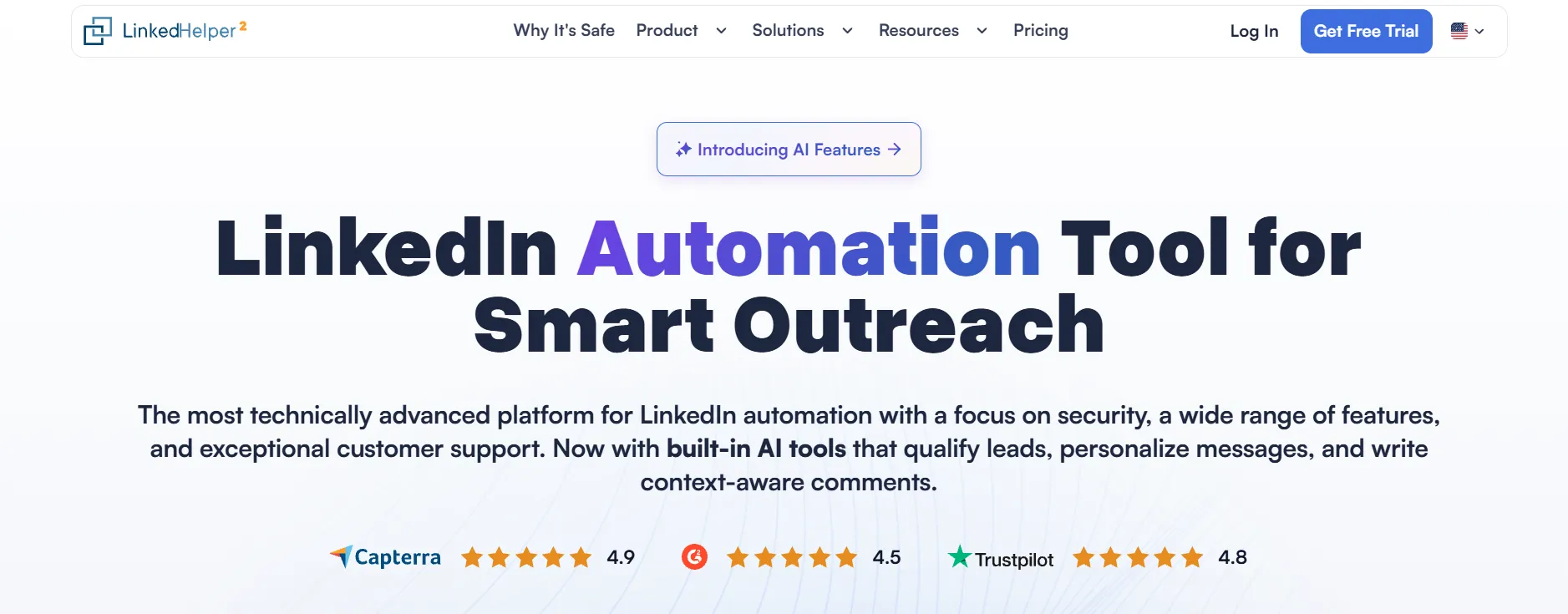
Linked Helper homepage.
Linked Helper is a desktop LinkedIn automation and data extraction app that runs through its own browser. It operates on your computer or a user-controlled VPS, so the LinkedIn session stays on one machine.
Compared with other LinkedIn data extraction tools, Linked Helper supports a relatively broad range of lead sources, including:
-
LinkedIn, Sales Navigator, and Recruiter searches
-
LinkedIn and Sales Navigator organization searches
-
Post likes and commenters
-
My Network page that stores all your contacts
-
School alumni
-
Recruiter projects
-
Pending invitations
-
Group members
-
Custom Sales Navigator lists
-
Company followers
-
Personal followers
-
Company People tabs
-
Who has viewed your profile page
-
CSV, text files, and incoming webhooks (in cloud-based storage version)
-
Individual profile pages
For LinkedIn-based extraction, you need a Linked Helper license, a LinkedIn account logged in inside the app, and a lead source such as a search, list, project, profile page, or another supported LinkedIn page. Once the data is scraped, you can export it to a CSV file, natively to common CRMs (HubSpot, Salesforce, Zoho CRM, etc.), or via webhooks to other 3rd-party systems.
Visit & Extract opens profiles one-by-one and collects the information it can find on the page, including name, headline, job title, company, location, experience, education, skills, languages, and visible contact details. It doesn't use Data Credits or impose a hard extraction limit beyond its basic safety settings.
Data Enrichment retrieves data from Linked Helper’s enrichment database without interacting with LinkedIn for every record. It can add profile and company data, emails, phone numbers, social links, and profile info (skills, experience, education, summary). This method also has no extraction limit, but it consumes Data Credits. Find Profile Emails can additionally use Snov.io or Apollo.io to look for email addresses in their databases.
Data Credits are issued in full for the purchased license term. The number of credits consumed depends on the data type: email– 1, phone number – 10, social or messaging data – 2, profile information – 1, company data – 2. You’re charged only when data is actually found. For emails, a credit is taken only for a valid address, and if a person has several, Linked Helper submits all of them for the same single credit. If you set a freshness date, the tool still searches all available data but submits and charges only for information that’s recent enough. Unused credits roll over, don’t expire, and you can also purchase them separately.
Linked Helper licenses are time-boxed purchases for 1, 3, 6, or 12 months and don't auto-renew by default. A license allows you to run only one account at a time, but you can switch between accounts any time.
There are two Linked Helper plans available — Standard and Pro, and you can choose a Local or a Cloud storage version. Standard and Pro plans use the same outreach engine and allow the same invitation and messaging volume. However, Pro removes the 20/day cap on 11 auxiliary actions, such as sending leads to a CRM or a webhook. It also allows you to scrape messaging history and includes five times more Data Credits than Standard (3,100/month against 620/month).
For account-risk controls, Linked Helper supports daily limits, randomized timeouts and working-hour starts, separate account cookies and cache, configurable proxies, and a randomized browser fingerprint for each LinkedIn instance.
Skrapp
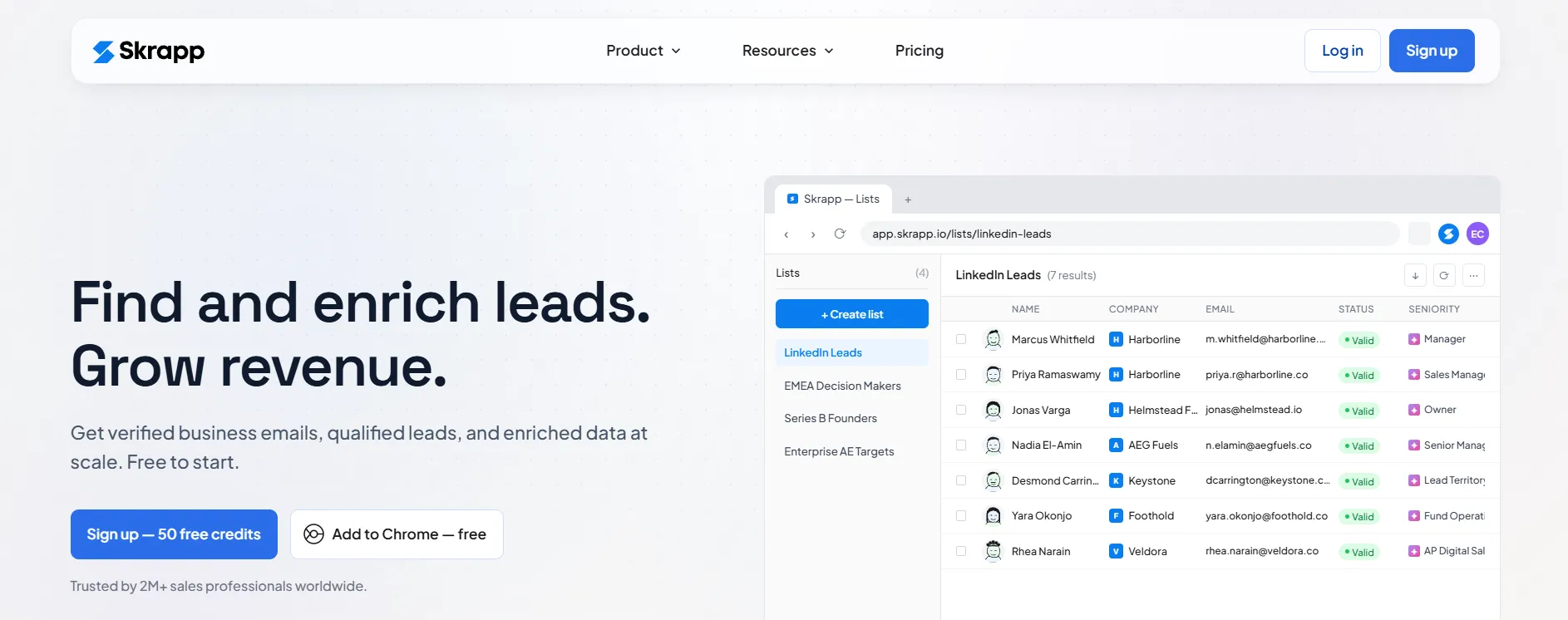
Skrapp homepage.
Skrapp is a Chrome extension and web app focused on business email discovery. Its extension works with LinkedIn Basic, Sales Navigator, and Recruiter.
For extraction, you need to be logged into LinkedIn and Skrapp and have the Chrome extension installed. The input is normally a supported search, list, group, or individual profile. The data returned includes prospects' names, titles, and seniority levels, their employer’s name, their professional email, and email verification information. The output doesn’t include a full, detailed profile with background and educational history, since it focuses on prospecting data.
After you scrape the data, you will have all the profiles saved in Skrapp and ready for export in CSV/XLSX format, for integration into either HubSpot or Salesforce, or passing to other services via Zapier/Make.
The professional plan comes with 2,000 credits/month for two users. One credit is charged for a deliverable professional email marked Valid or Catch-all, although the vendor marks the latter as “potentially risky”. Invalid and Unknown results don't consume credits on paid plans, and verification during email discovery doesn’t cost another credit. Unused credits roll over.
People and Company Search limits are separate from email credits. The very same Professional plan limits usage to 20 people searches/day with up to 100 results each and 10 company searches/day with up to 50 results each. AI-powered searches are limited to 5/day. Viewing search results doesn’t consume credits, and a zero-result search doesn’t count toward the daily search allowance.
To minimize restriction risks associated with using your LinkedIn account, the vendor recommends staying under 200-2,500 scraped profiles/day, depending on the account tier.
Dripify
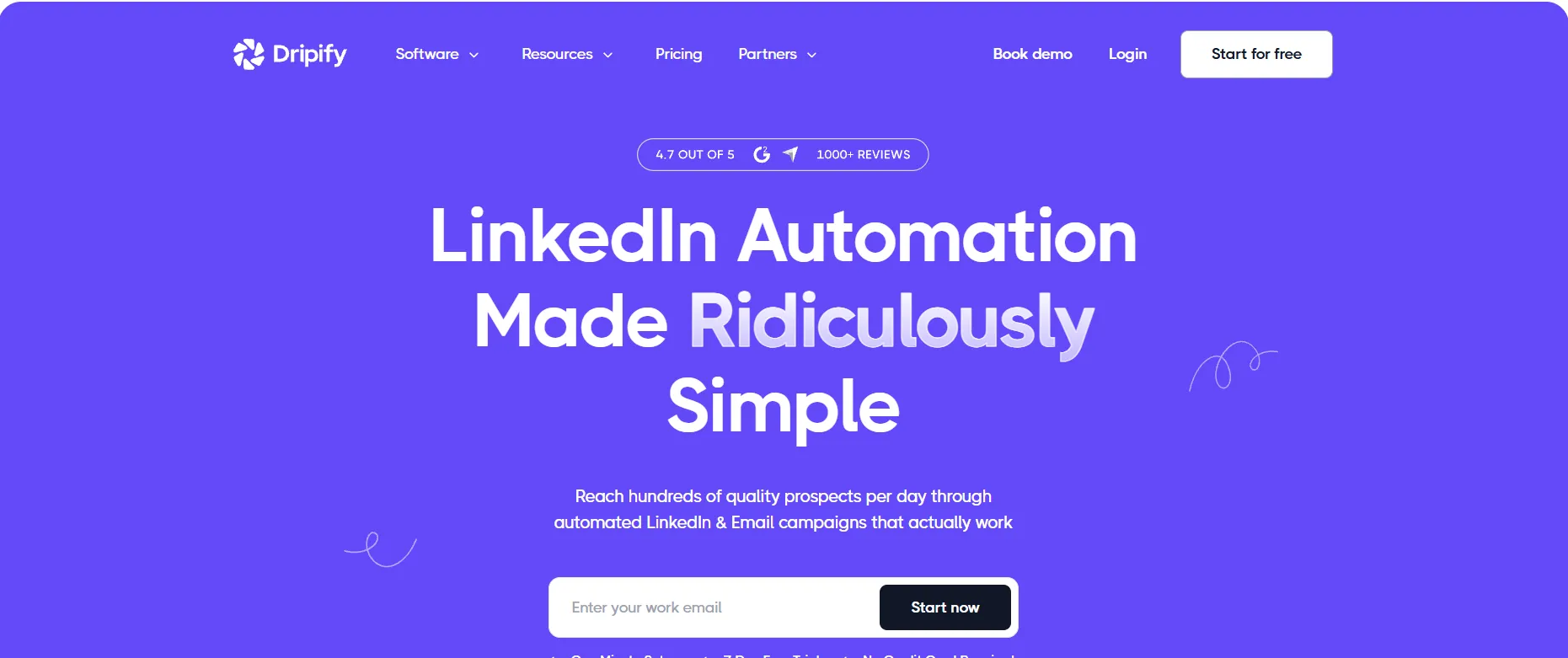
Dripify homepage.
Dripify is a cloud-based platform that combines LinkedIn lead collection with outreach. Leads can come from LinkedIn Basic people search, Sales Navigator, Recruiter, My Network, LinkedIn Events, individual profile URLs, or a CSV containing LinkedIn profile URLs.
Search-based imports require a connected LinkedIn account and the relevant search URL. For individual leads or CSV imports, Dripify needs LinkedIn profile URLs. Search imports initially return the profile photo, first and last name, current position, and company. Once the first sequence action processes the lead, Dripify can also add fields such as headline, location, connection information, and personalization variables.
Dripify has unique limits for importing contacts using different sources. It allows importing up to 1,000 contacts from a single LinkedIn search or a LinkedIn Recruiter search and up to 2,475 contacts with a Sales Navigator search.
Through Email Finder, you can find and confirm emails. Every month, you get 100 email credits, and you are charged only when an email is successfully located. Credits expire at the end of every month and don't carry over; you can buy them separately.
Plans are charged per user. Pro and Advanced provide higher daily action quotas and more campaign features, as well as CSV export and integrations with HubSpot, webhooks, Open API, and an MCP server.
For account-risk controls, Dripify uses configurable quotas, randomized activity ranges, and plan-specific Activity Control to moderate LinkedIn actions.
PhantomBuster
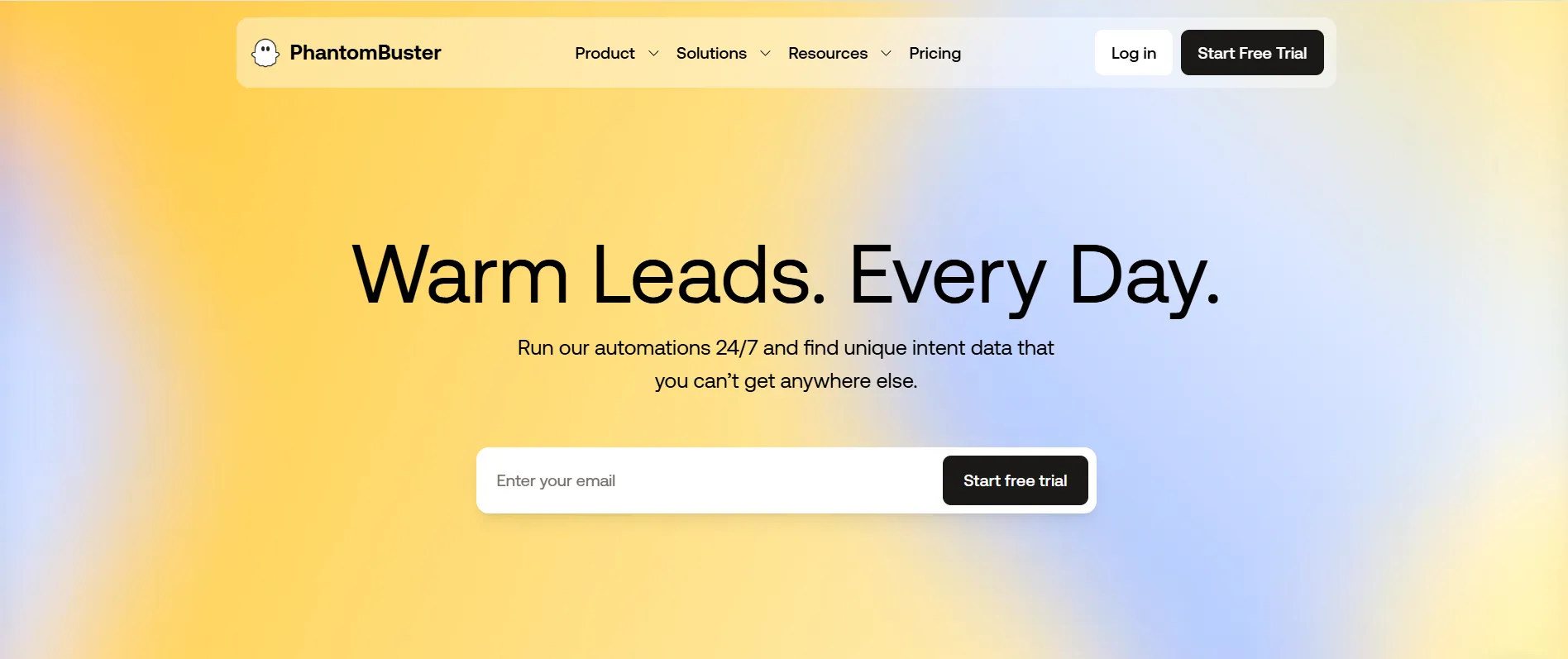
PhantomBuster homepage.
PhantomBuster is a cloud LinkedIn data scraper tool that works through separate automations called Phantoms. Their scraper uses profile URLs, while other Phantoms support regular LinkedIn searches, Sales Navigator searches and lists, group members, post commenters, company employees, and other LinkedIn sources.
The Profile Scraper needs LinkedIn profile URLs and an authenticated LinkedIn session cookie. Optional email discovery can also require a Dropcontact, Hunter.io, or Snov.io API key. The scraper returns over 40 data points, including name, headline, location, company, industry, profile identifiers, and recent job experience. It captures only the two most recent positions; fuller work history and skills require the separate Profile Visitor. The data can then be exported via CSV, JSON, Google Sheets, HubSpot, API, and Zapier/Make.
Capacity is partly controlled by execution time. The Start plan includes five Phantom slots and 20 execution hours/month. PhantomBuster estimates that the Profile Scraper processes about 1,000 profiles in 30 minutes, so 20 hours could cover roughly 40,000 profiles/month in theory. Daily volume is capped separately: the vendor recommends no more than 1,500 profiles/day, even with email discovery enabled, although discovery makes each run take longer.
Start also includes 500 email credits/month, which means 500 search and verification attempts (failed lookups still consume credits). Unused credits and execution hours don't roll over to the next month or billing cycle.
PhantomBuster advises moderating combined LinkedIn activity across Phantoms because they can share the same account session. Its limits can reduce activity volume, but account restriction risk remains.
Evaboot
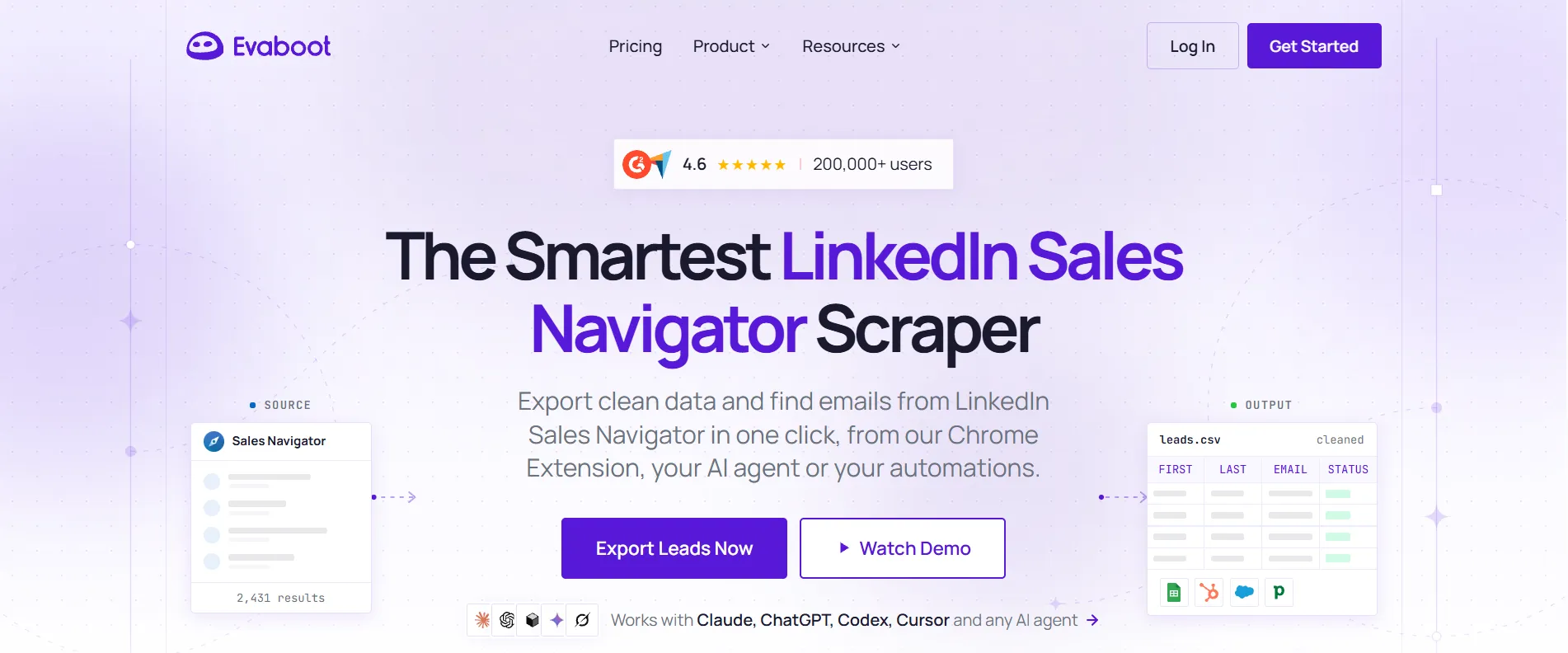
Evaboot homepage.
Evaboot is a dedicated LinkedIn Sales Navigator exporter. It can extract Sales Navigator lead searches, lead lists, account searches, and account lists through its Chrome extension.
The standard workflow requires an active Sales Navigator account and a search or list to export. Returned lead data can include LinkedIn URL, first and last name, job title, job description, time in position, location, connections, profile image, company name, website, industry, size, headcount, and other company information. A verified professional email is added when Evaboot finds one.
Evaboot caps each Sales Navigator account at 2,500 lead exports/day or 1,000 account exports/day. If you have a search with 2,500+ leads, it needs to be divided into smaller ones.
One exported lead costs one credit, with a verified professional email included when available. Evaboot still charges a credit even if it doesn't find an address, because it still processes and cleans the data. Standalone Email Finder costs 1 credit only when it successfully finds and verifies an address, and Email Verifier charges the same 1 credit for every address it checks.
Email Finder can also process CSV or XLSX files containing names and company information, with up to 2,500 rows/file. Completed exports can be downloaded as CSV or XLSX without another credit charge. You can also export them to CRMs via provided webhooks.
Plans provide 400-15,000 credits/month. Unused credits roll over while the subscription remains active, but the company doesn’t offer one-off credit packs.
Evaboot's daily export caps are intended to control account-side activity, but they cannot guarantee that LinkedIn will not detect automation or apply restrictions.
Waalaxy
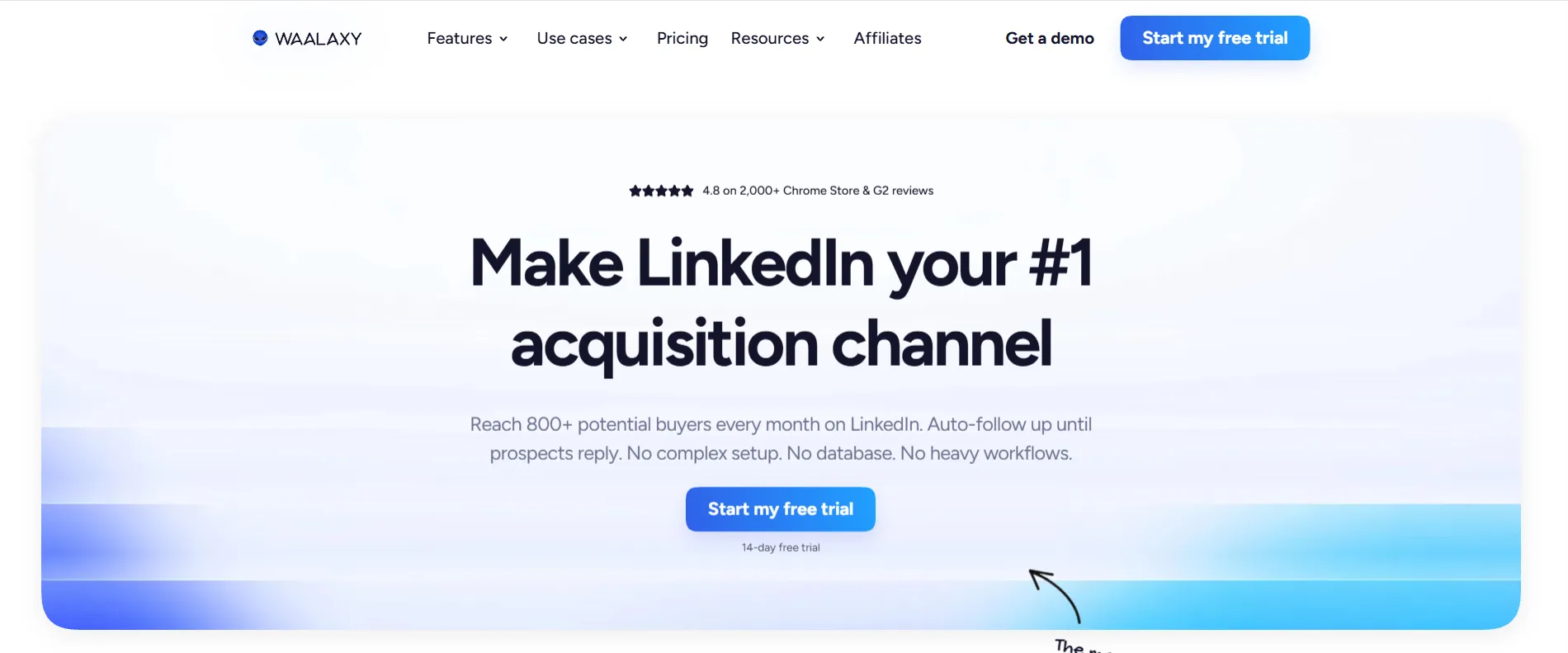
Waalaxy homepage.
Waalaxy is a fully cloud-based platform for importing LinkedIn prospects, enriching their data, and running outreach, and you use it directly in your browser. An optional extension, Alien Copilot, can make imports from LinkedIn easier, but it isn’t required to use the tool. Campaigns can continue running when your browser is closed or your computer is off.
You can input prospects through LinkedIn or Sales Navigator search URLs, Recruiter Lite, individual profile URLs, groups, events, post engagements, your LinkedIn network, or a CSV. For a CSV import, the file needs to have a LinkedIn URL. Other fields, such as name, job title, company, headline, region, email, and phone number, are optional.
The platform then creates a prospect record with the available LinkedIn data, including name, job title, company, headline, region, profile URL, LinkedIn email, and phone number. Waalaxy also adds tags, status, campaign membership, and interaction history. If its Email Finder also finds a professional email, it is also added.
Prospects can be exported as CSV or sent directly to HubSpot and Pipedrive. Zapier, Make, and n8n can connect Waalaxy with other CRMs and databases; API-based imports require Advanced or Business.
A regular LinkedIn import can contain up to 1,000 prospects, while a CSV should contain no more than 10,000. Email Finder uses credits, with 25-500/month available on different plans. One successfully found professional email costs one credit, which means if none is found, no credits are charged. Credits reset monthly and don't roll over; additional credits can be purchased.
For account-risk controls, Waalaxy applies vendor-defined daily quotas and randomizes actual daily activity between 80% and 100% of the configured maximum.
Captain Data
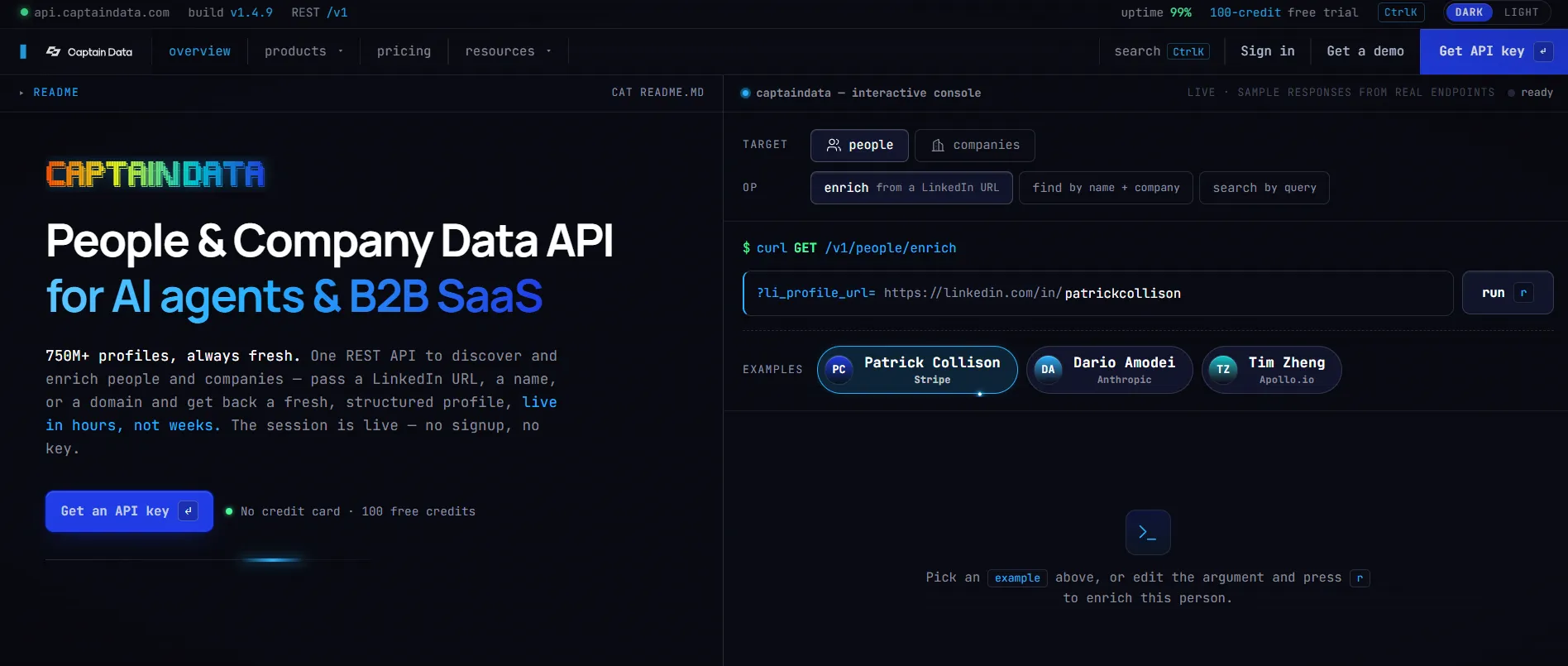
Captain Data homepage.
Captain Data focuses on APIs and using API keys to make queries and get JSON responses, which means you don’t have to log into LinkedIn or deal with cookies and IPs.
People Enrichment takes a LinkedIn profile URL as input and returns fields that include name, headline, job title, company, location, experience, education, skills, and LinkedIn identifiers, but not email or phone numbers.
Find People locates a LinkedIn profile using name and company data, while People Search lets you filter by job title, company name, location, industry, seniority, and company size. As for results, you receive profiles with data summarized and get up to 2,500 results/search. Company endpoints help get organization data from LinkedIn and obtain firmographics.
The platform mostly delivers results through the REST API and JSON. There’s also MCP integration, but bulk database exports are available only at custom pricing.
Captain Data bills by credits, not seats. People and Company Enrichment generally cost 1 credit/record; Find People costs 2 credits/record; People Search charges a base request credit + credits for returned results. Monthly unused credits don't roll over. With an annual plan, you can pay for the full yearly allowance upfront.
Since the API handles collection, rate limits, and parsing without operating through your logged-in LinkedIn session, it avoids direct scraper activity on your account.
Apify
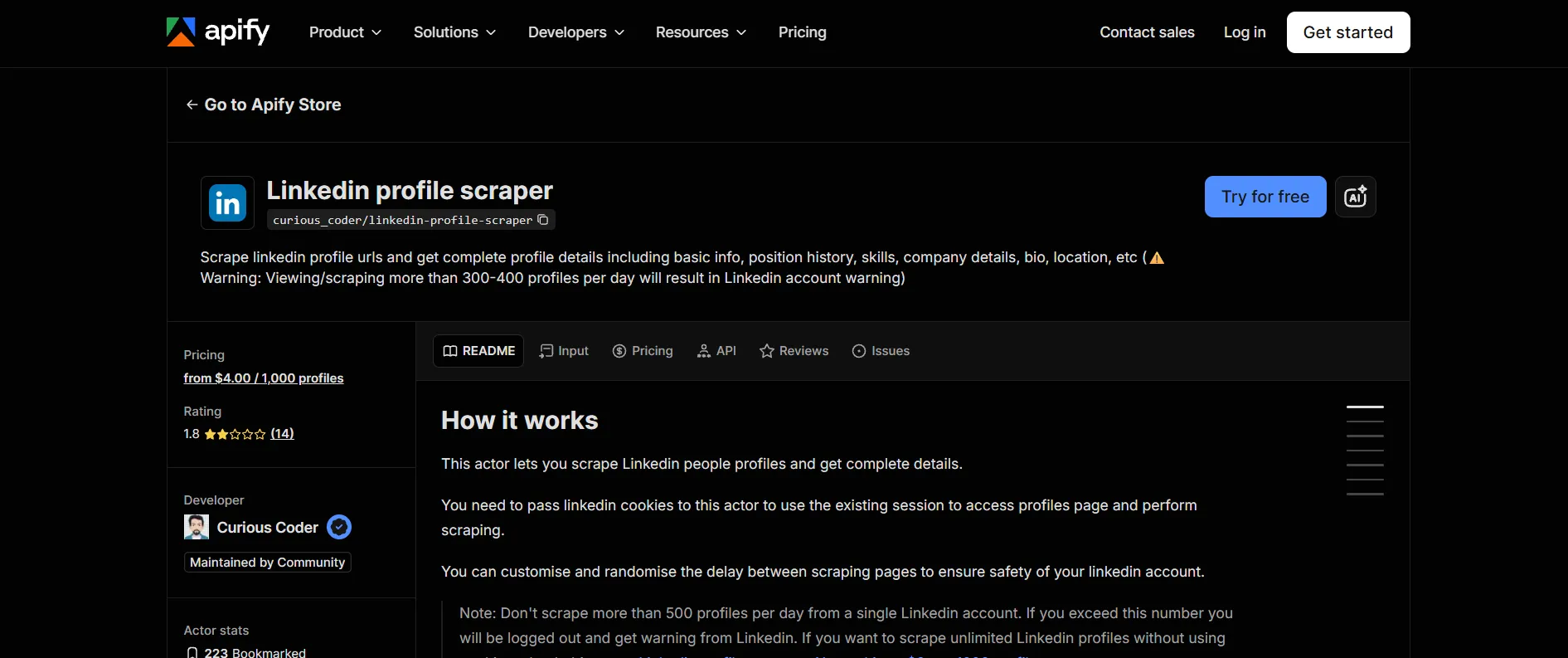
Apify LinkedIn Profile Scraper page.
Here, we are talking specifically about the LinkedIn Profile Scraper — an Apify Actor used for extracting data from a supplied list of LinkedIn profile URLs and maintained by curious_coder/linkedin-profile-scraper.
To run the Actor, you need to provide LinkedIn cookies from an authenticated session, paste the profile URLs, and select a proxy. The scraper then returns first and last name, bio, headline, job title, current company, country, location, education, skills, certifications, work history, languages, follower count, and profile verification data.
The Actor does not discover contact information. The developer maintaining it suggests using the separate Contact Info Finder for that, which is why email enrichment is a separate workflow.
Results are stored in an Apify dataset, and you can export them in CSV, JSON, and XLS or access them through the API. LinkedIn Profile Scraper supports Make integration. Billing is per 1,000 profiles rather than seats. Proxy selection is part of the setup, and you can customize and randomize delays between profile visits.
To run the scraper, a local proxy is also needed, so factor it in when calculating the total cost. The higher plans above Starter don't add extra functionality, but they provide more computing units and Actor RAM for more concurrent runs.
Because the scraper uses your LinkedIn cookies, the account is directly involved in collection. To reduce the risk and avoid LinkedIn account warnings, the developer recommends not exceeding 300-400 scraped accounts/day.
Bright Data
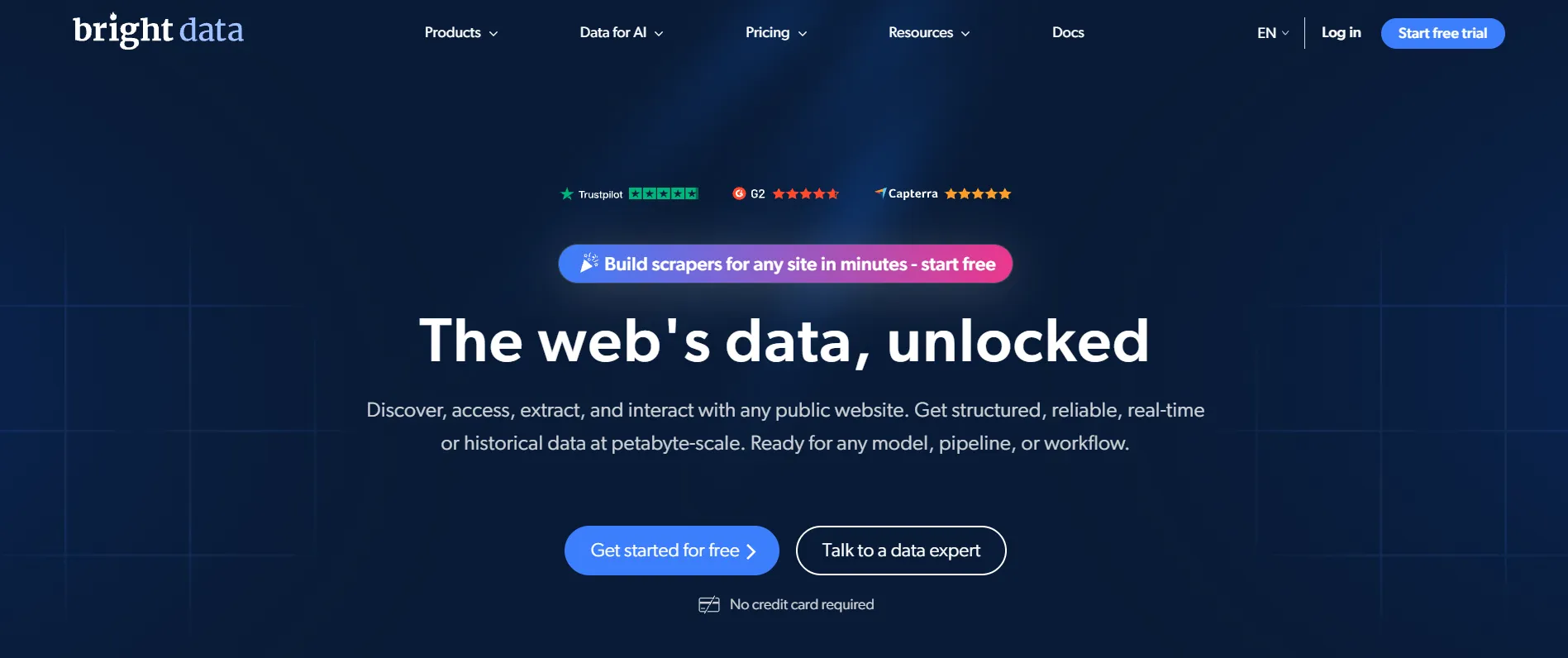
Bright Data homepage.
Bright Data is a scraping API that uses its own LinkedIn data extraction tools, so you don't need to log in to your personal account. It furthermore has separate scraping tools for user profiles, company information, posts, jobs, searches, and pre-collected datasets.
To start, enter LinkedIn URLs or searches, and the API returns structured data. For profiles, it provides details such as the person’s name, area, current job and company, about section, work history, education, number of followers, and connections. Other scrapers, such as company, job, post, or people search, provide different fields depending on what you enter.
One API call can contain up to 5,000 target URLs. Bright Data returns parsed data as JSON, NDJSON, or CSV and can deliver it through the API, a webhook, or cloud storage. It also provides Python and Node.js SDKs, a CLI, and an MCP server for programmatic workflows. This setup suits larger programmatic collection workflows.
Pricing is credit-based, and you are only charged for successfully delivered records: 1 credit/record. The first 5,000 records/month are free, after which Pay-as-you-go costs $1.50/1,000 records. Special features, like Bright Data’s proxy infrastructure, unblocking, retries, parsing, storage, and data transfer, are included in the subscription.
You don't need to provide your own LinkedIn login or session cookie for the workflow, which removes direct scraping activity from your LinkedIn activity.
Wiza
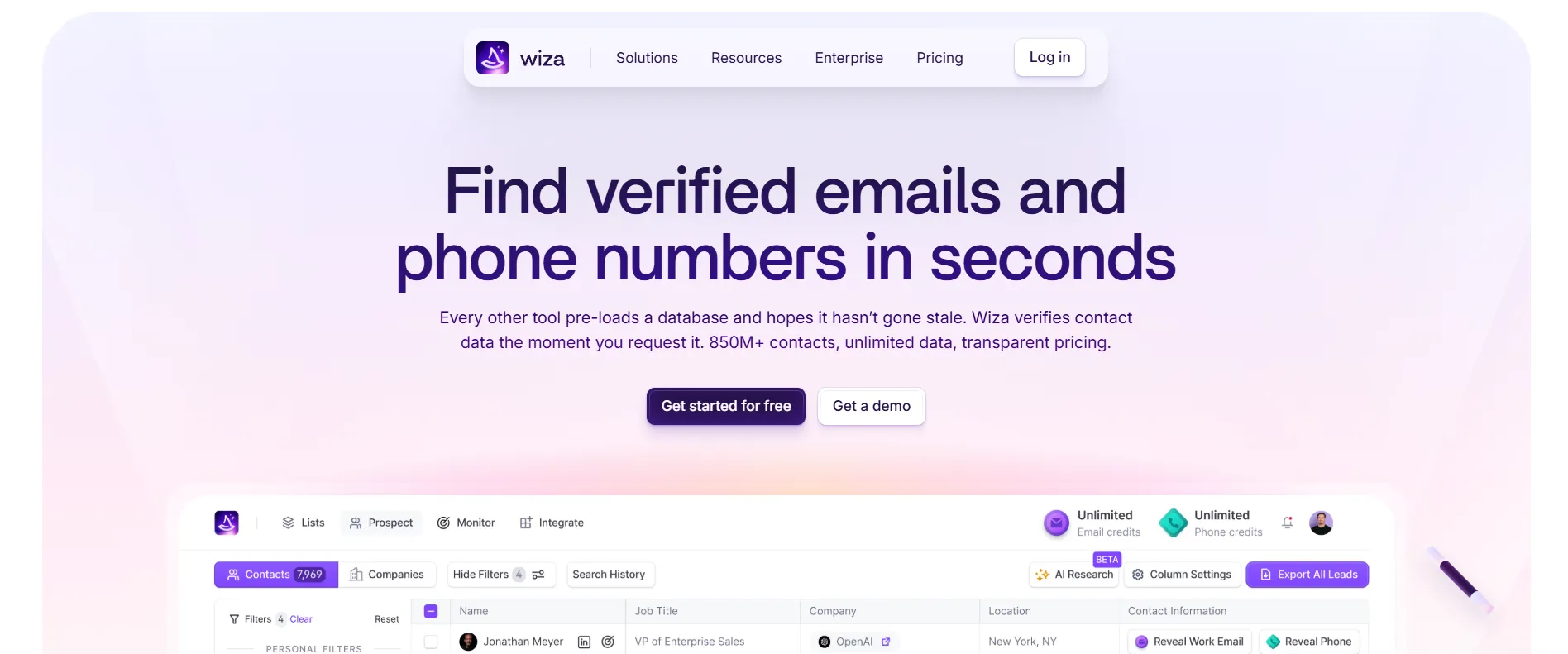
Wiza homepage.
Wiza combines its own B2B prospect database with contact enrichment and a browser extension. Since August 19, 2026, the extension no longer supports bulk export or multi-select on LinkedIn, Sales Navigator, or Recruiter search, list, and company pages, but it still works on individual person and company profiles. Bulk prospecting now starts in Wiza Prospect (the platform’s built-in database for building and using lead lists), from a CSV, or through a CRM import.
For individual LinkedIn lookup, the input is an open profile and the Wiza side panel. Bulk imports can use LinkedIn URLs, emails, names, company domains, or other mapped CSV fields.
Basic profile data can include name, job title, location, LinkedIn URL, company name and domain, industry, company size, founding year, revenue, company type, funding information, and company address. Higher enrichment levels can add verified work email, personal email, mobile number, and additional phone numbers.
Monthly Starter includes 100 valid-email credits and 100 phone credits. One email credit is charged for one valid email, while risky emails are free. One phone credit covers a contact successfully enriched with phone data. Unsuccessful email searches therefore don't consume a valid-email credit. Additional usage is billed separately. Unused monthly credits don't roll over.
Annual individual plans use a different model, with unlimited individual reveals and 2,500 bulk export credits/month. Each person included in a bulk list uses one export credit.
You can export lists as CSV or synchronize them with supported CRMs, but annual plans come with a hard cap of 2,500 exports per month. Wiza doesn’t let you buy extra export credits, which makes the limit a real obstacle for large-scale scraping. API access is available on the Team plan.
Removing bulk extension actions reduces direct LinkedIn-side activity compared with Wiza's previous workflow, but individual extension use still occurs alongside LinkedIn and does not eliminate restriction risk.
La Growth Machine
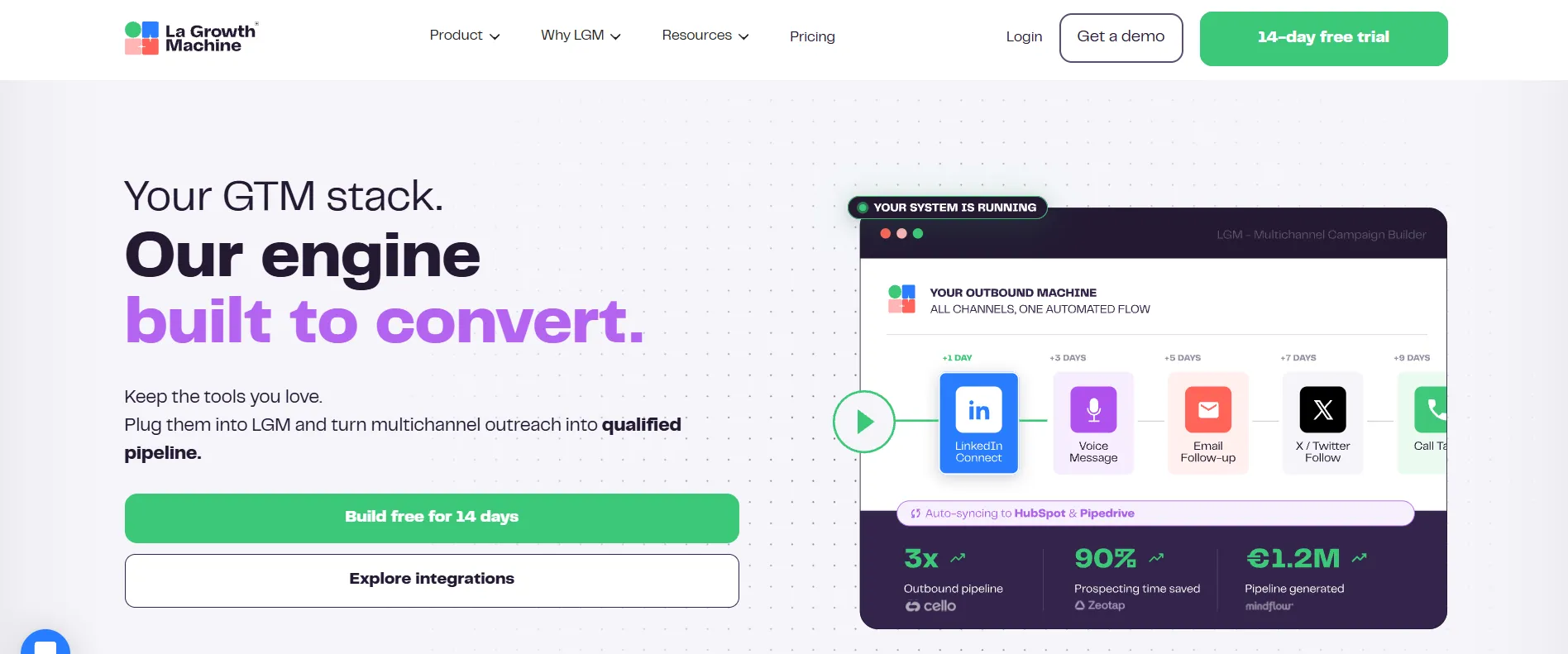
La Growth Machine homepage.
With La Growth Machine, one cloud platform combines LinkedIn lead collection, contact enrichment, and outreach. To import leads, you can use regular LinkedIn, Sales Navigator, a CSV file, LGM’s own database, or supported CRMs; on Pro, you can also create lists based on LinkedIn activity (e.g., post likes and commenters or event attendees).
To bring leads into LGM from a LinkedIn profile, you will first need to link your respective LinkedIn accounts. Once a lead is acquired, LGM will gather extra info such as complete profile details, business and personal contact emails, phone contact details, company name and website, gender, and additional company and contact details.
The Basic plan offers CSV access, whereas the Pro version can connect to Zapier, Make, and Clay, among others, and can also use APIs. Ultimate includes all Pro features, plus access to HubSpot and Pipedrive and the ability to update CRM records with different data points.
Lead Data Enrichment allows you to add profile and company information, but it’s not free; it costs 1 credit/lead. Full Enrichment costs 5 credits/lead and also looks for a verified email address. The included monthly credits cover up to 250 fully enriched leads on Basic, 400 on Pro, and 1,000 on Ultimate, but you can buy extra credits if needed. Included credits expire, but additional purchased credits roll over while the subscription is active.
LinkedIn activity runs in the cloud, on LGM’s dedicated IP with mobile proxies and vendor-defined daily action limits and intervals.
How to Choose a LinkedIn Data Scraper Tool
The best LinkedIn scraper should support your existing workflows, so choose one that integrates with them without forcing you to adjust everything for it. To choose such a tool, answer:
-
What data will you use? Consider if the software only needs to provide basic profile fields, or if you need additional data such as verified emails, phone numbers, company data, activity data, etc.?
-
Where should the tool source the data? Some tools can only work through LinkedIn search, so you have to decide whether to analyze Sales Navigator, Recruiter, groups, events, post engagement, or profile URLs.
-
How fresh should it be? If you need up-to-date information, tools that use live LinkedIn sessions may work better, but they carry more account-related restrictions than API tools or vendors with databases of existing data.
-
What volume do you expect? How does it align with vendor limits? Unlimited search volume can look tempting, but it may not include action-specific or safety caps.
-
Where should the data go next? Check if your workflows can accommodate simple CSV export or if you need a webhook/API integration with external services.
-
What will the full workflow cost? Don’t stop at the headline cost; add the extra credits and service fees if you need them and apply time- and volume-based discounts if they apply.
-
Does the tool address your risk concerns? Verify if the tool’s format of operations and vendor-imposed action caps meet your account restriction risk tolerance.
If you are still deciding which setup fits your workflow, we recommend starting with Linked Helper — the top pick in this roundup. Contact our team, and we will answer any question, help you configure, and make sure you get the most out of it.
Compliance and Account Safety: LinkedIn Restrictions
No LinkedIn scraper software can fully eliminate the risk of account restrictions, regardless of their automation model, daily caps, and vendor-imposed limitations. This section is purely informational and does not provide legal advice.
LinkedIn’s Help Center and User Agreement explicitly prohibit any third-party tools that automate actions or scrape data on the platform. If LinkedIn detects automated activity on your session, you could receive early warnings, temporary activity limits, and long-term restrictions.
Most LinkedIn profile scraper tools, including desktop apps, browser extensions, and many cloud platforms, operate through LinkedIn live session and require a login or another form of authentication. This means automated activity is tied to that account, which can increase detection risk. To minimize it, vendors add pacing, randomized delays, proxies, and other controls that reduce unusual activity patterns.
Data APIs can return LinkedIn-related records without using your profile. While this reduces direct activity on any given session, it still doesn’t guarantee full account safety. In addition, non-live search may not be able to retrieve the most current profile information.
Don't treat vendor caps and recommendations as official LinkedIn action limits. As of October 2026, the platform has not openly published its automation limits. Most providers base their numbers on testing and practitioner experience.