 Updated: September 29, 2026
 12 min read
Quick Takeaway
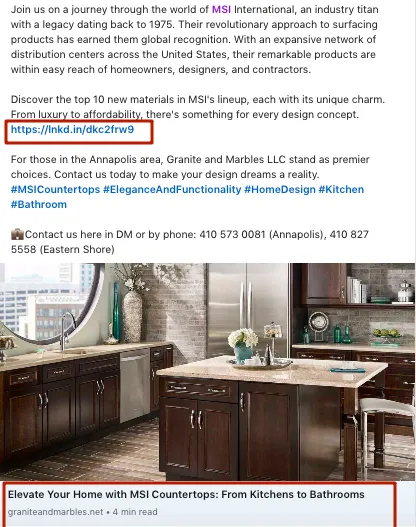
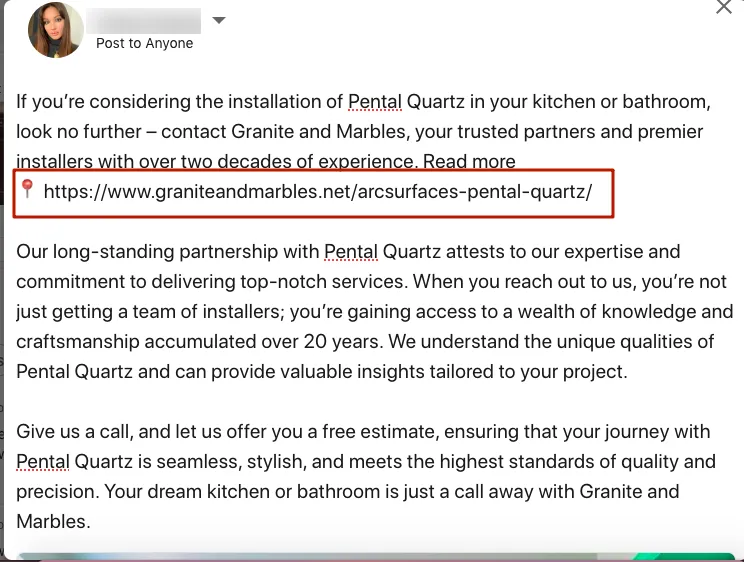
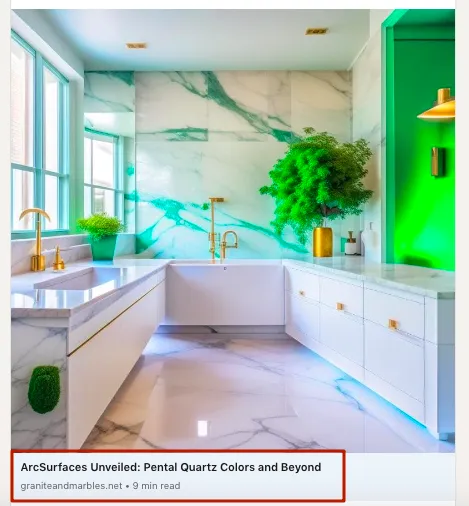
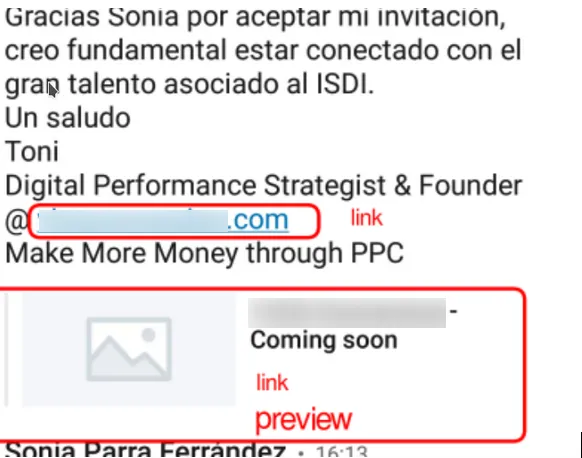
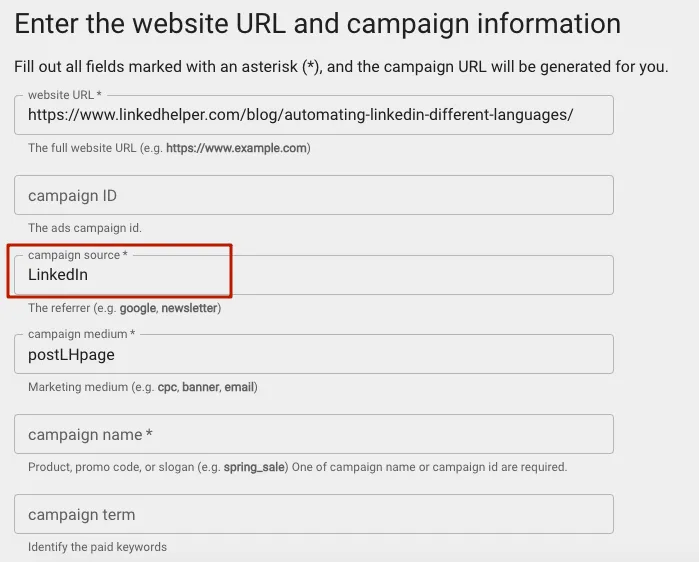
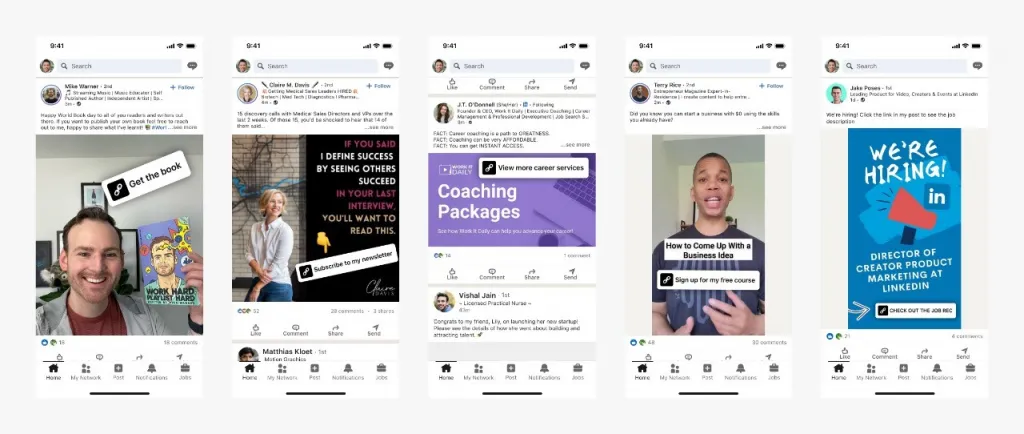
- Yes, you can add a clickable link to a LinkedIn post — paste the full URL (with https://) into the post body and LinkedIn auto-formats it into a preview card. You cannot hyperlink a specific word inside a feed post.
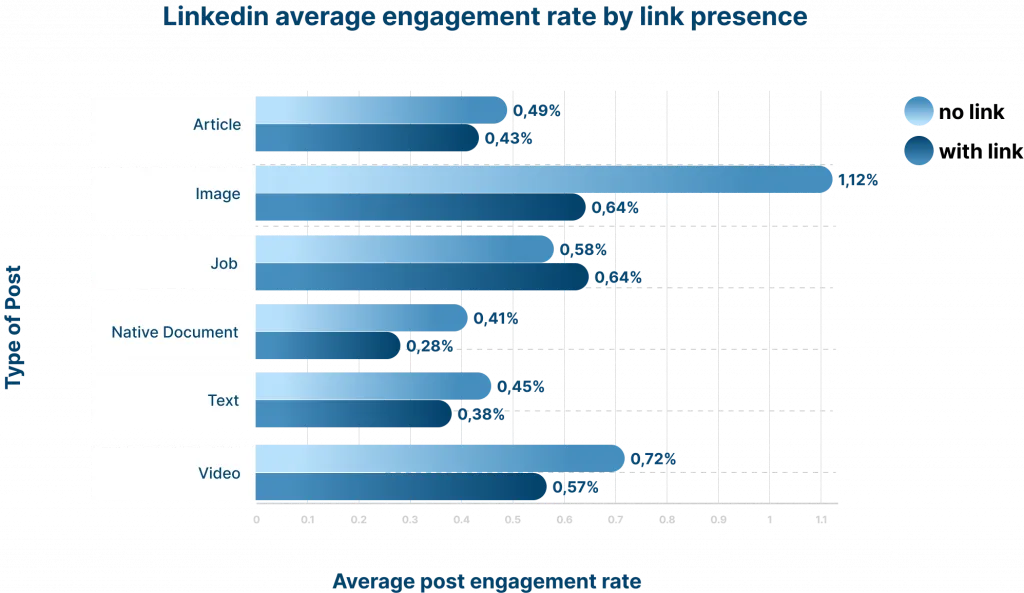
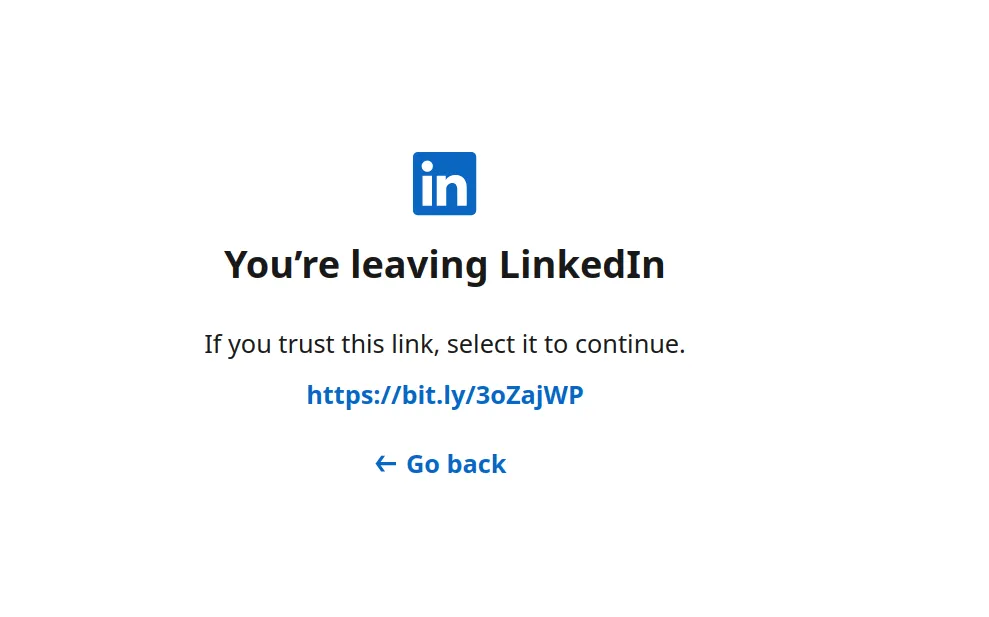
- Links cost reach: LinkedIn’s algorithm down-ranks posts that send people off-platform, so place the link strategically and lead with native value.
- The old “link in the first comment” trick is no longer a reliable workaround in 2026 — LinkedIn now also dampens posts whose first comment carries the off-site link.
- The LinkedIn post limit is 3,000 characters (text + URL combined); only about 140 characters show on mobile (~210 on desktop) before “see more”, so front-load the hook.
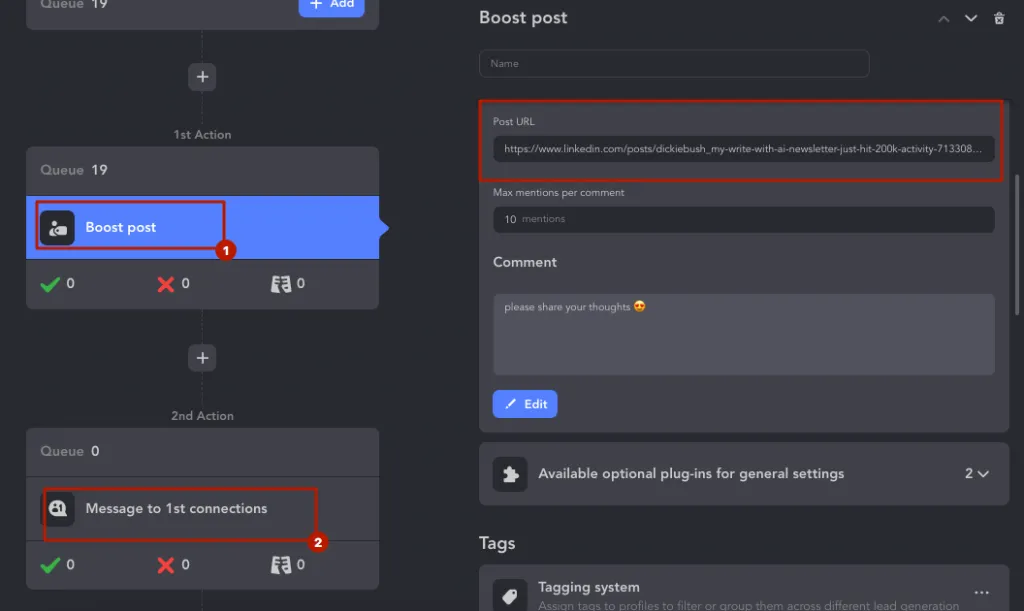
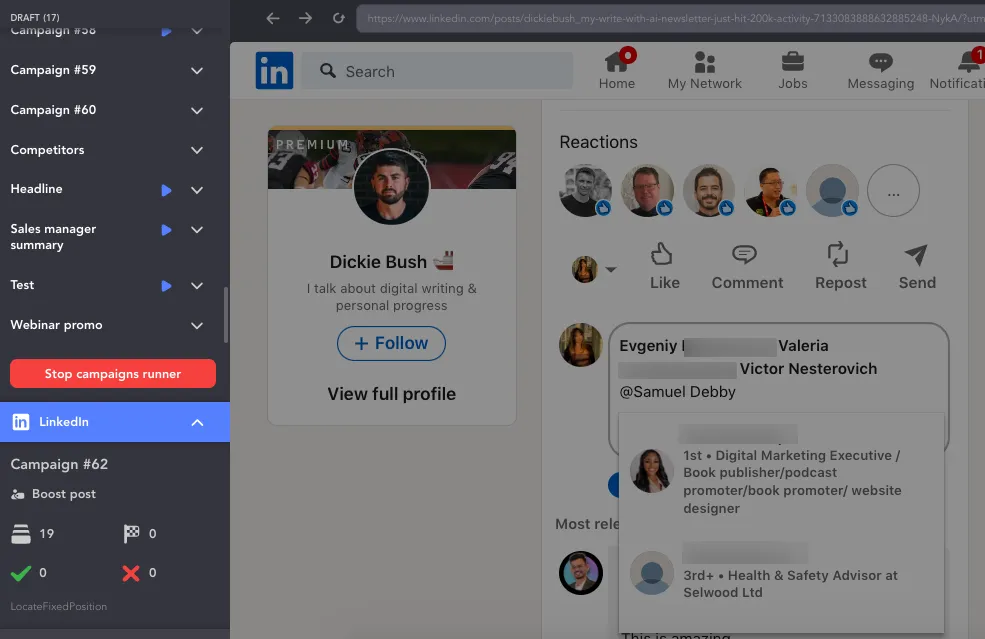
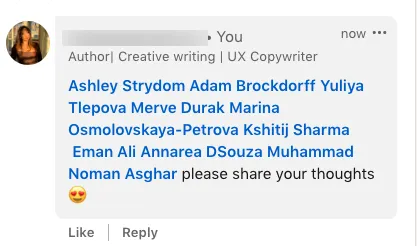
- To recover the reach a link costs you, use Linked Helper’s Boost Post action to tag relevant people in the comments — it sparks notifications, organic views, and more link clicks automatically.
Enhancing your LinkedIn posts with hyperlinks enriches the interactive experience for your readers, offering them a pathway to explore beyond the confines of the post. In this piece, we will delve into the art of seamlessly integrating outbound links in productive ways.
Find out our secret tip to add a website link to a LinkedIn post to get maximum link clicks from your target audience!