

 8 min read

TL;DR: Linked Helper vs Zopto
These points compare what is currently available with Zopto’s former service.
- Availability: Linked Helper is active desktop software; Zopto’s former website is closed.
- Price: Linked Helper Local Standard starts at $15 for one month; Zopto’s $195 monthly quote is historical.
- Safety model: Linked Helper runs campaigns on your computer or VPS; Zopto’s earlier product ran campaigns in the provider’s cloud.
- Campaign controls: Linked Helper currently offers configurable actions, AI-assisted text, and an inbox; Zopto’s feature lists describe its earlier service.
- Buying decision: Treat Linked Helper as the current option in this comparison; don’t assume Zopto’s redirect confirms an old subscription or account will continue.
Linked Helper vs Zopto availability: Zopto’s former website is closed
Zopto's former website is closed, according to an archived vendor page: “Zopto.com is no longer active.” The page was captured on January 16, 2026. The domain redirected to Zeekeo when it was checked on November 8, 2026.
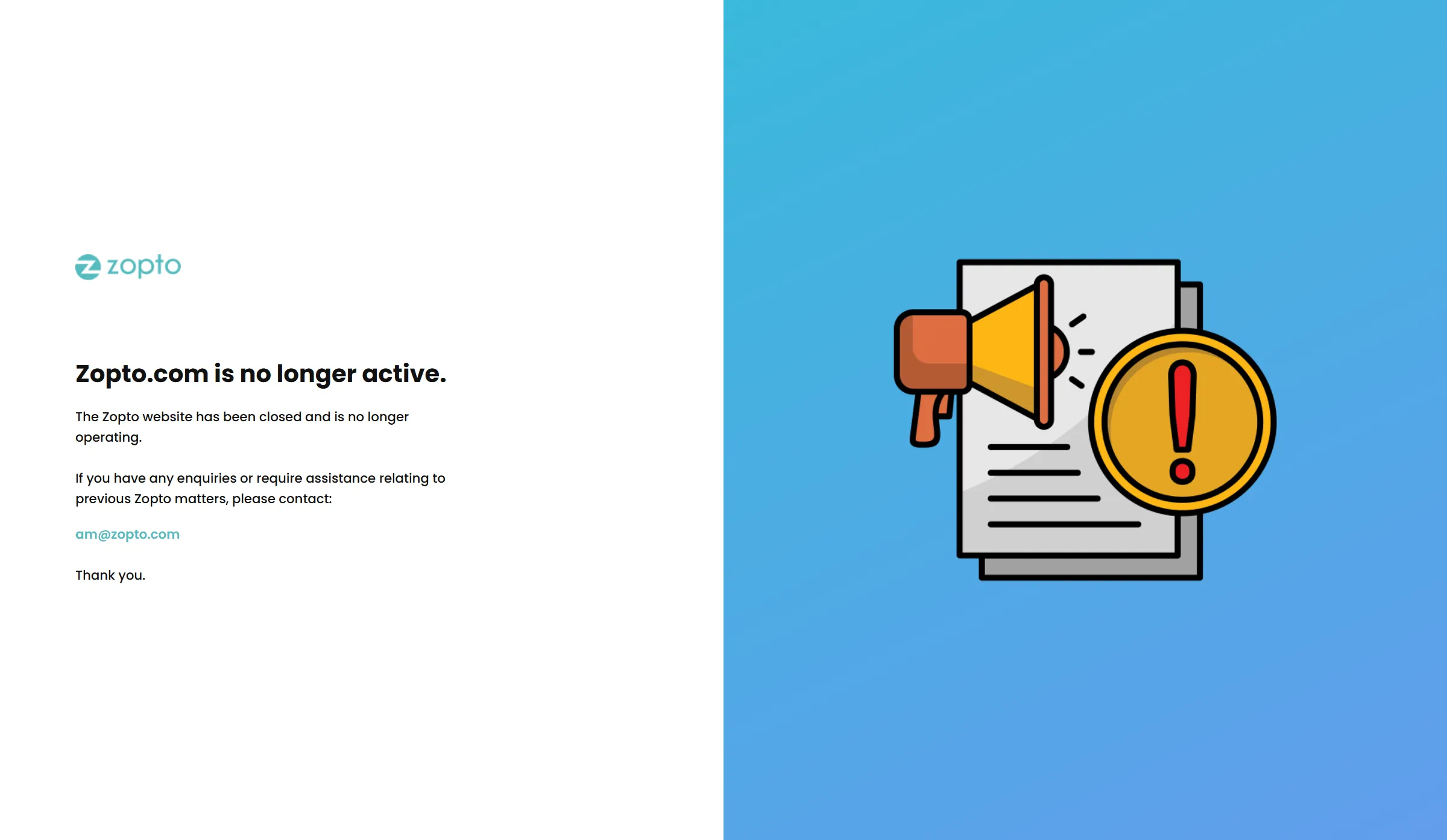
Zopto’s former site says it is closed and gives previous customers a contact for assistance.
Former customers are left with unresolved questions by the site notice. When did the service itself cease? What became of their accounts, balances, and datasets? Don’t presume the redirect signifies an acquisition, or that signing into an old account at the new destination is possible.
Should you be a previous Zopto client, verify whom your billing records list before relying on a different website to respect your subscription. Retain whatever exports and conversation records you currently possess.
Linked Helper vs Zopto pricing: current licenses versus a historical quote
Linked Helper Local Standard runs $15 per one month; Local Pro, though, comes to $45. The historical Zopto plan cost $195 a month. Since that’s a stale quote, we can’t rely on it to calculate your present-day savings.
Using Linked Helper, you'd pick a plan (Standard or Pro) and afterward storage (Local or Cloud). Prices for one license appear in the table, excluding any applicable tax, VPS hosting sold separately, and whatever paid LinkedIn subscription you choose.
| One license | One-month payment | Full 12-month payment | Monthly equivalent of annual purchase |
|---|---|---|---|
| Local Standard | $15 | $99 | $8.25 |
| Local Pro | $45 | $297 | $24.75 |
| Cloud Standard | $29.90 | $198 | $16.50 |
| Cloud Pro | $59.90 | $396 | $33 |
To obtain those monthly equivalents, you must pay the complete yearly sum in advance.
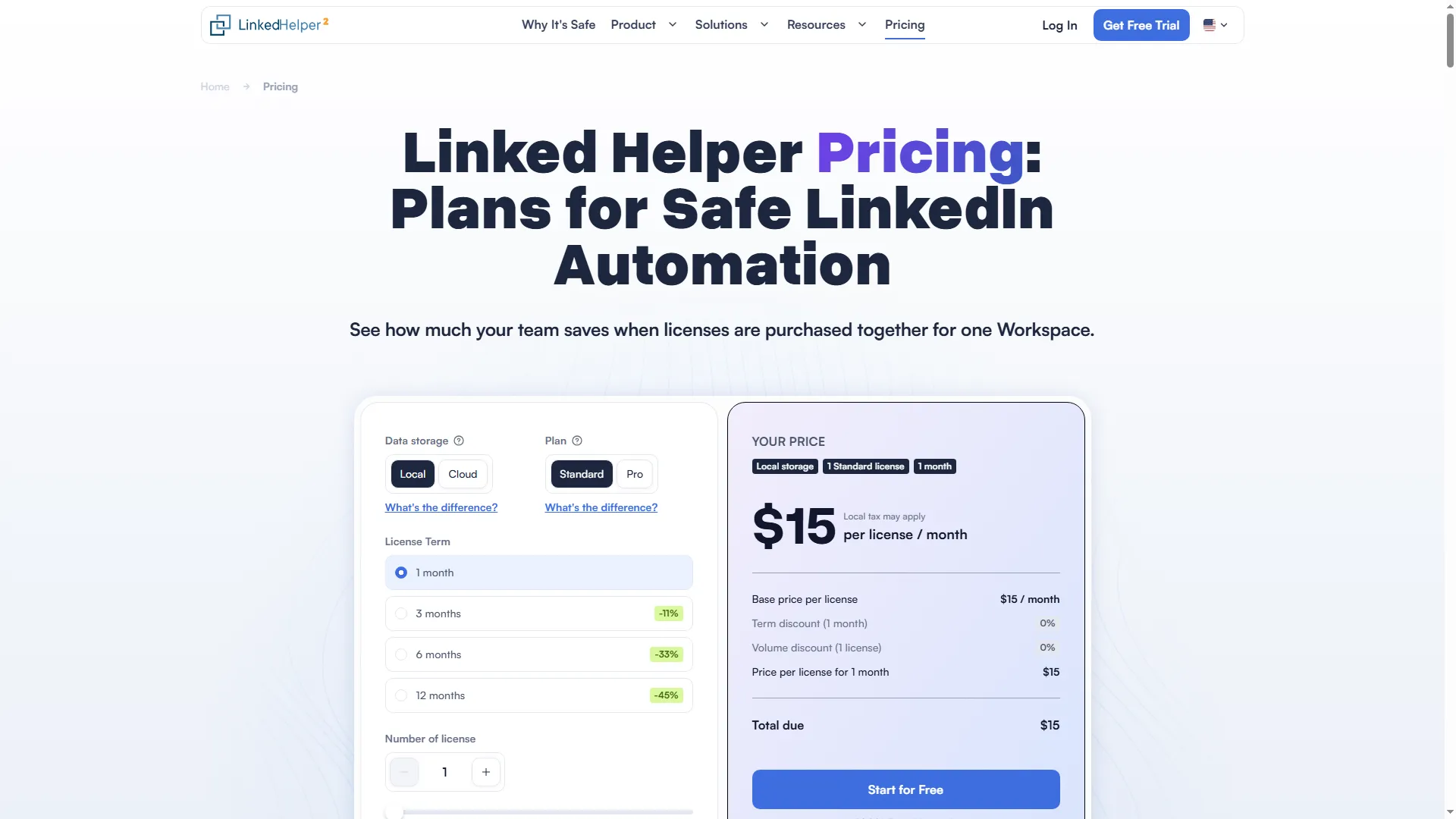
Linked Helper’s pricing calculator shows the one-month Local Standard total before applicable tax.
At either plan tier, Cloud Storage adds $99 to a single annual license. That covers shared workspace data. See the safety comparison for where campaigns run.
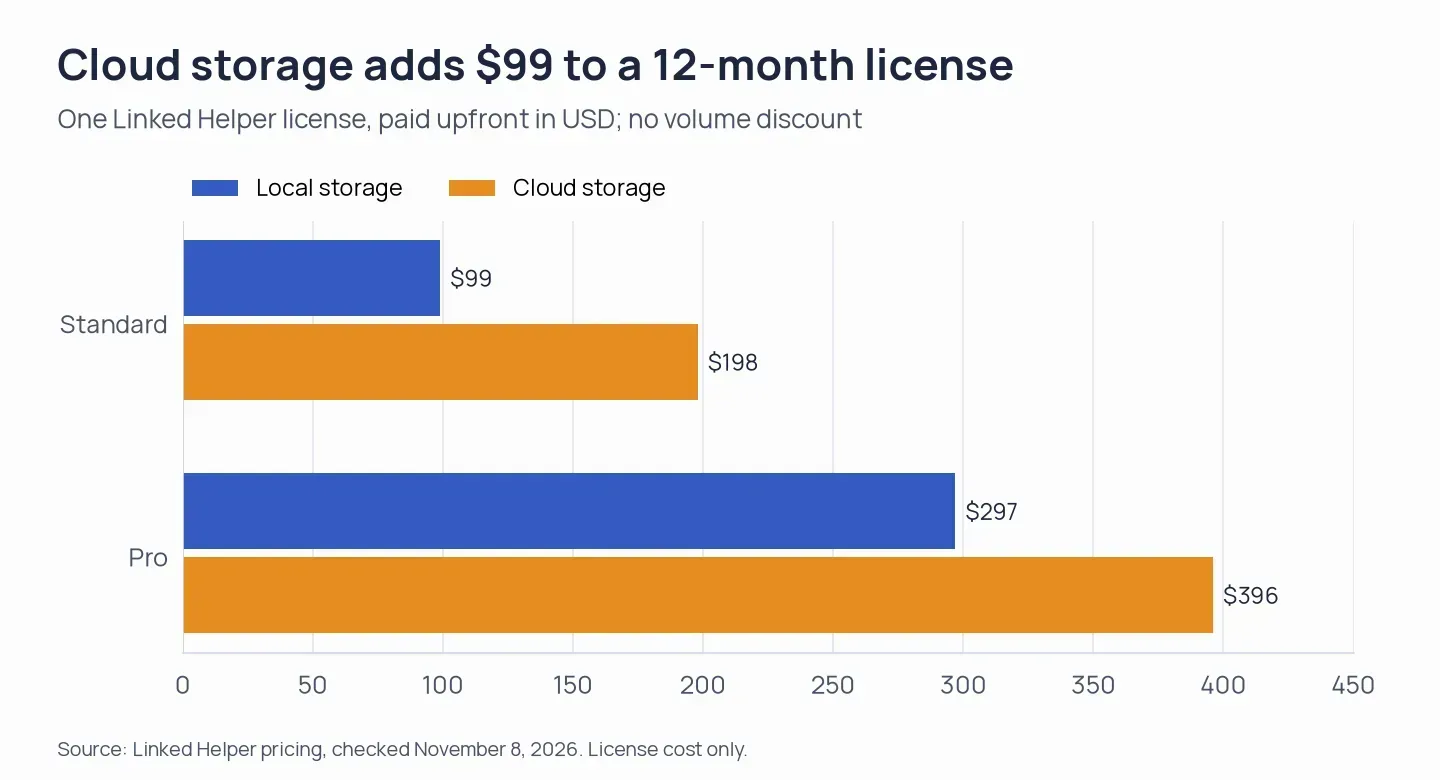
The yearly Local and Cloud Storage license amounts exclude applicable tax and separate hosting fees. Source: Linked Helper pricing.
Standard provides a daily quota of 20 profiles for certain advanced operations, such as CRM transfers and outbound webhooks. Those Linked Helper plan limits are eliminated by Pro. Pick the plan based on the volume and the actions that your sequence needs.
Before you pick a longer license term, build the sequence you'd really use. You can try Pro free for 14 days, no card required.
If a subscription is active, you can cancel it by going to Billing → Subscription → Information → the three-dot menu → Cancel. Renewal stops upon cancellation, and licenses you've bought stay usable until they expire. Per the published terms, license fees already paid aren't refunded if you cancel early.
Linked Helper vs Zopto safety: keep execution on your own machine
Linked Helper prioritizes safety through desktop operation: your IP, LinkedIn session, and password stay local—credentials aren't sent to another party's cloud. Alternatively, the app runs on a VPS under your control.
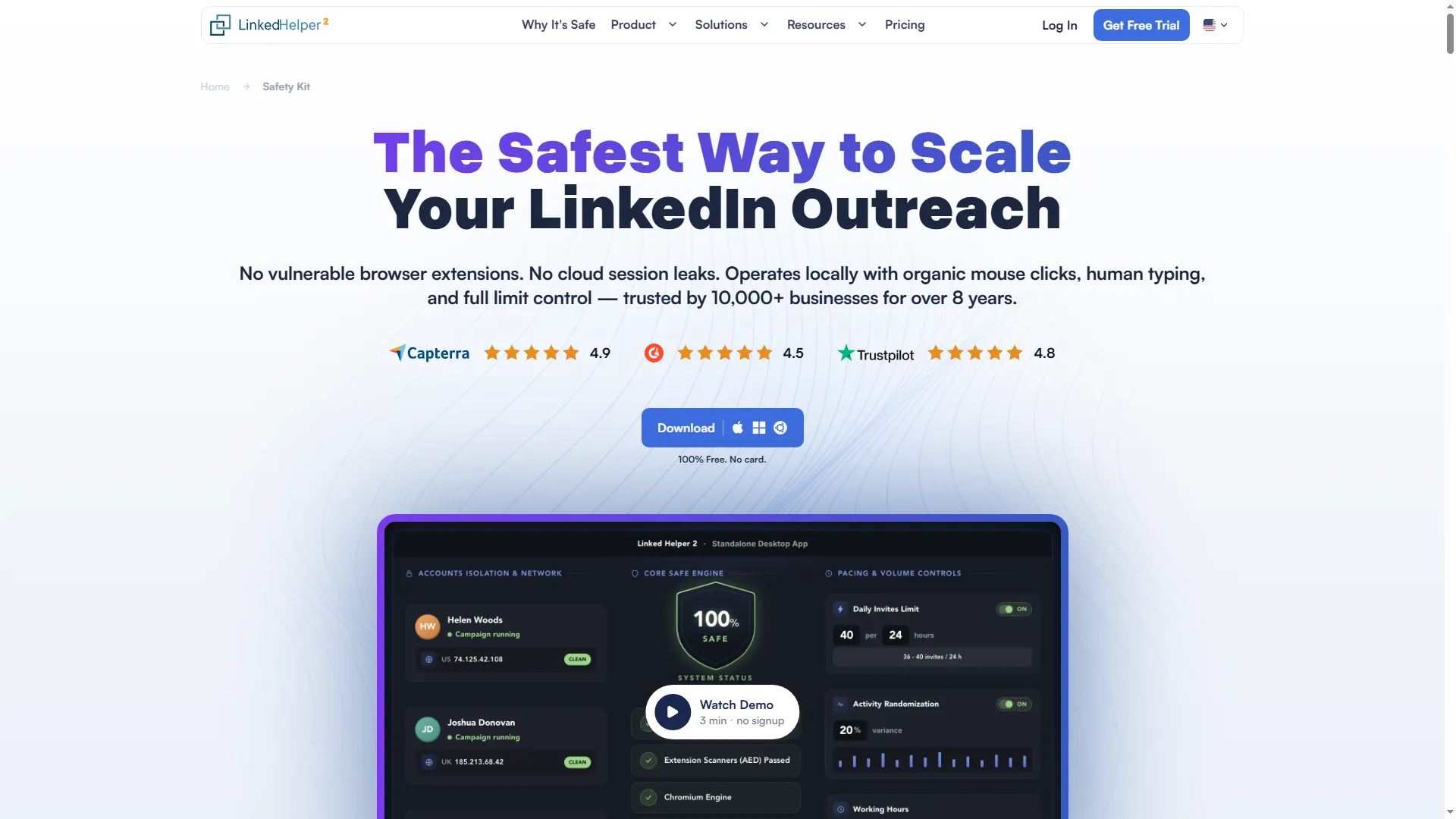
Linked Helper’s Safety Kit page outlines its approach to LinkedIn automation.
Zopto's earlier product ran campaigns in the provider's cloud. You depended on the provider to operate the environment accessing your account. For former customers, check who now handles that access before trying to reconnect.
Cloud Storage shares workspace data, while Linked Helper’s desktop app runs your campaigns on the computer or VPS you’ve selected. Picking Cloud Storage won’t place your LinkedIn session inside a vendor-operated browser.
According to LinkedIn’s User Agreement, unauthorized automation is prohibited. To evaluate Zopto’s prior cloud configuration, examine which access the provider demanded and who’s responsible for that access at present.
Linked Helper vs Zopto campaigns: current AI and inbox controls
The changelog for Linked Helper covers AI-assisted messages, comments, and replies. Manual messaging is supported by Unified Inbox, and Cloud Storage enables shared conversations across accounts. Within the app, you can generate text and manage replies.
Linked Helper merges actions into campaigns using templates, message variables, and adjustable delays. You can personalize messages with IF-THEN-ELSE text logic in the editor.
Configure your delays and templates based on the sequence you intend to execute. Next, examine the resulting copy and determine who will step in once a prospect responds, ensuring the conversation has an owner before it lands in the inbox.
Linked Helper also enables you to handle workspace permissions independently of linking a LinkedIn account. Our team saved an empty access list, exited Workspace Management, and then reopened it. That list remained in place.
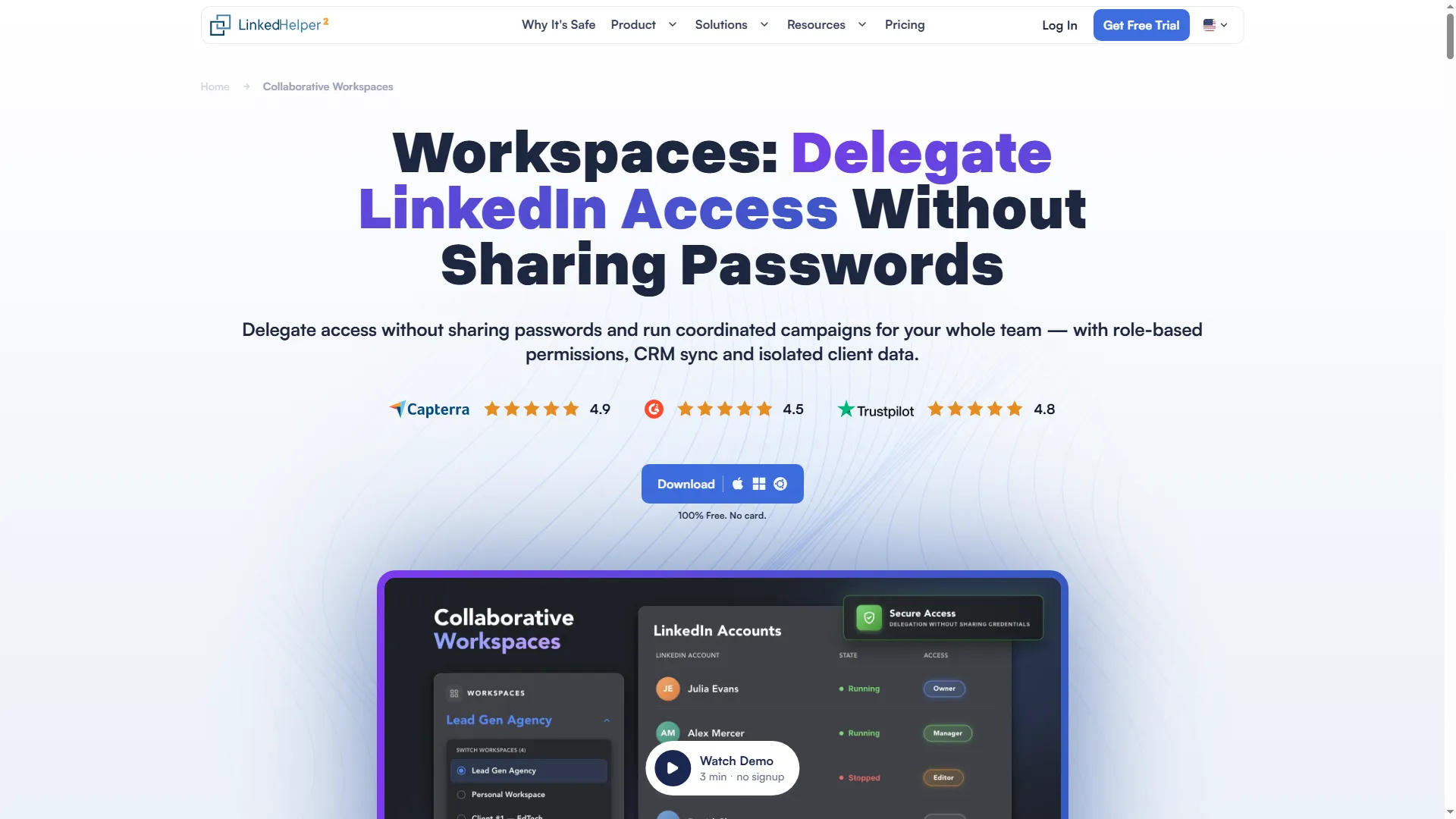
Linked Helper’s Workspaces page describes how teams can manage shared account access.
Don't pick Zopto just because of outdated campaign screenshots, since those screens come from the prior service.
Linked Helper vs Zopto integrations: choose webhook direction and export scope
Linked Helper Local does support outgoing webhooks, while Cloud Storage handles incoming as well as outgoing webhooks. With Pro, you can export messaging history to CSV, webhooks, and CRM integrations. Profile exports are supported by Standard.
If your CRM already controls email follow-ups and lead ownership, assign those responsibilities before adding another workflow. Sending a lead to the CRM and receiving an event from it are separate requirements.
Linked Helper links with HubSpot and Salesforce. Since a contact record and its conversation history constitute distinct datasets, you should pick the export that keeps the context your team requires.
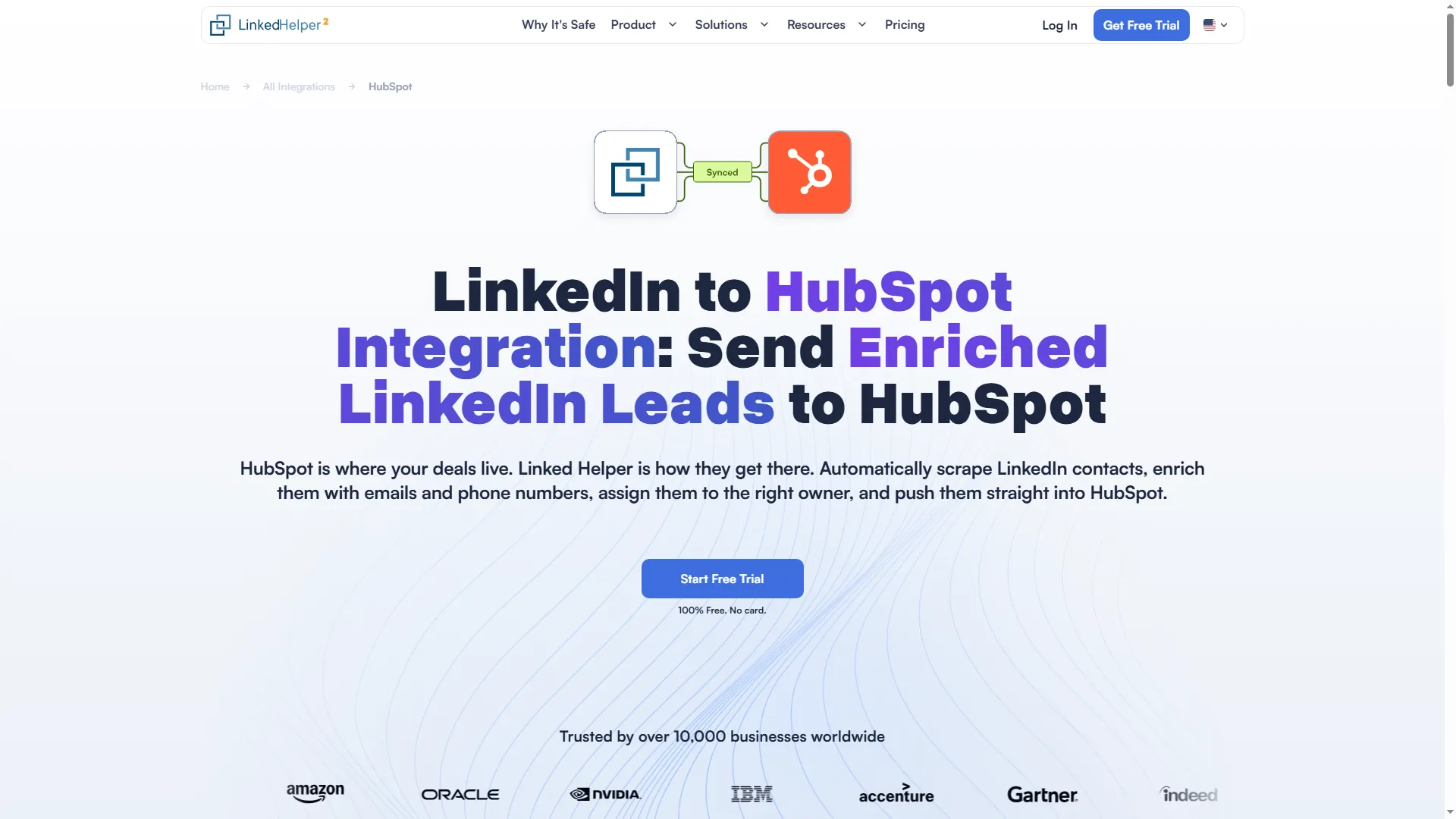
Linked Helper’s HubSpot integration page shows the CRM connection option.
Linked Helper supports free LinkedIn accounts, Premium, Sales Navigator, and Recruiter. You can transfer a license between accounts. For simultaneous use, you’ll need one license per active account.
If you're relocating from Zopto, begin with the files you already possess. Before importing records, review the fields and exclusions; determine who owns each contact, and don't assume old campaigns will transfer on their own.
Linked Helper vs Zopto reviews: old complaints cannot establish current support
Zopto's historical reviews predate the notice that its website had closed, so their ratings and support anecdotes cannot establish what a current customer can get now. Complaints regarding onboarding confusion, along with occasional bugs, appear even among high ratings. Confusion for inexperienced users during onboarding was noted by Howard S. in a five-star G2 review dated July 14, 2025. Occasional bugs were mentioned by Aliana F. in a September 25, 2024 review.
Reports from the earlier product detail setup and reliability issues. When buying now, we'd give the closure notice more weight than an outdated aggregate rating.
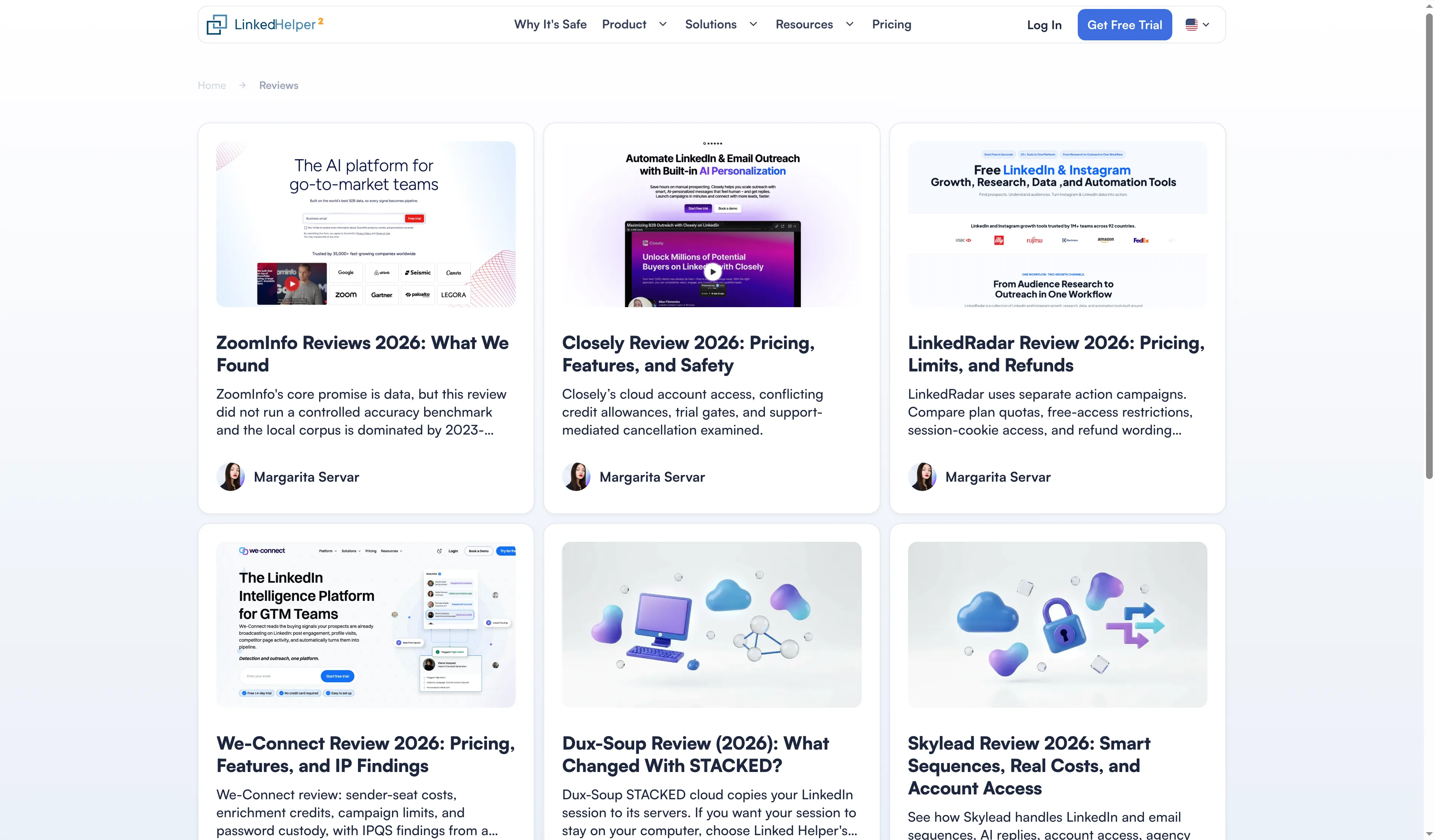
Linked Helper’s reviews hub lists product reviews across the LinkedIn automation category.
Linked Helper vs Zopto verdict: choose current desktop control
We'd pick Linked Helper for LinkedIn outreach that leaves you in charge of where your account operates. Opt for Local to get a workspace on your own machine, Cloud Storage for shared data, and whichever plan tier covers your campaign and export needs.
We wouldn't base payment for Zopto on a comparison that's outdated, nor would we assume that Zeekeo will honor a prior subscription.
Former Zopto users can rely on migration checks to prepare the contact fields and follow-up rules they want to keep in Linked Helper.
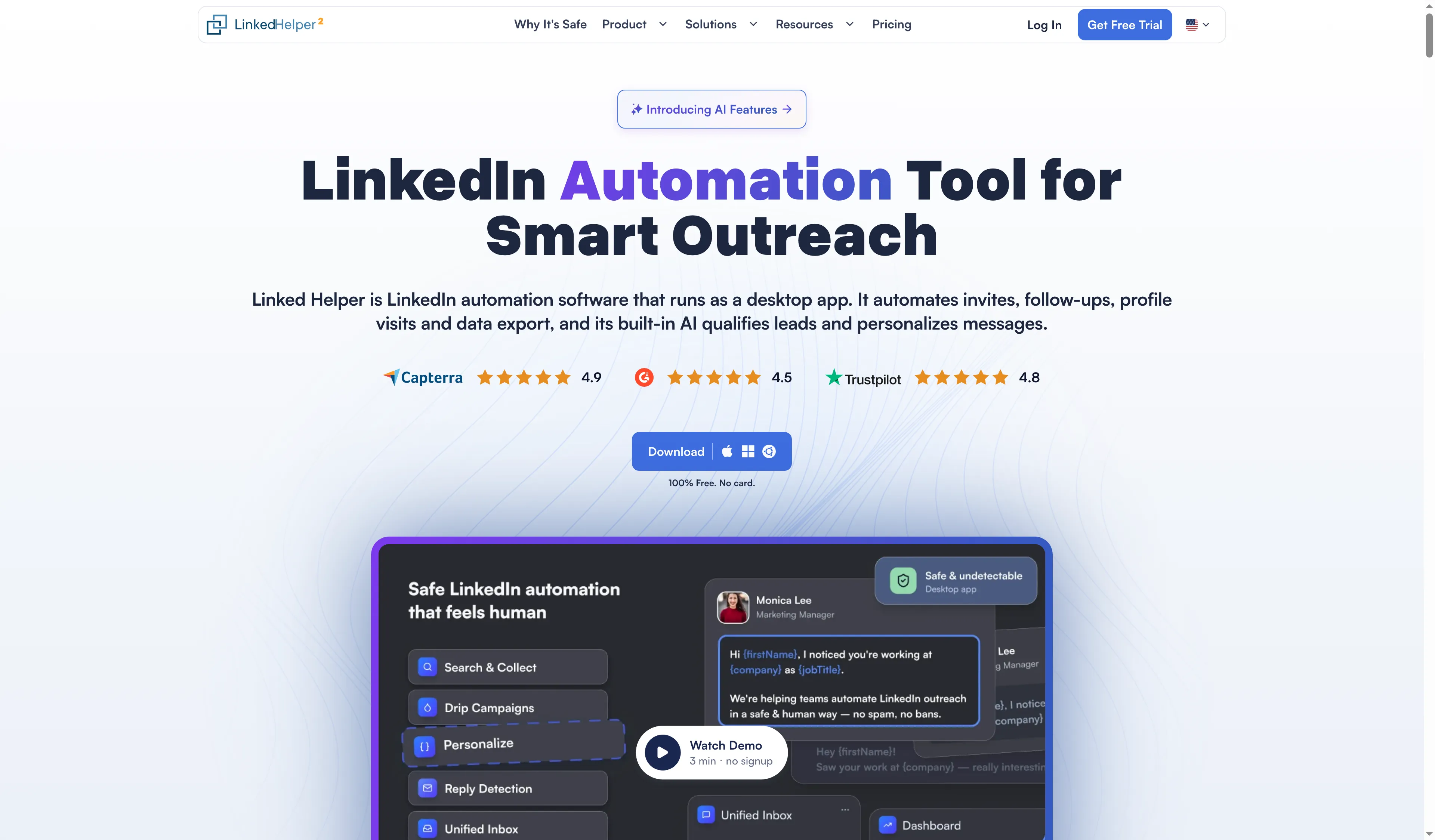
Linked Helper’s homepage introduces its LinkedIn automation product.
Does Linked Helper require Sales Navigator?
Linked Helper accommodates Premium, LinkedIn free accounts, Sales Navigator, and Recruiter. A paid LinkedIn subscription is separate; you need it only for features that require that subscription.
Can one Linked Helper license run two LinkedIn accounts simultaneously?
One Linked Helper license covers one account at a time. It can transfer between accounts, but simultaneous use requires a license for each active account.
Does a profile export include LinkedIn conversation history?
Linked Helper distinguishes profile exports from messaging-history exports. Pro supports exporting conversation history to CSV or dispatching it via webhooks and CRM integrations; Standard supports profile exports.
Noticed something wrong? Email webmaster@linkedhelper.com, and let us know what part requires a revision.