

 15 min read

TL;DR: sales prospecting tools in October 2026
- LinkedIn follow-up: Linked Helper is the desktop option here. Its Standard Local license starts at $8.25/month on a 12-month term.
- Search and sequences: Apollo keeps contact discovery and email preparation together. Its LinkedIn steps were manual in my sequence setup.
- Account research: Sales Navigator helps map buying groups and follow job changes. It doesn't export lead lists to CSV or XLS.
- Qualification: Clay lets you filter rows before paying for enrichment. Actions and Data Credits get budgeted independently.
- Email checks: Hunter charges 0.5 credits when confirming an address you already possess. Connected sending accounts and teammates have separate limits.
The quick-picks table matches each tool to a job and a buying factor. Individual cards hold pricing along with plan specifics.
| Tool | Best for | Standout feature | Starting paid price | Main consideration |
|---|---|---|---|---|
| Linked Helper | Desktop LinkedIn follow-up | ICP filtering inside a campaign | See Linked Helper pricing | License belongs to a LinkedIn account |
| Apollo | Search and email sequences | Contact discovery beside sequence setup | See Apollo pricing | Credits also cover phones and AI research |
| LinkedIn Sales Navigator | Account research | Filters and job-change alerts | See Sales Navigator pricing | No native lead-list export |
| Clay | Custom qualification | Filters before enrichment waterfalls | See Clay pricing | Actions and data use separate allowances |
| Hunter | Email finding and verification | Separate tools for each input | See Hunter pricing | Sending accounts have their own limit |
What makes the best sales prospecting tools worth buying?
Sales prospecting tools need to give you a usable output at a cost you can explain, whether that output is a researched buying group, a qualified company, or an address ready for checking. A CRM keeps the relationship and next action organized. Before adding another subscription, check whether your existing sales platform already handles the part that's slowing you down.
You might possess a list containing 2,000 contacts and yet find no one worth contacting. Perhaps the organizations don't fit what you're offering, the individuals have moved to different roles, or the email addresses require verification. So which of these issues applies to you?
I look for a usable output and a bill I can explain. Someone researching an account needs relevant people and a reason to speak with them; someone holding a list of addresses needs a verification result. Paying for a larger database won't repair either a missing qualification rule or a poor handoff to the rep who owns the account.
1. Linked Helper: Best for desktop LinkedIn follow-up
Linked Helper organizes LinkedIn follow-up in a desktop application, with ICP filtering available before the next campaign step. I like it for preparing the LinkedIn workflow once you already know whom to approach.
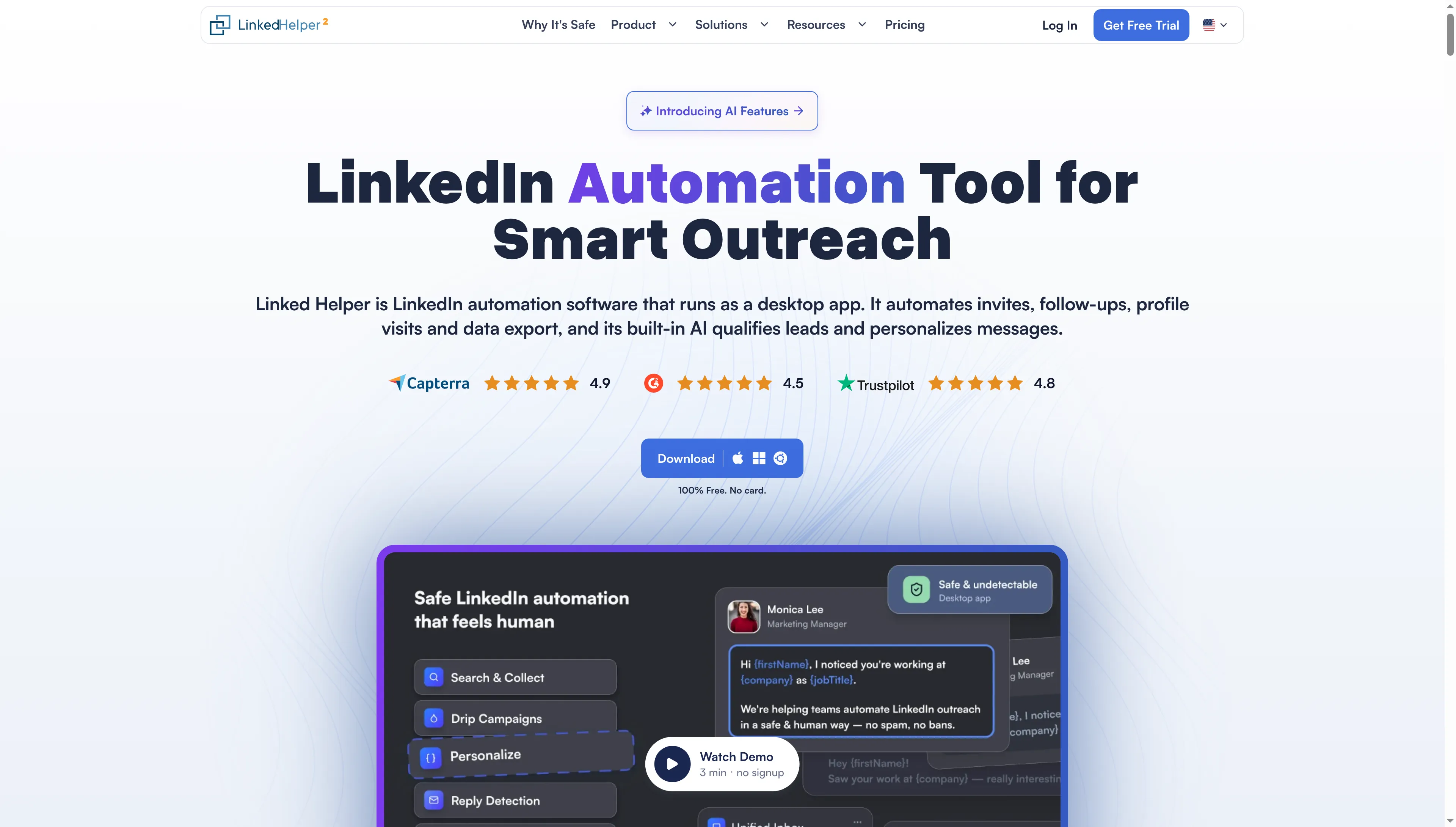
Linked Helper presents its desktop outreach app with downloads for macOS, Windows, and Linux.
Linked Helper pros
- ICP filtering can happen before any follow-up.
- Message sequences arrange the next outreach steps.
- Licenses attach to LinkedIn accounts.
Linked Helper's safety-first desktop approach keeps execution on your computer or VPS; both Local and Cloud versions use that model, while Cloud changes where workspace data is stored.
AI ICP Detection allows you to pick profile fields, set a minimum match, and describe the customer you're targeting. When an offer targets hands-on operators, that qualification rule proves more useful than accepting each profile whose title contains “director.”
Separating missing information from a poor fit matters to me as well. Whenever a required field is unavailable, the profile lands on the Failed list, where it can be reviewed on its own. A match score helps prioritize that review; nonetheless, budget, authority, and buying intent still require investigation.
Linked Helper pricing
Standard Local starts at $8.25/license/month for a 12-month term. A monthly license costs $15 per LinkedIn account. Standard AI credits are granted upfront by license term, from 250–1,500, with extra credits sold separately.
You can use Linked Helper without Sales Navigator. The subscriptions are separate, and a Linked Helper license doesn't include Sales Navigator.
2. Apollo: Best for search and email sequences
Apollo is my pick for a rep who keeps moving the same list between a database, a spreadsheet, and a sequencer: it combines contact search and email sequences.
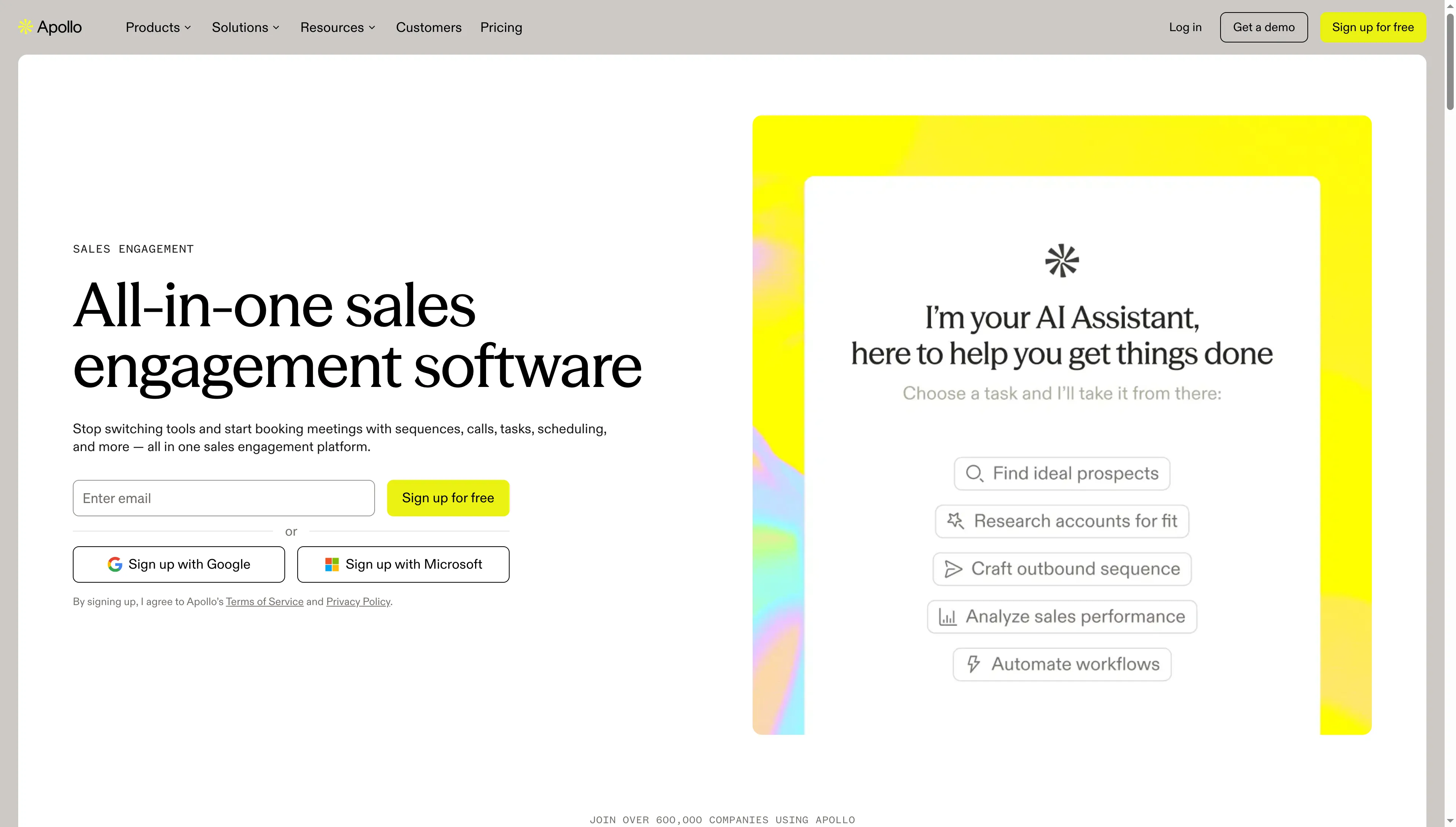
Apollo’s sales-engagement page groups sequences, calls, tasks, and scheduling in one platform.
Apollo pros
- Search and sequences share a workspace.
- Basic includes unlimited sequences.
- Annual Basic credits arrive upfront.
Apollo cons
- Paid subscriptions charge per seat.
- AI research, along with phone data, also pulls from the credit allowance.
I set up a blank sequence, then stored a LinkedIn connection-request task. The menu made the distinction clear: that task required a person. A rep buying Apollo to prep email gets a different workflow from someone seeking automated LinkedIn actions.
Before choosing an allowance, price the records you'll actually research. An email costs one credit, a phone number costs eight, and an AI research run costs one. Add phone data to every record and the allowance disappears much faster than it does in an email-only list (the headline contact count won't budget that work for you).
Basic is enough to start with search and sequences. If your team already has a sequencer it likes, compare Apollo on search and data alone. Paying for overlapping software can leave the same spreadsheet handoff in place.
Apollo pricing
A free plan is available. Basic starts at $49/seat/month, billed annually. The plans differ as follows:
| Apollo plan | Price and allowance |
|---|---|
| Free | 75 credits/month and two sequences per team |
| Basic annual | 30,000 credits/seat/year, granted upfront |
| Basic monthly | $65/seat/month with 2,500 credits/month |
| Professional annual | $79/seat/month, with A/Z testing |
3. LinkedIn Sales Navigator: Best for account research
LinkedIn Sales Navigator is my pick for mapping a buying group before looking for email addresses. It has more than 50 advanced search filters, job-change and activity alerts, and 50 InMails a month on Core.
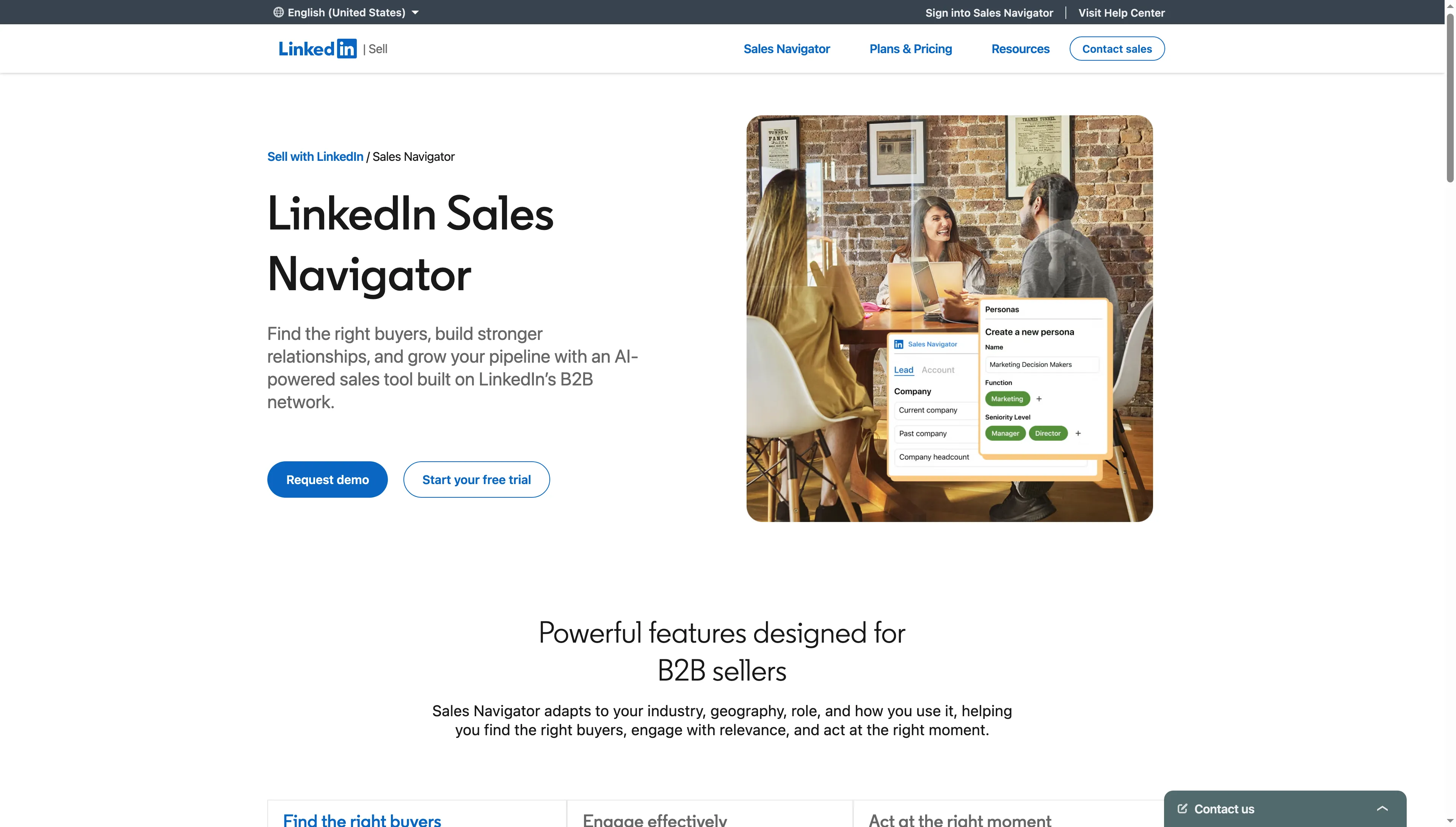
Sales Navigator’s public page illustrates company and persona filters for finding buyers.
LinkedIn Sales Navigator pros
- Filters help narrow down relevant positions and companies.
- Alerts give you a reason to revisit an account.
LinkedIn Sales Navigator cons
- There's no built-in CSV or XLS export for lead lists nor for account lists.
- Integrated CRM capabilities require Advanced Plus.
For a complicated purchase, I need to identify the probable end user, the budget holder, and the technical decision-maker before telling a rep to email all of them. I prefer tracking such people via alerts, since a role change may restart a dialogue that a fixed spreadsheet would never revive—particularly if no one on the team has been tasked with revisiting that account.
Yet if all you need is a downloadable file of verified email addresses, don't purchase Core for that task: you'd have paid for account research, and you'd still need to figure out how to ready the addresses. Keep ownership and next steps within your CRM (otherwise, who's going to act on the alert?).
LinkedIn Sales Navigator pricing
Core costs $1,079.88/license/year on annual billing. The other billing options and tiers are as follows:
| Sales Navigator option | Price |
|---|---|
| Core monthly | $119.99/license/month |
| Advanced annual | $1,799.88/license/year |
| Advanced Plus | Custom pricing for deeper CRM integration |
Before canceling, finish your evaluation and check the renewal date—otherwise the trial turns into a paid subscription. If you cancel the free trial, Premium access stops right away.
4. Clay: Best for custom qualification
Clay suits prospecting lists whose qualification rules don't fit ordinary search filters. You can combine sources, apply conditions, and enrich the rows that survive; I prefer that approach when the same research decision repeats across a large list.
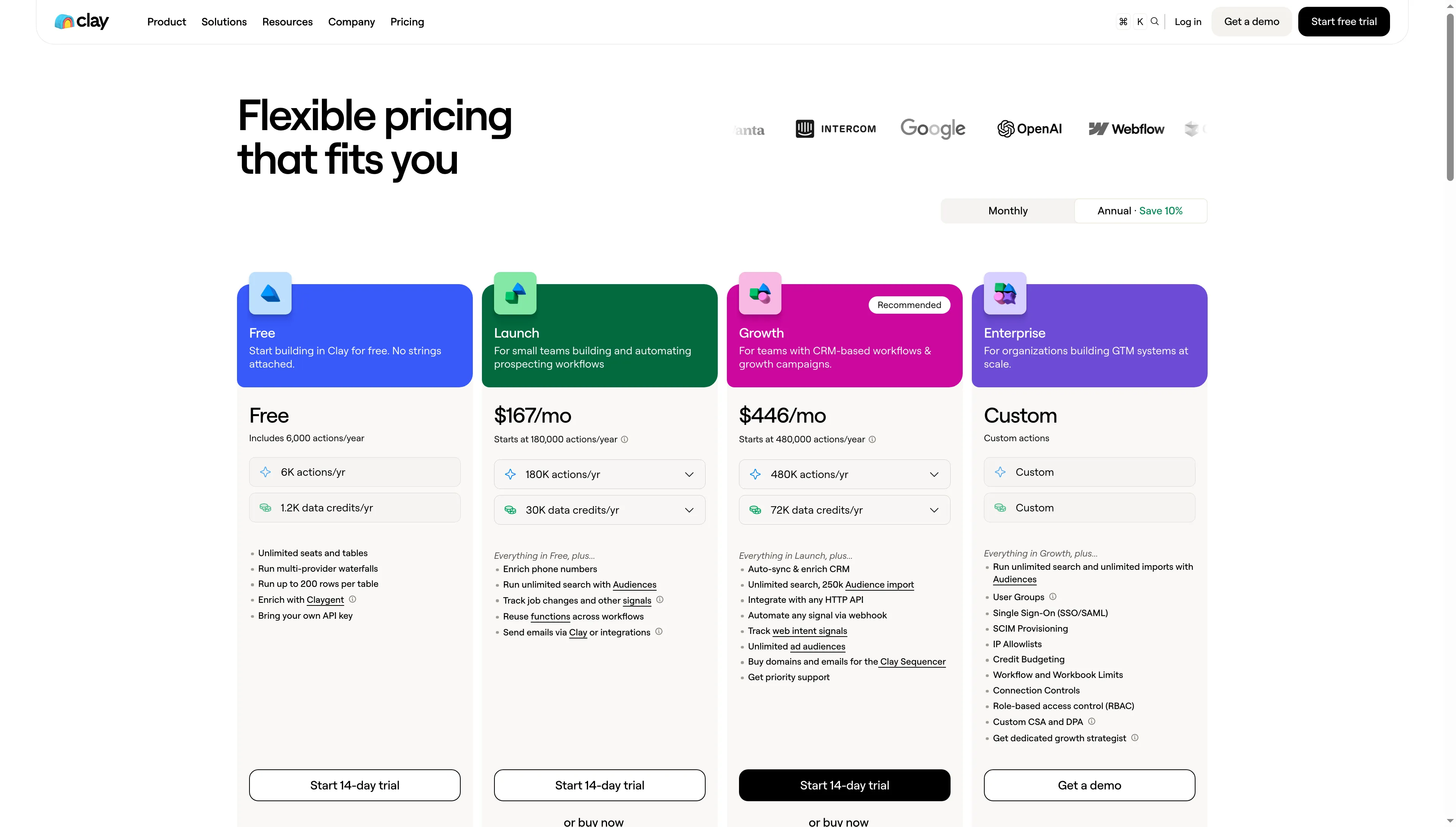
Clay’s annual plans allocate actions and data credits separately.
Clay pros
- Waterfalls can check multiple data providers.
- Formulas and filters don't consume Actions.
- You can supply your own provider API keys.
Clay cons
- Actions and Data Credits require separate budgets.
- Native CRM auto-sync requires Growth.
If your aim is product firms, agencies may nevertheless appear among the results you receive. Because a wide software-sector filter captures both kinds of business, excluding agencies before purchasing contact information prevents you from spending money to research organizations you won't target.
For a modelled workflow with three enrichment steps per row, narrowing 1,000 rows to 200 reduces those steps from 3,000 to 600, assuming each runs once. That calculation uses fields already available for filtering. Fresh research has its own cost. CSV downloads use no Actions, while sending a row to a CRM adds another action and requires the relevant integration plan.
Data Credits pay for provider data and AI work. Your own API key removes Clay's data charge for that provider, but provider charges remain separate and you'll still consume Clay Actions. Buying more Data Credits won't solve an Actions shortage: data top-ups carry a 30% premium, while Actions require a capacity upgrade.
Clay's pricing calculator changes the bill before the workflow changes
Clay's annual Launch calculator moved from $167 to $315 a month when I increased the data allowance from 30,000 to 72,000 credits and left Actions at 180,000. I like having those controls visible, but you need to size both before comparing Clay with a seat-based product.
Clay pricing
Launch starts at $185/month, billed monthly. A free plan is available. The monthly allowances and next tier are as follows:
| Clay plan | Included monthly usage and features |
|---|---|
| Free | 100 Data Credits and 500 Actions |
| Launch | 2,500 Data Credits and 15,000 Actions |
| Growth | $495/month; native CRM auto-sync and HTTP API integrations |
The annual calculator's displayed monthly equivalent is rounded, so it isn't an exact annual invoice. For a modest list of existing email addresses, Hunter is a simpler purchase than building this workflow.
5. Hunter: Best for finding and checking email addresses
Hunter fits a focused email task: Email Finder starts with a person and company, Domain Search starts with a company, and Email Verifier checks an address you already have.
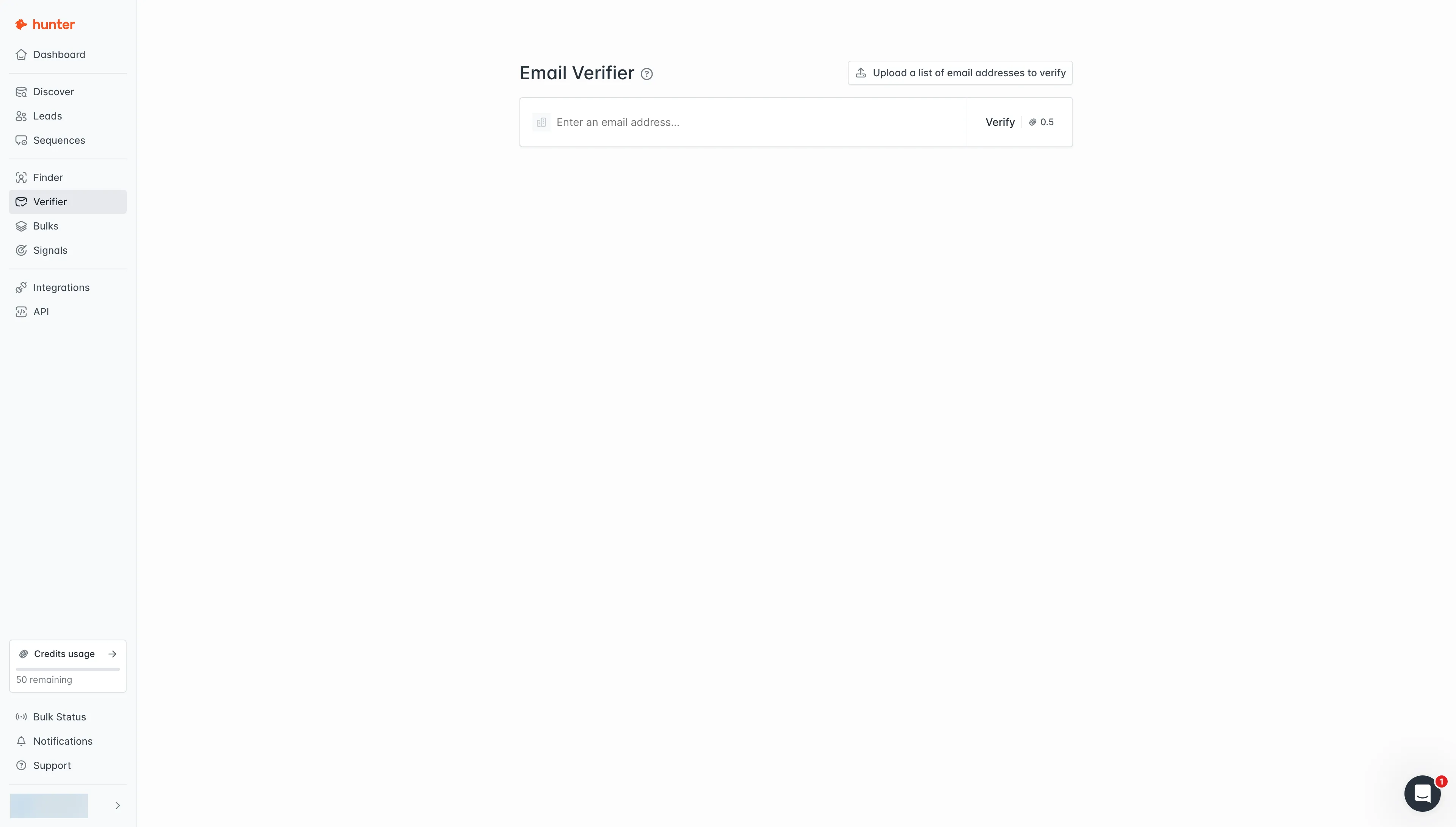
Hunter offers a single-address verifier and a separate list-upload option.
Hunter pros
- Verification costs half a credit.
- Starter allows unlimited teammates.
- Finder results include automatic verification.
Hunter cons
- Starter includes three connected sending accounts.
- Monthly credits expire without rollover.
When I opened the free workspace, it showed 50 credits. The single-address checker put its cost beside the button, which made the budget easy to follow. Finding the bulk version was less direct: single checks live under Verifier, while lists go through Bulks. The free bulk form warned that it would process up to 100 addresses and skip the rest.
A standard successful email lookup runs one credit. An address provided independently, meanwhile, costs half to check, and if the outcome is flagged unknown, there's no charge. Verification comes built into Finder results already — so when you're sizing up a list-building job, don't bill yourself twice.
Repeat checks have a less obvious rule. Individual verifications are free again within the same billing period on a monthly plan, or the same calendar month on annual and Data Platform plans. Duplicates across separate bulk uploads are charged again. Deduplicate your files before uploading them.
Hunter pricing: size the credits and sending accounts separately
Hunter pricing
Starter costs $34/month on annual billing, and Hunter also has a free plan. Compare the paid allowances and sending capacity together:
| Hunter plan | Allowance and sending accounts |
|---|---|
| Starter annual | 24,000 credits upfront and three sending accounts |
| Starter monthly | $49/month with 2,000 credits/month |
| Growth annual | $104/month, 120,000 credits/year, and ten sending accounts |
I wouldn't upgrade a research team merely because additional people must access the list. Sending independently and reviewing together carry distinct requirements. Before paying for the full app, compare the separate Data Platform offer for API or bulk-only verification.
Hunter, Sales Navigator, and Linked Helper: how I calculated costs
For Hunter, Sales Navigator, and Linked Helper, I calculated monthly and annual subscription costs while keeping each workload fixed. All figures are subscription fees in USD before tax, based on verified prices. They exclude labor, existing equipment, and unspecified extra usage.
Hunter: one seller checking 500 addresses a month
Hunter Starter costs $408 upfront annually or $588 over twelve monthly payments for this app-based workflow checking 500 existing addresses a month. The seller wants access to sequence tools too, so the calculation uses the app subscription. Verification requires 500 × 0.5 × 12 = 3,000 credits a year. The billing comparison is:
| Configuration | Annual cash cost | Mandatory extras | Capacity |
|---|---|---|---|
| Hunter Starter, annual | $408 upfront | None | 24,000 credits upfront |
| Hunter Starter, monthly for 12 months | $588 | None | 2,000 monthly credits; unused credits expire |
Paying month by month makes sense to me while I'm still working out if this app fits into my routine—particularly since the plan provides much more capacity than these checks consume. Choosing annual billing, though, saves $180 across a full year.
Hunter: five teammates checking 2,500 addresses a month
Hunter Starter costs the same $408 upfront annually or $588 over twelve monthly payments for five collaborators checking 2,500 supplied addresses a month. Sending is outside this calculation. The checks need 2,500 × 0.5 = 1,250 credits a month, or 15,000 a year, giving this comparison:
| Configuration | Annual cash cost | Mandatory extras | Capacity |
|---|---|---|---|
| Hunter Starter, annual, five collaborators | $408 upfront | No extra user seats | 15,000 credits needed; 24,000 included |
| Hunter Starter, monthly, five collaborators | $588 over 12 months | No extra user seats | 1,250 monthly credits fit within 2,000 |
The bill matches the solo workload. Don't buy five subscriptions for five reviewers. If all five need sending inboxes, reprice the connection capacity before choosing a plan.
Sales Navigator and Linked Helper: account research plus follow-up
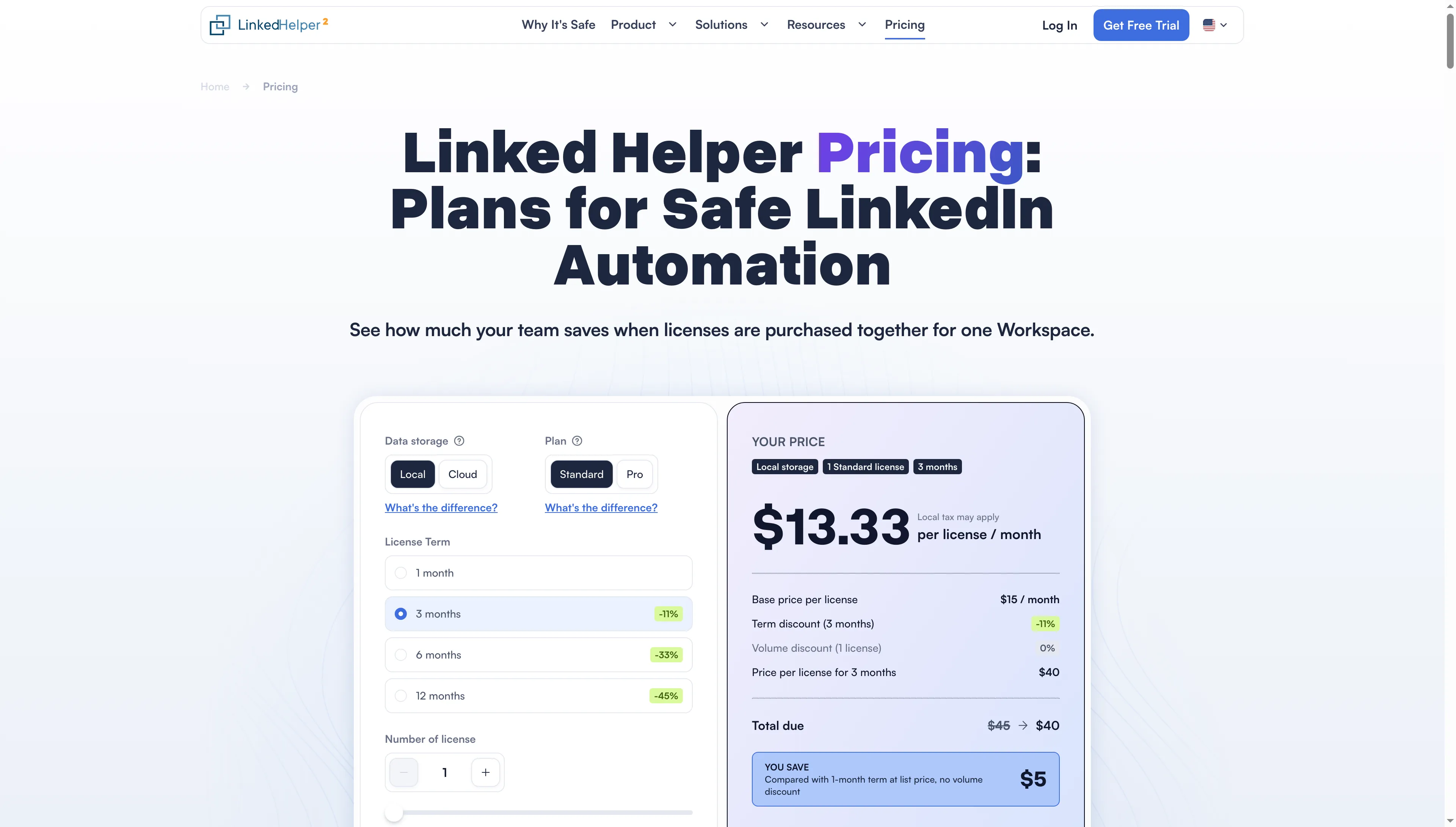
Linked Helper’s calculator separates license duration, plan, and storage location.
For this combination of account research and LinkedIn follow-up, Sales Navigator Core and Linked Helper Standard Local cost $1,178.88 upfront on annual terms, compared with $1,619.88 for twelve monthly payments. The seller already has a suitable LinkedIn account and computer. These are optional combined subscriptions, with the same license scope under either billing term:
| Configuration | Annual cash cost | Infrastructure | Condition |
|---|---|---|---|
| Core annual + Standard Local 12-month license | $1,178.88 upfront | Existing running computer; VPS if chosen | Separate subscriptions |
| Core monthly + Standard Local monthly for 12 months | $1,619.88 | Same infrastructure | $119.99 + $15 each month |
Annual billing saves $441: $360 on Core and $81 on Linked Helper. Extra AI or data use is excluded because this scenario specifies no processing volume. LinkedIn prohibits third-party automation and may restrict accounts, so review that policy before deciding how to carry out follow-up.
Which sales prospecting tool should you choose?
Apollo suits a rep building an email workflow from scratch, while Sales Navigator suits someone who needs to understand the account first. Hunter is the narrower choice when finding or checking an address is the remaining job. Clay becomes worthwhile when you can state the qualification rules you'll repeat across the list. Linked Helper belongs in a workflow built around desktop LinkedIn follow-up.
Check the tools you've already paid for before buying. For assignment plus next actions, a CRM might suffice; email sequences may already be run by an existing sales platform. A spreadsheet containing company, role, evidence, owner, and review date may be enough for a shared review queue.
After that, examine how the system handles current clients, contacts who've opted out, duplicated accounts, and records lacking an owner. Those choices still won't be made for your team by an additional data field.