

 20 min read

TL;DR: social selling tools in November 2026
- Desktop follow-up: Linked Helper organizes LinkedIn follow-ups around reply controls and runs on your computer or a virtual private server (VPS). LinkedIn prohibits third-party automation.
- Begin with what's absent: Sales Navigator lets you spot shifts in customers' lives, and Nimble keeps the upcoming follow-up tied to the contact. What to say, though, remains your call.
- Writing or publishing: AuthoredUp's mobile and desktop previews exposed different cutoffs in my draft. Buffer offers a Free plan for preparing posts and returning to public comments.
- Conversation history: Breakcold brings connected inboxes into a CRM. Its base includes two connected accounts, even when you add seats, so a team needs to budget for both.
- Compare the actual workload: One seller's contact-and-task setup costs $298.80 a year with Nimble or $950.40 with Breakcold. Those totals buy different conversation capabilities, so don't assume the cheaper subscription will replace the other one.
Quick picks: social selling tools by task
Sales Navigator suits buyer research, Nimble handles reminders, and AuthoredUp helps with writing. The table matches these social selling tools to their jobs, with their practical constraints.
| Tool | Best for | Standout feature | Starting price | Main trade-off |
|---|---|---|---|---|
| Linked Helper | Organizing LinkedIn follow-ups | Reply checks inside sequences | $8.25/account/month, prepaid annually | Desktop runtime; LinkedIn restriction risk |
| LinkedIn Sales Navigator | Following buyer changes | Saved-lead and account alerts | $89.99/license/month, billed annually | CRM sync needs Advanced Plus |
| Breakcold | Keeping conversation context | Connected inboxes beside CRM records | $79.20/month, billed annually | Seats and connected accounts cost separately |
| AuthoredUp | Writing personal LinkedIn posts | Draft preview and review links | $16.63/profile/month equivalent, billed annually | LinkedIn-focused; extension for integrated features |
| Nimble | Remembering the next follow-up | Contact-linked tasks and history | $24.90/user/month, billed annually | Contact allowance shared across account |
| Buffer | Posting and replying regularly | Content queue and comment inbox | Free; Essentials $5/channel/month, billed annually | Comments aren't private LinkedIn messages |
What social selling tools help you do
In B2B sales, social selling tools help you research prospective buyers, prepare useful posts, and remember enough of a conversation to follow up with context. That's the work before and between direct conversations: spotting a job change, replying to a comment, or remembering something you promised. Social-commerce platforms manage catalogs, product discovery, and purchases within social apps.
Nimble, Breakcold, plus the remaining selections listed here are aimed at solo sellers and small teams. If you're running an employee-advocacy initiative or enterprise listening, you'll need a separate evaluation. Keeping track of an agreed next step is a lesser task.
I used five criteria:
-
A rationale for getting involved. If a position shifts or a pertinent conversation arises, it ought to hand you a concrete item to look into—not yet one more justification for firing off a boilerplate note.
-
Relationship memory. The last conversation and the next action should be easy to find together. A reliable reminder can be more useful than another generated introduction.
-
Content preparation. Writing, previewing, and reviewing a post should help you explain something worthwhile. A larger queue won't repair a weak opening.
-
A clean transfer. Who's responsible for answering? Be it a public reply, a direct message, or a CRM entry, whoever picks it up next ought to be able to tell what the customer requested.
-
Clear pricing. Connected accounts, channels, individual profiles, and seats — these constitute distinct billing units. Tally whichever ones your workflow utilizes.
1. Linked Helper: desktop LinkedIn follow-up, safety first
Linked Helper arranges the steps that come next around controls for replies, and the app executes on your personal machine or VPS. That desktop configuration is where the firm's safety-first stance begins: your IP and LinkedIn session remain on your own computer, and your LinkedIn password isn't sent to some other vendor's cloud.
Linked Helper pros:
-
Reply checks can stop subsequent phases within a sequence
-
Filters for messages, notes, and tags retain context.
-
Works with free LinkedIn; Sales Navigator is optional
Check for replies can stop later follow-ups in a sequence by moving a person who has replied onto the Replied list. The separate message-content filter can skip threads that contain phrases you specify—including messages you've sent by hand—so conversations that started outside the sequence can affect what happens next.
Ignore generic replies operates off your list of phrases. Keep that tight, and a human should review anything of consequence. A conversation may be ended by “Thanks,” or one can be started. A buyer can't be qualified from a phrase match by itself.
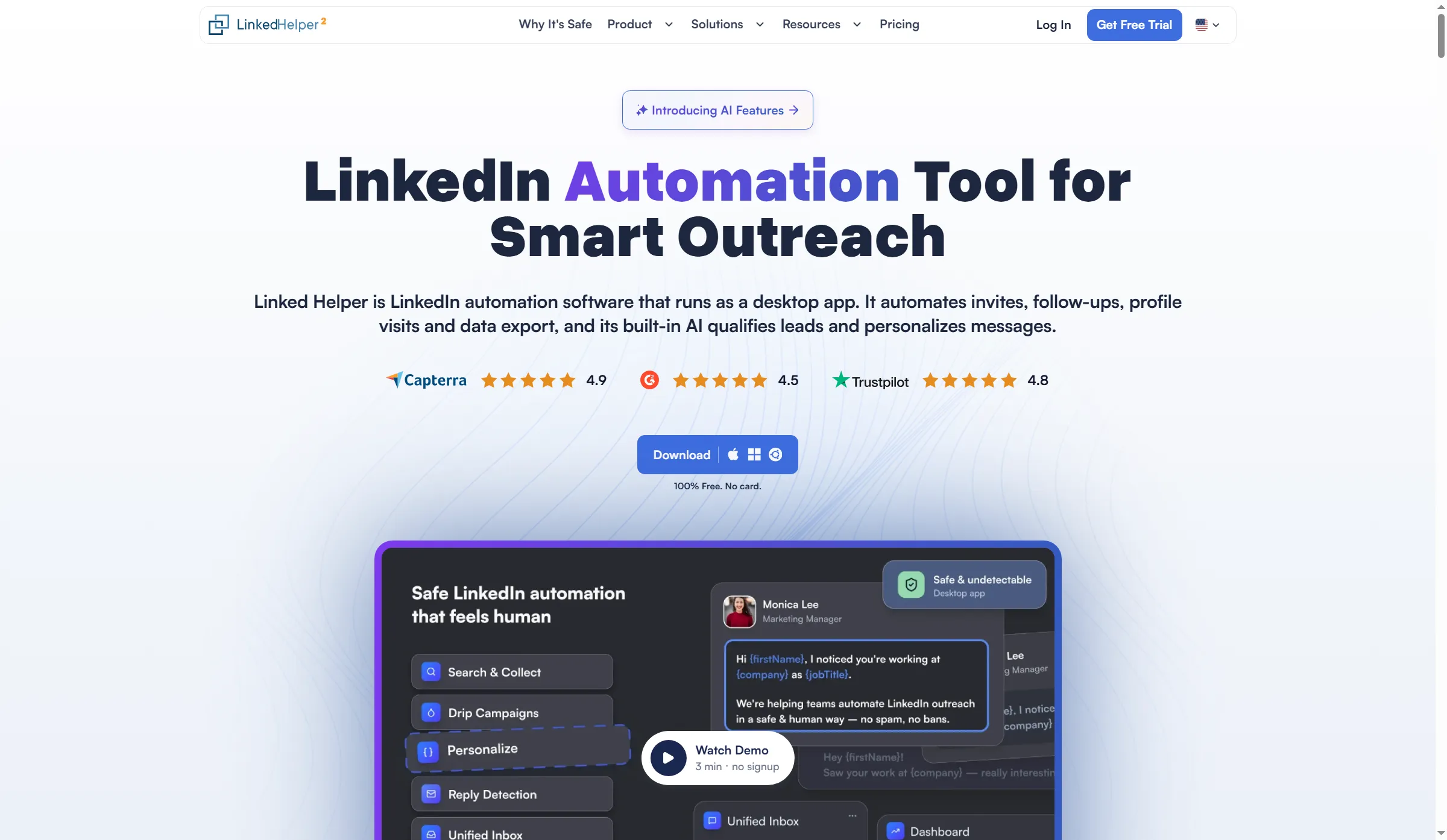
Linked Helper presents desktop automation with download options for Windows, macOS, and Linux.
Local and Cloud cover data storage for workspaces. Each executes automation on your machine or VPS, which must remain on while the app operates. On a 12-month term, Standard Cloud begins at $16.50/account/month, and it delivers shared cloud data. Since an existing workspace can't presently shift between Local and Cloud, pick the collaboration model and data location before building it.
Linked Helper licensing and desktop requirements
A Linked Helper license is tied to one LinkedIn account, and the app needs a computer that stays on while it works. Workspace roles control teammate access separately. One license can't run two LinkedIn accounts simultaneously. Standard limits some advanced actions. An optional VPS has its own cost if you need an always-on machine. LinkedIn prohibits third-party automation and may restrict accounts, so desktop operation isn't LinkedIn approval.
Linked Helper pricing:
Starting at $8.25/LinkedIn per account each month — billed yearly upfront — covering Standard Local, plus a 14-day Pro trial.
2. LinkedIn Sales Navigator: Best for following changes in target accounts
LinkedIn Sales Navigator gives you reasons to revisit saved buyers through lead and account alerts, particularly when someone you already know moves to a new role and you've got a better reason to get in touch than another unfamiliar name on a list. I like having a reason to return.
LinkedIn Sales Navigator pros:
-
Account alerts and saved-lead alerts bring modifications into one position.
-
Account lists and personas narrow your research.
-
Advanced introduces TeamLink, which supports warm introduction routes.
LinkedIn Sales Navigator cons:
-
Core doesn't include CRM sync
-
To get useful alerts, you need to maintain your saved lists.
-
A trial requires payment details and can renew into a paid plan
LinkedIn's onboarding guide starts with target accounts, then uses Persona and Account List filters to find people inside them. That's a sensible order. Once you've defined the buying group, you've got a manageable set of relationships to revisit, rather than a long search result that nobody feels responsible for maintaining.
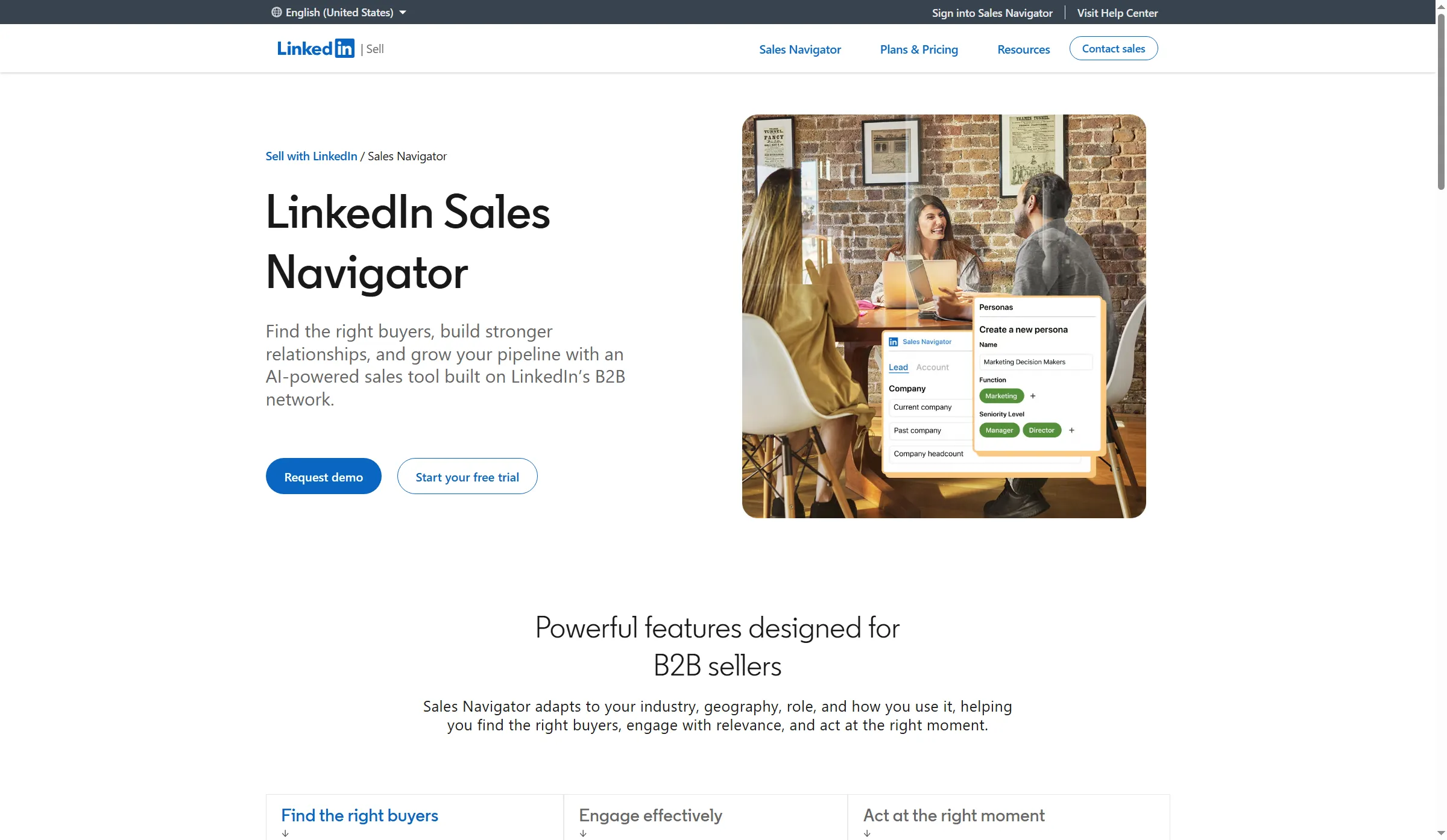
Sales Navigator highlights buyer research, with lead filters and a persona example alongside the overview.
Core handles one seller's research on saved leads—yet it won't push those updates into your coworkers' CRM. Team introductions plus shared work arrive via Advanced, whereas content-engagement alerts come with separate entitlements. For automatic CRM sync, Advanced Plus is required.
LinkedIn Sales Navigator alert retention and export
In LinkedIn Sales Navigator, bookmarked alerts lapse once 60 days pass—so the moment you spot a valuable change, shift it into the contact record and attach the next action while the context is still fresh and you recall why it mattered. Sales Navigator doesn't offer a native CSV or XLS export of lead and account data (instead, Advanced Plus provides supported CRM synchronization and lead creation). Before you build a large saved list, decide where the records will live.
LinkedIn Sales Navigator pricing and plan gates
On monthly billing, LinkedIn Sales Navigator Core runs $119.99 per license; Advanced comes to $149.99 per license each month under annual billing, and that includes TeamLink plus shared lists — Advanced Plus, though, uses custom pricing. Still, when you already know whom to reach and keep forgetting to follow up, add a task to the contact before you pay for more buyer research.
LinkedIn Sales Navigator pricing:
From $89.99/license/month, billed annually, for Core.
3. Breakcold: Best for keeping multichannel conversations close to the deal
Breakcold preserves linked discussions alongside the CRM record; thus, when a deal moves from a LinkedIn discussion on Monday to email on Thursday, a colleague can retrieve what the buyer truly stated rather than depending on the pipeline stage. You'll want that conversation within reach before the next call.
Breakcold pros:
-
CRM records and connected inboxes share a single workspace.
-
Views, along with custom fields, accommodate varying sales processes.
-
Getting more seats is cheaper than buying an additional base subscription.
Breakcold cons:
-
Additional seats don't add extra connected-account allowances.
-
The trial requires payment details
-
Separate usage allowance exists for AI workloads.
Breakcold is an AI CRM featuring social-selling channels, not some instrument for automated LinkedIn sequences. A pipeline, per its pipeline guide, is a Kanban view that's grouped by a field. The same deal can show up in multiple pipelines because you use separate stage fields—so you're able to track a renewal and an expansion without forcing both into one process. I like that flexibility. Watch out for the field names, though: shifting a card in one view won't remove it from the other.
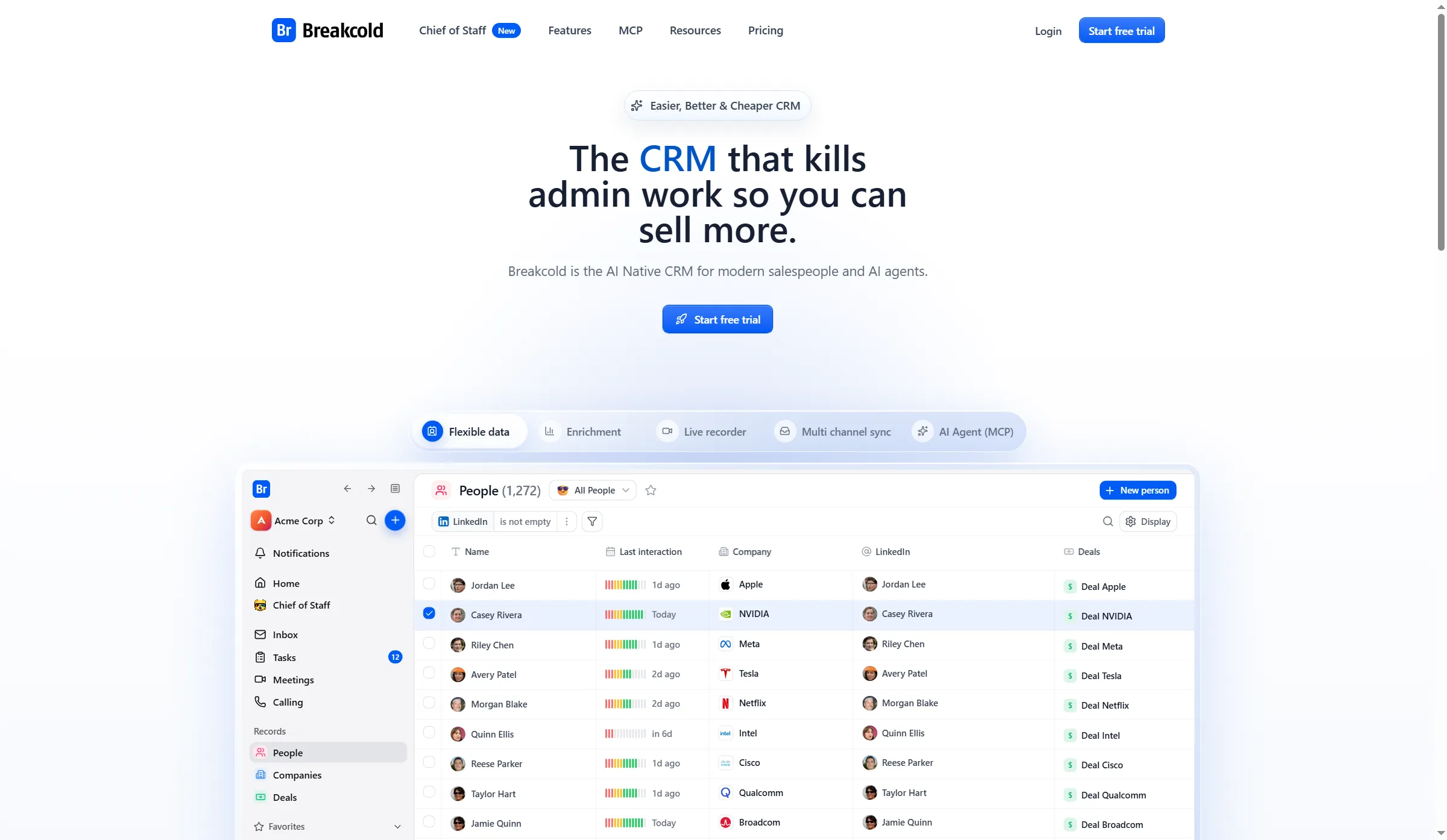
Breakcold previews contacts, recent interaction indicators, companies, and deals on its homepage.
The base includes one seat, two connected accounts, and 3,000 AI CRM actions. More seats don't bring more connections. An extra seat and an extra connected account each cost $10/month, billed separately from the base allowance, so count both when a seller needs email and LinkedIn connected.
Breakcold reviews: conversation context and usage complaints
Breakcold reviewers praised the multichannel context, yet complaints arose over data updates and usage allowances. Within G2’s English translation of a September 16, 2026 review (5/5), Atendimento H. wrote: “Sometimes, the data update functions take a while.” Mark D.’s August 23, 2025 review (4/5) protested a modification that divided his usage allowance among platforms he didn’t use. Verify the configuration you'll actually pay for, including channels your team won't use.
Nimble is cheaper for a follow-up diary. Breakcold becomes more interesting when preparing for every call means asking colleagues to retrieve messages from several places. Its base is $99/month, and you'll need payment details for the 14-day trial.
Breakcold pricing:
From $79.20/month, billed annually, for the single plan.
4. AuthoredUp: Best for turning expertise into readable LinkedIn posts
With the text still before me, AuthoredUp lets me rework a LinkedIn post using saved drafts and device previews alongside it, and I appreciated being able to see precisely where a paragraph dropped off on a phone — since that let me rethink the opening without having to guess how much a reader would see.
AuthoredUp pros:
-
Before you link a LinkedIn profile, get your drafts done.
-
Desktop previews and mobile ones reveal distinct cutoffs.
-
Links for read-only review enable a person to inspect a draft with no account
AuthoredUp cons:
-
Centered on LinkedIn, not on a cross-network calendar
-
Integrated LinkedIn features depend on the extension
-
Business pricing starts at three personal profiles
Without taking the optional extension, I went directly to the web editor, and there I wrote and saved a brief post on researching five target accounts before pitching. The text sat beside the preview, and below the draft was a readability grade (mine read Grade 6). While keeping the entire post in view, I could hunt for convoluted phrasing.
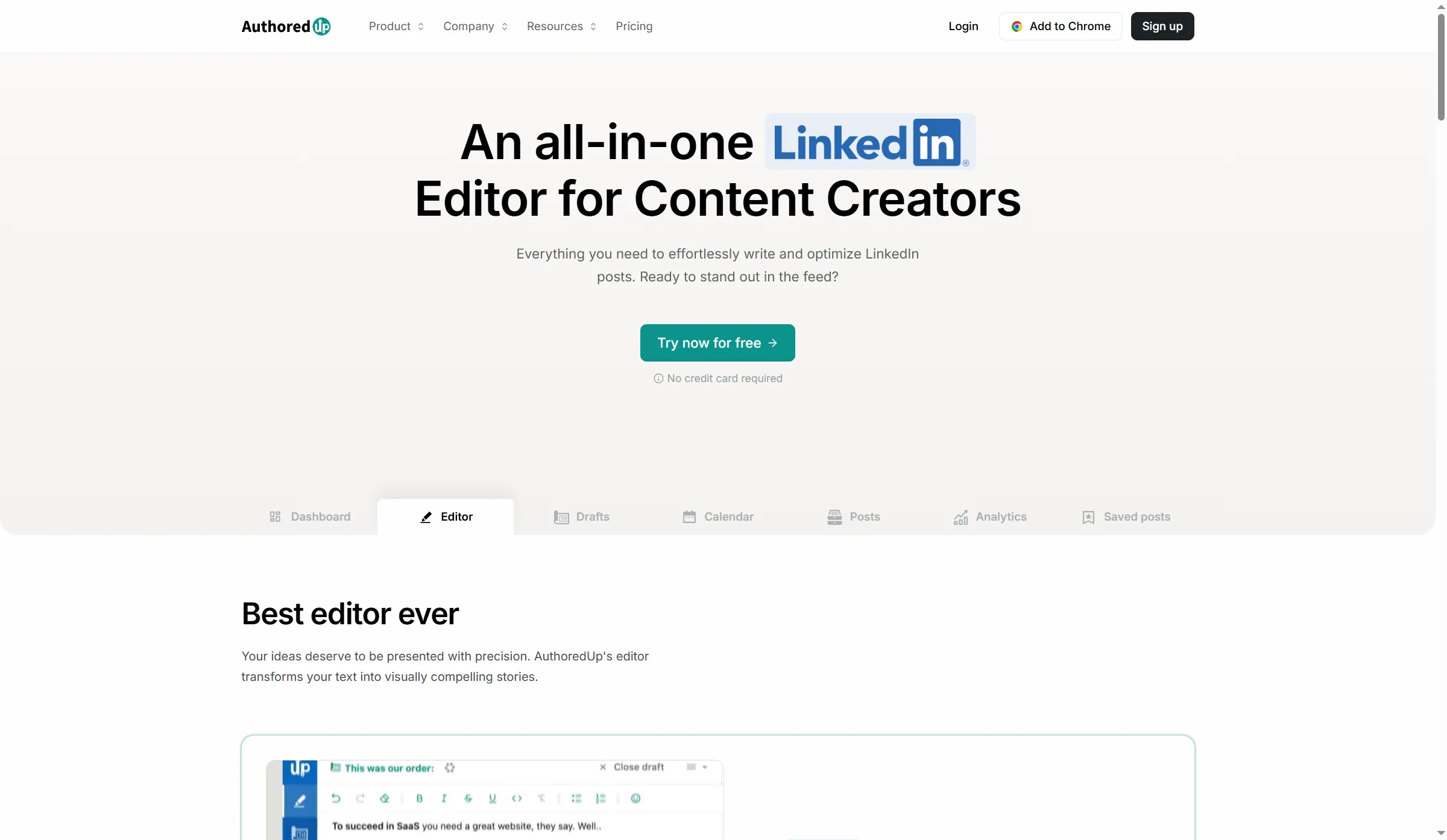
AuthoredUp separates its editor, drafts, calendar, posts, and analytics in the product navigation.
Switching the preview changed my mind about the opening. On mobile, “Read one…” was all readers saw of my second paragraph before the “more” link. On desktop, “from each…” was the cutoff. Same words, different cutoff. If you're relying on that paragraph to make someone expand the post, check both views before you settle on it.
Read-only review links let a colleague read your draft without an AuthoredUp account, and you can disable or regenerate the link once the review is finished. That's separate from managing several personal profiles on Business. The plans charge for personal profiles and include unlimited company pages, so don't count Pages as extra personal profiles in your estimate.
AuthoredUp pricing and profile allowances
At $19.95 per month on monthly billing, AuthoredUp Individual includes the editor, drafts, preview, and content analytics. Annual billing gives Business at $12.46/profile/month equivalent, begins at three profiles, and provides collaboration plus team analytics. Time to reply is what you need if a queue of unanswered comments has built up. That work won't be done for you by another editor.
AuthoredUp pricing:
$16.63/profile/month equivalent, billed annually, for Individual; 14-day card-free trial.
5. Nimble: Best for remembering the next useful follow-up
Nimble holds a contact and the following task linked, and that fits sellers who already know who to follow up with. After I'd made a contact and set myself a task, I could return via the contact's record or through that day's activities, and in either place the same reminder would be waiting right where I'd expect it. From a CRM, that's the ordinary interaction I want.
Nimble pros:
-
Before any inbox gets connected, contacts plus linked tasks function.
-
Notes, tags, and history support relationship follow-up.
-
Options for connecting include Google Workspace, Microsoft 365, and IMAP.
Nimble cons:
-
The contact allowance is shared across the account.
-
Configuration as well as sharing options determine what appears in mailbox history.
-
Suggestions for profiles still require an identity check.
I made a synthetic contact named Alex Demo, then saved a task to review the account before following up. Once I'd navigated away, I found that task in the contact's Upcoming Activities and in the separate Activities list. I liked being able to start from the person or the day's work and reach the same reminder without first connecting an inbox.
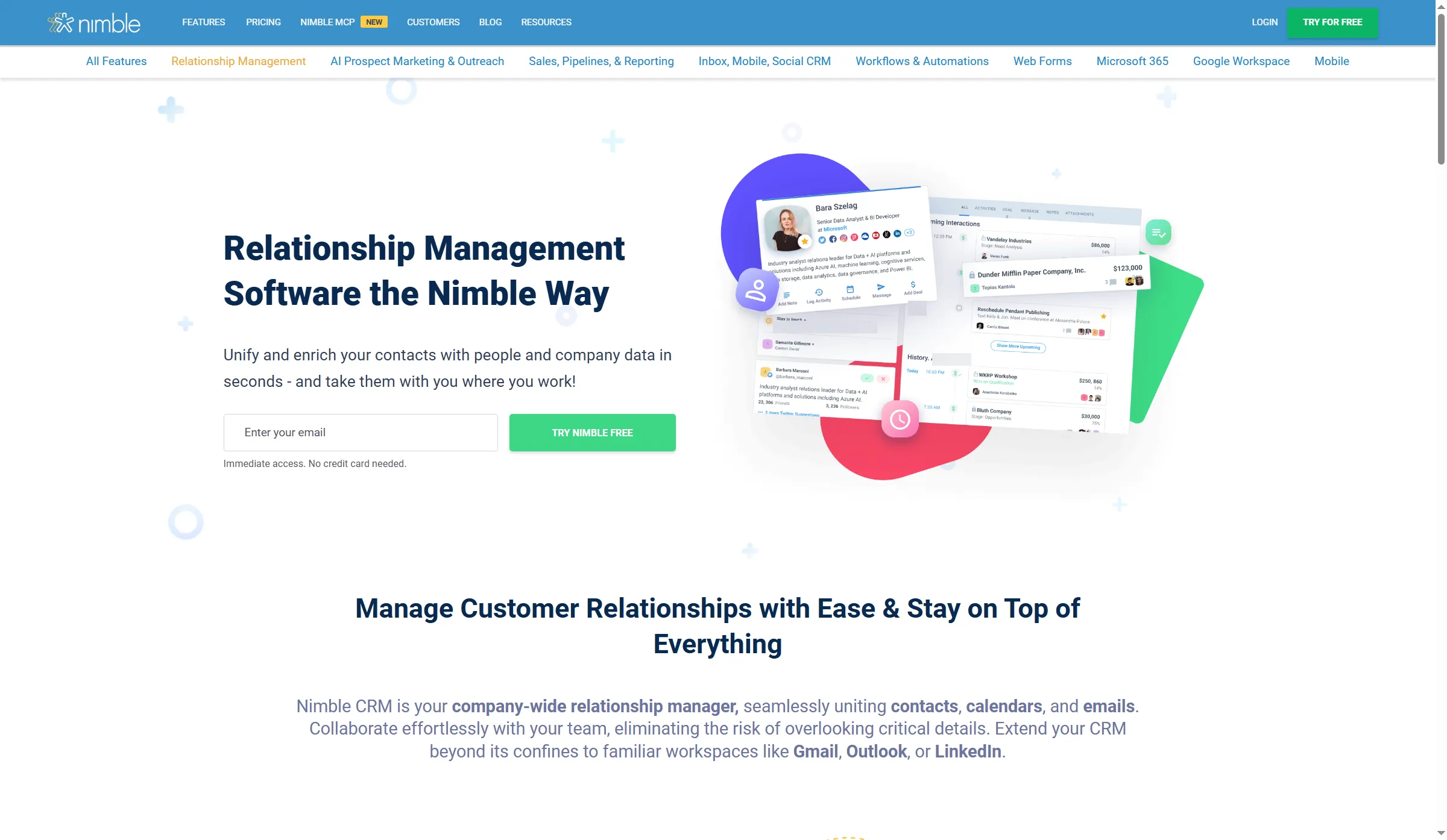
Nimble illustrates relationship management with contact details and upcoming activities.
Nimble suggested a similarly named LinkedIn profile for Alex Demo. I left it alone. This was a made-up contact, and a plausible name wasn't enough to accept the match. With a real buyer, check the company and identity before adding someone else's details to your relationship history.
Nimble contact sharing and email privacy
Nimble shares contacts across the account, but connected email starts out private. Decide what colleagues will be able to see before you add them, or the next rep could inherit a contact without the conversation explaining why you're following up. Choose which business history to share. You can use notes and tasks before you connect email.
Nimble includes 25,000 contacts across the account and 2 GB of storage per seat. Another 10,000 contacts costs $10/month if you need them. Monthly billing is $29.90/user/month. It's useful for remembering what happens next, but you'll still need other tools for editing a LinkedIn post or researching a new buying group.
Nimble pricing:
Starting at $24.90 per user each month, with annual billing; a 14-day trial that doesn't need a card.
6. Buffer: Best for maintaining a posting-and-reply routine
Buffer merges content prep with a public-comment workflow, while Free leaves a solo seller room enough to begin. You've got an Ideas workspace and a publishing queue. Work with those long enough to learn whether you'd keep up the routine before paying for expansion.
Buffer pros:
-
Free includes three channels and an Ideas workspace
-
Community supports LinkedIn profile and Page comments
-
Paid pricing is per channel, not per teammate.
Buffer cons:
-
Every channel can keep 10 posts at once in Free queues.
-
Approval workflows require Team
-
Managing comments isn't some personal LinkedIn direct-message inbox.
I drafted an Idea on questions worth asking ahead of a software demo, saved it, and afterward switched “first month” to “first week.” When I reopened it, the updated phrasing was present. I like having a place to capture a thought between calls, especially when I'm not ready to shape it into a post.
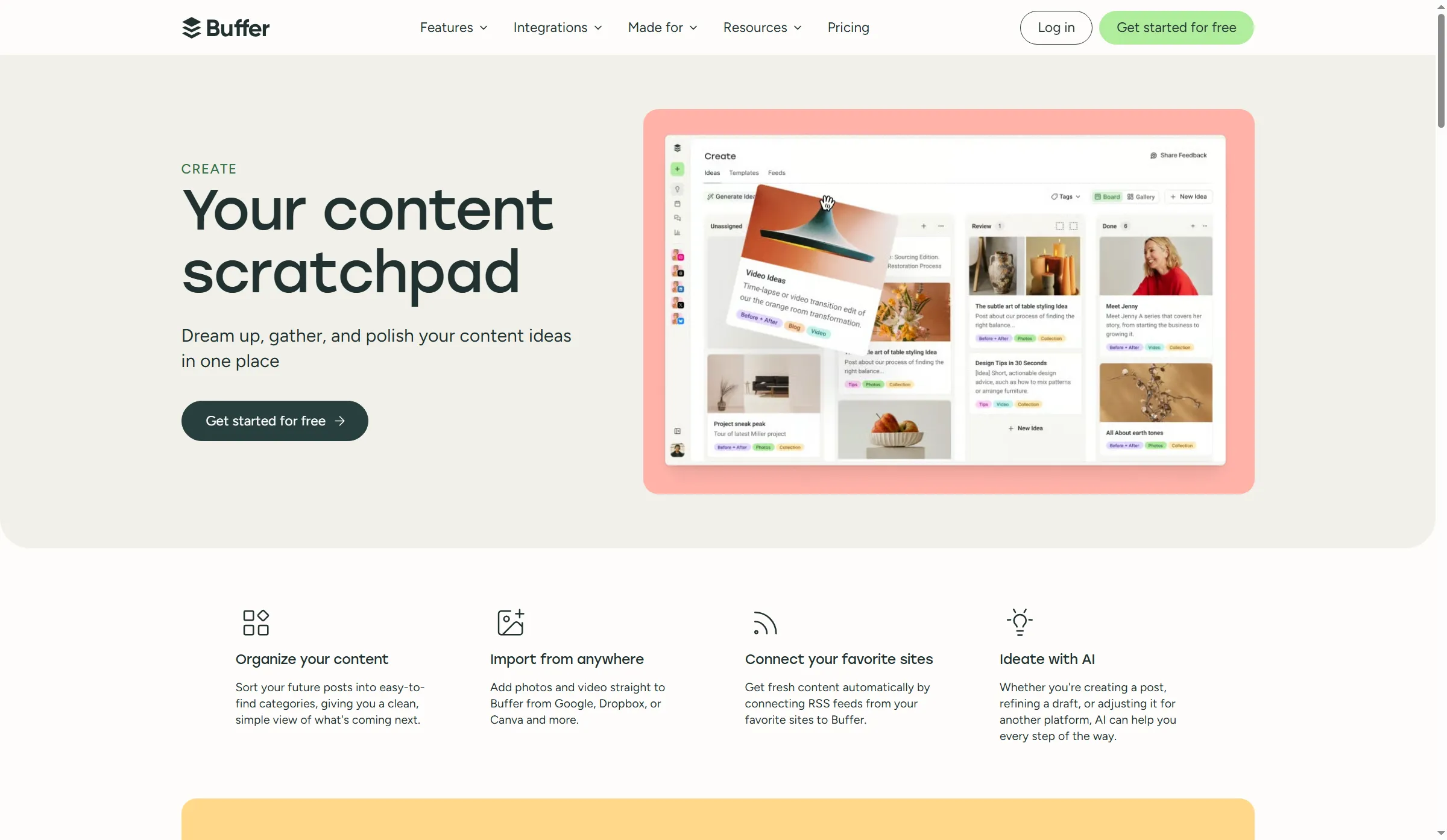
Buffer Create organizes content ideas as cards on a board before they become published posts.
Buffer Community enables responses to comments on LinkedIn profiles and Pages — thus, once a post is published, you can rejoin a public conversation. You'll need to link the correct channel to set this up. Private messages on LinkedIn, along with deals, still require another place to live.
When you're budgeting, count profiles and Pages separately (on paid plans, each is a Buffer channel). Free covers 100 Ideas, plus the queue allowance is capacity that you can refill as posts go out, not a monthly publishing quota. Essentials remains a one-user plan. With annual billing for the first ten channels, Team starts at $10/channel/month, and unlimited members and approvals come included. Price Team from the start if a colleague has to approve posts.
Buffer pricing:
Free plan available; Essentials from $5/channel/month, billed annually.
Nimble, Breakcold, and Buffer costs for the same workload
Nimble is the lower-cost contact-and-task choice in these calculations. Breakcold adds connected conversations, while Buffer and AuthoredUp cover content work. The totals use US dollars before tax, annual base billing, and a full 12 months of monthly add-ons. They show what you'd pay for the defined jobs, rather than a measured return from using the software.
Nimble and Breakcold: one seller keeping contact history and next actions
For one seller's pipeline, contact database, and follow-up tasks, Nimble is cheaper. Minimum configurations are compared in the table—assuming that you've already got an email account and that you're inside the included contact allowance.
| Tool | Configuration | Annual total | Mandatory extras | Relevant limit |
|---|---|---|---|---|
| Nimble | One annual seat | $298.80 | None for this workload | 25,000 contacts account-wide |
| Breakcold | Annual base, one seat | $950.40 | None for up to two connections | Two connected accounts total |
When this workload doesn't require those purchases, the calculation omits enrichment, marketing-email add-ons, AI overages, and a new email subscription. Rather than a list of services the products lack, these are budget exclusions.
Nimble and Breakcold: five sellers with one mailbox each
Nimble costs less than Breakcold for five sellers with one mailbox each. Both rows assume you've already got the mailboxes. Breakcold requires extra connected accounts plus extra seats, while Nimble bills per user.
| Tool | Configuration | Annual total | Mandatory extras | Relevant limit |
|---|---|---|---|---|
| Nimble | Five annual seats | $1,494.00 | None for five existing mailboxes | 25,000 contacts shared, not per rep |
| Breakcold | Annual base plus four seats and three accounts | $1,790.40 | $840/year of the total is add-ons | Five connected accounts total |
$1,790.40 comes from Breakcold's $950.40 yearly base, plus $840 in add-ons — that's four additional seats and three more connected accounts across a full year. In turn, Nimble equals five multiplied by its annual seat price. Not included: AI overages and enrichment overages.
If every Breakcold seller also connects LinkedIn, ten connections bring the calculated total to $2,390.40/year. Specify which channels every person needs before comparing the quotes.
Buffer and AuthoredUp: one seller preparing LinkedIn content
Buffer Free covers LinkedIn post preparation for a seller who doesn't need team sign-off. That prep task is set against a paid Buffer channel and AuthoredUp's specialist editor in the table. Identical analytics or editing features aren't what you're buying.
| Tool | Configuration | Annual total | Mandatory extras | Relevant limit |
|---|---|---|---|---|
| Buffer | Free, one LinkedIn channel | $0 | None | 10 queued posts at once per channel |
| Buffer | Essentials, one channel, annual billing | $60 | None | One user; approvals need Team |
| AuthoredUp | Individual, one personal profile | $199.50 | None | LinkedIn-focused; integrated features use extension |
The yearly bill from AuthoredUp comes to $199.50. When you work out the budget for the year, rely on that amount, since the $16.63 shown as a monthly equivalent has been rounded. Upgrades you'll be charged for differ: AuthoredUp's writing environment or a bigger queue featuring Buffer.
Which social selling tool should you choose?
Nimble serves as an entry point for follow-ups that were missed, and Sales Navigator assists you in spotting a shift that provides grounds for reaching out. Even so, try your current CRM's fields first if they can already store the conversation note, the owner, and the next-action date. Use those fields rather than introduce an additional subscription to address an issue that's essentially an unassigned reply.
When a coworker holds the absent context in another inbox, Breakcold turns more relevant. Buffer Free provides a place to draft posts and revisit their replies, whereas AuthoredUp suits the seller who has something to say yet keeps losing the opening while editing. Linked Helper supports organized LinkedIn follow-up in a desktop workflow. Choose the task you keep abandoning unfinished.
You get a baseline as well from the native editor in LinkedIn and the scheduling options it offers. To justify adding a dedicated editor, that tool must offer sufficient improvements in preparation, review, or analysis. If you're already paying for a social platform, check LinkedIn comment support separately from private messages. Also, give an employee-advocacy program its own brief instead of choosing it around the editing preferences of the one seller.
During handoff, note why the account is a good fit, what the individual requested, who is responsible for responding, and the agreed follow-up step. After that, assess helpful responses, qualified meetings, and opportunities that include a logged social touch relative to your earlier method — this includes the time spent getting content ready and keeping records up to date. Impressions by themselves won't reveal which opportunities turned into revenue.
For a LinkedIn-centered follow-up workflow, I would choose Linked Helper. Its desktop app combines reply checks, message filters, and contact tags to help you decide who needs another message and who needs a personal response. Start with a focused sequence and review the replies yourself.