Updated: August 25, 2026
 51 min read
Linked Helper is the best Snov.io alternative for users who prioritize LinkedIn-sourced lead volume, lower combined tool cost, and integrated email discovery in one flat-rate license. Snov.io's core is a cloud contact database and email-outreach suite; LinkedIn automation (connection requests, messages, InMails, sequences) is a separate cloud-hosted add-on billed per connected LinkedIn account ($59-69/month), distinct from its optional local browser extension used for LinkedIn lead collection and optional email enrichment rather than campaign execution. Linked Helper runs LinkedIn collection, outreach, email finding, and CRM handoff from a $15/month license on the machine or VPS environment you control; it does not require a separate automation add-on, although each concurrently running LinkedIn account still needs its own license. We compared these tools: Linked Helper's 11 direct native CRM connectors and bundled workflow, versus Snov.io's HubSpot/Pipedrive-only native CRM sync and separate per-account LinkedIn Automation pricing, drove the cost and workflow-depth verdict.
| Tool | Tool category | Billing unit used | Documented annual cost | Cost vs Snov.io |
|---|---|---|---|---|
| Linked Helper | LinkedIn automation | 20 Standard licenses | $1,584 | 88% less |
| Instantly.ai | Cold email | 1 Hypergrowth team workspace | $931.20 | 93% less |
| GetProspect | Data enrichment | 1 shared Growth 20k workspace | $1,671.60 | 88% less |
| Lusha | Sales intelligence | 20 Starter seats | $7,788 | 43% less |
| Snov.io | Data enrichment | 1 Pro S team plan + 20 LinkedIn slots | $13,635 | Baseline (current tool) |
| Apollo.io | Sales intelligence | 20 Professional seats | $18,960 | 39% more |
| Kaspr | Sales intelligence | 20 Business seats | $18,960 | 39% more |
| Lemlist | Multichannel outreach | 20 Multichannel Expert seats | $20,880 | 53% more |
What a 20-user, 20-LinkedIn-account workflow really costs after normalizing seats, account slots, and annual billing
Pricing data as of July 2026.This scenario assumes 20 users and 20 concurrently operated LinkedIn accounts where the product supports LinkedIn automation¹.
This article is published by Linked Helper. Linked Helper is our product and our top recommendation. First-hand observations are reported by the author where applicable; rankings and recommendations follow the evaluation framework below.
Key takeaways
- Data quality—not price—was the leading Snov.io switching signal in our analysis of 10,500+ reviews and 370 Reddit threads. Accuracy and LinkedIn-data-breadth complaints generated 160+ negative mentions, so the first migration test should be a controlled sample of real prospects, not a comparison of headline credit prices.
- Billing units changed the cost ranking. In a documented 20-user, 20-LinkedIn-account scenario, Snov.io totals $13,635/year because LinkedIn Automation is a separate per-account slot; Linked Helper totals $1,584/year with annual and 20-license discounts. Instantly and GetProspect could not be honestly normalized without a contact-and-credit requirement, so we report no invented 20-seat total for them.
- Our source-code teardown found all five inspected extensions—Apollo, GetProspect, Kaspr, Lemlist, and Lusha—on LinkedIn's Active Extension Detection probe list. Kaspr and Lemlist also uploaded the LinkedIn session cookie to vendor infrastructure, while Apollo, GetProspect, and Lusha kept session custody local. An extension label alone therefore does not describe the operating risk.
- Feature labels also hid execution differences: Apollo's current LinkedIn sequence steps are manual, while Snov.io now sells separate cloud LinkedIn Automation with connection requests, messages, InMails, and multichannel sequences. Before migrating, verify who actually performs each step, where the session runs, and which extra plan or account slot is required.
What Is Snov.io?
Snov.io is a cloud sales-engagement and data-enrichment platform that combines a web application, browser extensions, and a contact database.
Its company page lists 2012 as the founded year and dates the launch of its Email Finder product to 2017. Its legal company address is in New York, United States, while the company describes its roots as Ukrainian.
Its main functions are:
- finding and verifying business email addresses;
- running drip email campaigns and deliverability checks;
- automating LinkedIn connection requests, messages, and InMails through a separate cloud-hosted LinkedIn Automation add-on, billed per connected account;
- managing prospects in a lightweight sales CRM;
- enriching records through a Chrome extension, integrations, and APIs.
For category context, see our guide to LinkedIn email finder tools compared.
Snov.io at a Glance
The main Snov.io trade-offs in this comparison are LinkedIn data breadth, credit accounting, and data-quality consistency.
Strengths
- The Chrome extension can add email and company data while a user browses prospect pages.
- A separate cloud-hosted LinkedIn Automation add-on runs connection requests, messages, InMails, and multichannel sequences from Snov.io's own servers, independent of the browser.
- Email verification, drip campaigns, deliverability checks, and a lightweight CRM sit in the same product.
- Plans scale by credit tier.
- Native two-way CRM sync is available for HubSpot and Pipedrive; Close is available through Zapier.
Limitations
- LinkedIn collection breadth is narrower than a dedicated LinkedIn-native workflow: the optional extension covers live-page capture and optional email enrichment from profiles, search results, company pages, and event attendee lists, not bulk campaign-list scraping from group memberships or post engagement. LinkedIn Automation is billed per connected account either as a standalone subscription or, at a lower slot price, alongside a Sales Suite plan.
- Data accuracy was the most common negative theme in the review and Reddit analysis.
- Finding and verifying can consume separate credits, so the usable cost depends on both data volume and verification volume.
- Credit rules and multi-step setup add friction when a team needs predictable enrichment at scale.
GDPR due diligence: Snov.io now publishes a DPA and describes controller, joint-controller, and processor roles in its privacy materials. Confirm which role applies to your workflow and whether its lawful-basis, retention, suppression, and deletion terms meet your requirements.
Why Users Switch
Data accuracy, not price, was the leading negative theme in the Snov.io evidence. Across G2, Capterra, and Trustpilot reviews plus 25 Reddit threads, complaints about accuracy and LinkedIn data breadth produced 160+ negative mentions, while cost ranked third. The pattern suggests that lower-priced credits do not fix a workflow when the underlying record is missing, stale, or hard to verify.
| Theme | Negative mentions |
|---|---|
| Data quality / accuracy | 160+ |
| Reliability | 150+ |
| Cost / value (dual-credit model) | 120+ |
| Workflow complexity | 110+ |
Recurring negative themes in Snov.io reviews and Reddit discussions
Sources: G2, Capterra, and Trustpilot review analysis plus Reddit discussions mentioning Snov.io. Counts are rounded down for reader-facing use and reflect evidence reviewed as of July 2026.
That ranking makes source coverage and data freshness more useful first checks than the price of another credit bundle.
How We Evaluated These Alternatives
8 tools, 10,500+ reviews, 370 Reddit threads analysed (as of July 2026).
Research Scope
We analysed:
- 4,702 G2 reviews;
- 1,624 Capterra reviews;
- 4,219 Trustpilot reviews;
- 370 Reddit threads.
We also checked vendor product, integration, privacy, and pricing pages directly.
Hands-on source-code checks covered five published extensions in this comparison. They did not cover every product or Snov.io itself.
Evaluation Framework
LinkedIn and email data extraction breadth carries the most weight. The remaining dimensions test whether that initial advantage holds.
For operating-model comparisons, we distinguished four patterns:
- desktop standalone;
- cloud credential login;
- local-scrape extension;
- cookie-bridge extension.
See our guide to LinkedIn scraper tools and methods for the broader collection context.
| Scoring dimension | Weight | Evidence considered |
|---|---|---|
| LinkedIn + email data extraction breadth | 25% | Published scrape-source counts, hands-on testing, product documentation |
| Email finding and verification accuracy | 15% | Product documentation, public review analysis |
| CRM and ecosystem integrations | 15% | Product documentation, published integration counts |
| Pricing and value at scale | 15% | Public pricing and documented billing units in the 20-user, 20-LinkedIn-account scenario |
| AI personalization and message quality | 10% | Feature testing and documentation |
| GDPR and data compliance | 10% | Vendor documentation, DPA availability |
| Support quality and ease of use | 10% | Public review analysis, product documentation |
LinkedIn and email prospecting scoring model
Each dimension was scored from 1 to 5, weighted, and normalized to a 100-point final score. The assessment combines public documentation, user-review analysis, live product testing, IP/session inspection, and browser-extension analysis. Pricing data and architecture labels reflect information reviewed as of July 2026.
Architecture describes where automation runs: desktop, cloud, or browser extension. Cookie bridge and credential login are cloud authorization methods, not standalone architectures.
| Architecture label | What it means | Where automation runs | IP LinkedIn sees | Who holds the session |
|---|---|---|---|---|
| Desktop | A local app or user-controlled VPS runs the automation | User's machine or user-controlled VPS | User IP, VPS IP, or assigned dedicated proxy | User-controlled environment |
| Cloud | Campaigns run inside the vendor's web app and cloud infrastructure | Vendor cloud | Vendor-assigned IP, proxy, or dedicated IP | Vendor-managed cloud session |
| Browser extension | A browser extension operates inside the user's active LinkedIn browser session | User's browser | User IP | User's browser session; the extension reads or acts within that session |
LinkedIn automation architecture glossary
Architecture labels describe where automation runs. They do not by themselves determine the final product score; risk also depends on session transparency, proxy controls, throttling, workspace governance, and observed user complaints. Labels reflect public information reviewed as of July 2026.
| Session-access method | What it means | Applies to |
|---|---|---|
| Credential login | The user connects or logs into LinkedIn through the vendor's cloud app, creating a cloud-managed session | Cloud tools |
| Cookie bridge | A browser extension or handoff flow transfers an existing browser session to the vendor cloud | Cloud tools with extension-assisted setup |
Cloud session-access methods
Credential login and cookie bridge are authorization/session-access methods, not separate product architectures. Both can result in automation running from the vendor cloud once the session is connected.
7 Best Snov.io Alternatives Compared
Lemlist's cloud-bridge extension—a connector that copies your LinkedIn login to the vendor cloud—puts session custody outside your browser and makes the installed extension visible to LinkedIn before outreach begins.
| Tool | Category | LinkedIn Data Sources | Built-in Email Finder | CRM Integrations | Price/mo | G2 ★ | Architecture | LinkedIn Session Custody | On LinkedIn AED list? |
|---|---|---|---|---|---|---|---|---|---|
| Linked Helper | LinkedIn automation | 13 sources | Yes — email finder; no standalone verifier | HubSpot, Instantly, Pipedrive, Salesforce, Zoho (11 total) | $15/mo | 4.56★ (142) | Desktop | Local / user-managed VPS | n/a — no extension ID |
| Apollo.io | Sales intelligence | 0 (live profile capture only) | Yes | Adobe Marketo, HubSpot, Pipedrive, Salesforce, Zoho | $59/mo | 4.7★ (7,884) | Local-scrape extension (cloud SaaS core) | Local browser session | Yes |
| Instantly.ai | Cold email | 0 | Yes | HubSpot, Pipedrive | $47/mo | 4.8★ (3,486) | Cloud | n/a — no LinkedIn session | n/a |
| Lemlist | Multi-channel outreach | 2 documented current sources (LinkedIn search, Sales Navigator) | Yes | Close.io, HubSpot, Pipedrive, Salesforce, Zoho CRM | $109/mo | 4.47★ (263) | Cloud-bridge / session-upload extension | Vendor cloud | Yes |
| Kaspr | Sales intelligence | 0 | Yes | Brevo, HubSpot, Pipedrive, Salesforce, Zoho | $65/mo | 4.44★ (819) | Cookie-bridge / session-upload extension (hybrid widget + cloud backend) | Vendor cloud (li_at/li_a uploaded) | Yes |
| Lusha | Sales intelligence | 0 | Yes | HubSpot, Outreach, Pipedrive, Salesforce, Salesloft | $49.90/mo | 4.3★ (1,487) | Local-scrape browser extension | Local/browser-session | Yes |
| GetProspect | Data enrichment | 0 named source types | Yes | HubSpot, Pipedrive, Salesforce, Zoho CRM | $49/mo | 3.97★ (38) | Local-scrape extension | Local browser | Yes |
Snov.io alternatives compared by data breadth, email finding, CRM connectivity, price, reviews, and LinkedIn operating model
As of July 2026 · sources: vendor product and pricing pages, public G2 ratings, and first-hand extension checks where available. Linked Helper is listed first by publisher rule; other tools follow the article's ranked order.
The table summarizes data coverage and operating models. The sections below explain the evidence and trade-offs. Snov.io is the comparison baseline, not an additional alternative row.
1. Linked Helper
Linked Helper combines 13-source LinkedIn collection, email finding, outreach, and CRM handoff from $15/month. It runs in a standalone desktop browser on the user's machine or user-managed VPS, so the session stays in an environment the user controls rather than vendor cloud infrastructure. This narrows the technical detection surface, but behavior can still trigger restrictions.
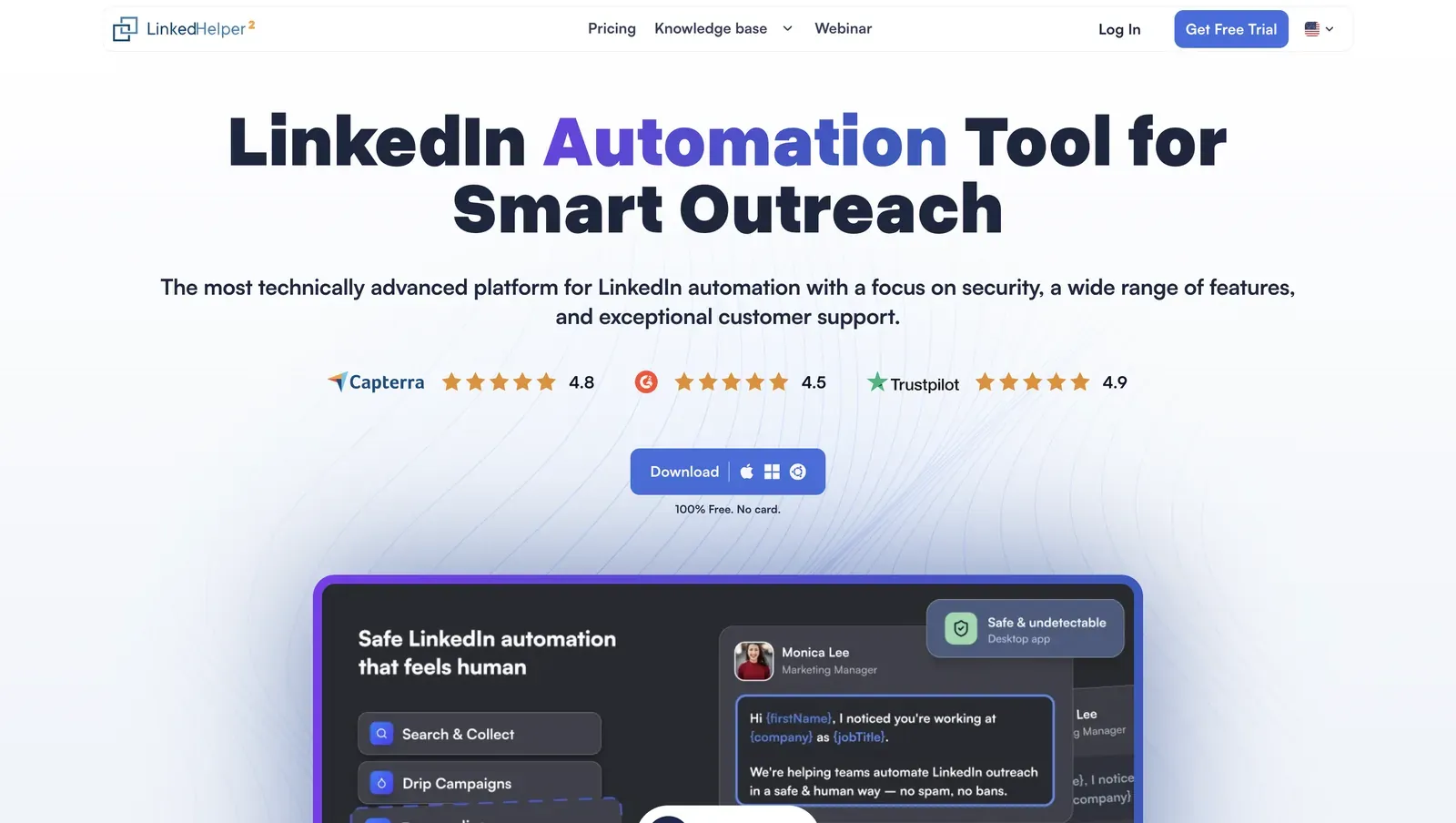
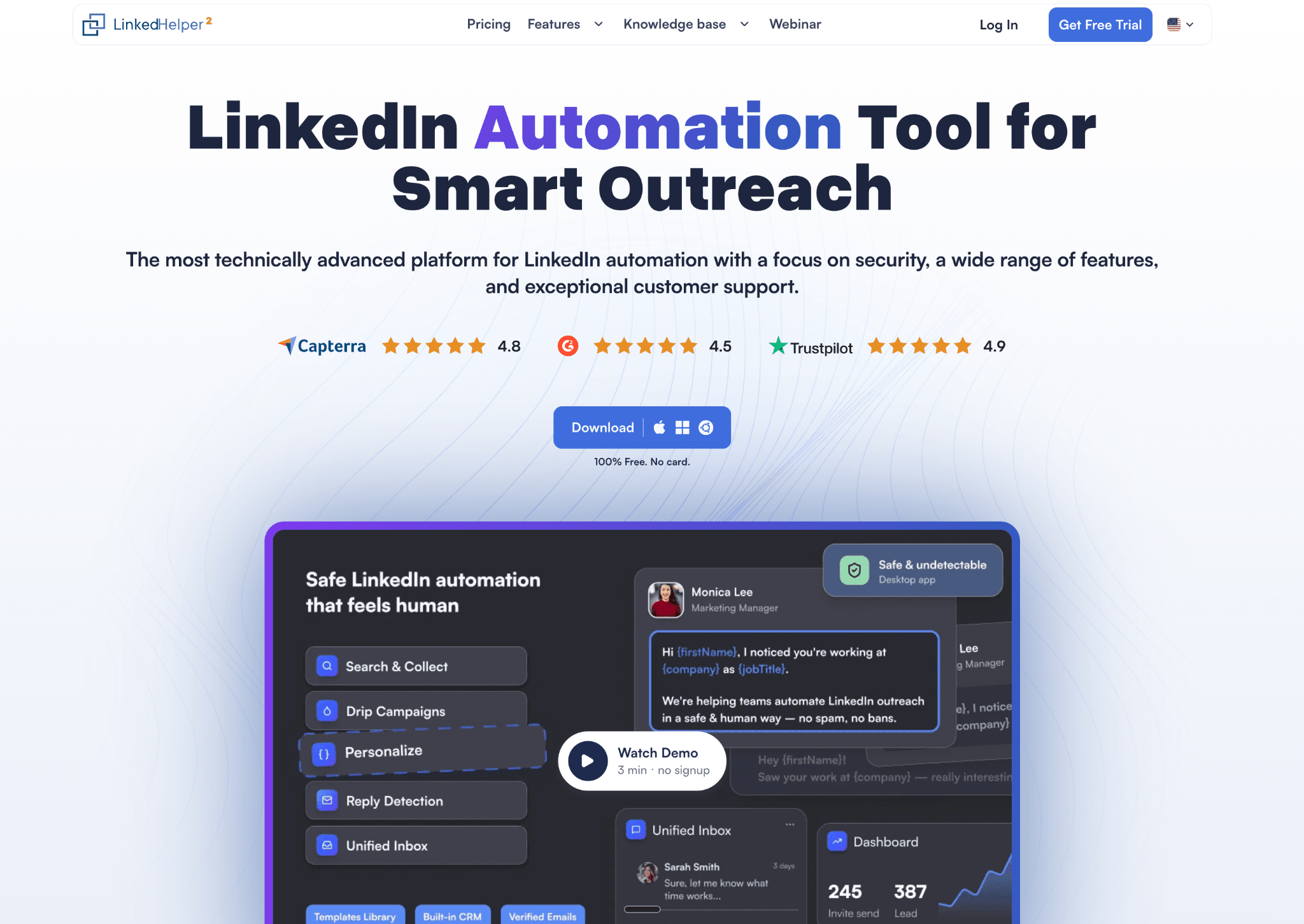
Linked Helper presents its desktop app alongside current third-party rating badges - July 2026
Founded in 2016 and headquartered in Wilmington, Delaware, Linked Helper supports contact discovery, multistep outreach, and CRM sync for one LinkedIn account per license.
The Standard license costs the equivalent of $8.25/month when purchased as a non-renewing 12-month term. The 14-day trial requires no card.
For continuous operation, Web Version provides login-based browser access to a user-managed VPS instance.
Quick facts about Linked Helper
- Founded: 2016
- HQ: Wilmington, Delaware, United States
- Pricing: $15/mo ($8.25/mo equivalent on a 12-month license), 14-day free trial with no card
- G2: 4.56★ (142) · Capterra: 4.9★ (252) · Trustpilot: 4.91★ (431)
- Last 6 months: 4.76★ across 21 reviews — recent satisfaction remains strong; sample too small for a direction claim
- Architecture: Desktop standalone — local or user-managed VPS execution
Vendor pricing and support pages (checked April–June 2026) + G2, Capterra and Trustpilot reviews plus Reddit posts (computed July 2026)
Key Features
- 13-source LinkedIn collection — covers LinkedIn, Sales Navigator, Recruiter, groups, events, post engagement, companies, and relationship lists rather than one search surface.
- AI ICP detection and personalized messages — scores profiles against an Ideal Customer Profile before outreach so weak matches do not consume the weekly invite budget, then generates tailored messages for qualified prospects based on their LinkedIn profile data.
- Contact data enrichment — finds available email addresses, phone numbers, and messenger contacts, with freshness dates that help flag potentially outdated records.
- Profile data enrichment — retrieves up-to-date information about a lead from Linked Helper’s database without revisiting the LinkedIn profile, reducing the number of LinkedIn actions required.
- Company data enrichment — adds information about the company associated with each profile, giving sales teams more context for qualification, segmentation, and personalization.
- Boost Post — automatically leaves comments under LinkedIn posts and articles and mentions targeted profiles, a step none of the compared alternatives offer.
- Employees extractor — feeds a list of company URLs and pulls the specific employees at each, without manually walking each org page or paying for Sales Navigator's people-search.
- 11 native CRM connectors — including ActiveCampaign, Close.io, HubSpot, Instantly, Pipedrive, Salesforce, and Zoho; matches by identifier and fills only empty fields to limit duplicates and overwritten data.
- Instantly campaign handoff — passes LinkedIn non-responders into Instantly, keeping email execution in the specialist tool.
The pattern is breadth: Across 800+ cross-platform reviews, customization, email finding, and CRM handoff recur. G2 alone includes 100+ five-star reviews.