

 Business Use Cases
 Safe Page Growth
 Integrations
Reach Beyond One Admin
- Activate relevant 1st-degree networks across your team
- Reach audiences one employee account cannot cover alone
- Use a separate Linked Helper license for each LinkedIn account
Choose which 1st-degree connections you want to reach. Linked Helper automatically sends native invitations to follow your Company Page—using your filters and staying within LinkedIn’s invitation limits.










 WITHOUT COMPANY PAGE INVITER
 WITH COMPANY PAGE INVITER
 Brand Growth
Build a targeted list from your 1st-degree network, choose who should receive an invitation, and let Linked Helper run the native LinkedIn process automatically.
Start with people already in your network—or find a new audience and connect with them first. Only 1st-degree connections move to the Company Page invitation step.
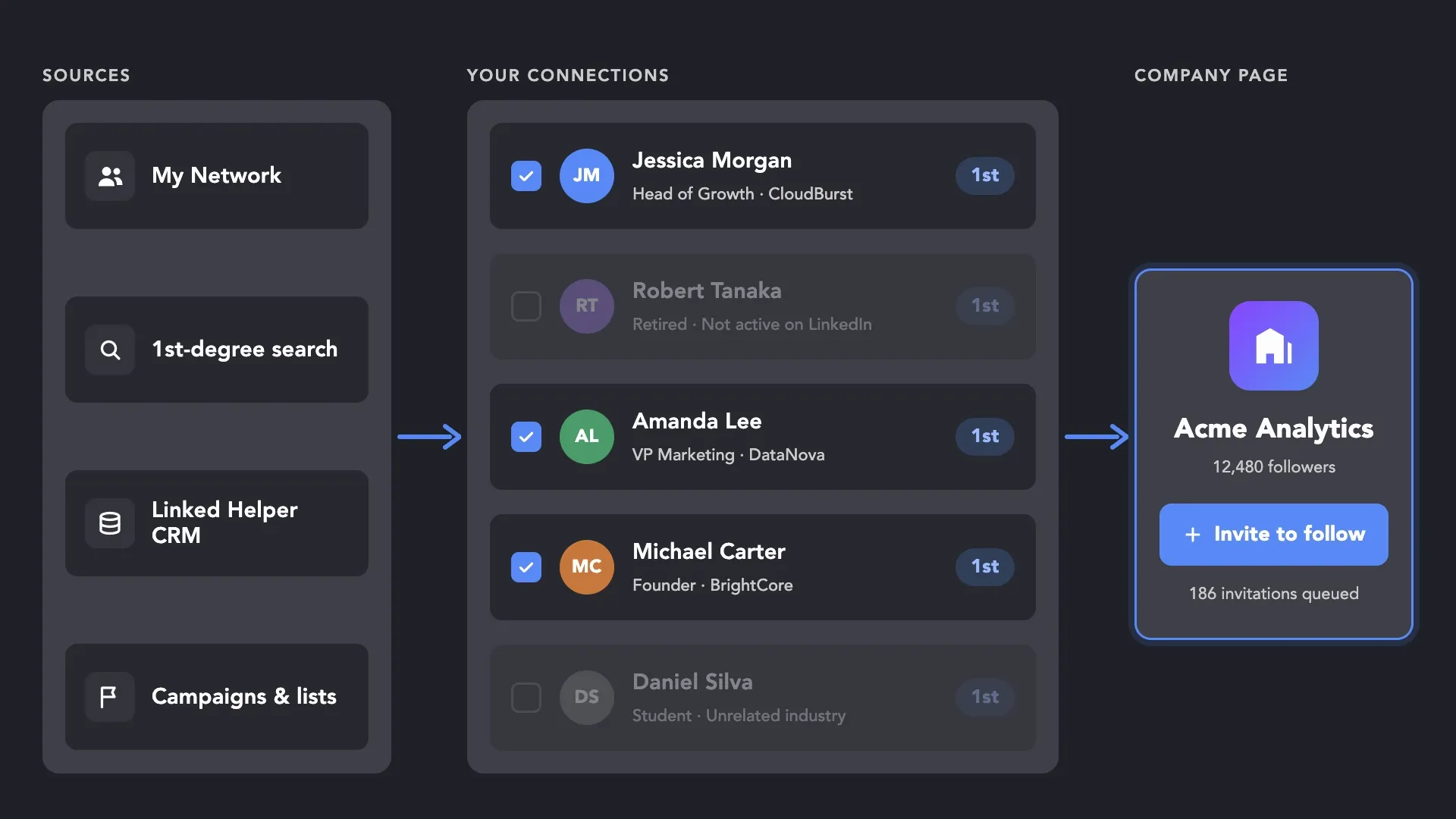
Collect relevant people who are already connected to you, then decide who should receive a Page invitation.
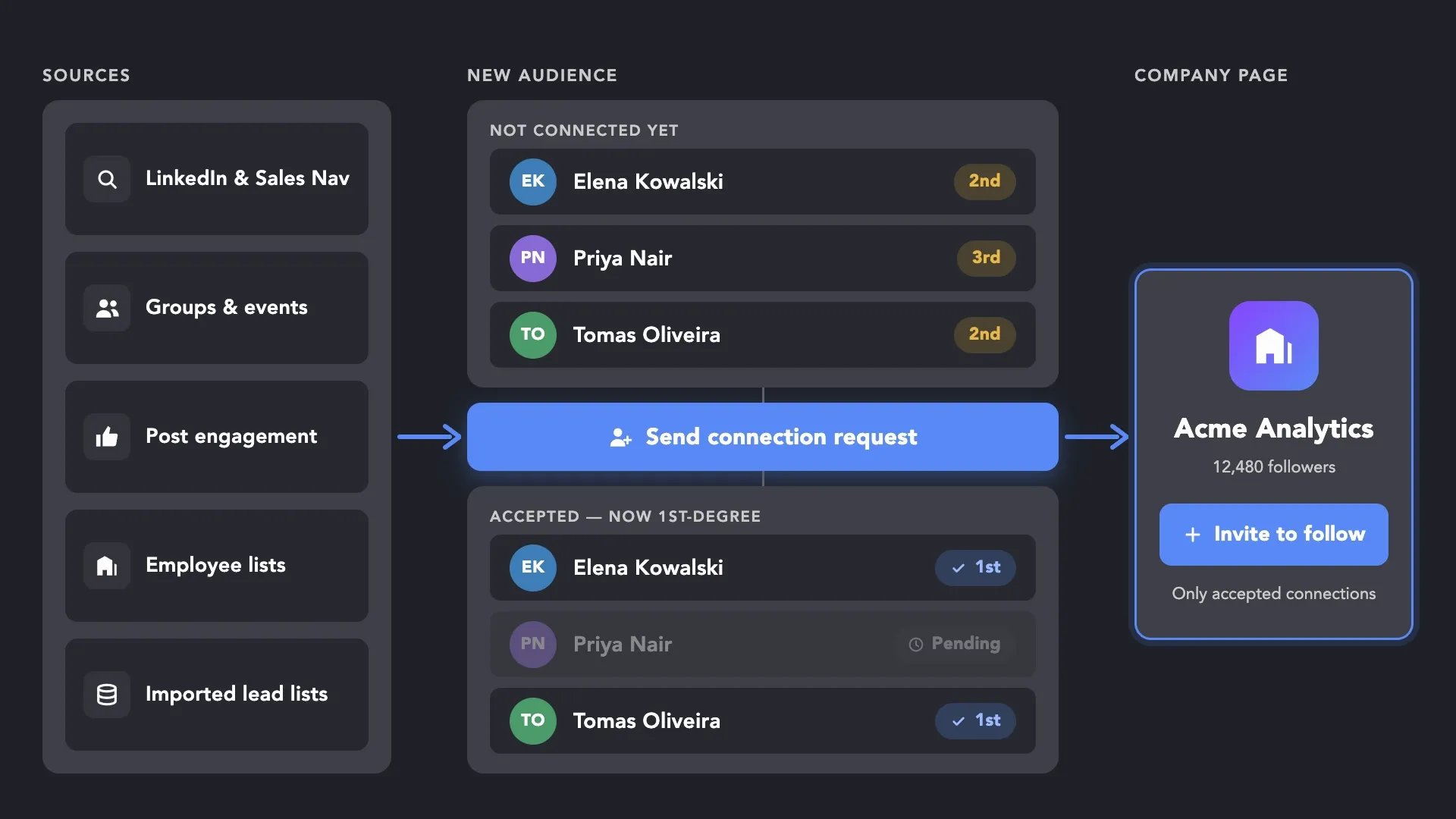
Find relevant 2nd- and 3rd-degree profiles across LinkedIn, turn them into connections, and invite only those who accept.
Run the same Company Page invitation workflow from selected employee accounts and reach relevant connections across leadership, sales, marketing, recruiting, and partnerships. LinkedIn provides the invite action; Linked Helper adds your own audience sources, filtering, AI qualification, exclusion lists, and a complete automated workflow.


Turn your team’s LinkedIn networks into a scalable company page growth engine — without messy coordination, duplicate invites, or overpriced cloud setups.
Build a relevant follower base for the outcomes your company is working toward—from launching a new Page to expanding employer brand and content reach.
Give a new or underdeveloped Company Page its first relevant followers through the existing networks of founders and employees.
Invite relevant professionals to follow your workplace culture, employee stories, hiring news, and open roles.
Build an audience more likely to engage with your industry insights, case studies, company news, and educational content.
Grow a relevant follower base before announcing a new product, entering a market, opening an office, or sharing a major milestone.
Use profile filters or AI ICP Detection to invite connections from a particular industry, location, role, or company type.
Keep customers, partners, prospects, event attendees, and other existing connections engaged beyond a single interaction or campaign.
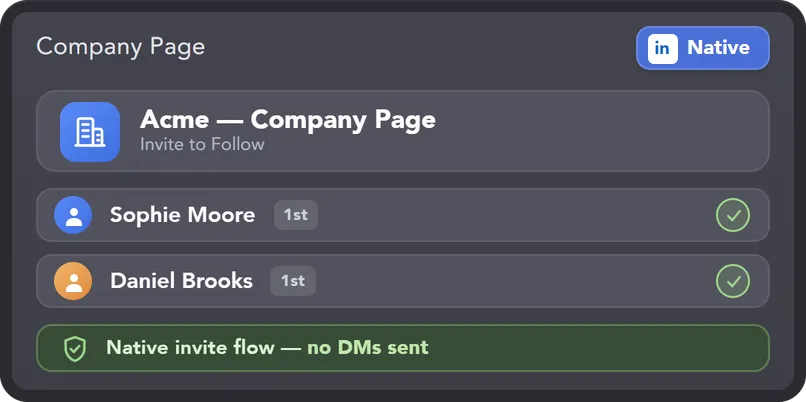
Invite connections through LinkedIn's own native flow — without spammy DMs, wasted invitation credits, or actions that push your account past safe limits.
Linked Helper is verified undetectable by DataDome, Cloudflare, PerimeterX, and 10+ other leading systems, so your AI-driven campaigns run safely 24/7 without triggering LinkedIn algorithms.
 DataDomeCloudflarePerimeterXAkamaiImperva10+ more
Invites are sent through the same native flow your team would use manually — just automated, paced, and easier to control.
Automatically compare each connection with your ideal audience criteria. Profiles that meet your match threshold continue to the Company Page invite, while poor-fit contacts are filtered out before consuming invitation credits.
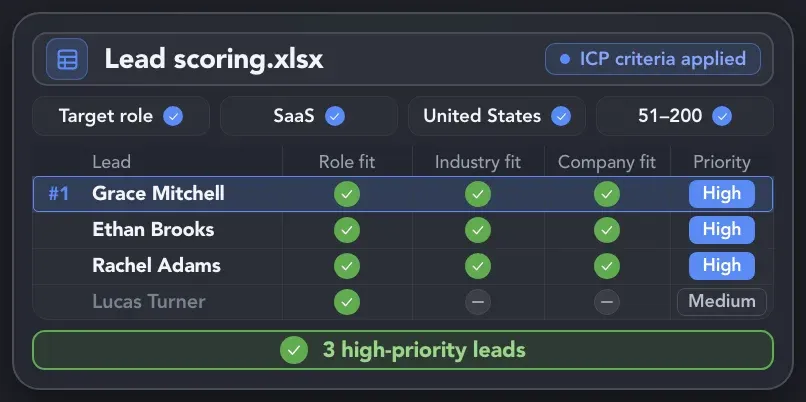
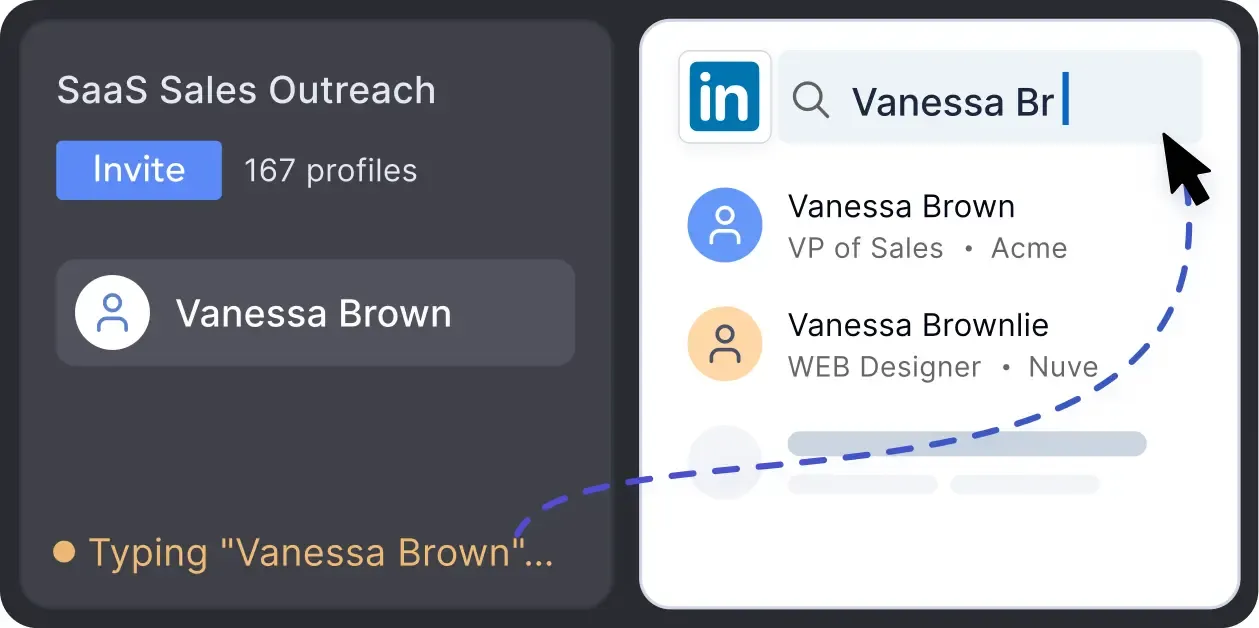
Linked Helper creates activity indistinguishable from a real user. It mimics human clicking, mouse movements, scrolling, and typing.
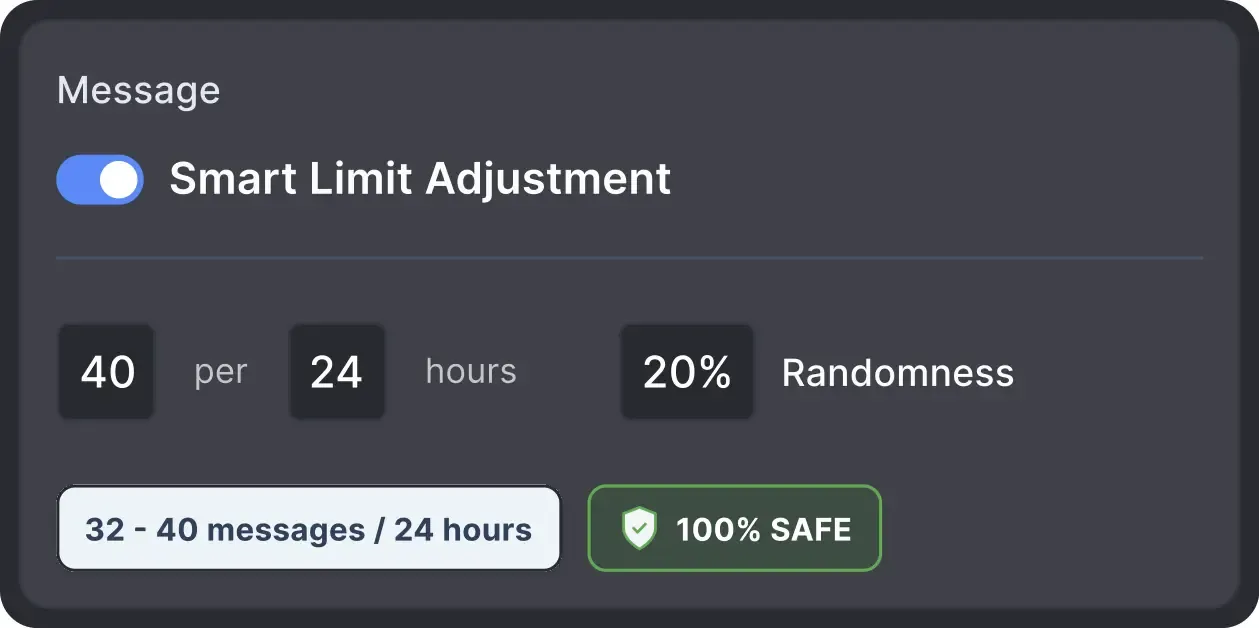
Operates within safe, recommended daily quotas and works on a human-like schedule with random shifts to avoid robotic patterns.
All LinkedIn activity comes directly from your local IP address or dedicated proxy, avoiding a major red flag for LinkedIn.
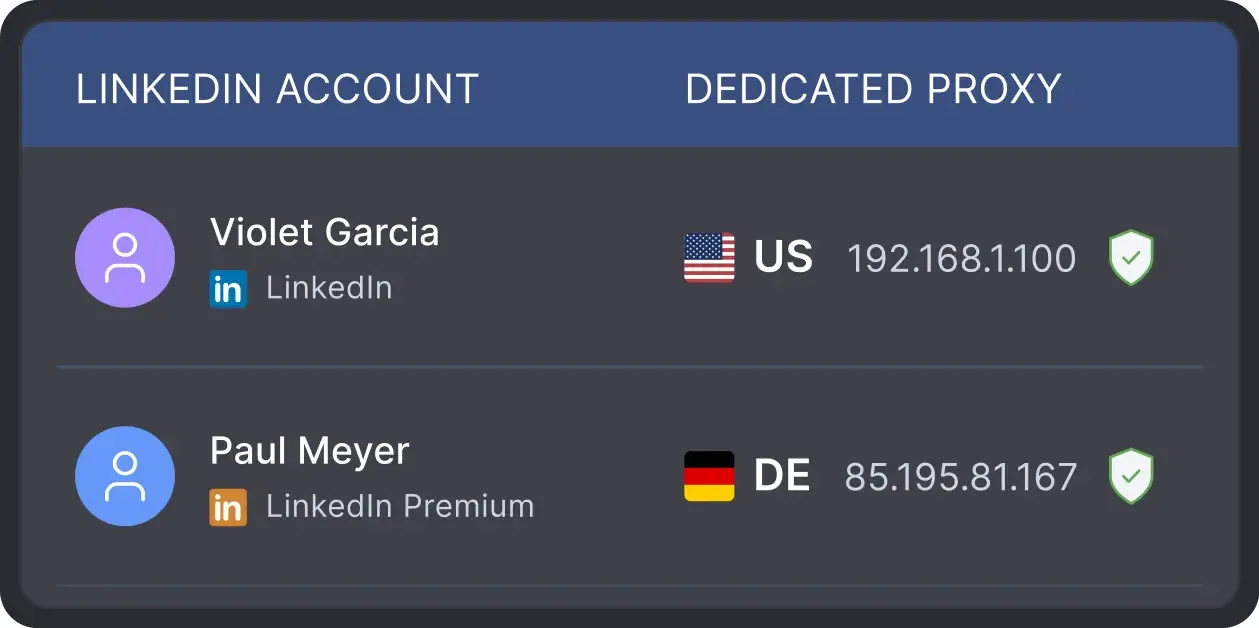
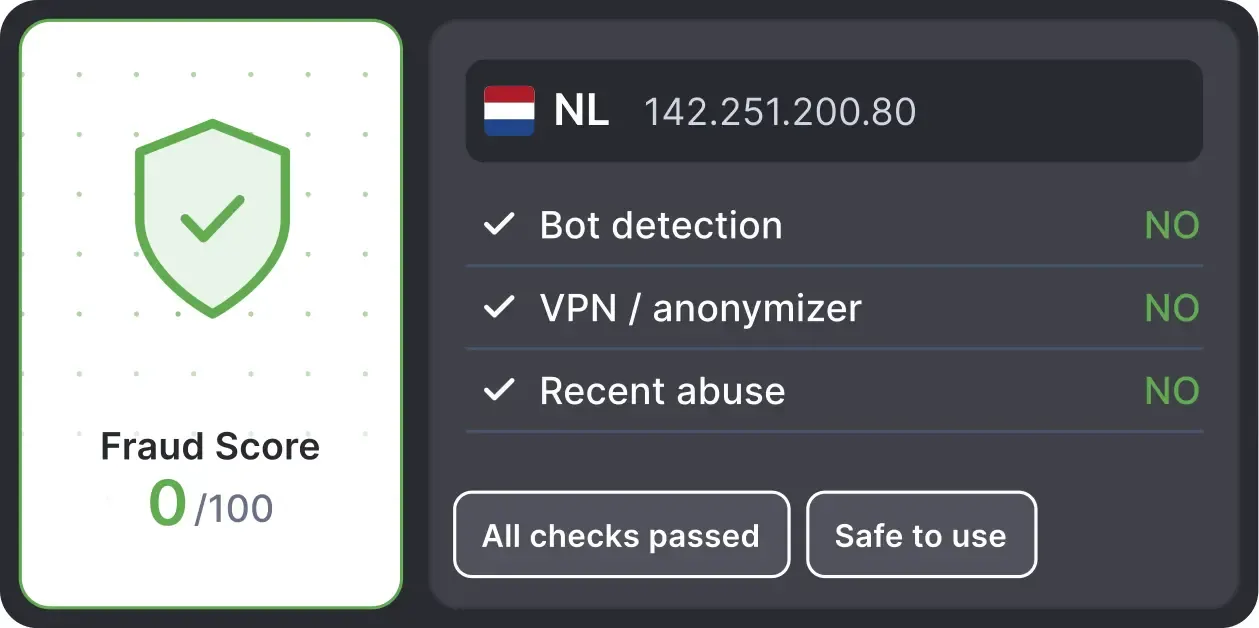
Automatically validates your proxy’s "Fraud Score" to ensure you’re not using a blacklisted IP, protecting your account before the tool even starts inviting.
Effortlessly gather valuable insights from LinkedIn without manual data entry. You can set up a CRM transfer after any step or only after a lead replies to a certain LinkedIn message for maximum precision. Sync LinkedIn chats with CRM so the entire team can view lead responses.














Basic

Premium

Sales Navigator

Recruiter
Basic
Premium
Sales Navigator
Recruiter
Hugh Lorch
Founder of LinkedIn 15X
Now I just click start, and it runs for the day. It’s about 15 minutes of work.
REVENUE GENERATED BY ONE CLIENT IN 45 DAYS
MANUAL OUTREACH WORK REDUCED
SPENT ON LINKEDIN OUTREACH PER WEEK
100+ real testimonials prove Linked Helper as a reliable tool for LinkedIn growth.





One of the standout features is the ability to personalize messages at scale. This has helped me maintain a personal touch in my outreach efforts, which is crucial for building initial connections and engaging prospects effectively. Since incorporating this tool, I've seen a noticeable increase in engagement rates and conversions.

Using Linked Helper now over a couple of months and have to say it works flawlessly. Onboarding new contacts, sending out follow-ups messages... everything is automated once you set it. Just top to increase the network with this tool!
They have workflows ready for most of the use cases you have. Basically, you can automate liking, following, sending connection requests, and message follow-ups without any manual work. You just have to setup the workflow, ingest the leads, and voila it works like magic!

Setting up campaigns is a breeze, and I particularly love that you can target post commenters, engagers, and event attendees. This flexibility really sets LinkedHelper apart. My connection request acceptance rate is impressive, hovering around 20-30%.
I like everything about it: design, native interface, clear structure of work, incredible customization of campaigns and sequences, additional plugins and their fine-tuning... It helps me build a base of targeted contacts, start a dialogue, get interested in services, and, as a result, get targeted leads
This is an excellent product and I would recommend it to everyone. It helps that the tool automatically checks responses/messages and you can define follow up messages. Overall, it's a great tool and easy to use
It's invaluable as a method to extend my outreach and communication within LinkedIn, passively while I get on with other work. It is sensibly paced, doesn't flag any LinkedIn issues or break any parameters, and is like having another person working with me (but a whole lot cheaper).
I’ve been using LinkedHelper for about a year now. It works just like a real human, and I haven’t had any issues with my LinkedIn accounts since I started. I’ve had some bad experiences with other automation tools that got me blocked, but LinkedHelper has been great.
LinkedHelper is the essential part of our sales workflow. Helps our company getting 10-20 client demos each week. I can't recommend enough. It's a must have for any B2B sales team.
Jeff C.
CEO
There is a wide array of support options including videos and a white glove customer support human agent accessible via WhatsApp. It's allowing me to automate my outreach while feeling completely supported.
Review24/7 LIVE CHAT EMAIL
Get a real human response in minutes, not days.
REMOTE ASSISTANCE
If you're truly stuck, we can connect to your screen and guide you.
IN DEPTH KNOWLEDGE BASE
Step‑by‑step tutorials and articles for every feature.
Join our weekly live training for a kick-start, or explore our library of bite-sized guides at your own pace. We provide every resource to help you scale safely.

A 60-minute live walkthrough to kick-start your LinkedIn lead generation. Register now to join live or receive the recording by email even if you can’t attend.
BLOG POST
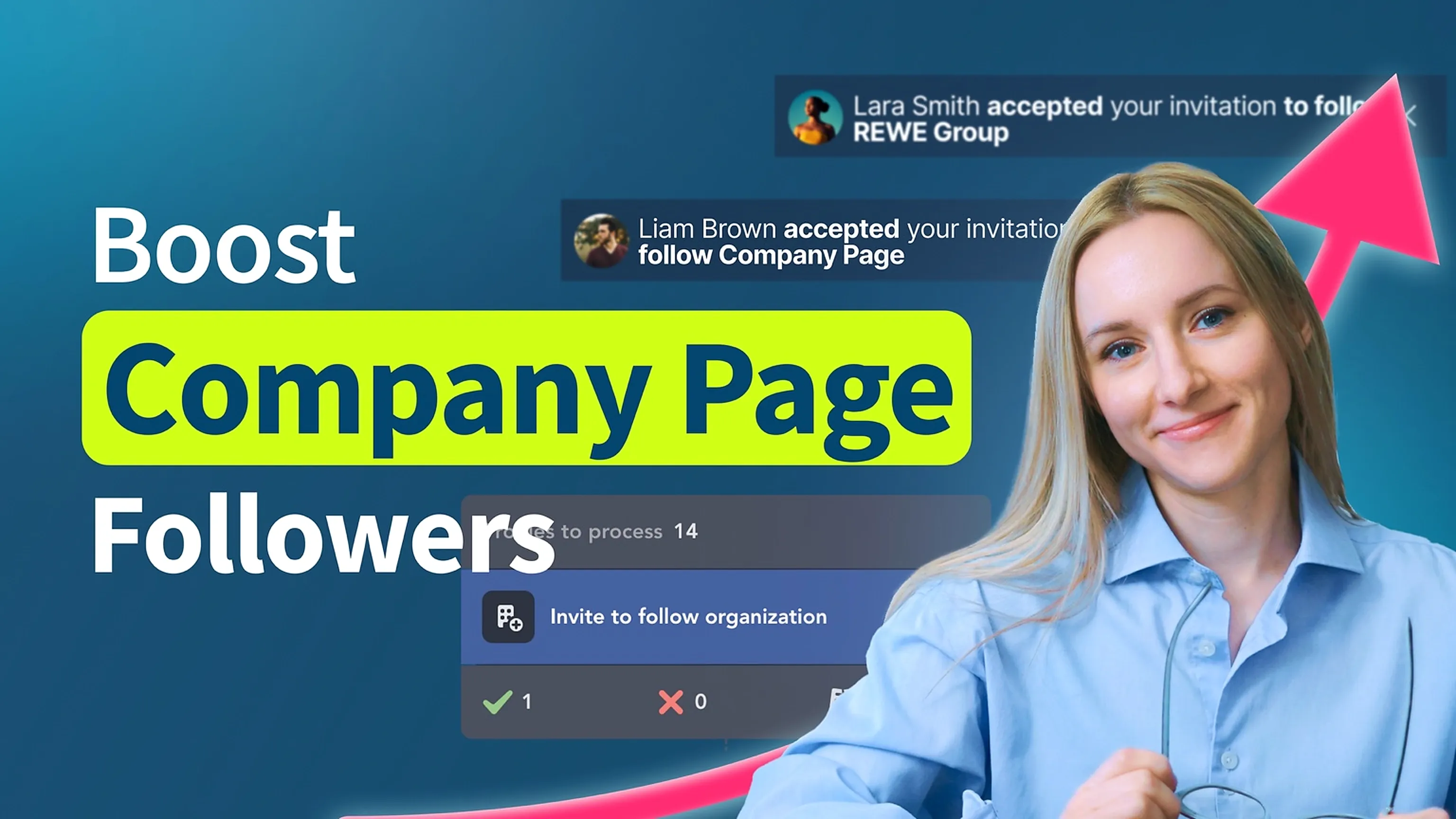
VIDEO TUTORIAL
The Standard plan covers essential automation for everyday outreach. The Pro plan unlocks enterprise-level targeting, integrations, and scale.

All your data stays on your device in local folders you can access directly.

Each account has its own isolated storage - no data mixing.

With outgoing webhooks, Linked Helper can send data to third-party systems.

Data is stored in local folders on your device. No app, no internet required to access your files.

Install the app on a new device and pick up right where you left off.

Share LinkedIn accounts and campaign data without manual exports.
With incoming and outgoing webhooks, Linked Helper can receive data from and send data to third-party systems.

Your data is automatically backed up to the cloud - no risk of losing it if something happens to your device.

Switch devices or reinstall the app without moving files manually.
Local tax may apply
Linked Helper sends the standard Page invitation to eligible 1st-degree connections. The exact invitation options available to you depend on your relationship with the Page, your Page role, and LinkedIn’s current rules and limits.




 Save My Spot