
 Updated: September 8, 2026
 3 min read
LinkedIn AI is the suite of machine-learning and generative models that power the platform. These models rank your feed, match jobs, draft messages, and help polish your profile.
What LinkedIn AI Does
Recruiters, marketers, and business owners use these tools to work faster while keeping outreach personal.
- Job matching – AI‑Assisted Search sessions see an 18% higher InMail acceptance rate vs. manual filters.
- Content suggestions – The feed recommends posts based on skills, intent signals, and past engagement.
- Smart replies & messages – AI‑Assisted Messages lift InMail acceptance by 40–44% compared to non‑AI messages, and 74% of charter customers say they save time.
- Profile optimization – The "Write with AI" feature drafts the "About" and "Headline" sections in seconds (select Premium subscribers), and "Rewrite with AI" helps refine Experience entries.
- Campaign targeting – Predictive models pick audiences and set bids inside Campaign Manager.
How Does LinkedIn AI Work?
The process works in three steps.
- Input – Add a job spec, draft note, or ad audience.
- Processing – Models compare your input against the Economic Graph (nearly 1.3B members, 69M companies, 41K skills).
- Output – You receive ranked shortlists, ready-to-send copy, or targeting insights you can accept or tweak.
Practical ways to activate AI on LinkedIn right now:
- Drop a full job description into Recruiter's AI-Assisted Search to generate a talent shortlist.
- Use AI-Assisted Messages to personalize a message template before bulk-sending.
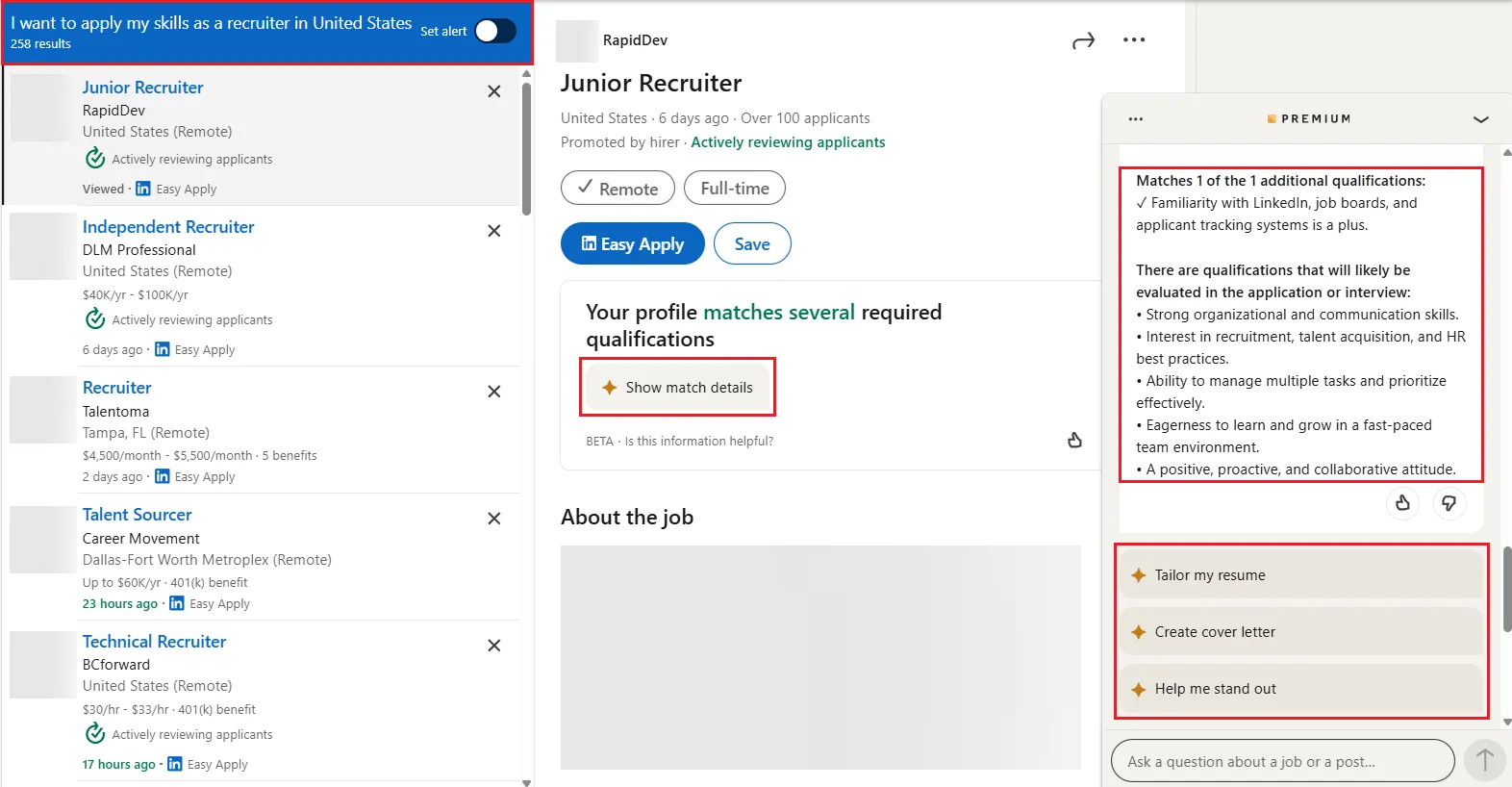
- Use "Write with AI" to draft your profile summary (Premium feature).
- Use native scheduling and test different send times; consult external research for optimal posting windows (find out more about optimal posting strategies here).
Best Practices
- Stay human. Always review drafts for tone and accuracy.
- Feed good data. Clear job ads and keyword-rich profiles improve results.
- Monitor metrics. Track open rates, applicant quality, and time saved.
- Respect privacy. Never paste confidential data into prompts.
- Refresh skills. Members with five or more skills get up to 17x more profile views and up to 33x more messages.
- Set clear goals. Decide whether you want more leads, faster hires, or higher engagement before turning features on.
- A/B test copy. Compare one AI-generated message against another to see which resonates.
- Rotate prompt libraries. Update templates quarterly to keep outreach fresh.
- Revisit job posts. Adding skills to job posts improves view-to-apply by 11%; 91% of U.S. job seekers say seeing a salary range affects their decision to apply.
Bonus Tips
- Block ten minutes weekly to update prompts. Small tweaks keep outputs fresh.
- Pair insights from LinkedIn AI with Live events or newsletters for extra reach.
- Test Accelerate in Campaign Manager; many users build full-funnel ads in under five minutes.
- Save a warm-lead search and use Automated Follow-Ups (3–28 days) to nudge non-responders.
- Recruiters and marketers can automate parts of outreach and workflow to spend more time on conversations that matter.
Used well, these tools handle repetitive tasks so you can focus on building actual relationships.