

 Step-by-Step Campaign Automation
 Organize Once, Reuse Across Campaigns
 Multi-Campaign Management
 Know What Drives Results
 Continue Nurture Beyond LinkedIn
 Integrations
 Safe LinkedIn Automation
CMOs & Marketing Leaders
Turn LinkedIn into a scalable channel without losing visibility, brand control, or account oversight.
Build and segment LinkedIn audiences, run connected campaigns, and move engaged contacts into email and CRM workflows — while keeping team access, brand communication, and account activity under control.










 WITHOUT LINKED HELPER
 WITH LINKED HELPER
 Momentum Carries Forward
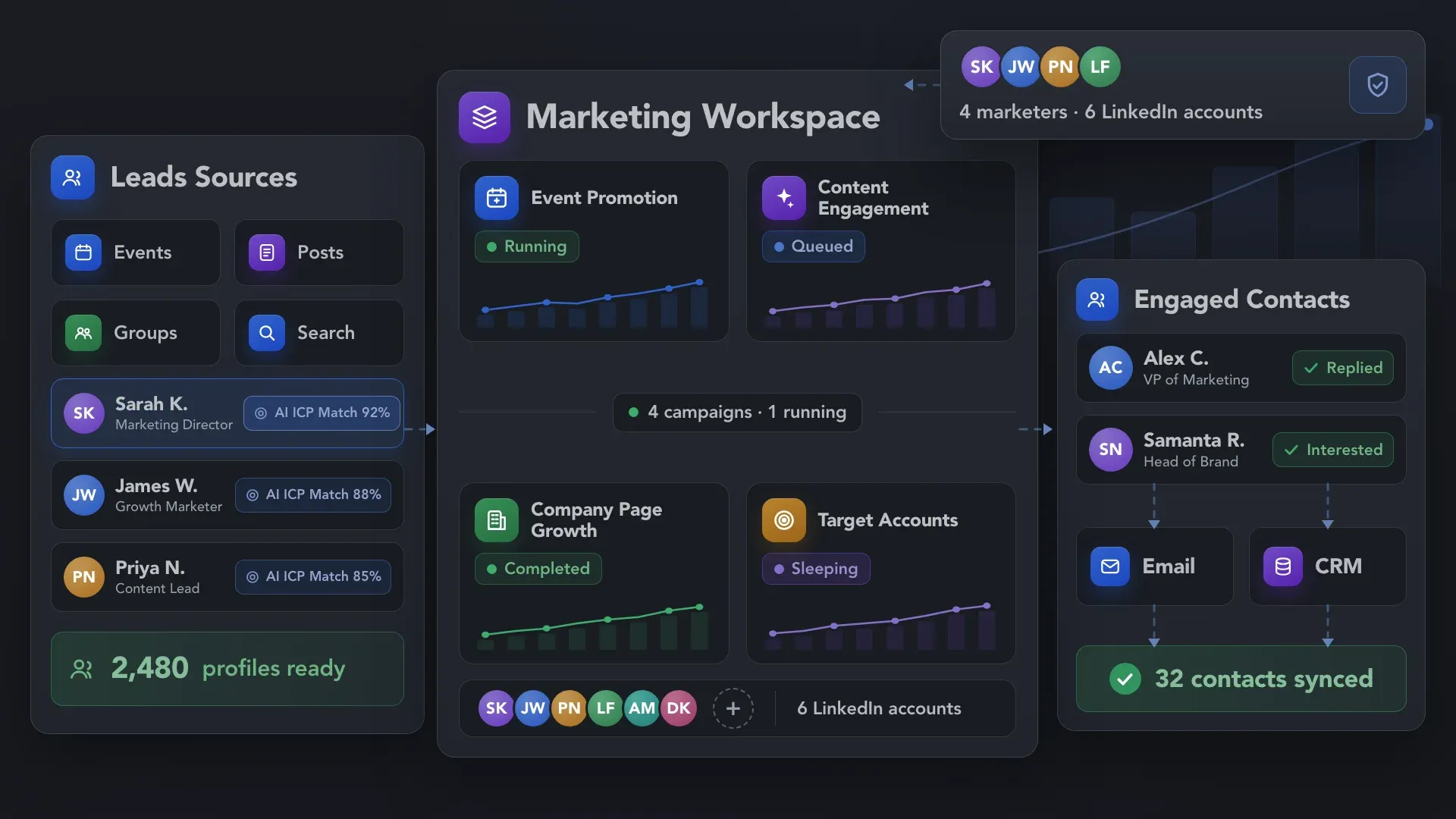
Linked Helper brings strategy, demand generation, event marketing, community growth, and campaign operations together in one LinkedIn marketing automation platform.


Bring profiles together from across LinkedIn, complete the data needed for targeting, and use AI to identify the contacts worth moving into your campaigns.
Collect or import profiles from 12+ source types, including LinkedIn Search, Sales Navigator, Events, Groups, post engagement, your existing network, and CSV files. Bring audiences from different LinkedIn touchpoints into one place instead of rebuilding lists for every campaign.
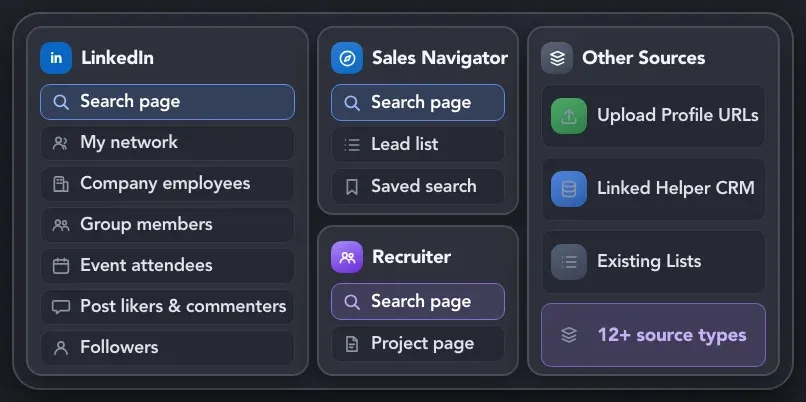
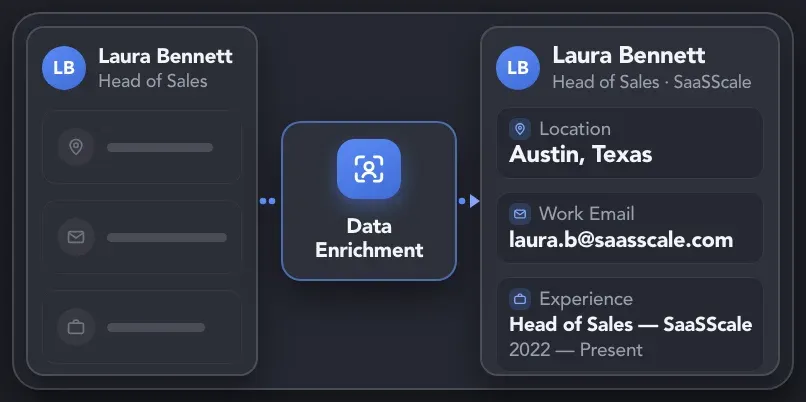
Complete each contact record with relevant profile, role, company, experience, location, and other available data. Use Data Enrichment or Visit & Extract Profiles to get enough context for accurate qualification and targeting.
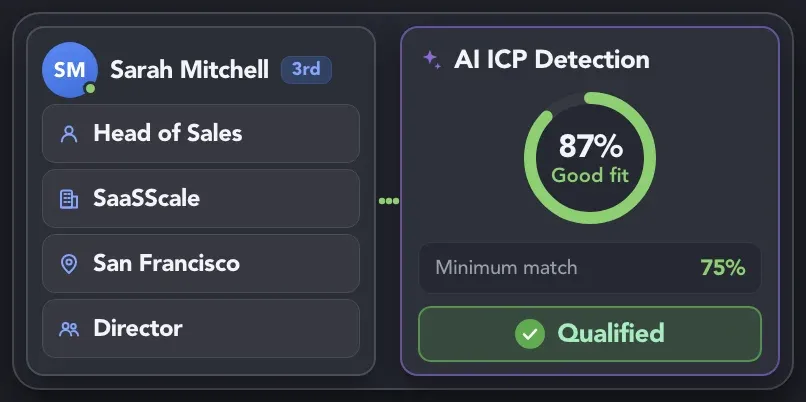
Describe your Ideal Customer Profile in plain language and let AI ICP Detection evaluate how closely each contact matches it. Set a minimum match level so qualified profiles continue to the next campaign step while poor-fit contacts are filtered out.
Connect audience preparation, engagement, nurture, and handoff in one workflow. Linked Helper then moves contacts through each step automatically.
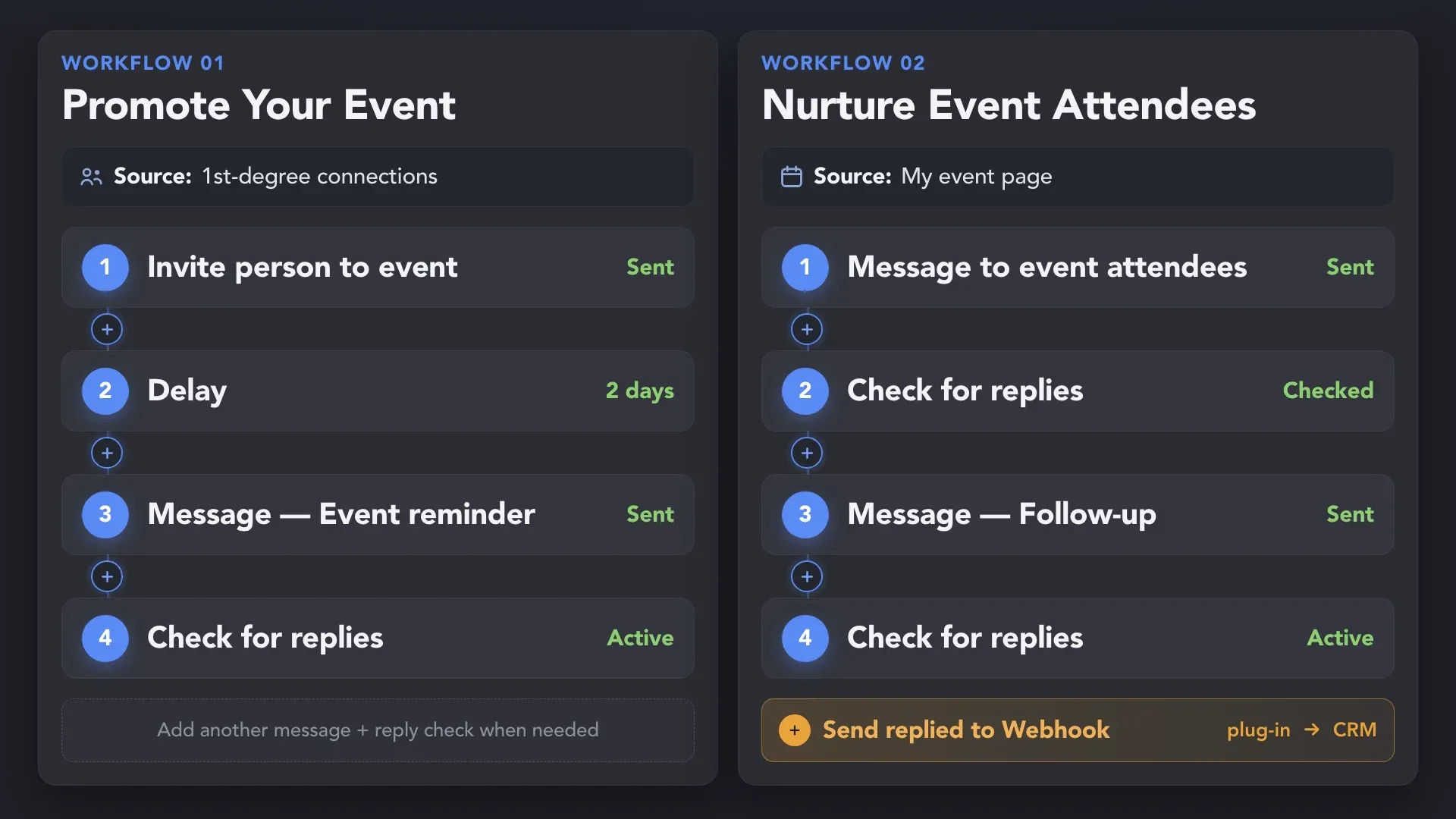
Invite relevant 1st-degree connections to your LinkedIn event and nurture attendees—including 2nd- and 3rd-degree contacts—with follow-ups that stop when they reply.
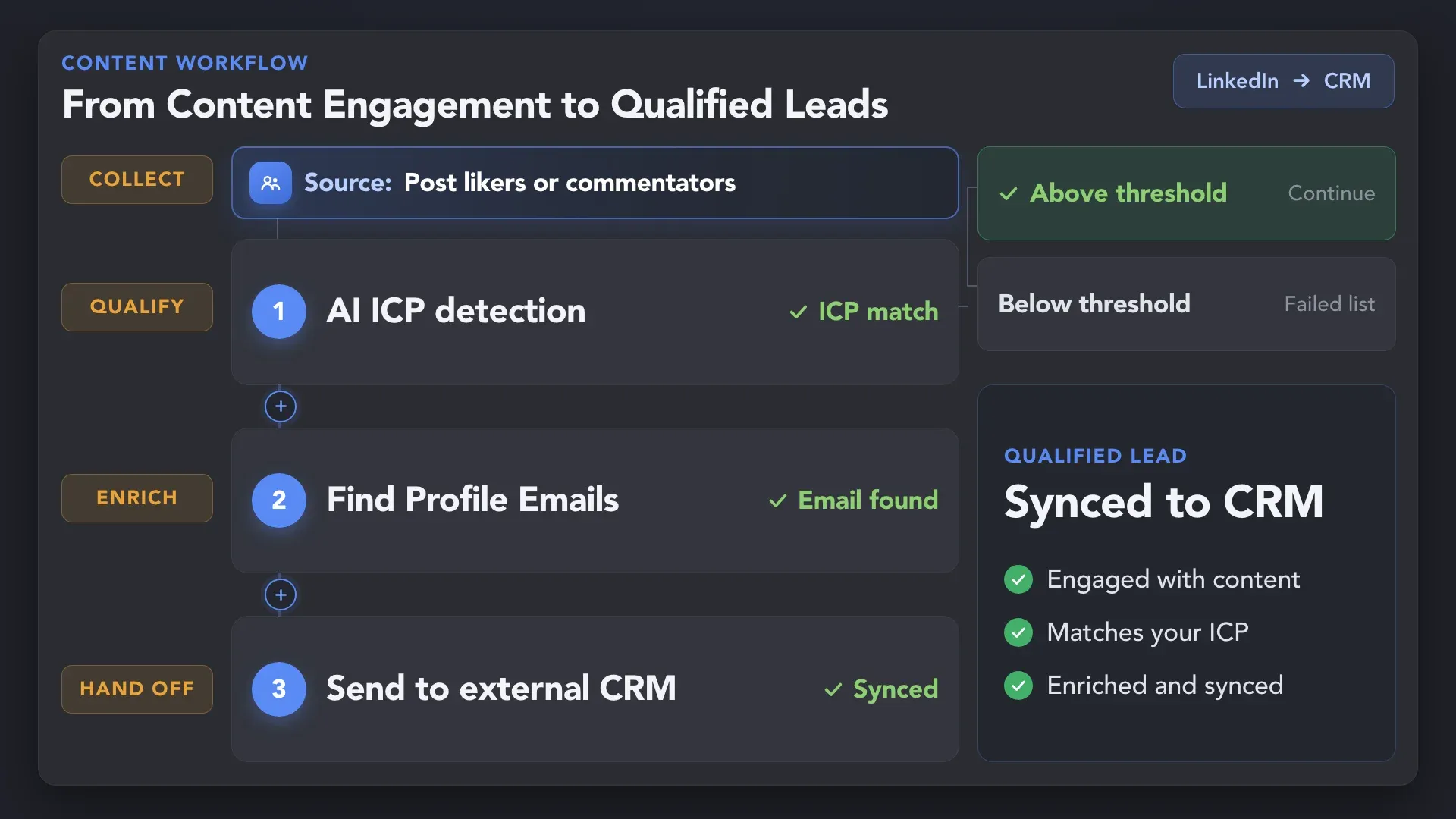
Collect people who engage with your LinkedIn content, identify ICP matches, enrich their profiles, and pass qualified leads to your CRM.
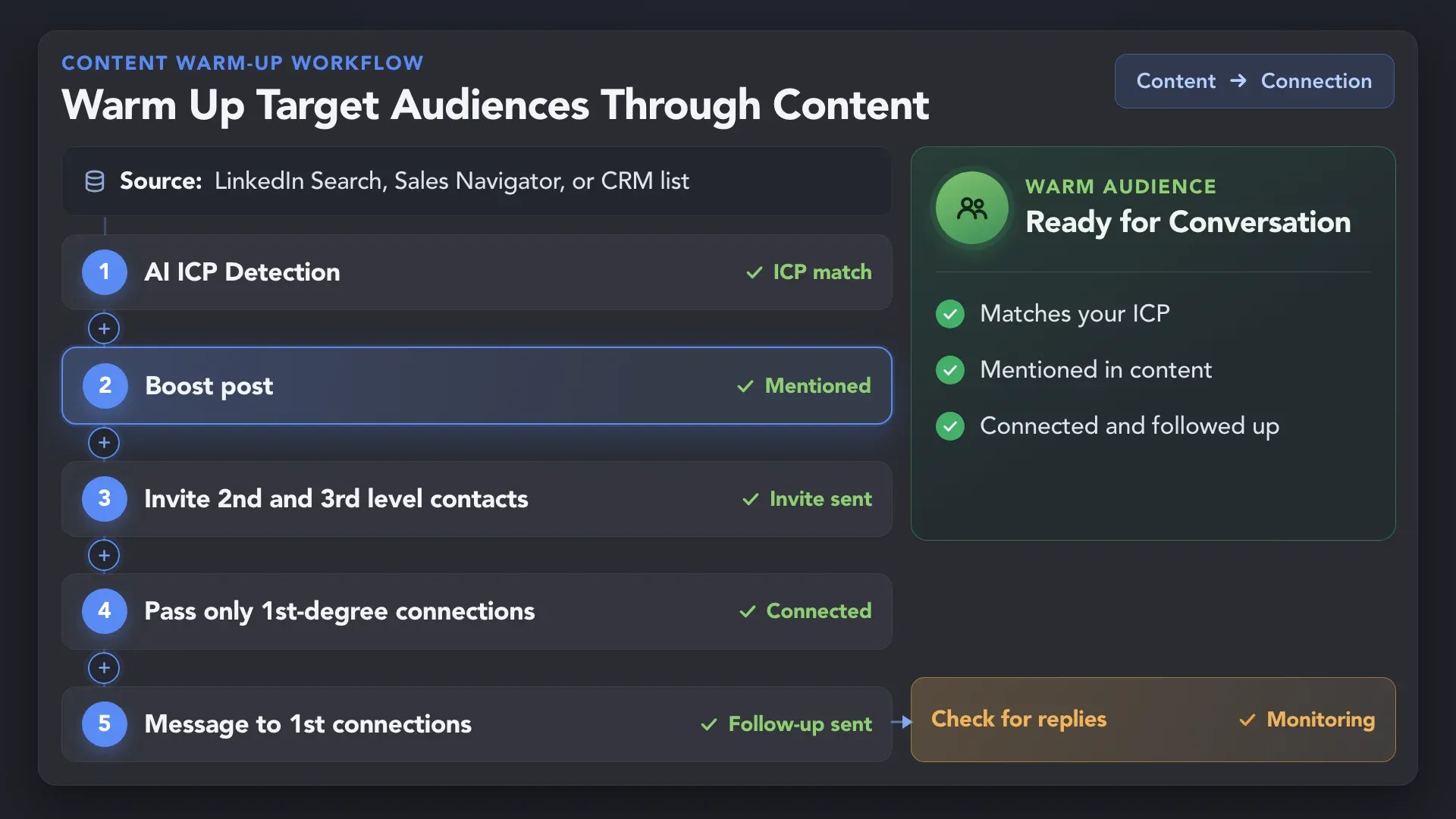
Bring relevant prospects to your LinkedIn content with targeted mentions, then connect and follow up while your brand is still familiar.
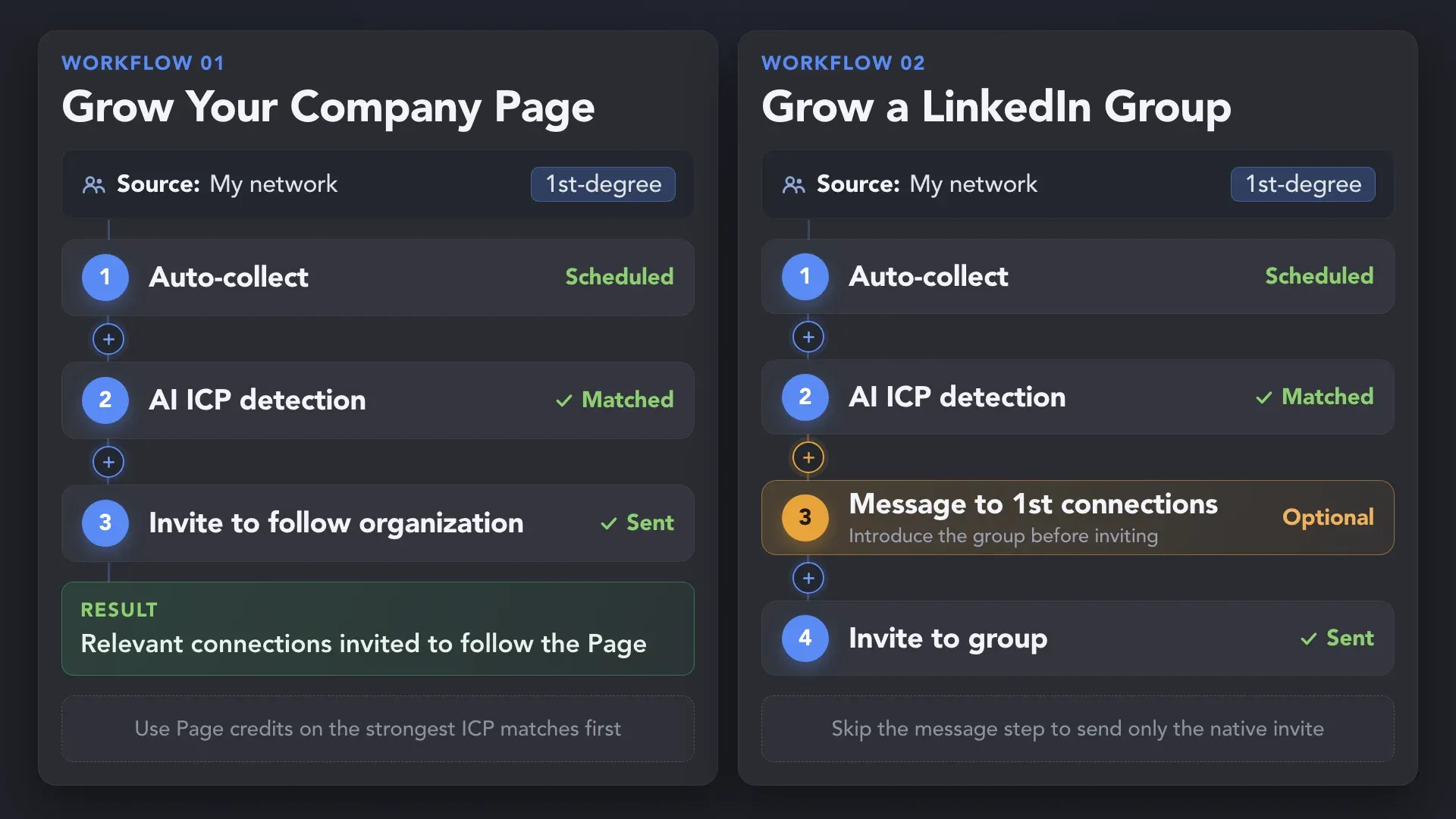
Qualify your 1st-degree connections, then automatically invite the right people to follow your Company Page or join your LinkedIn Group.
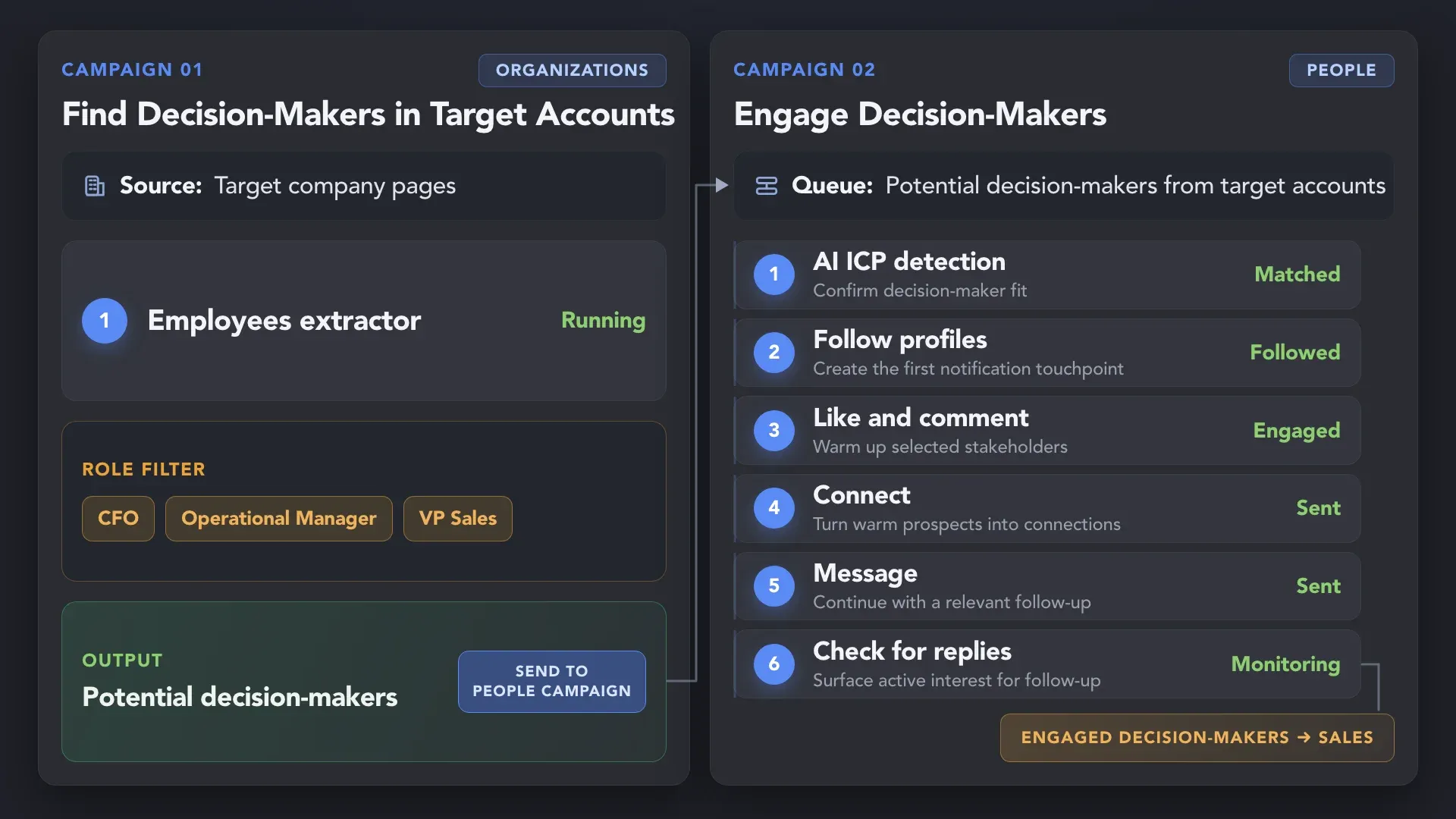
Find and qualify the right stakeholders within target companies, warm them through coordinated LinkedIn touchpoints, and surface replies for sales follow-up.
Invite relevant 1st-degree connections to your LinkedIn event and nurture attendees—including 2nd- and 3rd-degree contacts—with follow-ups that stop when they reply.

Connected LinkedIn workflows help marketing teams grow audiences, increase engagement, and generate qualified opportunities. Explore their stories and the workflows behind the results.
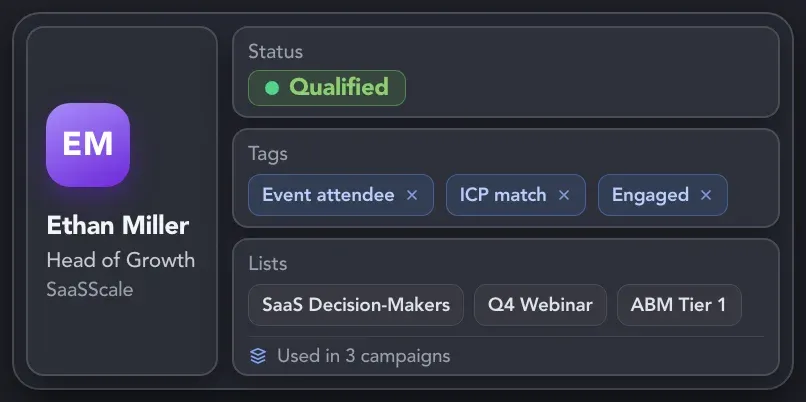
Store contacts from every campaign in the built-in CRM, group them with tags and lists, and reuse the right audiences without rebuilding them from scratch.
Use Linked Helper CRM, tags, lists, and filters to organize contacts by audience, campaign, ICP, or status.
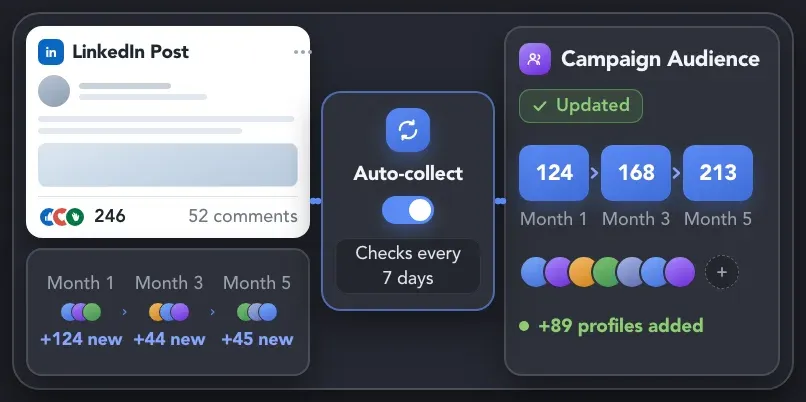
Automatically collect new profiles from selected LinkedIn sources at scheduled intervals and add them to the relevant campaign—without restarting collection manually.
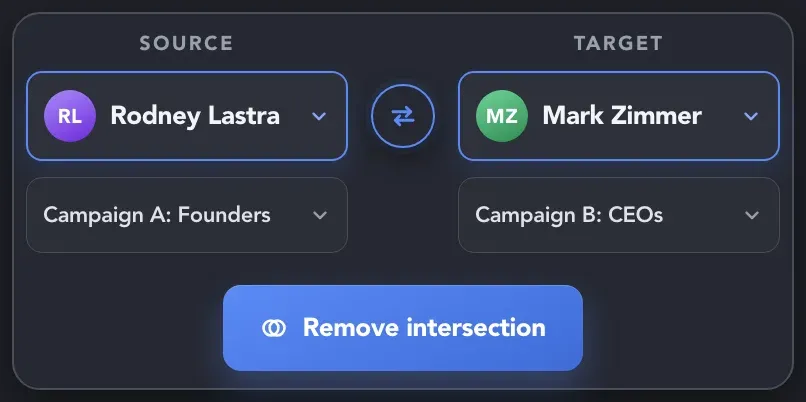
Use exclusions and List Manager to keep customers, employees, previously contacted profiles, or other protected groups out of selected campaigns.
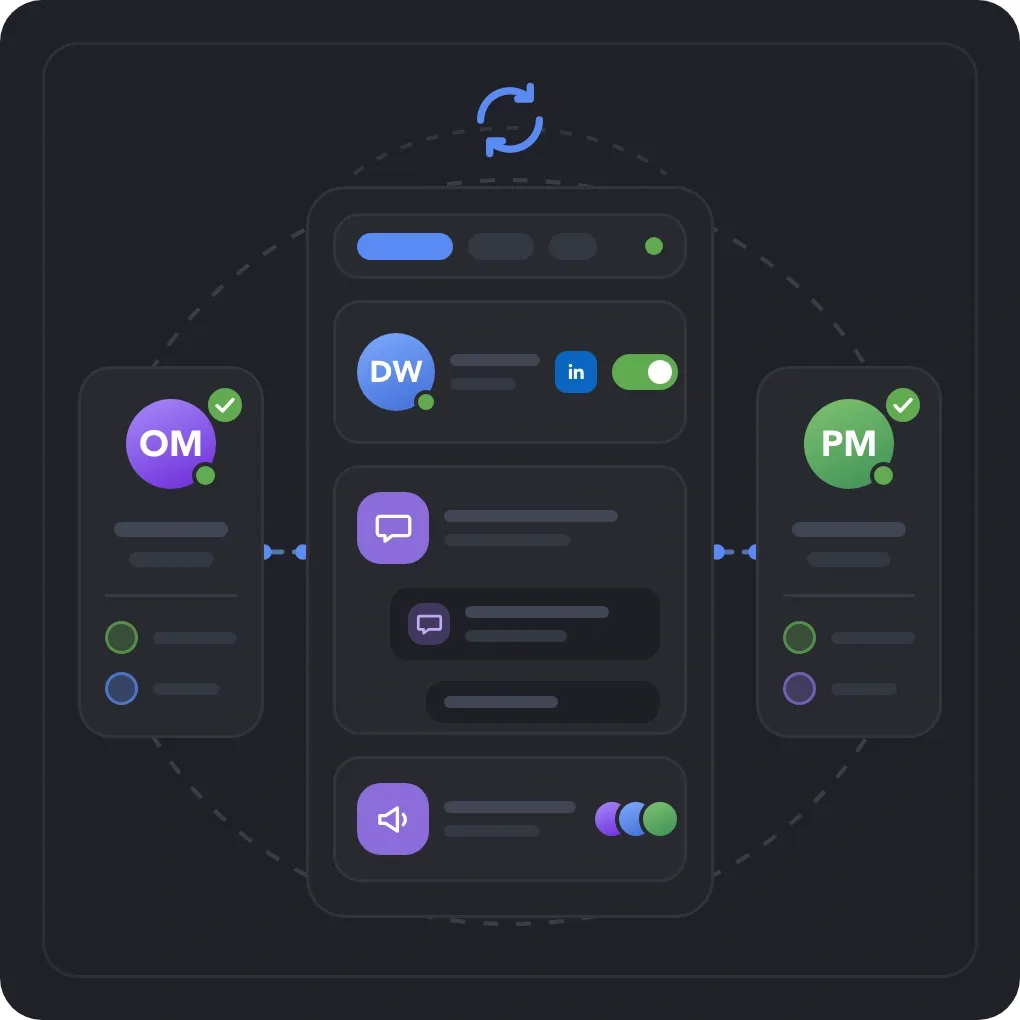
Store CRM records, message history, lead statuses, and campaign data in cloud-based storage version so work can continue across devices, accounts, and handoffs.
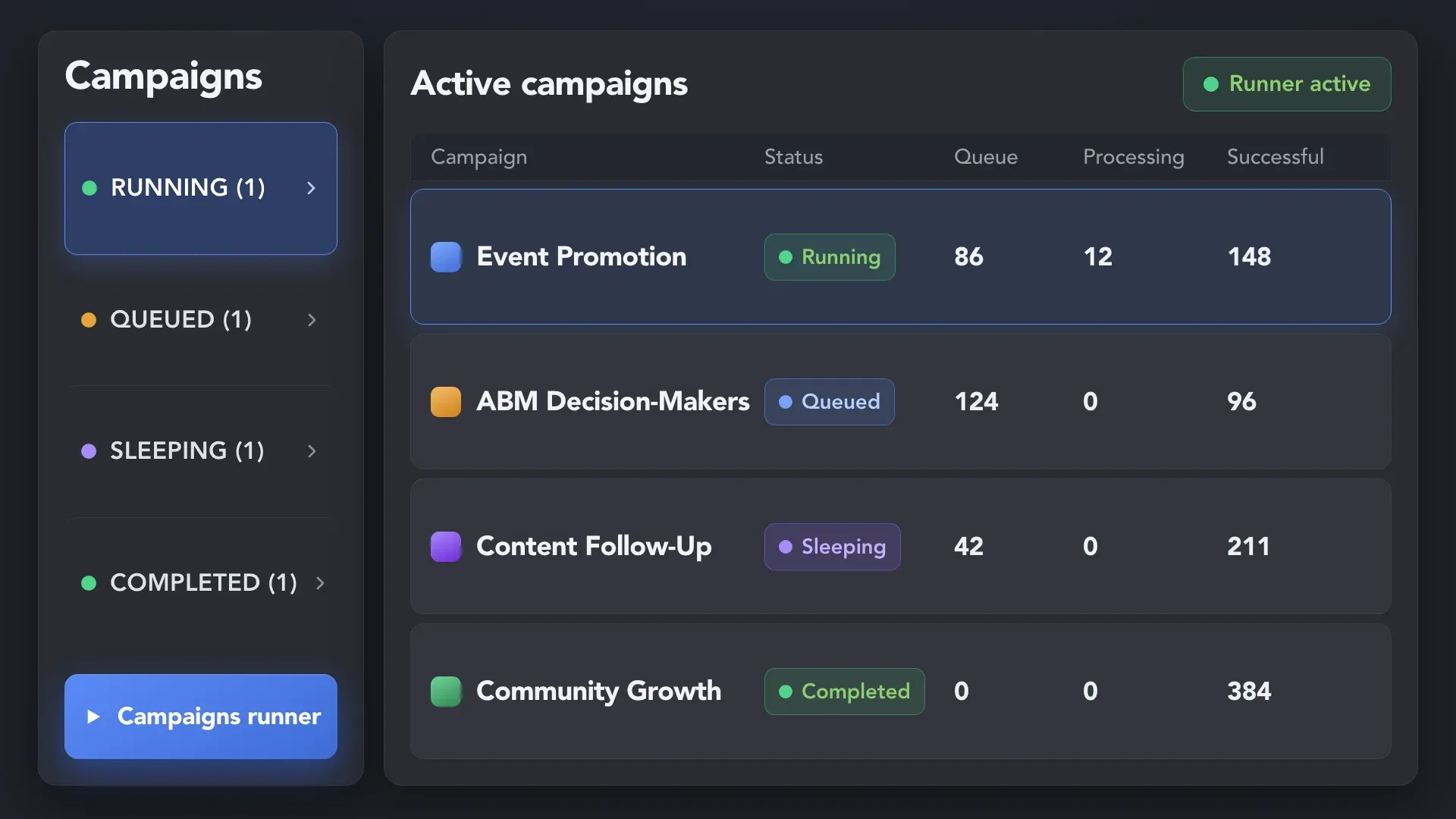
Keep multiple campaigns active, monitor their performance from one place, and let Linked Helper switch between them automatically when a campaign is waiting or reaches its action limits.
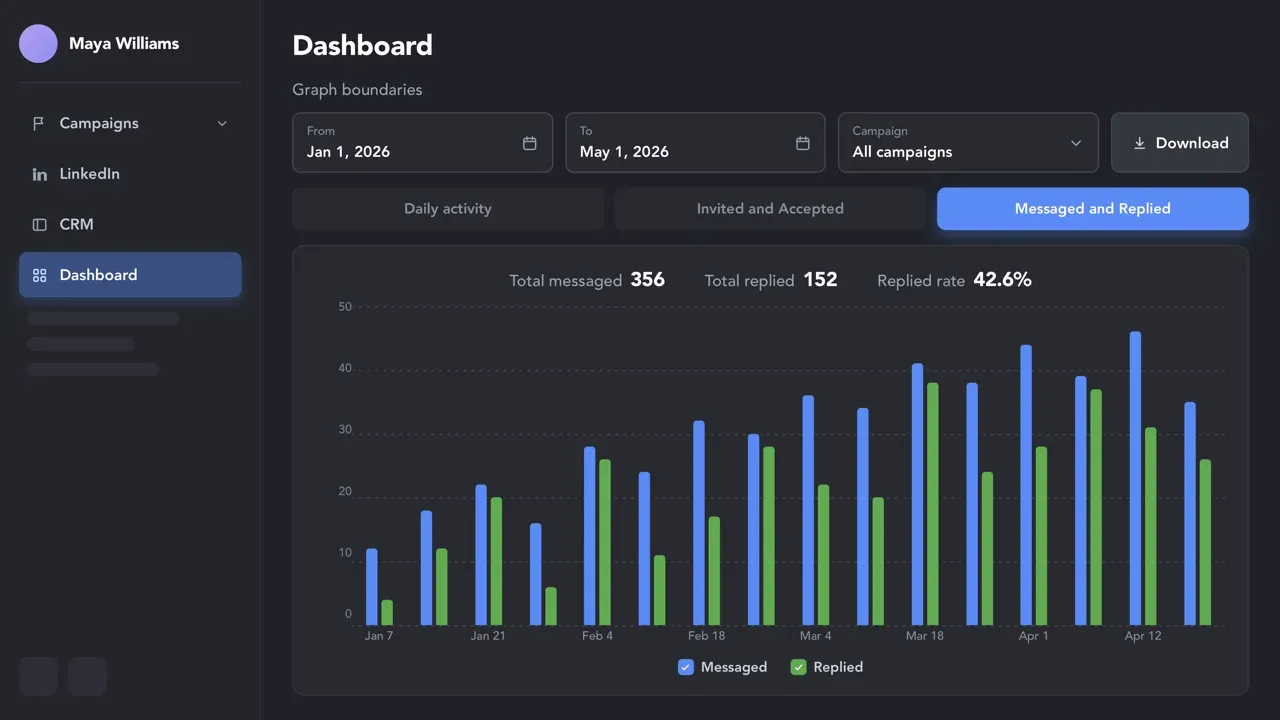
Compare daily activity, acceptance rates, and reply rates across all campaigns or a selected campaign and time period. Identify what performs best, improve what doesn’t, and download the data for reporting.
Keep qualified contacts moving — without losing the data, context, or momentum created on LinkedIn.
Find profile emails inside the workflow and send selected contacts directly to an email campaign in Instantly or Snov.io when email follow-up is the right next step.
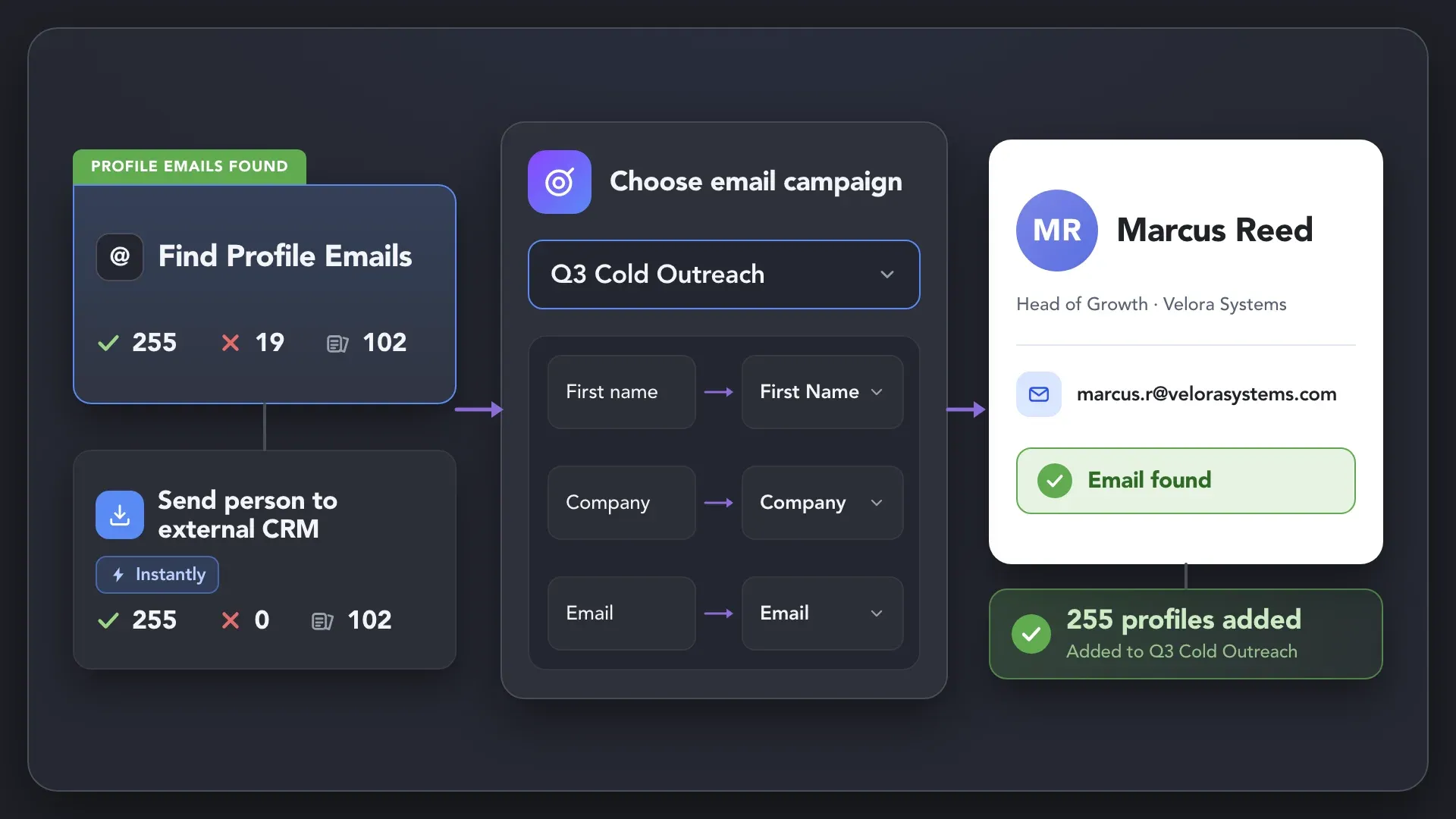
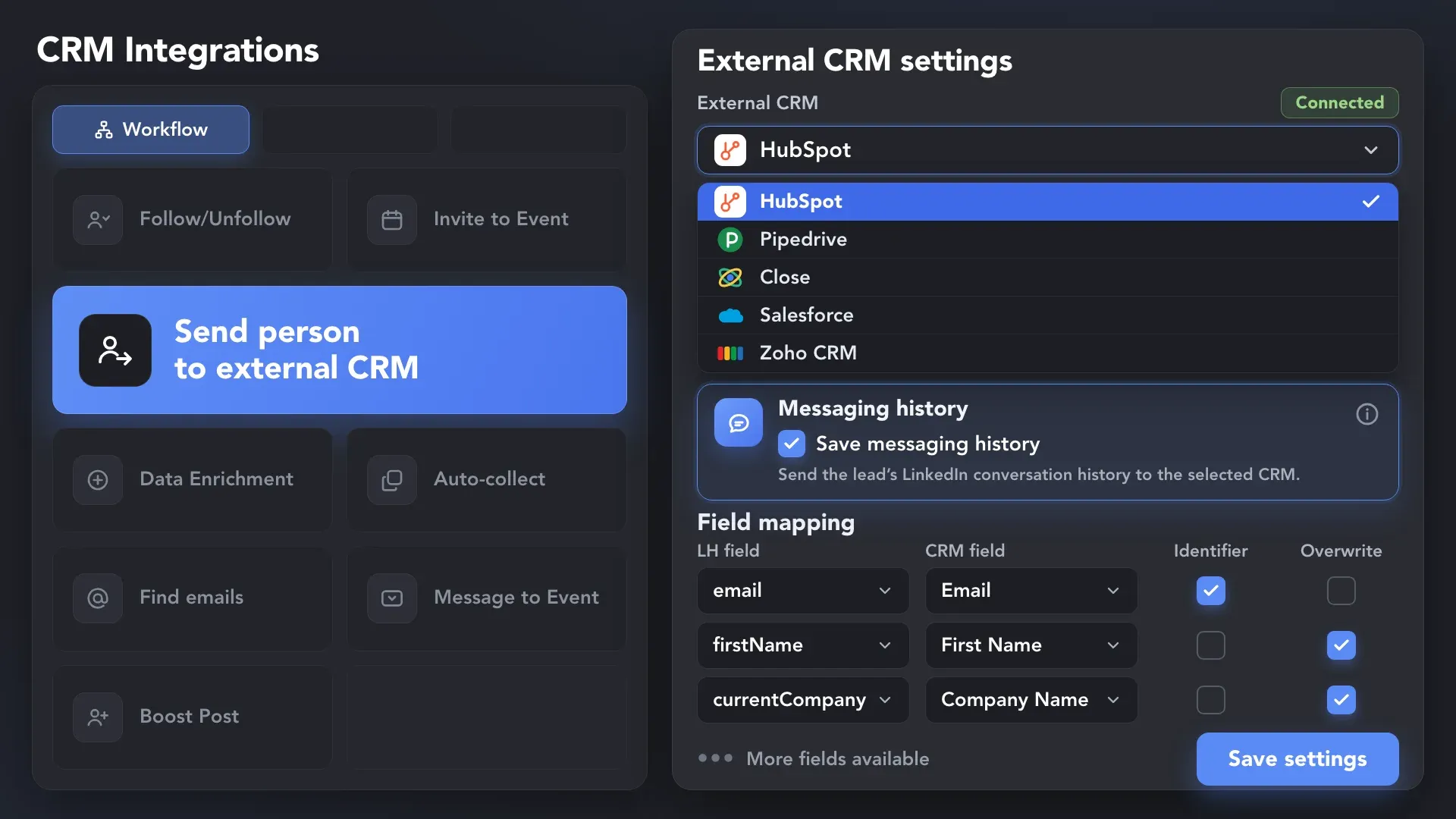
Create or update CRM records with the profile, company, and campaign data behind each qualified contact — so sales can follow up without piecing it together manually.
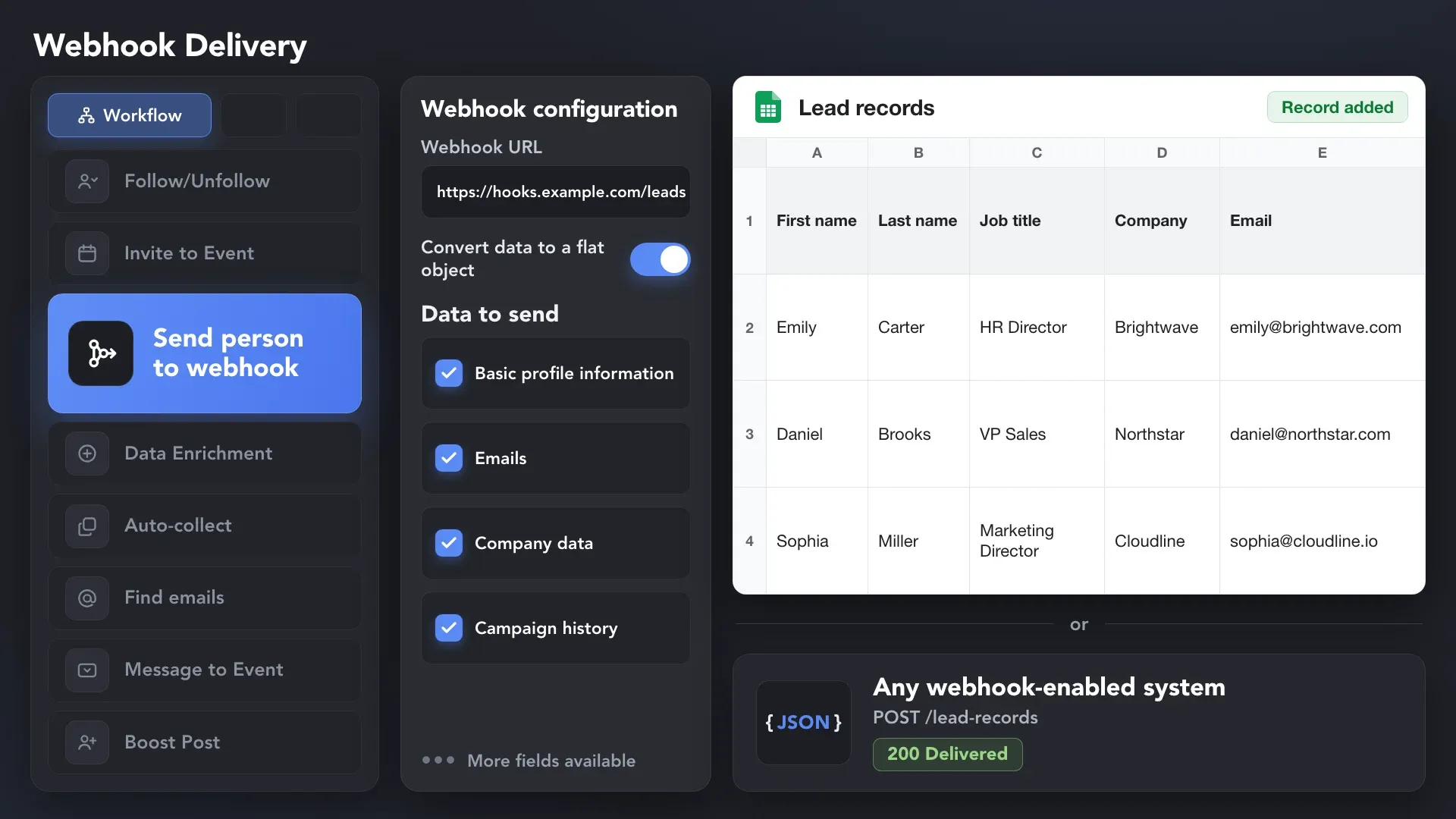
Send campaign records to Google Sheets or other tools through webhooks, or export a clean CSV whenever your process calls for a file.
Effortlessly gather valuable insights from LinkedIn without manual data entry. You can set up a CRM transfer after any step or only after a lead replies to a certain LinkedIn message for maximum precision. Sync LinkedIn chats with CRM so the entire team can view lead responses.













Scale LinkedIn campaigns without putting accounts or brand reputation under unnecessary risk.
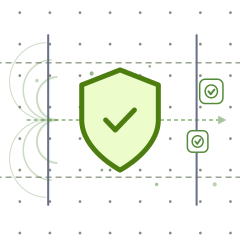
Linked Helper is verified undetectable by DataDome, Cloudflare, PerimeterX, and 10+ other leading bot detection systems — so your account stays safe, always.
 DataDomeCloudflarePerimeterXAkamaiImperva10+ more
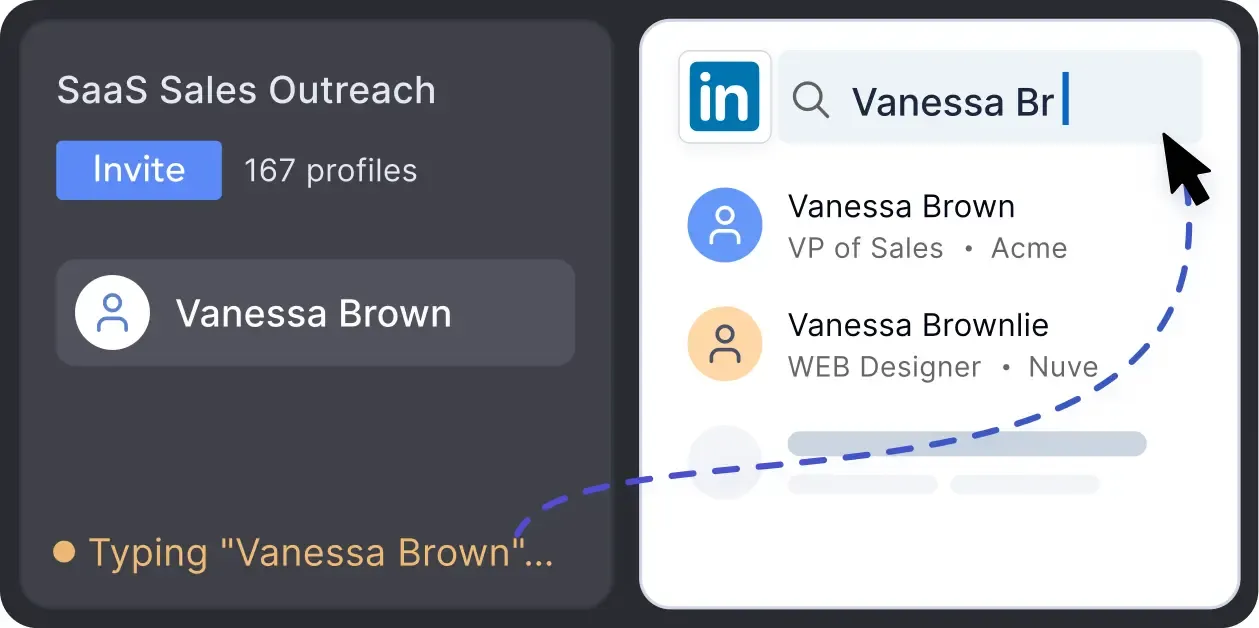
Mimics human actions with mouse movements and clicks, typing, and randomized delays. Navigates via LinkedIn search rather than direct URLs.
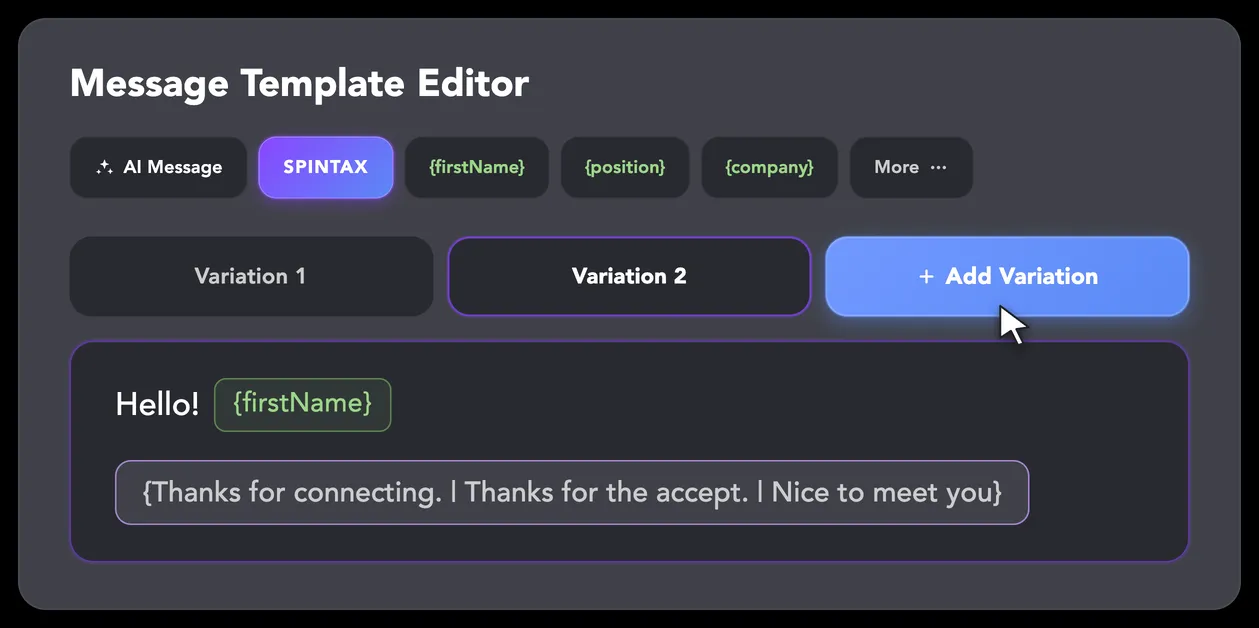
LinkedIn algorithms flag repetitive text. Combine your generated templates with unique syntactic variations for every single message, keeping your outreach off the spam radar.
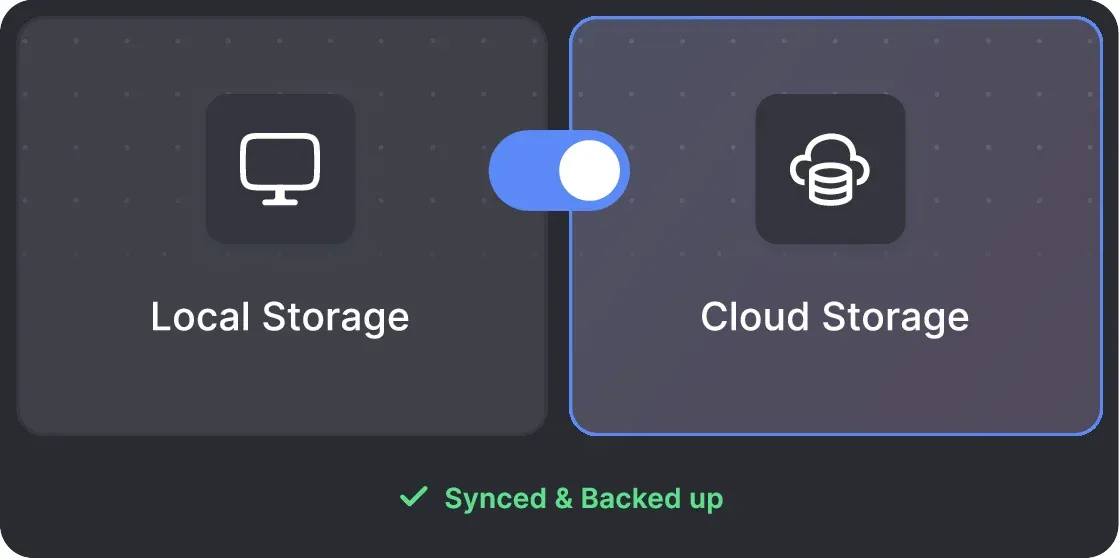
Your data can be stored securely on your PC or synced to the cloud — whichever fits your needs. Local storage keeps everything private on your device, cloud storage lets you access your pipeline from anywhere.
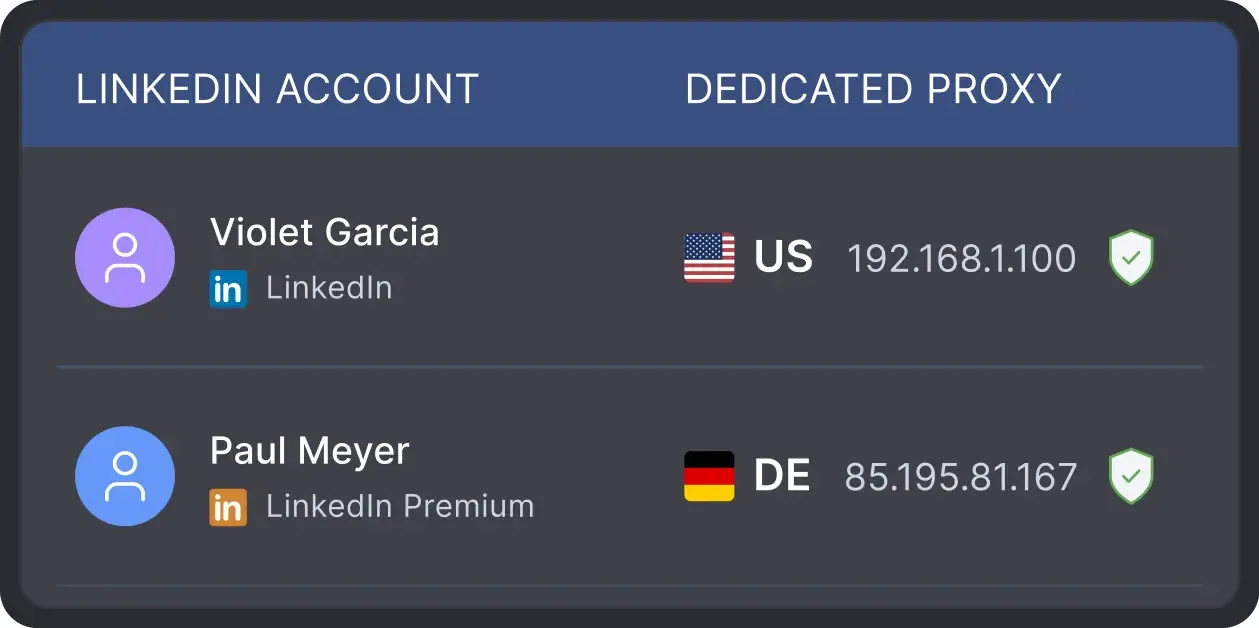
All activity comes from your local IP address or a chosen dedicated proxy, not a suspicious server, avoiding a major red flag for LinkedIn.
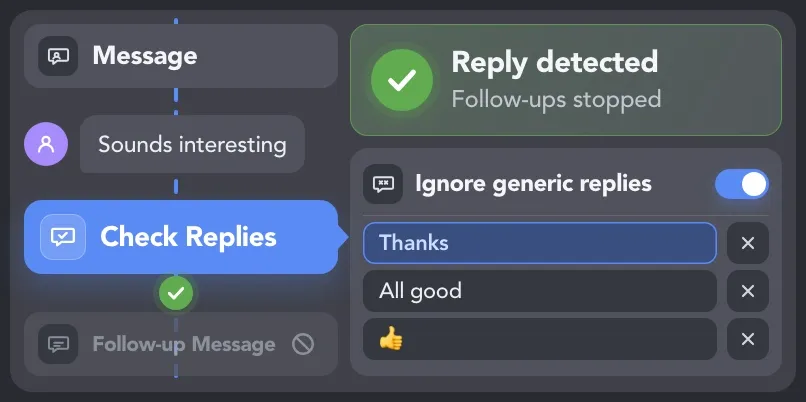
Detect replies, remove respondents from automated follow-ups and exclude contacts who should not receive campaign communication.
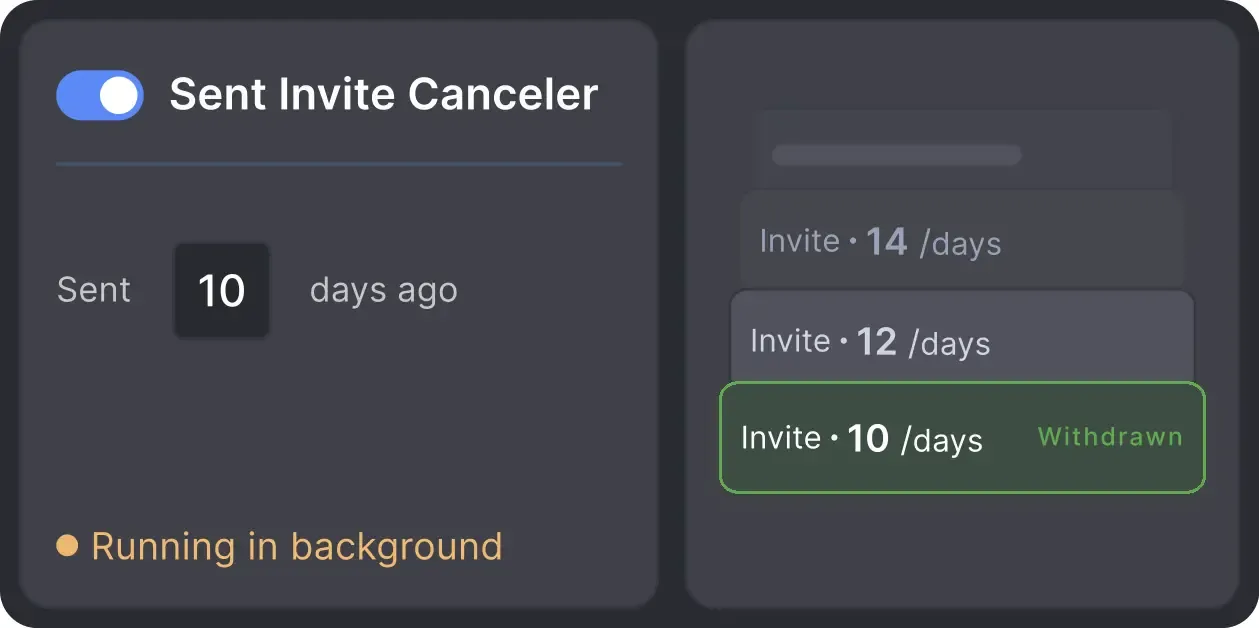
Automatically retracts old, unanswered connection requests to keep your profile in good standing with LinkedIn's algorithm.

Basic

Premium

Sales Navigator

Recruiter
Basic
Premium
Sales Navigator
Recruiter
From finding leads to closing deals, Linked Helper automates every step of your outreach funnel. Explore the features that make us the most powerful solution on the market.


100+ real testimonials prove Linked Helper as a reliable tool for LinkedIn growth.






It is so simple to use and saves you so much time by automating those mundane day-to-day actions that take you forever to do on LinkedIn. I would have been lost had it not been for Linked Helper.

I’ve been using LinkedHelper for about a year now, and I’m really happy with it! It works just like a real human, and I haven’t had any issues with my LinkedIn accounts since I started. I’ve had some bad experiences with other automation tools that got me blocked, but LinkedHelper has been great.
This software has revolutionized our LinkedIn outreach and lead generation. It has completely transformed the way we connect with potential clients and partners. The platform is incredibly intuitive and efficient, making our outreach efforts more effective than ever before.

LinkedHelper is invaluable in my daily work. It allows me to reach many decision-makers and expand sales opportunities. Campaign statistics give me control and the ability to react quickly.
LinkedIn Helper makes the fundraising process so much quicker. I just added a list of business angels, created some messages and started contacting people. We have raised some investment with this process.
A great way to connect to new people, propose partnership collaborations, invite people to follow your page, send multiple connection requests, cold outreach if you are into this.
Mary P.
Co-Founder and CMO
The support team of this product deserves special attention. Excellent service, attention to users, analysis of the client's case. I definitely recommend both the product and the support team.
Review24/7 LIVE CHAT EMAIL
Get a real human response in minutes, not days.
REMOTE ASSISTANCE
If you're truly stuck, we can connect to your screen and guide you.
IN DEPTH KNOWLEDGE BASE
Step‑by‑step tutorials and articles for every feature.
The Standard plan covers essential automation for everyday outreach. The Pro plan unlocks enterprise-level targeting, integrations, and scale.

All your data stays on your device in local folders you can access directly.

Each account has its own isolated storage - no data mixing.

With outgoing webhooks, Linked Helper can send data to third-party systems.

Data is stored in local folders on your device. No app, no internet required to access your files.

Install the app on a new device and pick up right where you left off.

Share LinkedIn accounts and campaign data without manual exports.
With incoming and outgoing webhooks, Linked Helper can receive data from and send data to third-party systems.

Your data is automatically backed up to the cloud - no risk of losing it if something happens to your device.

Switch devices or reinstall the app without moving files manually.
Local tax may apply
Join our weekly live training for a kick-start, or explore our library of bite-sized guides at your own pace. We provide every resource to help you scale safely.

A 60-minute live walkthrough to kick-start your LinkedIn lead generation. Register now to join live or receive the recording by email even if you can’t attend.

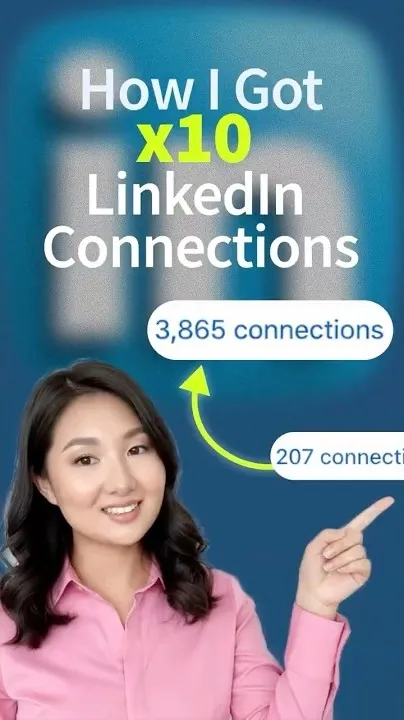

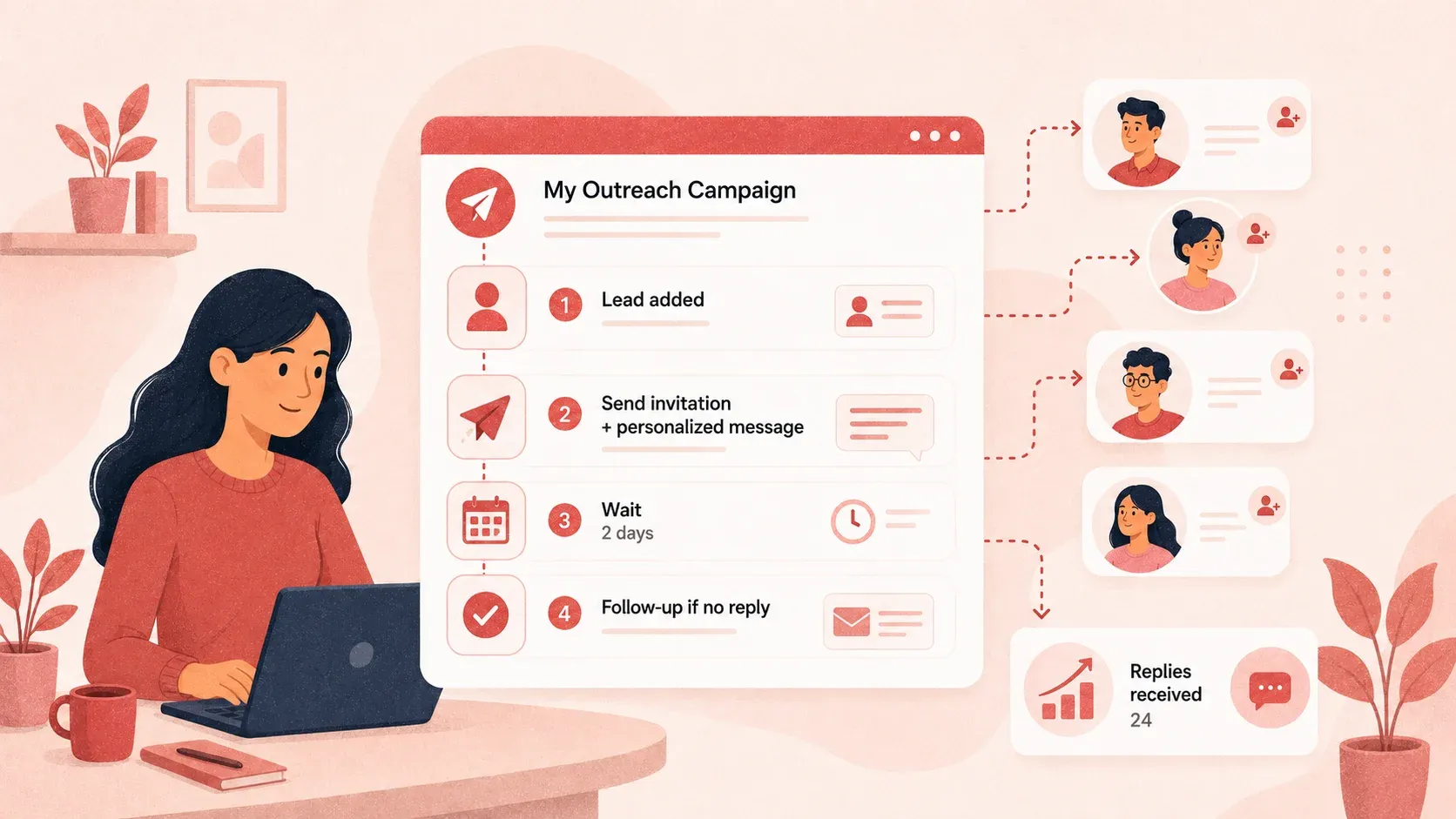
BLOG POST
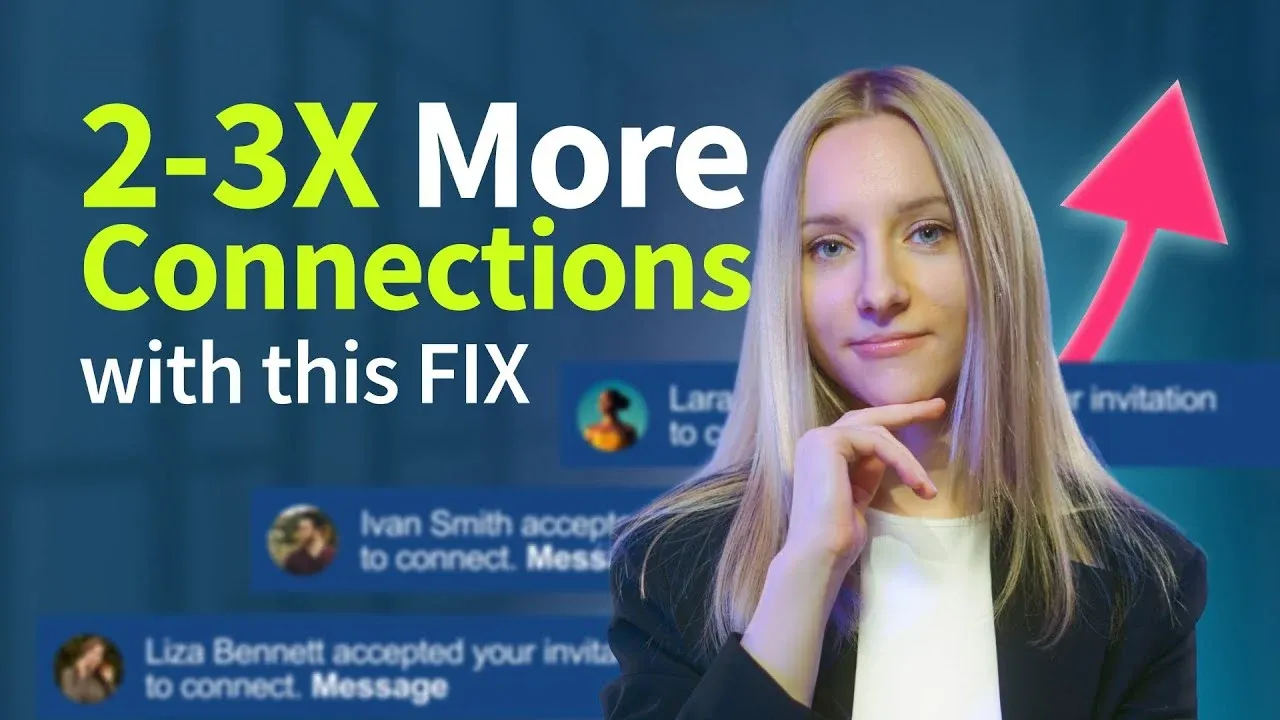
VIDEO TUTORIAL
No. Marketing teams can use Linked Helper to build and qualify audiences, promote events, grow Company Pages and communities, follow up on content engagement, and reach decision-makers across target accounts. Qualified contacts can then be passed to sales with their campaign context preserved.





 Save My Spot