

 14 min read

TL;DR: cold email software in October 2026
- Small setup: Hunter combines email finding, verification, and sequences. Its Free plan supports 1 mailbox and 500 recipients per sequence.
- Many inboxes: Instantly Growth costs $47/month with unlimited mailbox connections, but caps uploaded contacts at 1,000 and monthly sends at 5,000.
- Agency billing: Smartlead client workspaces start with Pro at $94/month. Each branded workspace adds $29/month.
- Draft setup: In October 2026, I created unsent drafts in Hunter, Instantly, and Apollo.
What makes the best cold email software?
The best cold email software gives you control over sequences, usable capacity, reply handling, integration costs, and editing before launch. It connects your sending accounts to prospect lists and automates sequences, follow-ups, schedules, and reply handling. Hunter and Apollo also put contact research alongside sending. You've still got mailbox hosting to pay for, and lead data or extra channels can add their own charges, so start with the workflow you're already running before you buy another subscription.
I used five criteria to separate the options:
- Sequence control. Previewing copy and setting a delay are basic requirements. Conditional paths matter when contacts need different messages or different follow-ups.
- Usable capacity. Count users, connected mailboxes, stored contacts, and monthly messages separately. You can't keep importing prospects just because the mailbox allowance says unlimited.
- Reply handling. What happens after a human reply, an unsubscribe, or an out-of-office message? You don't want those events treated alike.
- Integration costs. Include whichever plan or add-on connects the CRM you're already using, your API workflow, or your other channel.
- Editing before launch. Look for an editor you can work in before you connect the sending account. It should be easy to review the actual copy and its timing.
1. Hunter: Best for simple outreach with email finding and verification
Hunter combines finding, verification, and sequences in a small-team setup. Its free plan gives you one sending account, 500 recipients per sequence, and 50 monthly data credits. You don't have to spend finding credits again just because you brought your own list.
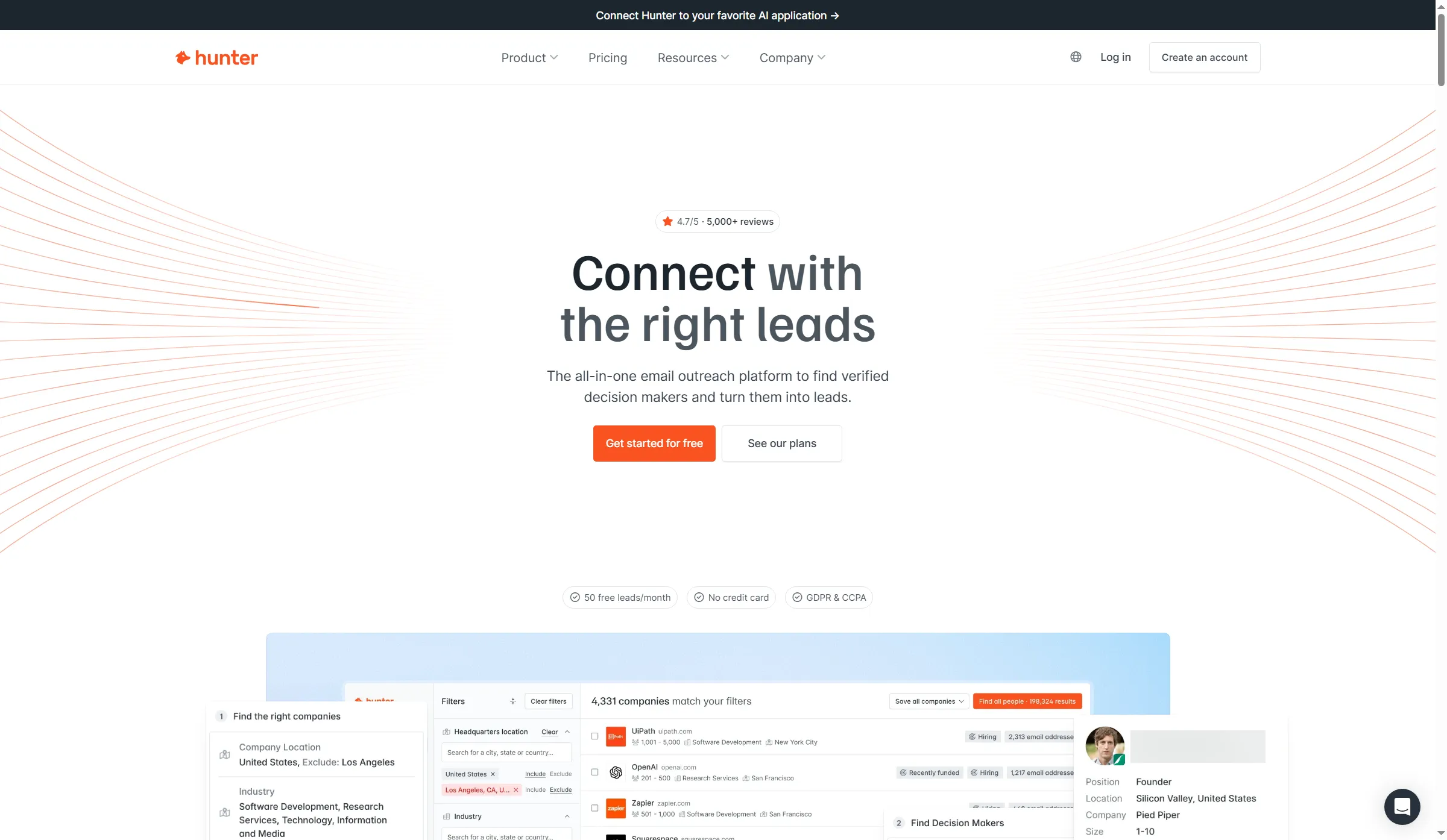
Hunter’s homepage presents email finding and outreach in one platform.
Hunter pros
- Unlimited team members, including on Free
- Finding and verification sit alongside Sequences
- A blank follow-up subject keeps the existing email thread
Hunter cons
- SMTP/IMAP connections require a paid plan
- Sequences stop at five follow-ups
- Inbox Protection is a separately billed add-on
When I added a follow-up draft, Hunter gave it a three-day delay. The subject field explained how to keep it in the previous thread (leave it blank), a small prompt I liked because it answered the question where I was about to type. Getting there was less direct. I wanted to write the message, but the draft opened on Audience first.
Hunter's paid plans grow by mailbox connections and sequence size: Starter gives the team three mailbox slots and 2,500 recipients per sequence, while Growth raises those limits to ten and 5,000. If you're a founder bringing in an assistant to handle replies, you won't have to buy another seat just for that colleague.
Reply handling deserves a check before you leave a campaign running. Hunter tags recognized automatic replies but keeps those recipients Sent, so scheduled follow-ups continue until you pause them. A genuine reply stops the sequence. Or, if you've reached the goal of the conversation, mark the recipient Successful in the shared inbox to stop their remaining follow-ups.
Hunter Free suits a small Google or Microsoft setup, but buy the product family carefully. All-in-One Outreach includes Sequences, while Data Platform is for data/API use and excludes it. More elaborate branching needs a different sequencer.
Hunter pricing
Free plan available. Starter is $49/month on monthly billing or $408 billed yearly. Growth is $149/month on monthly billing. Mailbox hosting and optional Inbox Protection cost extra.
2. Instantly: Best for connecting many sending inboxes
Instantly separates unlimited mailbox connections from contact and message limits. That separation makes it worth a close look when connection fees are your main expense. Growth lets you spread work across sending accounts, but retaining old prospects alongside the next list can force a storage upgrade before you need more sends.
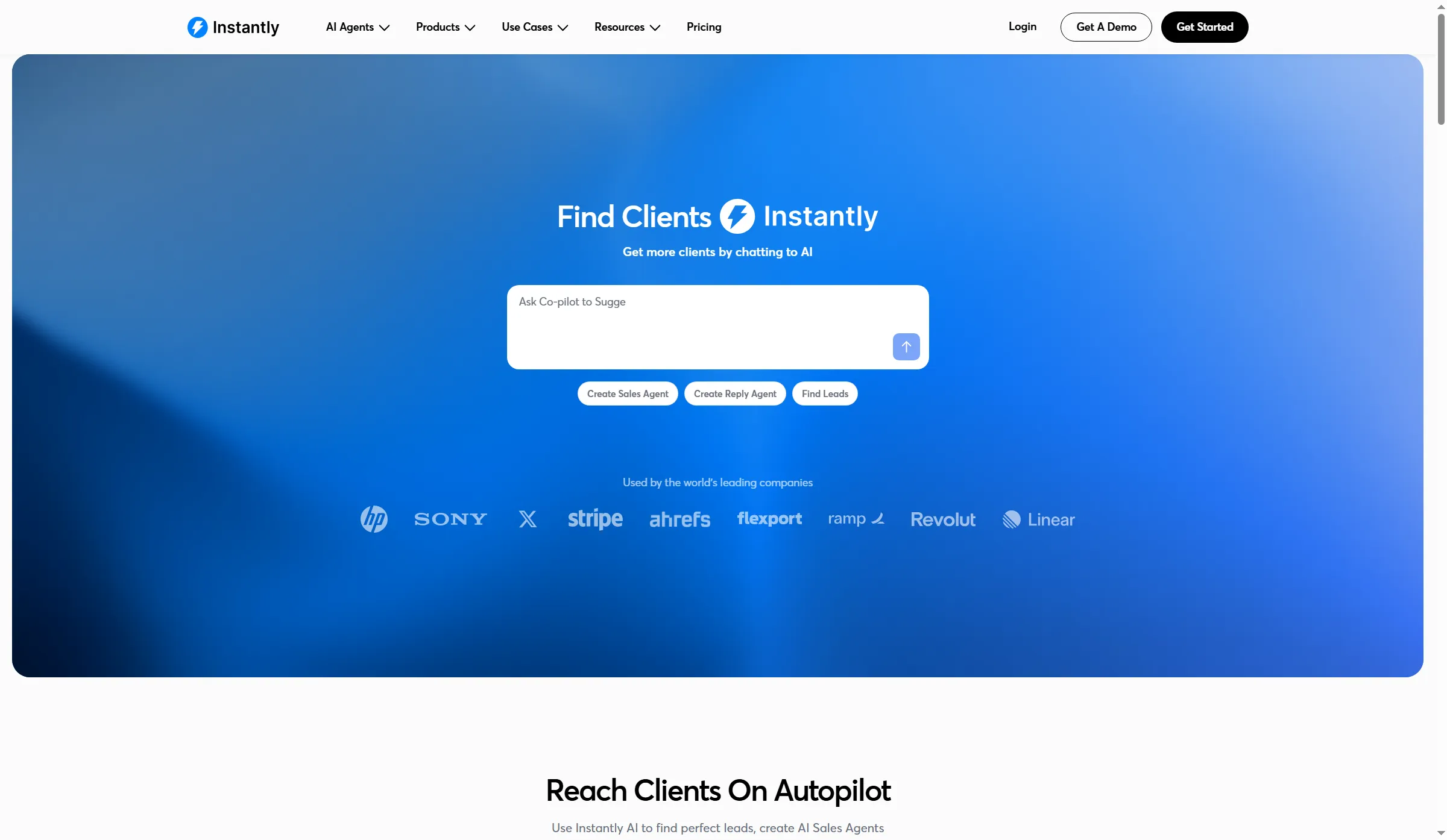
Instantly’s homepage presents AI-assisted lead search and campaign creation.
Instantly pros
- Growth includes unlimited connected email accounts
- You can build a draft before connecting a mailbox
- Message delays appear between the sequence steps
Instantly cons
- Contact storage and monthly sends have separate caps
- Campaign timing lives outside the message editor
- Initial AI prompts add a detour to manual editing
I created an empty campaign and added a follow-up. The wait interval sat between the messages, while the sending window and timezone lived in Settings, so I could sketch the sequence first and then review when it would run. Campaigns sit under Engage; finding the manual editor took a detour through the initial AI prompts.
Users don't agree on Instantly. In an August 2026 Reddit discussion, u/Loulouzdang wrote, “I've been using Instantly for a few months now and it's been solid overall.” But that same discussion has dissatisfied replies. Use the trial to judge the work you'll do each day before choosing a sending platform from delivery anecdotes.
Growth holds 1,000 uploaded contacts and allows 5,000 monthly sends. Hypergrowth raises those allowances to 25,000 and 125,000. How much room will your next list need? Keep the old contacts you need, then price a plan that'll hold both. Paying for Hypergrowth purely to connect more mailboxes would be overkill.
Instantly pricing
Growth is $47/month and Hypergrowth is $97/month on monthly billing. These are standalone Outreach subscriptions. Data, other product subscriptions, and mailbox hosting are separate.
3. Smartlead: Best for agencies managing client workspaces
Smartlead's client-workspace budget starts with Pro, with branded workspaces charged separately. The Base price won't cover that agency setup. If you've got five clients who each need a branded workspace, those workspaces add $145/month before the subscription, so use the clients you'll actually serve when you compare plans.
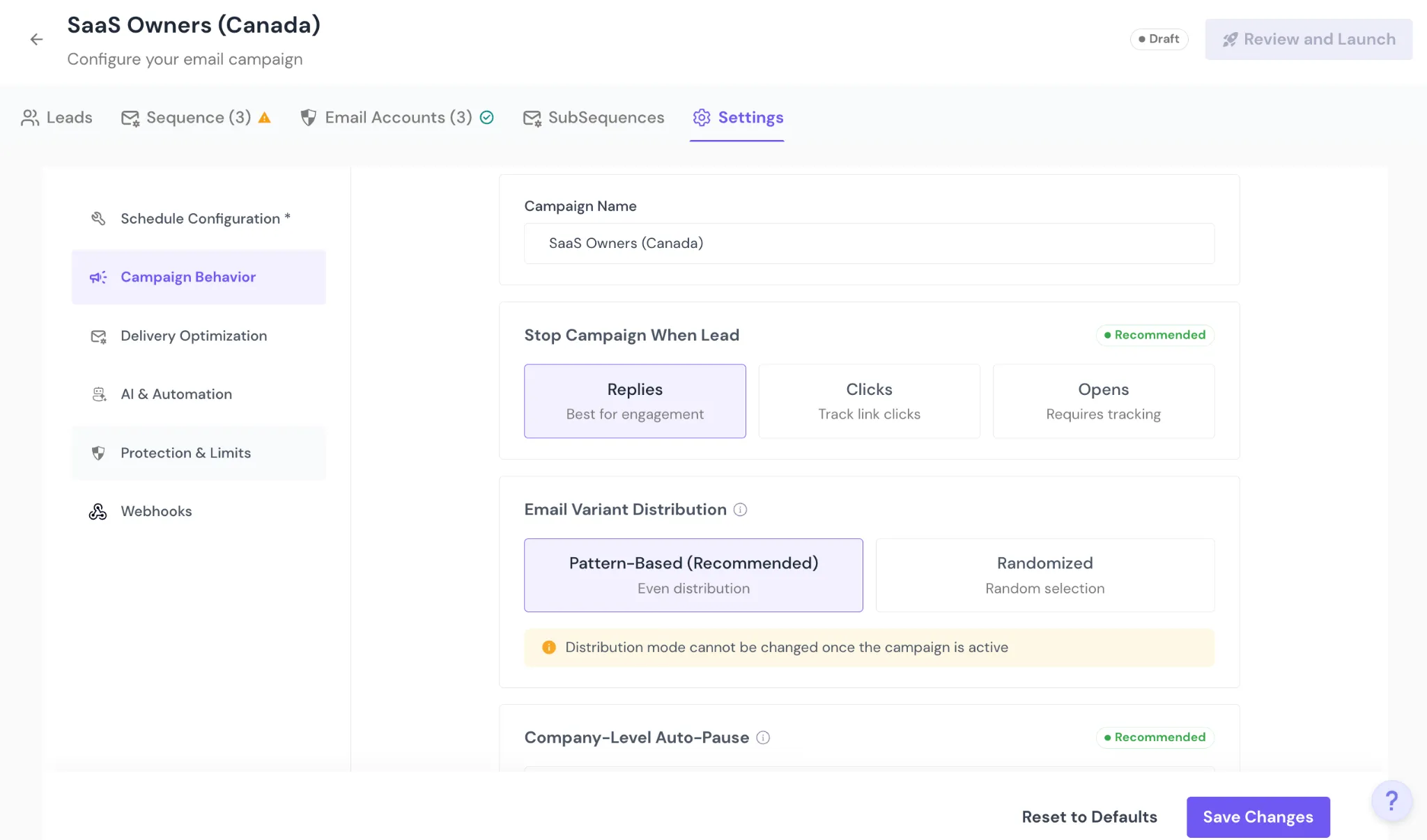
Inside Smartlead, choose pattern-based or randomized email variants before launch. The mode locks when the campaign becomes active.
Smartlead pros
- Pro supports client workspaces
- Stop rules and variant distribution have separate controls
- Campaign settings separate scheduling from delivery protection
Smartlead cons
- Branded workspaces add a recurring charge
- Base doesn't include the client-workspace starting point
- Variant distribution locks once the campaign is active
Smartlead's setup guide separates campaign behavior, delivery settings, and protection limits. I like the explicit controls when an operator has to review different rules for each client: you can choose which prospect action stops a campaign, then settle how its message variants will be distributed.
You can't leave the choice between pattern-based and randomized distribution until after launch. If a client expects to change that experiment halfway through, the locked mode will get in the way. For a solo sender with a short list, these controls may be more than you need.
Integration work still needs a trial of its own. In an August 2026 Reddit comment, u/sidmish called a Google Sheets/API connection “not reliable from the integration perspective,” referring to work about six months earlier. It's a specific import route to check if you're planning a similar connection, rather than a reason to assume every integration will fail.
Smartlead pricing
Base is $39/month and Pro is $94/month on monthly billing. Pro includes 30,000 stored contacts and 90,000 monthly sends. Branded client workspaces cost $29/month each from Pro upward, while Unlimited Prime includes three. Email infrastructure and other add-ons can add to the bill.
4. lemlist: separate email and multichannel subscriptions
lemlist charges per user for Multichannel and won't let you mix that plan with Email inside one team. Adding a LinkedIn workflow therefore changes the subscription decision for colleagues who only need email.
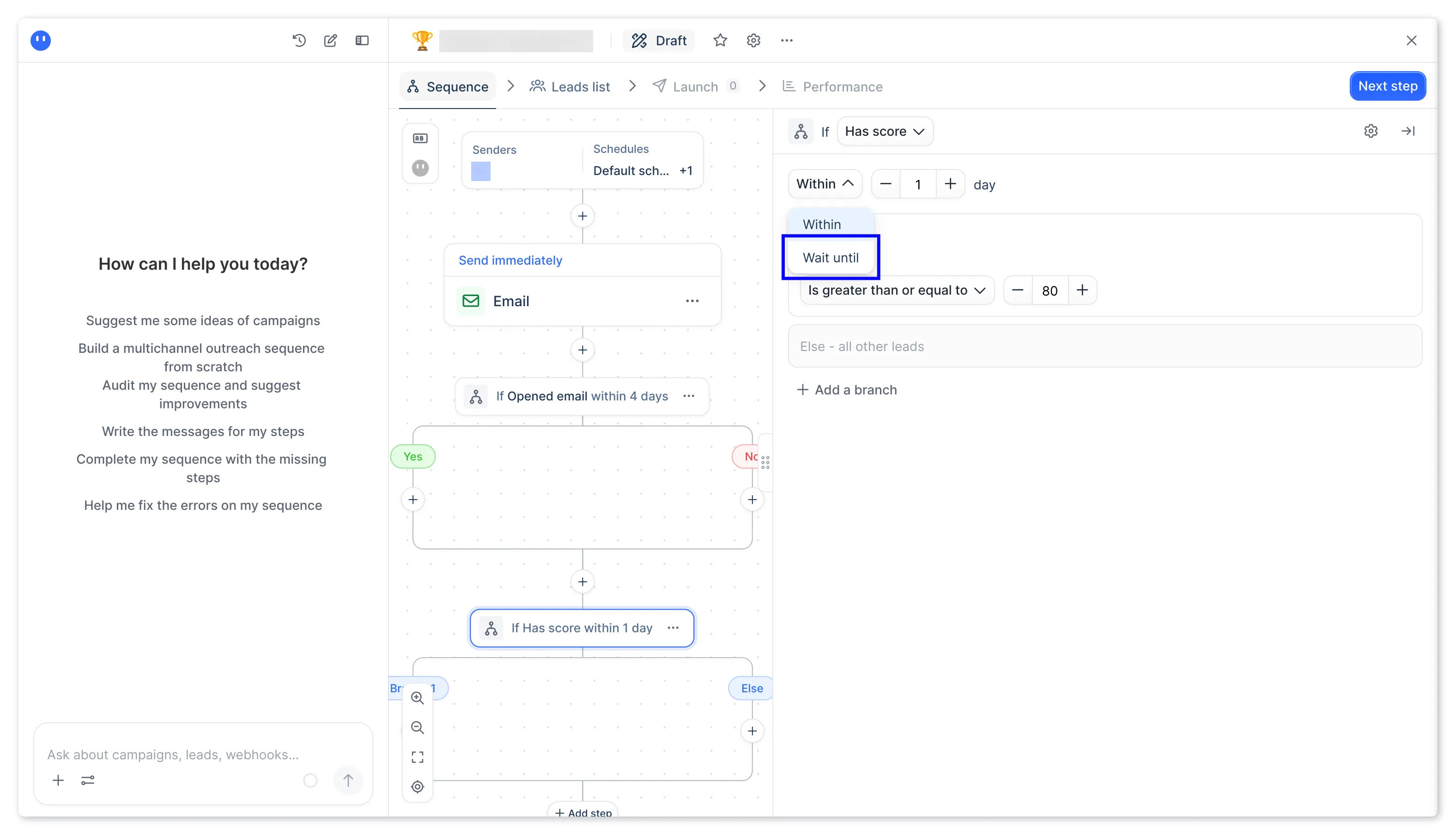
Inside lemlist, Within gives a condition a deadline, while Wait until keeps the lead waiting for the event.
Where it falls short — lemlist
- Multichannel costs grow with the number of users
- Advanced conditions require Multichannel or Enterprise
- Email and Multichannel can't coexist within one team
Email includes unlimited users, senders, and contacts, with 50,000 monthly messages shared by the team. Multichannel includes five sending mailboxes per user. If you're adding colleagues, you'll be paying for the second channel across the team even when only some of them need it.
Reddit user u/truecakesnake put that concern plainly in a 2026 post: “But man, the pricing adds up quick when you scale past 1-2 seats.” The complaint concerns a multichannel setup (the Email plan has unlimited users). I'd skip Multichannel for colleagues who only need email.
Don't leave the timing choice to chance. In the conditions guide, Within gives an event a deadline, while Wait until can leave a lead parked indefinitely. If non-acceptance should eventually trigger a fallback email, use a bounded Within branch rather than waiting indefinitely. Treat enabling the LinkedIn connection as a separate account-access decision.
Email's sending cap combines messages from campaigns, the inbox, and the contact panel. Once you've reached it, active campaigns pause automatically, the admin gets an email, and the next login offers upgrade options. You'll undercount if you only look at campaigns.
lemlist pricing
Email is $69/month and Multichannel is $109/user/month on monthly billing. Advertised annual equivalents are $55 and $87 respectively. Data credits and optional channel add-ons have separate allowances or charges.
5. Woodpecker: email sequences with paid integrations and LinkedIn slots
Woodpecker bills API access and integrations separately from email sending, and LinkedIn connections require another paid slot. You'll need to allow for those charges before choosing how many messages to buy.
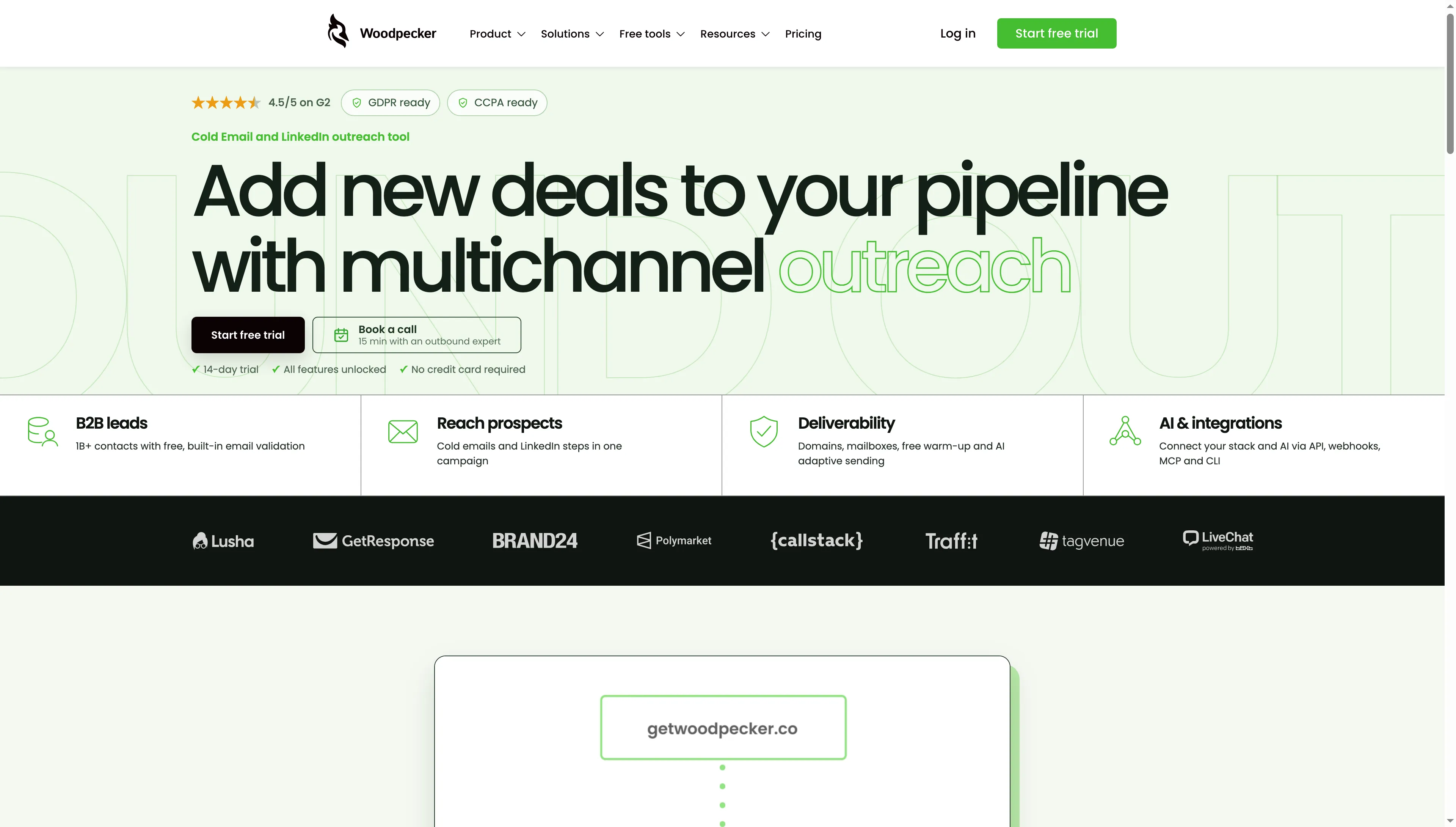
Woodpecker’s homepage shows its outreach overview and links to product and pricing pages.
Where it falls short — Woodpecker
- API, webhooks, MCP, CLI, and integrations require an add-on
- Follow-ups consume the message allowance too
- Deleting a LinkedIn connection doesn't cancel its billed slot
I moved the live pricing calculator from 5,000 to 50,000 monthly messages. The quote changed from $39 to $79, without adding a charge for users, contact storage, or connected mailboxes. If you're keeping the setup email-only, you can price its send volume this way (provided you've accounted for the services you need to connect).
The sequence editor supports up to 16 steps and multiple conditions. Its guide shows a condition checking whether a first name is present, then routing the contact down a YES or NO path so you can give records with missing data a generic greeting. You don't have to force them through a template that needs the name.
I'd budget for Woodpecker's integration add-on before choosing a message tier. Twelve monthly payments add $240 to the software bill if your process needs leads passed automatically from another system. So an email-only quote will leave you short.
Removing a LinkedIn account won't cancel the slot bill. You've also got to reduce the slots in billing when you no longer need them (deleting the connection alone leaves the paid slot count unchanged).
Woodpecker pricing
Email starts at $39/month for 5,000 monthly sends, with 50,000 sends at $79/month on monthly billing. Integrations/API add $20/month, and a LinkedIn slot costs $29/month. Annual billing is available.
6. Apollo: Best for prospect research alongside email sequences
Apollo brings prospect records and sequences into one workspace. But the number of mailboxes per rep can change the plan you need. Free and Basic allow one mailbox per user. Professional allows unlimited Google Workspace and Microsoft 365 mailboxes, plus up to five custom IMAP or SMTP mailboxes per user.
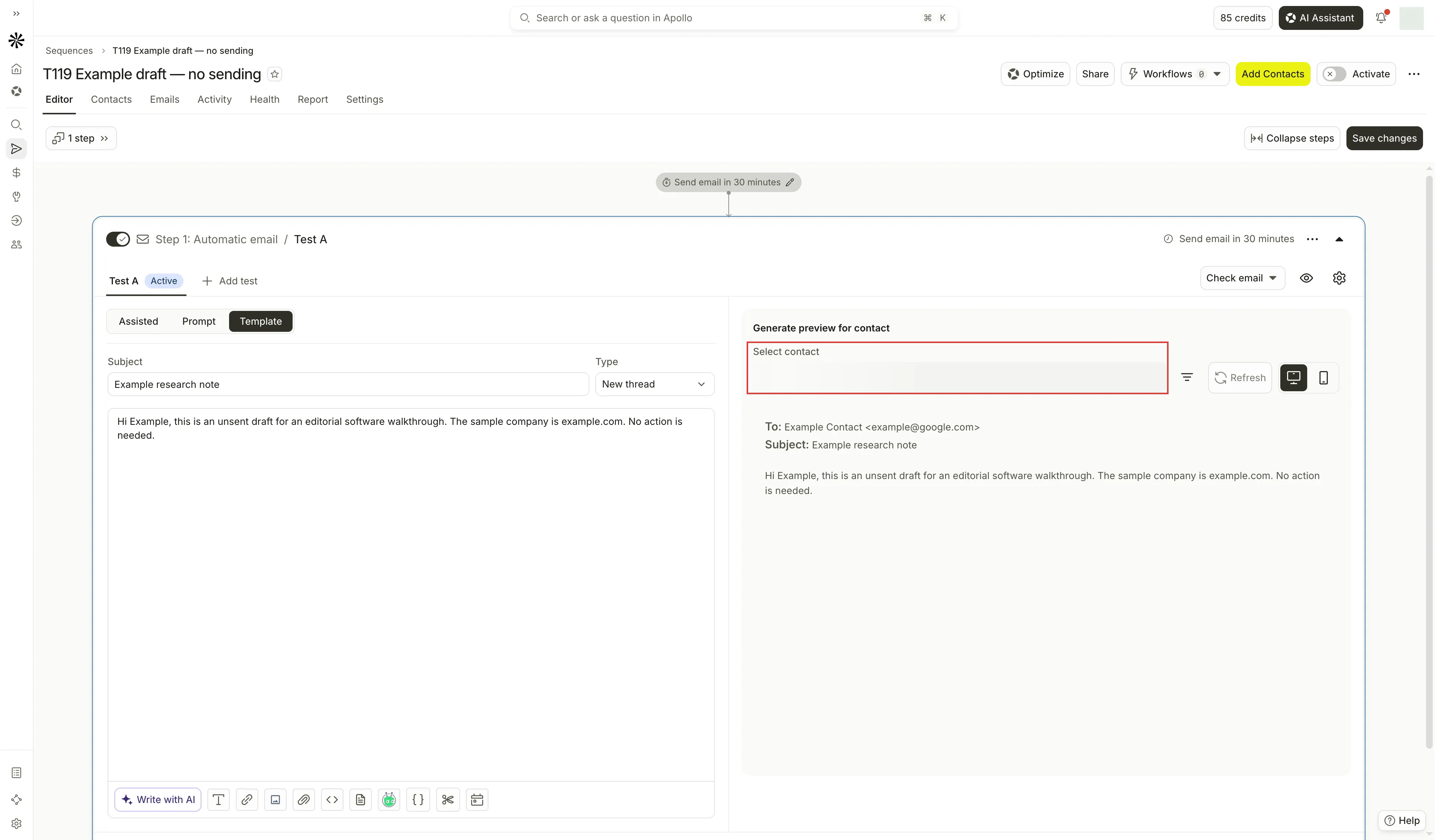
Inside Apollo, the email preview uses a selected contact to fill in personalized content.
Apollo pros
- Prospect search and sequences share the same workspace
- Basic includes unlimited sequences
- Enrollment checks flag missing emails and overlapping sequences
Apollo cons
- Paid plans charge per user
- Multiple connected mailboxes require Professional
- Direct CSV enrollment doesn't support mailbox rotation
When I created an inactive sequence on Free, I added an automatic email step and saved a sample subject and body. I couldn't write the copy myself until I switched the step from Assisted to Template, even though I'd created the sequence manually and expected to go straight to the plain-text editor.
The import guide revealed a more consequential detour. You can't use mailbox rotation when you add a CSV straight to a sequence. Import it into a People list first, then enroll that list with two or more mailboxes (it's worth keeping this step in your setup routine if you regularly bring prospect files from elsewhere).
Changing the rotation settings affects new contacts only. Apollo assigns each new contact to the mailbox with the most remaining daily capacity, so you can get an uneven distribution. You'll need to review existing enrollments separately when you change the sender setup.
I like having records and sequences together when several reps share prospect research. If you've already got a clean list and need only a shared email sequencer, paying per user for the larger platform is harder to justify.
Apollo pricing
Free plan available. Basic is $65/user/month and Professional is $99/user/month on monthly billing. Annual equivalents are $49 and $79/user/month. Credits and mailbox entitlements vary by plan.
How the annual email cost comparisons work
I calculated annual email costs for Hunter, lemlist, and Woodpecker as twelve monthly payments in USD before tax. The two workloads specify users, mailboxes, active contacts, and messages.
Both scenarios bring existing, separately paid mailboxes and domains, plus verified contacts. They exclude API/CRM sync, LinkedIn automation, and optional warm-up purchases. No mandatory software add-on is needed for the configurations shown. The message counts are inputs for comparing subscription capacity. A 1,000-person sequence with an initial email and three follow-ups could use 4,000 sends if every step runs. Replies and other stop rules can reduce the total.
Solo: 1 user, 2 mailboxes, 1,000 active prospects, 4,000 messages a month
Hunter Starter, lemlist Email, and Woodpecker's lower Email tier meet this solo workload. Their subscription totals across twelve monthly payments are the following:
| Tool and plan | Twelve monthly payments |
|---|---|
| Hunter Starter | $588 |
| lemlist Email | $828 |
| Woodpecker Email, 5,000 sends | $468 |
Woodpecker has the smallest subscription total in this comparison. Hunter costs $120 more across the year and includes its finding/verification allowance. Will you use that data workflow often enough to save another purchase or a recurring manual step?
Team: 5 users, 10 mailboxes, 5,000 active prospects, 20,000 messages a month
Hunter Growth, lemlist Email, and Woodpecker's higher Email tier meet this team workload. Their totals use the same billing assumption:
| Tool and plan | Twelve monthly payments |
|---|---|
| Hunter Growth | $1,788 |
| lemlist Email | $828 |
| Woodpecker Email, 50,000 sends | $948 |
The lemlist Email total is $960 less than Hunter Growth in this calculation. That price comparison excludes LinkedIn automation: five monthly Multichannel seats would cost $6,540 over the year. You can't use the email-only total to budget that multichannel workflow.
Which cold email software should you choose?
Hunter is my first pick for a small team combining contact research with simple sequences. Choose Instantly when fees for connecting mailboxes are the obstacle, or Smartlead when separate client workspaces justify the extra setup and recurring charges. Apollo fits teams whose prospect research already needs a shared workspace.
Before buying another subscription, check whether you already pay for HubSpot sequences. They require qualifying Sales Hub or Service Hub Professional/Enterprise seats and a connected individual work email. If you've already got that combination, try its timed emails and follow-up tasks before adding another tool (the free CRM alone doesn't include sequences).
Keep the email and LinkedIn decisions separate. The comparisons here let you price email workloads, while the multichannel cards show extra subscriptions, slots, and setup commitments that an email-only quote leaves out.