
 Updated: September 8, 2026
 3 min read
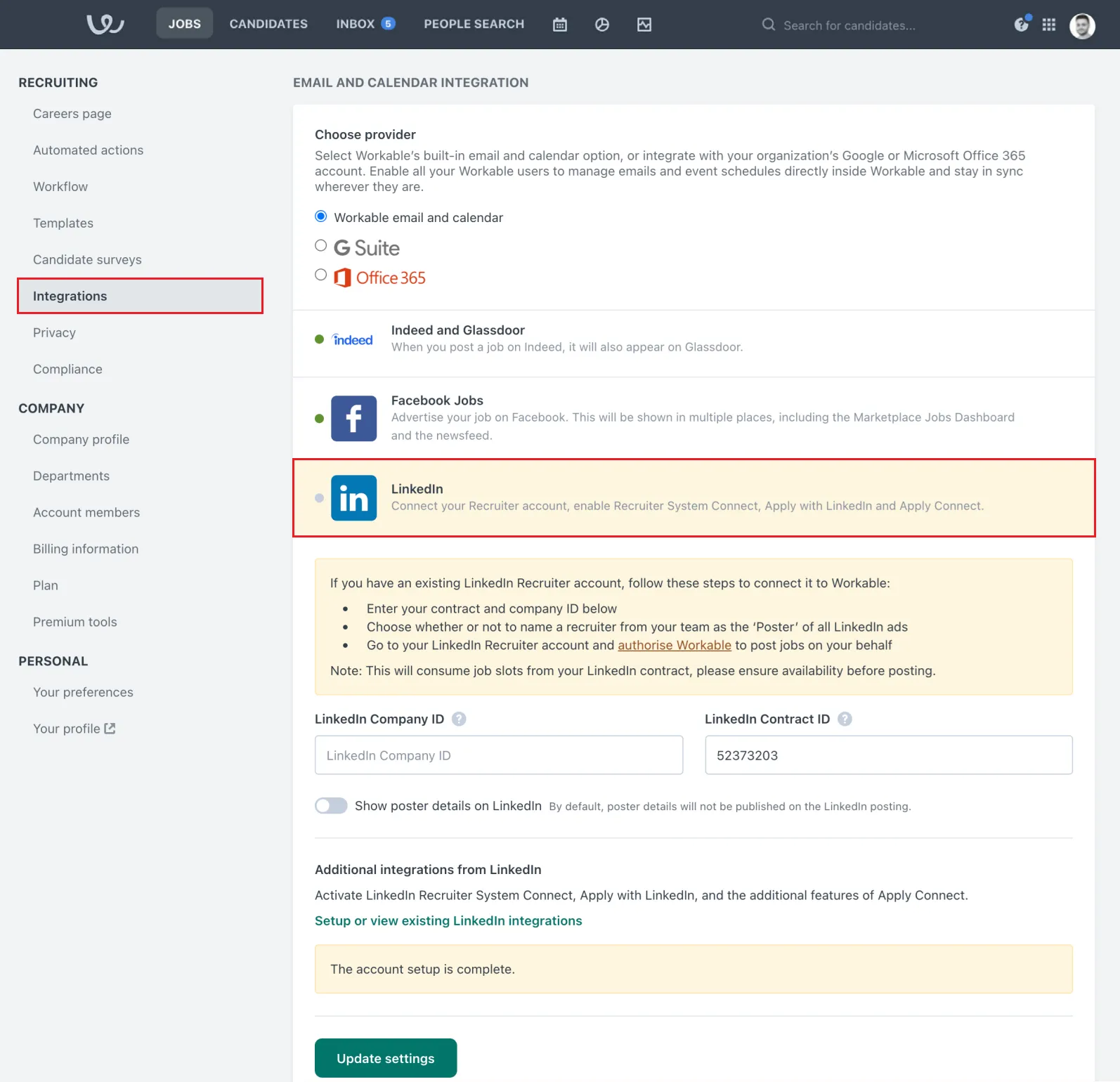
LinkedIn ATS Integrations connect LinkedIn Recruiter and LinkedIn Jobs to your applicant-tracking system. The main components are Recruiter System Connect (RSC), Apply Connect, ATS-Enabled Reporting, Unified Search, and Recommended Matches. You can post roles, see live profile updates, and move candidates forward without switching tabs.
Note: LinkedIn Talent Hub (LinkedIn's own ATS) shut down on December 31, 2024. The current focus is on integrations with third-party systems.
Why It Matters
- Companies report that RSC can save recruiters significant time by reducing manual data entry.
- One candidate card shows real-time LinkedIn profile details (work experience, skills), InMail history, and recent profile changes, so nobody gets contacted twice.
- Apply Connect sends completed applications straight to your ATS, reducing drop-off from long forms.
- ATS-Enabled Reporting shows funnel metrics and benchmarks so you can compare sourcing channels.
These features are especially useful for campus recruiting, global mobility, or agencies handling multiple clients.
For more on recruitment marketing, see our article on LinkedIn Recruitment Marketing Ideas to Stand Out.
How It Works
- Check compatibility - Confirm your vendor (Greenhouse, Workday, Bullhorn, etc.) is on LinkedIn's supported list.
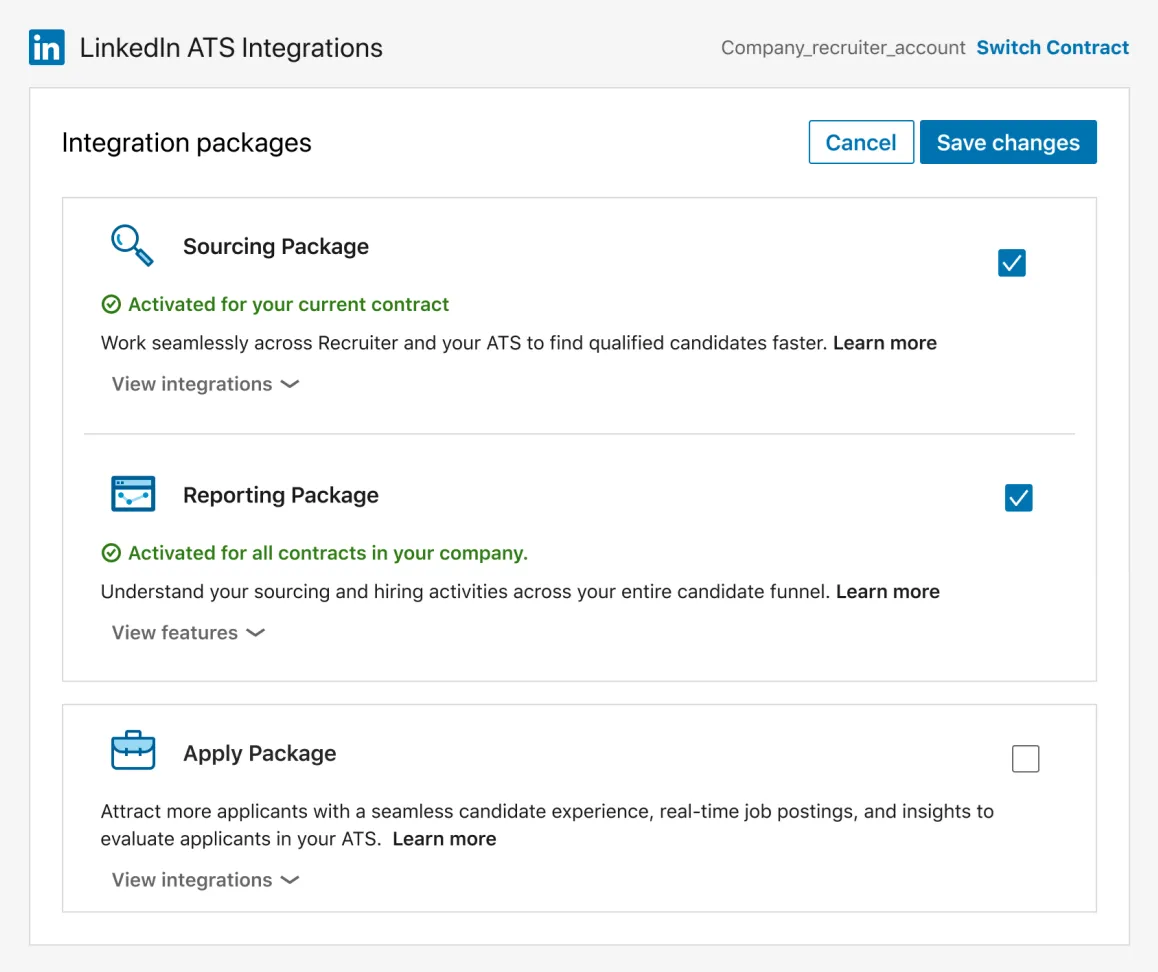
- Turn on RSC - Follow the enablement steps for your specific ATS. Then in Recruiter, go to Product Settings → Manage Integrations to configure RSC.
- Sync jobs automatically - Enable Premium Job Posting or Job Wrapping so new requisitions appear on LinkedIn with the correct ID.
- Switch on Apply Connect (optional) - Candidates use Easy Apply; application data flows to your ATS in real time. LinkedIn shows profile and skills highlights in the in-ATS widget for evaluation.
- Use in-ATS widgets - RSC adds a LinkedIn Profile panel inside your ATS showing work experience and skills. You need to be signed into Recruiter to see it.
Best Practices
- Map fields once. Before rolling out company-wide, align job title, location, and source codes. Standardize ATS stage mapping for accurate reporting, and ensure Employer Job ID and source tracking codes are configured for proper attribution.
- Train hiring managers. Assign a Hiring Collaborator license so managers can review candidates in shared projects and give feedback inside Recruiter.
- Tag sources. The In-ATS indicator and Past Applicants spotlight show candidate status, so you can adjust your outreach.
- Stay compliant. Under GDPR, store consent and delete candidate data on request. Use LinkedIn's Data Processing Agreement and deletion workflows. You control the data in your ATS; member privacy settings may limit what you can export.
- Audit regularly. Run a quarterly check after ATS upgrades to make sure fields still match.
Learn more about how to search for candidates in Linked Helper on LinkedIn for free.
Bonus Tips
- Turn on Unified Search to search ATS and LinkedIn talent pools at once.
- Use Recommended Matches to get a quick shortlist.
- Pair RSC with LinkedIn Scheduler to skip the back-and-forth on interview times.
- For coding tests or video interviews, check what add-ons your ATS supports.
To reduce form abandonment, enable Apply Connect on your next job post.