
 Updated: September 8, 2026
 3 min read
When LinkedIn replaces someone's real name with LinkedIn member, it's showing an anonymous placeholder.
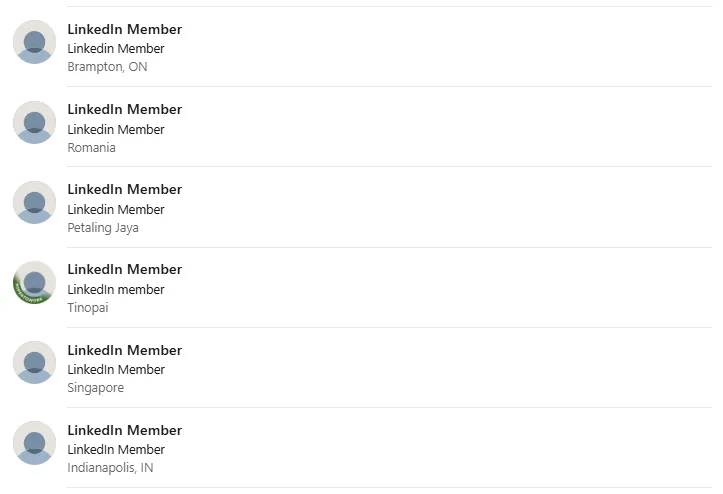
People search what is LinkedIn member when they see it on out-of-network profiles, private-mode visits, or hibernated accounts.
Even without a name, you can still work with this:
- In Recruiter Lite, out-of-network profiles show as "LinkedIn Member" and can't be messaged. LinkedIn Recruiter can view and contact out-of-network profiles: RPS provides 30 monthly unlock credits per seat, RPS+ provides 50 (both pooled across users and reset monthly), and Corporate provides unrestricted access. You can also ask a mutual contact for an intro.
- Marketers can retarget website visitors (via Insight Tag), Company Page engagers, video viewers, and Lead Gen Form submissions, but not personal profile viewers.
- Sales teams flag dormant records to keep pipelines accurate.
- Community managers reach out to mutual contacts rather than chasing an unnamed visitor.
How Does LinkedIn Member Work?
The placeholder appears automatically in a few situations:
Profiles out of your network have limited visibility (often labeled "LinkedIn Member (Out of Network)"). Sales Navigator provides 25 out-of-network profile unlocks per month per seat (credits don't roll over or pool across seats). A viewer who chooses "Private" mode shows up only as a generic member. Hibernated accounts show as "A LinkedIn member"; closed accounts are permanently deleted from LinkedIn, with data removed or de-personalized according to LinkedIn's Privacy Policy. Note that you have 14 days to reopen a closed account, though some data like endorsements cannot be recovered.
If you need to identify someone, you can upgrade to Sales Navigator (which unlocks out-of-network profiles but won't reveal private-mode viewers), search by headline keywords, or ask a shared connection. For more on viewing levels and privacy options, see Activate LinkedIn Private Mode: How to Go Incognito on LinkedIn in 2026.
Best Practices
- Respect privacy and avoid scraping tools that try to unmask anonymous profiles.
- Private mode shows only "LinkedIn Member" to profile owners. No profile information is shared when browsing in private mode.
- You can't add anonymous viewers to lists. Instead, publish helpful posts, add clear CTAs, or enable follows to encourage them to reveal their identity on a future visit.
- Keep your own visibility on "Full" unless you're doing competitive research.
To see how your own profile displays to others, check How to View Your LinkedIn Profile as Someone Else (Full Guide + Leadgen Tips).
Bonus Tips
- Switch to Private mode while researching competitors, then go back to Public for outreach.
- Before hibernating your account, tell your followers. Past comments will show as "A LinkedIn member."
- Create a custom profile URL for external discovery. This won't change anonymity labels inside LinkedIn.