11 Best LinkedFusion Alternatives for LinkedIn Automation in 2026

11 Best LinkedFusion Alternatives for LinkedIn Automation in 2026

Milosh Potikj

B2B Content Strategist & Writer

Updated atUpdated: July 24, 2026Read time76 min read
Quick Answer

Linked Helper is the best LinkedFusion alternative for users who prioritize account control, deeper lead-management features, and lower cost. Unlike LinkedFusion's vendor-managed cloud model, Linked Helper runs in an environment you control—your computer or VPS—through that environment's IP while the LinkedIn session stays there. It starts at $15/month, or $8.25/month equivalent with a 12-month license, compared with LinkedFusion's $65.95 monthly Professional plan. We compared these tools:

ToolArchitectureAutomation method20-seat agency cost (from, /year)Cost vs LinkedFusion
Linked HelperDesktopHuman input (real browser clicks)$1,58486% cheaper
LinkedFusionCloudReverse-engineered API$11,268Baseline
ExpandiCloudReverse-engineered API$18,96068% more expensive
DripifyCloudReverse-engineered API$18,96068% more expensive
Meet AlfredCloudReverse-engineered API$6,96038% cheaper
LemlistCloudReverse-engineered API$20,88085% more expensive
WaalaxyCloudReverse-engineered API$4,90057% cheaper
SalesflowCloudReverse-engineered API$6,712.8040% cheaper
La Growth MachineCloudReverse-engineered API$24,000113% more expensive
HeyReachCloudReverse-engineered API$11,280about the same
Octopus CRMExtensionReverse-engineered API$5,997.6047% cheaper
Dux-SoupCloudReverse-engineered API$17,80858% more expensive

Architecture, automation method, and 20-seat agency cost, side by side

Pricing data as of mid-July 2026. These 20-seat totals use each vendor's annual-discounted, feature-appropriate agency tier. Baseline: LinkedFusion's annual Professional plan ($46.95/mo × 20 × 12 = $11,268/yr). Linked Helper's figure reflects its 12-month license (duration) discount plus its 20-seat volume discount — both available from 10 licenses ($8.25/mo × 20 × 12 × 0.8 = $1,584/yr); competitor figures use each vendor's annual agency-tier rate without separately modeling their own volume discounts. Verify current pricing on each vendor's site.

Publisher disclosure

This article is published by Linked Helper. Linked Helper is our product and our top recommendation. First-hand observations are reported by the author where applicable; every ranking and recommendation follows the same evaluation framework below.

Key takeaways

  • Our findings point to Linked Helper: its desktop runtime keeps the LinkedIn session and exit IP on a computer or VPS you control, avoiding the third-party session custody and assigned-infrastructure variability we found in cloud setups; no architecture removes restriction risk, but this leaves the key network and session variables in the operator's hands.
  • Across the four cloud brands we live-IP-tested—Dripify, Expandi, HeyReach, and Meet Alfred—all four produced at least one vendor-assigned exit that IPQualityScore classified as datacenter or flagged for proxy or recent-abuse risk; clean residential exits also appeared, so the finding is inconsistent assignment rather than that every exit was risky, and each assigned IP needs independent vetting.
  • We found Dripify behind HostRoyale (ASN 203020), with both Dripify accounts sharing one /24 and both HeyReach accounts sharing another; separate accounts and brands can therefore inherit the same provider-level network fingerprint, adding a signal that a dedicated-IP label does not reveal.
  • In five cloud-bridge paths we tore down—Expandi, HeyReach, lemlist, Waalaxy's then-current connector, and Dux-Soup Cloud—the extension read li_at and uploaded it to vendor infrastructure; because that cookie is your LinkedIn login in portable form, installing the connector locally did not keep session custody local and can add a cloud-IP or fingerprint-mismatch signal.

What Is LinkedFusion?

LinkedFusion is a cloud-based LinkedIn lead-generation and outreach tool. Campaigns continue from the vendor's dashboard when the user's computer is offline.
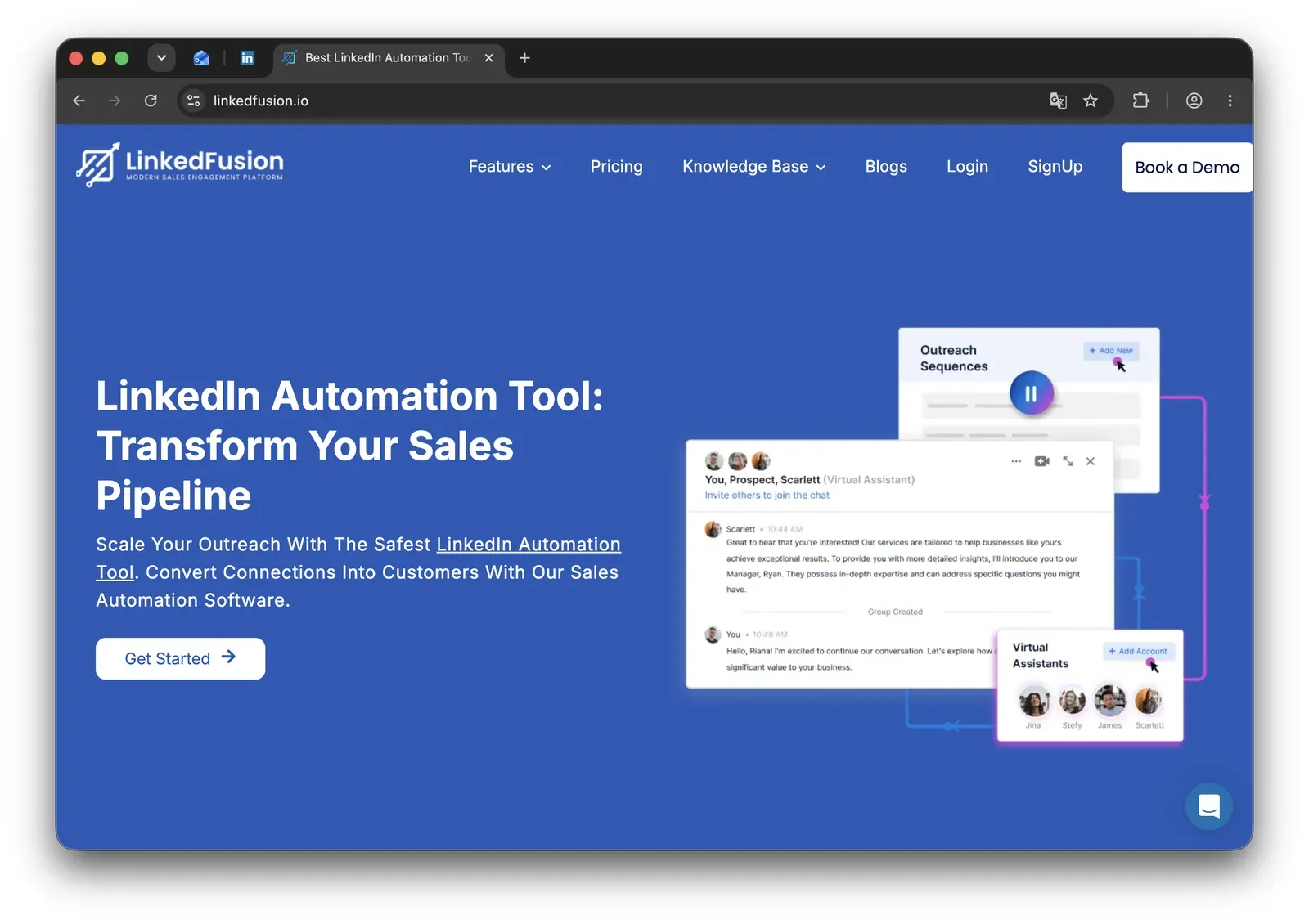
LinkedFusion homepage at linkedfusion.io - mid-July 2026

Public company listings date LinkedFusion's launch to 2020. Its current product pages do not clearly publish a standalone headquarters.

The LinkedFusion product site lists:

  • Connection requests and automated follow-ups.
  • Parallel sequences across time zones.
  • A smart inbox and analytics.
  • Templates.
  • A dedicated-IP option.

CRM availability depends on plan:

  • The current pricing page lists HubSpot and Pipedrive on Professional.
  • Salesforce, Close.io, Insightly, and Zoho appear on higher tiers.
  • Webhook handoffs can connect other CRM or email workflows, including external automation through tools such as Zapier.

LinkedFusion at a Glance

LinkedFusion keeps campaigns running without a local app. The trade-off is vendor-managed session custody and a narrower LinkedIn-first workflow.

Strengths

  • Cloud campaigns can continue while the operator's computer is offline.
  • Parallel sequences, time-zone scheduling, templates, analytics, and a smart inbox cover common LinkedIn drip-campaign work.
  • CRM connections include HubSpot and Pipedrive on the Professional plan, with more connectors on higher tiers.
  • The vendor offers an exclusive IP location for each connected account.

Limitations

  • A dedicated vendor IP does not make the LinkedIn session local; the campaign still runs in vendor-managed cloud infrastructure.
  • Public complaints cited for this comparison include automation glitches, slow support, a steep setup curve, CRM-sync problems, and a restrictive refund window.
  • Personalization centers on templates and variables rather than a documented conditional campaign builder.
  • Data collection is narrow compared with the broader methods covered in our guide to LinkedIn scraping tools, methods, and best practices.
  • Native outreach remains LinkedIn-first rather than a complete email-plus-LinkedIn sequence builder.

Operating profile

  • Cloud-hosted LinkedIn drip campaigns with CRM sync and no local runtime for SMB sales teams.

Why Users Switch

Architecture, support, and real seat-level cost are more useful checks than a dedicated IP alone.

LinkedFusion presents a dedicated IP as its safety case, yet the category its users compare still produced roughly 300 account-safety and restriction complaints.

Reliability appeared more often: about 400 negative mentions versus about 300 for safety across G2 reviews and 400+ Reddit discussions.

LinkedFusion itself has only 25 reviews and no Reddit sample, so these are category-level signals, not LinkedFusion-only rates.

ThemeNegative mentions
Reliability and automation glitches~400
Cost and pricing transparency at team or agency scale~300
Account safety and restrictions despite dedicated-IP claims~300
Scaling limits at multi-account or agency volume~300
Learning curve and setup complexity~200

Negative themes across the LinkedIn automation category LinkedFusion users compare

As of mid-July 2026 · rounded counts from G2, Capterra, Trustpilot, and Reddit analysis across the compared-brand set. LinkedFusion's own sample is too thin to rank independently.

How We Evaluated These Alternatives

We evaluated 12+ tools against 7,000+ reviews and 400+ Reddit threads (as of mid-July 2026). We weighted the dimensions that change exposure and day-to-day operation, with architecture and session/IP handling carrying the top 20%.

Dataset

We compared LinkedFusion with the 11 alternatives using 7,000+ reviews: 1,700+ from G2, 1,800+ from Capterra, and 3,600+ from Trustpilot. We also analyzed 400+ Reddit threads and checked vendor pricing and documentation directly.

Eight alternatives also had hands-on safety checks. For broader product coverage, see our hands-on comparison of 29 LinkedIn automation tools.

Evaluation Framework

Architecture describes where automation runs—Desktop, Cloud, or Browser extension. Credential login and cookie bridge describe how a cloud tool receives authorization.

Scoring dimensionWeightEvidence considered
Architecture and session/IP handling20%Live two-account IP/cloud testing, Chrome-extension teardowns (session-upload / cloud-bridge classification), automation_method cell, documentation
Workflow depth and conditional logic15%Hands-on testing, product documentation, if/then and scrape-source probes
Support quality and onboarding15%Review corpus, knowledge-base article counts, support-channel documentation
Pricing and value at scale15%Public pricing, documented 20-seat agency cost per brand
CRM connectors and webhooks10%Documentation, integration-count matrix cells, product testing
Account-scale controls10%Documentation, multi-account / license-switching testing
User complaint risk signals10%Review corpus and Reddit analysis (ban / billing / reliability complaints)
AI personalization parity5%Feature testing and documentation

LinkedIn automation scoring model

Each dimension was scored from 1 to 5, weighted, and normalized to a 100-point final score. The assessment combines public documentation, user-review analysis, live product testing, IP/session inspection, and browser-extension analysis. Pricing data and architecture labels reflect information reviewed as of mid-July 2026.

For tested tools, we also recorded four finer-grained operating patterns: local-scrape extension, cookie-bridge, cloud credential login, and desktop standalone.

Architecture labelWhat it meansWhere automation runsIP LinkedIn seesWho holds the session
DesktopA local app or user-controlled VPS runs the automationUser's machine or user-controlled VPSUser IP, VPS IP, or assigned dedicated proxyUser-controlled environment
CloudCampaigns run inside the vendor's web app and cloud infrastructureVendor cloudVendor-assigned IP, proxy, or dedicated IPVendor-managed cloud session
Browser extensionA browser extension operates inside the user's active LinkedIn browser sessionUser's browserUser IPUser's browser session; the extension reads or acts within that session

LinkedIn automation architecture glossary

Architecture labels describe where automation runs. They do not by themselves determine the final product score; risk also depends on session transparency, proxy controls, throttling, workspace governance, and observed user complaints. Labels reflect public information reviewed as of mid-July 2026.

Session-access methodWhat it meansApplies to
Credential loginThe user connects or logs into LinkedIn through the vendor's cloud app, creating a cloud-managed sessionCloud tools
Cookie bridgeA browser extension or handoff flow transfers an existing browser session to the vendor cloudCloud tools with extension-assisted setup

Cloud session-access methods

Credential login and cookie bridge are authorization/session-access methods, not separate product architectures. Both can result in automation running from the vendor cloud once the session is connected.

11 Best LinkedFusion Alternatives Compared

The table separates architecture and session custody from channel breadth and feature labels. LinkedFusion is the baseline, not a ranked row.

ToolArchitecturePrice (entry/mo)LinkedIn Session CustodyMulti-channelBuilt-in CRMFree trial (days)Best forOn LinkedIn AED list?
Linked HelperDesktop standalone$15/moLocal — session stays on the user's machine or VPSNoYes14dLinkedIn-first outreach with local session custodyn/a — no extension
ExpandiCookie-bridge / session-upload$99/moVendor cloud (li_at upload)YesYes — contacts/inbox/tags, no pipeline7Smart sequences + guided onboardingNo in June 2026 snapshot
DripifyCloud with credential login$59/moVendor-cloudYesYes7LinkedIn and email drip campaignsn/a — no extension
Meet AlfredCloud with credential login$59/moVendor-cloudYesYes7LinkedIn + email sequencesn/a
LemlistCookie-bridge / session-upload extension$69/mo ($109/mo with LinkedIn)Vendor cloudYesNo14dEmail-led multichannel outreachYes
WaalaxyCookie-bridge / session-upload extension (transitioning to cloud credential login)$42/moVendor-cloudNoYes14dFree-tier LinkedIn campaign setupYes
SalesflowCloud$99/moVendor-cloud — LinkedIn email/password entered into SalesflowYes (LinkedIn + email)Unified Inbox (not a full CRM)7Agency and sales-team multichannel coordinationn/a (not hands-on tested)
La Growth MachineCloud~$70/mo monthly-billedVendor cloudYes — LinkedIn, email, X, callsYes — Multichannel Inbox14dNative four-channel sequencesn/a
HeyReachCookie-bridge / session-upload extension$79/moVendor cloudYes — metered email creditsYes14dAgency multi-account coordinationNo — June 2026 snapshot
Octopus CRMLocal-scrape extension$9.99/moLocal browser sessionNoYes — in-extension lead list7Basic LinkedIn outreachYes
Dux-SoupHybrid: local-scrape extension (Free/Pro/Turbo) + cookie-bridge/session-upload (Cloud)$14.99/moLocal on Free/Pro/Turbo; vendor-cloud on CloudNoYes14 (extension offer; Cloud signup showed 0)Top-of-funnel profile visitsYes

Top LinkedFusion alternatives compared (mid-July 2026)

As of mid-July 2026 · official pricing and product documentation, G2/Capterra/Trustpilot review data, and hands-on checks where applicable.

1. Linked Helper

Linked Helper runs LinkedIn activity locally and keeps the authenticated session and observed IP in an environment the user controls. Its built-in browser drives real mouse and keyboard input rather than replaying selected API calls from vendor infrastructure. Pricing starts at $15/mo; the trade-off is a desktop or user-managed VPS setup.
1. Linked Helper

Linked Helper is a desktop app for Windows, macOS, and Ubuntu, founded in 2016 and headquartered in the United States. The local model means campaigns use your computer's IP—or a proxy you assign—while session data remains on that machine. For 24/7 operation, Web Version provides login-based browser access to an instance running on your VPS. This keeps custody user-controlled without requiring a PC to remain on.

It supports LinkedIn-first connection, follow-up, and lead-data collection campaigns. A 12-month Standard license costs $8.25/mo equivalent, and a 14-day trial is available. Volume discounts stack on top of that duration discount starting at 10 licenses—for example, 20% off at 20 licenses—so per-seat cost keeps dropping for agencies and teams.

Quick facts about Linked Helper

  • Founded: 2016
  • HQ: United States
  • Pricing: $15/mo ($8.25/mo on a 12-month license), 14-day free trial
  • G2: 4.56★ (142) · Capterra: 4.9★ (252) · Trustpilot: 4.91★ (431)
  • Last 6 months: 21 new reviews averaging 4.76★ — the review base continues to grow
  • Architecture: Desktop standalone

Vendor pricing and feature pages (checked mid-July 2026) + G2, Capterra, Trustpilot and Reddit reviews (computed mid-July 2026)

As the publisher, we excluded our own product from the hands-on competitor test set; this card uses documented product facts and the review record.

Key Features

  • AI ICP detection — scores collected profiles against an Ideal Customer Profile before outreach, so poor-fit leads can be excluded before using the weekly invite budget.
  • 13 LinkedIn scrape sources — collects across LinkedIn, Sales Navigator, and Recruiter and can process Sales Navigator lists uploaded from CSV even on a basic LinkedIn plan, reducing separate data-tool work.
  • AI writing tools — an AI generator drafts personalized message templates inside messaging actions, an AI editor refines the copy, and AI-drafted replies are available from the Inbox; nested IF-THEN-ELSE logic and spintax still adapt message text when a variable is missing.
  • Built-in CRM and 11 direct connectorsstores profile data, notes, tags, and messaging history, with Zapier and Make through webhooks, reducing external handoffs.
  • Error circuit breaker — five repeated failures pause the affected action for four hours, which stops a retry storm while other work continues.

The pattern is breadth: reviews across all three platforms mention pricing, account scale, and campaign control. The combined record is 4.85★ over 825 reviews; the latest six-month window adds 21 at 4.86★.

What reviewers say about Linked Helper

A Reddit discussion shows users pairing sequencing with message variation:

Reddit
ChatGPT
sequencing and follow-ups go through linked helper... ask AI to give me like 4 variations so I'm not blasting the exact same sentence.

Real-world scenario

In an anonymized support case, LinkedIn required an email address before an Irish fire-and-security company could invite about 180 valuable profiles. Linked Helper's data-enrichment step retrieved emails from an integrated provider at send time. That turned a privacy-setting dead end into a recoverable invite workflow without discarding the prospects.

The trade-offs are concrete: Linked Helper has no native email sequence channel, so multichannel teams pair it with a dedicated email tool—it integrates with Instantly and Snov.io, and per-step webhooks let you connect other email tools for the email leg.

Bottom line

If LinkedFusion's vendor-held session and basic data reach are the reasons for switching, we recommend Linked Helper when user-controlled execution, 13 scrape sources, and a built-in CRM outweigh the lack of native email. Because execution and the LinkedIn session stay on your own machine or VPS—the session token never leaves it—local operation plus Linked Helper's anti-detection mechanisms (real mouse and keyboard input, randomized daily limits, and per-account proxy checks) make it an especially safe way to run outreach.

2. Expandi

Founded in 2019 and G2-listed in Ohio, Expandi is a web app for sales teams, recruiters, and lead-generation agencies coordinating outreach across LinkedIn accounts. The Business plan bills $79 per account on an annual term, while its seven-day trial requires a credit card. At 20 accounts, the annual cost is $18,960 because purchased seats are charged whether or not a LinkedIn account is connected.

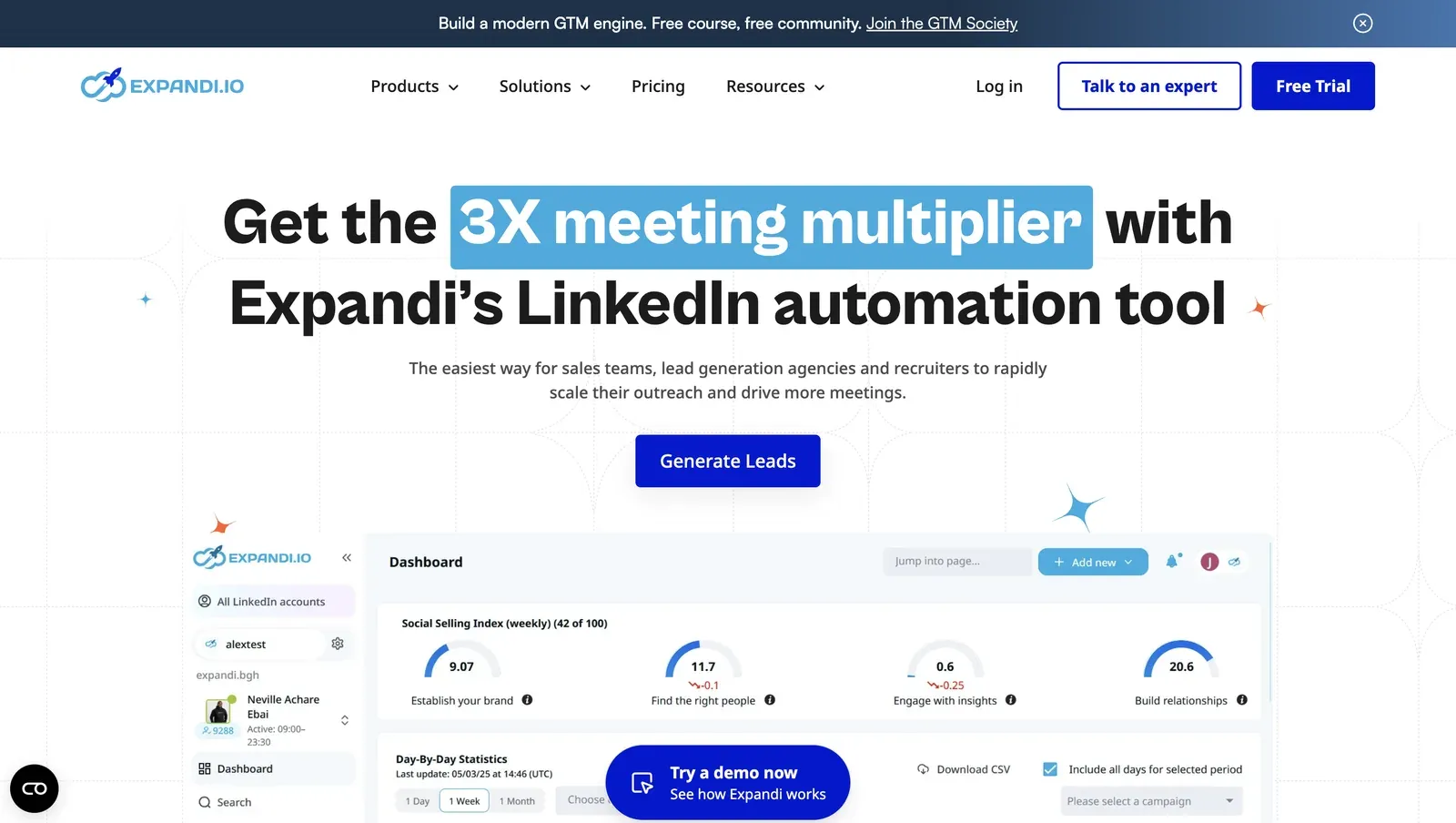
Expandi LinkedIn automation homepage - mid-July 2026

Expandi's $99-per-account plan does not change LinkedFusion's vendor-custody trade-off: our live login and connector teardown both ended with vendor infrastructure able to operate the LinkedIn session. The higher price includes smart sequences and guided onboarding, not a different safety model. Agencies wanting those controls reach for Expandi.

Expandi's cloud workspace preview on its product homepage - mid-July 2026

Quick facts about Expandi

  • Founded: 2019
  • HQ: Ohio, US (G2-listed); personal data processed in the Netherlands
  • Pricing: $99/mo ($79/mo annual), 7-day card-required trial
  • G2: 4.16★ (98) · Capterra: 4.35★ (31) · Trustpilot: 4.07★ (202)
  • Last 6 months: 4.58★ across 31 reviews (up from 4.13★ overall; largely onboarding-support praise)
  • Architecture: Cookie-bridge / session-upload connector — copies the LinkedIn login cookie to vendor cloud, which then operates from its own IP

Vendor pricing, terms, and help pages checked through mid-July 2026 + G2, Capterra, and Trustpilot review data with Reddit signals computed mid-July 2026

Key Features

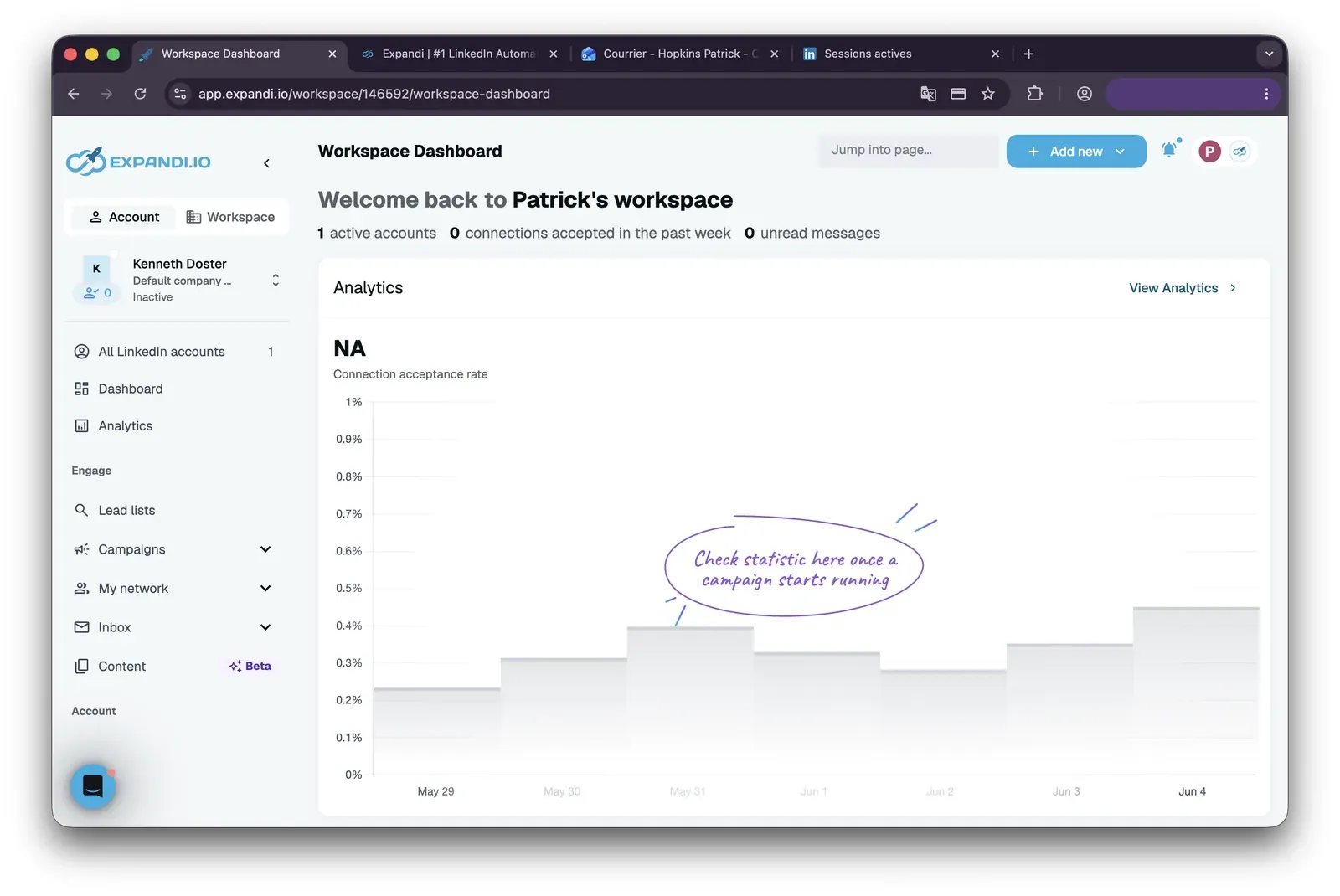
Expandi workspace dashboard - mid-July 2026

  • Smart sequences — conditional workflows can combine LinkedIn and email follow-ups in one sequence.
  • Ranged daily limitsuser-set ranges vary the exact daily volume, which avoids a mechanically identical count each day.
  • My Contacts CRMcontacts, inbox, and tags sit inside the app, but there is no deal pipeline.
  • Campaign A/B testing — campaigns can compare variants rather than only rotate message variables.
  • Image and GIF personalization — visual personalization is available at an additional paid cost.
  • AI Analyzermessage generation is capped at 15 credits per account per day, and that cap is shared across all active campaigns, reset daily, with unused credits not carried over to the next day, so teams must budget it tightly across campaign fields.

The split is stage-specific: recent praise is dominated by onboarding and named support reps. Product-capability praise is rarer, while account-restriction, billing, and reliability complaints continue. Some same-day cross-posts also make the headline review count about 10% larger than the independent-voice count, so we treat the upward trend as directional.

What reviewers say about Expandi

Real-world scenario

One switcher reported a support gap: A G2 reviewer moved from Expandi to Skylead for a different venture, then found the replacement harder to connect and its support less responsive. The story credits Expandi's onboarding experience, not its safety architecture.

We used Expandi before and really liked it, but decided to try Skylead for a different venture. We never could get connected, nor was Skylead interested in helping us.

Read the full review on G2

G2
Rating: 4.5 out of 5
SD
Sue D.

The pressure points change after onboarding: reviewers describe campaign failures, support gaps during live problems, account restrictions, and seat-billing disputes. The current trial lasts seven days, requires a card, and carries a no-refund policy. Another Trustpilot complaint reports that the cancellation button disappeared before the trial ended.

Reported limitations

Where the per-seat premium bites: a small-software evaluator described the impact directly.

Reddit
BootstrappedStacks
My SaaS has a tiny MRR, so when a tool asks for $99/mo per user, I'm basically looking at a bill that will kill my profit margin.

Account-risk reports: we identified account-restriction or safety-detection concerns in 42 reviews. That volume does not establish a single cause. Because the reports continue alongside the dedicated-IP claim, the claim should not be treated as a safety guarantee.

When I first started using it, I logged into my main LinkedIn profile, which was already many years old. Within just a few hours of connecting Expandi, my account was frozen, and to this day I still can't restore access to it.

Read the full review on Trustpilot

Trustpilot
Rating: 1 out of 5
AL
Artemi Leben

Safety and Setup Notes

I read the two checks together as a custody problem, not a proxy-feature checklist: the cloud receives what it needs to act as the account, while assigned-IP reputation is not independently controlled.

For the live check, I used IPQualityScore (IPQS) as an independent IP-quality signal. Its 0–100 fraud scale treats 75+ as high-risk. It is not LinkedIn's enforcement verdict, but it shows whether a vendor-assigned address already carries proxy or abuse signals before an account uses it.

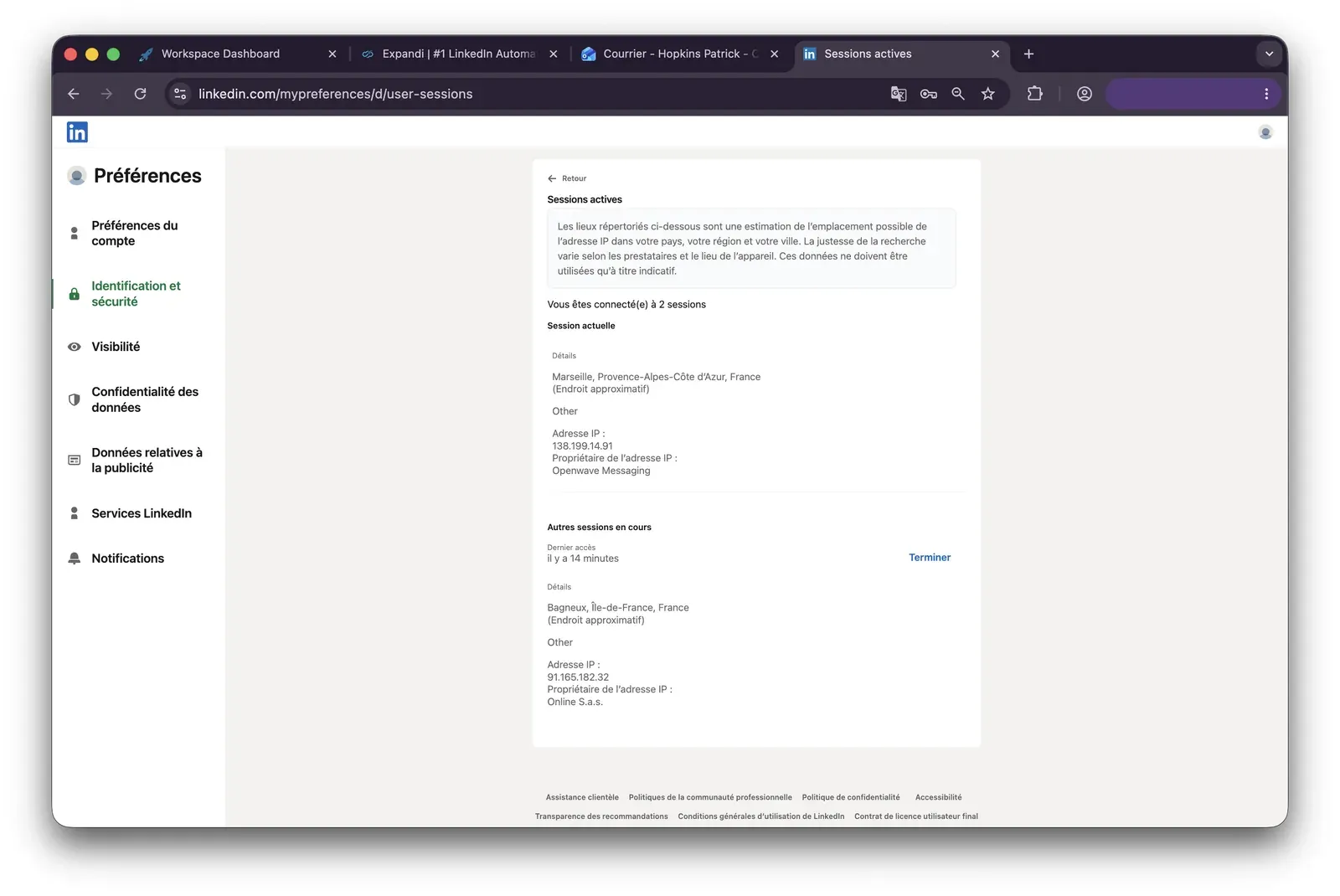
Expandi LinkedIn active sessions - mid-July 2026

What was checkedResult
Login modelCredentials login — a fresh LinkedIn session starts from vendor infrastructure, so the vendor controls the operating environment
Can I choose the desired location?Yes — 96 locations
Can I add my own proxy?No; no proxy-quality checker was available, so the assigned address could not be independently replaced or screened
Can I select a timezone when adding an account?Yes
Cloud IP for account 191.165.182.32 — Free SAS, Brittany, France
OS / browser for account 1 (tool-reported)Mac OS X / Chrome
Account 1 IPQualityScore resultFraud 100/100 · proxy yes · recent abuse yes · high abuse velocity · residential connection — high-risk on IPQS's scale
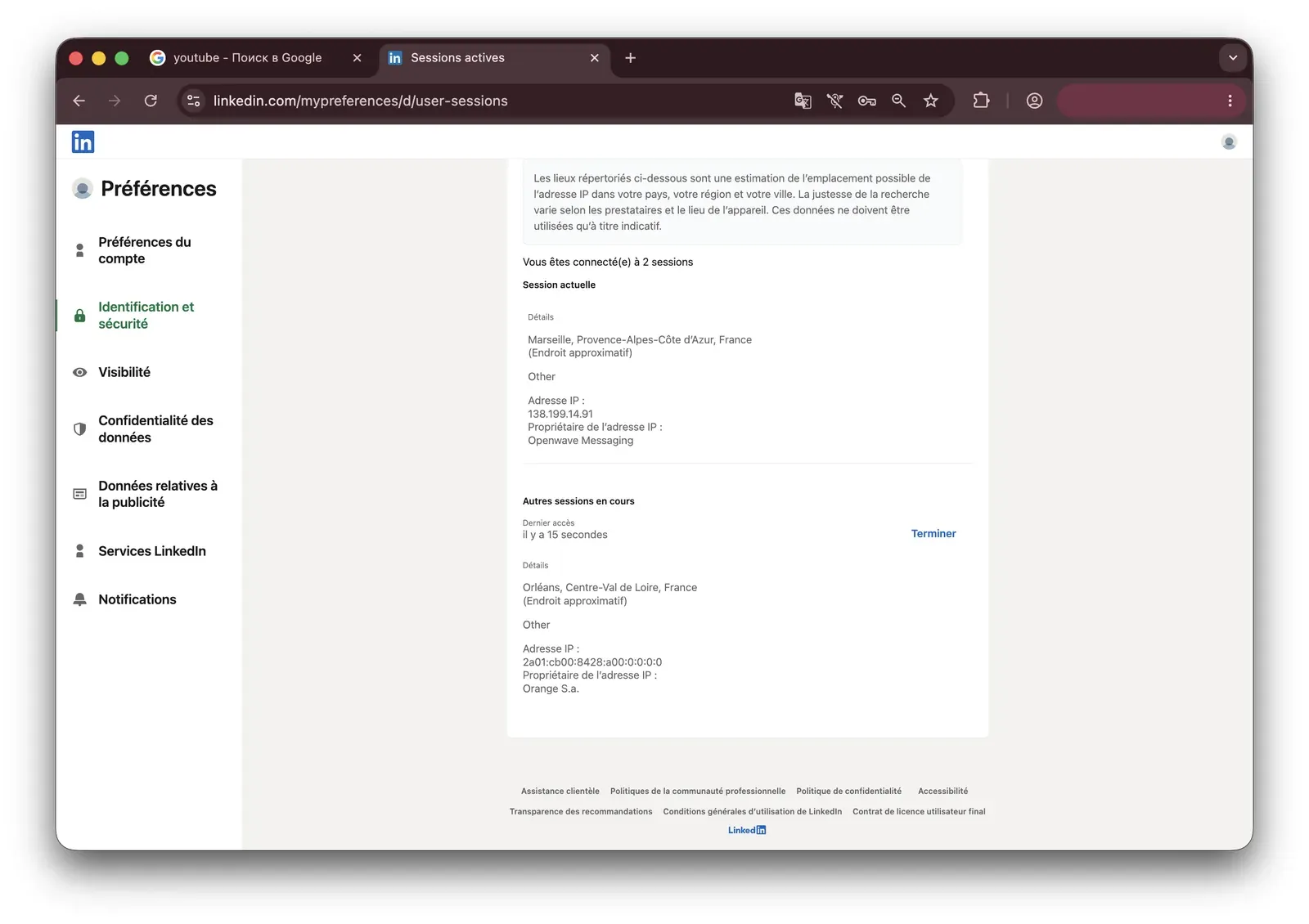
Cloud IP for account 2 (same geo)IPv6 address in 2a01:cb00:8428:a00::/ — Orange France, Centre-Val de Loire
OS / browser for account 2 (tool-reported)Mac OS X / Chrome — identical fingerprint to account 1
Account 2 IPQualityScore resultFraud 0/100 · proxy no · recent abuse no · residential connection
Same IP or /24 across the two accounts?No — different providers, but the tool-reported OS/browser fingerprint was identical
Is a credit card required for the trial?Yes
Trial duration7 days

Expandi — live cloud/IP test (mid-July 2026, two accounts, registered from France)

LinkedIn active sessions during the Expandi test, second account - mid-July 2026

LinkedIn's active-sessions view after the first Expandi account connection - mid-July 2026

What was checkedFinding
Ships a public extension?Yes — the official Expandi Connector hands the session to the cloud
Architecture verdictCookie-bridge / session-upload — a one-time handoff gives vendor infrastructure the session needed to act as the account
Reads the LinkedIn session cookie (li_at)?Yes — li_at, the LinkedIn login in cookie form, is copied to app.expandi.io, so the vendor cloud can act without the password
Direct LinkedIn (Voyager) API calls?Yes — like other cloud/API tools here, the connector sends its own Voyager/GraphQL requests rather than reproducing a full human browser request pattern
Fires synthetic (isTrusted=false) clicks?No — the connector does not drive the interface; automation runs cloud-side
Blocks LinkedIn telemetry?No
Enforced daily cap in the code?None found — limits live outside the connector rather than as extension-level guardrails
On LinkedIn's AED probe list?Not in the June 2026 snapshot — AED is LinkedIn's extension-ID probe list, so absence from one snapshot is not safety as the list keeps growing

Expandi Connector extension — source-code teardown (mid-July 2026)

I observed different infrastructure outcomes under an otherwise matched setup. This suggests that exposure depends partly on vendor assignment. The public connector adds a separate detection surface — Linked Helper's security study documents how LinkedIn probes for installed automation extensions — regardless of its status in one scan snapshot.

Against LinkedFusion, the higher per-seat price changes workflow depth, not custody. Linked Helper keeps the session and IP in an environment the user controls and supports a user-assigned proxy.

Bottom line

Sales teams wanting smart sequences, LinkedIn-plus-email steps, and guided onboarding reach for Expandi. At scale, every LinkedIn account consumes a paid seat whether connected or not.

For controllable session and IP handling, Linked Helper runs locally or on a VPS, keeps the session in an environment the user controls, and lets the user assign a proxy. Pricing starts at $15/mo.

One multichannel caveat is easy to miss: Expandi says an email reply does not pause later email actions in the same campaign. The next email remains scheduled because the platform does not track replies in an integrated email inbox. LinkedIn-message replies follow a different pause path.

3. Dripify

Dripify is a cloud application for LinkedIn-and-email sequences, starting at $59/month. Small sales teams wanting a no-card trial and drip-campaign setup reach for it. In our two-account check, we found that LinkedIn-session custody and assigned-IP quality both remained outside the user's control—the same safety boundary that undercuts LinkedFusion's dedicated-IP story.

Dripify LinkedIn and email campaign builder - mid-July 2026

Dripify presents LinkedIn and email steps in one campaign sequence - mid-July 2026

Founded in 2019 and headquartered in Texas, Dripify supports A/B tests and media personalization. Onboarding asks users to enter their LinkedIn credentials; Dripify then creates a fresh sign-in on vendor infrastructure, so campaigns continue with the PC off.

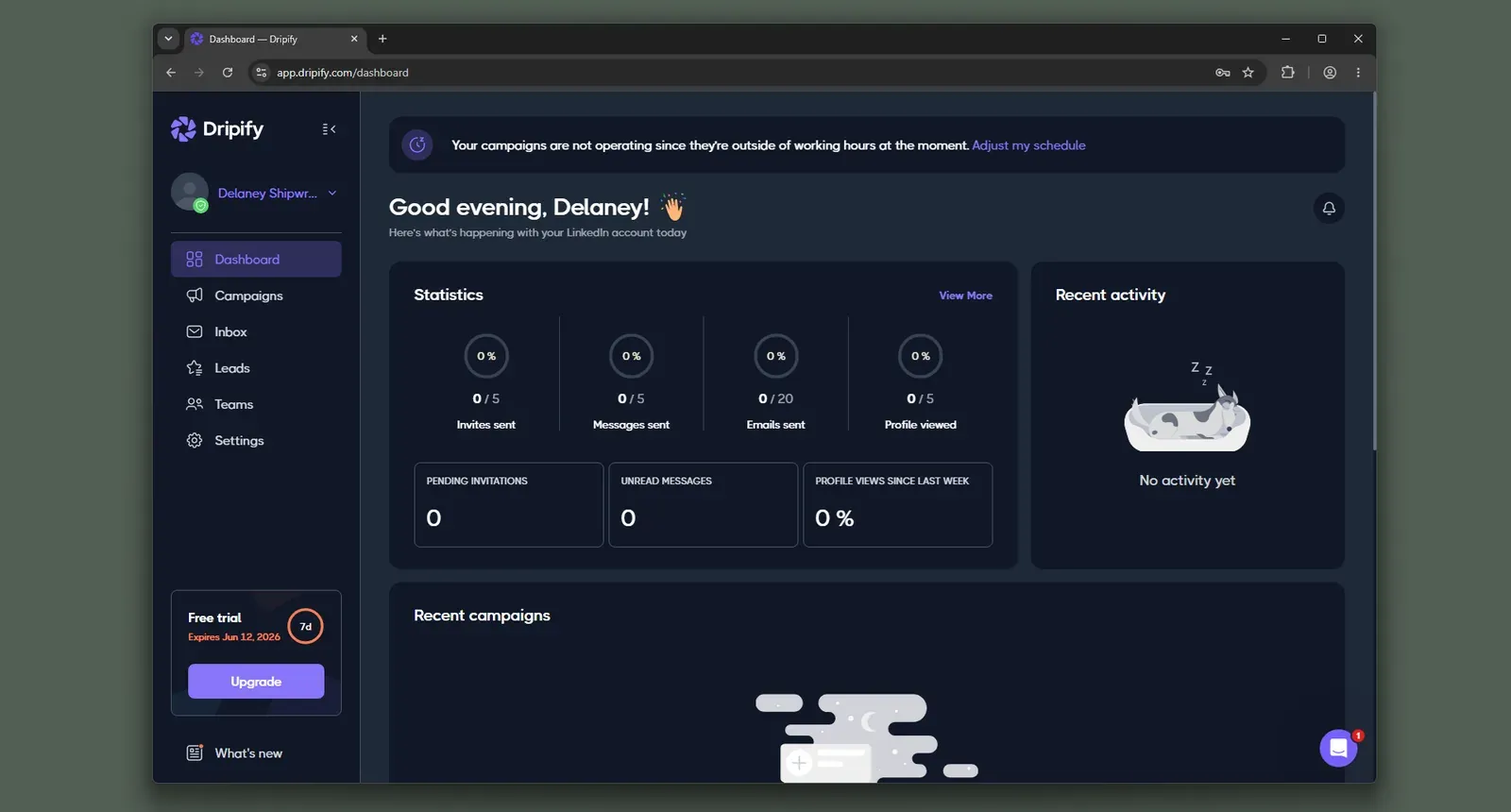
Dripify dashboard - mid-July 2026

The pricing page puts Basic at a $39 monthly equivalent on annual prepayment. A 20-account Advanced setup reaches about $18,960 a year because each account requires a full subscription.

Quick facts about Dripify

  • Founded: 2019
  • HQ: Texas, USA
  • Pricing: $59/mo ($39/mo annual), 7-day free trial with no credit card
  • G2: 4.52★ (267) · Capterra: 4.71★ (476) · Trustpilot: 4.62★ (429)
  • Last 6 months: 4.64★ (flat) across 59 reviews
  • Architecture: Cloud with credential login — the vendor creates and holds the LinkedIn session

Vendor pricing and feature pages (checked mid-July 2026) + G2, Capterra, Trustpilot and Reddit reviews (computed mid-July 2026)

Key Features

  • LinkedIn and email sequences — paid tiers combine connection, message, and email steps in one campaign.
  • Campaign A/B testing — compares alternate campaign variants within the platform.
  • AI message generationgenerates outreach copy from prospect and campaign context.
  • Image and video personalization for email — adds individualized media to email outreach steps; this feature does not apply to LinkedIn messages.
  • Lead tagging — organizes leads in the built-in CRM on the Advanced tier.
  • Randomized daily ranges — like other tools in this category, Dripify varies action limits as standard safety hygiene.

The split is experience, not score: across 1,100+ reviews, the 4.63★ aggregate combines repeated praise for quick campaign setup with a low-star cluster around failed campaigns, confusing team controls, and cancellation. The recent 59-review window sits almost level with the lifetime average, so the same tension remains current rather than historical.

What reviewers say about Dripify

Real-world scenario

A Reddit user linked an account restriction to aggressive Dripify use. We treat this as a warning about behavioral volume, not evidence that architecture alone caused the outcome.

Reddit
LinkedInTips
I was using dripify a long time ago (LinkedIn automation tool) and was aggressive with it and got my account banned.

The practical price can exceed the headline: complaints span reliability, onboarding, safety checkpoints, and billing. Basic allows one campaign and omits export and integrations. Teams needing those functions must move above the advertised entry tier. CRM connectivity carries a further catch: reaching a platform like HubSpot runs through paid Zapier (a Pro-tier add-on) rather than a native connector, an extra paid hop for integrations that many rivals include natively.

Reported limitations

One reviewer questioned credential handling after deliberately submitting an incorrect password. The report does not prove how Dripify handles storage, but it matters because the login flow asks for LinkedIn credentials.

I intentionally gave a wrong password to see if it's a scam and then suddenly there's an email saying ACTION REQUIRED on my business email that links to my LinkedIn account.

Read the full review on Trustpilot

Trustpilot
Rating: 1 out of 5
MA
Ma. Alyka Licuben

Safety and Setup Notes

Dripify runs in the background and offers a full seven-day Advanced trial with no card.

In the setup I tested, the assigned IP remained vendor-controlled.

The company's extra-safety page calls the system "completely safe to use". Reports, however, describe default-limit restrictions and actual invite throughput of roughly 5–37 against an advertised level near 75. That leaves the safety claim unsettled. In plain terms, LinkedIn approves no automation tool—Dripify included—so no vendor can promise your account is safe, and a "completely safe" label cannot override LinkedIn's own prohibition on third-party automation.

For the field test, I used IPQualityScore (IPQS), an independent fraud-prevention service with more than 10 years on the market. It scores IPs from 0–100 using its abuse network; 75+ is high-risk on its scale, not LinkedIn's enforcement verdict.

A datacenter IP comes from rented server infrastructure rather than a home or phone connection. On a personal LinkedIn session, that origin is an additional signal because most genuine users connect through residential or mobile IPs.

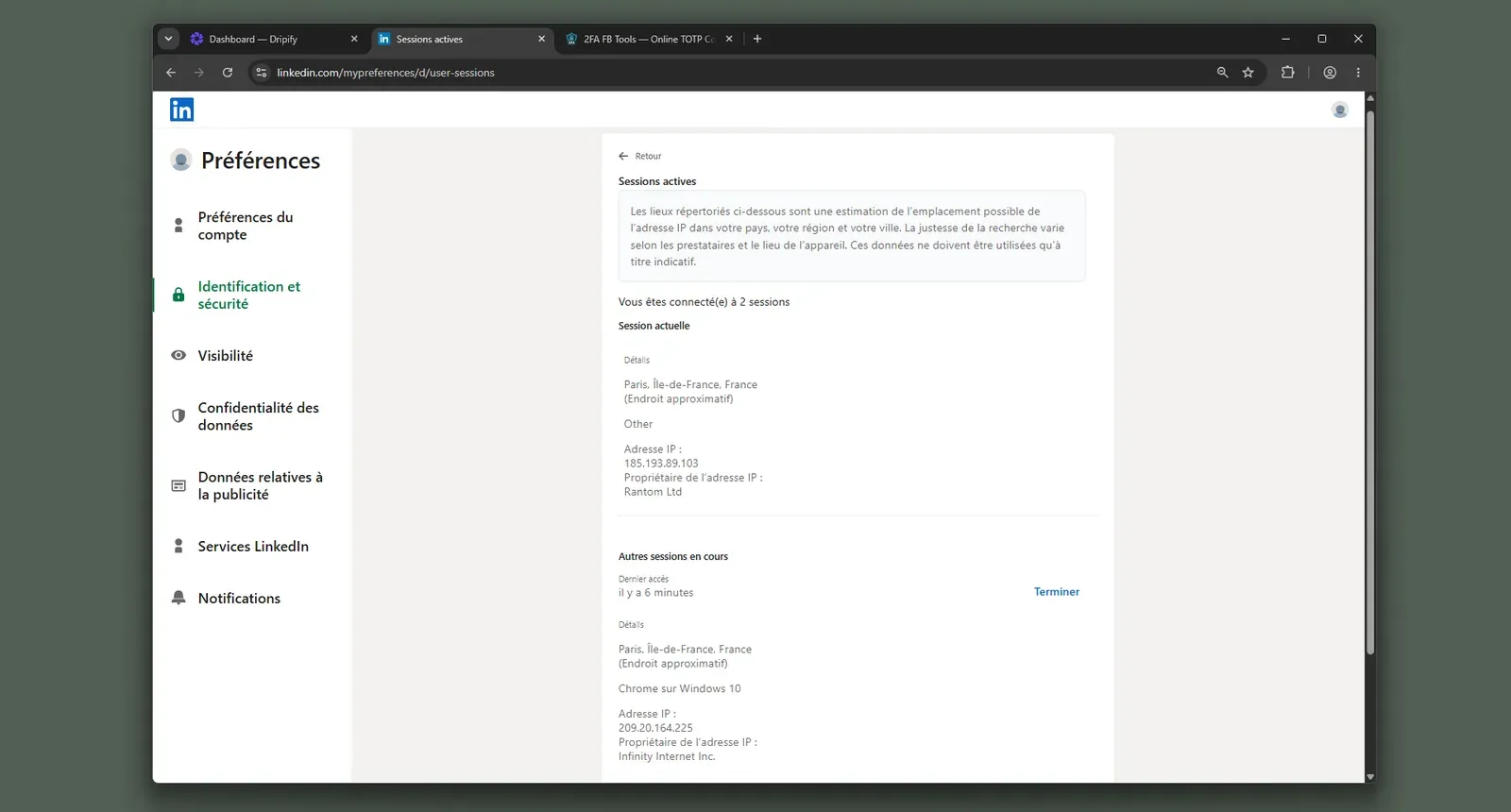
Dripify LinkedIn active sessions with vendor cloud IP - mid-July 2026

What was checkedResult
Login modelCredentials login — Dripify creates a fresh LinkedIn session on vendor infrastructure, so custody leaves the user's machine
Can I choose the desired location?No
Can I add my own proxy?No — and no proxy-quality checker is provided
Can I select a timezone when adding an account?Yes
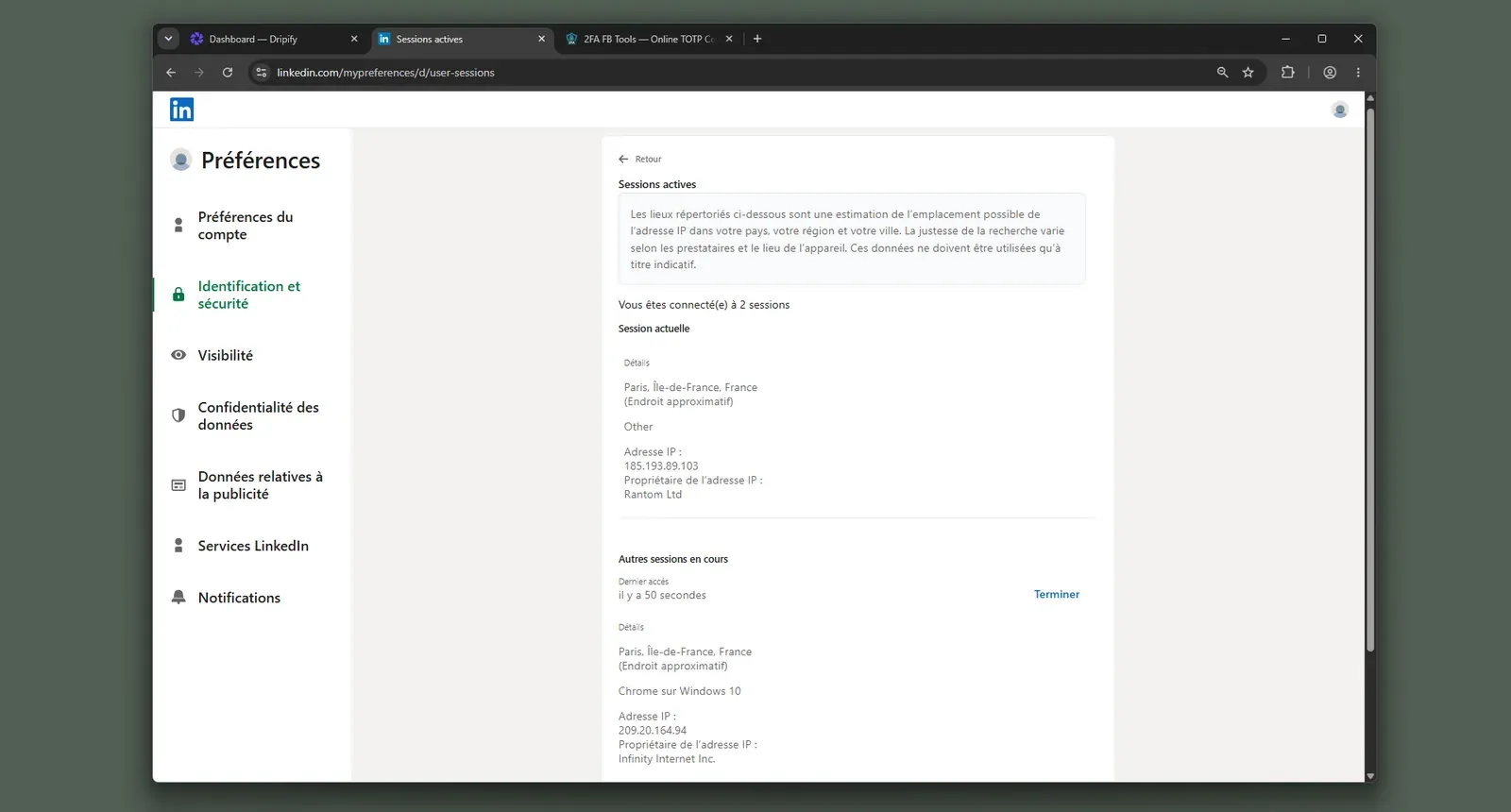
Cloud IP for account 1209.20.164.225 — HostRoyale Technologies Pvt, Paris, Île-de-France
OS / browser for account 1 (tool-reported)Windows / Chrome — IPQS independently inferred Mac 10.15 / Chrome 135
Account 1 IPQualityScore resultFraud score 94/100, high-risk; proxy Yes; VPN Yes; Data Center; no recent abuse
Cloud IP for account 2 (same geo)209.20.164.94 — HostRoyale Technologies Pvt, Paris, Île-de-France
OS / browser for account 2 (tool-reported)Windows / Chrome — identical fingerprint to account 1
Account 2 IPQualityScore resultFraud score 94/100, high-risk; proxy Yes; VPN Yes; Data Center; no recent abuse
Same IP or /24 across the two accounts?Different IPs in the same /24 and from the same provider — the accounts occupied the same small network block
Is a credit card required for the trial?No
Trial duration7 days

Dripify — live cloud/IP test (June 2026, two accounts, registered from France)

LinkedIn active sessions during the Dripify test, second account - mid-July 2026

LinkedIn recorded the Dripify-created session beside the account's existing session - mid-July 2026

I found no public Dripify LinkedIn extension to inspect, so the first-hand evidence here comes from the live cloud test.

In my June 2026 test setup, the two accounts received different assigned IPs in the same /24 from the same provider. I read that consistency as evidence that vendor-controlled network exposure is likely structural rather than an isolated assignment.

No public extension means no browser-injection surface from a Dripify extension, but credential-login custody still places the live session outside the user's local machine.

Compared with LinkedFusion, credential login changes the onboarding flow but not the custody boundary.

Linked Helper changes who controls the runtime rather than merely changing the vendor-assigned IP.

Bottom line

Small sales teams wanting a no-card trial and LinkedIn-and-email drip campaigns reach for Dripify. Campaigns continue after the browser closes, while control of the session and assigned IP stays with the vendor.

For users prioritizing control of the LinkedIn login and assigned IP, Linked Helper keeps the session on the user's computer or VPS. Web Version adds login-based browser access to that VPS for remote 24/7 operation.

Dripify's own team-billing help article, checked mid-July 2026, adds a billing caveat. Removing a member does not cancel that member's subscription; it stays active until separately canceled or transferred.

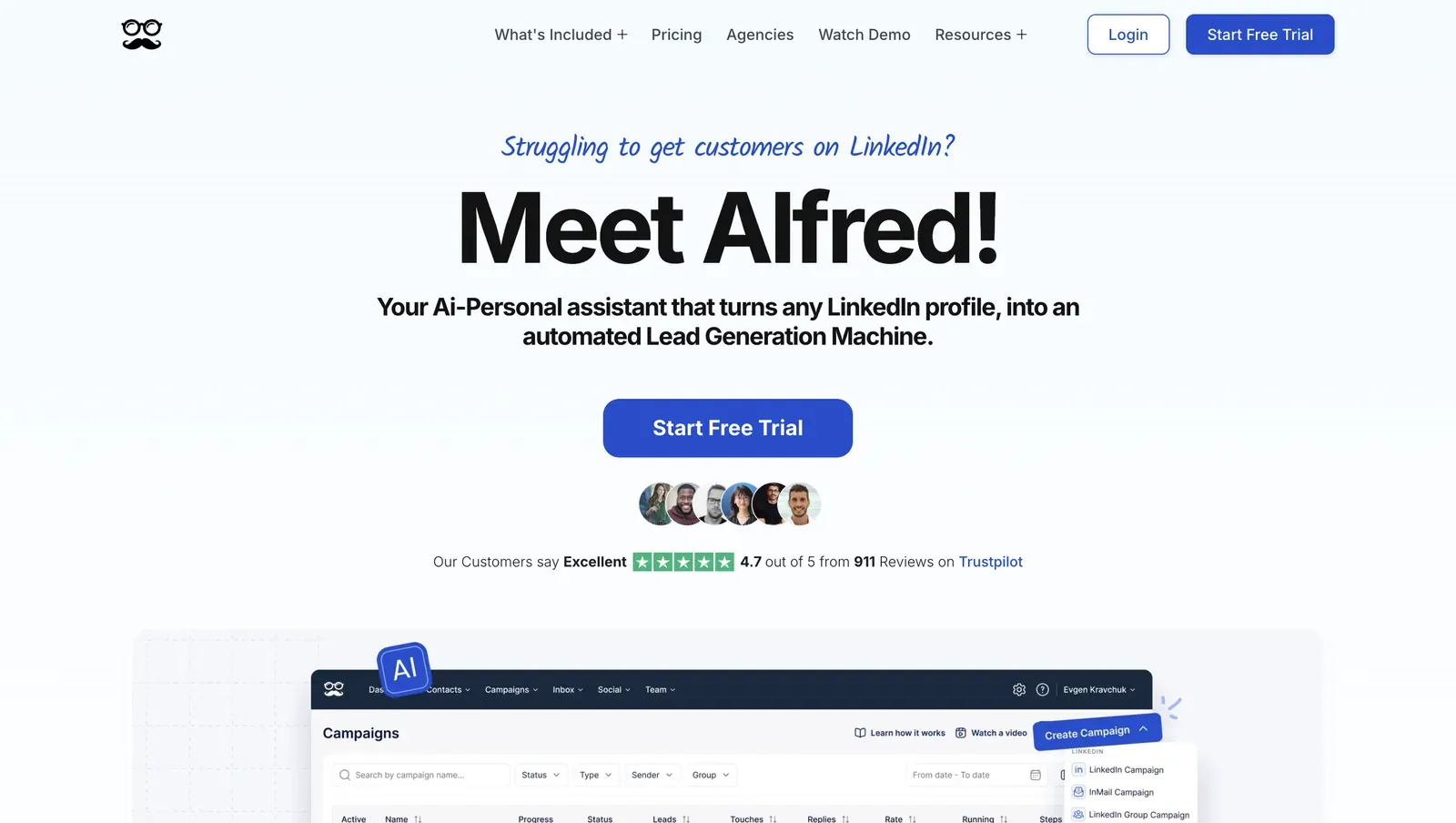
4. Meet Alfred

Meet Alfred is a cloud-based sales-outreach campaign service founded in 2016 and headquartered in Sydney, Australia. Its contact CRM and unified inbox coordinate LinkedIn and email sequences. Teams wanting that broader channel mix reach for it at $59/month.

Meet Alfred homepage for multichannel LinkedIn and email outreach - mid-July 2026

Does that broader reach solve LinkedFusion's cloud-risk problem? No. Meet Alfred takes LinkedIn credentials into its cloud, and our paired-account test found inconsistent connection types. Session reliability still depends on vendor-assigned infrastructure, while reviewers report daily disconnects and account restrictions.

Meet Alfred automates through reverse-engineered LinkedIn API calls. These calls do not reproduce the full request map of normal browser use, which adds a detection signal. The advertised $29/month annual rate applies only to Pro, so it is not a blanket yearly price. The documented 20-seat scenario costs $6,960/year.

Quick facts about Meet Alfred

  • Founded: 2016
  • HQ: Sydney, Australia
  • Pricing: $59/mo ($29/mo advertised annual); live signup showed a 7-day trial, while the pricing page says 14 days
  • Ratings: 4.65★ across 927 overall; Trustpilot 4.73★ (884) vs G2 3.2★ (30) and Capterra 2.8★ (13) — sharp platform split
  • Architecture: Cloud with credential login

Vendor pricing & feature pages (checked mid-July 2026) + G2, Capterra, Trustpilot & Reddit reviews (computed mid-July 2026)

Key Features

  • Multichannel sequences — coordinates LinkedIn, email, and other outreach steps in one campaign.
  • LinkedIn CRM — stores prospect records and campaign activity inside the platform.
  • Event campaigns — builds outreach audiences from LinkedIn event participation.
  • Campaign A/B testing — compares campaign variants within the sequence workflow.
  • CRM and webhook integrations — connects natively to CRMs including HubSpot, Pipedrive, Salesforce, Zoho, HighLevel, and Instantly, plus Zapier, Make, and incoming webhooks that many other tools can receive.

The platform split is the finding: Meet Alfred's 4.65★ overall mean draws 884 of 927 ratings from Trustpilot. With G2 at 3.2★ and Capterra at 2.8★, the blended score is a poor proxy for B2B-software sentiment. One Trustpilot reviewer also alleged the company had "paid for bots to rate this product".

What reviewers say about Meet Alfred

Real-world scenario

A documented switch: Eric described moving his team from Meet Alfred to Linked Helper after reliability and cost problems. The Trustpilot review has no per-review URL, but it provides a sourced switching account rather than a composite.

I and my team switched to LinkedIn Helper ... has no issues like we had with MeetAlfred and is a couple times more cost-effective.

Read the full review on Trustpilot

Trustpilot
Rating: 1 out of 5
E
Eric

Reported Limitations

The tiers matter: the headline annual promotion is Pro-only, while lead and campaign export is Teams-only. The entry offer therefore does not carry every advertised capability. The Pro license also lacks Team features — managing multiple LinkedIn accounts and assigning roles or permissions — so multi-account teams must move up to the pricier Team tier. Daily action limits follow LinkedIn membership tier. They pass through membership constraints rather than add an independent safety engine.

The Reddit signal is thin: The thread is a category roundup, not a firsthand Meet Alfred account, but it flags campaign caps on cheaper tiers.

Reddit
GrowthHacking
Meet Alfred: $29-$49/mo - Limited to 3 campaigns on cheaper tiers, only 3.4/5 G2 rating

Reported limitations

Account-risk reports: Multiple reviewers describe LinkedIn restrictions; the single card below is the most mechanism-specific, reporting minute-by-minute messages before a block. That is a user report, not a measured restriction rate.

Envía mensajes cada minuto y no respeta tiempos de envío prudentes, LinkedIn me detectó y bloqueó la cuenta.

Read the full review on Trustpilot

Trustpilot
Rating: 1 out of 5
AM
Alexis Mindreau

Safety and Setup Notes

Meet Alfred has no public LinkedIn extension, so I had no extension to inspect. Active Extension Detection (AED)—LinkedIn's hardcoded list of extension IDs it probes on every visit—therefore does not apply. The absence of an extension removes that extension-ID signal, but it does not remove cloud-session exposure.

I checked both assigned IPs with IPQualityScore (IPQS), an independent fraud-prevention service that reports a 0–100 fraud score, connection type, and proxy/VPN flags from its abuse network. This is an independent IP-quality signal, not LinkedIn's enforcement verdict. In the table, “Data Center” means rented server infrastructure rather than a residential or mobile connection. A personal LinkedIn session operating from a server-origin IP can stand out.

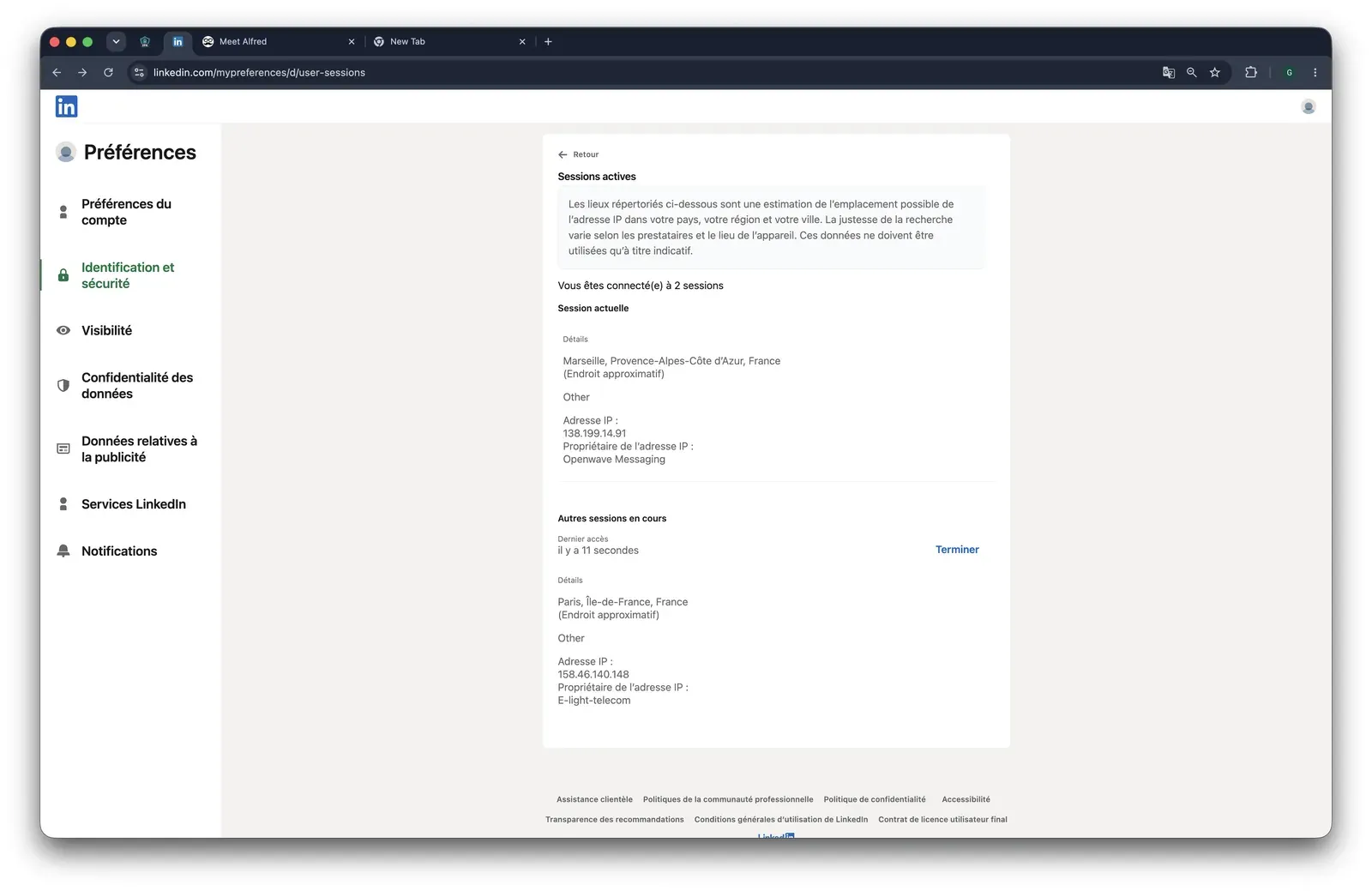
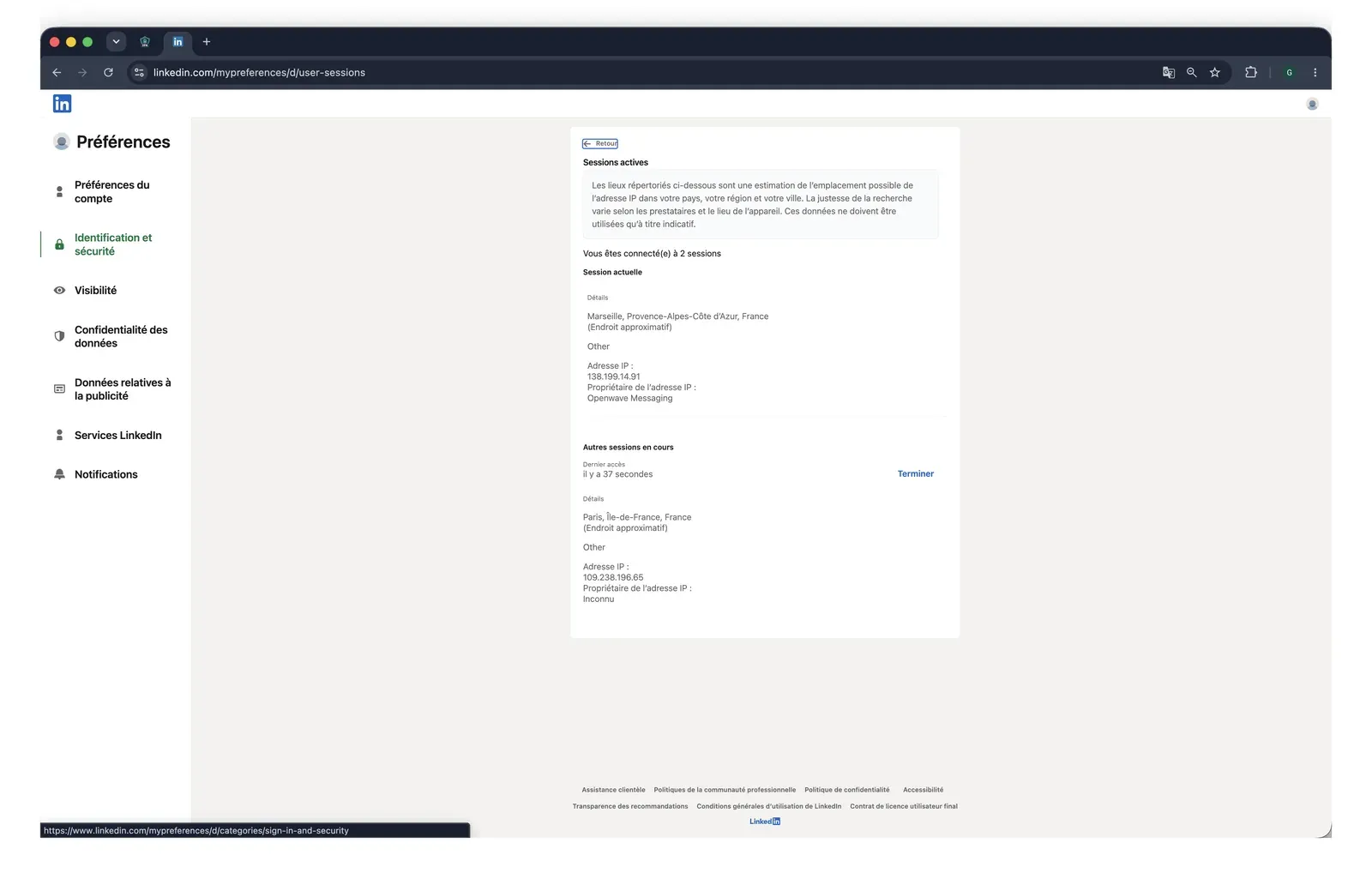
Meet Alfred LinkedIn active sessions and vendor IP - mid-July 2026

What was checkedResult
Login modelCloud with credential login — Meet Alfred creates a fresh LinkedIn session from vendor infrastructure, so the session leaves user-controlled hardware
Can I choose the desired location?Yes — 247 locations, which provides geographic control over the assigned route
Can I add my own proxy?Yes, but no proxy-quality checker was present, so the user must vet the address independently
Can I select a timezone when adding an account?Yes — this can align the tool-reported session with the account's operating region
Cloud IP for account 1109.238.196.65 — WS Telecom, Paris, Île-de-France
OS / browser for account 1 (tool-reported)iOS / Chrome Mobile
Account 1 IPQualityScore resultFraud 0/100 · proxy No · VPN No · recent abuse No · Data Center — a server-origin connection that can make a personal LinkedIn session stand out
Cloud IP for account 2 (same geo)158.46.140.148 — WS Telecom, Paris, Île-de-France
OS / browser for account 2 (tool-reported)Android / Chrome Mobile — fingerprint differed from account 1
Account 2 IPQualityScore resultFraud 0/100 · proxy No · VPN No · recent abuse No · Residential — consistent with a typical home-origin session
Same IP or /24 across the two accounts?No — different IPs and /24 blocks, but the same provider; the routes were separate without being provider-independent
Is a credit card required for the trial?No — signup can be tested without a billing commitment
Trial duration7 days — the pricing page claims 14, so the live signup did not match the published duration
On LinkedIn's AED list?n/a — no public companion extension, so there is no extension ID for LinkedIn to probe

Meet Alfred — live cloud/IP test (June 2026, two accounts, registered from France)

LinkedIn active sessions during the Meet Alfred test, first account - mid-July 2026

The second account shows a separate Paris session created during Meet Alfred's live cloud test - mid-July 2026

The gap between nominally identical signups matters more than either endpoint: connection quality was not uniform. Infrastructure risk is therefore partly assigned rather than predictable.

I would treat the broader channel set as operational reach, not a safety upgrade over LinkedFusion. The session still depends on vendor infrastructure. Reviewers' daily-disconnect reports show how that dependence can affect operations.

Bottom line

Teams coordinating LinkedIn, email, and event-based outreach from one interface reach for Meet Alfred. Its CRM and unified inbox cover that operating model.

If reliable LinkedIn session custody is the priority, Linked Helper runs locally or on a user-controlled VPS, drives a real browser with human-like input, and leaves the session and its IP environment under the user's control. That addresses LinkedFusion's dedicated-IP promise. Across G2, Capterra, and Trustpilot, only one rated review appeared in the six months ending July 18, 2026—too little evidence to infer a recent ratings trend.

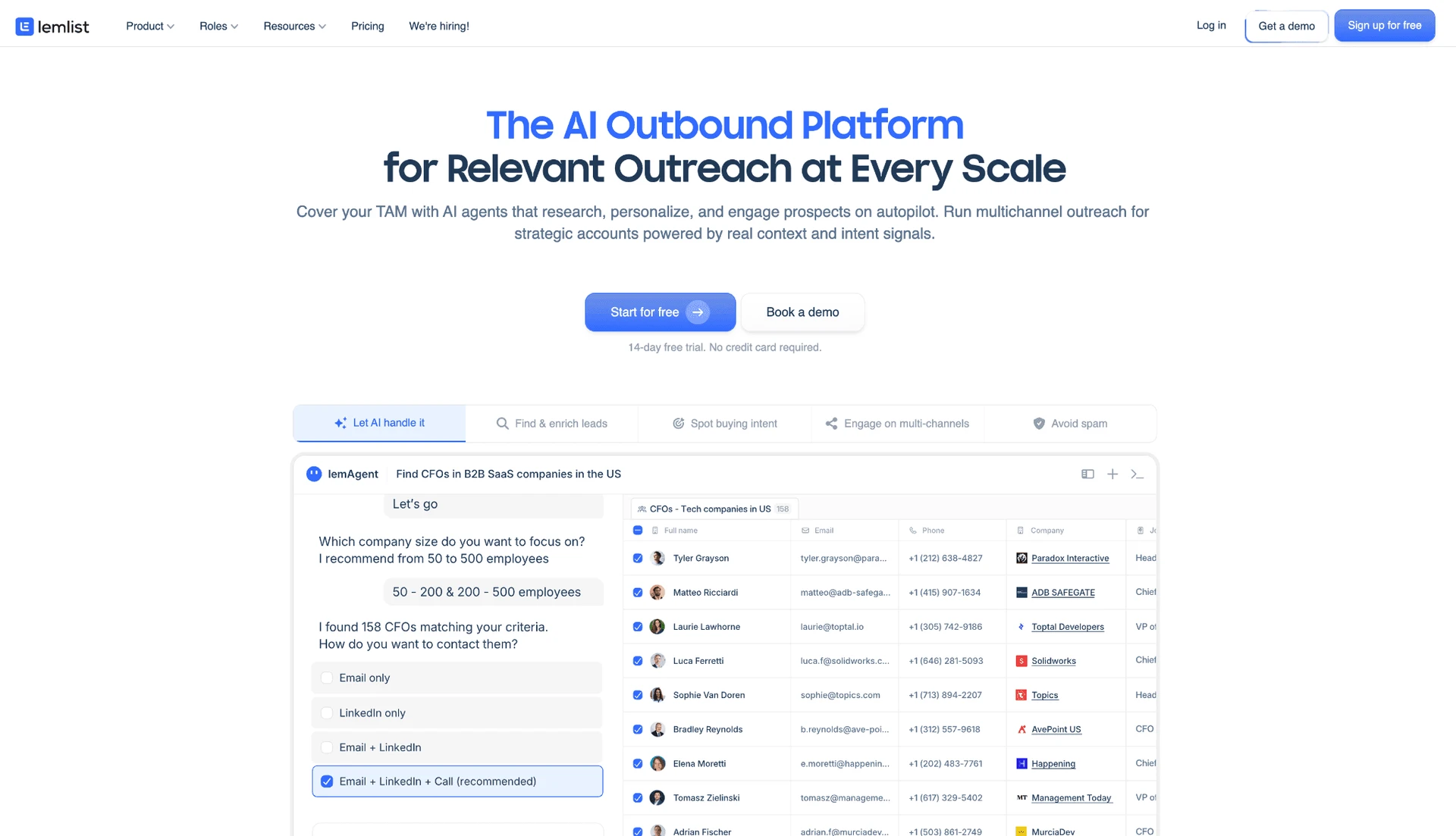
5. Lemlist

Founded in 2018 and headquartered in Paris, lemlist combines a contact database, outbound sequences, a unified inbox, and calls, SMS, and WhatsApp.

5. Lemlist

Teams prioritizing email-led personalization reach for it; LinkedIn actions require the $109/month Multichannel plan — and that tier trade-off bites at scale. The cheaper Email plan includes unlimited senders but no LinkedIn automation, while the LinkedIn-capable Multichannel plan drops unlimited users, so every seat added for LinkedIn multiplies the bill. A documented 20-seat configuration costs $20,880 per year, and the trial lasts 14 days. Each seat connects one LinkedIn account, so agencies need separate paid seats and Chrome profiles instead of moving one license among accounts.

That email-first breadth does not change lemlist's LinkedIn safety model. The LinkedIn layer uses a cookie-bridge extension that copies the live LinkedIn session to the vendor's cloud and exposes browser-level detection signals.

Quick facts about lemlist

  • Founded: 2018
  • HQ: France (LEMPIRE SAS, Paris)
  • Pricing: $69/mo ($55/mo annual) for Email; LinkedIn starts at $109/mo ($87/mo annual)
  • Overall: 4.48★ (795) · G2: 4.5★ (263) · Capterra: 4.6★ (386) · Trustpilot: 4.1★ (146) — platform split
  • Last 6 months: 4.71★ across 42 reviews — up, but influenced by review solicitation
  • Architecture: Cookie-bridge / session-upload extension

Lemlist pricing and feature pages (checked mid-July 2026) + G2, Capterra, Trustpilot, and Reddit reviews (computed mid-July 2026)

Key Features

  • Contact data and enrichment — a 650M+ contact database feeds a waterfall email finder and verifier across about 11 providers.
  • Multichannel sequence canvas — email, LinkedIn, calls, SMS, and WhatsApp steps can share one outreach flow.
  • AI personalization choices — the personalization layer lets users select OpenAI, Claude, Perplexity, or Google models for generated copy.
  • Unified inbox — replies from email, LinkedIn, WhatsApp, and calls are collected in one workspace.
  • Developer access — a public REST API, developer portal, and native MCP server support external workflows.

What Reviewers Highlight

The ratings need context: Trustpilot's recent lift coincided with a solicitation wave: 99 of 146 reviews arrived in roughly six months and 90.9% were exactly 5★, against a 2.64★ historical background. The recent lift therefore cannot establish product improvement on its own.

Support feedback is also polarized: some reviewers praise responsiveness, while others describe the resolution process as obstructive.

What reviewers say about lemlist

Real-world scenario

The custody concern appears in buyer discourse: A developer promoting a self-hosted alternative cited lemlist while warning about where outreach data lives. This is competitor commentary, not a neutral user test.

Reddit
smallbusiness
tools like lemlist and waalaxy charge $50-100/month and store your linkedin session, your leads, your messages on their servers.

Reported Limitations

Limitation: LinkedIn depth is narrower than the email side: the entry tier omits LinkedIn, advanced conditions are gated to Multichannel Expert and Enterprise, and the extension cannot import from LinkedIn Recruiter or event pages. Groups and Events are also absent, while automated Premium invitations remain capped at 200 characters. In practice, channel breadth does not equal LinkedIn workflow or data depth. For the 20-seat agency configuration this cost comparison rests on, Custom user roles & permissions are gated to the unpriced Enterprise plan, so any team needing role-based access is pushed onto the most expensive, undisclosed-cost tier on top of the $20,880 figure.

Vendor-policy risk is separate: Lemlist's terms permit sending throttles without a refund, and support warned one customer about platform exclusion for a missing unsubscribe link. That creates an email-policy access risk alongside LinkedIn's own restriction risk.

Reported limitations

Account-risk signal: One review directly reports LinkedIn warnings; other reviewers describe only a hypothetical risk.

due to the nature of the automation of linkedin I did end up receiving warnings on my use of automation.
G2 2.0★ · Other
View Original

Safety and Setup Notes

I audited lemlist through its public Chrome extension in June 2026. I did not run the separate live two-account cloud/IP test, so there is no IP-quality result to report for this tool.

What was checkedFinding
Ships a public extension?Yes — a Chrome connector with about 90,000 users links the LinkedIn account to lemlist
Architecture verdictCookie-bridge / session-upload — high risk because the extension hands session custody to the vendor cloud
Reads the LinkedIn session cookie (li_at)?Yes — it uploads li_at, your LinkedIn login in cookie form, to app.lemlist.com and resyncs it whenever the cookie changes, so the vendor retains an actionable copy
Direct LinkedIn (Voyager) API calls?No — the extension drives actions through injected page scripts instead
Injects code into LinkedIn's page (DOM)?Yes — an injected content script drives page-level actions, creating a passive page-scan footprint
Fires synthetic (isTrusted=false) clicks?Yes — 38 synthetic-event signals and 21 programmatic clicks were recorded; these are script-generated rather than real user input
Blocks LinkedIn telemetry?No — no telemetry-blocking rules were present
Enforced daily cap in the code?None found — only millisecond delays appeared in the shipped code, not auditable invite caps or working-hour guardrails
On LinkedIn's AED probe list?Yes — Active Extension Detection is LinkedIn's hardcoded extension probe list, so installation is visible before outreach starts

Lemlist Chrome connector extension — source-code teardown (June 2026)

My read: The aggregate pattern matters more than any one row. The connection flow transfers session custody while exposing several independent browser signals before outreach volume is considered. This places lemlist's LinkedIn layer within the same vendor-side session model that readers are reconsidering with LinkedFusion. Linked Helper's standalone engine avoids the extension handoff, although native email sequencing must live in a separate tool.

Bottom line

Teams wanting email, calls, WhatsApp, and social touches in one canvas reach for lemlist. Its model choice and media personalization support that workflow.

If the priority is LinkedIn account control and deeper LinkedIn data work, Linked Helper keeps execution in a user-controlled environment and offers 13 scrape sources. That shifts the decision from channel count to where the account runs and how much LinkedIn-native data the workflow can use.

One less obvious constraint sits inside that breadth: lemlist's credit guide gives Multichannel Expert users 400 credits a month, but an AI variable costs one while some LinkedIn-engagement, hiring, or funding signals cost 100. The same allowance can therefore cover 400 personalizations or just four high-cost signals.

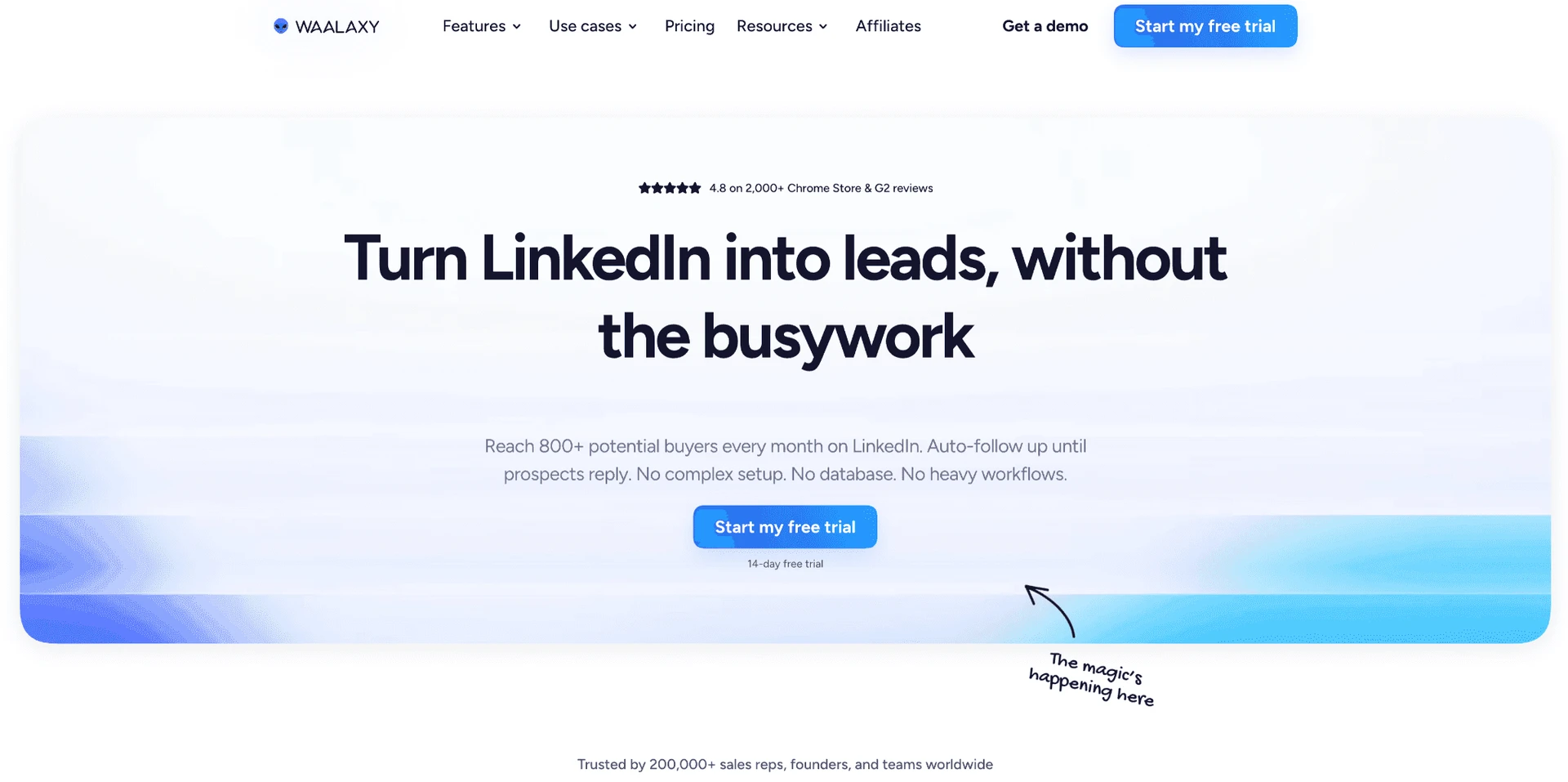
6. Waalaxy

Founded in 2019 in Montpellier, France, Waalaxy runs predefined LinkedIn prospecting campaigns, a lightweight CRM, and limited email steps. Annual billing is $20.50/month equivalent, and the trial lasts 14 days. Its $42/month entry came with a larger detection surface in our teardown: the then-current extension copied LinkedIn login cookies to Waalaxy's cloud and appeared on LinkedIn's extension-probe list.

6. Waalaxy

After its Chrome extension was delisted in June 2026, Waalaxy shifted to Infinite Login. This sends LinkedIn credentials and a 2FA secret to Waalaxy so actions can continue while the computer is off. The delivery mechanism changed, but session custody did not return to the user.

Quick facts about Waalaxy

  • Founded: 2019
  • HQ: Montpellier, France
  • Pricing: $42/mo ($20.50/mo annual), 14-day free trial
  • G2: 4.62★ (528) · Capterra: 4.42★ (252) · Trustpilot: 4.71★ (1,245)
  • Last 6 months: 4.86★ (trending up) across 360 reviews — concentrated billing and safety complaints remain
  • Architecture: Cookie-bridge / session-upload extension in testing; now transitioning to cloud credential login

Vendor pricing and feature pages (fetched mid-July 2026) + G2, Capterra, Trustpilot and Reddit reviews (computed mid-July 2026)

Key Features

  • Predefined outreach campaigns — like every tool in this list, Waalaxy sends connection requests and follow-ups; its flows do not provide a custom conditional sequence builder.
  • Lightweight CRM — stores leads and campaign status inside the product, a category-standard capability rather than a differentiator.
  • Email finder and email steps — add limited email activity on higher tiers, but not full native multichannel sequencing.
  • Connector-based CRM sync — reaches 2,000+ apps through a connector while offering four native integrations.
  • Media personalization and AI drafting — supports image/video personalization and AI message generation, without campaign A/B testing.

What Reviewers Highlight

Across 2,025 reviews, we found a rating split. The 4.65★ overall average rose to 4.86★ across 360 recent reviews, largely on ease and support. A concentrated 1★ billing-and-safety cluster persisted.

Evidence quality: We gave the Reddit footprint less weight: none of 52 titled threads centered on Waalaxy, and at least five copy-paste clusters appeared. The example below is a category signal, not an organic endorsement.

What reviewers say about Waalaxy

The Reddit signal below reflects a safety question across the category. It is not an endorsement of Waalaxy:

Reddit
AutomationSafety
you need a system that survives 'Sentinel' (LinkedIn's anti-automation engine)

Real-world scenario

A Trustpilot reviewer arriving from Linked Helper praised Waalaxy's interface. The quote supports an interface preference, not a safety verdict:

Reported Limitations

  • Plan limits: Waalaxy's own blog says the invitation bypass no longer works. Higher tiers therefore do not buy a meaningfully higher LinkedIn invite ceiling.
  • Workflow and data depth: Waalaxy lacks:
  • a custom conditional builder;
  • A/B testing;
  • event/group engagement;
  • a custom proxy; and
  • LinkedIn Recruiter support.

Sales Navigator access requires a subscription. Roughly three scrape sources and four native integrations narrow the research surface.

  • Billing visibility: Advertised €19/€49/€69 figures require annual prepayment. No-commitment monthly pricing is roughly €39/€99/€139. That gap helps explain why renewal and refund complaints recur.

Reported limitations

One account-level report cannot prove causation. Still, it is relevant beside the structural custody evidence and Waalaxy's own admission that it does not comply with LinkedIn's terms and cannot recover a restricted account:

Safety and Setup Notes

I did not run a live two-account IP test for Waalaxy, so I draw no conclusion about its assigned cloud IPs. I read the shipped extension source before its delisting. That check established the session-custody and browser-detection findings below.

What was checkedFinding
Ships a public extension?Yes during testing — the connector linked the LinkedIn account; it was delisted later that month and replaced by Infinite Login
Architecture verdictHigh-risk cookie-bridge / session-upload extension — it copied the LinkedIn login to vendor infrastructure, so installing it locally did not keep session custody local
Reads the LinkedIn session cookie (li_at)?Yes — it uploaded the full cookie jar, including li_at and JSESSIONID, to stargate.prod.aws.waalaxy.com; these cookies are the LinkedIn login in cookie form, so whoever holds them can act as the account
Direct LinkedIn (Voyager) API calls?Yes — 80 internal-API signals were found, meaning the automation generated a narrower request pattern than ordinary browser use
Fires synthetic (isTrusted=false) clicks?Yes — 48 synthetic-event signals and four programmatic clicks added a machine-generated interaction signal
Blocks LinkedIn telemetry?Yes — the extension stripped the x-cki header, and suppressing telemetry can itself become a detection signal
Enforced daily cap in the code?None found — limits appeared to be recommendations rather than code-enforced guardrails
On LinkedIn's AED list?Yes — Active Extension Detection is LinkedIn's hardcoded extension-ID probe; being listed means the installation was visible before an action ran

Waalaxy connector extension — source-code teardown (June 2026)

The honest read: I found a change in login delivery, not a reduction in custody exposure. Both the retired connector and its cloud-login replacement move account access outside the user's local machine and onto Waalaxy-controlled infrastructure. The older mechanism stacked several independent detection signals. Together, they add restriction risk. The conclusion does not rest on one isolated code behavior.

The relevant trade-off: Linked Helper keeps the session in a user-managed machine or VPS environment and includes LinkedIn data and CRM tooling; Waalaxy has the lower entry price — but that entry tier carries real limits: it caps invitations at about 300 a month (below LinkedIn's own 400–800 ceiling) and ships the unified inbox only as a separately priced add-on, so the cheapest plan can under-serve some teams.

Bottom line

Teams that need native multichannel sequences may choose Waalaxy, but this capability is reserved for its most expensive plan. The trade-off is vendor-side session custody, as with LinkedFusion, along with less workflow customization. Lower Waalaxy tiers also impose tighter limits on actions such as LinkedIn invitations.

Teams prioritizing workflow control, local session custody, and a lower price may prefer Linked Helper. It combines message-level if/then logic and spintax with 13 data-collection sources and 11 direct CRM connectors while running on a user-managed machine or VPS. The main limitation is that Linked Helper does not provide native email automation, so email sequences require a separate tool. No automation platform eliminates the risk of LinkedIn restrictions.

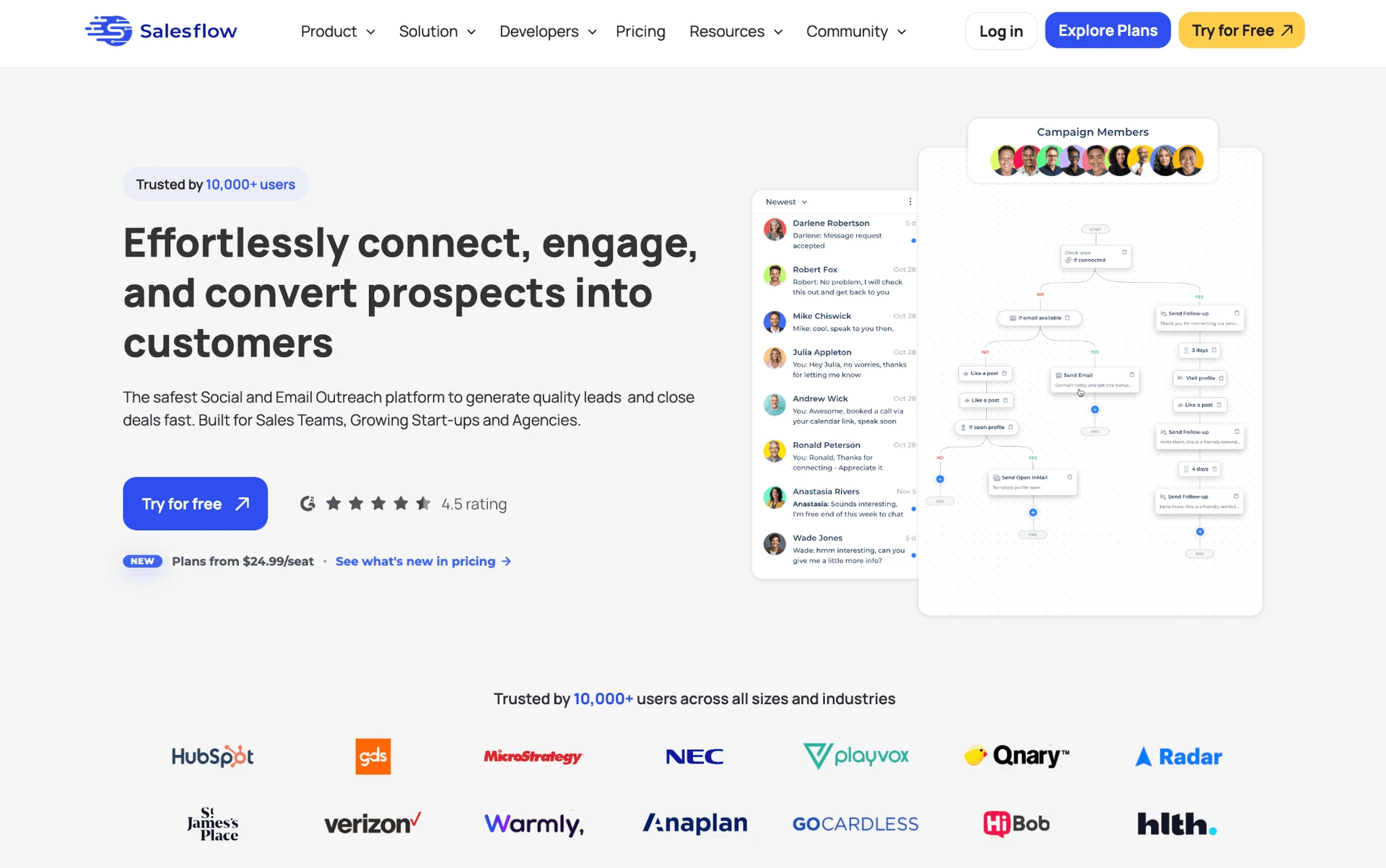
7. Salesflow

Salesflow is a multichannel campaign app for LinkedIn and email, founded in 2018 and based in the United Kingdom. Agency and sales teams wanting one LinkedIn-plus-email workspace reach for it at $99 per seat. Our evaluation found no architectural safety upgrade over LinkedFusion.

7. Salesflow

We did not test Salesflow hands-on, so this section relies on its documented cloud setup and review pattern: a 4.3★ G2 headline alongside account-restriction and reliability reports.

Connecting a LinkedIn profile requires entering its email and password, so credential/session custody moves to vendor infrastructure. Its reverse-engineered API emulation and default proxy do not change that custody model: a dedicated address is not the user's network.

Quick facts about Salesflow

  • Founded: 2018
  • HQ: United Kingdom
  • Pricing: $99/mo ($69.30/mo annual), 7-day free trial
  • G2: 4.3★ (128) · Capterra: 4.1★ (46)
  • Architecture: Cloud

Salesflow pricing/help pages (April 22, 2026) + platform reviews (July 18, 2026)

Key Features

  • Multichannel outreachLinkedIn and email steps adapt to prospect behavior.
  • A/B split testingcampaign variants can be compared inside Salesflow.
  • AI message generation — an AI copywriting tool drafts outreach text.
  • LinkedIn Unified Inbox — centralizes conversations from LinkedIn and Sales Navigator; it does not include email replies. Linked Helper offers comparable inbox management and additionally supports LinkedIn Recruiter conversations. HubSpot is Salesflow’s only confirmed native integration.

The rating split: Across 178 reviews, G2 averages 4.32★ and Capterra 4.13★, yet Capterra likelihood-to-recommend is 58.7%—lowest among compared tools with that field. Support scores 4.59/5, so service praise coexists with weaker recommendation confidence. Trustpilot coverage and the recent review window are too thin to support ratings or a trend.

What reviewers say about Salesflow

Real-world scenario

Market reality: An r/coldemail roundup treated Salesflow as an all-in-one option, not a switch. Across roughly 22,000 reviews we analyzed, Salesflow had zero switch or comparison mentions. That suggests low mind-share, not poor performance.

Reddit
coldemail
salesflow - does everything okay, nothing great. linkedin + email, ai messaging, team features, $99/mo.

Reported Limitations

Pricing trust: The $39.95 Pro rate requires 20+ seats—about $799 monthly—so Basic remains the one-seat entry. Core terms make unused days non-refundable, while another section references a seven-day guarantee. That contradiction strengthens continued-billing complaints.

One Running campaign per account also limits workflow concurrency.

Reported limitations

Safety signal: One report paired an account-restriction claim with persistent bugs. It cannot establish incidence, but it makes credential custody and conservative limits worth checking.

getting my accounts banned and the… bugs were non-stop

Read the full review on G2

G2
Rating: 1 out of 5
CM
Carter M.
Marketing Manager

Bottom line

The review split and seat-minimum/refund evidence make pricing trust the decisive check.

If predictable billing is the priority, Linked Helper starts at $15 with time-boxed licenses that do not auto-renew. Licenses can be reassigned between employees, keeping renewal and seat allocation under the buyer's control.

Salesflow supports both a one-to-one setup, where each LinkedIn account owner retains direct access to their own workspace, and a centralized one-to-many setup managed by a primary account holder. Only in the centralized setup do LinkedIn account owners lack direct access to their Salesflow data and campaigns.

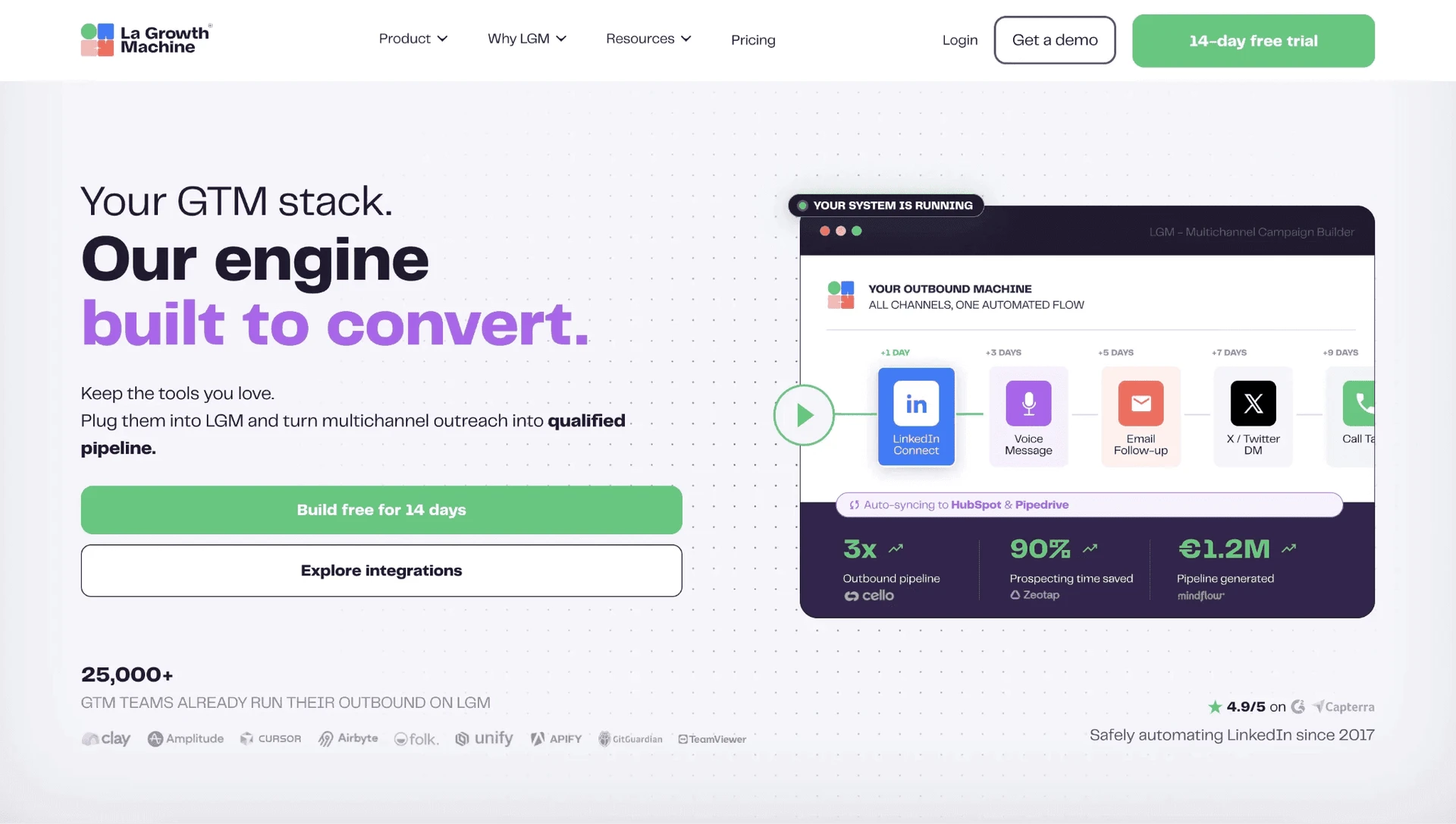
8. La Growth Machine

Growth teams wanting LinkedIn, email, X, calls, enrichment, and warmup in one sequence reach for La Growth Machine at about $70 a month.

8. La Growth Machine

It runs LinkedIn sessions in its cloud via reverse-engineered API emulation. Account access therefore remains on vendor infrastructure rather than the user's local machine. We did not test it hands-on, so this is an architecture finding, not a live verdict.

The desktop widget retired in April 2024, so older widget complaints no longer describe today's setup.

The live pricing page lists annual Basic at $60/mo per identity, with a 14-day trial and no credit card. At 20 identities, the documented Business-tier scenario reaches about $24,000 a year. Account count is therefore the budget lever.

Quick facts about La Growth Machine

  • HQ: France — B3 SAS, Saint-Mandé
  • Pricing: $70/mo monthly-billed · $60/mo annual-equivalent (per identity)
  • Free trial: 14 days, no credit card
  • Avg rating: 4.62★ across 102 reviews
  • G2: 4.61★ (51) · Capterra: 4.91★ (45) · Trustpilot: 6 reviews, too thin to average — sharp platform split
  • Architecture: Cloud

Vendor pricing & feature pages (checked mid-July 2026) + G2, Capterra, Trustpilot & Reddit reviews (computed mid-July 2026)

Key Features

  • Native four-channel sequences — runs LinkedIn, email, X, and calls as one automated flow.
  • Email operations — combines finding, verification, warmup, and a unified inbox.
  • AI voice-note personalization — generates personalized greetings for LinkedIn voice notes.
  • CRM and webhook connections — connects 22 services, but the native HubSpot, Pipedrive, and Salesforce connectors are gated to the Ultimate plan at $165/mo per seat; below that tier LGM has no native CRM sync.

The ratings split is the finding: We found that half of 102 reviews arrived within 64 days in 2023, including at least 13 same-day G2/Capterra pairs. The 4.62★ aggregate reflects a collection wave rather than recent momentum; only three reviews fall in the trailing six months. Trustpilot's six-review 2.67★ mean shows a divergence but is too thin to serve as a counter-score.

What reviewers say about La Growth Machine

Real-world scenario

A low-confidence r/GrowthHacking post captured an evaluator concern. It is a market-demand signal, not an endorsement:

Reddit
GrowthHacking
the biggest issue with most LinkedIn automation tools isn't the features, it's deliverability and account safety over time.

Reported Limitations

Breadth does not equal LinkedIn depth: La Growth Machine does not document:

  • if/then workflow branching;
  • spintax;
  • event or group engagement;
  • full profile or company extraction.

It covers two LinkedIn scrape sources. The additional channels broaden orchestration, not LinkedIn data collection.

Pricing and permissions need scrutiny: Pricing drew 20 negative mentions against three positive ones. Complexity appeared in 28 of 102 reviews. Vendor pages pair “Unlimited team members” with a 25-member cap and disagree on which tier unlocks custom sequences and AI copywriting, so buyers should verify the limits. Team access has no per-user permissions, preventing agencies from isolating client data.

The safety claim does not determine the classification: La Growth Machine says “No browser extension to detect” yet publishes an official beta Chrome extension with LinkedIn permissions. The extension captures leads manually rather than running campaigns, so the tool remains cloud-classified. The broader claim is inaccurate. Vendor-side custody and the absence of custom-proxy support do not establish a safety upgrade over LinkedFusion.

Reported limitations

The safety-tagged G2 report concerns the retired widget, not today's execution:

The widget must be running for the campaigns to run, which makes it impossible to do overnight campaigns unless a device is open.

Read the full review on G2

G2
Rating: 4.5 out of 5
SK
Sagar K.
Business Analyst

Bottom line

La Growth Machine provides native multichannel outreach, and its newer DPA states that customer data is hosted on EU servers with backups protected by AES-256, a widely used encryption algorithm. However, this still means entrusting campaign and prospect data to vendor-managed infrastructure. Linked Helper stores data locally on a user-controlled PC or VPS, giving the operator direct control over access and storage.

Linked Helper does not provide native email campaigns, but it compensates with broader LinkedIn automation. Its workflows can include profile endorsements, invitations to groups and events, and scraping company employees, alongside data collection from 13 LinkedIn sources. Teams that prioritize native multichannel orchestration may prefer La Growth Machine; teams that prioritize local data custody and deeper LinkedIn automation may prefer Linked Helper.

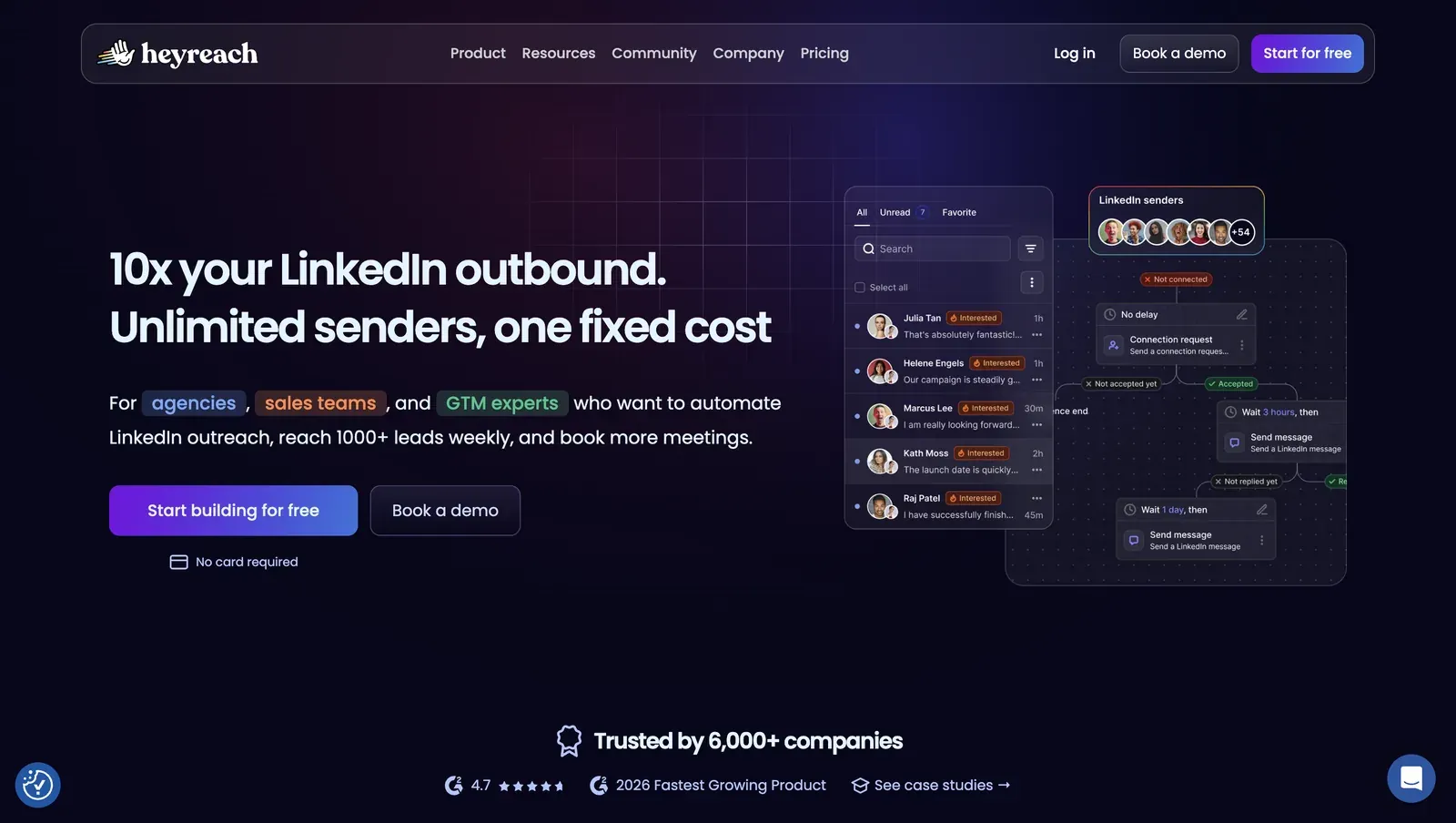
9. HeyReach

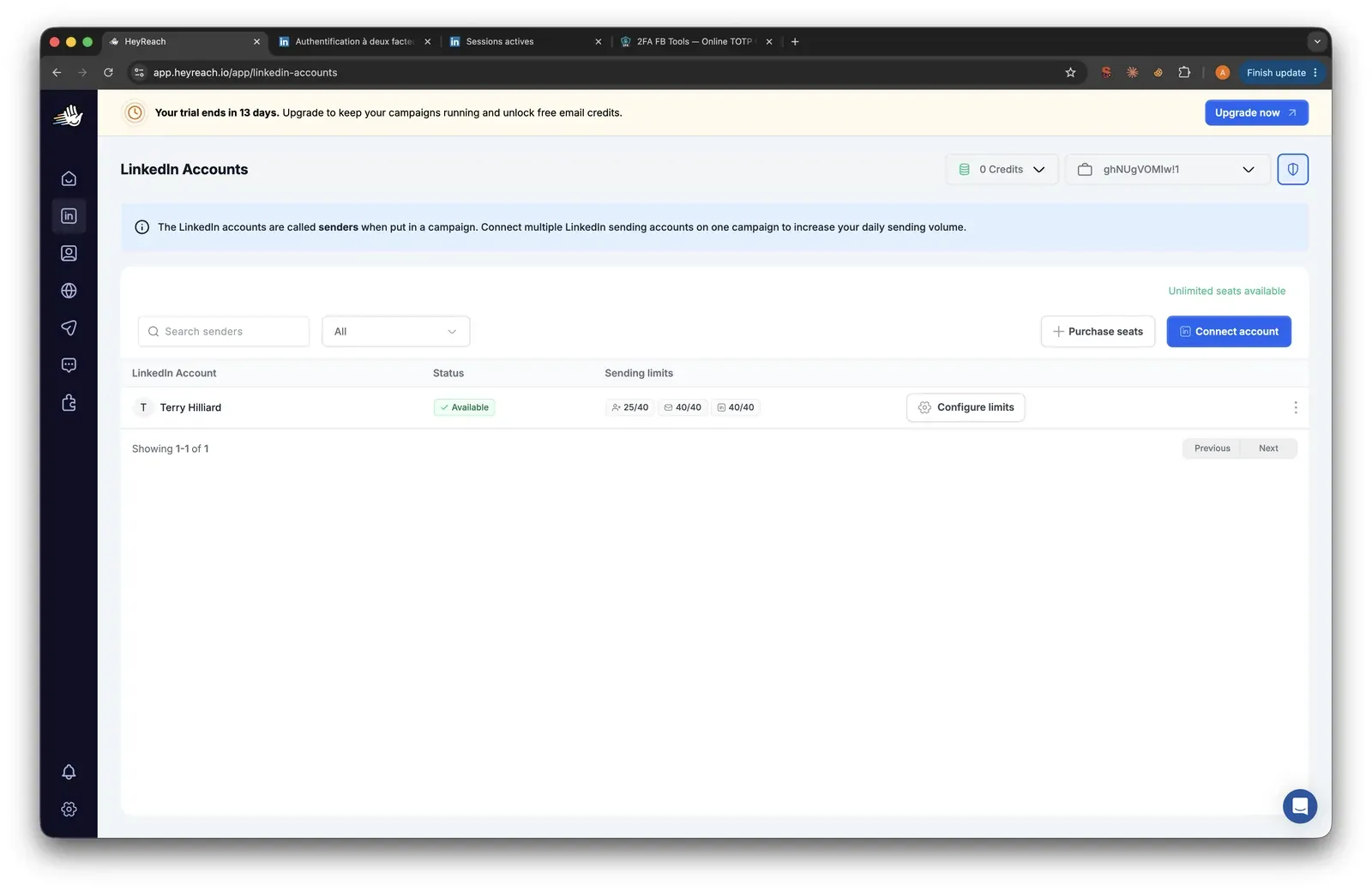
HeyReach coordinates sender rotation and a shared inbox, but its login extension introduces a custody trade-off: it uploads the LinkedIn session to the vendor cloud. In our July 2026 two-account test, we observed only datacenter IPs with high-risk reputation scores. Pricing starts at $79/month.

HeyReach multi-sender campaign homepage - mid-July 2026

Founded in 2023 and headquartered in North Macedonia, HeyReach runs outreach server-side, so campaigns continue after the user closes the browser.

The annual Growth rate is $59 per sender per month. Teammates are free; connected accounts, rather than user access, determine the bill. Its live plans add email outreach through metered credits. The 14-day trial requires no card, so evaluation can begin without billing details. Sender-scale costs and infrastructure require separate scrutiny.

HeyReach presents sender management, inbox, and campaign flows in one web workspace - mid-July 2026

Quick facts about HeyReach

  • Founded: 2023
  • HQ: North Macedonia
  • Pricing: $79/mo ($59/mo annual), 14-day free trial
  • G2: 4.6★ (21) · Trustpilot: 4.04★ (50) · Capterra: too thin to print
  • Weighted rating: 4.23★ (73 reviews)
  • Architecture: session-upload extension — a cookie bridge that copies the LinkedIn login to the vendor cloud, which then runs the account from its own network

Vendor pricing & feature pages (as of mid-July 2026) + G2, Capterra, Trustpilot & Reddit reviews (computed mid-July 2026)

Key Features

HeyReach connected LinkedIn accounts list - mid-July 2026

  • Multi-sender campaigns — rotates outreach across connected LinkedIn accounts and centralizes replies in one inbox.
  • Team access — charges per LinkedIn sender while allowing teammates, clients, and VAs without separate user fees.
  • Sequence logic — supports reply- and connection-based branches, although the available evidence does not establish advanced if/then depth.
  • Campaign A/B testing — compares campaign variants inside the platform.
  • Integrations — connects with 31 services, including native HubSpot and Breakcold connections.
  • Multichannel outreach — adds email through metered enrichment credits alongside LinkedIn actions.

Reviews are polarized: G2’s distribution contains 18 five-star reviews and one one-star review. The 50-review Trustpilot sample carries both agency praise and concentrated reliability complaints. Only one rated review falls inside the last six months, so the evidence is too thin to establish a recent direction.

What reviewers say about HeyReach

Real-world scenario

A Reddit post illustrates why automated sender volume still needs human oversight, but it does not establish that HeyReach caused the restriction. The user described the behavioral pattern LinkedIn saw after rapid automated profile visiting:

Reddit
openclaw
48 hours later my LinkedIn account was restricted — LinkedIn saw 200 profile visits in a pattern that screamed bot.

Scale economics: The included dedicated proxy applies only to Growth; Agency and Unlimited require a bring-your-own proxy. At 20 senders, Growth costs about $11,280/year annually or $14,160/year month-to-month; Agency begins at 25 senders and $999/month, while “Unlimited” stops at 300 seats. The entry price is not the agency bill.

Reported limitations

Did not like that it was automatically following and basically spamming people using my profile... just yet another one of those spammy tools.

Read the full review on Trustpilot

Trustpilot
Rating: 1 out of 5
GH
Gail Hawkins

Safety and Setup Notes

I read the combined evidence as a control problem, not a verdict on sender rotation. In this July 2026 test, identical setups left session custody and assigned IP quality outside the operator’s direct control. The smaller page-injection footprint did not offset that transfer, so I rate the combined exposure as high.

Linked Helper removes the third-party custody step by keeping each account on the user’s computer or VPS, though no architecture removes behavioral risk.

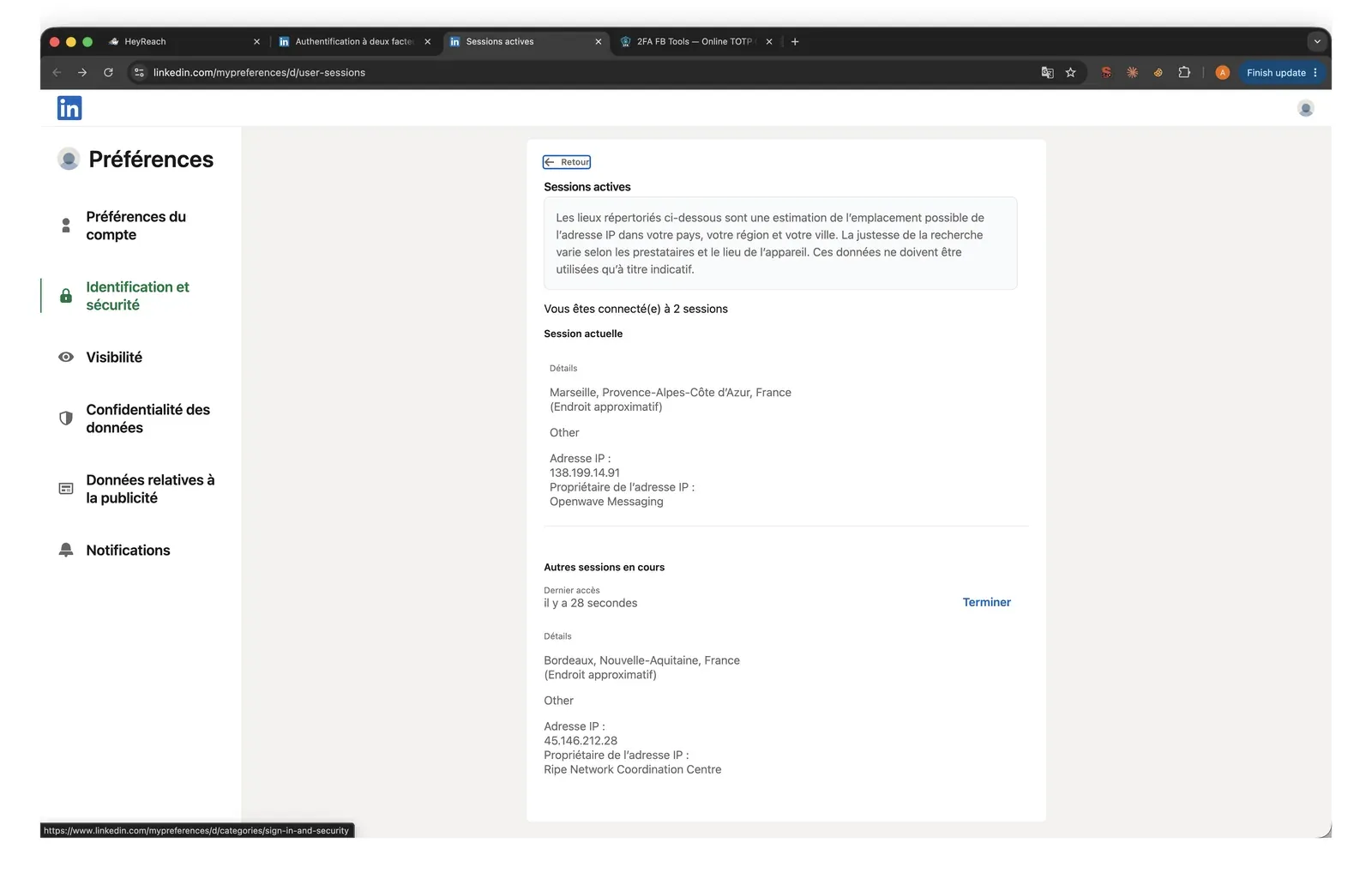
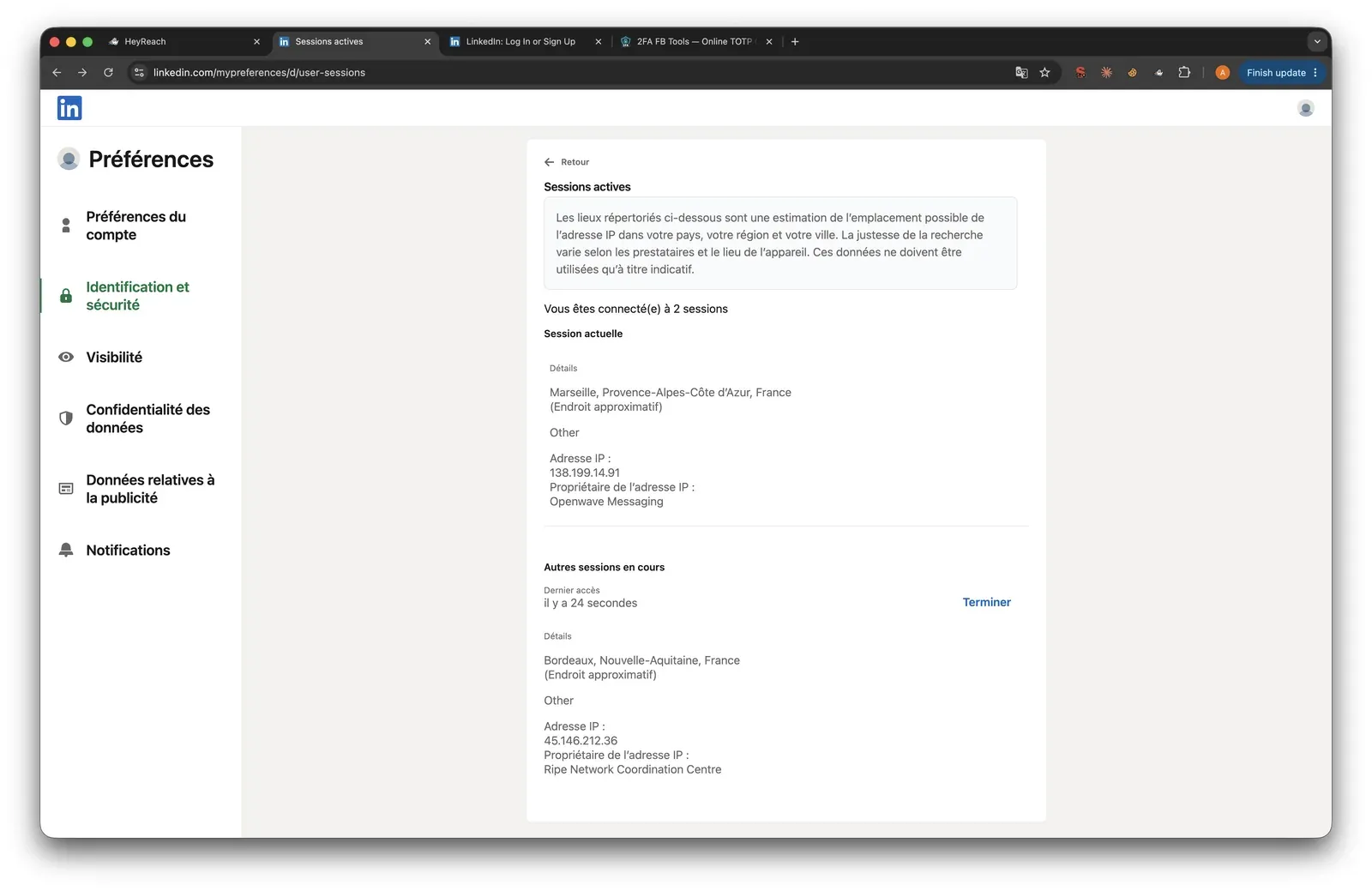
HeyReach active LinkedIn cloud sessions - mid-July 2026

LinkedIn active sessions during the HeyReach test, second account - mid-July 2026

LinkedIn’s security page shows the additional cloud session created during testing - mid-July 2026

IPQualityScore (IPQS) independently rates IP reputation on a 0–100 fraud scale, with 75+ high-risk on its scale. It is an IP-quality signal, not LinkedIn’s enforcement verdict.

A datacenter IP comes from rented-server infrastructure rather than a residential or mobile connection, which makes a personal LinkedIn session stand out. HeyReach describes its included proxy as residential, but I observed datacenter addresses in this test. The observed network classification is therefore the relevant signal here.

What was checkedResult
Login modelCredentials login plus extension session hand-off — the authenticated session moves to vendor infrastructure
Can I choose the desired location?Yes — 154 locations
Can I add my own proxy?Yes — no proxy-quality checker is provided
Can I select a timezone when adding an account?No
Cloud IP for account 145.146.212.28 — Altinea SAS, Paris
OS / browser for account 1 (tool-reported)Windows / Chrome
Account 1 IPQualityScore resultFraud 100/100 · proxy, VPN, and recent abuse flagged · Data Center — high-risk
Cloud IP for account 2 (same geo)45.146.212.36 and 45.146.212.149 — Altinea SAS, Paris
OS / browser for account 2 (tool-reported)Windows / Chrome — identical fingerprint to account 1
Account 2 IPQualityScore resultFraud 100/100 · proxy, VPN, and recent abuse flagged · Data Center — high-risk
Same IP or /24 across the two accounts?Same /24 and provider — two separate accounts had a near-identical network footprint
Is a credit card required for the trial?No
Trial duration14 days

HeyReach — live cloud/IP test (July 2026, two accounts, registered from France)

What was checkedFinding
Ships a public extension?Yes — HeyReach Login, a session hand-off connector
Architecture verdictCookie-bridge / session-upload — the extension copies the login to the vendor cloud
Reads the LinkedIn session cookie (li_at)?Yes — li_at, the LinkedIn login in cookie form, and the full cookie jar are sent to api.heyreach.io; whoever holds them can act as the account without its password
Direct LinkedIn (Voyager) API calls?Yes — a one-time profile lookup during account linking
Injects code into LinkedIn's page (DOM)?No — no content script targets linkedin.com; automation runs cloud-side instead
Fires synthetic (isTrusted=false) clicks?Yes — inside the extension popup only, not on linkedin.com
Blocks LinkedIn telemetry?No
Enforced daily cap in the code?None found — limits are handled cloud-side rather than enforced by the connector
On LinkedIn's AED probe list?Not in the June 2026 snapshot — AED is LinkedIn's hardcoded extension-ID probe; absence is not safety because the list changes
LinkedIn logout behaviorTwo independent controls cancel LinkedIn logout and keep the harvested session alive; revocation must happen in HeyReach

HeyReach Login extension — source-code teardown (July 2026)

Bottom line

HeyReach is built for teams and agencies that need sender rotation to distribute outreach across multiple LinkedIn accounts. Linked Helper is the stronger fit when direct session control, safety settings, and broader LinkedIn automation matter more. It stores sessions locally and runs as a standalone application rather than a browser extension, avoiding the extension footprint detectable through LinkedIn’s Active Extension Detection (AED) system.

Linked Helper also provides randomized message variants and delays, smart daily limits, and separate limits for individual actions. It collects leads from 13 LinkedIn sources and automates a wider range of LinkedIn activity, including group and event invitations that HeyReach does not offer. HeyReach is therefore better suited to multi-sender outreach, while Linked Helper combines local session custody with greater action breadth and workflow control. No automation tool eliminates the risk of LinkedIn restrictions.

The agency tiers have another quiet trade-off: for the same number of active accounts, Micro Agency starts with only half as many email lookups as Growth.

10. Octopus CRM

Octopus CRM is a local-scrape Chrome extension for LinkedIn connection, visit, message, and endorsement sequences. Solo operators wanting a low advertised entry price reach for it at $9.99/month, but its in-extension Personal CRM is a lead list with stats rather than a full pipeline system.

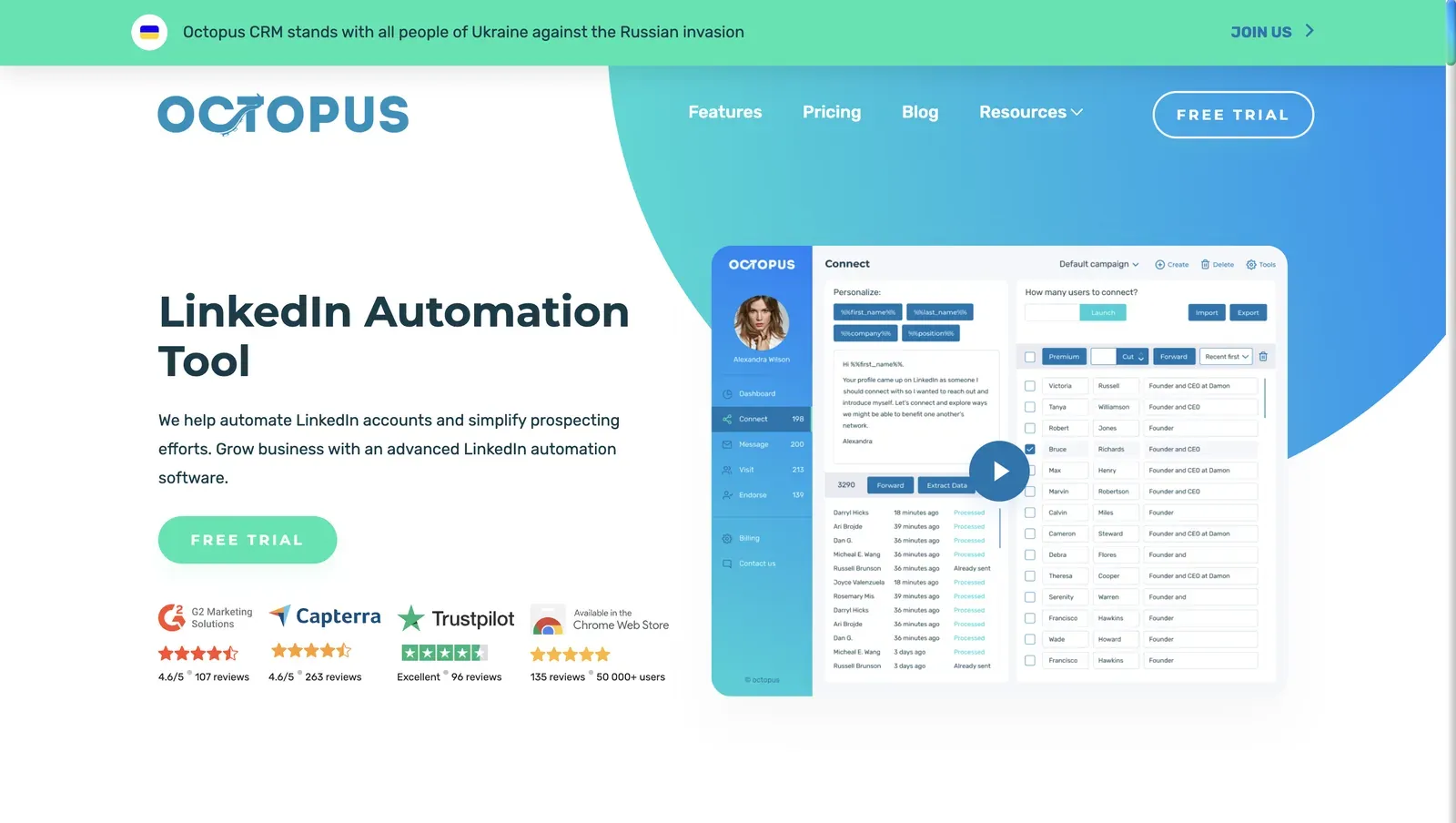
Octopus CRM LinkedIn automation homepage - mid-July 2026

Founded in 2018 and based in the United States, Octopus CRM runs while the browser remains open, so campaigns stop when it closes. Our teardown found that the LinkedIn session and IP stay on the user’s machine, while the extension exposes a fingerprint to LinkedIn.

The $6.99 monthly equivalent on an annual Starter plan and seven-day, no-card trial lower the initial cost. Campaigns and export begin at Advanced ($21.99), while integrations and safety alerts require Unlimited ($39.99).

The Octopus CRM homepage presents its extension-led prospecting workflow and launcher window - mid-July 2026

Quick facts about Octopus CRM

  • Founded: 2018
  • HQ: United States
  • Pricing: $9.99/mo ($6.99/mo annual), 7-day free trial
  • G2: 4.4★ (115) · Capterra: 4.6★ (273) · Trustpilot: 4.23★ (202)
  • Architecture: Local-scrape Chrome extension

Vendor pricing & feature pages (as of mid-July 2026) + G2, Capterra, Trustpilot & Reddit reviews (computed mid-July 2026)

Key Features

  • Local browser execution — the account uses the user’s own LinkedIn session, IP, and fingerprint rather than a vendor-cloud session.
  • LinkedIn sequence steps — like every tool in this list, runs linear connect, visit, message, and endorsement actions.
  • Personal CRM — stores prospects and activity statistics inside the extension rather than in an external database.
  • Source imports — collects prospects from LinkedIn Search, Sales Navigator, and existing connections.
  • Media personalization — supports image and video elements in outreach.
  • Zapier-based CRM handoff — connects HubSpot and Zoho through Zapier on the Unlimited tier.

The split is between ease and value: Across the three platforms, the combined score is 4.43★ from 591 reviews. Capterra’s 4.6 overall and 4.66 ease score sit against a 3.79 value-for-money score. This suggests the interface often rates well while required upgrades weaken the value.

What reviewers say about Octopus CRM

Real-world scenario

One Capterra reviewer preferred Octopus after trying several other LinkedIn CRM products. This is one switching account, not a broad pattern.

I've tried many other LinkedIn CRM products and I was never happy with any of them until I discovered Octopus.

Read the full review on Capterra

Capterra
Rating: 5 out of 5
TD
Terry D.

Reported Limitations

Where the sticker stretches: Starter cannot run a campaign or export leads, so the first campaign-and-export tier costs $21.99/month. The $39.99 Unlimited tier gates CRM integration and Activity Control. That makes $9.99 a shop-window price rather than the cost of that workflow.

At agency scale: Twenty separately licensed fully featured accounts cost about $5,997.60 per year on annual billing or $9,597.60 at list price. The per-account model does not add:

  • a team dashboard
  • roles
  • a unified inbox
  • sender rotation
  • cross-account deduplication

Cost therefore rises linearly while account management stays manual.

Reported limitations

The safety promise overreaches: Activity Control is Unlimited-only and sends alerts rather than stopping a campaign. The three lower tiers have no equivalent control. That puts the vendor’s no-risk claim at odds with its own feature grid and published account-restriction reports.

Reddit
growmybusiness
LinkedIn automation is a gamble because the platform actively hunts for it and will ban your account if they catch you.

Linkedin has spotted using Octopus CRM and has locked me out of my account for a couple of days.

Read the full review on Trustpilot

Trustpilot
Rating: 1 out of 5
MR
Mr Radford

Safety and Setup Notes

I tested Octopus CRM through an extension teardown, not a live IP test. It runs locally in Chrome, leaving no vendor-cloud assigned IP for the two-account cloud methodology to measure.

What was checkedFinding
Ships a public extension?Yes — the extension is the product’s main entry point
Architecture verdictLocal-scrape — it reads LinkedIn data inside the user’s browser and uploads results, so the account session stays local
Reads the LinkedIn session cookie (li_at)?No — it has no cookie permission; li_at, the LinkedIn login in cookie form, remains local, so the vendor cannot act as the account from its servers
Direct LinkedIn (Voyager) API calls?Yes — 58 Voyager and 56 CSRF references show UI-less API traffic, which lacks the surrounding behavior of a normal page session and adds a detection signal
Injects code into LinkedIn’s page (DOM)?Yes — a content script runs on linkedin.com from document start, giving passive page scans a visible footprint
Fires synthetic (isTrusted=false) clicks?Yes — 62 synthetic-event signals and 2 programmatic clicks were found, so those events differ from genuine user input
Blocks LinkedIn telemetry?No — blocking was not found, avoiding telemetry suppression as an additional signal
Enforced daily cap in the code?None found — delay and limit settings are recommendations; Activity Control alerts but does not stop a campaign
On LinkedIn’s AED probe list?Yes — Active Extension Detection (AED) is LinkedIn’s hardcoded extension-probe list; being listed means installed status is visible before an action runs

Octopus CRM extension — source-code teardown (mid-July 2026)

I credit the custody model because it avoids the vendor-session handoff that weakens LinkedFusion’s dedicated-IP story. However, the combined extension footprint exposes several detection surfaces before behavior limits are considered.

On CRM depth, I found an in-browser lead list rather than the fuller pipeline layer the name suggests. Linked Helper’s built-in CRM uses a standalone-browser architecture instead.

Bottom line

Octopus CRM may appeal to solo users looking for a low advertised entry price, but its cheapest plan only supports connection requests. It excludes messaging, custom campaigns, and data export, so users who need a practical outreach workflow must move to a higher tier. The most complete feature set is reserved for the most expensive plan, forcing buyers on lower tiers to decide which core capabilities they can do without.

Linked Helper combines a built-in CRM with native connectors to 11 external CRM platforms and if/then logic for tailoring follow-up content. Its lowest-priced plan includes the core automation features; the main exclusion is exporting LinkedIn messaging history, which requires the Advanced plan.

11. Dux-Soup

Dux-Soup covers profile visits and CRM handoffs through browser and cloud editions. Campaigns start at $55/month, so the $14.99 headline tier is prospecting-only. LinkedIn can see its installed extension before it acts, while Cloud Dux transfers the login beyond the user's machine. It is a narrow top-of-funnel alternative to LinkedFusion, not a safety upgrade.

11. Dux-Soup

Founded in 2015 and headquartered in the Netherlands, Dux-Soup automates LinkedIn profile visits, connection requests, follow-ups, and CRM handoffs. Individuals use the browser-run editions. Agencies can buy 24/7 Cloud sessions, with the scalable model reaching approximately $17,808 a year for 20.

The current Cloud Agency math means the overview's approximate $4,250 figure describes a non-campaign license mix, not a campaign-capable agency setup.

Dux-Soup homepage and LinkedIn follow-up sequence - mid-July 2026

The homepage presents browser and cloud options alongside a visit-to-follow-up sequence - mid-July 2026

Quick facts about Dux-Soup

  • Founded: 2015
  • HQ: Netherlands
  • Pricing: $14.99/mo ($11.25/mo annual); drip campaigns from $55/mo
  • Advertised extension trial: 14 days; tested Cloud signup: 0 days
  • Avg rating: 4.48★ (139); Trustpilot 4.95★ (42) vs G2 4.33★ (81) / Capterra 4.0★ (16) — sharp platform split
  • Architecture: hybrid local-scrape extension (Free/Pro/Turbo) + session-upload extension (Cloud, which copies the LinkedIn login to vendor infrastructure)

Dux-Soup pricing and help pages (checked mid-July 2026) + G2, Capterra, Trustpilot and Reddit reviews (computed mid-July 2026)

Key Features

  • Drip campaigns — the category-standard sequence feature starts on Turbo and remains linear, without conditional if/then workflow branches.
  • Remote Control API — lets a lead-management system send commands to the Dux-Soup robot, a less common extension integration path.
  • CRM handoffs — the category-standard built-in CRM connects with Freshsales, HighLevel, HubSpot, Pipedrive, Salesforce, and SharpSpring.
  • Per-action settings — exposes configurable invite and visit limits, which means safe operation still depends on the user not raising volume beyond realistic behavior.

The platform split matters: our review analysis found that Trustpilot's near-perfect score and support-heavy praise diverged from the lower G2 and Capterra averages. Responsive human help is the consistent positive signal. The split does not show that the extension reduces restriction risk.

What reviewers say about Dux-Soup

Real-world scenario

In a category thread that mentioned Dux-Soup, a commenter described the operational failure mode for standalone browser tools: ramping volume too quickly. It is a behavioral warning, not a Dux-Soup-specific migration story.

Reddit
b2bmarketing
the mechanism matters less than the behavioral signature. i've seen standalone browser tools get accounts flagged within a week because someone ramped volume too fast.

Reported Limitations

Support varies by event: positive reviews often praise it, but the cautionary reports cover:

  • billing
  • inaccessible help during failures
  • a double-enrollment bug

Reported limitations

It got me banned. Any chrome extension or desktop app can be flagged by Linkedin - and they banned my account.
G2 0.0★
View Original

Safety and Setup Notes

What was checkedResult
Login modelExtension session — the local editions run in the user's browser, so there is no vendor cloud exit IP to score
Can I choose the desired location?No — local execution inherits the machine's location rather than offering a vendor exit location
Can I add my own proxy?No — and there is no built-in proxy-quality checker
Can I select a timezone when adding an account?No — the browser environment supplies it
Cloud IP for account 1None — the extension used the user's own machine IP
Account 1 IPQualityScore resultNot applicable — no cloud exit IP existed to score; IPQualityScore (IPQS) is an independent IP-quality signal, not LinkedIn's enforcement verdict
Is a credit card required for the trial?Yes — the Cloud signup did not match the public no-card extension offer
Trial duration0 days (the pricing page claims 14 for the extension offer)

Dux-Soup — live cloud/IP test (July 2026, two-account protocol, registered from France)

What was checkedFinding
Ships a public extension?Yes — Dux-Soup for LinkedIn Automation is the main entry point for local editions and the Cloud connector
Architecture verdictHybrid multi-mode: local-scrape on Free/Pro/Turbo; cookie-bridge/session-upload on Cloud, where the extension copies the LinkedIn login to vendor infrastructure
Reads the LinkedIn session cookie (li_at)?Yes on Cloud — it copies li_at, the LinkedIn login in cookie form, plus the full cookie jar, local storage, and browser details to app.dux-soup.com; whoever holds that login can act as the account
Direct LinkedIn (Voyager) API calls?Yes — the extension calls LinkedIn's internal API directly, which adds a request-pattern signal beyond normal page use
Fires synthetic (isTrusted=false) clicks?Yes — 22 synthetic-event and 80 programmatic-click signals were recorded, so LinkedIn can distinguish those events from real user input
Blocks LinkedIn telemetry?Yes — it blocks several tracking endpoints, and the missing telemetry can itself become an anomalous pattern
Enforced daily cap in the code?None found — the default invite limit is 20 but can be raised to 500, so settings are suggestions rather than guardrails
On LinkedIn's AED probe list?Yes — Active Extension Detection is LinkedIn's hardcoded extension probe list; being listed means installed is visible before the tool does anything

Dux-Soup connector extension — source-code teardown (July 2026)

I read the hybrid split as a choice between two exposures. Staying local keeps session custody but retains the visible extension footprint. Moving to Cloud adds vendor-held login exposure. Worth noting the marketing gap here: Cloud is the tier Dux-Soup promotes as offering "the ultimate safety of your LinkedIn account," yet it is the same tier whose teardown copies li_at and the full cookie jar to app.dux-soup.com — the higher-custody-risk path, not the safer one.

I also found that the controls are configurable settings rather than protective guardrails. A fast ramp-up can compound the architecture signal.

For a profile-visit alternative to LinkedFusion, the trade-off is this safety surface without deeper conditional workflow logic.

What I verified first-hand

In my July 2026 signup check, the Cloud path requested a credit card and displayed no trial period. The public offer advertised 14 days without a card. Buyers should not assume the extension trial terms also apply to Cloud signup.

Bottom line

Sales teams focused on profile visits and CRM handoffs reach for Dux-Soup, especially when access to human support matters. The narrower Chrome workflow covers those actions but retains the extension detection surface described above.

If reducing that surface is the priority, Linked Helper takes a different architecture trade-off: its standalone browser uses real clicks and typing. VPS plus Web Version—login-based browser access to the VPS-hosted instance—keeps 24/7 operation available, with 13 LinkedIn scrape sources for broader targeting.

A separate agency caveat appears in Dux-Soup’s own Cloud Agency transition guide: “All admins will have access to each other’s accounts and all client accounts.” Linked Helper provides more granular permissions: access can be configured so that one administrator can view an account’s campaigns while another cannot.

How To Choose The Right LinkedFusion Alternative

Start from architecture, not features. It determines session custody, runtime location, and extension exposure before a CRM connector or template changes the decision.

Use the four operating labels defined above, then compare cost at the number of accounts you will actually run.

If your priority is...Choose...The trade-off
Keep the session in an environment you controlDesktop standaloneRequires local or VPS installation and operator-managed infrastructure
Run coordinated channels from one hosted workspaceCloud credential loginThe session and runtime sit on vendor infrastructure
Use a cloud workspace through an existing browser loginCookie-bridge extensionThe extension adds a detectable surface and hands the session to the cloud
Keep the session local at the lowest entry priceLocal-scrape extensionThe login stays in the browser, but the extension and direct calls add signals

Architecture-first decision guide for replacing LinkedFusion

As of mid-July 2026 · architecture labels describe operating models, not guarantees of account safety or product quality.

Then calculate cost at your real seat count. Check whether the relevant team or agency tier includes the CRM, inbox, data, and account-management features you need.

Per-seat pricing and required add-ons compound quickly, so the entry price is rarely the operating total. The opening table applies one documented 20-seat basis across the roster.

Our Recommendation: Linked Helper

We recommend Linked Helper when session custody, lead management, and LinkedIn data collection matter more than a cloud-only setup. Its session runs in an operator-controlled environment, while the product also includes a built-in CRM and a broader LinkedIn data workflow. The trade-off is installing the desktop app or an optional VPS.

Its 13 LinkedIn collection sources cover:

  • Search results.
  • Event attendees.
  • Group members.
  • Organization pages and employee lists.
  • Engagement-based audiences, including people who liked or commented on a post and people who viewed your profile.

These sources provide multiple list-building paths instead of relying on a single scraping method.

Linked Helper’s built-in CRM contains profiles collected across all campaigns, allowing users to manage leads in one place and move them between workflows. Profiles and campaign data can also be sent directly to 11 external CRMs—ActiveCampaign, Capsule, Close.io, HighLevel, HubSpot, Instantly, Pipedrive, Salesforce, Streak, Zoho, and Zoho Recruit—or routed through Zapier and Make using webhooks.

Conditional IF-THEN-ELSE logic applies inside message templates. Campaign steps remain linear, so this should not be interpreted as full workflow branching.

AI-assisted message generation is not the main differentiator because LinkedFusion also offers AI outreach features. Linked Helper additionally provides AI ICP detection for evaluating prospects before outreach, an AI Editor for rewriting or adapting campaign copy, and AI-generated replies based on conversation context.

Linked Helper is LinkedIn-first. Teams that need native email sequences should consider pairing LinkedIn outreach with cold email automation tools.

Setup is the trade-off: installing the desktop app and configuring an optional VPS takes more steps than opening a cloud account. The Web Version provides browser access to the VPS instance afterward.

What users say about Linked Helper

How to Migrate Away From LinkedFusion Without Losing Leads

Use an overlap-free cutover with a clean lead export and a tested CRM handoff. Do not let two tools act on the same LinkedIn account while you compare them.

  1. Pause LinkedFusion sequences and record which leads are queued, contacted, replied, or excluded.

  2. Export contacts, tags, notes, message history, and suppression lists in the fullest format available.

  3. Map LinkedFusion fields to the replacement CRM before importing any record.

  4. Deduplicate by LinkedIn URL, member ID, and email where available.

  5. Rebuild the highest-value sequence first, including stop-on-reply and exclusion rules.

  6. Validate CRM or webhook updates with a small inactive test list.

  7. Resume one account at conservative volume, then add accounts only after the data and reply flow remain clean.

LinkedIn Safety & Risk Reduction

No tool eliminates ban risk. LinkedIn's policy, account history, action volume, behavioral regularity, network stability, and parallel sessions all matter, so risk reduction starts with what the operator can control—not a vendor's “safe” label.

LinkedIn's prohibited-software policy says third-party crawlers, bots, browser plug-ins, and extensions that scrape or automate activity violate its User Agreement. In practice, keep the controllable signals conservative:

  • Use working hours and vary action timing rather than running at a fixed cadence.
  • Keep the account on a stable, geographically consistent IP; rotation is not protection.
  • Stop follow-ups when a lead replies and pause automation after a warning or unusual checkpoint.
  • Avoid simultaneous manual and automated activity from different devices or locations.
  • Review account age, invitation acceptance, pending invitations, and message quality before increasing volume.

If a warning appears, follow what to do when LinkedIn temporarily restricts your account. For multi-account setups, our proxy-quality test across 42 providers shows why a dedicated address still needs a reputation and location check.

Safety note: No tool eliminates the risk of LinkedIn restrictions. Results depend on account age, daily action volume, and activity patterns.

Methodology Deep-Dive

The first-hand layer adds observable network and source-code evidence to review research. It does not turn any one signal into a restriction prediction.

I ran separate live and source-code checks so network quality, session handling, and browser exposure were not collapsed into one verdict.

First-Hand Testing

I used two accounts per cloud tool, registered from France. I also read the shipped source code from available browser extensions.

First LinkedFusion test account signed in to LinkedIn - mid-July 2026

Linked Helper's security study provides the broader baseline: static code audits of 16 extensions plus live two-account sign-up tests of seven cloud tools. Linked Helper founder Alexander Erin's first-hand safety account accompanies that published study.

CheckQuestions it answeredExample finding
Live sign-up testWhere does the session run, which IP and fingerprint appear, and can the operator choose location or bring a proxy?Expandi's two assigned addresses produced sharply different quality signals; one reached the independent service's 100/100 fraud-risk score.
Source-code teardownWhat does the shipped extension read, where does data go, does it call LinkedIn directly, and which browser signals are exposed?Expandi's connector copied the browser session token to its cloud; see the Expandi section for the scoped result.

First-hand checks used for cloud and extension-based LinkedIn tools

As of mid-July 2026 · two-account sign-up checks from France and source-code review of the browser packages available to testers.

TermWhat it isWhy it matters
IPQualityScore (IPQS)An independent fraud-prevention service with 10+ years on the market that rates an IP from its honeypot and abuse network on a 0–100 fraud scale; 75+ is high-risk on its own scaleIt is an independent IP-quality signal, not LinkedIn's enforcement verdict. Review the service at IPQualityScore.
Datacenter vs residential/mobile IPResidential or mobile addresses originate from home or phone networks; datacenter addresses come from rented server infrastructureA personal LinkedIn session on a datacenter IP stands out because most genuine users log in from residential or mobile networks.

Live sign-up test glossary for IP and network findings

As of mid-July 2026 · IP classifications and fraud scores reflect the addresses observed in the test setup; they do not reveal LinkedIn's private scoring.

TermWhat it isWhy it matters
li_at / JSESSIONIDThe LinkedIn login in cookie form: li_at is the session cookie and JSESSIONID carries the CSRF tokenWhoever holds them can act as the account without the password; uploading them transfers account access to vendor servers.
Cloud bridgeA session-upload extension that copies the LinkedIn login cookie to the vendor cloud, which then runs the account from its own IPThe same account can appear across local and cloud IPs, while the vendor's copy is outside the user's browser session list.
AED (Active Extension Detection)A label visible in LinkedIn's production JavaScript, where results ship as an AedEvent; page code probes thousands of specific extension IDs on every visitA listed extension can be visible as installed before it performs an automated action.
Passive DOM/page scanLinkedIn page code checks for extension traces such as injected buttons, panels, or resources without relying on the AED ID listA new or unlisted extension can still add a browser-level signal when it changes the page.
Synthetic (isTrusted=false) eventsA browser flag on clicks or keystrokes fired by code rather than a real personAn extension cannot switch the read-only flag to true, so programmatic interaction can add a separate signal.
BrowserGateThe independent investigation that reverse-engineered LinkedIn's production JavaScript and mapped AED, page scanning, and fingerprinting as separate systemsIt provides outside, reproducible evidence of multiple detection layers; read how BrowserGate works.

Source-code teardown glossary for session and extension findings

As of mid-July 2026 · terminology follows observed browser code and the independent BrowserGate investigation; a signal adds evidence to a scoring model rather than acting as an instant restriction trigger.

Research Limitations

No tool eliminates ban risk. I can observe what a browser package reads and transmits.

Any conclusion about cloud-side behavior remains highly likely rather than certain unless the vendor exposes it. IP and extension findings add signals to a scoring model; none is an instant restriction switch.

Results are specific to the package, infrastructure, accounts, and test date. Vendors can change any of them later.

First-Hand LinkedFusion Findings

LinkedFusion was not part of the hands-on set, so the result here is deliberately narrower than the tested-brand sections.

Architecture

I classify LinkedFusion as Cloud based on its public cloud-dashboard model. Available architecture evidence indicates reverse-engineered LinkedIn API automation. I did not inspect a LinkedFusion browser extension, so no AED result is assigned; “not assessed” is not the same as “not listed.”

Findings

LinkedFusion markets an exclusive IP location, but I did not observe its connection flow, assigned address quality, session material, browser events, or server traffic.

Its evidence base in this comparison is also thin—25 reviews and no Reddit threads—so user feedback cannot support a LinkedFusion-specific restriction rate.

Bottom line

The cloud classification supports a vendor-managed-session caution, while the missing hands-on evidence prevents a stronger claim about how LinkedFusion authorizes or runs a particular account. A dedicated IP is one network control, not proof that session custody or the remaining detection surface is local.

Methodology And Sources

Publisher disclosure

This article is published by Linked Helper, and our recommendation is our own product. The author reports first-hand observations only in the labeled testing sections; the editorial ranking uses the same documented model for every tool. Read the comparison and Methodology Deep-Dive before deciding.

Product and pricing facts come from current vendor pages and documentation. User-experience patterns come from G2, Capterra, Trustpilot, and Reddit; platform-policy claims come from LinkedIn Help; Linked Helper facts come from its public support documentation. The Methodology Deep-Dive above records where hands-on evidence exists and where this comparison remains desk research.

FAQ

Linked Helper is our top recommendation for readers prioritizing account control, built-in lead management, and lower cost. The roster also compares ten cloud or extension-based products, but we describe their conveniences and trade-offs rather than recommending a competitor by use case.

Try Linked Helper free for 14 days

The most technically advanced platform for LinkedIn automation with a focus on security, a wide range of features, and exceptional customer support. Trusted by over 10,000 businesses worldwide.