
 Updated: September 29, 2026
 11 min read
Our HeyReach review found that it can be an effective LinkedIn outreach automation tool, especially for agencies managing multiple sender accounts. However, its pricing model, cloud architecture, and limited feature set make it not suitable for every team.
The HeyReach alternatives considered:
- Linked Helper: Desktop automation with local session handling and a built-in CRM.
- Expandi: Cloud outreach with conditional LinkedIn and email sequences.
- Dripify: Cloud-based LinkedIn campaigns with a visual sequence builder.
- Waalaxy: Cloud campaign execution with a Chrome extension for importing LinkedIn prospects.
- La Growth Machine: Cloud multichannel campaigns combining LinkedIn, email, enrichment, and other touchpoints.
Why Look for a HeyReach Alternative?
HeyReach mainly targets agencies managing several LinkedIn accounts. Growth plan costs $79 per sender monthly or $63 with annual billing for teams under 10. However, the sender rotation feature requires at least two accounts, meaning a solo operator pays the full entry price without using this flagship feature. Its pricing language is also inconsistent: HeyReach promotes unlimited senders, while its Help Center describes a 300-seat shared pool.
The platform also lacks a full built-in CRM and native email sending. Teams must connect tools such as HubSpot, Pipedrive, Instantly, or Smartlead for pipeline management and email outreach.
Its LinkedIn action range is also narrower than some competitors. HeyReach does not include AI ICP detection, employee extraction, group or event invitations, company-page follow invitations, or automated profile mentions under posts.
Reliability and billing are additional concerns. In HeyReach’s public review corpus, recurring bugs and broken campaigns appear more often than pricing or safety complaints. Reviewers also report seat-count overcharges after downsizing and manual monthly invoicing.
How We Chose These HeyReach Alternatives
We compared the following factors:
- Official pricing.
- Execution architecture (user's device/IP, or the vendor's cloud servers).
- Campaign depth.
- CRM and integration options.
- Trial terms.
- Documented limitations.
We used official pricing pages and Help Center documentation, public product materials, and live infrastructure tests conducted for this comparison.
Safety note
LinkedIn prohibits third-party software that scrapes or automates activity on its website. Although the architecture and conservative limits of each tool may reduce exposure to some degree, none is risk-free.
HeyReach Alternatives at a Glance
Here is a quick comparison of the main alternatives to HeyReach by starting price (as of July 2026), operating architecture, and killer features.
| Tool | Starting price | Architecture | Notable capability |
|---|---|---|---|
| Linked Helper | From $15/month; $8.25/month with annual billing | Desktop app; optional cloud data storage and VPS | Built-in CRM and LinkedIn-native engagement actions |
| Expandi | $99/month; $79/month with annual billing | Cloud, vendor-assigned country-based IP | Conditional campaigns with LinkedIn and email steps |
| Dripify | From $59/month; $39/month annually | Cloud | LinkedIn and email sequences with a dedicated inbox |
| Waalaxy | From $19/user/month; $16/user/month with annual billing | Cloud execution; Chrome extension for LinkedIn imports | Prebuilt LinkedIn sequences |
| La Growth Machine | From $70/identity/month; $60/identity/month with annual billing | Cloud | Native LinkedIn, email, enrichment, and multichannel logic |
HeyReach alternatives at a glance
Prices were checked in July 2026. Taxes, add-ons, billing periods, and team discounts can change the effective cost.
1. Linked Helper — Best Overall HeyReach Alternative
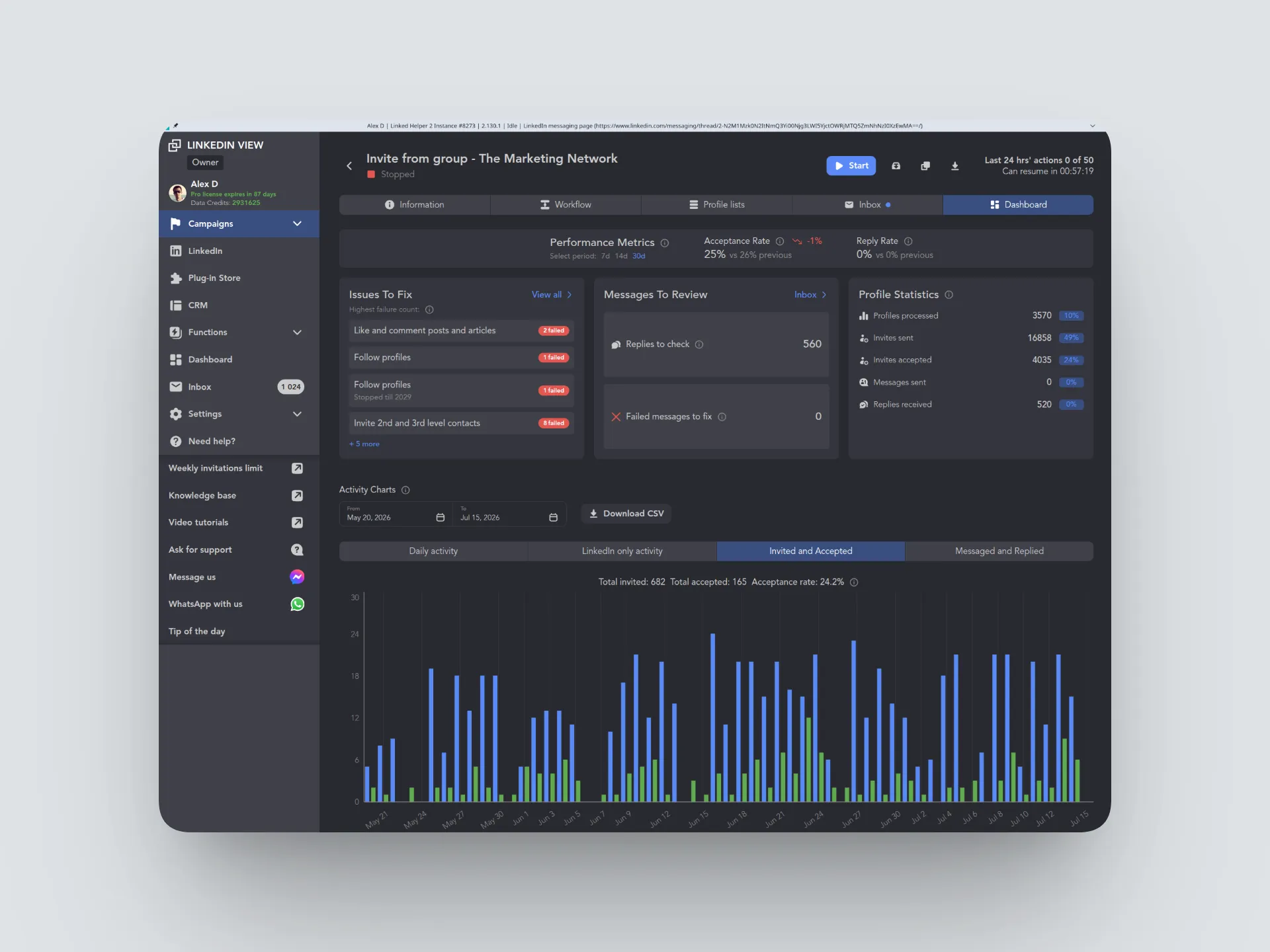
Linked Helper is a desktop app that runs LinkedIn campaigns through a separate local browser instance on your computer or VPS. In the HeyReach vs Linked Helper comparison, it offers more LinkedIn-specific workflows, employee extraction, post engagement, skill endorsements, group and event actions, and profile mentions under posts.
Unlike HeyReach, Linked Helper does not rely only on external CRM integrations. Its built-in CRM keeps profiles, replies, notes, and campaign history in one place. It also offers 11 native integrations, including HubSpot, Pipedrive, Salesforce, Zoho CRM, Zoho Recruit, Close, ActiveCampaign, Capsule, Streak, HighLevel, and Instantly.
Linked Helper also supports a wider range of built-in AI features. For instance, it offers AI ICP detection that filters out irrelevant leads and saves your weekly invitations for qualified leads. You can also use AI-personalized messages with unique icebreakers that increase reply rate, AI post comments, AI-assisted replies, and AI edit.
Linked Helper applies no plan-based limits on the number of campaigns or core outreach actions, and teams can add Admin, Member, and Guest roles for free.
The only restriction is a cap on certain advanced actions, such as boosting posts, messaging group members, and inviting people to groups or events (20 per day). Pro removes this limit and adds messaging history export via webhooks and CSVs.
Campaign data can be stored locally or synced through the optional cloud-storage version, which makes it easier to access and manage the same campaigns across multiple devices. The Linked Helper pricing starts at $15 per LinkedIn account, but lower rates apply for longer licenses and larger teams. Users can test the platform through a 14-day free trial with no credit card required.
The app also simulates mouse movement, typing, clicks, and scrolling. It supports a custom proxy for each account and includes a built-in IP checker that verifies IP quality before accessing the LinkedIn account. These controls make automated activity less repetitive and may reduce the likelihood of LinkedIn flagging unusual behavior, but they cannot eliminate the risk of account restrictions.
2. Expandi — Best for Cloud-Based Multi-Channel Execution
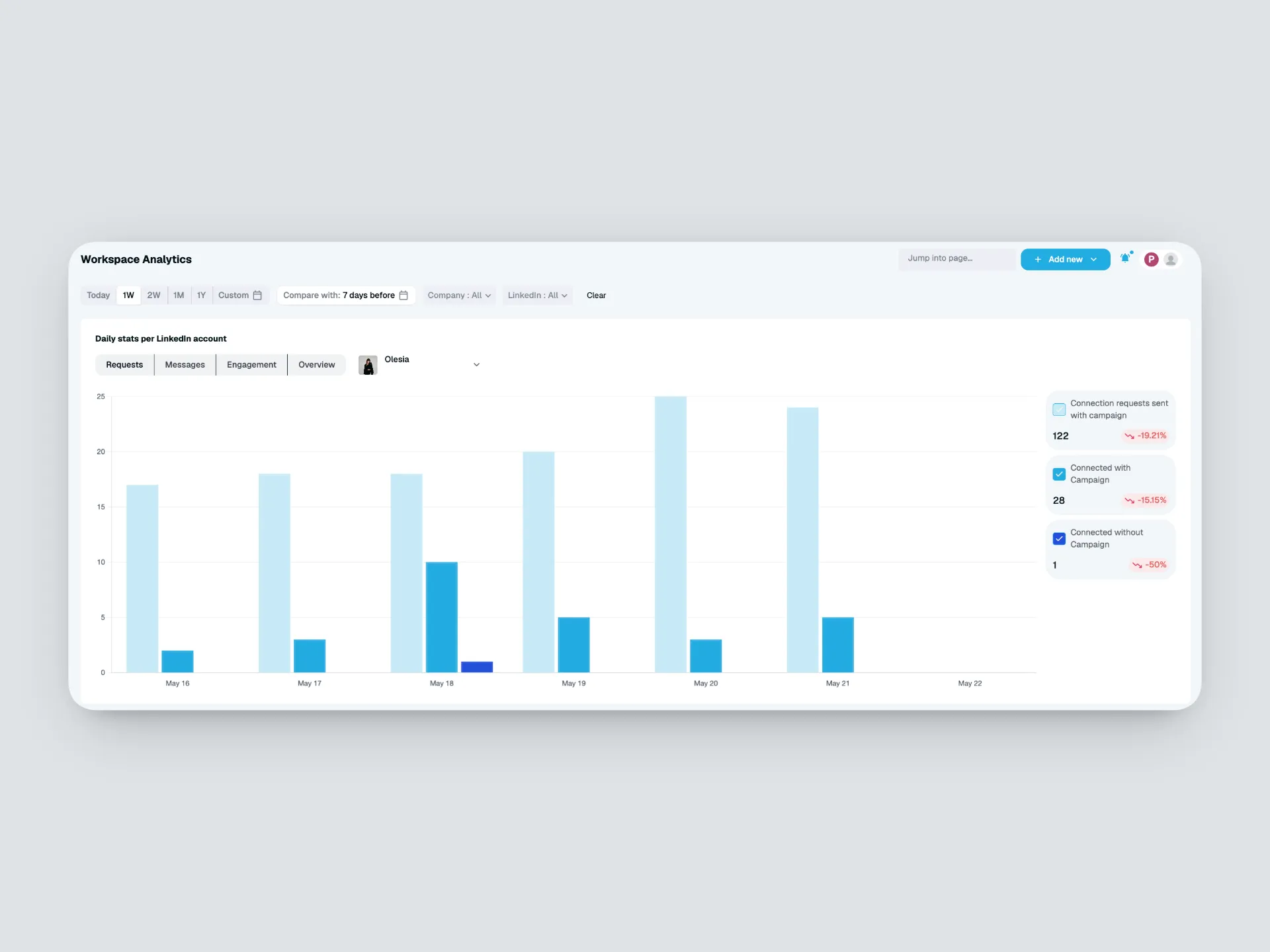
Expandi runs campaigns on its cloud servers. In our live test, one of two accounts used a datacenter IP that IPQualityScore rated 100/100 for fraud risk and flagged for recent abuse. This does not mean the account will definitely be restricted, but it shows that the IP had a poor reputation.
Due to its LinkedIn-email integration, Expandi can be a helpful tool for first sending a connection request on LinkedIn and then following up via email if necessary. However, for that, you already need to have a connected inbox or Smartlead or get the addresses elsewhere, as Expandi doesn’t have a native email finder or verifier.
Expandi advertises more than 300 weekly connection requests, although its guidance recommends staying near 100. It supports event and company-page invitations but lacks group invitations, AI-generated comments, employee extraction by job title, AI ICP detection, and profile mentions under posts.
The business plan costs $99 per month, excluding VAT. Image and GIF personalization costs extra. A seven-day trial is available, and subscriptions are generally nonrefundable.
3. Dripify — Best for Simple Cloud Drips
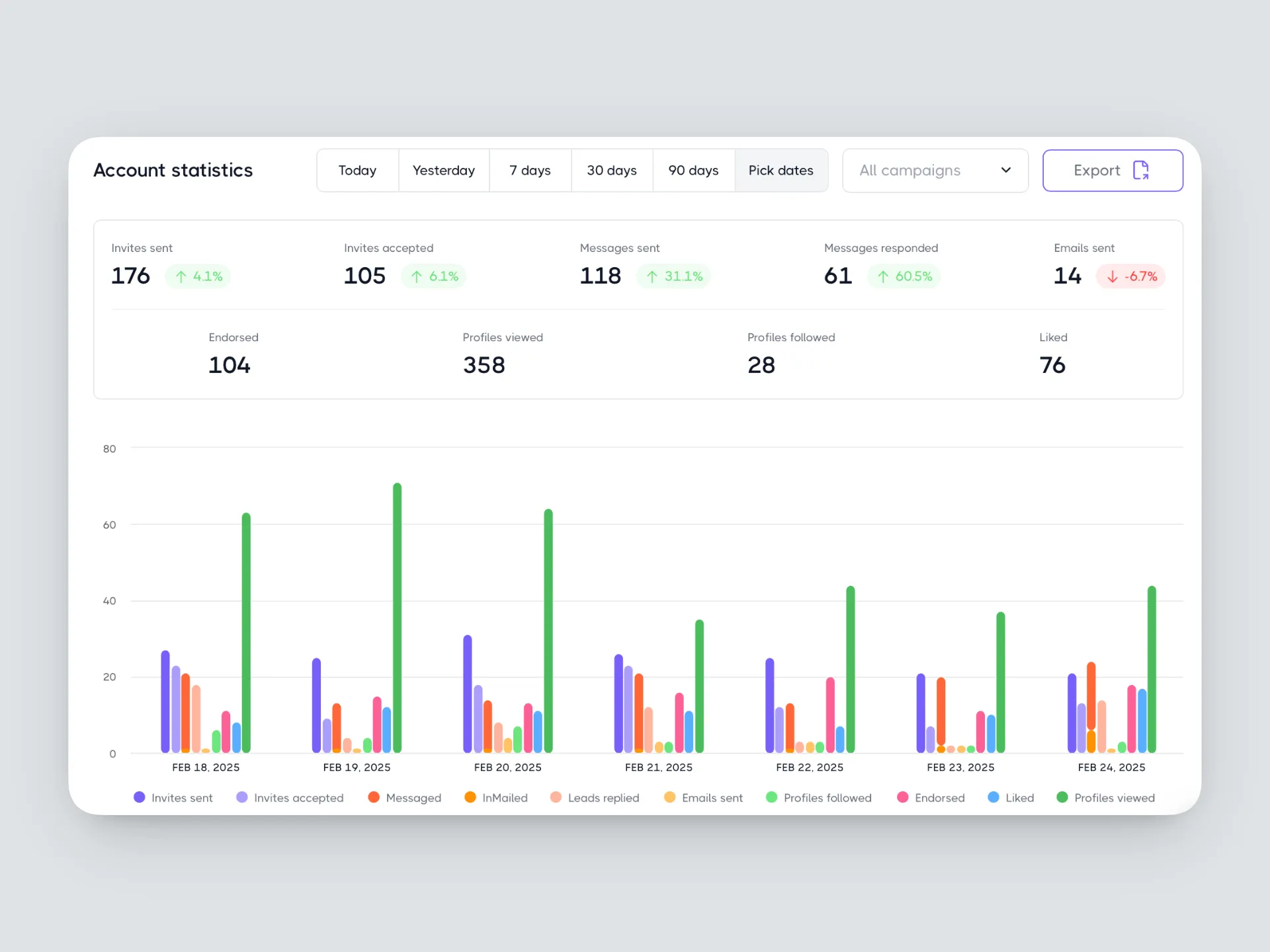
Dripify also runs LinkedIn and email campaigns in the cloud, so they continue even when the computer is off, making it a viable HeyReach and Meet Alfred alternative. The system supports flexible LinkedIn and email sequences with different actions and conditions (e.g., if the person is already connected, send a message; if not, send a connection request).
However, it lacks features such as event invitations, group actions, AI ICP detection, and post-boosting tools. Dripify also has a limitation when running several campaigns at once — it divides the account’s daily action allowance among them. This means that adding an additional campaign will not escalate the outreach limit but only increase the segmentation.
The Basic plan is $59 per month and allows only one active campaign and limited daily quotas. The Pro plan allows unlimited campaigns and includes full quotas, necessary for running multiple campaigns. Advanced adds security-focused activity control and broader team-management features.
4. Waalaxy — LinkedIn + Email Sequencing Tool
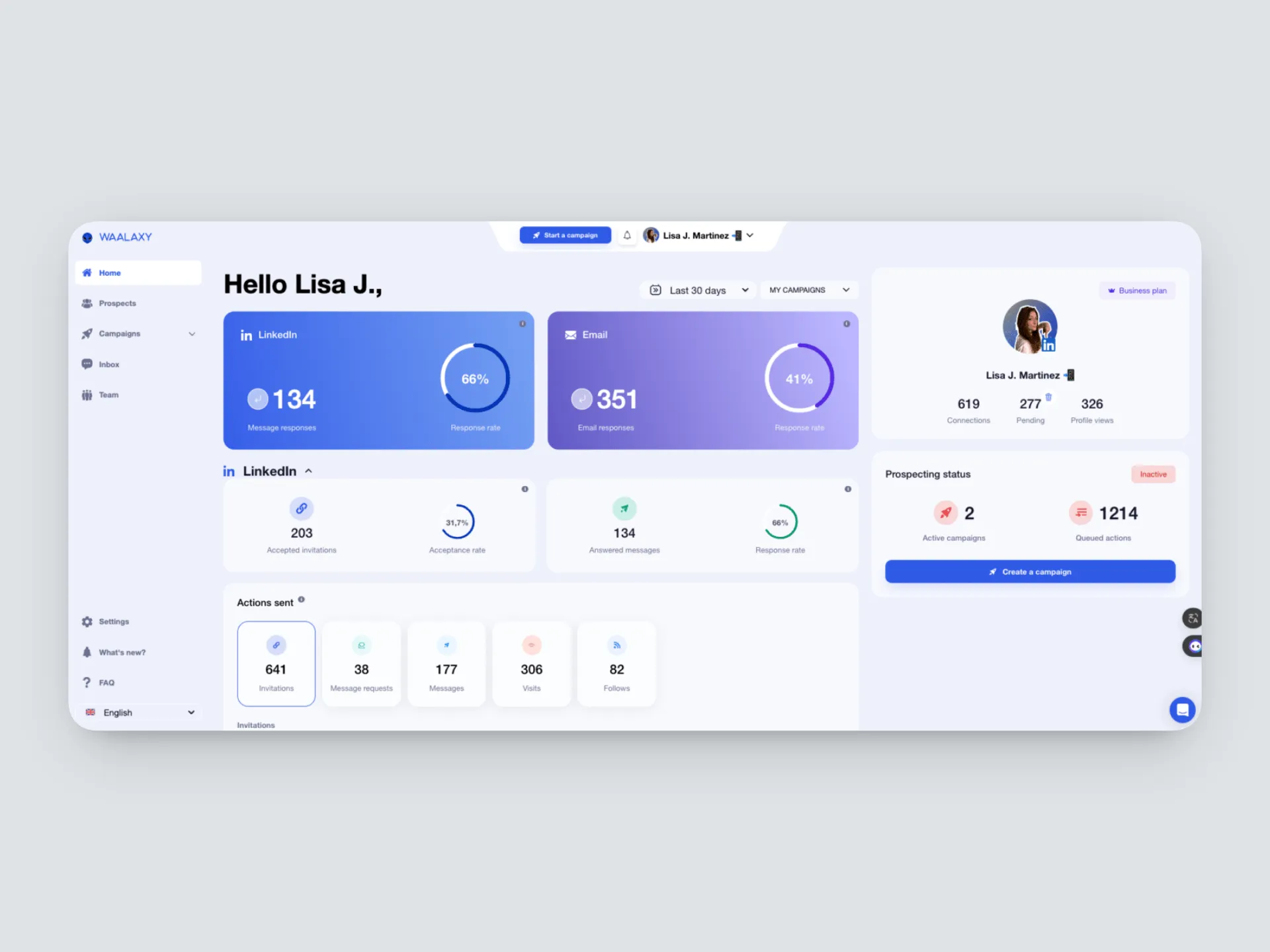
Waalaxy works as a browser extension with a cloud-based backend. This means that you can export prospects directly from LinkedIn and Sales Navigator, while campaigns run even when the browser is offline.
The workflow is based on prebuilt sequence templates. You can customize messages and delays, but the platform doesn’t support creating sequences from scratch or changing their steps and conditions.
In addition to that, one prospect can belong to only one campaign at a time, including paused campaigns. This means that moving a profile between, say, cold outreach and warm follow-ups requires first removing it or archiving the original campaign.
The starting Pro plan starts at $19/user/month and includes 300 invitations and 25 email-finder credits. Advanced features, such as higher invitation caps, automation integrations, cold email sequences, multichannel campaigns, and additional email finder credits, are available only on higher tiers.
5. La Growth Machine — Best for Personalized Multi-Channel Sequences
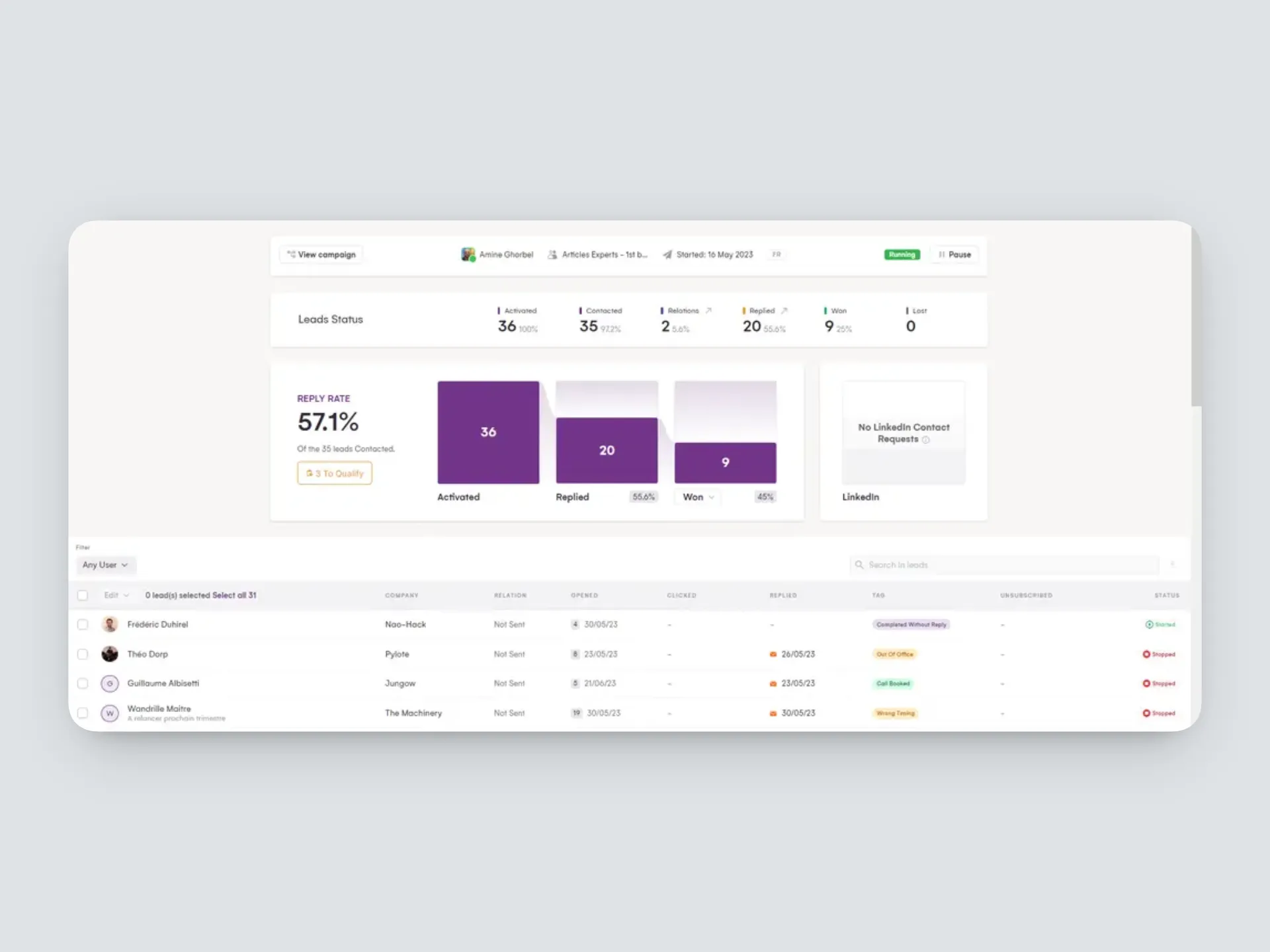
La Growth Machine combines LinkedIn, email, lead enrichment, and, on higher tiers, calls and X within a single cloud platform. What this can look like in practice: a sales rep can contact a prospect on LinkedIn, follow up by email, and add an X touchpoint without changing platforms.
The Basic plan costs $70 per month for each identity and supports up to three, with one connected sending email account for each. However, the Basic plan may be too limited for larger teams, as it doesn’t offer a custom workflow builder, social warming, a multichannel inbox, A/B testing, and CRM integrations, which are reserved for Pro and Ultimate.
The key distinctions of La Growth Machine from other competitors are its multichannel depth and two months for free when billed annually. The trade-off is identity-based pricing and a smaller set of LinkedIn-specific actions, particularly endorsements, group and event invitations, and AI ICP detection.
How to Choose the Right HeyReach Alternative
To choose the best HeyReach alternative for you, first calculate how many LinkedIn accounts your team needs to automate. Most platforms charge for each connected account, seat, or identity, so costs generally increase as you add sales profiles.
Linked Helper requires one license per active LinkedIn account but allows multiple teammates to manage accounts through a shared Workspace without buying a separate license for every colleague. Other platforms use per-account, per-sender, per-seat, or per-identity pricing, so costs usually rise as you add profiles or team members.
Architecture affects how the account runs. Linked Helper runs each account locally, using a separate instance of its built-in browser engine on your computer or VPS. Cloud platforms run campaigns on vendor-managed servers, while browser extensions work through the LinkedIn page. Be mindful that while the cloud can run 24/7, it leaves more session data on the vendor side. With a desktop app, you get to control the environment and the data flow.
Treat account safety as a separate factor. A local desktop app can reduce account-restriction risk because automation runs from your own computer or VPS, using an IP and browser environment you control. Your LinkedIn session is not transferred to vendor-managed cloud servers or handled through an extension inside the LinkedIn page. This lowers third-party exposure, although activity limits and behavior still matter.
Finally, compare actions. Invitations and follow-ups are standard. Look for helpful additions, like employee extraction, group and event workflows, endorsements, post engagement, AI qualification, built-in CRM, and detailed exports. See the best LinkedIn automation tools guide or the Linked Helper vs Dux-Soup full comparison for more context.
For current local- and cloud-storage options, see Linked Helper pricing.