
 Updated: October 22, 2026
 25 min read
Linked Helper analyzed over 2,000 public Reddit threads on LinkedIn prospecting and found that 37% of those threads included complaints about manual outreach and 28% included complaints about the process of finding and targeting relevant leads. Finding the right prospects, sending invitations, and keeping up with follow-ups takes time, especially as your outreach scales.
LinkedIn lead generation tools tackle different parts of this workload. Some are mainly prospecting tools, which means invitations and follow-ups are up to you. Others go further by collecting leads and running the outreach itself. We've reviewed 14 of them below, all used by founders, sales teams, recruiters, and agencies. For each tool, we looked at lead handling, data freshness, automation features, and what you actually have to pay to use it.
What Are LinkedIn Tools for Lead Generation?
These tools focus on three main jobs: finding prospects, collecting contact details, and managing outreach. What they do differs from one type to another. Search platforms pinpoint relevant profiles, email finders supply contact data, and automation software handles invitations and follow-ups. And some products combine these functions.
Before you compare LinkedIn tools for lead generation, work out which stage you actually need help with. Take Sales Navigator. It lets you search for leads and save them, yet you still have to send every invitation and follow-up by hand. That's where outreach software takes over, while a CRM integration moves contacts and campaign activity into your sales system.
A recruiter with a ready candidate list, for example, gains little from LinkedIn tools for lead generation that can only search or don't support LinkedIn Recruiter. What they need is a way to send messages and keep track of replies.
LinkedIn Lead Generation Tools at a Glance
The 14 tools below cover different parts of the lead generation process. Use the table to see where each one runs, what data it provides, and how much a lead-generation plan costs.
| Tool | Suitable for | Lead sources | Lead data collected | Where it runs | Filtering | Data freshness | Starting usable price | Annual price |
|---|---|---|---|---|---|---|---|---|
| Linked Helper | Sales teams, recruiters, agencies | LinkedIn search, Sales Navigator, groups, events, CSV import (profile URLs), Recruiter Lite / Recruiter, My Network, incoming webhooks (cloud-based storage version), post engagement | Profiles, companies; emails via enrichment, phone numbers, messaging history | Desktop app | Yes — filters and AI ICP detection | Live on profile visits; enrichment age limit you set (e.g., 30 days) | $15/mo, Standard | $8.25/mo, Standard |
| LinkedIn Sales Navigator | B2B sales teams | LinkedIn, Sales Navigator search | Profiles, companies | Cloud | Yes — advanced search filters | Live LinkedIn data; real-time alerts on saved leads | $119.99/mo, Core | $89.99/mo, Core |
| Expandi | Sales teams and agencies | LinkedIn search, Sales Navigator, Recruiter Lite, CSV import, post engagement | Profiles, connection and reply statuses | Cloud | Yes — campaign targeting | Live at import; searches can auto-reload for new leads | $99/mo, Business | $79/mo, Business |
| HeyReach | Agencies and outbound teams | LinkedIn search, Sales Navigator, CSV import | Profiles, campaign data | Cloud | Yes — list filters | Live at import; CSV data checked against current LinkedIn profiles | $79/mo, Growth | $63/mo, Growth |
| Dux-Soup | Sales teams and agencies | LinkedIn search, Sales Navigator, Recruiter Lite / Recruiter, CSV import | Profiles, contact data | Desktop app | Yes — search filters | Live on each visit or scan; re-visits update CRM after connecting | $55/mo, STACKED Local | $41.25/mo, STACKED Local |
| Waalaxy | Sales and recruiting teams | LinkedIn search, Sales Navigator, Recruiter Lite, CSV import | Profiles; emails on eligible plans | Chrome extension | Yes — search and list filters | Live at import; visit or manual refresh updates data | $39/user/mo, Advanced | $32/user/mo, Advanced, billed annually |
| Octopus CRM | Sales teams, recruiters, agencies | LinkedIn search, Sales Navigator, Recruiter Lite | Profiles, campaign data | Chrome extension | Yes — LinkedIn search filters | Pulled from LinkedIn during campaigns; no refresh policy published | $21.99/mo, Advanced | $14.99/mo, Advanced, billed annually |
| SalesRobot | B2B sales teams and agencies | LinkedIn search, Sales Navigator, CSV import | Profiles, campaign data | Cloud | Yes — LinkedIn targeting | Scraped at import (up to 24 hours); emails verified with credits | $59/mo, Basic | $39/mo, Basic |
| La Growth Machine | Solo founders and outbound teams | LinkedIn search, Sales Navigator, CRM, CSV import | Profiles, companies, verified emails | Cloud | Yes — company targeting | Emails verified during enrichment | $70/identity/mo, Basic | $60/identity/mo, Basic |
| Skylead | Sales teams and agencies | LinkedIn, Sales Navigator, B2B database, CSV import | Profiles, companies, emails | Cloud | Yes — account-based prospecting | Emails double-verified during sequences; profile refresh frequency not specified. | $100/mo, All-in-one | ≈$83.33/seat/mo, annual billing (pay 10 months, get 2 free) |
| Meet Alfred | Solo founders, sales teams, agencies | LinkedIn search, existing contacts, Lead Finder; Sales Navigator, groups, events, CSV import on Business and up | Profiles, campaign data | Cloud | Yes — LinkedIn search and Lead Finder filters | Pulled from LinkedIn at import; no refresh policy published | $59/mo, Individual | $35/mo, Individual |
| PhantomBuster | Sales and growth teams | LinkedIn search, Sales Navigator, post engagement, CSV import, HubSpot contacts | Profiles, companies, engagement data; emails via enrichment | Cloud | Yes — AI filtering | Live at each run; scheduled re-runs | $69/mo, Start | $56/mo, Start |
| Salesflow | Sales teams and agencies | LinkedIn, Sales Navigator | Profiles, conversation data | Cloud | Yes — prospecting filters | Pulled from LinkedIn at import; no refresh policy published | $99/mo, Basic | $69.30/seat/mo |
| Dripify | Sellers and sales teams | LinkedIn search, Sales Navigator, Recruiter, My Network, events, CSV import | Profiles, emails via finder | Cloud | Yes — LinkedIn targeting | Real-time LinkedIn data; email search can be retried after 30 days | $59/mo, Basic | $39/mo, Basic |
How We Selected These LinkedIn Lead Generation Tools
We compared 14 tools based on their features for finding and contacting prospects. First, we looked at where each tool gets its leads: LinkedIn search, Sales Navigator, groups, events, post engagement, or imported lists. We then checked what information it collects and where it runs the sequences.
Next, we reviewed the features available after importing or collecting leads. We checked which tools support invitations, messages, follow-ups, reply tracking, and contact management. We also reviewed activity limits and controls to manage the risk of account restrictions.
Finally, we compared the cost of a plan that supports lead generation, including any limits on email credits or campaign volume. We used vendors’ official websites and pricing pages for product features and prices.
Top LinkedIn Lead Generation Tools in 2026
Below, we compare the best LinkedIn lead generation tools based on lead management, campaign location, and the cost of each usable plan.
Linked Helper
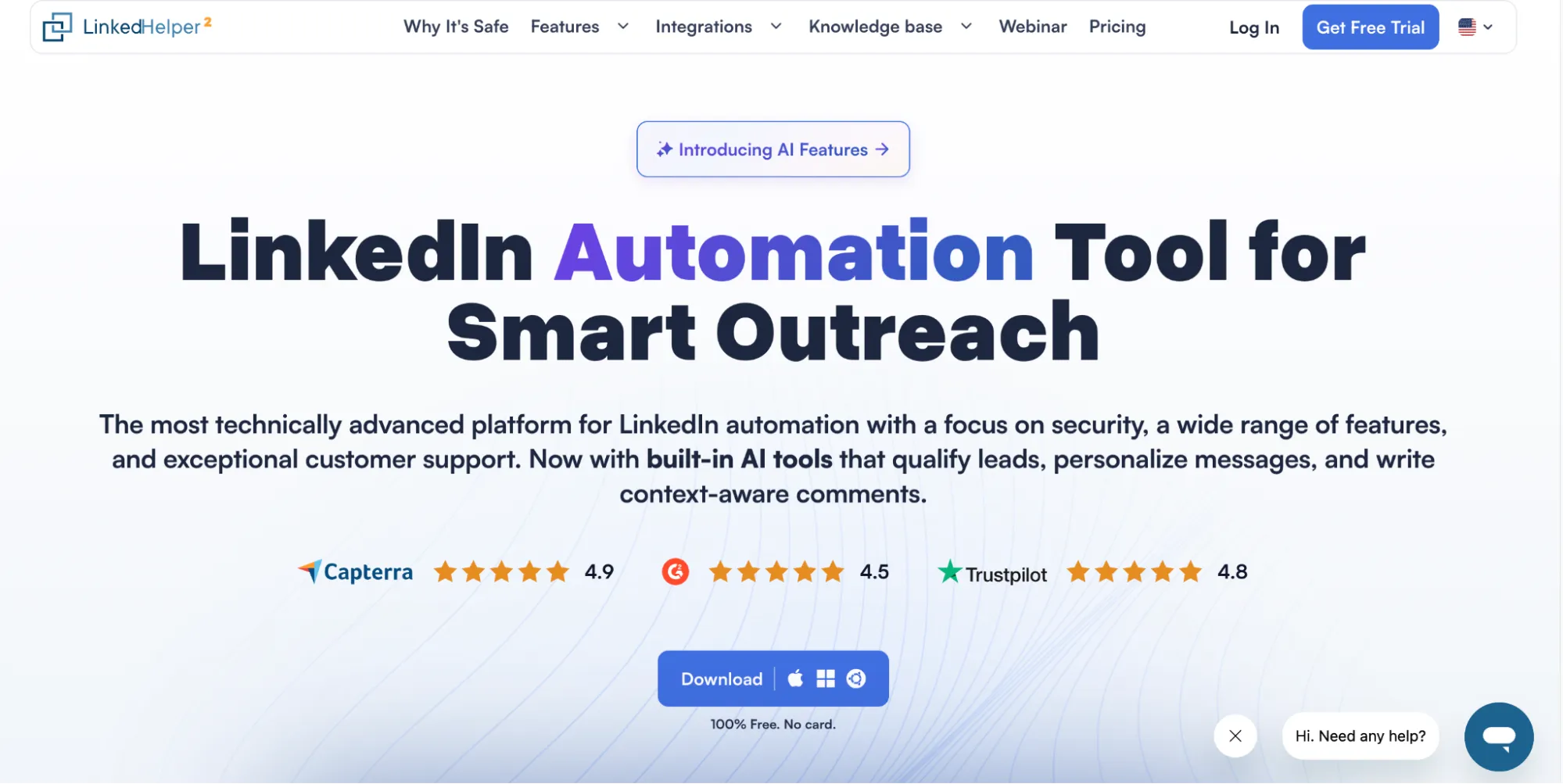
Linked Helper website screenshot from the source document.
Linked Helper combines prospect collection, contact enrichment, and automated outreach. It collects data from 23 LinkedIn sources, including Sales Navigator and Recruiter, plus group member lists, event attendee lists, company employee lists, and post reactions. Beyond LinkedIn, it can also import URLs from CSV files and incoming webhooks.
Linked Helper gathers profile and company data in two ways. It can visit each profile to scrape live lead data or use data enrichment to retrieve the same details without opening the page. Enrichment is faster and safer for your account, and it can return emails and phone numbers of your 2nd- and 3rd-degree connections as well as find work emails.
To help you decide who's worth contacting, it uses AI to assess whether prospects match your ideal customer profile. This check is especially useful after keyword searches: LinkedIn often returns plenty of irrelevant people because a keyword can match anywhere on a profile, not just in the job title. AI ICP detection filters those profiles out, so you save time and send invitations only to qualified leads.
Linked Helper works with LinkedIn Basic and Premium accounts, Sales Navigator, Recruiter, and Talent accounts. It can also open Sales Navigator URLs in free LinkedIn accounts with no Sales Navigator subscription. This helps cut costs: one Sales Navigator seat handles lead collection, while free LinkedIn accounts take care of outreach.
A sequence can open with post likes and AI-generated comments, so prospects already recognize your name when the connection request arrives. It then moves on to AI-personalized messages or InMails. Reply detection stops subsequent follow-ups when a prospect responds. The built-in CRM stores conversations, tags, and notes. Integrations and webhooks transfer lead data to other systems.
How it runs: It is a desktop app, which means it does not inject code into LinkedIn pages like an extension. You can adjust activity limits and timing, but keep in mind that even those controls can't prevent possible account restrictions. Automation requires the desktop app to remain running on your computer or a VPS.
Pricing: Local Standard, the minimum usable plan, costs $15/month, and Local Pro costs $45. The cloud-based storage versions of Standard and Pro cost $29.90 and $59.90. Annual licenses lower these to $8.25, $24.75, $16.50, and $33 a month. Standard covers sequences, reply detection, and 620 data credits (that do not expire and can be purchased separately) monthly, while Pro raises auxiliary action limits, includes 3,100 credits, and lets you export message history. You can try Pro free for 14 days, no card required.
Teams can separate client accounts into workspaces and control access by role. Workspaces are available with any license tier and come with no extra setup or recurring fees, so you pay only for the licenses themselves. Cloud Workspace now has shared data and incoming webhooks.
-
Pros: Sourcing through follow-up in one app, several account types, and flexible sequences.
-
Cons: Your computer or VPS must stay on; the Standard plan caps some auxiliary actions at 20 per day.
LinkedIn Sales Navigator
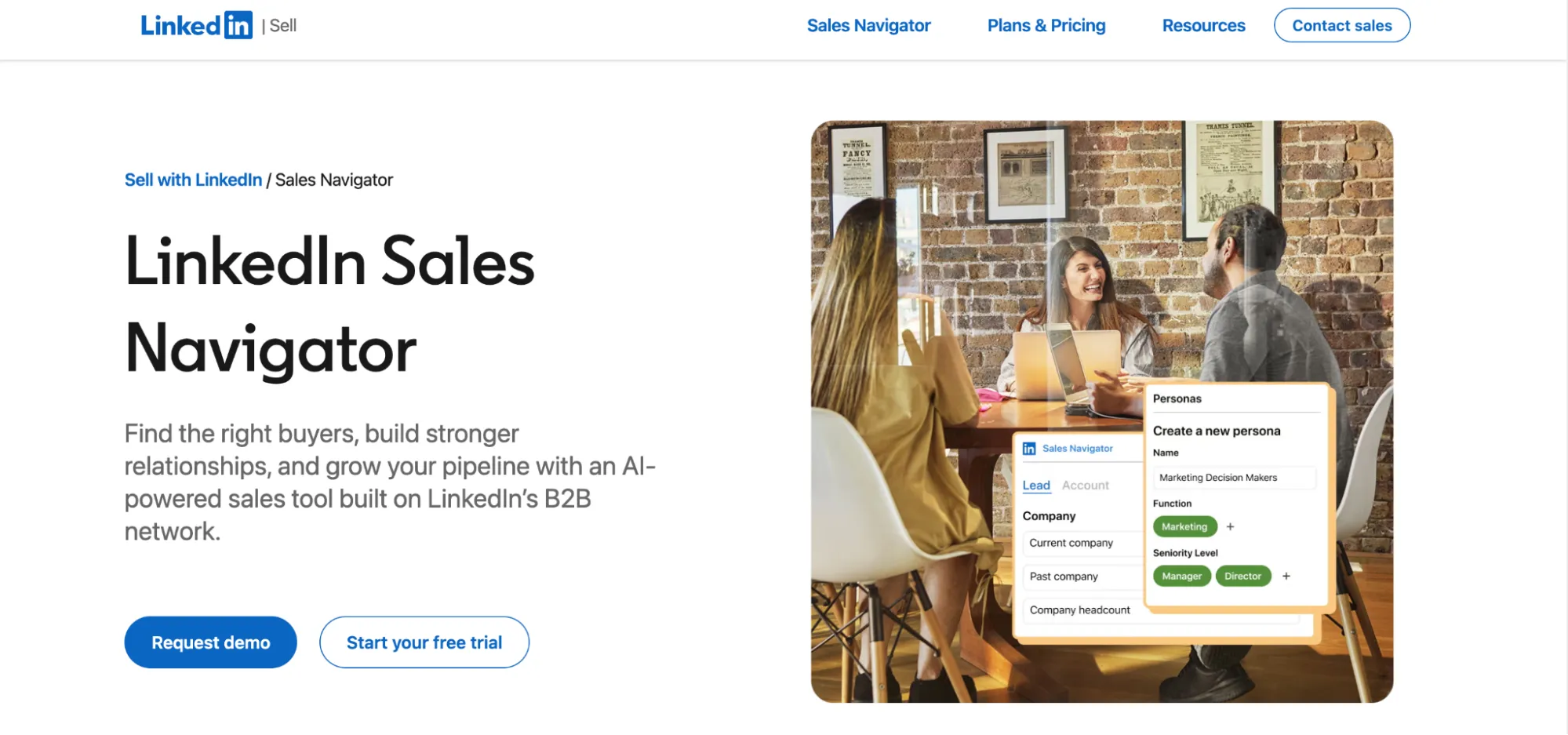
LinkedIn Sales Navigator website screenshot from the source document.
Sales Navigator is LinkedIn’s paid tool for finding and organizing prospects. It runs in your browser, which means no installation is required. If you want to work in a native app, iOS and Android mobile apps are available. Keep in mind none of these automate connection requests or follow-ups.
Search uses detailed lead and account filters. You save the people and companies worth revisiting to lists, and Sales Navigator lets you know when someone changes jobs or a company posts an update. To contact people outside your network, you use InMail. These conversations live in a separate inbox, not your regular LinkedIn one, and if you cancel your subscription, those messages disappear together with saved leads and accounts.
For automated outreach, choose software that preserves Sales Navigator messaging history or processes collected profile URLs through regular LinkedIn. For example, Linked Helper supports both workflows.
Pricing: Core is the lowest usable plan at $119.99 per license per month, or $89.99 per month with annual billing. Advanced costs $159.99 per month, or $149.99 as a monthly equivalent with annual billing, requires at least two seats, and adds TeamLink for warm introductions through colleagues, shared lists, and team controls. Advanced Plus is quote-based and it adds CRM sync, including lead creation and updates. Every tier includes 50 InMail credits per month, and upgrading does not increase that allowance. More expansive plans offer centralized seat management, but Sales Navigator has no white-label option for agencies.
-
Pros: Detailed lead and account filters, alerts based on LinkedIn activity.
-
Cons: No automated invitations or follow-ups; no built-in email finder; Sales Navigator message history is lost upon subscription cancellation.
Expandi
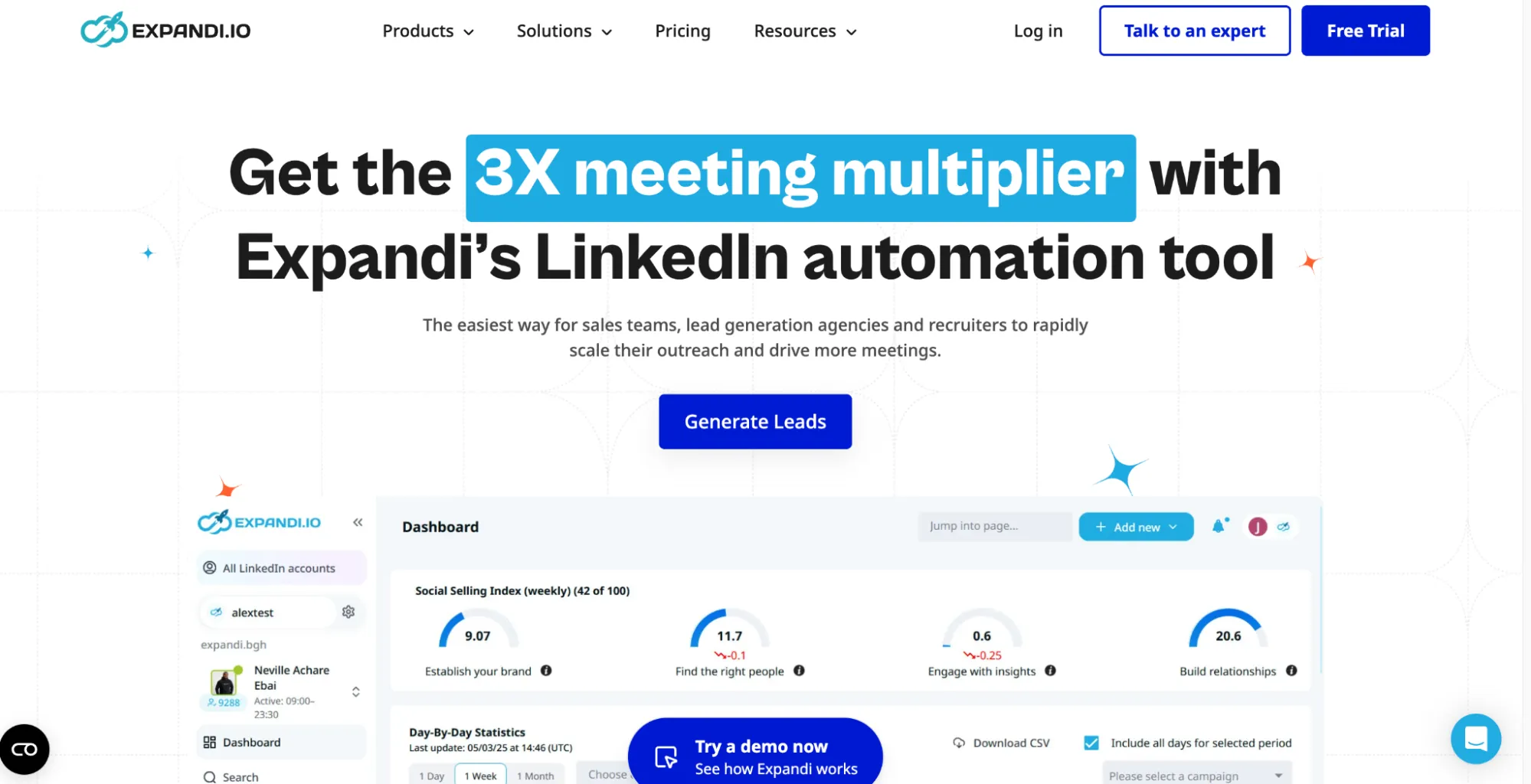
Expandi website screenshot from the source document.
Expandi is cloud-based LinkedIn lead generation software for sales teams and agencies. Campaigns run on Expandi’s servers, so you can turn off your computer without interrupting your campaign. Sourcing leads through Sales Navigator or Recruiter requires access to the corresponding LinkedIn product.
While Expandi advertises dedicated country-based IP addresses, in Linked Helper’s July 2026 test of two assigned IPs, one scored 100/100 (the highest fraud risk) on IPQualityScore and was flagged for proxy use and recent abuse. In other words, a dedicated IP isn’t necessarily clean, and it isn’t necessarily residential either. Automation tools usually provide datacenter IPs, which LinkedIn can tell apart from residential addresses and treats as higher risk. This means you should treat this allocation as an infrastructure feature, not a guarantee against LinkedIn account restrictions.
You can pull prospects from LinkedIn, Sales Navigator, and Recruiter searches, import a CSV file, or enter a public post's URL to collect everyone who reacted to or commented on it. Once you've added leads, you can create a sequence of visits, invitations, messages, and follow-ups. Responses land in a shared inbox, and integrations, webhooks, and an API can move campaign events and contact details into a CRM. Expandi doesn’t have email enrichment built-in, so finding work emails requires another provider.
Pricing: The Business plan costs $99 per LinkedIn account per month, or $79 per month with annual billing. It is the minimum usable plan. A LinkedIn Sales Navigator subscription is optional and billed separately.
Agencies can get a custom-priced Expandi setup with branding and client workspaces for white-label LinkedIn lead generation.
-
Pros: Multiple lead sources, conditional campaigns, and CRM handoff
-
Cons: No email enrichment included, paid seat required for every connected LinkedIn account, can’t be used to send InMail in Recruiter.
HeyReach
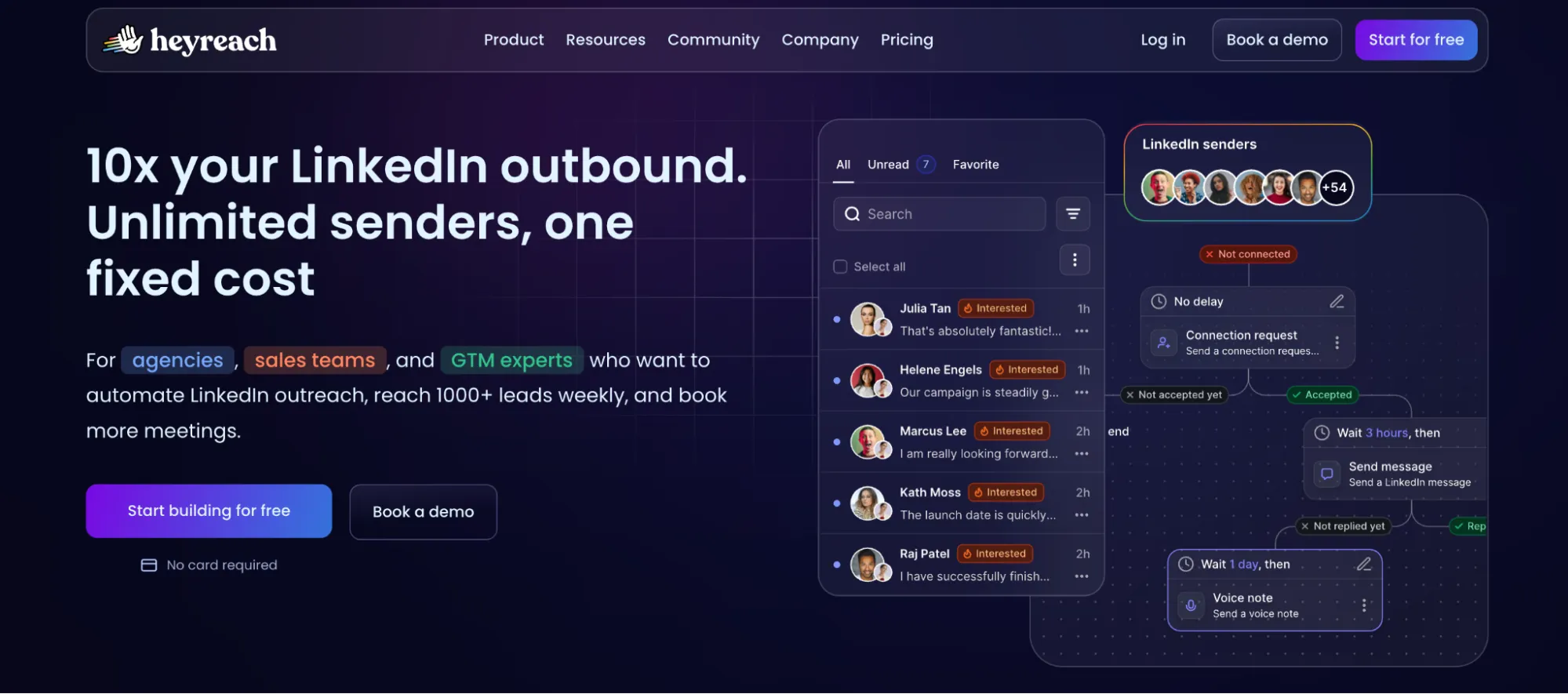
HeyReach website screenshot from the source document.
HeyReach is one of the LinkedIn automation tools for lead generation with support for multiple sending accounts. It runs in the cloud, and HeyReach’s marketing page says each account gets a dedicated residential proxy. Linked Helper’s own June 2026 test pointed the other way, though. Across two accounts set up in France, all three observed IPs were datacenter addresses from the same /24 subnet, and each had an IPQS fraud score of 100/100 along with proxy, VPN, recent-abuse, and bot-status flags.
You can import leads from LinkedIn searches, Sales Navigator, CSV files, or people who reacted to a LinkedIn post. You then choose which accounts will receive the campaign and add steps like profile views, invitations, messages, and follow-ups.
An "If connected" condition sorts the imported leads: people already in your network go straight to messages, while everyone else gets a connection request first. Replies from all sending accounts land in one shared inbox (the Unibox). From there, integrations, the API, or webhooks can push lead and campaign data into your CRM.
Pricing: The cheapest plan you can use is Growth, which costs $79 per sender per month ($63 if you pay for a year). It includes unlimited campaigns and 100 one-time email enrichment credits per sender. The Agency plan is $999/month for 25 senders, white-label branding, and 1,000 credits. The Unlimited plan is $2,999/month with 3,000 credits, but due to the fair-use policy, the plan is limited to 300 senders. You can add multi-brand white-labeling for $500 per add-on.
Pros: Multi-account campaigns, unified inbox, separate client workspaces.
Cons: Email credits aren’t replenished monthly, agency packages are expensive to enter, the tool does not support Sales Navigator URL upload on free LinkedIn accounts
Dux-Soup
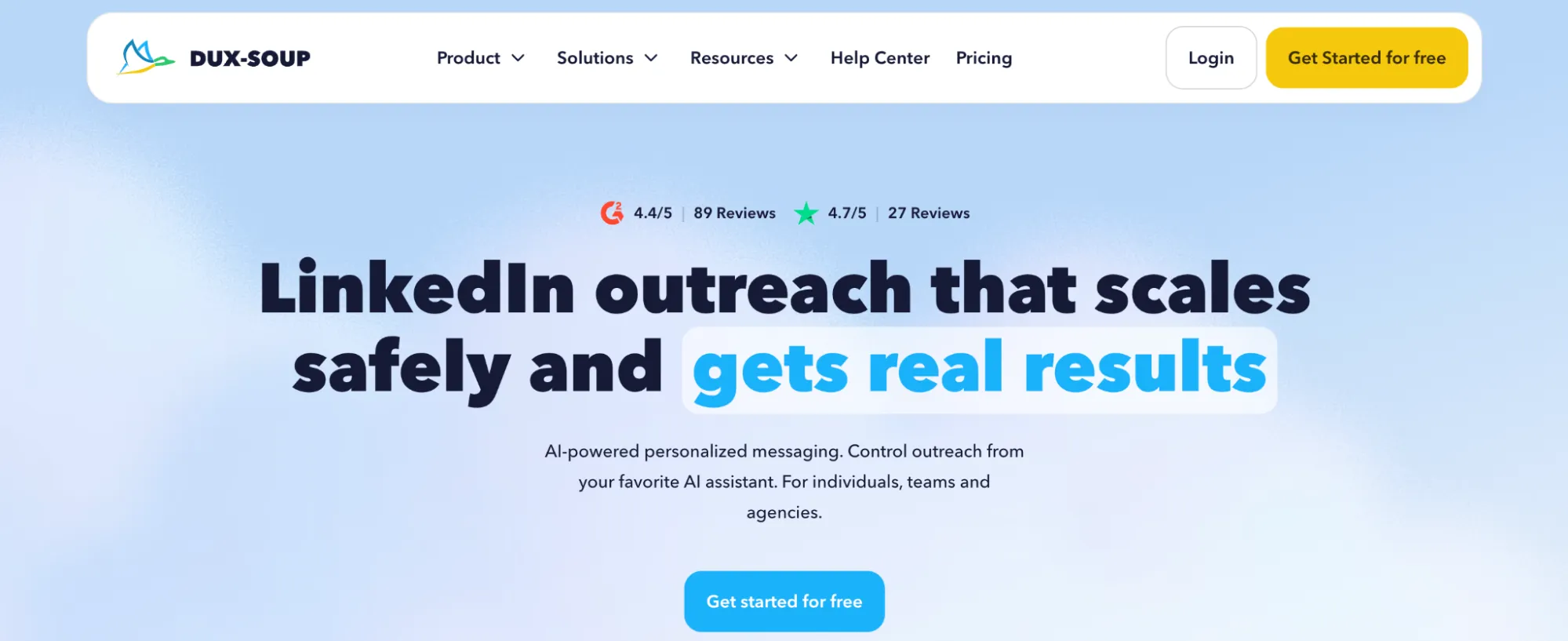
Dux-Soup website screenshot from the source document.
Dux-Soup converts prospect lists into outreach campaigns. STACKED (a proprietary campaign automation platform) is available in the Local and Cloud software versions. Local runs through a desktop app on your computer; Cloud runs campaigns on Dux-Soup’s infrastructure so that you can keep your computer off without interrupting your campaign.
You can collect prospects from LinkedIn searches, Sales Navigator, and Recruiter, or import a CSV file containing LinkedIn profile URLs. From there, a campaign can visit profiles, send connection requests, and follow up with messages or InMails. Dux-Soup monitors replies and provides you with a dashboard to view leads and campaign performance. Agencies can manage client accounts via a shared dashboard.
Pricing: STACKED Local costs $55 per seat per month, or $41.25 per month with annual billing. It includes unlimited multistep campaigns, reply detection, lead management, and integrations. STACKED Cloud includes the same features and runs campaigns on Dux-Soup’s infrastructure for $99 per seat per month, or $74.25 with annual billing.
-
Pros: Can import prospect lists from LinkedIn searches and CSV formats, can run campaigns locally and in the cloud, has a dashboard to manage client accounts.
-
Cons: No email outreach, cloud execution is more expensive per account.
Waalaxy
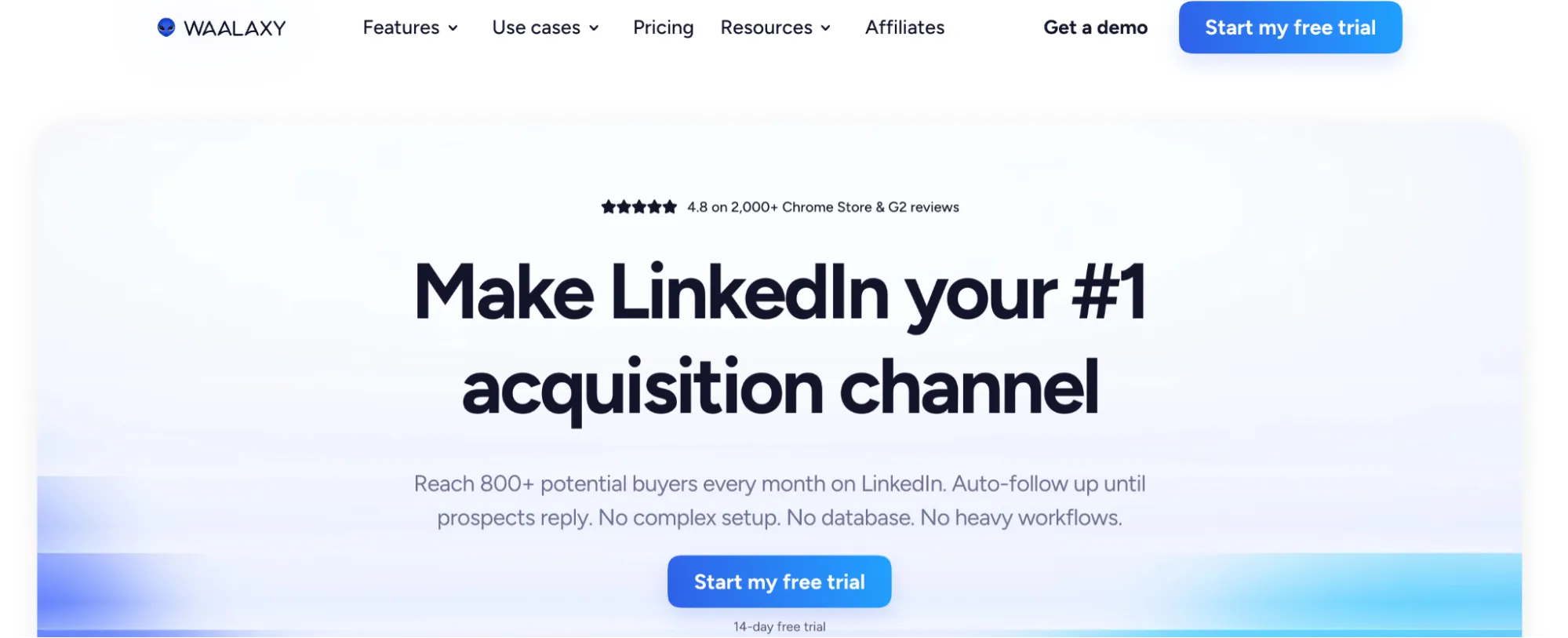
Waalaxy website screenshot from the source document.
Waalaxy is a Chrome extension for LinkedIn prospecting that imports leads and automates connection requests and follow-up messages. Paid campaigns run in the cloud, so they stay active even if you close your browser.
The tool allows you to pull leads from LinkedIn search, Sales Navigator, Recruiter Lite, or CSV. It then runs them through a cycle of invitations and follow-up messages. It captures responses, stores prospect data, and can sync leads with a CRM. The Business plan includes email steps to reach out to prospects outside of LinkedIn.
Pricing: The Pro plan costs $19 per user per month and includes 300 invitations a month. Advanced costs $39 and raises the allowance to 800 invitations. The Business plan costs $69 and adds email campaigns and 500 Email Finder credits. With annual billing, the monthly equivalents are $16, $32, and $55, respectively. Additional Email Finder credits can be purchased separately.
You can manage client accounts with the Waalaxy team dashboard, with shared analytics and controls for duplicate prospects. Waalaxy does not offer white-label branding.
-
Pros: Multiple sources to import prospects from, paid campaigns in the cloud, team management & sync with CRM.
-
Cons: Pro limits invitations to 300 per month, which is 37% of LinkedIn’s capacity. Automated email sequences are available only on the Business plan, with no white-label branding.
Octopus CRM
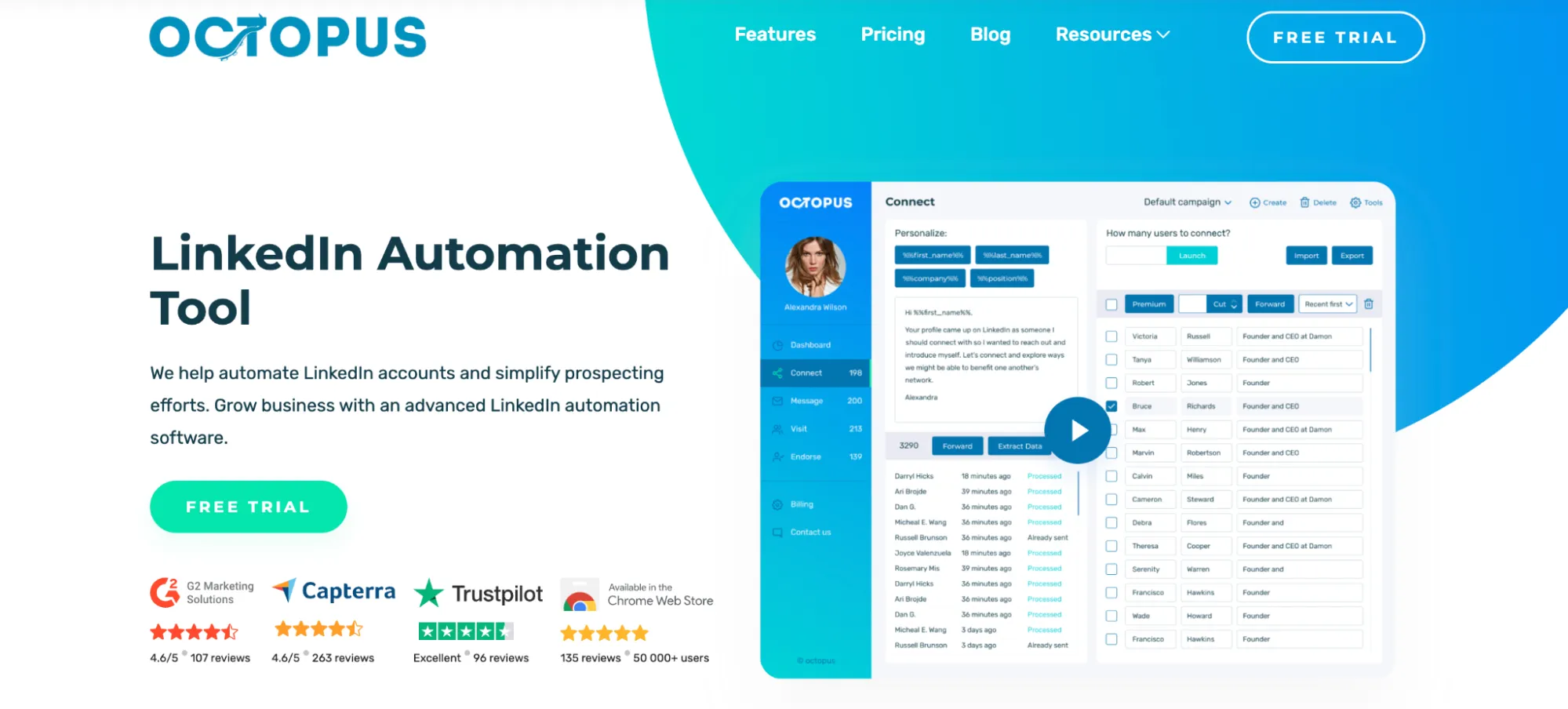
Octopus CRM website screenshot from the source document.
Octopus CRM is a Chrome extension for LinkedIn outreach, though it appears on LinkedIn’s AED list, which means the platform can detect it. It works with free LinkedIn accounts as well as Premium, Sales Navigator, and Recruiter Lite.
You can bring prospects in from a LinkedIn search or upload a CSV of profile URLs. Octopus CRM places them in separate campaigns for profile visits, invitations, messages, and endorsements. You can link campaigns into a follow-up sequence, then review contacts and results in its built-in CRM. Lead data can also be exported to CSV or sent to other apps through Zapier.
Pricing: Monthly plans cost $9.99 for Starter, $14.99 for Pro, $21.99 for Advanced, and $39.99 for Unlimited. With annual billing, the monthly equivalents are $6.99, $9.99, $14.99, and $24.99, respectively. Campaign creation and funnels require Advanced or Unlimited, and Zapier and HubSpot integrations require Unlimited. Agencies managing 20 or more accounts can request special pricing.
-
Pros: Works with free LinkedIn accounts, imports CSV prospect lists, supports linked outreach campaigns and Zapier transfers.
-
Cons: Runs as a browser extension and not a cloud campaign service, agency pricing requires a quote, there are no AI features.
SalesRobot
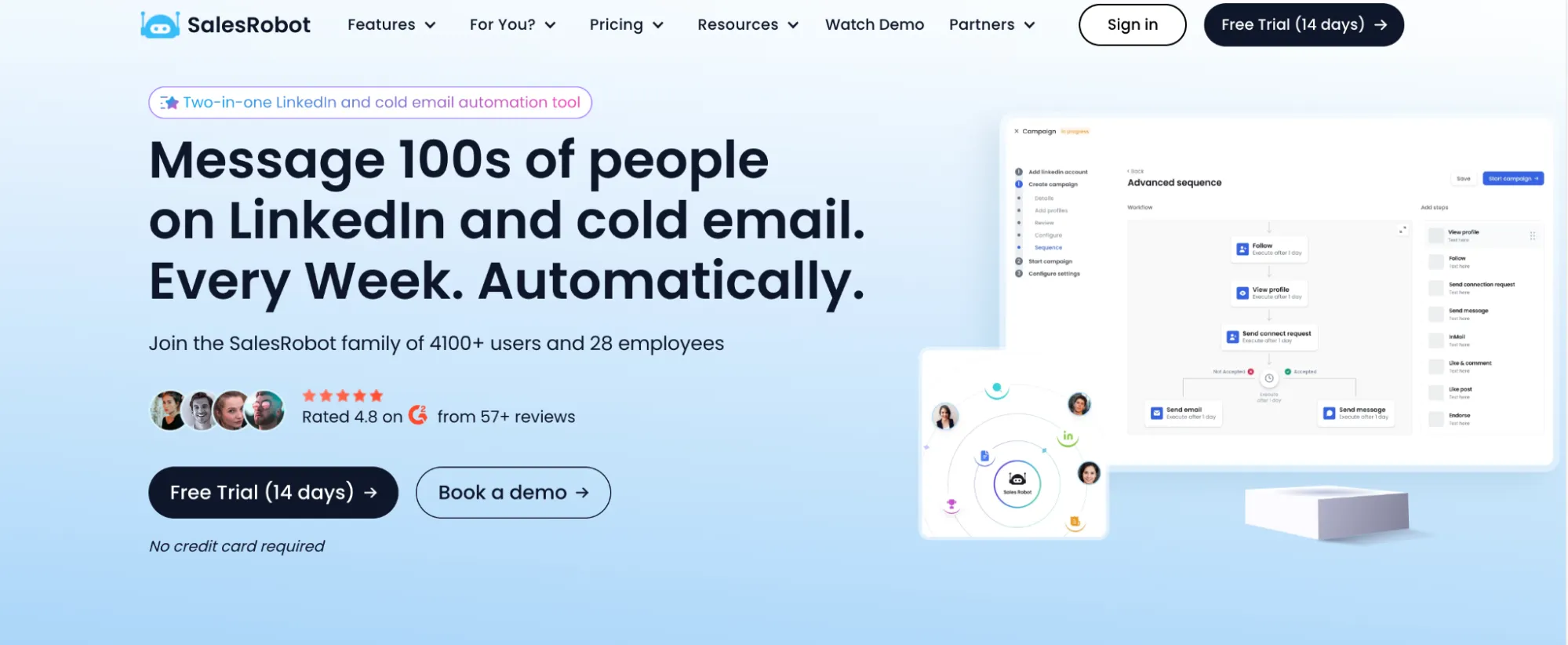
SalesRobot website screenshot from the source document.
SalesRobot is cloud-based LinkedIn lead generation software that allows agencies to manage several client accounts from one dashboard. You can import prospects from LinkedIn searches, Sales Navigator, or CSV files and move them through a sequence of profile visits, connection requests, and follow-up messages.
When someone replies, SalesRobot stops the follow-ups and keeps the conversation in its inbox. On the Advanced plan, you can send lead activity to other systems through webhooks or Zapier. Cold email automation costs an additional $15 per email account per month.
Pricing: The Basic plan costs $59 per LinkedIn account per month with monthly billing. Basic allows one active campaign and limits each activity type to 20 profiles per day. Advanced costs $79 with unlimited active campaigns, full quotas, A/B testing, and integrations. The Professional plan is $99 and adds team management and activity controls. Enterprise pricing is available on request.
SalesRobot has a separate white-label offering for agencies. It puts the platform, support, and help center under the agency’s branding and subdomain, with client seats managed centrally.
-
Pros: Cloud campaigns, reply detection, agency dashboard, a white-label solution.
-
Cons: Basic limits campaign count and daily activity, cold email automation costs extra, white-label pricing requires a quote.
La Growth Machine
La Growth Machine website screenshot from the source document.
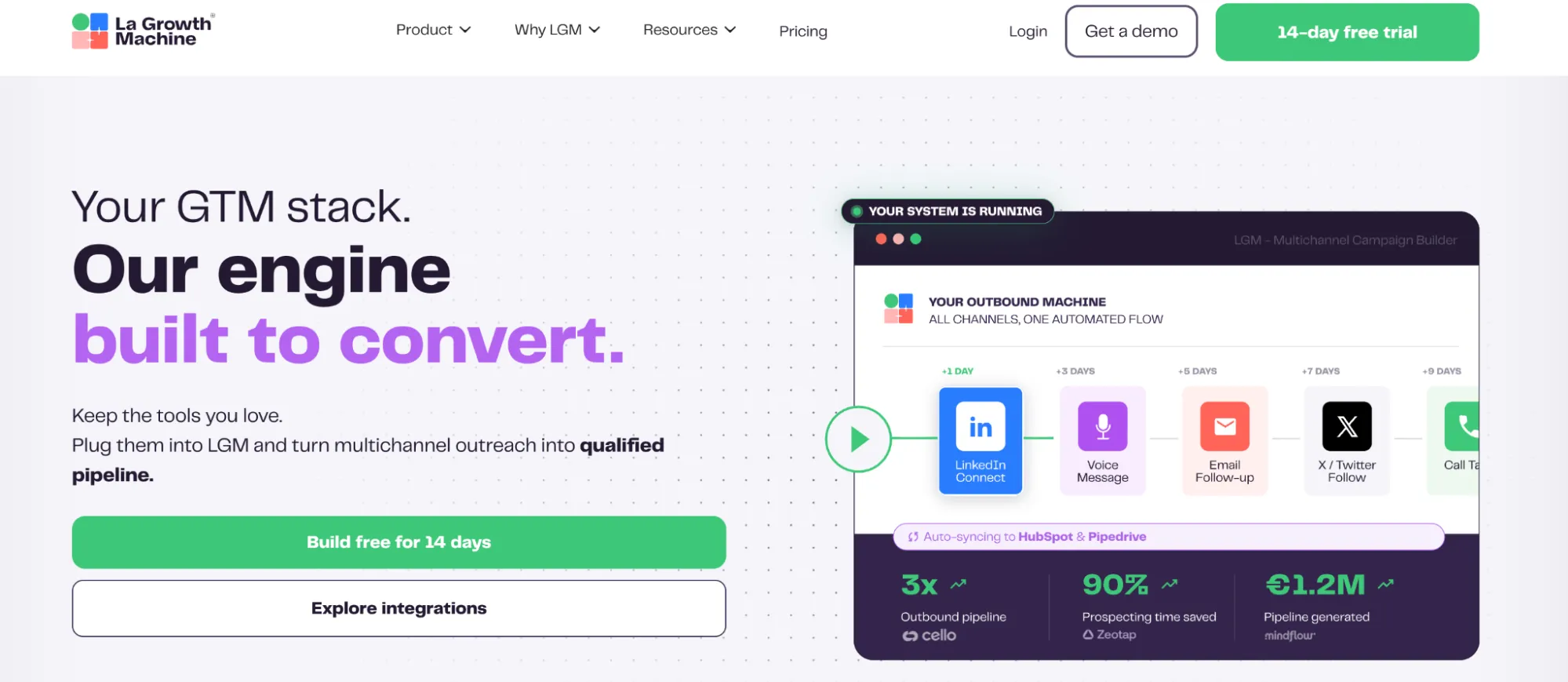
La Growth Machine is a cloud platform for campaigns combining LinkedIn and email. Each paid “identity” is a sender license used to run campaigns through connected LinkedIn and email accounts.
You can import leads from LinkedIn searches, Sales Navigator, a CRM, or CSV files, enrich their records, send invitations and messages, and then add email steps to the sequence. The Pro plan brings replies into a unified multichannel inbox, while the Enterprise plan can sync messages and contact updates directly with HubSpot or Pipedrive.
Pricing: The Basic plan costs $70 per identity per month with monthly billing and includes 250 enriched leads and one sending email account. Pro costs $135 per identity per month, includes 400 enriched leads, and supports five sending email accounts. Enterprise pricing is available on request; the plan lists unlimited enriched leads and sending email accounts. Additional enrichment credits can be purchased separately.
The Agency plan requires at least six identities and is priced by quote. Its published terms mention discounts and support but do not specify a rebranded white-label interface.
-
Pros: Combines LinkedIn and email, includes enrichment, offers native CRM sync on the Enterprise plan.
-
Cons: Charges per sending identity, additional enrichment beyond the included allowance costs extra.
Skylead
Skylead website screenshot from the source document.
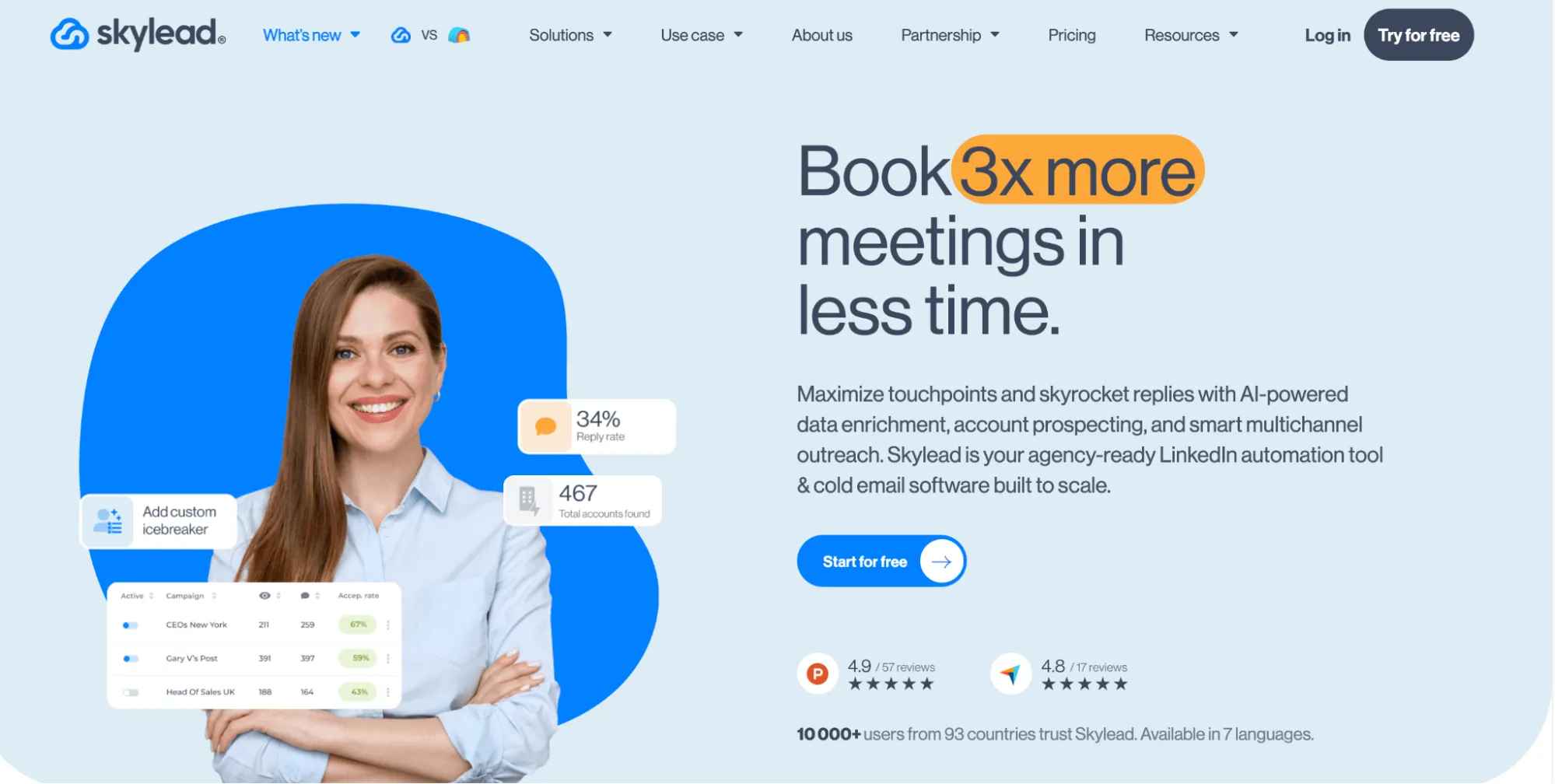
Skylead is LinkedIn lead generation software for cloud-based outreach. You can import leads from LinkedIn search results, Sales Navigator searches, saved lead lists, and CSV files. Campaign sequences can send connection requests and follow-up messages after acceptance.
An email discovery and verification step can find and verify a prospect’s business email address within the outreach sequence. It includes an inbox that collects replies, plus integrations and webhooks that push activity into a CRM. Sales Navigator is optional.
Pricing: The All-in-One plan is $100 per LinkedIn seat/month. It includes LinkedIn automation, email discovery, unlimited campaigns, and email sending, so this is the minimum usable plan for one account. AI data enrichment and AI SDR are extra.
For agencies, Skylead has a first-year deal at $999 per month for 25 seats or $1,999 for unlimited seats. Its Agency plan features a client dashboard, shared conversations, permissions, and performance monitoring. White labeling is available upon agreement.
-
Pros: Agency branding, cloud execution, email finder, conditional LinkedIn-and-email sequences.
-
Cons: $100 to start per seat, AI enrichment is extra, agency rates are promotional.
Meet Alfred
Meet Alfred website screenshot from the source document.
Meet Alfred is a cloud platform for LinkedIn outreach. It supports LinkedIn Basic (free) and Premium accounts. Sales Navigator support and email automation start on the Business plan.
You can build campaigns from LinkedIn searches or existing contacts. The Business plan adds CSV files, Sales Navigator, LinkedIn groups, and events as lead sources. Campaign sequences automate profile visits, follows, connection requests, and follow-up messages. You can manage replies in the Smart Inbox and organize leads in the built-in CRM. Zapier and webhook integrations connect campaigns with external tools.
Pricing: With monthly billing, the Individual plan costs $59 per seat for LinkedIn outreach. Business costs $99 per seat and adds multichannel automation, Sales Navigator support, InMail automation, unlimited campaigns, and automation for LinkedIn groups and events. Teams costs $79 per seat with a three-seat minimum ($237 per month) and is built for groups, with team workspaces, a collaborative inbox, and team analytics. It's also the entry point for agencies seeking white-label LinkedIn lead generation, since custom branding starts there. Unlimited has custom pricing.
-
Pros: Cloud campaigns, inbox, and CRM in one place.
-
Cons: The Individual plan excludes Sales Navigator integration and email automation; white-label branding requires Teams or Unlimited.
PhantomBuster
PhantomBuster website screenshot from the source document.
PhantomBuster runs prospecting automations in the cloud. Its browser extension connects to your LinkedIn session, but workflows will continue even if you close the browser. It pulls current profile data and does not sell a static contact database.
A workflow can start from LinkedIn or Sales Navigator search results, a saved list, profile URLs, a CSV, HubSpot contacts, or the people who engaged with a post. The workflow sends invitations and up to three follow-ups after acceptance and checks for replies before sending each subsequent message. You can set daily invitation limits, track lead status, and export results or log campaign activity in HubSpot. Sales Navigator searches require a subscription, whereas regular LinkedIn searches do not.
Pricing: The Start plan costs $69 per month. You get 20 hours of execution, five automation slots, and 500 email credits. The Grow plan costs $159 for 80 hrs, 15 slots, and 2,500 credits. The Scale plan costs $439 for 300 hrs, 50 slots, and 10,000 credits. The 20–80 monthly execution hours on Start and Grow may be insufficient for campaigns that also include post likes, comments, follows, and endorsements. Depending on campaign volume, these activities may require upgrading to Scale.
Agencies can export campaign results to spreadsheets or other tools to prepare client reports.
Pros: Profile data collected directly from LinkedIn, follow-ups check for replies, shared workspace capacity
Cons: Different usage limits, no white-label option.
Salesflow
Salesflow website screenshot from the source document.
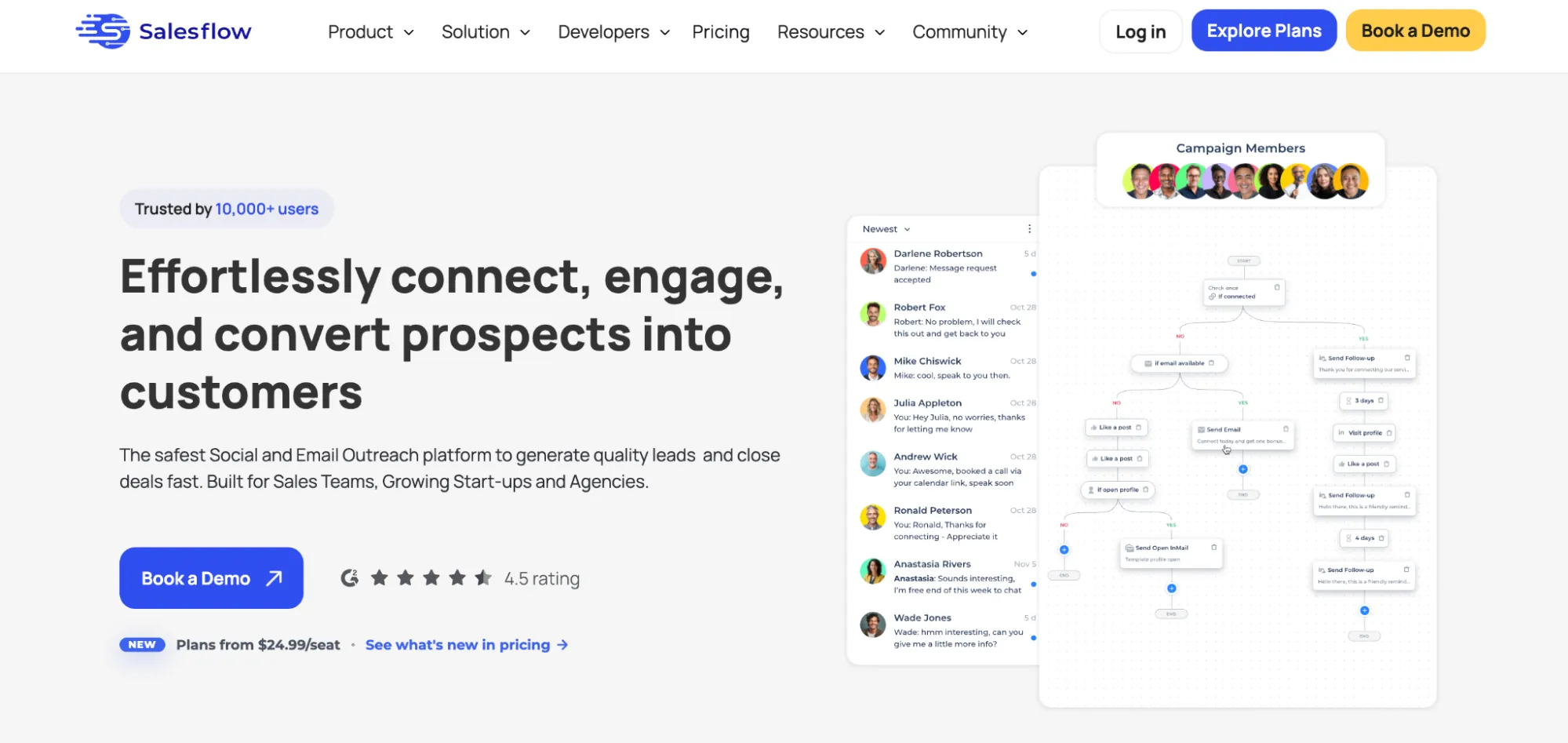
Salesflow works with basic LinkedIn searches and Sales Navigator, which requires its own subscription. You can import prospects from LinkedIn searches or CSV files containing LinkedIn profile URLs. Salesflow can view profiles or like posts before invitations, then send follow-up messages or email steps according to each lead’s status. Replies appear in one inbox, and pending steps stop when someone responds. HubSpot sync and Zapier move contact activity into a CRM. New-connection campaigns allow up to 400 invitations per month.
Pricing: The Basic plan costs $99 per seat monthly with one seat. The Starter plan costs $70 with at least five seats, or $350 monthly. The Pro plan costs $39.95 with at least 20 seats, or $799 monthly. The Agency plan starts at $29.98 with 50 seats but requires an annual commitment billed monthly. The Enterprise plan starts at $24.99 with 100 seats under the same commitment.
Pro and higher tiers include a white-label login URL. The agency dashboard supports branding, restricted client access, private inboxes, and reporting.
-
Pros: Cloud outreach, conditional steps, HubSpot integration.
-
Cons: 400 monthly invitations, substantial seat minimum for white-label access.
Dripify
Dripify website screenshot from the source document.
Dripify is a cloud-based tool for LinkedIn lead generation and automated email campaigns. It supports LinkedIn Basic and Premium accounts as well as Sales Navigator and Recruiter accounts.
Load prospects from LinkedIn searches, My Network, Recruiter, Sales Navigator, Events, or a CSV with profile URLs. Campaign sequences combine profile visits, invitations, LinkedIn messages, and emails. Replies and lead records appear in Dripify’s inbox and dashboard. The Pro plan adds CSV export and webhooks for CRM transfers.
Pricing: The Basic plan costs $59 per user per month with monthly billing and includes one campaign, up to 20 connection requests, and 30 messages daily. Pro costs $79 and includes unlimited campaigns, up to 75 connection requests, and 100+ messages daily. Advanced costs $99 and adds team management. Each paid plan includes 100 email finder credits per month. Additional credits are sold separately.
-
Pros: Cloud sequences, email steps, and reply management.
-
Cons: The Basic plan has low daily limits, email credits add cost, and the Activity control safety feature is available only on Advanced.