
 Updated: October 22, 2026
 34 min read
On a feature page, most LinkedIn outreach tools blur together. The differences that change the day-to-day setup sit one layer lower. One tool runs in your browser, another in the cloud. Pricing may follow the sender or the account, and the feature you came for may be locked two tiers above the advertised entry plan.
This article reviews top LinkedIn outreach automation tools: their architecture and campaign depth first, then integrations and the price of the plan that can run the workflow. On this page, you’ll find tools for both business owners looking for a one-account setup and teams planning outreach across several senders.
Our Selection Methodology
We looked beyond feature pages and advertised prices when choosing LinkedIn outreach tools for this list. Where the setup allowed it, we checked how automation runs and tested the IPs assigned to cloud accounts through IPQualityScore. The safety analysis here focuses on the mechanics and infrastructure we could verify.
The rest of the selection followed the same checks:
-
Core outreach: The best LinkedIn outreach tools can sequence LinkedIn connection requests or messages and send them themselves. Tools focused on enrichment or lead data were not included.
-
Execution: Architecture was only the first layer. We followed where the LinkedIn session lives and whether the vendor receives the session cookie. The account IP was checked separately.
-
Pricing: Entry price can give a very incomplete picture. We put it next to the cheapest tier that can launch a full campaign.
-
Billing: We recorded what each price covers, such as one user, sender, seat, license, or account, because the billing unit determines how quickly the cost grows as more accounts or team members are added.
-
Channels: We separated outreach built into the campaign from email added through another platform, so integrations did not get counted as native functionality.
-
CRM and export: Here we looked at the systems these LinkedIn outreach tools connect to and what data can be exported or passed to other tools. Separately, we verified whether lead data and message history could be downloaded.
-
Trial access: A trial only tells you something useful when it opens enough of the product to build and run a campaign, so access mattered more than the word “free.”
-
Published limits: Daily and monthly caps were compared with warm-up controls and the way limits apply across the account. That gives a much clearer picture of how conservative the vendor’s default setup is. Those numbers remain vendor-defined product settings, since LinkedIn does not publish or approve safe thresholds for LinkedIn outreach automation.
LinkedIn Outreach Tools: Pricing, Channels, and Architecture Compared
After a thorough selection process, we determined the 15 best tools for automated LinkedIn outreach. The table below offers a quick overview of the main details. Further down, we go through each tool in more detail.
| Tool name | Where it runs | Native outreach channels | Entry price, per month | Annual price, per month | Designed for |
|---|---|---|---|---|---|
| Linked Helper | Desktop app | $15/license | $8.25/license | Fine-grained LinkedIn control | |
| Expandi | Cloud | LinkedIn + email | $99/profile | $79/profile | Branching sales outreach |
| HeyReach | Cloud | $79/sender | $63/sender | Multi-sender teams | |
| Dripify | Cloud | LinkedIn + email | $59/user | $39/user | Solo and small-team campaigns |
| Waalaxy | Cloud | LinkedIn + email | $19/user | $16/user | First-time outreach users |
| Skylead | Cloud | LinkedIn + email | $100/seat | $83.33/seat | Conditional multichannel campaigns |
| La Growth Machine | Cloud | LinkedIn, email, X | $70/identity | $60/identity | LinkedIn + email workflows |
| lemlist | Chrome extension | LinkedIn, email, WhatsApp, SMS, calls | $109/user | $87/user | Email-first outbound teams |
| Salesforge | Cloud | LinkedIn + email | $48/user | $40/user | AI-heavy outbound |
| Dux-Soup | Hybrid (local desktop or cloud) | $55/seat | $41.25/seat | LinkedIn-only outreach with flexible execution | |
| PhantomBuster | Cloud | $69/workspace | $56/workspace | Outreach + scraping workflows | |
| Overloop | Cloud | LinkedIn + email | $69/user | Not published | Prospecting + outreach |
| Snov.io | Cloud | LinkedIn + email | $69/slot | $62/slot | Email-first teams adding LinkedIn |
| Meet Alfred | Cloud | LinkedIn, email, X | $59/user | $29/user | Broad lead-source campaigns |
| Octopus CRM | Chrome extension | $9.99/account | $6.99/account | Simple low-cost funnels |
We verified the prices and product information in this comparison table in October 2026.
How LinkedIn Outreach Tools Work Behind the Interface
LinkedIn’s policy doesn’t endorse any automation. Tool architecture, usage limits, and patterns all determine detection risk. Some architectures leave more technical automation signals than others, even when the activity is identical, which can increase risk. Here is how the main models differ:
-
Chrome extension: Usually the cheapest setup. It runs inside your browser session, may inject code into the LinkedIn page, and synthetic clicks can carry
isTrusted:false. Extensions work best for very simple automation sequences or LinkedIn data collection. The trade-off is detectability, since page modifications and synthetic browser events can expose signals that manual activity does not. -
Cloud: Keeps campaigns running after your computer shuts down. The vendor handles the infrastructure, which makes it convenient for continuous outreach, though IP quality and parallel sessions deserve closer attention. Authorization usually happens by passing the session cookie (often through a dedicated browser extension) or by logging in with credentials. Passing session cookies is riskier than logging in with credentials because it can link one LinkedIn session to two different IP addresses.
-
Desktop: Runs on your machine, keeps LinkedIn page code untouched, and uses your IP. Your session remains on the computer where automation runs; it’s not uploaded to the vendor’s server. Automation pauses when the computer shuts down. A VPS, a rented remote computer, keeps it running 24/7 for an extra monthly cost. Some desktop tools also offer cloud-based plans, which means they have both architectures, and the user decides which one to choose.
Linked Helper uses the desktop model. Campaign data can sit in its cloud, but execution stays local through the standalone app.
After authorization, the tool still needs a way to act. UI automation opens LinkedIn pages and emulates clicks, typing through the interface, scrolling, and mouse movements. When these actions have the isTrusted===true flag (like in Linked Helper), they are indistinguishable from manual actions, which is important for safe LinkedIn automation.
However, UI automation relies on LinkedIn’s page interface, not the API. Page layout updates can occasionally break some steps, but fixes are typically released within hours after reports. This is a small price for higher safety.
API-based tools send requests directly to LinkedIn’s frontend or internal endpoints, which can cover more actions but create a more uniform, machine-like request pattern.
The 15 Best LinkedIn Outreach Tools In 2026
For each of the best LinkedIn outreach tools on our list, we cover the architecture and campaign setup, then look at integrations and pricing.
Linked Helper
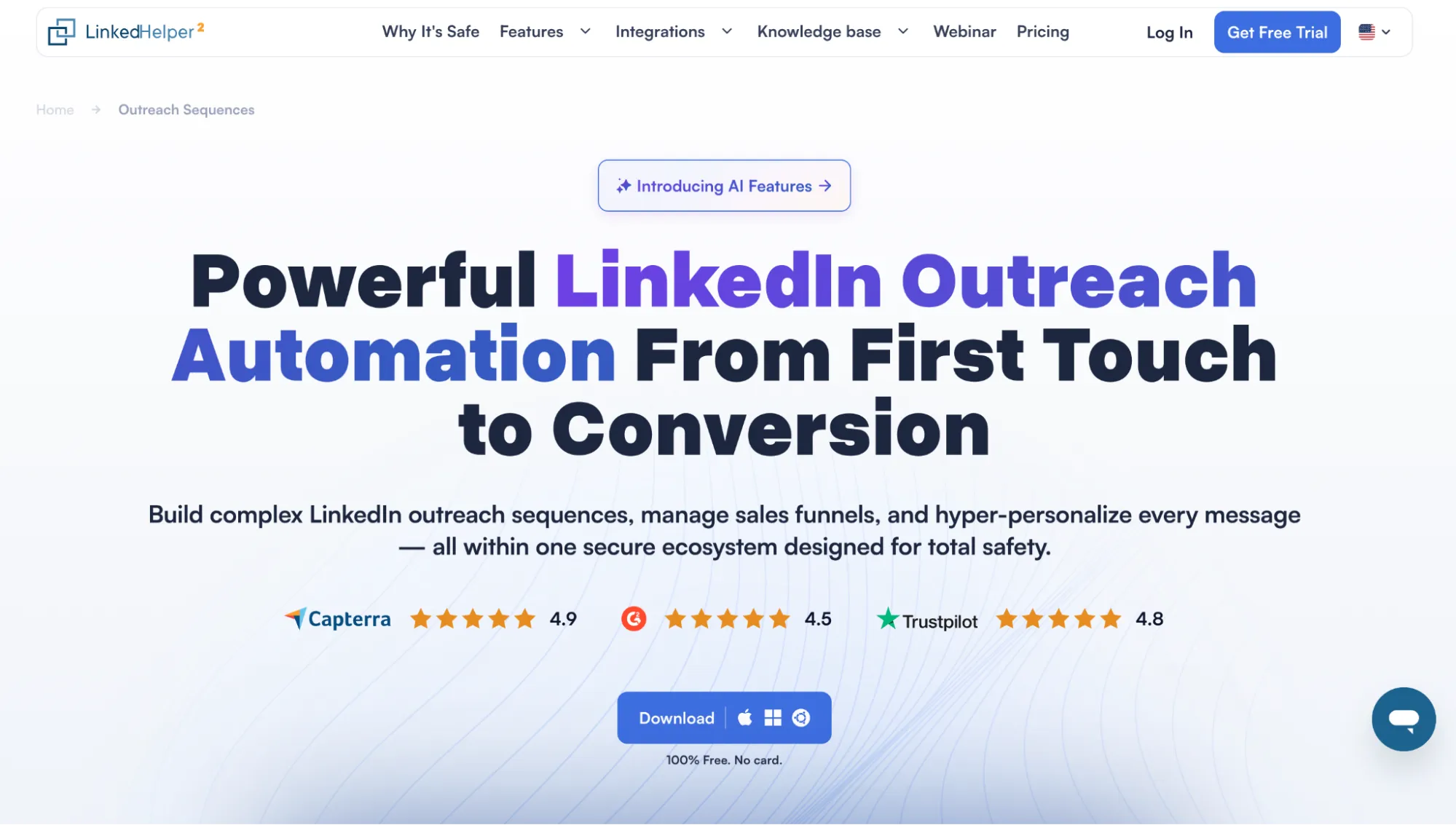
Linked Helper website.
Linked Helper is a desktop app that combines detailed campaign control with the features that matter for quality outreach automation, including reply detection, enrichment, AI-assisted messaging, advanced personalization, and CRM integrations. Most of the core outreach workflow is already available on the entry plan.
Pros
-
Deep campaign control
-
Strong cross-platform CRM workflows
Cons
- Execution requires an active computer or VPS
Architecture and Execution Model
Linked Helper is a desktop app with its own browser engine. Each account runs in a separate instance with its own cookies, fingerprint, and optional proxy. Mouse movement, typing, scrolling, and clicks are emulated through trusted browser events. So, it is one of the best LinkedIn outreach automation tools from a safety perspective.
Campaigns, Outreach Features, and Integrations
Linked Helper campaigns can combine 30+ automated actions with connection status and reply checks, per-action limits, and randomized delays. The main features include:
-
AI functionality: AI ICP Detection can score prospects against a defined ICP before outreach starts. AI Personalized Messages can create unique messages based on profile data. You can also generate message templates with AI and use AI-assisted replies.
-
Email search and data enrichment: Linked Helper can find emails using the Visit action for 1st-degree connections. It also has a built-in database and integrations with Snov.io and Apollo for 2nd- and 3rd-degree contacts. The tool also allows profile and company information enrichment without visiting LinkedIn pages. This increases speed and decreases activity on LinkedIn, which makes the process safer.
-
Sequence steps and actions: Campaigns can automate connection requests, messages, InMails, profile visits, follows, post engagement (likes, generic and AI comments, tagging profiles in comments, etc.), and outreach to group members or event attendees.
-
Routing and conditions: After an invitation is sent, a connection check moves accepted contacts forward once they become first-degree connections. Reply checks place responders in the Replied list and stop later campaign steps for them.
-
Delays and randomization: Delays can be added between campaign actions, and users can also set up working hours, per-action limits, bunch sizes, and timeouts. The tool can add randomized pauses between clicks, typing, and other steps. Start time randomization can vary the campaign starting time slightly to avoid beginning every working day at the exact same time. Smart Limits randomizes the number of actions per day; for example, the tool can send 45–50 invites with a 10% variation value.
-
Reply detection, messaging, and inbox: Linked Helper checks for replies before continuing the sequence. Its Inbox collects conversations scraped from LinkedIn, Sales Navigator, or Recruiter, so you can review replies and previous messaging history in one place.
-
Personalization: Messages can combine AI-generated copy with spintax, custom variables, IF-THEN-ELSE logic, and personalized image attachments.
-
Export and integrations: People and company data can be exported to CSV or sent directly to native integrations, including HubSpot, Salesforce, Pipedrive, Zoho CRM, Zoho Recruit, ActiveCampaign, Close, Capsule, Streak, HighLevel, Instantly, and Google Sheets. Webhooks connect Linked Helper with Zapier, Make, and other external systems. The cloud-based storage version also has incoming webhooks. Full messaging history can also be exported.
-
Team and agency features: Linked Helper has Workspaces, which come with two-tiered controls — roles in the Workspace and access rights for LinkedIn accounts. They are available on any plan. The cloud-based storage version also offers shared inbox, templates, CRM, and more.
Sales Navigator leads can later be processed through a free LinkedIn account after collection. When profiles are collected from Recruiter through Linked Helper, the tool can often extract a standard LinkedIn URL alongside the Recruiter URL. Those standard URLs can then be exported and uploaded to another LinkedIn account without a Recruiter subscription.
Pricing and Billing
Linked Helper pricing starts at $15 per license per month ($8.25 with annual billing) and is already enough to run complete outreach campaigns. Pro costs $45 ($24.75 annually) and adds higher advanced-action limits, message-history export, and more data and AI credits.
The 14-day trial gives full Pro access without a card. Linked Helper also offers discounts of up to 50% when you buy licenses or credit packages in bulk, and you can combine these with duration discounts.
Expandi
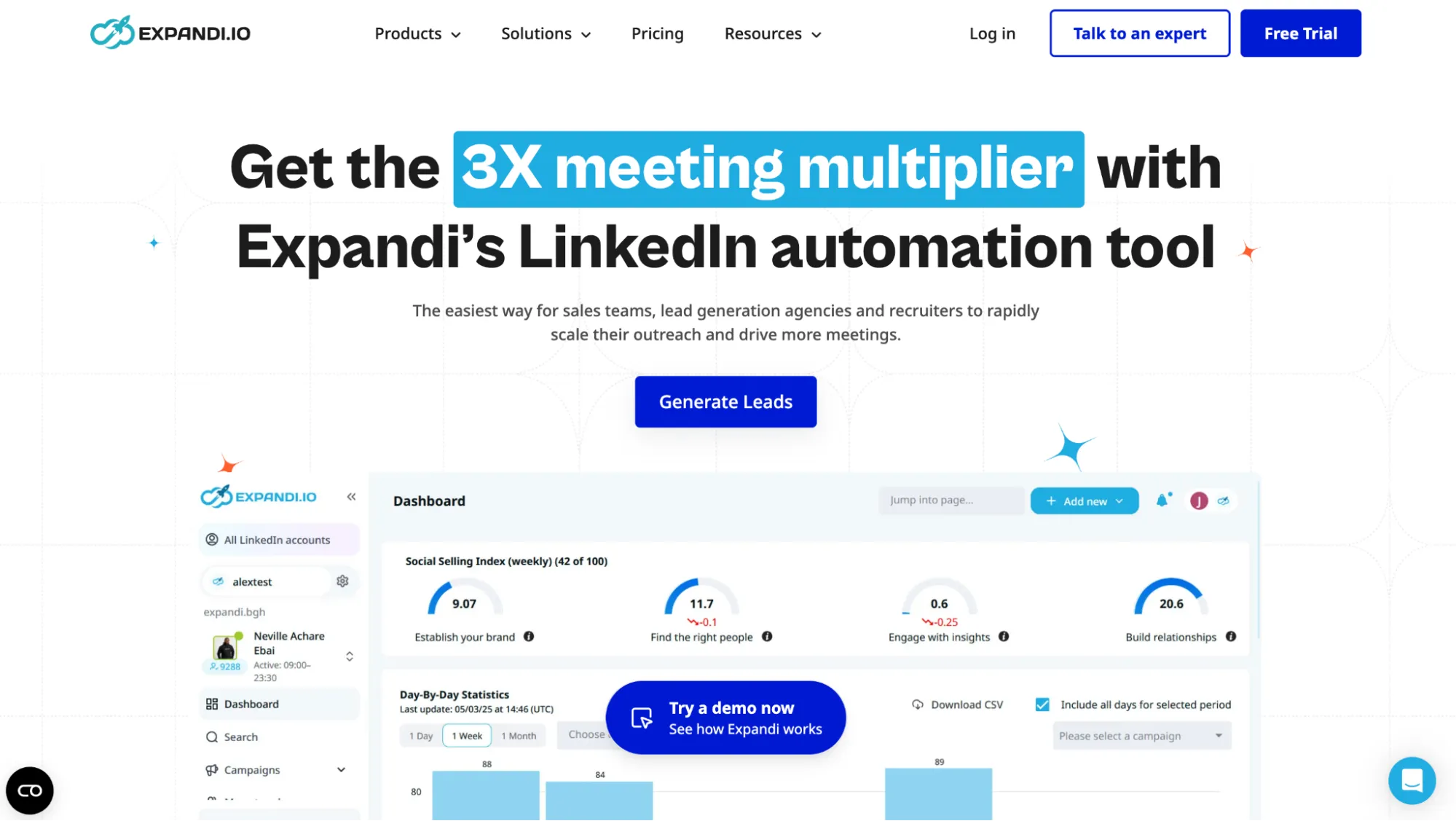
Expandi website.
Expandi is a LinkedIn outreach tool built for multichannel campaigns that combine LinkedIn and email in the same conditional workflow. A lead can move from a connection request to a LinkedIn message, InMail, or email depending on what happens at each step, so the sequence can react to lead behavior.
Pros
-
Conditional flows with 19 actions and 11 conditions
-
Native CRM integrations with outreach history sync
Cons
-
High subscription cost, with the only plan priced at $99/month ($79 with annual billing)
-
Recruiter InMail not included in Expandi’s paid InMail automation
Architecture and Execution Model
Expandi is a cloud tool. You connect LinkedIn through its login flow or Cloud Bridge, which transfers the browser session cookie to Expandi so automation can run from its infrastructure. Expandi says each profile receives its own country-based IP. However, Linked Helper’s 2026 test found one high-risk IP and one cleaner result, so the IP is dedicated, but its quality can vary.
Campaigns, Outreach Features, and Integrations
Campaigns work like a decision tree. You add leads, choose the first action, and build the next step around each response. An accepted request might lead to a LinkedIn message, but if someone ignores it, Expandi can switch to InMail or email instead. With 19 actions and 11 conditions, the Builder gives much more flexibility than a basic follow-up sequence.
Warm-up gradually increases account activity, with limits and randomized timing helping keep the pace under control. Custom placeholders can pull in enriched data from tools such as Clay, and AI Analyzer helps with message drafts and reply sorting. Global Inbox then brings conversations from multiple LinkedIn accounts into one place. You can send messages with attachments (images or documents).
Available integrations include:
-
CRMs: HubSpot, Salesforce, and Pipedrive sync contacts and LinkedIn activity.
-
Workflow/data: Clay, Zapier, Smartlead, API, and webhooks pass leads and events between systems.
-
Personalization: Hyperise adds images and GIFs, while Sendspark handles personalized video.
Current documentation doesn’t mention native spintax or full-chat export. Paid InMail automation uses Sales Navigator credits, and there is no possibility to send Recruiter InMails.
Pricing and Billing
Expandi has one main plan, Business, which costs $99 per connected LinkedIn profile per month and includes core LinkedIn outreach automation. So if one manager runs three sender profiles, that is three paid seats rather than one user subscription. Annual billing saves 20%, bringing the price down to $79/month. The 7-day trial includes all features. Teams with 10+ seats and white-label requirements need to request custom pricing.
HeyReach
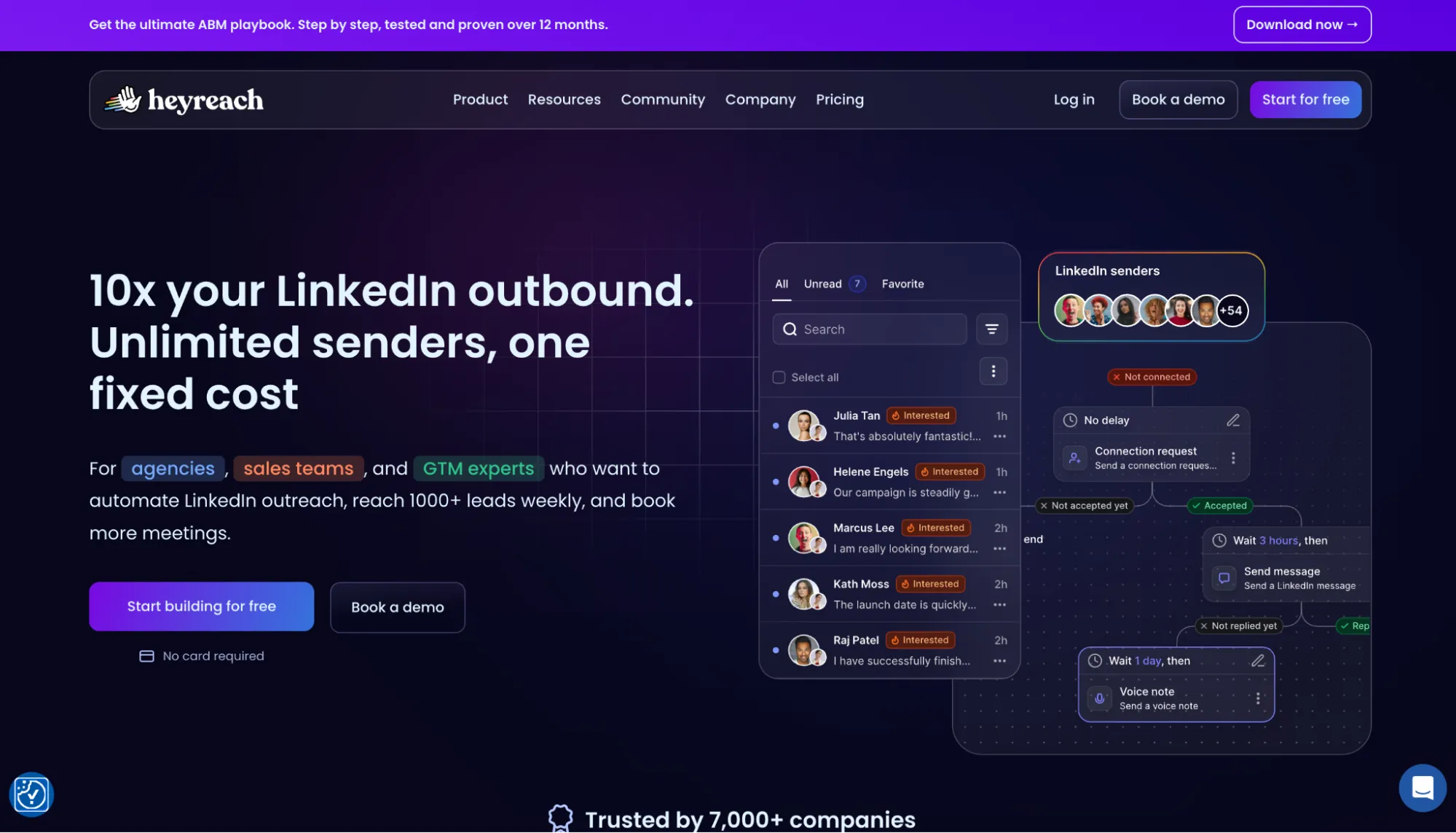
HeyReach website.
HeyReach is a flexible tool with a wide range of integrations. It pulls the previous 30 days of LinkedIn conversations into Unibox and syncs new chats from there. Unibox also doubles as a shared inbox across connected senders, so teams can handle replies in one workspace.
Pros
-
Unibox with non-campaign chats
-
Sequences that react to lead status
Cons
-
No event or group invites or post-comment actions in campaign sequences
-
Mixed results in proxy tests
Architecture and Execution Model
HeyReach is cloud-based. A LinkedIn account can be connected either through exported LinkedIn cookies or with LinkedIn credentials. The former is riskier, as it results in one login session running from two IP addresses.
Growth accounts can use a HeyReach-provided IP, while higher tiers require users to have their own proxies. HeyReach describes its proxy as residential, but Linked Helper’s test found both accounts in one data center, and one IP scored 100/100 for fraud risk.
Campaigns, Outreach Features, and Integrations
Sequences react to connection status and Open Profile availability. A lead can get a follow or reaction first, then a connection request, and after acceptance, a message. Once they reply, automation stops and the conversation moves into Unibox.
Unibox imports 30 days of chats and keeps syncing new ones, so it is useful outside campaigns too. Messages support custom variables and A/B variants, and you can use Clay to add enriched lead data. HeyReach supports integration with HubSpot, Instantly, Smartlead, and other services and offers an MCP. You can also connect it with other tools via webhooks.
Event or group invites and post comments are unavailable. There’s also no native spintax or full-chat export.
Pricing and Billing
The Growth plan costs $79 per LinkedIn sender/month, or $63 with annual billing below 10 senders. You can get a bulk discount for purchasing more than 10 senders. There’s a 14-day trial without a card. White-labeling starts with the Agency tier.
Dripify
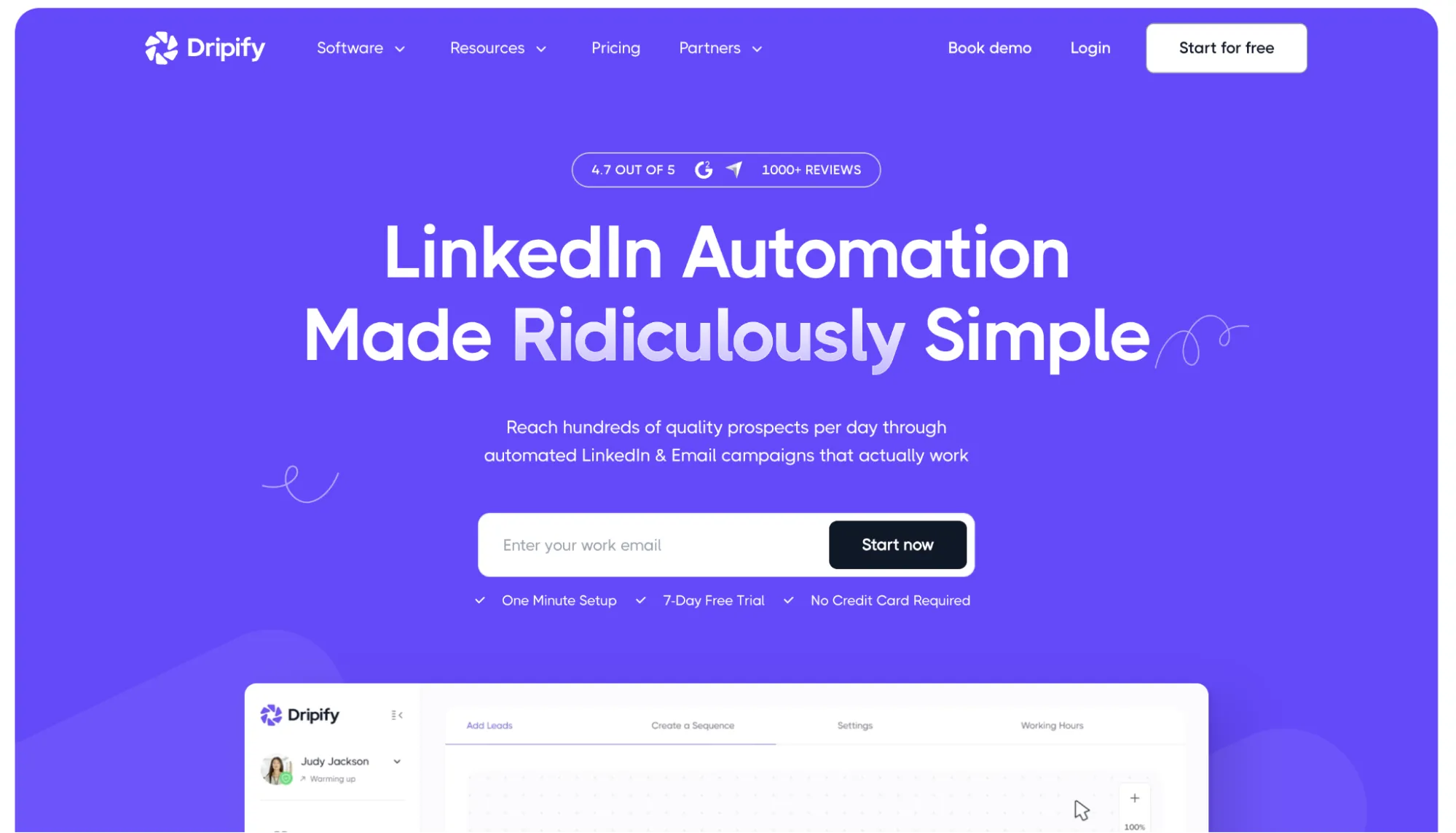
Dripify website.
Dripify is one of the easier tools to understand from the first campaign. Getting a campaign live takes far fewer decisions than in builders packed with branches, and Smart Inbox centralizes replies once outreach starts. This is an accessible entry point for automated outreach on LinkedIn, although Basic’s one-campaign limit pushes growing setups toward Pro quickly.
Pros
-
Smart Inbox for reply management
-
CSV custom fields for more control over message personalization
Cons
-
Only one active campaign in Basic
-
Poor cloud IP quality scores
Architecture and Execution Model
Dripify is cloud-based, and LinkedIn accounts connect with login credentials. Dripify assigns each account a dedicated IP, but in our testing, two accounts used HostRoyale data center IPs from the same subnet, scoring 94/100 and 100/100 for fraud risk. The route is stable, but the tested IP quality looked weak.
Campaigns, Outreach Features, and Integrations
Dripify works like a LinkedIn outreach funnel. Leads can come from LinkedIn or Sales Navigator, and groups and post engagement are available as extra sources. CSV works too. You line up connection requests and messages. Sales Navigator InMail is available as another sequence step. The same sequence also supports email, and Email Finder can help look up a business address. Replies stop the remaining outreach and appear in Smart Inbox.
Personalization makes most sense when the CSV is prepared before launch. You can add a note, pain point, or ready-made opener as custom fields, then reuse them in messages. CRM and workflow handoffs run through HubSpot, Zapier, Make, webhooks, or API.
Pricing and Billing
Basic starts at $59 per user/month, or $39 annually, and connects one LinkedIn account. It works for light outreach, but the one-campaign limit and reduced daily quotas make Pro the more realistic starting point for regular campaigns. At $79/month ($59 annually), Pro opens unlimited campaigns, full daily quotas, Smart Inbox, CSV export, and integrations. The 7-day trial includes Advanced features and requires no card.
Waalaxy
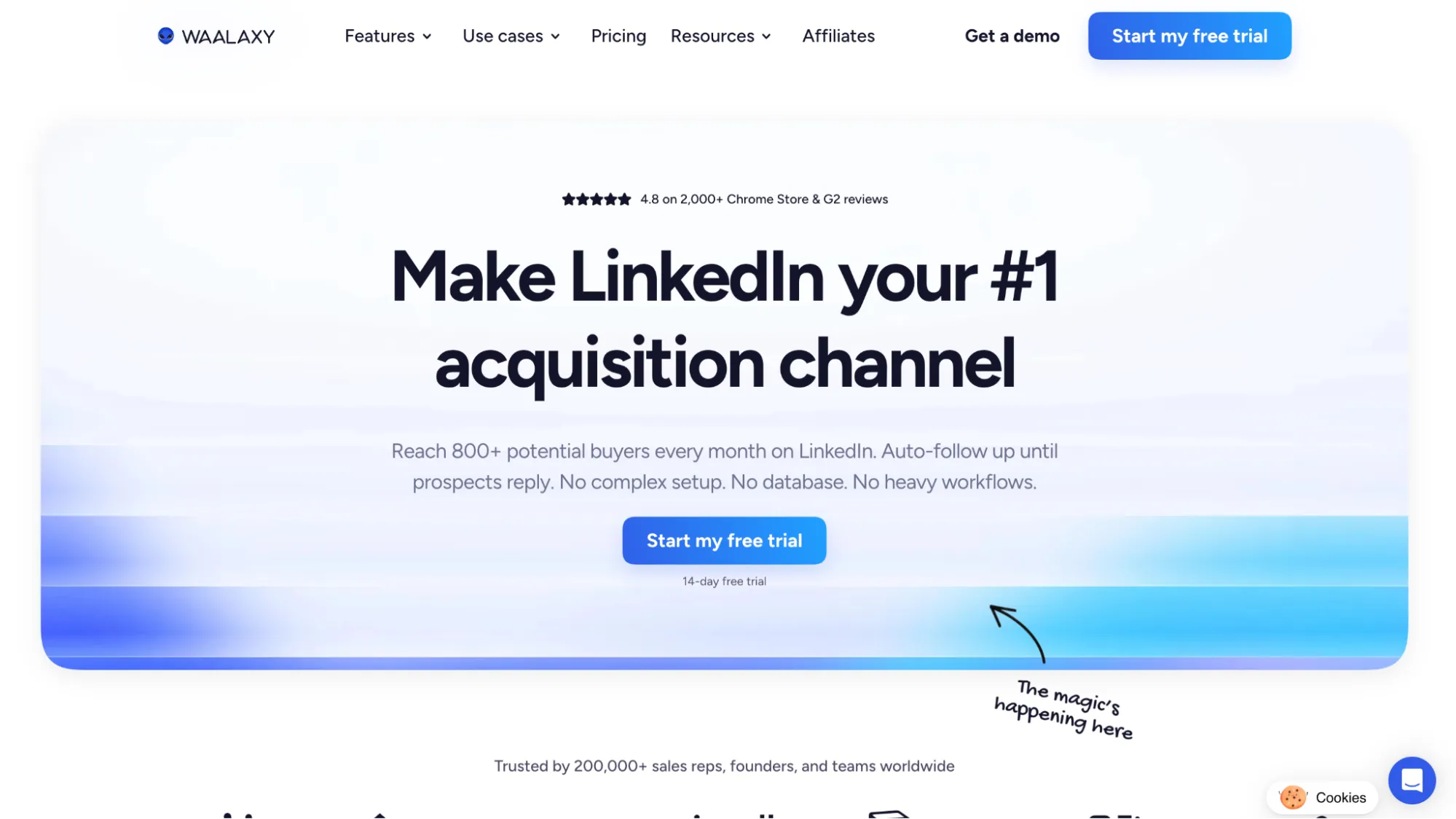
Waalaxy website.
Waalaxy is easiest to understand if you want to launch a ready-made outreach path quickly instead of building campaign logic from scratch. The low entry price looks attractive, but invite volume stays tight on Pro, and Inbox costs extra.
Pros
-
Ready-made sequences
-
Lower starting price
Cons
-
LinkedIn Inbox is a paid add-on
-
Invitations limited to 300 per month for the Pro tier
Architecture and Execution Model
Waalaxy is now fully cloud-based. Since July 2026, its Chrome extension has been removed, and campaigns run directly from Waalaxy’s web app without depending on an open LinkedIn tab or browser session. An optional Alien Copilot extension is available only to speed up prospect imports and is not required for automation.
Campaigns, Outreach Features, and Integrations
Waalaxy is built around ready-made outreach paths. You import leads from LinkedIn, Sales Navigator, Recruiter Lite, or CSV, choose a sequence, and then it handles visits, invites, follow-ups, and reply detection. That is easy to launch but less flexible for deep custom logic.
The inbox setup needs a check. Waalaxy detects campaign replies, but LinkedIn Inbox is a paid add-on. It adds templates, follow-ups, tags, and CRM export. Native spintax, automated attachments, and full-chat export remain unclear.
Pricing and Billing
Pro starts at $19 per user/month, or $16 annually, but its 300-invitation cap is tight for regular outreach. Advanced is the more practical option at $39/$32, with 800 invitations. Business costs $69/$55 and adds cold email sequences, multichannel campaigns, and 500 email finder credits. LinkedIn Inbox is a separate paid add-on costing $22/month (billed monthly) or $11/month (annually). The price is per LinkedIn account, so if you run 10 accounts, you’d need to pay $220/month. The trial lasts 7 days with monthly billing or 14 days with annual billing.
Skylead
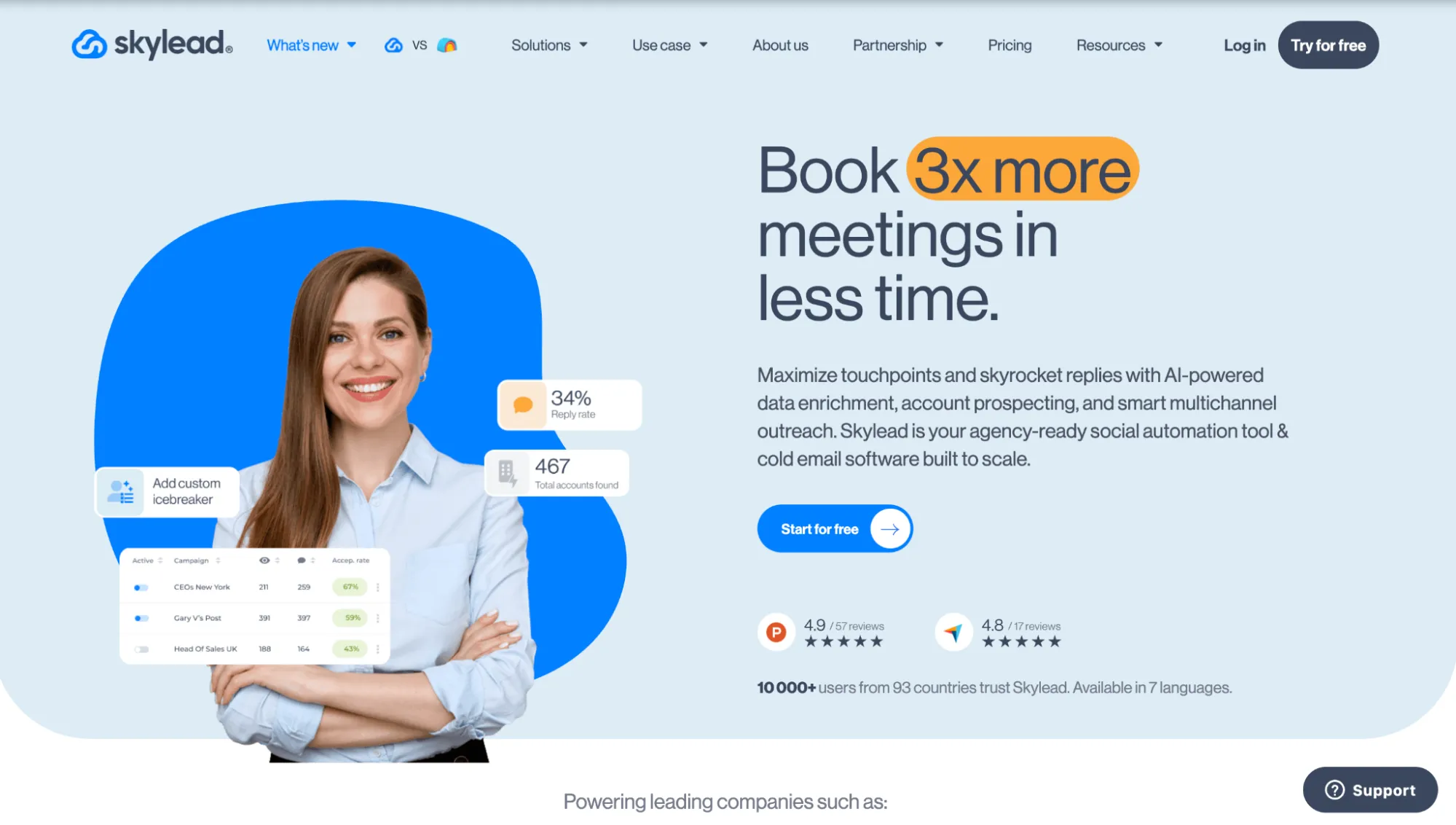
Skylead website.
Skylead is a cloud outreach workspace for LinkedIn, email, and replies. It suits multistep campaigns, but session control sits with the vendor.
Pros
-
Flexible routing
-
Strong copy variation
Cons
-
Tested default IP scored 100/100 for fraud risk
-
AI enrichment and AI SDR cost extra
Architecture and Execution Model
Skylead connects LinkedIn via login credentials and runs actions from its cloud. In Linked Helper's test, two accounts had the same data center IP. IPQualityScore rated it 100/100 fraud risk.
Campaigns, Outreach Features, and Integrations
This LinkedIn outreach software gives you eight actions and seven if/else conditions to build around. One condition can check whether an email was found before sending the lead outside LinkedIn, and another can wait for a connection acceptance before opening the messaging step.
Personalization uses variables, spintax, and Liquid syntax, so copy can change by field value. AI enrichment and AI SDR cover research and replies but cost extra. Smart Inbox keeps responses together. CRM/workflow handoffs run through HubSpot, Pipedrive, Salesforce, Zapier, Make, API, and webhooks.
Pricing and Billing
The All-in-One tier costs $100 per seat per month (annual subscription offers two months for free). A 7-day trial is available. Agency is $999/month for 25 seats. AI SDR and AI data enrichment are separate credit-based add-ons at $1 per 100 credits.
La Growth Machine
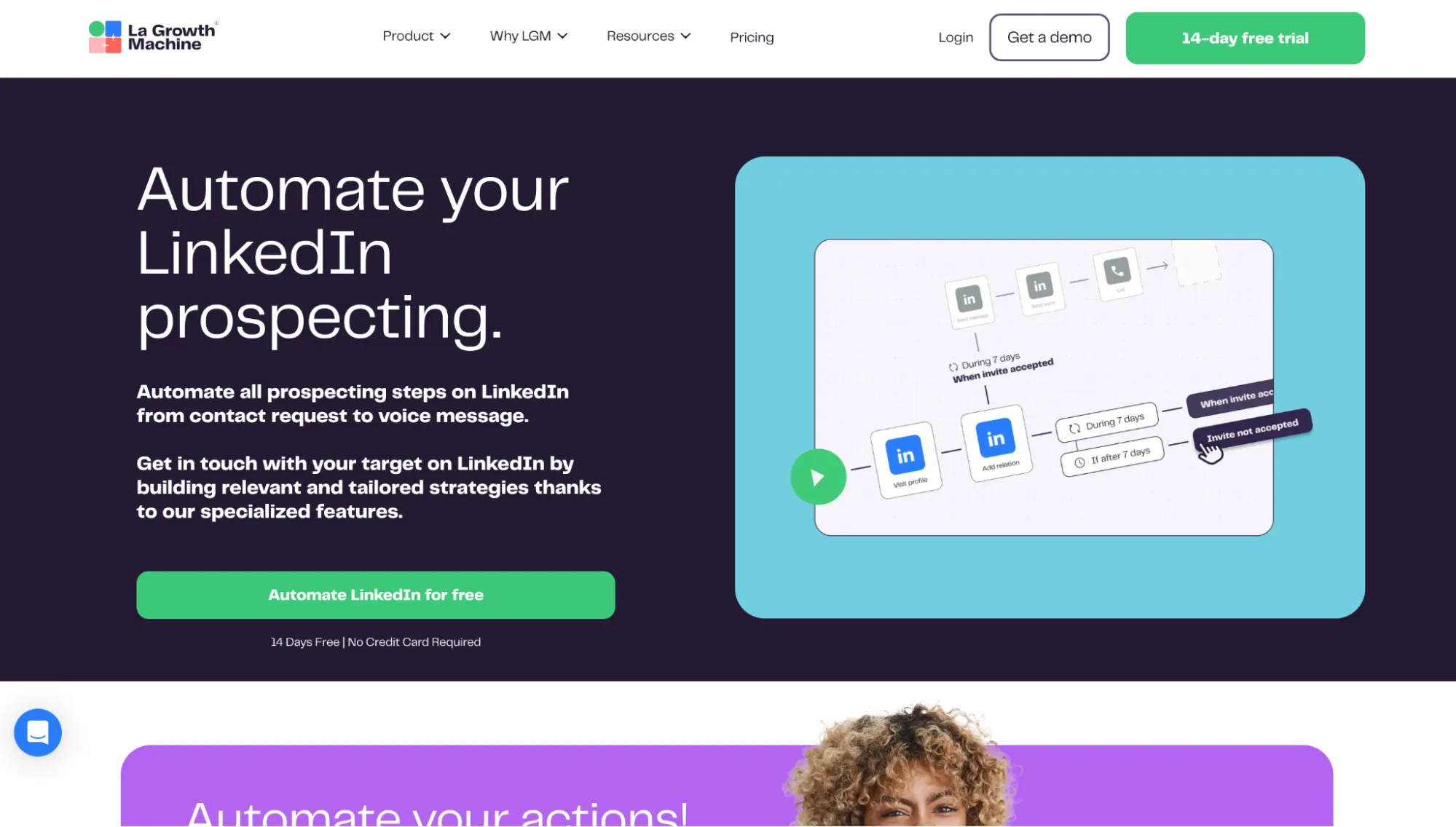
La Growth Machine website.
La Growth Machine combines LinkedIn and email outreach with built-in waterfall enrichment, so lead data and campaign steps are in the same workflow from the start. Replies from both channels then come into one Multichannel Inbox, which gives the tool a stronger multichannel setup than a simple LinkedIn sequence with email added on top.
Pros
-
Built-in enrichment
-
Smooth handoff between LinkedIn and email
Cons
-
Slower support on lower-tier plans (up to 24 hours on Basic)
-
Basic has limited integrations
Architecture and Execution Model
Once an identity is connected, LGM runs its LinkedIn session from the cloud. The setup does not rely on a browser extension or shared IPs. The vendor claims that each identity gets a dedicated 5G mobile proxy.
Campaigns, Outreach Features, and Integrations
LGM’s Sequence Builder brings LinkedIn, email, X, and call tasks into one visual workflow, with conditions, branches, delays, and A/B tests available inside the sequence. Waterfall Enrichment is optional and can fill in verified contact data when a campaign needs another channel. LinkedIn and email conversations are then grouped by lead in the Multichannel Inbox.
Custom attributes add lead context to messages, and AI can generate copy around that data. AI Voice is more distinctive: you record your voice once, and LGM combines it with AI-generated personalized intros for LinkedIn voice notes. HubSpot and other native integrations connect the campaign with the wider sales stack, with webhooks and the open API available for custom workflows.
Pricing and Billing
Basic costs $70 per identity/month ($60 when billed annually) and allows up to three separately billed identities. Pro is a better option for regular outreach at $135 monthly ($110 annually), with up to six active campaigns, Multichannel Inbox, custom workflows, and broader integrations. Ultimate costs $195 ($165 annually) and adds unlimited campaigns and full HubSpot and Pipedrive sync.
lemlist
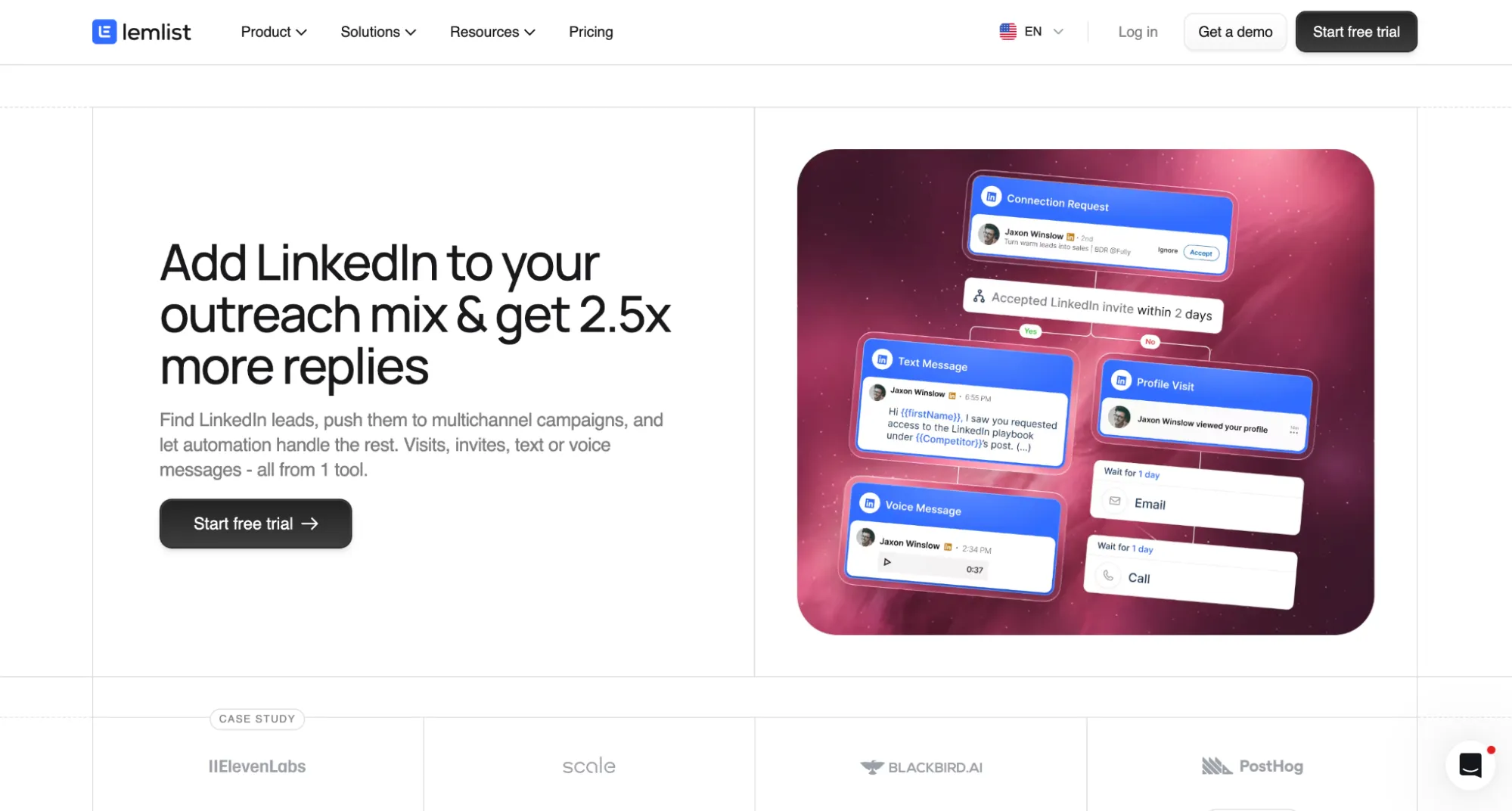
lemlist website.
lemlist is an AI-powered sales engagement platform built around multichannel outreach. Its sequences can combine email, LinkedIn, calls, WhatsApp, and SMS, with lead finding, enrichment, personalization, and replies handled in the same platform.
Pros
-
Responsive branching
-
Rich personalization
Cons
-
Extension-dependent setup
-
Higher entry price for LinkedIn
Architecture and Execution Model
The LinkedIn side runs through the lemlist Chrome extension and your browser session. Switching accounts can overwrite session cookies. If you clear cookies or log out, you will need to reconnect.
Campaigns, Outreach Features, and Integrations
This LinkedIn outreach tool handles branching through wait steps and conditions. After an invitation, the campaign can pause until the connection status is checked. Acceptance opens the Yes branch for a LinkedIn message, and the alternative branch can send the lead toward InMail or another step.
AI can clean up lead data or turn a profile into an opening line, which potentially saves prep time. LinkedIn chat supports voice notes and videos. Unified Inbox keeps every reply together. CRM sync options include HubSpot and Salesforce. You can also connect services through Zapier or Make.
Pricing and Billing
LinkedIn automation starts on the Multichannel plan at $109 per user/month, or $87 annually. Each LinkedIn profile needs its own seat, so costs climb with team size. The 14-day trial needs no card. The cheaper Email plan skips LinkedIn entirely, while Enterprise adds custom roles, SSO, and onboarding.
Salesforge
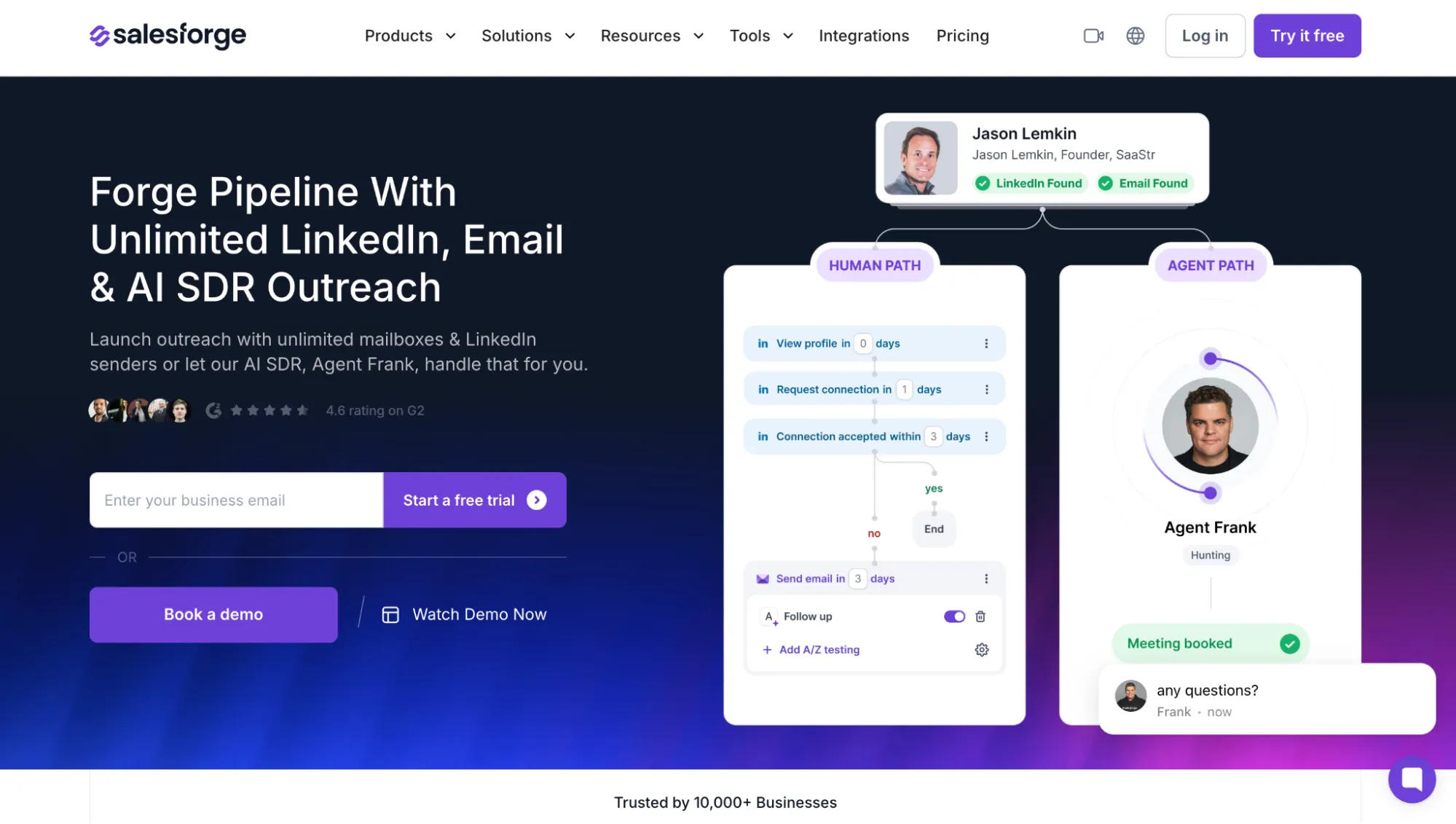
Salesforge website.
Salesforge leans much harder into AI than a typical sequencer. Among LinkedIn outreach automation tools, it feels closer to an AI-assisted outbound system, since the software takes on more of the campaign work than a standard builder usually does.
Pros
-
AI-supported personalization and reply handling
-
Managed proxies included, with custom proxy support available
Cons
-
Pro’s 300 monthly social-action credits may not be enough for one fully active LinkedIn profile
-
A/B testing and API access start on Growth
Architecture and Execution Model
Salesforge runs LinkedIn automation in the cloud, not through its Chrome extension. The extension is for prospect capture and enrichment. LinkedIn accounts use Salesforge-managed proxies by default, or your own proxy for tighter location and session control. Security refreshes can force a reconnect.
Campaigns, Outreach Features, and Integrations
Salesforge takes a more workflow-driven approach among LinkedIn outreach tools. You can mix connection requests, messages, InMails, profile views, follows, post likes, and email, add delays, then branch on conditions such as connection acceptance. LinkedIn actions have daily limits, which Salesforge says are randomized.
A reply on either LinkedIn or email pauses outreach on the other channel and lands in Primebox, where AI labels and drafts responses. Salesforge supports variables, Autospintax, A/B variants, profile-based AI personalization, validation, webhooks, API, plus HubSpot, Salesforce, Pipedrive, Clay, Slack, and Zapier integrations. However, public pages do not document LinkedIn chat export. Primebox also does not display attachments.
Pricing and Billing
Pro starts at $48/month, or $40/month annually. Billing is a flat subscription, not per sender. It includes one user, one LinkedIn sender, and 300 social-action credits. Growth costs $96 or $80 annually and is much stronger for teams, with unlimited users and LinkedIn senders, plus 1,000 social action credits, A/B testing, API access, and the full integration library. The 14-day trial requires no card.
Note that social action credits cover any LinkedIn activity (invite, message, visit, etc.). If you plan to send 800 invites and 300–500 follow-up messages, for example, you need 1,100–1,300 credits. The highest-tier plan (Growth) includes only 1,000 social action credits. You can purchase more: 1,000 social credits cost $50/month ($42 with annual billing) in addition to the subscription. This quickly raises the total costs when you pay for 10 accounts, for example, in which case you’d need to pay an additional $330.
Dux-Soup
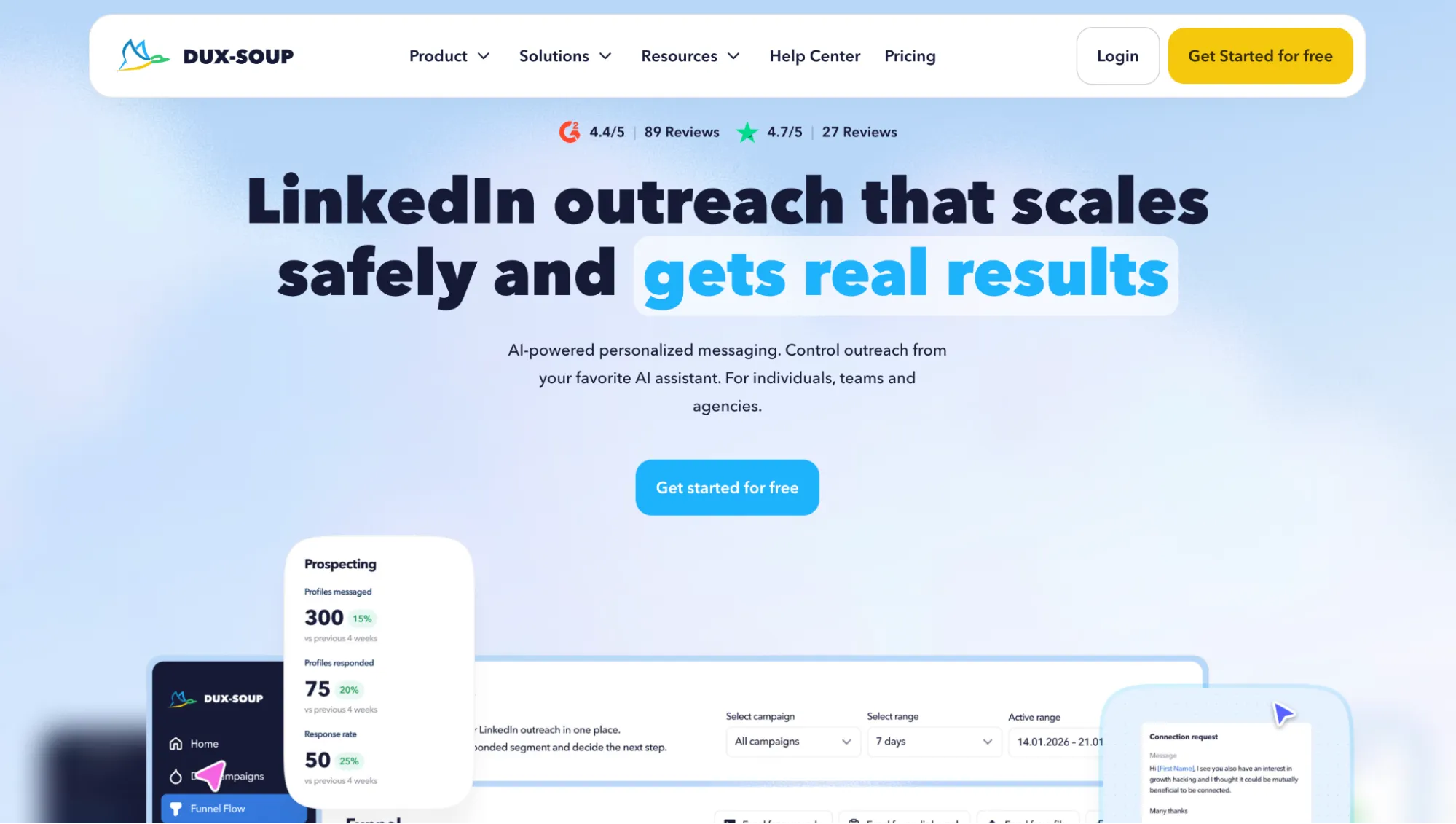
Dux-Soup website.
Dux-Soup is a LinkedIn-only automation tool with one of the broader native action sets in this list. STACKED campaigns can combine profile visits, connection requests, messages, InMails, follows, endorsements, and post likes, with reply detection and AI-assisted message handling.
Pros
-
Up to 12 steps with seven LinkedIn action types
-
AI-assisted reply qualification and message personalization
Cons
-
Bulk discounts require contacting support
-
Cloud execution costs substantially more than Local
Architecture and Execution Model
Dux-Soup changed significantly in 2026. Its current STACKED version is a desktop app for Windows and macOS. Local runs automation on your machine, while Cloud operates on Dux-Soup’s infrastructure. The old Pro browser extension is now a legacy setup.
Campaigns, Outreach Features, and Integrations
STACKED campaigns support up to 12 steps with visits, connects, messages, InMail, follows, endorsements, likes, and delays, then stop when someone replies. ChatGPT, Claude, or Gemini integrations personalize messages and classify replies to continue, qualify, or remove a lead.
Daily limits and random pacing are adjustable. Integrations include HubSpot, Salesforce, Pipedrive, Slack, Zapier, Make, and webhooks. File attachments are not supported.
Pricing and Billing
Campaigns, reply detection, CRM integrations, and AI workflow features are all available in STACKED Local at $55/month per seat. Cloud costs $99/month per seat. Annual billing brings the prices down to $41.25 and $74.17, respectively.
PhantomBuster
PhantomBuster website.
PhantomBuster works differently from most LinkedIn outreach tools. Usage depends on automation slots and execution-time quotas, so pricing is harder to estimate than a per-sender model.
Pros
-
Strong scraping and enrichment
-
Replies stop follow-ups
Cons
-
Branching requires combining separate Phantoms
-
Slot and runtime limits complicate capacity
Architecture and Execution Model
LinkedIn actions run in PhantomBuster’s cloud with your session. However, the Chrome extension handles lead search and data enrichment. A review by Linked Helper found that the extension copies the li_at cookie to PhantomBuster, makes direct Voyager API calls, and is AED-listed, so LinkedIn can detect it before automation starts.
Campaigns, Outreach Features, and Integrations
Campaigns begin with a connection request. After acceptance, PhantomBuster can send an intro and up to three follow-ups, with 0–15 day gaps and randomized timing. A reply stops further messages, and follow-ups can carry 20 MB files.
Enrichment, email discovery, AI messaging, and inbox export each run as separate Phantoms, so building a fuller workflow means combining several automations around the outreach flow. HubSpot, webhooks, and the API pass collected data into the rest of your stack. One flow uses two automation slots.
Pricing and Billing
Start costs $69/month, or $56 annually, per workspace with unlimited users. It includes five slots and 20 execution hours. With such LinkedIn outreach tools, capacity depends on how many automations run and for how long. A 14-day trial is available.
Overloop
Overloop website.
Overloop started in 2015 as Prospect.io, a Chrome extension, and grew into a sales-engagement platform. It covers prospect sourcing, verification, AI campaign building, and outreach.
Pros
-
Prospecting and outreach in one workspace
-
Smart LinkedIn ramp-up
Cons
-
CRM sync starts at Growth
-
The Starter plan is limited to three campaigns
Architecture and Execution Model
The Chrome extension connects LinkedIn and pulls prospects from LinkedIn or Sales Navigator. Overloop executes LinkedIn actions through its own system, using IPs from the user’s country where possible. Each user can connect one LinkedIn account. Smart Limits start new connections at five actions of each type per day and increase gradually.
Campaigns, Outreach Features, and Integrations
Overloop can start before the sequence itself. Its 450M+ contact database and email finder prepare the list, then AI builds the campaign and writes messages from company websites and social profiles for review before launch. LinkedIn visits, connection requests, messages, email, tasks, and waits can sit in the same workflow.
Each prospect record keeps activity, notes, deals, emails, and sequences together. HubSpot and Pipedrive sync prospect data on Growth. Zapier and the API handle broader workflows.
Pricing and Billing
Starter costs $69/user/month with 250 credits and three campaigns. Growth costs $99, covers up to 10 campaigns, and adds 500 credits, HubSpot and Pipedrive integrations, and REST API. The Enterprise tier introduces Salesforce integration and unlimited campaigns. A 7-day trial is available.
Snov.io
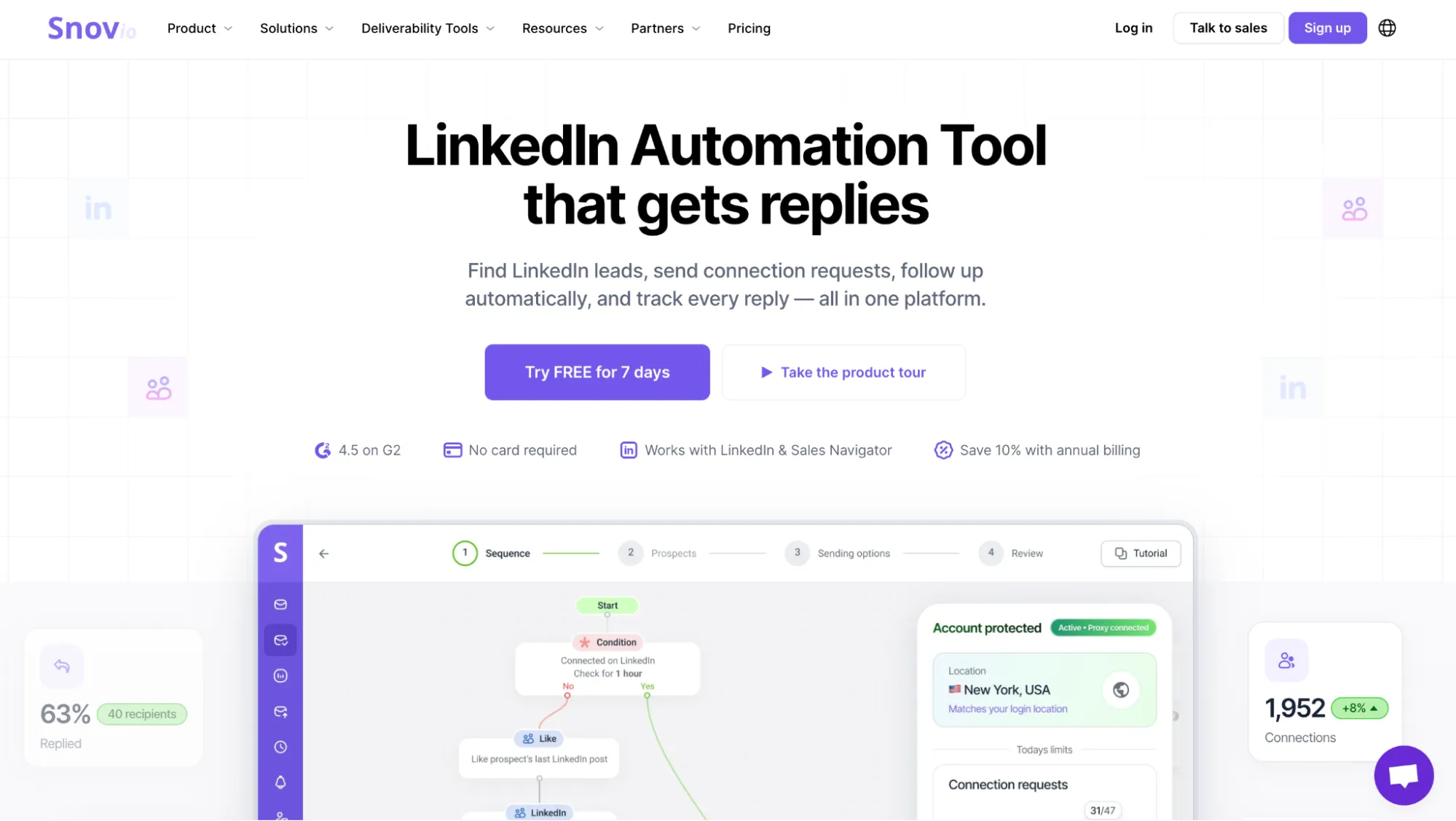
Snov.io website.
Snov.io began as an email-first platform, and LinkedIn now plugs into that system. A lead can be enriched once and carried through outreach. The pricing is less straightforward because LinkedIn Automation is sold separately from Sales Suite, so a full multichannel setup requires both.
Pros
-
One prospect record across LinkedIn and email
-
Dedicated proxy plus gradual ramp-up
Cons
-
LinkedIn automation requires an additional subscription that is not included in the Sales Suite plans
-
Dynamic personalization and spintax only available with Sales Suite Pro
Architecture and Execution Model
Automation runs in the cloud. Snov.io claims it provides dedicated local proxies. The Chrome extension captures profiles from LinkedIn or Sales Navigator, then hands them to Snov.io for automation.
Campaigns, Outreach Features, and Integrations
Prospect Finder can add a verified email before outreach starts, so the same contact record carries across LinkedIn and email. Smart Limits vary activity inside your cap, and SSI helps judge when to raise it.
Replies land in Unibox and stop pending outreach, so active conversations avoid awkward automated follow-ups. Spintax deals with repeated copy, and HubSpot or Pipedrive can keep the prospect data moving into the CRM. The API and webhooks cover custom integrations.
Pricing and Billing
Sales Suite Starter costs $39/month, while LinkedIn Automation is billed separately at $69 per slot, or $59 with an active paid Suite. That puts Starter plus one LinkedIn account at $98/month. LinkedIn Automation comes with a 7-day free trial. It can be used with the trial Sales Suite plan, but in practice, the plan is too limited to run an actual outreach campaign for most users.
Meet Alfred
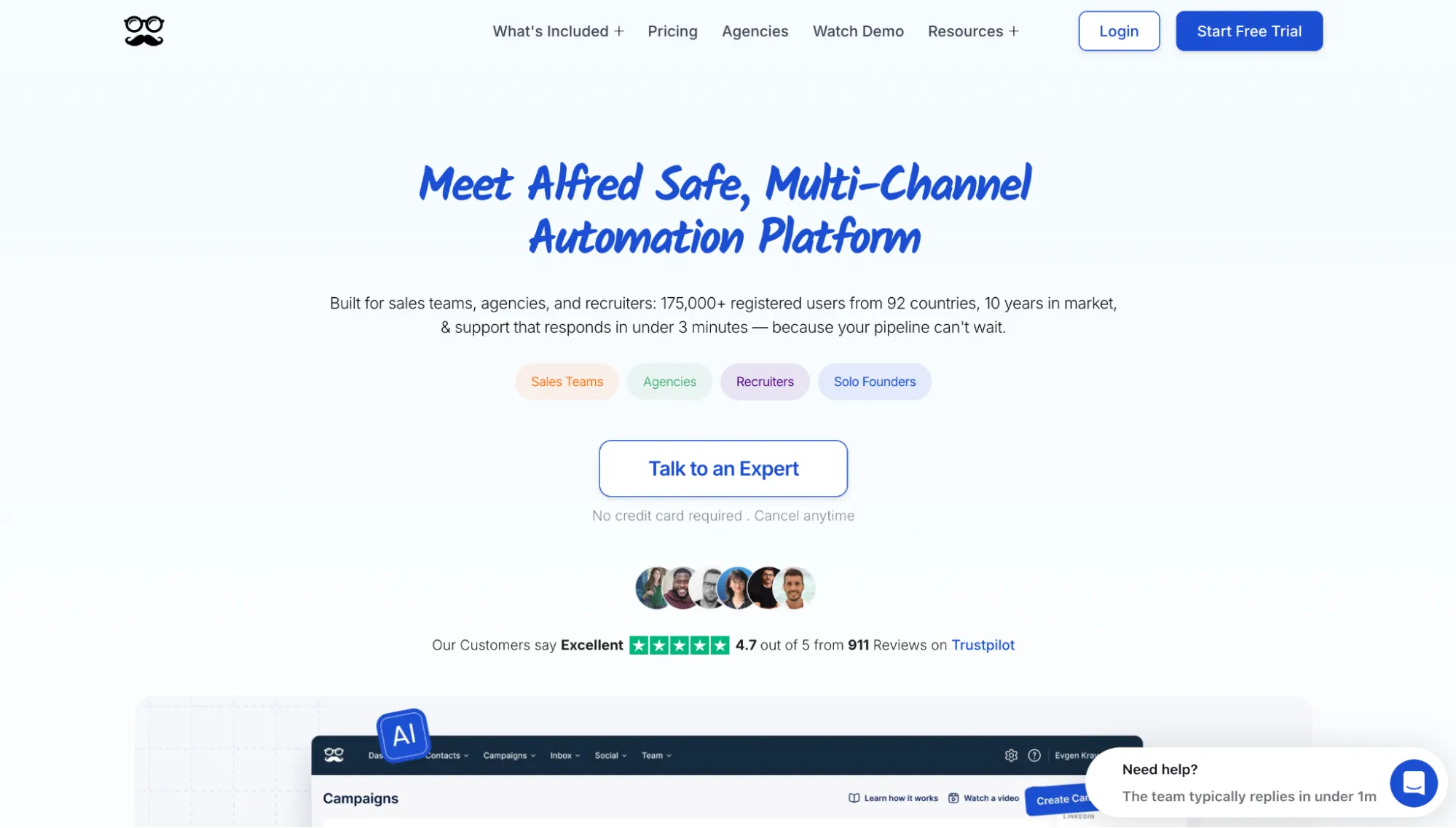
Meet Alfred website.
Meet Alfred is a multichannel outreach tool that combines LinkedIn, email, and X. The Basic plan may look simple, but Pro unlocks most of the lead sources and campaign controls that make the platform interesting.
Pros
-
Wide range of LinkedIn lead sources
-
Flexible cloud controls
Cons
-
Real usable features only available at the Pro tier
-
Chained replies can arrive mid-burst
Architecture and Execution Model
Alfred runs LinkedIn from its cloud with more environment control than many cloud tools offer. You can choose the location, set the timezone, or bring your own proxy. In Linked Helper’s June 2026 test, two French accounts received different IPs, and both scored 0/100 for fraud risk in IPQualityScore. One was residential, the other datacenter-based.
Campaigns, Outreach Features, and Integrations
Alfred can source campaign leads from post engagement, company pages, newsletters, or Sales Navigator, and AI Lead Search finds prospects from a plain-language description. Zapier and webhooks can feed leads into the same system.
Chained Messages can send two to four short LinkedIn messages 5–7 seconds apart. A fast reply is detected after the chain finishes, so the remaining messages still go out. Standard replies pause the contact and appear in the inbox.
Pricing and Billing
Basic starts at $59 per user each month ($29 annually). For teams bringing leads from Sales Navigator or CSV files, Pro is the realistic starting point at $99/month ($49 annually). It covers attachments, advanced campaigns, and fuller inbox access. There’s also a team plan for advanced cooperation, billed per seat ($79/month or $39 with annual billing). Access starts with a 7-day trial.
Octopus CRM
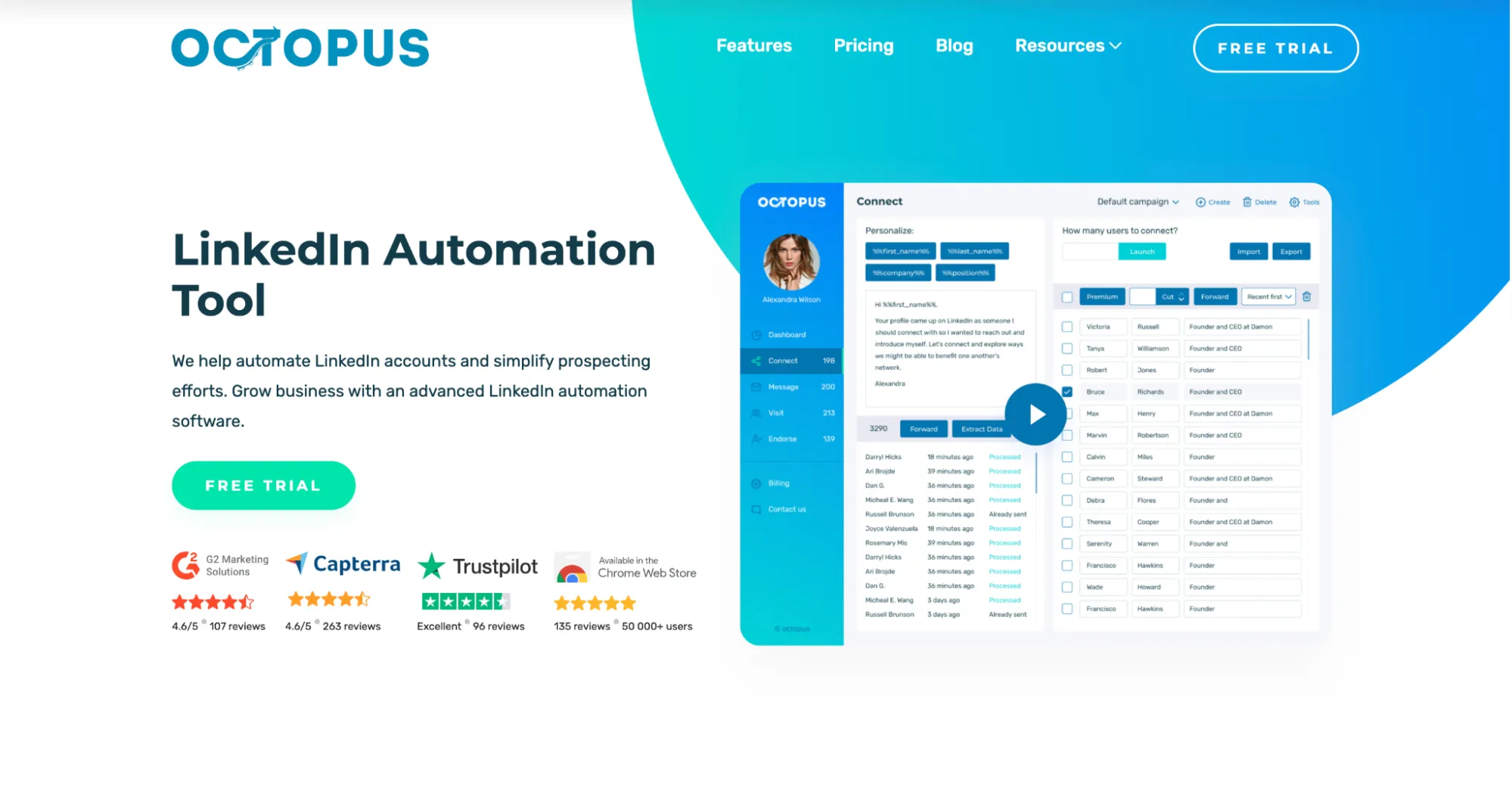
Octopus CRM website.
Octopus CRM takes a very old-school approach to LinkedIn automation. Its low price comes from keeping almost everything inside a Chrome extension, and the useful campaign tools only start to appear on Advanced.
Pros
-
Very low entry cost
-
Simple action-based funnels
Cons
-
Replies require manual monitoring
-
Useful campaign tooling starts at Advanced
Architecture and Execution Model
Automation works inside your existing LinkedIn browser session, using your own IP and fingerprint. Octopus never asks for LinkedIn credentials, which keeps account access local, but Chrome has to stay active. The extension uses local Voyager API requests and only sends results to the vendor API.
Campaigns, Outreach Features, and Integrations
Campaign building here feels very different from modern visual sequencers. You create separate lists for connecting, messaging, visiting, or endorsing, then move prospects between them to build a funnel. That works for simple LinkedIn routines. However, Octopus cannot automatically stop on reply.
Despite the name, its prospect dashboard with campaign stats is not an actual CRM. Full sales CRM work stays in external tools. CSV import and export arrive on the Advanced plan, and Zapier or HubSpot integration only opens on Unlimited.
Pricing and Billing
Starter looks tempting at $9.99 per account monthly, but Advanced at $21.99 is the first realistic starting point for campaign work because it adds funnels and data import or export. Unlimited rises to $39.99 and adds integrations plus Activity Control. Annual billing drops Advanced to $14.99 and Unlimited to $24.99. Every plan includes a 7-day trial.
LinkedIn Outreach and Account Restrictions: Rules and Limits in Practice
LinkedIn doesn’t disclose daily sending thresholds. Its Help Center spells out which behaviors trigger restrictions and how long they can last. Those are the boundaries that matter for outreach automation:
| What LinkedIn documents | Consequence | What to Do About It |
|---|---|---|
| Many invitations sent within a short amount of time | Invitation sending is restricted. | Pause for 2–3 days, then start at 10/day and increase gradually to reach the default limit. For aged accounts, Linked Helper’s conservative range is 20–25/day and about 100/week; warm-up starts lower. |
| Many invitations ignored, left pending, or marked as spam | Invitation sending may pause. The number of invites per week is limited to 25. | Tighten targeting and review pending requests before increasing volume. |
| A substantial number of profiles viewed from sources outside LinkedIn.com (opening profiles via their URLs instead of through LinkedIn search) | Further viewing will have to continue through LinkedIn search. LinkedIn may log you out or send a warning about unusual activity or automation tool use. | Pause for one day, then navigate only via LinkedIn search (don’t open profiles in new tabs or use direct URLs). |
| Using LinkedIn from an unusual location (may be triggered by switching IP address locations when using a VPN) | Re-authentication may appear; ID verification is also possible. | Keep one stable location and active session per account. |
Daily-limit tables and SSI-linked quotas come from vendors and community testing, so they function as product guidance, separate from LinkedIn-approved thresholds.
LinkedIn Help Center Sources:
How to Choose a LinkedIn Outreach Tool
The right tool depends on how you set up your outreach. Work through these questions before comparing plans.
-
How many LinkedIn accounts will you run**?** With several accounts, look at how the tool keeps sessions, cookies, limits, and proxies separate. This is important when each profile belongs to a different client or salesperson and needs its own activity settings without constant manual switching.
-
Are you working alone or with a team? A team running one campaign across multiple accounts gets more value from sender rotation, shared campaign control, and a central inbox. Separate campaigns make more sense when each person manages their own outreach.
-
Does email need to follow LinkedIn in the same sequence**?** Native multichannel workflows save an extra handoff. If email already runs through another platform, a solid integration may cover the job.
-
How does the bill grow with the team**?** Look at what the vendor actually charges for. Some plans include several senders in one tier, while others charge for every additional LinkedIn account, so compare the total monthly cost at your expected team size rather than the entry price.
Once you answer these questions, you should be left with a short list of the strongest options. It is worth taking at least two of them for a trial. Most tools offer a 7- or 14-day trial, and a real campaign will tell you much more about how the tool works with your own leads than published limits ever can. Linked Helper currently includes a 14-day full-feature trial.