Updated: October 12, 2026
 53 min read
Linked Helper is the best Salesflow alternative for users who prioritize support depth and price. Its desktop architecture keeps the LinkedIn session on your machine, unlike Salesflow's cloud model. Plans start at $15/mo with a 14-day trial, versus $99/mo and seven days for Salesflow. We compared these tools on support, price, and architecture; Linked Helper provides 262 knowledge-base articles and six support channels, versus 116 articles and one channel for Salesflow.
| Tool | Price tier | 20-seat agency cost (annual billing), /year | Cost vs Salesflow |
|---|---|---|---|
| Linked Helper | Budget | $1,584 | 76% cheaper |
| Salesflow | Budget (anchor) | $6,712 | Baseline |
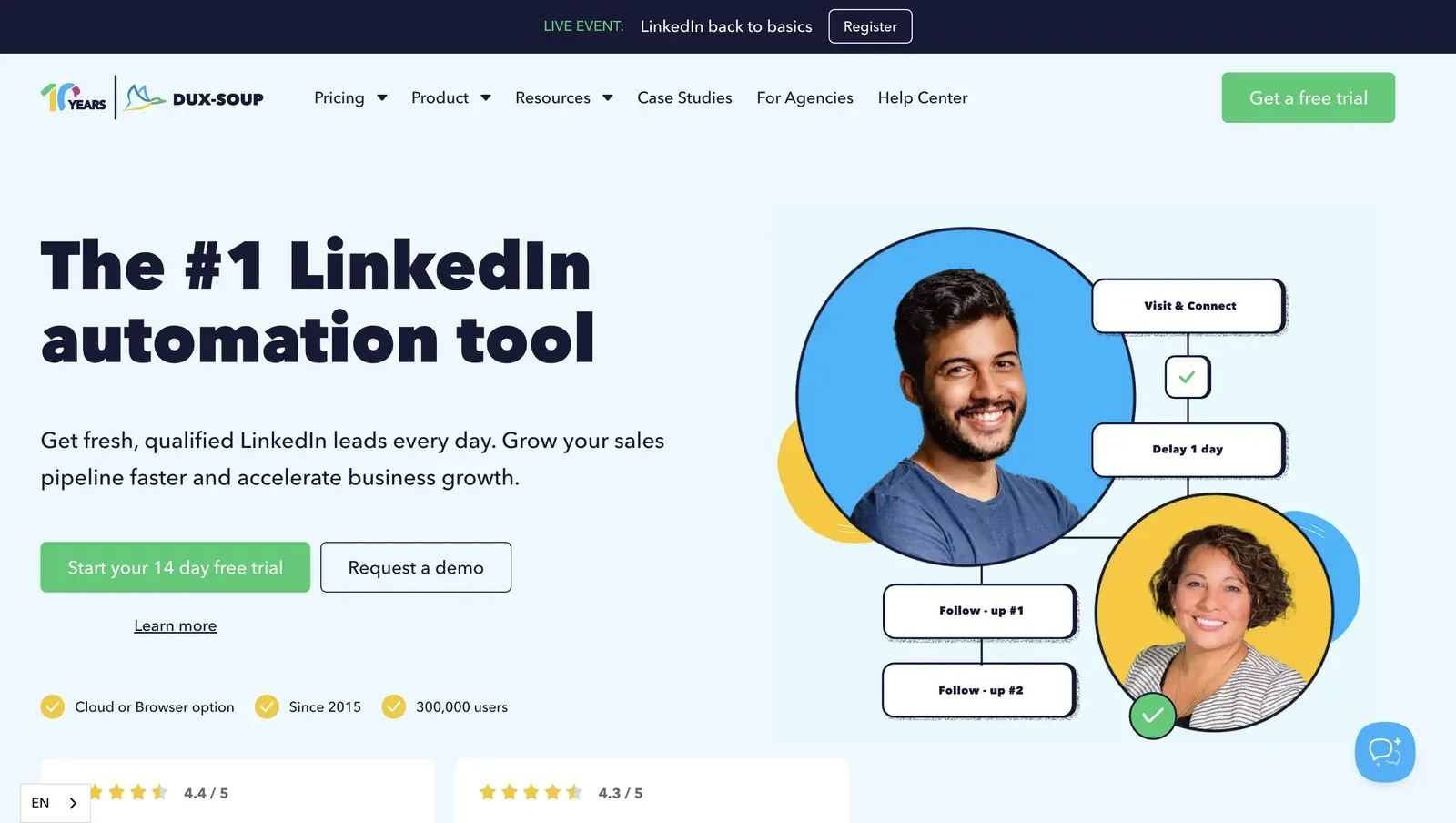
| Dux-Soup | Budget | $9,000 | 34% more |
| Waalaxy | Mid-range | $13,200 | 97% more |
| Expandi | Premium | $18,960 | 182% more |
| Skylead | Premium | $20,000 | 198% more |
| Lemlist | Premium | $20,880 | 211% more |
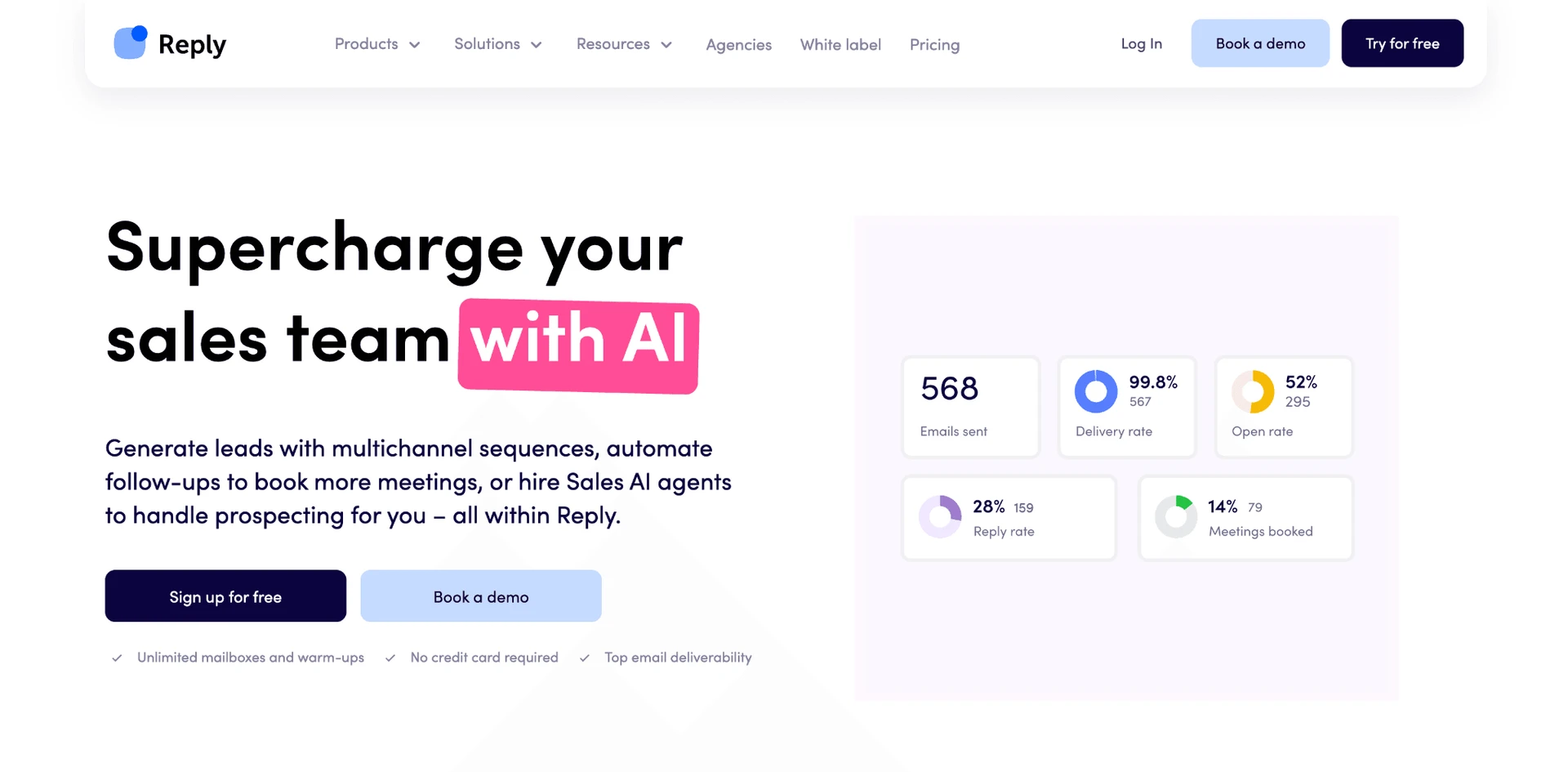
| Reply.io | Premium | $21,360 | 218% more |
| La Growth Machine | Premium | $26,400 | 293% more |
Price tier and 20-seat agency cost at annual billing, side by side
Pricing data as of July 2026. For the 20-seat agency scenario, costs use the feature-appropriate agency tier per brand: Linked Helper Standard (with its 20% 20-seat volume discount stacked on the annual rate), salesflow Pro, Expandi Business, Lemlist Multichannel Expert, La Growth Machine Pro, Waalaxy Business, skylead All-in-one, Reply.io Multichannel, Dux-Soup Turbo Dux. Figures assume annual billing where available. Cost vs Salesflow is each brand's annual cost compared to Salesflow's own $6,712/yr (the anchor this article is about).
This article is published by Linked Helper. Linked Helper is our product and our top recommendation. We use the same evaluation framework for every tool in this comparison — see "How We Evaluated These Alternatives" and "Methodology Deep-Dive" below for the full dataset and first-hand test methodology.
For the cloud IP checks below, I used IPQualityScore (IPQS), an independent fraud-prevention service. IPQS scores IP reputation from 0–100 and treats 75+ as high-risk on its scale. This is an independent IP-quality signal, not LinkedIn's enforcement verdict.
Key takeaways
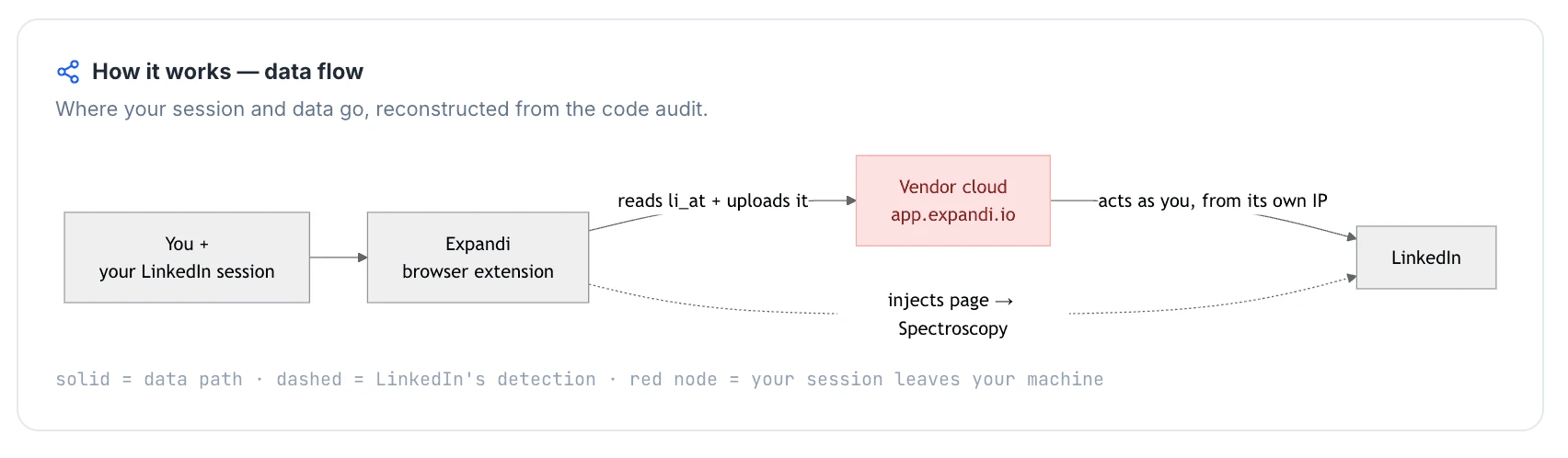
- Linked Helper is our pick: all four competitor Chrome extension builds we inspected copied the LinkedIn session cookie to the vendor’s cloud in at least one mode—Dux-Soup only in Cloud mode and Waalaxy in its now-delisted Chrome extension—while Linked Helper is a standalone desktop app that keeps session custody local and leaves no browser-extension footprint. This removes one session-handoff surface, but not all risk of LinkedIn restrictions.
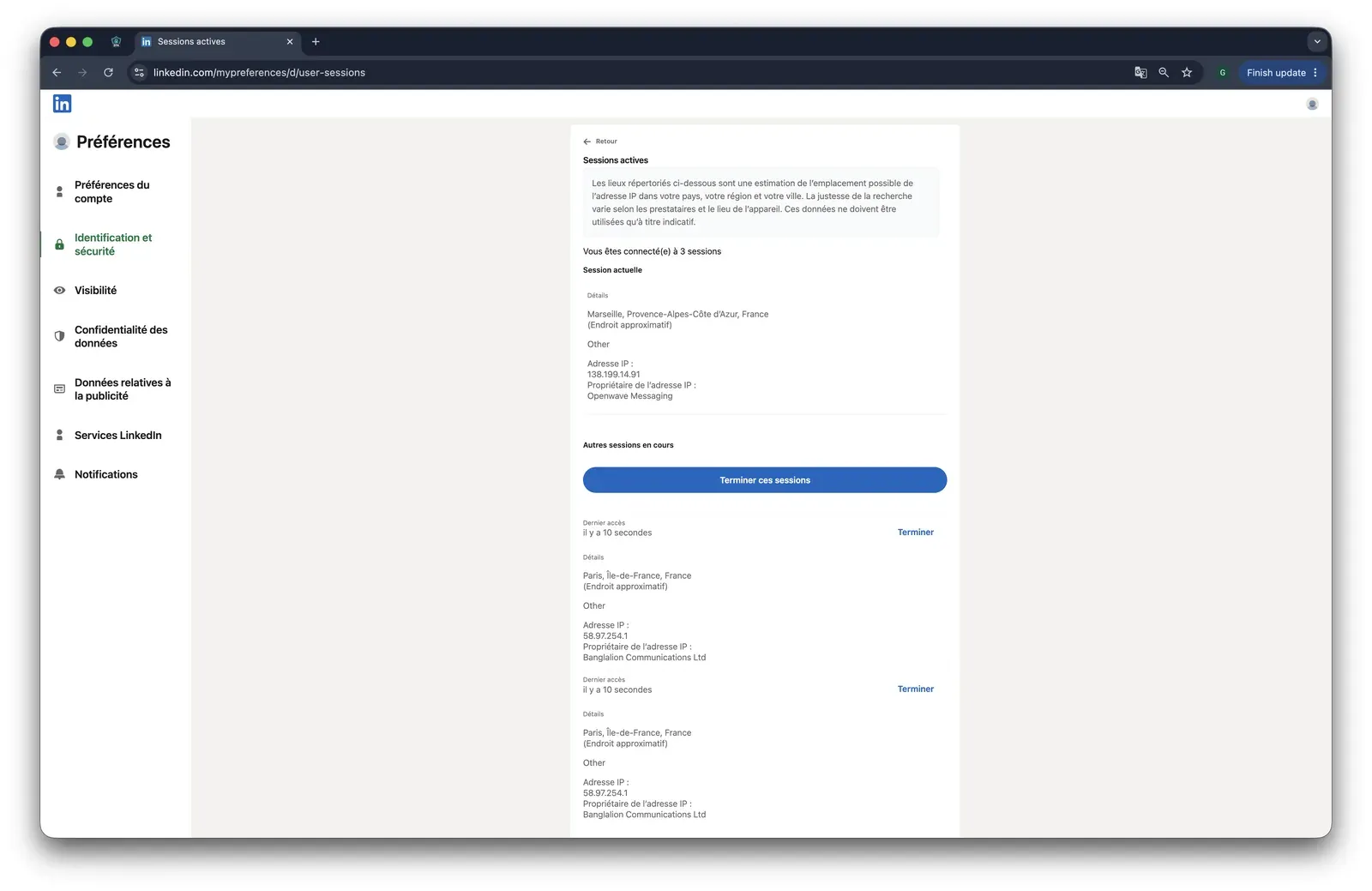
- Across four account-level exits in our two cloud IP tests, IPQualityScore returned 100/100 for three: Expandi split 100 and 0 across two residential networks, while Skylead gave both accounts the same 100/100 datacenter IP. An abuse-flagged or datacenter exit adds a network-risk signal and shows why assigned-infrastructure quality and separation matter; IPQualityScore is not LinkedIn's enforcement verdict.
- Three of the four extension builds we inspected—Dux-Soup, Lemlist, and Waalaxy's historical build—appeared on LinkedIn's Active Extension Detection probe list, so LinkedIn could see installation before a campaign ran; Expandi's absence from the June 2026 snapshot is not a safety guarantee (see how LinkedIn probes for installed extensions).
- Every live trial gate we checked—Expandi, Skylead, and Dux-Soup—required a card. Dux-Soup's test produced no trial despite its current 14-day, no-card claim, while Skylead starts billing when a second account is added during its trial, so verify access and cancellation terms before connecting a team.
What Is Salesflow?
Salesflow is a cloud-based B2B prospecting platform for LinkedIn and email outreach. Founded in 2018 and headquartered in the United Kingdom, the company is led by founder Besnik Vrellaku. Campaigns run from a web workspace rather than a local desktop application.
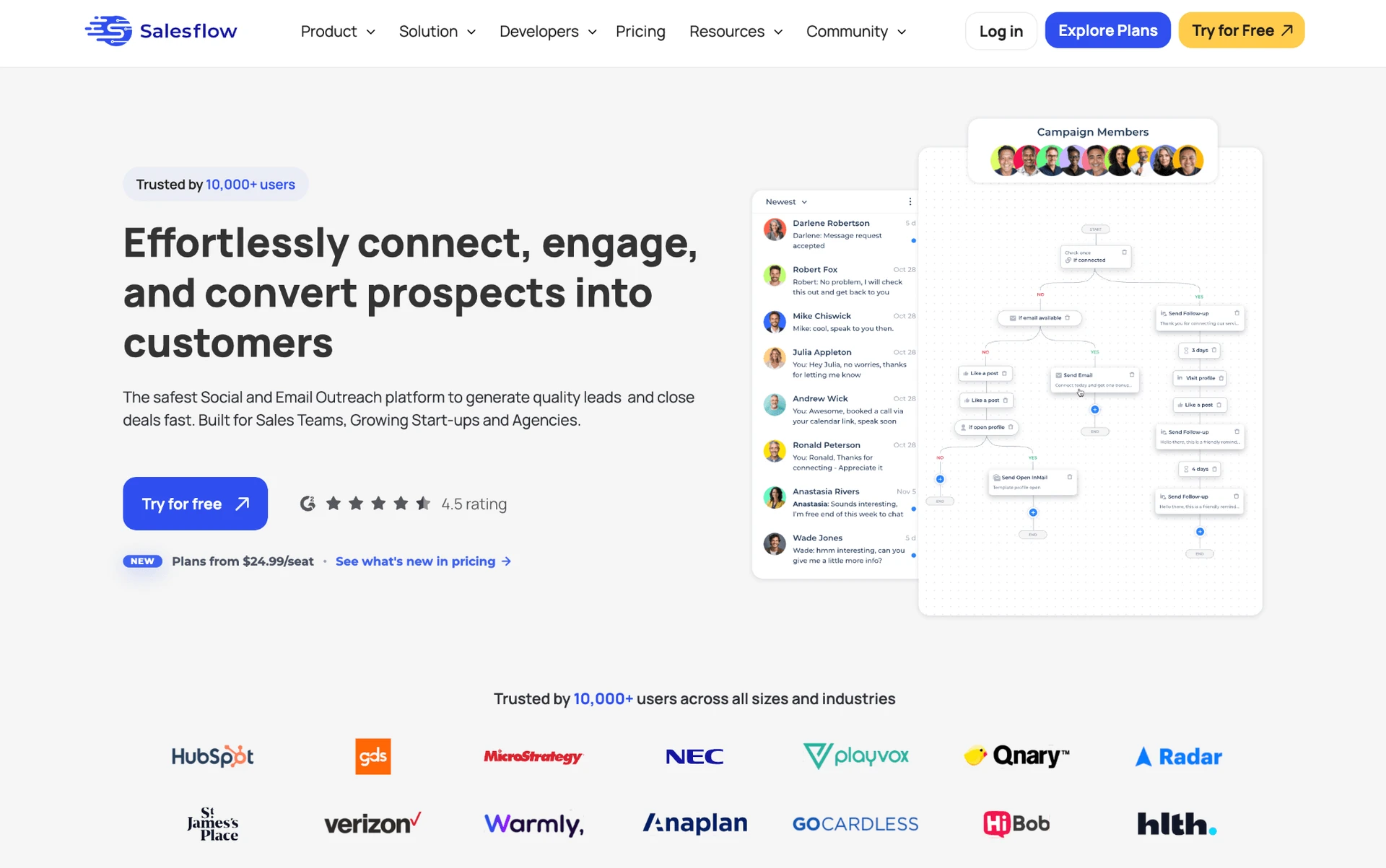
Salesflow handles personalized connection requests and follow-up messages. Its workspace also covers:
- InMail and email steps.
- A lead-management inbox and team campaign sharing.
- Sales Navigator and CSV import and export.
- Campaign analytics and CRM-connected workflows.
- Campaign scheduling across configured working hours.
Each paid seat connects one LinkedIn account. The standard entry price is $99 per connected account each month, with a seven-day trial.
Salesflow at a Glance
Salesflow centralizes LinkedIn and email activity in a cloud workspace. The trade-offs appear in support coverage, per-seat economics, and recurring complaints about usability and account connections.
Strengths
- LinkedIn connection requests, follow-ups, InMail, and email steps can share one campaign workspace.
- Sales Navigator compatibility supports list-based prospecting and outreach.
- Team controls cover campaign sharing, permissions, and centralized reporting.
- CSV workflows and integrations connect campaign data with sales operations.
- Working-hour schedules distribute eligible actions across the campaign window.
Limitations
- Entry pricing is $99/mo per account, with no permanent free tier and a seven-day trial.
- Support infrastructure comprises one direct channel and 116 knowledge-base articles.
- Review patterns include slow support responses, unintuitive workflows, broken statistics, and recurring LinkedIn disconnections.
- Some reviewers reported email or multichannel gaps, despite the product's combined-channel scope.
Typical Use Case
- Salesflow targets sales teams and agencies running centralized LinkedIn-and-email campaigns; that centralization comes at per-account cloud pricing.
Why Users Switch
Support and price tied for the lead among complaint themes in the 5,800+ reviews and 340+ Reddit threads we analyzed. Multichannel gaps appeared less often.
| Theme | Negative mentions |
|---|---|
| Support responsiveness / channel breadth | 8 |
| Pricing and per-seat cost | 8 |
| Multi-channel / email gaps | 4 |
Negative Salesflow-alternative themes across reviews and Reddit discussions
Source: review analysis across G2, Capterra, Trustpilot, and Reddit; reviewed as of July 2026.
Service friction becomes harder to accept as per-seat costs rise. Multichannel gaps still formed a distinct operational reason to look beyond Salesflow.
How We Evaluated These Alternatives
9+ tools, 5,800+ reviews, 340+ Reddit threads analyzed (as of July 2026).
Dataset
We covered Salesflow and the eight alternatives below. We analyzed 2,416 G2, 1,130 Capterra, and 2,295 Trustpilot reviews, plus 340+ relevant Reddit threads. We also checked vendor documentation and pricing pages directly.
Evaluation Framework
We applied the same sales automation evaluation criteria to every tool. Support carries the greatest weight, followed by pricing; the table below shows the full model.
| Scoring dimension | Weight | Evidence considered |
|---|---|---|
| Support quality and onboarding | 25% | Reviews, Capterra support rating, KB article count, support-channel count |
| Pricing and value at scale | 20% | Public pricing, 20-seat agency cost analysis |
| Workflow depth and conditional logic | 15% | Hands-on testing, product documentation |
| Architecture and session/IP handling | 10% | Extension teardowns, IP/cloud tests, documentation |
| CRM connectors and webhooks | 10% | Documentation, product testing |
| Account-scale controls | 5% | Documentation, hands-on testing |
| User complaint risk signals | 10% | Review corpus and Reddit analysis |
| AI personalization parity | 5% | Feature testing and documentation |
LinkedIn automation scoring model
Each dimension was scored from 1 to 5, weighted, and normalized to a 100-point final score. The assessment combines public documentation, user-review analysis, live product testing, IP/session inspection, and browser-extension analysis. Pricing data and architecture labels reflect information reviewed as of July 2026.
For products we tested, we mapped four execution and session-access patterns: desktop standalone, cloud credential login, cookie-bridge/session upload, and local-scrape extension. The reader-facing labels below group those patterns into three architectures. Architecture shows where automation runs; credential login and cookie bridge describe how a cloud session is authorized.
| Architecture label | What it means | Where automation runs | IP LinkedIn sees | Who holds the session |
|---|---|---|---|---|
| Desktop | A local app or user-controlled VPS runs the automation | User's machine or user-controlled VPS | User IP, VPS IP, or assigned dedicated proxy | User-controlled environment |
| Cloud | Campaigns run inside the vendor's web app and cloud infrastructure | Vendor cloud | Vendor-assigned IP, proxy, or dedicated IP | Vendor-managed cloud session |
| Browser extension | A browser extension operates inside the user's active LinkedIn browser session | User's browser | User IP | User's browser session; the extension reads or acts within that session |
LinkedIn automation architecture glossary
Architecture labels describe where automation runs. They do not by themselves determine the final product score; risk also depends on session transparency, proxy controls, throttling, workspace governance, and observed user complaints. Labels reflect public information reviewed as of July 2026.
Cloud tools reach that vendor-managed session one of two ways, and the distinction matters for what data leaves the user's browser:
| Session-access method | What it means | Applies to |
|---|---|---|
| Credential login | The user connects or logs into LinkedIn through the vendor's cloud app, creating a cloud-managed session | Cloud tools |
| Cookie bridge | A browser extension or handoff flow transfers an existing browser session to the vendor cloud | Cloud tools with extension-assisted setup |
Cloud session-access methods
Credential login and cookie bridge are authorization/session-access methods, not separate product architectures. Both can result in automation running from the vendor cloud once the session is connected.
8 Best Salesflow Alternatives Compared
Linked Helper appears first as our disclosed recommendation; the other tools follow the evaluation ranking.
| Tool | Architecture | Price/mo | Rating ★ | Support (G2) ★ | KB Articles | Free Trial |
|---|---|---|---|---|---|---|
| Linked Helper | Desktop | $15/mo | 4.77★ | 4.87★ | 262 | 14d |
| Expandi | Cookie-bridge/session-upload | $99/mo | 4.19★ | 4.62★ | 163 | 7d |
| Lemlist | Cloud-bridge / session-upload | $69/mo email-only; $109/mo multichannel | 4.4★ | 4.52★ | 304 | 14d |
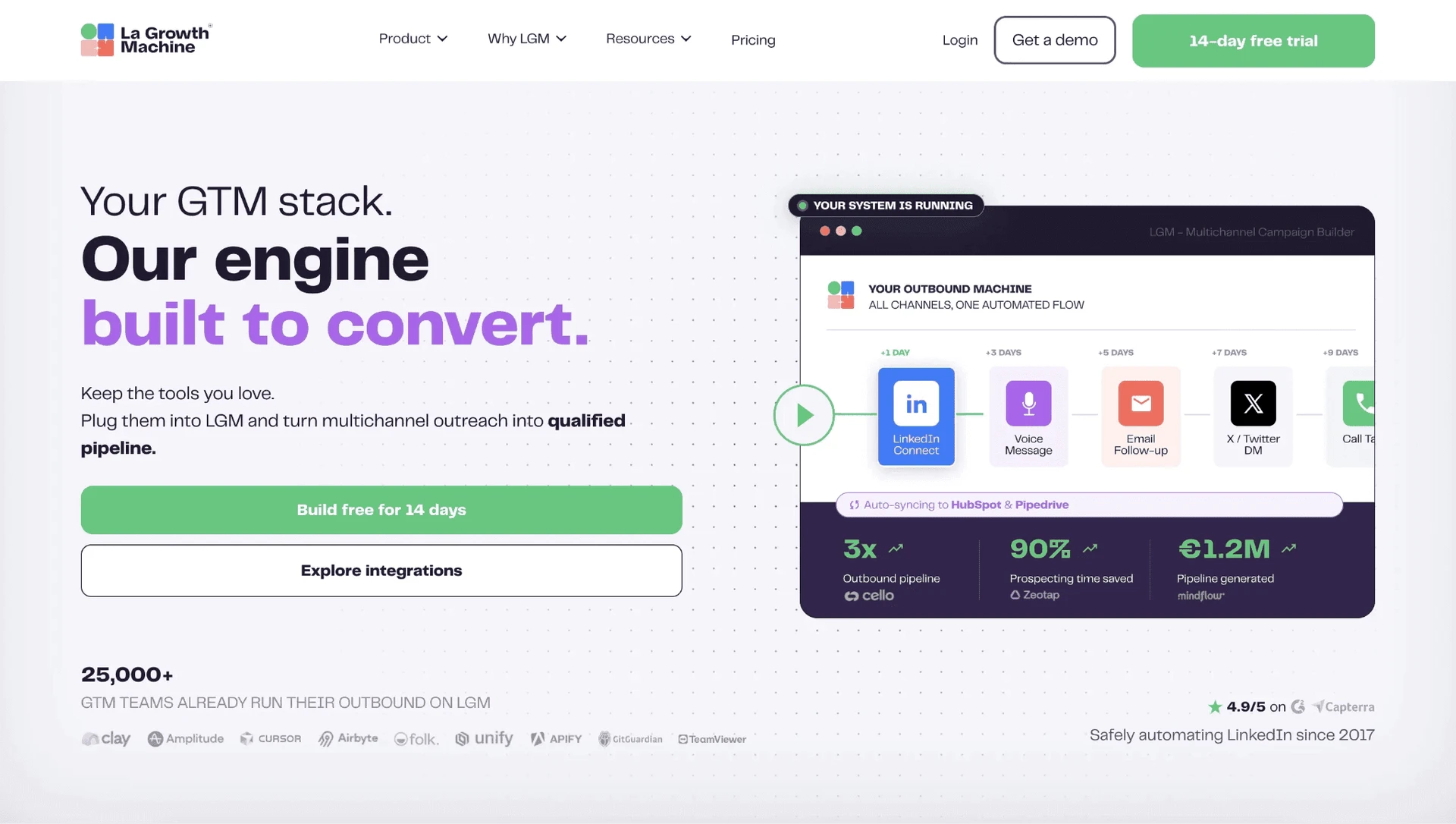
| La Growth Machine | Cloud | $70/mo | 4.75★ (Trustpilot sample too thin to include) | 4.38★ | 133 | 14d |
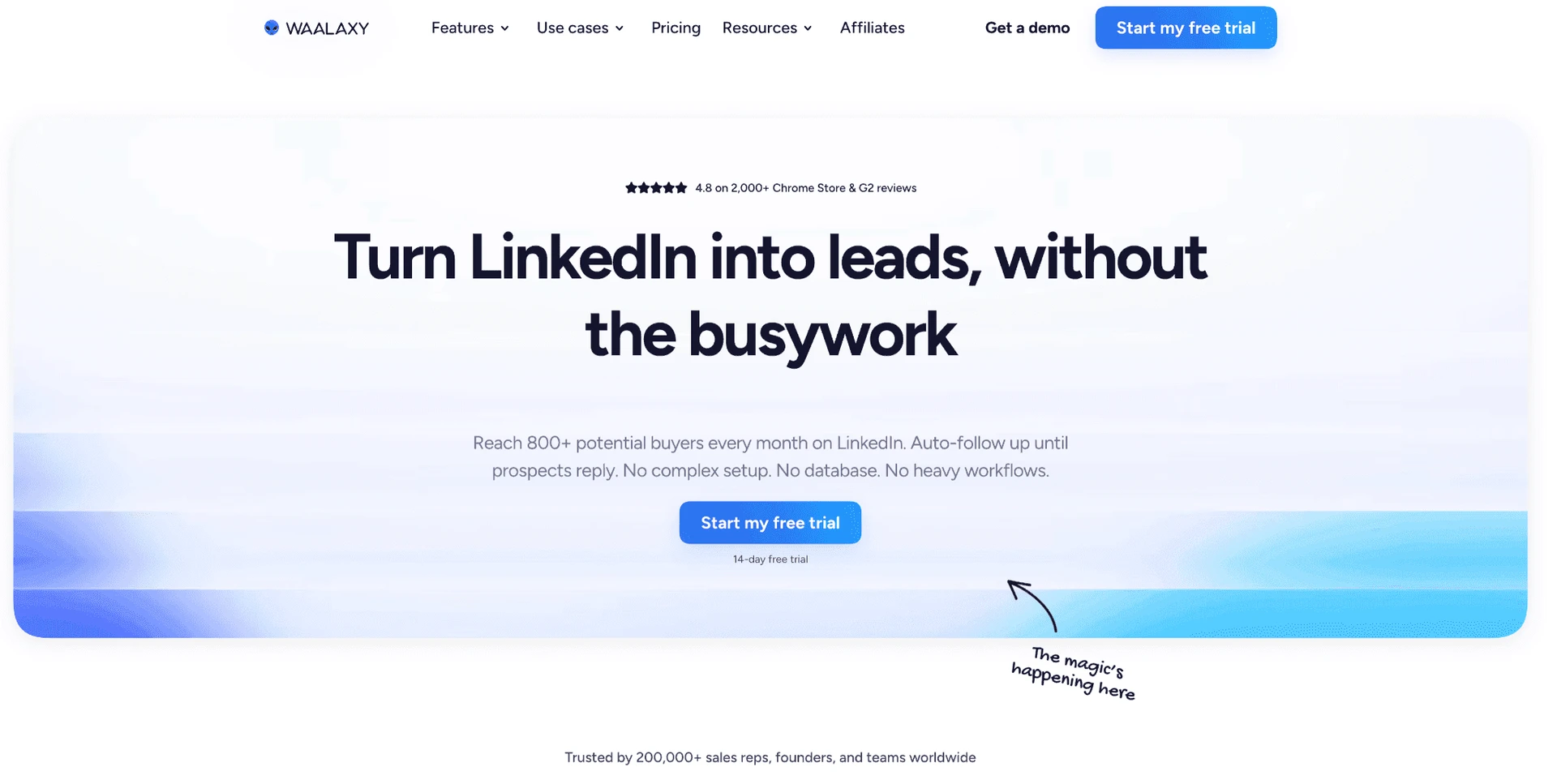
| Waalaxy | Cloud (credential + permanent-2FA-secret login) | $42/mo | 4.57★ | 4.34★ | 137 | 14d |
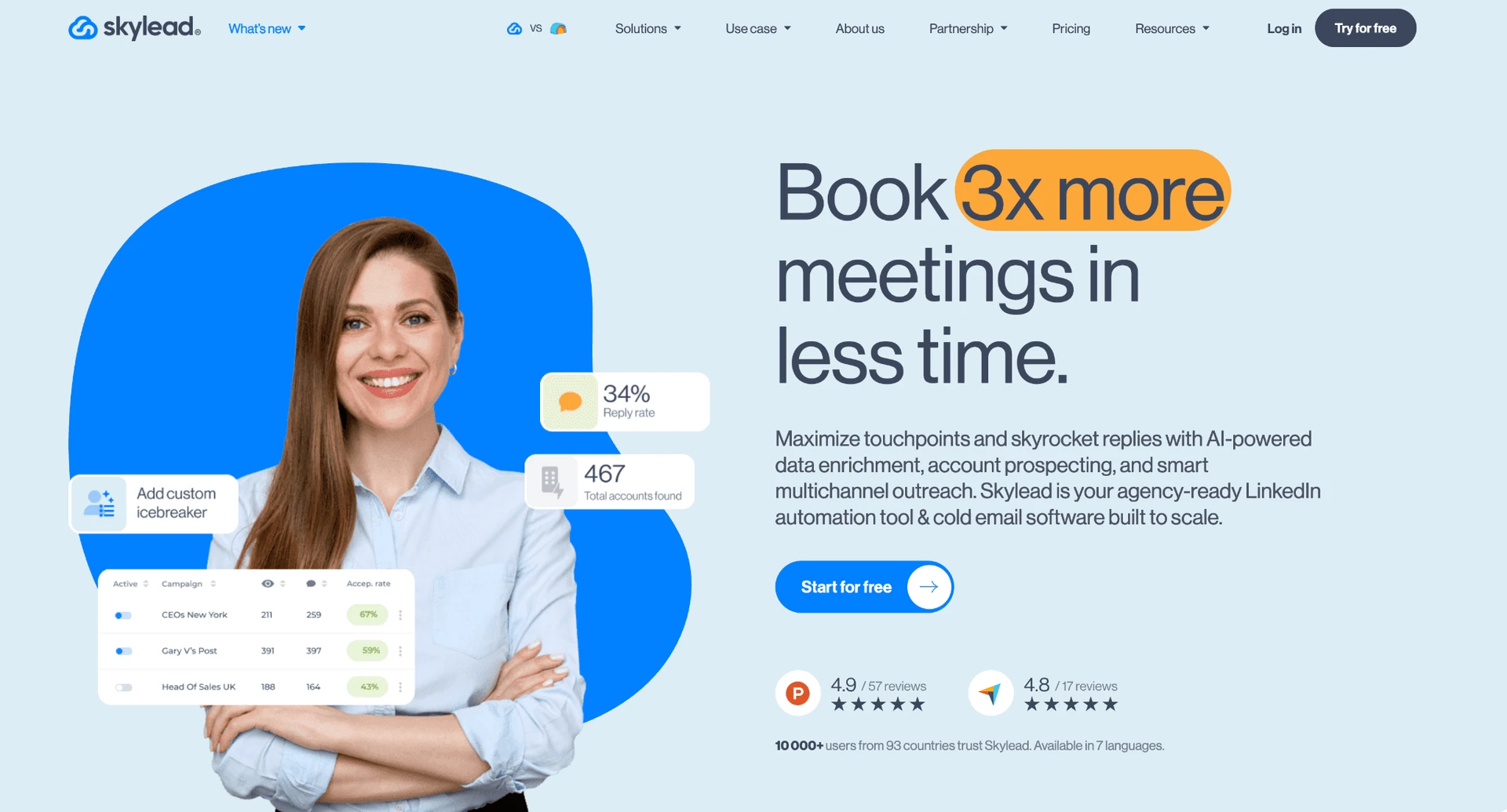
| Skylead | Cloud | $100/mo | 4.65★ | 4.8★ | Not available | 7d |
| Reply.io | Cloud + Chrome extension | $99/mo | 4.51★ | 4.37★ | 369 | 14d |
| Dux-Soup | Hybrid: local-scrape extension; Cloud cookie-bridge | $14.99/mo | 4.42★ | 4.62★ | — | 14d |
Eight Salesflow alternatives compared on support, pricing, ratings, and architecture
This table separates overall rating from Capterra's customer-support rating, so a broad satisfaction score does not hide the support-specific result.
Architecture uses the execution-location definitions above. Price/mo is the public starting price, while the At-a-Glance table models the feature-appropriate annual tier at 20 seats.
The synthesized rating summarizes public reviews. The support column keeps the narrower Capterra service score visible, while trial length shows the evaluation window rather than the value of the paid plan.
As of July 2026 · sources: vendor pricing pages, product documentation, G2, Capterra, Trustpilot, and first-hand checks where available.
1. Linked Helper
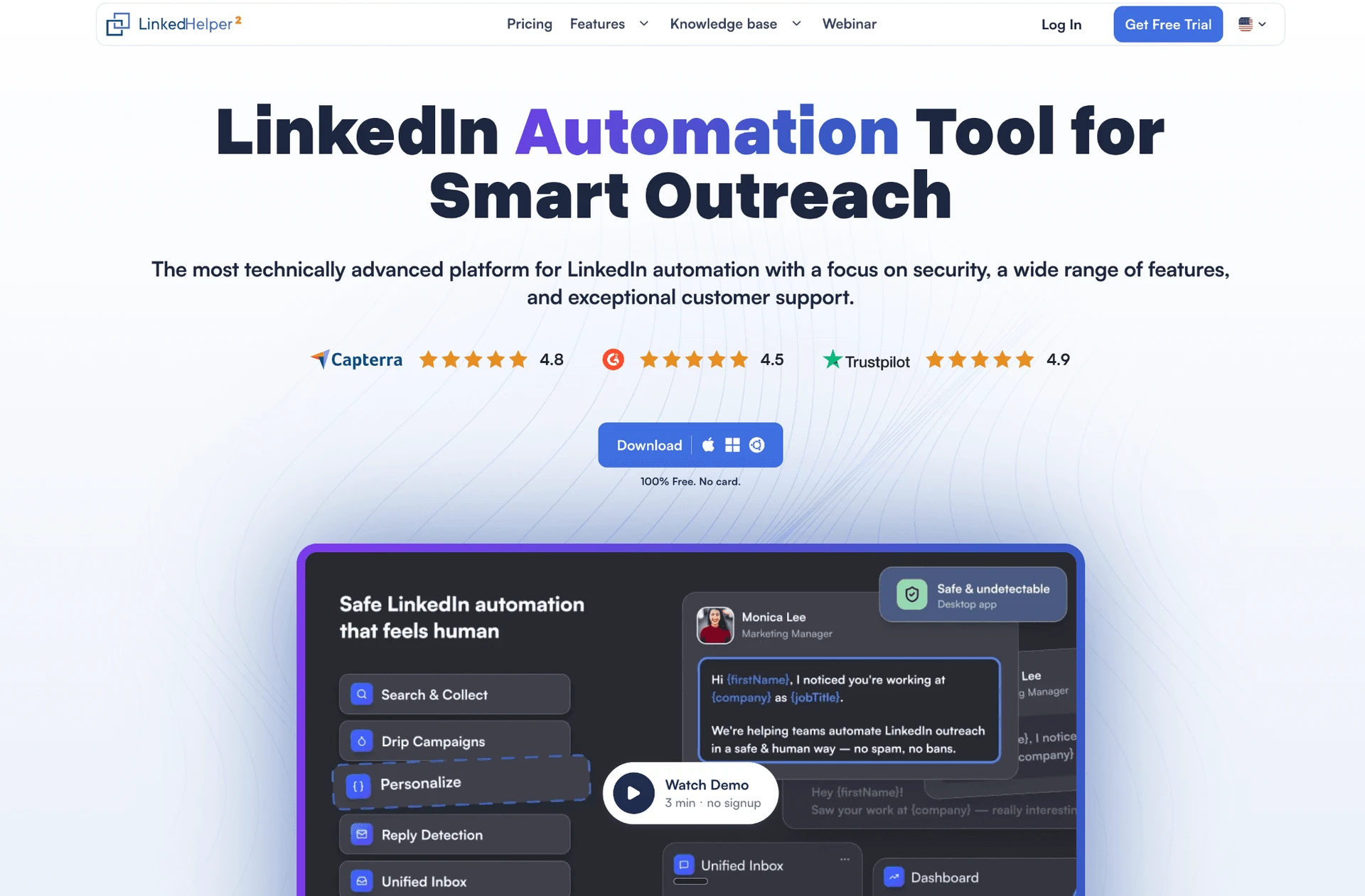
Linked Helper runs its own browser on a machine or VPS you control. The authenticated LinkedIn session stays out of vendor-cloud custody. A one-month license costs $15. The trade-off is managing local execution or arranging a VPS.
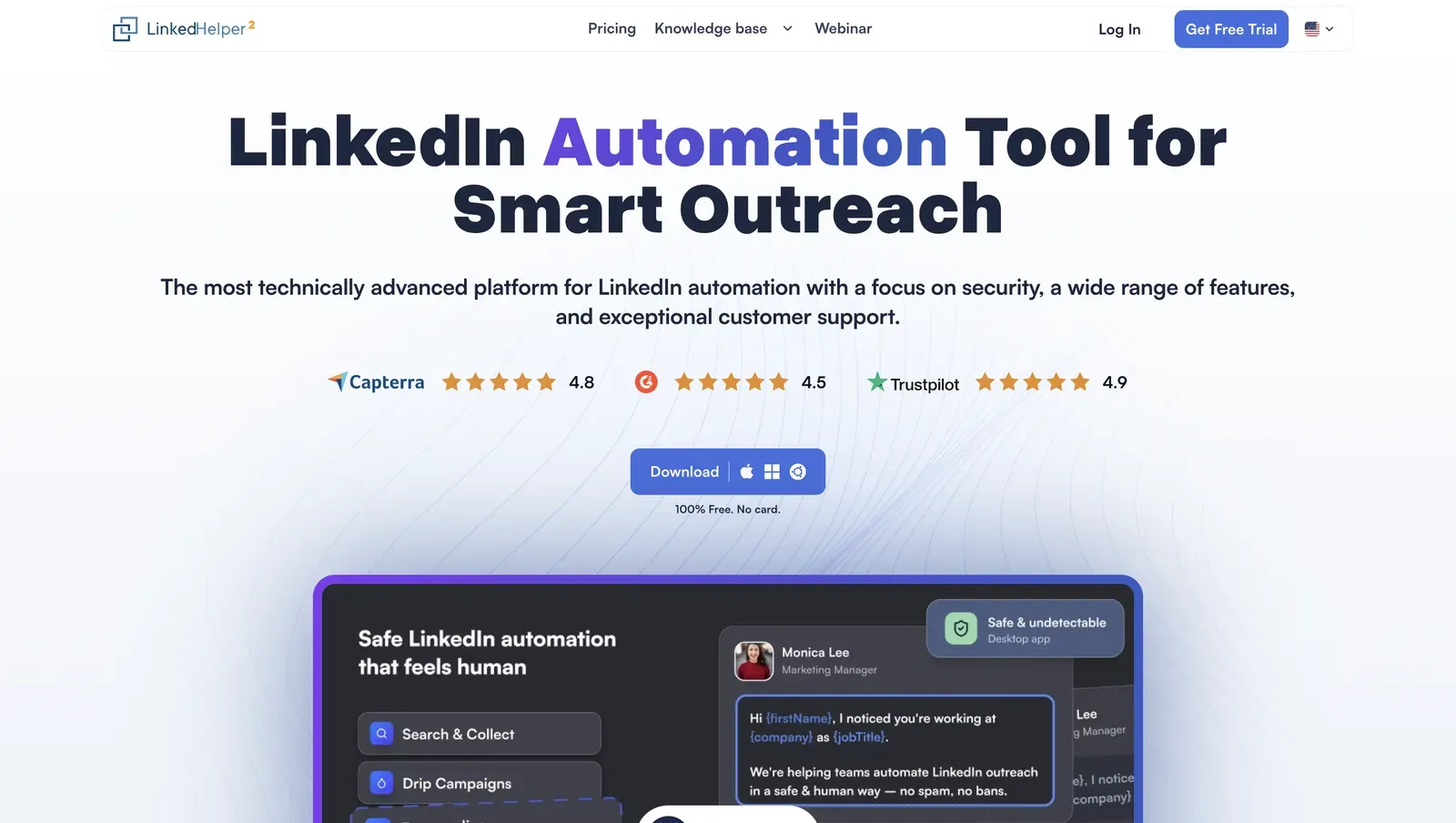
The homepage presents the desktop app, public review badges, and a product-interface preview - July 2026
Founded in 2016 in Wilmington, Delaware, Linked Helper is a standalone app for LinkedIn outreach automation. Sales teams use it for outreach and CRM handoff across LinkedIn, Sales Navigator, and Recruiter.
A 12-month Standard license works out to $8.25/month with a 14-day trial. With VPS and proxy costs, continuous operation can lift the solo budget to $35–55/month. The entry license is not the 24/7 cost.
Quick facts about Linked Helper
- Founded: 2016
- HQ: United States (Wilmington, Delaware)
- Pricing: $15/mo ($8.25/mo equivalent on a 12-month license), 14-day free trial
- G2: 4.56★ (142) · Capterra: 4.9★ (252) · Trustpilot: 4.91★ (431)
- Last 6 months: 4.86★ across 21 reviews — positive recent average; thin sample
- Support infrastructure: 262 knowledge-base entries · 6 direct channels
- Architecture: desktop app with its own browser; execution stays on the user's machine or VPS
Vendor pricing & feature pages (as of 2026-07-20) + G2, Capterra, Trustpilot & Reddit reviews (computed 2026-07-20)
Key Features
- AI ICP detection — scores full profiles against an Ideal Customer Profile before outreach, helping prevent weak matches from consuming LinkedIn’s limited weekly invitation allowance.
- AI-personalized messages — creates a unique message for each prospect from their profile and company data. Currently available through the Invite and follow-up campaign template, drafts can be reviewed, edited, and approved manually—or auto-approved for automatic sending.
- AI comments, editing, and replies — generates personalized comments to warm up prospects, rewrites, shortens, or translates campaign copy with the AI Editor, and suggests context-aware replies based on conversation history.
- LinkedIn-native invitation actions — invites first-degree connections to events and groups or to follow a company page as part of an automated campaign.
- Data enrichment and account extraction — retrieves emails, phone numbers, and profile or company data without visiting LinkedIn profiles; Organization and Employees extractors can also turn company lists into company records and keyword-filtered employee lists.
- 11 direct CRM connectors — connects to 11 CRMs, with Zapier and Make available through webhooks, reducing middleware hops.
The pattern is breadth, not unanimity: Linked Helper's 250+ knowledge-base entries and six support channels (website chat, built-in in-app chat, WhatsApp, Facebook Messenger, in-app ticket, email) exceed Salesflow's 116 and one.